Interviews are more than just a Q&A session—they’re a chance to prove your worth. This blog dives into essential Experience with Different Printing Machines interview questions and expert tips to help you align your answers with what hiring managers are looking for. Start preparing to shine!
Questions Asked in Experience with Different Printing Machines Interview
Q 1. Describe your experience with different types of printing presses (e.g., offset, digital, screen).
My experience encompasses a wide range of printing presses, including offset, digital, and screen printing. Each technology offers unique advantages and limitations, making them suitable for different applications. Offset printing, for example, excels in high-volume, high-quality projects due to its ability to produce consistent results at a relatively low cost per unit. I’ve worked extensively with various offset presses, from smaller sheetfed machines to large-format web presses. Digital printing, on the other hand, is ideal for short runs, personalized materials, and quick turnaround times, as it eliminates the need for platemaking. My experience with digital printing includes both toner-based and inkjet technologies. Finally, screen printing is a versatile method often used for textiles, posters, and promotional materials, allowing for vibrant colors and unique textures. I’ve been involved in both manual and automated screen printing processes.
Q 2. Explain the setup and operation of an offset printing press.
Setting up an offset press involves a multi-step process that requires precision and attention to detail. First, the plates, which carry the image to be printed, need to be mounted onto the plate cylinders. This needs to be meticulously done to ensure proper registration. Then, the blankets, which transfer the image from the plates to the paper, are fitted onto their respective cylinders. Ink and dampening solution are carefully adjusted to achieve the desired balance—too much ink leads to smudging, too little results in faint prints. The paper stock is loaded onto the feeder, and the press is calibrated to the correct size and settings. The entire process involves fine-tuning the ink and water balance, the pressure between the rollers, and the registration to ensure precise and crisp prints. During operation, the press operator monitors the output, making adjustments as necessary to maintain quality. Think of it like a finely tuned orchestra; each element must work in perfect harmony.
Q 3. How do you troubleshoot common printing press malfunctions?
Troubleshooting printing press malfunctions requires a systematic approach. I start by carefully examining the printed output for common issues like misregistration, color inconsistencies, streaks, or smudging. Then, I analyze the press itself, checking for problems with the ink supply, dampening system, rollers, and plates. For example, if I see streaks, I’d check the rollers for wear or contamination; if there’s misregistration, I’d investigate the plate mounting and cylinder alignment. Sometimes, a seemingly minor issue, like a clogged nozzle in the dampening system, can drastically affect print quality. I always consult the press’s manual and my past experience to pinpoint the problem and develop a solution. If the problem proves beyond my immediate capability, I will escalate it to the appropriate technical support team.
Q 4. What are the key differences between offset and digital printing?
Offset and digital printing differ significantly in several key areas. Offset printing is ideal for large runs, offering cost-effectiveness through economies of scale, while digital printing shines in short runs and personalized materials. Offset requires a more complex setup process including platemaking, while digital is more streamlined and faster. Offset printing boasts higher image resolution and greater color consistency on long runs, while digital printing offers flexibility and rapid turnaround. Think of it like choosing between a factory assembly line (offset) for mass production and a specialized workshop (digital) for custom projects.
- Cost: Offset is cheaper per unit for large runs; digital is better for smaller quantities.
- Setup Time: Offset involves platemaking, requiring significant setup; digital is far quicker.
- Run Length: Offset excels in long runs; digital is suited to short runs and variable data printing.
- Quality: Offset generally offers higher resolution and color consistency for large print runs; digital offers good quality but potentially less consistent for large volumes.
Q 5. Describe your experience with color management in printing.
Color management in printing is critical for achieving consistent and accurate color reproduction. My experience involves working with various color profiles, utilizing color management software such as Adobe Acrobat and dedicated color management systems (CMS). I understand the importance of color space conversion, proofing, and calibration to ensure the final printed output matches the digital design. For example, I’ve used spectrophotometers to measure color values and adjust the press accordingly, and I’m familiar with various color standards like Pantone and CMYK color spaces to ensure accurate color reproduction in a consistent manner across different runs.
Q 6. How do you ensure consistent print quality across different runs?
Maintaining consistent print quality across different runs involves meticulous attention to detail throughout the entire printing process. This includes careful calibration of the press, maintaining consistent ink and dampening solutions, regular cleaning and maintenance of the press components, and using high-quality materials. Using calibrated proofing techniques and consistent use of standardized color profiles, I prevent variations in color and registration. Regular checks of the print output during each run, coupled with appropriate documentation and quality control checks, ensure the desired standards are maintained. Consistent use of the same paper stock is also critical to preventing unexpected variations.
Q 7. Explain your experience with pre-press processes (e.g., file preparation, platemaking).
My experience in pre-press processes includes the preparation of digital files for printing, ensuring they meet the required specifications in terms of resolution, color space, and file format. This includes working with different file formats such as PDF, TIFF, and JPEG. I am also experienced in platemaking, which includes creating printing plates using different methods such as CtP (computer-to-plate) technologies. I oversee the creation and proofing of digital proofs, ensuring accurate representation of the final product before proceeding to printing. A thorough understanding of these processes is essential to ensure that the final print matches the design intent. Think of pre-press as the architect’s blueprints—essential for a successful build (print).
Q 8. What are the various types of inks used in different printing processes?
The type of ink used in printing is heavily dependent on the printing process. Different inks have varying properties impacting color vibrancy, drying time, and substrate compatibility.
- Offset Printing: Typically uses oil-based inks, known for their rich color saturation and smooth print finish. These inks are transferred from plates to a blanket and then to the substrate. Think of the glossy magazines you see on newsstands – many are printed using offset lithography with oil-based inks.
- Digital Printing: Employs various inks, including liquid toner (similar to inkjet but often more durable), pigmented inks (for vibrant colors and water resistance), and UV-curable inks (for quick drying and scratch resistance). Digital printing’s versatility allows for many ink types, making it suitable for personalized items and short-run projects.
- Screen Printing: Uses plastisol inks (for their durability and vivid colors, often on fabrics), water-based inks (eco-friendly and suitable for textiles and paper), or solvent-based inks (for adhesion to difficult surfaces). Think of custom t-shirts; these are frequently created using screen printing with plastisol inks.
- Flexographic Printing: Commonly utilizes solvent-based or water-based inks, depending on the substrate (often flexible packaging). These inks need to be durable, and quick-drying. Many food packages you see at the grocery store are printed flexographically.
Selecting the right ink is critical; the wrong choice can lead to poor print quality, smudging, or incompatibility with the substrate.
Q 9. How do you manage different paper stocks and their impact on printing?
Paper stock management is crucial for achieving optimal print results. Different papers have varying weights, textures, and absorbency, directly influencing the printing process and final product quality.
- Weight: Heavier stocks (like cardstock) demand adjustments to printing pressure and feed systems to avoid jams. Lighter stocks require less pressure but may be more prone to wrinkling or tearing.
- Texture: Coated papers provide a smoother surface for sharp images, while uncoated papers offer a more rustic feel but may lead to less vibrant colors.
- Absorbency: Highly absorbent papers may cause inks to bleed, requiring adjustments to ink density and drying time. Less absorbent papers offer better color accuracy but may need special handling to prevent smudging.
Before a print job, I always carefully review the paper specifications, test prints are conducted to ensure proper ink absorption, and appropriate machine settings are implemented to prevent issues such as paper jams, misfeeds, or poor image quality.
Q 10. Describe your experience with print finishing techniques (e.g., binding, cutting, laminating).
Print finishing significantly enhances the final product’s appearance, durability, and functionality. My experience encompasses various techniques:
- Binding: I’m proficient in various binding methods, including saddle stitch (for brochures), perfect binding (for books), wire-o binding (for notebooks), and case binding (for high-end books). The choice depends on the project’s requirements and budget.
- Cutting: Precise cutting ensures clean edges and accurate sizes. I’ve used guillotine cutters, die cutters (for intricate shapes), and rotary cutters, adapting the method based on the quantity and complexity of the project.
- Laminating: Provides protection and enhances the look and feel of printed materials. I have experience with both gloss and matte laminates, applying them using different methods depending on the project’s needs. This increases the durability and longevity of printed pieces.
Understanding the interplay between these finishing techniques is crucial for delivering a high-quality final product. For example, a heavily textured paper might benefit from a thicker laminate to ensure a smooth finish. Selecting the appropriate finishing process significantly impacts the aesthetics and lifespan of printed materials.
Q 11. How do you maintain and perform preventative maintenance on printing equipment?
Preventative maintenance is key to ensuring printing equipment runs smoothly and efficiently, minimizing downtime and maintaining print quality. My approach involves a combination of regular checks and scheduled servicing.
- Daily Checks: Inspecting ink levels, checking paper feed systems, cleaning rollers, and ensuring proper alignment are essential daily tasks.
- Weekly Maintenance: More thorough cleaning of the machine, including removing any dust or debris from critical components and testing functionality, is performed weekly.
- Monthly/Quarterly Maintenance: This might include replacing worn parts, calibrating the machine’s color settings, and performing more in-depth cleaning procedures. This also encompasses lubricating moving parts and checking for any signs of wear or tear that might warrant professional attention.
- Scheduled Servicing: Professional servicing should be performed regularly based on manufacturer recommendations, ensuring that any necessary repairs or replacements are handled by qualified technicians.
Documentation is vital; I maintain detailed records of all maintenance activities to track performance and identify potential issues early on. Proactive maintenance prevents costly repairs and guarantees consistent print quality.
Q 12. What safety protocols do you follow when operating printing machinery?
Safety is paramount when operating printing machinery. I strictly adhere to a comprehensive set of safety protocols:
- Personal Protective Equipment (PPE): Always wearing appropriate safety glasses, gloves, and closed-toe shoes is non-negotiable. Depending on the task, additional PPE may be required.
- Machine Guards: Ensuring all machine guards are in place and functioning correctly before operating the equipment is crucial. Never attempt to bypass or disable safety features.
- Lockout/Tagout Procedures: Following strict lockout/tagout procedures during maintenance or repairs to prevent accidental starts.
- Emergency Shut-off Procedures: Knowing the location and function of all emergency shut-off switches and understanding how to react in emergency situations are essential skills.
- Proper Training: Comprehensive training on all equipment is a must before operating any printing machinery.
I always prioritize a safe work environment and encourage my colleagues to follow the same safety procedures. A safe workplace is a productive workplace.
Q 13. Explain your experience with different printing substrates (e.g., paper, plastic, textiles).
My experience extends beyond paper; I’ve worked with a variety of printing substrates, each requiring specific handling and printing techniques.
- Paper: From lightweight newsprint to heavy cardstock, different paper types require adjustments to printing pressure, ink density, and drying times.
- Plastics: Printing on plastics (like PVC or PET) often involves specialized inks and techniques, such as UV curing, to ensure proper adhesion and durability. This requires careful consideration of ink type, print temperature, and post-printing treatments.
- Textiles: Printing on fabrics (cotton, polyester, etc.) necessitates the use of specific inks (often water-based or plastisol) and techniques that accommodate the material’s flexibility and absorbency. This might involve specialized screen printing equipment or digital textile printing techniques.
Understanding the properties of different substrates is crucial for achieving optimal results. For instance, the porous nature of cotton requires different ink settings compared to the non-porous nature of plastics.
Q 14. How do you handle print jobs with tight deadlines?
Handling tight deadlines requires efficient planning, prioritization, and effective communication.
- Prioritization: I carefully analyze the job’s complexity, identifying critical tasks that must be completed first. This allows me to focus my efforts on the most time-sensitive aspects of the project.
- Efficient Workflow: Streamlining the workflow by optimizing machine settings and using appropriate finishing techniques eliminates delays and improves efficiency.
- Communication: Maintaining clear communication with the client and the team allows for quick resolution of potential issues, prevents unexpected delays, and keeps everyone informed about the project’s progress.
- Resource Allocation: Strategic allocation of resources, including personnel and equipment, helps optimize productivity and minimizes potential bottlenecks.
- Contingency Planning: Having a backup plan for unforeseen problems (e.g., machine malfunctions) ensures the project stays on track even with unexpected issues.
Working under pressure requires adaptability and the ability to solve problems quickly. My experience has equipped me to handle high-pressure situations and meet even the most challenging deadlines successfully.
Q 15. Describe your experience with quality control checks during the printing process.
Quality control in printing is crucial for ensuring consistent, high-quality output. My experience involves a multi-stage process, starting even before the printing begins. I meticulously check pre-press files for resolution, color accuracy, and proper bleeds. During the printing process itself, I regularly monitor color consistency using spectrophotometers, checking against color profiles and making adjustments as needed. This might involve tweaking ink densities, ensuring proper registration (alignment of colors), and inspecting the printed sheets for defects such as smudging, misregistration, or ink inconsistencies. I also implement statistical process control (SPC) techniques, tracking key metrics and using control charts to identify trends and prevent problems before they become major issues. After printing, a final inspection is performed for any flaws, ensuring the finished product meets the client’s specifications and our quality standards.
For example, in a recent project printing brochures, I noticed a slight color shift in the cyan ink midway through the run. By immediately adjusting the ink density and re-checking the color against the profile, we prevented hundreds of brochures from being printed with a noticeable error. This proactive approach saved both time and materials.
Career Expert Tips:
- Ace those interviews! Prepare effectively by reviewing the Top 50 Most Common Interview Questions on ResumeGemini.
- Navigate your job search with confidence! Explore a wide range of Career Tips on ResumeGemini. Learn about common challenges and recommendations to overcome them.
- Craft the perfect resume! Master the Art of Resume Writing with ResumeGemini’s guide. Showcase your unique qualifications and achievements effectively.
- Don’t miss out on holiday savings! Build your dream resume with ResumeGemini’s ATS optimized templates.
Q 16. How familiar are you with different types of printing plates?
My familiarity with printing plates extends across various types commonly used in the industry. I have extensive experience with conventional plates like:
- Photopolymer plates: Used widely in flexographic and letterpress printing, offering a good balance of cost and durability. I’m experienced in both direct and indirect imaging processes for these plates.
- Aluminum plates: Essential for offset lithographic printing, demanding precision in processing and imaging for optimal results. My experience includes working with different surface treatments and plate thicknesses for various applications.
- Gravure cylinders: Used in rotogravure printing, requiring specialized etching techniques. My work with these includes understanding the cell structures and their impact on ink lay-down and print quality.
Beyond these, I’m also familiar with newer plate technologies, such as computer-to-plate (CTP) systems which drastically reduced lead times and improved accuracy.
Q 17. What software programs are you proficient in for pre-press and printing operations?
My proficiency in pre-press and printing software is extensive. I’m highly skilled in Adobe Creative Suite (Photoshop, Illustrator, InDesign), essential for preparing files for print. This includes ensuring images are correctly sized and color-managed according to industry standards. I also have experience using RIP software (Raster Image Processor) from various vendors, crucial for converting digital files into print-ready instructions for the printing press. Furthermore, I’m adept at using pre-press workflow software which helps manage and streamline the entire pre-press production process. Lastly, I’m comfortable using color management software like GMG ColorProof and X-Rite i1Profiler for ensuring accurate color representation throughout the process.
For example, using InDesign’s preflight feature, I can identify potential problems like missing fonts or images before they reach the printing press, saving time and preventing costly errors.
Q 18. Describe your experience with managing print production costs.
Managing print production costs is a critical aspect of my role. My approach involves a multi-pronged strategy focusing on efficiency, material selection, and waste reduction. I start by carefully analyzing the client’s requirements to determine the most cost-effective printing method for their project. This could involve choosing between different substrates (paper types), ink types, and printing techniques. I actively work to minimize waste by accurately estimating quantities, optimizing press settings, and implementing efficient workflow practices. I closely track ink and paper consumption, monitoring usage and identifying areas for improvement. Negotiating favorable pricing with suppliers for materials is another key aspect. Finally, I regularly review production data to identify areas where further cost optimization is possible.
For instance, by switching from a higher-cost specialty paper to a more economical alternative without compromising print quality, I recently saved a client a substantial amount on their large-scale brochure print run.
Q 19. How do you handle customer inquiries and resolve print-related issues?
Handling customer inquiries and resolving print-related issues requires strong communication and problem-solving skills. I begin by actively listening to the customer’s concerns, clarifying their needs, and thoroughly understanding the issue. Then, I investigate the problem, often involving checking print samples, reviewing production data, and analyzing the pre-press files. Once I identify the root cause, I develop a solution, communicating it clearly to the customer, and providing updates on the progress. I aim to provide a timely and satisfactory resolution, keeping open communication throughout the process. If a mistake has been made on our end, I take ownership and work to rectify the situation.
For example, a client once reported a color discrepancy in their printed materials. After a thorough investigation, we discovered an error in the color profile used during the pre-press stage. We promptly reprinted the materials using the correct profile, ensuring the client’s satisfaction and reinforcing our commitment to accuracy.
Q 20. What are your strengths and weaknesses as a printing professional?
My strengths as a printing professional lie in my attention to detail, my problem-solving abilities, and my dedication to quality. My experience enables me to proactively identify and resolve potential issues before they impact the final product. I’m also highly adaptable, comfortable working with various printing techniques and technologies. I’m a team player, effectively collaborating with colleagues to achieve optimal results. However, a potential weakness is my tendency to take on too much responsibility, sometimes at the expense of delegation. I’m actively working on improving my delegation skills and learning to trust my team more effectively.
Q 21. Explain your experience with different types of printing techniques (e.g., flexography, gravure).
My experience encompasses a variety of printing techniques, each with its unique characteristics and applications.
- Flexography: I’m experienced in this versatile process, using flexible photopolymer plates for printing on various substrates, including flexible packaging, labels, and corrugated cardboard. Understanding the importance of ink viscosity and plate mounting is key to optimal results.
- Gravure: I understand the intricacies of rotogravure, a high-volume printing method ideal for packaging, magazines, and other high-quality applications. The depth of the engraved cells directly affects the ink lay-down, influencing the print quality. Precise cylinder preparation and maintenance are crucial.
- Offset Lithography: This workhorse of the industry is familiar territory. I understand the chemistry involved, the careful balance of water and ink, and how plate preparation directly affects print quality and consistency. Efficient press operation and color management are critical here.
Beyond these, I’ve worked with screen printing, digital printing, and other specialized techniques, further broadening my understanding of the printing landscape.
Q 22. Describe your experience with large format printing equipment.
My experience with large format printing encompasses a wide range of equipment, from eco-solvent and UV inkjet printers to latex printers and even some older dye-sublimation systems. I’ve worked extensively with printers from manufacturers like HP, Epson, and Mimaki, handling print widths from 60 inches up to 126 inches. This experience includes not only operating these machines but also performing routine maintenance, calibrating color profiles, and troubleshooting hardware and software issues. For example, I once had to diagnose a recurring banding issue on an HP Latex printer. After systematically checking ink levels, printheads, and media feed, I discovered a minor misalignment in the carriage, which was easily fixed after adjustment. This highlighted the importance of understanding the mechanics of these complex machines.
My responsibilities included managing large-scale print jobs, ensuring proper media handling for various substrates like vinyl, canvas, and backlit film, and meeting tight deadlines for projects like trade show banners, building wraps, and point-of-purchase displays. I’m familiar with both roll-fed and flatbed systems and understand the nuances of each.
Q 23. How do you ensure the accurate color reproduction in printing?
Accurate color reproduction is crucial in printing, and it’s achieved through a multi-step process. First, we use color management systems (CMS) like Adobe Color Management Modules or X-Rite i1Profiler to create accurate color profiles for each printer and media combination. These profiles map the printer’s output to a standardized color space (like sRGB or Adobe RGB). This essentially creates a ‘dictionary’ that tells the printer how to mix inks to match specific colors. Then, when designing artwork, the designer should specify the correct color profile to ensure consistent color across different devices. If a color is defined in a different profile, a color conversion takes place, which can sometimes lead to slight inaccuracies.
Next, regular calibration of the printer is essential using a spectrophotometer. This measures the actual colors produced by the printer and compares them to the profile. Adjustments can be made to fine-tune the ink delivery or compensate for any minor variations. Spot colors—specific, pre-mixed inks—are often used for logos or branding elements to guarantee consistent color reproduction regardless of the base profile.
Finally, choosing the right substrate (printing material) and understanding its impact on color is very important. Some materials absorb ink differently, leading to color shifts. Through testing and experience, we learn which substrates work best for different print jobs and how to compensate for these variations in color profile management.
Q 24. What are the environmental considerations in printing, and how do you address them?
Environmental considerations are paramount in modern printing. We prioritize using eco-friendly inks and substrates whenever possible. This includes choosing water-based, latex, or UV-curable inks which have significantly lower VOC (Volatile Organic Compound) emissions compared to older solvent-based inks. We also look for substrates made from recycled materials or sustainably sourced resources. For example, we often use recycled PVC-free vinyl for banners.
Beyond inks and materials, we implement energy-efficient practices in the printing process. This includes turning off equipment when not in use, optimizing print settings to reduce ink consumption, and recycling used ink cartridges and packaging materials. Proper waste management is critical, ensuring that used inks and cleaning fluids are disposed of according to local regulations. We track our environmental footprint, aiming to reduce waste and our carbon footprint continually. A detailed log is maintained to document ink and media usage. This helps to ensure consistent purchasing of eco-friendly supplies.
Q 25. Explain your experience with troubleshooting print registration issues.
Print registration issues, where different colors or elements don’t align correctly, are a common challenge. Troubleshooting starts with a systematic approach. First, we check the media feed system for any jams or irregularities that might cause misalignment. This often includes verifying that the rollers are clean and that the media is properly fed through the machine. Then, we examine the printhead alignment. Minor misalignments can be corrected through the printer’s built-in calibration tools. If the issue persists, we check the machine’s internal mechanics. This may involve checking the belts, gears and sensors that control the movement of the print heads. A deeper diagnostic check will focus on firmware updates, inspecting for any physical damage or wear-and-tear on machine parts that may be causing misalignment.
Software settings also play a significant role. Incorrect settings in the RIP software (Raster Image Processor) can lead to registration problems. We carefully check the settings and might need to fine-tune the adjustments related to media size and print head alignment values within the RIP software.
In some instances, the issue stems from the artwork itself. Improperly prepared files or problems with color separation within the files can cause registration issues. This necessitates working closely with the graphic designer to identify and fix any source errors.
Q 26. Describe a time you had to solve a complex printing problem. What was your approach?
I once encountered a complex problem with a large-scale UV print job for a promotional display. The client needed highly saturated colors, and we were using a new type of metallic substrate. The initial prints showed significant color shifts and inconsistencies, making the final product unacceptable. My approach involved a structured problem-solving process.
First, I gathered data: We meticulously documented all settings – printer configuration, RIP settings, color profiles used, and even environmental factors like temperature and humidity. Then, I systematically eliminated potential causes, beginning with the simplest—checking the ink levels and performing a head cleaning cycle. After ruling out these possibilities, I focused on the color profiles. I created a new profile specifically for the metallic substrate, using a spectrophotometer to precisely measure and calibrate color values.
Finally, after refining the color profile, I tested the substrate’s absorption rates under different print settings and found there was an interaction between the metallic ink and the material. By adjusting the ink density and curing settings, I was able to achieve the desired color saturation while maintaining consistency. This careful, systematic approach, combining data collection and methodical troubleshooting, allowed me to solve the problem efficiently, and the client was very satisfied with the final product.
Q 27. How do you stay updated on the latest advancements in printing technology?
Staying current in the rapidly evolving field of printing technology requires a multifaceted approach. I regularly attend industry trade shows and conferences such as drupa, FESPA, and SGIA, networking with other professionals and learning about new equipment and techniques. These events provide invaluable insight into cutting-edge innovations and future trends in the industry.
I also subscribe to relevant industry publications and online resources. Reading journals and trade magazines keeps me abreast of latest technological developments. Online forums and communities related to printing technology are useful for discovering best practices and troubleshooting solutions. In addition, I actively participate in online courses and webinars offered by manufacturers and industry associations, continually upgrading my skills and knowledge. Many manufacturers offer comprehensive training materials and certifications, which ensure that I possess hands-on experience with the latest equipment.
Key Topics to Learn for Experience with Different Printing Machines Interview
- Understanding Printing Processes: Explore various printing methods like offset lithography, digital printing, screen printing, flexography, and their respective applications. Consider the advantages and disadvantages of each.
- Machine Operation & Maintenance: Detail your experience operating different printing machines, including setup, calibration, troubleshooting common issues, and performing routine maintenance. Highlight your proficiency in handling specific equipment brands and models.
- Color Management & Quality Control: Discuss your understanding of color profiles, color matching techniques, and quality control procedures to ensure consistent output. Describe your experience with color calibration and proofing processes.
- Pre-press & Post-press Procedures: Explain your familiarity with pre-press activities like file preparation, platemaking, and imposition. Also, cover post-press operations such as cutting, folding, binding, and finishing techniques.
- Material Handling & Safety: Demonstrate your understanding of proper handling procedures for various printing materials (paper, inks, etc.) and your commitment to workplace safety regulations and best practices.
- Troubleshooting & Problem-Solving: Prepare examples where you successfully identified and resolved technical issues with printing equipment or processes. Showcase your analytical and problem-solving skills.
- Production Efficiency & Optimization: Discuss strategies you’ve used to improve production efficiency, reduce waste, and meet deadlines in a fast-paced printing environment.
Next Steps
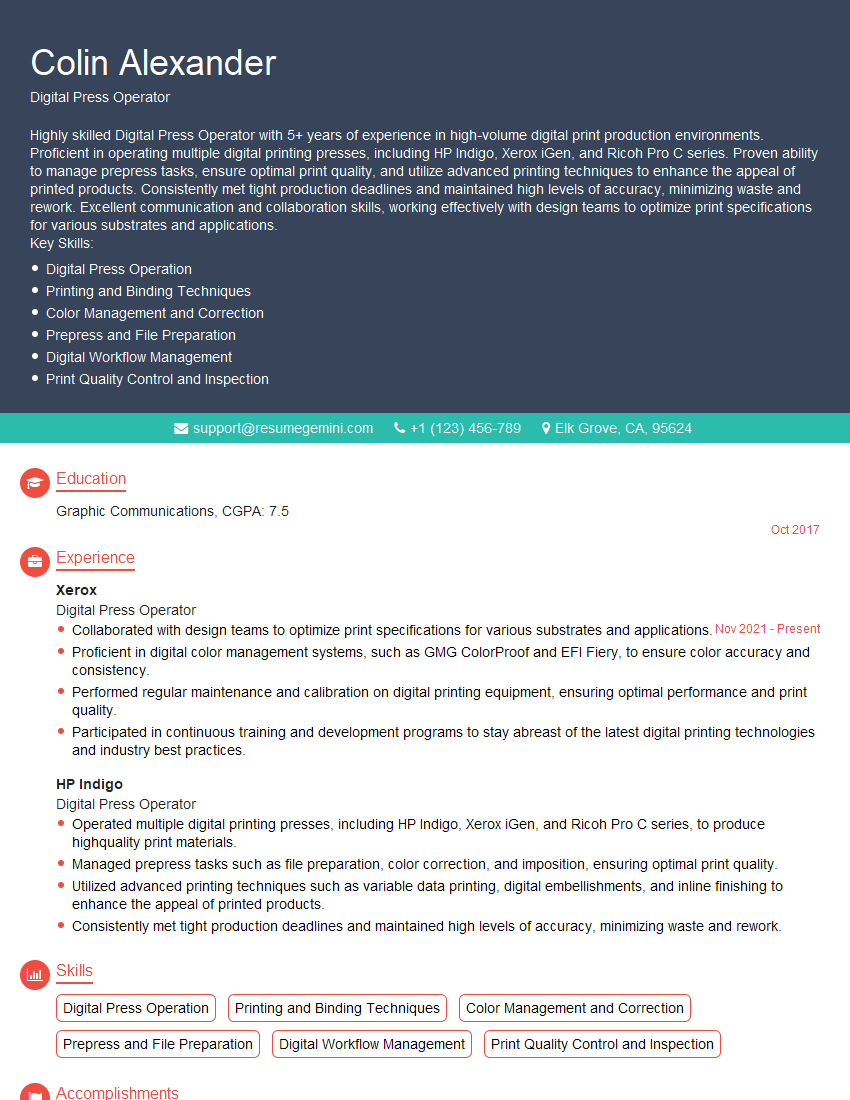
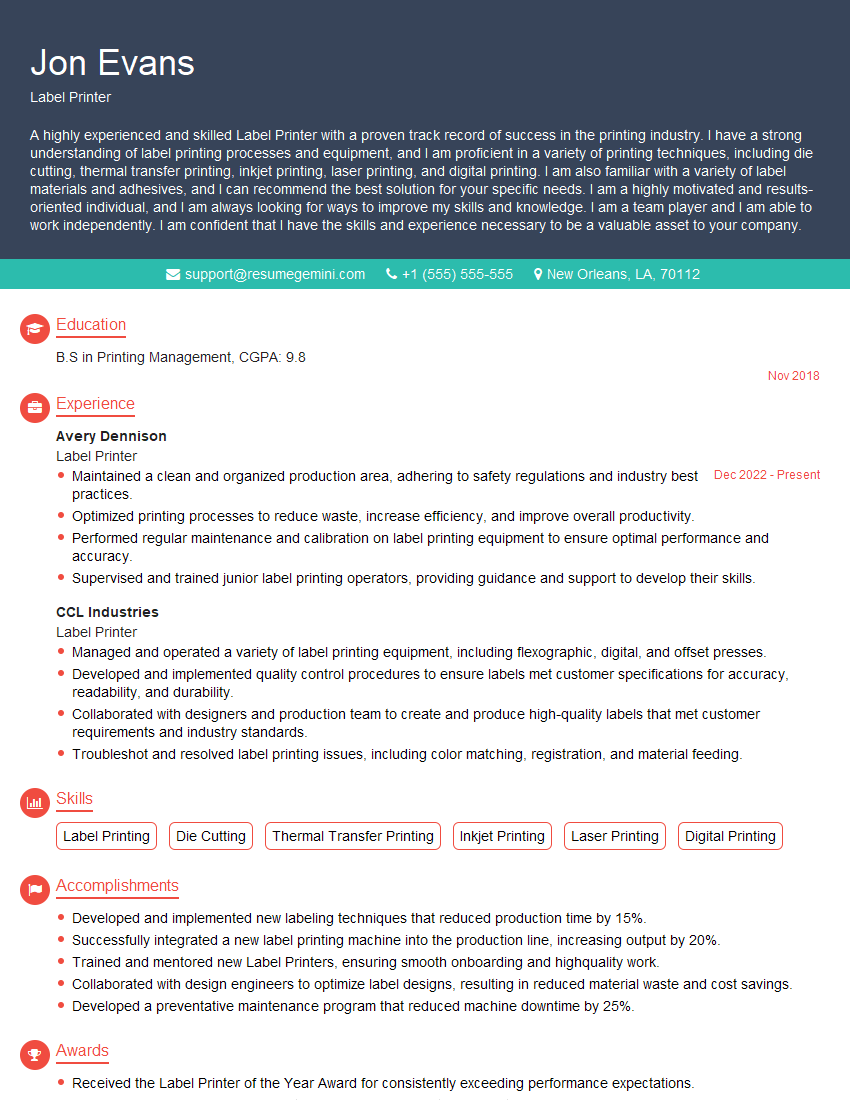
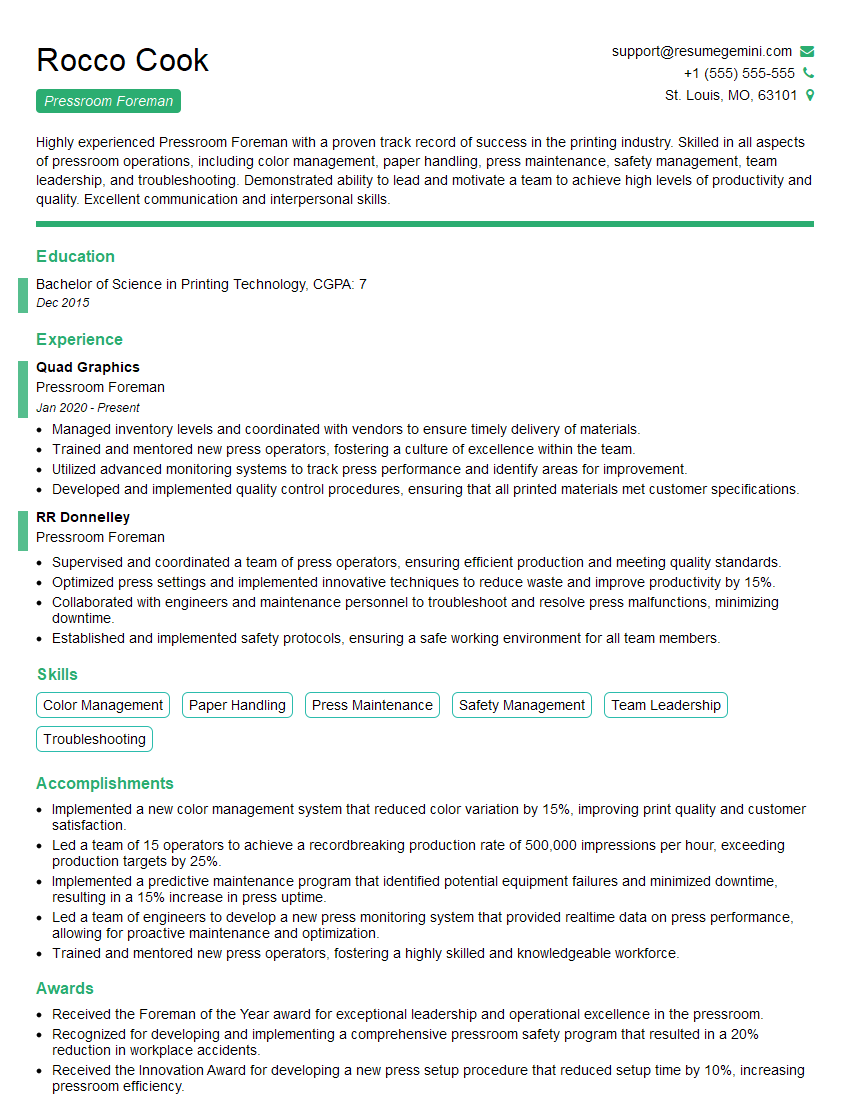
Mastering diverse printing machine experience is crucial for career advancement in the graphic arts and printing industries, opening doors to specialized roles and higher earning potential. A strong, ATS-friendly resume is your key to unlocking these opportunities. Make sure your resume effectively highlights your skills and experience to attract recruiters. To create a compelling resume that showcases your expertise, consider using ResumeGemini, a trusted resource for building professional resumes. ResumeGemini provides examples of resumes tailored to candidates with Experience with Different Printing Machines, helping you present your qualifications effectively.




Explore more articles
Users Rating of Our Blogs
Share Your Experience
We value your feedback! Please rate our content and share your thoughts (optional).
What Readers Say About Our Blog
Very informative content, great job.
good