Every successful interview starts with knowing what to expect. In this blog, we’ll take you through the top Expertise in data analysis and statistical process control interview questions, breaking them down with expert tips to help you deliver impactful answers. Step into your next interview fully prepared and ready to succeed.
Questions Asked in Expertise in data analysis and statistical process control Interview
Q 1. Explain the concept of statistical process control (SPC).
Statistical Process Control (SPC) is a powerful collection of statistical methods used to monitor and control a process to ensure it operates consistently and produces high-quality outputs. Think of it like a proactive health check for your manufacturing process (or any process, really!). Instead of reacting to problems after they occur, SPC allows you to identify and address potential issues *before* they significantly impact quality and efficiency. It achieves this by continuously monitoring key process characteristics, using data to identify patterns and deviations from expected performance.
In essence, SPC helps businesses minimize waste, improve product quality, and enhance overall process efficiency. It’s not just about finding defects; it’s about preventing them from happening in the first place.
Q 2. What are control charts, and what are their different types?
Control charts are visual tools that display data over time, allowing us to easily monitor the stability of a process. They consist of a central line representing the average performance, along with upper and lower control limits (UCL and LCL). Data points plotted above or below these limits indicate potential process issues.
- X-bar and R chart: Used for monitoring the average (X-bar) and range (R) of a continuous variable within subgroups. Imagine monitoring the average weight of cookies in batches of 5 – this chart helps identify if the average weight or the variation in weight within batches is drifting.
- Individuals and Moving Range (I-MR) chart: Used when individual measurements are taken instead of subgroups, commonly used for slower processes where sampling batches isn’t practical. For example, tracking the daily temperature of a reactor.
- p-chart: Used for monitoring the proportion of nonconforming units in a sample. This is useful for tracking the percentage of defective items in a production line.
- c-chart: Used for monitoring the number of defects per unit. For example, counting the number of scratches on a painted car panel.
- u-chart: Similar to the c-chart, but accounts for varying sample sizes. This would be suitable for inspecting different sized batches of products, each with a different number of potential defects.
Q 3. Describe the process of constructing a control chart for X-bar and R.
Constructing an X-bar and R chart involves these steps:
- Gather data: Collect data in subgroups (e.g., samples of 4-5 units) taken at regular intervals. The size of subgroups should be determined based on the process and data availability. Generally a subgroup size between 4-5 is a good compromise between getting enough data and the work involved.
- Calculate statistics: For each subgroup, calculate the average (X-bar) and the range (R) of the measurements. The range is simply the difference between the highest and lowest value in each subgroup.
- Calculate overall statistics: Compute the overall average of the X-bar values (X-double bar) and the average of the R values (R-bar) across all subgroups.
- Determine control limits: Use appropriate control chart constants (found in statistical tables or software) to calculate the UCL and LCL for both the X-bar and R charts. The formulas typically involve multiplying the average range (R-bar) by a constant and adding/subtracting the result from the overall average (X-double bar). For example, the upper control limit for X-bar is often calculated as
X-double bar + A2 * R-bar, where A2 is a constant dependent on the subgroup size. - Plot the data: Plot the X-bar and R values on their respective charts, along with the central line and control limits.
Q 4. How do you interpret control chart signals (points outside control limits, trends, etc.)?
Control chart signals indicate potential process instability. Interpretation requires careful consideration:
- Points outside control limits: A point outside the UCL or LCL is a strong signal of assignable cause variation – something specific has affected the process. This warrants immediate investigation.
- Trends: A consistent upward or downward trend suggests a gradual shift in the process mean, even if individual points remain within the limits. This indicates a possible systematic issue requiring attention.
- Stratification: Data points consistently clustering near the UCL or LCL indicates potential issues. It shows a significant portion of the data that does not necessarily signal a failure, but instead should be understood to show consistent biases within the data.
- Cycles or patterns: Recurring patterns suggest predictable variations in the process, which could indicate underlying problems, even if the points remain within limits. For example, regularly observing higher measurements late in the day.
Always investigate signals using root cause analysis techniques to identify and correct the underlying issues.
Q 5. Explain the difference between common cause and assignable cause variation.
The key difference lies in the *source* of variation:
- Common cause variation: This is the inherent, random variation that’s always present in a process. Think of it as the ‘noise’ in the system – minor fluctuations due to many small, unpredictable factors. It’s inherent to the process and usually within the control limits.
- Assignable cause variation: This is variation caused by specific, identifiable factors that are *not* inherent to the process. These are special causes that disrupt the normal process, resulting in data points outside the control limits or exhibiting trends. Examples include machine malfunction, changes in raw materials, or operator errors. This is the variation that we strive to eliminate.
Imagine baking cookies: Common cause variation might be slight differences in oven temperature or ingredient proportions, resulting in slightly varying cookie sizes. Assignable cause variation would be the oven malfunctioning, causing all cookies to be burnt.
Q 6. How do you identify assignable cause variation in a process?
Identifying assignable cause variation requires a systematic approach:
- Review control charts: Examine the charts for points outside control limits, trends, or other unusual patterns. Note that statistical significance is always essential; visual assessment alone is insufficient.
- Gather information: Once a signal is detected, gather information about the process conditions during the time the signal occurred. This could involve checking production records, talking to operators, reviewing maintenance logs, and inspecting raw materials.
- Investigate potential causes: Brainstorm possible causes, considering factors like machine settings, operator skills, raw material quality, environmental conditions, and process changes.
- Verify the cause: Use statistical methods or further data collection to confirm whether the identified cause is truly responsible for the variation. A critical aspect of this step is to validate this, so simply reviewing an anecdotal account is insufficient.
- Implement corrective actions: Once the assignable cause is identified and verified, implement corrective actions to prevent recurrence. This may involve repairing equipment, retraining personnel, adjusting process parameters, or changing suppliers.
Q 7. What are the key assumptions underlying the use of control charts?
Control charts rely on several key assumptions:
- Data independence: Observations should be independent of each other. This means the result of one measurement shouldn’t influence the next.
- Process stability (during data collection): The process should be in a state of statistical control during data collection. Significant shifts in process parameters should be avoided during sampling.
- Normally distributed data: While not strictly required, the underlying data should ideally be approximately normally distributed, particularly for X-bar and R charts. However, many variations on the control chart do exist to accommodate for non-normal distributions.
- Data should represent the process being controlled: Control charts use sample data to represent the entire process. Hence, it is critical that the data truly represents the process.
- Random sampling: The data should be collected through random sampling to ensure it’s representative of the entire population.
Violating these assumptions can lead to inaccurate interpretations and ineffective process control.
Q 8. How do you calculate process capability indices (Cp, Cpk)?
Process capability indices, Cp and Cpk, are statistical measures that assess a process’s ability to meet specified customer requirements. They quantify how well a process performs relative to its tolerance limits. Cp focuses solely on the process spread, while Cpk considers both spread and the process’s centering relative to the target.
Calculating Cp:
- Determine the process standard deviation (σ): This is typically calculated from a sample of data using statistical software or formulas. Assume we have a sample of measurements and calculate the standard deviation as 0.5 units.
- Determine the upper and lower specification limits (USL and LSL): These limits define the acceptable range for the output. Let’s assume USL = 10 units and LSL = 8 units.
- Calculate the tolerance range (T): T = USL – LSL = 10 – 8 = 2 units.
- Calculate Cp: Cp = T / (6σ) = 2 / (6 * 0.5) = 0.67
Calculating Cpk:
- Calculate the process mean (X̄): This is the average of your sample measurements. Let’s assume X̄ = 9 units.
- Calculate the distance between the mean and the nearest specification limit: In this case, the mean is closer to the USL. Distance = USL – X̄ = 10 – 9 = 1 unit.
- Calculate Cpk: Cpk = min[(USL – X̄) / (3σ), (X̄ – LSL) / (3σ)] = min[1 / (3 * 0.5), (9-8) / (3 * 0.5)] = min[0.67, 0.67] = 0.67
In this example, both Cp and Cpk are 0.67, indicating that the process is not capable of consistently meeting the specifications.
Q 9. Explain the meaning and interpretation of Cp and Cpk values.
Cp and Cpk values provide crucial insights into process performance. They are interpreted as ratios, with values greater than 1 generally indicating a capable process.
Cp (Process Capability): This index measures the process spread relative to the tolerance range. A Cp of 1 means the process spread (6σ) is equal to the tolerance, while a higher Cp signifies a wider tolerance range relative to the spread, implying better capability. For example, a Cp of 1.33 suggests the process spread occupies only 75% of the tolerance.
Cpk (Process Capability and Centering): Cpk considers both the process spread and its centering. It indicates how close the process mean is to the target. A Cpk of 1 indicates that the process is both centered and capable. A Cpk less than 1 points to an incapable process, either due to excessive spread or poor centering or both. For example, a Cpk of 0.8 means that the process is centered far away from the target value, even though the spread is manageable.
Imagine making ball bearings. A high Cp indicates your manufacturing process produces bearings with consistent diameters. A high Cpk means those consistent diameters are also close to the required size. A low Cpk may be due to machine misalignment, causing all bearings to be slightly too large, even if their diameter variation is small (high Cp but low Cpk).
Q 10. What are the limitations of using process capability indices?
While Cp and Cpk are valuable, they have limitations:
- Assumption of Normality: Cp and Cpk calculations assume the process data follows a normal distribution. If this assumption is violated, the indices can be misleading.
- Short-Term vs. Long-Term Capability: Cp and Cpk calculated from a short-term sample may not accurately reflect long-term process performance due to factors like machine wear, material variations, or operator changes. Therefore, it is essential to use data collected over a representative duration.
- Process Stability: Cp and Cpk should only be calculated after the process is deemed stable (no special causes of variation). Using these indices on unstable processes provides inaccurate results.
- Focus on Specifications, not Customer Needs: Cp and Cpk focus solely on meeting specifications; they don’t directly address whether those specifications are aligned with customer needs or actual performance expectations.
- Over-reliance on Single Metrics: Relying solely on Cp and Cpk can be risky. Combining these indices with other tools (control charts, histograms) can give a more comprehensive view of process performance. For instance, a capable process could still demonstrate shifts or trends on control charts that warrant corrective actions.
For example, a process might have a high Cpk, yet still produce significant numbers of defects outside tolerance (but within a larger, acceptable range). This suggests the specifications might be too loose, ignoring customer needs beyond minimal acceptability.
Q 11. Describe the relationship between SPC and Six Sigma methodologies.
Statistical Process Control (SPC) and Six Sigma are closely related methodologies aimed at improving process performance. SPC provides the statistical tools for monitoring and controlling processes, while Six Sigma uses SPC as a core tool within its broader framework of process improvement.
SPC focuses on identifying and eliminating assignable causes of variation to achieve process stability. It employs various control charts (e.g., X-bar and R charts, p-charts, c-charts) to monitor process outputs over time. SPC acts as a detective to find defects and patterns in production.
Six Sigma is a comprehensive management philosophy focused on minimizing variation and defects. It uses DMAIC (Define, Measure, Analyze, Improve, Control) or DMADV (Define, Measure, Analyze, Design, Verify) approaches for systematic process improvements. SPC tools are vital in the ‘Measure’ and ‘Control’ phases, providing data to quantify process performance and ensure sustained improvements achieved through Six Sigma projects.
Think of it this way: SPC is the toolbox, and Six Sigma is the blueprint for building a more efficient factory. Six Sigma uses the SPC tools to precisely measure the success of improvement initiatives.
Q 12. How do you select the appropriate sample size for SPC?
Sample size selection in SPC is critical for effective process monitoring. It’s a balance between minimizing costs and ensuring sufficient sensitivity to detect process shifts. The appropriate sample size depends on several factors:
- Process Variability: Higher variability requires larger sample sizes to achieve the same level of precision. For instance, higher variability means more sampling is needed to generate statistically meaningful insights from SPC charts.
- Desired Sensitivity: Smaller sample sizes make it harder to detect small process shifts, therefore, if you need to detect even small changes, you’ll need more data.
- Cost and Time Constraints: Larger sample sizes are more costly and time-consuming. Practical limitations always factor into sample size determination.
- Number of Subgroups: The number of subgroups (samples taken over time) should be sufficient to reveal patterns in the data. The goal is to capture enough data points to understand the entire process timeline and potential changes.
There’s no single formula; statistical power analysis can determine optimal sample size based on the specific objectives. In practice, a common starting point is to consider the type of control chart being used. For instance, subgroup sizes of 4-5 are often used for X-bar and R charts, while p-charts may require larger sample sizes, depending on the expected defect rate.
Q 13. What are some common SPC software tools you have used?
Throughout my career, I’ve extensively used several SPC software tools. My experience includes:
- Minitab: A widely used statistical software package with comprehensive SPC capabilities, including various control charts, capability analysis, and hypothesis testing.
- JMP: Another robust statistical package featuring interactive visualizations and a user-friendly interface for SPC analysis.
- R (with packages like `qcc`): A powerful and flexible open-source statistical computing environment offering extensive SPC functionalities through various specialized packages. It requires programming knowledge.
- Excel with add-ins: While less sophisticated than dedicated SPC software, Excel with add-ins like QI Macros can provide basic SPC charting and analysis for simpler applications.
My choice of software often depends on the complexity of the analysis, project scope, data volume, and client preferences. For example, Minitab is my go-to choice for ease of use and widespread acceptance in quality control circles. R offers customizability needed for research projects with unique requirements.
Q 14. Explain the concept of Pareto analysis and its application in SPC.
Pareto analysis, also known as the 80/20 rule, is a technique that identifies the vital few factors contributing to the majority of problems or defects. In SPC, it’s used to prioritize improvement efforts by focusing on the most impactful sources of variation.
Application in SPC:
- Defect Classification: Start by categorizing the types of defects or problems encountered in the process. This classification should clearly define what a specific type of defect is.
- Data Collection: Collect data on the frequency of each defect type over a defined period. Ensure that you collect the data on all defect types as defined.
- Frequency Ranking: Rank the defect types in descending order of frequency. The most frequently occurring defect is ranked at number 1.
- Cumulative Percentage Calculation: Calculate the cumulative percentage of defects for each type, starting from the most frequent. This is the percentage of defects attributed to this type plus the percentage of all defects identified before this type.
- Pareto Chart Creation: Create a Pareto chart—a bar graph that displays the defect types and their cumulative percentages. The chart visually demonstrates which few defect types contribute to the majority of problems.
- Prioritization: Focus improvement efforts on the defect types that account for the majority of problems. Tackle the 20% of problems that represent 80% of the overall defects first.
Example: A manufacturing process has various defects. After applying Pareto analysis, it might reveal that 80% of defects originate from two specific sources (e.g., improper machine calibration and material flaws), highlighting areas for focused improvement efforts, rather than addressing all identified issues simultaneously.
Q 15. How would you use SPC to improve a manufacturing process?
Statistical Process Control (SPC) is a powerful tool for improving manufacturing processes by identifying and addressing variations that lead to defects. It involves continuously monitoring a process, collecting data, and analyzing it to detect patterns and trends. This allows for proactive intervention rather than simply reacting to problems after they’ve occurred.
Here’s how I’d use SPC to improve a manufacturing process:
- Define Critical-to-Quality (CTQ) characteristics: Identify the key aspects of the product or process that are most important for quality. For example, in a bottling plant, this might be the fill volume, cap tightness, or the number of defective bottles.
- Establish control charts: These are graphs that visually display the data collected over time. Common control charts include X-bar and R charts (for measuring the average and range of a variable) and p-charts or c-charts (for attributes like defects per unit or number of defects). The control limits on these charts help determine whether the process is in a state of statistical control (stable and predictable) or out of control (showing special cause variation).
- Collect data consistently: Regular data collection is crucial. The frequency depends on the process and the risk of defects. It could be hourly, daily, or even every few seconds. Data should be recorded accurately and thoroughly.
- Analyze the control charts: Look for patterns on the control chart that indicate the process is out of control. These patterns might include points outside the control limits, trends, or runs (sequences of points above or below the center line).
- Investigate assignable causes: When an out-of-control signal is detected, investigate the root cause. This could involve checking the machinery, raw materials, operator skill, or even environmental factors. Use tools like brainstorming, 5 Whys, or fishbone diagrams to identify the root cause.
- Implement corrective actions: Once the root cause is identified, implement corrective actions to eliminate the variation. This might involve adjusting machinery, retraining staff, changing suppliers, or improving work instructions.
- Monitor the process: Continue monitoring the process and reviewing the control charts to ensure that the corrective actions were effective and that the process remains in a state of statistical control.
Example: In a candy manufacturing plant, we used X-bar and R charts to monitor the weight of candy bars. We identified a consistent upward trend in weight, indicating a problem with the filling mechanism. Investigation revealed a faulty sensor, and after replacement, the process returned to control, leading to less waste and improved product consistency.
Career Expert Tips:
- Ace those interviews! Prepare effectively by reviewing the Top 50 Most Common Interview Questions on ResumeGemini.
- Navigate your job search with confidence! Explore a wide range of Career Tips on ResumeGemini. Learn about common challenges and recommendations to overcome them.
- Craft the perfect resume! Master the Art of Resume Writing with ResumeGemini’s guide. Showcase your unique qualifications and achievements effectively.
- Don’t miss out on holiday savings! Build your dream resume with ResumeGemini’s ATS optimized templates.
Q 16. Describe a time you used data analysis to solve a real-world problem.
During my previous role at a logistics company, we faced significant delays in package delivery. Customer satisfaction was plummeting, and we needed to identify the bottlenecks in our system. I used data analysis to pinpoint the root causes and implement effective solutions.
My approach involved these steps:
- Data Collection: We gathered data on delivery times, package origin and destination, transportation methods, handling times at various warehouse locations, and any recorded incidents (e.g., accidents, weather delays).
- Data Cleaning and Preparation: The data was cleaned to remove inconsistencies and errors, and then transformed for analysis. This included handling missing values and creating relevant variables (e.g., delivery time categorized into intervals).
- Exploratory Data Analysis (EDA): I performed EDA techniques, including creating histograms, scatter plots, and box plots to visualize the data and identify potential patterns and outliers. For instance, we identified specific routes with consistently higher delivery times.
- Statistical Modeling: I used regression analysis to identify the factors most strongly associated with delivery delays. This helped us understand the relative importance of different contributing factors, like distance, transportation mode, and handling time at specific warehouses.
- Reporting and Recommendations: The findings were presented in a clear and concise report, highlighting the key drivers of delivery delays. We identified three major contributing factors: inefficient warehouse processes in a specific location, inadequate transportation planning on certain routes, and increased package volume during peak seasons.
- Implementation and Monitoring: Based on the analysis, we implemented several solutions including process optimization at the identified warehouse, route optimization software, and proactive capacity planning for peak seasons. We monitored the effectiveness of these solutions through continuous data collection and analysis.
The result was a significant reduction in delivery delays, an improvement in customer satisfaction scores, and cost savings due to increased efficiency.
Q 17. How familiar are you with different types of distributions (normal, exponential, etc.)?
I’m very familiar with various probability distributions, including normal, exponential, Poisson, binomial, and uniform distributions. Understanding these distributions is crucial for making accurate inferences from data.
- Normal Distribution: This is a bell-shaped, symmetrical distribution frequently used in statistical modeling. Many natural phenomena follow a normal distribution, making it essential for hypothesis testing and confidence intervals.
- Exponential Distribution: This distribution describes the time until an event occurs in a Poisson process (e.g., the time between customer arrivals at a store or the lifespan of a machine component). It’s often used in reliability analysis.
- Poisson Distribution: This distribution models the probability of a given number of events occurring in a fixed interval of time or space (e.g., the number of customers arriving in an hour or the number of defects on a manufactured part).
- Binomial Distribution: This describes the probability of obtaining a certain number of successes in a fixed number of independent trials, each with the same probability of success (e.g., the number of heads when flipping a coin ten times).
- Uniform Distribution: This represents the case where each outcome in a given range is equally likely (e.g., rolling a fair six-sided die).
Knowing which distribution best fits a given dataset allows for more appropriate statistical analysis and more reliable conclusions.
Q 18. How do you handle missing data in your analysis?
Missing data is a common challenge in data analysis. The best approach depends on the nature of the data, the amount of missing data, and the mechanism causing the missingness (Missing Completely at Random (MCAR), Missing at Random (MAR), or Missing Not at Random (MNAR)).
Here are some common techniques I use:
- Deletion: This is the simplest approach, but it can lead to biased results if the missing data is not MCAR. There are two main types: listwise deletion (removing entire rows with any missing values) and pairwise deletion (using available data for each analysis).
- Imputation: This involves replacing missing values with estimated values. Methods include:
- Mean/Median/Mode Imputation: Replacing missing values with the mean, median, or mode of the available data for that variable. This is simple but can distort the distribution.
- Regression Imputation: Predicting missing values based on a regression model using other variables in the dataset.
- Multiple Imputation: Creating multiple plausible imputed datasets and analyzing each separately, then combining the results. This accounts for uncertainty in the imputation process.
- Model-Based Approaches: Some statistical models can handle missing data directly, without requiring imputation. Examples include maximum likelihood estimation (MLE) and multiple imputation methods.
The choice of method depends on the specific context. For example, if the percentage of missing data is very small and appears to be MCAR, listwise deletion may be acceptable. However, for larger amounts of missing data or if the missingness is not MCAR, imputation or model-based techniques are preferred. It’s crucial to carefully document the methods used and their potential impact on the results.
Q 19. Explain the concept of hypothesis testing.
Hypothesis testing is a formal procedure used to make decisions about a population based on sample data. It involves stating a null hypothesis (H0), which is a statement of no effect or no difference, and an alternative hypothesis (H1 or Ha), which is the statement we want to support.
The process generally involves these steps:
- State the hypotheses: Define H0 and H1. For example, H0 might be that there is no difference in average height between men and women, and H1 might be that there is a difference.
- Set the significance level (α): This represents the probability of rejecting the null hypothesis when it’s actually true (Type I error). A common significance level is 0.05 (5%).
- Choose a test statistic: Select a test statistic appropriate for the data and hypotheses (e.g., t-test, z-test, chi-squared test). The choice depends on the type of data and the nature of the hypotheses.
- Calculate the test statistic: Use the sample data to calculate the value of the test statistic.
- Determine the p-value: The p-value is the probability of observing a test statistic as extreme as, or more extreme than, the one calculated, assuming the null hypothesis is true. A small p-value suggests evidence against the null hypothesis.
- Make a decision: If the p-value is less than the significance level (α), we reject the null hypothesis. If the p-value is greater than α, we fail to reject the null hypothesis. It’s crucial to understand that ‘failing to reject’ does not mean proving the null hypothesis is true.
Example: A pharmaceutical company wants to test if a new drug lowers blood pressure more effectively than a placebo. H0 would be that there is no difference in blood pressure reduction between the drug and placebo, and H1 would be that the drug lowers blood pressure more. A t-test could be used to compare the mean blood pressure reduction in the two groups.
Q 20. What are some common statistical tests you have used?
I have extensive experience using various statistical tests, depending on the nature of the data and research question. Some common tests I’ve employed include:
- t-tests: For comparing the means of two groups (independent samples t-test) or comparing the means of a single group to a known value (one-sample t-test). I’ve used this for comparing the effectiveness of different marketing campaigns or comparing the performance of two different machine settings.
- ANOVA (Analysis of Variance): For comparing the means of three or more groups. This is useful when evaluating the performance of multiple product designs or analyzing the effects of different factors on a process.
- Chi-squared test: For analyzing categorical data and assessing the association between two categorical variables. I’ve used this to determine if there’s a relationship between customer demographics and purchasing behavior or if the distribution of defects across different production lines is uniform.
- Regression analysis: For modeling the relationship between a dependent variable and one or more independent variables. This can be used to predict future outcomes, assess the impact of various factors, or identify the most important predictors.
- Correlation analysis: For measuring the strength and direction of the linear relationship between two continuous variables. This can help in identifying potential relationships between different variables in a process or product.
The selection of an appropriate test is crucial for drawing valid conclusions. The choice depends on factors like the type of data (continuous, categorical), the number of groups being compared, and the research question.
Q 21. How do you interpret p-values?
The p-value is the probability of observing the obtained results (or more extreme results) if the null hypothesis is true. It does not represent the probability that the null hypothesis is true.
A small p-value (typically less than the significance level, α, often 0.05) provides evidence against the null hypothesis, suggesting that the observed results are unlikely to have occurred by chance alone. However, a large p-value does not necessarily mean the null hypothesis is true; it simply means there is insufficient evidence to reject it.
It’s important to remember that:
- A p-value is not a measure of effect size: A small p-value can result from a small effect size with a large sample size. Effect size measures the magnitude of the effect.
- P-values should be interpreted in context: The p-value should be considered alongside other factors, such as the effect size, the study design, and the practical significance of the findings.
- P-values can be influenced by sample size: Larger sample sizes are more likely to produce statistically significant results, even if the effect size is small.
Therefore, rather than focusing solely on whether a p-value is less than 0.05, it is more informative to consider the entire picture, including the confidence intervals, effect sizes, and practical implications of the findings. A comprehensive interpretation always considers the context of the study and the practical meaning of the results.
Q 22. What are the different types of sampling methods and when to use them?
Sampling methods are crucial for data analysis, allowing us to draw inferences about a population based on a smaller, representative subset. The choice of method depends heavily on the characteristics of the population and the goals of the analysis.
- Simple Random Sampling: Each member of the population has an equal chance of being selected. Think of a lottery – every ticket has the same odds of winning. This is ideal for homogenous populations where there’s no need to account for subgroups.
- Stratified Sampling: The population is divided into subgroups (strata) based on relevant characteristics, and then a random sample is drawn from each stratum. Imagine surveying customer satisfaction – you might stratify by age group to ensure representation from different demographics.
- Cluster Sampling: The population is divided into clusters (e.g., geographic areas), and then a random sample of clusters is selected. All members within the selected clusters are included in the sample. This is cost-effective for geographically dispersed populations; for instance, surveying schools within a particular state.
- Systematic Sampling: Every kth member of the population is selected after a random starting point. Imagine inspecting every 10th item on a production line. This is efficient, but prone to bias if there’s a pattern in the population.
- Convenience Sampling: Samples are selected based on ease of access. This is often used for preliminary studies but is susceptible to significant bias and shouldn’t be used for conclusive results. For example, surveying students in a single classroom.
The choice of sampling method is crucial for obtaining unbiased and reliable results. A poorly chosen method can lead to inaccurate conclusions and flawed decision-making.
Q 23. Explain the concept of regression analysis.
Regression analysis is a statistical method used to model the relationship between a dependent variable and one or more independent variables. It helps us understand how changes in the independent variables affect the dependent variable. Imagine predicting house prices (dependent variable) based on size, location, and age (independent variables).
There are various types of regression, including:
- Linear Regression: Models a linear relationship between variables. The relationship is represented by a straight line.
- Multiple Linear Regression: Models the relationship between a dependent variable and multiple independent variables.
- Polynomial Regression: Models non-linear relationships using polynomial functions.
- Logistic Regression: Predicts the probability of a categorical dependent variable (e.g., 0 or 1).
Regression analysis is used extensively in various fields, such as finance (predicting stock prices), marketing (predicting customer behavior), and healthcare (predicting disease risk).
# Example Python code (simple linear regression) import statsmodels.api as sm import numpy as np X = np.array([1,2,3,4,5]) # Independent variable y = np.array([2,4,5,4,5]) # Dependent variable X = sm.add_constant(X) # Add a constant for the intercept model = sm.OLS(y, X).fit() print(model.summary())Q 24. How would you deal with outliers in your dataset?
Outliers are data points that significantly deviate from the rest of the data. Dealing with them requires careful consideration. Simply removing them isn’t always appropriate. Here’s a structured approach:
- Identify Outliers: Use visual methods (box plots, scatter plots) and statistical methods (z-scores, IQR). A z-score beyond ±3 or data points outside 1.5 times the IQR are often flagged as potential outliers.
- Investigate the Cause: Determine why the outliers exist. Is it a measurement error, data entry error, or a genuine extreme value? Understanding the root cause is crucial.
- Handle Outliers: Strategies include:
- Removal: If an outlier is clearly due to an error, removal might be appropriate. However, be cautious and document your reasoning.
- Transformation: Techniques like log transformation can reduce the impact of outliers.
- Winsorizing: Replacing extreme values with less extreme values (e.g., the 95th percentile).
- Robust Methods: Use statistical methods less sensitive to outliers (e.g., median instead of mean, robust regression).
- Document Decisions: Clearly record how you handled outliers and justify your approach.
The best approach depends on the context and the cause of the outliers. Always prioritize understanding the data before making any decisions.
Q 25. How do you ensure data quality and integrity?
Data quality and integrity are paramount. I ensure this through a multi-faceted approach:
- Data Validation: Implementing checks at the data entry stage to ensure data conforms to expected formats and ranges. This includes using data validation rules in spreadsheets or databases.
- Data Cleaning: Identifying and correcting inconsistencies, errors, and missing values. This often involves using scripting languages like Python or R to automate the process.
- Data Source Verification: Ensuring the reliability and credibility of the data sources. This involves evaluating the methodology used to collect the data and assessing potential biases.
- Version Control: Maintaining clear records of data modifications and versions to allow for tracking and reproducibility. Tools like Git can be beneficial here.
- Documentation: Creating comprehensive documentation describing data sources, cleaning steps, and transformations. This ensures transparency and allows others to understand and reproduce the analysis.
Proactive measures are key. Building robust data pipelines that incorporate validation and error handling at each stage prevents problems down the line.
Q 26. Describe your experience with data visualization tools.
I have extensive experience with various data visualization tools. My proficiency includes:
- Tableau: A powerful tool for creating interactive dashboards and visualizations. I’ve used it extensively for presenting complex data in a clear and engaging manner, particularly for communicating insights to non-technical audiences.
- Power BI: Another excellent tool for business intelligence and data visualization. I’ve used it to create reports and dashboards that integrate with various data sources.
- Python Libraries (Matplotlib, Seaborn, Plotly): I’m comfortable using these libraries to create customized visualizations directly from Python code, allowing for greater flexibility and control.
- R Libraries (ggplot2): I’ve used ggplot2 within the R environment for creating publication-quality graphics.
My approach to data visualization prioritizes clarity, accuracy, and the effective communication of insights. I select the appropriate tool based on the project’s needs and the audience for whom the visualization is intended.
Q 27. What are your strengths and weaknesses in data analysis and SPC?
Strengths: My strengths lie in my ability to effectively combine statistical process control (SPC) techniques with advanced data analysis methods to solve complex problems. I’m adept at identifying patterns, trends, and anomalies in data, and I have a strong understanding of statistical modeling. I also possess excellent communication skills, enabling me to clearly articulate complex analytical findings to both technical and non-technical audiences. My experience with diverse data visualization tools allows me to present insights in an engaging and impactful way.
Weaknesses: While proficient in many areas, I’m always looking to expand my knowledge of cutting-edge machine learning techniques, particularly deep learning. Though I can apply these methods, I’m keen on improving my theoretical understanding and practical application in this rapidly evolving field. I also recognize the importance of continuous learning to stay current with new developments in data analysis and SPC.
Q 28. Where do you see yourself in 5 years?
In five years, I see myself as a leading data scientist within a challenging and innovative environment. I aim to have significantly expanded my expertise in machine learning and its applications, potentially leading teams and mentoring junior data scientists. I also envision myself contributing to the development of novel analytical techniques, publishing research, and presenting findings at leading conferences. I’m passionate about solving real-world problems through data-driven insights, and I look forward to making a substantial contribution to my field.
Key Topics to Learn for Expertise in Data Analysis and Statistical Process Control Interviews
- Descriptive Statistics: Understanding measures of central tendency (mean, median, mode), dispersion (variance, standard deviation), and their application in interpreting data sets. Consider how to effectively visualize these using histograms, box plots, etc.
- Inferential Statistics: Mastering hypothesis testing (t-tests, ANOVA, Chi-square tests), confidence intervals, and regression analysis. Be prepared to discuss the assumptions underlying these methods and their limitations.
- Statistical Process Control (SPC): Familiarize yourself with control charts (e.g., Shewhart, CUSUM, EWMA), process capability analysis (Cp, Cpk), and the interpretation of control chart patterns to identify process variation and potential out-of-control situations. Practice applying these techniques to real-world scenarios.
- Data Cleaning and Preprocessing: Develop proficiency in handling missing data, outliers, and transforming data for analysis. Understand the impact of data quality on the reliability of results. Be ready to discuss different imputation techniques.
- Data Visualization: Demonstrate your ability to create clear and informative visualizations using various tools (e.g., Tableau, Power BI). Practice communicating insights derived from visualizations effectively.
- Regression Analysis (Linear and Non-Linear): Understand the principles of regression, model building, interpretation of coefficients, and assessing model fit. Be prepared to discuss different types of regression models and their suitability for various datasets.
- Time Series Analysis: Familiarize yourself with techniques for analyzing data collected over time, including forecasting methods (e.g., ARIMA, exponential smoothing) and identifying trends and seasonality.
- Problem-Solving Approach: Practice breaking down complex problems into smaller, manageable components. Develop a structured approach to analyzing data, drawing conclusions, and communicating findings clearly and concisely.
Next Steps
Mastering data analysis and statistical process control opens doors to exciting career opportunities in various industries. A strong understanding of these techniques is highly valued by employers and can significantly boost your earning potential and career progression. To maximize your job prospects, create a resume that’s both ATS-friendly and showcases your skills effectively. ResumeGemini is a trusted resource that can help you build a professional and impactful resume tailored to your expertise. Examples of resumes tailored to expertise in data analysis and statistical process control are available to guide you through the process.
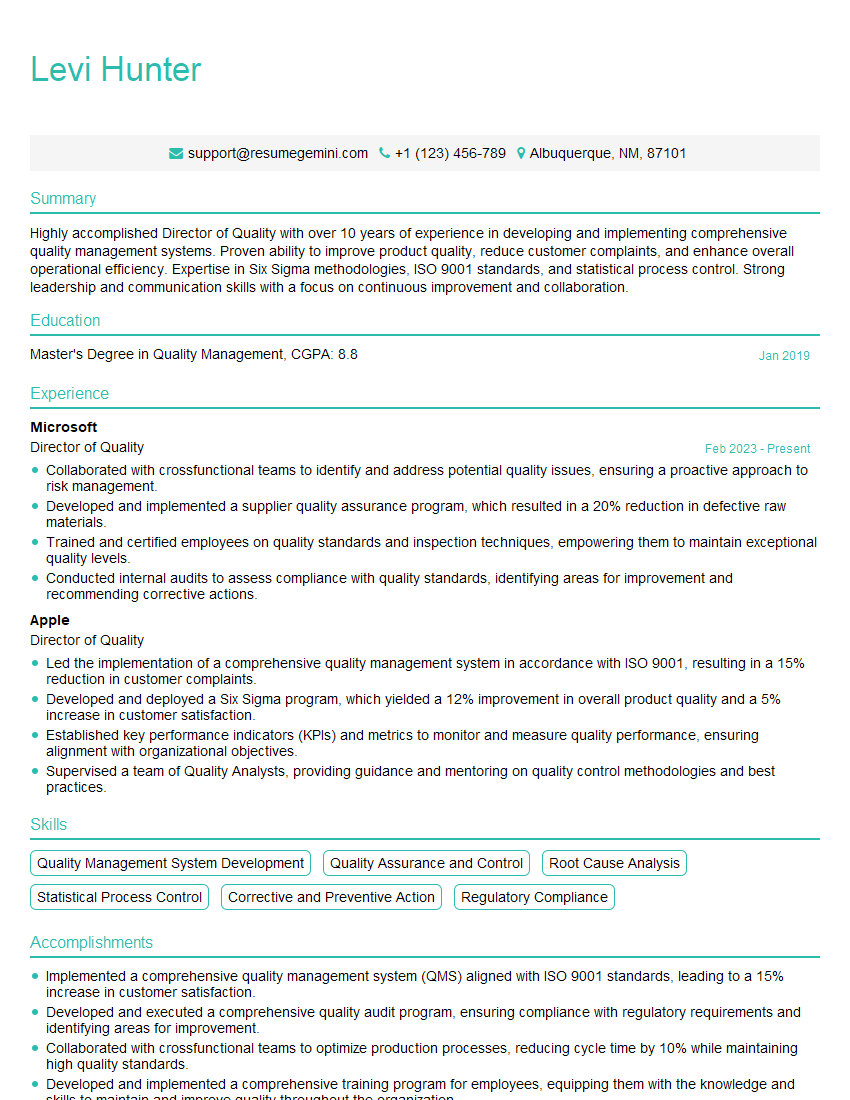
Director of Quality Resume Sample

Reliability Engineer Resume Sample
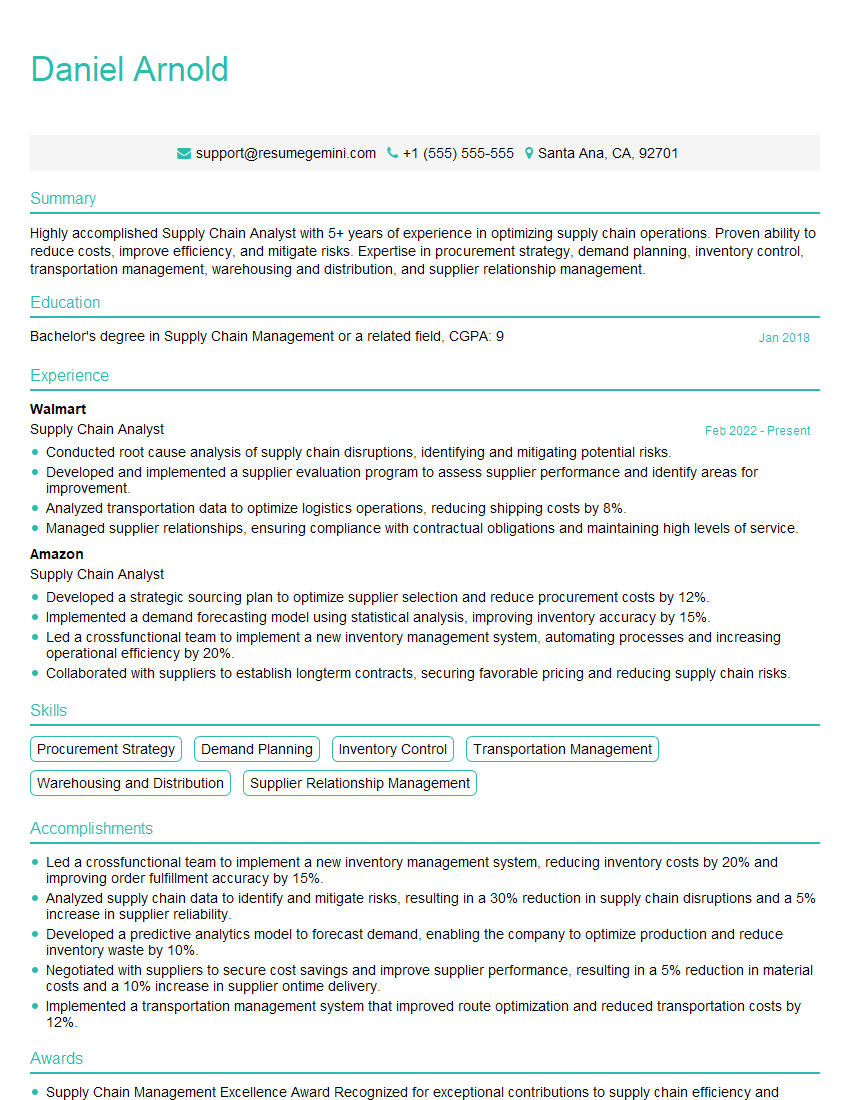
Supply Chain Analyst Resume Sample

Business Analyst Resume Sample

Data Analyst Resume Sample

Quantitative Analyst Resume Sample

Data Scientist Resume Sample

Operations Research Analyst Resume Sample

Statistical Analyst Resume Sample
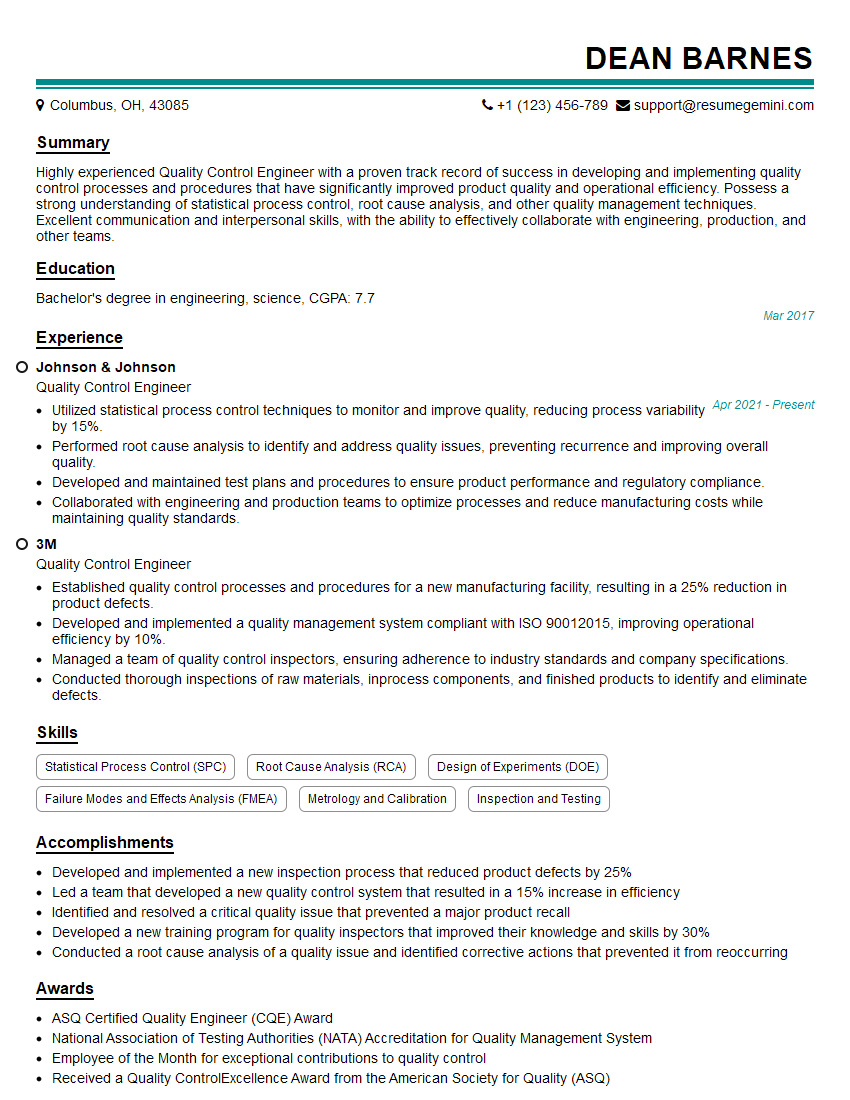
Quality Control Engineer Resume Sample

Control Systems Engineer Resume Sample
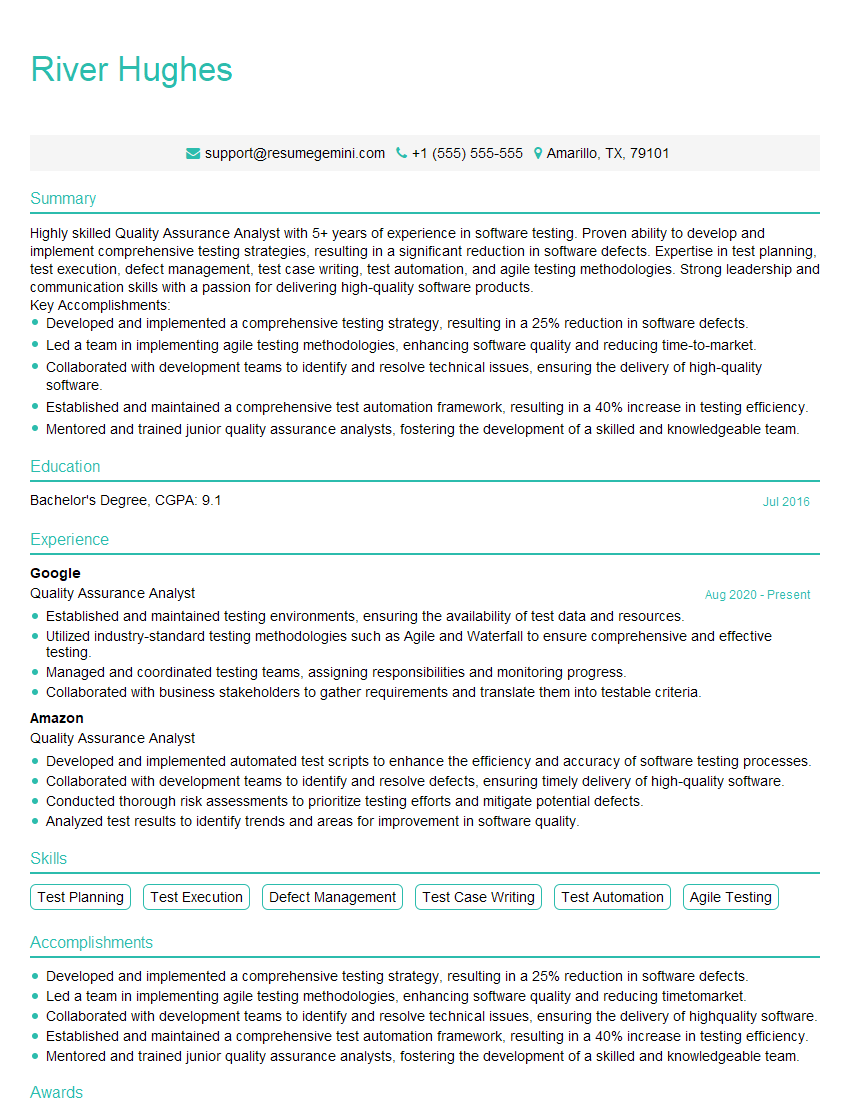
Quality Assurance Analyst Resume Sample
Explore more articles
Users Rating of Our Blogs
Share Your Experience
We value your feedback! Please rate our content and share your thoughts (optional).
What Readers Say About Our Blog
Very informative content, great job.
good