Interviews are opportunities to demonstrate your expertise, and this guide is here to help you shine. Explore the essential Imaging and Platemaking interview questions that employers frequently ask, paired with strategies for crafting responses that set you apart from the competition.
Questions Asked in Imaging and Platemaking Interview
Q 1. Explain the difference between CTP and conventional platemaking.
Conventional platemaking, also known as film-based platemaking, is a subtractive process where a photosensitive plate is exposed to film negatives carrying the image. The exposed areas harden, and the unexposed areas are washed away, creating the printing plate. This is a multi-step process involving several manual steps and chemicals.
CTP, or Computer-to-Plate, on the other hand, is a direct digital process. The image data is sent directly from the computer to the platesetter, which exposes the plate without the intermediary step of film. This is much faster, more efficient, and eliminates the need for film and its associated chemicals and handling.
Think of it like this: conventional platemaking is like developing a photo in a darkroom – several steps, some potentially messy, requiring precision. CTP is like printing a photo directly from a digital file – much cleaner, quicker, and more precise.
Q 2. Describe the process of creating a printing plate using a Computer-to-Plate (CTP) system.
The CTP process begins with a high-resolution digital file containing the image to be printed. This file is processed in prepress software to ensure accurate color separation and correct imposition (arranging pages on the plate). This processed file is then sent to the platesetter.
The platesetter, essentially a high-precision laser imager, exposes the printing plate based on the digital data. Different CTP systems use various technologies for exposure, including thermal, violet laser, or UV laser. The exposed areas on the plate become receptive to ink during printing, while the unexposed areas are non-printing.
After exposure, the plate undergoes processing – this may involve washing, or baking – to remove unexposed areas and prepare it for printing. The final step is a quality check to ensure the plate is free of defects and the image is accurate.
For example, in a thermal CTP system, a heat-sensitive plate is exposed by a laser that heats up specific areas, changing their chemical properties to become ink-receptive.
Q 3. What are the common types of printing plates used in the industry?
The printing industry uses several types of plates, each suited to different printing processes and requirements.
- Thermal Plates: These are commonly used in CTP systems and are sensitive to heat. A laser heats the plate, creating the image.
- UV Plates: These plates are exposed using ultraviolet light and are known for their high resolution and durability.
- Violet Laser Plates: Using violet lasers, these plates offer very high resolution and detail.
- Offset Plates (conventional): These are the older style plates used in conventional film-based systems.
The choice of plate depends on factors like print quality requirements, press speed, ink type, and budget. For high-quality, fine-detail work, UV or violet laser plates might be preferred. For large-volume, fast printing, thermal plates are a cost-effective option.
Q 4. How do you troubleshoot a platemaking issue involving image quality problems?
Troubleshooting image quality problems in platemaking requires a systematic approach. Let’s say you’re seeing a moiré pattern on the printed output.
- Inspect the Digital File: Start by carefully reviewing the original digital file for any resolution issues, color banding, or artifacts. Low-resolution images can lead to poor quality plates.
- Check the Prepress Workflow: Verify that the RIP (Raster Image Processor) settings are correct and optimized for the specific plate type and printing press. Incorrect color profiles can also lead to color issues.
- Examine the Plate: Look for physical defects on the plate itself such as scratches, dust particles, or uneven exposure. This often requires a magnifying glass or a special plate inspection device.
- Review the Platesetter Settings: Ensure the platesetter’s laser power, exposure time, and focus are correctly calibrated. Incorrect settings can create uneven exposure or distortions in the image.
- Check the Plate Processing: If the problem persists, investigate the plate processing procedure. Improper washing or drying can cause defects.
- Test Print: A test print on the press will confirm if the plate is the source of the problem or if the issue lies elsewhere in the printing process.
By systematically eliminating possible causes, you can pinpoint the root of the image quality problem.
Q 5. What are the key quality control checks performed during platemaking?
Quality control checks during platemaking are crucial for ensuring consistent and high-quality prints. These checks include:
- Visual Inspection: A thorough visual check of the plate for any defects, scratches, or debris before and after processing.
- Densitometry: Measuring the density of the various image areas to verify that they are within the acceptable range, ensuring correct ink transfer.
- Plate Imaging Assessment: Checking the plate for proper exposure and development using specialized software or devices.
- Dot Gain Measurement: Measuring dot gain—the increase in the size of the dots during printing. Excessive dot gain can lead to muddiness and loss of detail.
- Proofing: Creating a proof of the final plate, ideally on the same type of substrate as the printing job, allowing for final adjustments before printing on a larger scale.
These quality checks help identify potential problems early on, preventing costly errors during the actual printing process.
Q 6. Explain the importance of color management in platemaking.
Color management is paramount in platemaking because it ensures that the colors on the printed output accurately reflect the colors in the original digital file. Without proper color management, the printed colors can be significantly different from what was intended, leading to inconsistencies and potentially costly reprints.
This involves using calibrated monitors, accurate color profiles for all devices involved in the workflow (scanner, RIP, platesetter, press), and appropriate color transformation techniques (such as CMYK conversion) to maintain color consistency throughout the process. A well-defined color management workflow avoids surprises and ensures consistent color accuracy from screen to print.
Q 7. What software are you familiar with for image editing and prepress workflow?
My experience encompasses a range of software used in image editing and prepress workflow, including:
- Adobe Photoshop: For high-resolution image editing, retouching, and color correction.
- Adobe Illustrator: For vector-based artwork and creating precise illustrations.
- Adobe InDesign: For page layout and design, particularly for complex publications.
- Esko Suite of Products (e.g., ArtiosCAD, PackEdge, Automation Engine): This industry-standard suite covers prepress workflow, packaging design, and automation.
- Various RIP software: Specific RIP software provided by platesetter manufacturers that convert digital image data into a format suitable for plate exposure.
My familiarity with these tools allows me to manage the entire prepress workflow efficiently and effectively, ensuring that the final printed product meets the highest standards of quality.
Q 8. How do you handle different file formats in platemaking?
Platemaking involves handling a variety of file formats, each with its own characteristics and requirements. The most common are PDF, TIFF, and JPEG. However, the specific format needed depends on the printing press and the software used by the prepress department. PDFs are generally preferred for their ability to preserve fonts, images, and other elements accurately, ensuring consistent results across different systems. TIFF files, particularly those using LZW compression, offer excellent image quality with manageable file sizes. JPEGs, while convenient, often suffer from compression artifacts that can impact image sharpness, particularly in high-resolution applications. My experience involves meticulous file checking – verifying resolution, color space (CMYK is almost always necessary), and bleed areas – to ensure the file is suitable for platemaking. If issues are found, I often work directly with the designer to make necessary corrections before proceeding.
For example, a client might submit a low-resolution JPEG for a large-format print job. In this scenario, I would explain the potential for a poor quality print and collaborate with the client to obtain a higher-resolution TIFF or PDF file to guarantee a superior result. This proactive approach prevents costly reprints and ensures client satisfaction.
Q 9. Describe your experience with different types of printing presses (offset, flexo, etc.)
My experience spans a range of printing presses, encompassing offset lithography, flexography, and screen printing. Offset lithography, the most prevalent method for high-volume commercial printing, demands precise platemaking to ensure consistent ink transfer. I have extensive experience optimizing platemaking processes for various offset presses – from small format sheetfed presses to large format web presses – adjusting the platemaking parameters to suit each press’s unique characteristics.
Flexography, commonly used for flexible packaging and labels, utilizes flexible photopolymer plates and requires a different approach. Here, the focus is on achieving high-quality print on various substrates, and I am proficient in selecting the appropriate plate materials and imaging techniques to achieve optimum dot fidelity and ink laydown. Finally, my experience with screen printing, although less extensive, allows me to understand the intricacies of stencil creation and its impact on the final output.
Understanding the nuances of each press type is crucial for producing quality prints. For instance, the dot gain on an offset press is typically different from that of a flexographic press. This requires adjusting the image processing to compensate for the press characteristics and achieve the desired final image.
Q 10. How do you ensure color consistency across different plates and print runs?
Maintaining color consistency across plates and print runs is paramount. This involves a multi-faceted approach. Firstly, using a standardized color management system (CMS) is crucial. We use a profile that accurately depicts the characteristics of our platemaking equipment and printing presses. This profile ensures accurate color conversion from the digital file to the final printed output. Secondly, regular calibration of our equipment, including densitometers and spectrophotometers, is essential to maintain accuracy. These instruments allow for the precise measurement and adjustment of color values throughout the process.
Thirdly, consistent materials are key. We source our plates, inks, and substrates from reliable suppliers, maintaining a high degree of quality control across our supply chain. Lastly, maintaining standardized operating procedures, training for our operators, and strict quality control checks throughout the platemaking and printing processes ensure consistent results. If inconsistencies arise, a thorough investigation is carried out, analyzing all aspects of the workflow to pinpoint the source of the problem, whether it be a platemaking issue, an ink problem, or a press setting issue.
Q 11. What are the common causes of plate defects and how are they resolved?
Plate defects can stem from various sources, impacting print quality. Common causes include scratches, pinholes, debris on the plate, incorrect exposure during platemaking, poor plate handling, and improper cleaning. Scratches and pinholes can lead to ink streaks and unwanted marks on the print. Debris can cause blotches or uneven ink distribution. Improper exposure results in under- or over-exposed areas of the plate, affecting ink density and potentially causing areas of the image to appear too light or too dark. Poor plate handling can cause damage to the plate surface. And inadequate cleaning may leave residues that impair ink transfer.
Resolution often depends on the specific defect. Scratches and pinholes might require plate replacement, depending on their severity and location. Debris can usually be cleaned using appropriate techniques, while exposure issues require adjusting the platemaking parameters. Proper training for plate handlers and meticulous cleaning procedures can greatly reduce the occurrence of many defects. In all cases, meticulous documentation and root cause analysis are critical to prevent recurrence.
Q 12. Explain the process of dot gain and how it impacts image reproduction.
Dot gain refers to the increase in the size of halftone dots during the printing process. It’s a natural phenomenon caused by several factors, including ink spread, paper absorption, and the pressure applied during printing. A halftone image is composed of tiny dots of varying sizes and densities to create the illusion of continuous tone. Dot gain causes the dots to grow larger than intended in the original digital file. This results in a darker and less sharp image, which can negatively impact image reproduction. For example, a delicate pastel shade might appear muddy due to excessive dot gain.
Managing dot gain is critical for achieving accurate color reproduction. Prepress professionals often use techniques like compensation curves in image processing software to anticipate and correct for dot gain during plate preparation. This process involves slightly reducing the size of the dots in the digital file to counteract the expansion that will occur during printing. The degree of compensation depends on the printing press, inks, and substrates used. Careful monitoring and adjustment of the printing press parameters also play a significant role in controlling dot gain. This requires expertise and experience to find the optimal balance between compensating for dot gain and ensuring accurate color reproduction.
Q 13. What is the significance of screen ruling in halftone reproduction?
Screen ruling, measured in lines per inch (lpi), defines the frequency of the halftone dots used to create a continuous-tone image. It significantly impacts the image’s sharpness, detail, and perceived quality. A higher screen ruling (e.g., 175 lpi) produces smaller dots, resulting in finer detail and a sharper image, but is generally more susceptible to issues such as moiré patterns. Conversely, a lower screen ruling (e.g., 85 lpi) produces larger dots, yielding less detail but often a smoother tonal range. The choice of screen ruling depends on several factors, including the printing press, paper type, and the desired level of detail in the final image.
Selecting the appropriate screen ruling is a crucial aspect of prepress. For example, coarse screen rulings (lower lpi) are generally preferable for newspaper printing, where speed and economy are prioritized, while fine screen rulings (higher lpi) are typically used for high-quality magazine or brochure printing where fine detail is important. Improper screen ruling can lead to images that appear muddy, grainy, or overly sharp, significantly affecting the overall aesthetic quality of the printed product. Choosing the correct screen ruling requires a balance between resolution, dot gain and the quality of the printing process.
Q 14. Describe your experience with proofing systems and their importance in quality control.
Proofing systems are indispensable tools for quality control in platemaking and printing. They provide a visual representation of the final printed product before the actual printing begins, allowing for the detection and correction of potential issues. Several types of proofing systems exist, including soft proofs (digital representations on a monitor), contract proofs (high-quality prints for client approval), and press proofs (prints from the actual printing press). My experience involves utilizing different proofing methods depending on the project requirements and client needs. Soft proofing is often used for initial assessments, while contract proofs serve as the official approval document, ensuring the client’s expectations are met.
The importance of proofing cannot be overstated. It enables early detection of color inconsistencies, dot gain issues, resolution problems, and other defects. Addressing these problems at the proofing stage is significantly more cost-effective than making corrections after the printing has begun. A well-executed proofing process reduces errors, saves time, and ultimately improves customer satisfaction. For example, if a soft proof reveals a color mismatch, the prepress workflow can be adjusted before any plates are made and therefore a costly reprint can be avoided. A solid proofing process, along with detailed documentation and review protocols, builds confidence in the final printed product and protects the reputation of the print house.
Q 15. How do you maintain and calibrate platemaking equipment?
Maintaining and calibrating platemaking equipment is crucial for consistent, high-quality print output. It involves a multi-faceted approach encompassing regular cleaning, preventative maintenance, and precise calibration checks.
- Regular Cleaning: This involves removing debris and chemical residue from all components, including the processor, imager, and plate stacker. Failure to do this leads to build-up, affecting plate quality and potentially damaging the machinery. For example, I regularly clean the developer rollers on our CTP (Computer-to-Plate) unit to prevent developer build-up which could lead to uneven exposure and plate defects.
- Preventative Maintenance: This includes tasks like lubricating moving parts, checking for wear and tear, and replacing parts as needed, according to the manufacturer’s schedule. This is akin to servicing a car regularly to avoid major breakdowns. We maintain a detailed log of all maintenance procedures and part replacements for traceability.
- Calibration Checks: Regular calibration ensures the equipment operates within its specified parameters. This involves using test plates and software to verify factors such as laser power output, exposure times, and processor chemical levels. Deviation from these parameters can lead to inconsistent dot gain, color inaccuracies, and other print defects. We utilize a densitometer and a spectrophotometer for these checks, comparing the results to our established baseline to identify and correct any drift.
By adhering to a strict maintenance schedule and meticulously documenting all procedures, we minimize downtime and maximize the lifespan and performance of our platemaking equipment, resulting in a significant reduction in waste and increased productivity.
Career Expert Tips:
- Ace those interviews! Prepare effectively by reviewing the Top 50 Most Common Interview Questions on ResumeGemini.
- Navigate your job search with confidence! Explore a wide range of Career Tips on ResumeGemini. Learn about common challenges and recommendations to overcome them.
- Craft the perfect resume! Master the Art of Resume Writing with ResumeGemini’s guide. Showcase your unique qualifications and achievements effectively.
- Don’t miss out on holiday savings! Build your dream resume with ResumeGemini’s ATS optimized templates.
Q 16. What safety precautions do you take when handling chemicals used in platemaking?
Safety is paramount when handling platemaking chemicals. These substances can be hazardous if mishandled, causing skin irritation, respiratory problems, or even more serious health issues. Our safety protocols are rigorous and strictly enforced.
- Personal Protective Equipment (PPE): This includes mandatory use of gloves, safety glasses, lab coats, and respirators depending on the specific chemical being handled. For example, when working with aggressive developers, we always wear nitrile gloves and full-face respirators to avoid inhalation of harmful fumes.
- Proper Ventilation: Platemaking areas require excellent ventilation to dissipate chemical fumes. We use both local exhaust ventilation (LEV) systems and ensure adequate general ventilation in the room. We regularly inspect these systems for proper functioning.
- Chemical Handling Procedures: We strictly adhere to established procedures for handling, mixing, storing, and disposing of chemicals. This includes the use of designated chemical storage areas, spill kits, and proper waste disposal procedures, in accordance with all relevant environmental regulations.
- Training and Awareness: All personnel undergo comprehensive safety training before operating platemaking equipment or handling chemicals. Regular refresher courses and safety awareness campaigns reinforce safe practices.
We conduct regular safety audits and maintain detailed records of all chemical usage and disposal, ensuring compliance with all health and safety regulations. Prevention is our best strategy, and thorough training and adherence to safety procedures create a safer working environment for everyone.
Q 17. What are your strategies for resolving conflicts or problems with the pressroom or other departments?
Resolving conflicts with the pressroom or other departments requires clear communication, a collaborative approach, and a focus on problem-solving. My strategy is based on open dialogue and mutual respect.
- Open Communication: I always strive to maintain open and transparent communication with all departments. This involves regular meetings, prompt responses to inquiries, and proactive updates on platemaking progress. If a problem arises, I make sure to communicate it clearly and directly to the relevant personnel.
- Collaborative Problem-Solving: When conflicts arise, I advocate for a collaborative approach, working alongside those involved to identify the root cause of the issue and develop mutually agreeable solutions. For instance, if there are issues with print quality, I collaborate with the pressroom team to pinpoint whether the issue is with the plates, the press settings, or other factors. We jointly troubleshoot and identify the root of the problem.
- Data-Driven Approach: I use objective data such as print samples, quality control reports, and production logs to support my arguments and facilitate constructive discussions. Objective data helps to focus the conversation on the issue at hand, rather than on personalities or assumptions.
- Escalation Protocol: If a conflict cannot be resolved at the initial level, I have a clearly defined escalation protocol to bring in senior management to facilitate a resolution.
By emphasizing collaboration, clear communication, and a data-driven approach, I build strong working relationships with other departments and effectively resolve conflicts that could impact the overall workflow.
Q 18. Describe your experience with different types of plate materials.
My experience encompasses various plate materials, each with its own strengths and weaknesses in terms of cost, durability, and print quality.
- Thermal Plates: These are widely used for their ease of use and cost-effectiveness. They are particularly suited for medium to high-volume print runs. However, their lifespan is shorter compared to other options. I’ve extensively used different types of thermal plates, including those with varying sensitivity levels and surface coatings, selecting the best option based on the print job requirements.
- UV Plates: These offer higher resolution and excellent durability, making them ideal for demanding print projects with fine details. While more expensive than thermal plates, their longevity can offset the higher initial cost, particularly for longer runs. I have experience with both positive and negative working UV plates and selecting the appropriate one often depends on the type of printing equipment used.
- CTP Plates: Computer-to-plate (CTP) plates have revolutionized the platemaking process, offering high precision, consistent quality, and reduced environmental impact compared to traditional film-based methods. I’m experienced with various CTP plate types, from violet laser plates to the newer UV-curable plates, constantly evaluating newer technologies for improved efficiency.
Selecting the appropriate plate material involves careful consideration of factors such as print resolution, run length, ink type, and budget. My experience allows me to make informed decisions to optimize print quality and cost-efficiency for each project.
Q 19. How do you manage your time effectively when dealing with multiple deadlines?
Effectively managing time with multiple deadlines requires careful planning, prioritization, and efficient workflow management.
- Prioritization: I use a prioritization matrix (like the Eisenhower Matrix) to classify tasks based on urgency and importance. This ensures that the most critical tasks are tackled first, preventing delays and ensuring timely completion of high-priority projects.
- Project Scheduling: I utilize project management software to create detailed schedules with milestones and deadlines for each task. This visual representation helps me track progress and identify potential bottlenecks early on. I often break down large tasks into smaller, manageable steps to make them less overwhelming.
- Time Blocking: I allocate specific time blocks for particular tasks, minimizing distractions and maximizing focus. This structured approach improves efficiency and ensures consistent progress on multiple projects simultaneously.
- Delegation: When possible, I delegate tasks to team members to optimize workflow and ensure that everyone is contributing effectively.
- Contingency Planning: I always build in contingency time to account for unforeseen delays or complications. This prevents minor setbacks from escalating into major issues and ensures projects remain on track.
By combining these techniques, I am able to juggle numerous deadlines effectively, consistently meeting project requirements, and managing expectations throughout the process.
Q 20. Explain your understanding of color profiles (ICC profiles).
ICC (International Color Consortium) profiles are crucial in color management, ensuring color consistency across different devices and workflows. They act as a digital translator for color, ensuring that the color you see on your screen matches the color printed on the press.
An ICC profile is a mathematical description of how a specific device (e.g., a monitor, scanner, or printer) reproduces color. It maps the device’s color space to a standardized color space, typically the sRGB or Adobe RGB color space.
For example, a monitor’s ICC profile accounts for the variations in how its LEDs or backlights produce various colors. This profile ensures that when you open an image, you see its colors relatively consistently across different monitors (though some variation will always exist).
In platemaking, ICC profiles are essential for accurate color reproduction. We use ICC profiles for our monitors, scanners, RIP (Raster Image Processor) software, and the CTP device to ensure consistency between the digital design and the final printed output. Without accurate color profiles, the final product might exhibit significant color shifts, compromising the quality of the final print.
We regularly check and update our ICC profiles to ensure they are accurate and up-to-date, performing regular color calibration checks to guarantee the consistency of our color reproduction process.
Q 21. What is your experience with imposition software and techniques?
Imposition software and techniques are vital for arranging pages on a printing plate to optimize the printing process and minimize waste. My experience includes using various imposition software packages and employing different imposition techniques.
- Software Proficiency: I’m proficient in several leading imposition software packages, including [mention specific software names if you have experience with them, e.g., Esko Automation Engine, Imposition software from a press manufacturer]. This proficiency enables me to efficiently create imposition layouts for various sheet sizes, orientations, and job requirements.
- Imposition Techniques: My experience includes various imposition techniques, such as standard sheet imposition, gang runs for multiple jobs, and specialized imposition techniques for specific printing methods like perfect binding or saddle stitching. I understand the importance of optimizing page order and orientation for efficient printing and finishing processes.
- Waste Minimization: I am adept at creating layouts that minimize paper waste and maximize sheet utilization. This includes strategies such as using different sheet sizes and orientations to optimize the arrangement of jobs. I understand the economic impact of waste and work towards minimizing it in every project.
- Error Detection: I am trained in identifying and preventing common imposition errors, such as incorrect page sequencing, wrong orientations, and misplaced marks. This understanding of potential problems reduces errors, ensuring that the plate is correctly imposed for seamless printing.
Through my experience with imposition software and techniques, I ensure that plates are accurately prepared, minimizing waste, maximizing efficiency, and guaranteeing a smooth printing process. Proper imposition is critical for streamlining production and minimizing costs.
Q 22. Explain the role of trapping in color printing and how it relates to platemaking.
Trapping in color printing refers to the intentional overlapping of adjacent colors to prevent gaps or misregistration from appearing between them. Think of it like slightly enlarging the edges of each color’s area before printing so they overlap and blend smoothly. This is crucial for achieving clean, sharp images, especially when dealing with fine lines and details. In platemaking, trapping is achieved through the design process, often involving specialized software that creates the necessary overlaps. This software precisely controls the amount of overlap based on the colors involved and the printing press’s capabilities. The platemaking process itself then faithfully reproduces the trapped image onto the plates, creating the necessary overlaps directly on the printing surface. For instance, if you’re printing a design with thin yellow and cyan lines, trapping ensures those lines are perfectly connected and don’t show a small white space between them. Without trapping, misregistration (a slight shift in the position of printed colors) would drastically impact the outcome, potentially resulting in unsightly gaps or a less vibrant final product. The type of trapping (e.g., spread, choke) is a key design choice dependent on the printing press, inks, and desired result.
Q 23. How familiar are you with different types of inks and their influence on the platemaking process?
My familiarity with various inks extends across several types, including UV-curable, water-based, solvent-based, and vegetable-based inks. Each ink type significantly influences platemaking. For example, UV-curable inks require plates with high durability and resistance to the intense UV radiation. Water-based inks often necessitate plates with specific coatings to prevent ink absorption and ensure sharp print quality. Solvent-based inks demand plates that are resistant to the solvents’ dissolving properties. The viscosity of the inks directly impacts how effectively they transfer to the substrate from the plate, necessitating appropriate plate surface structures. Vegetable-based inks, increasingly popular for their environmental benefits, require plates compatible with their unique properties and often demand a more careful selection of cleaning solutions. I’ve personally worked with a range of plates – from conventional offset plates to more specialized flexographic plates – and have fine-tuned the platemaking process to suit each ink type, achieving optimal results in print quality and efficiency. For instance, in a recent project involving a highly detailed print using vegetable inks, I selected a photopolymer plate with a fine screen ruling and optimized the exposure parameters for superior reproduction of the intricate details.
Q 24. Describe your troubleshooting skills related to platemaking equipment malfunctions.
Troubleshooting platemaking equipment malfunctions requires a systematic approach. My strategy involves first identifying the problem through careful observation and data analysis. This often involves checking error logs, assessing print quality, and examining the plates themselves for defects. I then utilize my knowledge of the equipment’s mechanics and electronics to isolate the source of the malfunction. For instance, if a plate is coming out underexposed, I would systematically check the exposure unit’s lamp intensity, the timing mechanism, the plate’s positioning, and the processing chemicals. If the problem persists, I will refer to the manufacturer’s documentation, consult online resources, and, if needed, engage with the manufacturer’s technical support team. I have a strong track record in resolving issues quickly, minimizing downtime and maximizing production efficiency. I approach each situation systematically and document my findings for future reference and process improvement. A specific example involved a malfunction with the plate processor’s temperature control. By carefully monitoring the system and using a multimeter, I identified a faulty temperature sensor and replaced it, thereby restoring functionality.
Q 25. What are your knowledge of different types of substrates and their impact on plate selection?
The selection of printing plates is heavily influenced by the substrate. Different substrates, such as paper, cardboard, plastic film, and metal, have unique properties impacting ink adhesion, absorption, and the overall print quality. For example, absorbent substrates like uncoated paper will need a plate with good ink transfer capabilities, whereas non-porous substrates like plastic films require plates optimized for excellent ink adhesion. Paperboard, often used in packaging, necessitates plates that can withstand the stresses of the printing and finishing process, meaning durability becomes critical. I am very familiar with the properties of different substrates and their impact on plate selection. My expertise allows me to select the appropriate plates for each job, ensuring optimal print quality and efficiency. For instance, when working with corrugated cardboard, I would avoid plates with low durability, selecting instead plates specifically designed to withstand the higher pressures and abrasiveness involved in printing on this material. This understanding is essential for optimizing the entire printing process and ensuring the final product meets the required quality.
Q 26. How familiar are you with automated platemaking workflows?
I am highly familiar with automated platemaking workflows, encompassing computer-to-plate (CTP) systems and their associated processes. This includes understanding the different CTP technologies like thermal, violet laser, and UV laser imagers. My experience extends to managing the workflow from initial file preparation and imposition to plate processing, imaging, and quality control. I am adept at operating and maintaining automated platemaking equipment, including the software controlling the entire workflow. This involves setting up job parameters, monitoring system performance, and troubleshooting any arising issues. Automated workflows significantly improve efficiency and reduce turnaround times. My experience includes working with various Computer-to-Plate systems, allowing me to optimize parameters to achieve the desired results and maintaining seamless integration with pre-press software. For instance, I have experience streamlining workflows by integrating automated quality control checks within the platemaking process. This ensures consistent plate quality and reduces errors, leading to higher efficiency and reduced waste.
Q 27. Describe your experience with quality control and process optimization in platemaking.
Quality control and process optimization are central to my approach in platemaking. My quality control measures start with inspecting the incoming files for resolution, color profiles, and trapping accuracy. During the platemaking process, I regularly monitor plate quality for defects such as pinholes, scratches, or inconsistencies in exposure. This ensures the plates are suitable for printing. I consistently analyze production data, track key metrics, and use statistical process control (SPC) methods to identify areas for improvement and optimize workflows. One notable example involved identifying a recurring problem with plate exposure consistency using SPC charts. By analyzing the data, I pinpointed the cause to slight variations in the exposure unit’s lamp power. Implementing a preventive maintenance schedule and stricter calibration procedures resolved the problem, resulting in a significant reduction in waste and improvement in overall print quality. My commitment to continuous improvement drives me to implement new technologies and methods to enhance the platemaking process and deliver superior results consistently.
Key Topics to Learn for Your Imaging and Platemaking Interview
- Color Management: Understanding color profiles (e.g., CMYK, RGB), color space conversion, and color proofing techniques. Practical application: Troubleshooting color discrepancies between digital files and final prints.
- Digital File Preparation: Knowledge of image resolution, file formats (TIFF, JPEG, PDF), and pre-flighting for optimal platemaking. Practical application: Identifying and correcting potential issues in artwork before plate creation.
- Platemaking Technologies: Familiarity with different platemaking processes (e.g., CTP, offset plates), their advantages and limitations. Practical application: Selecting the appropriate platemaking technology for a specific printing job based on quality and speed requirements.
- Image Processing Software: Proficiency in software used for image manipulation and preparation (e.g., Adobe Photoshop, Illustrator). Practical application: Retouching images, preparing artwork for different printing methods, and creating separations.
- Troubleshooting & Problem-Solving: Ability to identify and solve common issues related to image quality, platemaking errors, and print defects. Practical application: Diagnosing problems during the platemaking process and implementing corrective actions.
- Workflow Optimization: Understanding the entire workflow from digital file to printed product and identifying areas for improvement in efficiency and quality. Practical application: Streamlining processes to reduce turnaround time and improve overall productivity.
- Quality Control: Implementing quality control measures throughout the imaging and platemaking process to ensure consistent results. Practical application: Inspecting plates for defects and ensuring accurate color reproduction.
- Health and Safety: Understanding and adhering to safety protocols associated with chemicals and equipment used in platemaking. Practical application: Safe handling of chemicals and proper disposal procedures.
Next Steps
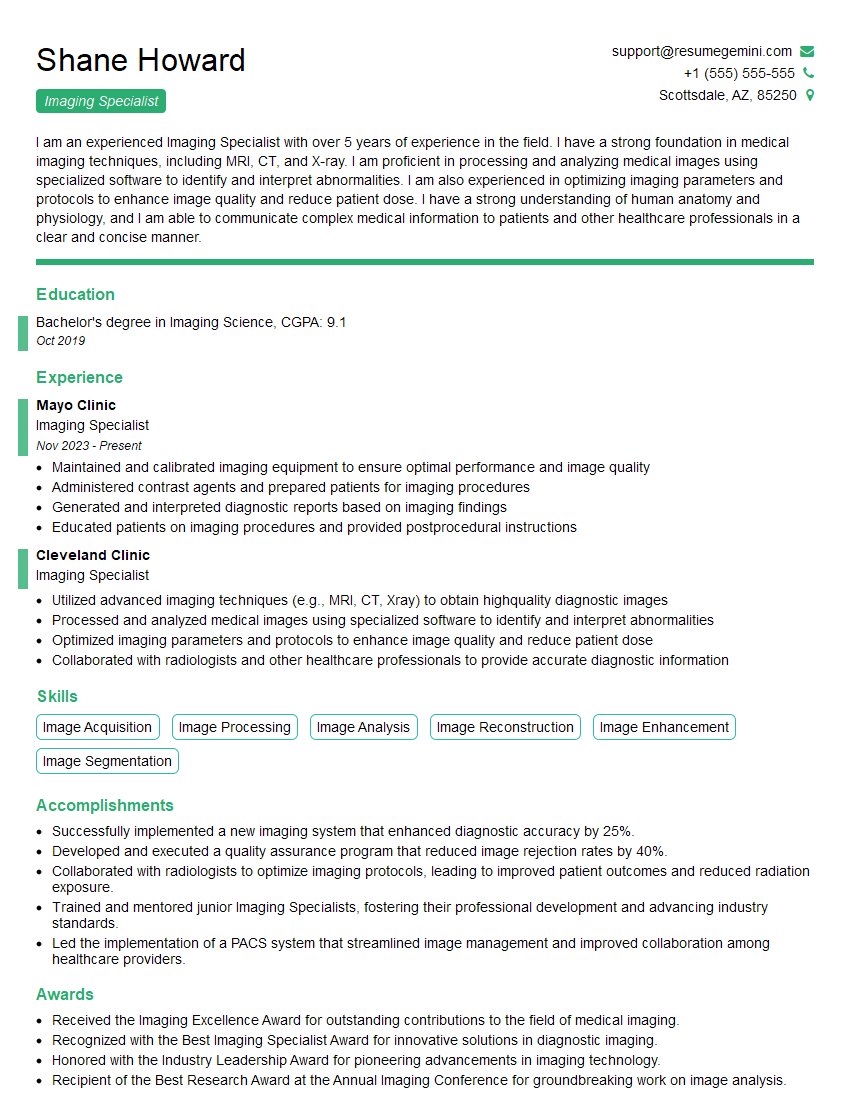
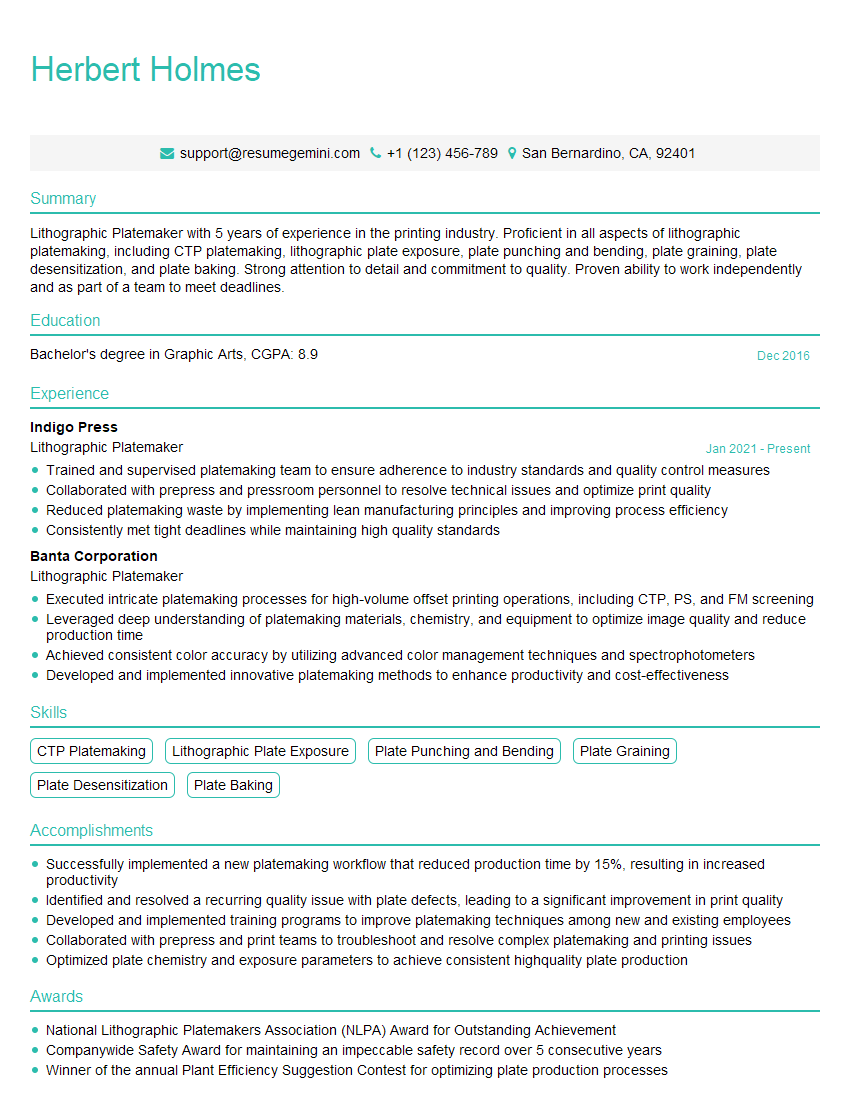
Mastering Imaging and Platemaking opens doors to exciting career opportunities in print production, pre-press, and related fields. Your expertise in this crucial area is highly valued, leading to rewarding roles with excellent growth potential. To significantly increase your chances of landing your dream job, creating a compelling and ATS-friendly resume is critical. ResumeGemini is a trusted resource that can help you build a professional resume that showcases your skills and experience effectively. We offer examples of resumes tailored to the Imaging and Platemaking field to guide you in creating a winning application. Let ResumeGemini help you make a strong first impression.





Explore more articles
Users Rating of Our Blogs
Share Your Experience
We value your feedback! Please rate our content and share your thoughts (optional).
What Readers Say About Our Blog
Very informative content, great job.
good