Are you ready to stand out in your next interview? Understanding and preparing for Implementing Disaster Recovery and Business Continuity Plans interview questions is a game-changer. In this blog, we’ve compiled key questions and expert advice to help you showcase your skills with confidence and precision. Let’s get started on your journey to acing the interview.
Questions Asked in Implementing Disaster Recovery and Business Continuity Plans Interview
Q 1. Explain the difference between Disaster Recovery and Business Continuity.
While both Disaster Recovery (DR) and Business Continuity (BC) aim to minimize disruptions, they differ in scope. Disaster Recovery focuses specifically on restoring IT systems and data after a disaster. Think of it as getting your computer back online after a power surge. Business Continuity, on the other hand, encompasses a broader range of plans and strategies to ensure the entire organization can continue operating during and after any disruptive event, regardless of the cause. This includes IT recovery, but also considers things like alternate work locations, communication protocols, and supply chain management. BC is the bigger picture, with DR being a crucial part.
For example, a hurricane could cause data center outages (requiring DR), but also interrupt supply chains and employee access to workplaces (requiring BC strategies to maintain operations). DR ensures the systems are back, while BC ensures the business remains functional.
Q 2. Describe the key components of a Business Continuity Plan (BCP).
A comprehensive Business Continuity Plan (BCP) has several key components:
- Business Impact Analysis (BIA): Identifying critical business functions and quantifying the impact of disruptions. This involves understanding dependencies, recovery time objectives (RTOs), and recovery point objectives (RPOs) for each function.
- Risk Assessment: Identifying potential threats and vulnerabilities that could disrupt operations (natural disasters, cyberattacks, pandemics, etc.). This involves assigning probabilities and impact levels to assess the risk.
- Recovery Strategies: Developing strategies for resuming critical business functions. These might involve backup sites, alternate work arrangements, communication plans, and vendor agreements.
- Recovery Procedures: Creating detailed, step-by-step procedures for implementing recovery strategies. These procedures should be regularly tested and updated.
- Communication Plan: Establishing clear communication channels and protocols for both internal and external stakeholders during a disruptive event. This is vital for keeping employees, customers, and partners informed.
- Training and Awareness: Training employees on their roles and responsibilities during a disruption. Regular drills and exercises help ensure preparedness.
- Testing and Maintenance: Regularly testing the BCP to identify weaknesses and ensure its effectiveness. The plan must be updated to reflect changes in the business or technology environment.
Think of a BCP as a comprehensive emergency manual for the entire business, not just IT. Its effectiveness hinges on proactive planning, detailed documentation, and regular testing.
Q 3. What are the different types of recovery time objectives (RTOs) and recovery point objectives (RPOs)?
Recovery Time Objective (RTO) is the maximum acceptable downtime for a system or application after a disruption. Recovery Point Objective (RPO) is the maximum acceptable data loss in case of a disruption. Both are expressed as time periods.
RTO Examples:
- Critical Systems: RTO of minutes or hours (e.g., payment processing, online banking).
- Important Systems: RTO of hours or days (e.g., email, internal systems).
- Non-critical Systems: RTO of days or weeks (e.g., some reporting systems).
RPO Examples:
- High Data Integrity: RPO of minutes or hours (e.g., financial transactions).
- Moderate Data Integrity: RPO of hours or days (e.g., sales data).
- Lower Data Integrity: RPO of days or weeks (e.g., some marketing data).
The choice of RTO and RPO depends on the system’s criticality to the business.
Q 4. How do you determine the appropriate RTO and RPO for a specific system or application?
Determining appropriate RTO and RPO values requires a careful Business Impact Analysis (BIA). This process involves:
- Identify Critical Systems and Data: Determine which systems and data are most vital to the business’s operations.
- Quantify the Impact of Downtime: Assess the financial and reputational consequences of downtime for each system. This often involves calculating potential revenue loss, customer churn, and legal penalties.
- Collaborate with Stakeholders: Gather input from business units and IT to understand the technical capabilities and limitations.
- Balance Cost and Risk: Achieving very low RTO/RPO values is generally expensive. Finding the balance between acceptable risk and affordable mitigation strategies is crucial.
For example, a financial institution might require a very low RTO and RPO for their transaction processing system, while a marketing department may tolerate a higher RTO and RPO for their analytics dashboard.
Q 5. What are some common threats and vulnerabilities that should be considered when developing a BCP?
When developing a BCP, several common threats and vulnerabilities must be considered:
- Natural Disasters: Earthquakes, floods, hurricanes, wildfires.
- Cyberattacks: Ransomware, denial-of-service attacks, data breaches.
- Power Outages: Prolonged power failures or grid instability.
- Pandemics: Widespread illness affecting workforce availability.
- Hardware/Software Failures: Equipment malfunctions, software bugs.
- Human Error: Accidental data deletion, misconfiguration of systems.
- Third-Party Risks: Disruptions caused by vendors or suppliers.
A robust BCP should address these threats with mitigation strategies, such as redundant systems, data backups, disaster recovery sites, and robust cybersecurity measures.
Q 6. Describe your experience with developing and implementing disaster recovery plans.
I have extensive experience developing and implementing disaster recovery plans for diverse organizations, ranging from small businesses to large multinational corporations. My approach is always collaborative, starting with a thorough Business Impact Analysis to identify critical systems and data. I then work closely with IT and business stakeholders to design recovery strategies that meet their RTO and RPO requirements. This includes specifying recovery solutions (e.g., hot site, warm site, cold site, cloud-based DR), defining recovery procedures, and developing detailed runbooks.
In one project for a financial services firm, we implemented a geographically diverse, cloud-based disaster recovery solution that ensured near-zero downtime during a major regional power outage. We used automated failover mechanisms and robust data replication to minimize data loss and recovery time. This involved extensive testing and training to ensure a smooth transition during an emergency.
Q 7. Explain your experience with different disaster recovery strategies (e.g., hot site, cold site, warm site).
I have experience with various disaster recovery strategies:
- Hot Site: A fully operational duplicate site with all the necessary hardware, software, and data, ready for immediate use. RTO is minimal, but it is the most expensive option.
- Warm Site: A site with essential hardware and software, but data needs to be restored from backups. RTO is longer than a hot site, but less expensive.
- Cold Site: A basic site with space and infrastructure but requires the installation of hardware and software, and data restoration from backups. The RTO is the longest, but it’s the most cost-effective option.
- Cloud-based DR: Utilizing cloud services to provide backup and recovery capabilities. Offers scalability, flexibility and cost-effectiveness, with varying RTOs depending on the configuration.
The best strategy depends on the organization’s budget, risk tolerance, RTO/RPO requirements, and the nature of its critical systems. For example, a high-frequency trading firm would likely opt for a hot site or cloud-based DR, while a small retail business might choose a warm or cold site. The choice often involves a combination of strategies to balance cost and recovery time.
Q 8. What is a failover cluster, and how does it support disaster recovery?
A failover cluster is a group of interconnected servers that work together to provide high availability and fault tolerance. Imagine it like having several backup singers ready to step in if the lead singer gets sick. If one server fails, another automatically takes over, ensuring continuous operation. This is crucial for disaster recovery because it minimizes downtime.
In a disaster recovery context, a failover cluster can be geographically dispersed. One cluster might reside in the primary data center, while a secondary cluster is located in a geographically separate location. If the primary data center experiences a disaster (like a fire or earthquake), the secondary cluster automatically takes over, ensuring business continuity. This setup often involves technologies like shared storage (SAN or NAS) or specialized clustering software (like Windows Server Failover Clustering or VMware vSphere HA).
For example, a banking application could use a failover cluster to ensure that customers can always access their accounts, even if a server in the primary data center fails. The cluster ensures uninterrupted service, preventing data loss and maintaining customer trust.
Q 9. How do you test and validate your DR/BC plans?
Testing and validating DR/BC plans is crucial, and it’s not a one-time activity. It involves a phased approach, starting with tabletop exercises, progressing to simulations, and finally, full-scale drills.
Tabletop Exercises: These are low-cost, low-impact sessions where the team walks through various disaster scenarios, identifying potential issues and refining the plan. It’s like a dry run of a play.
Simulations: These exercises involve using simulated data and systems to test the DR/BC plan’s effectiveness without impacting live operations. This could involve testing the failover mechanism for a specific application or system.
Full-Scale Drills: In a full-scale drill, you actually shut down the primary systems and failover to the secondary site. This is the most thorough but also the most disruptive test, best suited for crucial systems or after significant changes to the DR/BC plan. It’s like a real game with real consequences.
Regular testing allows for identifying and resolving weaknesses in the plan before a real disaster strikes, ensuring the plan’s effectiveness and fostering a culture of preparedness within the organization.
Q 10. What are some common metrics used to measure the effectiveness of a DR/BC plan?
Several key metrics help measure the effectiveness of a DR/BC plan. These metrics provide a quantitative measure of how well the plan performs under pressure.
Recovery Time Objective (RTO): This specifies the maximum acceptable downtime after a disaster. A shorter RTO indicates better resilience.
Recovery Point Objective (RPO): This specifies the maximum acceptable data loss in case of a disaster. A lower RPO means less data will be lost.
Mean Time To Recovery (MTTR): This metric measures the average time it takes to recover systems and data after a disaster. A shorter MTTR showcases efficiency.
Work Recovery Time (WRT): This measures the time it takes to resume business processes after a disaster, taking into account not just system recovery but also employee tasks.
Cost of Recovery: This represents the financial investment in the DR/BC plan itself, including infrastructure, software, and personnel.
Tracking these metrics allows for continuous improvement of the DR/BC plan, ensuring it remains relevant and effective in the face of evolving threats.
Q 11. Describe your experience with various backup and recovery technologies.
My experience spans various backup and recovery technologies, including disk-based backups (using tools like Veeam or Commvault), tape-based backups (for long-term archival), and cloud-based backup solutions (like Azure Backup or AWS Backup). I’ve worked extensively with both physical and virtual server environments, implementing strategies to ensure efficient backups and fast recovery times.
I’m familiar with different backup methodologies, including full, incremental, and differential backups, and understand how to optimize backup schedules and storage strategies. I also have hands-on experience with technologies like deduplication and compression to reduce storage costs and backup times. For example, in a previous role, I optimized a company’s backup strategy, reducing backup time by 40% and storage costs by 25% by implementing incremental backups and data deduplication.
Q 12. Explain your experience with data replication and high availability.
Data replication and high availability are fundamental to robust disaster recovery. My experience encompasses both synchronous and asynchronous data replication techniques. Synchronous replication ensures that data is mirrored in real-time across multiple locations, providing immediate failover. Asynchronous replication, while offering lower latency, involves a short period of data loss during a failover. The choice depends on the RPO requirement.
I’ve worked with various high-availability technologies, including clustering solutions (like those mentioned earlier), load balancers, and geographically redundant deployments of applications and databases. For instance, I implemented a geographically redundant database setup using database replication and load balancing, ensuring that even with a complete outage in one region, the application remained available to users with minimal disruption. This required meticulous planning and testing to guarantee seamless failover.
Q 13. How do you ensure business continuity during a pandemic or other widespread event?
Ensuring business continuity during a pandemic or widespread event requires a multi-faceted approach. A key element is the development of a comprehensive remote work strategy, including secure remote access, robust communication channels, and clear guidelines for employees. This may involve investing in technologies like VPNs, collaboration tools, and cloud-based solutions.
Furthermore, it’s crucial to have robust communication plans in place to keep employees, customers, and stakeholders informed. Contingency planning for supply chain disruptions is also vital, identifying alternate suppliers and ensuring sufficient stock of critical resources. Regular reviews and updates to the DR/BC plan are also critical to adjust for evolving situations. During the COVID-19 pandemic, I assisted a company in quickly implementing a fully remote work policy, ensuring business operations continued with minimal interruption.
Q 14. What is your experience with regulatory compliance related to disaster recovery?
My experience includes working with various regulatory compliance standards related to disaster recovery, including HIPAA (for healthcare organizations), PCI DSS (for payment card data), and GDPR (for data privacy). Understanding these regulations is crucial for ensuring that DR/BC plans comply with legal and industry requirements.
Compliance often mandates specific data retention policies, security measures, and reporting requirements. For example, I helped a healthcare provider implement a HIPAA-compliant DR/BC plan, focusing on data encryption, access control, and detailed audit trails. This involved meticulous documentation and regular audits to ensure ongoing compliance. Understanding these regulations and incorporating them into the DR/BC plan ensures compliance and minimizes the risk of penalties or legal issues.
Q 15. How do you handle the communication and coordination aspects of a disaster recovery event?
Effective communication and coordination are the lifelines of any successful disaster recovery (DR) event. Think of it like a well-orchestrated symphony – every section needs to play its part in harmony. My approach centers around a multi-layered strategy involving pre-defined communication channels, roles, and escalation procedures.
- Pre-defined Communication Channels: We utilize a mix of tools depending on the urgency and the need for broadcast or point-to-point communication. This might include SMS alerts for immediate notifications, dedicated phone lines for critical updates, email for detailed reports, and collaboration platforms (like Slack or Microsoft Teams) for ongoing updates and discussions. Each team member knows which channel to use for which situation.
- Designated Roles and Responsibilities: Clear roles and responsibilities are crucial. We identify a Communication Lead responsible for disseminating information, a technical team focused on system recovery, a business continuity team focused on operational recovery, and a public relations team (if necessary) for external communication. This prevents confusion and ensures accountability.
- Escalation Procedures: We have pre-defined escalation paths. If a problem can’t be solved at a certain level, it automatically moves to a higher authority. This ensures rapid response and prevents bottlenecks.
- Regular Communication Drills: We conduct regular DR drills to test our communication plan and identify any weaknesses before a real disaster strikes. These drills involve simulating various scenarios, practicing the use of different communication channels, and refining our processes.
For example, during a recent simulated server failure, our communication plan worked flawlessly. The Communication Lead immediately sent SMS alerts to key personnel, while the technical team used the collaboration platform to coordinate the recovery effort. The regular updates and open communication channels ensured that everyone remained informed and aligned throughout the entire process.
Career Expert Tips:
- Ace those interviews! Prepare effectively by reviewing the Top 50 Most Common Interview Questions on ResumeGemini.
- Navigate your job search with confidence! Explore a wide range of Career Tips on ResumeGemini. Learn about common challenges and recommendations to overcome them.
- Craft the perfect resume! Master the Art of Resume Writing with ResumeGemini’s guide. Showcase your unique qualifications and achievements effectively.
- Don’t miss out on holiday savings! Build your dream resume with ResumeGemini’s ATS optimized templates.
Q 16. Describe a time you had to troubleshoot and resolve an issue during a disaster recovery event.
During a recent DR event triggered by a severe power outage affecting our primary data center, we encountered an issue with our failover mechanism for our critical CRM system. While the system successfully failed over to the secondary site, we experienced intermittent database connectivity issues resulting in slow response times and user frustration. This wasn’t a complete system failure, but it significantly impacted our ability to serve clients.
My first step was to engage the database administrators (DBAs) and network engineers. We worked collaboratively to identify the root cause, and after careful analysis of logs and network traffic, discovered that a misconfiguration in the network firewall at the secondary site was blocking specific database ports. This was impacting the communication between the application server and the database server.
We immediately implemented a temporary workaround by temporarily opening the relevant ports, restoring normal functionality within minutes. Following this, we reconfigured the firewall rules to allow the necessary ports while maintaining security best practices. A post-incident review led to enhanced firewall configuration documentation and automated testing as part of our DR plan.
Q 17. Explain your experience with creating a communication plan for a disaster recovery event.
Creating a comprehensive communication plan is paramount for any DR event. This involves far more than just identifying contact information. It requires careful consideration of audience segmentation, message prioritization, and communication channel selection.
- Audience Segmentation: The communication plan needs to cater to different groups—internal teams (IT, management, employees), clients, partners, and even regulatory bodies depending on the situation and the nature of the business. Each group has different needs and information requirements.
- Message Prioritization: During a crisis, information overload can be detrimental. Messages must be prioritized. Crucial information—like the nature of the event, the impacted services, and estimated recovery times—must be communicated first. Less urgent updates can follow.
- Channel Selection: Choosing the right channels is vital. SMS for urgent alerts, email for detailed updates, conference calls for group updates, and a dedicated website or intranet page for regular updates are essential. The choice depends on the audience and urgency of the message.
- Communication Templates: Developing pre-written templates for common scenarios helps maintain consistency and reduces the time taken to communicate during a crisis. This allows rapid communication of critical details.
- Regular Testing: The plan must be tested regularly. Mock drills and tabletop exercises ensure the plan works as intended and highlight areas for improvement.
For example, I developed a communication plan for a large financial institution. It used a tiered approach, separating critical internal communications from customer notifications and regulatory reporting. The plan included specific templates for each scenario, ensuring clarity and consistency in the messaging.
Q 18. How do you prioritize applications and systems during a disaster recovery event?
Prioritization during a DR event is critical. Not all applications and systems are created equal. Some are essential for business operations, while others can tolerate a longer downtime. My prioritization strategy relies on a combination of factors:
- Business Impact Analysis (BIA): This is fundamental. A BIA identifies critical business functions and assesses the impact of their disruption. This helps determine which applications and systems need to be recovered first. We use a matrix ranking systems by impact and recovery time objective (RTO).
- Recovery Time Objective (RTO) and Recovery Point Objective (RPO): RTO defines the maximum acceptable downtime for a system, while RPO defines the maximum acceptable data loss. Systems with low RTO and RPO values are prioritized.
- Dependencies: We map out dependencies between systems. Recovering systems with upstream dependencies first allows faster restoration of other dependent systems.
- Resource Availability: Prioritization also depends on resource availability (staff, hardware, software). We may prioritize systems that can be recovered with minimal resources.
For example, in a retail environment, the online ordering system would likely have a higher priority than the internal employee directory because the former directly impacts revenue and customer satisfaction. The BIA provides the framework for making such informed decisions.
Q 19. What is your experience with automation in disaster recovery and business continuity?
Automation is transformative in DR and business continuity. Manual processes are slow, error-prone, and may not scale effectively during a large-scale outage. My experience spans various automation approaches:
- Automated Failover: Implementing automated failover mechanisms for critical applications and databases drastically reduces downtime. Tools like cloud-based load balancers and automated failover scripts are essential. This reduces the time it takes to switch to the DR site.
- Automated System Recovery: Scripting and orchestration tools like Ansible, Chef, or Puppet automate the recovery process. This enables quicker restoration of systems and reduces the need for manual intervention.
- Automated Testing: Regularly automated testing of the DR plan and infrastructure is vital. This can be achieved using various testing tools to simulate various disaster scenarios and verify the readiness of the DR environment.
- Cloud-Based Automation: Cloud providers offer robust automation tools for disaster recovery, simplifying the creation and management of DR environments. This is particularly useful for infrastructure-as-a-service (IaaS) and platform-as-a-service (PaaS) based solutions.
For instance, we automated the recovery of our web application servers using Ansible playbooks. This reduced the recovery time from hours to minutes during a recent test and ensured consistent restoration across various deployment environments.
Q 20. How do you integrate disaster recovery and business continuity with other IT security initiatives?
Disaster recovery and business continuity (DR/BC) are intrinsically linked to IT security. A robust DR/BC plan complements other IT security initiatives. They are not mutually exclusive but rather reinforcing components of a holistic security strategy.
- Data Security and Protection: DR/BC plans incorporate secure data backups, encryption, and access controls. These practices protect data during and after a disaster and align with broader security policies.
- Security Monitoring and Incident Response: Security monitoring and incident response are essential parts of both DR and security. DR plans should incorporate measures for detecting and responding to security incidents that could trigger a DR event. This ensures rapid response to security-related incidents.
- Vulnerability Management: Regular vulnerability assessments and penetration testing help identify and mitigate weaknesses that could be exploited and lead to a disaster. This strengthens the overall security posture and reduces the likelihood of a DR event.
- Compliance and Regulatory Requirements: DR/BC plans must comply with relevant regulations and industry standards (e.g., HIPAA, PCI DSS). Security plays a pivotal role in fulfilling these requirements. Data protection and security measures are key elements in meeting these regulations.
For instance, our DR plan incorporates regular security audits of backup data, access control checks on DR systems, and procedures for responding to security breaches that might impact the DR capabilities. This integration ensures that security and DR/BC objectives are aligned, reinforcing the overall security posture.
Q 21. Describe your experience with cloud-based disaster recovery solutions.
Cloud-based DR solutions offer significant advantages in terms of scalability, cost-effectiveness, and speed of recovery. My experience encompasses various cloud DR strategies:
- Cloud-Based Replication: Replicating data and systems to a cloud provider’s infrastructure provides a readily available DR site. Services like AWS Disaster Recovery, Azure Site Recovery, and Google Cloud Disaster Recovery offer robust replication capabilities.
- Cloud-Based Backup and Restore: Cloud-based backup services enable offsite storage of data, simplifying the recovery process. Cloud providers offer options for storing data in multiple regions to ensure high availability and resilience.
- Cloud-Based Virtual Machines (VMs): Creating and managing DR VMs in the cloud offers flexibility and scalability. This enables fast provisioning of resources during a disaster without investing in additional on-premise hardware.
- Hybrid Cloud DR: Combining on-premise infrastructure with cloud-based resources for DR enhances flexibility and resilience. This approach allows organizations to leverage the benefits of both on-premise and cloud-based environments.
For example, I have implemented a hybrid cloud DR solution for a client, where critical databases were replicated to a cloud provider’s infrastructure while less critical applications remained on-premise. This provided a cost-effective and scalable DR solution tailored to their specific needs. The flexibility of the cloud allowed us to easily scale resources during the recovery process.
Q 22. What is your experience with different disaster recovery methodologies (e.g., phased restoration, parallel run)?
Disaster recovery methodologies dictate how we restore systems and data after a disruptive event. Two common approaches are phased restoration and parallel run.
Phased Restoration: This involves a gradual recovery, prioritizing critical systems first. Imagine a hospital; we’d restore patient monitoring systems before administrative functions. We might start with the most crucial applications and databases, then progressively bring up less critical systems. This approach minimizes risk, allowing us to carefully verify each step before proceeding. It’s cost-effective as it doesn’t require fully duplicated infrastructure.
Parallel Run: This method involves operating both the primary and secondary systems simultaneously for a period. It’s like having a shadow IT infrastructure mirroring the live one. This is ideal for testing the disaster recovery plan before a real disaster strikes, enabling us to identify and fix glitches. Although more expensive due to the need for duplicate resources, it provides the highest level of confidence in the DR plan’s effectiveness. I’ve used both methods successfully, choosing the appropriate approach based on the organization’s criticality, budget, and risk tolerance. In one instance, a phased approach was ideal for a smaller client with a limited budget, while for a large financial institution, a parallel run provided the necessary confidence.
Q 23. Explain your understanding of impact analysis and business impact analysis (BIA).
Impact analysis and Business Impact Analysis (BIA) are crucial steps in developing effective DR/BC plans. Both focus on understanding the potential consequences of disruptions, but they differ in scope.
Impact Analysis: This broader term analyzes the effects of any incident – not just disasters. It assesses the impact of any disruption, whether it’s a power outage, a security breach, or a natural disaster. The goal is to identify potential vulnerabilities and their potential effects on all aspects of the organization.
Business Impact Analysis (BIA): This is a more specific type of impact analysis focusing on the impact of disruptions on business operations. A BIA systematically identifies critical business functions, assesses their recovery time objectives (RTOs) – how long it can take to recover before significant business impact – and recovery point objectives (RPOs) – the acceptable data loss in case of a failure. It helps prioritize recovery efforts and determine the resources required for recovery. For instance, a BIA for an e-commerce company would focus on the impact of downtime on sales, customer satisfaction, and revenue. It would determine the acceptable downtime (RTO) and data loss (RPO).
I use a structured approach for BIAs, involving workshops with key stakeholders to identify critical business functions, potential threats, and the resulting impacts. The result is a prioritized list of recovery activities, informing resource allocation and testing strategies.
Q 24. How do you measure the cost-effectiveness of a disaster recovery plan?
Measuring the cost-effectiveness of a disaster recovery plan requires a balanced approach, considering both costs and benefits. It’s not just about minimizing initial investment but also about evaluating long-term return on investment (ROI).
Cost Analysis: This includes infrastructure costs (hardware, software, cloud services), personnel costs (training, staffing), and ongoing maintenance. I use spreadsheets and project management tools to track these costs.
Benefit Analysis: This focuses on the potential losses averted by having a functioning DR plan. This includes potential financial losses from downtime, reputational damage, legal liabilities, and loss of competitive advantage. We quantify these by considering factors such as revenue loss per hour of downtime, potential fines, and loss of market share.
Cost-Benefit Ratio: The effectiveness of the DR plan is assessed by comparing the cost of the plan against the potential cost of disruption. A lower ratio indicates a more cost-effective plan. I also look at metrics like RTO and RPO improvements to assess the value of investment. For example, a reduction in RTO from 72 hours to 4 hours significantly increases the plan’s cost-effectiveness. This is often presented as a return on investment, showing the financial benefits of preventing costly disruptions.
Q 25. Describe your experience with different types of backup media (e.g., tape, disk, cloud).
Backup media selection depends on factors such as cost, speed, capacity, and security needs. Each type has its strengths and weaknesses.
Tape: Offers high capacity and low cost per gigabyte, making it suitable for long-term archiving. However, it’s relatively slow for data retrieval. It’s still used for offsite backups and long-term retention.
Disk: Provides faster access times compared to tape and is ideal for frequent backups and rapid recovery. However, it can be more expensive per gigabyte than tape. Solid-state drives (SSDs) offer even faster performance but come at a higher price.
Cloud: Provides scalability, accessibility, and cost-effectiveness. Different cloud providers offer various storage options (object storage, block storage, file storage), offering flexibility in backup strategy. It also provides geo-redundancy for enhanced data protection. Cloud backups provide ease of access, especially useful for remote teams and locations.
I’ve used all three extensively. Tape is ideal for inexpensive, long-term storage, disk for fast recovery, and cloud for offsite backups and scalability. A hybrid approach often proves most efficient, combining the strengths of each.
Q 26. How do you ensure the security of backup and recovery data?
Security of backup and recovery data is paramount. Breaches can have devastating consequences.
Encryption: Both data at rest and data in transit must be encrypted. This ensures that even if the backup media is compromised, the data remains unreadable without the decryption key. I ensure all backups, whether on tape, disk, or cloud, are encrypted using strong, industry-standard algorithms.
Access Control: Strict access control measures are implemented to limit who can access backup data. This includes using role-based access control and multi-factor authentication.
Regular Security Audits: Regular security audits and penetration testing are crucial to identify vulnerabilities and ensure the effectiveness of security measures. I follow industry best practices and compliance regulations (like GDPR, HIPAA) for data security.
Offsite Storage: Backups should be stored offsite in a secure location to protect them from physical damage or theft. Cloud-based backups offer inherent offsite protection. For physical media, secure offsite data centers are utilized.
Data Integrity Verification: Regular verification of data integrity ensures the backups are valid and recoverable. This involves checksum verification and periodic test restorations.
Q 27. What are some common challenges faced when implementing DR/BC plans, and how have you overcome them?
Implementing DR/BC plans presents numerous challenges. Some common ones include:
- Lack of executive sponsorship and buy-in: Without strong support from leadership, resources may be lacking and the plan might not be fully implemented or tested. I address this by clearly demonstrating the potential financial and operational risks associated with a lack of preparedness and showcasing the ROI of a well-implemented DR plan.
- Insufficient budget: DR/BC plans can be expensive. To overcome this, I prioritize essential systems and data, focusing on cost-effective solutions, and phased implementation rather than trying to solve everything at once.
- Lack of staff training and awareness: Staff must understand their roles in the DR plan. I address this through regular training sessions, simulations, and creating easily accessible documentation.
- Maintaining up-to-date plans: Business environments change; plans must be reviewed and updated regularly. I incorporate a process of continuous improvement, incorporating lessons from tests and audits into the plan’s structure.
- Testing challenges: Thorough testing is vital but can be disruptive. I use techniques like parallel testing and simulated disaster scenarios to minimize disruption. I prioritize a phased approach to testing, ensuring minimal impact on ongoing operations.
Overcoming these challenges requires strong communication, collaboration, and a phased approach. It’s about building a culture of preparedness where DR/BC is seen not as a cost center but as a critical investment protecting the organization’s future.
Key Topics to Learn for Implementing Disaster Recovery and Business Continuity Plans Interview
- Risk Assessment and Analysis: Understanding methodologies for identifying and prioritizing potential threats to business operations, including natural disasters, cyberattacks, and human error. Practical application: Conducting a thorough risk assessment for a hypothetical organization, identifying vulnerabilities and proposing mitigation strategies.
- Business Impact Analysis (BIA): Defining critical business functions and their recovery time objectives (RTOs) and recovery point objectives (RPOs). Practical application: Developing a BIA for a specific department, prioritizing systems and data based on their impact on the business.
- Disaster Recovery Plan (DRP) Development: Creating a comprehensive plan outlining procedures for recovering IT systems and data in the event of a disaster. Practical application: Designing a DRP for a cloud-based infrastructure, including backup and restore procedures, failover mechanisms, and communication protocols.
- Business Continuity Plan (BCP) Development: Developing a plan to ensure the continued operation of the business during and after a disruptive event, encompassing all aspects of the organization, not just IT. Practical application: Developing a BCP for a small business, outlining alternative work locations, communication plans, and supply chain strategies.
- Testing and Maintenance: Regular testing and updates of DRP and BCP to ensure effectiveness and relevance. Practical application: Describing different testing methodologies (tabletop exercises, full-scale drills) and their advantages and disadvantages.
- Incident Response and Management: Establishing procedures for handling incidents and disruptions, including communication, escalation, and remediation. Practical application: Developing an incident response plan for a data breach, including steps for containment, eradication, and recovery.
- Recovery Strategies: Understanding various recovery strategies, such as hot site, cold site, warm site, and cloud-based solutions. Practical application: Comparing the cost-effectiveness and suitability of different recovery strategies for various scenarios.
- Communication and Collaboration: The importance of clear and effective communication during a crisis, including internal and external stakeholders. Practical application: Developing a communication plan to keep employees, customers, and partners informed during a disaster.
Next Steps
Mastering Disaster Recovery and Business Continuity Planning is crucial for a successful career in IT and related fields. Demonstrating this expertise through a strong resume is essential. Create an ATS-friendly resume that highlights your skills and experience in this area to maximize your job prospects. ResumeGemini is a trusted resource for building professional and effective resumes. They offer examples of resumes tailored to Implementing Disaster Recovery and Business Continuity Plans to help you craft a compelling application that showcases your capabilities.

Operations Manager Resume Sample

Data Center Manager Resume Sample
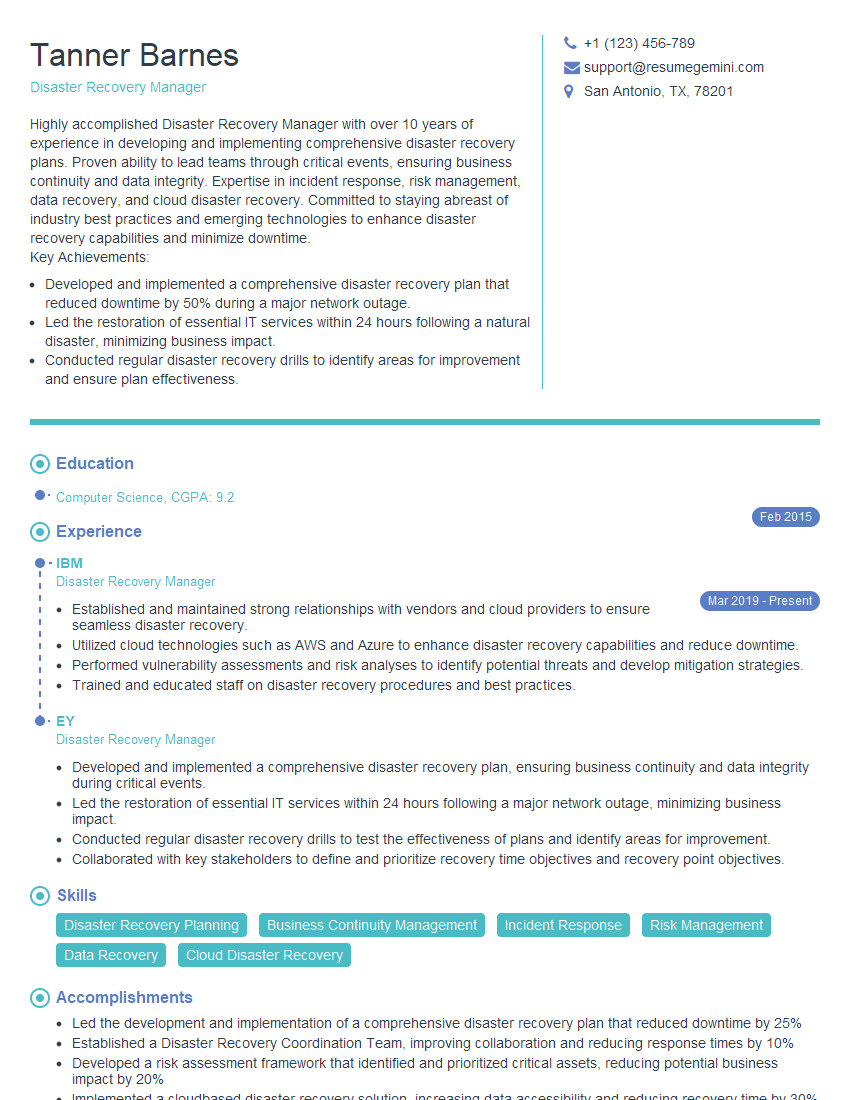
Disaster Recovery Manager Resume Sample
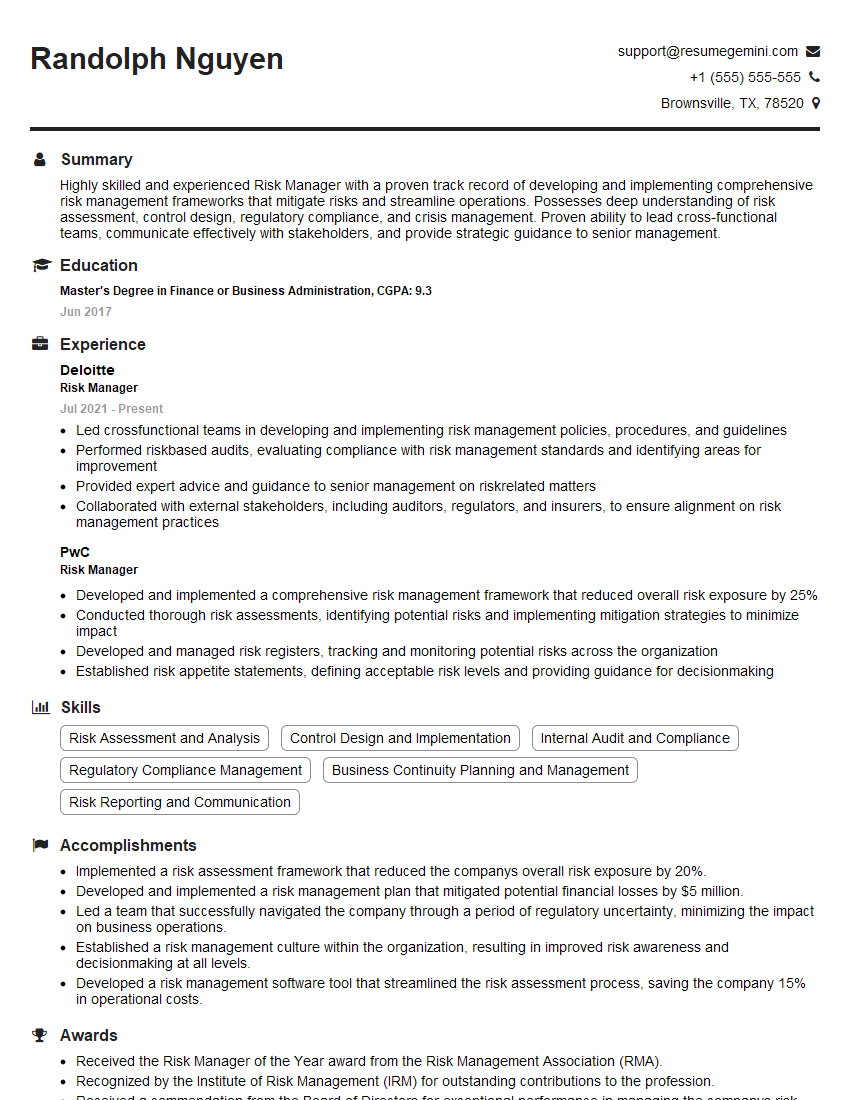
Risk Manager Resume Sample
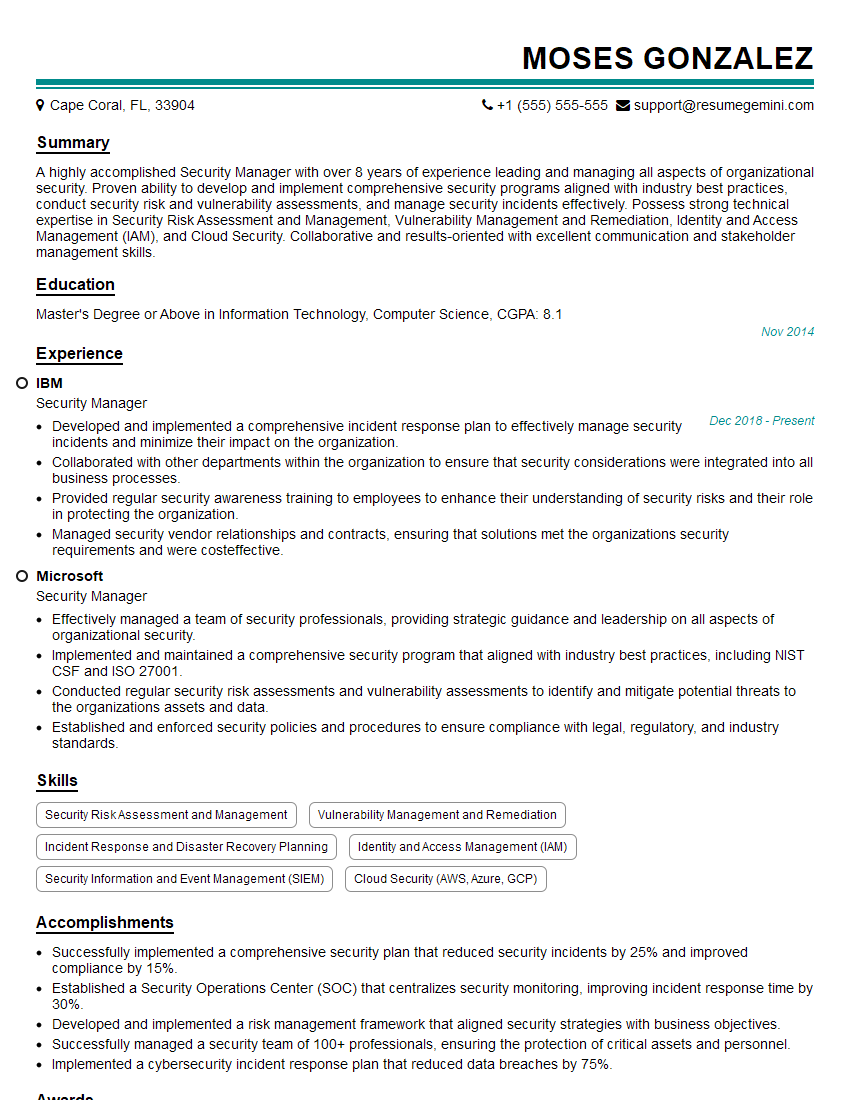
Security Manager Resume Sample
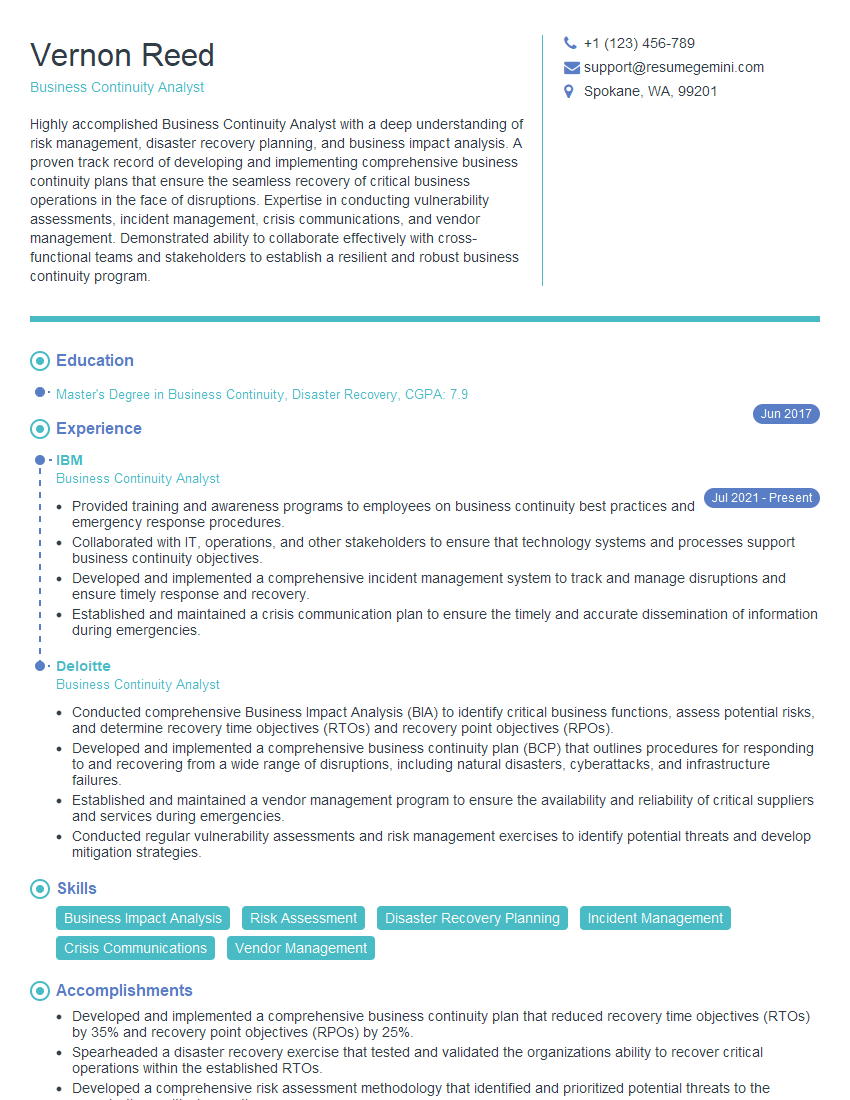
Business Continuity Analyst Resume Sample
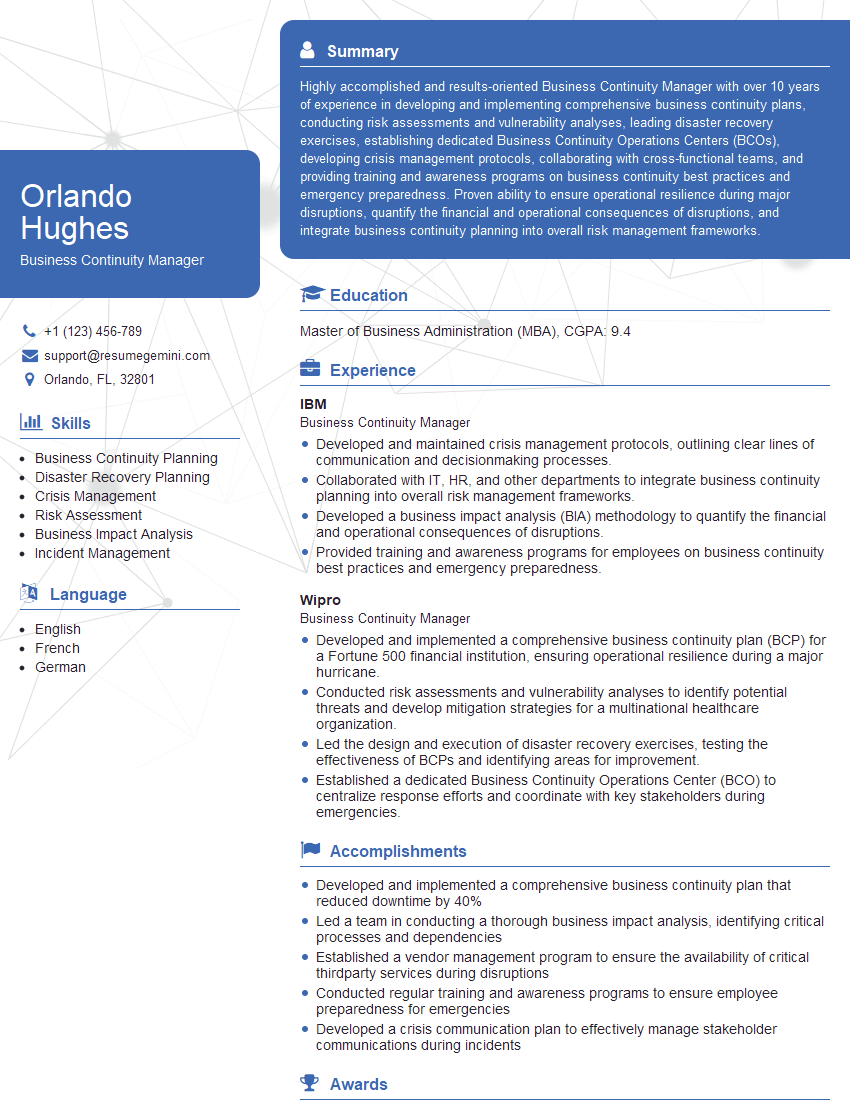
Business Continuity Manager Resume Sample

Information Security Manager Resume Sample
Explore more articles
Users Rating of Our Blogs
Share Your Experience
We value your feedback! Please rate our content and share your thoughts (optional).
What Readers Say About Our Blog
Very informative content, great job.
good