Interviews are more than just a Q&A session—they’re a chance to prove your worth. This blog dives into essential Knowledge of audio and video systems interview questions and expert tips to help you align your answers with what hiring managers are looking for. Start preparing to shine!
Questions Asked in Knowledge of audio and video systems Interview
Q 1. Explain the difference between balanced and unbalanced audio cables.
The core difference between balanced and unbalanced audio cables lies in how they handle electrical noise. Unbalanced cables use a single conductor to carry the audio signal and a common ground wire. This makes them susceptible to electromagnetic interference (EMI) picking up noise from the environment, degrading the signal quality. Think of it like a single lane highway – any disturbance affects the entire flow of traffic.
Balanced cables, on the other hand, employ two conductors carrying the audio signal, one inverted (out of phase) relative to the other. These signals are then recombined at the receiving end, canceling out any common-mode noise picked up along the way. This is like having two lanes of traffic going in opposite directions; if one lane is disrupted, the other still gets through. This results in cleaner, higher-quality audio, especially over longer distances.
In practice, XLR connectors are typically used for balanced connections, while TS (Tip-Sleeve) connectors, like those on instrument cables, are often unbalanced. The use of balanced or unbalanced cables depends on the sensitivity of the audio signal and the distance it needs to travel. For long cable runs or sensitive microphone signals, balanced cables are highly recommended.
Q 2. Describe your experience with various audio mixing consoles.
My experience with audio mixing consoles spans a wide range, from small analog mixers like the Yamaha MG series, ideal for smaller gigs or home studios, to larger digital consoles such as the Allen & Heath dLive and Avid S6. I’ve worked extensively with both analog and digital systems in various settings including live sound reinforcement, recording studios, and broadcast environments.
The Yamaha MG series taught me the fundamentals of gain staging, EQ, and aux sends in a straightforward way. Moving to digital consoles like the dLive broadened my skills considerably, introducing me to advanced features like scene recall, sophisticated routing capabilities, and integrated digital effects processing. The Avid S6 further reinforced the power of digital workflows, particularly in large-scale productions with extensive I/O requirements. I’m comfortable with both console types and understand the strengths and weaknesses of each, choosing the appropriate console based on the project’s needs and budget.
Q 3. What are your preferred methods for troubleshooting audio feedback?
Audio feedback, that ear-splitting squeal, is a common problem. My approach to troubleshooting it is systematic, focusing on identifying the source of the loop. I typically start by:
- Gain Reduction: Lowering the gain of the microphone preamps and/or the output levels on the mixer is the first step. This reduces the amount of signal available to create the feedback loop.
- EQ Notch Filters: Precisely identifying the feedback frequency using a real-time analyzer (RTA) is key. Then, using a parametric EQ, a narrow notch filter can be applied at the offending frequency to remove it from the system.
- Microphone Placement: Improper microphone placement is a major contributor to feedback. I’ll carefully reposition microphones, ensuring they’re not pointed directly at loudspeakers or reflective surfaces.
- Directional Microphones: Using cardioid or hypercardioid microphones can significantly reduce feedback by focusing on the desired sound source and rejecting sounds from other directions.
- System Delays: If the feedback is persistent despite other adjustments, I look for delay issues in the signal path. In some cases, adjusting delay compensation can help.
My approach prioritizes a combination of prevention (good mic technique and gain staging) and reactive problem-solving using EQ and other signal processing tools. This approach ensures a quick and efficient resolution without sacrificing sound quality.
Q 4. How do you ensure optimal audio levels for live streaming?
Optimal audio levels for live streaming are crucial for a high-quality viewing experience. The goal is to achieve a consistent and engaging listening experience without clipping or distortion. This involves several key steps:
- Headroom: Leaving sufficient headroom (typically around 6-12dB) prevents clipping, a harsh distortion caused by exceeding the maximum signal level.
- Gain Staging: Properly setting the gain at each stage of the audio chain is essential. This avoids unnecessary boosting of the signal later, reducing the potential for unwanted noise and distortion.
- Compression: Dynamic compression can help control peaks and even out the audio levels, preventing sudden loud passages and making quiet passages more audible. However, over-compression should be avoided.
- Monitoring: Using a good quality monitoring system to check the audio levels is critical. It allows for adjustments in real-time to maintain the desired level.
- Metering: Precise metering, such as peak meters and VU meters, allows for accurate measurement of audio levels to ensure they remain within safe operating parameters.
I typically use a combination of these techniques, and constantly monitor the audio levels throughout the stream to guarantee a consistently high quality broadcast without any annoying pops or sudden dips in audio.
Q 5. What video codecs are you familiar with and what are their strengths and weaknesses?
I’m familiar with a range of video codecs, each with its strengths and weaknesses. Here are a few examples:
- H.264 (AVC): A widely used and well-supported codec offering a good balance between compression efficiency and quality. Its strengths lie in its compatibility and broad support across devices. However, it can be computationally expensive for encoding and decoding, particularly at higher resolutions.
- H.265 (HEVC): An improvement over H.264, offering significantly better compression at similar quality levels or higher quality at the same bitrate. This makes it ideal for higher resolutions like 4K and 8K, but it requires more processing power and isn’t as universally supported yet.
- VP9: Developed by Google, VP9 is a royalty-free codec that competes favorably with H.265 in terms of compression efficiency. Its strengths are its royalty-free nature and relatively good performance, but its adoption is still less widespread than H.264.
- AV1: A newer, open-source codec designed for high efficiency and quality. It outperforms H.265 in compression, but the encoding demands are high, making it best suited for post-production workflows with powerful hardware.
The choice of codec depends heavily on the project’s requirements, the target platform, and the balance between quality, file size, and processing power.
Q 6. Explain your understanding of different video resolutions (e.g., 720p, 1080p, 4K).
Video resolutions define the number of pixels used to create the image, directly impacting image clarity and detail. The higher the resolution, the more detail and sharpness the video will have. Let’s look at some common resolutions:
- 720p (1280 x 720 pixels): Considered standard definition (SD) and appropriate for smaller screens or where bandwidth is a constraint. It offers a decent picture quality but lacks the detail of higher resolutions.
- 1080p (1920 x 1080 pixels): Full High Definition (FHD) offering a significant improvement over 720p in clarity and detail. It remains widely used for its good balance between quality and file size.
- 4K (3840 x 2160 pixels): Ultra High Definition (UHD) providing significantly more detail than 1080p, resulting in a much sharper and more immersive viewing experience. It’s ideal for larger screens and applications requiring very high image quality. But file sizes are considerably larger.
Choosing the right resolution is a tradeoff between quality and practicality. Higher resolutions demand greater storage space, bandwidth, and processing power. The choice depends on the context, from social media uploads to professional film production.
Q 7. Describe your experience with video editing software (e.g., Adobe Premiere, Final Cut Pro).
I have extensive experience with both Adobe Premiere Pro and Final Cut Pro, two industry-leading video editing software packages. My proficiency includes the full editing workflow: ingesting footage, assembling sequences, color correction, audio mixing, visual effects, and exporting in various formats.
Adobe Premiere Pro offers extensive capabilities and a vast ecosystem of plugins, making it suitable for complex projects and high-end post-production. Final Cut Pro, on the other hand, is known for its intuitive interface and efficient performance, making it a strong choice for faster turnaround times and smaller teams. My experience enables me to adapt to either platform effortlessly, selecting the most effective tool depending on project requirements and available resources. For example, I chose Premiere Pro for a large-scale documentary needing extensive color grading and VFX, while opting for Final Cut Pro for a rapid-turnaround corporate video.
Q 8. How do you manage color correction in video post-production?
Color correction in video post-production is the process of adjusting the colors in a video to achieve a consistent look and feel, enhance visual appeal, and correct for inaccuracies introduced during filming or lighting. It’s like retouching a photograph, but for moving images.
I typically begin by assessing the overall color balance, looking for any color casts (e.g., a blue tint from an overcast day). Then I use color correction tools, usually found in professional video editing software like DaVinci Resolve or Adobe Premiere Pro, to adjust:
- White Balance: Ensuring whites appear truly white, not tinted.
- Color Temperature: Adjusting the warmth or coolness of the overall image.
- Saturation: Controlling the intensity of colors.
- Contrast: Enhancing the difference between light and dark areas.
- Lift, Gamma, and Gain: These curves allow precise control over the shadows, mid-tones, and highlights of the image, adding depth and detail.
For instance, if a scene is too dark, I’ll increase the lift to brighten the shadows. If the colors are washed out, I’ll increase saturation. It’s a balance of artistic choice and technical accuracy. Each project demands a unique approach based on the original footage and the desired aesthetic.
I often use color grading tools as well. This goes beyond basic correction and involves creatively altering colors for stylistic effects, such as creating a specific mood or matching the color palette across different scenes. This is where artistic expression significantly comes into play.
Q 9. What are your experiences with different types of microphones and their applications?
My experience with microphones spans various types, each suited to different applications. Understanding their unique characteristics is crucial for optimal audio capture.
- Condenser Microphones: These are highly sensitive and capture a wide range of frequencies, making them ideal for studio recordings, voiceovers, and situations where detail is paramount. I often use large-diaphragm condenser mics for recording vocals due to their warm and rich sound. Small-diaphragm condensers excel in capturing instrument details.
- Dynamic Microphones: More rugged and less sensitive to handling noise, these are perfect for live performances, interviews, and loud environments. They are less prone to feedback, making them a reliable choice for stage use. The Shure SM58 is a classic example, known for its durability and consistent performance.
- Ribbon Microphones: These offer a unique, vintage-like sound with a naturally smooth character. They are delicate and require careful handling but are sought after for their ability to capture subtle nuances in sound.
- Lapel/Lavalier Microphones: Small and discreet, these are essential for interviews and filming where you want to keep the microphone hidden. I carefully select them based on the noise level of the environment and the quality of the desired recording.
I’ve worked with various microphone techniques, including stereo recording using multiple microphones for a more spatial audio experience and using boundary microphones in conference rooms for clear audio pickup from multiple speakers. The choice of microphone always depends on the specific requirements of the project.
Q 10. Explain your understanding of signal flow in an audio-visual system.
Signal flow in an audio-visual system describes the path an audio and video signal takes from its source to its final destination (e.g., speakers, screen). It’s a crucial aspect of system design and troubleshooting.
Think of it like a river. The source (camera, microphone) is the spring, and the final output (monitor, speakers) is the ocean. The signal flows through various components, each acting as a part of the river’s course. These components could include:
- Source Devices: Cameras, microphones, computers.
- Mixers/Switchers: Combining or switching between different audio and video sources.
- Audio Processors: Equalizers, compressors, effects units.
- Video Processors: Scalers, converters, special effects units.
- Amplifiers: Boosting the signal strength.
- Output Devices: Monitors, speakers, projectors.
Understanding the signal flow is essential for diagnosing issues. If there’s no sound, for instance, you systematically trace the signal path, checking each component along the way until you pinpoint the source of the problem. A clear understanding of signal flow allows for effective problem-solving in any A/V setup.
Q 11. How do you troubleshoot video signal loss or distortion?
Troubleshooting video signal loss or distortion involves a systematic approach.
My first step is to identify the nature of the problem:
- Complete signal loss? No image at all.
- Distorted image? Blurry, snowy, or flickering.
- Intermittent loss? Signal cuts in and out.
Then, I’ll follow these steps:
- Check connections: Cables are the most common culprits. Examine all cables for damage, ensure they are securely plugged in, and try different cables if possible.
- Power cycle devices: Turning devices off and on can resolve temporary glitches.
- Verify signal sources: Make sure the camera is working correctly, the signal is being sent, and the correct input is selected on the receiving device.
- Check signal routing: If using a switcher or router, ensure the correct input is selected and the signal is routed appropriately.
- Inspect cables and connectors: Look for bent pins or damage that could be interfering with signal transmission. Sometimes a small amount of corrosion can impact the connection.
- Test with alternate equipment: Use a different cable, monitor, or video source to isolate the problem.
- Adjust settings: Check resolution, aspect ratio, and other settings on both the source and receiving devices to ensure compatibility.
Often, the solution is surprisingly simple, such as a loose cable or an incorrect setting. However, a systematic approach will lead to the efficient identification and resolution of even complex issues.
Q 12. Describe your experience with various audio processing techniques (e.g., compression, equalization).
Audio processing techniques are essential for shaping and improving the sound quality. I’ve extensive experience with:
- Compression: Reduces the dynamic range of an audio signal, making quiet parts louder and loud parts quieter. This results in a more consistent and even sound. I use compression on vocals to even out volume levels and on drums to control the impact without clipping the sound.
- Equalization (EQ): Adjusts the balance of different frequencies in an audio signal. This can be used to boost or cut specific frequencies, enhancing or removing certain sounds. For example, I might boost the bass frequencies of a recording to make it sound fuller or cut high-frequency sibilance to make vocals clearer.
- Reverb and Delay: Add depth and ambience to recordings by simulating the reflection and delay of sound waves in a space. I use reverb to create the feeling of a performance in a large hall or delay to create interesting rhythmic effects.
- Noise Reduction: Reduces unwanted background noise. This is especially helpful in recordings with unwanted hum or hiss. It’s crucial for achieving clean audio, especially when working with low-quality recordings.
I often use these techniques in combination, achieving a well-balanced and polished sound. The specific combination and parameters depend on the nature of the audio and the desired sonic outcome. It’s an iterative process; I often use A/B comparisons to fine-tune the audio to perfection.
Q 13. What are your skills in using video conferencing and streaming software?
I’m proficient in several video conferencing and streaming software applications. My experience includes:
- Zoom: For conducting meetings, webinars, and virtual events. I understand its features for screen sharing, recording, and managing participants.
- Google Meet: Similar to Zoom, offering features for virtual collaboration.
- OBS Studio: A powerful open-source streaming software that I use for live streaming to platforms like YouTube and Twitch. I’m familiar with scene management, transitions, and incorporating various audio and video sources.
- XSplit Broadcaster: Another popular streaming software with a user-friendly interface.
Beyond the core functionality, I’m adept at troubleshooting connectivity issues, optimizing streaming settings for different bandwidths, and ensuring a smooth and professional presentation for online events. I have experience optimizing audio and video settings for the most reliable broadcast regardless of the software used.
Q 14. How do you handle multiple audio sources during a live event?
Handling multiple audio sources during a live event requires careful planning and execution. This involves using an audio mixer (a central control unit that combines different audio inputs) and a well-defined audio strategy.
My approach typically includes:
- Pre-Event Planning: Identify all audio sources (microphones, instruments, pre-recorded audio) and their signal flow. This includes clearly labeling all inputs and outputs.
- Microphone Placement: Strategically placing microphones to minimize feedback and capture the desired sound. I avoid placing microphones too close together to avoid phasing issues and ensure good audio isolation.
- Mixing and Balancing: Using the audio mixer to adjust levels, EQ, and other effects for each audio source to create a harmonious and balanced mix. Gain staging is critical to ensure a good level is sent to the recording or broadcast system.
- Monitoring: Using headphones or a separate monitoring system to ensure consistent audio quality throughout the event.
- Backup Systems: Having backup microphones, mixers, or audio interfaces in place in case of equipment failure.
Live events are dynamic. Quick thinking and adaptation are essential. I’m comfortable adjusting levels on the fly and troubleshooting issues that may arise during the event to maintain consistent and high-quality audio for the audience.
Q 15. Explain your familiarity with different video formats and their compatibility.
Understanding video formats and their compatibility is crucial for seamless AV workflows. Different formats offer varying levels of compression, resolution, and color depth, impacting file size, quality, and playback compatibility across devices.
- Common Formats: MP4 (highly versatile, widely compatible), MOV (Apple’s format, good quality), AVI (older format, less efficient), MKV (container format supporting various codecs), WMV (Microsoft’s format).
- Compatibility Considerations: A key factor is the codec (coder-decoder) used. For example, an MP4 file using the H.264 codec will likely play on most devices, while one using a less common codec like ProRes might require specific software or hardware. Resolution (e.g., 1080p, 4K) also affects compatibility. Higher resolutions require more processing power.
- Real-World Example: I once worked on a project where the client provided footage in a less common codec. To ensure compatibility across different display devices, I had to transcode – convert – the videos into a more widely supported format like H.264 MP4, thereby saving valuable time and preventing compatibility issues during the event.
Career Expert Tips:
- Ace those interviews! Prepare effectively by reviewing the Top 50 Most Common Interview Questions on ResumeGemini.
- Navigate your job search with confidence! Explore a wide range of Career Tips on ResumeGemini. Learn about common challenges and recommendations to overcome them.
- Craft the perfect resume! Master the Art of Resume Writing with ResumeGemini’s guide. Showcase your unique qualifications and achievements effectively.
- Don’t miss out on holiday savings! Build your dream resume with ResumeGemini’s ATS optimized templates.
Q 16. Describe your experience with lighting equipment and techniques.
Lighting is fundamental to creating the desired mood and visual impact in any AV production. My experience encompasses various lighting equipment, including:
- LED Lighting: Energy-efficient, versatile color temperature and intensity adjustments. I often use them for events and film shoots because of their flexibility.
- Traditional Lighting (Tungsten and HMI): While less energy-efficient, these provide a specific color temperature and intensity that may be preferable for certain projects.
- Lighting Consoles/Controllers: I’m proficient in using lighting consoles to program complex light shows, ensuring smooth transitions and accurate color mixing.
Techniques: I employ various lighting techniques, including three-point lighting (key, fill, back), to achieve balanced illumination and highlight subjects effectively. For events, I adapt the lighting design to the specific venue and ambiance required.
Example: In a recent corporate event, we used a combination of LED spotlights and wash lights to create dynamic visuals and highlight the speakers on stage while maintaining a warm atmosphere for the audience. This involved careful planning and coordination with the venue’s technical team to ensure seamless integration.
Q 17. How do you design an audio-visual system for a specific venue or event?
Designing an AV system requires a systematic approach. I typically follow these steps:
- Needs Assessment: Understanding the event’s objectives, audience size, venue characteristics (size, acoustics, existing infrastructure), and desired outcome are paramount. What’s the purpose? Is it a conference, concert, or presentation?
- System Design: This involves selecting appropriate audio and video equipment based on the needs assessment, including microphones, speakers, projectors, screens, cameras, and mixers. This often involves creating a detailed technical drawing showing the placement of the equipment and the flow of signals.
- Testing and Calibration: Thorough testing is crucial to ensure that the system meets the requirements. This includes testing audio levels, video signal quality, and lighting effects. Adjustments are made to optimize clarity and visual appeal.
- Technical Support: Providing on-site technical support during the event is essential to address any issues that may arise. This involves troubleshooting problems, ensuring the system’s smooth operation, and addressing any last-minute changes.
Example: When designing the AV system for a large conference, I carefully considered the acoustics of the hall, the number of attendees, and the need for multiple presentations and breakout sessions. This resulted in a system incorporating wireless microphones, distributed audio amplification, and multiple projector setups.
Q 18. What are your skills in project management within the AV industry?
My project management skills in the AV industry encompass the entire project lifecycle:
- Planning and Budgeting: I develop detailed project plans with clear timelines and budgets, ensuring all resources are allocated efficiently.
- Team Coordination: I effectively manage diverse teams, including technicians, engineers, and event staff, facilitating seamless collaboration.
- Risk Management: Identifying and mitigating potential risks are crucial. I create contingency plans to address unexpected technical issues.
- Communication: Maintaining open and clear communication with clients and team members is vital for successful project delivery.
- Documentation: Thorough documentation of the project, including design plans, technical specifications, and post-event reports, is a crucial aspect of my project management approach.
Example: On a recent large-scale event, I successfully managed a budget of $50,000, ensuring on-time delivery and exceeding client expectations. This involved careful planning, meticulous tracking of expenses, and proactive communication with all stakeholders.
Q 19. Explain your understanding of different audio file formats (e.g., WAV, MP3, AAC).
Audio file formats differ primarily in their compression methods and resulting audio quality. Understanding these differences is crucial for selecting the optimal format for a specific application.
- WAV (Waveform Audio File Format): An uncompressed format, offering high-fidelity audio reproduction with no loss of data. Ideal for professional audio editing and mastering. File sizes are relatively large.
- MP3 (MPEG Audio Layer III): A lossy compressed format, balancing file size and audio quality. Widely compatible and suitable for streaming and playback on various devices. It sacrifices some audio detail for smaller file sizes.
- AAC (Advanced Audio Coding): A lossy compressed format that offers better sound quality at lower bitrates compared to MP3. It’s commonly used in digital audio broadcasting and streaming services like iTunes and Apple Music.
Example: For a high-fidelity music recording, WAV is preferred. However, for distributing podcasts or streaming music online, MP3 or AAC is more practical due to their smaller file sizes and better compatibility across diverse platforms.
Q 20. Describe your experience with IP-based audio and video systems.
IP-based AV systems utilize network infrastructure to transmit audio and video signals, offering significant advantages in flexibility, scalability, and control. My experience includes designing, installing, and troubleshooting systems using:
- Networked Video Cameras: These offer remote monitoring and control, high-quality video streaming over network, and the ability to easily integrate multiple cameras.
- Networked Audio Mixers and Processors: These allow for centralized control and routing of audio signals across a network.
- Streaming Protocols (e.g., RTSP, RTP, SRT): I understand the use of various streaming protocols to ensure efficient and reliable audio/video transmission over IP networks.
- Control Systems (e.g., Crestron, AMX): I’m skilled in using IP-based control systems to manage and monitor AV equipment remotely.
Example: A recent project involved designing a distributed audio system for a large office building, using networked amplifiers and speakers. This allowed for individual volume control in each room while simplifying wiring and maintenance. A central control system allowed for easy management and monitoring of the entire system from a single location.
Q 21. How do you maintain and troubleshoot AV equipment?
Maintaining and troubleshooting AV equipment is crucial for ensuring consistent performance and minimizing downtime. My approach involves:
- Preventive Maintenance: Regular cleaning, inspection, and testing of equipment are essential to prevent failures. This includes checking connections, calibrating equipment, and updating firmware.
- Troubleshooting Techniques: I systematically identify the source of issues by using signal tracing, testing individual components, and consulting documentation. This often involves understanding signal flow and isolating the faulty component.
- Documentation: Keeping detailed records of equipment maintenance and repairs aids in quick diagnosis and efficient management.
- Vendor Support: Knowing when to leverage vendor support for complex repairs or parts replacement is crucial.
Example: During a live event, a projector suddenly malfunctioned. By systematically checking the power supply, signal cable, and lamp, I identified a loose connection. The quick resolution prevented significant disruption to the event.
Q 22. What are your experience with network protocols used in AV systems (e.g., Dante, AES67)?
My experience with network audio protocols is extensive, encompassing both Dante and AES67. Dante, a proprietary protocol, is known for its robust performance and ease of use, particularly in professional audio environments. I’ve used it extensively in large-scale installations, including concert halls and broadcast studios, where its low latency and high-quality audio transmission are crucial. I’ve configured Dante networks with various devices, troubleshooting issues related to network configuration, clock synchronization, and device discovery. AES67, an open standard, offers interoperability across a wider range of manufacturers. I appreciate its flexibility and ability to integrate with other network technologies. I’ve worked on projects where AES67 was chosen for its open architecture, allowing us to mix and match equipment from different vendors. In both cases, I understand the importance of network design considerations like switch capacity, proper cabling, and network segmentation to ensure reliable performance and avoid audio dropouts.
- Dante: Used in numerous large-scale installations for its superior performance and ease of integration.
- AES67: Utilized in projects prioritizing interoperability and vendor neutrality.
Q 23. Explain your understanding of audio delay and how to compensate for it.
Audio delay, also known as latency, refers to the time difference between an audio signal being generated and it being heard or processed. In networked AV systems, this delay can be introduced by factors like network processing, digital signal processing (DSP) algorithms, or the physical distance signals travel. In a live performance, even a small delay can throw off the timing between musicians and create a jarring listening experience. Compensating for audio delay requires careful planning and precise measurements. This often involves using delay compensators, or strategically adjusting the timing of signals with digital audio workstations (DAWs) or specialized devices. For example, in a multi-microphone setup, we might introduce delay on microphones further from the speakers to match the time of arrival. In a networked system, precise delay measurements and adjustments are crucial. Tools such as network analyzers and professional audio software can help pinpoint the delay introduced at each stage of the audio pathway, allowing us to compensate for it. Visualizing the delay using a graphical representation or timing diagram can further refine the compensation process.
Think of it like this: imagine a group of people shouting across a large field. The person closest to you will be heard first. To make everyone appear to be shouting simultaneously, you would need to delay the more distant voices until they arrive at the same time.
Q 24. How do you ensure accessibility in audio-visual design (e.g., captions, audio descriptions)?
Accessibility is paramount in AV design. It’s about ensuring that people with disabilities have equal access to information and entertainment. This includes providing captions for the hearing impaired, and audio descriptions for the visually impaired. For captions, I ensure that the system can accept SRT or similar caption formats, and that the display is appropriately sized and positioned for easy viewing. I work with accessibility specialists to confirm that the font size, color contrast, and background are sufficient for readability. For audio description, I collaborate with voice actors and integrate the descriptions into the main audio channel either as a secondary track or by seamlessly embedding it within pauses in the dialogue. I also consider other accessibility elements like using alternative text for images and ensuring compatibility with screen readers. For example, using clear and concise labeling on control panels, and making sure that the software interfaces used are screen-reader friendly, and avoiding unnecessary visual complexity in user interfaces. In every project, I prioritize accessibility testing to confirm that the system meets the needs of all users.
Q 25. Describe your experience with virtual reality (VR) or augmented reality (AR) systems.
My experience with VR and AR systems includes designing and implementing immersive experiences for both entertainment and training applications. I’ve worked on projects that involved integrating high-resolution video displays, spatial audio systems, and motion tracking technologies to create realistic and engaging virtual environments. One project involved developing a virtual museum tour using VR headsets. This required careful synchronization of 360° video, spatial audio, and user interaction to provide an immersive experience. In AR, I’ve integrated augmented reality elements into live events, overlaying computer-generated graphics onto real-world scenes. This often involves using marker-based or location-based AR technologies, along with calibration and alignment procedures to ensure accurate registration between the virtual and real worlds. Understanding the limitations of different VR/AR headsets, like field of view and latency, is crucial to optimizing the user experience. I also have experience with various development platforms and SDKs used for VR/AR content creation.
Q 26. What are your experiences with different types of displays (e.g., LCD, LED, OLED)?
My experience encompasses various display technologies, including LCD, LED, and OLED. LCD (Liquid Crystal Display) panels are cost-effective and widely used, though they often have limitations in terms of contrast ratio and black levels. LED (Light Emitting Diode) displays utilize LEDs for backlighting, offering improved brightness and energy efficiency compared to traditional LCDs. OLED (Organic Light Emitting Diode) displays, however, represent a significant advancement. They offer superior contrast ratios, deeper blacks, wider viewing angles, and faster response times. The choice of display technology depends on factors such as budget, desired image quality, viewing environment, and screen size. For example, I might choose OLED for a high-end home theater setup, where superior image quality is a priority, and LCD for a large-scale digital signage application where cost-effectiveness is crucial. I consider aspects like resolution, color accuracy, and lifespan when selecting the display for a specific project. Beyond the panel type, I am also familiar with different display interface technologies and calibration techniques to achieve optimal image quality.
Q 27. How do you integrate audio and video systems with other building management systems?
Integrating AV systems with Building Management Systems (BMS) is increasingly important for streamlined control and monitoring. This integration allows for centralized management of various aspects of the building’s operation, including lighting, climate control, and security, alongside the AV infrastructure. I’ve used various protocols like BACnet, Modbus, and KNX to achieve this integration. For example, in a large conference room, integrating the AV system with the BMS allows for automated control of lighting, blinds, and climate based on the ongoing event schedule. We might program the system to dim the lights, adjust the temperature, and lower the blinds when a presentation begins. Real-time monitoring of the AV equipment’s status and power consumption through the BMS can also facilitate proactive maintenance and reduce energy waste. This integration requires a thorough understanding of the different protocols and communication standards employed by each system, as well as careful planning and testing to ensure seamless operation and avoid conflicts.
Key Topics to Learn for Your Audio and Video Systems Interview
Ace your interview by mastering these essential areas of audio and video systems. We’ve broken down the key concepts to help you shine!
- Audio Signal Processing: Understand fundamental concepts like sampling, quantization, and digital audio formats (WAV, MP3, AAC). Consider practical applications in audio editing software and mixing consoles.
- Video Signal Processing: Explore video encoding and compression techniques (H.264, H.265), resolutions (HD, 4K, 8K), and frame rates. Think about how these relate to streaming services and video production workflows.
- Audio and Video Networking: Learn about protocols like RTP and RTCP, and how they facilitate the transmission of audio and video over networks. Consider the challenges of latency and bandwidth limitations in real-world applications.
- Audio and Video Editing Software: Familiarize yourself with popular software like Adobe Premiere Pro, Audacity, and DaVinci Resolve. Focus on practical skills such as editing, mixing, and mastering audio and video content.
- Hardware Components: Gain a solid understanding of microphones, speakers, cameras, video capture cards, and other essential hardware components. Be prepared to discuss their specifications, functionalities, and interoperability.
- Troubleshooting and Problem Solving: Develop your ability to diagnose and resolve common audio and video issues. Practice identifying problems related to signal flow, hardware malfunctions, and software glitches.
- Industry Standards and Best Practices: Research and understand relevant industry standards and best practices for audio and video production and post-production. This demonstrates a commitment to professional excellence.
Next Steps: Level Up Your Career
Mastering audio and video systems opens doors to exciting career opportunities in broadcasting, film, gaming, and more! To maximize your chances of landing your dream job, invest time in creating a strong, ATS-friendly resume that highlights your skills and experience.
ResumeGemini is a trusted resource that can help you build a professional and impactful resume. They offer examples of resumes tailored specifically to audio and video systems roles, giving you a head start in crafting your perfect application. Take the next step towards your career goals today!

Technical Director Resume Sample
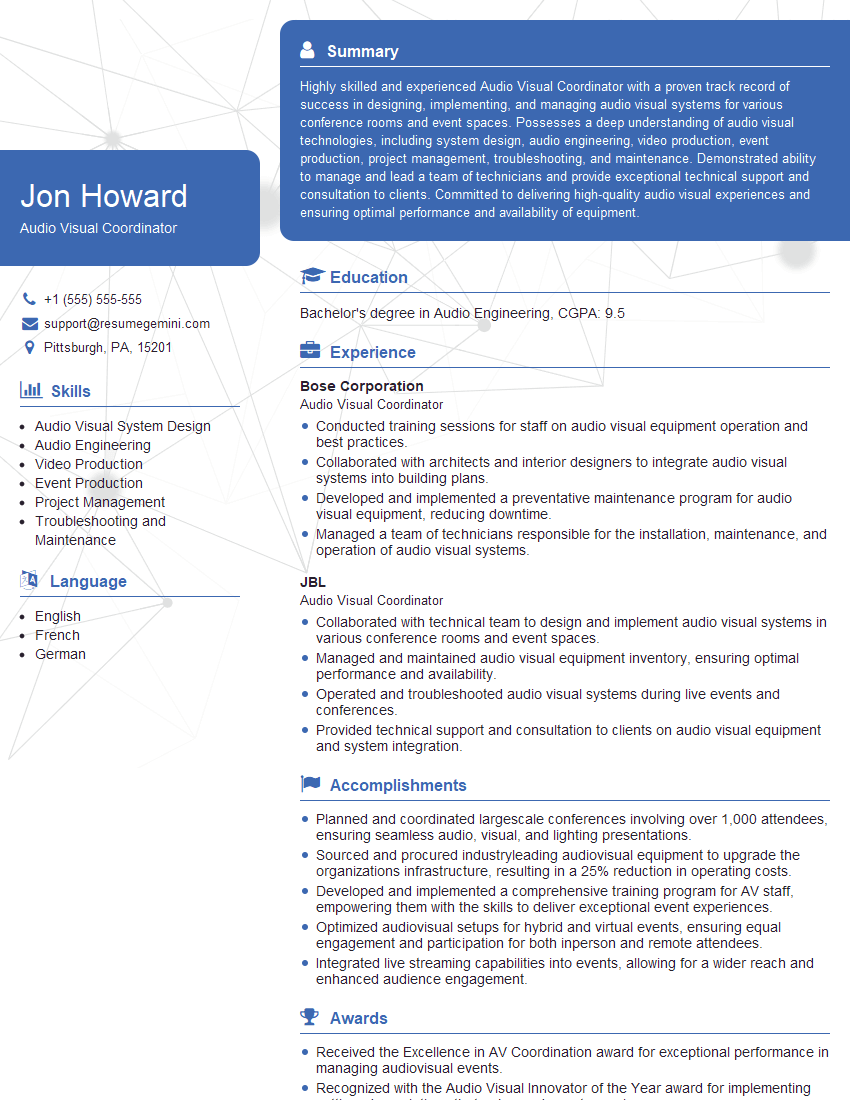
Audio Visual Coordinator Resume Sample
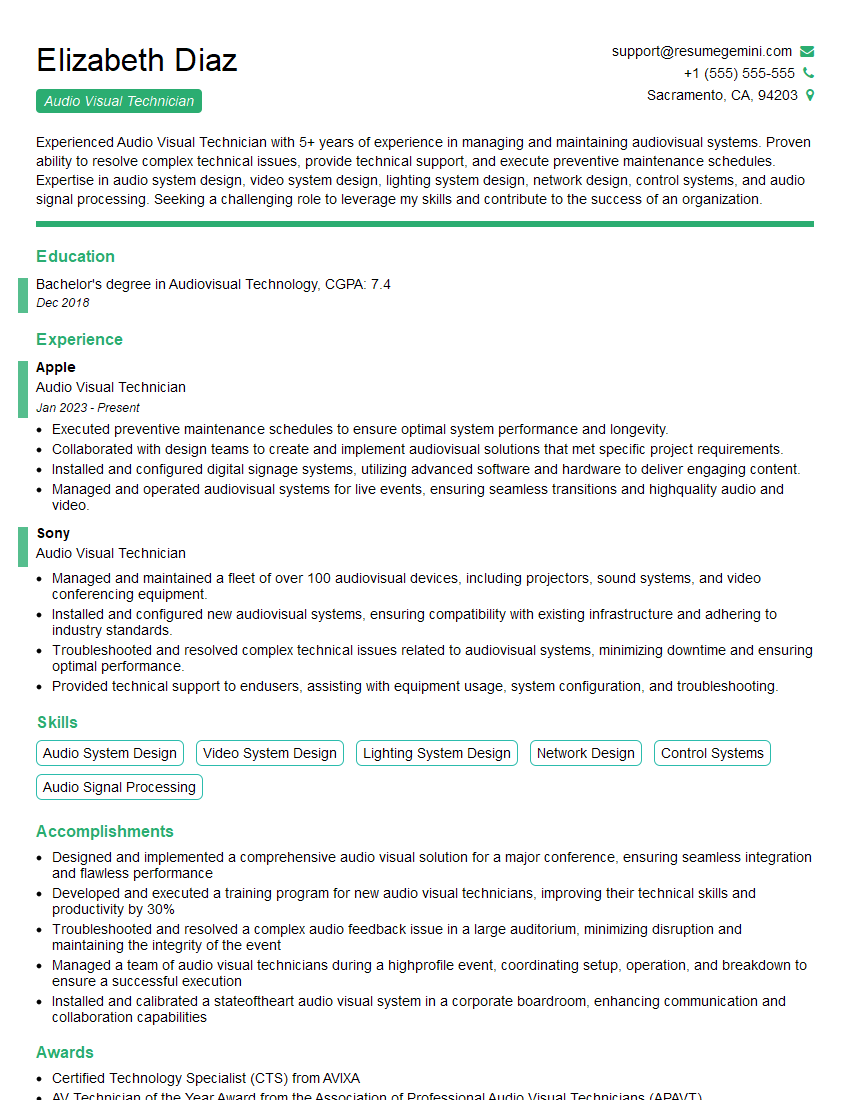
Audio Visual Technician Resume Sample

Multimedia Specialist Resume Sample
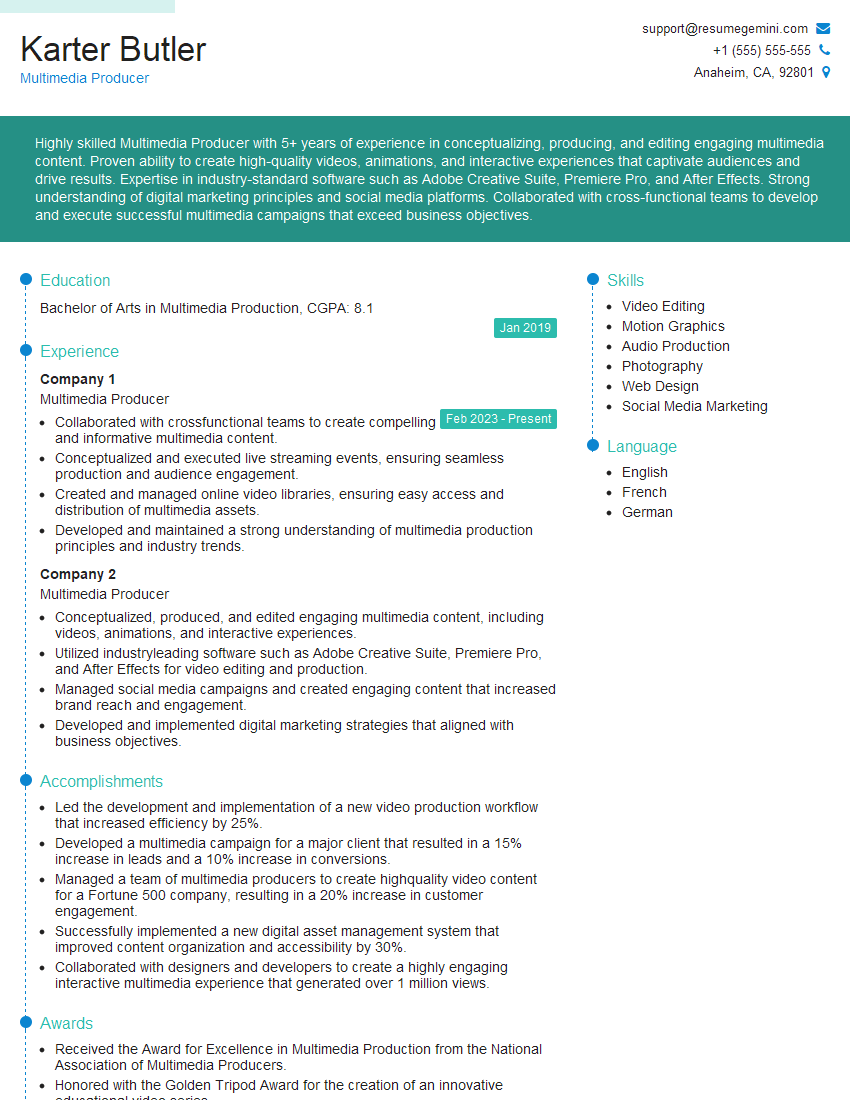
Multimedia Producer Resume Sample
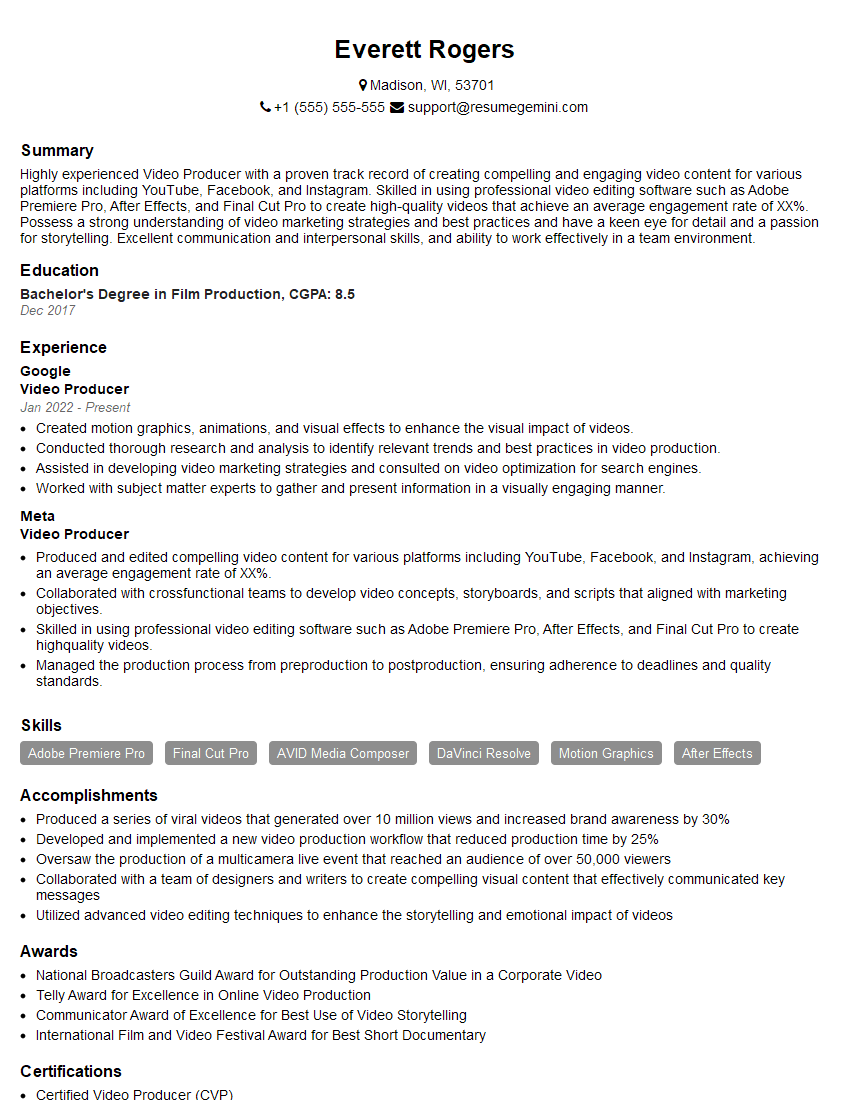
Video Producer Resume Sample

Broadcast Engineer Resume Sample
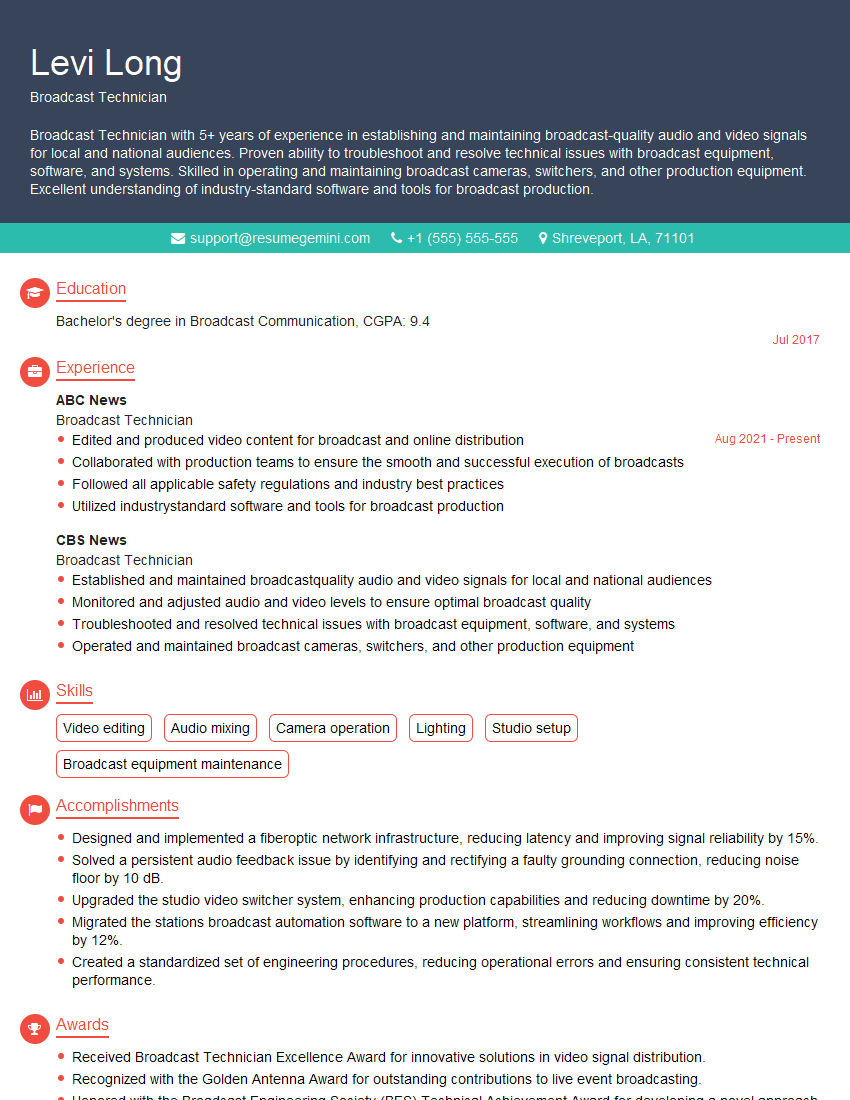
Broadcast Technician Resume Sample

Video Editor Resume Sample

Audio Engineer Resume Sample

Studio Engineer Resume Sample

Sound Designer Resume Sample
Explore more articles
Users Rating of Our Blogs
Share Your Experience
We value your feedback! Please rate our content and share your thoughts (optional).
What Readers Say About Our Blog
Very informative content, great job.
good