The right preparation can turn an interview into an opportunity to showcase your expertise. This guide to Understanding of user experience design interview questions is your ultimate resource, providing key insights and tips to help you ace your responses and stand out as a top candidate.
Questions Asked in Understanding of user experience design Interview
Q 1. Explain the difference between UI and UX design.
UI (User Interface) and UX (User Experience) design are often confused, but they are distinct disciplines. Think of it like this: UI is the what, while UX is the why and how.
UI design focuses on the visual aspects of an interface – the look and feel. It’s about the buttons, colors, typography, layout, and overall aesthetics. A UI designer ensures the interface is visually appealing, intuitive to navigate, and consistent in its branding. For example, a UI designer would be responsible for choosing the specific shade of blue for a button, the font size for headings, and the arrangement of elements on a screen.
UX design, on the other hand, is a broader field encompassing the entire user journey. It’s about understanding user needs, conducting research, creating user flows, designing information architecture, and ensuring the overall experience is enjoyable, efficient, and effective. A UX designer would consider the overall ease of using the app, the clarity of the instructions, the user’s emotional response and the effectiveness of achieving the user goals. For example, a UX designer would research how users typically book flights to decide the best placement and design for the “book now” button.
In short, a good UI makes a product look great, while good UX makes a product easy and enjoyable to use. Ideally, they work together seamlessly.
Q 2. Describe your UX design process.
My UX design process is iterative and user-centric, generally following these steps:
- Empathize: I begin by deeply understanding the user – their needs, goals, pain points, and behaviors. This involves user research using various methods (discussed later).
- Define: Based on research, I clearly define the problem we’re trying to solve and set specific, measurable, achievable, relevant, and time-bound (SMART) goals.
- Ideate: I brainstorm and generate various solutions using methods like sketching, wireframing, and user flow diagrams.
- Prototype: I create low-fidelity prototypes to quickly test and iterate on ideas. These could be paper prototypes, digital wireframes, or interactive prototypes.
- Test: I conduct usability testing with real users to gather feedback and identify areas for improvement. This step is crucial for refining the design.
- Iterate: Based on testing results, I refine and improve the design, repeating the prototype and test phases until the design meets the defined goals and user needs. This is not a linear process and goes through iterations based on feedback.
This process ensures a user-centered approach, prioritizing user needs throughout the design process.
Q 3. How do you conduct user research?
Conducting user research is the foundation of good UX design. It involves systematically investigating users’ needs, behaviors, and preferences to inform design decisions. I typically employ a mixed-methods approach, combining quantitative and qualitative research techniques.
My approach starts with defining clear research objectives. What specific questions do we need to answer? Then, I select appropriate methods to gather data, analyze it, and derive actionable insights. I make sure the research process is ethical and respects user privacy.
Throughout the research, I prioritize creating a safe and inclusive environment, where users feel comfortable sharing their honest feedback. Transparency is crucial, so I clearly communicate the research goals and explain how their insights will contribute to the design.
Q 4. What user research methods are you most familiar with?
I’m proficient in a range of user research methods, including:
- User interviews: One-on-one conversations to understand users’ experiences, needs, and motivations in detail.
- Usability testing: Observing users as they interact with a prototype or product to identify usability issues.
- Surveys: Collecting quantitative data from a larger sample of users through questionnaires.
- Card sorting: Understanding how users categorize information to inform information architecture.
- A/B testing: Comparing different design options to determine which performs better.
- Diary studies: Having users document their experiences over a period of time.
- Heuristic evaluation: Experts evaluate a design based on established usability principles.
The specific methods I choose depend on the research objectives, budget, and timeline.
Q 5. How do you prioritize features in a product design?
Prioritizing features is crucial for managing scope and delivering value. I use a combination of methods, often employing a prioritization matrix:
- MoSCoW method: Categorize features as Must have, Should have, Could have, and Won’t have.
- Value vs. Effort matrix: Plot features based on their business value and the effort required to implement them. Focus on high-value, low-effort features.
- User story mapping: Visualize user journeys and prioritize features based on their contribution to key user goals.
- Data-driven prioritization: Use analytics and user research data to understand feature usage and impact.
Stakeholder input is essential, but ultimately, the prioritization should be driven by user needs and business goals. A well-defined prioritization framework helps manage expectations and ensures the development team focuses on the most impactful features first.
Q 6. How do you handle conflicting stakeholder priorities?
Conflicting stakeholder priorities are common in product development. My approach focuses on collaboration, communication, and data-driven decision-making:
- Facilitate discussions: Create a collaborative environment where stakeholders can openly express their priorities and concerns.
- Identify common ground: Look for areas of agreement and shared goals to build consensus.
- Present user research findings: Use data to support design decisions and demonstrate the impact on user experience.
- Develop a compromise: Explore alternative solutions that address the needs of different stakeholders to the best extent possible.
- Document decisions: Clearly document the rationale behind prioritization decisions to avoid future conflicts.
Sometimes, compromise involves iterative development – launching a minimal viable product (MVP) with core features and incorporating other priorities in later releases.
Q 7. Describe a time you had to iterate on a design based on user feedback.
During the design of a mobile banking app, early usability testing revealed users struggled to locate the “transfer funds” feature. It was buried within a complex menu structure.
User feedback consistently highlighted this frustration. The initial design prioritized a visually appealing, highly organized menu system, but it sacrificed usability. The testing clearly showed that users valued speed and ease of access over visual complexity.
Based on this feedback, we iterated on the design. We moved the “transfer funds” feature to a more prominent location on the home screen, using a larger, clearly labeled button. We also simplified the navigation structure to reduce the number of steps required to access the feature. Subsequent testing demonstrated a significant improvement in task completion rates and user satisfaction.
This experience reinforced the importance of iterative design and the value of incorporating user feedback throughout the design process. A seemingly minor change in UI placement had a dramatic impact on overall UX.
Q 8. How do you measure the success of a UX design?
Measuring UX design success isn’t about arbitrary metrics; it’s about understanding whether the design achieves its intended goals and delivers a positive user experience. We use a combination of quantitative and qualitative data.
- Quantitative Metrics: These provide numerical data, offering insights into user behavior. Examples include task completion rates (how many users successfully completed a task), error rates (how often users encountered errors), bounce rates (percentage of users leaving after viewing only one page), task time (how long users took to complete a task), and conversion rates (how many users completed a desired action, like a purchase).
- Qualitative Metrics: These delve into the ‘why’ behind the numbers, providing rich context. Methods include user interviews (gathering direct feedback), usability testing (observing users interacting with the design), surveys (collecting user opinions on a larger scale), and A/B testing (comparing different design versions to see which performs better).
For example, imagine designing an e-commerce website. A successful design might exhibit a high conversion rate (say, 5%), a low bounce rate (below 30%), and positive user feedback in interviews praising the ease of navigation and checkout process. Conversely, a low conversion rate coupled with high bounce rates and negative feedback would signal areas for improvement.
Q 9. What are some common usability heuristics?
Usability heuristics are general principles that guide the design of user interfaces to make them more usable and intuitive. Jakob Nielsen’s 10 heuristics are widely recognized:
- Visibility of system status: Keep users informed about what’s going on.
- Match between system and the real world: Speak the users’ language.
- User control and freedom: Provide clear ‘exit’ options and undo functions.
- Consistency and standards: Follow established conventions.
- Error prevention: Design to minimize errors.
- Recognition rather than recall: Make elements visible, rather than requiring users to remember information.
- Flexibility and efficiency of use: Cater to both novice and expert users.
- Aesthetic and minimalist design: Avoid irrelevant information.
- Help users recognize, diagnose, and recover from errors: Provide clear and helpful error messages.
- Help and documentation: Provide easy-to-understand help when needed.
For example, a clear progress bar during a file upload (visibility of system status), using familiar icons (match between system and real world), and having a consistent button style throughout the application (consistency and standards) all exemplify these heuristics.
Q 10. How do you create user personas?
Creating user personas involves developing fictional, yet realistic representations of your target users. They are not real individuals but composite profiles based on user research data. The goal is to create empathy and guide design decisions.
The process generally involves:
- Conducting User Research: This includes user interviews, surveys, and analyzing existing data to understand user demographics, behaviors, goals, needs, pain points, and motivations.
- Identifying Key User Groups: Segment your users into distinct groups based on shared characteristics.
- Creating Persona Profiles: For each group, develop a persona profile including a name, image, demographic information (age, occupation, location), goals, motivations, frustrations, and technological proficiency.
- Validating Personas: Share your personas with stakeholders and conduct further user testing to ensure they accurately represent your target users.
Example: For a fitness app, you might create personas like ‘Busy Professional Sarah’ (35-year-old, high-income, limited time for exercise, interested in quick workouts) and ‘Retired Active Bob’ (60-year-old, enjoys outdoor activities, needs clear instructions, may have vision limitations).
Q 11. Explain the importance of accessibility in UX design.
Accessibility in UX design means making your designs usable by people with disabilities. It’s not just a matter of compliance; it’s about expanding your reach and creating a more inclusive experience for everyone. Ignoring accessibility limits your audience and can lead to legal issues.
Key aspects include:
- Perceivable Information: Content should be presentable to users in ways they can perceive (e.g., providing alternative text for images, captions for videos).
- Operable Components: Users must be able to operate the interface (e.g., using keyboard navigation, sufficient time limits for tasks).
- Understandable Information: Information and the operation of the interface must be understandable (e.g., clear and concise language, consistent navigation).
- Robust Content: Content must be robust enough that it can be interpreted reliably by a wide variety of user agents, including assistive technologies (e.g., screen readers).
For instance, using sufficient color contrast between text and background, providing keyboard navigation alternatives, and offering transcripts for audio content are all important aspects of accessible design.
Q 12. How do you design for different devices and screen sizes?
Designing for different devices and screen sizes requires a responsive design approach. This ensures your website or app adapts seamlessly to various screen resolutions and orientations.
Key strategies include:
- Fluid Grids: Using percentage-based widths rather than fixed pixel widths allows elements to scale proportionally with the screen size.
- Flexible Images: Images should scale without losing quality. Using responsive images formats (like `srcset` attribute in HTML) helps achieve this.
- Media Queries: These CSS features allow you to apply different styles based on screen size, orientation, and device capabilities.
- Mobile-First Approach: Designing for smaller screens first and then scaling up to larger screens ensures a good mobile experience.
Example: A website using a fluid grid layout will automatically adjust the arrangement of elements on a small phone screen compared to a large desktop monitor. The same images might be resized differently based on the available screen space.
<img srcset="image-small.jpg 300w, image-medium.jpg 600w, image-large.jpg 1200w" sizes="(max-width: 600px) 300px, (max-width: 1200px) 600px, 1200px">
This code snippet illustrates responsive images using the srcset attribute, providing different image sizes based on screen width.
Q 13. What are some common UX design patterns?
UX design patterns are reusable solutions to common design problems. They are pre-designed components or interactions that are proven to be effective and user-friendly. Using established patterns saves time and improves consistency.
Examples of common UX design patterns:
- Navigation Menus: Hamburger menus, mega menus, breadcrumb navigation.
- Search Bars: Auto-suggest, filter options.
- Cards: Displaying information in visually appealing, modular chunks.
- Progress Indicators: Progress bars, loading spinners.
- Modal Windows: Overlay windows for forms or notifications.
- Accordions: Collapsible sections to reveal more details.
- Carousel Sliders: Rotating image displays.
Using a familiar pattern like a hamburger menu for navigation (a pattern users already understand) saves users cognitive load and improves usability. Conversely, inventing unconventional interactions may lead to frustration.
Q 14. How do you conduct usability testing?
Usability testing involves observing real users interacting with your design to identify usability issues. It’s crucial for validating your design choices and improving the user experience.
The process typically involves:
- Planning: Defining your goals, recruiting participants, creating tasks, and preparing materials.
- Recruitment: Selecting participants who represent your target users.
- Moderation: Guiding participants through the tasks, observing their behavior, and taking notes.
- Data Collection: Recording user interactions, noting any difficulties, and collecting feedback through interviews.
- Analysis: Identifying usability issues and prioritizing areas for improvement based on the collected data.
- Iteration: Making changes to the design based on the findings and retesting if necessary.
For example, observing a user struggling to find a specific button during a checkout process highlights a clear usability problem. You could then redesign the button’s placement or labeling to improve its visibility.
Q 15. How do you analyze usability testing data?
Analyzing usability testing data involves a systematic approach to understand how users interact with a design. It’s not just about counting errors; it’s about identifying patterns and insights that reveal usability problems and areas for improvement. My process typically involves these steps:
- Data Collection & Organization: I gather all data – video recordings, user feedback forms, task completion rates, error logs, etc. – and organize them into a manageable format. This often involves creating spreadsheets or using dedicated qualitative data analysis software.
- Qualitative Data Analysis: I carefully review video recordings and user feedback, looking for recurring themes, pain points, and moments of frustration. I identify user goals and how successfully they achieved those goals. Techniques like thematic analysis help to synthesize qualitative findings.
- Quantitative Data Analysis: I analyze quantitative data, such as task completion rates, error rates, and time-on-task, to understand the efficiency and effectiveness of the design. Statistical analysis might be used if necessary. For example, comparing the success rate of completing a task with different design elements.
- Synthesis: I combine qualitative and quantitative findings to create a holistic picture of user experience. This often involves creating reports with charts and graphs illustrating key metrics and highlighting user frustrations.
- Prioritization: Based on the severity and frequency of problems and their impact on the user’s overall experience, I prioritize areas for improvement. The severity and frequency of problems guide design recommendations.
- Reporting & Recommendations: I create a concise report summarizing the findings, including specific recommendations for design improvements. This report is visually appealing and easy to understand for stakeholders of all technical levels.
For example, if I found users consistently struggling to locate the ‘checkout’ button in an e-commerce website, I would recommend a visual redesign to make it more prominent and easily accessible.
Career Expert Tips:
- Ace those interviews! Prepare effectively by reviewing the Top 50 Most Common Interview Questions on ResumeGemini.
- Navigate your job search with confidence! Explore a wide range of Career Tips on ResumeGemini. Learn about common challenges and recommendations to overcome them.
- Craft the perfect resume! Master the Art of Resume Writing with ResumeGemini’s guide. Showcase your unique qualifications and achievements effectively.
- Don’t miss out on holiday savings! Build your dream resume with ResumeGemini’s ATS optimized templates.
Q 16. Describe your experience with wireframing and prototyping.
Wireframing and prototyping are crucial steps in the design process. Wireframing is the initial skeletal structure of a design, focusing on the layout and functionality, while prototyping builds upon that foundation to create interactive models. My experience spans across various complexity levels and project types.
In my past roles, I’ve created low-fidelity wireframes using tools like pen and paper for quick ideation and high-fidelity wireframes using tools like Figma or Sketch for more detailed planning. I’ve developed interactive prototypes for websites and mobile apps, incorporating user flows, animations, and micro-interactions to mimic actual user experience. I often use iterative prototyping, constantly testing and refining the design based on user feedback.
For instance, in designing a mobile banking app, I started with low-fidelity paper wireframes to explore the core layout and flow. I then progressed to high-fidelity wireframes in Figma, adding more detail to screen elements. Finally, I created an interactive prototype in Figma to test the usability of the core features.
Q 17. What prototyping tools are you familiar with?
I’m proficient in a range of prototyping tools, each with its strengths. My go-to tools are:
- Figma: Excellent for collaborative design and prototyping. Its flexibility makes it ideal for both low-fidelity and high-fidelity prototypes. I particularly appreciate its version history and real-time collaboration features.
- Adobe XD: Powerful for creating interactive prototypes with advanced animations and transitions. Its integration with other Adobe Creative Cloud tools is a benefit.
- Sketch: A robust vector-based design tool that is excellent for interface design and prototyping. While not as feature-rich as Figma in prototyping capabilities, it’s widely used and offers a streamlined interface.
- InVision: Primarily a prototyping and collaboration platform. It’s exceptionally well-suited for sharing and testing prototypes with stakeholders.
- Axure RP: This tool is very effective for more complex and highly interactive prototypes. It’s powerful, but has a steeper learning curve than others.
The specific tool I choose depends on the project’s scope, complexity, and team preferences. For smaller projects, I might favor Figma for its speed and ease of use. For larger, more intricate projects requiring advanced interactions, I might lean toward Axure RP.
Q 18. How do you handle negative user feedback?
Negative user feedback is invaluable. It’s not a personal attack on the design but crucial information for improvement. My approach focuses on empathy and a data-driven perspective:
- Listen and Empathize: I actively listen to the user, acknowledging their concerns and frustrations without being defensive. I try to understand their perspective and the reasons behind their feedback.
- Analyze the Feedback: I identify the core issues raised in the feedback. Is it a usability problem, an aesthetic issue, or something else? I analyze whether the feedback is a single occurrence or a recurring pattern.
- Gather More Information: If the feedback is unclear or needs further clarification, I ask follow-up questions or conduct more user research to get a deeper understanding of the problem.
- Prioritize Issues: Not all feedback is equal. I prioritize feedback based on its severity, frequency, and impact on the user’s overall experience. I might use a prioritization matrix to rate each issue.
- Develop Solutions: Based on the analyzed feedback and its prioritization, I brainstorm potential solutions to address the issues. This often involves brainstorming sessions with my team.
- Test and Iterate: I incorporate the proposed solutions into new designs and test them with users. I use A/B testing to compare different design solutions objectively.
It’s important to remember that not all feedback needs to be acted upon. Sometimes, feedback reflects individual preferences rather than genuine usability problems. The key is to analyze the data objectively and prioritize improvements that genuinely enhance the user experience.
Q 19. Explain your understanding of A/B testing.
A/B testing (also known as split testing) is a controlled experiment used to compare two versions of a design element to determine which performs better. It’s a crucial method for data-driven decision-making in UX design.
The process involves creating two variations (A and B) of a design element (e.g., a button, headline, call to action). These variations are randomly shown to users, and their interactions (e.g., click-through rates, conversion rates) are tracked and compared. Statistical analysis helps determine whether the difference in performance between the variations is statistically significant.
For example, if we’re testing two different button designs (A: a blue button, B: a green button), we would randomly show each design to a segment of users. We’d track which button had a higher click-through rate. If the green button consistently shows a statistically significant higher click-through rate, it would be selected as the better performing design.
Successful A/B testing requires careful planning, including defining clear metrics, selecting a sufficiently large sample size, and understanding statistical significance. It’s an iterative process; you learn from each test and refine your designs based on the data.
Q 20. What is information architecture and why is it important?
Information architecture (IA) is the structural design of shared information environments. In simpler terms, it’s how you organize and label content in a way that’s intuitive and easy for users to navigate and find what they need. Think of it as the blueprint for the user’s journey through a website or application.
IA is crucial because it directly impacts user experience. A well-structured IA allows users to easily find information, complete tasks efficiently, and achieve their goals. A poorly structured IA leads to frustration, confusion, and high bounce rates. Key components of IA include:
- Organization: How content is grouped and categorized. For example, a website might organize products by category or brand.
- Navigation: How users move through the information space. This includes menus, breadcrumbs, search functionality, and sitemaps.
- Labeling: The words and phrases used to describe content and navigation elements. Clear and consistent labeling is essential.
- Search: Effective search functionality is essential for users to find specific information quickly.
For example, a poorly designed e-commerce website with a confusing category structure and unclear product descriptions would lead to a frustrating user experience and lost sales. Conversely, a well-structured site with clear navigation and search would lead to higher engagement and conversion rates.
Q 21. How do you ensure your designs are consistent with brand guidelines?
Maintaining brand consistency in design is paramount. It ensures a cohesive and recognizable brand identity across all platforms and touchpoints. My approach involves a multi-step process:
- Thorough Brand Guideline Review: I thoroughly review the brand guidelines provided by the client. This includes reviewing the brand’s visual identity (logo, colors, typography, imagery), voice and tone, and any existing design patterns.
- Style Guide Creation (if needed): If the brand guidelines are incomplete or lack sufficient detail for design implementation, I create a comprehensive style guide. This guide acts as the single source of truth for the project.
- Design System Implementation: I utilize design systems or component libraries wherever possible. This promotes consistency and reuse of design elements, ensuring uniformity throughout the project. Tools like Figma and Adobe XD offer powerful features for creating and managing design systems.
- Regular Audits: I conduct regular audits to ensure ongoing compliance with brand guidelines. This includes reviewing all design assets and ensuring consistency across different screens and pages.
- Collaboration with Stakeholders: Maintaining clear communication and collaboration with stakeholders ensures that the design aligns with the brand’s vision and objectives. Regular feedback loops help to identify and correct any inconsistencies early on.
For example, if a brand’s guidelines specify a particular shade of blue for primary buttons, I ensure this shade is consistently used across the application or website. Similarly, the typography, imagery, and overall tone of voice should align with the established brand guidelines.
Q 22. Describe your experience with design systems.
Design systems are the backbone of consistent and efficient design across multiple platforms and products. They’re essentially a centralized library of reusable components, patterns, and guidelines that ensure a unified user experience. Think of it as a style guide on steroids, covering everything from typography and color palettes to interactive elements and code snippets.
My experience includes building and maintaining design systems for both web and mobile applications. For example, at my previous company, I led the effort to create a design system for our suite of SaaS products. This involved collaborating with developers, designers, and product managers to define component libraries, style guidelines, and a comprehensive documentation system. This resulted in a significant reduction in design inconsistencies and increased development efficiency. We even saw a measurable improvement in user satisfaction scores due to a more cohesive and predictable user experience.
Key aspects of my work with design systems involve:
- Component Design: Creating reusable UI components (buttons, forms, cards, etc.) with consistent design and functionality.
- Pattern Library: Documenting and showcasing common interaction patterns for easy access and consistency.
- Style Guide: Establishing brand guidelines for typography, colors, spacing, and other visual elements.
- Code Implementation: Collaborating with developers to ensure consistent implementation across different platforms.
- Documentation and Maintenance: Keeping the design system up-to-date and easily accessible to all team members.
Q 23. How do you stay up-to-date with UX design trends?
Staying current in the ever-evolving world of UX design requires a multifaceted approach. It’s not just about passively consuming information; it’s about actively engaging with the community and critically evaluating new trends.
- Following Key Publications and Blogs: I regularly read publications like UX Collective, Nielsen Norman Group articles, and blogs from leading UX designers. This helps me understand emerging trends and best practices.
- Attending Conferences and Workshops: Industry conferences like UXPA International and Interaction Design Foundation workshops provide invaluable insights and networking opportunities.
- Engaging with Online Communities: Participating in online forums, such as those on Reddit or specialized UX groups on LinkedIn, allows me to learn from peers and discuss new ideas.
- Analyzing Competitor Products: Observing the UX of competing products helps identify successful approaches and areas for improvement.
- Experimentation and Prototyping: I frequently experiment with new tools and techniques to stay ahead of the curve. This often involves creating prototypes to test the feasibility and usability of emerging design patterns.
This approach ensures I’m not just aware of trends, but also able to critically assess their relevance and applicability to specific projects.
Q 24. Explain your understanding of user flows.
User flows are visual representations of the steps a user takes to accomplish a specific goal within a product or service. They are essentially a roadmap of the user’s journey, highlighting key touchpoints and decision points.
Imagine you’re ordering a pizza online. The user flow would show the steps involved: browsing the menu, adding items to the cart, providing delivery details, choosing payment, and confirming the order. Each step is a node in the flow, and the connections between them represent the user’s progression.
Understanding user flows is crucial for several reasons:
- Identifying Pain Points: User flows highlight potential friction points or areas where users might get stuck or confused.
- Improving Usability: By visualizing the user’s journey, we can identify areas for improvement and streamline the overall experience.
- Facilitating Collaboration: User flows serve as a shared understanding of the user journey, fostering better communication among designers, developers, and stakeholders.
- Testing and Iteration: They provide a framework for usability testing, allowing us to identify and address usability issues early in the design process.
I use various tools to create user flows, including Miro, Figma, and even simple diagramming software. The key is to make them clear, concise, and easy to understand.
Q 25. How do you incorporate user feedback into your design process?
User feedback is the lifeblood of iterative design. Incorporating it effectively is essential for creating products that truly meet user needs. My process involves several key steps:
- Collecting Feedback: This can be done through various methods (discussed in the next answer), ensuring a diverse range of users are represented.
- Analyzing Feedback: This involves identifying patterns and trends in the feedback, prioritizing critical issues, and understanding the underlying user needs.
- Prioritizing Issues: Not all feedback is created equal. I use techniques like affinity mapping to group similar feedback and prioritize issues based on severity and impact.
- Implementing Changes: Based on the analysis, I make design changes and iterate on the design, incorporating the user feedback.
- Testing and Validation: Once changes are implemented, I retest the design with users to ensure the changes have addressed the issues and improved the overall user experience.
It’s crucial to be open to criticism and avoid taking feedback personally. The goal is to use feedback to improve the product, not to defend design choices.
Q 26. What is your preferred method for gathering user feedback?
My preferred method for gathering user feedback is a mixed-methods approach, combining quantitative and qualitative data for a comprehensive understanding.
- Usability Testing: Observing users as they interact with a prototype or live product provides invaluable insights into their behavior and pain points. This is especially effective for identifying usability issues.
- Surveys: Surveys allow for efficient data collection from a large number of users, providing quantitative data on user preferences and satisfaction. Carefully designed survey questions are key to getting useful information.
- User Interviews: One-on-one interviews provide rich qualitative data, allowing for a deeper understanding of user motivations and needs. These are particularly helpful for uncovering unexpected insights.
- A/B Testing: This allows for comparing different design options and measuring their impact on key metrics, such as conversion rates or task completion times. This quantitative method helps guide design decisions.
- Heatmaps and Analytics: Tracking user behavior on a live product using heatmaps and analytics tools can reveal areas of high or low engagement, providing valuable data on user interaction patterns.
The best method depends on the context and the specific goals of the feedback collection. Often, a combination of these methods is most effective.
Q 27. Describe a time you had to make a difficult design decision.
In a recent project designing a mobile banking app, we faced a critical decision regarding the placement of the ‘transfer funds’ feature. The initial design placed it prominently on the home screen for ease of access, aligning with a business goal of increasing transaction volume. However, usability testing revealed that this placement frequently led to accidental taps, resulting in frustrated users and potentially erroneous transactions.
The conflict was between business goals (increased transactions) and user needs (preventing errors). After careful consideration and further testing of alternative designs, we decided to move the ‘transfer funds’ feature to a secondary menu, accessible through a clear and deliberate action. This prioritized user safety and reduced the risk of errors, even though it might slightly decrease the immediate visibility and potentially the frequency of transactions. We communicated the rationale to stakeholders, emphasizing that a more user-friendly experience ultimately leads to increased trust and long-term customer retention, which is more valuable than short-term transaction gains.
The decision involved a trade-off, but the focus on user safety and overall experience proved to be the right one. Post-launch analytics confirmed a decrease in error rates and a significant improvement in user satisfaction, demonstrating that prioritizing user experience often aligns with long-term business success.
Q 28. How do you balance user needs with business goals?
Balancing user needs and business goals is a constant challenge, but it’s also the essence of successful UX design. It’s not about choosing one over the other; it’s about finding creative solutions that satisfy both.
My approach involves:
- Empathy and User Research: Deeply understanding user needs and pain points through research is paramount. This creates a strong foundation for design decisions.
- Prioritization and Trade-offs: Not all user needs can be met, and some features might be less profitable. Prioritization frameworks help evaluate options based on their impact on both users and the business.
- Data-Driven Decision Making: Using analytics and user feedback to validate design choices ensures that decisions are grounded in evidence, rather than assumptions.
- Collaboration and Communication: Open and transparent communication with stakeholders is crucial. This ensures everyone understands the rationale behind design choices and can contribute to finding solutions that align with both user needs and business objectives.
- Iterative Design: Continuously testing and iterating on designs allows for adjustments based on user feedback and data, ensuring a balance between user satisfaction and business goals.
The goal is to create a product that is both enjoyable and useful for users, while also achieving the business objectives. It’s a delicate dance, but one that yields highly satisfying results when done effectively.
Key Topics to Learn for a User Experience Design Interview
- User Research Methods: Understand qualitative and quantitative research techniques like user interviews, surveys, usability testing, A/B testing, and heuristic evaluations. Be prepared to discuss your experience applying these methods to solve real-world design problems.
- Information Architecture & Interaction Design: Demonstrate your understanding of how to structure and organize information effectively for optimal user navigation and intuitive interaction. Discuss examples of successful IA and interaction design solutions you’ve created or analyzed.
- User Interface (UI) Design Principles: Showcase your knowledge of UI best practices, including visual hierarchy, typography, color theory, and accessibility guidelines. Be ready to explain how these principles contribute to a positive user experience.
- Usability and Accessibility: Discuss the importance of designing for usability and accessibility, emphasizing inclusive design principles and techniques for creating experiences accessible to users with disabilities. Be ready to share examples of inclusive design solutions you’ve considered.
- Design Process & Collaboration: Explain your understanding of the design process (e.g., iterative design, design thinking), including user research, ideation, prototyping, testing, and iteration. Highlight your ability to collaborate effectively with cross-functional teams.
- Design Tools & Software: Showcase proficiency in relevant design tools (e.g., Figma, Sketch, Adobe XD) and your ability to use them to create effective user interfaces and prototypes.
- Prototyping & Testing: Explain your experience creating different types of prototypes (low-fidelity, high-fidelity) and conducting usability testing to gather feedback and iterate on designs. Discuss your ability to analyze user testing data and make data-driven design decisions.
Next Steps
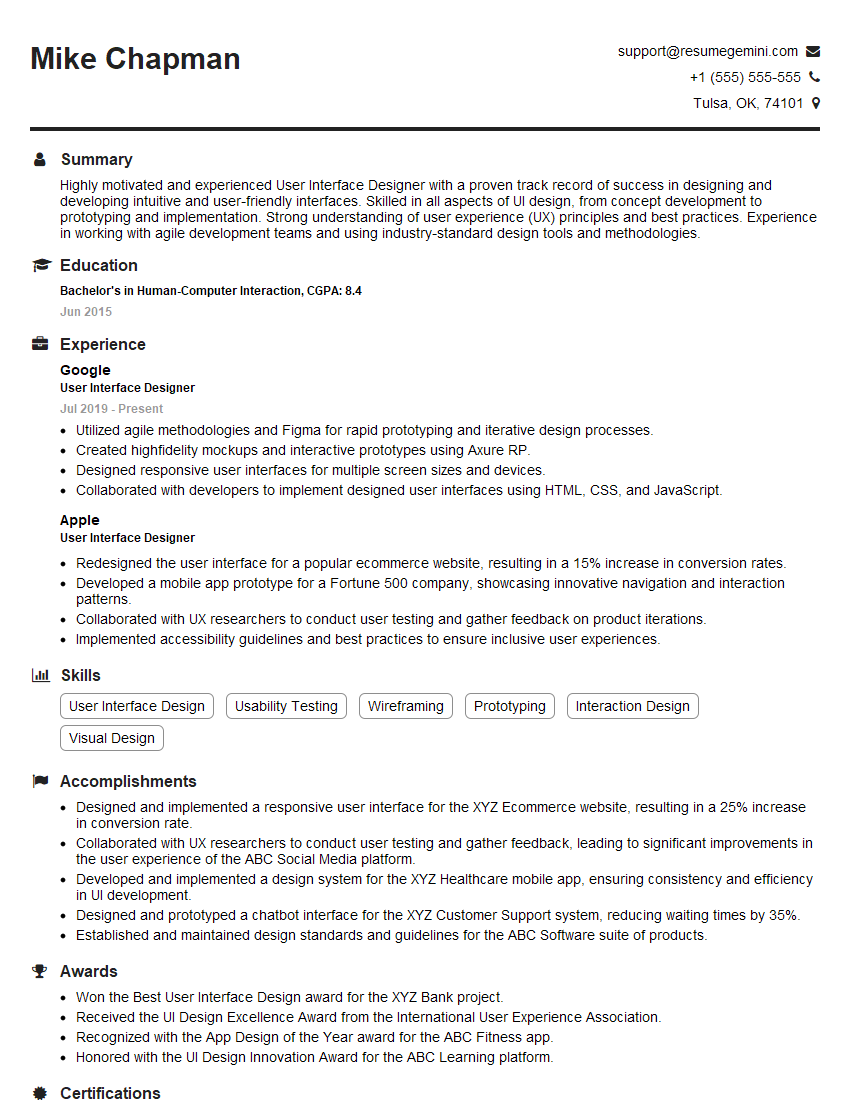
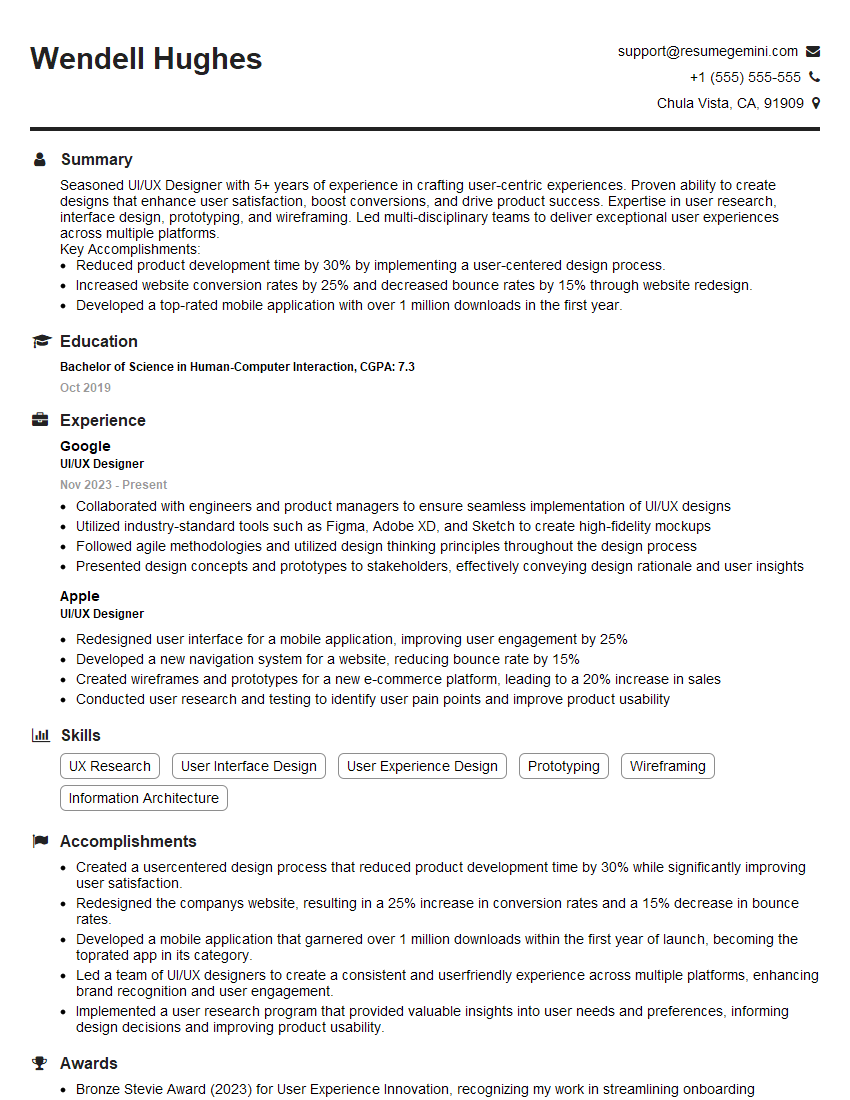
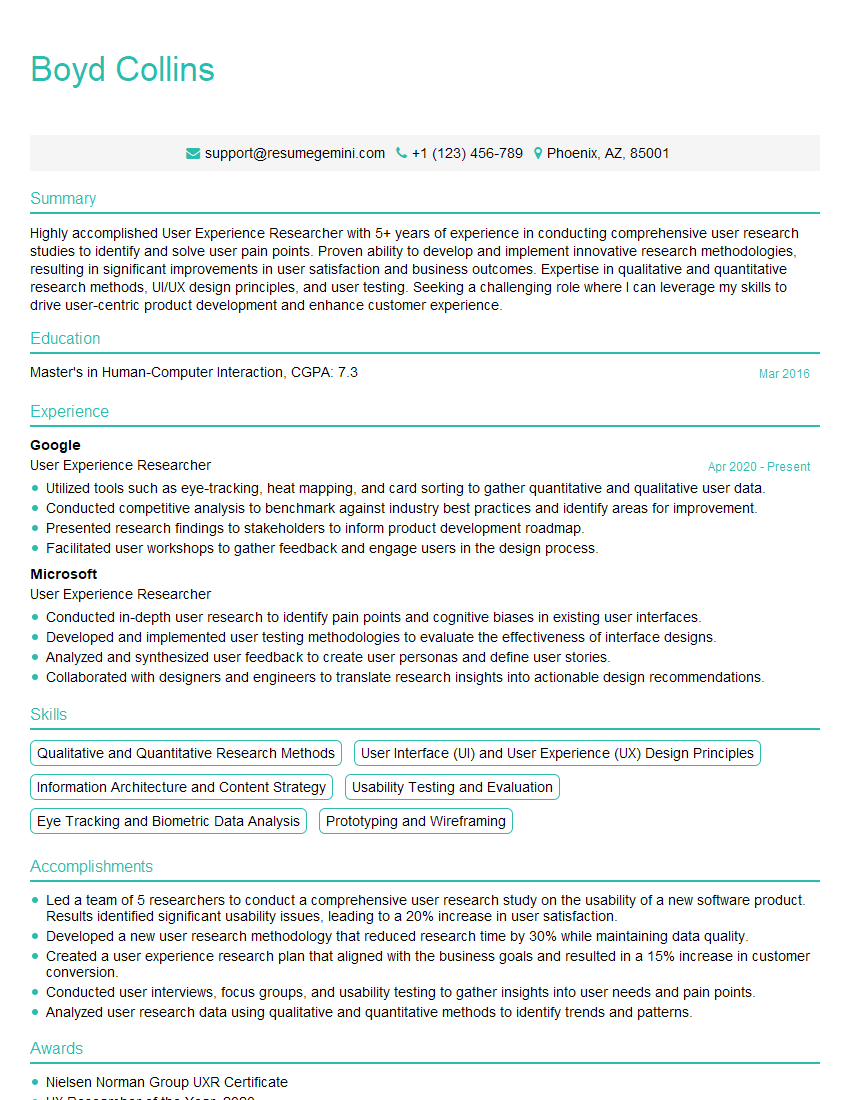
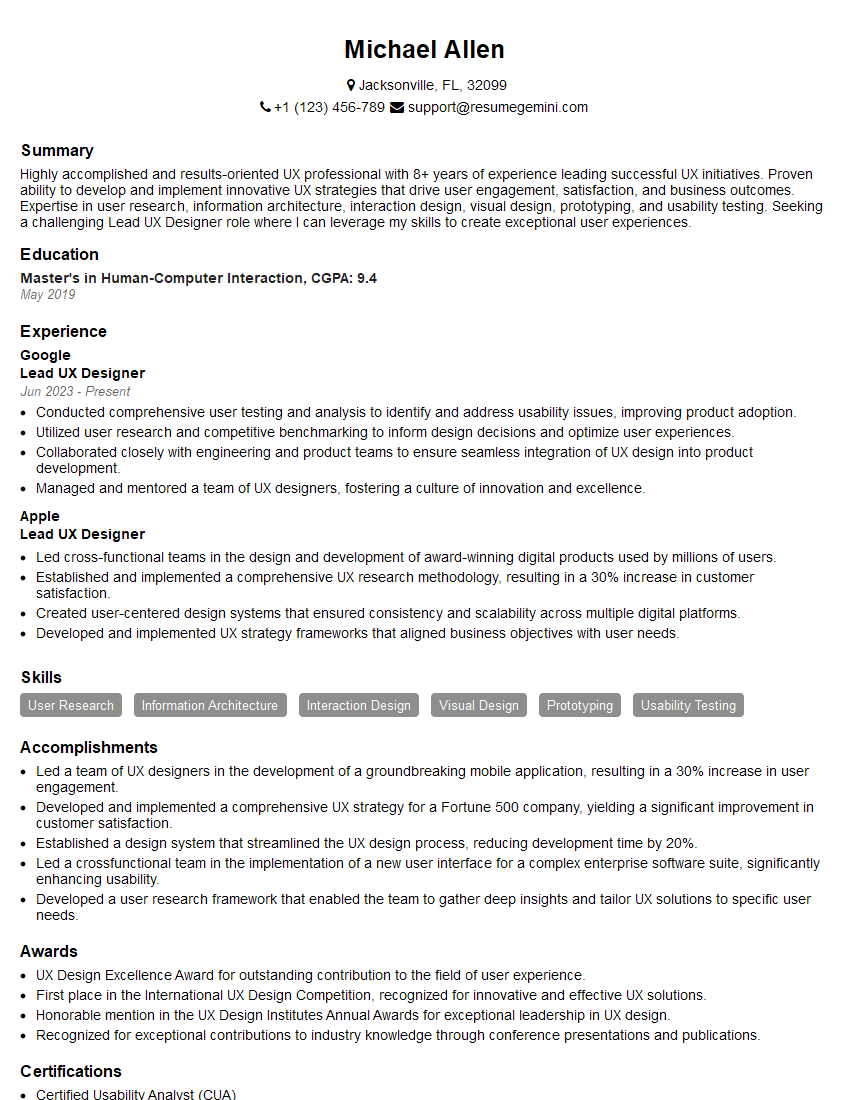
Mastering user experience design principles is crucial for a successful and rewarding career. A strong understanding of user-centered design opens doors to diverse and impactful roles. To maximize your job prospects, crafting a compelling, ATS-friendly resume is essential. ResumeGemini is a trusted resource that can help you build a professional and effective resume tailored to highlight your UX design skills and experience. Examples of resumes tailored specifically to User Experience Design roles are available to help you get started.



Explore more articles
Users Rating of Our Blogs
Share Your Experience
We value your feedback! Please rate our content and share your thoughts (optional).
What Readers Say About Our Blog
Very informative content, great job.
good