Unlock your full potential by mastering the most common Knowledge of computers and basic software interview questions. This blog offers a deep dive into the critical topics, ensuring you’re not only prepared to answer but to excel. With these insights, you’ll approach your interview with clarity and confidence.
Questions Asked in Knowledge of computers and basic software Interview
Q 1. Explain the difference between hardware and software.
Think of a computer as a car. Hardware is the physical parts – the engine, wheels, body – the tangible components you can touch. Software, on the other hand, is like the instructions that tell the car how to operate – the driving manual, the software controlling the fuel injection, the navigation system. It’s the set of instructions that tells the hardware what to do.
More formally, hardware refers to the physical components of a computer system, such as the CPU, RAM, hard drive, monitor, keyboard, and mouse. You can see and touch these components. Software, conversely, consists of the programs, applications, and data that instruct the hardware how to function. This includes operating systems, applications (like word processors or games), and even the data files you work with.
For example, the hard drive (hardware) stores your documents (data, part of the software). A word processor (software) utilizes the CPU (hardware) to process your text and display it on the monitor (hardware).
Q 2. What is an operating system and what are its key functions?
The operating system (OS) is the fundamental software that manages all the hardware and software resources of a computer. Imagine it as the air traffic control system for your computer, making sure everything runs smoothly and efficiently. Without an OS, your computer would be useless – just a collection of hardware unable to communicate.
- Resource Management: The OS manages computer resources such as CPU, RAM, storage devices, and peripherals (printers, etc.). It allocates these resources to different applications and processes as needed.
- File System Management: The OS organizes and manages files and folders on storage devices, allowing you to easily access and manipulate them.
- Input/Output Management: The OS handles communication between the computer and its peripherals, allowing you to interact with the system through the keyboard, mouse, monitor, and other devices.
- Security: The OS provides a layer of security, protecting the system from unauthorized access and malicious software.
- User Interface: The OS provides a user interface (UI), such as a graphical user interface (GUI) like Windows or macOS, or a command-line interface (CLI) like Linux, allowing users to interact with the computer.
Examples of operating systems include Windows, macOS, Linux, Android, and iOS. Each has its strengths and weaknesses, tailored to specific use cases.
Q 3. Describe the various types of computer networks.
Computer networks allow multiple computers and devices to communicate and share resources. They range from small, localized networks to vast global networks like the internet.
- Personal Area Network (PAN): A PAN connects devices within a person’s immediate vicinity, such as a smartphone connecting to a laptop via Bluetooth.
- Local Area Network (LAN): A LAN connects devices within a limited geographical area, such as a home, office, or school. These often use Ethernet cables or Wi-Fi.
- Metropolitan Area Network (MAN): A MAN connects devices within a larger geographical area, such as a city or region. This might be a network connecting multiple offices of a company in a city.
- Wide Area Network (WAN): A WAN spans a large geographical area, often connecting multiple LANs and MANs across continents. The internet is the prime example of a WAN.
These networks can use different communication technologies, such as Ethernet, Wi-Fi, fiber optic cables, and satellite links. The choice depends on factors such as distance, speed requirements, and cost.
Q 4. What are the different types of computer memory?
Computer memory is crucial for storing data and instructions that the CPU needs to access quickly. There are different types, each serving a unique purpose:
- Random Access Memory (RAM): This is volatile memory, meaning data is lost when the power is turned off. It’s used for actively running programs and data that the CPU needs to access frequently. Think of it as your computer’s short-term memory.
- Read-Only Memory (ROM): This is non-volatile memory, meaning data is retained even when the power is off. It stores the computer’s basic instructions required for booting up. It’s the computer’s long-term memory for essential startup instructions.
- Cache Memory: This is a very fast type of memory located close to the CPU. It stores frequently accessed data and instructions, providing extremely fast access for the CPU. It acts as an ultra-fast buffer.
- Secondary Storage: This refers to non-volatile storage devices like hard drives, solid-state drives (SSDs), and USB flash drives. They store large amounts of data persistently, even when the power is off. They serve as long-term storage.
The interplay between these memory types ensures efficient and fast computer operation.
Q 5. Explain the concept of cloud computing.
Cloud computing is the on-demand availability of computer system resources, especially data storage (cloud storage) and computing power, without direct active management by the user. Instead of having your own servers and data centers, you rent resources from a cloud provider like Amazon Web Services (AWS), Google Cloud Platform (GCP), or Microsoft Azure.
Think of it like renting an apartment instead of buying a house. You only pay for what you use and don’t have to worry about maintenance and upkeep. Cloud computing offers several benefits:
- Scalability: Easily increase or decrease resources as needed.
- Cost-effectiveness: Pay only for what you use, reducing upfront investment.
- Accessibility: Access your data and applications from anywhere with an internet connection.
- Reliability: Cloud providers offer robust infrastructure with high availability and data redundancy.
Examples include storing your photos on Google Photos, using online office suites like Google Docs, or running your website on AWS.
Q 6. What are some common cybersecurity threats?
Cybersecurity threats are constantly evolving, but some common ones include:
- Malware: Malicious software like viruses, worms, Trojans, ransomware, and spyware that can damage your system, steal your data, or disrupt your operations. Ransomware, for example, encrypts your files and demands a ransom for their release.
- Phishing: Deceiving users into revealing sensitive information like passwords or credit card details through fraudulent emails, websites, or messages.
- Denial-of-Service (DoS) attacks: Flooding a network or server with traffic to make it unavailable to legitimate users.
- SQL Injection: Exploiting vulnerabilities in database applications to gain unauthorized access to data.
- Man-in-the-middle (MitM) attacks: Intercepting communication between two parties to steal data or manipulate the communication.
These threats can cause significant damage, data breaches, financial losses, and reputational harm. Strong cybersecurity practices, including regular software updates, robust passwords, and employee training, are crucial to mitigating these risks.
Q 7. How do you troubleshoot a computer that won’t start?
Troubleshooting a computer that won’t start requires a systematic approach. Let’s walk through a step-by-step process:
- Check the Power Supply: Ensure the computer is properly plugged in and the power switch is on. Check the power outlet and try a different one.
- Listen for Sounds: Does the computer make any sounds when you try to turn it on? Beeps can indicate hardware problems.
- Check the Monitor: Is the monitor turned on and connected properly? Try a different monitor if possible.
- External Devices: Disconnect any unnecessary external devices (USB drives, printers, etc.) to rule out conflicts.
- Check the BIOS/UEFI Settings: If the computer doesn’t boot past the initial POST (Power-On Self-Test), you might need to enter the BIOS/UEFI settings to check boot order and other settings. This usually involves pressing a specific key (often Del, F2, F10, F12) during startup. Your computer’s manual will tell you which key to press.
- Reseat Components: If you’re comfortable opening your computer case, gently reseat RAM modules and other internal components. Make sure all connections are secure.
- Boot from a Recovery Drive: Try booting from a recovery drive or installation media to attempt repairs or reinstall the operating system.
- Seek Professional Help: If you’ve tried these steps and the computer still won’t start, it’s time to consult a computer technician.
This systematic approach helps identify the source of the problem efficiently.
Q 8. Describe your experience with Microsoft Office Suite.
I’m highly proficient in the Microsoft Office Suite, having used it extensively throughout my career. My expertise spans across Word, Excel, PowerPoint, and Outlook. In Word, I’m adept at creating professional documents, utilizing advanced features like mail merge for mass communication and styles for consistent formatting. Excel is where I truly shine; I’m experienced in data analysis, using formulas, pivot tables, and charting to extract meaningful insights from complex datasets. I’ve built numerous financial models and dashboards for reporting and decision-making. PowerPoint allows me to create compelling presentations, incorporating visuals, animations, and effective storytelling techniques to engage audiences. Finally, Outlook is my primary communication tool; I’m comfortable managing emails, calendars, contacts, and tasks efficiently.
For example, in a previous role, I used Excel to automate a monthly reporting process that previously took several hours, reducing it to just minutes. This involved creating a series of linked spreadsheets with complex formulas and macros to process data from various sources. In another instance, I used Word to create a comprehensive company style guide, ensuring consistency across all internal and external communications.
Q 9. What is your experience with database software (e.g., SQL, MySQL)?
My experience with database software includes SQL and MySQL. I’m comfortable querying databases, manipulating data, and creating and managing tables. I understand relational database concepts such as normalization and ACID properties. I’ve worked with both procedural and declarative SQL, and I can write efficient queries to retrieve specific data sets and perform complex data analysis.
For example, I’ve used SQL to develop custom queries to extract customer data for marketing campaigns, analyzing trends and identifying key demographics. In another project, I used MySQL to create a database schema to manage inventory for a small business, ensuring data integrity and efficient retrieval of information. I’m familiar with database design principles, and I understand the importance of optimization for performance.
SELECT * FROM Customers WHERE Country='USA';This is a simple SQL query to retrieve all customers from the United States.
Q 10. Explain your understanding of programming languages (mention specific ones if applicable).
My understanding of programming languages includes Python and Java. Python, with its versatility and extensive libraries, is a favorite for data analysis, scripting, and automation. I’ve used it for web scraping, data manipulation, and building small-scale applications. Java, with its object-oriented paradigm, is powerful for building robust and scalable applications. My experience with Java includes working with various frameworks and libraries to develop enterprise-level applications.
For instance, in a personal project, I used Python and its data science libraries (like Pandas and NumPy) to analyze a large dataset of stock market data, identifying trends and making predictions. In a previous professional role, I contributed to a Java-based application that processed millions of transactions daily, utilizing multithreading and database interaction for optimal performance. My approach to programming focuses on writing clean, efficient, and well-documented code that is easy to maintain and extend.
Q 11. What is the difference between RAM and ROM?
RAM (Random Access Memory) and ROM (Read-Only Memory) are both types of computer memory, but they serve different purposes. Think of RAM as your computer’s short-term memory – it stores data that the computer is actively using. When you open a program or file, the data is loaded into RAM so the CPU can access it quickly. RAM is volatile, meaning the data is lost when the power is turned off. ROM, on the other hand, is like long-term memory. It stores the computer’s basic instructions, known as firmware, which are essential for booting up the system. ROM is non-volatile, meaning the data is retained even when the power is off.
To illustrate, imagine you’re working on a document. The document’s contents are loaded into RAM while you’re editing it. When you close the document, the data is removed from RAM. However, the instructions needed to start your computer are permanently stored in ROM.
Q 12. How do you handle technical problems?
My approach to handling technical problems is systematic and methodical. I start by clearly defining the problem and gathering all relevant information. This might involve checking error messages, logs, or consulting documentation. Next, I try to reproduce the problem consistently to ensure I understand its root cause. I then develop and test potential solutions, starting with the simplest and most likely fixes. If the problem persists, I systematically rule out possibilities through troubleshooting steps, gradually narrowing down the potential causes. If I’m unable to resolve the problem independently, I’m not afraid to seek assistance from colleagues or online resources, clearly documenting my troubleshooting steps throughout the process.
For example, if I encounter a software crash, I’ll start by checking the system logs for error messages. I might then try restarting the application or the computer. If the problem persists, I’ll investigate potential conflicts with other software or hardware. Documentation is key; detailed notes help prevent repetition of errors and allow for more efficient problem-solving in the future.
Q 13. What is your experience with troubleshooting network issues?
My experience with troubleshooting network issues involves a combination of practical knowledge and systematic analysis. I begin by identifying the scope of the problem: is it affecting a single device, a group of devices, or the entire network? I then check basic connectivity using tools like ping and traceroute to identify network bottlenecks or connectivity problems. I examine network configurations, checking IP addresses, subnet masks, and DNS settings. I’m familiar with common network protocols (TCP/IP) and understand how they function. I’ve dealt with issues ranging from simple cabling problems to complex firewall configurations.
In a recent situation, a group of users experienced intermittent network connectivity. Through systematic troubleshooting, I identified the problem as a faulty network switch. Replacing the switch resolved the issue, demonstrating the importance of methodical troubleshooting in isolating the root cause of network problems.
Q 14. Describe your experience with different operating systems (Windows, macOS, Linux).
I’m proficient with Windows, macOS, and Linux operating systems. My experience with Windows includes extensive work with various versions, from managing user accounts and permissions to configuring applications and troubleshooting system issues. With macOS, I’m familiar with its user-friendly interface and command-line tools. My Linux experience centers around various distributions, providing me with a strong command-line foundation and understanding of system administration tasks. I’m comfortable with shell scripting and managing system processes.
For example, in a previous project I migrated a server from Windows to Linux, which involved carefully planning the migration process, configuring the new server, and transferring the data efficiently and securely. This required a detailed understanding of the differences between the two operating systems, and involved writing shell scripts to automate certain aspects of the migration.
Q 15. What is your experience with software development methodologies?
My experience encompasses several software development methodologies, primarily Agile and Waterfall. Agile, with its iterative approach and emphasis on collaboration, is my preferred methodology for most projects. I’ve worked extensively with Scrum, a popular Agile framework, managing sprints, attending daily stand-ups, and participating in sprint reviews and retrospectives. This iterative process allows for flexibility and adaptation to changing requirements. Waterfall, on the other hand, is a more linear approach, better suited for projects with well-defined, unchanging requirements. I’ve used it in situations where a highly structured and documented process was crucial. My experience allows me to select the methodology best suited to the project’s complexity and constraints, ensuring efficient and effective development.
For example, in a recent project developing a mobile application, we used Scrum. The iterative nature of Scrum allowed us to incorporate user feedback early and often, resulting in a more user-friendly and successful product. In contrast, when developing a mission-critical system with strict regulatory requirements, the Waterfall methodology provided the necessary structure and documentation for compliance.
Career Expert Tips:
- Ace those interviews! Prepare effectively by reviewing the Top 50 Most Common Interview Questions on ResumeGemini.
- Navigate your job search with confidence! Explore a wide range of Career Tips on ResumeGemini. Learn about common challenges and recommendations to overcome them.
- Craft the perfect resume! Master the Art of Resume Writing with ResumeGemini’s guide. Showcase your unique qualifications and achievements effectively.
- Don’t miss out on holiday savings! Build your dream resume with ResumeGemini’s ATS optimized templates.
Q 16. Explain your understanding of data backup and recovery.
Data backup and recovery is crucial for data protection and business continuity. My understanding involves implementing strategies to regularly copy data to a separate location, enabling restoration in case of data loss due to hardware failure, software errors, or cyberattacks. A robust backup strategy includes multiple backup methods, like full, incremental, and differential backups, each with its own advantages and disadvantages. The 3-2-1 rule is a good guideline: 3 copies of your data, on 2 different media types, with 1 offsite copy.
Recovery involves restoring data from backups. The speed and effectiveness of recovery depend on factors such as the backup strategy, the recovery method (bare-metal restore, file-level restore), and the testing of the backup and recovery process. I’ve personally used various backup software solutions, including cloud-based services and on-premise solutions, tailoring the choice to the specific requirements and risk profile of each project. For instance, I’ve managed the implementation of a backup solution for a client using a combination of on-site NAS storage for daily backups and cloud storage for long-term archiving, providing both speed and security.
Q 17. What is your experience with version control systems (e.g., Git)?
I have extensive experience with Git, a distributed version control system. I am proficient in using Git for managing code changes, collaborating with team members, branching, merging, and resolving conflicts. I understand the importance of creating meaningful commit messages, utilizing pull requests for code review, and maintaining a clean and organized Git history. I’ve used Git in various collaborative projects, employing different branching strategies like Gitflow, depending on the project’s requirements.
For example, I’ve used Git’s branching capabilities to develop new features concurrently without interfering with the main codebase. Furthermore, I’ve utilized Git’s collaboration features to efficiently manage code reviews with team members, ensuring code quality and preventing integration issues. My experience extends to using platforms like GitHub and GitLab for hosting and managing repositories.
Q 18. Describe your experience with any scripting languages (e.g., Python, Bash).
I have significant experience with Python and Bash scripting. Python’s versatility allows me to automate tasks, process data, and develop scripts for various purposes. I’ve used Python for tasks like web scraping, data analysis, and creating simple command-line tools. My Python experience includes working with various libraries, like Pandas for data manipulation and Requests for making HTTP requests.
Bash, on the other hand, is my go-to for automating tasks within the Linux environment. I’ve extensively used Bash scripting for managing servers, automating deployments, and streamlining repetitive administrative tasks. For instance, I’ve written a Bash script to automate the deployment process for a web application, significantly reducing deployment time and the risk of human error. A simple example of a Bash script is shown below:
#!/bin/bash
echo "Hello, World!"
This simple script demonstrates the fundamental use of Bash for executing commands.
Q 19. Explain your understanding of data structures and algorithms.
Data structures and algorithms are fundamental to efficient software development. My understanding encompasses various data structures, including arrays, linked lists, trees (binary trees, AVL trees), graphs, hash tables, and heaps. I understand the time and space complexities associated with each structure and can select the most appropriate structure based on the specific problem. Similarly, I’m familiar with a range of algorithms, including searching (linear search, binary search), sorting (bubble sort, merge sort, quick sort), graph traversal (breadth-first search, depth-first search), and dynamic programming.
For example, choosing between an array and a linked list depends on the requirements. Arrays provide fast access to elements using their index but are less flexible in terms of insertions and deletions. Linked lists, on the other hand, are more flexible for insertions and deletions but have slower access times. Understanding these trade-offs is critical for designing efficient and scalable software. I regularly apply this knowledge to optimize code performance and design efficient data management solutions.
Q 20. What are your experience with common software development tools (e.g., IDEs)?
My experience with software development tools includes a wide range of IDEs and other tools. I am proficient in using IDEs such as VS Code, IntelliJ IDEA, and Eclipse, depending on the programming language and project requirements. These IDEs provide features such as code completion, debugging tools, and integrated version control, significantly boosting developer productivity. Beyond IDEs, I’m also familiar with various debugging tools, profilers, and build automation tools like Maven and Gradle. I regularly use these tools to improve code quality, identify and fix bugs, optimize performance, and streamline the development process.
For instance, I frequently use VS Code’s debugging features to step through code and identify the root cause of bugs. Similarly, I’ve used profiling tools to identify performance bottlenecks in applications and optimize their execution. My choice of tools always depends on the context of the project to maximize effectiveness.
Q 21. What is your experience with virtual machines?
Virtual machines (VMs) provide isolated computing environments, allowing the execution of operating systems and applications independently of the host machine’s hardware. I have extensive experience with VMs using technologies like VirtualBox and VMware. I use VMs for various purposes, including software testing, development in different operating systems, and creating isolated environments for security testing. VMs are essential for ensuring consistent development environments across different machines and for isolating applications to prevent conflicts or security breaches.
For example, I regularly use VMs to test applications in different operating system environments before deploying them to production. This ensures compatibility and avoids unexpected issues due to operating system differences. The use of VMs also simplifies the process of setting up and managing development environments, saving both time and resources.
Q 22. Describe your experience with different types of software licenses.
Software licenses dictate how a software program can be used. They define the terms and conditions under which the software is legally accessible. There are several key types:
- Proprietary Licenses: These are the most common type, granting users the right to use the software but usually restricting its modification, redistribution, or reverse engineering. Examples include Microsoft Windows and Adobe Photoshop, where you purchase a license for individual use or for a specific number of users within an organization. The license usually dictates usage restrictions and potential updates.
- Open-Source Licenses: These licenses allow for free use, modification, and redistribution of software, often with requirements such as attribution or similar licensing of derivative works. Examples include Linux and many applications built on top of it. The specific requirements vary greatly between licenses such as GPL, MIT, Apache.
- Freeware Licenses: This type of software is provided free of charge, but usually retains the copyright, restricting the user’s ability to modify or distribute the software. Many utilities and smaller applications fall under this category, often relying on donations or advertisement to support development.
- Shareware Licenses: Shareware is software offered for trial use, often with limited functionality. Full functionality is unlocked after purchase. This serves as a trial period allowing users to evaluate the software before committing to a purchase.
Understanding the nuances of different licenses is crucial for compliance and responsible software usage in both personal and professional contexts. Ignoring license terms can lead to legal complications and potentially financial penalties.
Q 23. Explain your understanding of computer security best practices.
Computer security best practices encompass a multi-layered approach to protecting systems and data from unauthorized access, use, disclosure, disruption, modification, or destruction. Key aspects include:
- Strong Passwords and Authentication: Employing strong, unique passwords for each account and enabling multi-factor authentication (MFA) whenever possible significantly reduces the risk of unauthorized access. Password managers can help in securely managing numerous complex passwords.
- Regular Software Updates: Keeping operating systems, applications, and firmware up-to-date patches security vulnerabilities that hackers might exploit. This is arguably the single most important step for everyday users.
- Antivirus and Antimalware Software: Regularly updated antivirus and antimalware software are crucial in detecting and removing malware. It is important to choose reputable vendors and keep the software up-to-date.
- Firewall Protection: Firewalls act as a barrier between your computer and the internet, preventing unauthorized access. Most modern operating systems come with built-in firewalls, which should be enabled and configured correctly.
- Data Backup and Recovery: Regularly backing up important data to an external hard drive or cloud storage protects against data loss due to hardware failure, malware, or accidental deletion. This provides a safety net in case something goes wrong.
- Phishing Awareness: Being vigilant about phishing scams and suspicious emails is essential. Never click on links or open attachments from unknown senders.
- Secure Network Practices: Using strong Wi-Fi passwords and avoiding public Wi-Fi for sensitive tasks are also important for maintaining good security.
Implementing these practices creates a robust defense against cyber threats, safeguarding personal information and organizational assets. A holistic approach, combining technical safeguards with user education, is essential for effective computer security.
Q 24. How familiar are you with different file formats?
My familiarity with different file formats is extensive, encompassing both common and specialized types. I understand the purpose and characteristics of various formats, including:
- Document Formats:
.doc(Microsoft Word),.docx(Microsoft Word Open XML),.pdf(Portable Document Format),.rtf(Rich Text Format),.txt(Plain Text). - Spreadsheet Formats:
.xls(Microsoft Excel),.xlsx(Microsoft Excel Open XML),.csv(Comma Separated Values). - Presentation Formats:
.ppt(Microsoft PowerPoint),.pptx(Microsoft PowerPoint Open XML),.odp(OpenDocument Presentation). - Image Formats:
.jpg(JPEG),.png(Portable Network Graphics),.gif(Graphics Interchange Format),.tiff(Tagged Image File Format),.svg(Scalable Vector Graphics). - Audio Formats:
.mp3(MPEG Audio Layer III),.wav(Waveform Audio File Format),.ogg(Ogg Vorbis). - Video Formats:
.mp4(MPEG-4 Part 14),.avi(Audio Video Interleave),.mov(QuickTime Movie). - Database Formats:
.mdb(Microsoft Access),.sql(Structured Query Language). - Archive Formats:
.zip,.rar,.7z.
Understanding these formats allows me to work efficiently with different types of files, choose the appropriate format for a given task, and effectively troubleshoot compatibility issues.
Q 25. How do you stay up-to-date with the latest technology trends?
Staying current with technology trends is a continuous process, and I approach it strategically:
- Industry Publications and Websites: I regularly read publications like TechCrunch, Wired, Ars Technica, and others to keep abreast of emerging technologies and industry news.
- Conferences and Webinars: Attending industry conferences and webinars provides opportunities to learn from experts and network with peers. These events often cover cutting-edge advancements and best practices.
- Online Courses and Tutorials: Platforms like Coursera, edX, and Udemy offer courses on a wide range of technological topics, allowing me to deepen my knowledge in specific areas.
- Professional Networking: Engaging with professionals on platforms like LinkedIn and attending meetups expands my network and allows me to share knowledge and insights with others.
- Hands-on Experimentation: Experimenting with new technologies and tools directly helps me understand their practical implications and capabilities. This is the most effective method to confirm knowledge and develop skill.
This multi-faceted approach ensures I remain informed about the latest developments, allowing me to adapt my skills and knowledge accordingly.
Q 26. Describe a time you had to solve a complex technical problem.
In my previous role, we experienced a significant database performance issue impacting our web application’s responsiveness. The system was slowing down dramatically during peak hours, impacting user experience and potentially harming our business. Initially, we suspected a hardware problem.
My approach involved a systematic investigation:
- Data Collection: I started by collecting performance metrics using monitoring tools, identifying bottlenecks and analyzing query execution times.
- Root Cause Analysis: The data revealed that a particular query, responsible for retrieving large datasets, was the primary culprit. Further investigation identified inefficient indexing within the database.
- Solution Development: I proposed optimizing the database schema by adding appropriate indexes and refactoring the inefficient query. We also considered implementing database caching mechanisms.
- Testing and Deployment: After rigorously testing the changes in a staging environment, we deployed the solution to production. The improvement was immediately noticeable, with a significant reduction in query execution time and increased application responsiveness.
This experience highlighted the importance of methodical problem-solving, data analysis, and meticulous testing before implementing any solution. The successful resolution prevented significant business disruption and improved user satisfaction.
Q 27. What are your salary expectations for this role?
My salary expectations for this role are in the range of [Insert Salary Range]. This range is based on my experience, skills, and the responsibilities of this position, as well as industry standards for similar roles in this geographic location. I am flexible and open to discussing this further, considering the specifics of the compensation package, including benefits and opportunities for growth.
Key Topics to Learn for Knowledge of Computers and Basic Software Interviews
- Operating Systems (OS): Understanding the fundamentals of OS like Windows, macOS, or Linux. This includes file management, basic troubleshooting, and understanding the user interface.
- Microsoft Office Suite (Word, Excel, PowerPoint): Demonstrate proficiency in creating documents, spreadsheets, and presentations. Practice formatting, data manipulation, and creating effective visuals.
- Basic Software Applications: Familiarity with common software like browsers (Chrome, Firefox, Safari), email clients (Outlook, Gmail), and cloud storage services (Google Drive, Dropbox). Highlight your ability to navigate and utilize these effectively.
- Hardware Fundamentals: Possessing a basic understanding of computer hardware components (CPU, RAM, storage) and their functions. Be prepared to discuss the relationship between hardware and software.
- Internet and Networking Basics: Understanding concepts like IP addresses, DNS, and basic network troubleshooting. This demonstrates your comfort with online environments.
- Data Management and Organization: Highlight your skills in organizing files, managing folders, and backing up important data. Emphasize efficient file naming conventions and data security practices.
- Problem-Solving & Troubleshooting: Be prepared to discuss how you approach technical problems, your methods for troubleshooting common software issues, and your ability to find solutions independently.
Next Steps
Mastering knowledge of computers and basic software is crucial for success in today’s digital workplace. Proficiency in these areas significantly enhances your employability across various industries and roles. To maximize your job prospects, it’s vital to create a professional and ATS-friendly resume that effectively showcases your skills. ResumeGemini is a trusted resource to help you build a compelling resume that stands out. We provide examples of resumes tailored to highlight expertise in Knowledge of computers and basic software to help you get started. Invest the time to craft a strong resume; it’s your first impression with potential employers.

Data Analyst Resume Sample

Data Scientist Resume Sample

Software Engineer Resume Sample

Network Administrator Resume Sample

Systems Administrator Resume Sample
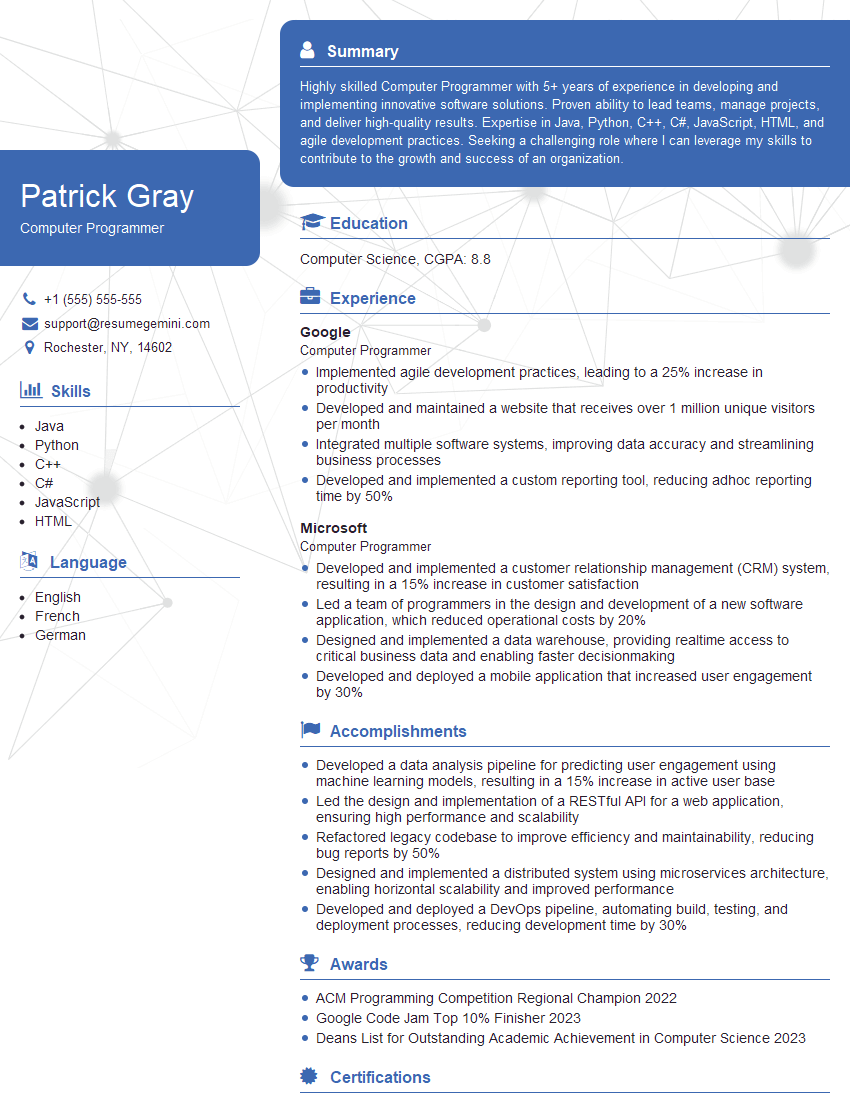
Computer Programmer Resume Sample

Software Tester Resume Sample

Technical Support Engineer Resume Sample

Web Developer Resume Sample
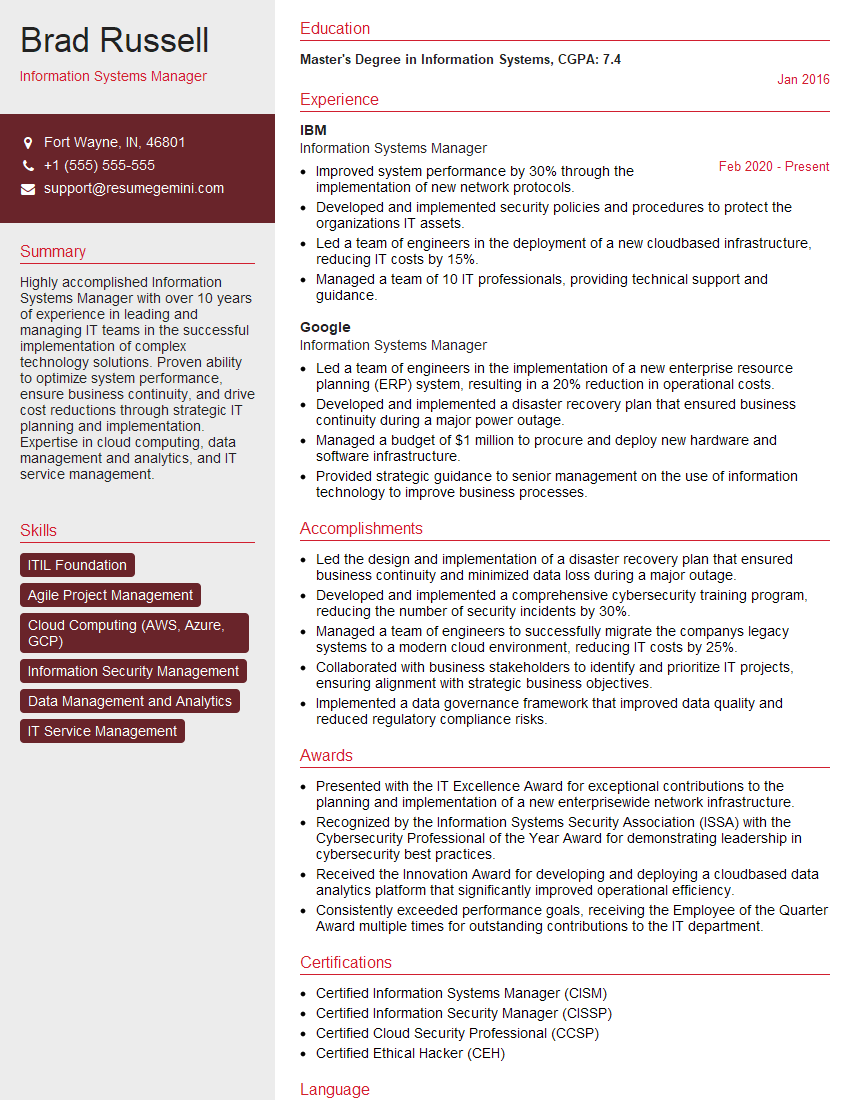
Information Systems Manager Resume Sample
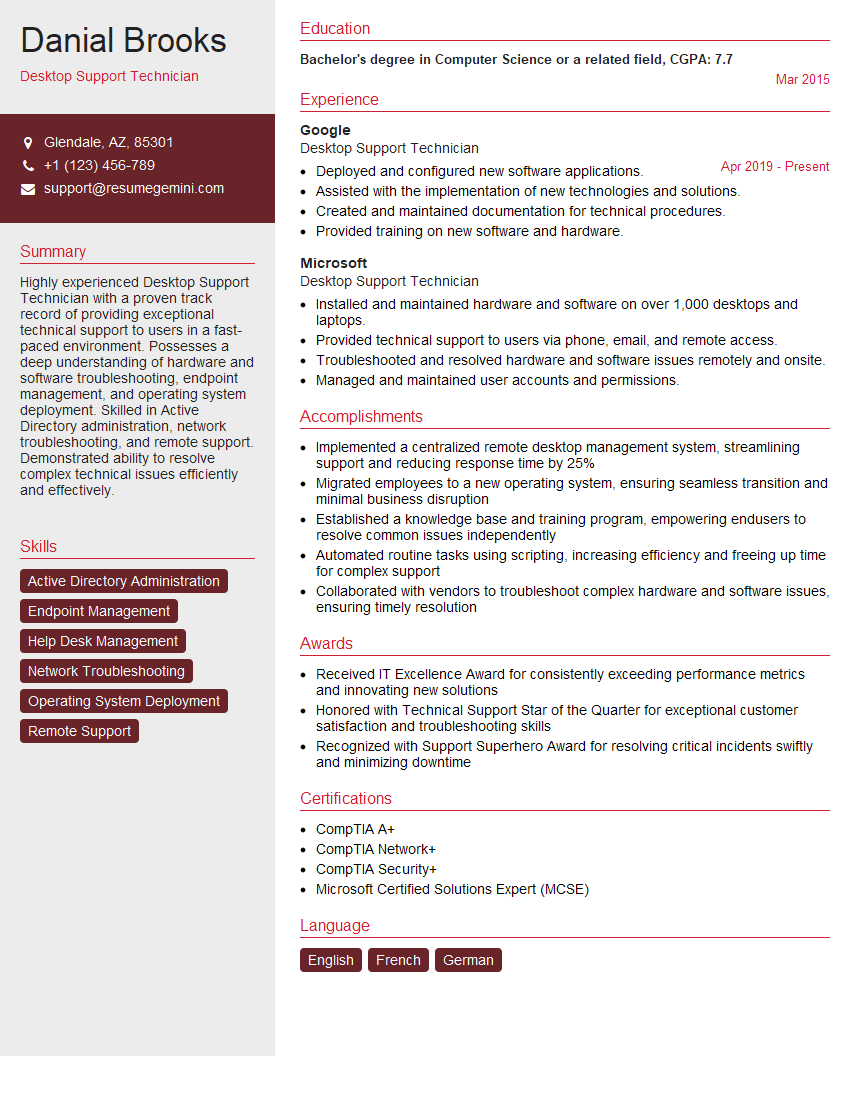
Desktop Support Technician Resume Sample
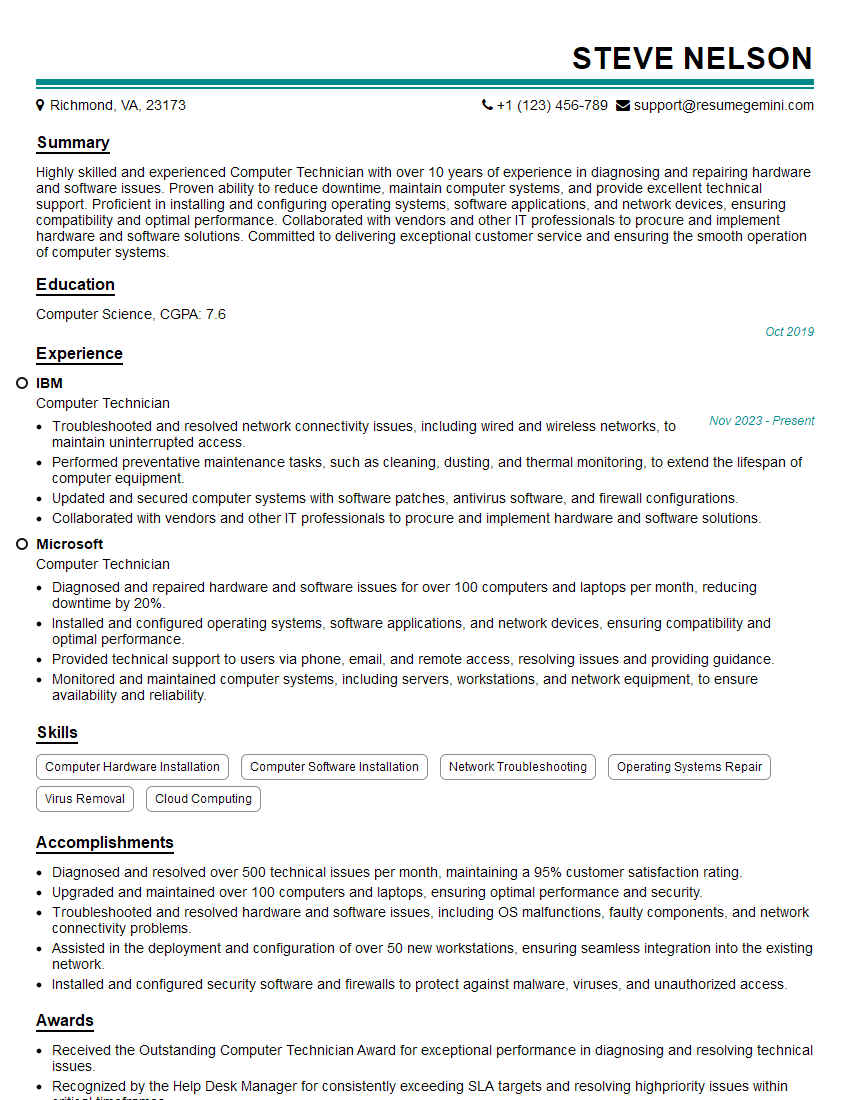
Computer Technician Resume Sample

Help Desk Analyst Resume Sample

IT Project Manager Resume Sample

Technical Writer Resume Sample

Computer Operator Resume Sample

IT Support Specialist Resume Sample

Database Administrator Resume Sample

DevOps Engineer Resume Sample

Cloud Engineer Resume Sample
- Data Analyst
- Data Scientist
- Software Engineer
- Network Administrator
- Systems Administrator
- Computer Programmer
- Software Tester
- Technical Support Engineer
- Web Developer
- Information Systems Manager
- Desktop Support Technician
- Computer Technician
- Help Desk Analyst
- IT Project Manager
- Technical Writer
- Computer Operator
- IT Support Specialist
- Database Administrator
- DevOps Engineer
- Cloud Engineer
Explore more articles
Users Rating of Our Blogs
Share Your Experience
We value your feedback! Please rate our content and share your thoughts (optional).
What Readers Say About Our Blog
Very informative content, great job.
good