Preparation is the key to success in any interview. In this post, we’ll explore crucial Knowledge of digital imaging techniques interview questions and equip you with strategies to craft impactful answers. Whether you’re a beginner or a pro, these tips will elevate your preparation.
Questions Asked in Knowledge of digital imaging techniques Interview
Q 1. Explain the difference between lossy and lossless image compression.
Lossy and lossless compression are two fundamental approaches to reducing the size of image files. The key difference lies in whether information is discarded during the compression process.
Lossless compression algorithms, like PNG, achieve size reduction without losing any image data. They work by identifying and removing redundancies in the data, but all the original information can be perfectly reconstructed. Think of it like packing a suitcase very efficiently – you rearrange items to save space, but you don’t throw anything away.
Lossy compression, on the other hand, achieves higher compression ratios by permanently discarding some image data deemed less important to the human eye. This results in smaller file sizes but introduces some level of quality loss. JPEG is a prime example; it reduces detail, particularly in subtle color gradations, to significantly shrink the file size. It’s like summarizing a long story – you lose some details, but keep the essential plot points.
The choice between lossy and lossless compression depends on the specific application. Lossless compression is ideal when preserving every detail is critical, such as in medical imaging or archival photography. Lossy compression is better suited for situations where file size is more important than absolute image fidelity, such as web images or photographs for social media, where a slight reduction in quality is often imperceptible or acceptable.
Q 2. Describe various image file formats (JPEG, PNG, TIFF, RAW) and their applications.
Several image file formats cater to different needs and priorities. Let’s explore some popular ones:
- JPEG (Joint Photographic Experts Group): This is the most common format for photographs. It uses lossy compression, offering a good balance between file size and image quality. It’s widely supported across platforms and devices, making it suitable for web use and general photography.
- PNG (Portable Network Graphics): PNG is a lossless format, ideal for images with sharp lines, text, logos, or any situation requiring perfect detail preservation. It supports transparency, making it a favorite for web graphics and icons.
- TIFF (Tagged Image File Format): TIFF is a flexible format often used for professional printing and high-resolution imaging. It can support lossless and lossy compression and handles a wide range of color depths and resolutions. It’s favored for archiving because of its ability to store metadata related to the image.
- RAW: RAW files are unprocessed image data captured directly from the camera’s sensor. They contain significantly more information than JPEGs or other compressed formats, allowing for greater flexibility during post-processing and editing. They are larger files but provide maximum image quality and editing freedom.
In summary, the choice of file format hinges on the intended use of the image and the balance between file size, image quality, and editing flexibility required.
Q 3. What are the key elements of image resolution and how does it impact image quality?
Image resolution determines the level of detail in an image. It’s essentially the number of pixels that make up the image. Resolution is typically expressed as width x height (e.g., 1920 x 1080 pixels). Higher resolution means more pixels and therefore greater detail, sharpness, and clarity. Lower resolution leads to a blockier and less defined image.
Key Elements:
- Pixels: Individual picture elements forming the image.
- PPI (Pixels Per Inch): Determines the pixel density; higher PPI means more pixels packed into each inch, resulting in a sharper image when printed. This is distinct from resolution.
- DPI (Dots Per Inch): Refers to the printer’s output resolution; a higher DPI results in a sharper printed image.
Impact on Image Quality: Higher resolution images can be enlarged without significant loss of quality, whereas low-resolution images will appear blurry or pixelated when enlarged. High resolution is crucial for printing large images or for applications requiring fine detail. Lower resolution images are suitable for web use or smaller prints, where the file size is a primary consideration.
For instance, a high-resolution image may be suitable for a billboard, while a lower-resolution image might be sufficient for a website banner.
Q 4. Explain the concept of color spaces (RGB, CMYK, etc.) and their relevance.
Color spaces define the range of colors that can be represented and how those colors are defined numerically. Different color spaces are suited for various applications.
RGB (Red, Green, Blue): This is an additive color space, meaning colors are created by combining red, green, and blue light. It’s the standard for digital displays like monitors and TVs. Each color channel has a value between 0 and 255, representing the intensity of each color component.(255, 0, 0) represents pure red.
CMYK (Cyan, Magenta, Yellow, Key [black]): This is a subtractive color space, used in printing. Colors are created by subtracting certain wavelengths of light from white light. Cyan, magenta, and yellow inks are used to absorb specific color components, and black is added for depth and sharpness. CMYK colors are typically not as vivid as RGB colors.
Other Color Spaces: There are many other color spaces, including HSV (Hue, Saturation, Value), LAB (CIELAB), and YUV (used in video). Each space has its own advantages for specific applications. For example, HSV is intuitive for color selection as it directly relates to human perception of color. LAB is often preferred for color management and consistency across different devices.
The choice of color space depends on the intended use. For displays, RGB is the norm, while for printing, CMYK is necessary. Understanding color spaces is essential for maintaining color accuracy across different output devices.
Q 5. Discuss different image enhancement techniques (e.g., sharpening, noise reduction).
Image enhancement techniques improve the visual quality or extract more information from an image. Some common techniques include:
- Sharpening: Increases the contrast between adjacent pixels, making edges and details appear sharper. This is often used to compensate for slight blurriness. Over-sharpening can create artifacts, so it’s important to apply this subtly.
- Noise Reduction: Smooths out random variations in pixel color (noise), which often results from low light conditions or sensor imperfections. Noise reduction can reduce detail, so it’s important to find a balance between noise reduction and detail preservation.
- Contrast Enhancement: Increases the difference between the lightest and darkest parts of the image, making it more visually appealing or revealing hidden details in shadows or highlights.
- Color Correction: Adjusts the color balance to improve realism and accuracy. This often involves adjusting individual color channels (RGB) to compensate for variations in lighting conditions or camera settings.
These techniques are typically implemented using image processing software and often involve algorithms that analyze the image and apply transformations to pixels based on various mathematical calculations.
Q 6. How do you handle image artifacts and distortions?
Image artifacts and distortions can significantly degrade image quality. They arise from various sources including compression, sensor defects, or transmission errors.
Handling Image Artifacts:
- Compression Artifacts: Lossy compression can introduce blockiness, blurring, or ringing artifacts. Minimizing compression artifacts involves using a higher quality setting during compression, or using a lossless format. Some advanced techniques can help mitigate artifacts by employing sophisticated deblocking algorithms.
- Noise: Noise can be reduced using various filtering techniques (e.g., median filtering, Gaussian filtering). These algorithms smooth out noise but should be applied cautiously to avoid blurring important details.
- Geometric Distortions: These distortions can be corrected using geometric transformations. These require identifying control points in the distorted image and mapping them to their correct positions in the undistorted image. Software like Photoshop and specialized image processing toolkits offer this capability.
Strategies for Mitigation:
- Careful Image Acquisition: Using proper camera settings and avoiding harsh lighting conditions can significantly minimize artifacts during capture.
- Non-destructive Editing: Using non-destructive editing techniques allows for correction and modification without permanently altering the original image data.
- Specialized Software: Professional image editing software includes advanced tools to address specific artifact types and distortions.
Q 7. Explain your experience with image segmentation and object recognition.
Image segmentation and object recognition are crucial aspects of computer vision. I have extensive experience in both areas, using various techniques and algorithms.
Image Segmentation: This involves partitioning an image into meaningful regions based on characteristics such as color, texture, or intensity. I’ve worked with thresholding techniques, region-growing algorithms, and more sophisticated methods like watershed segmentation and graph-cut algorithms. For example, I used watershed segmentation to separate overlapping cells in a microscopy image for biological analysis.
Object Recognition: This focuses on identifying specific objects within an image. My experience includes using feature extraction techniques (SIFT, SURF, HOG) to describe object characteristics and machine learning algorithms (SVM, neural networks) for object classification. I’ve worked on projects involving object detection in images and videos, such as identifying vehicles in traffic camera footage or detecting defects in manufactured products. I’ve also leveraged deep learning techniques, specifically convolutional neural networks (CNNs), for more complex object recognition tasks, achieving high accuracy in object identification and localization.
My projects have involved the use of various programming languages and libraries, including Python with OpenCV and TensorFlow/Keras. This experience extends to handling various image formats and datasets and optimizing algorithms for efficiency and accuracy.
Q 8. Describe different image registration techniques.
Image registration is the process of aligning two or more images of the same scene taken from different viewpoints or at different times. Think of it like aligning puzzle pieces – you need to find the best fit to create a complete and accurate picture. Several techniques exist, broadly categorized into:
- Feature-based registration: This involves identifying unique features (e.g., corners, edges) in each image and using these features to compute a transformation that aligns the images. Algorithms like SIFT (Scale-Invariant Feature Transform) and SURF (Speeded-Up Robust Features) are commonly used. For instance, in medical imaging, matching anatomical landmarks in different MRI scans.
- Intensity-based registration: This method relies on the intensity values of the pixels themselves. It measures the similarity between images directly, often using metrics like mutual information or cross-correlation. This is useful when feature detection is challenging, such as in microscopy images with subtle variations.
- Hybrid methods: Combine feature-based and intensity-based approaches for a more robust registration, especially when dealing with noisy or partially occluded images. For example, combining edge detection with intensity matching in satellite imagery.
The choice of technique depends on the characteristics of the images, the desired accuracy, and computational constraints. For example, feature-based methods are computationally expensive but can handle significant image deformations, while intensity-based methods are faster but are more sensitive to noise.
Q 9. What are the advantages and disadvantages of different image acquisition methods?
Different image acquisition methods offer distinct advantages and disadvantages. Let’s consider some common methods:
- Digital cameras (CCD/CMOS): Advantages include portability, relatively low cost, and ease of use. Disadvantages: Sensitivity to light, prone to noise (especially in low-light conditions), limited dynamic range compared to some other methods.
- Medical scanners (CT, MRI, PET): Advantages: High resolution, excellent contrast, 3D capabilities. Disadvantages: Expensive, require specialized facilities and expertise, radiation exposure (CT).
- Microscopy: Advantages: High magnification, allowing visualization of cellular structures. Disadvantages: Limited field of view, typically requires specialized sample preparation techniques.
- Satellite imagery: Advantages: Wide area coverage, useful for remote sensing applications. Disadvantages: Resolution can be limited, affected by atmospheric conditions.
The ideal method depends on the application. For a quick snapshot, a digital camera is sufficient. For detailed medical imaging, a CT or MRI scan is necessary. Each method requires careful consideration of its strengths and limitations to ensure the acquired image meets the needs of the task.
Q 10. How familiar are you with image processing software (e.g., Photoshop, ImageJ, MATLAB)?
I am highly proficient in several image processing software packages. My experience includes:
- Photoshop: Extensive experience in image editing, manipulation, color correction, and compositing. I’ve used it for tasks ranging from basic retouching to creating complex visual effects.
- ImageJ: I have a deep understanding of ImageJ’s capabilities for image analysis, including image segmentation, measurement, and plugin development. I’ve used it extensively for quantitative image analysis in biological research.
- MATLAB: I am comfortable writing custom image processing algorithms in MATLAB, leveraging its powerful image processing toolbox. This includes implementing various filtering techniques, transformations, and feature extraction methods. I’ve used MATLAB for complex image analysis projects, including medical image analysis and remote sensing applications.
My proficiency in these software packages allows me to address a wide range of image processing and analysis challenges efficiently and effectively.
Q 11. Explain your understanding of histogram equalization and its application.
Histogram equalization is an image enhancement technique used to improve contrast. It works by redistributing the pixel intensities in an image to achieve a more uniform histogram. Think of it like spreading out the data – you’re taking areas with clustered pixel values and spreading them out across the entire intensity range. This makes the details more visible.
It’s done by calculating the cumulative distribution function (CDF) of the image’s histogram. The CDF maps the original pixel values to a new set of values, resulting in a flatter, more evenly distributed histogram. The effect is that the overall contrast increases, particularly in regions that were previously dark or bright.
Application: Histogram equalization is widely used in medical imaging to enhance the visibility of subtle details in X-rays, CT scans, and MRI images. It’s also applied in improving the visibility of images taken under low-light conditions or those with poor contrast, such as astronomical images.
Q 12. Describe your experience with image filtering techniques (e.g., Gaussian, median).
I have extensive experience with various image filtering techniques, including Gaussian and median filtering. These are fundamental tools used for noise reduction and image smoothing.
- Gaussian filtering: This is a low-pass filter that uses a Gaussian kernel to smooth the image. It effectively reduces high-frequency noise (like salt-and-pepper noise) while preserving edges relatively well. The standard deviation of the Gaussian kernel controls the degree of smoothing.
- Median filtering: This is a non-linear filter that replaces each pixel with the median value of its neighboring pixels. It is particularly effective at removing impulse noise (salt-and-pepper noise) while preserving edges better than Gaussian filtering in some cases.
The choice between Gaussian and median filtering depends on the type of noise present in the image. Gaussian is better for reducing random noise, while median is preferred for impulse noise. I have implemented both using various software packages like MATLAB and ImageJ, tailoring the filter parameters to optimize results for specific image types and noise characteristics. For instance, Gaussian filtering is frequently used for pre-processing images before feature extraction.
Q 13. How would you approach the problem of image blurring?
Image blurring is a common problem that can arise from various factors, such as motion blur, defocus blur, or atmospheric blur. Addressing this depends on understanding the cause of the blur. My approach involves:
- Identifying the type of blur: Is it motion blur (streaks), defocus blur (general softness), or something else? This informs the deblurring strategy.
- Choosing an appropriate deblurring technique: Several techniques exist, including:
- Inverse filtering: A simple approach, but sensitive to noise.
- Wiener filtering: Considers noise characteristics for better results.
- Blind deconvolution: More advanced, estimates both the blur kernel and the sharp image. This is particularly useful when the blur characteristics are unknown.
- Regularization-based methods: Introduce constraints to prevent overfitting and improve robustness.
- Implementing and evaluating the chosen technique: I would use software like MATLAB or ImageJ to implement the chosen deblurring algorithm. I’d assess the results using metrics like PSNR (Peak Signal-to-Noise Ratio) and SSIM (Structural Similarity Index) to quantify the improvement in image sharpness.
The complexity of the solution depends heavily on the nature and severity of the blur. Simple inverse filtering might suffice for mild blur, while more sophisticated techniques like blind deconvolution are needed for severe blurring.
Q 14. What are your experiences with image analysis and interpretation?
My experience with image analysis and interpretation spans diverse domains. I have worked on projects involving:
- Medical image analysis: Analyzing MRI and CT scans for disease detection and quantification.
- Microscopy image analysis: Analyzing microscopic images to measure cellular structures and quantify biological processes. This included image segmentation, feature extraction, and statistical analysis.
- Remote sensing image analysis: Analyzing satellite images for land cover classification and change detection.
- Industrial inspection: Automated defect detection in manufactured products using image processing and machine learning techniques.
In each project, I employ a systematic approach combining image processing techniques (filtering, segmentation, feature extraction) with statistical analysis and machine learning where appropriate. My goal is always to extract meaningful information from images to solve specific problems, and to clearly communicate the results to a broader audience. For example, I’ve used image analysis to quantitatively assess the effectiveness of a new drug in reducing inflammation in a pre-clinical model.
Q 15. Explain the concept of feature extraction in image processing.
Feature extraction in image processing is like summarizing a book. Instead of dealing with the entire image (the whole book), we identify key features that represent its essence (the main plot points and characters). These features are measurable characteristics, such as edges, corners, textures, and colors. They significantly reduce the amount of data needed for analysis while retaining crucial information. Think of it as converting a massive, high-resolution image into a smaller, more manageable set of descriptive data points.
For example, in object recognition, instead of processing every pixel, we might extract features like the shape’s edges and corners. A square will have four distinct corners and straight edges, easily distinguishing it from a circle. Similarly, texture analysis might focus on repeated patterns or variations in pixel intensity, enabling us to differentiate between wood grain and smooth metal.
Common feature extraction techniques include:
- Edge Detection: (e.g., Sobel, Canny operators) identifies sharp changes in intensity, outlining shapes.
- Corner Detection: (e.g., Harris, FAST) locates points where two edges intersect.
- Histogram of Oriented Gradients (HOG): computes the distribution of gradient orientations in local portions of an image, useful for object detection.
- Scale-Invariant Feature Transform (SIFT) and Speeded-Up Robust Features (SURF): create descriptors that are invariant to scale, rotation, and changes in lighting.
Career Expert Tips:
- Ace those interviews! Prepare effectively by reviewing the Top 50 Most Common Interview Questions on ResumeGemini.
- Navigate your job search with confidence! Explore a wide range of Career Tips on ResumeGemini. Learn about common challenges and recommendations to overcome them.
- Craft the perfect resume! Master the Art of Resume Writing with ResumeGemini’s guide. Showcase your unique qualifications and achievements effectively.
- Don’t miss out on holiday savings! Build your dream resume with ResumeGemini’s ATS optimized templates.
Q 16. Describe different methods for image scaling and resizing.
Image scaling and resizing techniques change the dimensions of an image, either enlarging (upscaling) or shrinking (downscaling) it. The choice of method significantly impacts the image quality. Simple methods are fast but can be blurry, while sophisticated techniques aim for better preservation of detail.
Common methods include:
- Nearest-Neighbor Interpolation: The simplest method. For each pixel in the new image, it assigns the value of the nearest pixel in the original image. This results in blocky, pixelated images, especially during upscaling.
- Bilinear Interpolation: Averages the values of the four nearest neighboring pixels in the original image to determine the value of a pixel in the resized image. It produces smoother results than nearest-neighbor but can still lead to some blurring.
- Bicubic Interpolation: Considers a 4×4 grid of neighboring pixels and uses a cubic polynomial to calculate the new pixel value. This provides better quality than bilinear interpolation, particularly for upscaling, producing sharper and more detailed images.
- Lanczos Resampling: Uses a weighted average of a larger number of neighboring pixels, resulting in even better quality than bicubic interpolation, often preferred for high-quality image resizing. It’s computationally more expensive though.
The choice of method depends on the desired trade-off between speed and quality. For applications where speed is critical, nearest-neighbor or bilinear interpolation might be sufficient. For high-quality image manipulation, bicubic or Lanczos resampling is generally preferred.
Q 17. How do you manage large image datasets?
Managing large image datasets requires a strategic approach, combining efficient storage, data organization, and optimized processing techniques. It’s like managing a massive library—you need a good system to find what you need quickly and easily.
Strategies include:
- Cloud Storage: Services like Amazon S3, Google Cloud Storage, or Azure Blob Storage offer scalable and cost-effective solutions for storing large amounts of image data. They also often include features for managing and accessing the data efficiently.
- Data Compression: Lossy compression techniques (like JPEG) significantly reduce file sizes without noticeable loss of quality for many images. Lossless compression (like PNG) is better for images where preserving all detail is crucial, but it results in larger file sizes.
- Database Systems: Relational databases (like MySQL, PostgreSQL) or NoSQL databases (like MongoDB) can be used to store image metadata (e.g., file names, tags, descriptions, timestamps), enabling efficient searching and retrieval. The actual image files are usually stored separately, with the database storing the location.
- Data Partitioning: Divide the dataset into smaller, manageable chunks for easier processing and analysis. This is particularly helpful when dealing with computationally intensive tasks like training machine learning models.
- Data Augmentation: Generate new images from existing ones through techniques like rotations, flips, crops, and color adjustments. This helps to increase the size of your training dataset for image classification or other tasks.
Q 18. What is your experience with image databases and retrieval systems?
My experience with image databases and retrieval systems is extensive. I’ve worked with various systems, from simple file-based image collections to sophisticated content-based image retrieval (CBIR) systems. CBIR allows retrieval based on visual similarity rather than just metadata keywords. This is crucial for finding images that share similar visual characteristics, even without precise descriptions.
I’ve used databases like:
- OpenCV: For its image processing functionalities and integration with various retrieval algorithms.
- Scikit-image: For its extensive image processing and analysis tools useful in pre-processing for CBIR.
- Relational databases (MySQL, PostgreSQL) for storing image metadata and managing large datasets.
I’m familiar with various indexing techniques used for efficient image retrieval, such as k-d trees, R-trees, and Locality Sensitive Hashing (LSH). Understanding these techniques is critical for optimizing search speed and accuracy in large-scale image databases. For example, in a medical image archive, rapid retrieval of images based on visual similarity could be life-saving.
Q 19. Discuss your familiarity with different types of image sensors (CCD, CMOS).
Charge-Coupled Devices (CCDs) and Complementary Metal-Oxide-Semiconductors (CMOS) are both types of image sensors used in digital cameras and other imaging devices. They both convert light into electrical signals, but they differ in their architecture and performance characteristics. Think of them as two different types of film in a camera, each with its strengths and weaknesses.
CCDs are known for their high image quality, low noise, and excellent color accuracy. They achieve this by transferring charge through a series of registers, minimizing noise accumulation. However, they are generally more expensive and consume more power than CMOS sensors.
CMOS sensors are more energy-efficient and less expensive to manufacture. They integrate the charge-to-voltage conversion directly onto each pixel, simplifying the design and allowing for faster readouts. While early CMOS sensors had higher noise levels compared to CCDs, advancements have significantly narrowed the gap, making them a popular choice in many applications, especially in mobile phones and video cameras.
The choice between CCD and CMOS depends on the specific application requirements. For applications requiring the highest image quality, such as professional photography and astronomy, CCDs might be preferred. For applications where cost, power consumption, and speed are critical, CMOS sensors are often the better choice.
Q 20. Explain the challenges in handling medical images.
Handling medical images presents unique challenges due to their high resolution, diverse modalities (X-ray, CT, MRI, etc.), and the critical importance of accuracy. A small error can have significant consequences. Think about the precision needed in diagnosing a disease from a medical scan.
Challenges include:
- High Dimensionality: Medical images are often very large, requiring significant storage and processing power.
- Noise and Artifacts: Various artifacts can obscure relevant information, requiring sophisticated noise reduction and artifact correction techniques.
- Data Heterogeneity: Different imaging modalities have different characteristics, making it difficult to compare and analyze images from multiple sources.
- Data Privacy and Security: Protecting patient data is paramount, requiring secure storage, transmission, and access control mechanisms.
- Image Registration: Aligning images from different modalities or time points is crucial for accurate diagnosis and treatment planning.
- Computational Complexity: Analyzing and interpreting medical images often requires computationally intensive algorithms, requiring high-performance computing resources.
Addressing these challenges requires robust image processing techniques, specialized software, and strong adherence to ethical guidelines for data handling and patient privacy.
Q 21. What are your experiences with image security and protection?
Image security and protection are critical, especially when dealing with sensitive data like medical images or financial documents. Protecting images requires a multi-layered approach, like safeguarding a valuable asset.
Techniques include:
- Data Encryption: Protecting images during transmission and storage through encryption algorithms like AES (Advanced Encryption Standard) prevents unauthorized access.
- Digital Watermarking: Embedding invisible markings within an image to prove ownership or track distribution. This is useful for copyright protection and preventing unauthorized copying.
- Access Control: Restricting access to images based on user roles and permissions ensures only authorized individuals can view or modify them.
- Integrity Verification: Using checksums or hash functions to verify that an image has not been tampered with. This ensures authenticity and data integrity.
- Steganography: Hiding information within an image, making it undetectable to the casual observer. While useful for some security applications, it can also be exploited for malicious purposes.
- Secure Storage: Using secure cloud storage or on-premise servers with appropriate security measures to prevent unauthorized access.
The specific methods employed depend on the sensitivity of the data and the potential threats. For critical applications, a combination of these techniques is usually necessary to ensure robust security.
Q 22. Describe your experience with image stitching and panoramic image creation.
Image stitching, or photo stitching, is the process of combining multiple images to create a single, wider image or a panoramic view. Think of it like creating a digital mosaic. This is commonly done with overlapping photographs taken from slightly different viewpoints. My experience involves using various software packages and understanding the underlying algorithms.
The process typically involves several steps: feature detection (identifying common points between images), feature matching (connecting corresponding points), homography estimation (calculating the geometric transformation between images), and finally, image blending (seamlessly merging the images together). I’ve worked extensively with tools like Hugin and Photoshop’s photomerge function, successfully creating high-resolution panoramas for architectural visualization projects and landscape photography. For example, I once stitched together over 20 images to create a stunning panoramic view of a mountain range, resolving geometric distortions and ensuring a seamless blend of colors and exposures.
Challenges often arise from variations in lighting, perspective, and lens distortion. Addressing these requires careful image preprocessing, selection of appropriate stitching algorithms, and potentially manual intervention to correct misalignments or blending artifacts.
Q 23. How do you address color inconsistencies in image processing?
Color inconsistencies in image processing, such as variations in white balance or exposure, can significantly detract from the overall image quality. Addressing these inconsistencies requires a multi-pronged approach.
One common method involves color balancing techniques. This might include adjusting the individual color channels (red, green, blue) to achieve a more neutral and consistent tone across the entire image. Sophisticated algorithms, like those found in Adobe Camera Raw, can automatically analyze the image and suggest appropriate color corrections.
Another technique is histogram equalization, which aims to distribute the pixel intensities more evenly across the entire range. This can improve the overall contrast and visibility of details but might sometimes lead to unnatural color shifts.
For images with significant color variations, color correction profiles can be used. These profiles are designed to compensate for specific camera or lighting characteristics. Finally, for more complex scenarios, I often employ manual color adjustments using tools like curves or levels to selectively fine-tune individual areas of the image and achieve a cohesive visual effect. This hands-on approach allows me to subtly address inconsistencies that automated algorithms might miss.
Q 24. Describe your understanding of image metadata and its importance.
Image metadata refers to information embedded within an image file that describes the image’s content, creation details, and related data. It’s like a digital passport for your images. This metadata is crucial for a variety of reasons.
- Organization and retrieval: Metadata like date and time, location (GPS data), and keywords allow for efficient searching and organization of large image collections. Imagine trying to find a specific photo from a vacation without the date information – a nightmare!
- Image analysis and processing: Information such as camera model, exposure settings, and focal length can be used to enhance processing or correct image artifacts. For example, knowing the camera’s lens distortion profile enables sophisticated correction techniques.
- Legal and copyright purposes: Metadata can include copyright information, author details, and usage rights, facilitating proper attribution and preventing copyright infringement. This is particularly relevant in professional photography and journalism.
I often leverage metadata during image processing, particularly when working on large datasets. For instance, I might use metadata to automatically sort images based on their location or date, streamlining the workflow considerably. Moreover, I ensure that all the images I process retain their original metadata to preserve context and authorship.
Q 25. What are your experiences with deep learning techniques applied to image processing?
Deep learning has revolutionized image processing, offering powerful tools for tasks like image classification, object detection, segmentation, and enhancement. My experience involves using convolutional neural networks (CNNs) for various applications.
I’ve utilized pre-trained models like ResNet and Inception for image classification tasks, achieving high accuracy in identifying objects within images. For example, I’ve used these models to automatically categorize thousands of images for a client’s product catalog.
Furthermore, I have experience training custom CNN models for more specialized tasks. One notable project involved training a model to detect defects in manufactured parts based on high-resolution images. This required significant data preprocessing and model tuning to achieve high precision and recall.
Beyond CNNs, I am familiar with other deep learning architectures like Generative Adversarial Networks (GANs) for image generation and restoration. GANs are particularly useful for tasks like inpainting (filling missing parts of an image) and super-resolution (enhancing the resolution of a low-resolution image). The ability to leverage these advanced techniques offers significant advantages over traditional image processing methods in terms of accuracy and automation.
Q 26. Explain your understanding of different image enhancement algorithms (e.g., contrast stretching, gamma correction).
Image enhancement algorithms are used to improve the visual quality and information content of images. Let’s delve into two common techniques:
Contrast stretching is a simple but effective method to enhance the dynamic range of an image. It involves adjusting the pixel values to cover the entire available intensity range. This results in increased contrast, making details more visible. Think of it as widening the range of brightness from darkest black to brightest white. A simple example is mapping the minimum pixel value to 0 and the maximum to 255 (for 8-bit images). This basic approach can be refined with more sophisticated algorithms that consider the histogram distribution for a more nuanced improvement.
Gamma correction is used to adjust the overall brightness and contrast of an image by manipulating the relationship between input and output pixel values. It’s particularly useful in addressing issues with non-linear brightness responses common in display devices. Gamma correction involves raising the pixel values to a power (the gamma value). A gamma value less than 1 brightens the image, while a value greater than 1 darkens it. For example, a gamma value of 2.2 is often used to compensate for the typical gamma response of CRT monitors.
Both techniques are widely used in image pre-processing, image editing software, and medical imaging to optimize image appearance and improve the visibility of relevant features. The choice between them and other techniques often depends on the specific image characteristics and the desired outcome.
Q 27. Discuss your experience with 3D image processing and visualization.
3D image processing and visualization involve handling and manipulating three-dimensional data, such as volumetric medical scans (CT, MRI), microscopy data, or 3D models generated from multiple 2D images. My experience encompasses several aspects of this field.
I’ve worked with various software packages for visualizing and analyzing 3D data, including tools like 3D Slicer, ITK-SNAP, and VTK. These tools allow for interactive exploration of 3D structures, segmentation of regions of interest, and the creation of high-quality visualizations.
A significant portion of my work involves image registration – aligning multiple 3D datasets acquired from different modalities or time points. This is crucial for tasks like creating composite images, tracking changes over time, or fusing data from different sources to get a more comprehensive view. I’ve used various registration algorithms, ranging from simple rigid-body transformations to more complex deformable registrations, depending on the specific requirements of the project.
Moreover, I have experience in developing and implementing algorithms for 3D image segmentation, extracting meaningful features from complex 3D structures. For instance, I have successfully segmented organs from medical scans for quantitative analysis and computer-aided diagnosis.
Q 28. How would you evaluate the quality of a digital image?
Evaluating the quality of a digital image is a multifaceted task, dependent on the intended application and context. There isn’t one single metric but rather several key factors to consider:
- Sharpness and resolution: High-resolution images with sharp details are generally preferred. We assess this using metrics like MTF (modulation transfer function), measuring the ability to reproduce fine details.
- Noise level: Noise, or random variations in pixel values, reduces image quality. Signal-to-noise ratio (SNR) is a common metric used to quantify the level of noise.
- Dynamic range: This refers to the range of brightness levels an image can capture. A wider dynamic range allows for greater detail in both highlights and shadows.
- Color accuracy: The accuracy of color representation is vital for certain applications. We can measure this using colorimetric metrics, comparing the captured colors with the actual scene colors.
- Artifacts: The presence of artifacts, such as compression artifacts, banding, or blurring, negatively impacts image quality.
- Content and context: Finally, the overall quality depends on the content and the intended purpose of the image. An image may be deemed high-quality for one purpose but low-quality for another.
In practice, I use a combination of subjective visual inspection and objective metrics to assess image quality. The specific metrics used would depend on the application. For instance, in medical imaging, the emphasis might be on noise levels and image resolution, while in photography, color accuracy and dynamic range might be more important.
Key Topics to Learn for a Digital Imaging Techniques Interview
- Image Acquisition: Understand the principles of various imaging modalities (e.g., X-ray, MRI, CT, Ultrasound), sensor technologies, and their respective strengths and limitations. Consider the impact of factors like resolution, noise, and artifacts on image quality.
- Image Processing and Enhancement: Explore techniques for improving image quality, such as noise reduction, contrast enhancement, sharpening, and filtering. Be prepared to discuss algorithms and their practical applications in medical imaging, remote sensing, or other relevant fields.
- Image Segmentation and Analysis: Familiarize yourself with methods for segmenting images into meaningful regions (e.g., organ segmentation in medical images) and extracting quantitative information. This includes understanding different segmentation algorithms and their effectiveness in various contexts.
- Image Compression and Storage: Learn about various image compression techniques (lossy vs. lossless) and their impact on image quality and storage requirements. Discuss the importance of efficient data management and archival strategies.
- Image Registration and Fusion: Understand the principles of aligning images from different sources or modalities (registration) and combining them to create a more comprehensive representation (fusion). Consider the challenges and solutions involved in this process.
- Digital Image Formats and Standards: Become familiar with common image formats (e.g., DICOM, JPEG, TIFF) and their applications. Understand the importance of adhering to relevant industry standards and best practices.
- Troubleshooting and Problem-Solving: Develop your ability to diagnose and resolve common issues encountered in digital imaging workflows, such as image artifacts, inconsistencies, and data corruption.
Next Steps
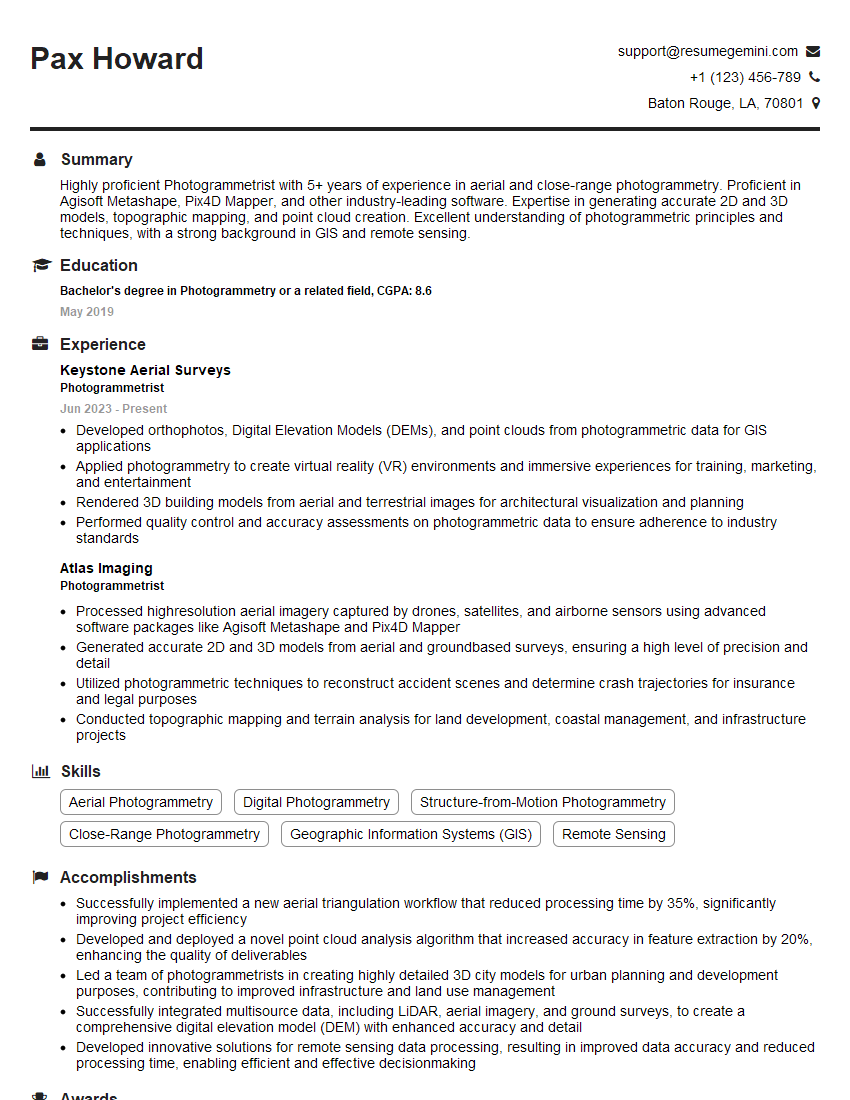
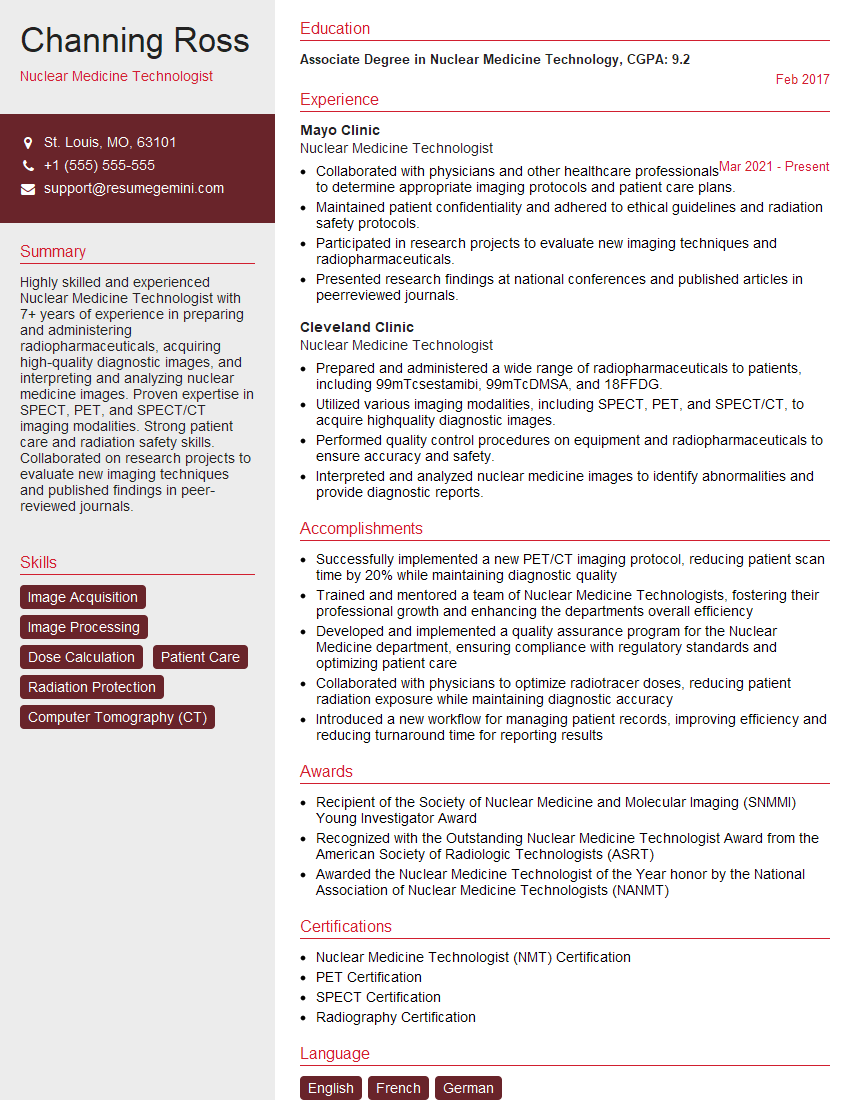
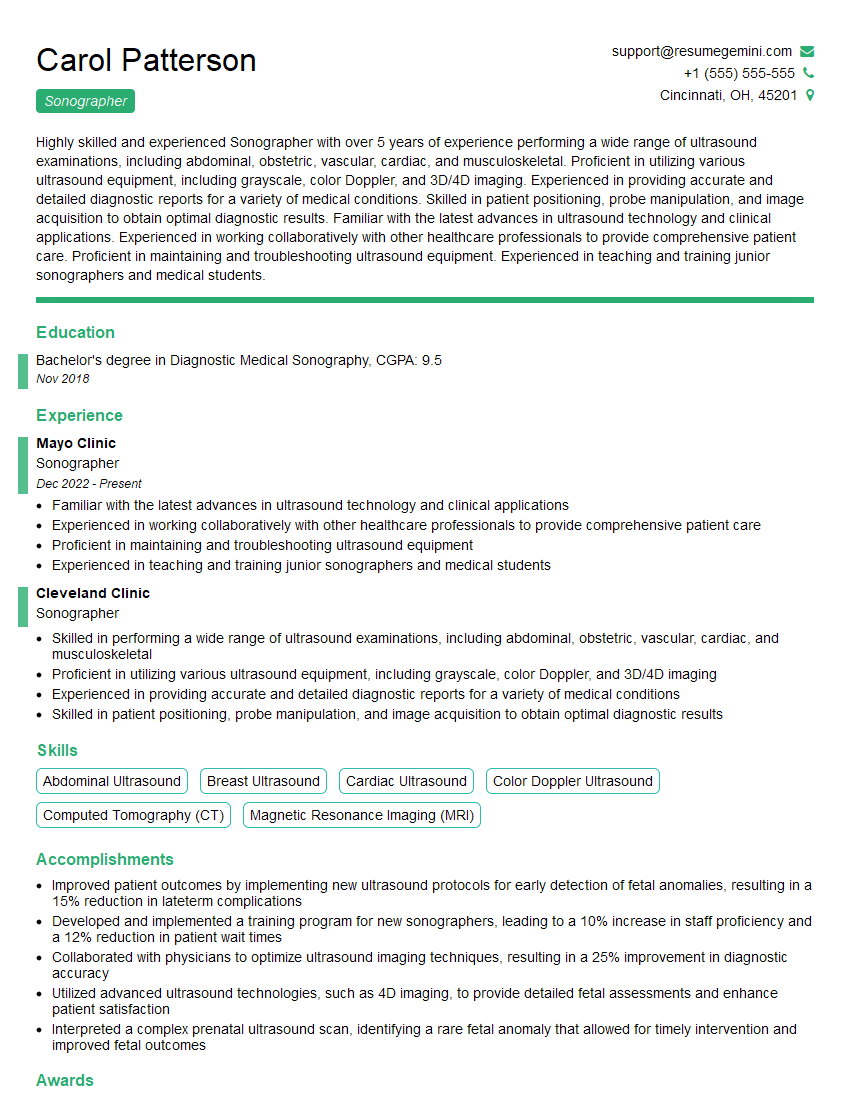
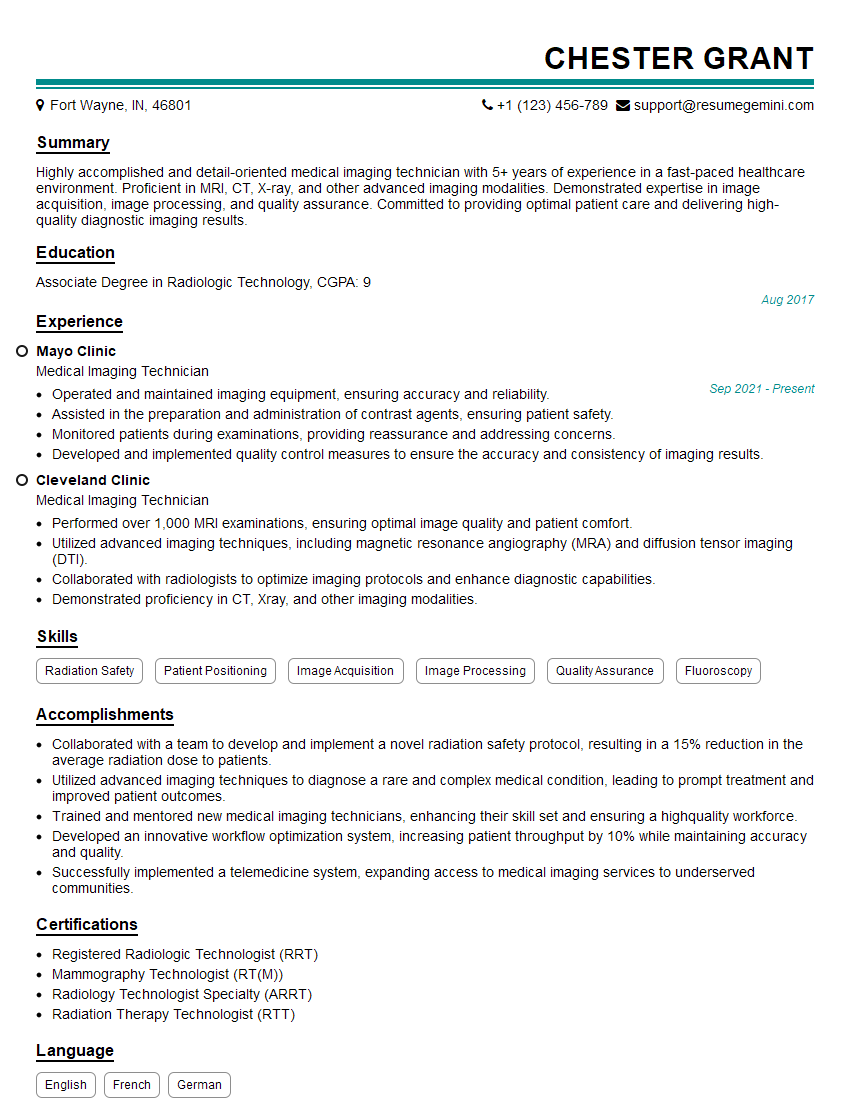
Mastering digital imaging techniques significantly enhances your career prospects in fields like medical imaging, computer vision, and scientific research. A strong understanding of these techniques demonstrates valuable technical skills and problem-solving abilities highly sought after by employers. To showcase your expertise effectively, create an ATS-friendly resume that highlights your skills and experience. ResumeGemini is a trusted resource to help you build a professional and impactful resume that gets noticed. Examples of resumes tailored to digital imaging techniques are available to guide you. Investing time in crafting a compelling resume will significantly increase your chances of landing your dream job.


Explore more articles
Users Rating of Our Blogs
Share Your Experience
We value your feedback! Please rate our content and share your thoughts (optional).
What Readers Say About Our Blog
Very informative content, great job.
good