Preparation is the key to success in any interview. In this post, we’ll explore crucial Knowledge of Technology interview questions and equip you with strategies to craft impactful answers. Whether you’re a beginner or a pro, these tips will elevate your preparation.
Questions Asked in Knowledge of Technology Interview
Q 1. Explain the difference between IPv4 and IPv6.
IPv4 and IPv6 are both internet protocols that assign unique addresses to devices on a network, but they differ significantly in their addressing schemes and capabilities. IPv4 uses 32-bit addresses, represented as four sets of numbers separated by dots (e.g., 192.168.1.1), resulting in a limited number of available addresses (around 4.3 billion). This limitation has become a major challenge with the proliferation of internet-connected devices. IPv6, on the other hand, utilizes 128-bit addresses, represented as eight groups of four hexadecimal digits separated by colons (e.g., 2001:0db8:85a3:0000:0000:8a2e:0370:7334). This vastly expands the number of available addresses, solving the IPv4 address exhaustion problem.
- Address Space: IPv4 has a significantly smaller address space than IPv6.
- Header Structure: IPv6 has a simplified header structure compared to IPv4, improving efficiency.
- Autoconfiguration: IPv6 offers more streamlined autoconfiguration capabilities, simplifying network setup.
- Security: IPv6 incorporates built-in security features, such as IPsec, to enhance network security.
In essence, IPv6 is the successor to IPv4, designed to overcome the limitations of its predecessor and provide a more scalable and secure internet infrastructure. Think of it like upgrading from a small, outdated hard drive to a massive, high-performance solid-state drive—a necessary step to accommodate the increasing demand for internet connectivity.
Q 2. Describe your experience with cloud computing platforms (AWS, Azure, GCP).
I have extensive experience with all three major cloud computing platforms: AWS, Azure, and GCP. My experience spans various services, including compute, storage, databases, and networking. For example, on AWS, I’ve worked extensively with EC2 for hosting applications, S3 for object storage, RDS for managed databases, and Lambda for serverless computing. I’ve also leveraged its networking services like VPC for creating isolated networks and Route53 for DNS management. On Azure, I’ve used Azure Virtual Machines, Azure Blob Storage, Azure SQL Database, and Azure Functions, mirroring similar functionalities to AWS. Finally, on GCP, I’ve utilized Compute Engine, Cloud Storage, Cloud SQL, and Cloud Functions.
My experience isn’t just limited to using these individual services; I also possess a strong understanding of best practices for cost optimization, security implementation, and overall cloud architecture design. I have built and deployed complex applications across these platforms, taking into consideration factors like scalability, reliability, and maintainability. One specific project involved migrating a legacy on-premise application to AWS, resulting in a 30% reduction in operational costs and a significant improvement in application performance. This required careful planning, migration strategies, and continuous monitoring throughout the entire process. Each platform offers unique strengths; selecting the appropriate platform depends heavily on the specific needs of the project and organizational requirements.
Q 3. What are the key differences between REST and GraphQL APIs?
REST and GraphQL are both architectural styles for building APIs, but they differ in their approach to data fetching and overall design. REST (Representational State Transfer) is a more established approach, typically using HTTP methods (GET, POST, PUT, DELETE) to interact with resources identified by URLs. It generally retrieves data in a fixed structure, often requiring multiple requests to fetch related data.
GraphQL, on the other hand, is a query language for APIs. It allows clients to request precisely the data they need, reducing over-fetching (receiving more data than necessary) and under-fetching (requiring multiple requests). GraphQL uses a single endpoint, making it more efficient for complex data retrieval. Think of REST as ordering a full set menu—you get everything on the plate, even if you don’t want it all—while GraphQL is like ordering à la carte—you choose exactly what you want.
- Data Fetching: REST uses multiple endpoints; GraphQL uses a single endpoint with queries.
- Data Structure: REST returns fixed data structures; GraphQL allows clients to specify the data they need.
- Efficiency: GraphQL is often more efficient for fetching complex data structures.
- Learning Curve: REST generally has a gentler learning curve; GraphQL requires understanding its query language.
Q 4. Explain the concept of microservices architecture.
Microservices architecture is a design approach where a large application is built as a collection of small, independent services. Each service focuses on a specific business function and communicates with other services through lightweight mechanisms, often using APIs. This contrasts with monolithic architectures, where all components are tightly coupled within a single application.
The advantages of a microservices architecture include improved scalability (individual services can be scaled independently), better fault isolation (failure of one service doesn’t bring down the entire application), enhanced technology diversity (different services can use different technologies), and faster development cycles (teams can work independently on different services). However, it also introduces complexities in areas such as service discovery, inter-service communication, and distributed transaction management. Think of a large corporation broken down into smaller, independent departments. Each department handles its own responsibilities but collaborates seamlessly with others to achieve the overall goals of the organization. A well-designed microservices architecture requires careful consideration of these complexities to ensure efficient operation and maintainability.
Q 5. How do you ensure data security in a cloud environment?
Ensuring data security in a cloud environment requires a multi-layered approach encompassing various security controls. This includes:
- Data Encryption: Encrypting data both in transit (using HTTPS and VPNs) and at rest (using encryption services provided by the cloud provider) is crucial to protect against unauthorized access.
- Access Control: Implementing strong access control mechanisms, such as role-based access control (RBAC) and least privilege, restricts access to sensitive data only to authorized personnel.
- Network Security: Configuring firewalls, intrusion detection and prevention systems, and virtual private clouds (VPCs) helps to protect against unauthorized network access.
- Regular Security Audits and Penetration Testing: Regularly auditing security configurations and conducting penetration testing identify vulnerabilities and ensure the effectiveness of security controls.
- Data Loss Prevention (DLP): Implementing DLP tools helps prevent sensitive data from leaving the cloud environment without authorization.
- Vulnerability Management: Regularly scanning for vulnerabilities and applying necessary patches to keep the systems updated and secure.
- Cloud Security Posture Management (CSPM): Utilizing CSPM tools to continuously monitor and assess the security posture of the cloud environment.
A crucial aspect is adhering to compliance standards (e.g., ISO 27001, HIPAA, GDPR) relevant to the type of data being handled. It’s also vital to have well-defined incident response plans to effectively handle security breaches.
Q 6. Describe your experience with Agile methodologies.
I have significant experience working with Agile methodologies, primarily Scrum and Kanban. In my previous role, we transitioned from a waterfall development model to Scrum, and I played a key role in this transformation. This involved training team members in Agile principles, establishing Scrum ceremonies (sprint planning, daily stand-ups, sprint review, sprint retrospective), and implementing tools for managing the project backlog and tracking progress.
I’ve found that Agile methodologies are particularly effective in fostering collaboration, promoting rapid iteration, and enabling faster delivery of value to customers. The iterative nature of Agile allows for flexibility in adapting to changing requirements throughout the development lifecycle. In one project, we faced an unexpected change in customer requirements mid-sprint. Using Agile principles, we were able to quickly adapt and incorporate the change into the sprint without significantly impacting the overall timeline. My experience includes both acting as a Scrum Master and as a development team member, providing me with a holistic understanding of the Agile process and its impact on project success.
Q 7. What are your preferred programming languages and why?
My preferred programming languages are Python and Java. Python’s readability and versatility make it ideal for a wide range of tasks, from scripting and data analysis to building web applications and machine learning models. Its extensive libraries and frameworks (such as Django and Flask) significantly accelerate development.
Java, on the other hand, is a robust and platform-independent language well-suited for large-scale enterprise applications. Its mature ecosystem and strong support for object-oriented programming make it a reliable choice for building complex and scalable systems. I’ve chosen these languages based on their widespread adoption, extensive community support, and their ability to handle a broad spectrum of development challenges. My proficiency in these languages allows me to contribute effectively to various projects and adapt quickly to new technologies.
Q 8. Explain the concept of version control using Git.
Version control, using Git as the most popular example, is like having a detailed history of every change made to a project’s code. Imagine writing a document and saving multiple versions, each labeled with a date and description of the changes. Git does the same for code, allowing multiple developers to work collaboratively without overwriting each other’s work.
Git tracks changes at a file level, allowing you to revert to previous versions if needed, compare different versions, and branch off to experiment with new features without affecting the main codebase. This is crucial for software development because it enables efficient collaboration, easier bug fixing, and controlled releases.
- Repositories: These are the central storage locations for your project’s code and its history.
- Commits: Each save point of changes is a commit, creating a snapshot of the project’s state at that time.
- Branches: These are parallel versions of the codebase, enabling simultaneous work on different features or bug fixes without interference.
- Merging: Combining changes from different branches into a single branch.
- Pull Requests: A mechanism for developers to propose changes and get them reviewed before merging into the main codebase.
For example, imagine two developers working on a website. One is adding a new login feature on a branch called ‘login-feature’, while another is fixing a bug on a branch named ‘bug-fix’. Once finished, they can create pull requests to merge their changes into the main ‘master’ branch, ensuring the main project is updated with all changes in a controlled way.
Q 9. How do you troubleshoot network connectivity issues?
Troubleshooting network connectivity issues involves a systematic approach, starting with the most basic checks and progressing to more complex diagnostics. Think of it like a detective investigating a crime – you gather clues and eliminate possibilities until you find the culprit.
- Check the basics: Is the device turned on? Are cables properly connected? Is Wi-Fi enabled and connected to the correct network? Restarting the device often resolves temporary glitches.
- Test connectivity: Try accessing a website or resource known to work. If it fails, the problem is likely with your network connection.
- Check network settings: Ensure your IP address, subnet mask, and default gateway are correctly configured (often done automatically but can be manually checked).
- Check the router/modem: Restart your router and modem. Examine the lights on these devices for any error indicators.
- Use command-line tools (ping, traceroute):
pingchecks connectivity to a specific host.tracerouteshows the route packets take to reach the destination, identifying potential points of failure. - Check for firewalls or antivirus software: These may be blocking network traffic. Temporarily disable them to see if they are the cause (re-enable afterwards!).
- Check for network interference: Other devices using the same frequency range (e.g., microwaves) can interfere with Wi-Fi signals.
- Contact your internet service provider (ISP): If all else fails, there may be an issue with your internet connection itself.
For instance, if ping google.com fails, it suggests a problem with your connection to the internet; if it works but a specific application doesn’t, the issue might be with the application’s configuration or the server it’s trying to reach.
Q 10. What are some common database management systems (DBMS) and their strengths?
Database Management Systems (DBMS) are software applications that allow you to store, retrieve, manage, and update data efficiently. Several popular DBMS exist, each with its strengths:
- MySQL: An open-source relational DBMS known for its ease of use, scalability, and large community support. Great for web applications and smaller-to-medium sized databases.
- PostgreSQL: Another powerful open-source relational DBMS known for its robustness, advanced features (like JSON support and extensions), and strong data integrity. Often preferred for enterprise-level applications and situations requiring advanced data types.
- Oracle Database: A commercial, highly scalable and reliable relational DBMS used by large enterprises for mission-critical applications. Known for its performance and security features, but it comes with a significant cost.
- Microsoft SQL Server: A commercial relational DBMS tightly integrated with other Microsoft products. Popular in Windows environments and enterprise applications where integration with other Microsoft technologies is crucial.
- MongoDB: A popular NoSQL, document-oriented DBMS known for its flexibility and scalability. Excellent for handling large volumes of unstructured or semi-structured data. Often used for applications like content management and e-commerce.
The best DBMS depends on the specific needs of the application, factors like data structure, scalability requirements, budget, and technical expertise play a crucial role in the choice.
Q 11. Explain the difference between SQL and NoSQL databases.
SQL (Structured Query Language) and NoSQL databases represent different approaches to data management. Think of it like choosing between meticulously organized filing cabinets (SQL) and a more flexible system of labeled boxes (NoSQL).
- SQL Databases (Relational): Data is organized into tables with rows and columns, linked through relationships. They enforce data integrity and consistency, making them ideal for structured data. Examples: MySQL, PostgreSQL, Oracle, SQL Server.
- NoSQL Databases (Non-Relational): Data is stored in various formats (document, key-value, graph, etc.), offering flexibility and scalability. They are better suited for unstructured or semi-structured data and applications requiring high scalability and availability. Examples: MongoDB, Cassandra, Redis.
Key Differences:
- Data Model: SQL uses a relational model; NoSQL uses various models (document, key-value, graph, etc.).
- Schema: SQL databases typically have a fixed schema; NoSQL databases are often schema-less or have flexible schemas.
- Scalability: NoSQL databases often scale more easily horizontally (adding more servers) than SQL databases, which may require more complex sharding and replication strategies.
- ACID properties: SQL databases generally adhere strictly to ACID properties (Atomicity, Consistency, Isolation, Durability), ensuring data integrity. NoSQL databases may prioritize other aspects such as availability and performance, sometimes sacrificing some ACID properties.
Q 12. Describe your experience with containerization technologies (Docker, Kubernetes).
Containerization technologies like Docker and Kubernetes have revolutionized software deployment and management. Docker creates isolated containers packaging applications and their dependencies, while Kubernetes orchestrates and manages those containers at scale.
Docker: Imagine Docker as a standardized shipping container for software. It packages the application code, runtime, system tools, libraries, and settings into a single unit, ensuring consistency across different environments. This eliminates the ‘it works on my machine’ problem. I’ve used Docker extensively to build and deploy microservices, simplifying development and deployment pipelines.
Kubernetes: Kubernetes acts like a sophisticated port authority, managing a fleet of Docker containers. It automates deployment, scaling, and management of containerized applications across multiple hosts, providing features like load balancing, auto-healing, and rolling updates. I’ve leveraged Kubernetes to deploy and manage large-scale applications, enhancing reliability, scalability, and efficiency.
A real-world example: I worked on a project where we used Docker to containerize several microservices (user authentication, product catalog, payment processing). Then, Kubernetes orchestrated these containers, automatically scaling them up or down based on demand. This ensured high availability and efficient resource utilization.
Q 13. How do you handle conflicting priorities in a project?
Conflicting priorities are a common challenge in project management. I address this through a combination of prioritization frameworks and clear communication.
- Clarify the priorities: I start by understanding the rationale behind each competing priority, often involving discussions with stakeholders to assess the importance and urgency of each task.
- Use prioritization frameworks: Methods like MoSCoW (Must have, Should have, Could have, Won’t have) or Eisenhower Matrix (urgent/important) help objectively rank tasks based on their impact and time sensitivity.
- Negotiate and compromise: Sometimes, it’s necessary to negotiate with stakeholders to adjust priorities, perhaps delaying less critical tasks to focus on higher-impact ones. Transparency and open communication are key.
- Set clear expectations: Once priorities are established, I ensure all stakeholders understand the plan and potential trade-offs involved. This prevents misunderstandings and reduces the likelihood of conflict down the line.
- Document decisions: Maintaining a record of the prioritization process and the rationale behind the decisions is crucial for transparency and future reference.
For instance, in a past project, we faced conflicting priorities between adding a new feature and fixing critical bugs. Using the MoSCoW method, we prioritized bug fixes as ‘must-haves’ to ensure stability, while scheduling the new feature for a later iteration.
Q 14. Explain your understanding of cybersecurity threats and mitigation strategies.
Cybersecurity threats are ever-evolving, targeting individuals and organizations alike. A strong defense requires a multi-layered approach.
Common Threats:
- Malware: Viruses, worms, ransomware, etc., that can damage systems, steal data, or disrupt operations.
- Phishing: Deceptive attempts to acquire sensitive information like usernames, passwords, and credit card details through email or other means.
- Denial-of-Service (DoS) attacks: Attempts to make a machine or network resource unavailable to its intended users.
- SQL Injection: Exploiting vulnerabilities in database applications to gain unauthorized access to data.
- Data breaches: Unauthorized access to sensitive information, often leading to identity theft or financial loss.
Mitigation Strategies:
- Strong passwords and multi-factor authentication: Implementing strong passwords and using multi-factor authentication significantly reduces the risk of unauthorized access.
- Regular software updates and patching: Keeping software updated with the latest security patches protects against known vulnerabilities.
- Firewall and intrusion detection systems: These tools monitor network traffic and block malicious activity.
- Antivirus and antimalware software: These programs detect and remove malware from systems.
- Security awareness training: Educating users about cybersecurity threats and best practices is crucial in preventing phishing and social engineering attacks.
- Data backups and disaster recovery planning: Regular backups and a well-defined disaster recovery plan minimize the impact of data loss or system failures.
- Regular security audits and penetration testing: Conducting regular security audits and penetration tests helps identify vulnerabilities before attackers can exploit them.
A layered approach, combining these strategies, forms a robust defense against cyber threats. It’s important to remember that cybersecurity is an ongoing process, not a one-time fix.
Q 15. Describe your experience with data analytics and visualization tools.
My experience with data analytics and visualization tools spans several years and encompasses a range of tools, from industry-standard platforms to specialized packages. I’m proficient in using tools like Tableau and Power BI for creating interactive dashboards and visualizations to communicate complex data insights effectively to both technical and non-technical audiences. For more in-depth analysis and statistical modeling, I utilize Python libraries such as Pandas, NumPy, and Scikit-learn. I’ve used these tools to analyze large datasets, identify trends, and build predictive models in various projects. For instance, in a recent project involving customer churn prediction, I leveraged Pandas for data cleaning and preprocessing, Scikit-learn for building a logistic regression model, and Tableau to visualize the model’s performance and key insights, such as the most significant factors contributing to churn. This allowed stakeholders to understand the predictions and their implications for business strategy. Furthermore, I have experience with data visualization libraries like Matplotlib and Seaborn in Python, enabling me to create custom visualizations tailored to specific analysis needs.
Career Expert Tips:
- Ace those interviews! Prepare effectively by reviewing the Top 50 Most Common Interview Questions on ResumeGemini.
- Navigate your job search with confidence! Explore a wide range of Career Tips on ResumeGemini. Learn about common challenges and recommendations to overcome them.
- Craft the perfect resume! Master the Art of Resume Writing with ResumeGemini’s guide. Showcase your unique qualifications and achievements effectively.
- Don’t miss out on holiday savings! Build your dream resume with ResumeGemini’s ATS optimized templates.
Q 16. How do you stay up-to-date with the latest technology trends?
Staying current with technology trends is crucial in this field. I employ a multi-pronged approach. Firstly, I actively follow industry publications and blogs, such as Towards Data Science, InfoQ, and Hacker News. Secondly, I participate in online communities like Stack Overflow and Reddit’s r/programming subreddits to learn from other developers’ experiences and engage in discussions on emerging technologies. Thirdly, I regularly attend webinars and online courses on platforms like Coursera and edX to deepen my knowledge in specific areas. Finally, I dedicate time to experimenting with new technologies and frameworks through personal projects, allowing me to gain hands-on experience and solidify my understanding. This continuous learning process ensures I remain adaptable and proficient in the latest tools and techniques.
Q 17. Explain the concept of object-oriented programming (OOP).
Object-Oriented Programming (OOP) is a programming paradigm that organizes software design around data, or objects, rather than functions and logic. An object can be defined as a data field that has unique attributes and behavior. Key principles of OOP include:
- Encapsulation: Bundling data (attributes) and methods (functions) that operate on that data within a class. This protects data integrity and simplifies code maintenance.
- Inheritance: Creating new classes (child classes) based on existing classes (parent classes), inheriting attributes and methods. This promotes code reusability and reduces redundancy.
- Polymorphism: The ability of objects of different classes to respond to the same method call in their own specific way. This allows for flexible and extensible code.
- Abstraction: Hiding complex implementation details and showing only essential information to the user. This simplifies the interface and improves code readability.
Consider a simple example: A Car class could have attributes like color, model, and speed, and methods like accelerate() and brake(). A SportsCar class could inherit from the Car class and add specific attributes like turbocharged. OOP principles make code more modular, maintainable, and scalable, especially in large projects.
Q 18. What is your experience with testing methodologies (unit, integration, system)?
My experience encompasses all three testing methodologies: unit, integration, and system. Unit testing focuses on verifying individual components of code in isolation. I use frameworks like JUnit (Java) or pytest (Python) to write unit tests, ensuring each function or method works correctly. Integration testing verifies the interaction between different modules or components. This often involves mocking dependencies to isolate the interaction being tested. System testing, the highest level of testing, verifies the entire system’s functionality as a whole. I often employ black-box testing techniques, focusing on the system’s input and output without examining the internal workings. I’m also familiar with various testing strategies like Test-Driven Development (TDD), where tests are written before the code, guiding the development process. In a recent project, we used a combination of these methods, including automated unit and integration tests integrated into our CI/CD pipeline, which significantly improved our code quality and reduced bugs.
Q 19. How do you handle technical debt in a project?
Technical debt, the implied cost of rework caused by choosing an easy (limited) solution now instead of using a better approach that would take longer, is a significant concern in software development. My approach to handling it involves a multi-step process. First, I prioritize identifying and documenting technical debt, using tools and techniques to assess its impact and severity. This often involves discussions with the team and stakeholders to understand the trade-offs and risks involved. Next, I work with the team to create a prioritized backlog of technical debt items, balancing immediate needs with long-term sustainability. We often use a risk-based approach, prioritizing items with the highest potential impact on system stability or performance. Finally, we allocate dedicated time and resources to address these items incrementally, often integrating them into the development sprints. This prevents the accumulation of further debt and ensures the long-term health and maintainability of the project.
Q 20. Describe your experience with software development lifecycle (SDLC) models.
I have extensive experience with several SDLC (Software Development Life Cycle) models, including Agile (Scrum and Kanban), Waterfall, and iterative models. Agile methodologies, with their emphasis on iterative development, frequent feedback, and adaptability, have been my preferred approach for most projects. The iterative nature of Agile allows for early detection and correction of issues, promoting flexibility and collaboration. However, I also understand the value of Waterfall in projects with clearly defined requirements and minimal anticipated changes. My experience includes working in teams that successfully transitioned from Waterfall to Agile, highlighting the importance of understanding the strengths and weaknesses of each model and choosing the best fit for the specific project context. In the transition process, I focused on training the team members on the new methodology and adapted processes accordingly. This ensured a smooth transition with minimal disruption.
Q 21. What is your experience with CI/CD pipelines?
I have significant experience working with CI/CD (Continuous Integration/Continuous Delivery) pipelines. I’m proficient in using tools like Jenkins, GitLab CI, and Azure DevOps to automate the build, test, and deployment processes. This includes setting up automated build triggers, integrating automated testing frameworks, and configuring deployment to various environments (development, staging, production). CI/CD pipelines significantly improve development speed and efficiency by automating repetitive tasks and enabling faster feedback loops. A well-designed pipeline ensures code quality, reduces manual errors, and enables faster releases. In a previous role, I implemented a CI/CD pipeline using Jenkins, integrating automated unit and integration tests to ensure that all code changes met quality standards before deployment. This not only improved the efficiency of our development process but also significantly reduced the risk of deploying buggy code to production.
Q 22. Explain the difference between a virtual machine (VM) and a container.
Virtual Machines (VMs) and containers are both virtualization technologies that allow you to run multiple isolated instances on a single physical machine, but they achieve this isolation in fundamentally different ways. Think of a VM as a complete, self-contained computer, including its own operating system, kernel, and applications. A container, on the other hand, shares the host operating system’s kernel, making it significantly lighter and faster.
- VM: A VM is like a virtual computer inside your computer. It has its own operating system (e.g., Windows, Linux) and hardware resources (CPU, memory, storage) are virtually allocated. This provides strong isolation but results in larger overhead and slower startup times.
- Container: A container is like a packaged application with all its dependencies. It shares the underlying OS kernel of the host machine. This leads to a much smaller footprint, faster startup, and efficient resource utilization. Containers use techniques like namespaces and cgroups to isolate processes and resources.
Example: Imagine you need to run both a Windows and a Linux application. With VMs, you would create two VMs, one for each OS. With containers, you could run both applications on a single host machine, each in its own container, sharing the host’s Linux kernel. Containers are better suited for microservices architectures because of their efficiency and speed.
Q 23. Describe your experience with different types of network topologies.
Network topologies define how devices are connected in a network. I have experience with several common types, each with its own advantages and disadvantages.
- Bus Topology: Simple and inexpensive, all devices share a single cable. A failure in the cable can bring down the entire network. Think of old-fashioned Christmas lights – if one bulb goes out, they all go out.
- Star Topology: Most common today, all devices connect to a central hub or switch. This provides better fault tolerance and easier management. If one device fails, the rest remain operational. Most home and office networks use this topology.
- Ring Topology: Devices are connected in a closed loop. Data travels in one direction. Failure of a single device can disrupt the entire network. Less common now, but historically used in some specialized settings.
- Mesh Topology: Multiple paths exist between devices. It’s highly reliable and fault-tolerant, as data can be rerouted if one path fails. Commonly used in large networks like the internet.
- Tree Topology: A hierarchical structure; a combination of star and bus topologies. It’s suitable for larger networks, often used in enterprise settings.
My experience extends to designing and implementing these topologies using various networking technologies, including routing protocols like OSPF and BGP.
Q 24. Explain the concept of blockchain technology.
Blockchain is a distributed, immutable ledger technology. Imagine a digital record book that is shared among many computers. Each entry (a ‘block’) is cryptographically linked to the previous one, creating a chain. This makes it very difficult to alter or delete past entries.
- Decentralized: No single entity controls the blockchain. This enhances security and transparency.
- Immutable: Once a block is added to the chain, it cannot be altered.
- Transparent: All transactions are recorded publicly (although user identities may be pseudonymous).
- Secure: Cryptography ensures the integrity and authenticity of data.
Real-world applications include cryptocurrencies (like Bitcoin), supply chain management (tracking goods), digital identity, and secure voting systems. The inherent security and transparency make it appealing for applications where trust is crucial.
Q 25. How do you approach problem-solving in a technical context?
My approach to problem-solving in a technical context is systematic and iterative. I typically follow these steps:
- Clearly define the problem: What needs to be solved? What are the specific goals?
- Gather information: What data is available? What are the constraints? I often use tools like system logs and monitoring dashboards to gather relevant data.
- Brainstorm potential solutions: I explore different approaches, weighing their pros and cons.
- Develop a plan: I outline the steps needed to implement the chosen solution.
- Implement the solution: I carefully execute the plan, testing thoroughly at each stage.
- Evaluate the results: Did the solution achieve the desired outcome? Are there any unexpected consequences?
- Iterate and refine: If necessary, I iterate on the solution, making adjustments based on feedback and results.
I also value collaboration and seeking help when needed. When faced with a particularly challenging problem, I find it beneficial to discuss the issue with colleagues and leverage their expertise.
Q 26. What are your preferred tools for monitoring system performance?
My preferred tools for monitoring system performance depend on the context, but some of my go-to tools include:
Nagios/Zabbix: For comprehensive network and system monitoring, providing alerts and dashboards.Prometheus/Grafana: For time-series metrics, enabling powerful visualization and alerting capabilities.Datadog/New Relic: For application performance monitoring (APM), helping to identify bottlenecks and optimize applications. These are especially useful in cloud environments.- Operating system tools: I’m also proficient in using built-in tools like
top,htop,iostat,vmstat(Linux) or Task Manager (Windows) for quick performance assessments.
The specific tools I use depend on the scale of the system, the type of application being monitored, and the available budget. In smaller environments, I might rely more on operating system tools, while in larger, complex systems, I would utilize more comprehensive monitoring solutions.
Q 27. Describe a time you had to learn a new technology quickly. How did you approach it?
I once had to quickly learn Kubernetes for a project with a tight deadline. My approach was multifaceted:
- Targeted Learning: I focused on the most essential concepts – pods, deployments, services, namespaces – rather than trying to master everything at once. I prioritized understanding the core functionalities.
- Hands-on Practice: I set up a local Kubernetes cluster using Minikube and started experimenting with deploying simple applications. This allowed me to solidify my understanding and build confidence.
- Online Resources: I leveraged online documentation, tutorials, and courses tailored to Kubernetes. I found Kubernetes’ official documentation particularly helpful.
- Community Support: I participated in online forums and communities, where I could ask questions and learn from experienced users.
By combining these approaches, I was able to become proficient enough to contribute effectively to the project within the given timeframe. It highlighted the importance of efficient learning strategies and the power of community support in mastering new technologies.
Q 28. Explain your understanding of artificial intelligence and machine learning.
Artificial intelligence (AI) is a broad field encompassing the development of computer systems capable of performing tasks that typically require human intelligence, such as learning, problem-solving, and decision-making. Machine learning (ML) is a subset of AI that focuses on algorithms that allow systems to learn from data without explicit programming.
- AI: The overarching goal is to create intelligent systems that can mimic or exceed human capabilities in various domains. This involves techniques like expert systems, natural language processing, computer vision, and robotics.
- ML: ML algorithms analyze data to identify patterns and make predictions. Common types include supervised learning (learning from labeled data), unsupervised learning (finding patterns in unlabeled data), and reinforcement learning (learning through trial and error).
Example: A self-driving car uses AI and ML. AI provides the overall framework for decision-making (navigation, obstacle avoidance). ML algorithms process sensor data (camera images, lidar) to identify objects, predict their movement, and make driving decisions. My understanding extends to various ML algorithms and their applications in different contexts, from data analysis to natural language processing.
Key Topics to Learn for Knowledge of Technology Interview
- Cloud Computing Fundamentals: Understanding cloud service models (IaaS, PaaS, SaaS), deployment strategies, and security considerations. Practical application: Discuss experience with specific cloud platforms like AWS, Azure, or GCP.
- Data Structures and Algorithms: Grasping core data structures (arrays, linked lists, trees, graphs) and common algorithms (searching, sorting, graph traversal). Practical application: Explain how you’ve used these concepts to solve real-world problems in previous projects.
- Databases and SQL: Familiarity with relational databases, SQL queries (CRUD operations, joins, subqueries), and database design principles. Practical application: Describe your experience with database management systems and optimizing queries for performance.
- Software Development Methodologies: Knowledge of Agile, Waterfall, or DevOps methodologies and their application in software development lifecycles. Practical application: Discuss your experience working within a specific methodology and the benefits you observed.
- Networking Concepts: Understanding basic networking protocols (TCP/IP, HTTP, DNS), network security, and network topologies. Practical application: Explain how you’ve troubleshooted network issues or designed network architectures.
- Cybersecurity Principles: Awareness of common security threats, vulnerabilities, and best practices for securing systems and data. Practical application: Discuss your experience implementing security measures or responding to security incidents.
- System Design Principles: Ability to design scalable and reliable systems, considering factors like performance, availability, and maintainability. Practical application: Describe your experience designing or contributing to the design of a complex system.
Next Steps
Mastering Knowledge of Technology is crucial for career advancement in today’s competitive landscape. Demonstrating a strong understanding of these concepts significantly improves your chances of securing your dream role. To further strengthen your application, focus on creating an ATS-friendly resume that highlights your skills and experience effectively. We highly recommend using ResumeGemini to build a professional and impactful resume. ResumeGemini provides a streamlined process and offers examples of resumes tailored to Knowledge of Technology roles to help you craft the perfect application.
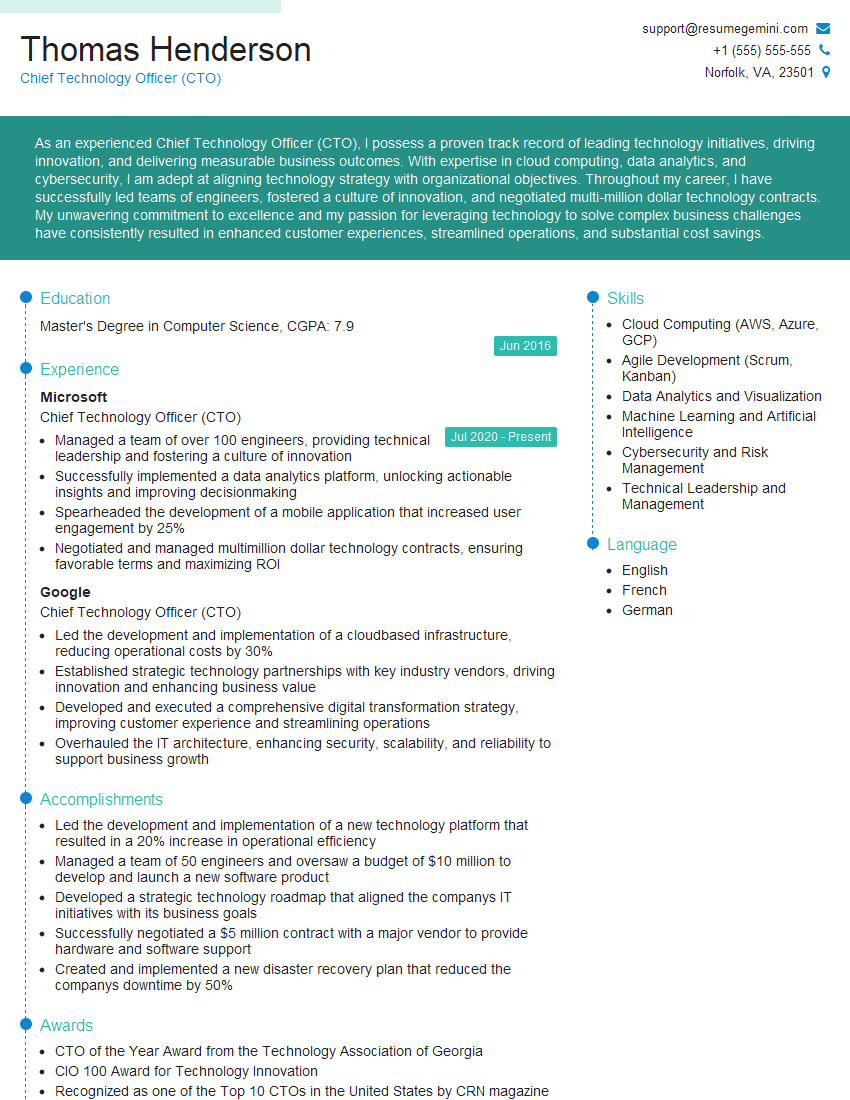
Chief Technology Officer (CTO) Resume Sample

Security Engineer Resume Sample

Data Scientist Resume Sample

Software Engineer Resume Sample
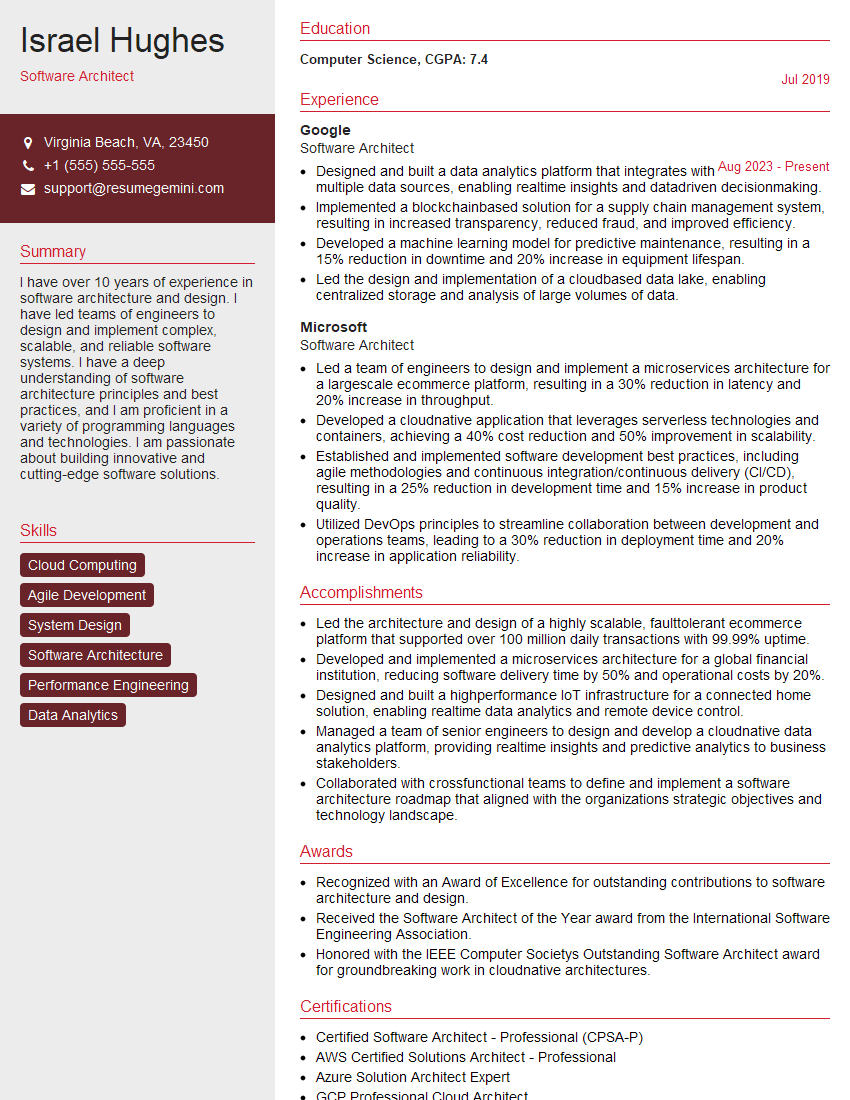
Software Architect Resume Sample

Technical Project Manager Resume Sample

Network Engineer Resume Sample

Solutions Architect Resume Sample

Web Developer Resume Sample

Data Architect Resume Sample
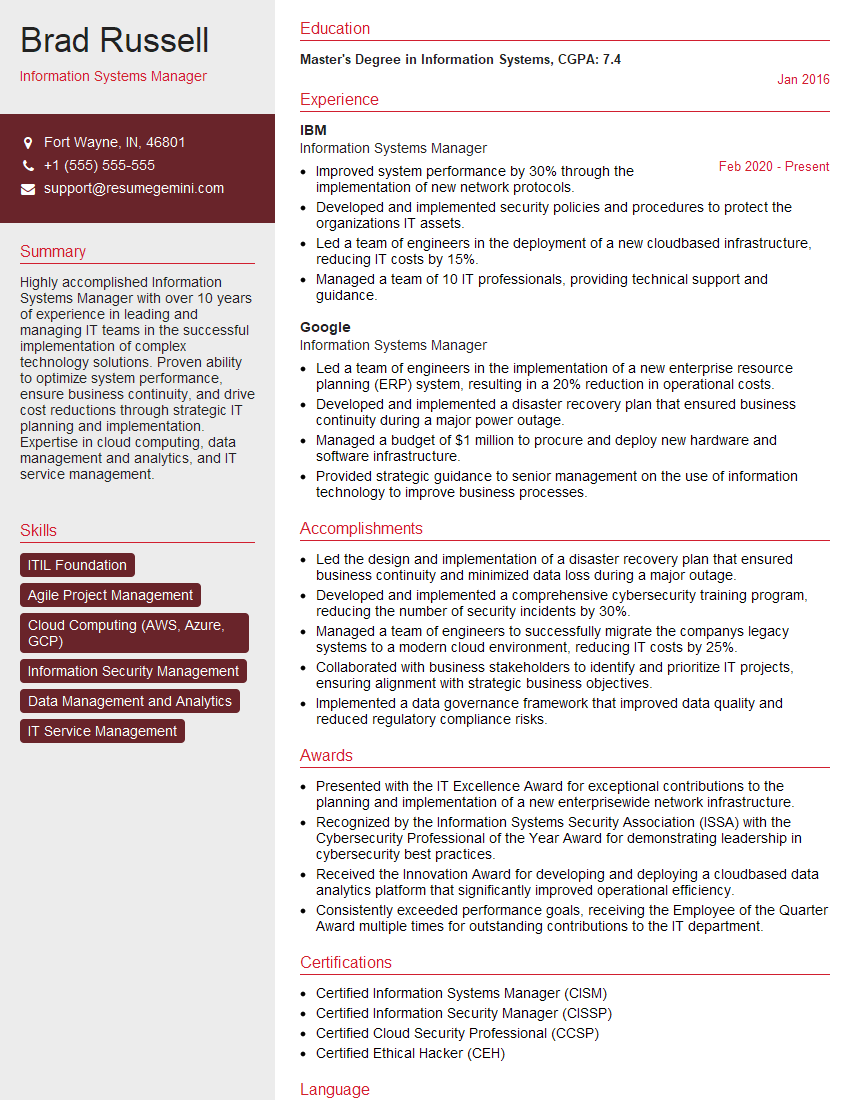
Information Systems Manager Resume Sample

System Administrator Resume Sample

IT Manager Resume Sample

Database Administrator Resume Sample

DevOps Engineer Resume Sample

Cloud Architect Resume Sample

Machine Learning Engineer Resume Sample

Cloud Engineer Resume Sample
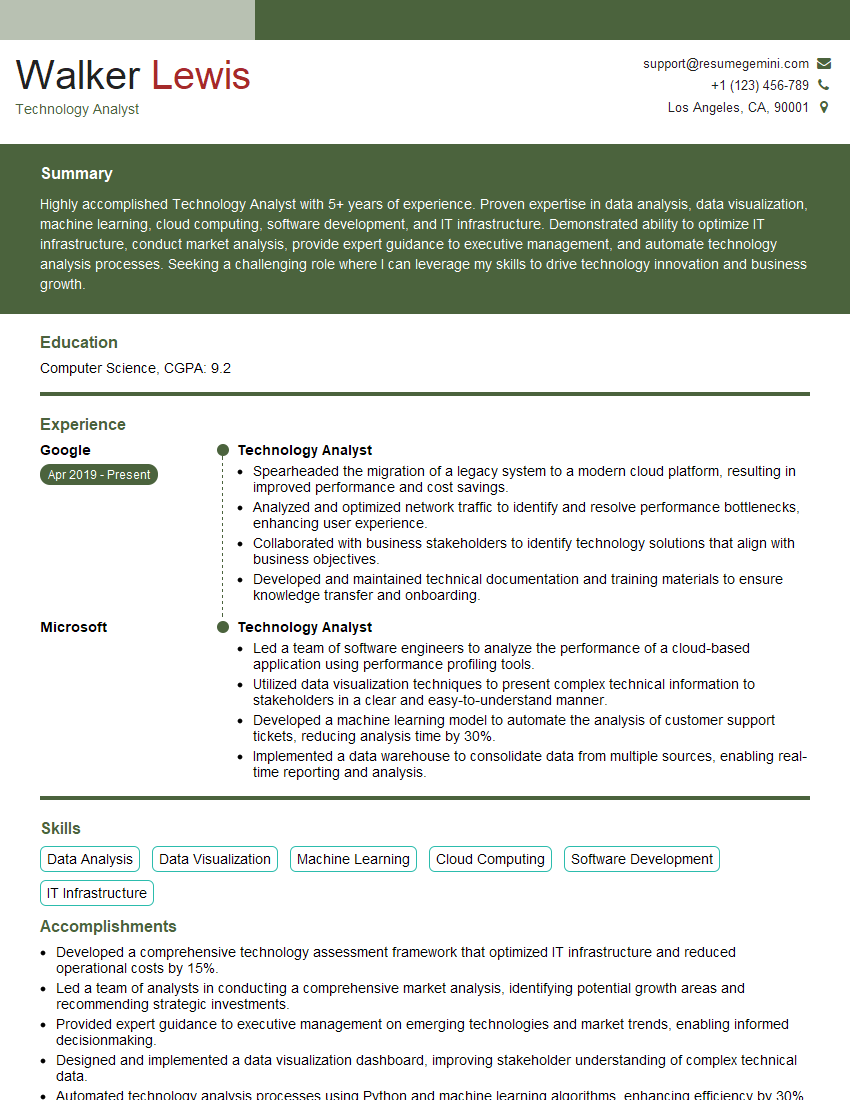
Technology Analyst Resume Sample
- Chief Technology Officer (CTO)
- Security Engineer
- Data Scientist
- Software Engineer
- Software Architect
- Technical Project Manager
- Network Engineer
- Solutions Architect
- Web Developer
- Data Architect
- Information Systems Manager
- System Administrator
- IT Manager
- Database Administrator
- DevOps Engineer
- Cloud Architect
- Machine Learning Engineer
- Cloud Engineer
- Technology Analyst
Explore more articles
Users Rating of Our Blogs
Share Your Experience
We value your feedback! Please rate our content and share your thoughts (optional).
What Readers Say About Our Blog
Very informative content, great job.
good