Cracking a skill-specific interview, like one for Landscape Architecture Software, requires understanding the nuances of the role. In this blog, we present the questions you’re most likely to encounter, along with insights into how to answer them effectively. Let’s ensure you’re ready to make a strong impression.
Questions Asked in Landscape Architecture Software Interview
Q 1. What Landscape Architecture software are you proficient in?
My proficiency spans several leading landscape architecture software packages. I’m highly skilled in AutoCAD, SketchUp, Revit, Civil 3D, and ArcGIS, and I also have extensive experience with real-time rendering software like Lumion and Enscape. My expertise isn’t limited to individual programs; I understand how to integrate these tools for a streamlined and efficient workflow, maximizing their respective strengths for optimal project delivery.
Q 2. Describe your experience with AutoCAD for landscape design.
AutoCAD forms the bedrock of my 2D drafting skills. I use it extensively for creating precise site plans, detailed drawings of hardscapes (pavers, retaining walls), and planting plans. For instance, on a recent residential project, I used AutoCAD to create highly accurate base maps incorporating survey data, then meticulously detailed the placement of every plant, including species, size, and quantity. The precision offered by AutoCAD is invaluable for ensuring accurate construction documentation and minimizing on-site discrepancies.
Beyond basic drafting, I’m comfortable with using AutoCAD’s features for creating dynamic blocks, which significantly speeds up the design process by allowing for repeatable elements. I also utilize its annotation tools to create clear and comprehensive construction documents, including detailed sections, elevations, and schedules.
Q 3. How familiar are you with SketchUp for landscape modeling?
SketchUp is my go-to software for 3D modeling and visualization. Its intuitive interface makes it easy to quickly create conceptual models and explore design alternatives. I frequently use it to generate compelling presentations for clients, showcasing different design options in a three-dimensional space. Think of it as a digital sandbox; I can experiment with forms, volumes, and materials effortlessly.
For example, on a recent park design, I used SketchUp to model various playground layouts, instantly comparing their spatial relationships and visual impact before moving to more detailed design phases. I then integrated these models into Lumion to create photorealistic renderings for client presentations.
Q 4. Explain your experience using Revit for landscape projects.
Revit’s BIM (Building Information Modeling) capabilities are invaluable for complex landscape projects. While I primarily utilize AutoCAD and SketchUp for initial design phases, Revit comes into play when greater precision and coordination are needed, especially on large-scale projects involving multiple disciplines (architecture, engineering, etc.).
For example, I’ve used Revit to model complex irrigation systems, ensuring accurate pipe sizing and placement within the overall site design. This level of detail is crucial for successful construction, as it allows for precise coordination with other trades and reduces costly errors on-site.
Revit’s ability to generate schedules and quantities is also beneficial for cost estimations and material procurement, enhancing project efficiency.
Q 5. What is your experience with Civil 3D for site grading and analysis?
Civil 3D is my primary tool for site grading and analysis. Its powerful tools allow me to create accurate topographic surfaces from survey data, model earthwork volumes, and design drainage systems. Understanding site grading is paramount in landscape design to ensure proper drainage, minimize erosion, and create functional spaces.
For a recent university campus project, I utilized Civil 3D to design a sustainable stormwater management system, incorporating swales, bioswales, and infiltration basins. The software’s analysis tools allowed me to model the water flow and ensure the system would effectively manage runoff during peak rainfall events.
Q 6. Describe your proficiency in using GIS software (e.g., ArcGIS) for landscape planning.
GIS software, specifically ArcGIS, is critical for large-scale landscape planning and analysis. It allows me to integrate various datasets – topography, soil types, vegetation, land ownership – to understand the broader context of a project. This holistic view helps inform design decisions and ensures environmental considerations are fully addressed.
For instance, on a regional park planning project, I used ArcGIS to analyze existing ecological features, identify areas of high biodiversity, and incorporate these into the design to minimize environmental impact and promote biodiversity. The spatial analysis tools within ArcGIS helped me identify optimal locations for trails, parking, and other facilities, while minimizing disruption to sensitive ecosystems.
Q 7. How do you utilize Lumion or Enscape for landscape visualization?
Lumion and Enscape are essential for creating photorealistic renderings and virtual reality walkthroughs, allowing clients to experience the design in a more engaging way. These real-time rendering engines greatly improve client communication and collaboration. They’re particularly useful for showcasing the design’s aesthetics and capturing the atmosphere of the proposed landscape.
On a recent residential project, I used Lumion to create a series of stunning renderings highlighting the interplay of light and shadow in the garden design, showcasing the beauty of the planting scheme and the overall mood of the space. This proved highly effective in securing client approval and allowing them to envision the finished product more clearly.
Q 8. Compare and contrast the strengths and weaknesses of AutoCAD and Revit for landscape design.
AutoCAD and Revit are both powerful software options for landscape design, but they cater to different needs and workflows. AutoCAD, a Computer-Aided Design (CAD) program, excels at 2D drafting and precision drawing. Revit, a Building Information Modeling (BIM) software, is stronger in 3D modeling, collaboration, and data management.
- AutoCAD Strengths: Excellent for detailed 2D plans, precise annotation, and customization. It’s widely adopted, offering extensive library support and a large user community. It’s often preferred for initial site analysis and construction drawings where precise measurements are paramount.
- AutoCAD Weaknesses: 3D modeling capabilities are limited compared to Revit. Data management and collaboration can be less efficient for large projects. Changes in one area might not automatically update related drawings.
- Revit Strengths: Superior 3D modeling, allowing for easier visualization and analysis of massing and terrain. It enables better coordination between disciplines (structural, MEP), supports parametric modeling (changes propagate through the model), and facilitates better data management for larger projects. It’s great for complex site designs and building integration.
- Revit Weaknesses: Steeper learning curve than AutoCAD. Can be resource-intensive for large projects, requiring high-end hardware. The focus on BIM might be overkill for smaller projects primarily focused on 2D design.
In practice, many landscape architects use both. AutoCAD for precise 2D plans and construction drawings, and Revit for complex 3D modeling and coordination, especially on larger projects involving buildings.
Q 9. How do you manage large datasets within landscape architecture software?
Managing large datasets in landscape architecture software requires a strategic approach. Think of it like organizing a massive library – you need a system to find what you need quickly and efficiently.
- Data Organization: Use a logical file structure. Organize projects into folders by client, project name, and drawing type (site plans, planting plans, grading plans, etc.). Use descriptive file names (e.g., ‘ClientName_ProjectName_SitePlan_RevA.dwg’).
- External Databases/Data Links: For extremely large datasets, consider linking your software to external databases or spreadsheets. This allows you to manage large amounts of information (plant data, material specifications) outside your main design files, improving performance and organization. Software like Civil3D can readily link with such databases.
- Software Capabilities: Leverage your software’s features. Most CAD and BIM programs have tools for layer management, xrefs (external references), and data linking which are crucial for organizing large datasets. Regular purging and optimizing of your files also ensures smooth performance.
- Cloud Storage and Collaboration Platforms: Utilizing cloud storage (like Dropbox, Google Drive) for project files enables easier sharing and collaboration. Platforms that allow for version control (like BIM 360) are essential for managing revisions and ensuring everyone is working with the latest version.
Imagine designing a large park – managing all the plant data, grading information, utility locations, and other details would be impossible without a robust data management strategy.
Q 10. Describe your workflow for creating a 2D site plan using your preferred software.
My preferred software for 2D site plans is AutoCAD, due to its precision and extensive tools. Here’s my workflow:
- Site Survey Data Import: I start by importing the basemap data (topographic survey, property lines, etc.) into AutoCAD, usually as a DXF or DWG file.
- Layer Management: I create organized layers for different elements (e.g., topography, property lines, existing structures, proposed features). This keeps the drawing clean and organized.
- Basemap Creation: I clean up and adjust the basemap as needed, ensuring accuracy and consistency.
- Feature Placement: I then add the proposed design elements – buildings, hardscapes, softscapes, walkways – using AutoCAD’s drawing tools.
- Annotation and Labeling: I add dimensions, notes, and labels to clearly communicate the design intent.
- Plan Creation: Use AutoCAD’s tools to create north arrows, scale bars, title blocks and other standard plan components
- Rendering: I might use a grayscale or color fill to enhance visual clarity.
- Final Review and Print/Export: I review the plan for accuracy and completeness, then print or export it in a suitable format (PDF, DWG).
Throughout the process, I use AutoCAD’s powerful editing tools to refine the design and ensure accuracy.
Q 11. How do you handle revisions and version control in your chosen software?
Revision and version control are crucial in landscape architecture. Losing track of changes can lead to costly mistakes and conflicts. I typically use a combination of methods:
- File Naming Conventions: A robust system is essential. I use a consistent naming convention (e.g., ‘ProjectName_RevA.dwg’, ‘ProjectName_RevB.dwg’) to track revisions. This makes it easy to identify which version is the latest.
- Cloud-Based Collaboration Platforms: Software like BIM 360 or similar platforms allow multiple users to work on the same project simultaneously, automatically tracking revisions. This system helps to prevent version conflicts and ensures everyone is working with the most current version.
- AutoCAD’s Revision Clouds: Within AutoCAD, I use revision clouds to highlight specific changes between revisions. This visually communicates updates to clients or collaborators.
- Version History (If Software Supports It): Some software allows for creating a version history, enabling you to revert to earlier versions if needed. This is a safety net, in case a mistake occurs.
- Regular Backups: Frequent backups to external hard drives or cloud storage are essential to safeguard against data loss.
Imagine a client making several changes to a large-scale park project. Without a robust version control system, keeping track of each iteration would be a nightmare.
Q 12. Explain your process for creating 3D renderings of landscape designs.
Creating compelling 3D renderings is vital for client communication and design visualization. My process involves several steps:
- 3D Modeling: I start by creating the 3D model in either Revit or a dedicated 3D modeling software like SketchUp or 3ds Max. The level of detail depends on the project and the desired outcome.
- Texture Application: I apply realistic textures to the 3D models – grass, paving materials, trees, etc. This is critical for visual realism.
- Material Selection: Choosing appropriate materials is very important – their appearance and properties will affect the final render.
- Lighting and Shadows: Proper lighting is essential for creating mood and showcasing the design’s features. I experiment with different lighting scenarios to achieve the best visual impact.
- Camera Placement and Views: I carefully place cameras to create visually engaging perspectives that best showcase the design. Varying camera angles and zoom levels can enhance the narrative.
- Rendering Software: I utilize rendering software (Lumion, Enscape, V-Ray) to generate high-quality images or animations. These software packages provide sophisticated lighting effects, atmospheric elements, and post-processing tools for further refinement.
- Post-processing: Finally, I might perform some minor post-processing in software like Photoshop to further enhance the image’s visual appeal (adjusting contrast, saturation etc.).
The result is a photorealistic rendering that clearly communicates the design’s aesthetic and spatial qualities to the client.
Q 13. How do you incorporate client feedback into your landscape design software workflow?
Incorporating client feedback is essential for a successful project. I use several strategies:
- Markups on Printed Plans/Renderings: Clients often find it easier to provide feedback directly on printed plans or renderings. I ensure these are easily accessible and clear.
- Digital Markup Tools: I utilize online collaboration tools that allow clients to provide feedback directly on the digital design files, highlighting areas of concern or suggesting changes. Tools like Bluebeam Revu facilitate this.
- Regular Meetings and Presentations: I hold regular meetings to discuss progress and address client comments. This allows for direct interaction and clarification of design aspects.
- Visual Aids: I use visuals like renderings, walkthroughs, and animations to assist the client in visualizing the proposed design and understanding the implications of various design decisions.
- Iterative Design Process: I incorporate client feedback iteratively, making adjustments to the design based on their input and revisiting the designs until their vision is accurately reflected.
By actively soliciting and incorporating feedback, I ensure the final design truly reflects the client’s needs and desires.
Q 14. How familiar are you with creating construction documents using landscape architecture software?
I am very familiar with creating construction documents using landscape architecture software. This is a critical stage of the design process, ensuring the design is accurately and efficiently built.
My process involves:
- Grading Plans: Creating detailed grading plans indicating cut and fill volumes, slopes, and benchmarks.
- Planting Plans: Developing detailed planting plans specifying plant types, quantities, and locations.
- Hardscape Details: Producing detailed drawings for hardscape elements like patios, walkways, walls, and retaining structures.
- Irrigation Plans: Creating plans for irrigation systems, including pipe layouts, sprinkler heads, and valves.
- Lighting Plans: Developing plans for lighting systems, including fixture types, locations, and power sources.
- Details and Sections: Creating detailed sections and cross-sections to clarify construction techniques and dimensions.
- Specifications: Writing detailed specifications for materials and construction methods. This is crucial for consistency and quality.
- Quantity Take-Offs: Generating quantity take-offs for accurate cost estimation and materials procurement.
The software I primarily use for this is AutoCAD, due to its precision and ability to create clear, unambiguous construction drawings. For larger projects, I might leverage Revit’s ability to link with other design disciplines to ensure efficient coordination.
Q 15. Describe your experience with importing and exporting data between different landscape design software packages.
Data exchange between landscape design software is crucial for collaboration and project continuity. I’ve extensive experience importing and exporting data between various platforms, including AutoCAD, SketchUp, Revit, and specialized landscape design software like Land F/X and Realtime Landscaping Architect. The process typically involves using industry-standard formats like DXF, DWG, or SKP files.
For instance, I might model terrain in one program (e.g., SketchUp for its strong 3D modeling capabilities) and then import the resulting 3D model as a DXF into AutoCAD for precise plan development and annotation. Conversely, detailed planting plans created in Land F/X, with its rich plant libraries, can be exported as a DWG to be integrated into a larger AutoCAD site plan. The key is understanding the limitations of each file format. DXF, for example, might lose some specific data nuances depending on the software, requiring post-import adjustments.
Challenges often arise from differing coordinate systems or unit systems (metric vs. imperial). Careful attention to these details during the export and import process is essential to avoid discrepancies and maintain design accuracy. I always double-check the imported data against the original source to ensure data integrity.
Career Expert Tips:
- Ace those interviews! Prepare effectively by reviewing the Top 50 Most Common Interview Questions on ResumeGemini.
- Navigate your job search with confidence! Explore a wide range of Career Tips on ResumeGemini. Learn about common challenges and recommendations to overcome them.
- Craft the perfect resume! Master the Art of Resume Writing with ResumeGemini’s guide. Showcase your unique qualifications and achievements effectively.
- Don’t miss out on holiday savings! Build your dream resume with ResumeGemini’s ATS optimized templates.
Q 16. How do you troubleshoot common issues encountered while using landscape architecture software?
Troubleshooting landscape architecture software issues requires a systematic approach. I start by identifying the specific problem: is it a software glitch, a hardware limitation, or a user error? Common issues include file corruption, slow performance, rendering problems, and plugin conflicts.
My troubleshooting strategy usually involves the following steps:
- Restart the software and computer: A simple restart often resolves temporary glitches.
- Check system resources: Ensure sufficient RAM and disk space. Slow performance often stems from insufficient resources.
- Update software and drivers: Outdated software can cause compatibility issues and bugs. Regularly updating software and graphics drivers is crucial.
- Review recent actions: If the problem emerged after a specific action, undoing that action might resolve the issue.
- Check for conflicting plugins: Disable plugins one by one to identify potential conflicts.
- Consult online resources and support: Software manuals, online forums, and manufacturer support often provide solutions to common problems.
- Create a backup: Before attempting major troubleshooting steps, create a backup of your project to avoid data loss.
For example, a crashing software might be due to a corrupt project file. In such cases, I’d try opening a previous autosave version or creating a new project and importing relevant data from the corrupted one.
Q 17. Explain your understanding of layering and organization within CAD software for landscape design.
Layering and organization are fundamental to efficient CAD work in landscape design. Think of layers as transparent sheets stacked on top of each other. Each layer contains specific elements, allowing for independent manipulation and control. Proper organization streamlines the design process, improves collaboration, and simplifies revisions.
In my workflow, I typically use a hierarchical layer system. For example:
- Base Layers: Site survey data (topography, existing features), property boundaries.
- Grading and Drainage: Contours, swales, drainage patterns.
- Hardscape: Paths, patios, walls, structures.
- Softscape: Planting beds, trees, shrubs, lawn areas.
- Annotations: Dimensions, notes, labels.
Each layer is clearly named and color-coded for easy identification. This method significantly reduces confusion and allows me to easily turn layers on or off to focus on specific aspects of the design. For instance, I might turn off the annotations layer while focusing on 3D modeling, and then turn it back on for final presentation.
Proper layer management is key to efficient teamwork. It ensures that multiple designers can work on the same file simultaneously without overwriting each other’s work.
Q 18. How do you ensure accuracy and precision in your landscape design software models?
Accuracy and precision are paramount in landscape design. Errors in measurements or modeling can lead to costly mistakes during construction. I employ several techniques to ensure accuracy in my software models:
- Precise base data: I start with accurate site surveys, using high-resolution topographic data and detailed existing conditions information. This foundational accuracy is essential.
- Accurate scaling and units: I always double-check the project units (metric or imperial) and ensure consistent scaling throughout the design process.
- Regular checks and verification: I frequently verify measurements and distances using the software’s built-in tools. I also perform visual checks to detect any inconsistencies.
- Use of constraints and snapping: I utilize CAD tools like snapping and constraints to ensure precise alignment and dimensioning.
- Coordinate systems: Understanding and employing the correct coordinate systems for the project area is vital, especially when integrating data from multiple sources.
- Template use: Using pre-made templates with consistent settings for units, layers, and styles promotes consistency and minimizes errors.
For example, before creating any hardscape elements, I always check the dimensions against the site survey to make sure they are feasible and fit within the available space.
Q 19. Describe your experience with using plugins or extensions in your preferred software.
Plugins and extensions significantly enhance the functionality of landscape architecture software. My preferred software (AutoCAD) has a vast library of plugins that extend its capabilities. I frequently use plugins for tasks such as:
- Improved rendering: Plugins offering photorealistic rendering capabilities significantly enhance the visualization of designs.
- Specialized tools: Plugins provide specialized tools for tasks like generating contour lines, calculating volumes, or creating detailed planting plans.
- Data integration: Plugins help seamlessly integrate data from other sources, such as GIS software or survey data.
- Customization: Plugins allow for customization of the software interface and workflow.
For instance, a rendering plugin might allow me to generate high-quality images or animations for client presentations, showing the proposed design in a realistic context. I always carefully vet plugins before installation, ensuring they are compatible with my software version and meet my specific needs. I also regularly check for updates to ensure optimal performance and security.
Q 20. What are your preferred techniques for creating detailed planting plans using software?
Creating detailed planting plans involves more than just placing plant symbols. It requires accurate representation of plant sizes, spacing, and species. My approach involves several steps:
- Plant database: I utilize a plant database either within the software or an external one. This ensures accurate plant information regarding mature size, spacing, and sun/shade requirements.
- Accurate placement: I place plant symbols precisely, considering spacing, sun exposure, and soil conditions. Snapping tools are invaluable here.
- Plant tags and labels: I use plant tags to identify each plant species, quantity, and size. Clear labels are essential for both the design process and construction documents.
- Grouping and organization: I group plants into planting beds or areas, making it easier to manage and edit the design. I use layers to keep the planting plans organized.
- Visual representation: I use visual representations, such as color-coded symbols or textured fills, to represent different plant types and their mature sizes.
For instance, I might use a specific symbol size to denote a mature tree’s canopy size, providing a realistic visual representation of the landscape at maturity.
Q 21. How do you use your chosen software to conduct site analysis and assessment?
Site analysis and assessment is a critical first step in any landscape design project. Software plays a crucial role in this process. My chosen software, AutoCAD, combined with specialized plugins and external data sources, enables efficient site analysis. This might involve:
- Importing survey data: I import topographic data, creating a digital terrain model (DTM). This allows me to visualize the site’s topography and identify potential challenges or opportunities.
- Analyzing sun and shade patterns: Using solar analysis tools, I determine sun and shade patterns throughout the day and year. This informs plant selection and placement.
- Identifying drainage patterns: I analyze the site’s drainage patterns, identifying areas prone to flooding or erosion. This guides the design of grading and drainage solutions.
- Visualizing views and sightlines: The software helps visualize views and sightlines from different points on the site, allowing for optimal placement of features.
- Integrating GIS data: I often integrate GIS data (e.g., soil maps, vegetation maps) to inform design decisions. This allows for comprehensive consideration of environmental factors.
For example, by analyzing sun patterns, I can strategically place shade trees to reduce heat island effect and provide shade for outdoor living spaces. Through these tools, I create a comprehensive understanding of the site’s conditions which informs every design decision.
Q 22. What are your methods for creating effective presentation materials from your software models?
Creating compelling presentations from landscape design software models involves more than just screenshots. It’s about crafting a narrative that effectively communicates the design’s vision, functionality, and impact. My approach involves a multi-step process:
High-quality renderings: I utilize the software’s rendering capabilities to generate photorealistic images and animations, showcasing the design’s aesthetic qualities in optimal lighting and perspectives. For example, using features like global illumination and ray tracing in software like Lumion or Unreal Engine enhances realism.
Strategic viewpoints: I carefully select viewpoints that highlight key design elements and the overall spatial experience. This might involve creating fly-through animations or utilizing specific camera angles to emphasize specific features, like a unique water feature or a dramatic vista.
Annotated visuals: I integrate annotations and callouts directly onto the renderings to explain design choices, material specifications, or planting palettes. This makes the presentation clearer and easier to understand for clients who may not be familiar with landscape architecture jargon.
Data visualization: Where appropriate, I incorporate charts and graphs to illustrate quantifiable aspects of the design, such as water usage, energy efficiency, or environmental impact. This adds credibility and demonstrates a data-driven approach.
Storytelling: Ultimately, the presentation needs to tell a story. I structure the presentation to guide the audience through the design process, highlighting the problem, the proposed solution, and the expected outcome. This often includes before-and-after visuals to emphasize the transformation.
For instance, on a recent park project, I used a combination of high-resolution renders, site analysis maps illustrating sunlight and wind patterns, and 3D fly-throughs to showcase the proposed improvements and how they would enhance the user experience. The client was incredibly impressed by the clarity and effectiveness of the presentation.
Q 23. Explain your experience with utilizing parametric modeling techniques in landscape design software.
Parametric modeling is a game-changer in landscape design, allowing for dynamic and iterative design exploration. My experience involves leveraging this technique extensively in software like Grasshopper (with Rhino) and Dynamo (with Revit). It allows me to create design elements that respond intelligently to changes in parameters.
For example, I’ve used parametric modeling to design a series of retaining walls with varying heights and slopes, all based on a single set of parameters. Changing a single parameter – say, the overall height – automatically updates the entire wall system, ensuring consistency and reducing manual adjustments. This is incredibly useful for exploring numerous design options quickly.
Another application is in creating complex planting layouts. I can define parameters such as plant spacing, species type, and mature size, then generate a planting plan that automatically adjusts based on the chosen parameters. This minimizes errors and streamlines the design process. The ability to easily explore design variations offers significant advantages in optimizing designs based on site constraints and client preferences.
Essentially, parametric modeling transforms landscape design from a static process into a dynamic one, allowing for greater efficiency, exploration, and optimization.
Q 24. Describe your understanding of the limitations of different landscape architecture software packages.
Different landscape architecture software packages have inherent strengths and weaknesses. Understanding these limitations is crucial for making informed software choices and managing expectations.
Rendering capabilities: Some software excels in rendering photorealistic images, while others struggle with complex scenes or large file sizes. For example, while SketchUp is great for quick modeling, its rendering capabilities might not be as advanced as those of Lumion or V-Ray.
Data management: Larger projects require robust data management capabilities. Some software packages handle large datasets efficiently, while others can become sluggish or prone to crashes. This is especially important when dealing with point clouds or large-scale terrain models.
Collaboration features: Efficient collaboration is critical in a team environment. Some platforms offer better cloud-based collaboration features than others. Cloud-based solutions generally offer more streamlined workflows and easy access for multiple users.
Specific functionalities: Software packages specialize in different aspects of landscape design. Some might excel at irrigation design, while others may be better suited for hardscape modeling or planting design. Choosing the right software often depends on the specific needs of the project.
Cost and licensing: The cost of software and licensing can vary significantly, influencing the choice of software based on budget considerations. Cloud-based solutions may present subscription costs, while traditional licenses are often one-time purchases but can require more significant upfront investments.
Recognizing these limitations allows me to select the most appropriate software for each project, ensuring efficient workflow and high-quality outputs. Sometimes, I even integrate multiple software packages to leverage their respective strengths.
Q 25. How do you balance creative design with technical precision while using landscape design software?
Balancing creative design with technical precision is an ongoing challenge and a key aspect of my work. It’s not about choosing one over the other; it’s about integrating them seamlessly. I achieve this by:
Iterative design process: I start with initial creative sketches and conceptual models, then refine them through technical analysis and modeling in the software. This iterative process allows for constant feedback and adjustments, ensuring the design remains both aesthetically pleasing and technically feasible.
Understanding site constraints: Thorough site analysis is crucial. I use the software to analyze topography, sun exposure, drainage patterns, and other site-specific factors. This informs design decisions from the start, ensuring technical viability and preventing design conflicts later.
Utilizing software tools: The software itself provides tools for technical precision – things like accurate measurements, slope calculations, and volume estimations. I use these tools extensively to ensure the design aligns with engineering standards and construction practices.
Detailing and documentation: Creating detailed drawings and specifications is vital. This phase is where the creative vision is translated into a buildable document. The precision of the software is crucial in this phase, ensuring the final design is accurately represented and easy to understand for contractors.
Essentially, it’s a continuous dialogue between creativity and precision. The software is the tool that facilitates this dialogue, helping me create designs that are both beautiful and buildable.
Q 26. What strategies do you use to optimize performance and efficiency when working with large-scale landscape projects in your software?
Working with large-scale projects demands strategies to optimize performance and efficiency. My approach includes:
Model simplification: I avoid unnecessary detail in early design stages. High levels of detail can significantly slow down the software. As the design develops, I incrementally add detail, focusing only on the essential elements.
Proxy geometry: For complex elements like trees or buildings, I often use proxy geometry initially. This allows for efficient visualization and manipulation without the computational overhead of highly detailed models.
Level of Detail (LOD): I utilize LOD modeling, creating different levels of detail for the same object, depending on its distance from the camera. This reduces render times significantly without compromising image quality. Closer objects are highly detailed, while distant ones are simplified.
Efficient file management: I use well-organized file structures and regularly purge unnecessary data to keep file sizes manageable. This prevents the software from becoming overwhelmed and ensures smooth performance.
Hardware optimization: Having a computer with sufficient RAM, a powerful graphics card, and a fast processor is crucial. This ensures smooth operation even with large models.
For example, on a recent large-scale park project, using these optimization strategies allowed me to work efficiently, generating high-quality renders and animations without performance bottlenecks. The optimized workflow saved significant time and improved productivity.
Q 27. Describe your process for creating and managing digital libraries of landscape design elements and materials within your chosen software.
Creating and managing digital libraries of landscape design elements is essential for efficiency and consistency. My process involves:
Organized file structure: I use a hierarchical file structure, categorized by element type (plants, hardscape materials, etc.) and further sub-categorized by attributes (plant species, material type, etc.). This allows for easy retrieval and management.
Metadata tagging: Each element is tagged with relevant metadata, including name, dimensions, material specifications, and relevant images or documentation. This ensures accurate and efficient searching.
Component-based modeling: I create reusable components for frequently used elements, like benches, pathways, or specific plant types. These can be easily dragged and dropped into new projects, ensuring consistency and saving time.
Custom libraries: I develop custom libraries within the software to store these components, making them readily accessible in all projects. Some software packages like Revit have built-in libraries, or you can build external libraries.
Regular updates: The library needs regular updates to reflect changes in materials, plant availability, and design preferences. This is essential to maintain accuracy and consistency across projects.
This approach allows me to quickly assemble design elements, reducing repetition and promoting design consistency across different projects. It essentially creates a ‘toolkit’ of readily available components, expediting the design process considerably.
Q 28. How do you stay current with the latest developments and updates in landscape architecture software?
Staying current in landscape architecture software is paramount. My strategies include:
Software updates: I regularly install updates to access new features, bug fixes, and performance improvements. Many software publishers offer subscription models that provide access to these updates.
Online resources: I actively engage with online forums, tutorials, and webinars provided by software developers and industry experts. This provides exposure to advanced techniques and best practices.
Industry conferences: Attending industry conferences and workshops provides opportunities to learn about new software advancements, network with other professionals, and explore emerging trends.
Professional development: I actively participate in professional development courses and training sessions focused on specific software packages. These courses often cover advanced techniques and strategies.
Testing and experimentation: I dedicate time to testing new features and experimenting with different techniques within the software to expand my skillset and optimize workflows.
Continuous learning is essential. The landscape architecture software industry is constantly evolving, and staying up-to-date ensures that I can leverage the latest advancements to create more efficient and innovative designs.
Key Topics to Learn for Landscape Architecture Software Interview
- Software Proficiency: Mastering the core functionalities of industry-standard software (e.g., AutoCAD, Revit, SketchUp, Civil 3D). Understand file management, layering, and efficient workflow techniques.
- Design Principles & Application: Demonstrate how you apply design principles (e.g., site analysis, space planning, sustainable design) within the software environment. Be prepared to discuss specific projects where you’ve utilized these principles.
- Visualization & Presentation: Showcase your ability to create compelling visualizations (renderings, animations, walkthroughs) and professional presentations using software tools. Explain your choices in presentation style and techniques.
- Data Management & Analysis: Discuss your experience with importing, exporting, and manipulating data within the software. Highlight your understanding of GIS integration and data visualization for site analysis.
- Collaboration & Teamwork: Explain how you utilize the software in a collaborative environment, including version control, cloud-based platforms, and sharing files efficiently with team members.
- Problem-Solving & Troubleshooting: Be ready to describe how you approach and solve technical challenges encountered while using landscape architecture software. Showcase your ability to troubleshoot and find solutions independently.
- Specific Software Features: Depending on the job description, focus on mastering specific tools and functions relevant to the position. For example, if the job requires extensive experience with planting design, focus on relevant features within the chosen software.
Next Steps
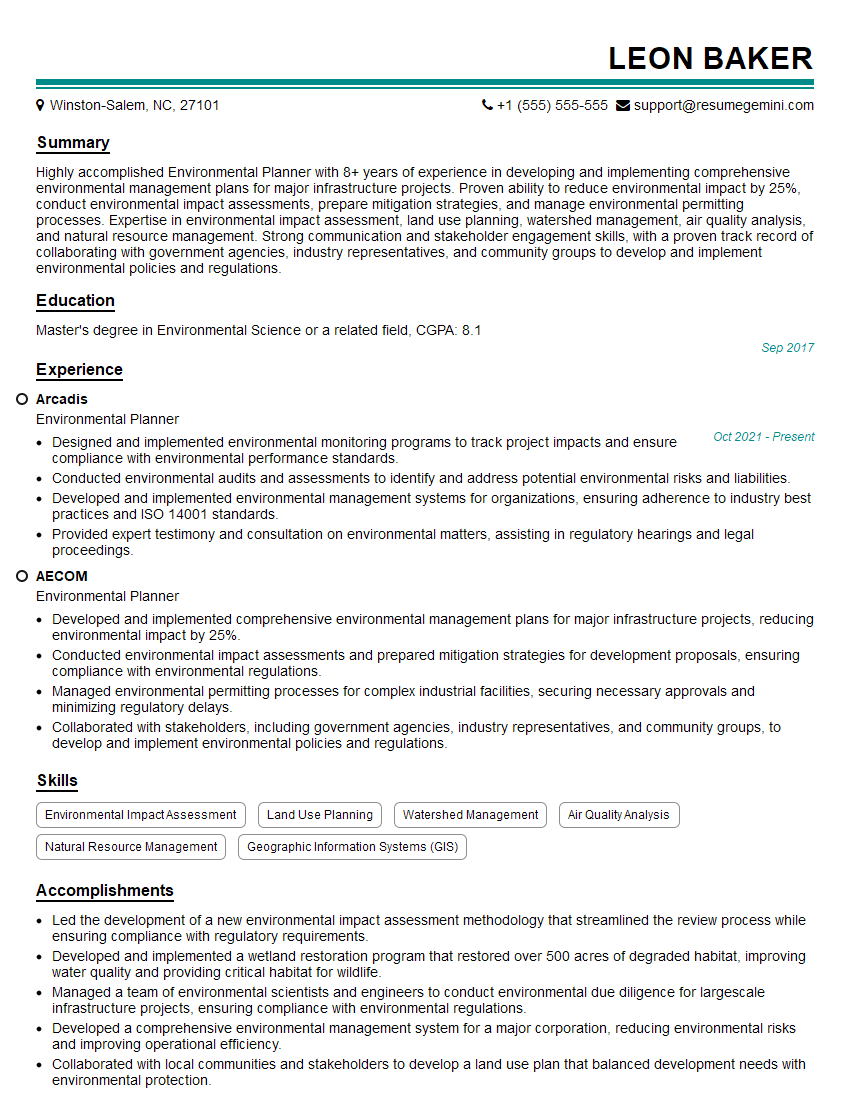
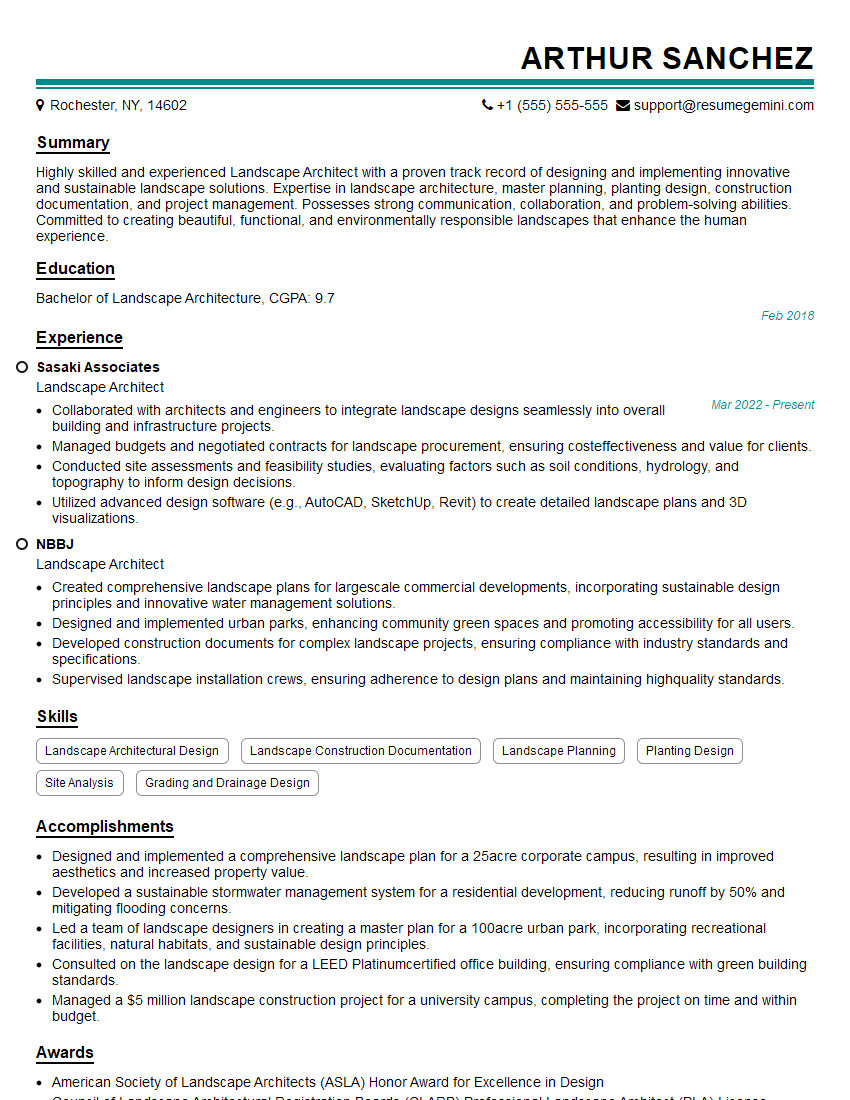
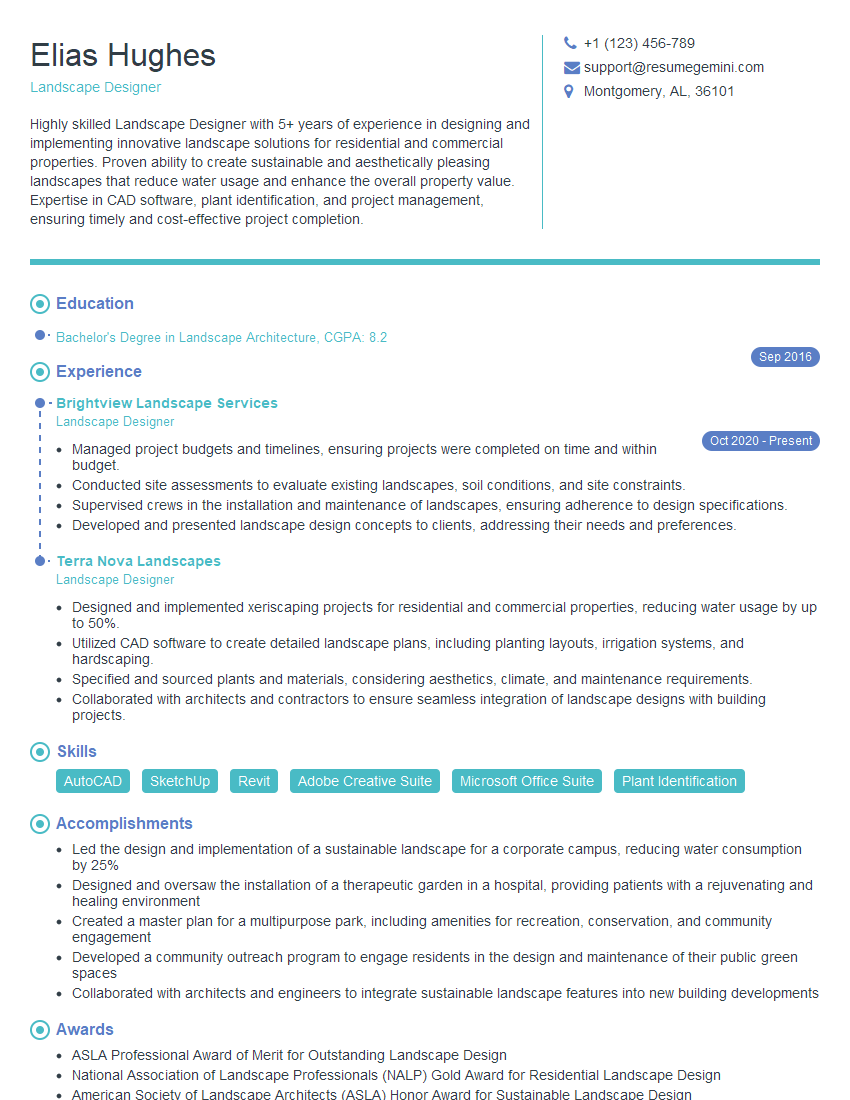
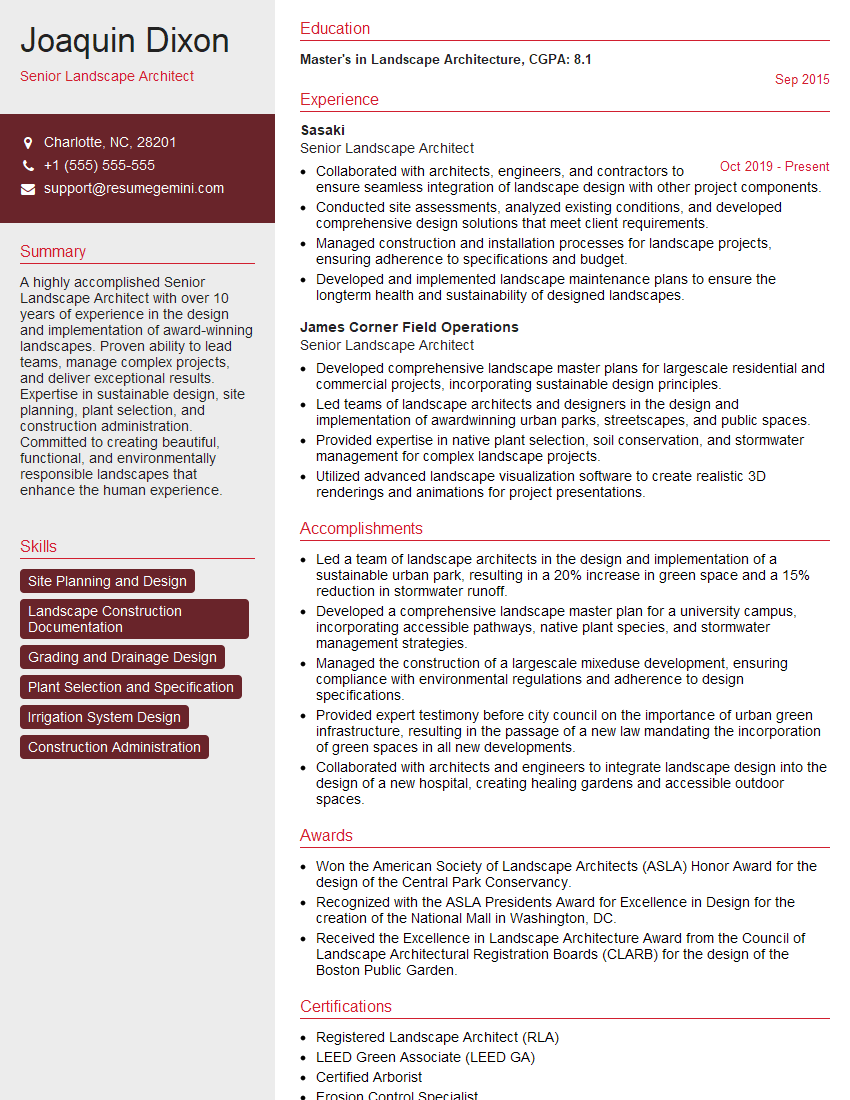
Mastering Landscape Architecture Software is crucial for career advancement in this field. Proficiency in these tools significantly enhances your design capabilities, project efficiency, and overall employability. To stand out, create an ATS-friendly resume that effectively highlights your skills and experience. ResumeGemini is a valuable resource to help you craft a professional and impactful resume, ensuring your qualifications are noticed by recruiters. Examples of resumes tailored to showcasing Landscape Architecture Software expertise are available through ResumeGemini to help guide you.

Explore more articles
Users Rating of Our Blogs
Share Your Experience
We value your feedback! Please rate our content and share your thoughts (optional).
What Readers Say About Our Blog
Very informative content, great job.
good