Every successful interview starts with knowing what to expect. In this blog, we’ll take you through the top Lighting and Sound Operation interview questions, breaking them down with expert tips to help you deliver impactful answers. Step into your next interview fully prepared and ready to succeed.
Questions Asked in Lighting and Sound Operation Interview
Q 1. Explain the difference between incandescent, fluorescent, and LED lighting.
Incandescent, fluorescent, and LED lighting represent different technologies for producing light, each with its own strengths and weaknesses. Think of them as three different types of light bulbs, each working in a unique way.
Incandescent: These bulbs work by heating a filament until it glows. They produce a warm, yellowish light, are relatively inexpensive to purchase, and are simple to operate. However, they are very inefficient, converting most of the electricity into heat rather than light, and have a short lifespan. Think of a traditional light bulb in your home.
Fluorescent: These bulbs use electricity to excite mercury vapor, which then emits ultraviolet (UV) light. This UV light is then converted into visible light by a phosphor coating on the inside of the bulb. They are much more energy-efficient than incandescent bulbs and have a longer lifespan. However, they tend to produce a cooler, sometimes less flattering light, and contain mercury, requiring careful disposal. Common in office settings.
LED (Light Emitting Diode): LEDs are semiconductor devices that emit light when an electric current passes through them. They are incredibly energy-efficient, have a very long lifespan, and can produce a wide range of colors and color temperatures. They are becoming increasingly popular due to their versatility and efficiency, and their use is expanding from homes to stage lighting and beyond. Think of the colourful lights you see on modern smartphones or in high-end car headlights.
Q 2. Describe your experience with various sound mixing consoles.
My experience encompasses a wide range of sound mixing consoles, from small analog boards perfect for intimate gigs to large digital consoles used in professional theatre productions and concert venues. I’m proficient with Yamaha PM5D, Soundcraft Vi series, and Allen & Heath dLive consoles, among others.
Working with analog consoles has honed my understanding of signal flow and gain staging—the crucial art of balancing audio levels across all channels. The hands-on nature of these boards forces a more intuitive approach. Digital consoles, on the other hand, offer immense flexibility and processing power—automation, scene recall, and sophisticated EQ and dynamics processing are a huge advantage in complex productions. For example, during a recent musical theatre production, the dLive’s extensive routing capabilities were essential in managing the large number of microphones and audio sources.
Q 3. How do you troubleshoot a faulty microphone?
Troubleshooting a faulty microphone is a systematic process. It’s like detective work, narrowing down the possibilities one by one.
Check the obvious: Is the microphone turned on? Is it plugged in securely? Is the cable damaged (look for kinks, cuts, or exposed wires)? Try a different cable and a different input on the mixing console.
Test the microphone: Try the microphone on a different sound system or with a different audio interface to rule out problems with your current setup. If possible, try another known-good microphone on your system to ensure the problem isn’t in the mixer or preamps.
Inspect the microphone itself: Check for any visible damage or obstructions on the microphone element (the part that actually picks up the sound). Look for dust, debris, or damage to the capsule. If it’s a dynamic microphone, tap it gently and listen for any rattling sounds.
Consider phantom power: If you’re using a condenser microphone, make sure the phantom power (a type of electrical power supplied to the microphone through the cable) is turned on in the mixing console. If the phantom power isn’t engaged the microphone won’t function.
Check the gain and levels:Ensure the input gain on the mixing console is appropriately adjusted; too low will provide a weak signal; too high might cause distortion. Check for any clipping lights on the mixing console indicating an audio overload.
If the problem persists after these steps, the microphone might need professional repair or replacement.
Q 4. What are the common types of audio cables and their applications?
Several common audio cables serve different purposes based on signal type and impedance (resistance to electrical current). Choosing the right cable is crucial for preventing signal loss, interference, and ensuring the integrity of the audio signal.
XLR (Cannon): These three-pin connectors are the industry standard for balanced audio signals, minimizing noise and interference. They’re used for microphones, line-level signals, and stage connections. The balanced nature reduces noise during long cable runs.
1/4 inch (6.35 mm) TRS (Tip-Ring-Sleeve): This connector is common for both balanced and unbalanced line-level signals. The type of connection (balanced or unbalanced) will depend on the cable and equipment. Often used for instruments, effects pedals, and some line-level connections.
1/4 inch (6.35 mm) TS (Tip-Sleeve): This connector is used for unbalanced connections, typically found in guitar cables and other instrument-level signals. It’s susceptible to noise compared to balanced connections.
RCA (phono): These connectors are mainly used for unbalanced audio signals, often found in consumer audio equipment. They are not suited for professional audio applications due to their susceptibility to noise and interference, especially with longer cable lengths.
USB: Used for digital audio transmission, increasingly common for connecting microphones and audio interfaces to computers.
Optical (Toslink): Used for transmitting digital audio signals over fiber optic cables, ideal for long-distance transmission of high-quality signals without signal degradation.
Q 5. Explain the concept of sound equalization (EQ).
Sound equalization (EQ) is the process of adjusting the balance of different frequencies in an audio signal. Imagine sound as a collection of different colored paints; EQ allows us to adjust the intensity of each color to create a balanced and pleasing overall sound. We use EQ to shape the tone, enhance clarity, or correct problems in a sound recording or live audio mix.
A graphic equalizer visually displays the frequencies and allows for adjustment using sliders. Parametric EQs allow for more precise adjustments by selecting the center frequency, Q factor (bandwidth), and gain (boost or cut) for each frequency band. This gives more control and precision in sculpting the sound.
For example, a muddy bass sound might be improved by cutting some of the low-mid frequencies, while a dull vocal might benefit from a boost in the high-mid frequencies for clarity. EQ is crucial in achieving a balanced and pleasing sound in recordings and live performances.
Q 6. How do you achieve the desired lighting ambiance for a specific scene?
Achieving the desired lighting ambiance involves careful consideration of several key elements: color, intensity, and direction. It’s like painting a picture with light!
For a romantic scene, for instance, I might use warm-toned amber and red gels on my lighting fixtures, creating a soft, intimate feel. Low intensity and carefully directed light could further enhance the romantic ambiance.
For a tense scene, I might use cooler blues and greens, perhaps with a higher intensity to create a sense of unease. Backlighting or side-lighting might create shadows that add to the dramatic effect.
Tools like gobos (metal templates that project patterns onto the stage) and moving lights are essential for achieving unique and dynamic effects. The overall mood and atmosphere is a product of meticulous planning, lighting instrument placement, careful color selection, and precise control of intensity and direction of the light.
Q 7. Describe your experience with lighting control systems (e.g., ETC EOS, MA Lighting).
I have extensive experience programming and operating both ETC EOS and MA Lighting grandMA2 consoles. These are leading consoles in the industry, offering vastly different programming paradigms.
ETC EOS is known for its intuitive interface and powerful yet flexible programming options, ideal for theatrical productions where precise control and smooth transitions are paramount. I find its non-linear workflow incredibly efficient for complex shows with many cues and intricate lighting changes.
MA Lighting grandMA2, on the other hand, excels in large-scale events and concerts, offering unparalleled speed and flexibility. Its sophisticated networking capabilities allow for seamless control of a vast number of fixtures across multiple universes. The MA2’s powerful macro capabilities and its fast response time are vital for fast-paced shows and events requiring intricate and dynamic lighting patterns. I’ve used this on large-scale concerts where quick reactions and precise execution are key.
Regardless of the console, my approach always centers around achieving the director’s vision through careful planning, precise execution, and efficient workflow. The console is simply a tool, and my skill lies in utilizing it to realize the creative vision.
Q 8. How do you manage feedback in a live sound environment?
Feedback, that high-pitched squeal or howl, is the bane of any live sound engineer’s existence. It happens when sound from the speakers is picked up by a microphone, amplified, and sent back through the system, creating a positive feedback loop. Managing it requires a multi-pronged approach.
Gain Staging: This is the most crucial step. Keeping the gain (volume) of each microphone and amplifier low enough prevents the signal from reaching a point where it can trigger feedback. It’s better to have a slightly quieter signal that’s clean than a loud one that’s unstable.
EQ (Equalization): A graphic equalizer allows you to cut specific frequencies. Identifying the frequency causing the feedback (usually by subtly turning up the gain until it squeals) and then cutting that frequency on the offending channel will eliminate the feedback. This is a reactive approach, addressing feedback after it occurs.
Microphone Placement: Careful microphone placement is proactive feedback prevention. Keeping microphones further from speakers, using directional microphones (explained below), and pointing them away from loud sources reduces the chance of feedback.
Room Treatment: The acoustics of the room itself play a significant role. Sound-absorbing materials can help dampen reflections that contribute to feedback. This involves strategic placement of panels and bass traps.
Feedback Destroyers/Notch Filters: These are specialized pieces of equipment or software plugins designed to automatically detect and suppress feedback frequencies.
For example, during a recent outdoor concert, we experienced feedback from a vocal mic. By carefully adjusting the gain and using a parametric EQ to notch out the offending frequency around 2kHz, we eliminated the problem without impacting the vocal quality.
Q 9. What are your preferred methods for noise reduction in audio recording?
Noise reduction in audio recording is about minimizing unwanted sounds. My preferred methods are a combination of pre- and post-recording techniques.
Pre-Recording Techniques:
Room Selection: Recording in a quiet, acoustically treated room minimizes background noise. Think about soft surfaces, thicker walls and effective room treatment to decrease reverberations and echoes.
Microphone Technique: Using high-quality microphones with good noise rejection capabilities (like cardioid mics) and appropriate microphone placement techniques minimizes unwanted sounds. Proximity effect (bass boost at close miking) can reduce the perception of background noise too.
Sound Isolation: Using isolation booths or blankets around instruments and microphones minimizes bleed-through from other sources.
Post-Recording Techniques:
Noise Reduction Plugins: Software plugins like iZotope RX or Waves plugins analyze and reduce noise without significantly affecting the desired audio. These are sophisticated algorithms working to find patterns of noise and reduce them dynamically.
Gate: A noise gate automatically mutes the audio signal when it falls below a certain threshold, eliminating constant low-level background hums. They are effective but need careful adjustment.
EQ: Subtle EQ adjustments can cut out specific frequencies where noise is prominent without impacting the overall sound. (For example, a low-frequency hum may be targeted and reduced.)
For instance, during a podcast recording, we used a combination of a quiet recording room, a cardioid condenser microphone, and iZotope RX to eliminate background hum and reduce room ambience, resulting in a clean and professional-sounding final product.
Q 10. Explain the principles of acoustics and their impact on sound design.
Acoustics is the science of sound. It deals with how sound waves behave in a space, impacting everything from the clarity of speech to the resonance of musical instruments. Understanding acoustics is paramount in sound design because it directly affects the perceived quality of the sound.
Reflection: Sound waves bounce off surfaces. These reflections, or reverberations, can add warmth and richness (like in a concert hall) or muddiness and harshness (like in a bare room). In sound design, we manipulate reflection through room treatment, microphone placement, and effects processing.
Absorption: Materials absorb sound energy, reducing reflections and reverberation. Different materials absorb different frequencies more effectively. This is important in choosing materials for studio design or concert halls.
Diffusion: Diffusers scatter sound waves, preventing echoes and standing waves. This creates a more natural and even sound field. Diffusers are used in critical listening environments.
Transmission: Sound waves can travel through materials. Minimizing sound transmission is crucial in recording studios, requiring soundproofing techniques.
For example, a sound designer working on a horror film might use a sound effect with significant reverb to create a sense of space and unease, making the sound appear distant and unsettling. Conversely, for a clean vocal recording, carefully planned acoustics are paramount to avoid unwanted noise reflections.
Q 11. Describe your experience with different types of microphones and their polar patterns.
My experience encompasses a wide range of microphones, from dynamic to condenser, and each with its unique characteristics. Polar patterns determine the microphone’s sensitivity to sound from different directions.
Cardioid: Highly sensitive to sound from the front, rejecting sound from the rear. Ideal for vocals, instruments needing isolation from other sound sources.
Supercardioid: Similar to cardioid but with a narrower pickup pattern and slightly more rear sensitivity. Often used for live sound reinforcement of loud instruments.
Hypercardioid: Even more directional than supercardioid, used in situations requiring extreme isolation. Can be more susceptible to feedback.
Omnidirectional: Sensitive to sound from all directions. Often used for recording ambience or situations needing a wide sound field. Not great for noisy environments.
Figure-8 (Bidirectional): Sensitive to sound from the front and rear, rejecting sound from the sides. Used for stereo recording or capturing specific sources in a controlled environment.
I’ve used Shure SM58 (dynamic cardioid) extensively for live vocals due to their robustness and feedback rejection. For recording acoustic instruments, I often prefer Neumann U 87 (condenser cardioid) for its detailed and warm sound. The choice of microphone and polar pattern always depends on the specific application and desired sound.
Q 12. How do you handle unexpected technical issues during a live event?
Unexpected technical issues are inevitable in live events. My approach is based on preparedness, quick diagnosis, and problem-solving skills. This involves preventative measures and effective troubleshooting steps.
Preventive Measures: Thorough pre-event checks of all equipment, backups of crucial data, and having spare equipment on hand minimize disruptions.
Quick Diagnosis: I use a systematic approach to identify the problem. Starting from the most obvious sources and systematically eliminating possibilities is crucial. Is it a power issue? A cable problem? A faulty piece of equipment? Knowing your equipment is extremely helpful here.
Problem Solving: My goal is to resolve the issue quickly and efficiently, minimizing impact on the event. This may involve bypassing faulty components, making temporary adjustments, or employing alternative solutions. Having a flexible mind is essential.
Communication: Clear and calm communication with the team and potentially the event organizer or performers is essential during a crisis, ensuring everyone is informed and working together towards resolution.
For example, during a live concert, a power amplifier failed. By quickly switching to a backup amplifier and adjusting the levels, the show continued with minimal interruption. This required a calm response, quick decision-making, and efficient communication with the band’s sound engineer.
Q 13. What software are you proficient in for audio editing and mixing?
I am proficient in several audio editing and mixing software packages. My expertise includes:
Pro Tools: Industry-standard software widely used for recording, editing, and mixing. It boasts powerful features and industry-standard workflows, ideal for large-scale projects.
Ableton Live: A versatile DAW (Digital Audio Workstation) excellent for both audio and MIDI-based music production. Its flexibility is key for creative projects and live performance use cases.
Logic Pro X: A comprehensive Mac-based DAW offering a wide range of tools for music production and audio post-production. Known for a high level of polish and excellent ease of use.
Audacity: A free, open-source software ideal for basic audio editing tasks. It’s a valuable tool for quick edits and beginner-friendly tasks.
My proficiency extends beyond the software itself to using advanced techniques like spectral editing, dynamic processing, and automation to achieve high-quality audio results. The choice of software often depends on the project’s specific needs and workflow preferences.
Q 14. What lighting techniques are suitable for various skin tones?
Lighting for different skin tones requires careful consideration of color temperature and color rendering index (CRI).
Color Temperature: Measured in Kelvin (K), it describes the warmth or coolness of light. Lower Kelvin values (e.g., 2700K) represent warmer, more yellowish light, while higher values (e.g., 5000K) represent cooler, bluish light.
Color Rendering Index (CRI): A measure of how accurately a light source renders colors compared to natural daylight (CRI of 100). Higher CRI values are preferred for accurate skin tone representation.
Warm skin tones often look best under warmer light sources (around 2700-3200K), while cooler skin tones may benefit from slightly cooler temperatures (around 3500-4000K), but this isn’t a hard rule. The optimal color temperature and CRI can depend on factors including the specific skin tone, the makeup used and the overall look and mood that is being created. Furthermore, using a variety of color temperatures and light sources can provide a more dynamic and natural look, mimicking the way light behaves in real-world environments.
Avoid harsh, direct light, especially from overhead. Employing soft, diffused light with high CRI (ideally above 90) using light modifiers like softboxes or diffusers will result in pleasing, natural-looking results for all skin tones. Using gels can adjust color temperature and create a desired mood. Careful color correction during post-production can also fine-tune results.
Q 15. Explain your experience with lighting safety protocols and regulations.
Lighting safety is paramount in my work. It’s not just about avoiding accidents; it’s about ensuring a safe and productive environment for everyone on set. My experience encompasses a thorough understanding and strict adherence to relevant regulations like OSHA standards for electrical safety and specific venue regulations. This includes:
- Regular equipment inspections: I meticulously check all lighting instruments, cables, and power distribution systems for any signs of damage or wear before each event. This includes testing ground connections and ensuring proper cable management to prevent tripping hazards.
- Safe rigging practices: I’m proficient in safe rigging techniques for hanging and positioning lights, always prioritizing secure points and using appropriate safety equipment like harnesses and safety lines. I’m familiar with weight limits and load calculations to prevent accidents.
- Emergency procedures: I’m trained in emergency response procedures, including knowing the location of emergency exits, fire extinguishers, and first-aid kits. I participate actively in safety briefings and make sure the entire team is aware of safety procedures.
- Risk assessment: Before each project, I conduct a risk assessment to identify potential hazards and implement preventative measures. This might involve using protective coverings over lights, or implementing specific safety protocols for working at heights.
For instance, during a recent outdoor concert, I identified a potential risk of lightning strikes. I implemented a lightning detection system and developed a plan for immediate evacuation should a storm approach. This proactive approach ensured the safety of the performers, crew, and audience.
Career Expert Tips:
- Ace those interviews! Prepare effectively by reviewing the Top 50 Most Common Interview Questions on ResumeGemini.
- Navigate your job search with confidence! Explore a wide range of Career Tips on ResumeGemini. Learn about common challenges and recommendations to overcome them.
- Craft the perfect resume! Master the Art of Resume Writing with ResumeGemini’s guide. Showcase your unique qualifications and achievements effectively.
- Don’t miss out on holiday savings! Build your dream resume with ResumeGemini’s ATS optimized templates.
Q 16. How do you ensure clear communication with other members of the production team?
Clear communication is the bedrock of any successful production. I employ a multi-faceted approach to ensure everyone is on the same page. This includes:
- Pre-production meetings: I participate actively in pre-production meetings to understand the director’s vision, discuss technical specifications, and align expectations with other departments.
- Use of standardized communication tools: We often use headsets and walkie-talkies for real-time communication during events. This enables quick responses to changing needs and facilitates immediate problem-solving.
- Clear and concise instructions: I deliver clear instructions to my team, ensuring everyone understands their roles and responsibilities. I avoid technical jargon whenever possible and use simple, direct language.
- Active listening and feedback: I actively listen to feedback from other team members and incorporate their insights into my work. This fosters collaboration and ensures that everyone feels heard and valued.
- Regular check-ins: During the event, I conduct regular check-ins with other departments (sound, stage management, etc.) to ensure everything is running smoothly and address any emerging issues promptly.
For example, during a recent theatre production, I used a detailed lighting plot and cue sheet to communicate the precise timing and settings for each lighting change to the lighting technicians. This ensured that the lighting flawlessly supported the performance.
Q 17. How do you balance the artistic vision with technical limitations?
Balancing artistic vision and technical limitations requires a creative and practical approach. It’s about finding innovative solutions to achieve the desired aesthetic while working within the constraints of the budget, equipment, and venue. My strategy involves:
- Open communication with the creative team: I collaborate closely with the director, cinematographer (if applicable), and other creative personnel to understand their vision and translate it into achievable technical specifications. This often involves brainstorming alternative approaches if certain effects are impossible.
- Exploring alternative solutions: If the initial plan proves technically challenging or too expensive, I explore alternative solutions to achieve a similar effect. This might involve using different lighting instruments, modifying the set design slightly, or adjusting the lighting schedule.
- Prioritizing key elements: I often have to prioritize key elements of the artistic vision that have the most impact. If budget or time limits mean I can’t achieve every detail, I focus on the aspects that contribute most to the overall look and feel of the production.
- Utilizing creative problem-solving: I leverage my technical knowledge and experience to find creative solutions that address limitations. This might involve using gels and gobos in unconventional ways, or implementing special effects using readily available equipment.
For example, in a low-budget film shoot, we were limited in the number of lighting instruments we could use. By strategically placing the available lights and using diffusion techniques, we were able to achieve a stunning and atmospheric look that was consistent with the director’s vision.
Q 18. What are your strategies for time management in a fast-paced environment?
Time management in a fast-paced environment is crucial. My approach involves meticulous planning, efficient execution, and proactive problem-solving. I employ strategies such as:
- Detailed scheduling: I create detailed schedules and timelines for each project, breaking down tasks into smaller, manageable units. This helps me to track progress, identify potential bottlenecks, and allocate resources efficiently.
- Prioritization of tasks: I prioritize tasks based on their urgency and importance, focusing first on critical elements that are essential for the show’s success.
- Efficient workflow: I optimize my workflow by employing efficient techniques for setting up, testing, and operating the equipment. This includes using pre-programmed cues and leveraging automation where possible.
- Contingency planning: I always have a contingency plan in place to handle unexpected delays or equipment malfunctions. This reduces downtime and helps to keep the project on schedule.
- Teamwork and delegation: I delegate tasks effectively to my team members, ensuring that everyone is assigned appropriate responsibilities and that tasks are completed efficiently.
During a live concert, I might pre-program lighting cues to ensure smooth transitions between songs. This efficient use of time allows me to focus on making adjustments and resolving any unforeseen technical challenges.
Q 19. Describe your experience working with different types of lighting instruments (e.g., Fresnels, PARs, LEDs).
My experience with various lighting instruments is extensive. I’m proficient in using a wide range of fixtures, each with its own characteristics and applications. Here are some examples:
- Fresnels: Known for their smooth, controllable beam, Fresnels are ideal for highlighting specific areas or creating soft, even washes. I use them for key lighting, backlighting, and creating atmospheric effects.
- PARs (Parabolic Aluminized Reflectors): PARs offer a more intense and focused beam, suitable for wash lighting or effects. I often use them for stage washes, backlights, or special effects with color gels.
- LEDs: LED fixtures are becoming increasingly popular due to their energy efficiency, color-mixing capabilities, and long lifespan. I utilize LEDs for a variety of applications, including stage lighting, architectural lighting, and video-linked lighting effects. Their versatility allows for complex and dynamic lighting schemes.
I’m familiar with the nuances of each fixture, including their beam angles, color temperatures, and power requirements. This enables me to select the most appropriate instrument for a given task and to achieve the desired lighting effects effectively. For instance, I’d choose a Fresnel for a close-up portrait, while a PAR might be more suitable for a wider stage wash. LEDs are extremely versatile and frequently serve as a base layer for more complex designs.
Q 20. How do you create a balanced and clear audio mix for a live performance?
Creating a balanced and clear audio mix for a live performance requires a keen ear, technical expertise, and a good understanding of the sonic landscape. My approach involves:
- Careful microphone selection and placement: I select and place microphones strategically to capture each instrument and vocal optimally, minimizing feedback and ensuring clear sound. The type of microphone used greatly impacts the final sound and needs to be chosen for the intended purpose.
- Equalization (EQ): EQ is used to shape the frequency response of each sound source, removing unwanted frequencies and enhancing desirable ones. This ensures that each instrument sits well in the mix without clashing or being masked by others.
- Compression: Compression is used to control the dynamic range of sound, reducing the difference between loud and soft passages. This helps to create a more consistent and even listening experience.
- Reverb and delay: Reverb and delay effects are used to add depth and ambience to the sound, making it sound more spacious or resonant. These effects must be used judiciously to avoid muddiness.
- Monitoring and adjustment: During the performance, I constantly monitor the sound mix and make adjustments as needed to ensure everything sounds balanced and clear. I use a combination of in-ear monitoring and main speakers for this purpose.
For example, during a recent musical performance, I used a combination of cardioid and omni-directional microphones to capture the subtle nuances of the acoustic instruments while controlling the feedback from the amplified instruments. By carefully adjusting the EQ, compression, and reverb, I created a rich and clear audio mix that enhanced the musical performance.
Q 21. Explain your understanding of signal flow in audio systems.
Understanding signal flow in audio systems is fundamental to my work. It’s essentially the path an audio signal takes from its source to the output (speakers or headphones). Think of it like a river flowing from its source to the sea. A typical signal flow might look like this:
- Source: This could be a microphone, instrument, or audio playback device (like a CD player).
- Preamplifier: The preamp boosts the weak signal from the source to a usable level. This is crucial, especially for microphones.
- Equalizer (EQ): Shapes the tonal quality of the signal by boosting or cutting frequencies.
- Compressor: Controls the dynamic range of the signal.
- Effects Processors (optional): These add effects like reverb, delay, or chorus.
- Mixer: Combines multiple audio signals, allowing for control of individual levels and panning.
- Amplifier: Increases the power of the signal to drive the speakers.
- Speakers or headphones: Convert the electrical signal back into sound waves.
Understanding this flow is essential for troubleshooting problems. If a speaker isn’t working, you can trace the signal path back to identify the point of failure – whether it’s a faulty cable, a problem with the amplifier, or an issue with the mixer settings. It’s like diagnosing a problem with the river – is there a blockage, a leak, or is the source itself dry?
Q 22. What are your strategies for troubleshooting audio problems during a live broadcast?
Troubleshooting audio problems during a live broadcast requires a systematic approach. Think of it like detective work – you need to gather clues and eliminate possibilities. My strategy begins with identifying the nature of the problem. Is it a complete loss of audio, distortion, feedback, or a low signal? I then use a combination of visual inspection and listening tests.
- Visual Inspection: I check all cable connections, ensuring they are securely plugged in and that no wires are damaged or frayed. I also inspect the equipment itself, looking for any obvious signs of malfunction like blinking lights or error messages.
- Signal Tracing: I trace the audio signal path, from the source (microphone, instrument) through the mixer, to the amplifiers, and finally to the speakers. This helps pinpoint the location of the problem.
- Process of Elimination: I systematically isolate components. For instance, if a specific microphone is causing issues, I’ll swap it out with another to see if the problem persists. This allows me to determine if the issue is with the microphone, its cable, or the mixer channel.
- Gain Staging: I review gain levels throughout the audio chain. Incorrect gain staging can lead to distortion or low signal levels. I ensure that the input gain on the mixer is appropriately set, and that levels are balanced throughout the amplification chain.
- Testing with a spare: I always carry spares – a spare microphone, cable, and even a spare mixer channel strip, ready for quick swaps. These can quickly identify faulty equipment.
For example, during a recent concert, we experienced sudden feedback from one microphone. By quickly switching to a spare and then carefully adjusting the gain and EQ on the original microphone channel, I identified a ground loop issue and resolved it within minutes, minimizing disruption to the performance.
Q 23. Describe your experience with various audio processing techniques (e.g., compression, limiting, reverb).
Audio processing is crucial for shaping and enhancing sound. I’m proficient in using compression, limiting, and reverb to achieve a professional sound. Think of these as tools in a sound engineer’s toolbox, each serving a specific purpose.
- Compression: This reduces the dynamic range of a signal – bringing louder parts down and quieter parts up. It’s used to control dynamics, make audio sound more consistent, and prevent clipping. For example, I might use compression on a vocalist’s microphone to control their loud and soft parts, making the overall level more even throughout the performance.
- Limiting: This is a more aggressive form of compression, preventing a signal from exceeding a specified threshold. It’s vital for preventing clipping (distortion caused by overloading) and protecting speakers. For instance, during a live mix, I’ll often use a limiter on the master output to ensure that the overall sound level never exceeds the capacity of the PA system.
- Reverb: This simulates the natural reflections of sound within an environment. It adds depth, space, and ambience to audio. Depending on the venue and desired effect, I might use a plate reverb for a clean, bright sound or a hall reverb for a more spacious and lush feel. I’ll adjust the decay time (how long the reverb lasts) and pre-delay (the time before the reverb starts) to match the specific needs of the performance.
I often use a combination of these techniques. For example, I might compress a vocal track to smooth out its dynamics, then use a limiter to protect it from peaking, finally adding a touch of reverb to give it a natural feel within the context of the concert hall or studio space.
Q 24. How do you ensure the safety of both lighting and sound equipment?
Ensuring the safety of lighting and sound equipment is paramount. It’s about preventing damage to the equipment, but more importantly, preventing injury to personnel. My approach is multifaceted.
- Proper Cabling and Grounding: I always use high-quality cables in good condition, ensuring they are properly grounded to prevent electrical shocks and ground loops. This is especially critical with high-powered lighting equipment.
- Regular Inspections: Before each event, I conduct thorough inspections of all equipment, checking for any signs of damage, loose connections, or frayed wires. Any faulty equipment is immediately removed from service.
- Safety Procedures: I follow strict safety procedures, including the use of personal protective equipment (PPE) such as gloves when handling equipment, and ensuring that equipment is properly secured to prevent accidental falls. I always ensure that I’m working within the equipment’s safety limits.
- Load Calculations: When working with lighting, I’m meticulous in performing load calculations to ensure the power supply can handle the total wattage of all the equipment without overloading the circuits. This prevents fire hazards.
- Emergency Procedures: I’m familiar with emergency procedures and have a plan in place for responding to equipment malfunctions or accidents. This includes having a designated emergency shutdown system for both lighting and sound.
For example, if a lighting fixture shows signs of overheating, I will immediately turn it off and have it inspected by a qualified technician before re-using it. Safety is non-negotiable.
Q 25. What are the key differences between live sound reinforcement and studio recording?
Live sound reinforcement and studio recording, while both involving audio, have distinct differences. Think of it like this: live sound is a live performance, while studio recording is a carefully crafted recording that can be edited.
- Time Constraints: Live sound is immediate, with no opportunity for edits or do-overs. In contrast, studio recording allows for multiple takes, editing, and meticulous mixing.
- Environment: Live sound is influenced by the venue’s acoustics, which can be unpredictable and challenging. Studio recording takes place in a controlled acoustic environment, offering precise control over sound.
- Equipment: While some equipment overlaps, studio recording frequently utilizes higher-end, more specialized microphones and signal processing tools for superior audio quality. Live sound gear tends to be more rugged and designed to withstand the rigors of touring.
- Workflow: Live sound is a dynamic process, requiring quick problem-solving and adaptability. Studio recording is more deliberate and allows for extensive planning and experimentation.
In live sound, my focus is on providing a clear, well-balanced mix that is enjoyable for the audience in real time. In studio recording, the focus shifts to achieving the highest possible audio quality, often with more emphasis on individual tracks and post-production.
Q 26. How do you adapt your techniques to different venue acoustics?
Adapting to different venue acoustics is a core skill for a lighting and sound professional. Venue acoustics significantly impact sound clarity and quality. My approach is multi-faceted.
- Sound Check: A thorough sound check is crucial. I listen to the sound system in the space, identifying any acoustic flaws like excessive reverb, dead spots, or feedback frequencies.
- EQ Adjustments: I use equalization (EQ) to adjust the frequency balance of the sound system, addressing any acoustic issues identified during the sound check. For instance, excessive reverb in a large room might require cutting some of the low-mid frequencies.
- Microphone Placement: Careful microphone placement can greatly minimize undesirable room reflections and feedback. Experimentation and adjusting microphone placement during sound checks are critical.
- Delay and Reverb: I often use digital delay and reverb effects to compensate for deficiencies in the venue’s natural acoustics. For example, adding a small amount of delay can improve the clarity of sounds in a large reverberant space.
- Speaker Placement: The placement of speakers is vital to sound projection. I consider the shape of the room and audience seating to ensure even sound coverage and minimize dead zones.
For example, in a small, reverberant club, I might reduce the reverb time on the effects processors to combat the room’s natural echo and focus on more directional speaker placement. In contrast, in a large concert hall, I might use delays and additional reverb to enhance the ambience.
Q 27. Describe your experience with digital audio workstations (DAWs).
Digital Audio Workstations (DAWs) are essential tools for audio editing, mixing, and mastering. I’m proficient in using several DAWs, including Pro Tools, Logic Pro X, and Ableton Live. My experience includes a wide range of tasks:
- Recording and Editing: I use DAWs to record audio from various sources, edit individual tracks, and remove unwanted noise or glitches.
- Mixing: I utilize DAWs to mix multiple audio tracks, adjusting levels, EQ, compression, and other effects to create a balanced and polished final mix.
- Mastering: I leverage DAWs for mastering final mixes, optimizing audio levels, dynamics, and frequencies for different playback environments.
- Virtual Instruments and Effects: I’m experienced in using virtual instruments (VSTs) and effects plugins within DAWs to create and enhance musical sounds.
- Collaboration: I utilize DAWs’ collaborative features to share projects and work with other audio engineers or musicians.
For example, I recently used Pro Tools to record and mix a podcast episode, utilizing its advanced editing tools and noise reduction plugins to achieve high-quality audio. In another project, I employed Ableton Live to create a custom soundscape for a theatrical production, leveraging its intuitive workflow and extensive effects library.
Key Topics to Learn for Lighting and Sound Operation Interview
- Lighting Fundamentals: Understanding color temperature, lighting instruments (e.g., LEDs, Fresnels, PARs), and basic lighting design principles. Practical application: Designing lighting for a specific scene or event, considering mood and audience.
- Sound Fundamentals: Microphone types and techniques, audio mixing consoles, sound system setup and troubleshooting. Practical application: Setting up and operating a sound system for a live performance, ensuring optimal sound quality for the audience.
- Health and Safety: Understanding relevant safety regulations and procedures for handling equipment, including electrical safety and noise protection. Practical application: Implementing safe practices during setup, operation, and teardown of equipment.
- Signal Flow and Routing: Understanding the path of audio and video signals through equipment. Practical application: Troubleshooting audio or video issues by tracing signal paths.
- Digital Audio Workstations (DAWs): Familiarity with common DAW software and their applications in sound reinforcement or recording. Practical application: Basic audio editing and mixing using a DAW.
- Troubleshooting and Problem-Solving: Developing efficient strategies for identifying and resolving technical issues that may arise during an event or production. Practical application: Diagnosing and fixing a faulty microphone or lighting fixture.
- Show Control and Automation: Understanding the use of lighting and sound control systems, including programming and automation techniques. Practical application: Creating a basic lighting cue sheet or automated sound sequence.
Next Steps
Mastering Lighting and Sound Operation opens doors to exciting careers in live events, theatre, film, and broadcast. A strong foundation in these skills is highly sought after, leading to diverse opportunities and career advancement. To stand out from the competition, creating an ATS-friendly resume is crucial. This ensures your qualifications are effectively communicated to potential employers, maximizing your chances of landing an interview. ResumeGemini is a trusted resource to help you build a professional and impactful resume, tailored to highlight your unique skills and experience. Examples of resumes specifically designed for Lighting and Sound Operation professionals are available to help you get started.
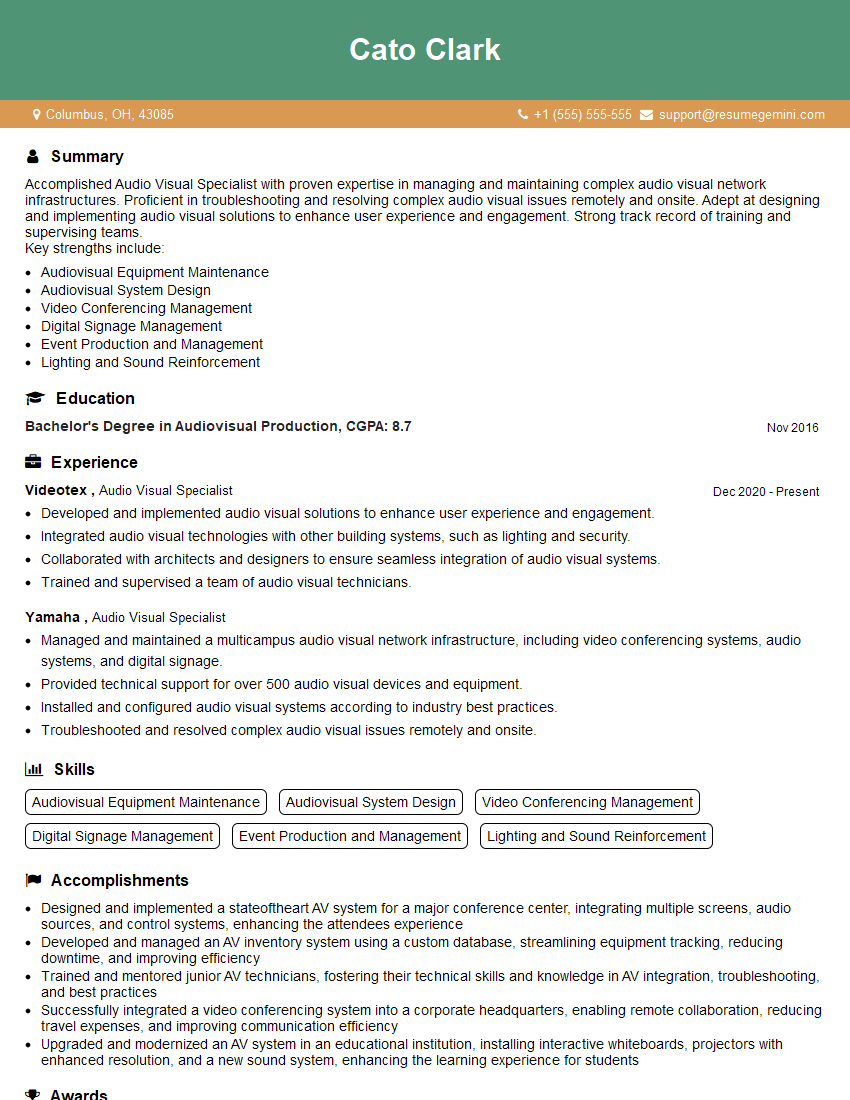
Audio Visual Specialist Resume Sample
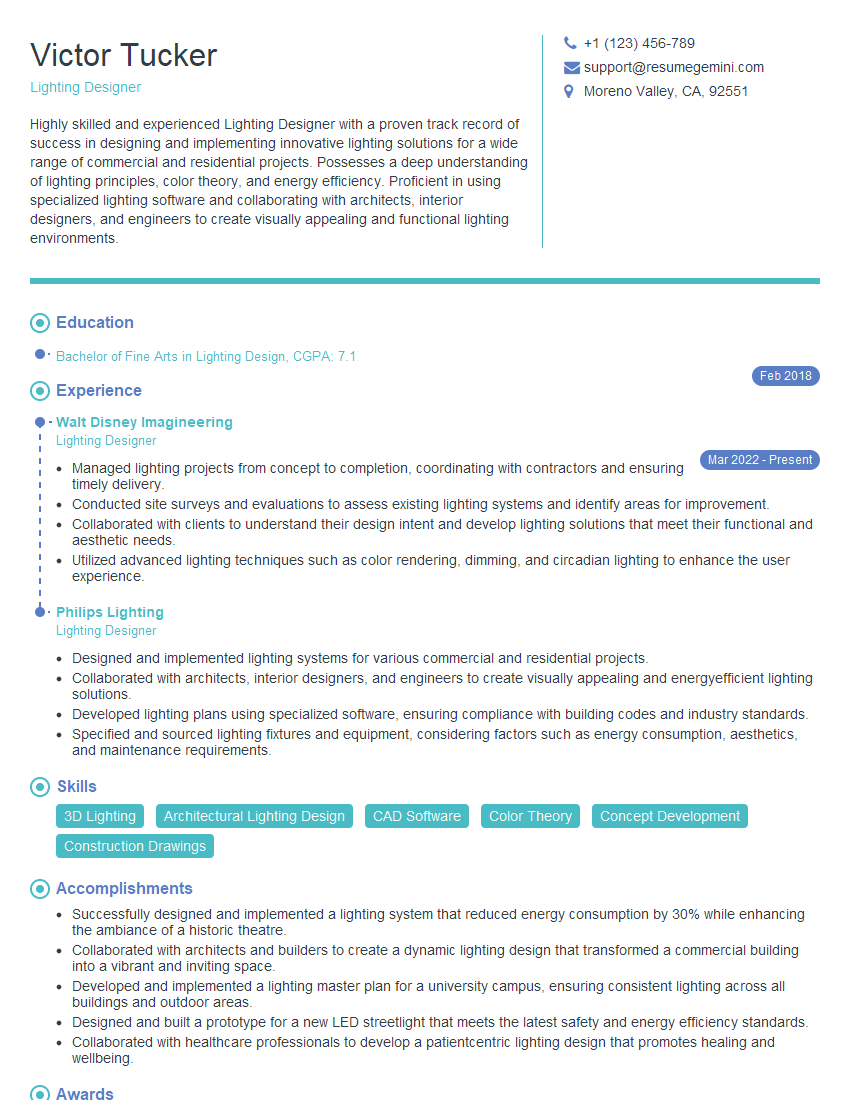
Lighting Designer Resume Sample
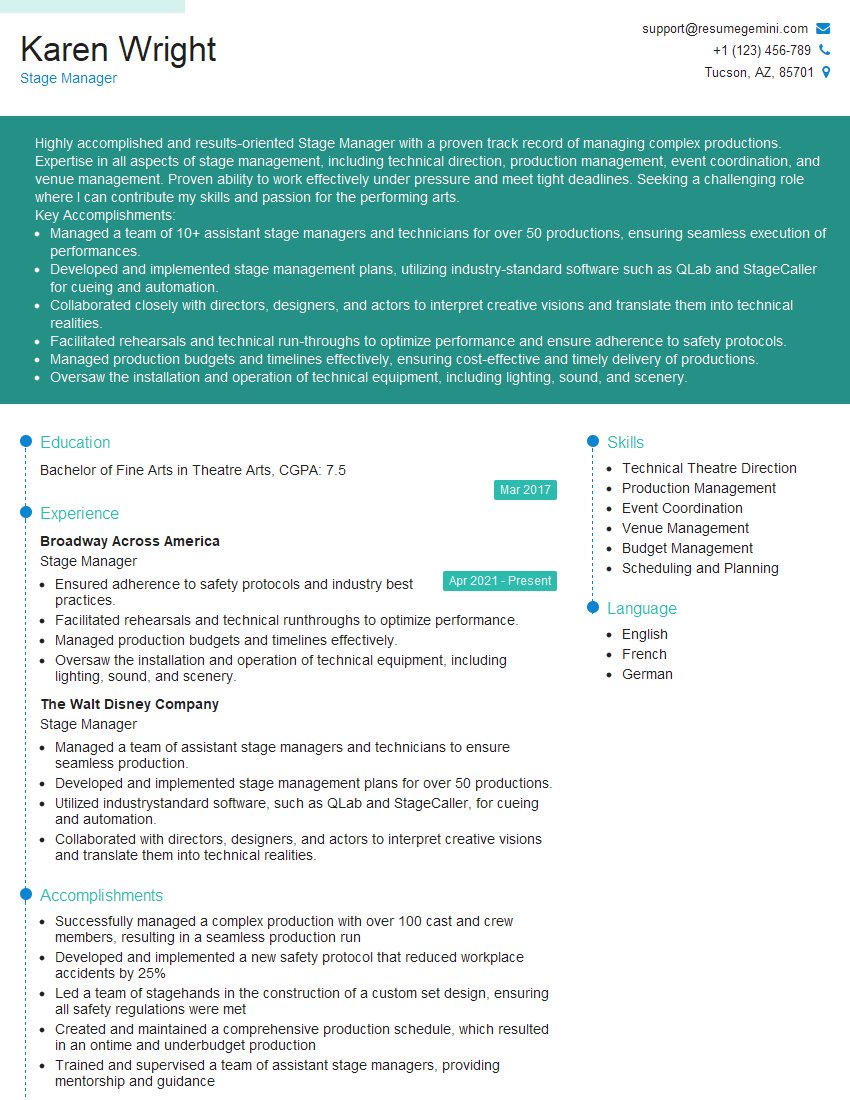
Stage Manager Resume Sample
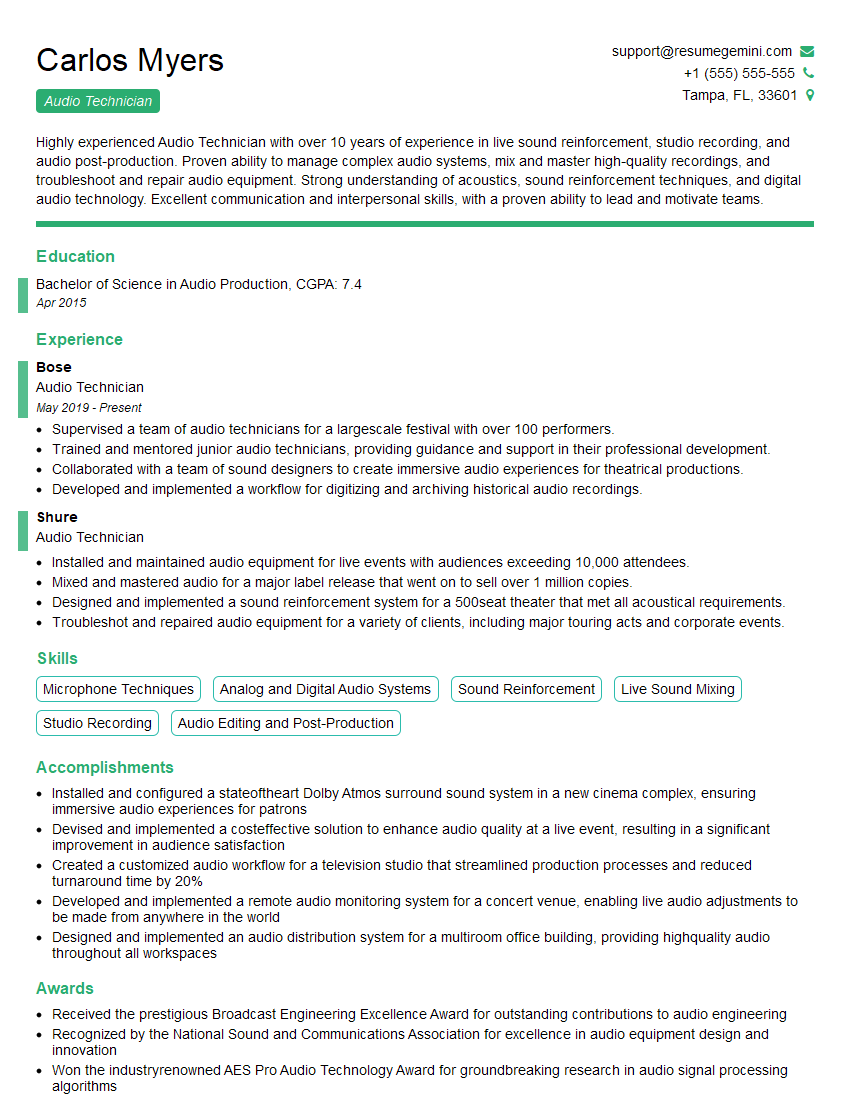
Audio Technician Resume Sample

Broadcast Engineer Resume Sample
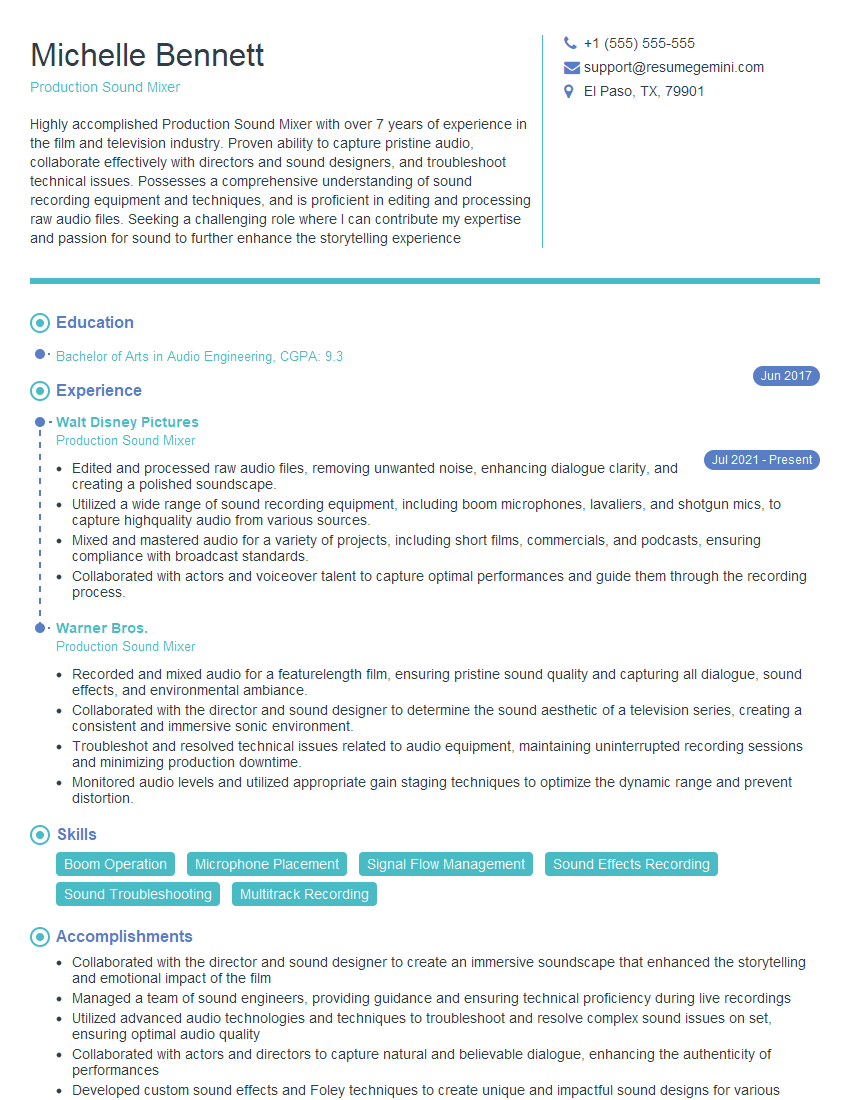
Production Sound Mixer Resume Sample
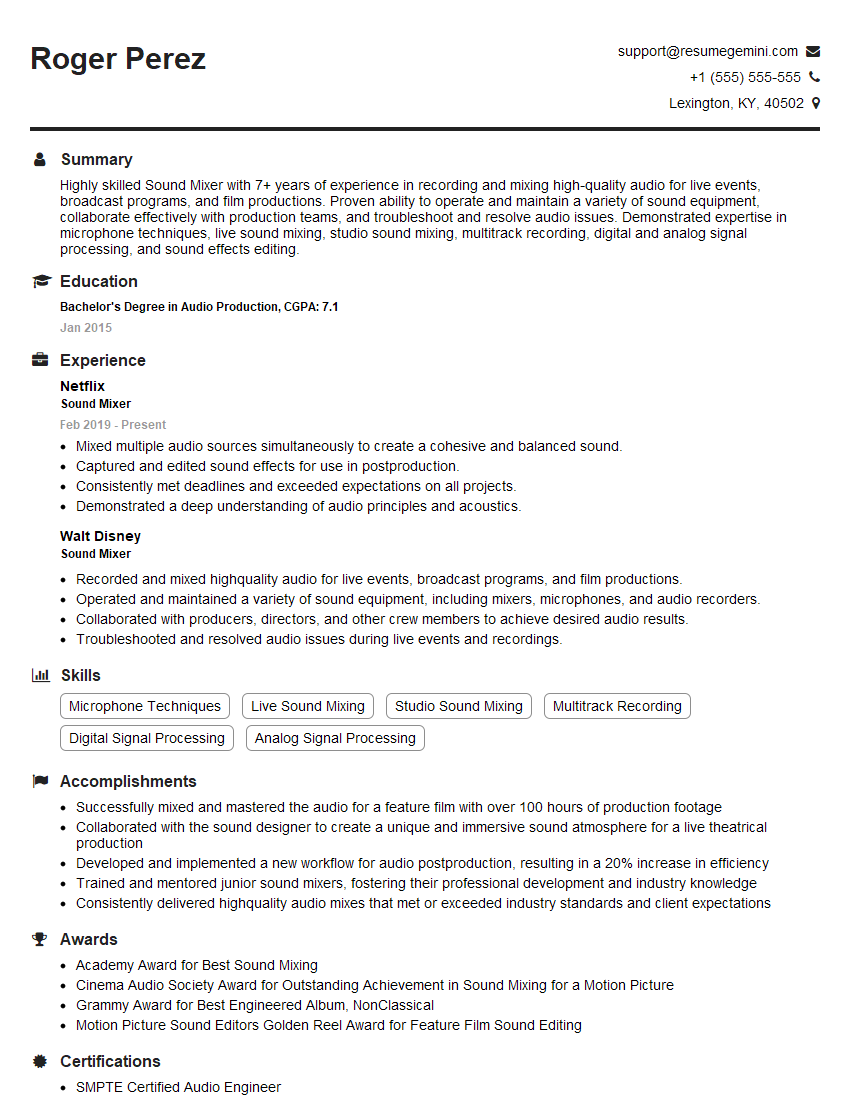
Sound Mixer Resume Sample
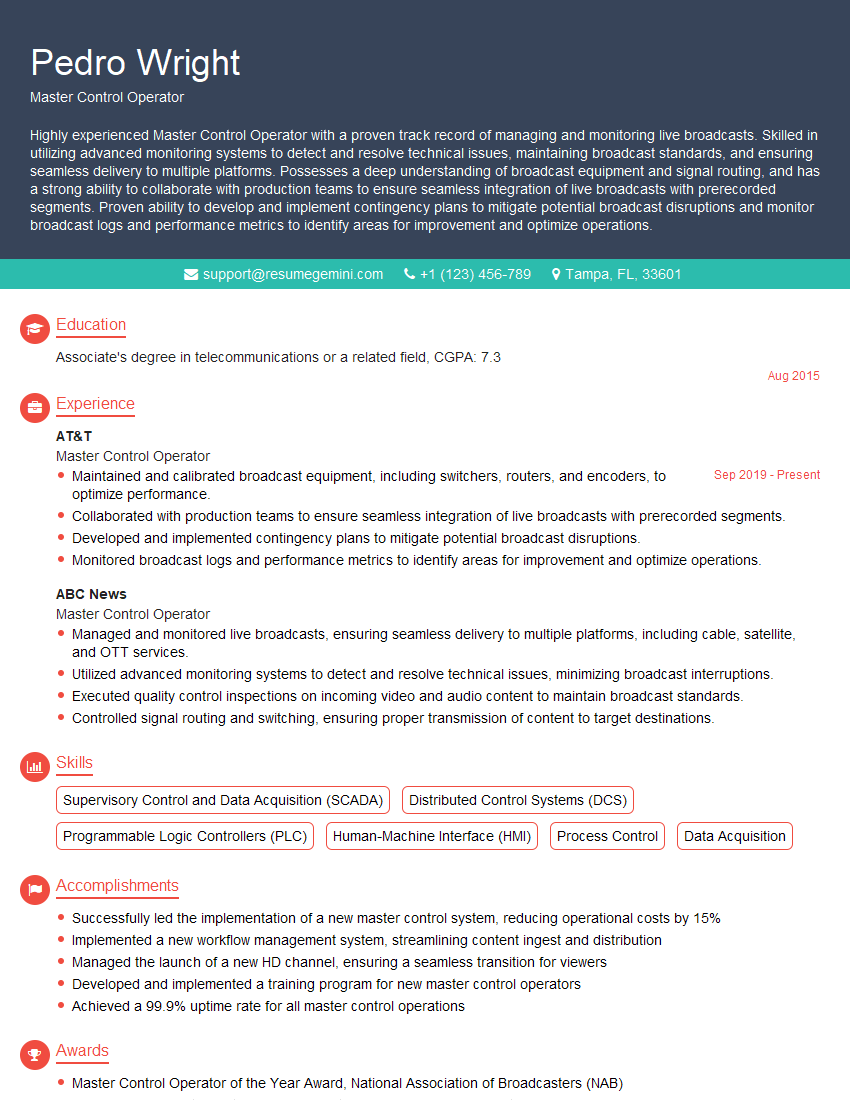
Master Control Operator Resume Sample

Sound Designer Resume Sample
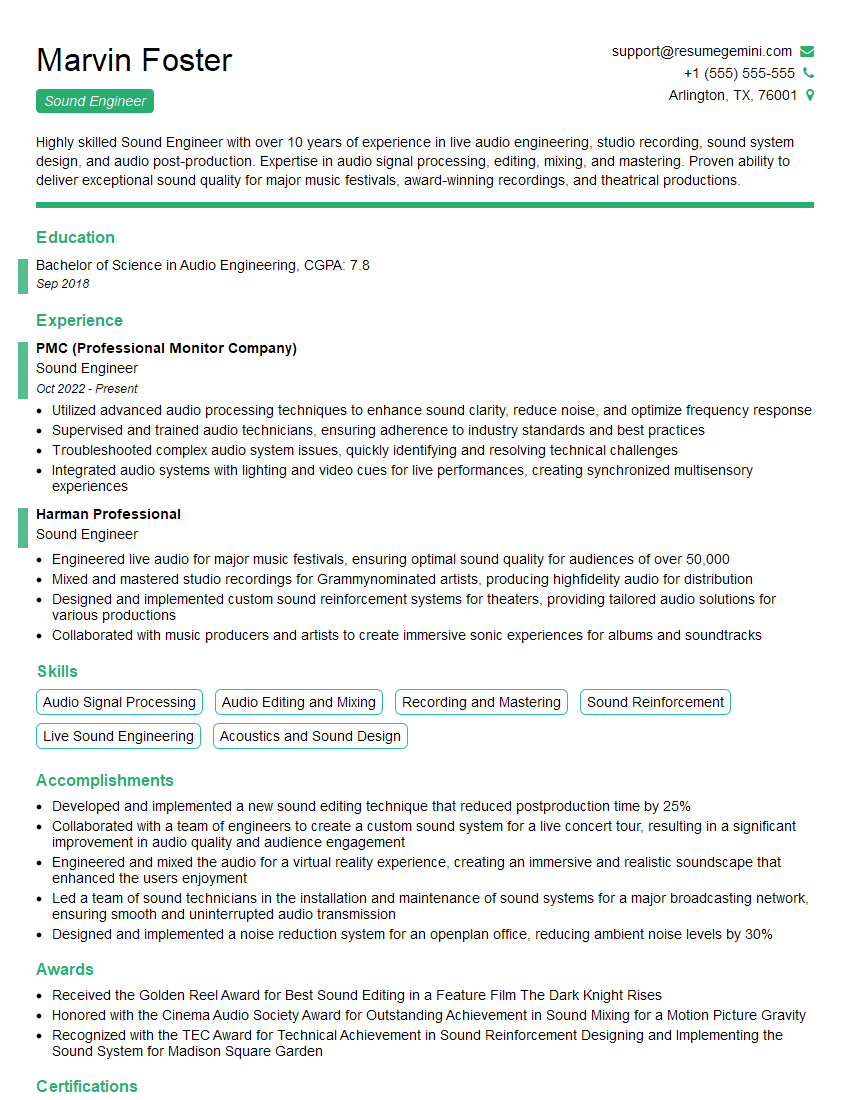
Sound Engineer Resume Sample
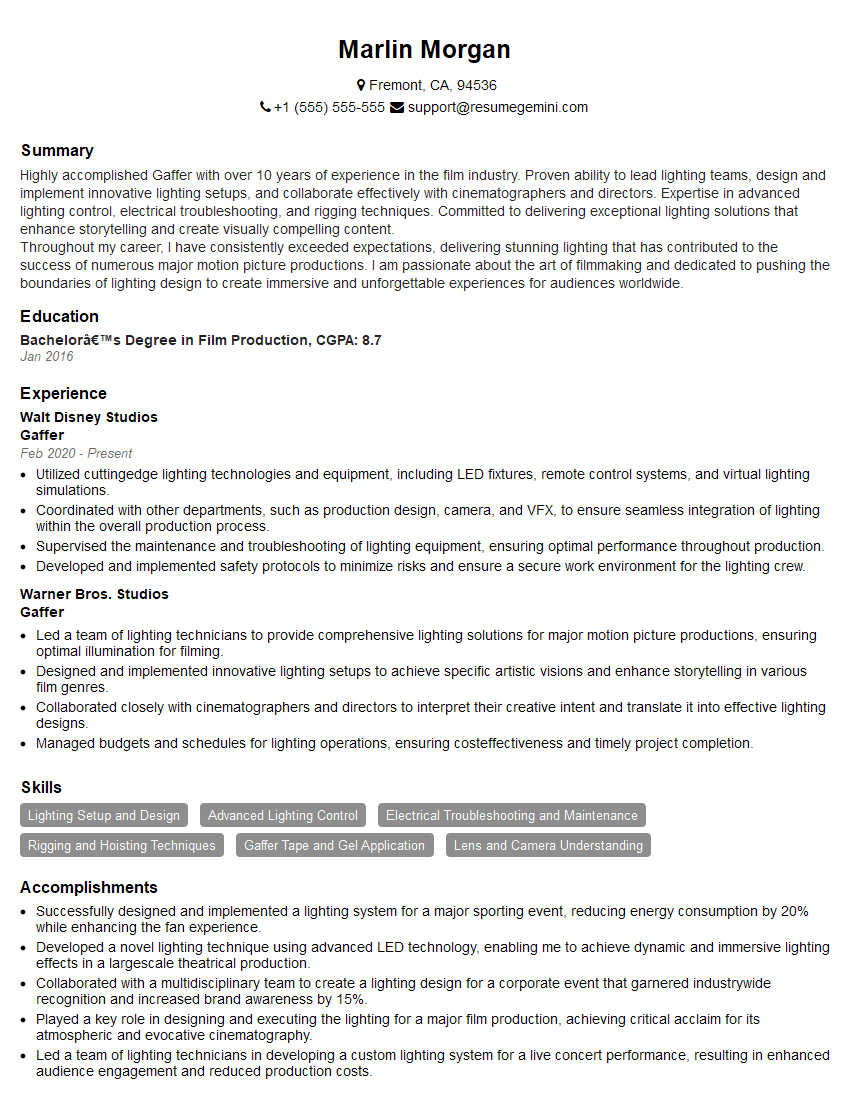
Gaffer Resume Sample
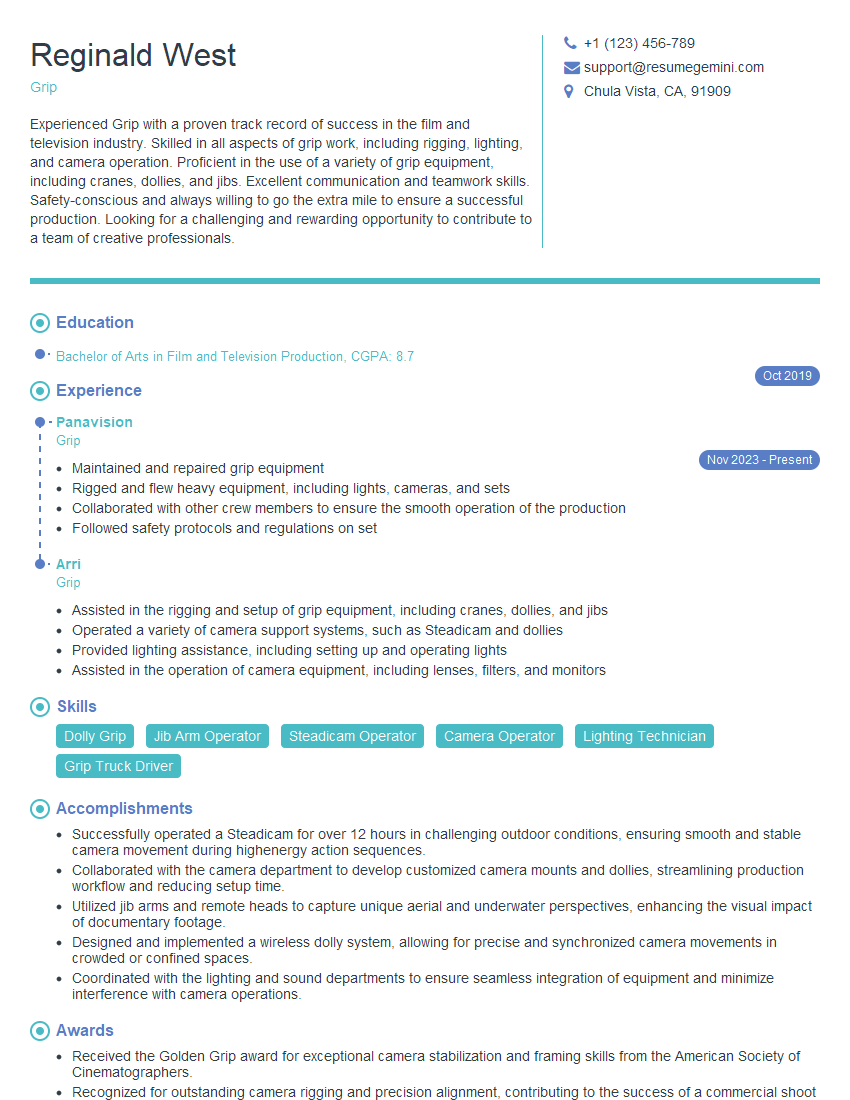
Grip Resume Sample
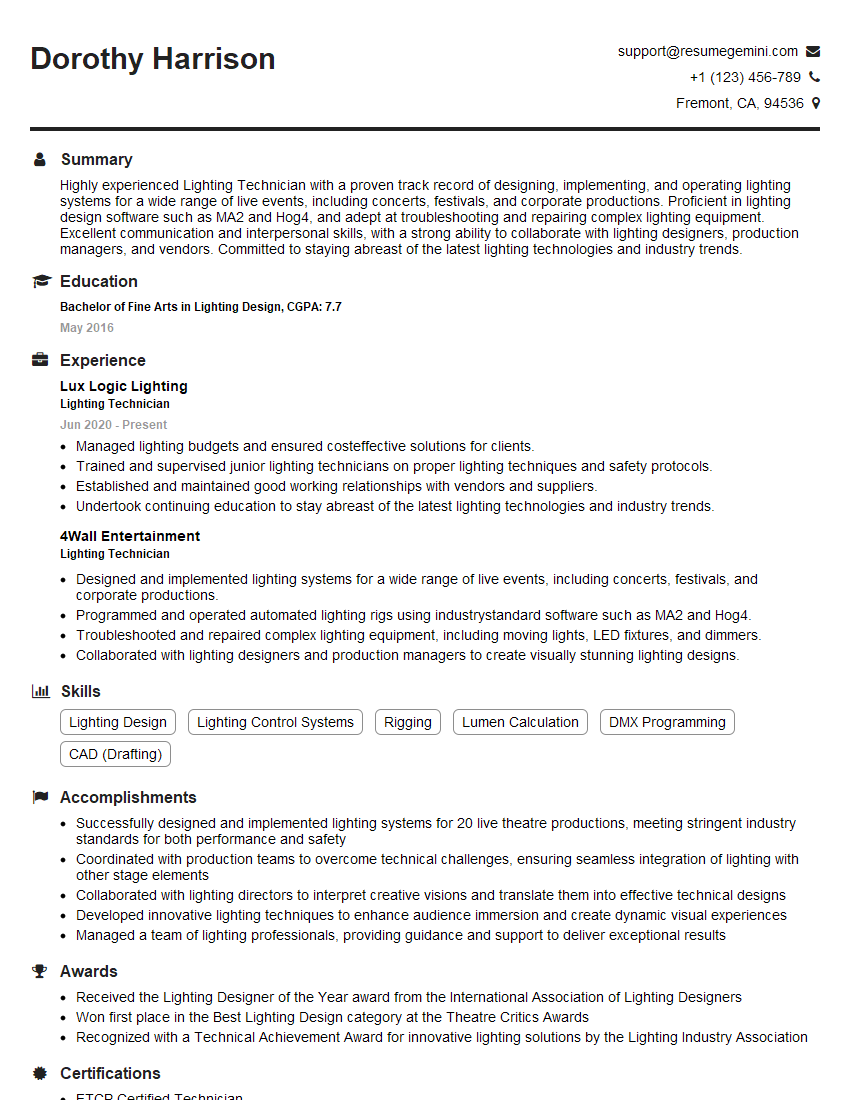
Lighting Technician Resume Sample
Explore more articles
Users Rating of Our Blogs
Share Your Experience
We value your feedback! Please rate our content and share your thoughts (optional).
What Readers Say About Our Blog
Very informative content, great job.
good