The right preparation can turn an interview into an opportunity to showcase your expertise. This guide to Live Production Control interview questions is your ultimate resource, providing key insights and tips to help you ace your responses and stand out as a top candidate.
Questions Asked in Live Production Control Interview
Q 1. Explain the role of a vision mixer in live production.
The vision mixer, also known as a video switcher, is the heart of any live production. It’s the central control unit that allows the director to select and seamlessly transition between different video sources, such as cameras, graphics, and pre-recorded footage. Think of it as the conductor of an orchestra, orchestrating the visual narrative of the broadcast. It determines what the audience sees at any given moment.
The vision mixer offers a range of transition effects, from simple cuts to more sophisticated wipes, dissolves, and key effects. This allows for creative control over the pacing and visual style of the production. For instance, a quick cut might be used for a fast-paced sports event, while a slow dissolve could be used to create a more emotional transition during a news report.
Q 2. Describe your experience with various video switchers (e.g., Ross, Grass Valley).
I have extensive experience with various video switchers, including the Ross Carbonite and the Grass Valley Kayenne series. Each system has its strengths and weaknesses, catering to different production needs and scales. The Ross Carbonite, for example, is known for its intuitive interface and powerful macro capabilities, perfect for complex productions with numerous sources. I’ve utilized its powerful macro functionality to automate complex sequences, saving time and ensuring smooth transitions during live events. The Grass Valley Kayenne, on the other hand, excels in its robustness and reliability, ideal for large-scale broadcasts demanding uninterruptible performance. My experience encompasses configuring and operating these systems in various settings, from small studio productions to large-scale outdoor events.
I’m comfortable with both hardware and software-based control panels, proficient in utilizing their advanced features like multi-viewers, keyers, and DVE (Digital Video Effects) to achieve creative and technically proficient outputs.
Q 3. How do you troubleshoot audio issues during a live broadcast?
Troubleshooting audio issues in a live broadcast requires a systematic approach. My first step is to identify the source of the problem. Is it a microphone issue, a mixer problem, or a routing issue? I start by checking the obvious: are the microphones correctly connected and powered? Are the levels appropriately set? I utilize audio meters and listen carefully to identify any unusual noise or dropouts.
If the issue is with a specific microphone, I’ll try a different one as a quick test. If the problem persists, I’ll move onto checking the audio mixer, ensuring all channels are properly routed and the gain stages are correctly adjusted. If it’s a routing issue, I’ll trace the audio signal path to pinpoint the location of the fault. Often, simple things like a loose cable or a wrongly configured patch bay can be the culprit. I always maintain detailed patch bay documentation to facilitate this troubleshooting process quickly. A detailed audio signal flow diagram also helps me to identify problems swiftly. In complex scenarios, using a spectrum analyzer can also help diagnose issues more accurately.
Q 4. What are your strategies for managing multiple video sources in a live production environment?
Managing multiple video sources requires meticulous planning and execution. Before the broadcast, I create a detailed rundown sheet that outlines each camera source, its intended use, and transition points. This provides a clear roadmap for the entire production team. During the live event, I utilize the multi-viewer to monitor all sources simultaneously, allowing me to anticipate potential problems and prepare for smooth transitions. This proactive approach ensures that there is always a plan B readily available, particularly if a camera unexpectedly goes down or experiences a technical issue.
I also employ a clear communication protocol with the camera operators, using headset communication to coordinate camera moves and ensure visual consistency. Clear and concise communication is crucial for coordinating the team effectively and maintaining the broadcast flow.
Q 5. Explain the concept of ‘tally’ lights and their importance in live production.
Tally lights are small lights that illuminate on cameras and other video sources indicating which source is currently ‘on-air’ or ‘live’. They’re crucial for both the camera operators and the talent. For camera operators, tally lights provide visual confirmation that their shot is live, helping them to remain aware and adjust their framing appropriately. For talent, they signal when they are ‘on camera’ and should be in character.
Typically, there are two tally lights: a red light indicating ‘on-air’ and a green light indicating ‘preview’ (the next source that will be broadcast). This simple but effective system ensures everyone involved is aware of what’s currently being shown to the viewers and what’s coming next. It’s a fundamental aspect of maintaining a coordinated and professional broadcast.
Q 6. Describe your experience with character generators and lower thirds.
I have extensive experience with character generators (CGs) and lower thirds, using them to incorporate essential information such as names, titles, and location details into the broadcast. My experience includes using various CG software packages, from dedicated hardware solutions to software-based applications that integrate seamlessly with the video switcher. I am proficient in creating visually appealing and consistent lower thirds that align with the overall brand aesthetic of the production. I ensure correct spelling and grammar; paying close attention to detail is critical for the visual professionalism of the broadcast.
I understand the importance of integrating CGs seamlessly into the live production flow. I am adept at managing timing and coordinating the appearance of graphics with the video content to enhance viewer understanding and engagement. A well-executed lower third can complement and enhance the overall viewing experience.
Q 7. How do you ensure seamless transitions between cameras and video sources?
Seamless transitions are the hallmark of a professional live production. I achieve this through a combination of careful planning, precise execution, and effective communication. This starts with the pre-production planning phase, with the director meticulously planning the shots and transitions in advance. The creation of a detailed rundown sheet outlining the order of shots and the planned transitions is paramount.
During the live broadcast, I utilize the vision mixer’s various transition effects – cuts, dissolves, wipes – to create the desired effect. The choice of transition depends on the pace and mood of the program. Quick cuts are used for fast-paced action, while slower dissolves create a more contemplative feel. Effective communication with the camera operators is also key to ensure smooth camera moves and precise timing. Practice and rehearsal before the live show are crucial for developing a seamless workflow.
Q 8. What is your experience with multi-camera setups and directing?
Multi-camera setups are the backbone of dynamic live productions. My experience spans numerous projects, ranging from small-scale corporate events to large-scale concerts and sporting events. Directing in this context involves coordinating multiple camera feeds to create a compelling narrative. This goes beyond simply switching between cameras; it’s about choosing the best shot at each moment to engage the audience and tell the story effectively. I’m proficient in utilizing various camera angles – wide shots to establish context, medium shots for character interaction, and close-ups for emotional impact. I also understand the importance of camera movement, whether it’s a slow pan to follow a speaker or a rapid zoom to emphasize a key moment. For example, during a recent music festival, I seamlessly integrated multiple camera angles – including a drone shot for establishing shots, close-ups on the performers, and reaction shots from the audience – to create a visually exciting and engaging broadcast.
My understanding extends to working with various camera types (HD, UHD, and even specialized cameras for unique perspectives) and their associated control systems. I excel at creating a smooth, compelling viewing experience by coordinating camera operators and utilizing techniques like cross-dissolves, cuts, and wipes for a professional finish.
Q 9. How do you handle unexpected technical issues during a live broadcast?
Unexpected technical issues are an inevitable part of live production, and my approach emphasizes proactive planning and rapid, decisive action. My first step is always to assess the situation calmly and identify the source of the problem – is it a camera malfunction, audio dropout, or a graphics issue? I rely heavily on clear communication with the technical crew to swiftly diagnose and isolate the problem. We utilize a pre-determined protocol for troubleshooting common problems, including backup systems and redundant equipment to minimize downtime.
For instance, if a camera feed suddenly drops, we have a backup camera ready to take its place. If the problem is more complex, we have contingency plans, such as switching to a pre-recorded segment or relying on other available cameras until the issue is resolved. It’s about having a plan B, C, and sometimes even D, and ensuring the team is well-rehearsed in executing them seamlessly. Transparency with the on-air talent is also crucial; keeping them informed about the situation reduces on-air panic and allows for graceful transitions.
Q 10. Describe your workflow for integrating graphics and video playback into a live production.
Integrating graphics and video playback into a live production requires careful planning and precise execution. My workflow starts with collaborating closely with the graphics team to ensure the graphics are visually consistent with the show’s aesthetic and are delivered in the correct format and resolution. This includes coordinating the timing and placement of graphics precisely, considering things such as transitions and overlays. Video playback requires preparing clips in advance, verifying their technical specifications, and creating a playlist for easy access during the broadcast. This playlist often includes cues for transitions to ensure a smooth flow and to avoid any glitches.
We use a dedicated graphics playback system that integrates seamlessly with our video switcher. This system allows us to schedule graphics and video clips precisely, trigger them at the right time, and incorporate dynamic elements like lower thirds and score bugs directly into the live feed. I routinely use this workflow for adding live scores to sporting events, sponsor logos, or real-time data visualizations during news broadcasts.
Q 11. Explain your understanding of audio levels, gain staging, and mixing.
Understanding audio levels, gain staging, and mixing is fundamental to creating a clear and engaging audio experience. Gain staging is the process of setting appropriate levels at each stage of the audio chain, preventing clipping and maximizing signal-to-noise ratio. This begins at the source, ensuring microphones are properly positioned and adjusted, then continues through the mixing console where individual levels are balanced. A key consideration is the use of compression and limiting to manage dynamic range and prevent sudden peaks. Audio mixing involves adjusting various elements to create the desired sound: balancing microphone levels to prioritize voices and instruments, adding effects such as reverb or delay to enhance ambiance and clarity, and ensuring the final mix is well-balanced and at the correct loudness level.
For instance, in a live interview, I’d carefully manage gain staging to ensure the interviewee’s voice is clear and free of background noise, while simultaneously adjusting room microphone levels to create a natural feel without overpowering the main voice. During a musical performance, I’d balance the instruments to create a cohesive soundscape, perhaps adding reverb to the vocals and using EQ to shape individual instrument tones.
Q 12. How do you maintain communication and collaboration within a production team?
Maintaining clear communication and collaboration is essential for successful live production. We use a combination of methods: a dedicated communication system (often intercom), regular pre-production meetings to outline roles and responsibilities, and a clear signaling system during the broadcast. The intercom is crucial for real-time communication between the director, technical crew, and on-air talent. This allows for immediate feedback, adjustments, and the coordination of complex operations.
Pre-production meetings are where we establish roles, discuss potential challenges, and develop contingency plans. During the broadcast, hand signals and cues help maintain efficiency and provide a non-verbal communication channel. The team’s familiarity with each other and their roles is crucial; this builds trust and ensures everyone is working cohesively towards the shared goal of a successful broadcast.
Q 13. What is your familiarity with various video formats and codecs?
My familiarity with video formats and codecs is extensive, encompassing everything from older SD formats like DV and Betacam to modern HD and UHD formats like H.264, H.265 (HEVC), and ProRes. I understand the technical specifications, compression ratios, and quality trade-offs associated with each format. Choosing the right codec is a balance between image quality and file size, impacting storage requirements, bandwidth needs for transmission, and processing power.
For instance, H.264 is widely used for its good balance of quality and compression, suitable for many broadcast applications. However, for high-quality archival material, ProRes might be preferred despite larger file sizes. My experience includes working with various container formats like MXF, MP4, and QuickTime, adapting to the specific needs of each production and ensuring compatibility with broadcast systems.
Q 14. Describe your experience with IP-based video production workflows.
IP-based video production workflows are rapidly becoming the standard, and I’m highly proficient in them. This approach replaces traditional SDI-based infrastructure with a network-based system, offering flexibility, scalability, and cost savings. My experience involves working with systems like NDI and SRT, enabling seamless integration of cameras, graphics, and other production elements over a standard IP network.
The advantages are significant: we can easily integrate remote contributors, reduce the amount of cabling, and more readily adapt to changing production needs. For example, I’ve used NDI to connect cameras across a large studio, eliminating the need for extensive SDI cabling. Furthermore, the use of cloud-based platforms for storage and processing further enhances flexibility and collaboration. I understand the importance of network infrastructure, quality of service (QoS) settings, and the potential challenges of latency and bandwidth limitations in IP-based workflows.
Q 15. How do you ensure the quality and accuracy of a live broadcast?
Ensuring the quality and accuracy of a live broadcast is paramount. It’s a multi-faceted process that begins long before the broadcast even starts and continues throughout the production and post-production phases. Think of it like baking a cake – you need the right ingredients (planning, equipment, skilled personnel), the right recipe (production plan), and meticulous execution (technical execution) to ensure a perfect result.
Thorough Pre-Production Planning: This involves detailed run-throughs, technical rehearsals, and meticulous script review. This phase identifies potential issues before they impact the live broadcast. For instance, we’d pre-check all camera angles, audio levels, and graphics to ensure seamless transitions.
Redundancy and Backup Systems: We always have backup systems in place. This might include a secondary camera, audio mixer, or even a completely separate broadcast feed. If a primary system fails, the backup is immediately activated to minimize disruption. Think of it like having a spare tire in your car – you hope you never need it, but it’s crucial to have.
Rigorous Quality Control Checks: Throughout the production, continuous monitoring is key. We use waveform monitors to check audio levels, vectorscopes to verify color accuracy, and dedicated personnel to monitor the overall broadcast feed for any anomalies. This is like a chef constantly tasting the food while it’s cooking.
Experienced Personnel: A skilled team is essential. Each member, from the director to the camera operators, understands their role and responsibilities. Years of experience teaches us to anticipate potential problems and solve them swiftly and efficiently.
Career Expert Tips:
- Ace those interviews! Prepare effectively by reviewing the Top 50 Most Common Interview Questions on ResumeGemini.
- Navigate your job search with confidence! Explore a wide range of Career Tips on ResumeGemini. Learn about common challenges and recommendations to overcome them.
- Craft the perfect resume! Master the Art of Resume Writing with ResumeGemini’s guide. Showcase your unique qualifications and achievements effectively.
- Don’t miss out on holiday savings! Build your dream resume with ResumeGemini’s ATS optimized templates.
Q 16. Describe your experience with remote production and control.
My experience with remote production and control is extensive. I’ve been involved in numerous projects utilizing various remote production technologies, including IP-based video over fiber and cloud-based workflows. The key difference from traditional on-site production is the geographical separation of the production team and the event itself. This requires a different approach to communication and monitoring.
IP-based workflows: These allow for the transmission of audio and video signals over internet protocols. This is more cost-effective and flexible than traditional SDI-based workflows for remote locations, as it enables smaller production teams in central locations to manage events worldwide.
Cloud-based control systems: These platforms allow remote access to switchers, routers, and other control surfaces. This enables a seamless integration of remote and on-site personnel. I’ve utilized platforms such as [mention a specific platform, avoiding the appearance of endorsement].
Challenges and Solutions: The main challenge is latency (delay) in the signal transmission. We mitigate this using optimized networks, specialized codecs, and advanced synchronization techniques. Moreover, robust network infrastructure and contingency plans are imperative.
For example, during a recent remote production of a political debate, we used a cloud-based control system with a multi-layered network redundancy scheme to ensure a flawless broadcast, even with fluctuating internet bandwidth at the remote location.
Q 17. How do you manage time constraints and deadlines in a fast-paced live production environment?
Live production is inherently fast-paced, demanding precise time management. My approach is a blend of proactive planning and agile adaptation. It’s like conducting an orchestra – each section (crew member, department) must be precisely synchronized, while being ready to improvise should the score change unexpectedly.
Detailed Schedules and Run-of-Show Documents: These act as the roadmap. A precise schedule with contingencies included for each segment is vital. This ensures we stay on track and anticipate potential delays.
Efficient Communication and Teamwork: Constant communication between departments is essential. Clear, concise instructions, coupled with a strong team dynamic, allow for swift problem-solving. Think of it as a well-oiled machine – each part complements the others.
Contingency Planning: We always have a backup plan for unexpected events (e.g., technical malfunctions, guest delays). A well-defined process for handling these scenarios minimizes disruption.
Agile Adaptation: Live events are dynamic. We remain flexible and adjust our plans when needed. This requires experience and decisive decision-making under pressure.
Q 18. What is your experience with monitoring and recording of live feeds?
Monitoring and recording of live feeds is crucial for quality assurance and archival purposes. This involves utilizing various technologies and strategies to capture and review the broadcast.
Multi-Camera Recording: We use multi-camera recorders to capture all camera angles simultaneously, providing various options for editing and post-production. This is like having multiple perspectives of an event.
Master Control Room Monitoring: We use dedicated monitors in the control room to observe the program feed continuously, ensuring quality and detecting issues in real-time. This provides an overall view of the broadcast quality.
Audio Monitoring: Dedicated audio engineers monitor audio levels and clarity throughout the broadcast using waveform displays and other monitoring tools.
Cloud-Based Recording and Archiving: Many modern systems offer cloud-based recording, providing secure, easily accessible archives of the broadcast and backup redundancy. This makes accessing past broadcasts much simpler.
For example, during a live concert, we used a redundant cloud recording system to capture the entire show and make it available for on-demand viewing after the event.
Q 19. Explain your understanding of signal flow in a live production environment.
Understanding signal flow in live production is fundamental. It’s the pathway audio and video signals travel from their source to the final broadcast. Think of it as a river, with tributaries (various sources) flowing into the main stream (the broadcast).
A typical signal flow might involve:
Camera Signals: Cameras capture video and send it to a vision mixer.
Audio Signals: Microphones capture audio and send it to an audio mixer.
Vision Mixer: Selects and switches between camera sources, creating the program feed.
Audio Mixer: Mixes and processes various audio sources (microphones, music, effects).
Graphics: CG graphics are integrated into the program feed.
Master Control: The final control point for the broadcast, handling output to the air, recording, and monitoring.
Understanding this flow is crucial for troubleshooting technical problems. For example, if the audio disappears suddenly, we can trace the signal path from the microphone through the audio mixer and the master control to quickly identify the point of failure.
Q 20. What are some common challenges in live production and how do you overcome them?
Live production is fraught with challenges, but experience teaches us effective strategies to overcome them.
Technical Malfunctions: Equipment failures are always a possibility. Redundancy is our first line of defense – backup systems are critical. A thorough understanding of the equipment and swift troubleshooting skills are crucial for swift resolution.
Unexpected Events: Guests might be late, scripts may need adjustments, or unforeseen circumstances may arise. Flexibility, adaptability, and strong communication are key to navigating these issues gracefully.
Time Constraints: Live events are time-sensitive. Efficient planning, effective teamwork, and a focus on critical paths ensure timely delivery. A well-defined production schedule is essential.
Communication Breakdown: Clear, concise, and consistent communication is crucial among all team members. Utilizing headsets and standardized communication protocols prevents misunderstandings and delays.
Talent Issues: Talent might make mistakes, forget lines, or require adjustments. A calm, supportive director who can adapt to the moment is essential.
In one instance, a sudden power outage during a live broadcast required us to switch immediately to our backup generator and continue broadcasting seamlessly. This was achieved through excellent communication, quick thinking, and prior planning. This exemplifies the importance of preparedness and adaptability in live production.
Q 21. Describe your experience with automation and robotic camera systems.
Automation and robotic camera systems are increasingly prevalent in live production, enhancing efficiency and creative possibilities. They allow for dynamic camera movements and precise shots, often impossible with manual operation.
Robotic Camera Systems: These motorized cameras can be remotely controlled, allowing for precise positioning and smooth movements. This is particularly useful for difficult-to-reach locations or situations requiring repetitive shots.
Automation Systems: These systems manage various aspects of the broadcast, such as switching between cameras, integrating graphics, and automating replays. This streamlines workflows and reduces the number of personnel required for certain tasks.
Integration with Control Systems: Robotic cameras and automation systems integrate seamlessly into modern control systems, providing a centralized platform for managing the entire broadcast.
For instance, during a sporting event, we utilized robotic cameras to provide unique angles and dynamic shots of the action, significantly enriching the viewer experience. The automation system handled instant replays, enhancing the overall viewing experience.
Q 22. How do you ensure compliance with broadcast standards and regulations?
Ensuring compliance with broadcast standards and regulations is paramount in live production. This involves a multi-faceted approach, beginning with a thorough understanding of the specific regulations governing the region and target audience. For example, in the US, this might involve adherence to FCC rules regarding obscenity, indecency, and equal opportunities. Internationally, regulations can vary significantly, necessitating careful research and compliance planning.
Practically, this means implementing robust pre-production checklists to review all content for potential violations. We use specialized software to monitor audio levels to prevent clipping and ensure that the audio signal stays within the broadcast standards. We also conduct thorough technical rehearsals to identify and address any potential compliance issues before going live. Regular training for the entire production team is crucial to ensure everyone understands and follows these standards. Finally, maintaining detailed logs of all broadcasts, including metadata and compliance checks, serves as a vital audit trail.
For instance, during a recent live music event, we had to carefully review the artist’s setlist to ensure no copyrighted music was used without proper licensing. This involved collaborating with the legal team and securing the necessary permissions before broadcast. This proactive approach prevented any potential legal issues and ensured compliance.
Q 23. What is your understanding of different types of microphones and audio equipment?
My understanding of microphones and audio equipment is comprehensive, encompassing various types suited for different applications in live production. We typically use a mix of dynamic, condenser, and ribbon microphones, each with unique characteristics.
- Dynamic microphones are robust and handle high sound pressure levels well, making them ideal for loud instruments like drums and amplifiers. Shure SM57 and SM58 are classic examples.
- Condenser microphones are more sensitive and capture a wider frequency range, often preferred for vocals, acoustic instruments, and situations requiring detail. Neumann U 87 and AKG C414 are high-quality examples.
- Ribbon microphones offer a unique sonic character, known for their warm and smooth sound, often used for capturing delicate instruments like guitars or strings. Royer R-121 is a popular choice.
Beyond microphones, crucial audio equipment includes mixers (for audio routing and processing), compressors (for dynamic range control), equalizers (for shaping the frequency response), and effects processors (for adding reverb, delay, etc.). Understanding signal flow and proper gain staging is essential for achieving optimal audio quality. In live settings, redundancy is critical; we always have backup microphones and audio equipment ready to avoid unexpected failures.
Q 24. Explain your experience with virtual studio environments.
My experience with virtual studio environments is extensive, covering various platforms and applications. I’ve worked on productions using Unreal Engine, Disguise, and other virtual production tools. These environments allow for seamless integration of real-world and virtual elements, opening up creative possibilities unavailable in traditional studios.
For example, I’ve been involved in projects where we used virtual sets to create realistic backgrounds for news broadcasts and talk shows, eliminating the need for costly physical sets and allowing for quick changes. We also leverage augmented reality (AR) technology to overlay graphics and interactive elements onto the live feed, making the broadcast more engaging and dynamic. This involves a solid understanding of real-time rendering, video compositing, and network synchronization to ensure a seamless broadcast experience.
Challenges in virtual studio environments often include real-time rendering limitations, network latency, and the need for precise calibration between virtual and real-world elements. Successful projects hinge on meticulous planning, robust technology, and a skilled team.
Q 25. How do you troubleshoot network issues that affect live production?
Troubleshooting network issues in live production requires a systematic approach and a deep understanding of network infrastructure. The first step is to identify the symptom – is it video dropout, audio glitches, or complete signal loss? Then, we isolate the problem by checking all points in the signal chain.
- Check cables and connections: Are all cables securely connected? Are there any physical damages?
- Test network connectivity: Use network monitoring tools to assess bandwidth, packet loss, and latency. This often involves looking at network switches, routers, and the overall network health.
- Identify potential bottlenecks: Is the network overloaded? Is there contention for bandwidth with other users or applications?
- Examine the codec and encoding settings: Are the settings appropriate for the network bandwidth?
- Use diagnostic tools: Many network devices and software offer logging and monitoring capabilities which can point to the source of the problem.
During a recent live stream, we experienced intermittent video freezes. By systematically checking the network, we identified a faulty switch causing packet loss. A quick replacement restored the stream without any further issues. Having a backup network connection is also crucial in these scenarios, providing redundancy to prevent complete broadcast failures.
Q 26. Describe your experience with cloud-based production workflows.
My experience with cloud-based production workflows has been transformative. Cloud platforms offer scalability, accessibility, and cost-effectiveness, particularly beneficial for live productions. I’ve used cloud services like AWS, Azure, and Google Cloud for various aspects, including storage, processing, and distribution of live video streams.
For example, we utilized AWS Elemental MediaLive for encoding and transcoding live streams, AWS Elemental MediaPackage for packaging and delivery, and Amazon S3 for archiving recorded content. This allowed for highly scalable streaming capabilities, capable of handling a large number of concurrent viewers. This cloud-based infrastructure eliminates the need for expensive on-premise equipment and provides greater flexibility in scaling resources according to the needs of the production.
One challenge with cloud workflows is managing latency and ensuring low-latency delivery. Proper network design and selection of appropriate codecs are key to minimizing latency and ensuring a high-quality viewing experience.
Q 27. What is your familiarity with various video streaming platforms?
My familiarity with various video streaming platforms is extensive, ranging from traditional platforms like YouTube Live and Facebook Live to more specialized platforms like Vimeo Live and Twitch. Each platform has its own unique features, strengths, and weaknesses.
- YouTube Live: Ideal for reaching a large, general audience. Offers good built-in analytics.
- Facebook Live: Strong integration with social media, enabling easy sharing and interaction with viewers.
- Twitch: Focused on the gaming community, excellent for live interactive gaming streams.
- Vimeo Live: Suitable for professional productions requiring high-quality video and customizable settings.
Choosing the right platform depends on the target audience, content type, and required features. A deep understanding of each platform’s capabilities and limitations is essential for making an informed decision and optimizing the streaming experience.
Q 28. How do you prioritize tasks and manage multiple responsibilities during a live production?
Prioritizing tasks and managing multiple responsibilities during a live production is crucial for success. I employ a combination of proactive planning and reactive problem-solving. Before the event, I create a detailed run-of-show, allocating tasks and responsibilities to team members. This document acts as a central reference point for everyone involved.
During the live production, I utilize a combination of visual aids, such as a rundown sheet displayed on monitors and checklists. This allows us to track progress, anticipate potential issues, and proactively address them. Communication is paramount; we utilize dedicated communication channels, such as intercom systems and headsets, to ensure clear and efficient communication among the team.
When unexpected issues arise, I prioritize based on the impact on the broadcast. Critical issues, such as a complete signal loss, are addressed immediately, while minor issues might be deferred if they don’t affect the live stream. Flexibility and adaptability are essential in managing the unexpected events that are inherent in live productions.
Key Topics to Learn for Live Production Control Interview
- Understanding Production Workflow: Grasp the entire process from pre-production planning to post-production wrap-up, including the role of Live Production Control in each stage.
- Mastering Control Room Equipment: Become familiar with various switchers, routers, audio consoles, and video servers. Understand their functions and how they interact within the system.
- Signal Flow and Routing: Demonstrate a strong understanding of signal paths, including audio and video, and how to troubleshoot routing issues effectively.
- Live Production Software and Protocols: Develop proficiency in relevant software (e.g., broadcast automation systems) and communication protocols used in live environments.
- Problem-Solving and Quick Decision-Making: Highlight your ability to think on your feet, adapt to changing situations, and resolve technical challenges under pressure. Practice describing real-world examples.
- Teamwork and Communication: Emphasize your collaborative skills and ability to communicate clearly and efficiently with other team members in a fast-paced environment. This is crucial for successful live production.
- Health and Safety Protocols: Demonstrate awareness of safety regulations and procedures within a live production control environment.
- Quality Control and Monitoring: Explain your understanding of maintaining consistent audio and video quality throughout the broadcast and how to identify and address issues promptly.
- Understanding various production formats (HD, UHD, etc.): Demonstrate knowledge of different broadcast standards and their implications on the control room workflow.
Next Steps
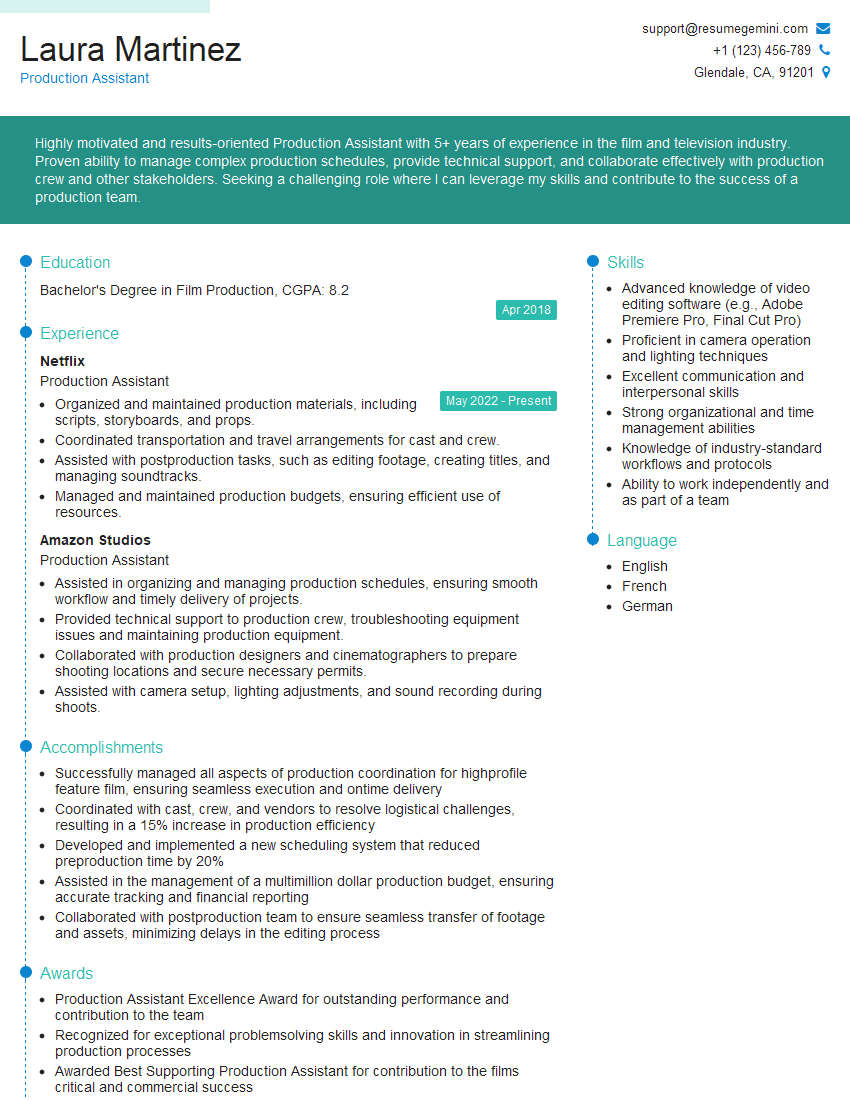
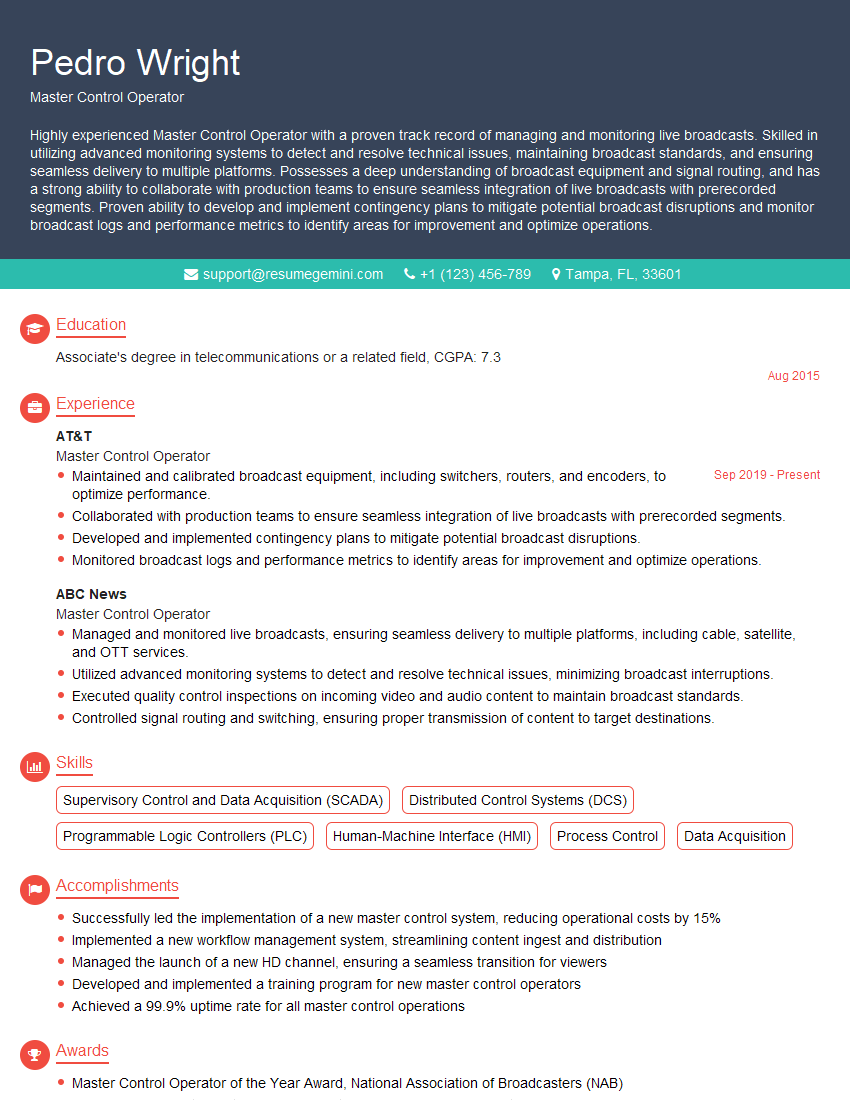
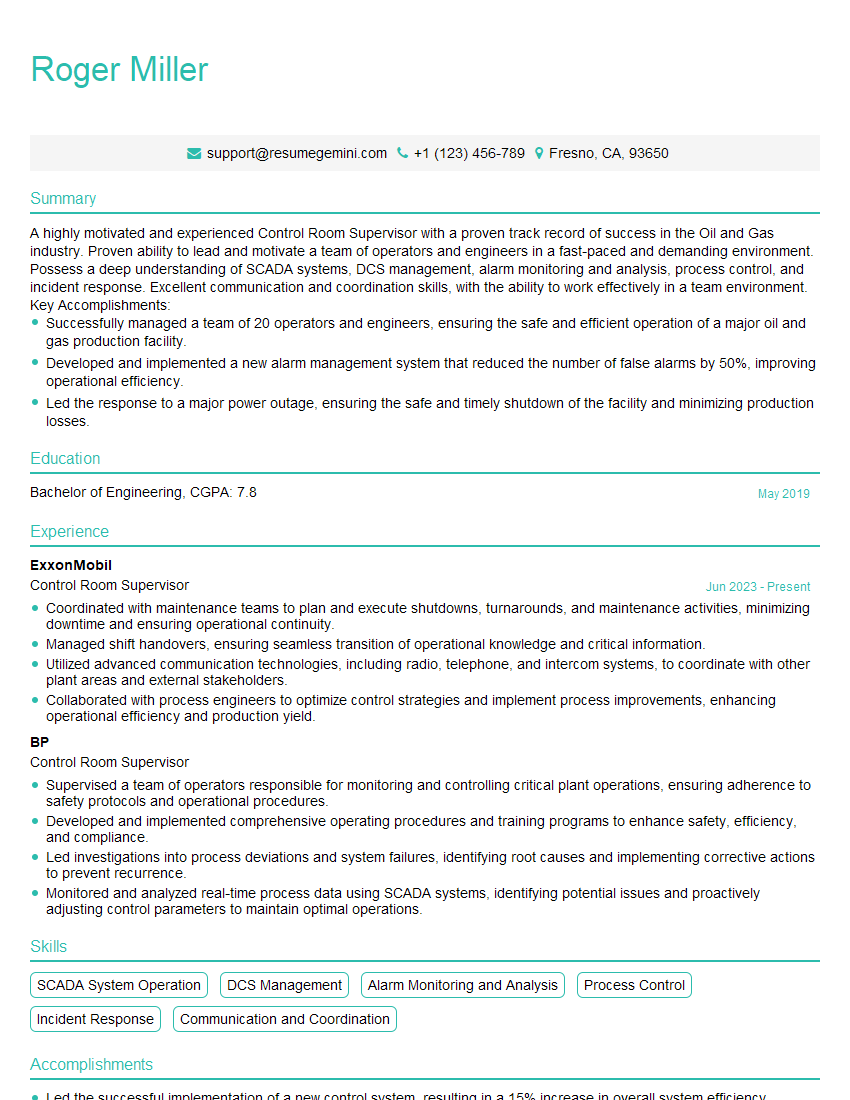
Mastering Live Production Control opens doors to exciting career opportunities and rapid professional growth within the broadcast industry. To significantly boost your job prospects, crafting an ATS-friendly resume is crucial. ResumeGemini is a trusted resource that can help you build a powerful and effective resume, designed to attract recruiters and get you noticed. We offer examples of resumes tailored to Live Production Control to help you get started. Take the next step and create a resume that highlights your skills and experience in the best possible light.





Explore more articles
Users Rating of Our Blogs
Share Your Experience
We value your feedback! Please rate our content and share your thoughts (optional).
What Readers Say About Our Blog
Very informative content, great job.
good