The right preparation can turn an interview into an opportunity to showcase your expertise. This guide to Loop Documentation interview questions is your ultimate resource, providing key insights and tips to help you ace your responses and stand out as a top candidate.
Questions Asked in Loop Documentation Interview
Q 1. Explain the importance of clear and concise loop documentation.
Clear and concise loop documentation is paramount for code maintainability, readability, and collaboration. Think of it as a roadmap for anyone who needs to understand, modify, or debug your code – including your future self! Without it, even simple loops can become confusing labyrinths.
Effective documentation clarifies the loop’s purpose, its logic, and its interactions with other parts of the program. This reduces the time spent deciphering code, minimizes errors, and facilitates efficient teamwork. Imagine trying to assemble furniture without instructions – frustrating, right? Loop documentation is the instruction manual for your code’s repetitive tasks.
- Improved Readability: Well-documented loops are easy to understand at a glance.
- Reduced Debugging Time: Clear documentation helps pinpoint issues quickly.
- Enhanced Collaboration: Makes it easier for multiple developers to work on the same codebase.
- Easier Maintenance: Simplifies future modifications and updates.
Q 2. Describe different types of loops and their applications.
Programming languages offer several types of loops, each suited for specific scenarios. The most common are:
forloop: Iterates a specific number of times. Ideal for processing arrays or performing tasks a predetermined number of times.for (int i = 0; i < 10; i++) { //do something }whileloop: Repeats as long as a condition is true. Useful when the number of iterations isn't known in advance.while (x > 0) { x--; //do something }do-whileloop: Similar towhile, but guarantees at least one iteration. Useful when you need to perform an action at least once before checking a condition.do { //do something } while (x > 0);foreachloop (or enhanced for loop): Iterates over elements in a collection (like an array or list). Simplifies iteration when you need to access each element.for (int number : numbers) { //do something }
Choosing the right loop type depends on the specific problem. A for loop is perfect for processing a known number of items, while a while loop is better for handling situations where the loop's termination depends on a condition that may change during execution.
Q 3. How do you handle documentation for nested loops?
Documenting nested loops requires a structured approach to ensure clarity. Each loop needs its own documentation, clearly indicating its purpose and its relationship to the outer loop(s). Think of them as layers of a cake, each layer needing its own description.
Start with the outermost loop and work your way inwards. For each loop, specify its iteration variable, its initialization, its condition, and its update. Use comments to explain the purpose of each loop and how they interact. Clearly define the data being processed at each level. For example:
// Outer loop iterates through rows of a matrix for (int i = 0; i < rows; i++) { // Inner loop iterates through columns of the current row for (int j = 0; j < cols; j++) { // Process the element at matrix[i][j] } }
Visual aids, such as diagrams showing the flow of control, can also significantly improve the understanding of complex nested loops.
Q 4. What are the best practices for documenting loop invariants?
Loop invariants are assertions that remain true before, during, and after each iteration of a loop. Documenting them is crucial for verifying the correctness of the loop's logic. Think of them as the unchanging principles governing the loop's operation.
Best practices for documenting loop invariants include:
- Clearly State the Invariant: Use precise language to describe the condition that remains true throughout the loop's execution.
- Explain its Significance: Describe how the invariant contributes to the loop's overall correctness.
- Verify its Truth: Show how the invariant holds true before the first iteration, after each iteration, and upon loop termination.
- Use Comments Effectively: Place comments near the loop's definition to clearly state the invariant.
Example: In a loop that sums numbers, the invariant might be "the sum variable always contains the sum of all elements processed so far." Clearly stating this invariant makes the loop's correctness obvious.
Q 5. How would you document a loop's termination condition?
The termination condition of a loop dictates when the loop stops executing. Documenting this condition clearly is vital to understand the loop's behavior. It's like specifying the 'off' switch for the loop.
Effective documentation of the termination condition involves:
- Precise Description: Clearly state the condition that must be met for the loop to terminate.
- Rationale: Explain why this particular condition ensures the loop's termination and correctness.
- Potential Issues: Address any potential issues or edge cases that could lead to infinite loops.
- Example: 'The loop terminates when the counter variable 'i' reaches the value 10.'
A well-documented termination condition prevents infinite loops and ensures the loop's predictable behavior.
Q 6. Explain how to document error handling within loops.
Error handling within loops needs thorough documentation to explain how exceptions or unexpected situations are handled. This ensures robustness and prevents unexpected program crashes. This is your loop's 'emergency exit' plan.
Documentation should cover:
- Types of Errors: List potential errors that might occur within the loop (e.g., file not found, invalid input).
- Error Handling Mechanism: Describe the strategy used to handle each type of error (e.g., exception handling using
try-catchblocks, error codes). - Error Recovery: Explain how the loop recovers from errors or how it gracefully exits.
- Logging: Specify if errors are logged for debugging or monitoring purposes.
Example: "If a file reading error occurs, the loop logs the error message, attempts to recover by retrying the operation once, and if the error persists, it exits gracefully."
Q 7. How do you document the performance considerations of a loop?
Documenting performance considerations for loops is crucial for optimizing code efficiency. It's about making your loop run as fast as possible and not waste resources. This helps avoid performance bottlenecks and ensures scalability.
The documentation should include:
- Time Complexity Analysis: Describe the loop's time complexity (e.g., O(n), O(n^2)) and how it scales with input size. This helps understand how the loop's execution time changes with larger datasets.
- Space Complexity Analysis: Analyze the loop's memory usage and its impact on resource consumption.
- Optimization Strategies: Describe any optimization techniques used to improve the loop's performance (e.g., using more efficient algorithms, vectorization).
- Benchmarking Results: Include results from performance tests to validate the effectiveness of the optimization strategies.
Example: "The loop has a time complexity of O(n), where n is the number of elements. We use vectorization to speed up processing on large datasets, and benchmarking shows a 20% performance improvement compared to the non-vectorized version."
Q 8. How would you document the complexity of a loop (e.g., Big O notation)?
Determining the complexity of a loop, often expressed using Big O notation, involves analyzing how the number of operations performed by the loop scales with the input size. Big O notation describes the upper bound of the growth rate. For instance, a loop iterating through an array once has a time complexity of O(n), where 'n' represents the array's size. This means the number of operations grows linearly with the input size.
Let's consider examples:
O(n): Linear Time Complexity - A simple
forloop iterating through an array once:for (int i = 0; i < n; i++) { /* do something */ }. The number of operations directly proportional to 'n'.O(n^2): Quadratic Time Complexity - Nested loops, where the inner loop iterates 'n' times for each iteration of the outer loop:
for (int i = 0; i < n; i++) { for (int j = 0; j < n; j++) { /* do something */ } }. The number of operations grows proportionally to the square of 'n'.O(1): Constant Time Complexity - A loop that always executes a fixed number of times, regardless of the input size. For example, a loop that runs exactly 5 times:
for (int i = 0; i < 5; i++) { /* do something */ }.
Documenting this involves clearly stating the Big O notation within the loop's documentation, explaining the reasoning behind it. For complex algorithms, a more detailed analysis might be needed, possibly involving calculating the average and worst-case scenarios.
Q 9. Describe your experience using specific documentation tools for loops.
I've extensively used various documentation tools for loops, adapting my approach based on the project's needs and team preferences. For smaller projects or individual components, well-commented code itself often suffices. I focus on descriptive comments explaining the loop's purpose, the variables involved, and any edge cases or assumptions.
For larger projects, I integrate documentation directly into the codebase using tools like JSDoc for JavaScript or similar systems for other languages. These tools generate API documentation that can automatically include details about loops, such as their input parameters, return values, and complexity. For example, a JSDoc comment might look like this:
/**
 * This function iterates through an array and sums its elements.
 * @param {number[]} arr - The input array of numbers.
 * @returns {number} The sum of the array elements.
 * @complexity O(n) - Linear time complexity
 */
function sumArray(arr) { ... }
Furthermore, I've also utilized wiki-style documentation systems (e.g., Confluence, internal wikis) to create more comprehensive documentation for complex loop structures or algorithms. These platforms allow for rich text formatting, diagrams, and cross-linking to other relevant parts of the project documentation.
Q 10. How do you ensure your loop documentation is easily understandable by developers?
Ensuring loop documentation is understandable involves prioritizing clarity and conciseness. My approach involves:
Clear and Concise Language: Avoiding jargon and using plain language to describe the loop's purpose, behavior, and any specific conditions.
Well-Structured Comments: Using consistent formatting and commenting styles to improve readability. I organize comments logically, starting with a high-level overview and then providing more granular details as needed.
Examples: Including simple, illustrative examples to demonstrate how the loop functions in practice. These examples should focus on typical usage scenarios and potential edge cases.
Diagrams: Using flowcharts or other visuals (as discussed later) to aid in understanding complex loop structures. A picture is often worth a thousand words.
Testing: Ensuring documentation remains accurate through thorough testing and regular review. Updating the documentation whenever the loop's logic changes.
Imagine explaining a complex loop to a junior developer – using analogies or relatable metaphors can greatly aid comprehension. For example, if a loop searches through a list of items, you might compare it to searching for a specific book in a library.
Q 11. How do you handle changes to loop logic in the context of documentation?
Handling changes to loop logic requires a disciplined approach to documentation maintenance. I follow these steps:
Immediate Update: Whenever loop logic is altered, I immediately update the relevant documentation. This prevents discrepancies between the code and the description.
Version Control: Using a version control system (like Git) to track changes to both the code and documentation. This allows for easy rollback if necessary and provides a history of changes.
Testing: Thoroughly testing the updated loop logic and ensuring that the documentation accurately reflects the modified behavior. This involves running test cases to check the loop's functionality.
Code Review: Including the updated documentation in code reviews to allow other developers to check its accuracy and completeness. A second pair of eyes can be invaluable.
This process ensures the documentation remains a consistently accurate representation of the code. A good strategy is to consider updating documentation as an integral part of the development lifecycle, rather than an afterthought.
Q 12. What strategies do you use to maintain consistency in loop documentation across a project?
Maintaining consistency in loop documentation across a project involves establishing clear guidelines and standards. I utilize the following strategies:
Style Guide: Creating and enforcing a style guide for documentation that specifies formatting, commenting styles, and terminology. This guide should be readily accessible to all team members.
Templates: Using templates for documenting loops to ensure consistency in structure and content. This could be a simple template embedded into the code comments or within the chosen documentation tool.
Code Review: Including documentation consistency in code reviews. Reviewers should pay attention not only to functionality but to the accuracy and style of documentation.
Tooling: Utilizing tools that enforce consistent formatting, such as linters or code formatters, to automatically check for style issues.
Training: Providing training to developers on the established documentation guidelines and standards.
Consistency makes it easier for developers to understand the codebase and maintain the project in the long run. A project's documentation quality directly impacts developer productivity and maintainability.
Q 13. How do you incorporate diagrams or other visuals into your loop documentation?
Incorporating diagrams and visuals significantly enhances the clarity of loop documentation, especially for complex or nested loops. I commonly use:
Flowcharts: Visualizing the flow of execution through the loop, clearly showing the conditions, iterations, and exit points.
Sequence Diagrams: Illustrating interactions between different parts of the code involved in the loop's operation.
State Transition Diagrams: For loops involving state changes, illustrating the transitions between states.
Data Structures Diagrams: For loops interacting with data structures, showing how data is modified during the loop's execution.
These diagrams can be created using various tools, ranging from simple drawing software to specialized diagramming tools. Integrating these visuals directly into the documentation, whether it's within the code comments or in a separate documentation file, improves understanding.
For example, a flowchart can clearly show the decision points within a loop, clarifying conditions that lead to different execution paths.
Q 14. How do you test the accuracy and completeness of your loop documentation?
Testing the accuracy and completeness of loop documentation is crucial. My approach involves:
Code Reviews: Peer reviews help to identify inconsistencies, inaccuracies, or missing information in the documentation.
Automated Testing: While not directly testing documentation, ensuring the code's functionality through unit and integration tests indirectly validates the documentation's accuracy. If the code behaves unexpectedly, the documentation might be out of date.
Manual Walkthroughs: Carefully reviewing the loop's logic and comparing it to the documentation, paying attention to edge cases and special conditions.
Regular Updates: Regularly reviewing and updating the documentation, especially whenever the loop's logic changes. This proactive approach helps prevent documentation drift.
Usability Testing: Having other developers, particularly those unfamiliar with the code, review the documentation to see if it's easily understandable and useful.
It's essential to remember that well-maintained documentation is a continuous process, not a one-time task. Consistent testing and review ensure its accuracy and usefulness throughout the project's lifetime.
Q 15. Describe your process for updating loop documentation as the code evolves.
Maintaining accurate loop documentation as code evolves is crucial for maintainability and collaboration. My process involves a continuous integration approach, mirroring the development lifecycle. I use a version control system (like Git) to track changes to both code and documentation simultaneously. Whenever code related to loops is modified, I update the documentation accordingly. This includes changes to loop variables, conditions, nested structures, or the overall purpose of the loop. I follow a 'Document-then-Code' approach whenever possible, designing the loop's logic and its documentation concurrently, which greatly reduces discrepancies. If a significant refactoring impacts many loops, I prioritize updating all relevant documentation comprehensively in one go. This ensures consistency and prevents outdated information from lingering.
For instance, if I modify a for loop to handle a different range of values, I'd immediately update the documentation to reflect this new range and its implications for the loop's behavior. This might involve changing the description, parameters, or even adding a new example.
Career Expert Tips:
- Ace those interviews! Prepare effectively by reviewing the Top 50 Most Common Interview Questions on ResumeGemini.
- Navigate your job search with confidence! Explore a wide range of Career Tips on ResumeGemini. Learn about common challenges and recommendations to overcome them.
- Craft the perfect resume! Master the Art of Resume Writing with ResumeGemini's guide. Showcase your unique qualifications and achievements effectively.
- Don't miss out on holiday savings! Build your dream resume with ResumeGemini's ATS optimized templates.
Q 16. How do you handle conflicting information between code and loop documentation?
Conflicting information between code and documentation is unacceptable. My approach is to always prioritize the code as the source of truth. When discrepancies arise, I immediately investigate the root cause. Is the code outdated? Is the documentation misleading? I meticulously compare both, identifying the inaccuracies. My solution is always to rectify the inconsistency – either updating the code to match the documentation (if the documentation is correct) or updating the documentation to accurately reflect the code's current functionality. I also incorporate automated checks as part of the build process to identify potential mismatches early. For example, some tools can compare comments in the code with separate documentation files to detect discrepancies. Any discrepancies are flagged for immediate attention, creating a robust system to prevent conflicting information.
//Example of a comment reflecting loop behavior that could be checked against separate documentation. /* This loop iterates through the 'data' array, summing up elements that are greater than 10. */ for (int i = 0; i < data.length; i++){ if (data[i] > 10) { sum += data[i]; } }Q 17. How familiar are you with different programming languages and their loop structures?
I possess extensive experience working with various programming languages and their loop structures. My expertise spans imperative languages such as C, C++, and Java; object-oriented languages like Python, Java, and C#; and functional languages like Haskell (though loops are less prevalent there). I'm familiar with the nuances of for, while, do-while, foreach, and iterator-based loops, understanding how they behave differently across languages. For instance, I understand the differences between Java's enhanced for loop and Python's list comprehension, and how to document each effectively.
This includes a deep understanding of loop control statements (break, continue), nested loops, and recursive functions which effectively mimic iterative behavior. The documentation approach varies based on the language, emphasizing clarity and adhering to the conventions of each language’s style guides. I always prioritize readability and clear explanations, regardless of the programming language.
Q 18. Describe your experience documenting loops in different programming paradigms (e.g., imperative, object-oriented).
Documenting loops in different programming paradigms requires adapting the documentation style to match the programming approach. In imperative programming, documentation focuses on the step-by-step execution of the loop, emphasizing the sequence of operations and the change in the program's state within each iteration. For example, I'll clearly explain how loop variables are updated in each step. In object-oriented programming, documentation would highlight how loops interact with objects and methods, emphasizing which objects are manipulated and how the loop modifies their properties or relationships. For example, if a loop iterates through a list of objects, I'll document the properties accessed and modified within each iteration. I always adapt my documentation style to the paradigm to ensure clarity and consistency.
For example, documenting a loop that updates the attributes of multiple objects in Java would emphasize how the loop interacts with object methods and data members, a detail less crucial in a procedural context. In contrast, a C loop might simply highlight the modification of variables and array indices.
Q 19. How do you ensure your loop documentation is accessible to users with different technical skills?
Making loop documentation accessible to users with varying technical skills requires a multi-faceted approach. I strive for clear and concise language, avoiding jargon where simpler terms suffice. I use multiple levels of detail to cater to different needs. A high-level overview summarizes the loop's purpose and functionality for less technical users. Detailed sections then delve into specifics like variable definitions, conditions, and edge cases, aimed at more technically adept individuals. I supplement textual explanations with visual aids like flowcharts or diagrams to improve comprehension, particularly for complex nested loops. Examples, particularly those illustrating common use cases, are extremely helpful in reinforcing understanding.
Moreover, consistent formatting and a logical structure are vital. Using clear headings, subheadings, and bullet points enhance readability significantly. I also consider providing code examples in multiple languages, when applicable, further broadening accessibility.
Q 20. What are some common pitfalls to avoid when documenting loops?
Several common pitfalls should be avoided when documenting loops: Inaccurate descriptions: The documentation must precisely reflect the loop's behavior. Missing edge cases: Special scenarios, such as empty datasets or boundary conditions, need thorough explanation. Lack of clarity on variables: Loop variables must be clearly defined, indicating their type, purpose, and how they are modified within the loop. Poor formatting: Unclear or inconsistent formatting makes documentation hard to read and understand. Ignoring potential errors: Documenting how the loop handles potential errors (e.g., exceptions, index out of bounds) is crucial. Insufficient examples: Including relevant examples helps illustrate the loop's functionality and clarifies its behavior in different scenarios.
By actively addressing these issues, I ensure the documentation is both accurate and user-friendly, saving time and preventing misunderstandings.
Q 21. How would you document the interaction between multiple loops in a single program?
Documenting the interaction between multiple loops requires a structured approach that clearly explains the relationships and dependencies. I typically use a combination of descriptive text and visual aids to illustrate how the loops interact. I describe the order of execution and how the output of one loop might influence another. For nested loops, I'll explain how the inner loop's iterations are controlled by the outer loop's iterations, detailing the flow of execution at each step. For independent loops, the documentation clearly explains their separate functionalities and how their individual outputs might be combined later in the program. Using flowcharts or diagrams can significantly aid in visualizing the complex interactions between multiple loops.
For instance, if one loop preprocesses data and another loop processes the preprocessed data, the documentation should clearly explain the relationship between these two loops and show how the output of the first loop becomes the input of the second. Furthermore, I'll include examples showing the complete interaction between all loops to enhance comprehension.
Q 22. How do you use version control for loop documentation?
Version control is absolutely crucial for managing loop documentation, just as it is for any codebase. Think of it like keeping a detailed history of your loop's evolution. We use Git, for example, to track changes, allowing us to revert to previous versions if necessary, collaborate effectively with team members, and maintain a clear audit trail of modifications. Each documentation update, whether it's clarifying a comment, adding a new section on error handling, or revising the algorithm description, is committed with a descriptive message detailing the changes. This ensures that we can always understand why a particular change was made and easily roll back if needed. Branching strategies allow for parallel development and testing of documentation updates without impacting the main documentation branch until ready for merge.
For instance, if we’re modifying a nested loop to improve efficiency, we’d commit these changes to a feature branch, document them thoroughly, and only merge them into the main branch once testing confirms the functionality and documentation accuracy. This method prevents accidental overwrites and ensures a clean, well-documented codebase.
Q 23. How do you handle documentation for asynchronous loops?
Documenting asynchronous loops requires extra care because of their inherently concurrent nature. Unlike synchronous loops, where execution proceeds sequentially, asynchronous loops involve multiple operations happening at the same time, making tracing execution flow more complex. To address this, we emphasize clarity in explaining how the loop manages concurrency. This might involve detailing the use of promises, async/await keywords (or equivalent mechanisms depending on the programming language), and how the loop handles potential race conditions or deadlocks.
We also focus heavily on documenting the loop's lifecycle and its interaction with external resources. This is essential to understand when and how to expect completion, and how the loop handles failures or interruptions. For example, if the loop interacts with an external API, we'd document the API's rate limits, error handling strategies, and how the loop manages retries in case of network failures. We use flowcharts or sequence diagrams to visualize the asynchronous execution flow, making it easier to grasp the loop’s behavior even with its concurrent nature. For example, a flowchart could illustrate how different parts of the loop's execution run concurrently and how they eventually synchronize.
// Example (Illustrative, language-agnostic):
function asyncLoop() {
  const promises = [];
  for (let i = 0; i < 10; i++) {
    promises.push(someAsyncOperation(i));
  }
  return Promise.all(promises).then(results => {
    //Process results
  }).catch(error => {
    //Handle errors
  });
}
Q 24. How do you ensure your loop documentation complies with company style guides?
We ensure compliance with company style guides through a combination of automated tools and manual review. We use linters and formatters (like those integrated into IDEs) to automatically enforce style rules related to code formatting, comments, and documentation structure. This automated approach catches minor inconsistencies early on. For example, the linter might check for consistent use of capitalization, spacing, or comment syntax. Additionally, we have a dedicated style guide document for loop documentation specifically addressing:
- Comment style and placement
- Variable naming conventions
- Algorithm description formatting
- Error handling documentation
Beyond automated checks, a peer review process ensures the documentation adheres to the broader style guidelines and that it is clear, consistent, and well-structured. This helps maintain a high standard of quality and consistency across all our projects.
Q 25. Explain your process for reviewing and editing loop documentation.
Our review and editing process is a multi-stage approach. First, the author performs a self-review to check for clarity, accuracy, and completeness, ensuring the documentation aligns with the code and fulfills its purpose of guiding someone else on how to work with it. Then, a peer review takes place. A colleague familiar with the code but not directly involved in the documentation’s creation reviews it for clarity, consistency, and adherence to style guidelines. This ensures an objective perspective and helps catch potential errors or omissions.
Finally, a formal technical review is sometimes required, particularly for complex loops or high-impact systems, where a senior team member or technical lead will examine the documentation for completeness, accuracy, potential risks, and compliance with safety standards. We use comments directly in the documentation system or utilize a dedicated tracking system to record and track revisions and feedback from each review phase. This iterative process ensures that the documentation is of the highest quality before release or integration into a live system.
Q 26. How would you document the use of loop optimization techniques?
Documenting loop optimization techniques is critical for maintainability and understanding the code’s performance characteristics. We document the *why*, *what*, and *how* of each optimization. This starts with clearly stating the performance issue the optimization addresses (e.g., ‘slow processing time for large datasets’). Then, we detail the chosen optimization technique (e.g., ‘vectorization,’ ‘memoization,’ or ‘algorithm change’). The documentation should explain the rationale behind the choice, providing evidence (e.g., benchmark results or profiling data) that supports its effectiveness. Crucially, we explain the *implementation details* of the optimization, including code snippets if relevant and any potential tradeoffs.
For example, if we're using vectorization, we'd document how the loop now processes multiple data elements simultaneously and the impact on memory usage. If we used memoization, we’d explain how this method stores the results of expensive function calls to avoid redundant calculations. After optimization, we also include benchmarks to show the improvement achieved (e.g., ‘execution time reduced by 70%’). Good documentation makes it easy for future developers to understand why the loop is written the way it is and avoids repeating previous optimizations efforts.
Q 27. Describe your experience working with different documentation formats (e.g., Markdown, HTML).
I have extensive experience with various documentation formats, including Markdown and HTML. Markdown is our preferred format for its simplicity, readability, and ease of version control. Its lightweight nature makes it suitable for quick updates and easy collaboration. We use Markdown heavily for internal documentation, including commit messages and detailed explanations within the code comments. HTML, on the other hand, is a more powerful and robust format, often used for generating rich, interactive documentation suitable for external publication. We've created sophisticated HTML-based documentation sites using tools like Jekyll or Sphinx, embedding interactive elements, diagrams, and detailed API specifications. The choice between Markdown and HTML depends on the target audience, the complexity of the information, and the specific requirements of the project. For example, for internal use, Markdown’s simplicity is a benefit; for a publicly facing API, HTML provides more versatility.
Key Topics to Learn for Loop Documentation Interview
- Core Loop Concepts: Understand the fundamental principles behind Loop Documentation, including its purpose, structure, and key features. Focus on mastering the underlying philosophy and design choices.
- Practical Application: Explore real-world scenarios where Loop Documentation is utilized. Consider how you would apply your knowledge to solve problems related to information organization, knowledge sharing, and efficient documentation workflows.
- Data Modeling within Loop: Learn how data is structured and represented within the Loop system. Understand the implications of different data models and how they impact documentation efficiency and accessibility.
- Version Control and Collaboration: Master the techniques for managing versions and collaborating on Loop Documentation projects. Consider best practices for resolving conflicts and ensuring consistency.
- Search and Retrieval: Understand the search functionalities within Loop and how to optimize your documentation for efficient retrieval. Explore techniques for tagging and indexing to improve searchability.
- Security and Access Control: Familiarize yourself with the security features of Loop and how to implement appropriate access controls to protect sensitive information.
- Integration with other Systems: Explore how Loop Documentation integrates with other systems and tools within a larger technological ecosystem.
- Troubleshooting and Problem Solving: Develop your ability to diagnose and solve common problems related to Loop Documentation, including data corruption, access issues, and integration failures.
Next Steps
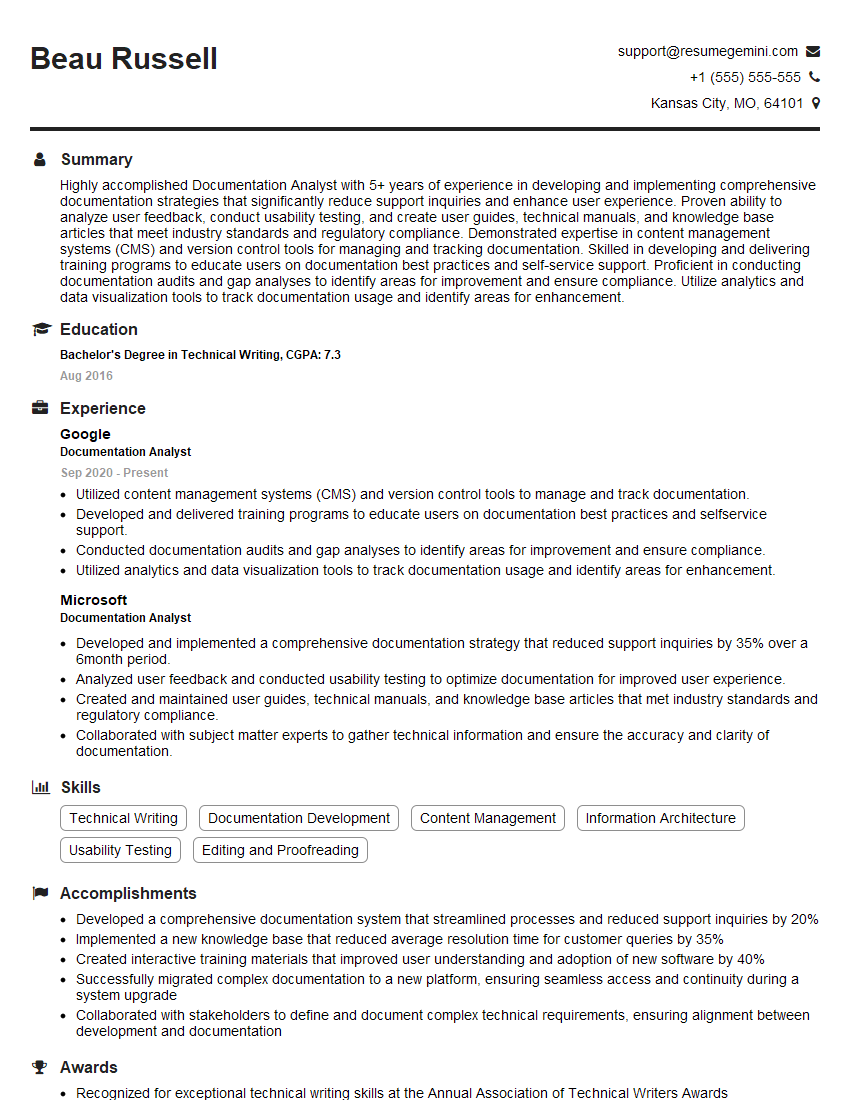
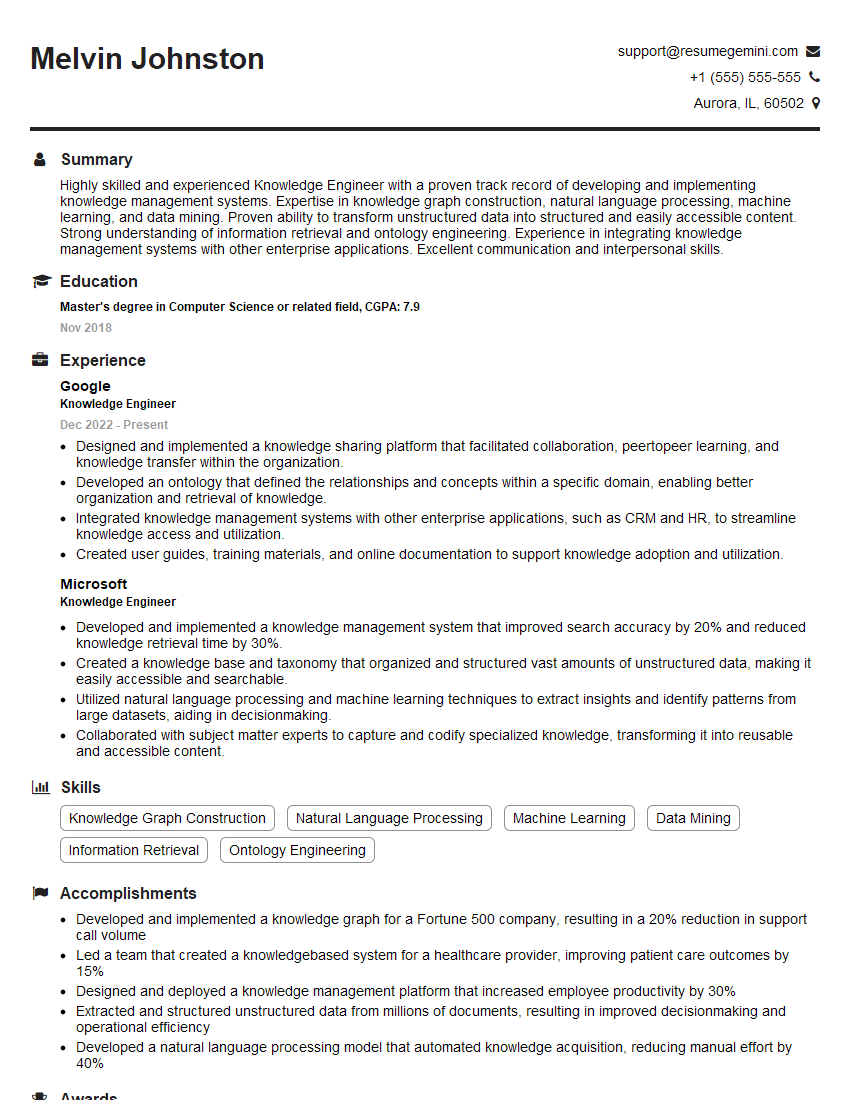
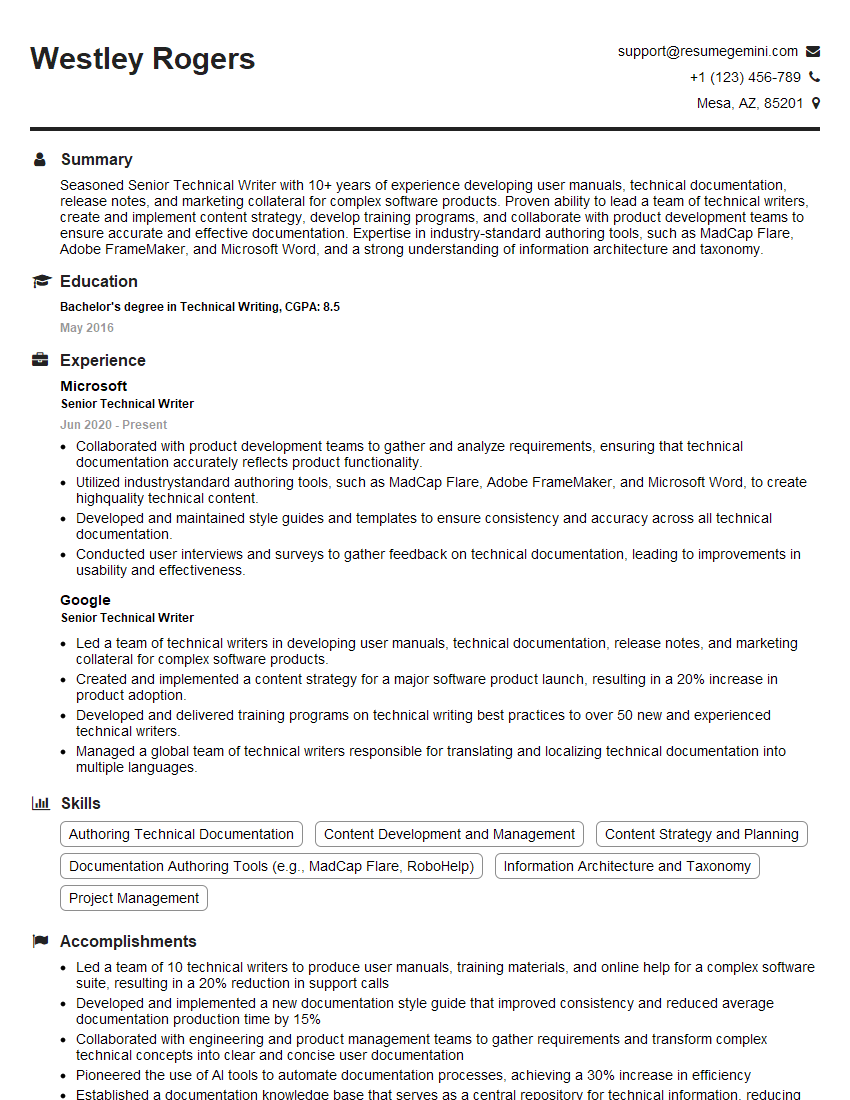
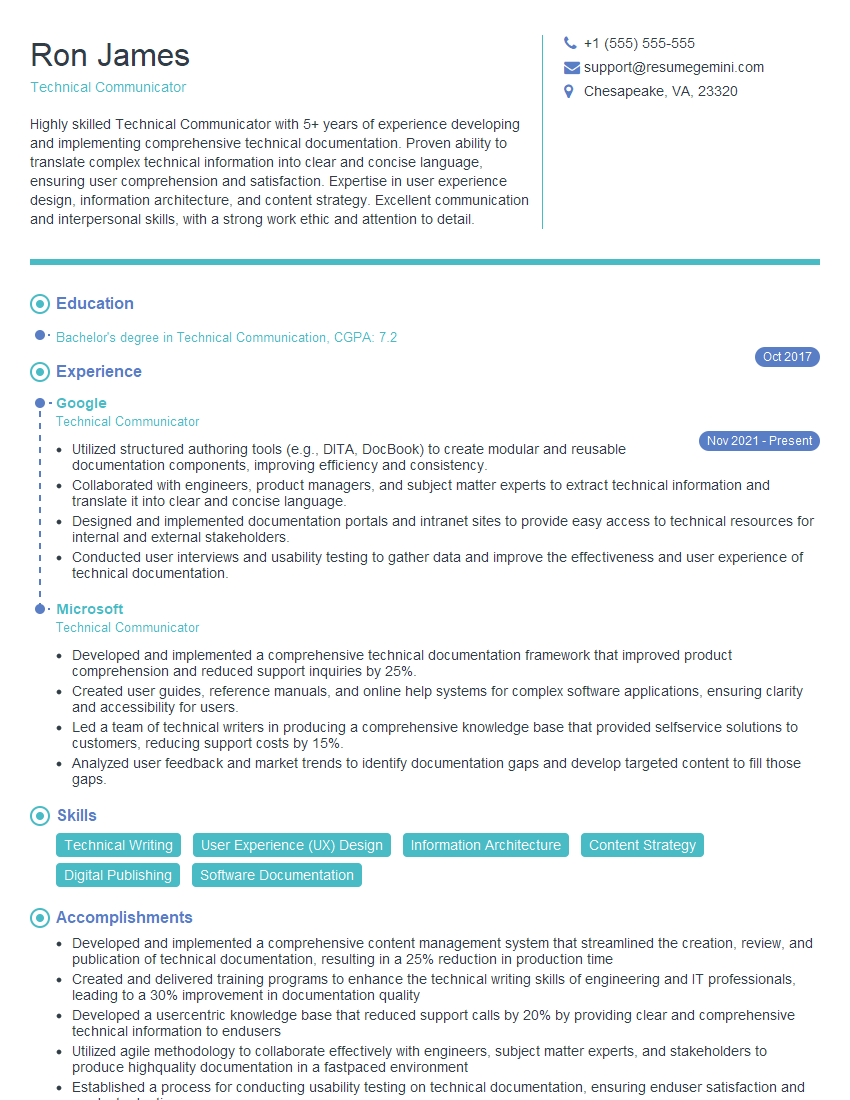
Mastering Loop Documentation is crucial for career advancement in today's tech-driven world. Proficiency in this area demonstrates valuable skills in organization, communication, and technical understanding, opening doors to exciting opportunities. To significantly boost your job prospects, create an ATS-friendly resume that highlights your relevant skills and experience. We highly recommend using ResumeGemini to build a professional and impactful resume. ResumeGemini provides tools and resources to create a compelling document, and we offer examples of resumes tailored to Loop Documentation expertise to help you get started.




Explore more articles
Users Rating of Our Blogs
Share Your Experience
We value your feedback! Please rate our content and share your thoughts (optional).
What Readers Say About Our Blog
Very informative content, great job.
good