Preparation is the key to success in any interview. In this post, we’ll explore crucial Machine Room Management interview questions and equip you with strategies to craft impactful answers. Whether you’re a beginner or a pro, these tips will elevate your preparation.
Questions Asked in Machine Room Management Interview
Q 1. Explain the importance of environmental monitoring in a machine room.
Environmental monitoring in a machine room is crucial for ensuring the reliable operation of sensitive IT equipment. Think of it like maintaining a delicate ecosystem – if the conditions aren’t right, the whole system can fail. We’re talking about monitoring temperature, humidity, air pressure, and even particulate matter. These factors directly impact the lifespan and performance of servers, network devices, and storage systems. For example, excessive heat can lead to hardware failures, while high humidity can cause corrosion and short circuits. A comprehensive environmental monitoring system provides real-time data, allowing for proactive adjustments and preventing costly downtime. Ideally, systems will also generate alerts when conditions exceed predefined thresholds, giving you immediate notification of potential problems.
- Temperature: Maintaining a stable temperature within the manufacturer’s recommended range is paramount. Fluctuations can stress components and reduce lifespan.
- Humidity: Excessive humidity leads to condensation, which can short-circuit components. Too low humidity can lead to static electricity build-up, also damaging equipment.
- Airflow: Proper airflow is essential to dissipate heat effectively and prevent hot spots within the room.
In my experience, neglecting environmental monitoring can result in significant financial losses due to equipment failure, data loss, and extended downtime. Therefore, robust monitoring, including sensors, logging systems and alerting mechanisms are paramount.
Q 2. Describe your experience with UPS systems and their maintenance.
My experience with UPS (Uninterruptible Power Supply) systems spans over ten years, encompassing installation, maintenance, and troubleshooting. I’ve worked with a variety of UPS systems, from small tower units to large, modular systems capable of powering entire data centers. My responsibilities included regular preventative maintenance, which consists of inspections, battery testing (both load and capacity testing), and cleaning. I’ve also been involved in replacing batteries, diagnosing malfunctions, and coordinating with vendors for repairs. One memorable incident involved a failing UPS battery bank causing an unexpected shutdown. By quickly switching to the backup generator and implementing temporary power solutions, we were able to minimize downtime. Regular preventative maintenance is key to extending UPS lifespan and ensuring reliable backup power. This includes regularly checking battery voltage, load capacity, and ensuring correct connection and grounding.
I’m proficient in interpreting UPS system logs and diagnostics, allowing me to identify potential issues before they escalate into major problems. I’ve managed UPS system upgrades and have a deep understanding of various UPS topologies (line-interactive, double-conversion, etc.), which enables me to select the right UPS based on the specific needs of the facility.
Q 3. How do you troubleshoot power outages in a machine room?
Troubleshooting power outages in a machine room requires a systematic approach. The first step is to determine the scope of the outage; is it affecting the entire room, or just specific equipment? Then, check the UPS status. Is it supplying power? If not, check the UPS itself for error messages and try to diagnose the problem – battery failure, inverter issue etc. If the UPS is functioning correctly, then the problem lies with the main power supply.
- Check the main power breaker: Is it tripped? If so, reset it after investigating the cause.
- Check the power distribution unit (PDU): Ensure the PDUs are receiving power and properly distributing it to the equipment.
- Examine power cables: Check for any loose connections or damaged cables.
- Contact the building management or utility company: If the issue is external to the machine room, notify the relevant parties immediately.
Once the cause is identified, I would systematically address the problem. For instance, if it’s a failed UPS battery, I’d replace the affected battery bank and then schedule a complete load testing for the whole system to ensure its continued operation.
In addition to resolving the immediate outage, it’s crucial to document the incident, analyse the root cause and implement preventative measures to reduce the likelihood of future outages. This might involve upgrading equipment, implementing redundant power systems or upgrading preventative maintenance schedules.
Q 4. What are the key safety protocols you follow in a machine room?
Safety is paramount in a machine room. Here are some key protocols I always follow:
- Lockout/Tagout (LOTO) procedures: Before performing any maintenance or repair work on electrical equipment, I always follow proper LOTO procedures to prevent accidental energization.
- Personal Protective Equipment (PPE): I wear appropriate PPE, including safety glasses, gloves, and steel-toe shoes at all times when working in the machine room. The specific PPE may vary depending on the task.
- Proper grounding and bonding: I ensure all equipment is properly grounded to prevent static electricity build-up and electrical shocks.
- Fire safety awareness: I’m familiar with the location of fire extinguishers and emergency exits, and I’m trained to use the appropriate extinguishers for different types of fires.
- Hazard awareness and reporting: I am constantly aware of potential hazards such as tripped cords, overheating equipment, or signs of water damage and immediately report such occurrences.
- Working at heights safety: If I’m required to work at heights (e.g., accessing server racks), I use safety harnesses and fall protection equipment.
Regular safety inspections and training are critical for maintaining a safe machine room environment. This includes fire drills, LOTO training, and hazard communication sessions. Ultimately, safety is a shared responsibility and requires constant vigilance.
Q 5. Explain your understanding of HVAC systems within a data center.
HVAC (Heating, Ventilation, and Air Conditioning) systems are essential for maintaining the optimal environmental conditions within a data center. These systems work to remove heat generated by IT equipment, preventing overheating and ensuring the reliable operation of servers and network devices. Think of the HVAC as the lungs of your machine room, constantly circulating and filtering air.
- Cooling capacity: The HVAC system needs to have sufficient cooling capacity to handle the heat load generated by the equipment. This often involves calculating the thermal design power (TDP) for each server and applying suitable safety factors.
- Airflow management: Proper airflow is critical to ensure even cooling and prevent hot spots within the room. This involves careful planning and design of the airflow path, often involving raised floors and hot and cold aisle containment.
- Redundancy: Redundancy is built into the system with multiple HVAC units to ensure uninterrupted cooling even if one unit fails. N+1 or 2N redundancy is often employed to guarantee high availability.
- Monitoring and control: HVAC systems are closely monitored to ensure that temperature, humidity, and airflow are within the acceptable range. This is often done with sensors and control systems that provide real time data.
A poorly designed or maintained HVAC system can result in equipment failures, data loss, and downtime. It’s important to regularly inspect and maintain the system, checking for air filters cleanliness, compressor function, and overall operational efficiency.
Q 6. How do you manage cable organization and labeling in a machine room?
Managing cable organization and labeling is critical for maintainability, troubleshooting, and safety. A disorganized cable management system can look like a tangled mess, making it difficult to identify cables, troubleshoot problems, and increase the risk of tripping hazards. Proper cable management is more than just tidiness; it improves efficiency, reduces risks, and increases the operational lifespan of the equipment.
- Labeling: Each cable should be clearly labeled at both ends, indicating its purpose, destination, and potentially source. I utilize standardized labeling schemes to make the identification process easy, and clear.
- Cable trays and racks: I use cable trays and racks to neatly organize cables, preventing tangles and ensuring efficient airflow. This systematization supports easy identification of any specific cable.
- Color-coding: Using color-coding for different cable types (e.g., power, network, fiber optic) can significantly improve visual organization.
- Documentation: I maintain detailed documentation of cable routing and connections. This is crucial for troubleshooting and future modifications. This documentation should be easily accessible, and regularly updated.
In my experience, a well-organized cable management system saves time and resources during troubleshooting and maintenance. It also helps prevent accidental disconnections and minimizes the risk of network outages. Having a clear labeling and documentation system minimizes downtime during future upgrades and repairs.
Q 7. Describe your experience with fire suppression systems.
My experience with fire suppression systems includes working with various types, including gaseous systems (e.g., FM-200, Inergen), water mist systems, and traditional sprinkler systems. Each system has its advantages and disadvantages, and the choice depends on the specific requirements of the machine room. For example, gaseous systems are ideal for protecting sensitive electronic equipment because they don’t cause water damage, whereas water mist systems offer greater suppression power at the cost of potential water damage.
- Regular inspections: I regularly inspect fire suppression systems to ensure they are functioning correctly. This includes checking pressure gauges, inspecting nozzles and pipes, and testing the system’s integrity.
- Maintenance and servicing: I coordinate with specialized contractors for regular maintenance and servicing of the fire suppression system. This will often involve testing the system components and conducting preventative maintenance.
- Agent levels: I monitor the levels of fire suppression agents (for gaseous systems) to ensure there’s enough to extinguish a fire. This includes checking the system regularly for any depletion and addressing it proactively.
- Emergency procedures: I’m familiar with the emergency procedures in case of a fire and am trained to assist in evacuations. This requires regular training and familiarization with the system’s layout and emergency protocols.
In my previous role, we successfully utilized a gaseous fire suppression system to extinguish a small fire in a server rack. The system’s rapid response minimized damage and prevented a major outage. This highlights the importance of a well-maintained and appropriate fire suppression system in protecting critical infrastructure and preventing data loss.
Q 8. How do you monitor and maintain the humidity levels in a machine room?
Maintaining optimal humidity in a machine room is crucial for preventing equipment failure and ensuring data integrity. High humidity can lead to corrosion and condensation on sensitive electronics, while low humidity can cause static electricity buildup, increasing the risk of electrostatic discharge (ESD) damage. We typically employ a two-pronged approach: monitoring and control.
Monitoring: We use specialized humidity sensors integrated into our monitoring system. These sensors provide real-time data, often visualized on dashboards, allowing us to track humidity levels throughout the room. Alerts are triggered if humidity levels deviate outside of a pre-defined acceptable range (typically 40-60%).
Control: We utilize a combination of techniques to control humidity. In most cases, a dedicated dehumidification system is employed to actively remove excess moisture. For less critical environments, or in conjunction with dehumidifiers, we may use climate-controlled air conditioning units carefully calibrated for both temperature and humidity. Regular maintenance of these systems, including filter changes and routine checks, are essential to maintain their effectiveness.
Example: In one instance, we noticed a gradual increase in humidity in a server room due to a failing seal on an external air intake. Our monitoring system alerted us, and we quickly identified and fixed the leak, preventing potential damage.
Q 9. Explain the process of conducting routine inspections in a machine room.
Routine inspections are the backbone of preventative maintenance. Our process is standardized and documented, ensuring consistency and thoroughness. We typically conduct inspections weekly, monthly, and annually, with each level encompassing a different level of detail.
- Weekly Inspections: Focus on quick checks of environmental conditions (temperature, humidity, airflow), visual inspection for any obvious issues (cable damage, loose components), and verification of UPS (Uninterruptible Power Supply) and cooling system functionality.
- Monthly Inspections: Include more in-depth checks of electrical connections, power distribution units (PDUs), and cooling equipment, such as checking air filters and cleaning out any dust buildup. We also document these findings thoroughly.
- Annual Inspections: Involve a comprehensive review of all systems, including preventative maintenance tasks like cleaning cooling coils, testing fire suppression systems, and potentially replacing components that have shown signs of wear or nearing their end-of-life. This often involves engaging specialist contractors for certain tasks.
During these inspections, we meticulously document our findings, including any anomalies or potential problems. This creates a historical record that helps us identify trends and predict potential future issues, enabling proactive maintenance.
Q 10. What are the common causes of server room overheating?
Server room overheating is a significant concern, potentially leading to hardware failure and data loss. Several factors contribute to this problem:
- Inadequate Cooling Capacity: Insufficient cooling infrastructure, such as undersized HVAC systems or poorly designed airflow, is a primary cause. This is often due to poor initial design or increasing server density without upgrading cooling.
- Blocked Airflow: Dust accumulation on cooling equipment, improperly routed cables obstructing airflow, and poor rack layout can drastically reduce cooling efficiency. Imagine trying to cool a room with a blocked vent!
- High Server Density: Packing too many servers into a limited space generates excessive heat, exceeding the cooling capacity. This is a common problem in rapidly growing data centers.
- Faulty Equipment: Malfunctioning servers, fans, or cooling units contribute directly to overheating. A failed fan in a server is a direct heat source.
- Insufficient Environmental Control: Poor insulation in the room itself allows heat to seep in, exacerbating the cooling challenges.
Addressing overheating requires a systematic approach, analyzing each potential cause and implementing corrective actions.
Q 11. How do you handle emergency situations, like a power surge?
Handling emergency situations requires a swift and methodical response. A power surge, for example, can be devastating to sensitive equipment. Our protocol is designed for immediate action and minimizing damage.
Immediate Actions: Upon detection of a power surge (often via our monitoring system), we first isolate the affected equipment from the power source, using proper safety procedures. This prevents further damage. Then, we assess the extent of the surge, checking for any visible signs of damage.
Post-Surge Assessment: Once the situation is stabilized, we systematically power-cycle equipment, ensuring that it is safe to do so. Detailed diagnostics and stress testing follow to identify any lingering issues. We always document every step, including the time of the surge, the affected systems, and the corrective actions taken.
Preventive Measures: Beyond immediate response, we employ preventative measures such as surge protectors on individual devices and UPS systems to provide temporary backup power during outages and to smooth out power fluctuations. Regular testing and maintenance of these systems are critical.
Q 12. Explain your experience with remote monitoring and management tools.
I have extensive experience utilizing various remote monitoring and management (RMM) tools. These tools are essential for efficient management of machine rooms, particularly in geographically dispersed environments or for 24/7 monitoring. I am proficient with several leading RMM platforms, including [mention specific platforms used, e.g., Datadog, SolarWinds, Nagios].
These tools allow for real-time monitoring of environmental conditions (temperature, humidity, power), server performance (CPU utilization, memory usage, disk I/O), and network health. Automated alerts notify us of potential problems, allowing for proactive intervention. Furthermore, many RMM solutions provide remote access capabilities, enabling us to troubleshoot and resolve issues remotely, minimizing downtime.
Example: In a previous role, we used an RMM system to detect a failing hard drive in a remote server. The system generated an alert, and we were able to remotely diagnose the issue and initiate a backup and restore process, preventing data loss. This exemplifies the efficiency and proactive capabilities of RMM tools.
Q 13. Describe your approach to capacity planning in a machine room.
Capacity planning is a critical aspect of machine room management, ensuring sufficient resources to meet current and future needs. My approach is data-driven and involves several key steps:
- Historical Data Analysis: We analyze historical data on server utilization, network traffic, and storage consumption to establish growth trends.
- Future Projections: Based on these trends and business projections, we forecast future capacity requirements. This often involves collaboration with IT and business stakeholders.
- Resource Assessment: We evaluate available resources, including server capacity, network bandwidth, and storage space, identifying potential bottlenecks.
- Strategic Planning: This involves defining strategies to address potential capacity limitations, whether through upgrading existing infrastructure, adding new hardware, or migrating to the cloud.
- Contingency Planning: We develop contingency plans for unexpected spikes in demand, ensuring business continuity.
This iterative process ensures that our machine room remains adequately provisioned, avoiding performance bottlenecks and unplanned downtime.
Q 14. How do you prioritize maintenance tasks in a machine room?
Prioritizing maintenance tasks involves balancing urgency and importance. We typically use a combination of methods to effectively manage this:
- Risk Assessment: We assess the potential impact of delaying each task, considering factors like the criticality of the affected equipment, the likelihood of failure, and the potential consequences of failure (e.g., downtime, data loss).
- Urgency/Importance Matrix: We use an urgency/importance matrix to categorize tasks. High urgency/high importance tasks are addressed immediately. Low urgency/low importance tasks can be scheduled for later.
- Preventive vs. Corrective Maintenance: We prioritize preventive maintenance to avoid costly and disruptive repairs. This is where routine inspections play a crucial role.
- Manufacturer Recommendations: We follow manufacturer recommendations for maintenance schedules and procedures for specific equipment.
- CMMS Software: We often utilize Computerized Maintenance Management Systems (CMMS) to schedule and track maintenance activities, providing a clear overview and enhancing efficiency.
This systematic approach optimizes our maintenance efforts, ensuring that critical tasks are completed promptly and preventing potential problems.
Q 15. Explain your understanding of different types of cooling systems.
Machine room cooling systems are crucial for maintaining optimal operating temperatures for IT equipment. Failure to do so can lead to hardware malfunctions and data loss. There are several types, each with its strengths and weaknesses:
- Computer Room Air Conditioning (CRAC) Units: These are the most common type, using refrigeration cycles to cool the air. They’re relatively efficient for smaller to medium-sized data centers. Think of them as large, powerful air conditioners.
- Computer Room Air Handling (CRAH) Units: Similar to CRACs but often more flexible in terms of configuration and control, offering better precision and often incorporating features like economizers (using outside air when conditions allow) to improve efficiency. They are typically used in larger data centers.
- In-Row Cooling: This places cooling units directly within the server racks, providing highly targeted cooling and reducing hot air recirculation. Imagine a mini-air conditioner for each row of servers.
- Liquid Cooling: This advanced method uses liquid (often water) to directly cool server components, offering significantly higher cooling density and efficiency, particularly beneficial for high-performance computing environments. It’s like a custom cooling system for each individual server.
- Free Air Cooling: This uses naturally occurring cool air, often in conjunction with other methods, to reduce reliance on mechanical cooling. This is cost-effective but geographically limited to areas with suitable climates. Think of it as harnessing nature’s air conditioning.
The choice of cooling system depends on factors like data center size, power density, budget, and environmental considerations. In my experience, I’ve worked with diverse setups, optimizing for each environment’s specific needs. For instance, I helped a client transition from CRAC units to in-row cooling to improve efficiency and capacity within their existing space.
Career Expert Tips:
- Ace those interviews! Prepare effectively by reviewing the Top 50 Most Common Interview Questions on ResumeGemini.
- Navigate your job search with confidence! Explore a wide range of Career Tips on ResumeGemini. Learn about common challenges and recommendations to overcome them.
- Craft the perfect resume! Master the Art of Resume Writing with ResumeGemini’s guide. Showcase your unique qualifications and achievements effectively.
- Don’t miss out on holiday savings! Build your dream resume with ResumeGemini’s ATS optimized templates.
Q 16. How do you ensure data center security and access control?
Data center security is paramount. Access control needs to be multi-layered and robust. My approach incorporates several key elements:
- Physical Security: This involves measures like secure entry points with key card access, surveillance cameras (CCTV), and intrusion detection systems. Think of it as a fortress protecting valuable assets.
- Access Control Lists (ACLs): These strictly define who can access specific areas and systems within the data center. Each user gets assigned specific permissions.
- Biometric Authentication: Utilizing fingerprint or retinal scans adds an extra layer of security, making unauthorized entry extremely difficult.
- Regular Audits and Security Assessments: I regularly conduct security audits to identify vulnerabilities and ensure compliance with industry best practices. This is like a yearly health check-up for the data center’s security.
- Security Information and Event Management (SIEM) systems: These systems aggregate and analyze security logs from various sources, providing real-time monitoring and alerts for potential threats.
For example, I implemented a multi-factor authentication system in a previous role, requiring both a key card and a biometric scan for access to sensitive areas. This reduced the risk of unauthorized access significantly.
Q 17. Describe your experience with disaster recovery planning.
Disaster recovery planning is critical for business continuity. My approach focuses on creating a comprehensive plan that addresses various potential scenarios. This involves:
- Risk Assessment: Identifying potential threats, such as natural disasters, power outages, cyberattacks, and hardware failures.
- Recovery Time Objective (RTO) and Recovery Point Objective (RPO): Defining acceptable downtime (RTO) and data loss (RPO) to guide recovery strategies.
- Backup and Replication Strategies: Implementing robust backup and replication systems to ensure data availability and recoverability. This includes regular backups, offsite storage, and automated recovery procedures.
- Failover and Failback Mechanisms: Establishing failover mechanisms to quickly switch to redundant systems during an outage, and failback mechanisms to return to primary systems once they are restored.
- Testing and Drills: Regularly testing the disaster recovery plan through drills and simulations to ensure its effectiveness and identify areas for improvement. It’s not enough to just have a plan; you need to know it works.
In one project, I designed and implemented a geographically diverse disaster recovery site that minimized RTO and RPO, allowing for near-seamless operation during a major earthquake. Regular drills ensured our team’s preparedness and reduced the stress of real-world events.
Q 18. How do you manage vendor relationships for machine room maintenance?
Managing vendor relationships is crucial for effective machine room maintenance. It requires careful selection, clear communication, and proactive monitoring. My strategy includes:
- Vendor Selection: Selecting vendors based on their experience, reputation, certifications, and service level agreements (SLAs). It’s important to find reliable partners.
- Service Level Agreements (SLAs): Negotiating clear SLAs that define response times, maintenance schedules, and performance metrics. These contracts define expectations and responsibilities.
- Regular Communication: Maintaining open communication channels with vendors to address issues promptly and proactively. This prevents minor problems from becoming major issues.
- Performance Monitoring: Tracking vendor performance against SLAs and identifying areas for improvement. This ensures vendors deliver on their commitments.
- Relationship Management: Building strong relationships with key vendor contacts to foster trust and collaboration. Having strong relationships make problem-solving much easier.
For instance, I’ve successfully negotiated improved SLAs with our primary maintenance vendor, resulting in faster response times and reduced downtime. Regular performance reviews hold them accountable and ensures high-quality service.
Q 19. Explain your experience with budgeting and cost management for machine room operations.
Budgeting and cost management are essential for efficient machine room operations. My approach involves a combination of proactive planning and ongoing monitoring:
- Budget Forecasting: Developing accurate budget forecasts based on historical data, projected growth, and anticipated maintenance needs. This involves anticipating expenses.
- Cost Allocation: Allocating costs to different areas of machine room operation, such as cooling, power, maintenance, and personnel. This provides transparency on spending.
- Expense Tracking: Monitoring expenses against the budget and identifying areas for potential savings. This helps identify unexpected costs or areas of overspending.
- Energy Efficiency Initiatives: Implementing energy efficiency measures to reduce operating costs. This can include better cooling strategies or more efficient equipment.
- Regular Reviews and Adjustments: Regularly reviewing the budget and making necessary adjustments based on changing circumstances. Budgets are not static, so frequent adjustment is necessary.
In a previous role, I implemented a system for tracking energy consumption, which led to the identification of inefficiencies and cost-saving opportunities. This resulted in a significant reduction in our energy bill.
Q 20. How do you ensure compliance with industry regulations and standards?
Compliance with industry regulations and standards is crucial for maintaining data center security and reliability. My approach to compliance is multi-faceted:
- Identify Applicable Regulations: Determining all relevant industry regulations and standards, such as HIPAA, PCI DSS, GDPR, and ISO 27001, depending on the specific data center’s needs and the industry it serves. This ensures we are adhering to all regulations.
- Implement Compliance Policies: Developing and implementing policies and procedures to ensure compliance with these regulations. These policies guide actions and ensure adherence.
- Regular Audits and Assessments: Conducting regular internal and external audits to identify and address any compliance gaps. Regular checks identify and fix problems.
- Documentation and Record-Keeping: Maintaining thorough documentation and records related to compliance efforts. This documentation provides an audit trail.
- Staff Training: Providing regular training to staff on compliance requirements and best practices. Informed staff is critical for compliance.
For example, I led the implementation of a comprehensive data security program that ensured compliance with PCI DSS standards for a client in the financial services sector. This involved rigorous security assessments, regular penetration testing, and staff training programs.
Q 21. What are your strategies for optimizing energy efficiency in a machine room?
Optimizing energy efficiency in a machine room is crucial for cost savings and environmental responsibility. My strategies involve a holistic approach:
- Cooling Optimization: Implementing efficient cooling technologies, such as in-row cooling or liquid cooling, and optimizing cooling strategies to reduce energy consumption. This can include utilizing economizers and free air cooling where appropriate.
- Power Management: Implementing power management strategies, such as using power distribution units (PDUs) with power metering capabilities to monitor and manage energy consumption at the rack level. This provides greater control and visibility.
- Server Optimization: Optimizing server configurations and workloads to reduce energy consumption. This includes right-sizing servers, using energy-efficient hardware, and virtualizing servers when possible.
- Lighting and HVAC optimization: Reducing energy use from lighting and HVAC systems through the use of sensors and optimized settings. This maximizes efficiency in these support systems.
- Regular Maintenance: Regularly maintaining cooling equipment, servers, and power infrastructure to prevent inefficiencies. Regular maintenance prevents small issues from becoming larger problems.
For example, in a previous role, I implemented a comprehensive energy efficiency program that included optimizing cooling strategies, improving power management, and virtualizing servers, resulting in a 20% reduction in energy consumption.
Q 22. How do you document and track maintenance activities?
Maintaining meticulous records of all maintenance activities is crucial for efficient machine room management. We employ a Computerized Maintenance Management System (CMMS), a software solution that allows us to digitally document every aspect of maintenance, from preventative tasks to emergency repairs. This includes detailed descriptions of the work performed, parts used (with serial numbers), timestamps, technicians involved, and associated costs.
For instance, if a server requires a fan replacement, the CMMS entry would include the server’s location, the faulty fan’s details, the replacement fan’s details, the time spent on the repair, the technician’s ID, and a photograph of the completed work. This data allows for easy tracking of maintenance history, predicting potential failures, and optimizing resource allocation. We also leverage the CMMS to generate reports for analyzing trends and improving our preventative maintenance strategies.
Beyond the CMMS, physical logs are maintained, especially for tasks that might not immediately translate to a digital entry. This creates a robust system of checks and balances and guarantees data redundancy.
Q 23. Describe your experience with different types of power distribution units (PDUs).
My experience encompasses a wide range of PDUs, from basic switched PDUs to intelligent metered PDUs and advanced power distribution units with environmental monitoring capabilities. Basic switched PDUs offer simple on/off control of power outlets, ideal for managing less critical equipment. Metered PDUs provide real-time power usage data for individual outlets and the entire unit, allowing for better energy efficiency monitoring and capacity planning. This is invaluable for identifying power-hungry equipment and optimizing power distribution within the machine room.
Intelligent PDUs go a step further, offering remote monitoring and control capabilities, often integrated with CMMS or other management platforms. This allows for proactive identification of potential power issues and remote power cycling of equipment, minimizing downtime. For example, I’ve worked with units that send alerts if an outlet draws excessive current, preventing potential equipment damage. Finally, advanced units include features like environmental monitoring (temperature, humidity) which are crucial for a stable operating environment.
Q 24. How do you handle equipment failures and downtime?
Handling equipment failures and downtime requires a structured approach. Our first step is to identify the nature and severity of the failure. This often involves using diagnostic tools and checking system logs to pinpoint the root cause. Once identified, we implement a prioritized response based on the criticality of the affected equipment. Critical failures requiring immediate attention are addressed immediately using pre-defined escalation procedures.
For example, a server failure would trigger an immediate response, involving a dedicated team following established runbooks to minimize downtime. This might involve switching to a redundant system, performing emergency repairs, or escalating the issue to a vendor for support. Less critical failures are tackled systematically, scheduling repairs and minimizing disruption to operations. We maintain detailed incident reports, documenting the cause, the resolution process, and the resulting downtime. This data is crucial for root cause analysis and preventing future occurrences.
Post-incident, we conduct thorough reviews to analyze the root cause and implement preventative measures to avoid recurrence. This might involve upgrading equipment, refining operational procedures, or enhancing monitoring systems.
Q 25. Explain your experience with network infrastructure management within a machine room.
Network infrastructure management within a machine room is paramount for reliable operations. This involves tasks such as cable management (using structured cabling and labeling practices), network device configuration and monitoring, and ensuring network security. I have extensive experience managing various network components, including switches, routers, firewalls, and load balancers. We utilize network monitoring tools to track performance metrics, identify potential bottlenecks, and proactively address network issues.
For instance, we regularly monitor network bandwidth usage to ensure sufficient capacity and identify potential performance problems. We also employ network monitoring systems that provide real-time alerts for critical network events, allowing for rapid response to potential outages. Network security is also crucial; we implement robust security measures, including firewalls, intrusion detection systems, and regular security audits to protect against cyber threats. We also adhere to strict access control policies to limit unauthorized access to network devices and infrastructure.
Q 26. How do you utilize data analytics to improve machine room efficiency?
Data analytics plays a significant role in improving machine room efficiency. We leverage data collected from various sources, including PDUs, environmental sensors, and CMMS, to identify trends, optimize resource allocation, and predict potential failures. For example, analyzing power consumption data from metered PDUs can reveal energy-inefficient equipment, allowing for targeted upgrades or operational changes.
Similarly, analyzing CMMS data can identify recurring maintenance issues, allowing us to implement preventative measures to avoid future failures. Predictive analytics can be used to forecast equipment failures, allowing for proactive maintenance and minimizing downtime. We use dashboards and reporting tools to visualize key performance indicators (KPIs) such as uptime, power consumption, and maintenance costs, which helps in making data-driven decisions to enhance machine room efficiency and reduce operational expenses.
Q 27. Describe your experience with implementing and managing a preventative maintenance program.
Implementing and managing a preventative maintenance program is crucial for maximizing equipment lifespan and minimizing downtime. We follow a structured approach, creating a schedule based on manufacturer recommendations, equipment criticality, and historical failure data. This involves regularly scheduled inspections, cleaning, and preventative replacements of parts. For instance, we might schedule yearly server maintenance involving cleaning fans, checking power connections, and replacing aging components.
The CMMS plays a vital role in scheduling and tracking preventative maintenance tasks. We utilize automated alerts and notifications to remind technicians of upcoming maintenance tasks. Post-maintenance, we record the results of each activity, creating a detailed history of equipment maintenance. This data is analyzed to optimize the maintenance schedule and identify any emerging trends or areas for improvement. Regular audits of the preventative maintenance program ensure that it remains effective and aligned with changing requirements.
Q 28. What are your strategies for improving communication and collaboration within a machine room team?
Effective communication and collaboration are key to a successful machine room team. We utilize several strategies to foster a collaborative environment. Regular team meetings are held to discuss current issues, share updates, and plan future activities. We leverage communication tools such as instant messaging, email, and project management software to facilitate quick and efficient communication. Clear roles and responsibilities are defined to avoid confusion and duplication of effort.
We also emphasize open communication channels, encouraging team members to raise concerns or suggestions promptly. Regular training and knowledge sharing sessions help improve overall team skills and understanding of equipment and procedures. We use a ticketing system for issue tracking and resolution, ensuring transparency and accountability. Finally, a culture of mutual respect and collaboration is encouraged, recognizing that a strong team is crucial for efficient machine room operation.
Key Topics to Learn for Machine Room Management Interview
- HVAC Systems: Understanding the principles of heating, ventilation, and air conditioning within a machine room, including cooling load calculations and system efficiency.
- Power Distribution: Knowledge of electrical power distribution systems, UPS systems (Uninterruptible Power Supply), generators, and safety protocols related to high-voltage equipment. Practical application: troubleshooting power outages and ensuring redundancy.
- Environmental Monitoring: Proficiency in monitoring temperature, humidity, air pressure, and other environmental factors crucial for optimal machine operation and preventing equipment damage. Problem-solving approach: interpreting sensor data and identifying potential issues proactively.
- Security Systems: Familiarity with access control systems, surveillance cameras, and alarm systems designed to protect the machine room and its critical assets. Practical application: implementing security measures to prevent unauthorized access and data breaches.
- Preventive Maintenance: Understanding the importance of regular maintenance schedules, including cleaning, inspections, and component replacements, to maximize equipment lifespan and minimize downtime. Problem-solving approach: developing and implementing a robust preventative maintenance plan.
- Troubleshooting and Diagnostics: Ability to identify and resolve technical issues within the machine room, utilizing diagnostic tools and employing systematic troubleshooting methods. Practical application: Quickly diagnosing and repairing malfunctions to minimize service disruptions.
- Emergency Procedures: Knowledge of emergency response protocols, including fire safety, evacuation procedures, and handling of equipment malfunctions in critical situations. Practical application: creating and practicing emergency response plans.
- Data Center Infrastructure (if applicable): Understanding of network infrastructure, cabling, and related components within a machine room, especially relevant for data center environments.
Next Steps
Mastering Machine Room Management opens doors to rewarding careers in critical infrastructure management, offering excellent growth potential and high demand. A strong resume is crucial for showcasing your skills and experience to potential employers. Creating an ATS-friendly resume significantly increases your chances of getting noticed by recruiters. We highly recommend leveraging ResumeGemini to build a professional and impactful resume tailored to your specific experience. ResumeGemini offers valuable tools and resources, including examples of resumes specifically designed for Machine Room Management professionals, to help you stand out from the competition and land your dream job.
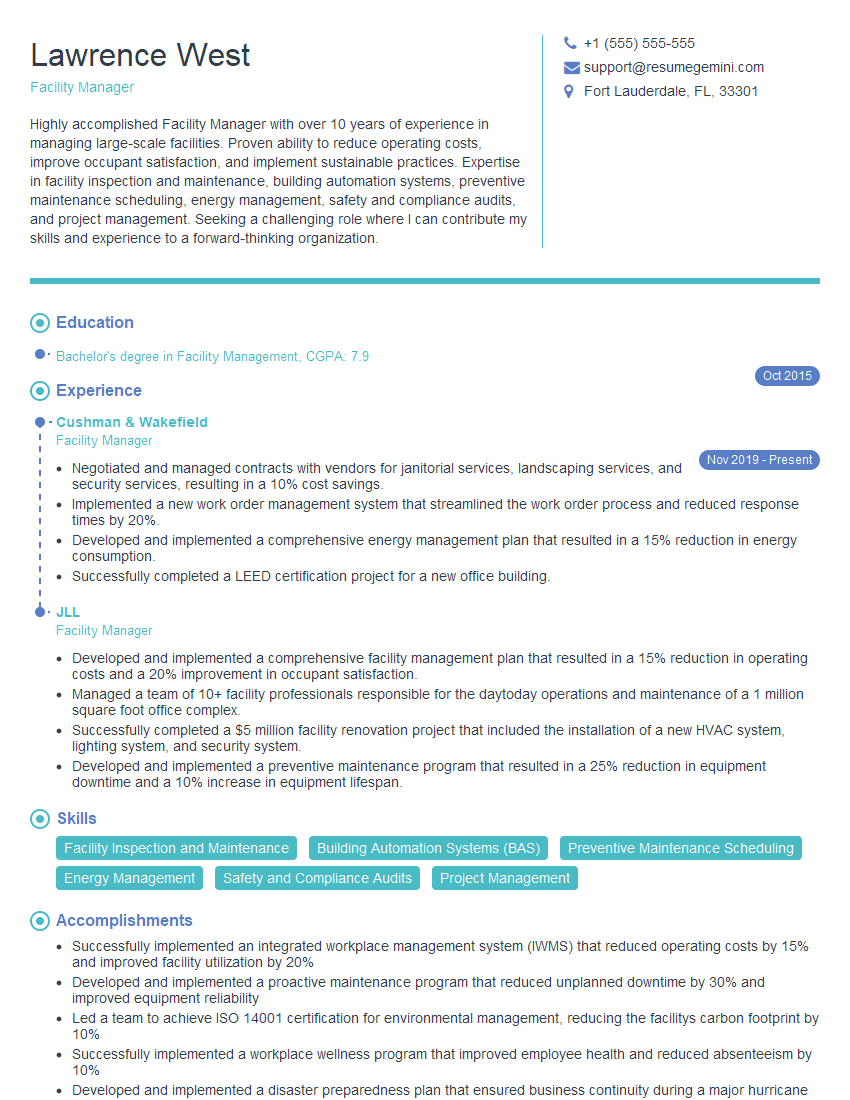
Facility Manager Resume Sample

Operations Manager Resume Sample

Data Center Manager Resume Sample

Network Engineer Resume Sample

Automation Engineer Resume Sample

System Administrator Resume Sample

Control Systems Engineer Resume Sample
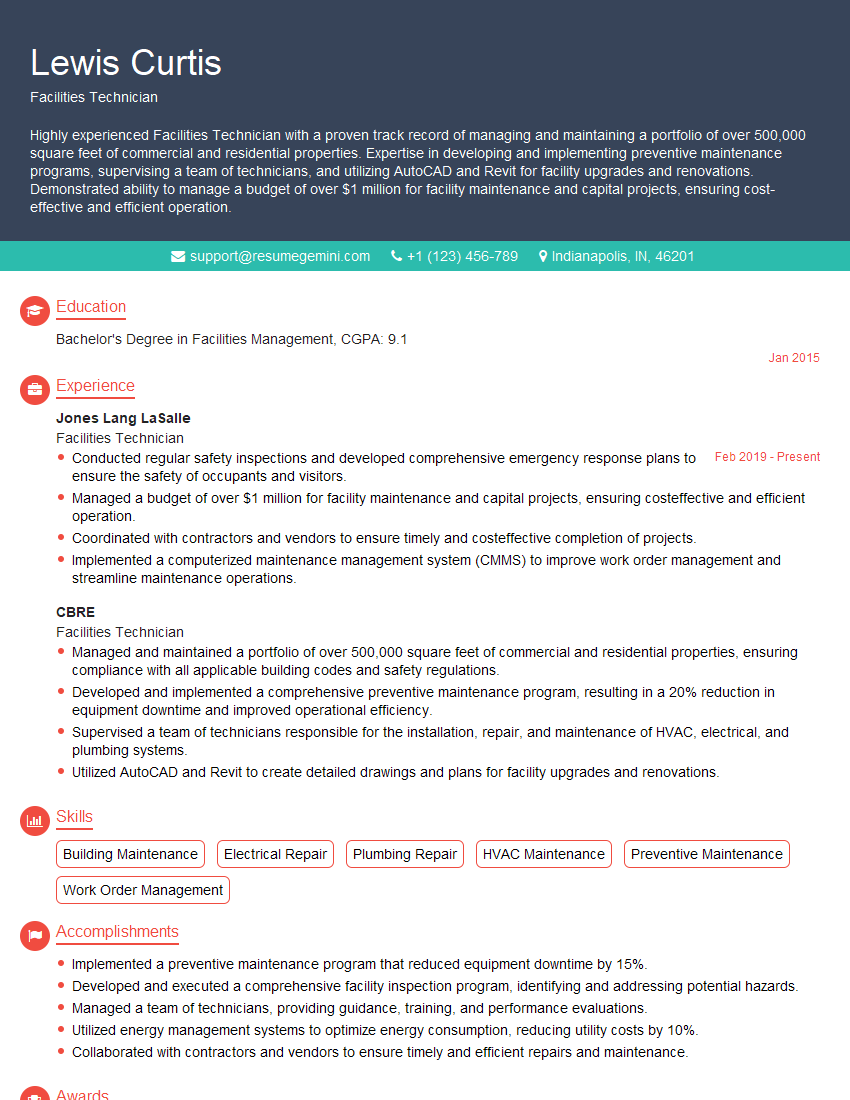
Facilities Technician Resume Sample

IT Support Specialist Resume Sample
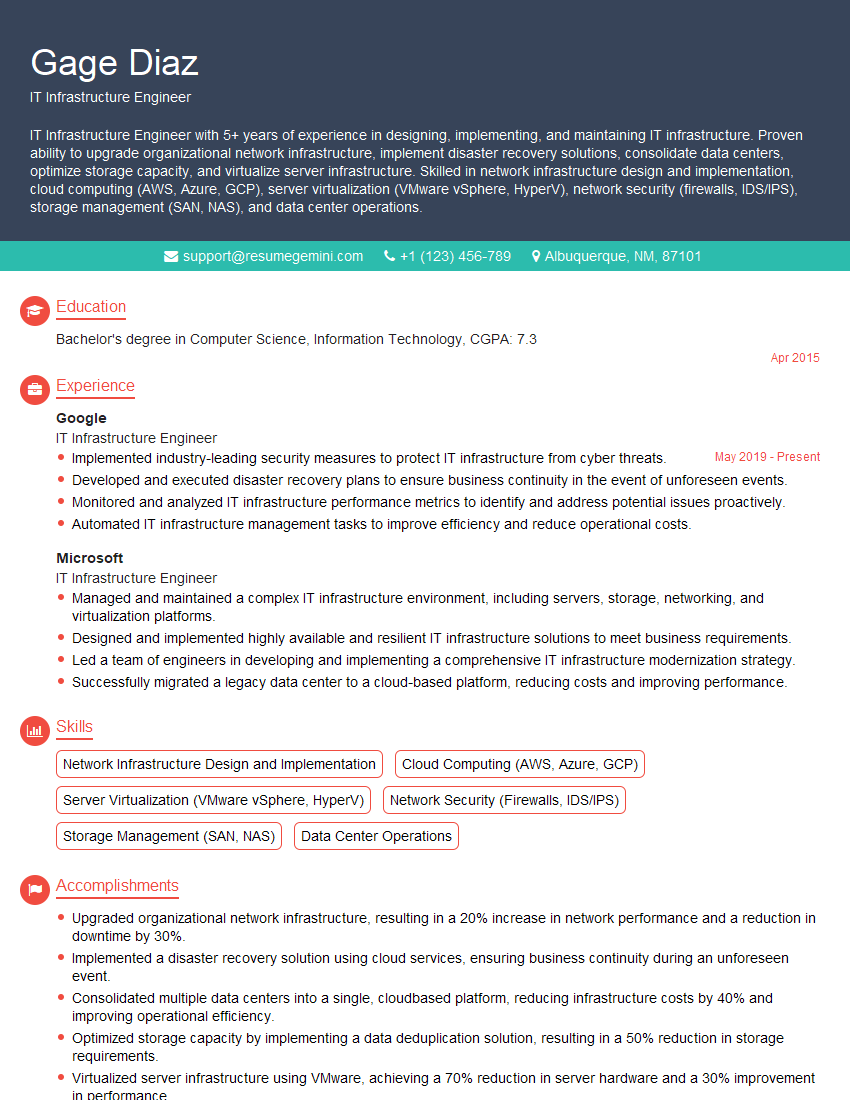
IT Infrastructure Engineer Resume Sample

DevOps Engineer Resume Sample
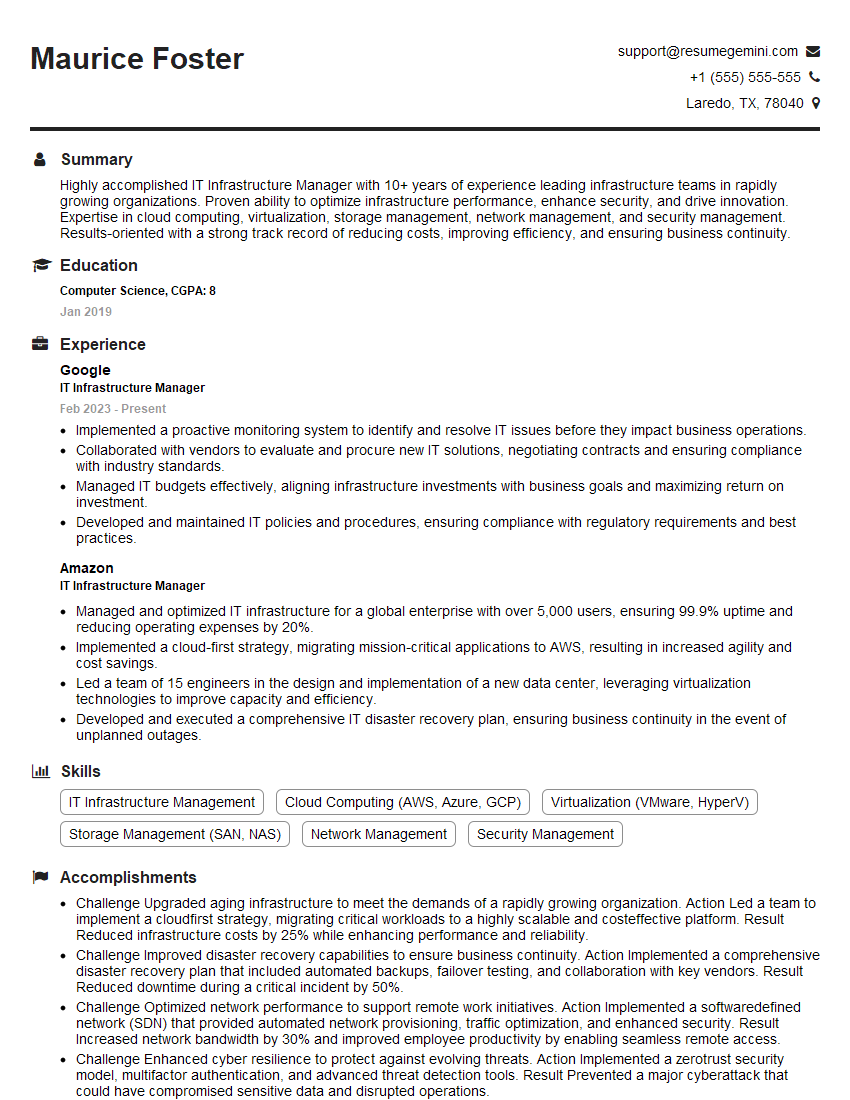
IT Infrastructure Manager Resume Sample
Explore more articles
Users Rating of Our Blogs
Share Your Experience
We value your feedback! Please rate our content and share your thoughts (optional).
What Readers Say About Our Blog
Very informative content, great job.
good