The right preparation can turn an interview into an opportunity to showcase your expertise. This guide to MasterCAM or Fusion 360 interview questions is your ultimate resource, providing key insights and tips to help you ace your responses and stand out as a top candidate.
Questions Asked in MasterCAM or Fusion 360 Interview
Q 1. Explain the difference between MasterCAM and Fusion 360.
MasterCAM and Fusion 360 are both powerful CAD/CAM software packages, but they cater to different needs and workflows. MasterCAM is primarily a CAM-focused software, excelling in generating highly optimized toolpaths for CNC machining. It’s known for its robust capabilities in handling complex geometries and a wide range of machining strategies. Think of it as a specialist in the machining world. Fusion 360, on the other hand, is a cloud-based integrated CAD/CAM/CAE software. While it offers powerful CAM capabilities, it also includes robust CAD modeling tools, simulation, and even some CAE functionalities. This makes it a more versatile, all-in-one solution, ideal for smaller shops or individuals needing a complete design-to-manufacturing workflow. The key difference lies in their focus: MasterCAM prioritizes precise and efficient toolpath generation, while Fusion 360 prioritizes an integrated design and manufacturing workflow.
Q 2. Describe your experience with toolpath generation in MasterCAM.
My experience with toolpath generation in MasterCAM spans several years and a variety of applications, from simple 2.5D milling to complex 5-axis machining. I’m proficient in using various strategies like roughing, finishing, drilling, and pocketing. I’ve extensively worked with different toolpath types such as parallel, contour, and flowline, tailoring them to specific material properties and desired surface finishes. For instance, I once had to machine a complex impeller blade with intricate curves. I utilized MasterCAM’s 5-axis simultaneous toolpath generation capabilities, carefully selecting appropriate cutting parameters and tool geometry to achieve the required tolerances and surface quality. I also have experience optimizing toolpaths using techniques like adaptive clearing to minimize machining time and tool wear, significantly improving efficiency on complex parts.
Q 3. How do you optimize toolpaths for efficiency and surface finish?
Optimizing toolpaths for efficiency and surface finish requires a multi-faceted approach. Efficiency is primarily achieved by minimizing machining time and tool wear. This involves using strategies like adaptive clearing for roughing operations, which dynamically adjusts the toolpath based on material removal. For finishing, techniques like constant scallop height toolpaths ensure uniform surface quality and minimize the number of passes. To improve surface finish, selecting appropriate cutting parameters like feed rate, depth of cut, and spindle speed is crucial. Experimentation and fine-tuning are often necessary to find the optimal balance between speed and quality. For instance, a high feed rate might reduce machining time but could also compromise surface quality. Careful selection of cutting tools is also essential – tools with smaller radii and sharper edges generally result in better surface finishes but may require more passes and a slower feed rate.
Furthermore, proper stock definition in CAM software, ensuring correct material removal allowance, prevents unnecessary machining and contributes to both efficiency and accuracy.
Q 4. What are the different types of machining operations you are familiar with?
My experience encompasses a wide array of machining operations, including:
- 2.5D Milling: Pocketing, contouring, profile milling, face milling
- 3-Axis Milling: Various roughing and finishing strategies
- 5-Axis Milling: Simultaneous and index milling for complex geometries
- Turning: Roughing, finishing, grooving, threading
- Drilling: Spot drilling, through-hole drilling, reaming
- Milling with multiple tools: utilizing tool change operations to optimize cycle times
I’m familiar with both high-speed machining (HSM) techniques and traditional machining methods, adapting my approach based on the specific part requirements and available equipment.
Q 5. Explain the concept of stock definition in CAM software.
Stock definition in CAM software is the process of defining the initial shape and size of the workpiece before machining. This is crucial because the CAM software uses this information to generate toolpaths that accurately remove material and avoid collisions. Think of it as telling the machine what it’s starting with. An accurate stock definition prevents tool crashes and ensures complete material removal. In MasterCAM or Fusion 360, stock definition can be done by importing a 3D model of the raw material, specifying dimensions manually, or even using a combination of both methods. Failure to define the stock accurately can lead to tool collisions, resulting in damage to the machine, the tool, and the workpiece itself. It also leads to inaccurate machining, thus affecting the overall quality.
Q 6. How do you handle complex geometries in MasterCAM or Fusion 360?
Handling complex geometries in MasterCAM or Fusion 360 requires a strategic approach. I typically start by analyzing the part’s geometry to identify critical features and areas requiring special attention. For highly complex shapes, I often break down the machining process into multiple steps, each focusing on a specific area or feature. This allows for better control over the toolpaths and reduces the risk of errors. Utilizing advanced toolpath strategies like 5-axis simultaneous machining is often necessary for complex curves and undercut features. Moreover, understanding the capabilities and limitations of the machine and the available tooling is paramount. Careful selection of tools, based on their reach, accessibility, and geometry, is crucial to achieve the desired results without encountering any interference or collision. For example, when dealing with deep pockets or internal cavities, I might use a smaller diameter tool for better accessibility, even though it may increase machining time. Simulation and verification (covered in the next answer) play a crucial role in ensuring the toolpath operates safely and effectively.
Q 7. Describe your experience with simulation and verification in CAM software.
Simulation and verification are integral parts of my CAM workflow. Before sending any toolpath to a CNC machine, I always run a thorough simulation in the CAM software. This allows me to visually check for potential collisions between the tool, the fixture, and the workpiece. I look for any unexpected movements or areas where the tool might cut outside the defined boundaries. This step helps prevent costly mistakes and machine damage. In MasterCAM, this simulation includes a visual preview that highlights potential collisions, while Fusion 360 allows for a more comprehensive simulation, with options for analyzing tool forces and stresses. Verification goes a step further, often involving the generation of G-code (machine instructions) and checking it for errors. Using the machine’s post-processor, I verify that the toolpath will run correctly on the machine without causing problems before sending it to the machine itself. This is a critical step in ensuring successful and safe machining operations.
Q 8. How do you troubleshoot errors during CNC machining?
Troubleshooting CNC machining errors is a systematic process. It begins with careful observation and analysis, moving from the simplest possibilities to more complex issues. Think of it like diagnosing a car problem – you wouldn’t start by checking the engine if the gas tank is empty!
My approach involves a structured series of steps:
- Check the obvious: Is the machine powered on? Are the tools properly loaded and secured? Are there any visible obstructions or collisions?
- Review the G-code: Look for syntax errors, toolpath inconsistencies (e.g., tool collisions, overtravel), or missing commands. Many CAM software packages offer simulation tools that can help you visually check the toolpath before sending it to the machine.
- Examine the machine logs: Most CNC machines maintain detailed logs. These logs can provide valuable insights into the cause of the error. Common error codes can indicate specific problems, such as a broken tool or a limit switch malfunction.
- Verify the setup: Ensure the workpiece is properly clamped and aligned. An improperly secured workpiece can lead to inaccurate machining or even machine damage.
- Inspect the cutting tools: Check for wear, breakage, or damage. Dull or damaged tools can lead to poor surface finish and potentially cause breakage.
- Check the material: The material’s properties (hardness, brittleness) affect machining parameters. Using incorrect parameters for a given material can cause issues.
- Seek assistance: If the problem persists, consult the machine’s documentation, or contact technical support from the machine manufacturer or the CAM software provider.
For example, I once encountered a situation where a seemingly simple part was producing erratic results. By carefully reviewing the machine logs, I discovered a recurring error related to the spindle motor. A subsequent investigation revealed a loose connection in the motor’s wiring harness, a simple fix that resolved the problem.
Q 9. What are the common post-processors used in MasterCAM or Fusion 360 and their functions?
Post-processors are essential software components that translate the CAM software’s toolpath data into machine-specific G-code. They essentially act as translators, bridging the gap between the generic commands generated by the CAM software and the specific instructions your CNC machine understands.
In MasterCAM and Fusion 360, you’ll find a wide variety of post-processors, each tailored to a particular machine controller or specific features. Some common examples include:
- Fanuc post-processors: Used for Fanuc controllers, widely used on many CNC machines worldwide. These might have different versions depending on the specific Fanuc control model.
- Haas post-processors: Designed for Haas controllers, known for their user-friendly interfaces and prevalence in smaller shops.
- Siemens post-processors: For Siemens controllers, often found in more sophisticated or larger CNC machines.
- Custom post-processors: Often created for specific machine configurations or specialized operations. These ensure optimal utilization of machine capabilities.
The functions of a post-processor include:
- Converting toolpath data: Transforming the CAM toolpaths into a sequence of G-code and M-code instructions.
- Adding machine-specific commands: Incorporating commands specific to the target machine, such as spindle speed control (
M3 S3000), coolant activation (M8), and tool changes (T1 M6). - Optimizing G-code: Some post-processors offer optimization features to reduce machining time or improve toolpath efficiency.
- Adding safety features: Implementing safeguards to prevent machine collisions or errors.
Choosing the correct post-processor is crucial for accurate and efficient CNC machining. Using the wrong post-processor can lead to machine errors, incorrect tool movements, or even damage to the machine or workpiece.
Q 10. Explain your experience with different cutting tools and their selection criteria.
Selecting the right cutting tool is paramount for achieving desired machining outcomes, including surface finish, accuracy, and efficiency. My experience encompasses a wide range of tools, each chosen based on a careful consideration of several factors:
- Material to be machined: The hardness, toughness, and machinability of the material dictate the tool’s material and geometry. Hard materials require harder tools (e.g., carbide inserts).
- Operation type: Different operations (roughing, finishing, drilling, milling) require different tool geometries and cutting edges. Roughing tools are often larger and more robust; finishing tools prioritize precision.
- Required surface finish: A smooth finish requires specialized tools with sharp cutting edges and appropriate feed rates. Roughing operations often prioritize material removal speed.
- Machining parameters: The feed rate, spindle speed, and depth of cut affect tool selection. Higher cutting forces necessitate more robust tools.
- Tool material: Common materials include high-speed steel (HSS), carbide, and ceramic. Carbide is frequently used for its hardness and wear resistance.
- Tool geometry: This includes parameters such as cutting edge angle, rake angle, and nose radius, impacting the cutting process.
For instance, I’ve successfully used carbide end mills for high-speed milling of aluminum, achieving excellent surface finishes. However, for machining tougher materials like hardened steel, I’d opt for tools with robust geometries and higher-grade carbide inserts. Similarly, I use different drill bits for various applications, selecting between high-speed steel (HSS) for softer materials or carbide-tipped drills for tougher materials.
Q 11. How do you calculate cutting parameters (feed rate, spindle speed, depth of cut)?
Calculating optimal cutting parameters—feed rate, spindle speed, and depth of cut—is critical for efficient and productive CNC machining. It’s a balancing act between speed and tool life; pushing too hard risks breakage, while being too conservative wastes time.
My approach combines established formulas and practical experience. While specific formulas vary depending on the material and tool, the general principles remain consistent:
- Spindle speed (RPM): This is often calculated using the cutting speed (V) and tool diameter (D):
RPM = (V * 1000) / (π * D), where V is in meters/minute and D is in millimeters. The cutting speed (V) depends heavily on the material being machined and the tool material. Consult manufacturer recommendations or material databases for suitable cutting speeds. - Feed rate (mm/min or ipr): This determines the speed at which the tool moves across the workpiece. It’s usually a function of tool diameter, material, number of teeth (for milling), and desired surface finish. Higher feed rates lead to faster machining but could reduce tool life or surface finish.
- Depth of cut (mm): This is the amount of material removed in a single pass. Multiple passes might be needed for deeper cuts, especially during roughing. Deeper cuts increase material removal rate but also increase cutting forces and risk tool breakage.
For example, when roughing aluminum with a 10mm diameter carbide end mill, I might use a significantly higher feed rate and depth of cut than when finishing a hardened steel part with a smaller diameter tool. The key is to start with conservative parameters, monitor the machining process (vibration, tool wear, surface finish), and iteratively adjust the parameters until the optimal balance is achieved. This iterative approach is crucial for maximizing efficiency and minimizing risk.
Q 12. How do you manage and organize large CAM projects?
Managing large CAM projects effectively requires a structured and organized approach. Chaos leads to errors and wasted time. Think of it like managing a large construction project; careful planning and organization are essential.
My strategy involves the following:
- Project folder structure: I use a well-defined folder structure to keep all project files organized. This typically includes separate folders for the CAD models, CAM files, toolpath simulations, G-code, and any relevant documentation.
- File naming conventions: Consistent and descriptive file naming helps me to easily locate and identify specific files, preventing confusion.
- Version control: For larger and more complex projects, using a version control system (e.g., Git) is beneficial. This allows for tracking changes, collaboration with other engineers, and the ability to revert to previous versions if needed.
- Component-based design: Breaking down complex parts into smaller, manageable components simplifies the CAM programming process. Each component can be programmed separately and then assembled into the final part.
- Libraries and templates: Creating libraries of commonly used tools, materials, and post-processors speeds up the CAM programming process and ensures consistency.
- Regular backups: Regularly backing up all project files protects against data loss, which is critical for avoiding potentially costly delays.
For instance, I recently managed a project with over 50 individual components. Using a component-based approach, version control, and a meticulously organized folder structure ensured that the project remained manageable and efficient, preventing any errors or confusion.
Q 13. Describe your experience with fixture design and workholding.
Fixture design and workholding are crucial for accurate and safe CNC machining. Poor workholding can lead to inaccurate parts, damaged tools, and even machine damage. I approach fixture design systematically, ensuring robust and reliable workholding.
My experience includes:
- Analyzing the part: Understanding the part geometry, its weight, and the machining operations required is the first step. This helps determine the necessary clamping points and the type of fixture needed.
- Selecting appropriate workholding devices: Choosing the right clamps, vices, or other workholding devices ensures secure part placement and prevents movement during machining.
- Designing the fixture: I use CAD software (such as Fusion 360) to design custom fixtures that precisely locate and secure the part while allowing for access to all machining areas.
- Considering material selection: The fixture material must be robust enough to withstand machining forces but also easily machinable if modifications are needed.
- Simulating the setup: Using CAM software’s simulation capabilities, I verify that the fixture design doesn’t interfere with the toolpaths.
- Safety considerations: The design must incorporate safety features to prevent injury to the operator and damage to the machine. This includes proper shielding and clamping mechanisms.
One example is a project where I designed a complex fixture using multiple clamping points and adjustable components to accurately hold a delicate part during a series of intricate milling operations. This custom fixture significantly improved the accuracy and repeatability of the machining process.
Q 14. Explain your experience with G-code and M-code programming.
G-code and M-code are the languages of CNC machines. G-code defines the geometry of the toolpath (movements), while M-code controls auxiliary functions of the machine.
My experience spans both reading and interpreting existing G-code and creating custom G-code programs. While CAM software automates much of this, understanding the underlying code is vital for troubleshooting and optimization. Think of it like a skilled mechanic knowing how to read a car’s diagnostic codes – it’s often invaluable.
G-code examples:
G00 X10 Y20: Rapid positioning to coordinates X10, Y20.G01 X30 Y40 F100: Linear interpolation to X30, Y40 at a feed rate of 100 mm/min.G02 X50 Y60 R10: Circular interpolation (clockwise).
M-code examples:
M03 S3000: Spindle on, clockwise, at 3000 RPM.M08: Coolant on.M30: Program end.
Beyond basic commands, I’m comfortable with more advanced G-code features, such as canned cycles (for drilling, tapping, etc.) and subroutines. I understand how to write efficient and optimized G-code, minimizing unnecessary movements and maximizing machining efficiency. This understanding is crucial, especially when working with older machines or in situations where direct G-code editing is required. This direct knowledge allows me to optimize programs for specific machine capabilities or to diagnose and resolve issues that the CAM software might not readily address.
Q 15. How do you ensure the accuracy and repeatability of CNC machined parts?
Ensuring accuracy and repeatability in CNC machining hinges on meticulous attention to detail throughout the entire process, from design and CAM programming to machine setup and post-processing. Think of it like baking a cake – a slight variation in ingredients or oven temperature can drastically change the outcome.
- Precise CAD Modeling: Starting with a highly accurate 3D model is paramount. Any inaccuracies in the CAD model will directly translate to the final part. We often employ techniques like model checking and thorough design reviews to catch potential issues early on.
- Accurate Toolpath Generation: The CAM software, whether MasterCAM or Fusion 360, is the heart of the process. We carefully select appropriate cutting tools, speeds, and feeds, considering the material properties. Properly defining tool geometry within the CAM software is critical. For example, using a tool with a worn-out tip will lead to dimensional errors.
- Rigorous Toolpath Verification: Before running the program on the machine, thorough simulation and verification are crucial. This helps to identify potential collisions and other errors before any material is cut. This stage is like a ‘dry run’ before the actual machining.
- Precise Machine Setup: Accurate machine setup, including workholding and workpiece alignment, is non-negotiable. Any misalignment will directly affect part accuracy. We use various methods, such as edge finders and laser alignment systems, to ensure precise setup.
- Regular Machine Maintenance: Regular maintenance of the CNC machine is key to maintaining accuracy and prolonging its lifespan. This includes checking for wear and tear, lubricating moving parts, and calibrating the machine regularly. Think of it as regular servicing for your car to maintain optimal performance.
By consistently applying these steps, we guarantee the production of high-quality, repeatable parts.
Career Expert Tips:
- Ace those interviews! Prepare effectively by reviewing the Top 50 Most Common Interview Questions on ResumeGemini.
- Navigate your job search with confidence! Explore a wide range of Career Tips on ResumeGemini. Learn about common challenges and recommendations to overcome them.
- Craft the perfect resume! Master the Art of Resume Writing with ResumeGemini’s guide. Showcase your unique qualifications and achievements effectively.
- Don’t miss out on holiday savings! Build your dream resume with ResumeGemini’s ATS optimized templates.
Q 16. What are your preferred methods for verifying toolpath accuracy?
Verifying toolpath accuracy is a critical step to prevent costly mistakes. We employ several methods, each providing different levels of assurance.
- CAM Software Simulation: Both MasterCAM and Fusion 360 offer powerful simulation capabilities. We use these to visually check for collisions, gouges, and other potential problems. We zoom in on critical areas and visually inspect the tool’s path against the model. This is like reviewing a blueprint before construction.
- Backplotting: This involves generating a 2D representation of the toolpath to verify its accuracy against the CAD model. Backplotting is particularly useful for identifying unexpected tool movements or areas where the toolpath might deviate from the desired geometry.
- Manual Check of G-Code: For complex parts, we manually review sections of the generated G-code to confirm the tool movements and parameters. This gives a detailed, line-by-line understanding. However, it is time-consuming and prone to errors for large files.
- Trial Run on Scrap Material: Before machining the final part, we often perform a test run on a similar scrap material. This lets us visually inspect the initial cut to ensure everything is correct before committing to the actual workpiece.
Combining these methods gives us a high degree of confidence in the accuracy of our toolpaths.
Q 17. How do you handle collisions during toolpath simulation?
Collisions during toolpath simulation are a serious concern that can lead to damaged tools, broken parts, or even machine damage. Fortunately, both MasterCAM and Fusion 360 offer robust collision detection features.
- Careful Toolpath Planning: The most effective strategy is preventative. We meticulously plan toolpaths, taking into account the tool’s geometry, the part’s complexity, and the workholding setup. This might involve using multiple setups or different machining strategies to avoid collisions.
- Simulation and Adjustment: During simulation, if a collision is detected, we identify the problematic areas. We then adjust the toolpaths, often by repositioning the stock model, changing the tool, or modifying the cutting parameters, until the simulation runs clean.
- Stock Management: Precisely defining the stock model in the CAM software is crucial. Incorrect stock definition can lead to collisions that are not apparent during manual inspection. We use several techniques to accurately define the stock, including importing measurements from CMM scans or using a CAD model of the stock material.
- Safe Z-Clearance: Ensuring sufficient Z-clearance (the distance between the tool and the workpiece when not cutting) is vital. Inadequate clearance can lead to unexpected collisions, especially during rapid traverse movements. Proper setting of ‘safe Z’ values in the CAM software is essential.
Collision detection, coupled with careful planning, are crucial for creating reliable and safe CNC programs.
Q 18. Describe your experience with different machining strategies (e.g., roughing, finishing).
Different machining strategies are essential for achieving optimal surface finish and material removal rates. Roughing and finishing are two fundamental strategies.
- Roughing: This stage focuses on rapidly removing large amounts of material. We typically use larger diameter tools with higher feed rates and depths of cut to quickly shape the part. Strategies like parallel roughing, climb milling, and adaptive clearing are commonly used, depending on the part geometry and material. I’ve used parallel roughing to quickly remove large amounts of aluminum, significantly reducing overall machining time.
- Finishing: This stage focuses on achieving the desired surface finish and tolerances. Smaller diameter tools with lighter cuts and optimized feed rates are used. Finishing strategies can include contouring, facing, and trochoidal milling for smooth and precise surfaces. I’ve used trochoidal milling extensively for achieving mirror-like finishes on steel components.
- Other Strategies: Besides roughing and finishing, there are other strategies such as pocketing, drilling, and engraving, each optimized for specific tasks. The selection of strategy depends on factors such as the part’s geometry, material, and desired finish.
My experience spans various machining strategies; selection depends on balancing speed and quality. For example, for a high-volume production job, prioritizing speed might justify a slightly coarser finish, whereas a single, precision part might necessitate a slower but finer finishing approach.
Q 19. How do you optimize material removal rate while maintaining part quality?
Optimizing material removal rate (MRR) while maintaining part quality requires a delicate balance. Increasing MRR often comes at the cost of reduced surface finish or even tool breakage.
- Tool Selection: Choosing the right tool is paramount. Larger diameter tools with appropriate geometries can significantly increase MRR. We also consider the tool material’s hardness and wear resistance to prolong tool life.
- Cutting Parameters: Optimizing cutting parameters like spindle speed, feed rate, and depth of cut is crucial. We often conduct experiments or use CAM software’s built-in optimization tools to determine the ideal settings. This process often involves trade-offs; increased feed rate might improve MRR but reduce tool life or surface quality.
- Machining Strategy: Employing efficient machining strategies like adaptive clearing or high-speed machining (HSM) can significantly improve MRR without compromising quality. Adaptive clearing dynamically adjusts cutting parameters based on the remaining stock, ensuring efficient material removal.
- Workholding: Secure workholding is critical, especially at higher MRR. Poor workholding can lead to vibrations and inaccuracies, reducing part quality and potentially damaging the tool or machine.
The optimization process is often iterative. We start with conservative settings and gradually increase MRR while closely monitoring surface finish and tool wear. Think of it like finding the ‘sweet spot’ between speed and precision.
Q 20. Explain your experience with using CAM software for different materials (e.g., aluminum, steel, plastics).
Material selection significantly impacts the machining process. Different materials require different cutting parameters and strategies. My experience covers a range of materials.
- Aluminum: Relatively easy to machine, aluminum allows for high MRR with good surface finishes. We typically use higher spindle speeds and feed rates compared to other materials. Specific strategies like climb milling can improve surface quality.
- Steel: Much harder than aluminum, steel requires lower speeds and feeds to prevent tool breakage. We often use harder cutting tools, such as carbide inserts, and employ cutting fluids to improve tool life and surface finish. The finishing process might involve multiple passes with increasingly finer tools.
- Plastics: Plastics are sensitive to heat and can easily melt or deform if the cutting parameters are not carefully chosen. We typically use lower speeds and feeds, and ensure sufficient chip evacuation to prevent build-up.
For each material, choosing the correct tool material, cutting parameters, and machining strategy is critical for achieving the best results, just as a chef uses different techniques for preparing meat versus vegetables.
Q 21. How do you create and manage tool libraries in MasterCAM or Fusion 360?
Efficient tool library management is crucial for streamlining the CAM programming process. Both MasterCAM and Fusion 360 provide tools for managing tool libraries.
- Creating a Tool Library: We meticulously document each tool in our library, including details such as manufacturer, model number, geometry (diameter, length, number of flutes), material, and recommended cutting parameters for different materials. This documentation is essential for repeatability and consistency.
- Organizing the Library: We organize our libraries logically, often categorizing tools by type (e.g., end mills, drills, reamers) and material (e.g., carbide, high-speed steel). This ensures easy retrieval and selection.
- Using CAM Software Features: MasterCAM and Fusion 360 offer built-in tools for managing tool libraries. These tools allow us to easily add, edit, and search for tools, reducing the time spent on data entry and ensuring accuracy. For example, Fusion 360’s tool library management features allow for importing and exporting library data, enabling consistency across multiple projects.
- Regular Updates: We regularly update our tool libraries to reflect any changes in the tools available or our recommended cutting parameters based on experience. Tools can wear out or get replaced, and updated data ensures accuracy and efficiency.
A well-organized tool library is a cornerstone of efficient and accurate CNC programming. It eliminates guesswork, reduces errors, and helps to ensure consistency in part production.
Q 22. Describe your experience with setting up and operating CNC machines.
Setting up and operating CNC machines involves a methodical approach encompassing safety protocols, machine familiarization, and program execution. My experience spans various machine types, from 3-axis mills to 5-axis lathes. Before any operation, I meticulously check the machine’s tooling, workholding, and coolant systems. This ensures proper functionality and prevents unexpected issues. I then verify the G-code program, often performing a dry run or simulation within the CAM software to detect potential collisions or errors before activating the machine. Operating the machine demands constant vigilance, monitoring the cutting process, and adjusting parameters as needed to maintain optimal performance and part quality. Post-operation, I meticulously clean and maintain the machine, documenting all procedures and results for future reference.
For example, while setting up a 3-axis milling operation on a Haas VF-2, I first verified the tool length offsets using a touch probe, ensuring accurate depth of cut. Then, I secured the workpiece using appropriate clamps and fixtures, ensuring its stability throughout the cutting process. Finally, after a successful dry run, I initiated the program, constantly observing the cutting process to detect any anomalies.
Q 23. How familiar are you with different types of CNC machine control systems?
My familiarity with CNC machine control systems extends across various platforms, including Fanuc, Siemens, and Heidenhain. Each system has its own unique programming language (G-code dialects) and user interface, but the fundamental principles remain consistent. I’m adept at interpreting G-code programs, understanding the various G-codes and M-codes to control spindle speed, feed rates, tool changes, and coolant activation. I can troubleshoot errors related to code interpretation, machine configuration, and operational issues. My experience also includes working with modern control systems that incorporate features like automatic tool changers (ATCs), probing systems, and integrated machine diagnostics. This knowledge allows me to adapt to diverse machine environments efficiently and effectively.
For instance, understanding Fanuc’s conversational programming interface allows for quicker adaptations to specific job requirements. Conversely, the structured approach of Heidenhain’s TNC controls demands a more formalized G-code approach, which is essential for complex part geometries.
Q 24. Explain your experience with using add-ons or extensions in MasterCAM or Fusion 360.
I’ve extensively utilized add-ons and extensions in both MasterCAM and Fusion 360 to enhance functionality and streamline workflows. In MasterCAM, I’ve used extensions for specialized toolpath strategies, such as high-speed machining and 5-axis simultaneous machining. These extensions provide optimized toolpaths that reduce machining time and improve surface finish. In Fusion 360, I’ve leveraged add-ons for advanced simulation and verification, allowing for detailed analysis of the cutting process before actual machining, significantly reducing the risk of errors. I also frequently use add-ons for specific material libraries and post-processor customization to seamlessly integrate with our company’s diverse machine tool inventory.
For instance, utilizing the MasterCAM ‘High-Speed Machining’ extension on a complex mold allowed me to reduce cycle time by 30% while maintaining surface quality. In Fusion 360, the CAM simulator helps to identify and correct potential collisions before the machining process starts, minimizing scrap and maximizing efficiency.
Q 25. How do you stay current with the latest advancements in CAM technology?
Staying updated with the latest advancements in CAM technology is critical for maintaining competitiveness in the manufacturing industry. I achieve this through a multifaceted approach. I actively participate in online forums, webinars, and industry conferences to learn about new software features, best practices, and industry trends. I regularly read industry publications and technical articles to stay abreast of the latest innovations. Additionally, I engage in professional development courses and training sessions offered by both MasterCAM and Autodesk, ensuring my skills remain sharp and adaptable to emerging technologies. I also follow key influencers and companies within the CAM community on social media platforms, to get a fast view of the newest updates.
For example, recently I completed a MasterCAM training course focused on the latest advancements in 5-axis machining, improving my efficiency in handling complex parts.
Q 26. Describe a challenging CAM project you’ve worked on and how you overcame the challenges.
One challenging project involved machining a complex titanium impeller with intricate internal features. The difficulty arose from the material’s hardness, requiring specialized tooling and cutting strategies to prevent tool breakage and ensure dimensional accuracy. Additionally, the tight tolerances and demanding surface finish necessitated a highly optimized toolpath. To overcome these challenges, I employed a multi-pass approach with progressively smaller cutting tools, utilizing high-speed machining techniques to minimize heat generation and improve surface finish. I also leveraged MasterCAM’s simulation capabilities extensively to refine the toolpaths and identify potential collisions or issues before machining. I collaborated closely with the engineering team to review the design and tolerances, ensuring a complete understanding of the requirements. Ultimately, we successfully machined the impeller meeting all specifications, demonstrating the power of collaborative problem-solving and advanced CAM techniques.
Q 27. How do you handle revisions and changes in design during the CAM programming process?
Handling design revisions and changes during the CAM programming process requires a systematic and flexible approach. I employ version control, maintaining detailed records of each design iteration and its corresponding CAM program. This allows for easy rollback to previous versions if necessary. When changes occur, I carefully assess the impact on the existing toolpaths and make the necessary adjustments. I prioritize efficiency by only re-calculating the affected portions of the program, rather than regenerating the entire toolpath. This reduces rework time and maintains consistency. Communication with the design team is vital to ensure the changes are clearly understood and incorporated accurately. This process ensures a rapid response to design iterations while maintaining high accuracy and program integrity.
For example, if a design change only affects one feature, I can isolate that area in MasterCAM and quickly recalculate the toolpaths for that specific region, instead of starting from scratch.
Q 28. Explain your understanding of safety procedures when operating CNC machinery.
Safety is paramount when operating CNC machinery. My understanding of safety procedures encompasses several key areas. Before operating any machine, I conduct a thorough pre-operational inspection, checking for loose parts, proper functioning of safety interlocks and emergency stops, and correct tooling. I always wear appropriate personal protective equipment (PPE), including safety glasses, hearing protection, and shop clothing. I follow established lockout/tagout procedures to prevent accidental machine activation during maintenance or repairs. I ensure the proper use of workholding devices and secure the workpiece to prevent it from shifting during machining. During operation, I maintain a safe distance from the moving machine parts and remain vigilant, monitoring the cutting process continuously. Post-operation, I meticulously clean the machine and work area, ensuring all tools and materials are stored properly.
For instance, I never attempt to clear chips or debris from a running machine; I always wait until the machine is completely stopped and locked out before performing such tasks. This systematic approach to safety ensures a secure and productive work environment.
Key Topics to Learn for MasterCAM or Fusion 360 Interview
Ace your next interview by mastering these key areas. Remember, practical application and problem-solving skills are just as important as theoretical knowledge.
- Part Modeling Fundamentals: Understand the creation and manipulation of 3D models, including features like extrude, revolve, and sweep. Be prepared to discuss different modeling techniques and their suitability for various applications.
- CAM Programming (MasterCAM): For MasterCAM interviews, focus on toolpath strategies (roughing, finishing, etc.), tool selection, and optimizing machining parameters for efficiency and surface finish. Practice creating simple programs and understand post-processing.
- CAM Simulation & Verification (Fusion 360 & MasterCAM): Master the simulation capabilities of your chosen software to identify and correct potential errors *before* machining. Understand how to interpret simulation results and troubleshoot issues.
- Design for Manufacturing (DFM): Demonstrate your understanding of how design choices impact manufacturability. Discuss considerations like tolerances, material selection, and ease of machining.
- Assembly Modeling (Fusion 360): For Fusion 360 interviews, be ready to discuss assembling multiple parts, creating constraints, and managing component relationships within an assembly.
- Advanced Techniques (Both): Depending on the role’s requirements, you may need to explore topics such as surface modeling, mold design, sheet metal work, or specific industry-related applications.
- Problem-Solving & Troubleshooting: Be prepared to discuss how you’ve approached and solved challenging design or manufacturing problems. Highlight your analytical skills and ability to find creative solutions.
Next Steps
Mastering MasterCAM or Fusion 360 significantly enhances your career prospects in manufacturing, engineering, and design. A strong command of these tools demonstrates valuable skills to potential employers. To increase your chances of landing your dream job, crafting a professional and ATS-friendly resume is crucial. ResumeGemini is a trusted resource that can help you build a compelling resume showcasing your abilities effectively. Examples of resumes tailored to MasterCAM and Fusion 360 users are available to help you get started. Take the next step towards your successful career today!

Automation Engineer Resume Sample

Design Engineer Resume Sample
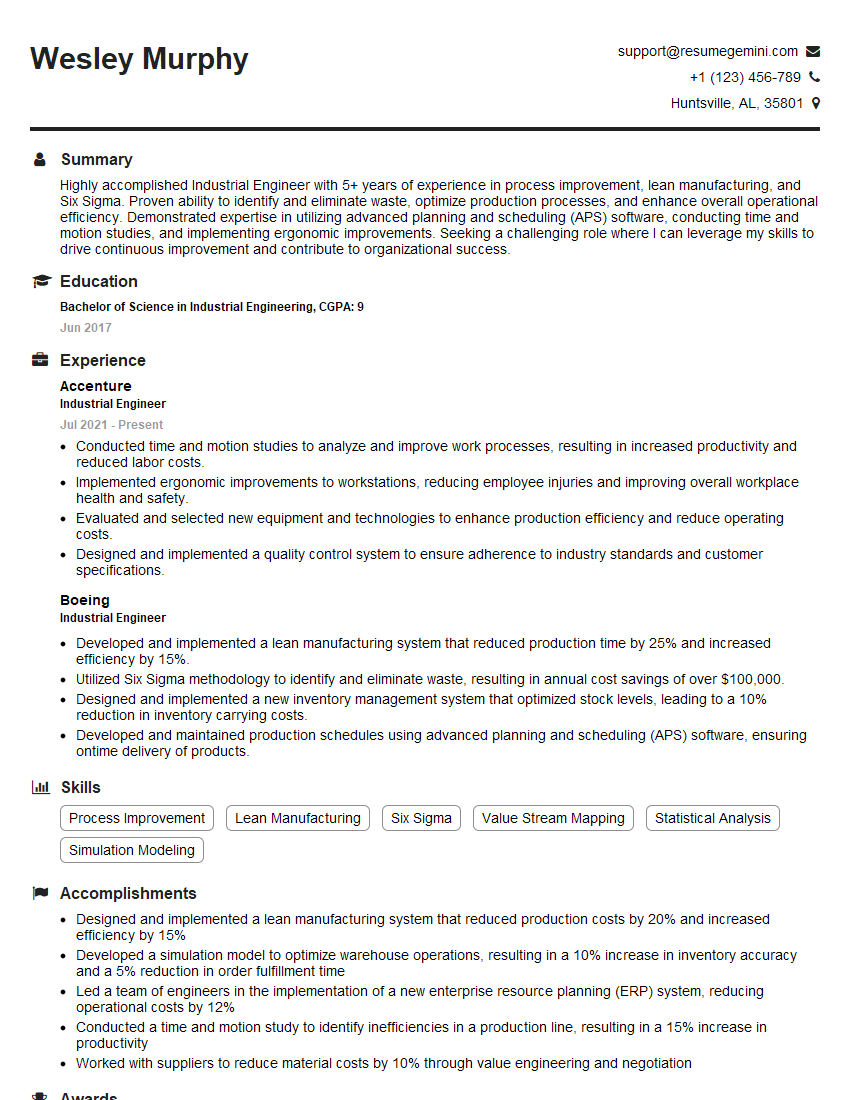
Industrial Engineer Resume Sample

Manufacturing Engineer Resume Sample
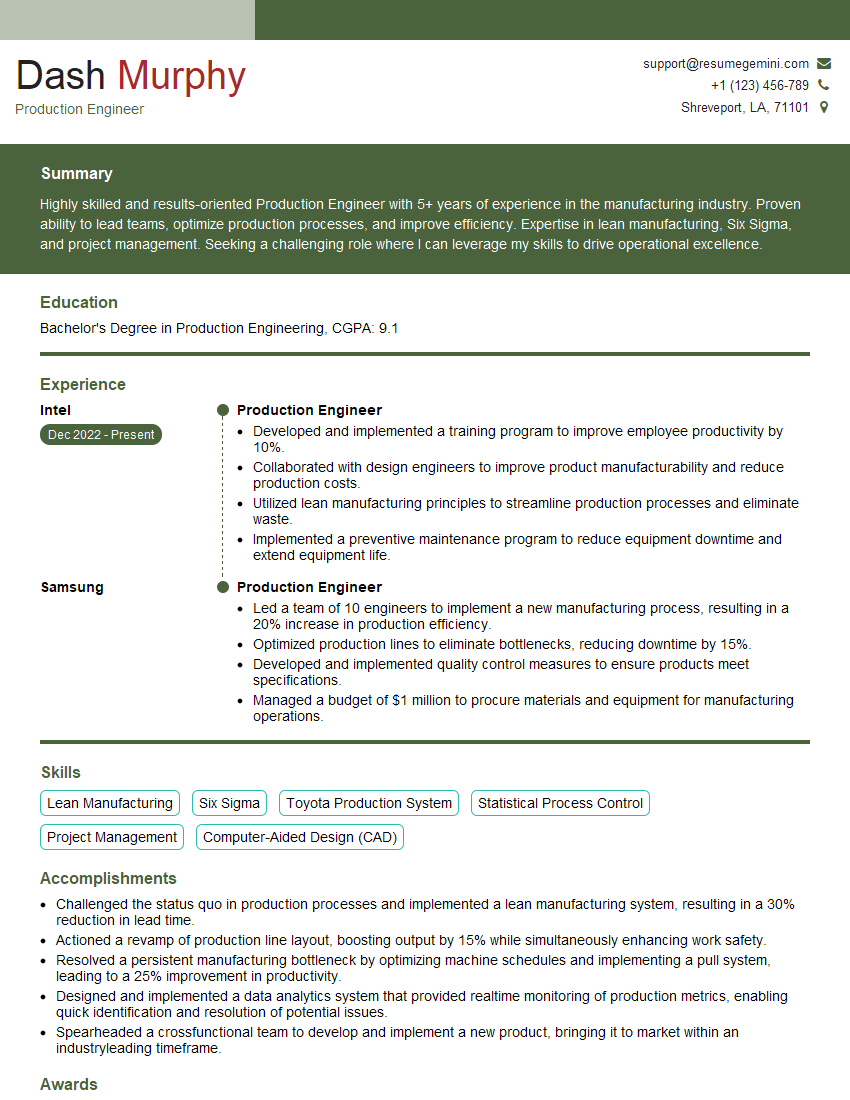
Production Engineer Resume Sample
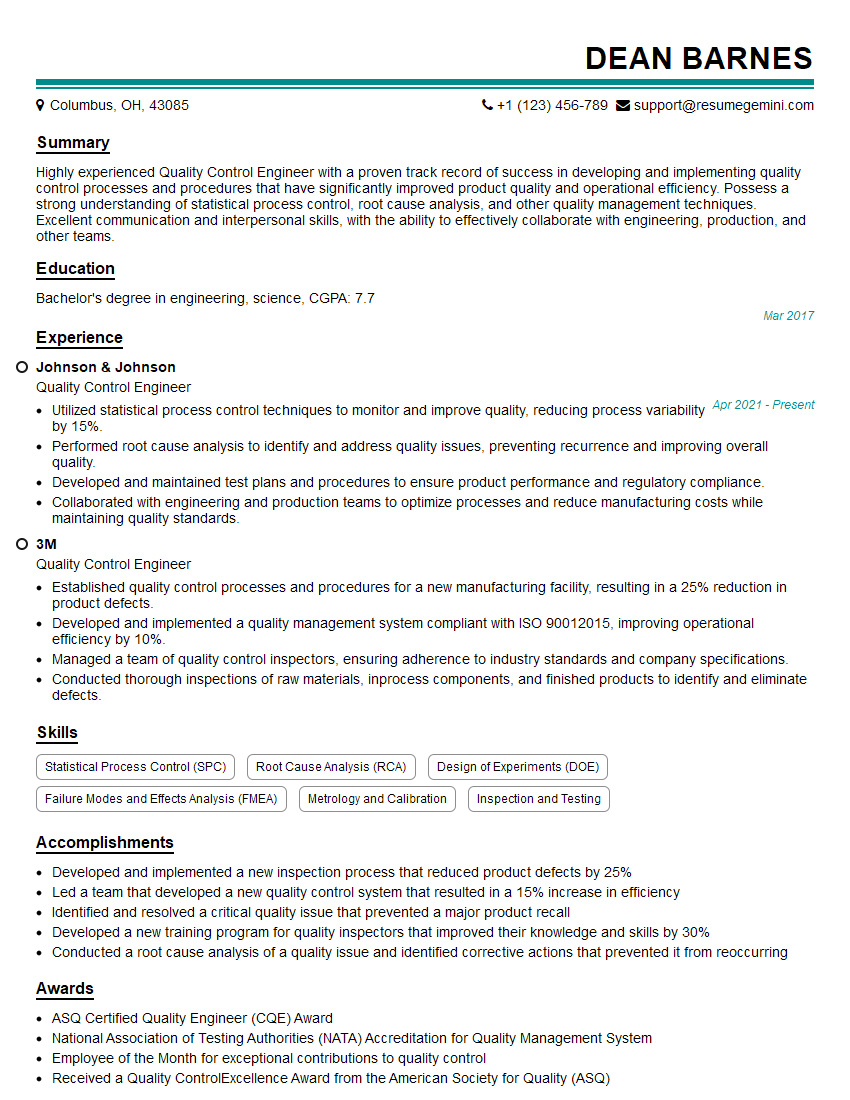
Quality Control Engineer Resume Sample
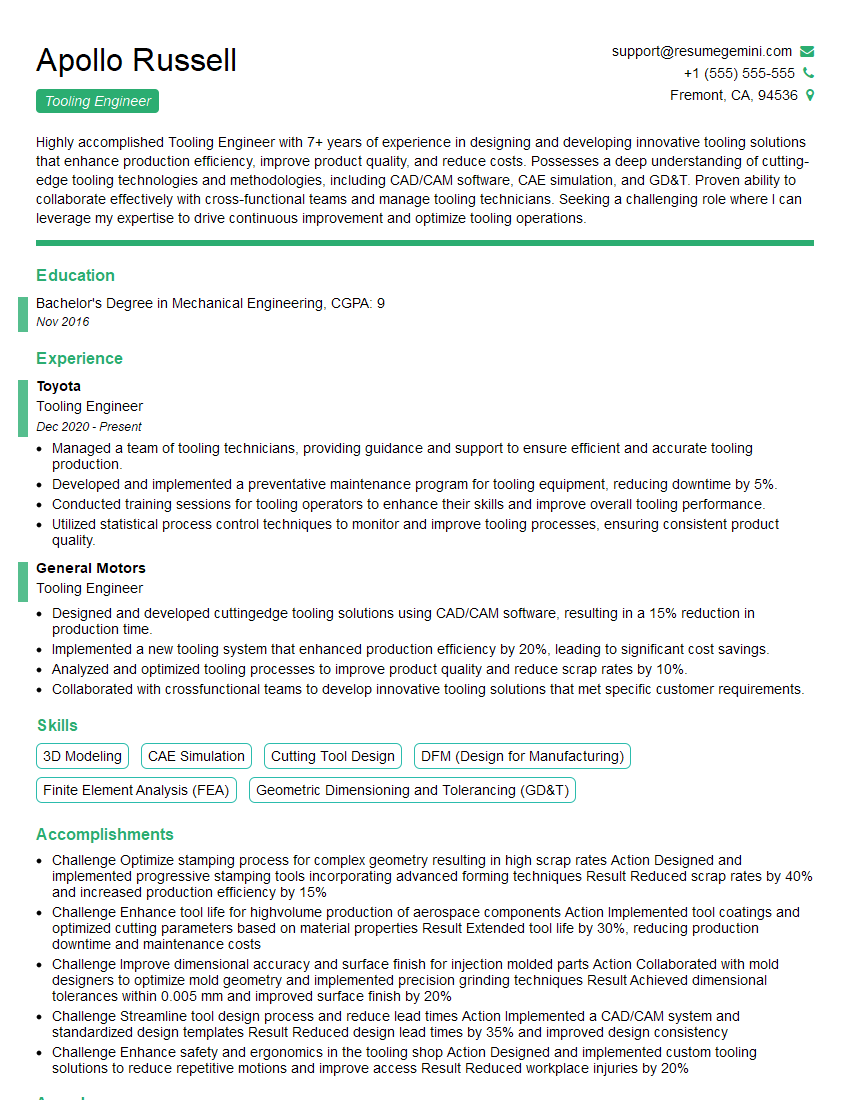
Tooling Engineer Resume Sample
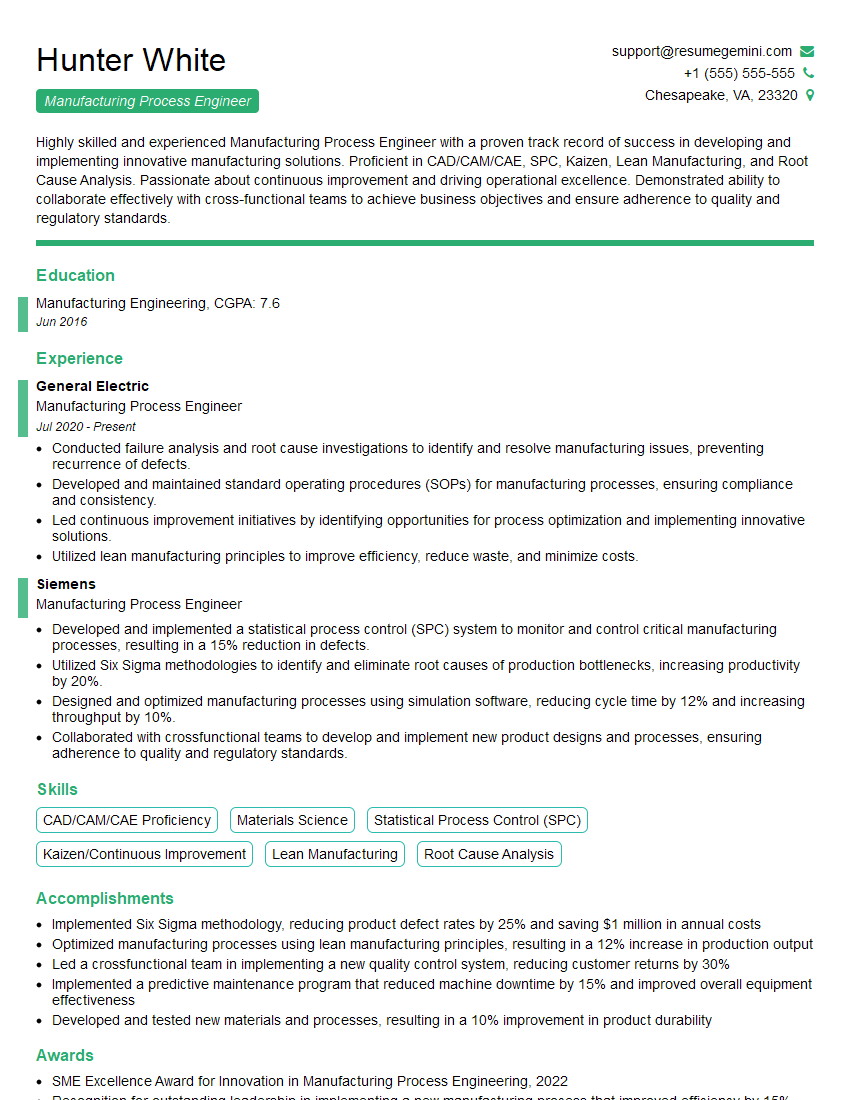
Manufacturing Process Engineer Resume Sample

Robotics Engineer Resume Sample
Explore more articles
Users Rating of Our Blogs
Share Your Experience
We value your feedback! Please rate our content and share your thoughts (optional).
What Readers Say About Our Blog
Very informative content, great job.
good