The right preparation can turn an interview into an opportunity to showcase your expertise. This guide to Net Repair interview questions is your ultimate resource, providing key insights and tips to help you ace your responses and stand out as a top candidate.
Questions Asked in Net Repair Interview
Q 1. Explain the OSI model and its seven layers.
The OSI (Open Systems Interconnection) model is a conceptual framework that standardizes the functions of a telecommunication or computing system without regard to its underlying internal structure and technology. Think of it as a layered cake, where each layer has a specific responsibility. This layered approach simplifies network design, troubleshooting, and understanding.
- Layer 7: Application Layer: This is where applications interact with the network. Examples include web browsers (HTTP), email clients (SMTP, POP3), and file transfer programs (FTP).
- Layer 6: Presentation Layer: Handles data formatting and encryption/decryption. It ensures that data is presented in a format that the application layer can understand. Think of it as a translator between different data formats.
- Layer 5: Session Layer: Manages connections between applications. It establishes, manages, and terminates sessions between applications.
- Layer 4: Transport Layer: Provides reliable and ordered data delivery. TCP (Transmission Control Protocol) and UDP (User Datagram Protocol) operate at this layer. TCP ensures reliable delivery while UDP prioritizes speed over reliability.
- Layer 3: Network Layer: Handles logical addressing (IP addresses) and routing. It determines the best path for data packets to travel across the network.
- Layer 2: Data Link Layer: Deals with physical addressing (MAC addresses) and error detection. It ensures that data is transmitted and received correctly between two directly connected nodes. Ethernet is a common protocol at this layer.
- Layer 1: Physical Layer: This is the lowest layer, dealing with the physical transmission of data over the network medium (cables, wireless signals, etc.). It’s concerned with bits and voltage levels.
Understanding the OSI model is crucial for troubleshooting network problems because it allows you to isolate the layer at which the issue is occurring.
Q 2. Describe the TCP/IP model and its relationship to the OSI model.
The TCP/IP model is a simpler, more practical model than the OSI model. It’s named after its two core protocols: TCP (Transmission Control Protocol) and IP (Internet Protocol). While less detailed than the OSI model, it’s the model actually implemented in most networks.
The TCP/IP model combines several layers of the OSI model. Generally:
- Application Layer: Corresponds to the Application, Presentation, and Session layers of the OSI model.
- Transport Layer: Similar to the Transport layer in the OSI model, handles TCP and UDP.
- Internet Layer: Equivalent to the Network layer in the OSI model, responsible for IP addressing and routing.
- Network Access Layer: Combines the Data Link and Physical layers of the OSI model, managing the physical transmission of data.
The relationship is that TCP/IP is a practical implementation of the OSI model’s concepts, but it’s less granular and more focused on the actual protocols used in the internet.
Q 3. What are the differences between TCP and UDP protocols?
TCP and UDP are both transport layer protocols, but they differ significantly in how they handle data transmission.
- TCP (Transmission Control Protocol): TCP is a connection-oriented protocol. This means it establishes a dedicated connection between sender and receiver before transmitting data. It provides reliable, ordered delivery with error checking and retransmission of lost packets. Think of it like sending a registered letter – you know it will arrive and in the correct order. It’s used for applications requiring reliable data transfer, such as web browsing (HTTP) and email (SMTP).
- UDP (User Datagram Protocol): UDP is a connectionless protocol. It doesn’t establish a connection before sending data; it simply sends packets and hopes they arrive. It’s faster but less reliable than TCP, as it doesn’t guarantee delivery or order. Think of it like sending a postcard – it might arrive, it might not, and it might not arrive in the order sent. It’s used for applications where speed is prioritized over reliability, such as streaming video and online gaming.
The choice between TCP and UDP depends on the application’s requirements. If reliability is paramount, TCP is preferred; if speed is more important, UDP is the choice.
Q 4. How do you troubleshoot a network connectivity issue?
Troubleshooting network connectivity issues involves a systematic approach. I typically follow these steps:
- Identify the scope of the problem: Is it affecting one device, a group of devices, or the entire network?
- Check the basics: Ensure cables are properly connected, devices are powered on, and wireless connections are established.
- Ping the device: Use the
pingcommand (e.g.,ping 8.8.8.8) to check if you can reach a known good IP address (like Google’s DNS server). A successful ping indicates basic network connectivity. - Check IP configuration: Verify the IP address, subnet mask, and default gateway are correctly configured on the affected device.
- Traceroute: Use
traceroute(ortracerton Windows) to identify potential points of failure along the path to a destination. This shows you each hop and any issues encountered along the way. - Check for firewall or antivirus interference: Temporarily disable firewalls and antivirus software to rule out interference.
- Examine network devices: Check routers, switches, and other network hardware for errors or configuration issues.
- Check for physical damage: Examine cables and connectors for any visible signs of damage.
Using these steps, and possibly further diagnostics based on the results, you can systematically isolate and solve the network problem.
Q 5. Explain the process of diagnosing a slow network connection.
Diagnosing a slow network connection requires a more detailed investigation than simply checking connectivity. The approach is similar to troubleshooting connectivity issues, but with a focus on performance metrics.
- Identify the affected devices and applications: Is the slowness affecting all devices or just one? Is it specific to certain applications or websites?
- Check network utilization: Use network monitoring tools to see if bandwidth is saturated. High utilization indicates a potential bottleneck.
- Run speed tests: Use online speed test websites to measure download and upload speeds. Compare these results to your expected speeds. A significant discrepancy points to a problem.
- Check for background processes: On affected computers, look for applications consuming significant bandwidth. Large downloads or uploads can drastically slow down the network.
- Analyze network traffic: Use tools like Wireshark to capture and analyze network traffic, looking for patterns that might indicate slowdowns. This requires advanced knowledge of network protocols.
- Examine router settings: Check your router’s QoS (Quality of Service) settings. Poorly configured QoS can cause slowdowns for certain applications.
- Check for malware: Malware can consume bandwidth and cause slowdowns.
By systematically checking these areas you can pinpoint the cause of the slow network.
Q 6. What are common causes of network latency?
Network latency, or lag, is the delay in data transmission across a network. Several factors can contribute to latency:
- Network congestion: High network traffic can lead to delays as data packets compete for bandwidth.
- Distance: The further the data needs to travel, the longer the latency will be. This is especially true for long-distance connections.
- Router performance: Slow or overloaded routers can cause significant delays.
- Wireless interference: Other wireless devices, physical obstacles, and interference can increase latency in wireless networks.
- Faulty network hardware: Damaged cables or malfunctioning network devices can introduce latency.
- High CPU usage: If a router or computer is experiencing high CPU load, it will take longer to process data, increasing latency.
- ISP issues: Problems with your internet service provider’s network can also significantly impact latency.
Understanding these causes is essential for effective troubleshooting, as each requires a different approach to resolving.
Q 7. How do you identify and resolve network bottlenecks?
Network bottlenecks occur when a part of the network becomes a limiting factor in overall performance. Identifying and resolving them requires a methodical approach:
- Identify the bottleneck: Use network monitoring tools to measure bandwidth usage at different points in the network. The point with the highest utilization and longest queues is likely the bottleneck.
- Analyze the traffic: Determine the type of traffic causing the bottleneck. Is it a specific application, protocol, or device?
- Upgrade hardware: If the bottleneck is due to insufficient bandwidth or processing power, upgrading the relevant hardware (e.g., a faster router, more network bandwidth) is necessary.
- Optimize network configuration: Adjust QoS settings on your router to prioritize critical traffic. Implement traffic shaping or other techniques to manage network congestion.
- Improve network design: For larger networks, redesigning the network to improve efficiency and reduce congestion might be required.
- Address faulty hardware: Replace any malfunctioning network devices that might be contributing to the bottleneck.
The specific solution depends on the cause of the bottleneck. Thorough network monitoring and analysis are crucial for effective resolution.
Q 8. Describe your experience with network cabling (e.g., fiber, copper).
My experience with network cabling encompasses both fiber and copper technologies. I’ve worked extensively with various copper cabling standards, including Cat5e, Cat6, and Cat6a, understanding the implications of each in terms of bandwidth, distance limitations, and application suitability. For instance, I’ve troubleshooted connectivity issues stemming from faulty crimping on Cat5e cables in a small office environment, identifying the problem through testing with a cable tester and replacing the faulty cable segment. With fiber optics, my experience includes working with single-mode and multi-mode fibers, understanding their respective advantages (long distances for single-mode, shorter distances and cost-effectiveness for multi-mode) and handling terminations using fusion splicing and mechanical connectors. A recent project involved installing a new fiber optic backbone for a large enterprise, requiring careful planning for cable routing, splicing, and testing to ensure low signal attenuation and optimal network performance. I’m proficient in using OTDRs (Optical Time-Domain Reflectometers) to test fiber optic lines for breaks or other impairments.
Q 9. What are your troubleshooting skills related to DNS issues?
Troubleshooting DNS issues requires a systematic approach. I start by checking the client’s DNS settings – ensuring that the correct DNS server addresses are configured (either manually or through DHCP). Then, I use tools like nslookup or dig to query the DNS server directly. This allows me to determine if the DNS server itself is responding and whether it can resolve the requested domain name. If the DNS server is unreachable or unresponsive, I investigate the network connectivity to the server. If the server responds but fails to resolve the name, I examine the DNS server’s configuration files (e.g., zone files in BIND) to identify potential issues like incorrect zone configuration or record entries. I also check for any errors in the DNS server logs. Finally, I consider issues outside the DNS server, such as network firewalls or routing problems blocking DNS queries. For example, I once resolved a DNS issue where a misconfigured firewall was blocking outgoing DNS requests from client machines.
Q 10. Explain your experience with DHCP server configuration and troubleshooting.
My experience with DHCP server configuration and troubleshooting involves setting up and maintaining DHCP servers on various platforms, including Windows Server and Linux (e.g., using ISC DHCP). This includes defining DHCP scopes, configuring IP address ranges, setting lease times, and reserving IP addresses for specific devices. I’m familiar with troubleshooting common DHCP issues like address conflicts, IP address exhaustion, and DHCP server unavailability. I routinely use tools like ipconfig /all (on Windows) or ifconfig (on Linux) to check client DHCP lease information and verify IP address assignments. One challenging scenario I resolved involved a DHCP server experiencing an unusually high number of address conflicts. Through careful log analysis, I identified a faulty network switch that was sending duplicate DHCP requests, causing the conflict. Replacing the switch resolved the issue. I also understand the importance of configuring DHCP options, such as DNS server addresses and WINS servers, to ensure that clients automatically obtain the necessary network configuration.
Q 11. How do you use ping, tracert, and ipconfig commands?
ping, tracert (or traceroute on Linux), and ipconfig (or ifconfig) are essential diagnostic commands. ping tests basic network connectivity by sending ICMP echo requests to a target host. A successful response indicates reachability; otherwise, it suggests a network problem. tracert traces the path of network packets to a destination host, showing the routers along the route and any potential points of failure. It helps pinpoint where connectivity issues occur. ipconfig displays the IP address, subnet mask, default gateway, and other network configuration details of a client machine. Together, these commands provide valuable insights. For example, if ping fails, tracert helps isolate the problematic network segment, while ipconfig verifies if the client has the correct IP address and gateway configuration.
Example: If a user cannot reach a server, I’d first ping the server. If it fails, I’d use tracert to pinpoint the point of failure. If successful pings to the gateway but not the server, it likely indicates a server-side issue or a firewall rule. ipconfig would then show me if the user has a correct IP address, subnet mask and default gateway.
Q 12. Describe your experience with network monitoring tools.
My experience with network monitoring tools includes using both open-source and commercial solutions. I’m proficient in using tools like Nagios, Zabbix, and SolarWinds, capable of setting up monitoring agents on various devices (servers, routers, switches) and configuring alerts for critical events, such as network outages, high CPU utilization, or disk space shortages. These tools provide real-time visibility into network health, allowing proactive problem identification and resolution. I also have experience with network monitoring tools specifically designed for cloud environments, ensuring the same level of visibility and control extends to cloud-based resources. For example, using Zabbix, I was able to configure alerts that notified the team immediately when a specific server’s CPU utilization crossed a predefined threshold, allowing us to take proactive measures before performance was significantly impacted. The key is to effectively define the metrics that are most relevant and establish appropriate thresholds, balancing sensitivity to genuine problems with avoidance of excessive alerts.
Q 13. Explain your experience with VPN configuration and troubleshooting.
My experience with VPN configuration and troubleshooting spans various VPN protocols, including IPsec, OpenVPN, and SSTP. I’ve configured VPN servers and clients on various operating systems (Windows, Linux, macOS) and cloud platforms (AWS, Azure). Troubleshooting VPN issues requires a methodical approach; I start by checking the VPN client’s configuration, including the VPN server address, credentials, and encryption settings. I then verify network connectivity, checking for firewall rules or routing issues that might be blocking VPN traffic. Using packet capture tools (like Wireshark), I can analyze VPN traffic to identify any specific connection problems. I also leverage VPN server logs to pinpoint configuration problems or security breaches. For example, I recently resolved an issue where users could connect to the VPN but couldn’t access internal resources. Using Wireshark, I found that the VPN server’s routing configuration was incorrect, preventing traffic from reaching the internal network. Correcting the configuration immediately restored access.
Q 14. How do you secure a network from common threats?
Securing a network from common threats involves a multi-layered approach encompassing several key areas. First, strong access controls are crucial: implementing strong passwords, multi-factor authentication (MFA), and regular password changes are fundamental. Second, robust firewall configuration is essential. Firewalls should be properly configured to allow only necessary traffic and block unauthorized access attempts. Third, intrusion detection/prevention systems (IDS/IPS) can monitor network traffic for malicious activity and take appropriate actions (block, alert). Fourth, regular security audits and vulnerability scanning help identify and address weaknesses before they can be exploited. Fifth, employee security awareness training is essential to educate staff on common threats (phishing, social engineering) and best practices. Sixth, implementing an up-to-date antivirus and anti-malware solution on all devices protects against known threats. Lastly, regular patching of operating systems, applications, and network devices addresses known vulnerabilities. Combining these layers creates a defense in depth, making it significantly more difficult for attackers to compromise the network.
Q 15. What are your experiences with firewall configuration and management?
Firewall configuration and management are crucial for securing a network. Think of a firewall as a gatekeeper, carefully controlling what traffic enters and exits your network. My experience involves configuring firewalls like Cisco ASA, Palo Alto Networks, and Fortinet devices. This includes defining access control lists (ACLs) to allow or deny traffic based on source and destination IP addresses, ports, and protocols. For example, I’ve configured ACLs to allow only specific web traffic on port 80 and 443 while blocking all other traffic on those ports to enhance security. I also manage firewall rules, ensuring they are optimized for performance and security, regularly reviewing and updating rules to adapt to changing network needs and threats. Furthermore, I’m experienced with implementing features like intrusion prevention systems (IPS) integrated within the firewall to detect and block malicious network activity.
In one project, I migrated a company’s firewall from an outdated system to a more modern, feature-rich platform. This involved meticulously planning the migration, ensuring zero downtime, and thoroughly testing the new configuration to avoid service disruption. The successful completion of this migration significantly improved the company’s network security posture.
Career Expert Tips:
- Ace those interviews! Prepare effectively by reviewing the Top 50 Most Common Interview Questions on ResumeGemini.
- Navigate your job search with confidence! Explore a wide range of Career Tips on ResumeGemini. Learn about common challenges and recommendations to overcome them.
- Craft the perfect resume! Master the Art of Resume Writing with ResumeGemini’s guide. Showcase your unique qualifications and achievements effectively.
- Don’t miss out on holiday savings! Build your dream resume with ResumeGemini’s ATS optimized templates.
Q 16. Explain your experience with routing protocols (e.g., OSPF, BGP).
Routing protocols are the backbone of large networks, enabling data to flow efficiently between different network segments. I’m proficient in both OSPF (Open Shortest Path First) and BGP (Border Gateway Protocol). OSPF is an interior gateway protocol (IGP) commonly used within an organization’s network, creating a loop-free path for data. I have extensive experience designing and implementing OSPF networks, including configuring areas, managing routing summarization, and troubleshooting routing issues. For example, I’ve resolved several instances of routing loops by carefully examining the OSPF configuration and using tools like traceroute to pinpoint the problem area.
BGP, on the other hand, is an exterior gateway protocol (EGP) used to exchange routing information between different autonomous systems (ASes), essentially connecting different networks together. I have experience configuring BGP peering relationships with external providers, ensuring optimal network connectivity and redundancy. This includes configuring BGP attributes such as AS path, community attributes, and route reflectors to manage route propagation and filtering.
Imagine OSPF as the road system within a city, managing traffic efficiently within its boundaries. BGP, then, is the interstate highway system connecting cities across a country. Both are crucial for seamless and efficient data transfer across a network.
Q 17. Describe your experience with network segmentation.
Network segmentation is like dividing a large house into separate apartments. Each apartment (segment) has its own security and access controls. This is a critical security practice that limits the impact of a security breach. My experience includes segmenting networks using VLANs (Virtual LANs) and firewalls. VLANs allow you to logically separate devices on the same physical network, providing isolation and enhanced security. I’ve configured VLANs on Cisco switches, assigning specific ports to different VLANs and configuring inter-VLAN routing using techniques like router-on-a-stick or VLAN trunking.
Firewalls are crucial for controlling traffic between segments. I’ve configured firewall rules to permit or deny traffic based on VLAN membership, ensuring secure communication between different network segments. For example, I’ve segmented a network into a guest VLAN, a user VLAN, and a server VLAN, each with its own security policies to prevent unauthorized access.
In one scenario, I segmented a company’s network to separate the sensitive data server from the general user network, significantly reducing the attack surface and preventing a potential data breach.
Q 18. How do you handle network outages and service disruptions?
Network outages and service disruptions require a methodical approach. My process starts with identifying the problem. Tools such as ping, traceroute, and network monitoring systems are invaluable. Once the problem is located (e.g., server failure, network cable cut, routing issue), I prioritize the restoration of service, often leveraging redundant systems or failover mechanisms if available. For instance, if a primary server fails, I’ll immediately switch to the backup server.
Troubleshooting involves systematically checking each layer of the network (physical, data link, network, transport, application), and I utilize various diagnostic tools. Following the restoration, I thoroughly document the issue, the steps taken to resolve it, and preventative measures to avoid recurrence. This includes detailed logs, screen captures, and a post-incident report for analysis and improvement of future incident response.
Think of it like a detective investigating a crime – you gather evidence (logs, diagnostic data), analyze it, and then develop a plan to resolve the issue and prevent similar incidents in the future.
Q 19. Explain your experience with wireless network configurations (e.g., WiFi, Bluetooth).
Wireless network configurations are essential in modern environments. My experience encompasses configuring and managing Wi-Fi and Bluetooth networks. For Wi-Fi, this includes setting up access points (APs), configuring SSIDs, assigning security protocols (WPA2/3), and implementing Quality of Service (QoS) policies to prioritize certain traffic types. I’ve worked with various AP vendors like Cisco and Aruba, configuring them for optimal performance and coverage.
For Bluetooth, I’ve set up and managed Bluetooth-enabled devices, configuring security parameters and ensuring interoperability between different devices. I often troubleshoot connectivity issues, optimizing settings for range and signal strength.
A recent project involved setting up a secure Wi-Fi network for a large conference, ensuring sufficient bandwidth and coverage for hundreds of attendees while maintaining a robust security posture.
Q 20. What are your experiences with network intrusion detection and prevention systems?
Network intrusion detection and prevention systems (IDS/IPS) are critical for proactive security. My experience involves deploying and managing various IDS/IPS solutions, both network-based and host-based. This involves configuring the systems to monitor network traffic for malicious activity, analyzing logs for suspicious patterns, and responding to alerts. I’ve worked with solutions like Snort, Suricata, and commercial IPS appliances, configuring signature databases and tuning the systems for optimal performance and minimizing false positives.
A key part of my role is analyzing the IDS/IPS logs to identify potential threats and vulnerabilities. This allows for proactive security measures, including patching systems, updating firewall rules, and implementing additional security controls. I’m also skilled in integrating IDS/IPS with other security tools, such as SIEM (Security Information and Event Management) systems, to provide a comprehensive security overview.
For instance, I once identified a potential DDoS attack using an IDS system, allowing me to proactively mitigate the threat before it impacted the network’s performance.
Q 21. How do you document network configurations and troubleshooting steps?
Documentation is crucial for maintainability and troubleshooting. I use a combination of methods, including network diagrams, configuration backups, and detailed troubleshooting logs. Network diagrams visually represent the network topology, showing the physical and logical connections between devices. Configuration backups ensure that settings can be easily restored in case of failure. These backups are stored securely and regularly updated.
Troubleshooting logs are meticulously maintained, documenting each step taken during an incident, including the symptoms, the troubleshooting steps, and the resolution. I also utilize a wiki or documentation system for storing and sharing knowledge among the team. This includes standard operating procedures (SOPs) for common tasks and known issues. Clear, consistent, and readily accessible documentation is essential for efficient collaboration and reduced downtime.
Think of documentation as the owner’s manual for the network. Having detailed documentation ensures smooth operation and makes troubleshooting easier, saving time and resources.
Q 22. Describe your experience with virtual networks and virtualization technologies.
My experience with virtual networks and virtualization technologies is extensive. I’ve worked extensively with solutions like VMware vSphere, Hyper-V, and KVM, building and managing virtual networks for various clients. This includes designing and implementing virtual switches, configuring VLANs (Virtual LANs) for network segmentation, and troubleshooting connectivity issues within virtualized environments. For example, I once resolved a performance bottleneck in a virtualized datacenter by optimizing vSwitch configuration and implementing traffic shaping. Understanding virtual networking is crucial for modern network administration, as it allows for efficient resource allocation and flexibility in deployment.
I’m also proficient in creating and managing overlay networks using technologies like VXLAN (Virtual Extensible LAN) and Geneve, which are essential for building scalable and flexible data center networks. These technologies allow for extending VLANs across multiple physical locations, enhancing network agility and manageability.
Q 23. What is your experience with network hardware (routers, switches, firewalls)?
My experience with network hardware encompasses a broad range of devices, including Cisco, Juniper, and Aruba routers, switches, and firewalls. I’m comfortable configuring routing protocols like OSPF (Open Shortest Path First) and BGP (Border Gateway Protocol) for optimal network routing and traffic flow. I have experience with configuring various switch functionalities such as VLANs, port security, and STP (Spanning Tree Protocol) to ensure network security and reliability. I’ve also worked extensively with firewalls, implementing access control lists (ACLs), intrusion detection/prevention systems (IDS/IPS), and VPNs (Virtual Private Networks) to safeguard network security. For instance, I recently configured a Juniper firewall to improve security posture by implementing a granular access control policy and enforcing traffic filtering.
Beyond configuration, I’m adept at troubleshooting hardware failures and performing routine maintenance tasks. This includes replacing faulty components, upgrading firmware, and monitoring device performance.
Q 24. Explain your experience with cloud networking services (e.g., AWS, Azure, GCP).
I possess significant experience with major cloud networking services, including AWS, Azure, and GCP. In AWS, I’ve worked with VPCs (Virtual Private Clouds), subnets, routing tables, and security groups to build secure and scalable cloud networks. I understand the intricacies of AWS Direct Connect and VPN connections for hybrid cloud deployments. Similar expertise extends to Azure, where I’ve worked extensively with virtual networks, subnets, network security groups, and Azure load balancers. With GCP, I’ve leveraged Virtual Private Cloud (VPC) networks, firewalls, and Cloud Interconnect for hybrid and multi-cloud strategies.
My experience encompasses designing and implementing highly available and fault-tolerant cloud architectures. For example, in a recent project, I designed a highly available application architecture on AWS using multiple Availability Zones and Elastic Load Balancing to ensure continuous service.
Q 25. What is your experience with network automation tools?
I’m proficient in utilizing several network automation tools to streamline network management and reduce manual intervention. My experience includes using Ansible, Terraform, and Python scripting for automating network configurations, deployments, and troubleshooting. Ansible, for example, allows for efficient configuration management across multiple devices, ensuring consistency and reducing human error. Terraform enables infrastructure-as-code, allowing for reproducible and scalable network deployments. Python scripting provides a flexible approach to automate tasks and integrate with various network APIs.
Using these tools has greatly improved efficiency and reduced the time required for routine tasks, allowing me to focus on more complex challenges. For example, I automated the deployment of a new virtual network in Azure using Terraform, reducing deployment time from hours to minutes.
Q 26. How do you prioritize tasks in a high-pressure network troubleshooting situation?
In high-pressure network troubleshooting, prioritization is paramount. I use a structured approach that combines technical expertise with a methodical process. I begin by gathering information quickly, identifying the scope and impact of the outage. This involves checking monitoring tools, communicating with affected users, and examining logs. I then use a triage process. I categorize issues based on their severity and potential impact, focusing first on critical outages that affect the most users or crucial systems. Simple issues are resolved immediately. Complex problems are broken down into smaller, manageable tasks. Documentation of each step is vital for tracking progress and ensuring accountability. After resolving the immediate problem, I conduct a post-mortem analysis to identify the root cause and implement preventative measures to avoid future occurrences.
Q 27. Describe a challenging network problem you solved and how you approached it.
One particularly challenging problem involved intermittent connectivity issues in a large enterprise network. Initial diagnostics pointed to various potential culprits, including faulty cabling, router misconfigurations, and even potential DNS issues. My approach involved systematically eliminating possibilities. I began by using network monitoring tools to pinpoint the affected segments of the network. This revealed that the problem was concentrated in a specific VLAN. Further investigation revealed inconsistent latency spikes related to a specific server. Using packet capture analysis, we found that this server was generating unusually high volumes of broadcast traffic at irregular intervals, overwhelming the switch and causing intermittent connectivity for other devices on the VLAN. The solution was to implement a more robust traffic management policy on the affected switch, limiting broadcast traffic and preventing the server from overloading the network. After implementing this solution, the connectivity issues were completely resolved.
Q 28. What are your ongoing professional development plans related to network repair and administration?
My professional development plans focus on staying ahead of the curve in the rapidly evolving field of network repair and administration. This includes pursuing certifications like the CCNP (Cisco Certified Network Professional) and studying emerging technologies like Software Defined Networking (SDN) and network function virtualization (NFV). I actively participate in online communities and attend industry conferences to stay updated on best practices and new tools. I also dedicate time to learning new scripting languages and automation frameworks to enhance my efficiency and ability to manage increasingly complex network environments. Continuous learning is key in this field to maintain a competitive edge and provide the highest level of service to my clients.
Key Topics to Learn for Your Net Repair Interview
- Network Troubleshooting: Understanding common network issues (connectivity problems, slow speeds, access restrictions), methodical troubleshooting techniques, and the use of diagnostic tools.
- Hardware Components: Familiarity with network hardware such as routers, switches, firewalls, and network interface cards (NICs). This includes understanding their functions, configurations, and common troubleshooting scenarios.
- Network Protocols: Knowledge of key networking protocols like TCP/IP, DNS, DHCP, and their roles in network communication. Be prepared to discuss their practical applications and potential points of failure.
- Network Security: Understanding basic network security concepts, including firewalls, intrusion detection/prevention systems, and common security threats. Be ready to discuss best practices for securing a network.
- Wireless Networks: Familiarity with Wi-Fi technologies (802.11 standards), security protocols (WPA2/3), and troubleshooting wireless connectivity issues.
- Operating Systems (Network Related): Understanding the networking aspects of common operating systems (Windows Server, Linux) and how to configure network settings, manage users and permissions, and troubleshoot network-related problems within those environments.
- Problem-Solving and Analytical Skills: Demonstrate your ability to approach network problems systematically, using a combination of logical reasoning, diagnostic tools, and your technical knowledge to identify and resolve issues efficiently.
Next Steps
Mastering Net Repair skills significantly enhances your career prospects in IT, opening doors to exciting roles with greater responsibility and higher earning potential. To maximize your chances of landing your dream job, it’s crucial to present your qualifications effectively. Creating an ATS-friendly resume is paramount. We strongly recommend leveraging ResumeGemini to build a professional and impactful resume that highlights your Net Repair expertise. ResumeGemini offers a user-friendly platform and provides examples of resumes tailored to Net Repair roles, helping you showcase your skills and experience in the best possible light.

Network Administrator Resume Sample

Network Engineer Resume Sample
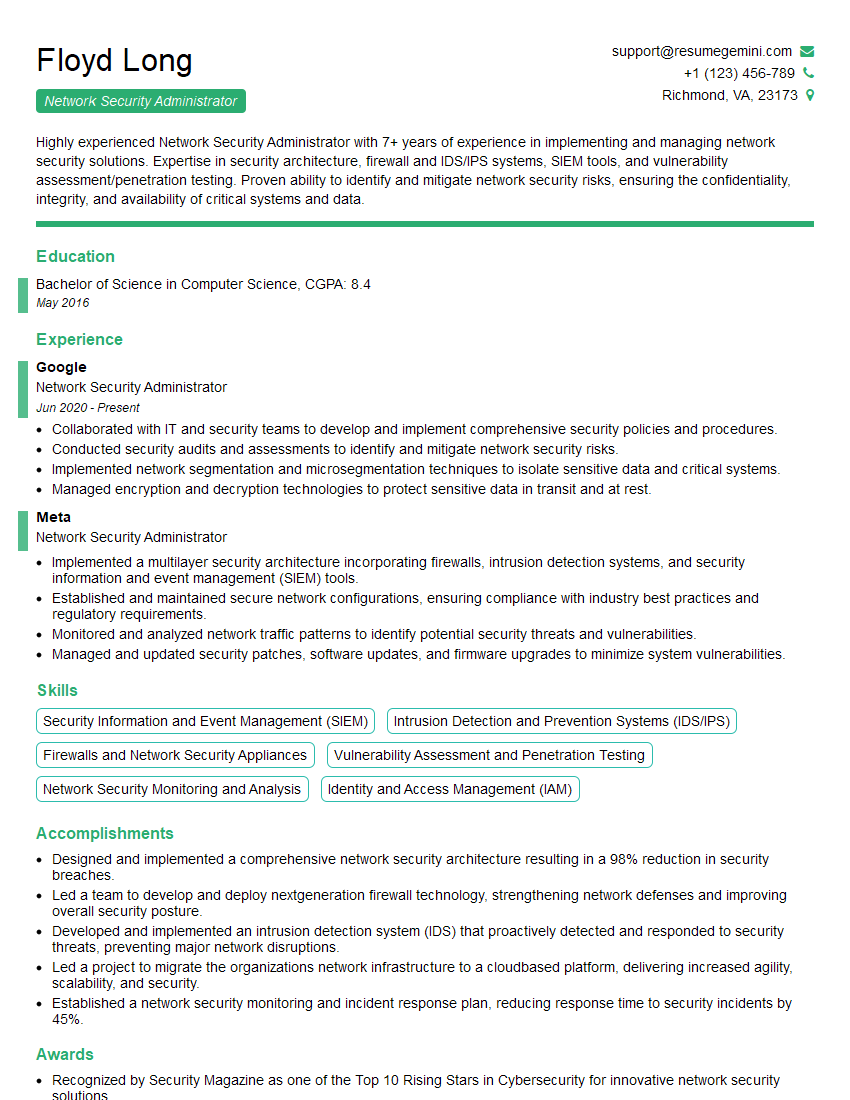
Network Security Administrator Resume Sample

Systems Administrator Resume Sample

Network Analyst Resume Sample
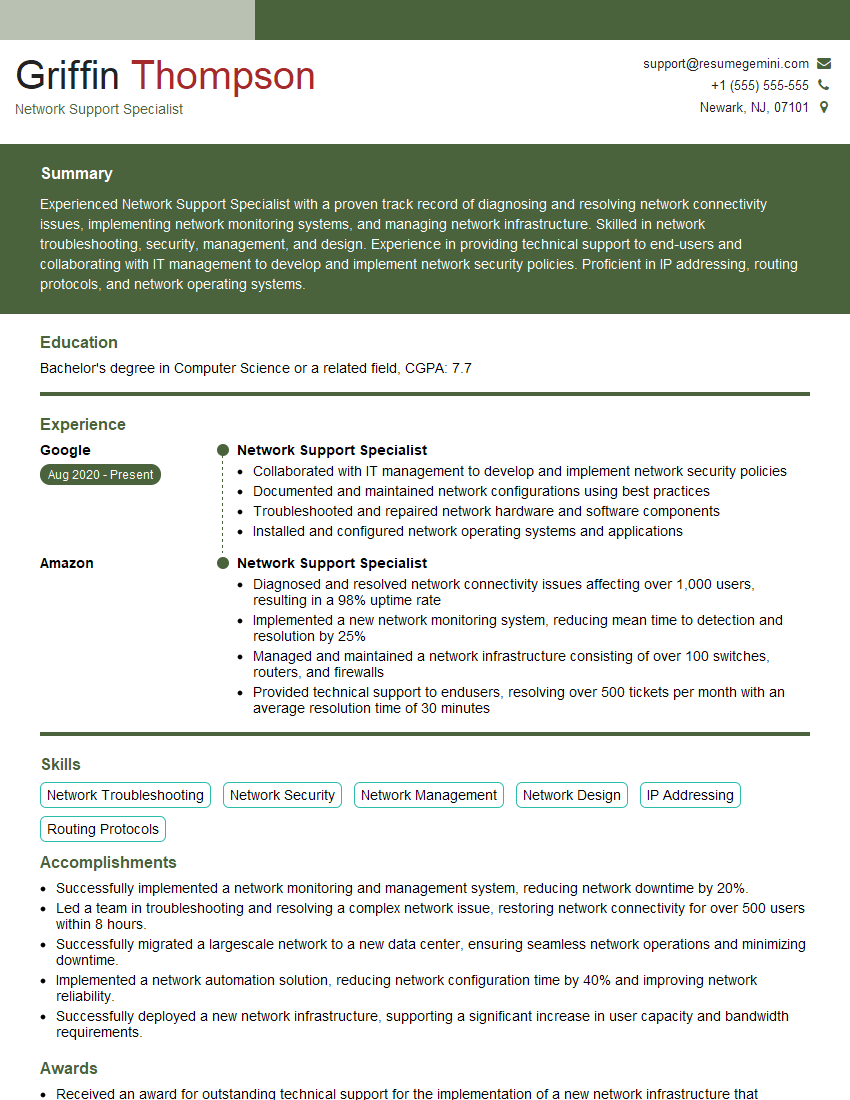
Network Support Specialist Resume Sample

Network Technician Resume Sample

Wireless Network Engineer Resume Sample

Help Desk Analyst Resume Sample
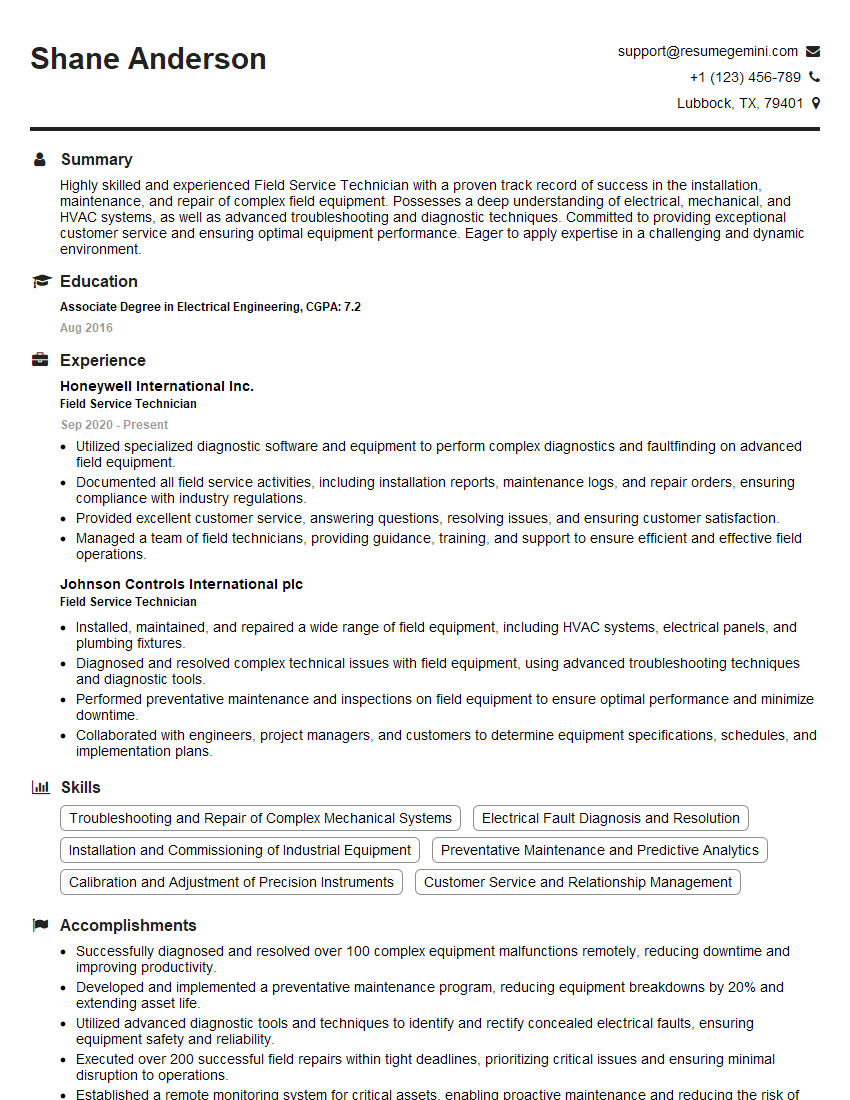
Field Service Technician Resume Sample
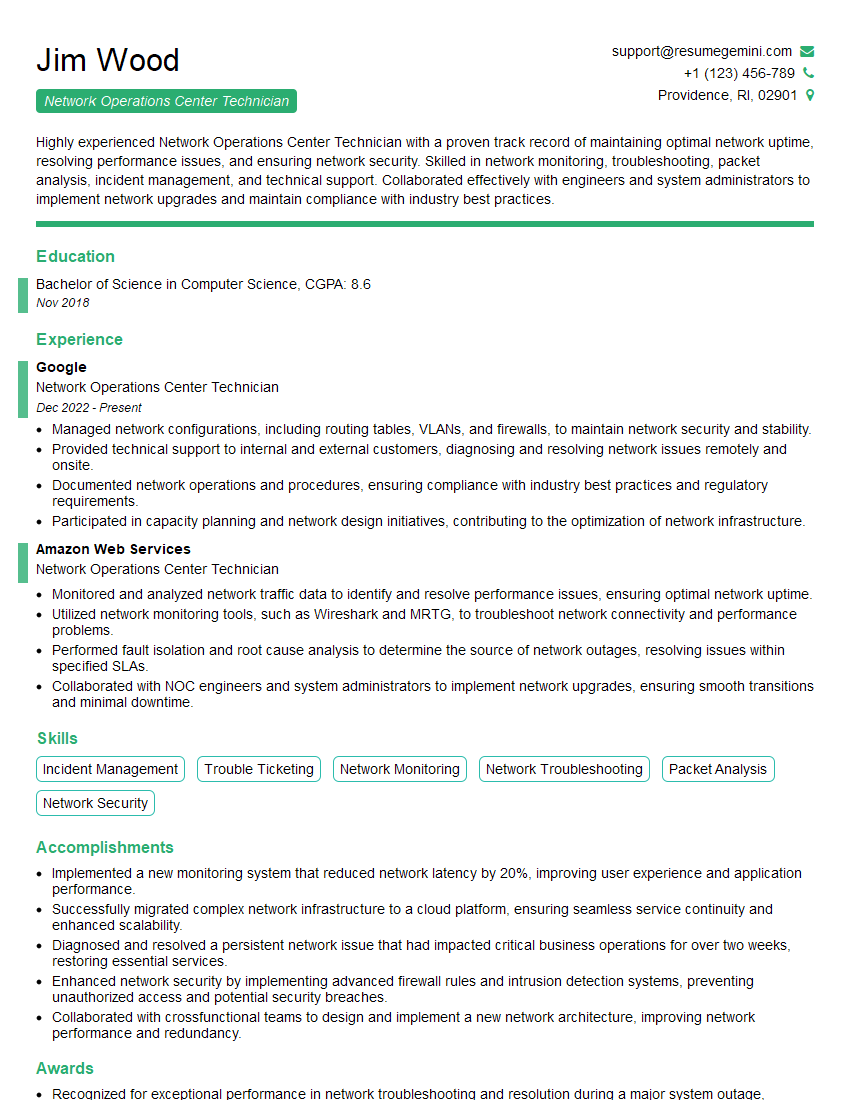
Network Operations Center Technician Resume Sample
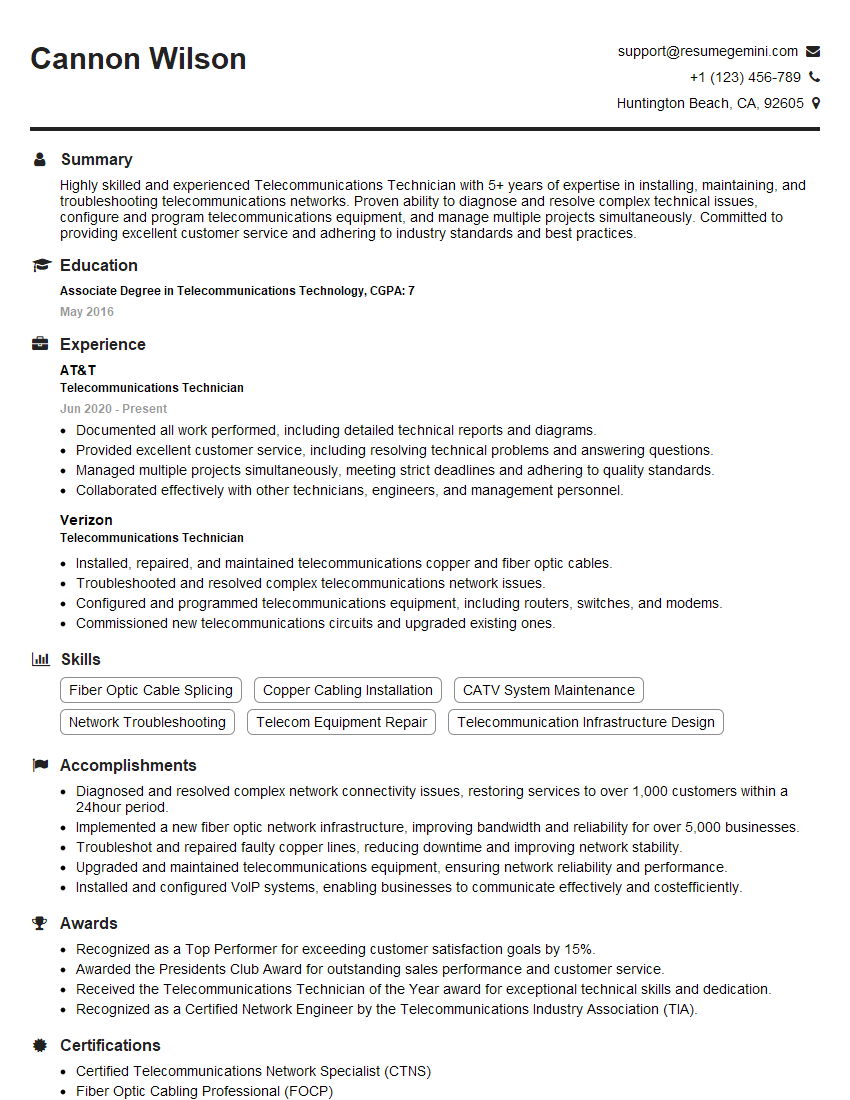
Telecommunications Technician Resume Sample
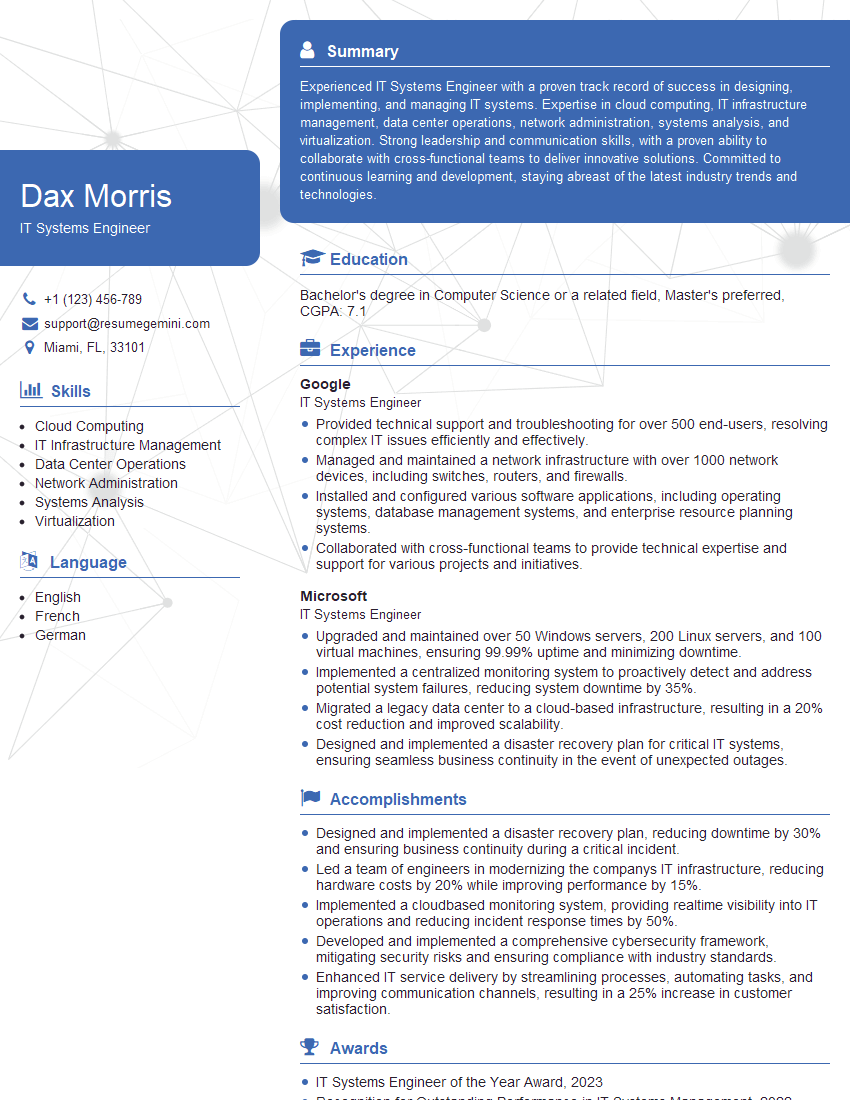
IT Systems Engineer Resume Sample
- Network Administrator
- Network Engineer
- Network Security Administrator
- Systems Administrator
- Network Analyst
- Network Support Specialist
- Network Technician
- Wireless Network Engineer
- Help Desk Analyst
- Field Service Technician
- Network Operations Center Technician
- Telecommunications Technician
- IT Systems Engineer
Explore more articles
Users Rating of Our Blogs
Share Your Experience
We value your feedback! Please rate our content and share your thoughts (optional).
What Readers Say About Our Blog
Very informative content, great job.
good