The right preparation can turn an interview into an opportunity to showcase your expertise. This guide to Network Cable Testing interview questions is your ultimate resource, providing key insights and tips to help you ace your responses and stand out as a top candidate.
Questions Asked in Network Cable Testing Interview
Q 1. What are the different types of network cables?
Network cables are the lifelines of any network, carrying data between devices. Several types exist, each with its strengths and weaknesses, catering to different needs and bandwidth requirements. The most common types include twisted-pair cables (used in Ethernet networks), coaxial cables (used in older networks and cable TV), and fiber optic cables (used for high-bandwidth applications).
- Twisted-Pair Cables: These are the workhorses of most local area networks (LANs). They consist of pairs of insulated copper wires twisted together to reduce electromagnetic interference (EMI).
- Coaxial Cables: These cables have a central conductor surrounded by an insulator, a conductive shield, and an outer jacket. They offer better shielding than twisted-pair but are less flexible and generally carry less data.
- Fiber Optic Cables: These use light pulses to transmit data through glass or plastic fibers. They offer significantly higher bandwidth and longer distances compared to copper cables, making them ideal for long-haul networks and high-speed applications.
Q 2. Explain the difference between twisted-pair, coaxial, and fiber optic cables.
The key differences lie in their construction, bandwidth capacity, and susceptibility to interference:
- Twisted-Pair: Relatively inexpensive, easy to install, and widely used in LANs. However, they are susceptible to EMI and have limited bandwidth compared to fiber optics. Different categories (Cat5e, Cat6, etc.) offer increasing bandwidth and improved performance.
- Coaxial: Offers better shielding against EMI than twisted-pair, making it suitable for environments with high electrical noise. However, it has lower bandwidth and is less flexible than twisted-pair.
- Fiber Optic: Offers significantly higher bandwidth, longer transmission distances, and immunity to EMI. It’s more expensive and requires specialized equipment for installation and termination. Imagine it as a superhighway for data, compared to the regular roads of twisted-pair.
Q 3. What are the common cable standards (e.g., Cat5e, Cat6, Cat6a, Cat8)?
These standards define the performance characteristics of twisted-pair cables, indicating their bandwidth capacity and resistance to interference. Higher category numbers generally indicate improved performance and higher bandwidth. Here are some common standards:
- Cat5e: Supports Gigabit Ethernet (1 Gbps).
- Cat6: Supports Gigabit Ethernet and offers improved performance at higher frequencies.
- Cat6a: Supports 10 Gigabit Ethernet (10 Gbps) over longer distances.
- Cat8: Supports 40 Gigabit Ethernet (40 Gbps) and 25 Gigabit Ethernet (25 Gbps) over longer distances.
Think of these categories as different classes of roads; Cat5e is a good road, Cat6 is a better highway, and Cat8 is a super-speed expressway.
Q 4. Describe the TIA/EIA 568 standard.
TIA/EIA 568 is a set of commercial building industry standards that define the requirements for cabling and components in structured cabling systems. It outlines standards for cabling infrastructure including cable types, connectors, termination methods, and testing procedures. This standard ensures interoperability and reliability across different network installations. A key element is the 568A and 568B wiring schemes for T568 connectors, which define the color coding of the wires.
Following this standard ensures that your network infrastructure meets industry best practices and provides consistent and reliable performance.
Q 5. How do you test cable continuity?
Cable continuity testing verifies that there is an unbroken electrical path between the two ends of a cable. This is fundamental to ensure that data can flow. A continuity tester, often part of a cable certifier, injects a small current into one end and measures if it reaches the other. If the test passes, it indicates continuity. If it fails, it means there’s a break somewhere in the cable.
Imagine it like checking if a water pipe is blocked; if water flows through, it’s continuous, otherwise, there’s a break.
Q 6. How do you test for shorts and opens in network cables?
Shorts and opens are common cable faults. A short occurs when two or more wires touch, creating an unintended connection. An open is a break in a wire, interrupting the electrical path. These faults are typically detected using a cable tester which measures the resistance and impedance of the cable.
A short is like a shortcut in a road, causing traffic jams. An open is like a road closure, completely halting the traffic. Both are identified during cable testing through impedance and resistance measurements.
Q 7. What is near-end crosstalk (NEXT) and far-end crosstalk (FEXT)?
Crosstalk is a major source of interference in twisted-pair cables. It’s when a signal on one wire pair interferes with a signal on another wire pair. This interference can degrade the signal quality and reduce network performance.
- Near-End Crosstalk (NEXT): This occurs when interference is measured at the sending end of the cable.
- Far-End Crosstalk (FEXT): This occurs when interference is measured at the receiving end of the cable.
Imagine two parallel roads; NEXT is like the noise you hear from a car on the adjacent road from your own car, while FEXT is like the noise heard by a car far down the road from your car. Both indicate signal interference.
Q 8. Explain attenuation and its impact on network performance.
Attenuation is the loss of signal strength as it travels along a network cable. Imagine a whisper traveling down a long hallway – it gets quieter and quieter the further it goes. Similarly, electrical signals in copper cables or light signals in fiber optic cables lose power over distance. This loss is measured in decibels (dB) or decibels per kilometer (dB/km).
High attenuation significantly impacts network performance by reducing the signal-to-noise ratio. This means the useful signal becomes weaker relative to background noise, leading to errors, slow data transfer speeds, and ultimately, network instability. In severe cases, the signal may become undetectable altogether. For example, if attenuation is too high in a long Ethernet cable, your network connection might drop frequently or be extremely slow. This is why cable quality and length are critical design considerations.
Q 9. What is return loss and why is it important?
Return loss is a measure of the amount of signal reflected back towards the source. Think of it like an echo. A strong echo (high return loss) indicates a significant mismatch in impedance between the cable and the connected devices. This impedance mismatch occurs when the cable’s electrical characteristics don’t match those of the equipment.
Return loss is crucial because reflected signals can interfere with the original signal, causing distortion, errors, and data loss. It’s expressed in decibels (dB). A higher positive dB value represents less reflection, while a lower value or even a negative dB value indicates a significant problem and can negatively impact data transmission reliability and speed. In professional settings, acceptable return loss values are often specified by standards and manufacturers.
Q 10. How do you test for cable length?
There are several ways to test cable length. For copper cables, a simple but less accurate method is to use a cable length tester. These devices send a signal down the cable and measure the time it takes to return, calculating the length based on the signal’s speed. More sophisticated testers, often integrated with network cable certification testers, provide accurate measurements and include features to identify faults.
For fiber optic cables, an Optical Time-Domain Reflectometer (OTDR) is used. It precisely measures the length by sending light pulses and analyzing how the reflections reveal the cable’s characteristics, including length. In either case, accurate length measurement is essential for cable management, troubleshooting and proper network design, particularly in longer cable runs.
Q 11. What is a cable certification test and why is it important?
A cable certification test is a comprehensive assessment of a network cable’s performance against industry standards, such as TIA-568 or ISO/IEC 11801. It verifies that the cable meets specific requirements for parameters like attenuation, return loss, NEXT (Near-End Crosstalk), and AC Resistance.
This is crucial because a certified cable guarantees reliable data transmission and meets the standards necessary for optimal network performance. Without certification, network issues such as slow speeds or data loss can be difficult to troubleshoot and may result from substandard cabling. Certifications offer peace of mind and often serve as documentation for audits and compliance.
Q 12. Describe the process of testing a fiber optic cable.
Testing fiber optic cables involves a slightly different approach compared to copper cables. The key is ensuring proper light transmission and minimizing loss. First, visual inspection checks for physical damage to the cable and connectors. Then, specialized equipment is used.
An OTDR (Optical Time-Domain Reflectometer) is the primary tool. It measures attenuation, identifies faults (breaks, bends, splice issues), and measures the overall length. Power meters and light sources verify the optical power at various points along the cable. Connectors are checked for proper cleanliness and alignment. A loss budget must be calculated before installation, considering factors like cable length, connector type and the number of splices to ensure acceptable signal strength.
Q 13. What are OTDRs and how are they used?
OTDRs (Optical Time-Domain Reflectometers) are sophisticated instruments used to test fiber optic cables. Imagine sending a pulse of light down the cable and listening for echoes. That’s essentially what an OTDR does. It sends a light pulse into the fiber and measures the time it takes for reflections (or echoes) to return.
These reflections reveal information about events along the fiber’s path, such as connectors, splices, and even subtle faults like microbends. An OTDR can accurately measure attenuation, determine cable length, locate faults, and analyze the overall health of the fiber optic cable. This is invaluable for network maintenance, installation and troubleshooting of complex fiber optic networks.
Q 14. What are the different types of fiber optic connectors?
There are several common types of fiber optic connectors, each designed for specific applications and cable types. The most prevalent include:
- SC (Subscriber Connector): A push-pull design, known for its reliability and widespread use.
- FC (Ferrule Connector): A threaded connector offering robust mechanical stability, often found in harsh environments.
- LC (Lucent Connector): A smaller, more compact connector gaining popularity for its space-saving features in high-density applications.
- ST (Straight Tip): A bayonet-style connector, less common now but still found in some older installations.
- MT-RJ (Mechanical Transfer Registered Jack): A dual-fiber connector designed for high-density applications.
The choice of connector depends on various factors such as the application requirements, network architecture, and cable type. Compatibility is paramount; mismatched connectors can lead to poor connections and signal loss.
Q 15. How do you identify and troubleshoot common network cable problems?
Identifying and troubleshooting network cable problems starts with a systematic approach. First, I’d visually inspect the cable for any obvious damage like cuts, kinks, or loose connectors. Then, I’d use a cable tester, which is an essential tool in my arsenal. These testers can vary in complexity, from simple continuity checkers to advanced network analyzers that pinpoint specific problems.
For example, a simple continuity test can determine if there’s a break in the wire. A more advanced tester can check for shorts, miswires (incorrect pin assignments), and attenuation (signal loss). If a problem is identified, I’d check the connectors – ensuring they’re securely attached and free from damage – then trace the cable’s path looking for any areas of potential stress or interference. If the issue remains, I may need to use a Time-Domain Reflectometer (TDR) to pinpoint the exact location of a break or fault within the cable.
Let’s say the tester indicates a miswire. I’d then systematically check the wire connections at both ends of the cable, referencing the wiring standard (e.g., T568A or T568B) to correct the connections. If the problem involves attenuation, I might need to replace a damaged segment or consider using a different cable type with lower attenuation to improve signal strength. Documentation of the cabling infrastructure is also critical; a well-maintained network diagram significantly speeds up troubleshooting.
Career Expert Tips:
- Ace those interviews! Prepare effectively by reviewing the Top 50 Most Common Interview Questions on ResumeGemini.
- Navigate your job search with confidence! Explore a wide range of Career Tips on ResumeGemini. Learn about common challenges and recommendations to overcome them.
- Craft the perfect resume! Master the Art of Resume Writing with ResumeGemini’s guide. Showcase your unique qualifications and achievements effectively.
- Don’t miss out on holiday savings! Build your dream resume with ResumeGemini’s ATS optimized templates.
Q 16. What are the safety precautions you should take when working with network cables?
Safety is paramount when working with network cables. Always disconnect power to any equipment before working on cables connected to it. This prevents electrical shocks. Never work on energized cables or equipment unless you’re qualified and using appropriate safety equipment.
When working at heights, appropriate safety harnesses and fall protection must be used. When pulling cables through conduits or walls, be aware of potential hazards such as sharp edges or existing wiring. Always use appropriate cable management tools to protect yourself and the cable from damage during installation or repair. Wear safety glasses to protect your eyes from debris or sharp edges. Lastly, if you are unsure about a procedure, seek guidance from a more experienced colleague or consult the relevant safety documentation.
Q 17. Explain the difference between single-mode and multi-mode fiber optic cables.
Single-mode and multi-mode fiber optic cables differ primarily in the core diameter and the type of light they transmit. Single-mode fiber has a much smaller core diameter (around 8-10 microns) which allows for transmission of a single light ray with minimal signal dispersion over long distances (kilometers). This is because the light travels in a straight line within the narrow core. It’s typically used in long-haul telecommunications.
Multi-mode fiber, on the other hand, has a larger core diameter (50-100 microns) enabling the transmission of multiple light rays simultaneously. This results in greater signal dispersion and limits its effective range to shorter distances (hundreds of meters). It’s commonly used in shorter network connections within buildings. Single-mode fiber is generally more expensive and requires specialized equipment compared to multi-mode fiber. The choice between them depends largely on the distance required for the network connection.
Q 18. What are the advantages and disadvantages of different cable types?
Different cable types offer various advantages and disadvantages. For instance, fiber optic cables offer higher bandwidth, longer transmission distances, and better immunity to electromagnetic interference (EMI) compared to copper cables like twisted-pair. However, they are more expensive and require more specialized equipment for termination and testing.
- Twisted-pair (Cat5e, Cat6, Cat6a): Relatively inexpensive, easy to install and terminate, but bandwidth and distance are limited compared to fiber.
- Coaxial Cable: Good for high-frequency signals, used in older networks and cable TV, but susceptible to interference and limited bandwidth compared to fiber.
- Fiber Optic: High bandwidth, long distances, immune to EMI, but expensive and requires specialized equipment.
The best cable type depends on the specific application. A home network might only require Cat5e, while a large data center would benefit from the higher bandwidth and longer reach of fiber optic cables.
Q 19. How do you terminate a twisted-pair cable?
Terminating a twisted-pair cable involves connecting the wires to a connector, typically an RJ45 connector. First, I’d carefully strip the outer jacket of the cable to expose the individual twisted pairs. Next, I’d untwist the pairs only slightly, ensuring the wires are straight and not kinked. Then, I’d carefully align the wires according to the appropriate wiring standard (T568A or T568B), inserting them into the RJ45 connector, making sure each wire is properly seated and goes all the way to the back of the connector.
Using a crimping tool, I’d then crimp the connector firmly to secure the wires. After crimping, I would visually inspect the connector to ensure all wires are properly seated. A poorly terminated connector can result in poor signal quality or intermittent connectivity. For example, if a wire is not fully seated, it can cause an open circuit. If the crimp isn’t strong enough, it could result in a loose connection, leading to intermittent signal dropouts. Precision and attention to detail are crucial for a reliable termination.
Q 20. How do you identify different cable types by their physical characteristics?
Identifying different cable types involves examining their physical characteristics. Fiber optic cables typically have a smooth, glass-like outer surface and are often thinner than copper cables. They usually come in yellow, orange, or other colors to distinguish them from copper cables. Copper cables, on the other hand, usually have a plastic or rubber outer jacket. Twisted-pair cables can be identified by their multiple twisted pairs of wires visible after stripping the outer jacket. Coaxial cables have a characteristic outer shield and a central conductor.
Furthermore, the connectors can also help to identify the cable type. For example, RJ45 connectors are used for twisted-pair cables, while SC, ST, or LC connectors are commonly associated with fiber optic cables. The cable markings, though not always reliable, may also indicate the type and specifications of the cable.
Q 21. Describe your experience with different cable testing tools and equipment.
My experience encompasses a range of cable testing tools and equipment. I’m proficient in using various cable testers, ranging from basic continuity testers to advanced network analyzers such as Fluke Networks’ DSX CableAnalyzer and Klein Tools’ testers. These tools allow me to identify breaks, shorts, miswires, and attenuation in both copper and fiber optic cables. I’ve also used Optical Time-Domain Reflectometers (OTDRs) to locate faults in fiber optic cables. The OTDR provides detailed visual information about the cable including distance to faults and the severity of losses.
In addition to these, I’m familiar with wire mapping tools, which assist in identifying the correct pinouts of a cable. I also have experience using toner probes for tracing cables within walls or complex cable runs. My experience ensures I can select and effectively utilize the appropriate testing equipment to diagnose and resolve network cable problems quickly and accurately, minimizing downtime. Regular calibration of this equipment is critical to maintain testing accuracy and reliability.
Q 22. What are some common causes of cable failures?
Cable failures are unfortunately common in networking, stemming from various sources. Think of a cable as a delicate highway for data; any disruption causes problems. Common culprits include physical damage – kinks, cuts, or excessive bending during installation or relocation. Environmental factors play a role too: excessive heat, cold, or moisture can degrade cable insulation and conductors, leading to signal attenuation and eventually failure. Poor installation practices, such as improper termination or crimping, are another significant factor. Finally, rodent damage or even accidental crushing can cause intermittent or complete failure.
- Physical Damage: Imagine a garden hose – repeatedly bending it in the same spot will eventually cause a leak. Similarly, cables constantly flexed or sharply bent at the same point will weaken and break.
- Environmental Factors: Extreme temperatures, like those found in an unconditioned server room, can degrade cable insulation, reducing its effectiveness.
- Poor Installation: Improperly crimped connectors create high resistance points, hindering signal transmission and possibly leading to intermittent connectivity.
Q 23. How do you document cable testing results?
Thorough documentation is crucial for efficient troubleshooting and maintenance. I use a combination of methods. First, I create a clear, labeled cable map, often using a spreadsheet or dedicated cable management software. This map details the cable’s identification number, location, connectivity (e.g., which devices it connects), and its length. Crucially, the test results are then meticulously recorded. This includes the type of test performed (e.g., TDR, OTDR, continuity), the date and time of the test, and the specific results obtained (e.g., length, attenuation, near-end crosstalk). I also include any relevant observations, like visible damage to the cable or unusual environmental conditions. For larger projects, a dedicated database or CMMS (Computerized Maintenance Management System) provides an even more robust method for organizing and storing this critical information. Finally, I always keep a copy of the documentation in both digital and physical formats for backup.
Q 24. How do you handle a situation where a cable test fails?
A failed cable test requires a systematic approach. First, I carefully review the test results to pinpoint the nature of the failure. Is it a complete break, high attenuation, or a problem with impedance? The type of failure provides crucial clues to the root cause. Next, I visually inspect the cable along its entire length. I’m looking for kinks, cuts, signs of rodent damage, or any other physical problems. If the problem is localized, I can often isolate the failure point by segmenting the cable. I use a cable tester to narrow down the problematic section. If the failure is due to a faulty connector, I may attempt to re-terminate it. However, if the damage is more extensive, replacement is usually the most efficient solution. Throughout this process, I meticulously document each step, including the tests performed, the observations made, and the actions taken. This information is invaluable for future reference and to avoid repeating the same mistakes.
Q 25. What is your experience with network cable management best practices?
My experience encompasses all aspects of best practices. This includes using proper labeling systems, ensuring cables are neatly bundled and routed to minimize congestion and accidental damage. Proper cable management is paramount; imagine trying to fix a tangled ball of yarn – it’s frustrating and inefficient. I favor color-coded cabling for easier identification and efficient troubleshooting. I also advocate for the use of cable trays, conduits, and other infrastructure to protect cables from physical damage and environmental factors. Using high-quality materials and adhering to manufacturer’s installation guidelines are non-negotiable to ensure long-term reliability. Finally, regular cable inspections help to identify potential problems early, preventing major outages. I often utilize cable management software to maintain accurate documentation and track cable usage.
Q 26. How do you ensure cable integrity in a high-density environment?
High-density environments pose significant challenges to cable integrity. Effective cable management is crucial. My approach involves using structured cabling systems, including cable trays and racks, to organize cables efficiently. I focus on minimizing bends and kinks, using proper cable ties and holders to prevent tangling. Fiber optic cables are often preferred in high-density areas due to their higher bandwidth and immunity to electromagnetic interference. Careful planning during the initial design phase of the network is vital to prevent future issues. Regular inspections are also a must to ensure that cables remain properly organized and free from damage. Proper labeling and documentation help with rapid identification and troubleshooting of cables in a dense environment. In short, it’s all about structured, disciplined cabling and proactive monitoring.
Q 27. Explain your troubleshooting methodology for complex network cable issues.
My troubleshooting methodology follows a structured approach. First, I gather information – what are the symptoms (slow speeds, intermittent connectivity, complete outage)? Then I isolate the problem – is the issue with a single device, a section of the network, or a specific cable? Next, I perform tests – I use my cable tester to check for continuity, attenuation, and other parameters to locate the fault. If needed, I’ll use more advanced tools like OTDR (Optical Time-Domain Reflectometer) for fiber optic cables. I parallel this technical approach with methodical checking. I examine physical connections, looking for loose terminations or damaged cables. I compare network maps against the actual physical layout of the cables. The process is iterative; testing informs inspection, which in turn leads to more targeted testing. Finally, I thoroughly document the process, the results, and the implemented solutions. This ensures that the issue is fully resolved and that future occurrences are avoided.
Q 28. Describe a time you had to resolve a challenging network cable problem.
I once encountered a situation where a critical server was experiencing intermittent connectivity. Initial tests suggested no problems with the server itself. However, the cable connecting the server to the main network switch showed unusual attenuation levels on specific frequencies. A visual inspection revealed no obvious damage. Using an OTDR, I discovered a micro-bend in the fiber optic cable buried within a tightly packed cable tray. The bend was too small to be visually apparent, but it was significantly impacting the signal quality. By carefully rerouting the cable, providing more space, and securing it properly, the intermittent connectivity was fully resolved. This experience underscored the importance of thorough testing, meticulous inspection, and the value of advanced tools like the OTDR for identifying subtle cable issues.
Key Topics to Learn for Network Cable Testing Interview
- Cable Standards and Types: Understanding different cable types (e.g., CAT5e, CAT6, fiber optic), their specifications, and applications is crucial. This includes knowing their bandwidth capabilities and limitations.
- Testing Equipment and Tools: Familiarize yourself with common testing tools like cable certifiers, tone generators, and multimeters. Practice using these tools and interpreting their results. Understanding the differences between various testing methods is key.
- Testing Procedures and Methodologies: Mastering the proper procedures for testing cable continuity, wiremaps, and signal attenuation is essential. Be prepared to explain the steps involved in troubleshooting common cable faults.
- Troubleshooting Common Cable Problems: Develop your ability to diagnose and resolve issues such as shorts, opens, and crosstalk. Practice explaining your troubleshooting methodology and how you would approach different scenarios.
- Network Topologies and Their Impact on Testing: Understanding different network topologies (star, bus, ring) and how they affect cable testing procedures and potential troubleshooting steps is vital.
- Safety Procedures and Best Practices: Demonstrate knowledge of safe practices when working with network cables, including grounding and safety precautions for different cable types.
- Documentation and Reporting: Be prepared to discuss how you document testing results and generate reports for clients or internal teams. Neatness and accuracy are crucial in this aspect.
Next Steps
Mastering network cable testing opens doors to exciting opportunities in IT infrastructure, network administration, and related fields. A strong understanding of these concepts is highly sought after by employers. To maximize your chances of landing your dream role, focus on creating an ATS-friendly resume that highlights your skills and experience effectively. ResumeGemini is a trusted resource that can help you build a professional and impactful resume. They provide examples of resumes tailored to Network Cable Testing to guide you, ensuring your qualifications shine.

Network Administrator Resume Sample

Systems Administrator Resume Sample

Network Technician Resume Sample

Technical Support Specialist Resume Sample
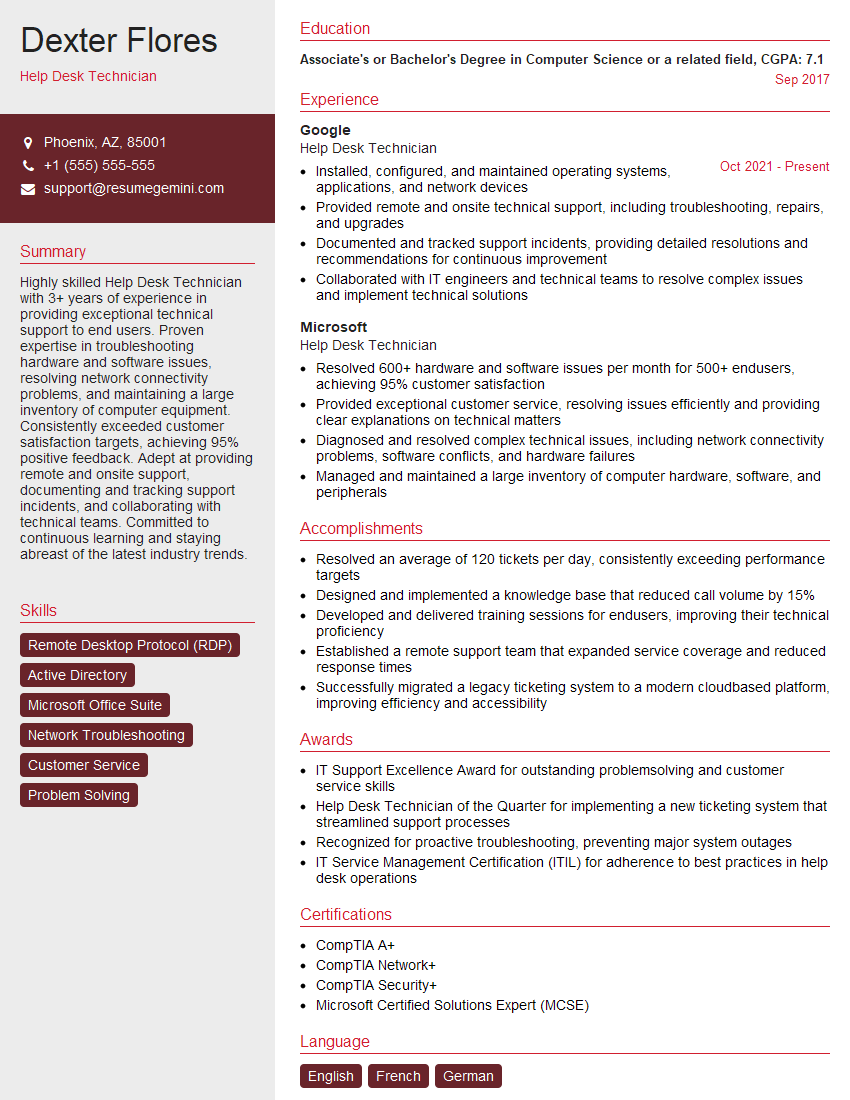
Help Desk Technician Resume Sample
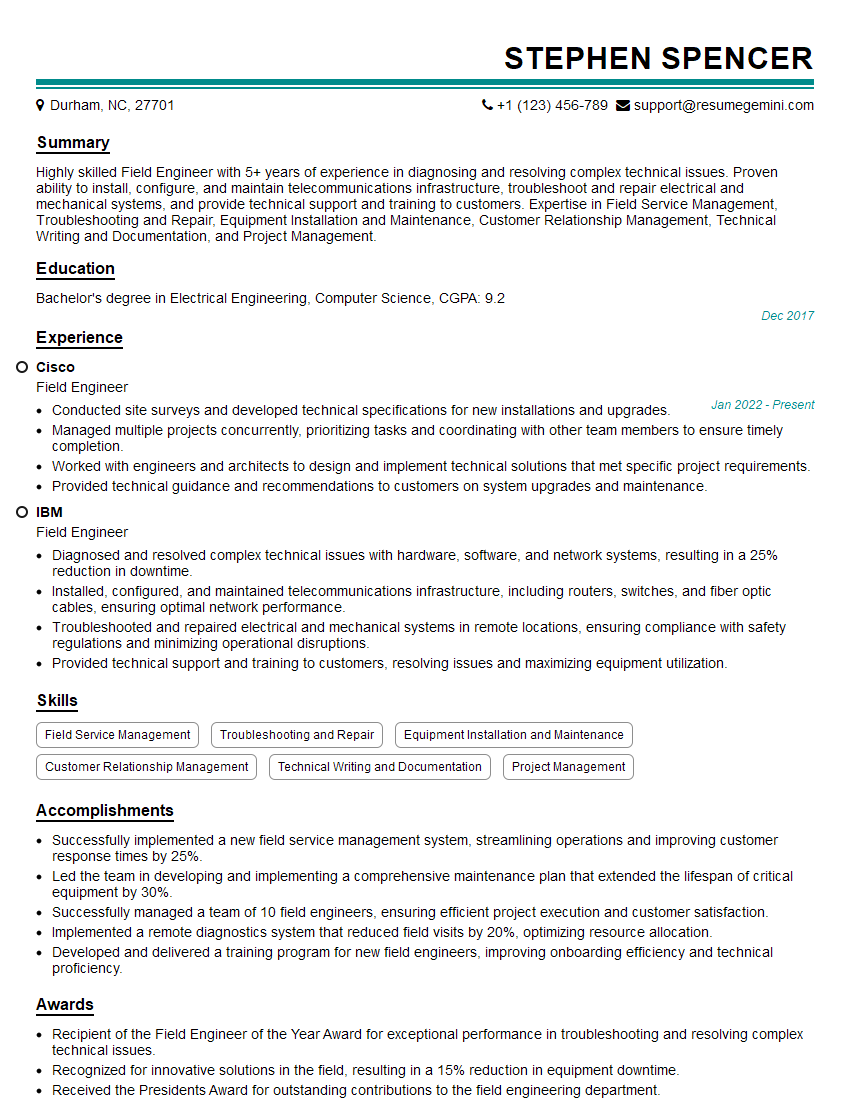
Field Engineer Resume Sample
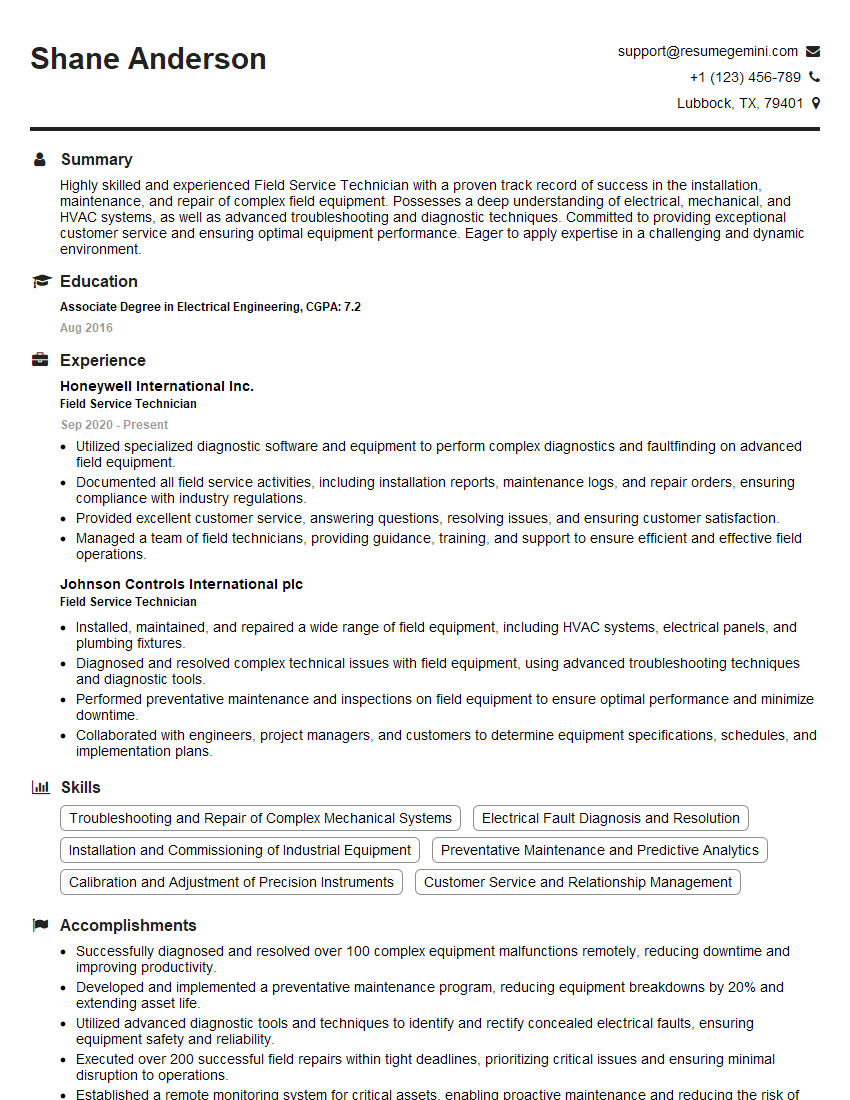
Field Service Technician Resume Sample
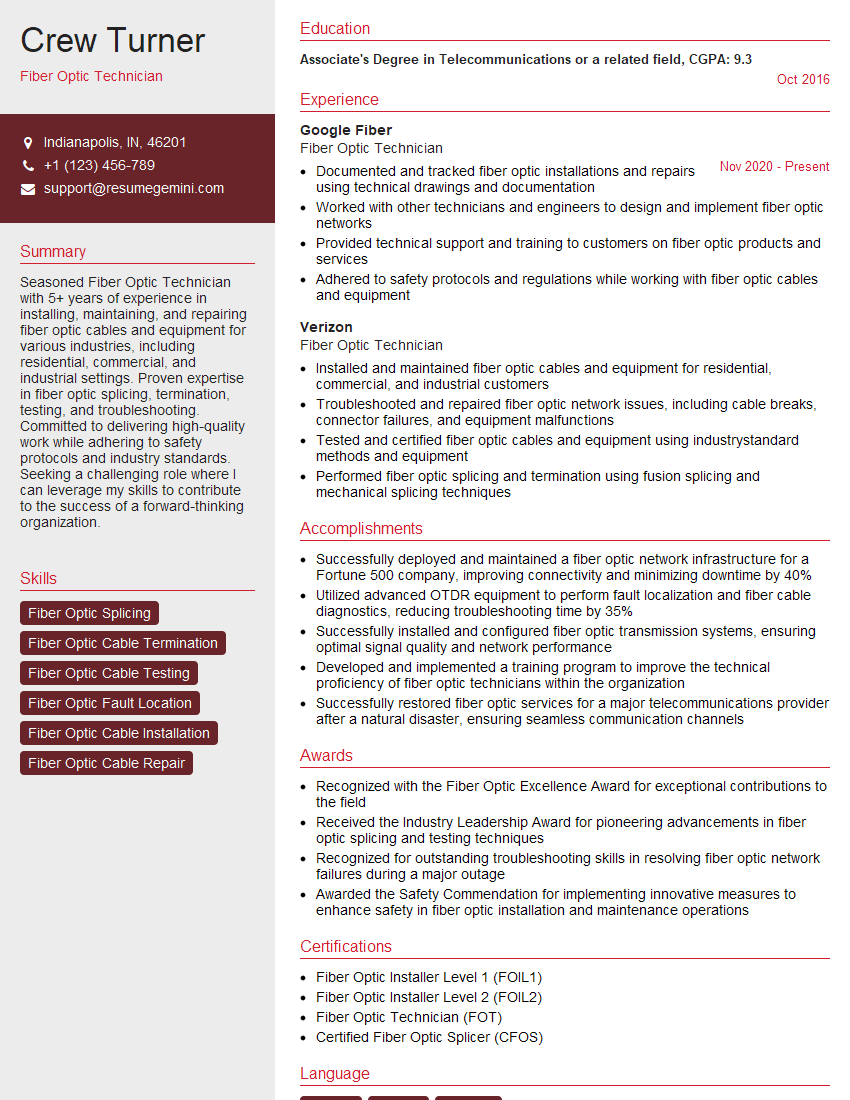
Fiber Optic Technician Resume Sample
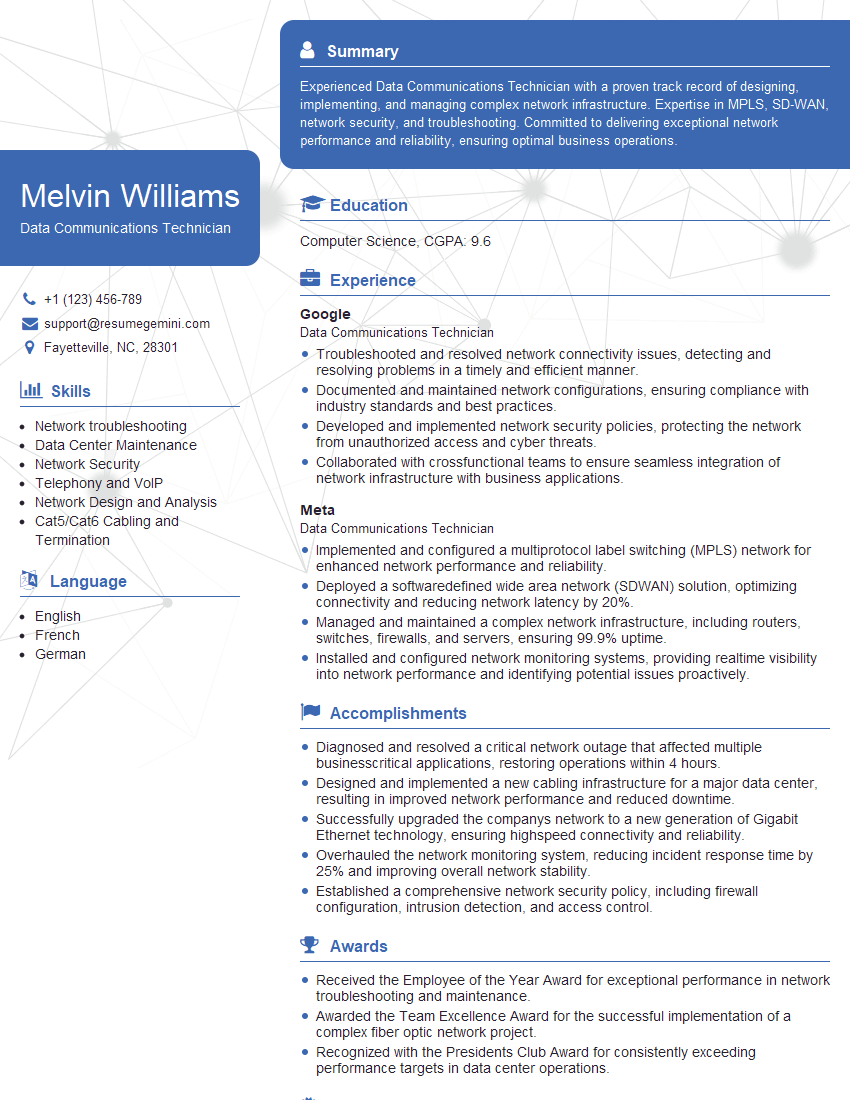
Data Communications Technician Resume Sample
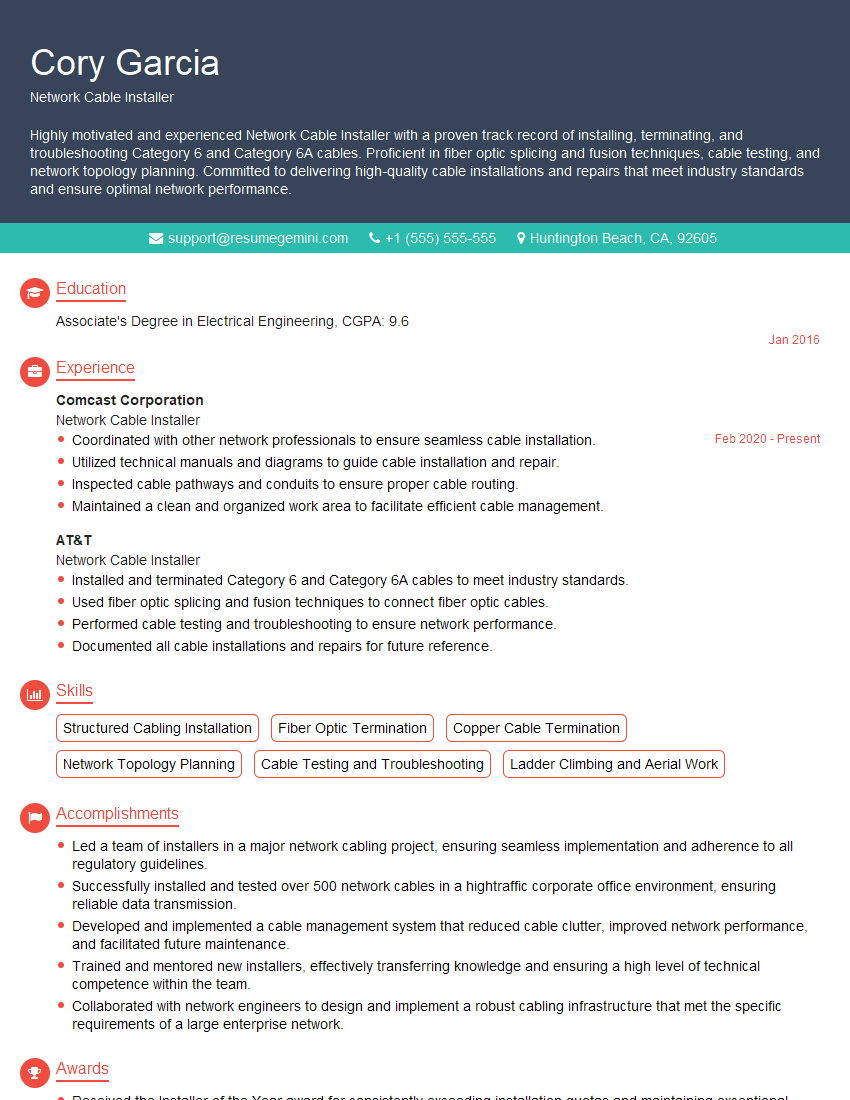
Network Cable Installer Resume Sample
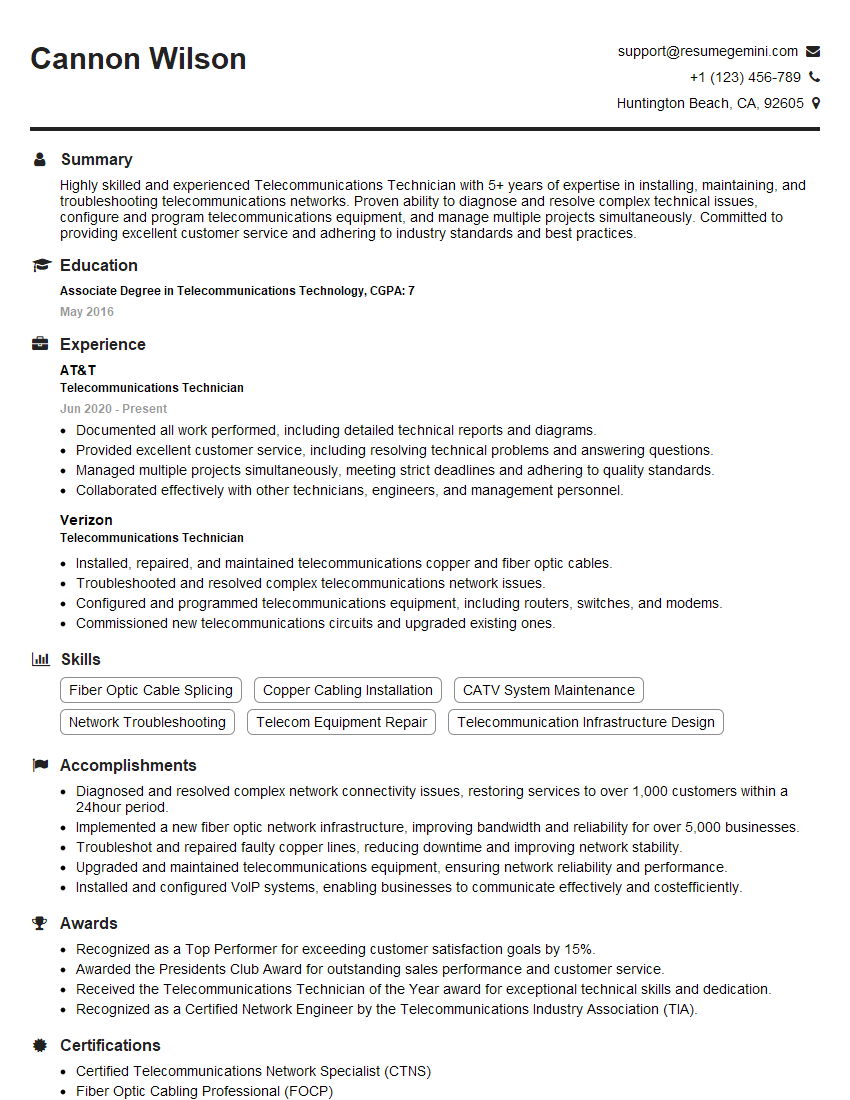
Telecommunications Technician Resume Sample
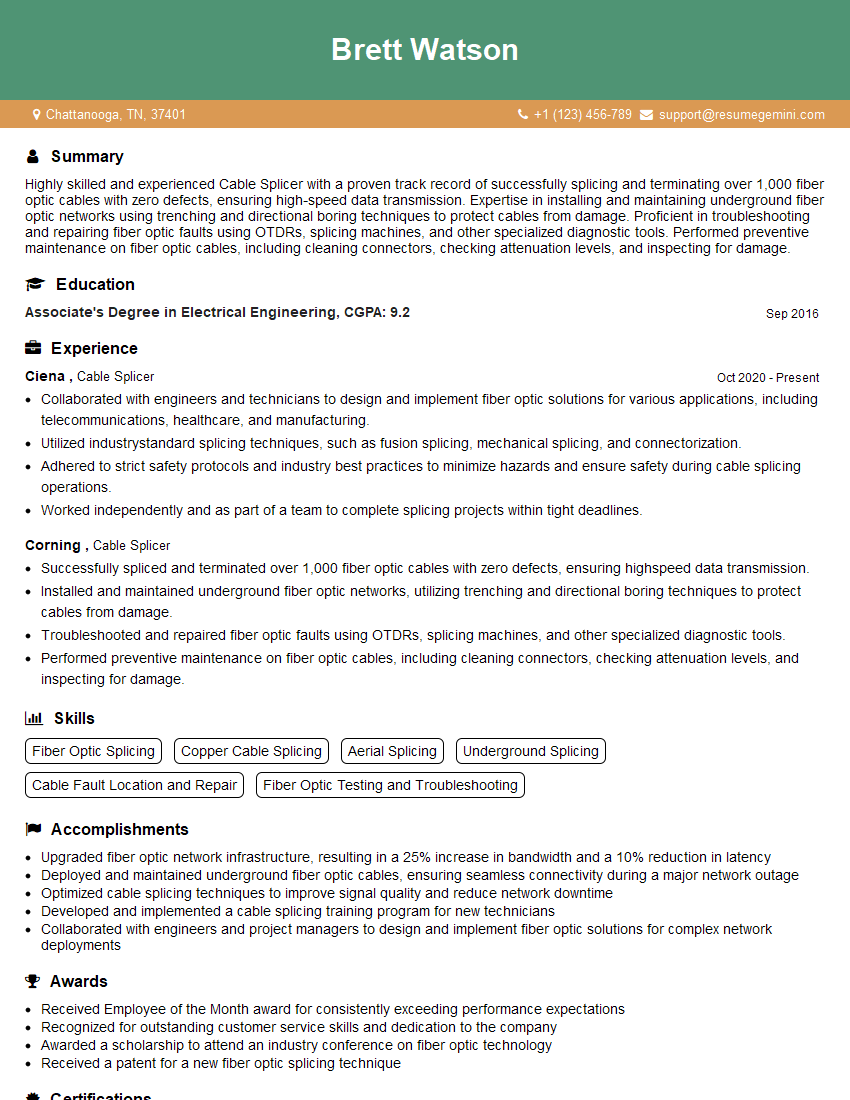
Cable Splicer Resume Sample
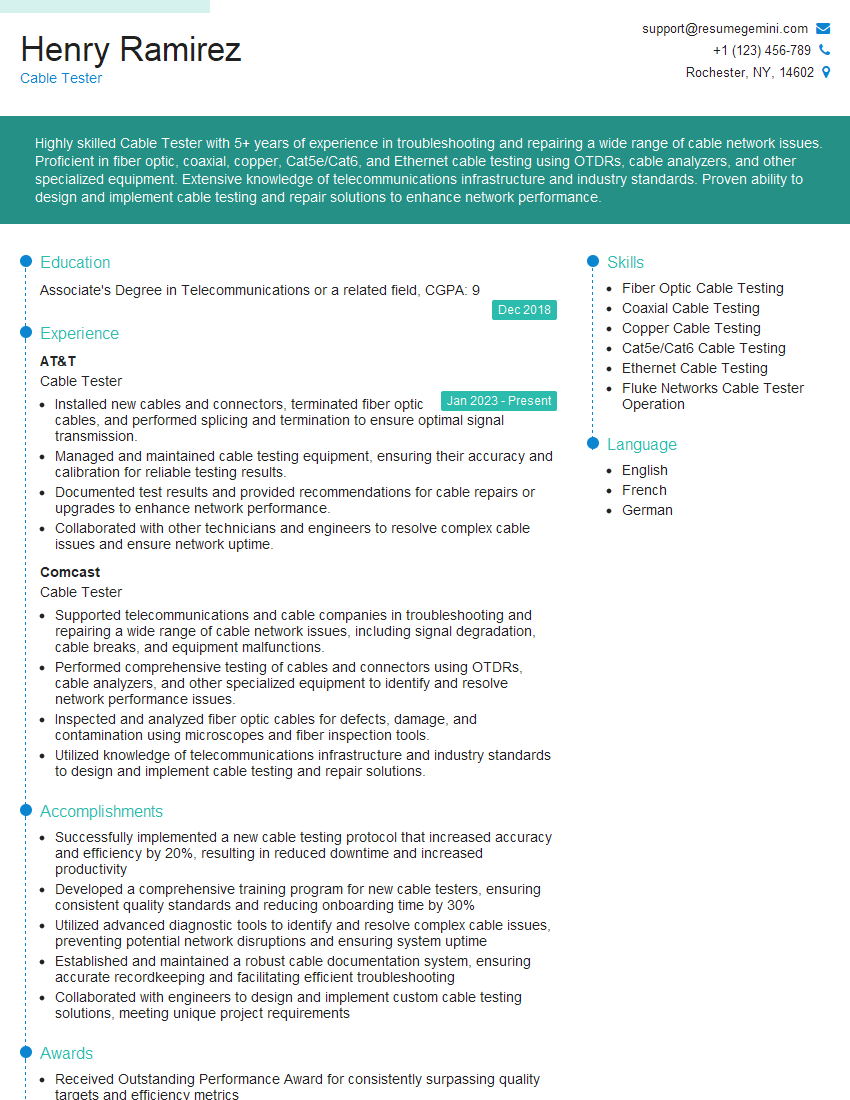
Cable Tester Resume Sample

IT Support Specialist Resume Sample
- Network Administrator
- Systems Administrator
- Network Technician
- Technical Support Specialist
- Help Desk Technician
- Field Engineer
- Field Service Technician
- Fiber Optic Technician
- Data Communications Technician
- Network Cable Installer
- Telecommunications Technician
- Cable Splicer
- Cable Tester
- IT Support Specialist
Explore more articles
Users Rating of Our Blogs
Share Your Experience
We value your feedback! Please rate our content and share your thoughts (optional).
What Readers Say About Our Blog
Very informative content, great job.
good