Feeling uncertain about what to expect in your upcoming interview? We’ve got you covered! This blog highlights the most important Non-Linear Editing Systems interview questions and provides actionable advice to help you stand out as the ideal candidate. Let’s pave the way for your success.
Questions Asked in Non-Linear Editing Systems Interview
Q 1. What are the key differences between linear and non-linear editing?
The core difference between linear and non-linear editing lies in how you work with your video footage. Linear editing, think of the old-school film editing process, is destructive and sequential. You physically cut and splice film or tape, arranging clips in a specific order. Once a change is made, it’s permanent. Non-linear editing (NLE), on the other hand, is like working with digital building blocks. You can access and manipulate any clip at any time, in any order, without altering the original source files. This flexibility allows for iterative changes and experimentation without the limitations of linear editing.
- Linear: Think of it like writing on a single sheet of paper – once you make a mistake, you need to start over or carefully correct it. The process is fixed and sequential.
- Non-linear: This is more like working on a computer document – you can move sentences, paragraphs, or even entire sections around at will, without affecting the original text. You can freely experiment and undo changes.
Q 2. Explain the concept of ‘non-destructive editing’.
Non-destructive editing is a crucial aspect of NLEs. It means that edits don’t modify the original source files. Instead, the editing software keeps track of the edits as metadata or instructions. This preserves the original footage, allowing you to revert to the initial state at any time, or experiment with different edits without affecting the quality or integrity of the source material. Imagine it like creating a recipe – you can change the ingredients and quantities endlessly, but your original ingredient list remains untouched.
For example, if you apply a color correction effect in an NLE, the original clip remains unaltered. The NLE simply creates a record of the color adjustments to be applied when the clip is rendered. If you decide you don’t like the changes, you can simply remove the effect without having to start over.
Q 3. What are your preferred NLE systems and why?
My preferred NLE systems are Adobe Premiere Pro and DaVinci Resolve. Premiere Pro offers a robust and intuitive interface with extensive plugin support, making it ideal for a wide variety of projects, from simple corporate videos to complex feature films. Its integration within the Adobe Creative Cloud ecosystem is also a significant advantage. DaVinci Resolve, on the other hand, excels in its color grading capabilities. It provides unparalleled color science and control, making it the go-to choice for professionals who prioritize color accuracy and fidelity. Its free version is surprisingly powerful and sufficient for many projects, while the Studio version unlocks even more professional tools.
The choice between the two often depends on the specific project requirements. For projects demanding superior color correction and grading, DaVinci Resolve takes precedence. For projects where flexibility and integration with other Adobe tools are paramount, Premiere Pro is the preferred choice.
Q 4. Describe your experience with keyframing and animation techniques.
I have extensive experience with keyframing and animation techniques. Keyframing is the process of setting specific values for a parameter at different points in time. The NLE interpolates between these keyframes to create smooth animation. This is fundamental for creating transitions, subtle movements, and complex animations. I’m proficient in creating keyframes for various parameters, including position, scale, opacity, and color, across different software systems.
For example, I’ve used keyframes to create subtle camera movements, animate text transitions, and even build simple character animations. I frequently utilize motion tracking software to assist in animating elements that need to be realistically integrated into footage. My experience spans from basic movements to more intricate animations involving easing functions and expressions to achieve smooth, realistic results.
Q 5. How do you manage large video projects efficiently?
Managing large video projects efficiently requires a structured and organized approach. My workflow typically involves:
- Project Organization: I utilize a clear folder structure, naming conventions, and metadata tagging to keep assets organized. This makes searching and retrieving clips much easier.
- Proxy Editing: For large projects with high-resolution footage, working with proxy files is essential. Proxies are lower-resolution versions of the original files, allowing for smoother editing without overwhelming the system’s resources. This significantly speeds up the editing process.
- Collaboration Tools: For collaborative projects, I leverage cloud-based storage and collaborative editing platforms to allow team members to work concurrently without conflicts.
- Version Control: Regularly backing up my projects and maintaining different versions (e.g., using project versions in Premiere Pro or DaVinci Resolve’s versioning system) ensures that I can always revert to earlier stages of the project if necessary.
- Optimized Rendering Settings: Understanding render settings and choosing appropriate codecs and resolutions is vital for efficient rendering and output of the final product.
Q 6. What are your preferred methods for color correction and grading?
My preferred methods for color correction and grading involve a combination of techniques, depending on the project’s needs and aesthetic goals. I start with basic color correction to ensure accurate color representation, often using scopes (vectorscopes, histograms, waveforms) to guide my adjustments. I meticulously address white balance, exposure, contrast, and color temperature to create a solid foundation.
For creative color grading, I utilize DaVinci Resolve’s powerful tools to achieve specific looks. I employ techniques like lift, gamma, and gain adjustments for precise tonal control, and utilize color wheels and curves to selectively target specific color ranges. I regularly experiment with different LUTs (Look-Up Tables) to achieve a desired mood or style. My goal is always to create a cohesive and visually appealing color palette that enhances the storytelling of the video.
Q 7. How do you handle audio mixing and synchronization in your workflow?
Audio mixing and synchronization are critical components of my workflow. I typically start by importing audio files in sync with the video. Then, I use a multi-track audio editor built into my NLE (such as Premiere Pro’s or DaVinci Resolve’s audio editor) to perform the following steps:
- Synchronization: For any out-of-sync audio, I leverage the NLE’s tools for precise audio alignment.
- Cleanup: I reduce unwanted noise, pops, or clicks using noise reduction and other audio filters.
- Mixing: I carefully adjust levels for each track (dialogue, sound effects, music), paying attention to dynamics and spatialization. I use EQ (equalization) and compression to refine the audio and achieve a balanced mix.
- Sound Design: I add sound effects and music to create a cohesive soundscape that complements the video’s narrative and emotions.
For complex projects, I may collaborate with a dedicated sound engineer for advanced audio mixing and mastering.
Q 8. Explain your experience with different video codecs and formats.
My experience with video codecs and formats is extensive, encompassing a wide range from older standards to the latest advancements. Understanding codecs is crucial for balancing file size, quality, and editing performance. For example, I’m proficient with codecs like ProRes (known for its high quality and ease of editing in NLEs like Final Cut Pro and Adobe Premiere Pro), H.264 (a widely used compression codec for distribution, offering a good balance between quality and file size), and H.265 (HEVC), which offers better compression than H.264, resulting in smaller file sizes for the same quality. I also have experience with DNxHD, a codec often preferred for broadcast work due to its high quality and compatibility. The choice of codec depends heavily on the project’s needs; high-end visual effects work might necessitate ProRes’s higher bitrate, while online distribution might favour the smaller file sizes of H.264 or H.265. I’m also familiar with various container formats like MOV, MP4, and MXF, each with its strengths and weaknesses concerning metadata support and compatibility with different platforms. In choosing the right codec and container, I always consider factors such as final delivery platform, storage space, and the needs of the editing process itself.
Q 9. How do you troubleshoot common NLE issues?
Troubleshooting NLE issues requires a systematic approach. I begin by identifying the nature of the problem – is it a rendering issue, a media import problem, a performance bottleneck, or a software bug? For example, if a video stutters during playback, I might check the system resources (CPU, RAM, and disk I/O), ensuring sufficient capacity for the project. If media isn’t importing, I check file permissions, compatibility issues, and the integrity of the source files. A common culprit is insufficient RAM, resulting in excessive use of the hard drive’s cache, slowing the editing process. This is often solved by increasing the available RAM or closing unnecessary applications. If the issue persists, I check the NLE’s logs and documentation for clues, and if necessary, reinstall the software or contact support. A process of elimination, combined with a strong understanding of the software and system architecture, usually leads to the solution. A key part of this is maintaining a well-organized project, as this drastically reduces the chance of missing or corrupted files.
Q 10. Describe your experience with exporting and rendering video files.
Exporting and rendering video files is a crucial final step. My experience covers a range of export settings, ensuring the output meets the client’s needs and the intended platform’s specifications. I pay close attention to resolution, frame rate, bitrate, and codec selection. For example, exporting a video for online platforms like YouTube might require H.264 encoding at a specific resolution and bitrate to optimize for streaming and playback on various devices. In contrast, exporting for a broadcast might involve using ProRes or DNxHD for higher quality and compatibility with broadcast systems. I understand the implications of each setting; for instance, a higher bitrate results in better quality but a larger file size. I use render queues and batch processing where appropriate to efficiently handle multiple renders. I also always test my renders and perform quality control checks before final delivery to ensure the final product meets the project’s standards.
Q 11. What are some common video editing techniques for creating dynamic sequences?
Creating dynamic sequences relies on a variety of techniques.
- J-cuts and L-cuts: These editing techniques overlap audio and video to create a smoother transition and maintain viewer engagement. A J-cut shows the next shot’s audio before its video, while an L-cut shows the previous shot’s video after its audio has ended.
- Fast cuts and slow motion: Altering the pace of the footage can create tension, excitement, or a sense of drama. Fast cuts create a feeling of energy and chaos, while slow motion can emphasize a specific moment.
- Montage sequences: A series of short shots compiled together to illustrate a particular idea or theme effectively communicate a passage of time or a significant change.
- Transitions: Smart use of transitions like wipes, dissolves, and crossfades guides the viewer’s eye and enhances storytelling. Avoid overuse to ensure the transitions are visually appealing and not distracting.
Q 12. How do you collaborate with other members of the post-production team?
Collaboration is essential in post-production. I use various methods to maintain effective communication with the team. For example, I utilize project management software to track tasks, deadlines, and progress. This allows for clear communication and tracking of revisions. Regular meetings and communication channels, like Slack or email, keep everyone informed about the project’s status and any changes. I maintain open communication, actively seeking feedback from the director, colorist, sound designer, and other team members, ensuring that everyone’s input is considered and integrated effectively. Sharing project files through cloud storage or shared network drives simplifies the collaboration process. In sharing, I meticulously use version control systems to manage different revisions and avoid overwriting each other’s work. This collaborative approach is crucial for completing high-quality projects successfully and efficiently.
Q 13. What are your preferred methods for organizing and managing project files?
Organizing and managing project files requires a meticulous approach. I use a hierarchical folder structure, with subfolders for each aspect of the project: footage, audio, graphics, and rendered outputs. Naming conventions are key to quick searching and retrieval. For example, I use a consistent format like [Project Name]_[Shot Number]_[Description].mov. This makes it easy to quickly locate specific files. I often use dedicated media management software to catalog and manage large volumes of footage. This includes features like keyword tagging and metadata embedding, making it incredibly efficient to find assets across multiple projects. Regular backups are crucial for data security and disaster recovery. I typically use a combination of local and cloud storage for redundancy, ensuring project files are safe from loss or corruption.
Q 14. Describe your experience with motion graphics and visual effects.
My experience with motion graphics and visual effects is substantial. I’m proficient in using software such as After Effects and Cinema 4D to create and integrate visual effects. I understand the workflow involved in compositing elements, tracking shots, and adding digital effects. For instance, I have experience using rotoscoping techniques to isolate and replace specific areas of a video. I also use techniques like keyframing and animation to create dynamic and engaging sequences. I collaborate effectively with VFX artists to integrate their work into my edits. Understanding the technical limitations and complexities of VFX greatly improves collaboration. For example, I’m aware of things like rendering times and the need to supply clean plates and accurate tracking data. This understanding allows me to make smart creative decisions that take into account technical feasibility.
Q 15. How familiar are you with version control and backup strategies?
Version control and robust backup strategies are paramount in non-linear editing. Think of it like this: your project is a delicate sculpture, and you need multiple ways to protect it from accidental damage or loss. I utilize a multi-layered approach. Firstly, I employ a dedicated NLE’s native project versioning system (like Final Cut Pro’s XML backups or Premiere Pro’s autosaves) which creates incremental saves throughout the editing process. This allows for easy reversion to previous states. Secondly, I maintain regular external backups to multiple drives – one local, one offsite (cloud storage or external hard drive stored elsewhere). The offsite backup is crucial for protection against hardware failure or theft. Finally, I use a version control system, such as Git LFS (Large File Storage), to manage the project files themselves – particularly large media files. This allows for collaborative editing and the ability to track changes, revert to older versions, and manage different branches of the project if needed. This comprehensive approach minimizes risk and ensures project integrity.
Career Expert Tips:
- Ace those interviews! Prepare effectively by reviewing the Top 50 Most Common Interview Questions on ResumeGemini.
- Navigate your job search with confidence! Explore a wide range of Career Tips on ResumeGemini. Learn about common challenges and recommendations to overcome them.
- Craft the perfect resume! Master the Art of Resume Writing with ResumeGemini’s guide. Showcase your unique qualifications and achievements effectively.
- Don’t miss out on holiday savings! Build your dream resume with ResumeGemini’s ATS optimized templates.
Q 16. How do you optimize videos for different platforms (e.g., YouTube, Vimeo, broadcast)?
Optimizing videos for different platforms requires understanding the unique specifications of each. YouTube, for example, favors high-resolution video but compresses heavily, so I optimize for that compression. I’ll often use the H.264 codec with a variable bitrate (VBR) to maintain quality in dynamic scenes. For Vimeo, which offers a wider range of bitrate options and generally less aggressive compression, I may use a higher bitrate to preserve detail. Broadcast requires very specific codecs and resolutions (e.g., ProRes or DNxHD for editing and delivery, and often specific frame rates and aspect ratios), depending on the broadcaster’s technical requirements. I always consult the platform’s encoding guidelines, performing test renders and analyzes to ensure the best possible quality within their limitations. Furthermore, I carefully consider aspect ratios (16:9 for most platforms, but sometimes 4:3 for older formats). I also adjust audio levels to align with platform recommendations to avoid clipping or overly quiet audio.
Q 17. What is your process for reviewing and refining your edits?
My review and refinement process is iterative and involves multiple stages. Initially, a rough cut is assembled focusing on the overall narrative flow and pacing. I then engage in a detailed review, meticulously checking for continuity errors, audio issues, and pacing. I often step away from the project for a few hours or even a day to gain fresh perspective before revisiting it. Next comes a more refined review, where I focus on fine-tuning the transitions, color grading, and audio mixing. I frequently invite feedback from trusted colleagues or clients at various stages of the review process, incorporating constructive criticism to improve the final product. I maintain meticulous notes throughout this process, documenting the changes made, reasonings behind decisions, and ideas for future improvements. This ensures the refinement process remains transparent and allows for easy tracking of progress. This helps me refine the edits until they reflect the overall vision of the project.
Q 18. Describe your experience with different types of transitions and effects.
My experience spans a wide range of transitions and effects. I’m proficient in the standard cuts (jump cuts, L-cuts, J-cuts) and smooth transitions like dissolves, wipes, and cross dissolves. Beyond the basics, I’m adept at utilizing more advanced transitions, including page turns, and stylized transitions that often require motion graphics, masking, and keyframing. Regarding effects, I use color correction and grading extensively to enhance mood and consistency. I also employ a range of visual effects (VFX), including chroma keying (greenscreen/bluescreen), motion tracking, and basic compositing for integrating supplementary elements. I always choose effects based on their narrative purpose and avoid gratuitous use of flashy elements that detract from storytelling. My selection is guided by the specific requirements of the project and its overall aesthetic.
Q 19. How do you approach editing interviews or documentary footage?
Editing interviews and documentary footage involves a different approach than narrative filmmaking. For interviews, I prioritize clarity and naturalism. I remove unnecessary pauses and repetitions while maintaining the speaker’s natural rhythm and intent. I may use subtle audio adjustments to improve clarity and balance. For documentaries, the approach is more nuanced. The editing choices directly influence the storytelling. I carefully select shots that best support the narrative arc, employing techniques like parallel editing and montage to build tension or convey a sense of time and place. I must carefully consider the pacing to sustain viewer engagement and maintain a compelling narrative. The objective is to present a captivating story that’s both informative and emotionally resonant. Archival footage, B-roll, and graphics are incorporated strategically to enhance context and visual interest.
Q 20. What are some of the challenges you’ve faced in your NLE experience?
One significant challenge is managing large media files, especially in collaborative projects. Efficient storage solutions and workflow optimization are crucial to mitigate bottlenecks. Another challenge is balancing creative vision with client expectations. Sometimes, compromises need to be made to ensure the project remains feasible and meets the client’s requirements. Finally, dealing with unexpected technical issues—like corrupted files or software glitches—requires troubleshooting skills and a flexible approach to problem-solving. I always incorporate multiple backups and redundancy measures to minimize such problems. For instance, once I had to reconstruct a significant portion of a project after a hard drive failure. This experience reinforced the importance of robust backup strategies and redundant workflows.
Q 21. How do you stay up-to-date with the latest NLE software and techniques?
Staying current in the rapidly evolving NLE landscape involves a multi-pronged strategy. I subscribe to industry publications and blogs (both print and online), attend workshops and conferences, and actively participate in online communities dedicated to video editing. Furthermore, I experiment with new software features and plugins, continuously testing and evaluating their suitability for my workflow. Learning from other editors – by studying their work and engaging in discussions – is another valuable way to broaden my skills and knowledge base. In addition to formal training, I dedicate time to personal projects to test new techniques and refine my skills. This ensures I’m always ready to adapt to the latest software updates and trends.
Q 22. How familiar are you with using proxies for high-resolution footage?
Proxies are lower-resolution versions of your high-resolution footage. They’re invaluable when working with 4K, 6K, or 8K material because they drastically reduce the strain on your editing system. Think of it like this: you’re editing with lightweight sketches instead of painting with heavy oils. This allows for smoother playback and faster rendering times during the editing process. Once you’re happy with the edit, you then render out the final product using the original, high-resolution footage. I’m very familiar with setting up and managing proxy workflows in various NLEs, including Adobe Premiere Pro, DaVinci Resolve, and Final Cut Pro. For example, in Premiere Pro, I routinely use the built-in proxy workflow, creating optimized media for smoother editing and collaborative workflows, especially when working remotely with clients or other editors.
The key is choosing the right proxy resolution – too low, and you’ll lose detail, hindering your ability to make precise edits; too high, and you won’t see significant performance gains. I carefully balance resolution with performance needs, typically opting for resolutions that provide sufficient visual fidelity for editing but remain computationally manageable.
Q 23. Explain your experience with multi-camera editing.
Multi-camera editing is a core skill of mine. I’ve extensively used multi-cam editing features in various NLEs to produce live event coverage, interviews, and reality TV segments. My experience ranges from simple two-camera shoots to more complex productions involving 8 or more cameras. The process involves syncing the footage (often using timecode for precision), selecting the best angles, and efficiently switching between cameras to create a dynamic and engaging narrative. I’m proficient in utilizing features such as multi-cam sources, switching between angles in real-time (similar to a live switcher), and using audio cues to guide my selection of angles. For example, in a recent project involving a panel discussion, I employed multi-cam editing to ensure viewers could follow the conversation smoothly, switching between the panelists’ reactions and body language to maintain visual interest.
Beyond the technical aspects, I understand the storytelling value of multi-camera editing. Carefully selecting and arranging shots can build tension, highlight emotion, or guide viewer focus. I always consider the narrative and the impact on the audience when making my editing choices.
Q 24. Describe your understanding of color spaces (e.g., Rec.709, DCI-P3).
Color spaces define the range of colors that can be displayed or recorded. Rec.709 is a standard color space for HDTV and most online video platforms, offering a wide but practical gamut. DCI-P3 is a wider color space used in digital cinema and high-end displays, offering a richer and more vibrant color palette. Understanding the differences is crucial for ensuring color accuracy and consistency across platforms. For example, footage shot in DCI-P3 will appear less saturated if directly outputted to a Rec.709 display. This often requires color transformations during post-production, where I carefully manage color grading to maintain visual fidelity across various target delivery platforms. My workflow includes ensuring project settings are consistent with the intended color space, frequently employing LUTs (Look Up Tables) to transform color spaces accurately without altering the original color data.
I’m proficient in using scopes (waveform monitors, vectorscopes, etc.) to analyze and correct colors, ensuring that my final output adheres to the specific color space requirements and maintains color consistency.
Q 25. What is your experience working with external effects plugins?
I have extensive experience integrating external effects plugins into my NLE workflows. I’m familiar with a range of plugins for effects such as color correction (Magic Bullet Looks, Color Finale), visual effects (Red Giant Universe, Boris FX), and audio processing (iZotope RX). I understand how to manage plugin dependencies, troubleshoot compatibility issues, and optimize performance to ensure smooth workflows. I routinely utilize these plugins to enhance creative possibilities and add production value that is beyond the capabilities of the NLE’s native tools. For instance, in a recent project, I employed Red Giant Trapcode Particular to create realistic particle effects for a science fiction scene that would have been very difficult to replicate with built-in tools.
My approach involves carefully selecting plugins that align with the project’s requirements, considering factors such as cost, performance impact, and creative potential. I regularly evaluate and test new plugins to stay up-to-date with the latest industry tools and technologies.
Q 26. How do you ensure the quality of your final output?
Ensuring the quality of the final output is paramount. My approach involves a multi-stage process starting with meticulous project setup, including selecting appropriate codecs and resolutions, and extending to rigorous quality checks throughout the post-production phase. This includes regular monitoring of audio levels and visual clarity, using scopes and waveform analysis tools to identify potential issues such as audio clipping or color banding. I pay particular attention to details, such as ensuring there are no artifacts, and that the video and audio are perfectly synchronized.
Before final rendering, I perform a final review for color accuracy, audio balance, and overall visual consistency. This often involves comparing the output on multiple displays and devices to ensure that the finished product looks its best across different platforms. Finally, I perform a final quality check by rendering a test sequence to identify and resolve any last minute issues before completing the final render for distribution.
Q 27. Explain your experience with audio sweetening and noise reduction techniques.
Audio sweetening and noise reduction are essential parts of my post-production workflow. I’m proficient in using both software-based and hardware-based solutions to enhance audio quality. I utilize noise reduction plugins (such as iZotope RX) to remove unwanted background noise, hiss, or hum. This involves carefully adjusting parameters to minimize artifacts while maintaining the natural quality of the desired audio. Beyond noise reduction, I handle audio sweetening tasks such as equalization (EQ), compression, and limiting to create balanced and polished audio. For example, I might use EQ to boost certain frequencies in dialogue to improve clarity, or compression to even out the dynamics of a music track. I frequently employ techniques like de-essing to manage harsh sibilance in vocal tracks, resulting in a smoother and more pleasing sound.
My approach is always to enhance the audio subtly, aiming for a natural and realistic sound rather than an artificial or processed effect. I prioritize maintaining the integrity of the original audio while removing any distracting elements or flaws.
Q 28. What are your skills in using advanced editing techniques, like match cuts, J and L cuts?
Advanced editing techniques such as match cuts, J-cuts, and L-cuts are vital tools in my editing arsenal. A match cut smoothly transitions between two shots that share a visual or thematic similarity, creating a seamless and often surprising narrative effect. A J-cut involves starting the audio from the next shot before the corresponding visual appears, creating a smooth transition and emphasizing continuity. Conversely, an L-cut carries the audio of a shot after its visual has ended, usually for narrative flow or emphasizing a point in the preceding scene. I routinely use these techniques to build narrative tension, create emotional impact, or improve the pacing and rhythm of a piece. For instance, in a documentary, I might use a match cut to connect two geographically distant locations with a shared historical significance.
Mastering these techniques helps me create edits that are not only visually compelling but also subtly contribute to the story’s overall effectiveness. I carefully plan and execute these edits to ensure a clear narrative and maintain audience engagement.
Key Topics to Learn for Non-Linear Editing Systems Interview
- Understanding NLE Software Architectures: Explore the fundamental concepts behind how NLEs handle media, including file formats, codecs, and storage management. Consider the differences between various NLE architectures.
- Workflow Efficiency and Project Organization: Learn how to efficiently manage projects, from ingesting footage to exporting final deliverables. Discuss strategies for organizing media assets, creating backups, and streamlining the editing process. Practical application: Describe your experience optimizing workflows in a specific NLE.
- Video and Audio Editing Techniques: Master fundamental editing techniques such as cutting, assembling, transitions, color correction, and audio mixing. Focus on how these techniques are implemented within the NLE environment. Practical application: Explain your approach to achieving a specific visual or audio effect.
- Effects and Compositing: Gain a solid understanding of how to incorporate visual effects and composite elements within the NLE. Understand the principles of keyframing and masking.
- Advanced Editing Concepts: Explore more advanced concepts such as multi-camera editing, color grading, motion graphics integration, and working with various video resolutions and frame rates.
- Troubleshooting and Problem Solving: Prepare to discuss your approach to diagnosing and resolving common technical issues encountered during the editing process. Examples include media corruption, render errors, and software glitches.
- Collaboration and Teamwork: Describe your experience collaborating with other editors, producers, and directors in a shared editing environment. Discuss strategies for efficient teamwork and version control.
Next Steps
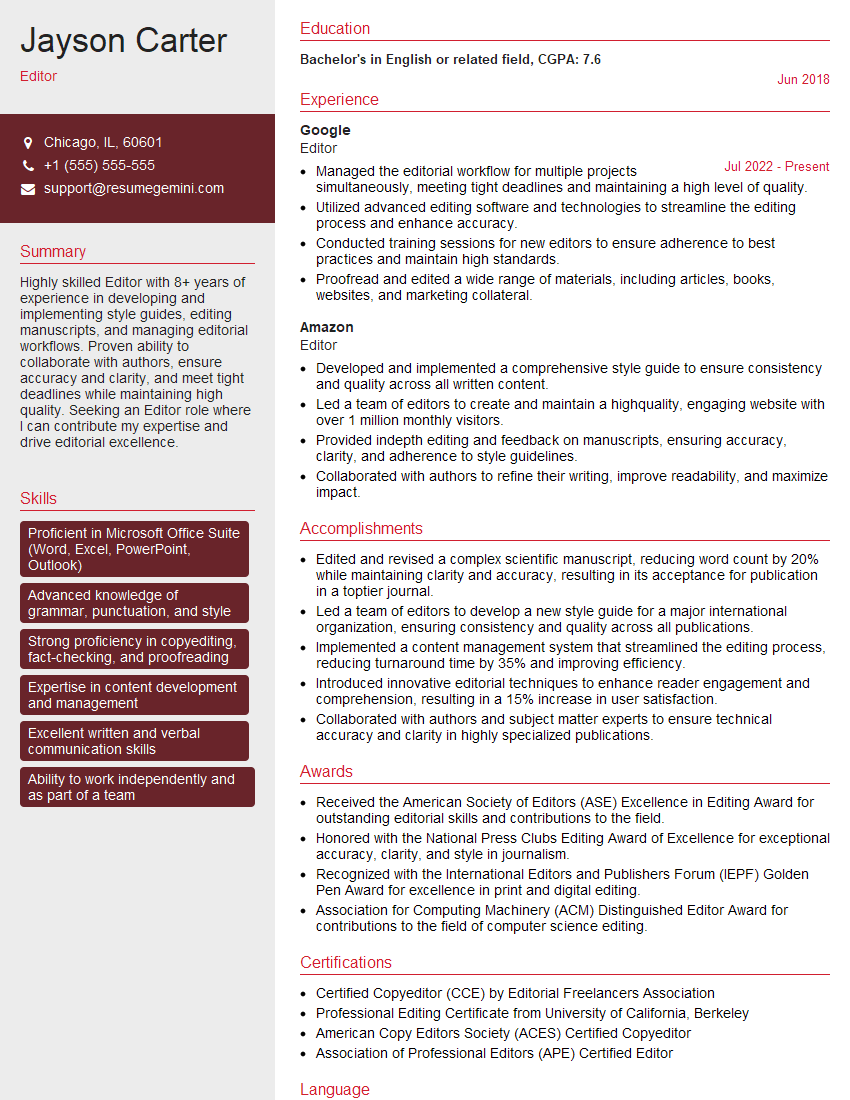
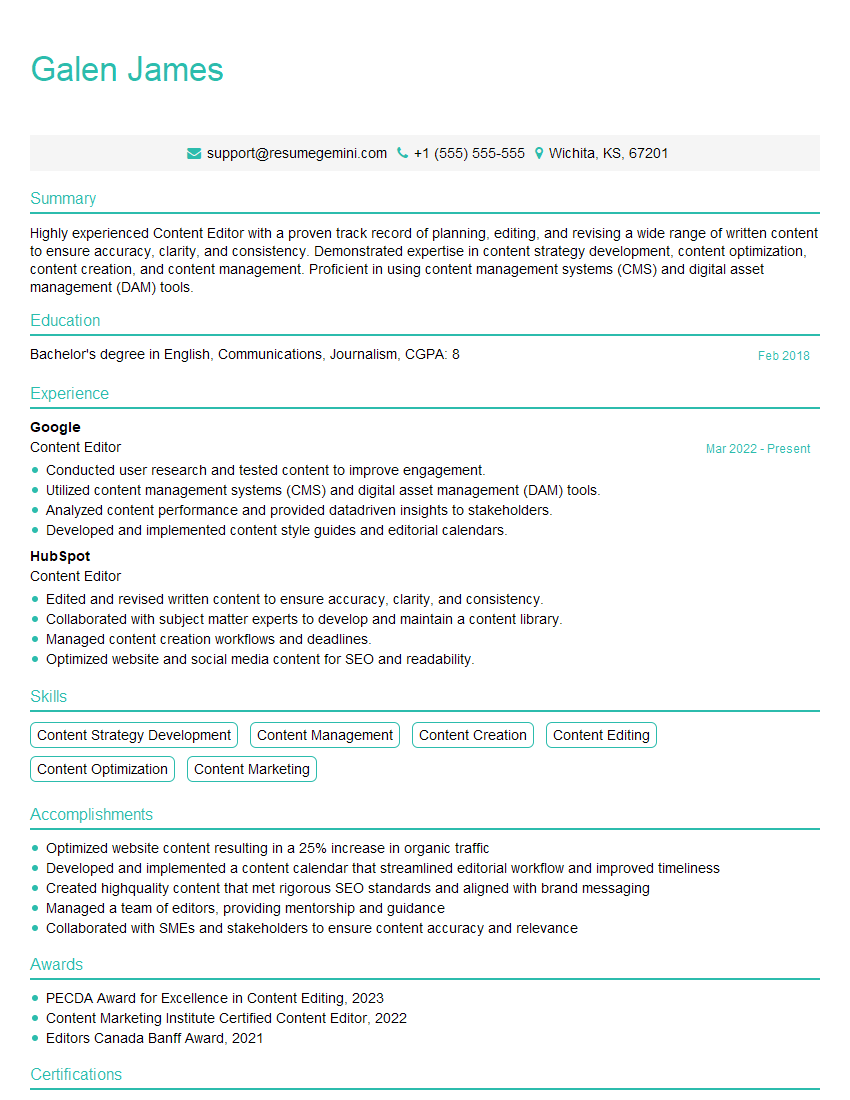
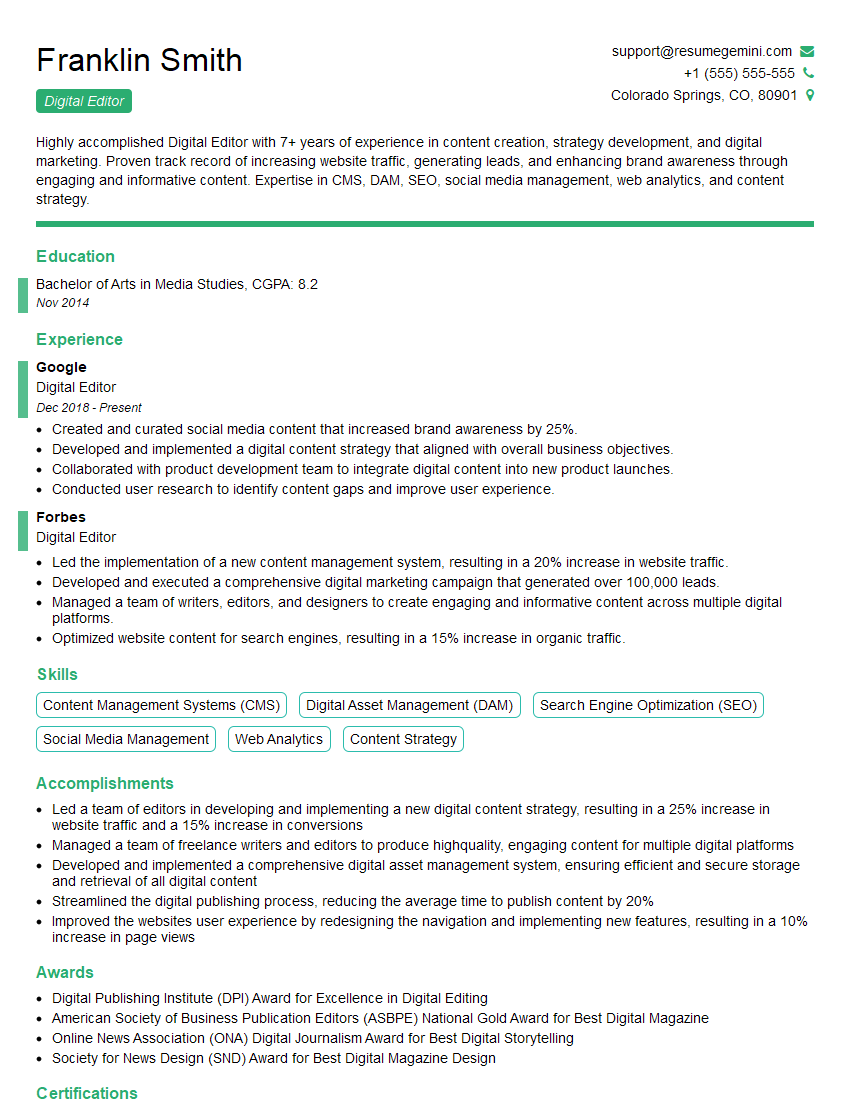
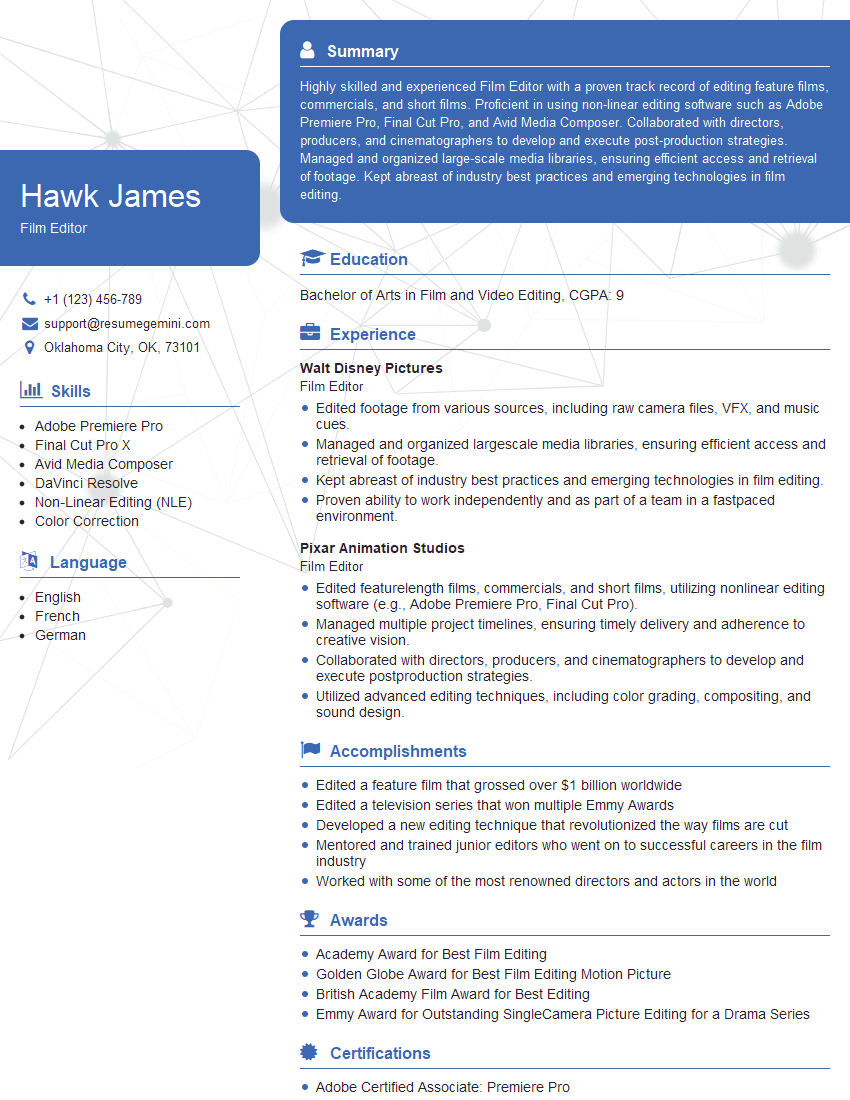
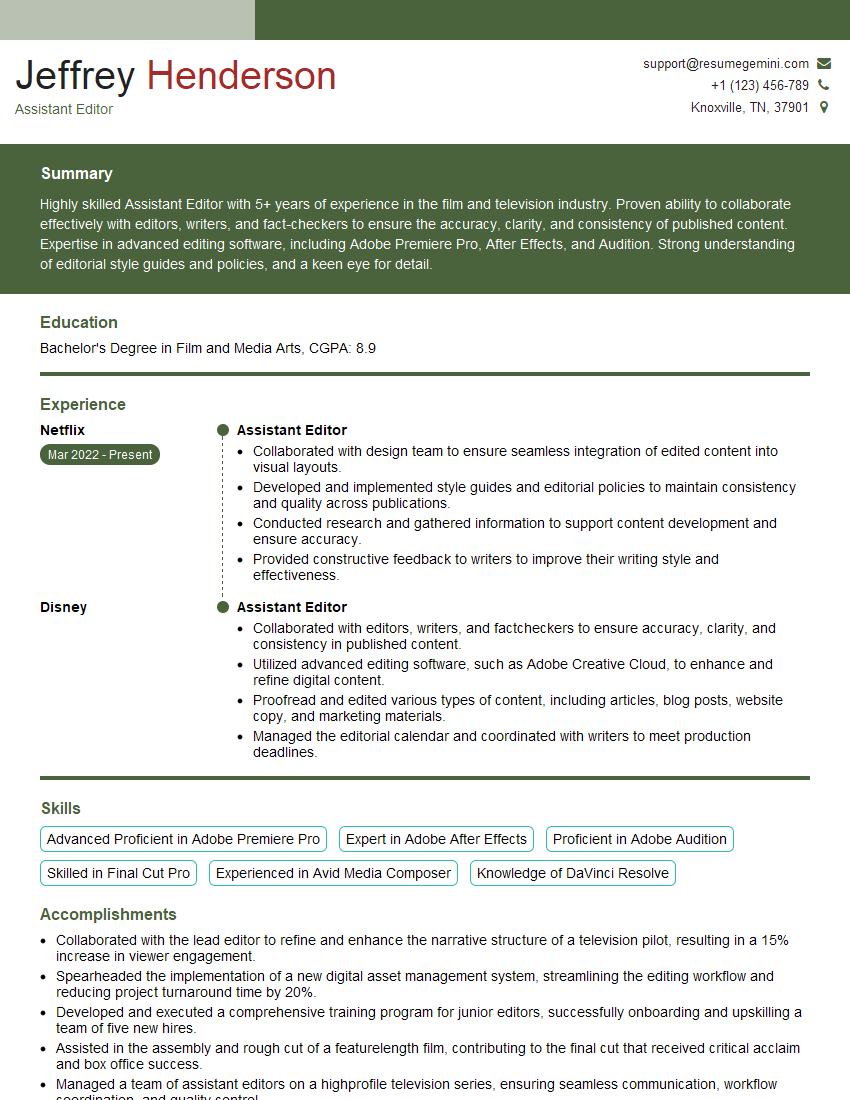
Mastering Non-Linear Editing Systems is crucial for career advancement in the dynamic media industry. Proficiency in these systems opens doors to a wide range of exciting opportunities, from post-production roles to freelance work and beyond. To maximize your job prospects, create an ATS-friendly resume that highlights your skills and experience effectively. ResumeGemini is a trusted resource that can help you build a professional and impactful resume tailored to the demands of the industry. Examples of resumes specifically tailored for Non-Linear Editing Systems professionals are available, providing you with valuable templates and guidance. Invest the time to craft a compelling resume – it’s your first impression on potential employers.





Explore more articles
Users Rating of Our Blogs
Share Your Experience
We value your feedback! Please rate our content and share your thoughts (optional).
What Readers Say About Our Blog
Very informative content, great job.
good