Are you ready to stand out in your next interview? Understanding and preparing for Operating Manual Tools interview questions is a game-changer. In this blog, we’ve compiled key questions and expert advice to help you showcase your skills with confidence and precision. Let’s get started on your journey to acing the interview.
Questions Asked in Operating Manual Tools Interview
Q 1. Explain your experience creating operating manuals for complex machinery.
Creating operating manuals for complex machinery requires a meticulous approach, blending technical understanding with clear communication. My experience spans various industries, from heavy industrial equipment to sophisticated medical devices. I’ve worked on manuals ranging from hundreds to thousands of pages, incorporating detailed diagrams, step-by-step instructions, safety precautions, and troubleshooting guides. For example, while working on the manual for a large CNC milling machine, I focused on breaking down complex processes into easily digestible modules, using visual aids extensively to explain intricate operations like tool changes and axis alignment. Another project involved a high-precision robotic arm, where creating clear safety protocols and emergency shutdown procedures was paramount. In both cases, user feedback and usability testing played a crucial role in refining the final versions.
Q 2. Describe your process for gathering information for an operating manual.
Gathering information for an operating manual is a systematic process. It starts with a thorough understanding of the machinery’s functionality, intended use, and target audience. My process involves several key steps:
- SME Interviews: I conduct in-depth interviews with subject matter experts (engineers, designers, technicians) to understand the machine’s inner workings, operational procedures, and potential hazards.
- Technical Documentation Review: I meticulously review existing technical drawings, schematics, design documents, and test reports to gather technical details and specifications.
- Hands-on Experience: Whenever possible, I personally operate the machine to gain first-hand knowledge of its functionality, limitations, and potential issues. This allows me to identify areas that may require further clarification in the manual.
- Software Analysis: For software-controlled machinery, I review the software interface, user guides, and code documentation to understand software functionality and interactions with hardware.
- Test Runs and Observation: I observe the machine during various operational scenarios to identify potential safety concerns, limitations, or opportunities for improvement in the user instructions.
This multi-faceted approach ensures a comprehensive and accurate representation of the machine’s operation within the manual.
Q 3. How do you ensure the accuracy of information in an operating manual?
Accuracy is paramount in operating manuals. A single error can have serious consequences. My approach involves multiple layers of quality control:
- Peer Review: I always have at least one other experienced technical writer review the draft for accuracy, clarity, and consistency.
- SME Validation: The final draft is submitted to subject matter experts for rigorous review and approval, ensuring the information reflects their expertise and understanding of the machine.
- Fact-Checking: I meticulously cross-reference information with original technical documents to verify data points and ensure accuracy.
- Usability Testing: Before finalization, I conduct usability testing with representative end-users to identify any areas that need clarification or revision. This involves observing users interacting with the manual and gathering feedback on its clarity and effectiveness.
- Version Control: Utilizing version control systems allows for tracking changes and ensures we always have access to previous versions.
This multi-stage process minimizes errors and guarantees a high level of accuracy and reliability.
Q 4. What software or tools are you proficient in for creating operating manuals?
Proficiency in various software tools is essential for creating effective operating manuals. I’m adept at using:
- MadCap Flare: For creating comprehensive, multi-channel manuals with advanced features like single-sourcing and conditional content.
- Adobe FrameMaker: A powerful tool for complex technical documentation, particularly for large projects.
- Microsoft Word and PowerPoint: Used for simpler manuals and creating supporting visuals like diagrams and flowcharts.
- Adobe Illustrator and Photoshop: For creating high-quality illustrations, diagrams, and other visual aids.
- Oxygen XML Editor: For working with structured content and XML-based documentation.
My choice of tools depends on the project’s complexity, the client’s specifications, and the required output formats (print, online help, PDF). I also have experience using various graphic design software and screen recording tools to create visually engaging and user-friendly manuals.
Q 5. How do you manage revisions and updates to an existing operating manual?
Managing revisions and updates to an existing operating manual is crucial to maintain its accuracy and relevance. I employ a structured approach that involves:
- Version Control System: Utilizing a version control system like Git ensures that all changes are tracked and that previous versions are readily accessible. This helps manage multiple revisions and rollback if needed.
- Change Log: Maintaining a comprehensive change log documents all modifications, providing clarity on updates and facilitating easy tracking of revisions. This log includes date, version number, description of changes, and author.
- Notification System: Establishing a clear communication process ensures all stakeholders (SMEs, users) are informed of updates and revisions, providing them with the latest version.
- Redlining and Feedback: Incorporating effective redlining and feedback mechanisms allow for collaboration and efficient incorporation of edits and suggestions.
- Regular Review Schedule: A set schedule for regular review and potential updates, based on feedback, technological advancements, or regulatory changes, guarantees continued relevance.
By implementing these processes, we ensure that our manuals remain current, accurate, and valuable for end-users.
Q 6. Explain your experience working with subject matter experts (SMEs).
Collaboration with subject matter experts (SMEs) is fundamental to producing high-quality operating manuals. I approach these relationships with respect for their expertise and a focus on clear communication. My experience includes working with engineers, technicians, and designers across diverse fields. For instance, when creating a manual for a medical device, I collaborated closely with biomedical engineers to ensure the accuracy of technical details and to understand the critical safety protocols. My approach involves:
- Initial Consultation: I start with a clear briefing, defining the scope of the project, the target audience, and the timeline.
- Regular Communication: I maintain consistent communication throughout the process, providing updates and seeking feedback regularly.
- Feedback Integration: I proactively integrate SME feedback, clarifying any ambiguities or disagreements to reach a mutually agreeable solution.
- Respectful Collaboration: I strive to create a collaborative environment, valuing SME expertise and contributions.
Building strong relationships with SMEs ensures the manual’s accuracy, reflects the latest technical information, and meets the highest quality standards.
Q 7. How do you ensure an operating manual is user-friendly and accessible?
User-friendliness and accessibility are crucial for an effective operating manual. My approach integrates several strategies:
- Clear and Concise Language: I use plain language, avoiding technical jargon whenever possible. If technical terms are necessary, I define them clearly.
- Logical Structure: I organize information logically, using headings, subheadings, and numbered lists to improve readability and navigation.
- Visual Aids: I incorporate numerous visual aids such as diagrams, illustrations, flowcharts, and screenshots to enhance comprehension. Visuals are essential for explaining complex processes or interactions.
- Step-by-Step Instructions: I provide clear, step-by-step instructions with numbered sequences for tasks. This approach minimizes user confusion and maximizes ease of understanding.
- Accessibility Compliance: I follow accessibility guidelines (e.g., WCAG) to ensure the manual is usable by individuals with disabilities. This includes considerations for screen readers, alternative text for images, and proper color contrast.
- Usability Testing: I conduct usability testing with the target audience to identify areas where the manual can be improved and provide the best possible user experience.
By focusing on clarity, structure, and accessibility, I create operating manuals that are both informative and user-friendly.
Q 8. Describe your experience with different types of operating manuals (e.g., print, online, video).
My experience spans the entire spectrum of operating manual formats. I’ve worked extensively with traditional print manuals, appreciating their tactile quality and suitability for environments with limited or no internet access. However, I’ve also embraced the advantages of online manuals, leveraging features like hyperlinking, searchability, and version control. This allows for easier updates and accessibility. Furthermore, I’ve incorporated video tutorials to explain complex procedures or demonstrate intricate assembly steps, catering to different learning styles. For example, I once created a print manual for a piece of heavy machinery alongside an online interactive version with 3D models and troubleshooting guides. The video tutorials for this project focused on safety procedures, ensuring easy comprehension even for multilingual teams.
Q 9. How do you incorporate visual aids (e.g., diagrams, illustrations) into an operating manual?
Visual aids are paramount in making operating manuals user-friendly and effective. I strategically integrate diagrams, illustrations, flowcharts, and screenshots to clarify complex steps or illustrate key components. For example, when documenting the setup of a networking system, a clear network diagram is invaluable. Similarly, step-by-step illustrations are crucial for tasks involving physical assembly or intricate configurations. I use high-quality images and ensure they are consistently styled and labeled for clarity. I also follow established design principles for accessibility, ensuring sufficient contrast and alternative text for screen readers.
Q 10. How do you handle conflicting information from different sources when creating an operating manual?
Conflicting information is a significant challenge. My approach involves a rigorous fact-checking process. First, I trace the origin of each piece of information, verifying its source’s reliability. Then, I consult subject matter experts to resolve discrepancies. If the conflict remains, I document the different versions and their sources, explaining the rationale behind my final decision in the manual. This approach ensures transparency and allows for future revisions based on updated information. Maintaining a detailed log of decisions and their justification is critical for accountability and future revisions.
Q 11. Describe your experience with creating operating manuals that comply with regulatory standards.
Regulatory compliance is a top priority. My experience includes creating manuals for medical devices, industrial equipment, and software applications, each with specific regulatory requirements. I’m familiar with standards such as FDA guidelines for medical devices and ISO standards for quality management. This involves careful consideration of safety warnings, terminology, and formatting requirements. I collaborate closely with legal and compliance teams to ensure full compliance throughout the manual’s lifecycle, from initial draft to final publication. This often involves creating version-controlled documents and maintaining detailed change logs to facilitate audits.
Q 12. What is your experience with single-sourcing and content reuse?
Single-sourcing and content reuse are essential for efficiency and consistency. I utilize content management systems (CMS) to create a central repository for all operating manual components. This allows for efficient updates and reduces redundancy. For example, common safety procedures or troubleshooting steps can be reused across multiple manuals. This ensures consistency and reduces the likelihood of errors. I also leverage XML or similar structured authoring tools to facilitate content reuse and translation. This approach simplifies maintenance and reduces costs in the long run.
Q 13. How do you prioritize tasks when working on multiple operating manuals simultaneously?
When managing multiple manuals simultaneously, prioritization is key. I employ a project management framework, such as Agile or Kanban, to effectively manage tasks and deadlines. This involves breaking down each manual into smaller, manageable tasks and assigning priorities based on urgency, deadline, and impact. I utilize project management software to track progress, identify bottlenecks, and allocate resources effectively. Regular communication with stakeholders helps keep everyone informed and aligned on priorities. Prioritizing based on deadlines and client needs, then delegating where possible are key to success.
Q 14. How do you handle feedback and revisions from stakeholders?
Feedback is invaluable for improvement. I actively solicit feedback from stakeholders throughout the manual development process. This involves incorporating review cycles and providing opportunities for feedback at various stages. I treat all feedback seriously and address it systematically, explaining my reasoning for accepting or rejecting specific suggestions. A detailed tracking system is crucial to ensure all feedback is addressed and documented, creating a transparent and collaborative process. This often leads to improvements in clarity, accuracy, and usability of the final product.
Q 15. Explain your process for testing and validating an operating manual.
Testing and validating an operating manual is crucial to ensure its clarity, accuracy, and effectiveness. My process involves several key steps. First, I conduct a thorough review, checking for grammatical errors, inconsistencies, and ambiguities. This often involves multiple rounds of review by different team members, including technical writers, subject matter experts, and even end-users from different skill levels.
Next, I perform a task walkthrough. This means following the instructions in the manual step-by-step to ensure each procedure is clearly explained and achievable. This often uncovers discrepancies or missing information that might be missed in a simple review. For instance, if the manual instructs to ‘connect cable A to port B,’ the walkthrough ensures we have clear images and precise descriptions of cable A and port B.
Finally, I implement user testing. This involves having a representative sample of end-users – people who will actually be using the equipment or software – attempt to complete tasks based solely on the manual. Their feedback, including any challenges or points of confusion, provides invaluable insights for refining the document. We gather data through questionnaires, observations and interviews, and use this to make the necessary adjustments for clarity and improved usability.
Career Expert Tips:
- Ace those interviews! Prepare effectively by reviewing the Top 50 Most Common Interview Questions on ResumeGemini.
- Navigate your job search with confidence! Explore a wide range of Career Tips on ResumeGemini. Learn about common challenges and recommendations to overcome them.
- Craft the perfect resume! Master the Art of Resume Writing with ResumeGemini’s guide. Showcase your unique qualifications and achievements effectively.
- Don’t miss out on holiday savings! Build your dream resume with ResumeGemini’s ATS optimized templates.
Q 16. What are some common challenges you encounter when creating operating manuals?
Creating effective operating manuals presents unique challenges. One common issue is keeping the information current. Technology changes rapidly, and updates are necessary to keep the manual relevant. Another challenge is balancing detail and brevity. We aim for thorough instructions without overwhelming the user with unnecessary information. Finding that balance requires careful planning and prioritization of information.
A third challenge involves managing technical terminology. While precision is vital, it’s also important to explain jargon or use simpler language where possible, making the document accessible to users with varying levels of technical expertise. This requires a thoughtful approach to technical writing and possibly the addition of a glossary. For example, instead of directly using ‘impedance matching’ I might say ‘ensuring the devices are correctly connected for optimal performance’ and then add a detailed definition later in the document. Lastly, collaboration among multiple teams can sometimes be a challenge, particularly coordinating reviews and incorporating changes seamlessly. This needs careful planning and use of efficient collaboration platforms.
Q 17. How do you ensure consistency in style and terminology across an operating manual?
Consistency in style and terminology is paramount for a user-friendly manual. My approach involves using a style guide that dictates formatting, grammar, and terminology. This style guide isn’t just a document; it is a living document, routinely reviewed and updated.
Furthermore, we use template files for common sections like introductions, safety precautions, and troubleshooting guides. This ensures uniform formatting across the entire manual. We also leverage terminology management tools or even simply a central, well-maintained glossary. This guarantees consistent use of terms throughout the document, minimizing any confusion for the reader. Consistent terminology and style prevents misinterpretations and maintains professionalism.
Q 18. Describe your experience with using a style guide or documentation standards.
I have extensive experience utilizing style guides and documentation standards. In previous projects, we adhered to industry-standard guidelines like Chicago Manual of Style for grammar and punctuation, and internal style guides tailored to the specific organization or product. The style guide dictates elements like heading styles, font sizes, image placement, and even the preferred wording for common phrases. We used these styles for everything from formatting the safety instructions to creating consistent lists for procedures.
Following a documentation standard brings order to information architecture and ensures that each document conforms to company standards, greatly increasing accessibility. It also provides a consistent look and feel, which improves the overall user experience, thus improving understanding and user satisfaction.
Q 19. How do you manage version control for operating manuals?
Version control is essential for managing operating manuals, especially in dynamic environments. We primarily use a version control system like Git, hosted on platforms such as GitHub or GitLab. This allows us to track changes, revert to previous versions if necessary, and collaborate effectively among multiple authors and reviewers.
Each version is clearly labeled with a version number, date, and a description of changes implemented (e.g., v1.0, v1.1, etc.). We also maintain a detailed change log that explains why modifications were made. This is incredibly useful when dealing with any issues or if a user is referencing an outdated manual.
Q 20. What metrics do you use to measure the effectiveness of an operating manual?
Measuring the effectiveness of an operating manual requires a multi-faceted approach. We collect data on various metrics, including user satisfaction through surveys and feedback forms. We look at the number of support tickets related to the use of the product or equipment — a reduction in tickets related to operating instructions generally indicates a more effective manual.
Another key metric is the completion rate of tasks based on the manual during user testing. For example, if a task requires five steps, we’ll monitor how many users successfully complete all five steps, identifying areas for improvement. Finally, we analyze time-on-task metrics to assess the efficiency of the manual’s instructions and potentially identify areas where instructions can be made more efficient or better explained.
Q 21. Explain your understanding of different documentation formats (e.g., PDF, HTML, XML).
I understand the strengths and weaknesses of various documentation formats. PDF is widely compatible and offers good visual fidelity, making it suitable for print and screen. However, it’s not ideal for searchability or updates.
HTML excels in searchability and ease of updating, and allows for interactive elements and dynamic content, ideal for online manuals. However, it can be more complex to maintain and might be less suitable for offline usage. XML, on the other hand, is a robust option for structuring and managing content, especially for large, complex manuals. It’s not directly viewable by the end user, but is great for generating various output formats (PDF, HTML, etc.) and for content reuse and single-sourcing. The choice of format depends heavily on the intended audience, usage context, and the scale of the project. The format choice also impacts how we’ll manage version control and distribution.
Q 22. How do you adapt your writing style to different target audiences?
Adapting my writing style to different target audiences is crucial for effective communication. I consider factors like the audience’s technical expertise, reading level, and cultural background. For instance, an operating manual for a complex industrial machine requires precise, technical language and detailed explanations, whereas a manual for a consumer electronic device needs simpler language, more visuals, and a focus on ease of use.
- Technical Audience: I use precise terminology, detailed explanations, and assume a high level of technical literacy. For example, I might explain a process using flowcharts and diagrams, incorporating specific technical jargon relevant to the field.
- Non-Technical Audience: I use clear, concise language, avoiding jargon and focusing on step-by-step instructions with visual aids. I prioritize simplicity and readability, employing plain language principles.
- International Audiences: I ensure the writing is culturally sensitive, avoiding idioms or culturally specific references that might not translate well. This often involves working with professional translators to ensure accuracy and cultural appropriateness.
Essentially, my approach is to tailor the tone, vocabulary, and level of detail to perfectly match the audience’s needs and understanding.
Q 23. Describe your experience with using a Content Management System (CMS) for operating manuals.
I have extensive experience using Content Management Systems (CMS) like WordPress and MadCap Flare for creating and managing operating manuals. A CMS offers several advantages, including version control, collaborative editing, and streamlined publishing workflows.
- Version Control: CMS allows multiple users to work on the same manual simultaneously without overwriting each other’s work. It also keeps track of all revisions, enabling easy rollback if necessary.
- Workflow Management: Many CMS platforms have features to manage the review and approval process, ensuring all stakeholders can provide feedback efficiently before publication.
- Content Reusability: A CMS enables the creation of reusable content modules, allowing for consistency and efficiency across multiple manuals. For example, a safety warning section can be easily reused in different manuals.
- Search Engine Optimization (SEO): Some CMS platforms offer features to optimize the manual’s content for search engines, improving its discoverability.
Using a CMS dramatically improves the efficiency and quality of the manual creation process, reducing errors and facilitating team collaboration.
Q 24. How do you ensure your operating manuals are compliant with accessibility standards?
Ensuring accessibility is paramount. I adhere to WCAG (Web Content Accessibility Guidelines) standards to make operating manuals usable by people with disabilities. This involves several key strategies:
- Alternative Text for Images: All images must have descriptive alternative text (alt text) that conveys their meaning to users who cannot see them.
- Proper Heading Structure: Logical heading levels (H1, H2, H3, etc.) are used to create a clear structure, allowing screen readers to navigate the document easily.
- Sufficient Color Contrast: I ensure there is sufficient contrast between text and background colors to ensure readability for users with visual impairments.
- Keyboard Navigation: All interactive elements must be accessible via keyboard navigation, accommodating users who cannot use a mouse.
- Structured Content: Using structured authoring tools like DITA helps to separate content into logical components, which improves accessibility.
- PDF Accessibility: If publishing in PDF, I ensure the document is tagged correctly for accessibility, making it readable by screen readers.
Regular accessibility checks using automated tools and manual reviews are essential to guarantee compliance.
Q 25. What is your experience with using translation tools or working with translators?
My experience with translation tools and translators is significant. I understand that using only machine translation is often insufficient for the technical precision required in operating manuals. Therefore, I typically combine the use of Computer-Assisted Translation (CAT) tools with professional human translators.
- CAT Tools: CAT tools such as SDL Trados or memoQ help manage translation projects, maintain terminology consistency, and improve translation efficiency. They create translation memories, which store previously translated segments, reducing redundancy and improving overall quality.
- Human Translators: Human translators are essential for nuances of language and cultural context. They ensure the translated text is accurate, natural-sounding, and culturally appropriate for the target audience.
- Review Process: A thorough review process by both subject matter experts and native speakers of the target language is critical to catching any errors or inconsistencies.
Successfully managing translations requires careful planning, selecting the right tools and translators, and establishing a robust review process to ensure the highest quality output.
Q 26. How do you stay up-to-date with changes in technology and best practices for operating manuals?
Staying current with technology and best practices is crucial in this field. I actively engage in several strategies:
- Industry Publications and Conferences: I regularly read industry publications, attend conferences, and participate in online forums to learn about new developments and best practices. This includes attending webinars and workshops related to technical communication.
- Online Courses and Certifications: I pursue online courses and certifications to enhance my skills in areas such as structured authoring, accessibility, and usability.
- Networking with Peers: Networking with other technical writers helps me learn from their experiences and stay informed about new trends.
- Following Industry Leaders: I follow prominent figures in the technical communication field on social media and other platforms to stay abreast of their insights and research.
Continuous learning ensures I adapt to evolving technologies and best practices, delivering high-quality, effective operating manuals.
Q 27. Describe your experience in using a DITA or other structured authoring tool.
I possess considerable experience using DITA (Darwin Information Typing Architecture) and other structured authoring tools. DITA allows me to create modular, reusable content, significantly improving efficiency and consistency across multiple manuals.
- Modularity: DITA breaks down content into smaller, reusable modules, such as topics, tasks, and concepts. This makes it easier to update and maintain documentation over time.
- Reusability: Modules can be reused across multiple documents, reducing redundancy and ensuring consistency.
- Single Sourcing: DITA supports single-sourcing, where one source of content can be used to generate output in multiple formats (e.g., HTML, PDF, online help).
- XML-Based: DITA uses XML, making it easier to manage and process content automatically. This is particularly helpful for creating customized outputs or integrating with other systems.
Using a structured authoring tool like DITA enhances quality, consistency, and maintainability compared to traditional word processing approaches, and significantly reduces costs and time in the long run.
Q 28. Explain your understanding of the importance of clear and concise language in operating manuals.
Clear and concise language is fundamental to effective operating manuals. Ambiguity can lead to user errors, accidents, and frustration.
- Avoid Jargon: I avoid technical jargon unless the target audience is highly technical. If I use jargon, I ensure that it’s clearly defined.
- Use Active Voice: Active voice is more direct and easier to understand than passive voice. For example, “The user should press the button” is clearer than “The button should be pressed by the user.”
- Short Sentences and Paragraphs: I use short sentences and paragraphs to improve readability and comprehension.
- Precise Language: I choose words carefully to ensure there’s no room for misinterpretation.
- Visual Aids: I use visuals like diagrams, illustrations, and screenshots to complement the text and improve understanding. A picture is often worth a thousand words.
By prioritizing clear and concise language, I ensure that the manual is easily understood by the target audience, leading to better user experience and reduced risk of errors.
Key Topics to Learn for Operating Manual Tools Interview
- Understanding Different Manual Types: Familiarize yourself with various operating manual formats (e.g., procedural, instructional, troubleshooting) and their specific applications within different industries.
- Information Architecture & Organization: Learn how to effectively structure and organize information within an operating manual for optimal user comprehension and task completion. Consider logical flow, indexing, and cross-referencing.
- Technical Writing Principles: Master the art of clear, concise, and accurate technical writing, avoiding jargon and ensuring accessibility for diverse audiences. Practice using visuals effectively to enhance understanding.
- Software & Tools for Manual Creation: Gain proficiency in relevant software (e.g., word processors, graphic design tools, publishing software) used for creating and maintaining operating manuals. Understand version control and collaboration features.
- User Experience (UX) Considerations: Learn how to design manuals with the end-user in mind. Consider usability, accessibility, and the overall user experience when creating and structuring manuals.
- Illustration and Visual Communication: Explore effective use of diagrams, illustrations, and other visuals to clarify complex procedures or technical information.
- Quality Assurance & Testing: Understand the importance of thorough testing and review processes to ensure accuracy, completeness, and clarity of the operating manual.
- Maintenance & Updates: Learn about the processes involved in updating and maintaining operating manuals to reflect changes in products, procedures, or regulations.
Next Steps
Mastering operating manual tools is crucial for career advancement in many technical fields, demonstrating your ability to communicate complex information clearly and effectively. To increase your job prospects, crafting an ATS-friendly resume is vital. ResumeGemini is a trusted resource that can help you build a professional and impactful resume tailored to your skills and experience. Examples of resumes specifically designed for candidates with Operating Manual Tools expertise are available to guide you.

Knowledge Manager Resume Sample
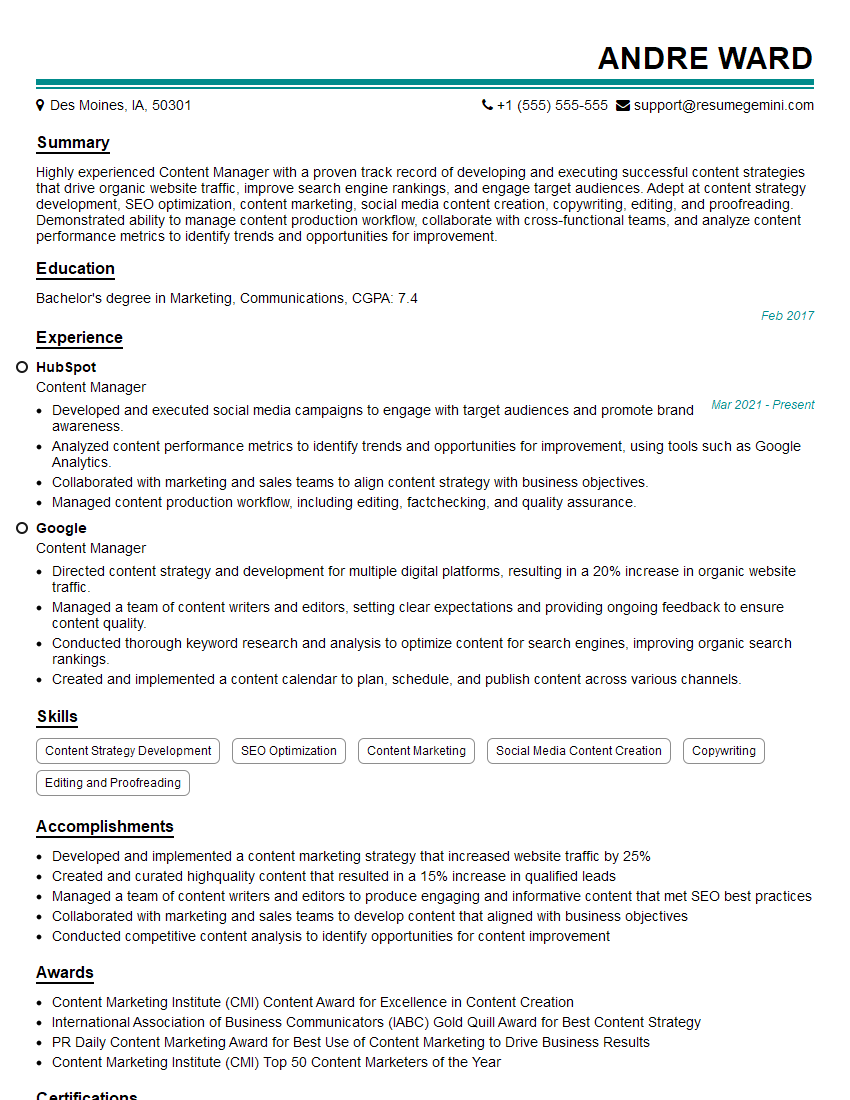
Content Manager Resume Sample

Information Architect Resume Sample

Content Strategist Resume Sample

Documentation Specialist Resume Sample

Instructional Designer Resume Sample

Technical Editor Resume Sample
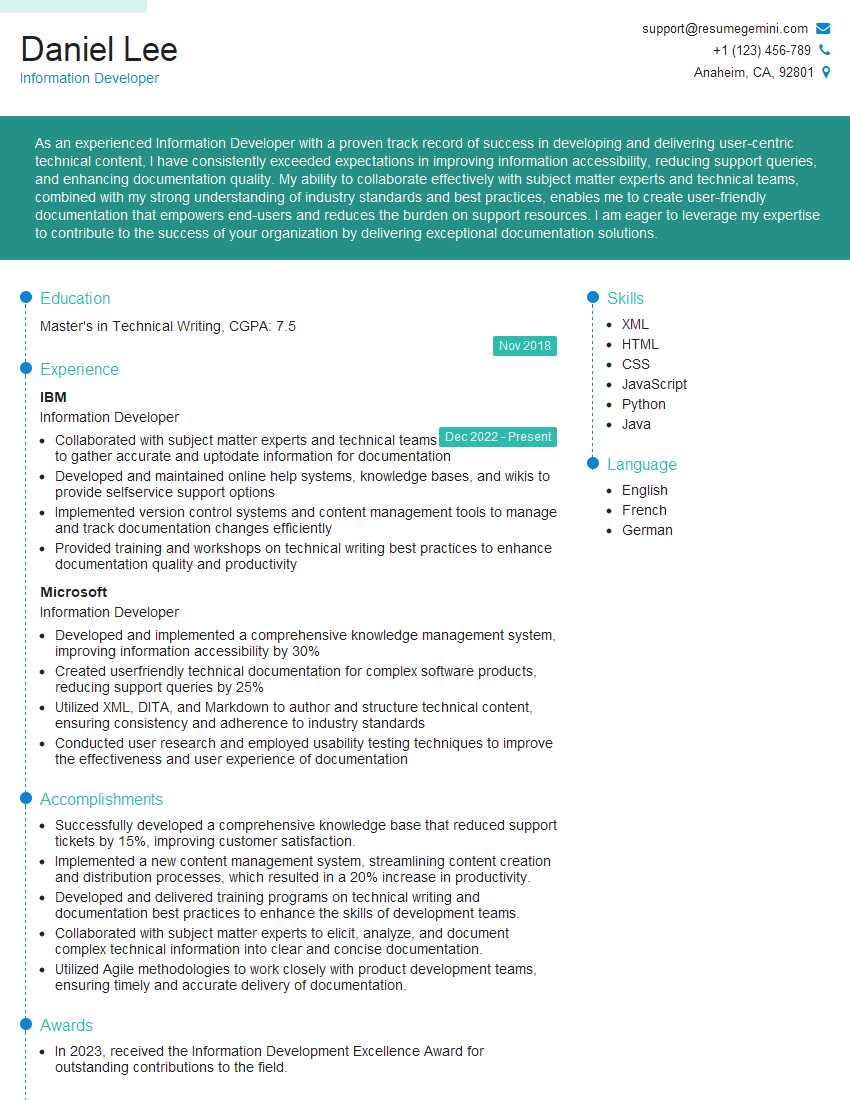
Information Developer Resume Sample
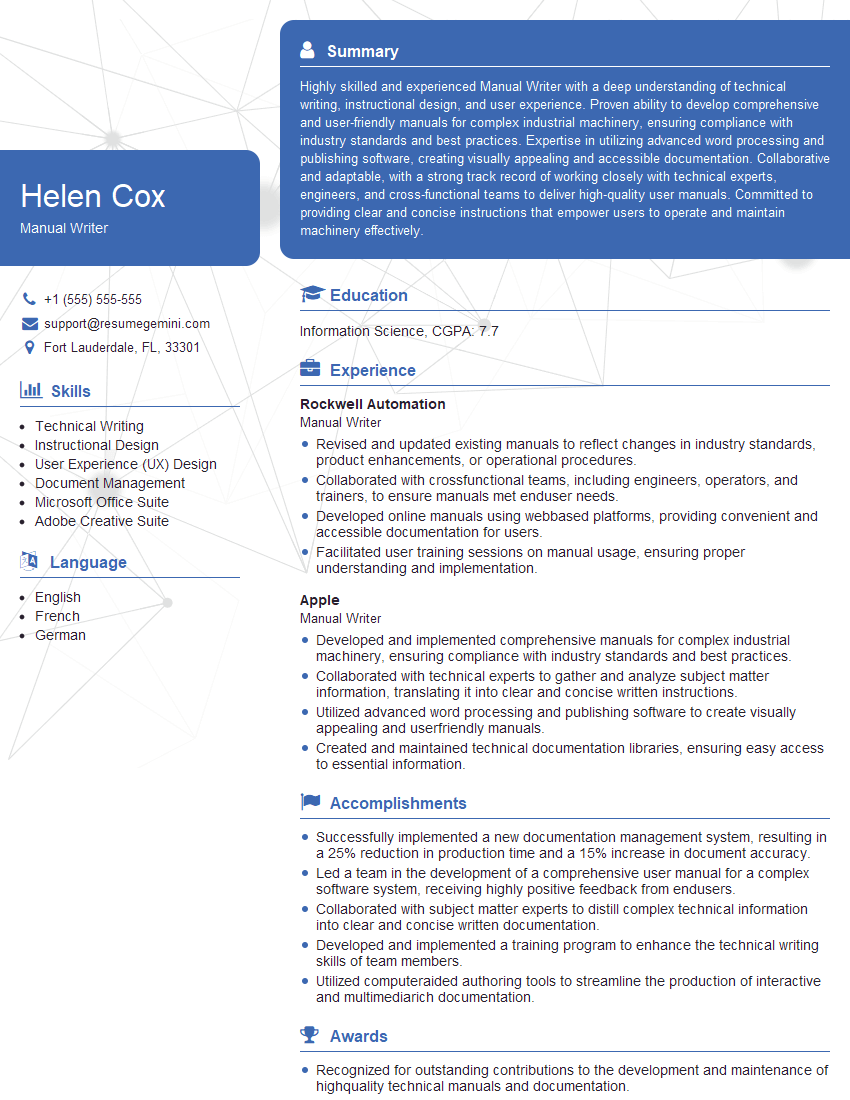
Manual Writer Resume Sample
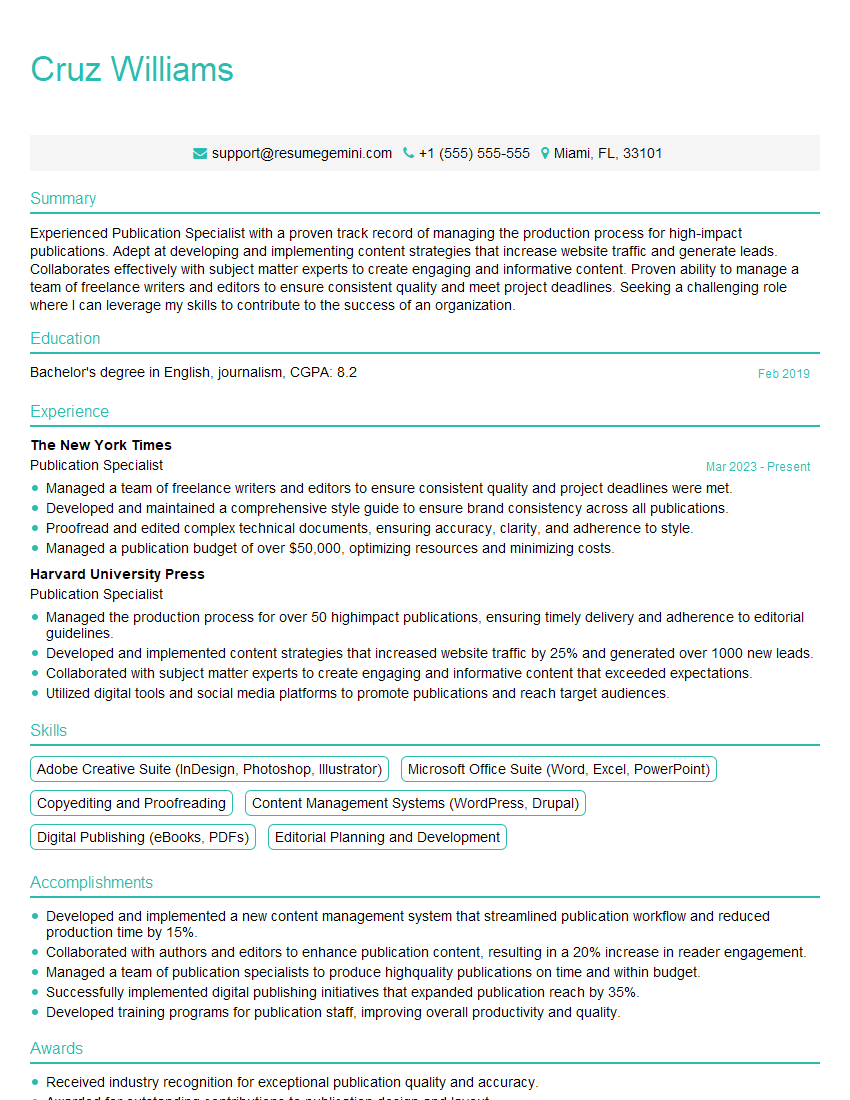
Publication Specialist Resume Sample
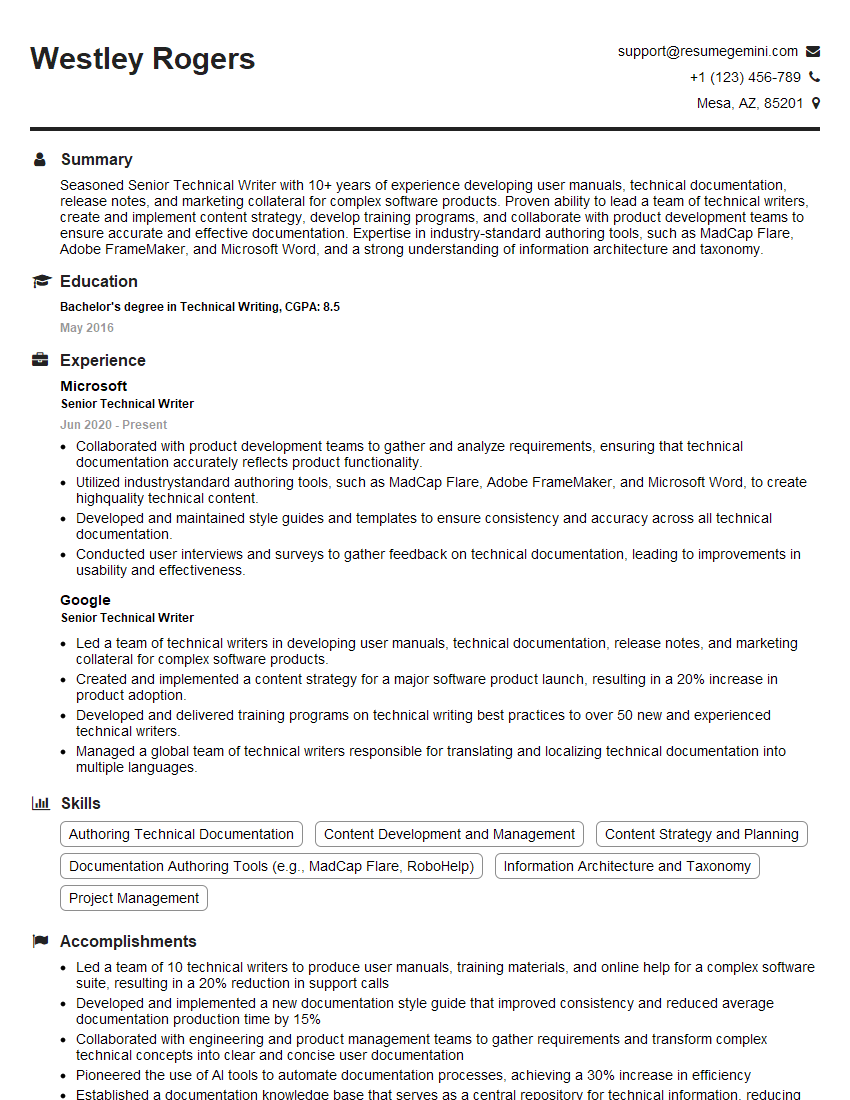
Senior Technical Writer Resume Sample
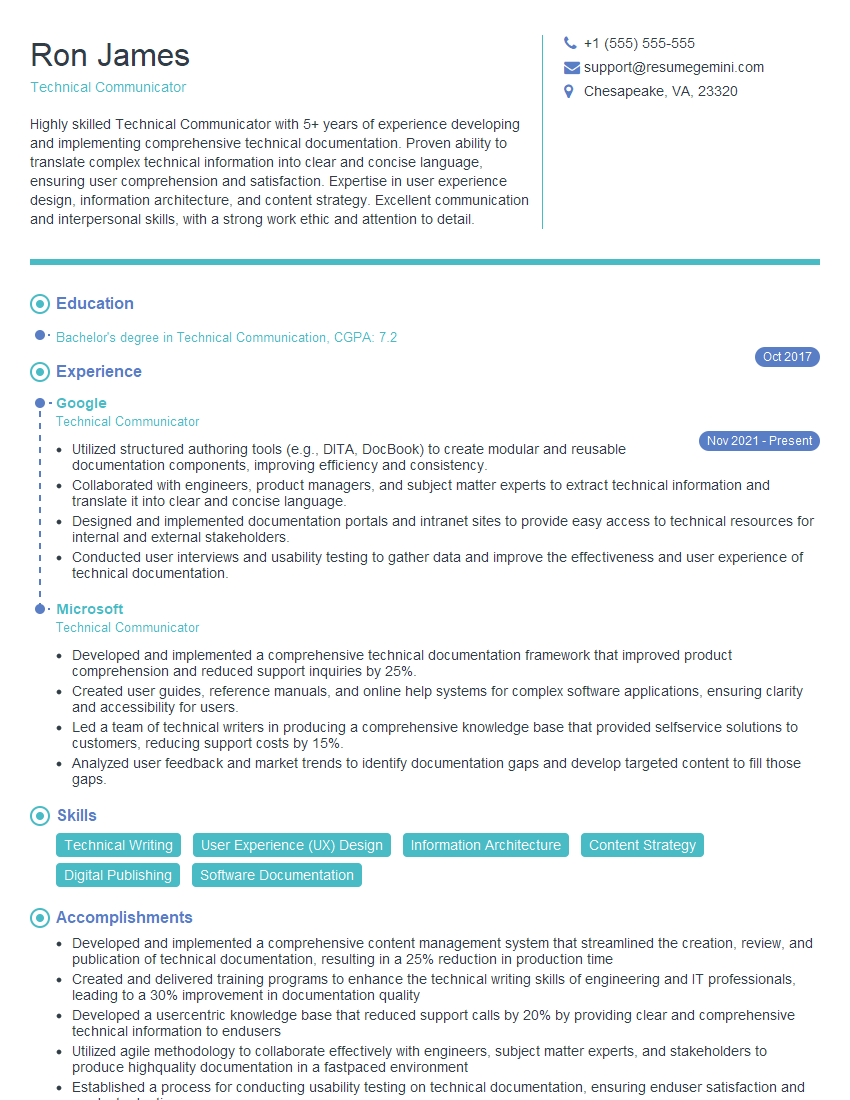
Technical Communicator Resume Sample

Technical Writer Resume Sample
Explore more articles
Users Rating of Our Blogs
Share Your Experience
We value your feedback! Please rate our content and share your thoughts (optional).
What Readers Say About Our Blog
Very informative content, great job.
good