Interviews are more than just a Q&A session—they’re a chance to prove your worth. This blog dives into essential Pitching and Presenting interview questions and expert tips to help you align your answers with what hiring managers are looking for. Start preparing to shine!
Questions Asked in Pitching and Presenting Interview
Q 1. Describe your process for developing a compelling pitch.
Developing a compelling pitch is a multi-stage process that focuses on understanding your audience, crafting a clear message, and delivering it with confidence. It starts with a deep dive into the problem you’re solving and the value your solution offers.
- Understanding the Problem: I begin by thoroughly researching the target audience’s needs and pain points. What challenges are they facing? What are their priorities? This research informs the narrative of my pitch, ensuring it resonates with their specific concerns.
- Defining the Value Proposition: Once I understand the problem, I craft a concise and compelling value proposition. This statement clearly articulates the benefits my solution offers and how it solves the identified problem. It’s crucial to focus on the tangible results and the positive impact on the audience.
- Structuring the Narrative: The structure is key. I typically follow a storytelling approach: Start with a hook (problem), present the solution, highlight the benefits, and end with a strong call to action. This ensures a logical flow and keeps the audience engaged.
- Crafting the Message: I use concise and impactful language, avoiding jargon and technical terms unless absolutely necessary. I focus on using strong verbs and compelling visuals to enhance the message’s clarity and memorability.
- Rehearsing and Refining: Practice is essential! I rehearse my pitch multiple times, seeking feedback to refine the delivery and ensure it’s both persuasive and engaging.
For example, when pitching a new software solution to a finance company, I would focus on its ability to reduce operational costs, improve efficiency, and minimize risks, rather than getting bogged down in technical specifications.
Q 2. How do you tailor your pitch to different audiences?
Tailoring a pitch to different audiences is crucial for maximizing its impact. It requires adapting the message, language, and delivery to resonate with each group’s specific needs and interests.
- Audience Research: Before crafting the pitch, I conduct thorough research to understand the audience’s background, knowledge level, and priorities. Who are they? What are their motivations? What are their concerns?
- Message Adaptation: The core message remains consistent, but the language and examples used are adjusted. For example, a technical audience might appreciate detailed specifications, while a non-technical audience would benefit from simplified explanations and real-world analogies.
- Delivery Style: The tone and style of delivery are also adapted. A formal presentation to a board of directors would require a different approach than a casual conversation with potential investors.
- Visual Aids: Visual aids should also be customized. A presentation to engineers might include complex diagrams, while a presentation to executives might focus on high-level summaries and key performance indicators (KPIs).
For instance, pitching a new product to engineers requires a detailed explanation of the technical aspects, whereas pitching the same product to marketing professionals necessitates focusing on its market potential and branding opportunities.
Q 3. Explain your experience using visual aids in presentations.
Visual aids are an essential component of effective presentations. They enhance audience engagement, improve understanding, and reinforce key messages. My approach to using visual aids is strategic and purposeful.
- Purposeful Selection: I carefully select visual aids that directly support the message and enhance understanding. Avoid unnecessary clutter; every visual should serve a specific purpose.
- High-Quality Design: I prioritize clear, concise, and visually appealing visuals. This includes using high-resolution images, consistent fonts, and a clear layout.
- Strategic Placement: Visual aids are strategically placed within the presentation to reinforce key points and enhance comprehension. They shouldn’t distract from the speaker’s message.
- Data Visualization: Where appropriate, I use data visualization techniques, such as charts and graphs, to present complex information in a clear and easily digestible format.
- Accessibility: I ensure all visual aids are accessible to all audience members, considering factors such as color blindness and visual impairments.
For example, instead of simply stating ‘sales increased by 20%’, I might use a bar chart visually comparing sales figures from previous years to highlight the growth. This makes the data more memorable and impactful.
Q 4. How do you handle challenging questions during a pitch?
Handling challenging questions during a pitch requires composure, quick thinking, and a thorough understanding of the subject matter. My approach involves a combination of preparation, active listening, and strategic responses.
- Anticipate Questions: Before the pitch, I anticipate potential challenging questions and prepare thoughtful answers. This preparation helps to maintain composure during the Q&A session.
- Active Listening: I listen carefully to each question, ensuring I fully understand its intent before formulating a response. Clarifying any ambiguity is crucial.
- Structured Responses: My responses are structured and concise, directly addressing the question’s core issues. I avoid rambling or getting sidetracked.
- Honest Answers: If I don’t know the answer, I admit it honestly, promising to follow up with the information later. This shows integrity and transparency.
- Turning Negatives into Positives: I try to turn potential criticisms into opportunities to highlight the strengths of my solution. Addressing concerns head-on demonstrates confidence and professionalism.
For instance, if asked about a competitor’s product, I would acknowledge its existence but highlight the unique advantages and value proposition of my own solution, emphasizing features or benefits the competitor lacks.
Q 5. Describe a time you had to adapt your presentation on the fly.
During a product launch presentation to a major retailer, I encountered an unexpected technical issue: the projector malfunctioned midway through. My presentation heavily relied on visuals. Instead of panicking, I immediately adapted.
- Maintaining Composure: I remained calm and reassured the audience that we would resolve the issue quickly.
- Switching to Plan B: I had prepared a concise summary of the key points in printed format, distributing these to the attendees. This allowed me to continue the presentation without the visuals.
- Focusing on Key Messages: I focused on the most crucial elements of my presentation, emphasizing the benefits and value proposition in a conversational manner.
- Engaging the Audience: I encouraged audience participation and questions, creating a more interactive environment that lessened the impact of the technical glitch.
- Addressing the Issue: Once the technical issue was resolved, I briefly addressed it with humor, showcasing my ability to handle unforeseen circumstances gracefully.
The presentation was still successful because I prioritized maintaining communication and adapting to the unexpected situation effectively.
Q 6. What are your preferred methods for practicing a presentation?
Practicing a presentation is crucial for a successful delivery. My preferred methods involve a combination of solo practice, feedback sessions, and simulations.
- Solo Rehearsal: I rehearse the presentation multiple times, focusing on pacing, clarity, and body language. I record myself to identify areas for improvement.
- Feedback Sessions: I seek constructive feedback from trusted colleagues or mentors. Their insights help identify blind spots and refine the presentation’s content and delivery.
- Simulations: I practice in settings that mimic the actual presentation environment. This helps to alleviate any nervousness and adapt to the specific setting.
- Mind Mapping and Note Cards: To avoid memorization, I often use mind maps and keyword note cards to guide my delivery, allowing for a natural and conversational style.
- Audience Testing: If possible, I conduct a test run in front of a small, representative audience to gain feedback and refine the presentation based on their response.
This multi-faceted approach ensures I am thoroughly prepared and confident in my delivery, capable of adapting to any unforeseen circumstances.
Q 7. How do you measure the success of a pitch or presentation?
Measuring the success of a pitch or presentation isn’t solely about immediate sales or commitments. It involves evaluating various metrics to assess its overall impact.
- Audience Engagement: Did the audience seem engaged and interested throughout the presentation? Was there active participation and interaction during the Q&A session?
- Achieved Objectives: Did the presentation successfully achieve its intended objectives? This could involve securing funding, generating leads, building relationships, or influencing decisions.
- Post-Presentation Feedback: Collecting feedback from the audience through surveys, email follow-ups, or informal conversations provides valuable insights.
- Key Performance Indicators (KPIs): Depending on the presentation’s goal, specific KPIs can be tracked. This might include increased website traffic, sales conversions, or the number of new leads generated.
- Follow-up Actions: The success of a presentation can also be measured by the actions taken following the presentation. Did it lead to further discussions, meetings, or collaborations?
For example, if the goal was to secure funding, the ultimate measure of success would be the amount of funding secured. However, even if funding wasn’t secured, the presentation could still be deemed a success if it led to valuable feedback and strengthened relationships with potential investors.
Q 8. What are some common pitfalls to avoid when pitching?
Avoiding pitfalls in pitching is crucial for success. Common mistakes often stem from a lack of preparation, understanding the audience, or effectively communicating value.
- Poorly Defined Value Proposition: Failing to clearly articulate the problem you solve and the unique benefit your product/service offers. Example: Instead of saying ‘Our software is great,’ say ‘Our software automates tedious tasks, saving you 10 hours a week and increasing efficiency by 20%.’
- Ignoring the Audience: Not tailoring your pitch to the specific needs and interests of your audience. Example: A technical pitch to a non-technical investor will likely fail. Adapt your language and focus on the business impact, not the technical details.
- Lack of Preparation: Insufficient rehearsal and a lack of understanding of potential questions. Example: Winging a pitch often results in rambling, unclear messaging, and missed opportunities to connect with the audience.
- Overselling: Making unrealistic promises or exaggerating capabilities. Example: Promising results that aren’t supported by evidence will damage credibility.
- Ignoring Feedback: Failing to actively listen to and respond to audience questions and concerns. Example: Dismissing concerns or interrupting the audience demonstrates a lack of respect and understanding.
Q 9. How do you incorporate storytelling into your presentations?
Storytelling is a powerful tool for making presentations memorable and engaging. It helps connect with the audience on an emotional level, making your message more relatable and persuasive. I weave narratives into my presentations by:
- Identifying a central theme or message: What’s the core idea you want your audience to remember?
- Developing characters: This could be you, your clients, or even your product/service, presented as a protagonist overcoming challenges.
- Creating conflict and resolution: A compelling story needs a problem and a solution. This mirrors the problem your product/service solves.
- Using sensory details: Engage multiple senses (sight, sound, emotion) by using vivid language and imagery.
- Crafting a narrative arc: Build tension and anticipation, leading to a satisfying resolution that reinforces your message.
Example: Instead of stating ‘Our software increased sales by 15%’, I might tell the story of a struggling business owner who, after implementing our software, saw a significant boost in sales, allowing them to expand their business and hire more employees.
Q 10. What’s your approach to handling nerves before a presentation?
Nerves are a natural part of presenting, but manageable. My approach focuses on preparation and mindfulness:
- Thorough Rehearsal: Practice the presentation multiple times, ideally in front of a test audience. This builds confidence and familiarity with the material.
- Mindfulness Techniques: Deep breathing exercises, meditation, or even a short walk before the presentation can help calm nerves.
- Positive Self-Talk: Replace negative thoughts with positive affirmations, focusing on past successes and your capabilities.
- Visualization: Mentally rehearsing a successful presentation can boost confidence and reduce anxiety.
- Focus on the Audience: Shifting attention from your nerves to the audience and their needs can be incredibly helpful. Remember, you’re there to help them, not just impress them.
Q 11. Explain your understanding of different presentation styles.
Presentation styles vary depending on the audience, context, and message. Some common styles include:
- Informative: Focuses on conveying facts, data, and information in a clear and concise manner. This style uses charts, graphs, and bullet points effectively.
- Persuasive: Aims to convince the audience to adopt a specific viewpoint or take action. It often employs strong arguments, compelling evidence, and emotional appeals.
- Demonstrative: Shows rather than tells, often utilizing hands-on demonstrations, visual aids, or interactive elements.
- Narrative: Uses storytelling techniques to engage the audience on an emotional level. This approach makes the information more relatable and memorable.
- Comparative: Presents different options or approaches, highlighting the strengths and weaknesses of each. Useful for decision-making processes.
My approach is flexible, adapting the style to best suit the specific needs of each situation.
Q 12. Describe your experience with various presentation software.
I’m proficient in various presentation software, including Microsoft PowerPoint, Google Slides, and Apple Keynote. My experience encompasses creating visually appealing presentations, incorporating multimedia elements (video, audio, animations), and utilizing advanced features like transitions and animations to enhance engagement. I understand the strengths and limitations of each platform and choose the most appropriate one based on the project requirements and audience preferences. For example, I might use Google Slides for collaborative projects requiring real-time editing, while opting for PowerPoint for presentations needing more advanced design features.
Q 13. How do you ensure your message is clear and concise?
Clarity and conciseness are paramount. I achieve this through several strategies:
- Identifying the core message: Before creating the presentation, I define the single most important takeaway I want the audience to remember.
- Structuring the content logically: I use a clear and concise structure, typically employing a beginning, middle, and end. This guides the audience through the information seamlessly.
- Using simple language and visuals: I avoid jargon and technical terms unless absolutely necessary. Visual aids like charts and graphs help simplify complex information.
- Practicing brevity: I avoid unnecessary details or tangents, focusing on the most impactful information.
- Seeking feedback: I ask trusted colleagues or mentors to review my presentations for clarity and conciseness.
Q 14. How do you build credibility and trust with your audience?
Building credibility and trust is about demonstrating expertise, honesty, and empathy. I achieve this through:
- Sharing relevant credentials and experience: Highlighting my expertise upfront establishes credibility.
- Using data and evidence to support claims: Backing up assertions with facts and figures enhances believability.
- Being transparent and honest: Acknowledging limitations and uncertainties builds trust.
- Demonstrating empathy and understanding: Connecting with the audience on an emotional level creates rapport.
- Handling questions and objections effectively: Addressing concerns directly and thoughtfully demonstrates respect and commitment.
Ultimately, building trust is an ongoing process that requires consistent demonstration of integrity and competence.
Q 15. How do you manage Q&A sessions effectively?
Effective Q&A sessions are crucial for solidifying your message and building credibility. My approach is multifaceted, focusing on preparation, active listening, and thoughtful responses. Before the session, I anticipate potential questions based on the presentation content and the audience’s likely interests. This allows me to craft concise, insightful answers. During the Q&A, I actively listen to each question, ensuring I understand it fully before responding. I avoid jargon and tailor my answers to the questioner’s level of understanding. If I don’t know the answer, I honestly admit it, promising to follow up later with the information. I also manage the time effectively, ensuring all relevant questions are addressed within the allotted time. Finally, I summarize key takeaways from the Q&A to reinforce the core message of the presentation. For instance, if presenting on a new software, I’d anticipate questions about pricing, integration, and support, and prepare detailed answers addressing these points.
Career Expert Tips:
- Ace those interviews! Prepare effectively by reviewing the Top 50 Most Common Interview Questions on ResumeGemini.
- Navigate your job search with confidence! Explore a wide range of Career Tips on ResumeGemini. Learn about common challenges and recommendations to overcome them.
- Craft the perfect resume! Master the Art of Resume Writing with ResumeGemini’s guide. Showcase your unique qualifications and achievements effectively.
- Don’t miss out on holiday savings! Build your dream resume with ResumeGemini’s ATS optimized templates.
Q 16. Describe your experience with creating engaging presentations.
Creating engaging presentations involves a deep understanding of the audience and the message. I start by defining a clear objective: What do I want the audience to know, feel, or do after my presentation? Then, I tailor the content and delivery style to resonate with the specific audience. This means using relevant examples, relatable stories, and visuals that capture attention. I avoid lengthy text-heavy slides, opting instead for compelling visuals, short bullet points, and impactful data visualizations. I also incorporate storytelling to make the information more memorable and emotionally engaging. For example, when presenting to a team of engineers, I’d focus on the technical details and use data-driven charts to highlight the performance gains. When presenting to a board of directors, I would prioritize the business impact and use compelling narratives to illustrate the value proposition. The overall goal is to transform information into a compelling narrative that keeps the audience hooked.
Q 17. How do you use data and analytics to support your pitch?
Data and analytics are fundamental to a compelling pitch. I use data not just to support claims but to tell a story. Instead of simply stating ‘our product increased sales by 20%’, I’d show a compelling graph illustrating the growth over time, highlighting key milestones and comparing it to competitors’ performance. I carefully select the right metrics to showcase the impact and use visuals that make complex data easily understandable. For example, if pitching an investment opportunity, I’d present financial projections, market analysis, and customer acquisition cost data, visually demonstrating the potential return on investment. This approach transforms raw data into persuasive evidence, building confidence and credibility with the audience.
Q 18. What is your approach to handling negative feedback?
Negative feedback, while uncomfortable, is invaluable for growth. My approach is to actively listen to the feedback without getting defensive. I ask clarifying questions to fully understand the concerns. Then, I analyze the feedback objectively, identifying areas for improvement in my presentation or the underlying message. I reflect on what went wrong and identify specific actions to address the shortcomings. For example, if feedback indicates that the presentation was too technical, I would simplify the language and visuals for future presentations. Documenting this feedback and the resulting changes helps me to continuously improve my pitching skills. The key is to view negative feedback not as a personal attack but as an opportunity to learn and grow.
Q 19. How do you incorporate audience interaction into your presentations?
Audience interaction is vital for keeping a presentation engaging and memorable. I incorporate interaction strategically throughout the presentation, not just at the end. This can include posing questions, conducting polls, using interactive tools, or incorporating short activities. For example, I might ask a question related to the topic to gauge the audience’s understanding and encourage participation. Using interactive tools like live Q&A platforms or polls allows for immediate feedback and creates a sense of shared experience. These activities break up the monotony, enhance engagement, and make the presentation more dynamic and memorable. A simple ‘show of hands’ question can effectively gauge audience understanding and create a sense of shared experience.
Q 20. Describe a time you failed to deliver a successful pitch. What did you learn?
Once, I attempted to pitch a new marketing strategy without fully understanding the client’s existing infrastructure. My presentation focused heavily on a technologically advanced solution that was incompatible with their current systems. The pitch fell flat because I failed to adequately address the technical challenges and integration complexities. The result was a confused and ultimately unconvinced audience. From this experience, I learned the critical importance of thorough due diligence and audience analysis. Now, I always take the time to fully understand the client’s needs, context, and existing systems before developing any presentation or pitch. This ensures that my proposals are not only innovative but also practical and implementable within their environment.
Q 21. What techniques do you use to maintain audience engagement?
Maintaining audience engagement requires a multi-pronged approach. First, a strong narrative structure, with a clear beginning, middle, and end, helps keep the audience focused. Using varied communication techniques—storytelling, humor, data visualization, and interactive elements—keeps the presentation dynamic and prevents monotony. Maintaining eye contact, speaking with energy and enthusiasm, and moving around the stage can enhance engagement. Monitoring the audience’s reactions and adapting my delivery accordingly is also crucial. If I see signs of disengagement, I might incorporate a brief interactive element or adjust my pace. Ultimately, successful engagement relies on adapting to the audience and making the presentation relevant and enjoyable.
Q 22. How do you deal with technical difficulties during a presentation?
Dealing with technical difficulties during a presentation requires a calm and proactive approach. My strategy involves thorough preparation and a flexible mindset. Before the presentation, I always test all equipment – projector, microphone, computer, internet connection – and have backup plans in place. This might include bringing a printed copy of my slides, having the presentation on a USB drive, or knowing alternative ways to share my screen.
During the presentation, if a problem arises, I don’t panic. I acknowledge the issue briefly and calmly, assuring the audience that I’m addressing it. For example, if the projector fails, I might say something like, ‘Let me quickly switch to a backup plan,’ or ‘While we’re resolving this, I’ll continue with the key points.’ I might use the downtime to briefly engage the audience with a relevant anecdote or question. This shows confidence and maintains the flow of the presentation as smoothly as possible. After the issue is resolved, I seamlessly transition back to my presentation, minimizing disruption. Regular practice and simulated technical difficulties during rehearsals enhance my ability to respond effectively.
Q 23. Explain your understanding of persuasive communication techniques.
Persuasive communication is about more than just delivering information; it’s about influencing your audience’s beliefs, attitudes, and behaviors. I leverage several key techniques:
- Ethos (credibility): Establishing my expertise and trustworthiness is crucial. This involves citing relevant research, sharing successful past experiences, and presenting myself professionally.
- Pathos (emotion): Connecting with the audience on an emotional level helps make the message memorable and impactful. This involves using storytelling, vivid language, and visuals that resonate emotionally. For instance, using a compelling case study that highlights the emotional impact of a solution can be highly effective.
- Logos (logic): Providing clear, logical reasoning and evidence strengthens my arguments. This includes using data, statistics, and logical structures like cause-and-effect to support my claims.
- Framing: I carefully frame my message to resonate with the audience’s values and concerns. For instance, highlighting the cost-saving benefits of a product to a financially-conscious audience.
- Call to action: A clear and concise call to action motivates the audience to take the desired next step. This could be anything from making a purchase to requesting further information.
I employ these techniques strategically, adapting them to the specific context and audience. It’s about understanding their needs and tailoring the message to resonate deeply. For instance, presenting to a technical audience will necessitate a different approach than presenting to a group of executives.
Q 24. How do you identify your target audience’s needs and tailor your message accordingly?
Understanding my target audience’s needs is paramount for effective communication. I conduct thorough research before any presentation, using methods like:
- Audience analysis: Identifying demographics, professional backgrounds, level of knowledge, and interests.
- Surveys and questionnaires: Gathering direct feedback about their expectations and concerns.
- One-on-one interviews: Gaining deeper insights into their specific needs and pain points.
- Reviewing existing research: Consulting reports, articles, and other documents that pertain to my audience’s interests.
Once I understand their needs, I tailor my message to address those concerns directly. I use language they understand, focusing on the benefits relevant to their situation. For instance, if I’m presenting a new software to a group of engineers, I’ll emphasize the technical specifications and efficiency improvements. Conversely, if I’m presenting to senior management, I would focus on the return on investment and strategic advantages. This targeted approach ensures my message resonates and delivers the desired impact.
Q 25. What software or tools do you use to create professional presentations?
I utilize a variety of software and tools to create professional presentations, depending on the specific needs of the project. My go-to software is Microsoft PowerPoint, owing to its versatility and widespread accessibility. However, I also leverage other tools as needed.
- PowerPoint: For creating visually engaging presentations with dynamic animations and transitions.
- Canva: For creating visually appealing infographics and marketing materials, often used in conjunction with PowerPoint.
- Google Slides: For collaborative presentations and easy sharing.
- Adobe Photoshop/Illustrator: For creating custom graphics and improving the overall design.
Beyond the software, I also utilize tools for image sourcing (e.g., Unsplash, Pexels), video editing (e.g., Adobe Premiere Pro), and screen recording (e.g., OBS Studio), depending on the complexity and nature of my presentation.
Q 26. Describe your experience working with diverse teams on presentations.
I thrive in collaborative environments and have extensive experience working with diverse teams on presentations. My approach is centered around clear communication, effective delegation, and mutual respect.
I begin by establishing clear roles and responsibilities for each team member, leveraging their unique skills and expertise. This involves open communication to discuss the overall goals, timeline, and individual contributions. We utilize collaborative tools such as Google Slides or shared online document editors to facilitate seamless teamwork and version control. Regular check-ins ensure everyone is on track and allows for efficient problem-solving. During the presentation itself, we work together smoothly, each member taking responsibility for their designated segments. Post-presentation, we conduct thorough reviews and gather feedback to improve our future collaborations.
For example, on a recent project, our team included a designer, a data analyst, and a marketing specialist. The designer focused on visual appeal, the analyst provided compelling data, and the marketer ensured the messaging resonated with the target audience. This collaborative approach resulted in a highly effective presentation that exceeded expectations.
Q 27. How do you ensure your presentation is visually appealing and easy to understand?
Creating visually appealing and easily understandable presentations involves careful attention to detail across several areas.
- Visual hierarchy: Employing clear visual cues such as headings, subheadings, bullet points, and font size to guide the audience’s eye and highlight key information.
- Color palette: Using a consistent and appropriate color scheme that enhances readability and complements the overall message. Avoid jarring color combinations.
- Imagery: Using high-quality, relevant images and graphics that support and enhance the presentation’s message. Avoid cluttered slides.
- Whitespace: Using ample whitespace to avoid overwhelming the audience with information. White space provides visual breathing room.
- Chart and graph usage: Employing charts and graphs effectively to display data and trends in a clear and concise manner. Keep them simple and easy to understand.
- Animations and transitions: Using animations and transitions sparingly and purposefully, to enhance engagement without distracting from the content.
I also consistently seek feedback on the visual appeal and clarity of my presentations, ensuring they meet the needs of my audience. The goal is always to ensure the design supports, rather than detracts from, the message being conveyed.
Q 28. Explain how you prioritize information to create a structured and effective presentation.
Prioritizing information is crucial for creating a structured and effective presentation. I use a structured approach to achieve this:
- Define the objective: Clearly identifying the key message or takeaway that I want the audience to remember.
- Audience analysis: Understanding the audience’s prior knowledge, interests, and expectations helps me tailor the information to their needs.
- Information mapping: Creating a detailed outline or mind map to organize the information logically and identify the most important points.
- Storytelling framework: Structuring the presentation around a compelling narrative to enhance engagement and memorability.
- Rule of three: Focusing on three key arguments or points to maximize impact and audience retention. This approach aids recall.
- Pyramid principle: Organizing information from general to specific, starting with the main conclusion and supporting it with evidence.
By prioritizing information and structuring my presentations logically, I ensure a clear and concise message that resonates with my audience. This improves understanding and leaves a lasting impression.
Key Topics to Learn for Pitching and Presenting Interviews
- Understanding Your Audience: Analyze your audience’s needs and tailor your pitch accordingly. Practical application: Researching the company and interviewers before the interview.
- Crafting a Compelling Narrative: Structure your presentation with a clear beginning, middle, and end, highlighting key achievements and impact. Practical application: Developing a concise and impactful story showcasing your skills and experience.
- Effective Communication Techniques: Master nonverbal communication (body language, eye contact) and vocal delivery (tone, pace). Practical application: Practicing your delivery in front of a mirror or trusted friend.
- Handling Questions with Confidence: Anticipate potential questions and prepare thoughtful, concise answers. Practical application: Developing a “STAR” method approach to answer behavioral questions.
- Visual Aids and Storytelling: Learn how to use visual aids effectively to enhance your presentation and engage your audience. Practical application: Creating a simple, impactful slide deck to support your pitch.
- Responding to Feedback: Demonstrate your ability to receive and learn from constructive criticism. Practical application: Preparing for scenarios where the interviewer provides feedback on your presentation style.
Next Steps
Mastering pitching and presenting is crucial for career advancement. It opens doors to leadership roles, higher earning potential, and impactful contributions to any organization. To maximize your job prospects, create an ATS-friendly resume that highlights your relevant skills and experience. ResumeGemini is a trusted resource that can help you build a professional resume designed to impress recruiters. We offer examples of resumes tailored to Pitching and Presenting roles to help you get started. Take the next step toward your dream career – build a strong resume that reflects your unique capabilities.
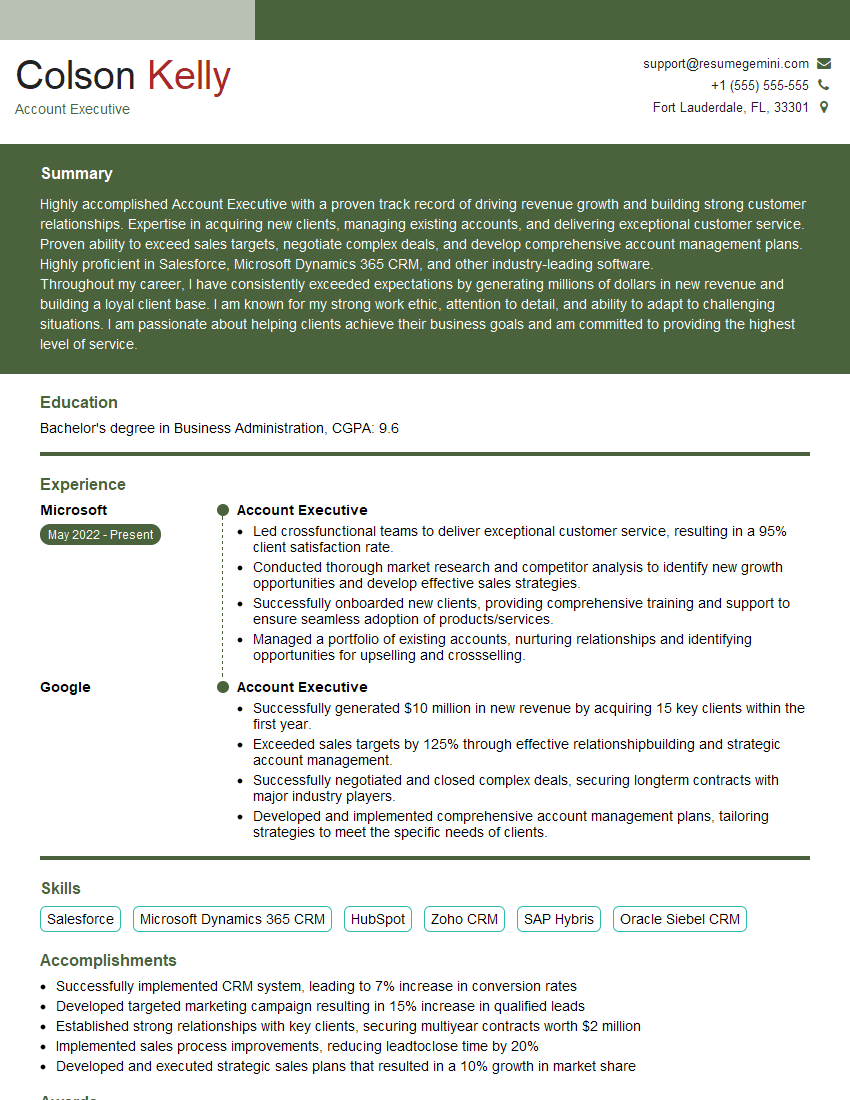
Account Executive Resume Sample
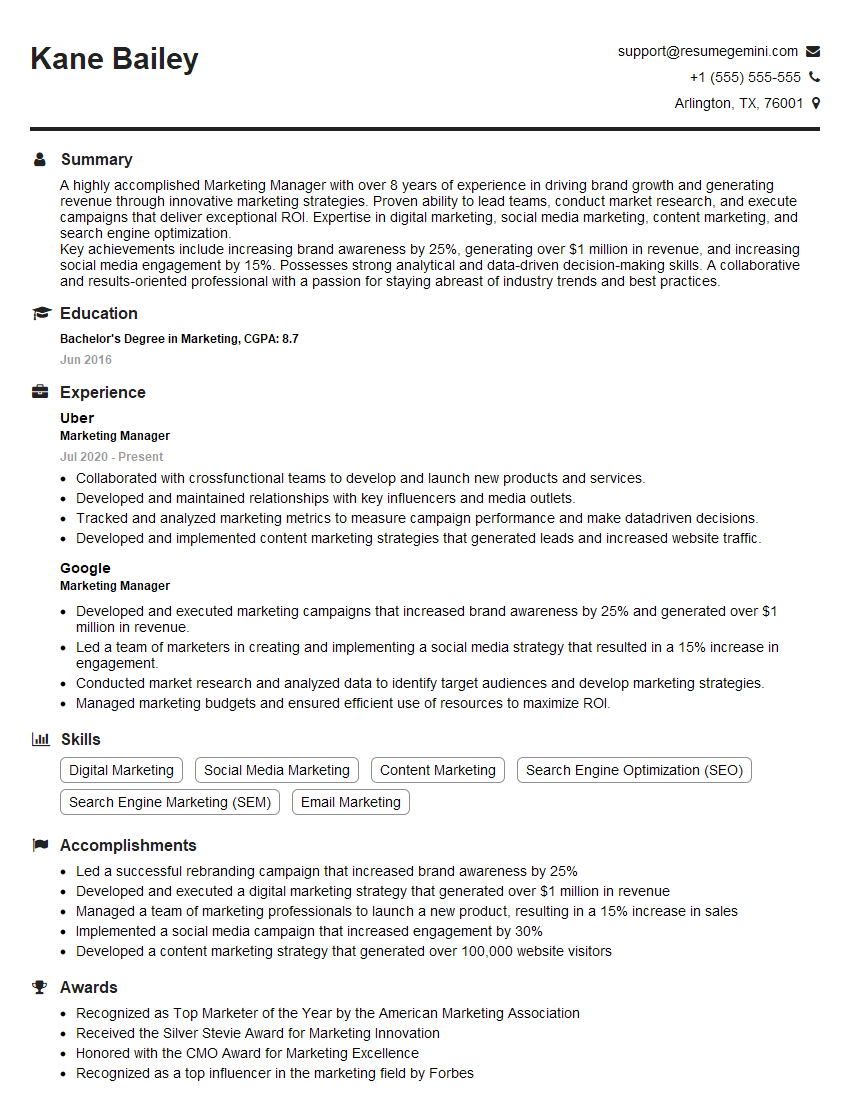
Marketing Manager Resume Sample
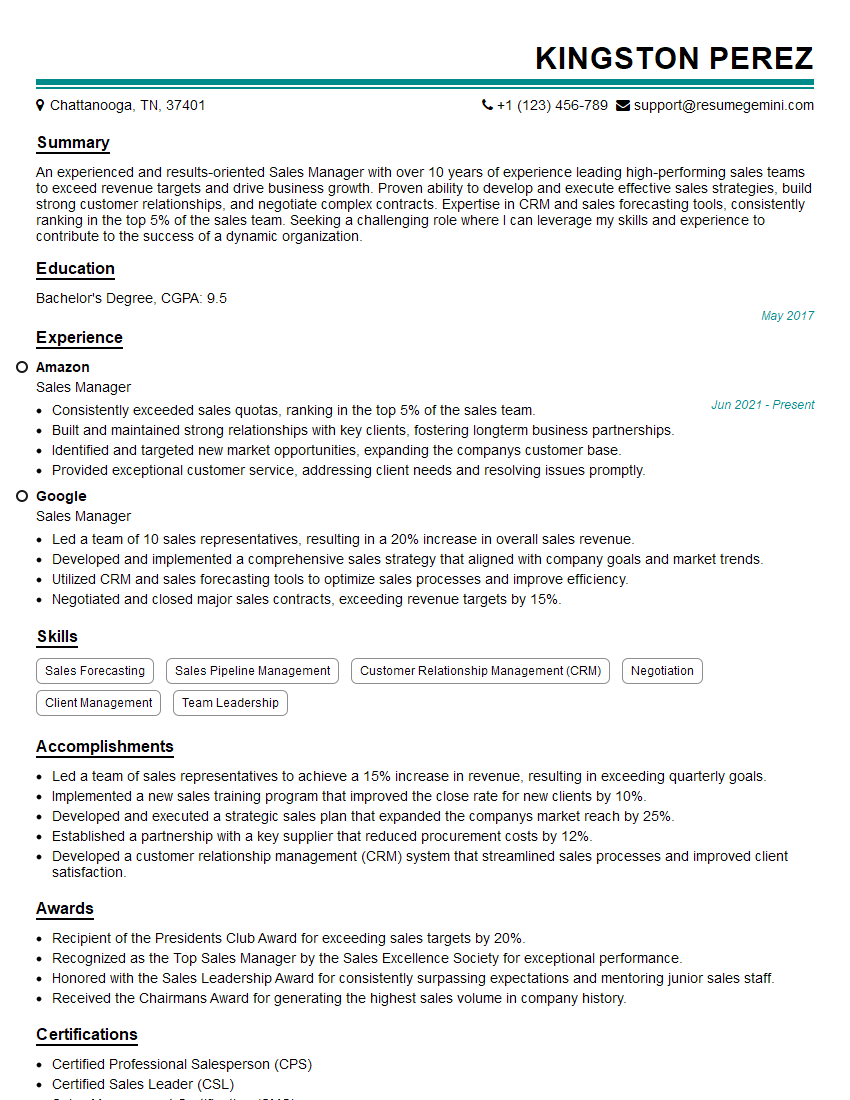
Sales Manager Resume Sample
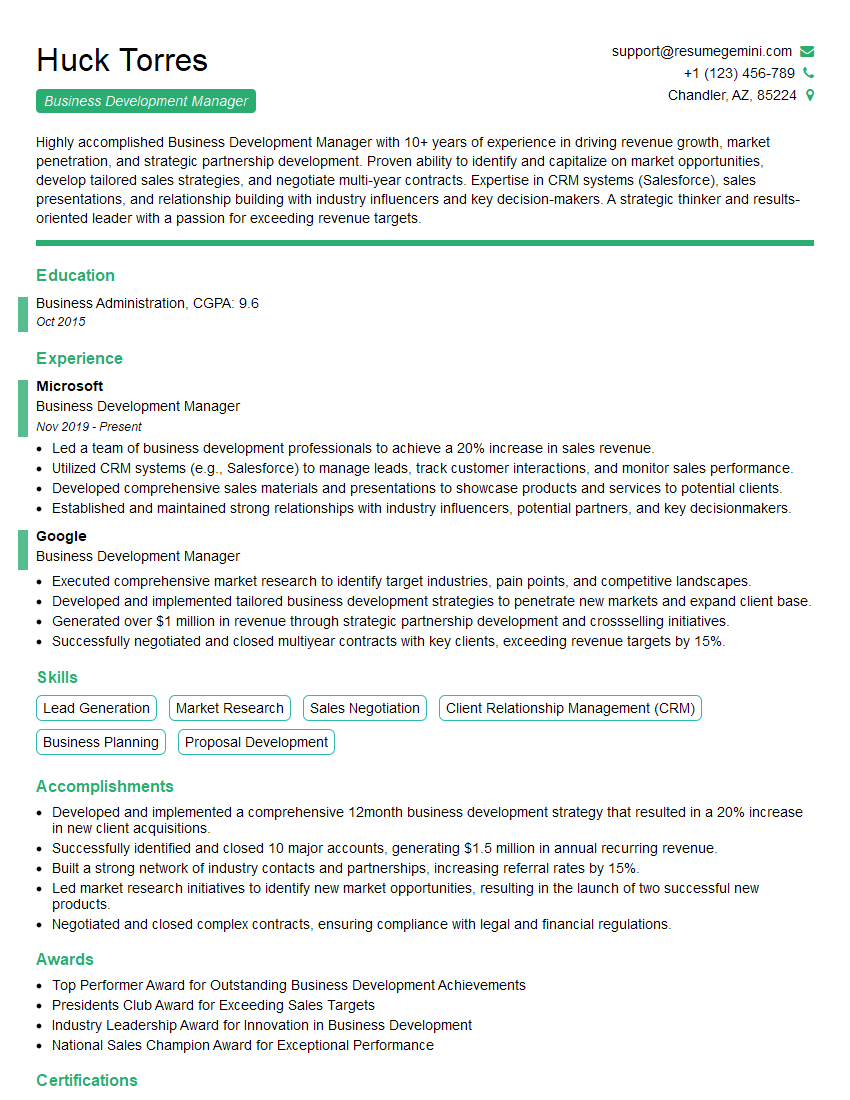
Business Development Manager Resume Sample

Product Manager Resume Sample
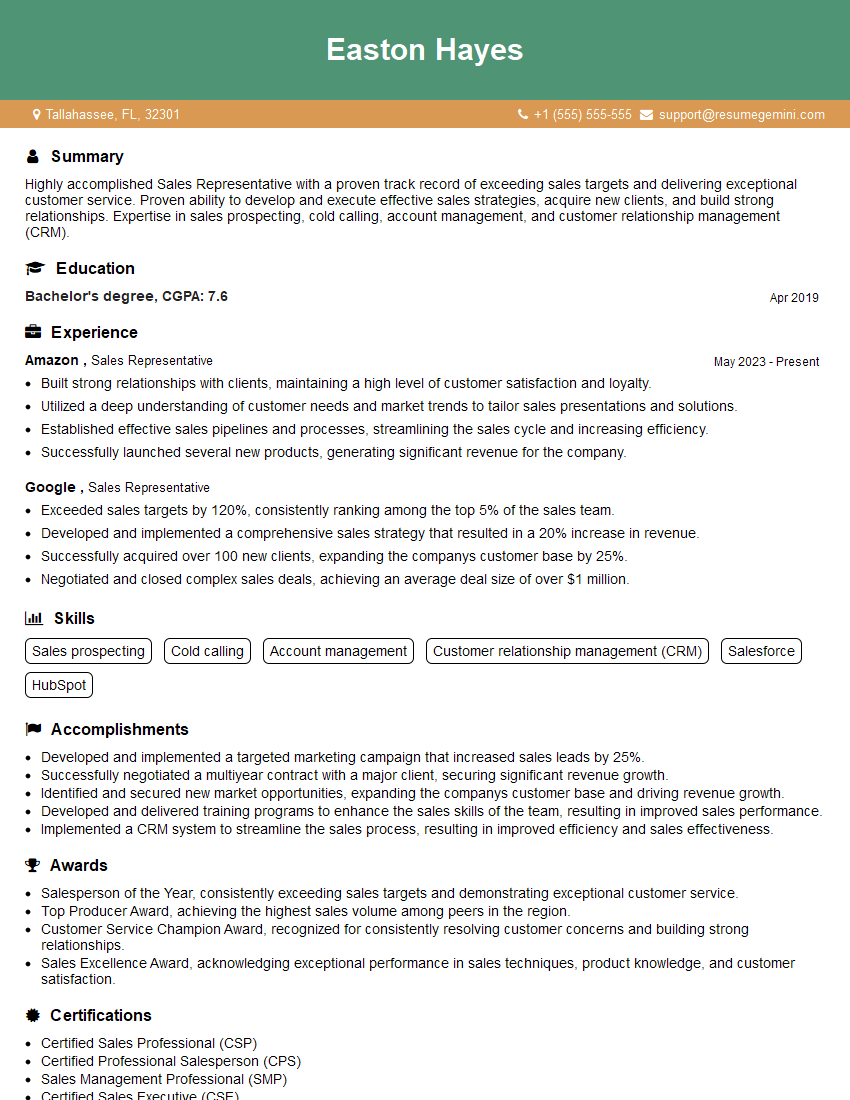
Sales Representative Resume Sample

Communications Manager Resume Sample
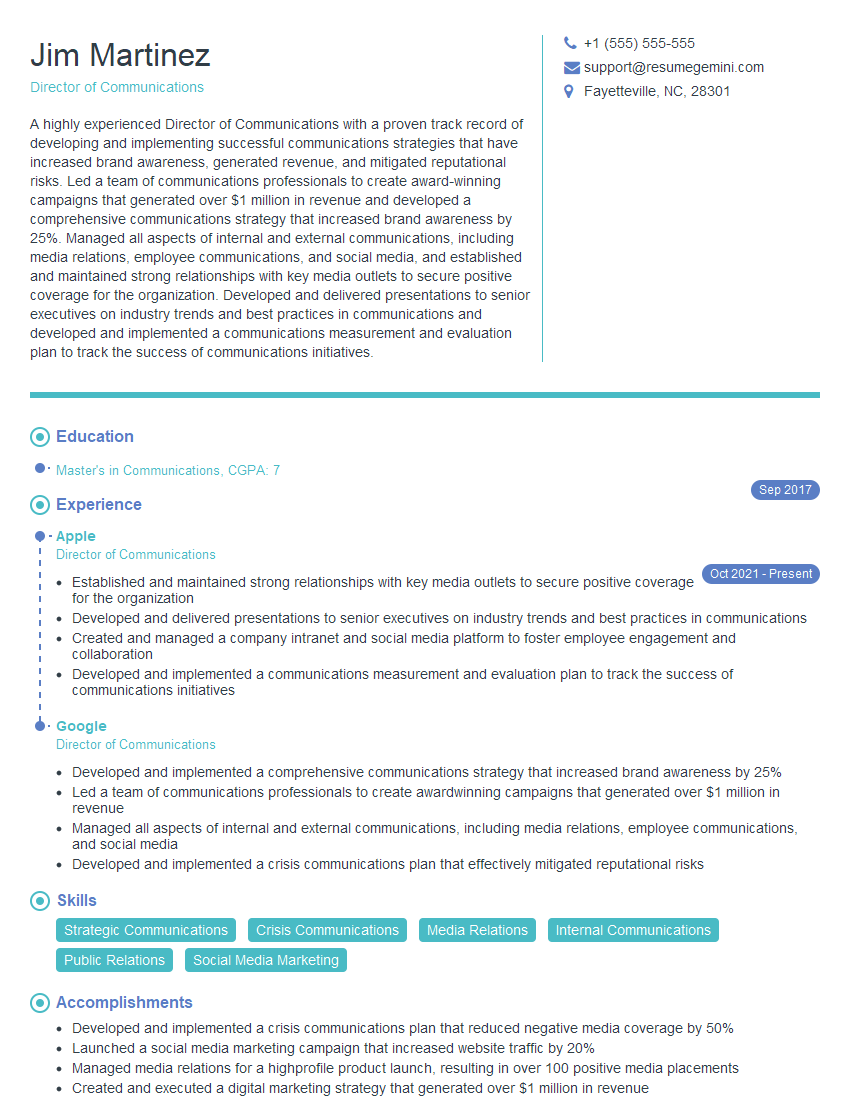
Director of Communications Resume Sample
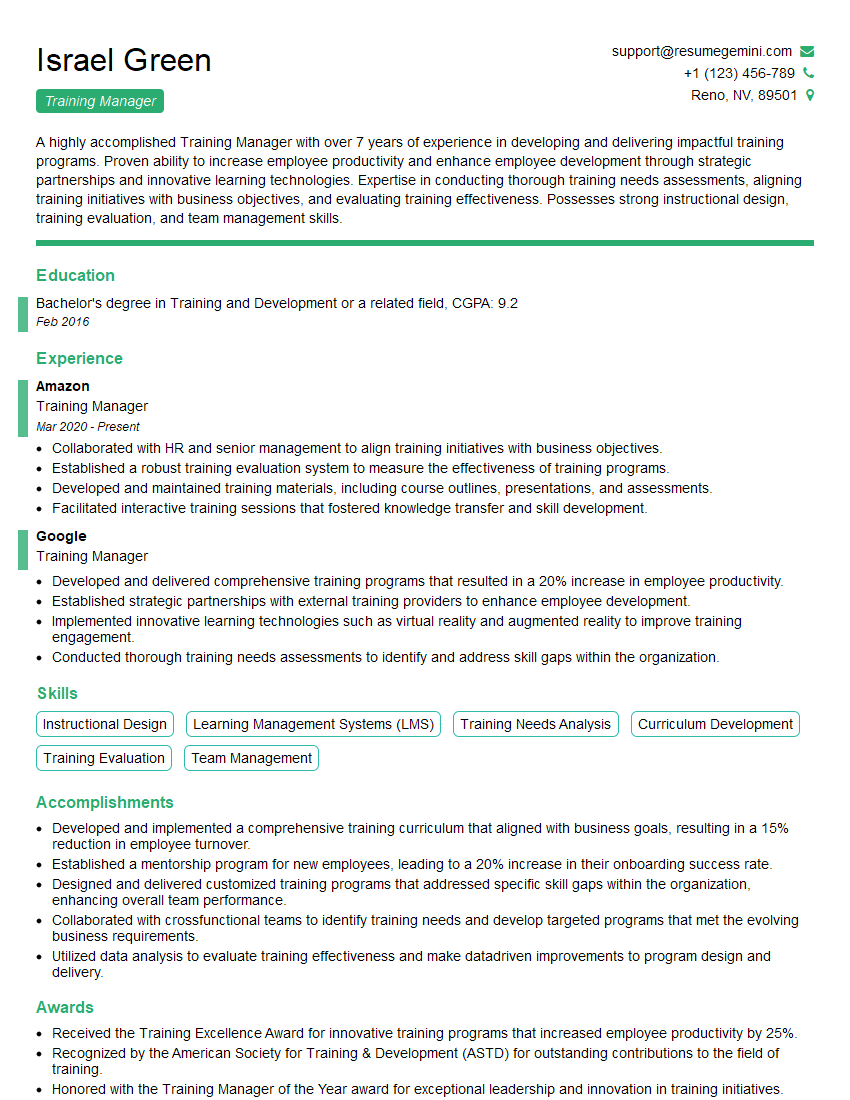
Training Manager Resume Sample

Project Manager Resume Sample
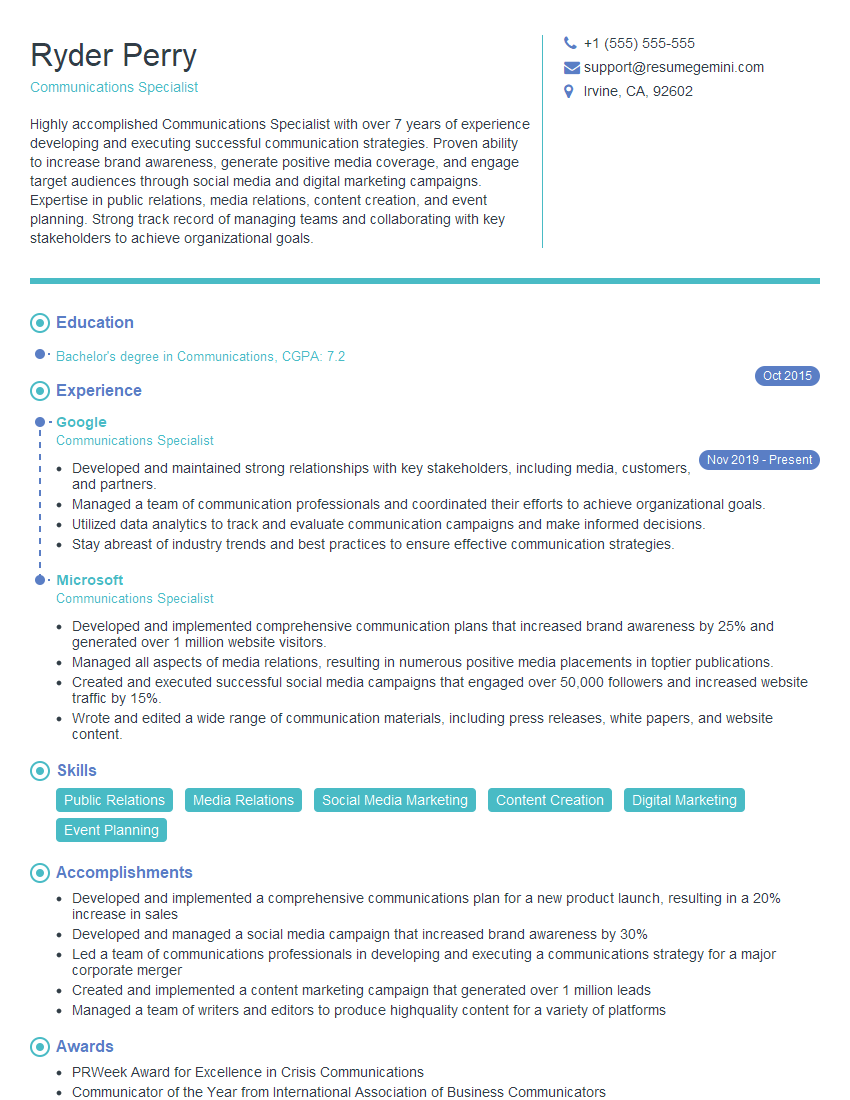
Communications Specialist Resume Sample
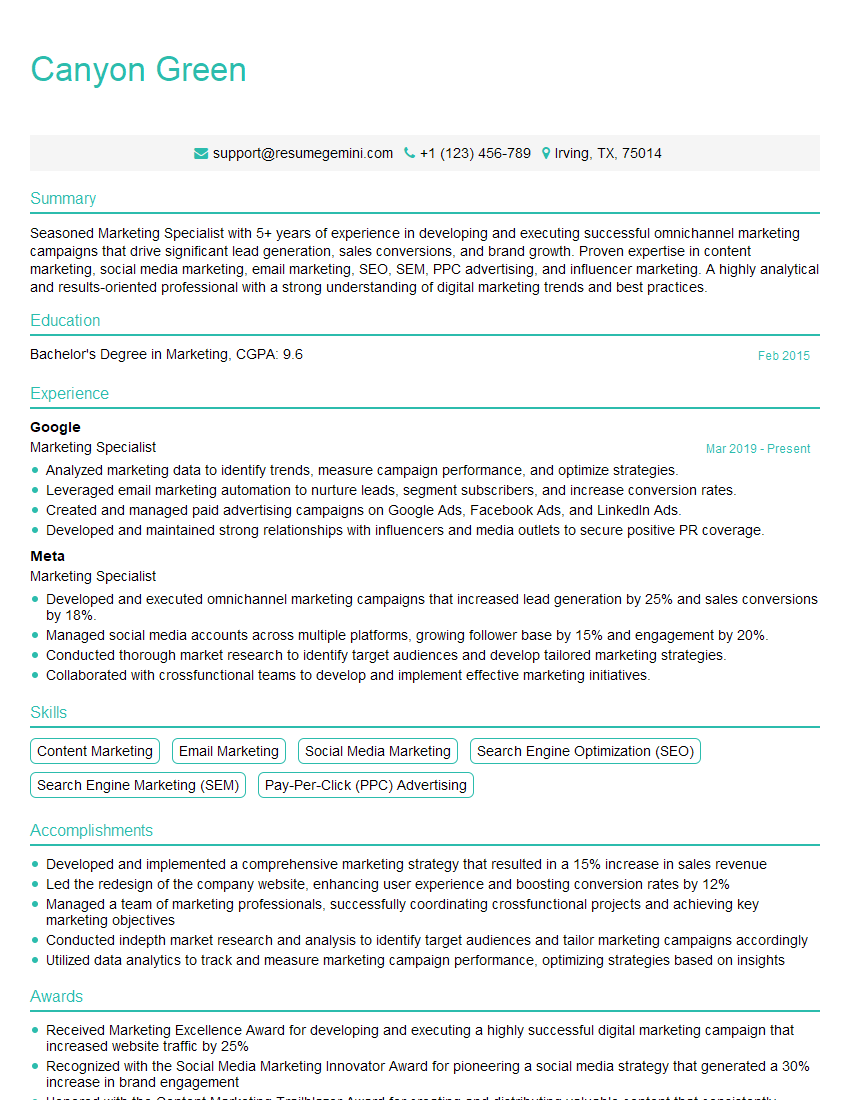
Marketing Specialist Resume Sample
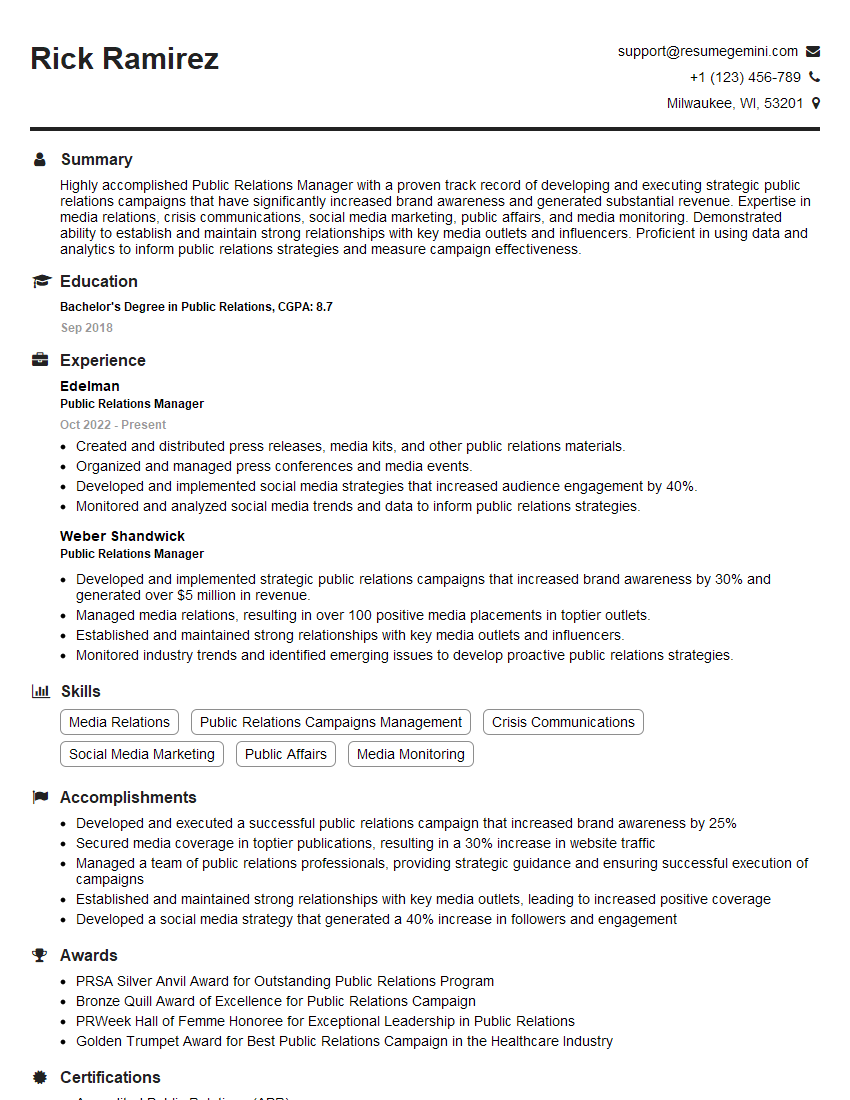
Public Relations Manager Resume Sample
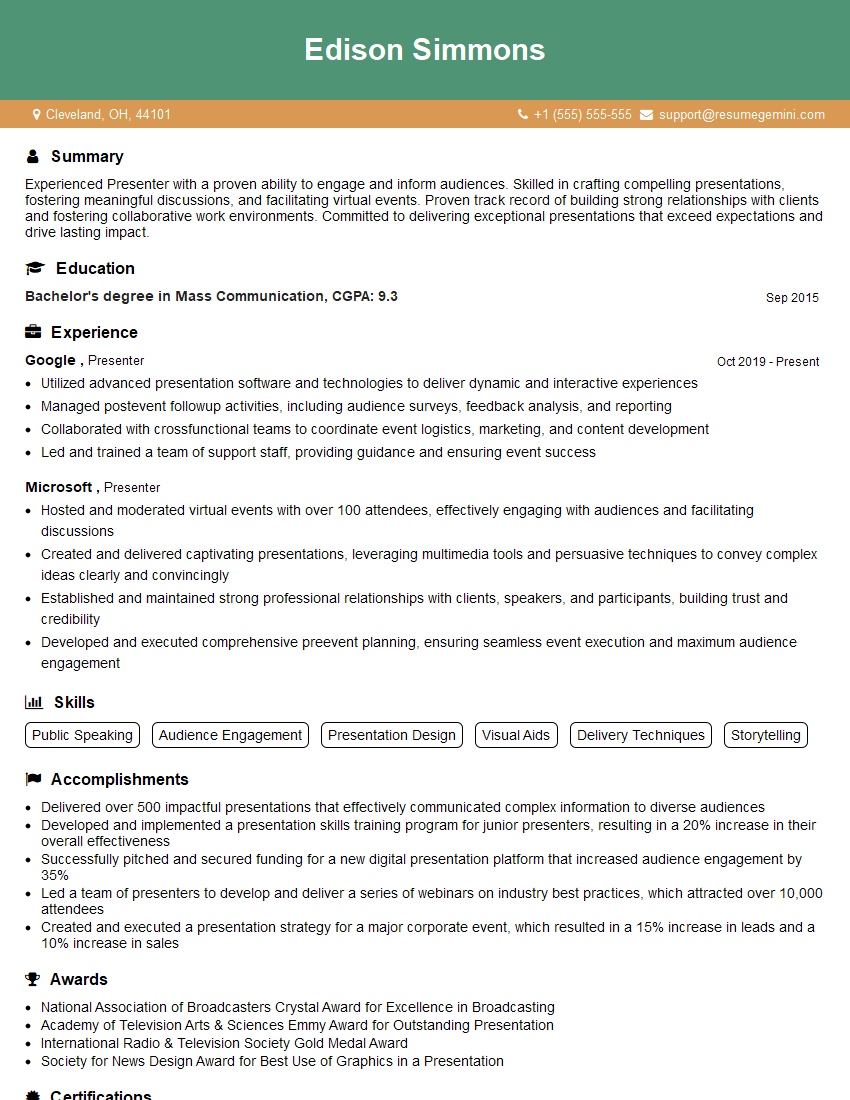
Presenter Resume Sample
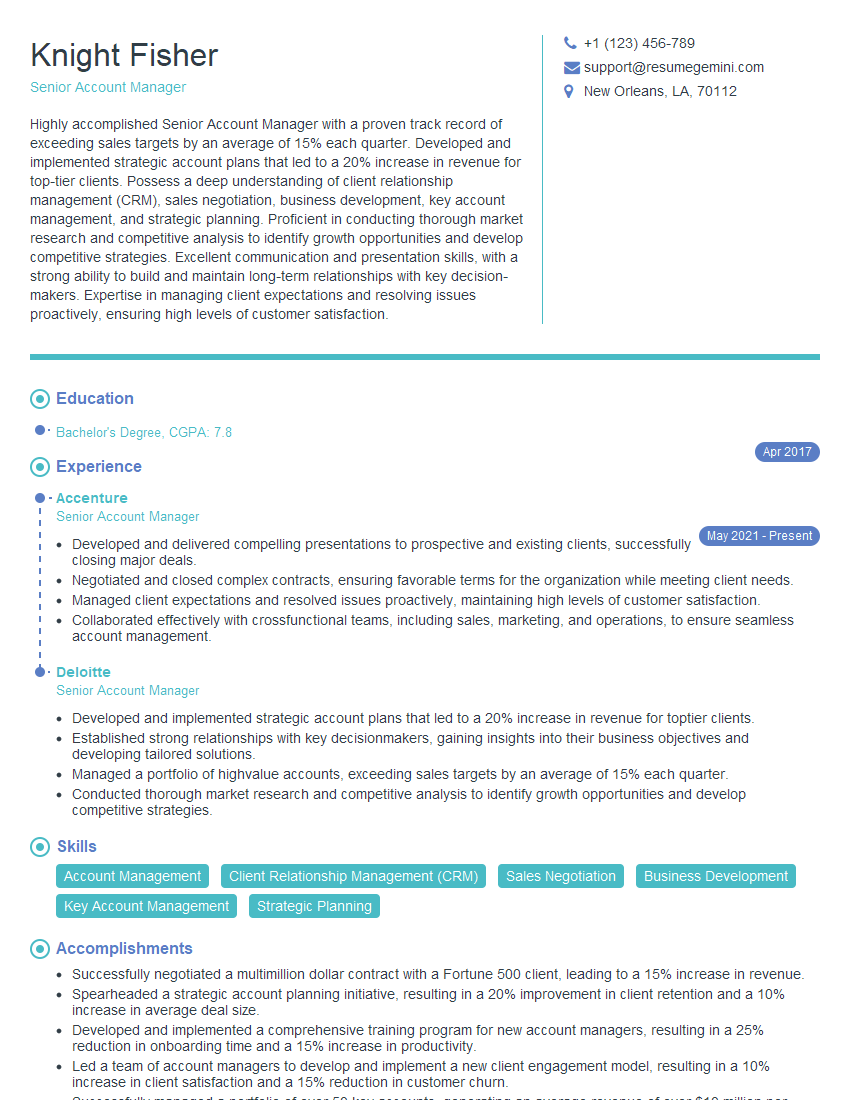
Senior Account Manager Resume Sample
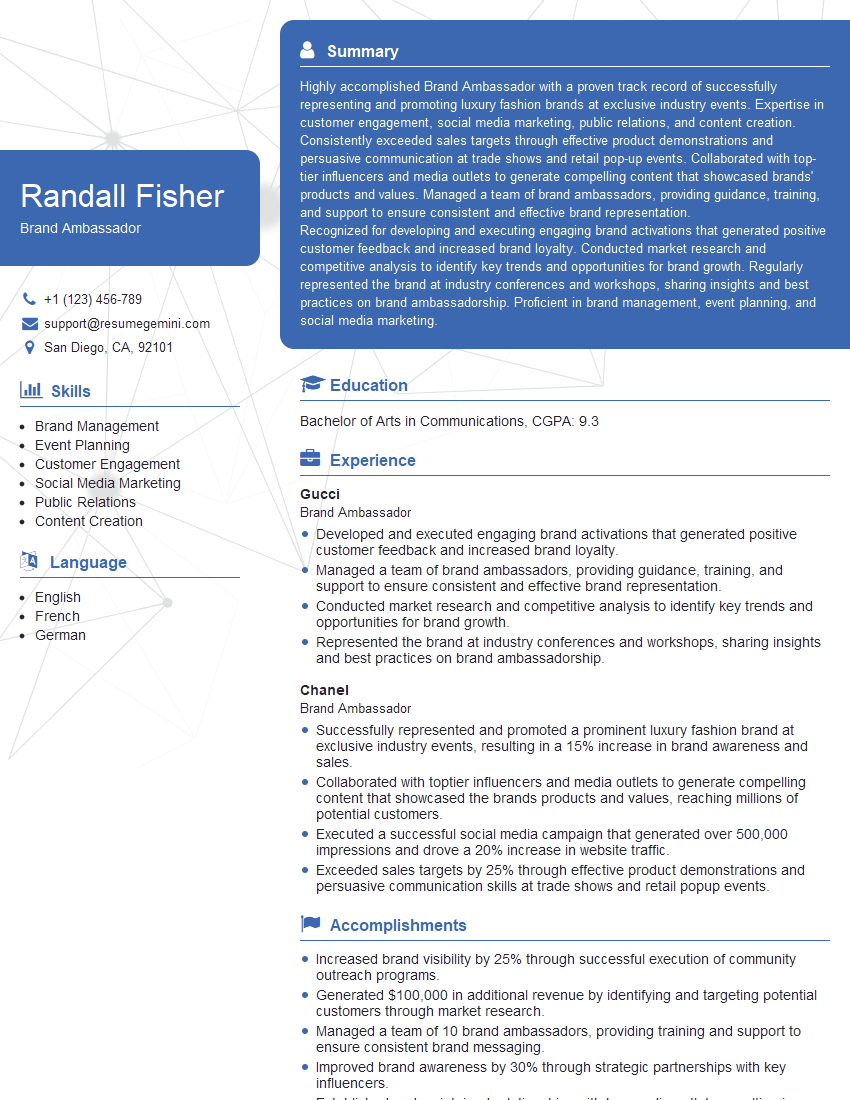
Brand Ambassador Resume Sample

Content Creator Resume Sample
- Account Executive
- Marketing Manager
- Sales Manager
- Business Development Manager
- Product Manager
- Sales Representative
- Communications Manager
- Director of Communications
- Training Manager
- Project Manager
- Communications Specialist
- Marketing Specialist
- Public Relations Manager
- Presenter
- Senior Account Manager
- Brand Ambassador
- Content Creator
Explore more articles
Users Rating of Our Blogs
Share Your Experience
We value your feedback! Please rate our content and share your thoughts (optional).
What Readers Say About Our Blog
Very informative content, great job.
good