Every successful interview starts with knowing what to expect. In this blog, we’ll take you through the top Post-Production Music Editing and Mixing interview questions, breaking them down with expert tips to help you deliver impactful answers. Step into your next interview fully prepared and ready to succeed.
Questions Asked in Post-Production Music Editing and Mixing Interview
Q 1. Explain your workflow for editing music for a film or television project.
My workflow for editing music for film or television is meticulous and iterative, focusing on seamless integration with the picture. It begins with a thorough review of the picture edit and director’s notes to understand the emotional arc and desired impact of each scene.
- Import and Organization: I import all audio stems—music, dialogue, sound effects—carefully labeling and organizing them in my DAW (Digital Audio Workstation) for efficient access.
- Rough Cut: I create a rough cut of the music, placing it tentatively within the picture timeline. This helps visualize the overall flow and identify any potential issues early on. I might use temp tracks at this stage if needed.
- Fine Editing: This involves precise trimming, crossfading, and sometimes even re-arranging sections of the music to match the picture’s pacing and emotional shifts. I pay close attention to dialogue and sound effects interactions, ensuring the music doesn’t overwhelm or clash with them.
- Mix Prep: Once the edit is finalized, I prepare for the mix by creating a consolidated session with all audio elements organized effectively. This might include grouping similar tracks for easier manipulation.
- Mixing and Mastering: This is the final stage where I refine the balance, tonal qualities, and dynamics of the entire soundtrack. This includes EQ, compression, reverb, and other effects to create a polished, engaging soundscape.
- Delivery: Finally, I render the final audio mix according to the client’s specifications, ensuring compatibility with the picture edit and distribution format.
For example, in a recent documentary, a crucial emotional scene needed a subtle shift in the music to emphasize a character’s reflection. I carefully trimmed and crossfaded sections, lowering the overall volume and shifting the tempo to enhance the feeling of introspection.
Q 2. Describe your experience with different audio editing software (e.g., Pro Tools, Logic Pro X, Cubase).
I’m proficient in several industry-standard DAWs, each with its strengths and weaknesses.
- Pro Tools: My primary DAW, renowned for its stability, extensive plugin support, and industry-standard workflow. It excels in large-scale projects with numerous tracks and complex routing.
- Logic Pro X: A powerful and intuitive option known for its extensive built-in instrument library and user-friendly interface. Great for smaller projects or situations where speed is essential.
- Cubase: A versatile DAW with sophisticated MIDI editing capabilities and a robust scoring environment. Useful when working with orchestral scores or complex MIDI-based arrangements.
My choice of DAW depends on the specific project requirements. For example, a large-scale film score might favor Pro Tools’ stability, while a smaller independent film might benefit from Logic Pro X’s speed and efficiency. The key is mastering the core principles of audio editing and mixing, which remain consistent across platforms.
Q 3. How do you handle difficult-to-mix audio tracks with significant noise or distortion?
Handling noisy or distorted audio tracks requires a multi-faceted approach focusing on both preventative and corrective measures.
- Preventative Measures: The best approach is always to capture clean audio in the first place. This means paying close attention to mic placement, room acoustics, and using appropriate pre-amps.
- Noise Reduction: I employ noise reduction plugins (e.g., RX, iZotope Noise Reduction) to attenuate background hum, hiss, or other consistent noises. Careful analysis of the audio to identify the noise profile is critical to avoid unwanted artifacts.
- Restoration: For clicks, pops, and other transient noise, I utilize specialized restoration tools within plugins like RX to surgically remove these imperfections without affecting the underlying audio.
- Spectral Editing: In cases of severe distortion, I often delve into spectral editing to visualize and precisely target the offending frequencies, gently removing them without destroying the harmonic content of the instrument.
- Creative Solutions: Sometimes, aggressive noise reduction isn’t the best approach. Strategic use of EQ to cut out frequencies containing the noise and carefully adding reverb to mask the imperfections can be more beneficial.
For instance, I once worked with a recording that had significant tape hiss. By carefully analyzing the hiss’ frequency spectrum, I used spectral editing tools to reduce it, then creatively employed a touch of reverb to add warmth and depth, masking any remaining artifacts.
Q 4. What techniques do you use for dialogue cleanup and noise reduction?
Dialogue cleanup is a crucial aspect of post-production. It involves a combination of techniques to enhance clarity and intelligibility.
- Noise Reduction: Removing background hum, hiss, or rumble using noise reduction plugins.
- De-essing: Attenuating harsh sibilance (s sounds) using de-esser plugins.
- Gate/Expander: Reducing background noise between spoken words using gates or expanders.
- EQ: Shaping the frequency response of the dialogue to enhance clarity and reduce muddiness.
- Compression: Controlling dynamic range to ensure consistent volume and improve clarity.
- Dialogue Editing: Sometimes physical cutting and splicing might be needed to remove coughs, stumbles, or background noise.
For example, I recently worked on a scene with noisy dialogue recorded outdoors. I used a combination of spectral noise reduction and a gate to eliminate ambient sounds, EQ to boost clarity in the mid-range, and subtle compression to even out the volume. This restored intelligibility and made the dialogue easy to understand.
Q 5. Describe your process for creating sound effects and Foley.
Creating sound effects and Foley involves a blend of recording, manipulation, and creative ingenuity.
- Recording: This can involve recording actual sounds (e.g., footsteps on different surfaces, objects breaking, doors creaking) or using a library of pre-recorded sound effects.
- Sound Design: This step involves using specialized software and plugins to manipulate and synthesize sounds to match the desired effect. This may involve layering, pitching, time-stretching, and adding effects like reverb or delay.
- Foley: Foley artists create sounds in sync with the picture. This might involve walking, running, or manipulating various objects to match the action on screen.
- Layering: Often, I combine various sounds to achieve a more realistic effect.
- Spatialization: Using panning, delay, and reverb to place sounds appropriately in the soundscape.
For instance, in one project, the sound of a character opening a rusty door required layering sounds: a creaking door hinge (recorded), the scraping of metal on metal (synthesized), and a subtle crunch (from a recorded footstep). The final effect was created through layering and careful panning.
Q 6. How do you approach the synchronization of music to picture?
Synchronizing music to picture demands precise timing and a keen understanding of the visual narrative.
- Picture Lock: The process begins with a locked picture edit, providing a stable foundation for the music.
- Tempo Mapping: I carefully align the music’s tempo with the picture’s rhythm and pacing. Software like Pro Tools allows for tempo changes and warping to adjust the music without sacrificing quality.
- Beat Matching: Precise beat matching is crucial. Even minor discrepancies can create a distracting effect.
- Cue Points: I set cue points within the music and picture timelines to mark important moments and transitions.
- Collaboration: Effective communication with the director and editor is vital. Often, we collaborate to fine-tune the timing and placement of musical cues.
One memorable instance involved syncing a dramatic piece of music with a car chase scene. I used tempo mapping to subtly adjust the tempo of the music, accelerating during intense moments and slowing during quieter sections, perfectly mirroring the chase’s rhythm.
Q 7. What are your preferred methods for achieving spatial depth and clarity in your mixes?
Achieving spatial depth and clarity in mixes involves strategic use of effects and mixing techniques.
- Panning: Creating a sense of space by positioning instruments and effects within the stereo field.
- Reverb: Using reverb plugins to simulate the natural ambience of spaces, adding depth and realism to the sound.
- Delay: Adding subtle delays to create a sense of space and width.
- EQ: Utilizing EQ to shape the frequency balance of different instruments and elements to avoid muddiness and enhance clarity.
- Mixing Techniques: Techniques like parallel processing, which creates multiple versions of a signal with differing effects, can add depth without sacrificing clarity.
- Surround Sound (5.1 or 7.1): For immersive experiences, employing surround sound techniques to create a more expansive soundscape.
For example, in a recent project, I used a combination of reverb, delay, and careful panning to place a choir in a virtual cathedral space, giving a sense of grandeur and spaciousness without muddying the mix. The use of EQ ensured each voice remained clear and distinct.
Q 8. Explain your experience with various audio compression and limiting techniques.
Audio compression and limiting are crucial for achieving loudness and dynamic control in post-production. Compression reduces the dynamic range of a signal, making quieter parts louder and louder parts quieter. Limiting is a more extreme form of compression that prevents the signal from exceeding a specified threshold, preventing clipping and distortion.
My experience spans various techniques, including:
- Standard compression: I frequently use this for instruments like drums or vocals to control their dynamics and create a consistent level. I often employ ratio settings between 2:1 and 4:1, adjusting attack and release times to shape the sound subtly.
- Multiband compression: This allows for independent compression of different frequency bands. For example, I might compress the low-end frequencies of a bass guitar more aggressively than the midrange frequencies to avoid muddiness.
- Parallel compression: This involves sending a copy of the signal through a compressor and then blending it back with the original. It can add punch and sustain without drastically altering the original sound. I use this often on drum groups to add impact.
- Brickwall limiting: This technique is used at the final stage of mastering to ensure the audio doesn’t exceed a specified level for broadcast or streaming. I carefully use it to avoid squashing the dynamics excessively and preserving sonic quality.
Choosing the right technique depends entirely on the specific audio material and the desired sonic outcome. I carefully adjust parameters like ratio, threshold, attack, and release to achieve the ideal results for each project.
Q 9. How do you handle feedback from directors or producers regarding the music edit and mix?
Feedback is essential in post-production. I approach director and producer feedback with a collaborative mindset. I actively listen and ask clarifying questions to fully understand their concerns and vision.
My process involves:
- Detailed note-taking: I meticulously document all feedback, ensuring I understand the specific changes requested.
- Testing revisions: I implement the suggested changes, provide multiple versions if necessary, allowing for comparisons and iterations.
- Open communication: I maintain open communication, proactively explaining the technical aspects of my choices and offering alternative solutions when appropriate. I might provide A/B comparisons of different mixing options.
- Iteration and refinement: I embrace the iterative nature of the feedback process. I’m not afraid to experiment, refine, and iterate based on the feedback until a satisfactory result is achieved.
For example, if a director feels the music in a particular scene is too loud, I might reduce the overall gain, or use different compression settings to create more space. The goal is always to find a solution that aligns with the director’s vision while maintaining high-quality audio.
Q 10. Describe your familiarity with different audio file formats and their use cases.
I’m proficient with various audio file formats, understanding their strengths and limitations. The choice of format depends on factors like storage space, audio quality, and compatibility with different software and hardware.
- WAV (Waveform Audio File Format): A lossless format ideal for high-quality audio. I use this extensively during mixing and editing to avoid any quality degradation.
- AIFF (Audio Interchange File Format): Another lossless format, very similar to WAV but commonly used in Mac-based workflows.
- MP3 (MPEG Audio Layer III): A lossy compressed format suitable for distribution and online use. The compression reduces file size at the cost of some audio quality. I use this for final delivery formats.
- AAC (Advanced Audio Coding): A lossy format offering better quality than MP3 at comparable file sizes. Increasingly popular for streaming services.
For example, I would use WAV files during the mixing process to preserve the integrity of the audio, then convert to MP3 or AAC for final delivery to clients for internet distribution. Understanding these format differences is vital for ensuring seamless workflow and audio quality throughout the post-production pipeline.
Q 11. How do you manage large audio projects and maintain organization?
Managing large audio projects requires meticulous organization to maintain efficiency and avoid errors. My workflow involves:
- Clear folder structure: I use a consistent and logical folder structure, separating tracks, scenes, sound effects, and music stems for easy access. This often includes date-based subfolders for different revisions.
- Color-coding: I utilize color-coding in my DAW to visually distinguish different audio elements, making it easier to identify specific tracks.
- Session backups: Regular backups are crucial, often employing automated backups to different drives. This protects against data loss.
- Metadata tagging: I meticulously tag files with descriptive information, including scene number, track names, and descriptions. This aids in searching and organization.
- Version control: I create separate project files for each significant revision, allowing for easy comparison and rollback if necessary.
These strategies ensure that even complex projects are well-organized and easily navigable, allowing me to focus on the creative aspects of the work without being bogged down in technical issues.
Q 12. What is your experience with automation and using plugins in your DAW?
Automation and plugins are integral parts of my workflow. I extensively use plugins to achieve specific effects and automate repetitive tasks, boosting efficiency and consistency. My experience includes:
- Automation of mixing parameters: I automate parameters like volume, pan, EQ, and dynamics processing to create smooth transitions and nuanced changes across a scene. For example, I might automate a vocal’s volume to create a gradual fade-out during a quiet moment.
- Using various plugin types: I’m proficient with compressors, EQs, reverbs, delays, and other effect plugins. I select the right plugin for the job, considering both its functionality and sonic characteristics.
- Creating custom presets: I create and save custom plugin presets to maintain consistency across different projects and speed up my workflow. This saves time and ensures similar sounds throughout multiple projects.
- MIDI automation: For projects involving scored music, I use MIDI automation to control various parameters, such as volume, panning, and effects, in a precise and musical way.
Leveraging automation and plugins allows me to focus on the bigger picture—the overall sonic experience—rather than spending time on repetitive manual tasks. It results in a more polished and efficient workflow.
Q 13. Explain your understanding of equalization (EQ) and its applications in mixing.
Equalization (EQ) is a fundamental mixing technique used to shape the frequency balance of an audio signal. It involves boosting or cutting specific frequencies to enhance certain aspects of the sound or address unwanted frequencies.
My application of EQ in mixing includes:
- Sculpting instruments: I use EQ to carve out space for different instruments in the mix. For example, I might cut some low frequencies from a guitar to avoid muddiness when it’s layered with a bass.
- Correcting problematic frequencies: EQ can correct resonances or unwanted frequencies. If a vocal recording has a harshness in the high frequencies, I’ll use an EQ to attenuate those frequencies.
- Adding clarity and presence: Boosting specific frequencies can add clarity and presence to instruments or vocals, making them sit better in the mix.
- Creating sonic space: Careful EQ’ing helps to create room for all the instruments to coexist and to ensure that no one instrument overpowers the others.
I utilize both parametric EQs (offering precise control over frequency, gain, and Q) and graphic EQs (visual representation of frequency response) depending on the task at hand. Understanding the frequency spectrum and how different instruments occupy it is crucial for effective EQ’ing. I always listen critically, ensuring each EQ adjustment contributes positively to the overall mix.
Q 14. How do you approach creating a cohesive soundscape across multiple scenes?
Creating a cohesive soundscape across multiple scenes requires a thoughtful and planned approach. Consistency and subtle changes are key to maintaining the overall emotional arc of the piece.
My strategy involves:
- Establishing a sonic palette: I begin by defining a sonic palette—a set of recurring sounds, instruments, and effects that will define the overall sound of the project. This provides a sense of unity across all scenes.
- Using transitional elements: To smoothly connect scenes, I use transitional elements such as subtle changes in instrumentation, dynamics, or effects. These can bridge the sonic gap between contrasting scenes.
- Maintaining tonal consistency: While allowing for variation, I try to maintain a consistent tonal quality throughout the project. If the initial scenes are bright and optimistic, I avoid introducing overly dark or melancholic sounds abruptly.
- Utilizing thematic motifs: The use of recurring musical phrases or motifs can create a unifying thread across scenes, even if the overall instrumentation or style changes slightly.
For example, a documentary about nature might use acoustic instruments and ambient sounds throughout, but might shift dynamics and instrumentation to highlight a specific event or point of transition, while still maintaining its core sonic identity.
Q 15. What are your strategies for handling time constraints and tight deadlines?
Managing time constraints in post-production music is crucial. My strategy relies on a three-pronged approach: meticulous planning, efficient workflow, and proactive communication.
Planning: I begin by breaking down the project into manageable tasks, creating a detailed schedule with realistic deadlines for each. This involves carefully analyzing the project’s scope, identifying potential bottlenecks, and allocating sufficient time for each stage – editing, mixing, mastering, and revisions.
Efficient Workflow: I leverage efficient tools and techniques like template sessions, automation, and keyboard shortcuts to accelerate the process. For instance, I might create a template session in my DAW (Digital Audio Workstation) with pre-configured plugins and routing to minimize setup time for each new track. I also prioritize tasks based on their urgency and importance, focusing on the most critical elements first.
Proactive Communication: Open and consistent communication with the client and team is key. Regular updates keep everyone informed about progress, potential challenges, and any necessary adjustments to the schedule. Early identification of potential issues allows for timely problem-solving and prevents last-minute rushes.
For example, on a recent short film project with a very tight deadline, I used a detailed Gantt chart to visualize the timeline and track my progress. This allowed me to identify a potential delay in the sound design phase, enabling me to adjust my schedule and allocate more time effectively.
Career Expert Tips:
- Ace those interviews! Prepare effectively by reviewing the Top 50 Most Common Interview Questions on ResumeGemini.
- Navigate your job search with confidence! Explore a wide range of Career Tips on ResumeGemini. Learn about common challenges and recommendations to overcome them.
- Craft the perfect resume! Master the Art of Resume Writing with ResumeGemini’s guide. Showcase your unique qualifications and achievements effectively.
- Don’t miss out on holiday savings! Build your dream resume with ResumeGemini’s ATS optimized templates.
Q 16. Describe your experience with music stems and their importance in a post-production workflow.
Music stems are indispensable in post-production. They are individual audio tracks representing different instrumental groups or elements of a musical composition (e.g., drums, bass, vocals, guitars). Their importance stems from offering unparalleled flexibility and control during mixing and editing.
Flexibility: Stems allow for independent manipulation of each instrument or group, enabling precise adjustments to volume, EQ, panning, and effects. This is crucial for achieving a balanced and polished mix within the context of the film or video. You can easily adjust the bass level without affecting the vocals, for instance.
Workflow Efficiency: Working with stems significantly streamlines the mixing process compared to using a single stereo mix. It simplifies troubleshooting, reduces processing load, and allows for quicker iterations during revisions. It’s like having individual building blocks you can rearrange rather than a finished sculpture.
Creative Control: Stems provide the freedom to experiment with different arrangements and sonic textures, without being limited by the original mix’s arrangement. You can creatively blend, manipulate, and enhance individual elements to enhance the emotional impact of the scene.
Imagine trying to adjust the low-end frequencies of a bass line in a single stereo mix. It’s difficult and may negatively affect other frequencies. With stems, you can precisely target and adjust the bass line without affecting the other elements.
Q 17. How do you maintain consistency in sound quality throughout a project?
Maintaining consistent sound quality across a project requires a methodical approach, encompassing various stages of the production process. It’s like painting a mural; every brushstroke must blend seamlessly with the overall vision.
Reference Tracks: I always establish a reference track—a professionally mixed piece with a similar sonic character—to ensure a consistent target sound throughout the project. This acts as a benchmark for levels, EQ, and compression.
Calibration: Before each session, I calibrate my monitoring system to ensure accuracy and consistency in perceived sound levels and frequency response across different sessions. A well-calibrated system is essential for making informed mixing decisions.
Consistent Processing: I employ consistent processing techniques across all tracks and sessions, using similar plugins and settings to maintain a cohesive sonic identity. Creating custom presets for EQ and compression can help maintain consistency.
Regular Check-ins: Frequent listening sessions and comparisons of different sections of the project help identify and correct any inconsistencies in dynamics, frequency balance, or overall tonal character.
For example, I might create a template session with my preferred plugins and settings already in place, ensuring all tracks receive similar processing while still allowing for individual adjustments.
Q 18. What are your preferred methods for collaborating with other post-production personnel?
Collaboration is essential in post-production. My preferred methods involve leveraging digital tools for seamless communication and efficient file sharing.
Cloud-Based Collaboration Platforms: I utilize cloud-based platforms like Dropbox, Google Drive, or collaborative DAW features to easily share and manage project files with other post-production professionals (editors, sound designers, mixers).
Version Control: I use version control systems to track changes, revert to previous versions if necessary, and facilitate smooth collaboration among multiple editors and mixers. This ensures everyone is working on the same files without overwriting each other’s work.
Regular Feedback Sessions: I schedule regular feedback sessions with the team to review progress, discuss creative decisions, and address any concerns. These sessions are crucial for ensuring a unified artistic vision and resolving creative differences.
Detailed Communication: Clear and concise communication via email, instant messaging, or project management software ensures everyone is informed about the project’s status, deadlines, and any changes in requirements. This avoids misunderstandings and ensures everyone is on the same page.
In a recent project, our team used a shared online project management tool to track tasks, deadlines, and notes, fostering a smooth and efficient workflow despite being geographically dispersed.
Q 19. Explain your experience with different metering techniques and loudness standards (e.g., LUFS).
Metering techniques and loudness standards are critical for ensuring consistent and professional audio. Accurate metering prevents clipping (distortion), ensures sufficient loudness for broadcast, and maintains consistency across different platforms.
Metering Techniques: I use a variety of metering techniques, including peak meters (measuring the highest amplitude), RMS (Root Mean Square) meters (measuring the average amplitude over time), and LUFS (Loudness Units relative to Full Scale) meters (measuring perceived loudness).
Loudness Standards: LUFS is increasingly important, reflecting the perceived loudness of audio. Different platforms and broadcasting standards have specific LUFS requirements (e.g., -16 LUFS for streaming services, -23 LUFS for broadcast television). Adhering to these standards ensures optimal playback across devices and prevents audio from being too quiet or too loud.
True Peak Metering: I also utilize true peak metering, which identifies the actual peak level of the audio signal, helping prevent inter-sample peaks that can cause distortion even when the RMS levels appear safe. This is especially crucial for digital distribution.
For example, I might use LUFS metering to target a -16 LUFS loudness for a streaming platform while simultaneously monitoring true peak levels to avoid digital distortion.
Q 20. How do you resolve discrepancies between different audio sources?
Discrepancies between audio sources are common in post-production and often require careful analysis and creative problem-solving. It’s like piecing together a jigsaw puzzle with some missing or mismatched pieces.
Identify the Source: The first step involves identifying the cause of the discrepancy. Is it a difference in recording level, frequency response, or ambience? Often, careful listening and visual inspection of waveforms can reveal clues.
Level Matching: Often, discrepancies can be addressed through simple level adjustments using gain staging. I might carefully adjust the volume of one source to match the level of another.
EQ and Compression: Equalization (EQ) can help adjust the tonal balance between different sources. Compression can help to even out dynamic differences. However, I am mindful of not over-processing, which might lead to unnatural sounding audio.
Time Alignment: If the audio sources are out of sync, I use time-stretching and alignment tools to match their timing precisely. This is especially important when combining dialogue and music.
Creative Solutions: Sometimes, more creative solutions might be required. I may blend the sources, apply effects to bridge discrepancies, or replace a section entirely if the audio is beyond repair.
For example, I once encountered a discrepancy in a dialogue recording where one microphone captured a slightly different reverb than another. Using equalization and subtle reverb adjustments, I successfully created a consistent soundscape for the entire scene.
Q 21. What are your skills in using surround sound techniques?
Surround sound techniques create immersive and engaging audio experiences. My skills encompass various aspects of surround sound mixing, from understanding different surround formats to utilizing specialized plugins and techniques.
Surround Formats: I’m proficient in various surround sound formats, including 5.1, 7.1, and Dolby Atmos (object-based audio). Each format presents unique challenges and opportunities, requiring specific strategies for panning, effects placement, and overall balance.
Spatial Audio Design: Creating a believable and immersive soundscape involves understanding how to place sounds in the surround field effectively. I use panning, reverb, and delay to create depth, width, and movement in the audio. Imagine positioning a helicopter sound subtly moving from one speaker to another to give a sense of direction.
Plugin Proficiency: I’m proficient in using plugins specifically designed for surround mixing, including those for panning, reverb, and spatial processing. These tools aid in creating realistic and natural-sounding surround mixes.
Monitoring: Accurate monitoring is essential for surround mixing. I use properly calibrated surround sound systems to ensure a faithful representation of the final mix.
For example, in a recent project, we used Dolby Atmos to create a highly immersive and dynamic soundscape for a nature documentary. The result was a far more engaging viewing experience due to the realistic and spatial placement of sounds.
Q 22. What is your process for creating a temp music track?
Creating a temp music track is crucial in post-production, acting as a placeholder for the final score. My process begins with understanding the scene’s emotional arc and pacing. I’ll analyze the picture edit, identifying key moments – action sequences, emotional peaks, quiet reflective scenes. Then, I search my music library (or utilize royalty-free music services) for tracks that evoke the desired mood. I don’t strive for a perfect match at this stage; the goal is to find something that’s thematically appropriate and rhythmically suitable.
Next, I’ll carefully edit the temporary music to precisely match the scene’s timing, using cuts and fades to enhance the storytelling. For example, if there’s a slow-motion shot of a character making a crucial decision, I’ll extend the music’s crescendo to amplify that feeling. Conversely, if the scene requires a sense of urgency, I might employ quicker cuts and a more driving tempo. Finally, I’ll adjust the volume and balance of the temp track to ensure it sits well within the overall soundscape, without overpowering the dialogue or sound effects. Think of it as setting the emotional tone for the scene, a crucial step in guiding the composer toward the final score.
Q 23. Describe your experience working with different music genres.
My experience spans a wide range of genres, from orchestral scores for epic dramas to upbeat pop tracks for commercials, and gritty, atmospheric soundscapes for documentaries and thrillers. Working on a period drama required meticulous research into period-appropriate instrumentation and musical styles to create authenticity. For instance, using a harpsichord instead of a modern piano could drastically change the mood. On the other hand, composing music for a fast-paced action sequence involved crafting a score that uses driving percussion and layered synths to maintain energy. The flexibility to adapt my style is vital. Each genre necessitates different approaches to arrangement, instrumentation, and mixing techniques. For example, the dynamic range in a classical score differs drastically from a heavily compressed pop track.
Q 24. How do you troubleshoot technical issues during the mixing process?
Troubleshooting during mixing is a regular part of the process. My approach is systematic: I start by isolating the problem. Is it a distortion issue? A phasing problem? A lack of clarity in a particular frequency range? I use tools like a spectrum analyzer to pinpoint frequencies that might be causing issues. For instance, if I’m getting muddiness in the low-mids, I can look at the EQ of my bass and kick drum to remove conflicting frequencies.
Then, I experiment with solutions. This might involve adjusting EQ settings, using compression to control dynamics, experimenting with panning to create a wider stereo image, or even subtle automation to adjust levels over time. If the issue is more complex—let’s say there’s a persistent hum—I’ll revisit the individual tracks to identify its source, which may involve checking for ground loops or other issues within the recording itself.
Documentation is key. I maintain meticulous session notes to track down problems efficiently. For example, if a specific plugin is causing an issue, I’ll note down its parameters and any steps taken to resolve it, helping me avoid repeating the same mistakes. My ability to effectively troubleshoot stems from understanding the fundamentals of audio and possessing a toolbox of problem-solving techniques.
Q 25. What are your skills in spectral editing techniques?
Spectral editing, manipulating the frequency content of audio, is a powerful tool in my arsenal. I routinely use it for tasks like noise reduction, de-essing (reducing harsh sibilance), and surgical EQ. I’m proficient with spectral editing software like iZotope RX and similar tools. For example, I might use spectral editing to carefully remove a distracting hum from a dialogue track without affecting the speech itself. This requires precision and attention to detail. I can also use spectral editing to create interesting effects. For instance, I can isolate specific frequency bands within a sound effect and process them individually to achieve a more creative outcome. This level of control is essential for achieving a polished and professional-sounding mix.
Q 26. How do you handle revisions and changes requested after the initial mix?
Handling revisions is a collaborative process. I begin by carefully reviewing the feedback and actively listening to the client’s concerns. It’s crucial to understand the reasons behind the requests. Sometimes, the issues might stem from a misunderstanding. Clear communication is essential. Once I understand the goals, I implement the requested changes systematically. I make these adjustments on a copy of my original mix to preserve the integrity of my work. For significant revisions, I might provide alternative approaches or suggest solutions. If a request might compromise the overall mix quality, I offer an explanation, always prioritizing effective communication to reach a mutually satisfactory outcome. Efficient revision management is paramount. I ensure thorough version control using project files that are easily traceable and retrievable.
Q 27. What strategies do you employ for effective audio restoration?
Effective audio restoration involves identifying and correcting imperfections in recorded audio. My strategies are multi-faceted. Firstly, I assess the nature of the degradation: Is it hiss, crackle, clicks, or other artifacts? Then, I select the appropriate tools. I frequently use sophisticated noise reduction plugins and spectral editing techniques. For example, to remove crackle from an old vinyl recording, I might use a combination of spectral editing to remove individual pops and clicks, and a noise reduction plugin to target the consistent background hiss. I always strive for a balance—reducing imperfections without sacrificing the original audio’s character. The objective is to enhance clarity and fidelity, not to make the audio sound artificially perfect. Furthermore, I sometimes employ AI-powered restoration tools which are becoming increasingly sophisticated.
Q 28. Describe your experience with implementing different reverb and delay effects.
Reverb and delay are crucial tools for shaping the sonic space and adding depth to a mix. My experience includes employing various reverb types—from natural-sounding plate reverbs to more artificial algorithmic reverbs—and delay techniques, such as simple echoes and complex modulated delays. The choice depends on the context. For instance, I might use a short, natural-sounding room reverb on dialogue to create intimacy, but use a larger, more expansive hall reverb on a vocal performance to provide a bigger sound.
Understanding the nuances is crucial. I experiment with parameters like decay time, pre-delay, and diffusion to achieve specific effects. For instance, a longer decay time creates a more spacious sound, while a shorter decay time results in a more compact reverb. Similarly, pre-delay controls how much of a pause exists before the reverb starts. Delay effects can be used in creative ways, such as creating rhythmic echoes or producing a sense of space. I regularly incorporate creative delay techniques, such as tape delays, to add a unique character to tracks. Proficiency with both reverb and delay is essential in sculpting the final soundscape, making each element sit properly in the mix.
Key Topics to Learn for Post-Production Music Editing and Mixing Interview
- Audio Editing Fundamentals: Understanding waveforms, editing techniques (cutting, splicing, fades), and mastering the use of Digital Audio Workstations (DAWs) like Pro Tools, Logic Pro X, or Ableton Live.
- Practical Application: Demonstrate your ability to clean up audio, remove unwanted noise, and creatively manipulate audio to enhance the emotional impact of a scene or project. Be prepared to discuss specific techniques you’ve used.
- Music Theory and Compositional Understanding: Explain how your knowledge of music theory informs your editing and mixing decisions. Discuss your ability to identify and correct pitch, rhythm, and timing issues.
- Mixing Techniques: Explain your understanding of EQ, compression, reverb, delay, and other effects, and how you use them to achieve a balanced and polished mix. Discuss your workflow and decision-making process.
- Workflow and Collaboration: Describe your experience working within a team, adhering to deadlines, and effectively communicating with clients or directors. Discuss your ability to manage large audio projects.
- Problem-Solving: Be ready to discuss instances where you faced technical challenges or creative hurdles during the post-production process and how you successfully resolved them. Showcase your resourcefulness and problem-solving skills.
- Sound Design & SFX Integration: Discuss your experience working with sound effects and how you integrate them seamlessly with the music to enhance the overall audio experience.
- Format and Delivery: Explain your understanding of various audio file formats and delivery methods for different platforms (e.g., broadcast, streaming services).
Next Steps
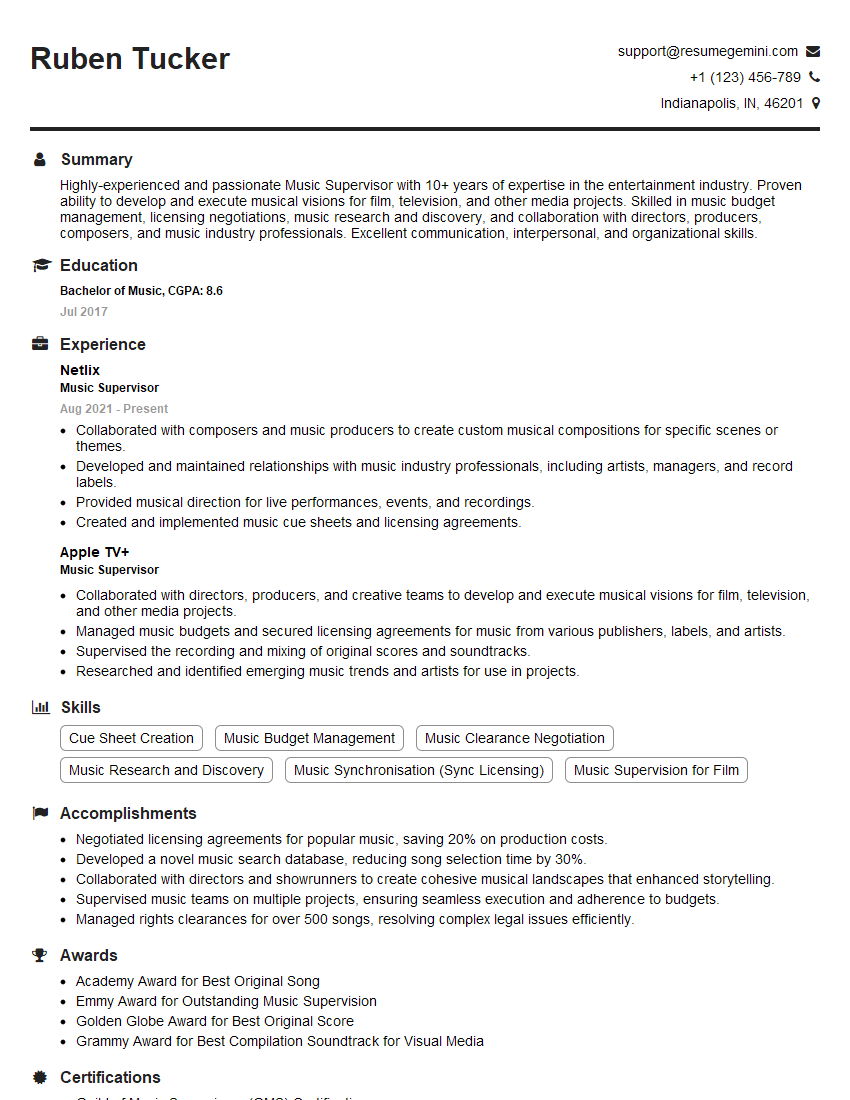
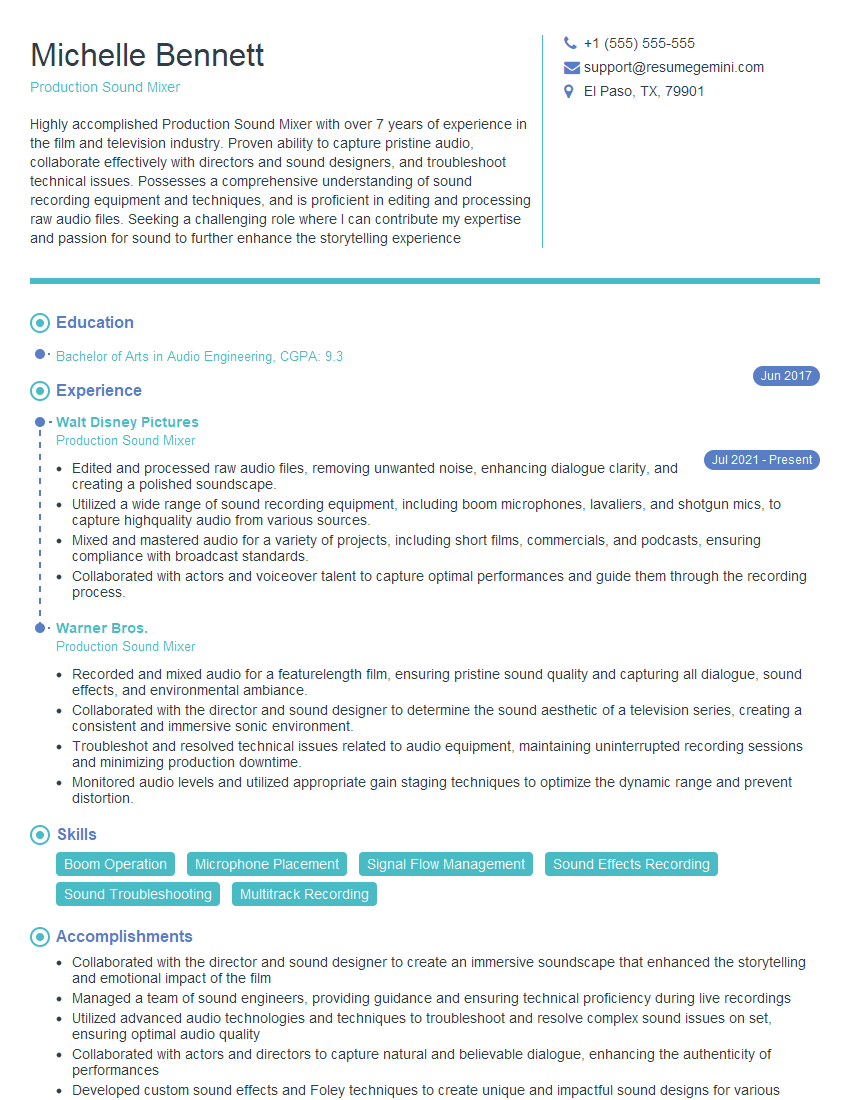
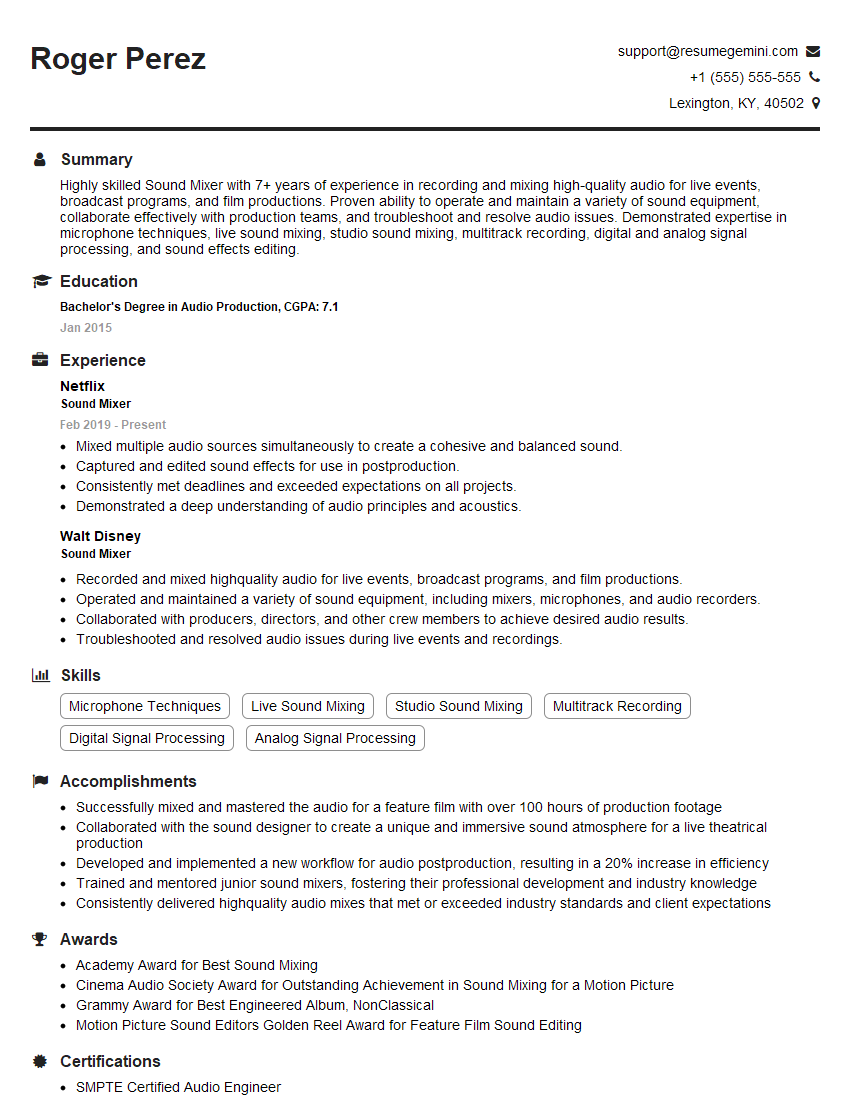
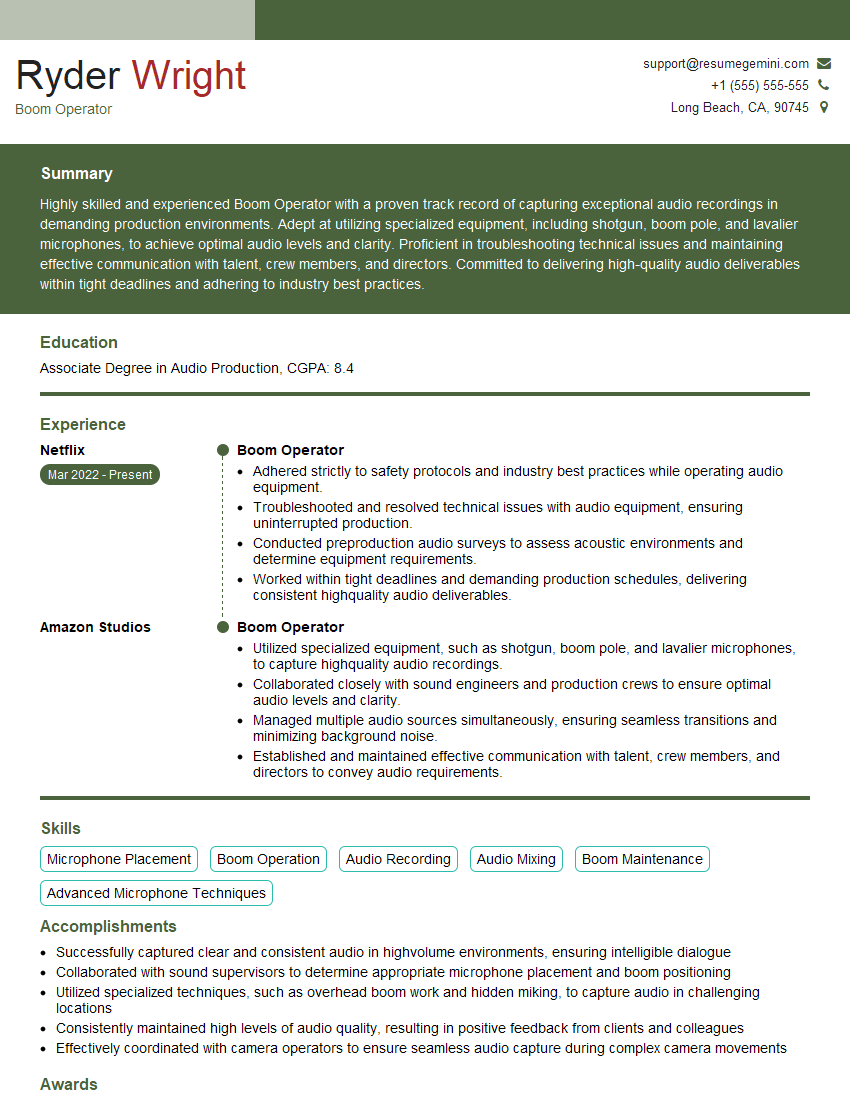
Mastering Post-Production Music Editing and Mixing opens doors to exciting career opportunities in film, television, video games, and advertising. To maximize your job prospects, a well-crafted resume is crucial. An ATS-friendly resume, optimized for Applicant Tracking Systems, significantly increases your chances of getting noticed by recruiters. ResumeGemini is a trusted resource to help you build a professional and effective resume tailored to the industry’s requirements. Examples of resumes specifically designed for Post-Production Music Editing and Mixing professionals are available to guide you. Invest time in crafting a compelling resume—it’s your first impression.



Explore more articles
Users Rating of Our Blogs
Share Your Experience
We value your feedback! Please rate our content and share your thoughts (optional).
What Readers Say About Our Blog
Very informative content, great job.
good