Interviews are more than just a Q&A session—they’re a chance to prove your worth. This blog dives into essential Process Troubleshooting and Root Cause Analysis interview questions and expert tips to help you align your answers with what hiring managers are looking for. Start preparing to shine!
Questions Asked in Process Troubleshooting and Root Cause Analysis Interview
Q 1. Describe your experience with various Root Cause Analysis (RCA) methodologies (e.g., 5 Whys, Fishbone, Fault Tree Analysis).
Root Cause Analysis (RCA) is crucial for effective problem-solving. I’ve extensively used several methodologies, each with its strengths and weaknesses. The 5 Whys is a simple, iterative technique where you repeatedly ask “Why?” to drill down to the root cause. For instance, if a product is late, you might ask: Why is it late? (Production delay). Why was there a production delay? (Machine malfunction). Why did the machine malfunction? (Lack of maintenance). Why was there a lack of maintenance? (Insufficient budget). Why was there insufficient budget? (Poor forecasting). This simple method helps uncover underlying issues. The Fishbone Diagram (Ishikawa Diagram) provides a visual representation of potential causes, categorized (e.g., people, methods, materials, machines, environment). It’s great for brainstorming and collaborative problem-solving. For more complex issues, Fault Tree Analysis (FTA) is powerful. It uses a top-down approach, starting with the undesirable event (top event) and working backward to identify contributing factors. Each factor is analyzed for its contributing causes, creating a tree structure. FTA is useful for identifying multiple potential failure points and is commonly used in safety-critical systems.
My experience spans using these methods across diverse industries, from manufacturing and supply chain to IT and software development. I adapt the choice of methodology to the specific problem’s complexity and the information available.
Q 2. Explain the difference between correlation and causation in a process troubleshooting context.
In process troubleshooting, understanding the difference between correlation and causation is critical. Correlation simply means two events occur together; they have a relationship. Causation implies that one event directly causes the other. For example, increased ice cream sales and increased drownings might correlate, but ice cream doesn’t cause drowning. The underlying cause is likely hot weather, affecting both ice cream sales and the number of people swimming.
In a manufacturing context, if a machine’s output decreases whenever a specific operator is on shift, there’s a correlation. However, the operator might not be the cause; the cause could be the operator’s poor training, a malfunctioning machine component that only manifests under a certain load, or even a specific material batch causing unexpected issues. Confusing correlation with causation can lead to ineffective solutions. Proper RCA ensures we identify the actual cause, not just a coincidental relationship.
Q 3. How do you prioritize multiple process issues or defects?
Prioritizing multiple process issues is crucial for efficient resource allocation. I typically use a prioritization matrix considering factors like:
- Severity: How significant is the impact of the issue (e.g., safety risk, financial loss, customer impact)?
- Urgency: How quickly must the issue be resolved (e.g., immediate shutdown risk, service disruption)?
- Frequency: How often does the issue occur?
- Potential impact: What is the overall long-term impact of not addressing the issue?
I often use a simple matrix visually representing these factors, allowing me to quickly identify high-priority issues that require immediate attention, while others can be scheduled for later resolution. This ensures a systematic approach, focusing resources where they have the greatest impact.
Q 4. Describe a time you identified a root cause that was initially overlooked by others.
In a previous role, we experienced frequent software crashes. Initial analysis, focused on coding errors, yielded no conclusive results. The development team spent considerable time debugging code. I noticed a pattern: crashes correlated with high server load during peak hours. Others dismissed this as a symptom, not the root cause. However, after a deeper dive, I discovered a memory leak in the server’s operating system, not the application code itself. This leak, exacerbated by high load, was the root cause of the crashes. By upgrading the server’s operating system and implementing stricter memory management, we significantly reduced crashes. This highlights the importance of looking beyond the obvious and considering all potential factors.
Q 5. What metrics do you use to measure the effectiveness of your troubleshooting efforts?
Measuring the effectiveness of my troubleshooting efforts involves several metrics:
- Mean Time To Resolution (MTTR): This measures the time taken to resolve an issue. A reduced MTTR indicates improved efficiency.
- First Call Resolution (FCR): The percentage of issues solved on the first attempt. Higher FCR indicates better troubleshooting processes and knowledge base.
- Recurrence Rate: The percentage of issues that reappear after resolution. A low recurrence rate demonstrates the effectiveness of root cause identification and implemented solutions.
- Customer Satisfaction (CSAT): In customer-facing roles, CSAT scores directly measure the effectiveness of issue resolution and overall customer experience.
- Cost Savings: Calculating the cost reduction resulting from preventing future issues, based on past resolutions.
By tracking these metrics, I can identify areas for improvement in my approach and contribute to overall process optimization.
Q 6. How do you handle situations where the root cause of a problem is unclear or complex?
When faced with unclear or complex root causes, a structured approach is essential. I typically employ these strategies:
- Expand the scope of investigation: Gather more data and information from various sources. This might involve interviewing additional stakeholders, reviewing historical records, or conducting more detailed testing.
- Employ advanced analytical techniques: Statistical process control (SPC), data mining, or simulation modeling can be used to uncover hidden patterns or relationships within the data.
- Conduct experiments: Controlled experiments can help isolate the root cause by systematically testing different hypotheses.
- Engage external experts: Consult specialists with expertise in the specific area or technology to gain fresh perspectives.
- Divide and conquer: Break down the complex problem into smaller, more manageable sub-problems to facilitate investigation and analysis.
In these situations, patience, methodical investigation, and a collaborative approach are crucial for uncovering the underlying cause.
Q 7. Explain your approach to documenting troubleshooting steps and findings.
Thorough documentation is paramount. My approach involves creating a comprehensive record of each troubleshooting effort, including:
- Problem Statement: A clear and concise description of the issue encountered.
- Initial Observations: Detailed notes on the symptoms and initial observations.
- Troubleshooting Steps: A chronological log of all steps taken, including tools and techniques used.
- Data Collected: All relevant data, such as logs, error messages, metrics, and test results.
- Analysis and Findings: A detailed analysis of the data and a clear articulation of the identified root cause.
- Proposed Solution(s): A description of the recommended solutions or corrective actions.
- Verification and Validation: Evidence that the implemented solution resolved the problem and prevented recurrence.
I utilize digital tools, such as wikis, databases, and shared documents to ensure easy access and version control. This organized approach ensures knowledge sharing and fosters continuous improvement.
Q 8. How do you communicate technical information about process issues to non-technical audiences?
Communicating complex technical issues to a non-technical audience requires a shift in perspective. It’s about translating technical jargon into plain language, using visuals and analogies to explain complex concepts. I typically begin by establishing a shared understanding of the problem’s impact, using terms everyone can grasp. For instance, instead of saying ‘The TPS reports are exhibiting a high variance in the throughput metric,’ I might say ‘We’re seeing significant delays in getting our reports completed, which is affecting our deadlines.’
Then, I use simple analogies or visual aids like flowcharts or diagrams. If I’m explaining a network bottleneck, I might compare it to a traffic jam, where a single congested point slows everything down. I always prioritize clarity and avoid jargon. Finally, I encourage questions and ensure the audience understands the key takeaways. I aim to empower them with enough information to make informed decisions, even if they don’t understand the granular technical details.
For example, when explaining a database issue to executives, I’d focus on the business impact – lost revenue or customer dissatisfaction – before diving into technical details like query optimization or database indexing. The goal is to create a clear narrative that highlights the problem, its impact, and the proposed solutions.
Q 9. Describe your experience with data analysis tools used in process troubleshooting (e.g., Excel, Minitab, R).
My experience with data analysis tools in process troubleshooting is extensive. I’m proficient in Excel, Minitab, and R, each serving a different purpose. Excel is invaluable for basic data manipulation, visualization (charts and graphs), and initial data exploration. For example, I’ve used it to create pivot tables to analyze trends in defect rates or to identify correlations between various process parameters.
Minitab is my go-to tool for statistical analysis, particularly for design of experiments (DOE) and process capability studies. I’ve used Minitab to analyze data from DOE experiments to identify the key factors influencing a process’s output and to determine the optimal settings for maximizing efficiency and minimizing defects. I’ve also employed its control charting capabilities to monitor process stability and identify potential issues early on.
R, with its powerful statistical packages, allows for more advanced statistical modeling and predictive analytics. I’ve used R to build regression models to predict process outcomes based on various inputs and to perform more sophisticated analyses where Minitab falls short. For example, I used R to perform time-series analysis on production data to identify seasonal trends and predict future output. This helped anticipate potential bottlenecks and optimize production scheduling.
Q 10. How do you validate a suspected root cause?
Validating a suspected root cause is crucial; it’s not enough to simply identify a potential culprit. I use a multi-pronged approach, combining several validation techniques:
- Evidence Gathering: I meticulously gather data from various sources – logs, sensor readings, interviews, and process documentation – to support or refute the suspected cause. This evidence needs to be verifiable and objective.
- Hypothesis Testing: I formulate a testable hypothesis based on the suspected root cause and design experiments or observations to prove or disprove it. For instance, if a software bug is suspected, I’d test a system with the bug fixed to see if the problem disappears.
- 5 Whys Analysis: I systematically ask ‘why’ five times to delve deeper into the issue, revealing underlying factors and potentially uncovering the true root cause. Sometimes the initial suspected root cause is only a symptom.
- Correlation vs. Causation: I carefully examine the correlation between the suspected root cause and the problem, ensuring it’s not merely a coincidence. Just because two events occur simultaneously doesn’t mean one causes the other.
For example, if a production line is experiencing frequent stoppages, we might suspect a faulty sensor. To validate this, we’d replace the sensor, monitor the production line, and analyze whether the stoppages cease. If they do, we’ve validated the faulty sensor as the root cause.
Q 11. What are some common pitfalls to avoid during root cause analysis?
Several pitfalls can derail a root cause analysis. Avoiding these is key to effective problem-solving.
- Premature Conclusion: Jumping to conclusions without sufficient evidence is a major mistake. Thorough investigation is essential.
- Confirmation Bias: Focusing only on evidence that supports the initial hypothesis and ignoring contradictory information will lead to inaccurate conclusions.
- Ignoring Human Factors: Often, human error or lack of training are overlooked, yet they frequently contribute to process failures.
- Focusing on Symptoms, Not Root Causes: Addressing only the symptoms without digging into the underlying causes will result in recurring problems.
- Lack of Data: Insufficient data leads to poorly informed decisions, so a thorough data collection plan is essential from the start.
- Scope Creep: Trying to address too many issues simultaneously dilutes the focus and makes it difficult to identify the true root cause.
For example, assuming a software crash is due to low memory without investigating potential coding errors is a premature conclusion. Similarly, solely blaming an employee without considering system limitations exhibits confirmation bias.
Q 12. How do you determine the appropriate level of detail needed in a root cause analysis report?
The level of detail in a root cause analysis report depends on the audience and the impact of the problem. A concise summary might suffice for executive-level reporting, highlighting key findings and recommendations. However, a more detailed report with extensive data analysis and technical explanations is necessary for technical teams who will implement corrective actions.
I tailor the report to the audience’s needs and technical expertise. A framework could be:
- Executive Summary: High-level overview, key findings, recommendations.
- Problem Description: Detailed explanation of the problem, its impact, and timeline.
- Root Cause Analysis: Methodology used, data analysis, evidence supporting the root cause(s).
- Corrective Actions: Proposed solutions, implementation plan, timelines, responsible parties.
- Prevention Plan: Measures to prevent recurrence.
The technical depth should directly correlate with the technical expertise of the audience. Concise reports using plain language are usually more effective for wider dissemination. Details can be appended as supplementary documentation for those who need it.
Q 13. How do you handle conflicting information or data during your investigation?
Handling conflicting information requires a methodical approach. I start by documenting all conflicting data points, identifying their sources, and assessing their credibility. I might use techniques like triangulation, where I seek corroborating evidence from multiple sources to resolve discrepancies. If differences persist, I examine the data collection methods to identify potential biases or errors.
Interviews with involved personnel can shed light on the circumstances and reveal underlying reasons for discrepancies. It’s crucial to maintain neutrality and avoid assuming the accuracy of any single data point until further investigation confirms it. Sometimes, resolving conflicts requires additional investigation, data collection, or expert consultation.
For example, if some logs show a server failure at 10:00 AM while others indicate 10:15 AM, I’d investigate the timestamps’ accuracy and whether there might be clock synchronization issues. This thorough examination can reveal the truth and allow for a truly objective conclusion.
Q 14. How do you ensure that corrective actions are effective and sustainable?
Ensuring corrective actions are effective and sustainable requires a structured approach. First, I develop clear, measurable, achievable, relevant, and time-bound (SMART) goals for each corrective action. These goals should directly address the root cause identified.
Next, I establish a robust implementation plan, including clear responsibilities and timelines. Regular monitoring and progress tracking are critical; this may involve establishing Key Performance Indicators (KPIs) to measure the effectiveness of the implemented actions.
Finally, I document all actions taken, the results, and lessons learned. This documentation serves as a valuable resource for future reference and helps to institutionalize best practices. Follow-up reviews are crucial to ensure the corrective actions remain effective and sustainable over the long term. This iterative process of improvement and continuous monitoring contributes to a culture of operational excellence.
Q 15. Describe a time you failed to identify the root cause of a problem. What did you learn from the experience?
Early in my career, I was troubleshooting a recurring software crash in a critical production system. We focused heavily on the symptoms – slow response times, specific error messages – and implemented several quick fixes. However, the crashes persisted. It turned out we’d overlooked a crucial underlying issue: insufficient memory allocation within the application’s configuration file. We were treating the symptoms (crashes) rather than addressing the root cause (insufficient memory).
The valuable lesson? The importance of a structured root cause analysis approach. Rushing to implement solutions without a thorough investigation often leads to masking the actual problem, resulting in a recurring cycle of firefighting. Now, I rigorously employ techniques like the ‘5 Whys’ and fault tree analysis to delve deeper before settling on a solution. This incident underscored the necessity of patience and systematic investigation, even under pressure.
Career Expert Tips:
- Ace those interviews! Prepare effectively by reviewing the Top 50 Most Common Interview Questions on ResumeGemini.
- Navigate your job search with confidence! Explore a wide range of Career Tips on ResumeGemini. Learn about common challenges and recommendations to overcome them.
- Craft the perfect resume! Master the Art of Resume Writing with ResumeGemini’s guide. Showcase your unique qualifications and achievements effectively.
- Don’t miss out on holiday savings! Build your dream resume with ResumeGemini’s ATS optimized templates.
Q 16. How do you balance the need for speed in resolving issues with the need for thorough investigation?
Balancing speed and thoroughness is crucial in troubleshooting. Think of it like diagnosing a medical condition: a quick assessment might provide immediate relief (like addressing a critical symptom), but a complete diagnosis (root cause analysis) is necessary for lasting treatment.
My approach involves prioritizing based on risk. If an issue is severely impacting the business, I’ll perform a rapid initial assessment to identify and implement immediate countermeasures (temporary fixes). Simultaneously, I initiate a parallel, more thorough investigation to uncover the root cause. This parallel approach allows for both immediate relief and long-term prevention. Tools like Pareto charts can help prioritize investigations, focusing on the issues with the largest impact.
Q 17. How do you use process mapping to support your troubleshooting efforts?
Process mapping is invaluable for troubleshooting. A visual representation of the process allows you to quickly identify potential points of failure. I commonly use swimlane diagrams and flowcharts. For example, if a manufacturing process is experiencing defects, a flowchart detailing each step from raw material to finished product can pinpoint the stage where the problem arises.
By analyzing the map, bottlenecks, unnecessary steps, or points with high error rates become clear. We can then focus our investigation on these areas. This targeted approach saves time and resources, ensuring our analysis is efficient and effective. We often use sticky notes on the physical process map to highlight areas of concern, allowing for real-time team collaboration.
Q 18. What are the key elements of a successful corrective action plan?
A successful corrective action plan must be SMART: Specific, Measurable, Achievable, Relevant, and Time-bound.
- Specific: Clearly define the problem and the actions needed. Instead of saying “improve quality,” specify “reduce defects in the assembly process by 15% by implementing a new inspection procedure.”
- Measurable: Define key performance indicators (KPIs) to track progress and success. This could involve tracking defect rates, cycle times, or customer satisfaction scores.
- Achievable: Ensure the actions are realistic and within the team’s capabilities.
- Relevant: The actions must directly address the root cause and not just the symptoms.
- Time-bound: Set clear deadlines for completing each action. This creates accountability and urgency.
The plan should also include roles and responsibilities, resources required, and a process for monitoring and reviewing progress.
Q 19. How do you measure the effectiveness of implemented corrective actions?
Measuring the effectiveness of corrective actions requires a systematic approach, usually involving tracking the relevant KPIs before and after implementation. For example, if we implemented a new training program to reduce errors, we’d compare the error rate before the training to the rate after a set period (e.g., 3 months). Control charts (Shewhart, CUSUM, etc.) are useful here to visualize the change and identify any statistical significance.
Regular monitoring is key, not just a one-time check. We might set up periodic reviews to track progress and make adjustments as needed. Qualitative data, such as feedback from employees or customers, can also provide valuable insights into the effectiveness of the corrective actions.
Q 20. Describe your experience with different types of process control charts (e.g., Shewhart, CUSUM, EWMA).
I have experience with various control charts, each suited for different situations.
- Shewhart charts are basic control charts that track process averages and variability over time. They are useful for detecting shifts in the process mean or an increase in variability. They are easy to understand and implement.
- CUSUM (Cumulative Sum) charts are more sensitive to small shifts in the process mean compared to Shewhart charts. They are particularly useful when detecting small but consistent deviations from the target value. They accumulate the deviations from the target, making small shifts more visible over time.
- EWMA (Exponentially Weighted Moving Average) charts are also sensitive to small shifts and place more weight on recent data points. They offer a good balance between sensitivity and responsiveness to changes in the process.
The choice of chart depends on the specific process, the type of data being collected, and the sensitivity required for detecting changes.
Q 21. How do you handle situations where the root cause is outside of your immediate control?
When the root cause lies outside my immediate control (e.g., a supplier issue, a regulatory change), my approach focuses on communication and collaboration. I document the issue thoroughly, including evidence and impact analysis. I then escalate the problem to the appropriate stakeholders, clearly explaining the consequences and proposing solutions or mitigating strategies where possible. This might involve working with other departments or external parties to resolve the issue.
For instance, if a supplier’s late delivery is impacting our production, I would communicate this to both the supplier and internal stakeholders, perhaps exploring alternative suppliers or negotiating revised delivery schedules in the meantime. The key is to proactively manage the issue, keeping all relevant parties informed and working collaboratively towards a solution.
Q 22. How do you identify and mitigate risks associated with your troubleshooting activities?
Identifying and mitigating risks in troubleshooting is paramount. It’s like defusing a bomb – you need a methodical approach to ensure safety and prevent further damage. My strategy involves a multi-step process:
Risk Assessment: Before I even begin troubleshooting, I conduct a thorough risk assessment. This involves identifying potential hazards, such as equipment damage, data loss, or safety risks to personnel. For example, troubleshooting a high-voltage power system requires a different approach than fixing a software glitch. The potential for electric shock needs careful planning and safety protocols.
Safety Precautions: Based on the risk assessment, I implement appropriate safety precautions. This could include lockout/tagout procedures, personal protective equipment (PPE), or even temporarily shutting down the system. If dealing with a complex manufacturing process, securing the area and ensuring no one is in the vicinity during troubleshooting could be crucial.
Contingency Planning: I always develop a contingency plan. This plan outlines steps to take if the troubleshooting process goes awry or if unexpected problems arise. This might involve reverting to a previous system state, contacting specialized support, or implementing a temporary workaround. Imagine a server outage – having a backup server ready to go minimizes downtime and impact.
Documentation: Throughout the troubleshooting process, I meticulously document every step. This documentation serves as a record of actions taken, results observed, and lessons learned. This not only helps with future troubleshooting but also provides evidence for potential claims or analyses.
Post-Incident Review: After resolving the issue, I conduct a post-incident review. This involves analyzing the event, identifying any shortcomings in my approach or preventative measures, and documenting improvements to prevent similar incidents in the future. This is like a debriefing after a successful mission, identifying what went well and areas for improvement.
Q 23. Explain the difference between reactive and proactive process troubleshooting.
Reactive and proactive troubleshooting are two distinct approaches to problem-solving. Think of it like this: reactive troubleshooting is like putting out a fire after it starts, while proactive troubleshooting is like preventing the fire from starting in the first place.
Reactive Troubleshooting: This approach involves addressing problems only after they occur. It’s typically triggered by a reported issue or system failure. For example, a website crashing is a reactive event – troubleshooting happens *after* the problem has already impacted users. This approach is often more costly and disruptive.
Proactive Troubleshooting: This approach focuses on preventing problems before they arise. It involves regular monitoring, predictive analysis, and preventative maintenance. A regular system backup is a proactive measure – preventing data loss from a server crash. This approach reduces downtime and associated costs.
The ideal approach is a combination of both. While proactive measures reduce the need for reactive work, unexpected events will still occur, requiring a reactive approach.
Q 24. How do you leverage process data to predict potential problems?
Leveraging process data to predict potential problems is crucial for proactive troubleshooting. It’s like having a crystal ball that shows potential issues before they impact operations. I employ several techniques:
Data Monitoring and Collection: I start by identifying key process parameters and establishing effective data monitoring and collection mechanisms. This could involve using sensors, logs, databases, and performance monitoring tools. For example, monitoring server CPU usage, network latency, and application error rates can indicate potential problems.
Statistical Analysis: I use statistical methods such as trend analysis, anomaly detection, and forecasting to identify patterns and deviations from normal operating conditions. For instance, a sudden spike in error rates might indicate a looming system failure.
Machine Learning: In many cases, machine learning algorithms can be used to identify complex patterns and relationships in the data that might be missed by traditional statistical methods. These algorithms can predict the likelihood of future events based on historical data. For instance, a model could predict equipment failure based on sensor data showing increasing vibration or temperature.
Predictive Modeling: Based on the analysis, I build predictive models that forecast the probability and timing of potential problems. This allows us to take preventative actions before problems occur. For example, predictive modeling could tell us when a machine is likely to fail and allow for preventative maintenance.
By proactively addressing these predicted issues, organizations can prevent costly downtime, reduce operational risks, and improve overall efficiency.
Q 25. Describe your experience with implementing process improvements.
I have extensive experience implementing process improvements, often using a structured approach like DMAIC (Define, Measure, Analyze, Improve, Control) within the Six Sigma framework. One project involved optimizing a manufacturing process that experienced frequent bottlenecks.
Define: We clearly defined the problem – excessively long production times due to material handling inefficiencies.
Measure: We measured current cycle times, material movement distances, and defect rates.
Analyze: Through root cause analysis (e.g., Fishbone diagrams, 5 Whys), we found that inefficient material storage and layout were the primary culprits.
Improve: We implemented changes, such as rearranging the warehouse, implementing a Kanban system for inventory control, and providing training on efficient material handling techniques.
Control: We established ongoing monitoring to track improvements and prevent regression. Key metrics like cycle time and defect rates were tracked daily.
This resulted in a 25% reduction in production time and a 15% decrease in defects. Another project involved streamlining a customer service process by implementing a new ticketing system and knowledge base, leading to faster resolution times and improved customer satisfaction.
Q 26. What are some key performance indicators (KPIs) you use to monitor process effectiveness?
The KPIs I use depend heavily on the specific process being monitored, but some common ones include:
Mean Time To Repair (MTTR): This measures the average time it takes to resolve an issue. Lower MTTR indicates more efficient troubleshooting.
Mean Time Between Failures (MTBF): This measures the average time between failures. A higher MTBF suggests greater system reliability.
Process Cycle Time: This measures the total time it takes to complete a process. Reduced cycle time indicates improved efficiency.
Defect Rate: This measures the percentage of defective outputs. A lower defect rate shows improved process quality.
Customer Satisfaction (CSAT): This measures customer satisfaction with the process and its outcome. Higher CSAT indicates better process performance from a customer’s perspective.
Availability: This measures the percentage of time a system or process is operational. Higher availability is crucial for business continuity.
By regularly tracking and analyzing these KPIs, I can identify areas for improvement and measure the effectiveness of implemented changes.
Q 27. How do you stay current with advancements in process troubleshooting and root cause analysis techniques?
Staying current in this rapidly evolving field is critical. My approach is multi-faceted:
Professional Development: I regularly attend conferences, webinars, and workshops focusing on process improvement, root cause analysis, and related areas. This allows me to learn about the latest techniques and best practices.
Industry Publications: I actively read industry journals, magazines, and online publications that cover advancements in process troubleshooting and related fields. This keeps me informed about the latest research and innovations.
Online Courses and Certifications: I leverage online learning platforms to acquire certifications in relevant areas, such as Six Sigma, Lean methodologies, and data analysis techniques.
Networking: I actively network with colleagues and experts in my field, exchanging ideas and best practices. This provides valuable insights and exposure to different perspectives.
Continuous Learning: I embrace a mindset of continuous learning, always seeking opportunities to improve my skills and knowledge. This involves actively looking for challenges and learning from both successes and failures.
Key Topics to Learn for Process Troubleshooting and Root Cause Analysis Interview
- Understanding Process Flow: Mapping out processes to identify potential failure points and bottlenecks. This includes understanding process diagrams and documentation.
- Data Analysis Techniques: Applying statistical methods (e.g., control charts, histograms) to identify trends and anomalies in process data. Practical application includes using these techniques to pinpoint areas requiring improvement.
- Root Cause Analysis Methodologies: Mastering techniques like the 5 Whys, Fishbone diagrams (Ishikawa diagrams), and Fault Tree Analysis to effectively identify the underlying causes of problems.
- Problem Solving Frameworks: Utilizing structured problem-solving approaches (e.g., DMAIC, PDCA) to guide the troubleshooting process from problem identification to solution implementation and verification.
- Effective Communication and Collaboration: Clearly articulating findings, recommendations, and justifications to technical and non-technical audiences; collaborating effectively with teams to implement solutions.
- Preventive Maintenance Strategies: Understanding and applying strategies for proactively addressing potential problems before they occur, minimizing downtime and improving overall process efficiency.
- Metrics and KPIs: Selecting relevant Key Performance Indicators (KPIs) to monitor process effectiveness and identify areas for improvement. Understanding how to interpret and utilize these metrics for decision-making.
- Risk Assessment and Mitigation: Identifying potential risks associated with processes and implementing strategies to minimize their impact.
Next Steps
Mastering Process Troubleshooting and Root Cause Analysis is crucial for career advancement in many technical fields, opening doors to leadership roles and increasing your earning potential. A strong resume is your key to unlocking these opportunities. Crafting an ATS-friendly resume that highlights your skills in these critical areas is paramount. To make this process easier and more effective, we recommend using ResumeGemini, a trusted resource for building professional resumes. ResumeGemini provides examples of resumes tailored to Process Troubleshooting and Root Cause Analysis to help you showcase your expertise and land your dream job.

Operations Manager Resume Sample
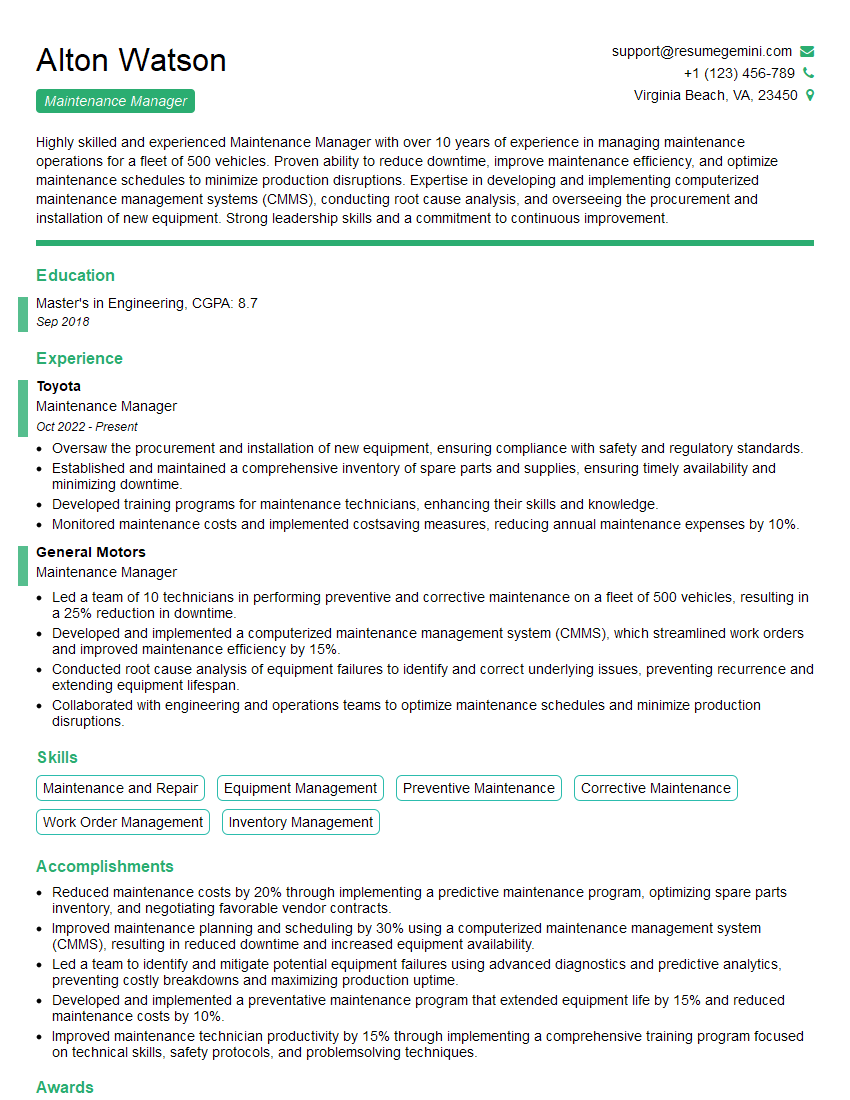
Maintenance Manager Resume Sample
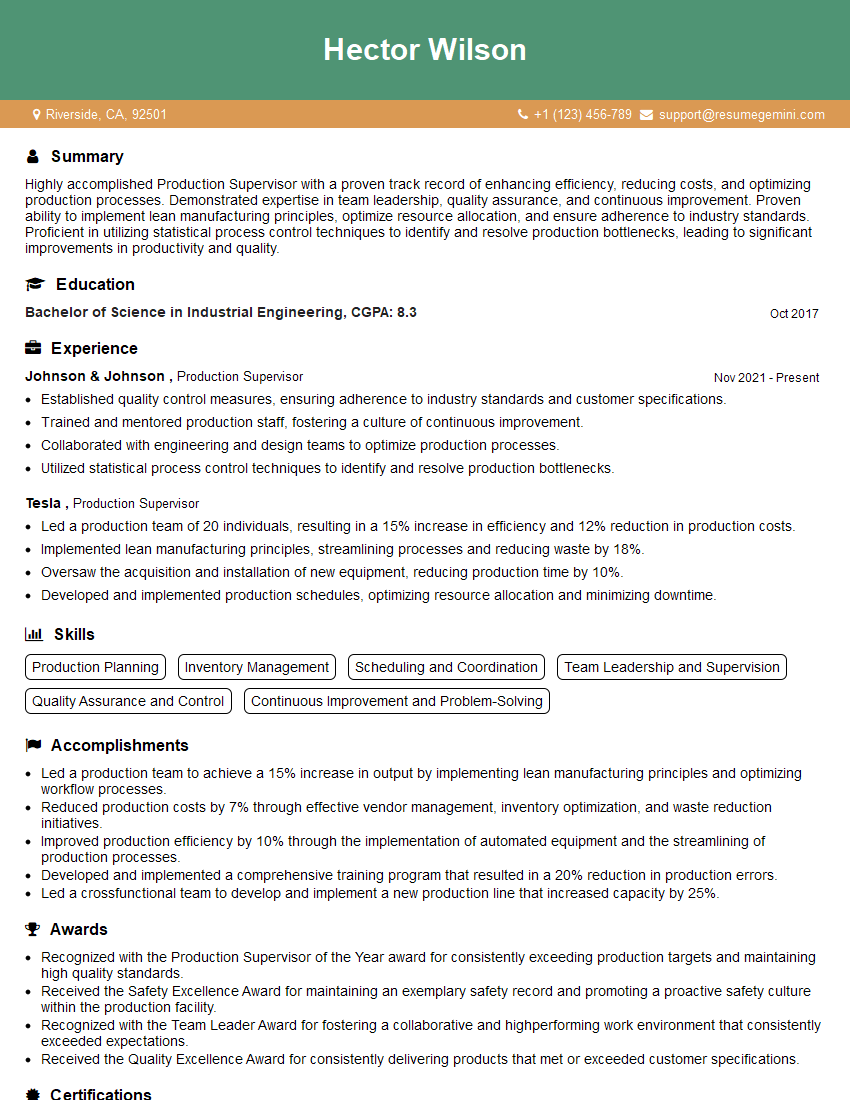
Production Supervisor Resume Sample

Project Manager Resume Sample

Compliance Officer Resume Sample

Reliability Engineer Resume Sample

Systems Engineer Resume Sample
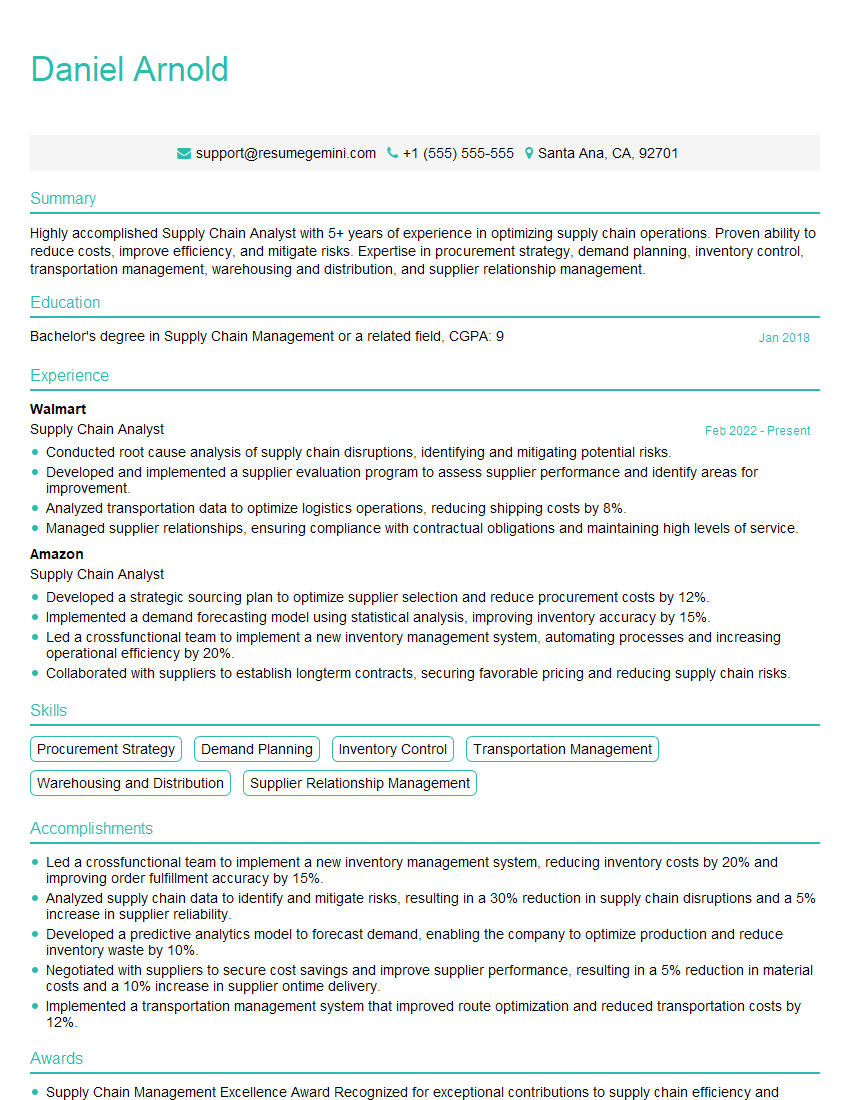
Supply Chain Analyst Resume Sample

Data Analyst Resume Sample

Technical Support Engineer Resume Sample
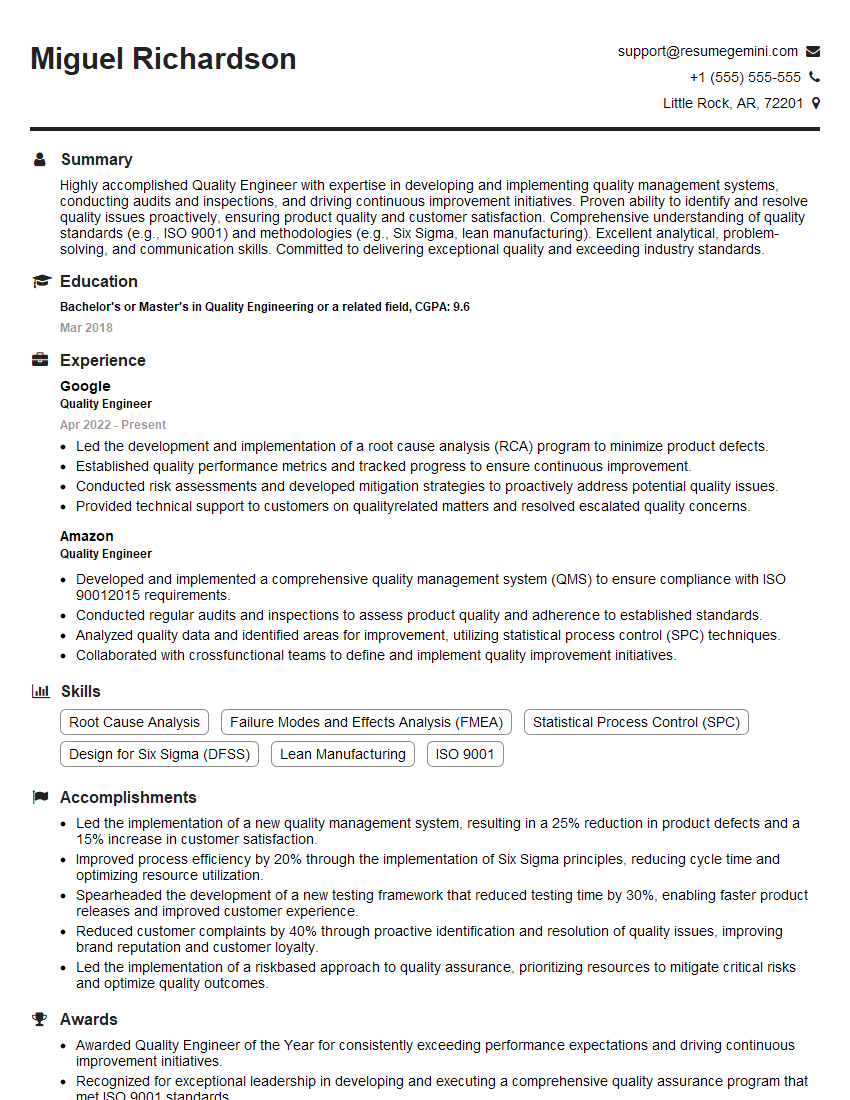
Quality Engineer Resume Sample
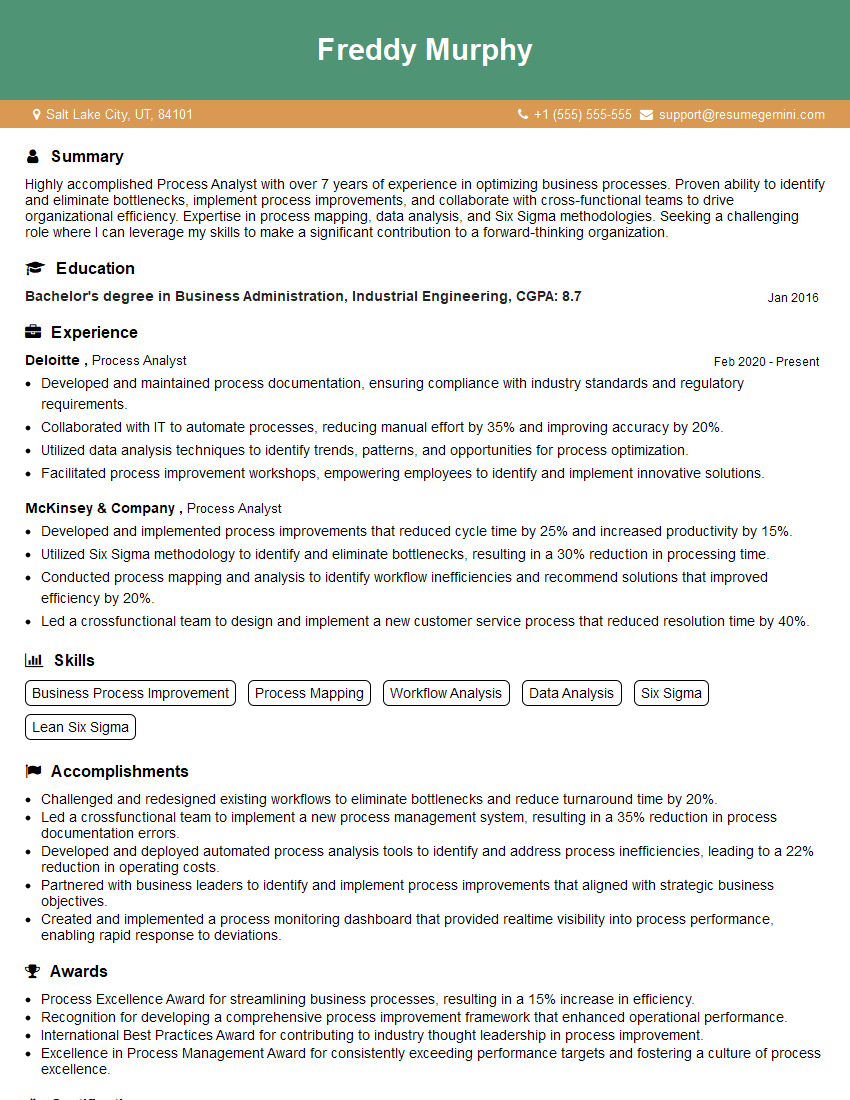
Process Analyst Resume Sample

Field Service Engineer Resume Sample
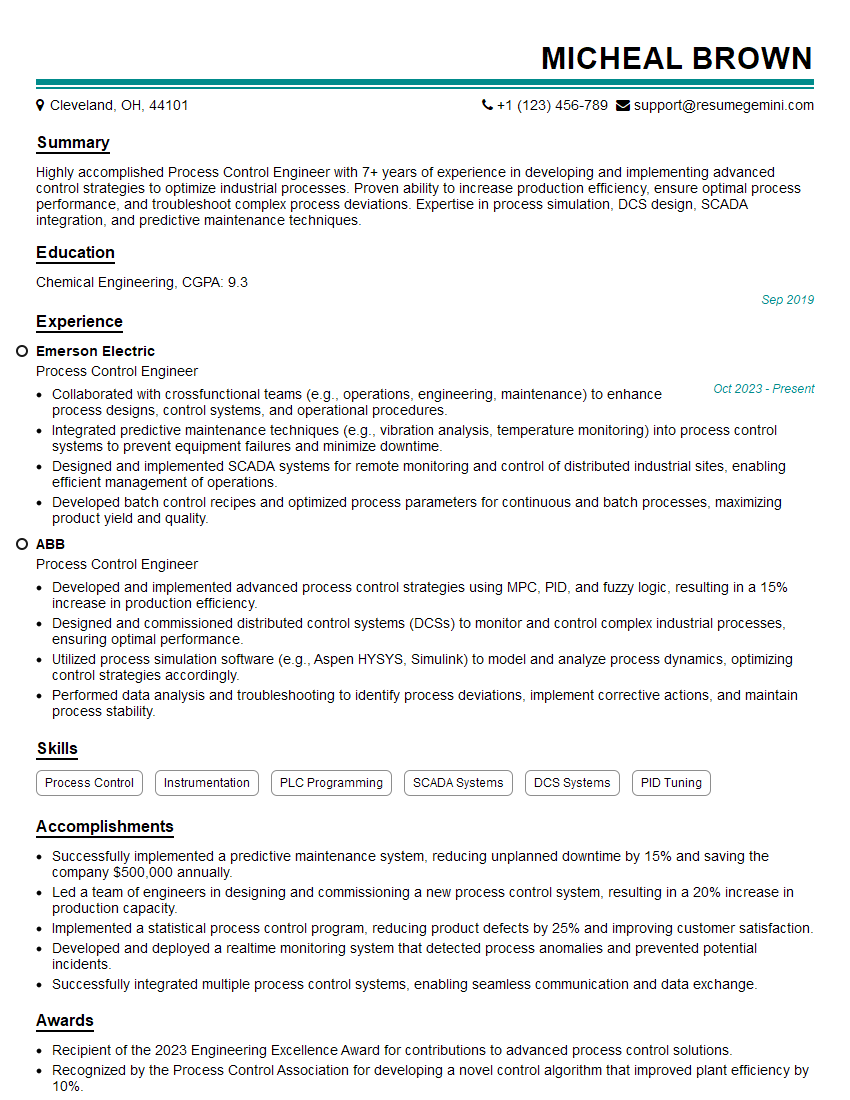
Process Control Engineer Resume Sample
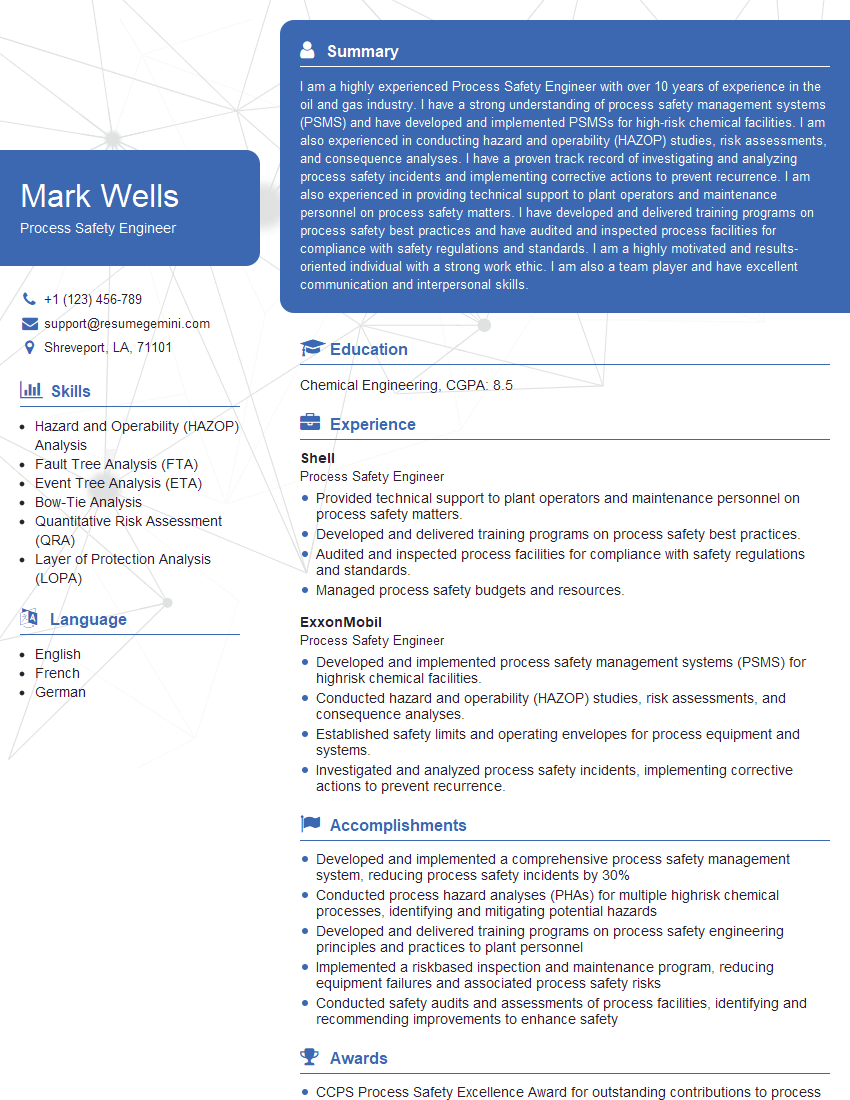
Process Safety Engineer Resume Sample
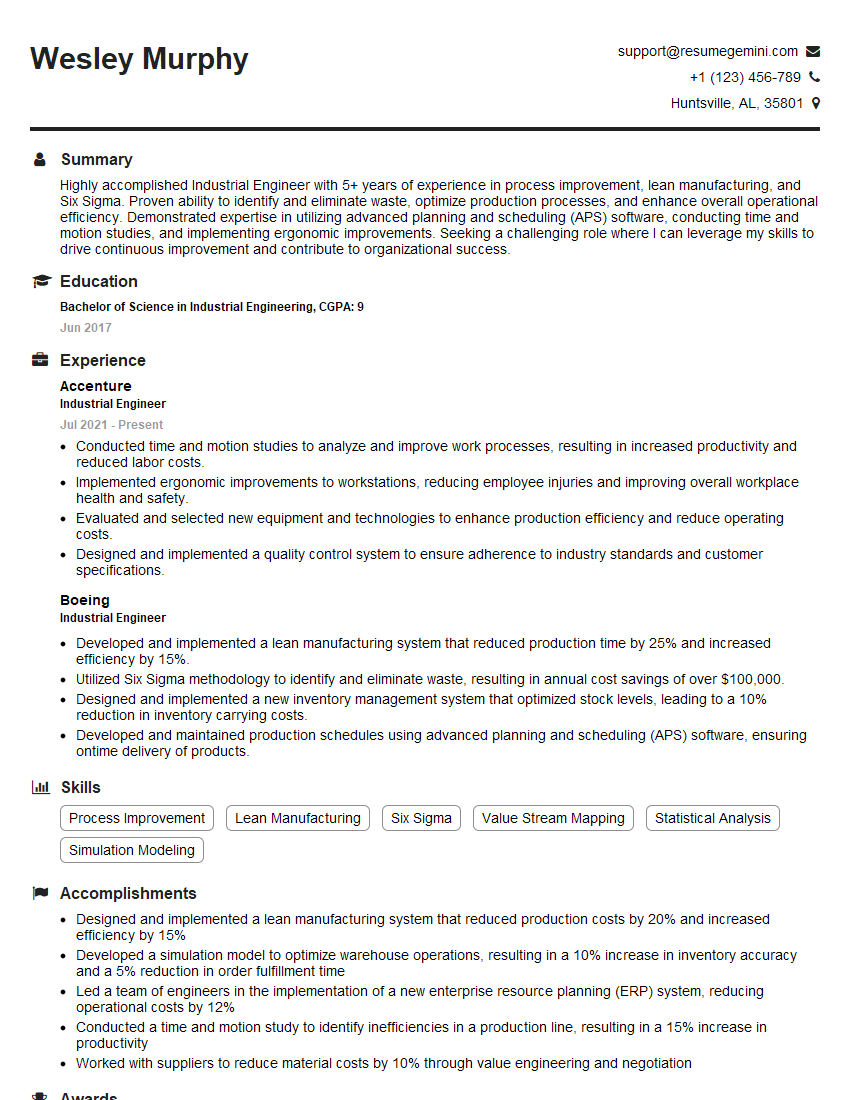
Industrial Engineer Resume Sample

Manufacturing Engineer Resume Sample
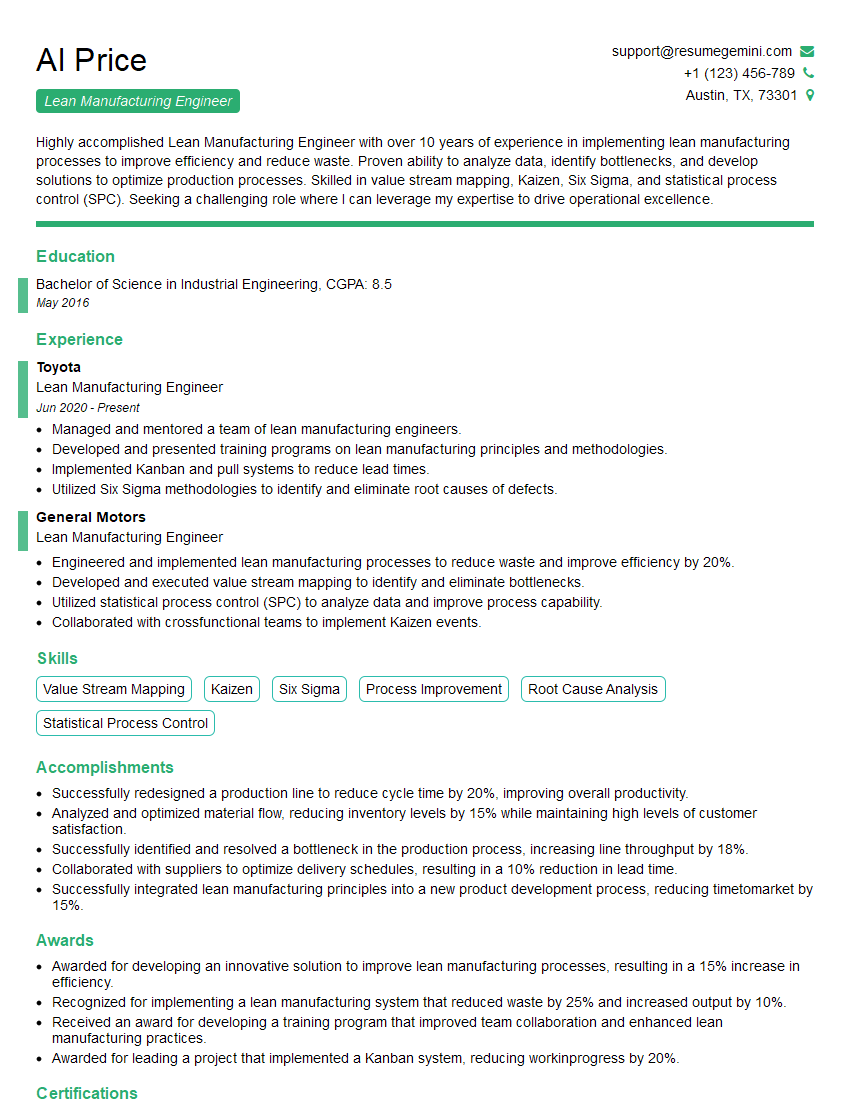
Lean Manufacturing Engineer Resume Sample

Quality Control Inspector Resume Sample
- Operations Manager
- Maintenance Manager
- Production Supervisor
- Project Manager
- Compliance Officer
- Reliability Engineer
- Systems Engineer
- Supply Chain Analyst
- Data Analyst
- Technical Support Engineer
- Quality Engineer
- Process Analyst
- Field Service Engineer
- Process Control Engineer
- Process Safety Engineer
- Industrial Engineer
- Manufacturing Engineer
- Lean Manufacturing Engineer
- Quality Control Inspector
Explore more articles
Users Rating of Our Blogs
Share Your Experience
We value your feedback! Please rate our content and share your thoughts (optional).
What Readers Say About Our Blog
Very informative content, great job.
good