Are you ready to stand out in your next interview? Understanding and preparing for Project Planning Software interview questions is a game-changer. In this blog, we’ve compiled key questions and expert advice to help you showcase your skills with confidence and precision. Let’s get started on your journey to acing the interview.
Questions Asked in Project Planning Software Interview
Q 1. What are the key features you look for when selecting project planning software?
Selecting project planning software involves carefully considering several key features. It’s not just about finding a tool with bells and whistles; it’s about finding the right fit for your team’s needs and project management style. I prioritize software that offers a robust combination of the following:
- Intuitive User Interface (UI) and User Experience (UX): The software should be easy to navigate and use, minimizing the learning curve for my team. Complex features are useless if nobody can figure out how to use them.
- Task Management & Collaboration: Effective task assignment, progress tracking, and seamless collaboration features are essential. I look for options allowing for comments, file sharing, and notifications to keep everyone informed.
- Gantt Charts and Visualizations: Visual representations of project timelines are crucial for understanding project progress and identifying potential bottlenecks. The software should offer customizable Gantt charts and other visual tools.
- Resource Management: The ability to effectively allocate resources (people, budget, materials) and manage potential conflicts is paramount. This includes features for visualizing resource availability and workload.
- Reporting and Analytics: Comprehensive reporting capabilities are essential for monitoring progress, identifying risks, and demonstrating project success to stakeholders. I need clear, customizable reports and dashboards.
- Integration Capabilities: Seamless integration with other tools we already use (like communication platforms, CRM systems, etc.) is a significant advantage. This reduces data silos and streamlines workflows.
- Scalability and Flexibility: The software should be able to adapt to changing project needs and team sizes. A solution that’s suitable for a small project should also be scalable for larger, more complex initiatives.
For example, in a previous role, we switched from a simpler tool to one offering better resource management and reporting, leading to significantly improved project predictability and reduced cost overruns.
Q 2. Describe your experience with different project management methodologies (e.g., Agile, Waterfall).
I have extensive experience with both Agile and Waterfall methodologies, and I adapt my project planning software selection and usage accordingly.
Waterfall methodologies, with their linear, sequential approach, benefit from software that emphasizes clear task dependencies, detailed timelines, and comprehensive documentation. Tools that excel in Gantt chart creation and resource allocation are particularly useful here. I’ve successfully used Microsoft Project for several Waterfall projects, leveraging its strong features for managing intricate dependencies and timelines.
Agile methodologies, with their iterative and flexible nature, require software supporting rapid iteration, frequent updates, and effective team collaboration. Tools with features like Kanban boards, sprint planning capabilities, and integrated communication tools are ideal. I’ve had great success using Jira for Agile projects, its flexibility and integration with other Atlassian products made collaboration a breeze.
The key difference in my approach lies in how I configure and utilize the software. For Waterfall, I focus on detailed planning up-front, whereas with Agile, I emphasize iterative planning and continuous adaptation based on feedback and changing requirements.
Q 3. How do you handle resource allocation and scheduling conflicts within project planning software?
Resource allocation and scheduling conflicts are common challenges in project management. I address these using a combination of software features and proactive management techniques.
Most project planning software offers resource calendars, which allow visualizing individual team member availability and workloads. This helps me identify potential over-allocation before it becomes a problem. By carefully analyzing these calendars, I can proactively adjust schedules or reassign tasks.
When conflicts inevitably arise (e.g., two team members are needed for different tasks at the same time), I use the software’s features to identify the critical path and prioritize tasks accordingly. Sometimes, this may involve negotiating with team members to adjust schedules or requesting additional resources if necessary. Open communication is key in these situations.
For instance, in one project, I used the resource calendar feature in Asana to spot a conflict between a designer and developer. By adjusting the timeline slightly and clearly communicating the change, I prevented a significant delay.
Q 4. Explain your process for creating and managing a project budget using project planning software.
Managing a project budget effectively requires careful planning and consistent tracking. I typically use project planning software to create a detailed budget breakdown, assign costs to individual tasks, and track expenditures throughout the project lifecycle.
My process typically involves the following steps:
- Budget Creation: I begin by creating a comprehensive budget based on anticipated costs for each task or phase. This includes labor costs, material costs, and any other relevant expenses. I often use spreadsheets initially, then import data into the project management software.
- Cost Allocation: Using the software, I allocate budget amounts to individual tasks or milestones, ensuring accurate cost tracking at each stage.
- Expense Tracking: I regularly update the software with actual expenditures, comparing them against the budgeted amounts to identify any variances.
- Reporting and Analysis: The software helps me generate reports showing the project’s financial status, identifying areas of overspending or underspending. This allows for proactive adjustments to the budget and improved financial control.
Many software solutions provide features to integrate with accounting systems, further streamlining budget management. For example, I’ve successfully integrated ProjectManager.com with our accounting software to automate data entry and reporting.
Q 5. How do you track project progress and identify potential risks using your chosen software?
Tracking project progress and identifying potential risks is a continuous process throughout the project lifecycle. My chosen software plays a crucial role in this process.
I typically utilize the following strategies:
- Task Status Monitoring: I regularly review task statuses within the software, monitoring progress against deadlines. Automated notifications alert me to any overdue or at-risk tasks.
- Progress Reporting: The software helps generate progress reports, including Gantt charts, burn-down charts, and other visual aids, providing a clear overview of the project’s status.
- Risk Management Features: Some software solutions include dedicated risk management modules. These allow for the identification, assessment, and mitigation planning of potential risks.
- Data Analysis: By analyzing data such as task completion rates, resource utilization, and budget expenditures, I can identify trends and potential problems before they escalate.
For example, using the reporting features in Monday.com, I once identified a trend of consistently late task completions within a specific team. By investigating the root cause, I found a bottleneck in the approval process and implemented a solution to streamline workflow. This prevented further delays and kept the project on track.
Q 6. How proficient are you in using Gantt charts and other visualization tools within project planning software?
I’m highly proficient in using Gantt charts and other visualization tools within project planning software. Gantt charts, in particular, are indispensable for visualizing project timelines, task dependencies, and resource allocation.
My proficiency extends beyond simply creating Gantt charts; I understand how to effectively use them for planning, monitoring, and communication. I can customize Gantt charts to reflect different levels of detail, highlight critical paths, and identify potential scheduling conflicts.
Beyond Gantt charts, I’m also comfortable with other visualization tools like Kanban boards (for Agile projects), burn-down charts (for tracking remaining work), and resource histograms (for visualizing resource allocation). My ability to effectively use these tools ensures clear communication of project status and facilitates informed decision-making.
For example, I’ve used Gantt charts in several projects to demonstrate to stakeholders the impact of potential delays on the overall project timeline. This visualization made it easier for them to understand the importance of addressing those delays quickly.
Q 7. Describe your experience with reporting and dashboards in project management software.
Reporting and dashboards are critical for monitoring project performance, communicating progress to stakeholders, and making data-driven decisions. I have significant experience using the reporting and dashboarding capabilities of various project management software.
I utilize these features to create customized reports and dashboards that provide key insights into project health, including:
- Progress reports: Showing task completion rates, milestones achieved, and overall project progress.
- Resource utilization reports: Illustrating resource allocation, workload, and potential conflicts.
- Financial reports: Tracking budget vs. actual spending, identifying variances, and managing project costs.
- Risk reports: Highlighting potential risks, their probability, and mitigation plans.
I often tailor reports and dashboards to specific audiences, ensuring the information is relevant and easily understood. For example, I’d present a detailed report with granular data to the project team, but a high-level summary with key performance indicators (KPIs) to senior management. My experience includes using various tools like Smartsheet, Asana, and Jira, each offering unique reporting capabilities.
Q 8. How do you handle changes and updates to a project plan within the software?
Handling changes in project planning software is crucial for maintaining project health. It’s not just about updating a date; it’s about managing the ripple effects across tasks, resources, and deadlines. Most modern software offers version control, allowing you to track changes over time. Imagine it like a document with revision history – you can see who made what change and when. When a change request comes in (e.g., a new feature, a delayed delivery), I first assess its impact. This involves using the software’s built-in features like dependency analysis – if task A is dependent on task B, delaying B automatically delays A, and the software highlights this. Then, I update the affected tasks, adjusting durations, milestones, and resource allocations as needed. The software often provides ‘what-if’ scenario analysis, letting me simulate the impact of various changes before committing. Finally, I communicate the changes to the team using the software’s notification and collaboration tools, ensuring everyone is aligned and informed.
For example, if a key resource is unavailable for a week, I might use the software to re-allocate tasks to other team members, adjust the project schedule, and potentially identify tasks that can be temporarily deprioritized without significantly impacting the project goals. The software’s visual Gantt charts and task dependencies make these adjustments transparent and easy to understand for the entire team.
Q 9. What are the key performance indicators (KPIs) you monitor in your projects, and how do you track them using project planning software?
Key Performance Indicators (KPIs) are essential for monitoring project progress and identifying potential issues early on. The KPIs I typically monitor include:
- Schedule adherence: Percentage of tasks completed on time. The software tracks task completion dates against the planned schedule, visually highlighting any delays.
- Budget adherence: Tracking actual costs against the approved budget. Most software integrates cost tracking, allowing for real-time monitoring and alerting when budget thresholds are exceeded.
- Resource utilization: Measuring how effectively resources (people, equipment, etc.) are being used. Software provides reports on resource allocation and workload, helping identify over-allocated or underutilized resources.
- Risk exposure: Monitoring the probability and impact of identified risks. Many project management tools allow for risk registration and tracking of mitigation plans.
- Quality metrics: Depending on the project, this might involve defect rates, customer satisfaction scores, or other quality-related measures. Software can be customized to track these metrics through custom fields and reports.
I track these KPIs using the software’s reporting and dashboard features. These features generate visual representations (charts, graphs) making it easy to understand the overall project health at a glance. Automated alerts can notify me when KPIs fall outside pre-defined thresholds (e.g., if budget exceeds a certain limit or if the number of overdue tasks surpasses a set number), allowing me to proactively address any problems.
Q 10. How do you ensure data accuracy and integrity within project planning software?
Data accuracy and integrity are paramount in project planning. Inaccurate data can lead to flawed decisions and project failures. My approach involves a multi-pronged strategy:
- Data validation rules: Leveraging the software’s built-in features to enforce data entry standards (e.g., ensuring dates are in the correct format, preventing duplicate entries). For example, setting up a rule that only allows task durations to be entered in whole numbers could reduce errors.
- Regular data backups: Implementing a backup schedule to protect against data loss due to software malfunctions or accidental deletions. This is particularly important for larger projects with significant data.
- Access controls: Restricting access to project data based on roles and responsibilities. This helps ensure that only authorized personnel can modify data, reducing the risk of accidental or intentional data corruption.
- Data reconciliation: Regularly comparing data in the software to other sources (e.g., timesheets, invoices) to identify and correct discrepancies. This step involves carefully reviewing data consistency across different input points.
- Training and documentation: Providing thorough training to team members on how to accurately enter and manage data within the software and documenting data entry processes clearly. A well-defined process reduces errors and improves consistency.
Think of it like a bank – robust security measures, regular audits, and clear guidelines are essential to maintaining the integrity of its assets. Similarly, rigorous data management practices ensure the reliability of project data within the software.
Q 11. Describe your experience with integrating project planning software with other business systems.
Integrating project planning software with other business systems is crucial for streamlining workflows and avoiding data silos. My experience includes integrating project management software with CRM (Customer Relationship Management), ERP (Enterprise Resource Planning), and accounting systems. The methods vary depending on the software and the level of integration required, but generally involve using APIs (Application Programming Interfaces) or data exchange formats like CSV or XML. For example, I’ve integrated project management software with a CRM to automatically update customer records with project milestones and status updates. This ensures that the sales team has access to real-time information on project progress and client communication. Similarly, integrating with an ERP system can streamline resource allocation and cost tracking by pulling data directly from the company’s resource database and automatically updating accounting records with project costs.
A successful integration requires careful planning and consideration of data mapping and security. Understanding the data structures of each system is critical to ensuring data is correctly exchanged and interpreted. It is also important to consider data security and compliance standards throughout the integration process.
Q 12. How do you utilize project planning software for collaboration and communication within teams?
Project planning software significantly enhances collaboration and communication. Features such as shared dashboards, task assignments, discussion forums, and file sharing are essential for keeping teams connected and informed. I use the software to assign tasks with clear deadlines and responsibilities. Team members can then update their progress, report any roadblocks, and discuss issues within the task itself. This creates a centralized location for all project-related communication. Shared dashboards provide a real-time view of project progress to everyone, eliminating the need for separate status meetings and promoting transparency. The software also often integrates with other collaboration platforms (like Slack or Microsoft Teams) for seamless communication flows. For instance, automated notifications can be set to alert the team of important updates, such as task assignments, deadline changes, or risk alerts.
Imagine a team working on a large software project. Using a project planning software, all team members can see their assigned tasks, the status of other tasks that impact their work, and easily communicate with each other – without relying on email chains that easily get lost.
Q 13. Explain your process for risk management and mitigation using project planning software.
Risk management is a proactive process, and project planning software offers powerful tools to facilitate it. My process typically involves:
- Risk identification: Using brainstorming sessions, checklists, and historical data to identify potential risks (e.g., resource unavailability, technological challenges, regulatory changes). Many software solutions have built-in risk registries to help organize this process.
- Risk assessment: Evaluating the likelihood and impact of each identified risk. Some software tools provide frameworks for scoring risks based on probability and severity.
- Risk response planning: Developing mitigation strategies for each risk, including contingency plans (e.g., backup resources, alternative solutions). The software facilitates documenting these plans and assigning responsibilities.
- Risk monitoring and control: Regularly tracking the status of identified risks and implementing mitigation plans as needed. The software allows for updating the risk status and tracking the effectiveness of mitigation efforts.
For example, if a key supplier is facing delays, I’d document this as a risk in the software, assigning a probability and impact score. I’d then develop a mitigation strategy, such as identifying a backup supplier, and track the progress of this mitigation plan, potentially using the software to monitor the backup supplier’s performance.
Q 14. How do you customize project planning software to meet the specific needs of a project?
Customizing project planning software is crucial for aligning it with the specific needs of a project. Most software offers various customization options, allowing for tailoring the tool to fit your project workflow. This involves configuring features like:
- Custom fields: Adding fields to track data relevant to the specific project (e.g., tracking customer satisfaction scores for a client project, adding specific stages for a complex manufacturing process). This allows you to track project-specific metrics not included in default fields.
- Workflow customization: Modifying task flows and approval processes to reflect the specific project methodology (e.g., using Agile sprints or Waterfall methodologies). Many software tools allow for the creation of custom workflows.
- Templates: Creating project templates to streamline project setup and ensure consistency across similar projects. This saves time and effort by pre-configuring settings for frequently used project types.
- Reporting and dashboards: Customizing reports and dashboards to focus on the KPIs most relevant to the project. This enables real-time monitoring of critical project indicators and allows for proactive management.
- Integrations: Integrating the software with other tools already used by the team to create a unified workspace, improving efficiency.
For instance, in a construction project, we might customize the software to track specific materials, labor costs, and regulatory compliance requirements using custom fields. In a software development project, we would configure the workflow to support Agile methodologies like Scrum, including sprint tracking and backlog management.
Q 15. What are your preferred methods for training new team members on project planning software?
My approach to training new team members on project planning software is multifaceted and emphasizes hands-on learning alongside theoretical understanding. I begin with a structured overview of the chosen software’s interface and core functionalities. This often involves a presentation covering key features like task creation, dependency mapping, timeline views, and reporting capabilities.
Following the overview, I conduct practical exercises using a sample project. This allows trainees to apply what they’ve learned immediately. We work through creating tasks, assigning resources, setting deadlines, and tracking progress. I encourage questions throughout and provide personalized feedback. I also create a series of short video tutorials covering specific functionalities to help with later reference. Finally, I assign small, independent projects to solidify their understanding and build confidence in utilizing the software independently. This approach caters to different learning styles, ensures practical application, and promotes a quick understanding of the chosen project management platform.
Career Expert Tips:
- Ace those interviews! Prepare effectively by reviewing the Top 50 Most Common Interview Questions on ResumeGemini.
- Navigate your job search with confidence! Explore a wide range of Career Tips on ResumeGemini. Learn about common challenges and recommendations to overcome them.
- Craft the perfect resume! Master the Art of Resume Writing with ResumeGemini’s guide. Showcase your unique qualifications and achievements effectively.
- Don’t miss out on holiday savings! Build your dream resume with ResumeGemini’s ATS optimized templates.
Q 16. How do you handle project scope creep using project planning software?
Scope creep, the uncontrolled expansion of project requirements, is a significant threat to project success. Effective project planning software is crucial for mitigating this risk. My strategy involves proactive measures and close monitoring. First, a detailed and well-defined scope statement is paramount, clearly outlining deliverables and acceptance criteria. This document, stored within the software, serves as a reference point throughout the project. Second, I utilize the software’s change management features. Any proposed changes are formally documented as change requests within the system, triggering a review process. This ensures that the impact (cost, time, resources) of each change is evaluated before implementation. The software’s reporting features help to visualize the impact of these changes on the overall project schedule and budget. Finally, regular reviews of the project against the baseline are critical. We compare actual progress against planned progress and address deviations promptly. This iterative approach, leveraging the software’s functionalities, helps contain scope creep and keeps the project on track.
Q 17. Describe your experience with different project planning software platforms (e.g., MS Project, Asana, Jira).
I have extensive experience with several leading project planning software platforms. Microsoft Project offers robust features for complex projects, particularly in resource management and scheduling. I’ve used it extensively for large-scale projects with many dependencies and intricate timelines. Its Gantt charts are invaluable for visualizing progress and identifying potential bottlenecks. Asana, on the other hand, is a more agile and collaborative platform suitable for smaller to medium-sized projects. Its intuitive interface makes it accessible for teams of various technical skills. I’ve used Asana for managing tasks, assigning responsibilities, and facilitating team communication in a streamlined manner. Finally, Jira shines in managing software development projects. Its Kanban boards and issue tracking features are excellent for visualizing workflows and monitoring progress in agile environments. I’ve leveraged Jira’s customization and reporting features to tailor workflows to specific project needs and provide transparent progress updates to stakeholders.
Q 18. What is your experience with creating and managing project baselines?
Creating and managing project baselines is a cornerstone of effective project management. A baseline captures the project plan at a specific point in time – a snapshot of the schedule, budget, and scope. I use the project planning software to establish this baseline, typically at the project’s initiation. This includes defining tasks, durations, dependencies, and resource assignments, creating a detailed work breakdown structure (WBS), and setting a budget. The software allows for automatic calculation of critical paths and helps identify potential risks. Once the baseline is approved by stakeholders, it serves as a benchmark against which actual performance is measured. Any deviations from the baseline are carefully tracked and analyzed, using variance reports generated by the software, to identify the causes of the deviation and make necessary adjustments to the project plan.
Q 19. How do you manage dependencies between tasks within a project?
Managing task dependencies is critical for ensuring the smooth flow of work within a project. I use the dependency features within the project planning software to define relationships between tasks. For example, I might specify that Task B cannot begin until Task A is completed (finish-to-start dependency). The software then automatically updates the schedule, reflecting these dependencies and calculating the critical path—the sequence of tasks that determines the shortest possible project duration. This visual representation helps identify potential delays and provides insights into the interrelationships between tasks. The software also facilitates the analysis of impact caused by changes to dependencies, allowing for proactive mitigation of schedule slips.
Q 20. Describe your process for creating and tracking project milestones.
Project milestones represent significant achievements or checkpoints within a project. I create milestones in the project planning software by defining key events or deliverables that mark progress towards the project goal. These milestones often correspond to major phases or deliverables. The software then allows for visualization of these milestones on the project timeline, providing a high-level overview of project progress. I track progress against these milestones by regularly updating the task statuses and comparing actual completion dates to planned dates. This allows for proactive identification of potential delays and allows for timely intervention. Regular reporting, generated by the software, keeps stakeholders informed of progress and potential risks associated with milestone achievements.
Q 21. How do you use project planning software to facilitate stakeholder communication?
Project planning software is instrumental in facilitating effective stakeholder communication. I leverage the software’s reporting and collaboration features to ensure all stakeholders are informed and engaged throughout the project lifecycle. For instance, I use the software to generate regular progress reports, which automatically pulls data on task completion, resource allocation, and budget spend. This data can be easily shared with stakeholders through email or online portals within the software. Furthermore, many platforms allow for comments and discussions directly attached to tasks or milestones, fostering transparency and collaboration. Stakeholders can easily access the project plan, track progress, and raise any concerns using the integrated communication tools. This ensures everyone is on the same page and fosters a sense of shared responsibility.
Q 22. What is your experience with earned value management (EVM) techniques within project planning software?
Earned Value Management (EVM) is a project management technique for measuring project performance and progress. It integrates scope, schedule, and cost to provide a comprehensive view of project health. Within project planning software, EVM is typically supported through features that allow for the input and tracking of planned value (PV), earned value (EV), and actual cost (AC).
My experience with EVM in project planning software involves using tools like Microsoft Project and Primavera P6 to create and manage EVM-based projects. For example, in a recent software development project, I utilized Primavera P6 to define the Work Breakdown Structure (WBS) and assign budgets to each task. As the project progressed, I regularly updated the actual progress and costs against the planned schedule and budget. This allowed me to generate key EVM metrics like Schedule Variance (SV), Cost Variance (CV), Schedule Performance Index (SPI), and Cost Performance Index (CPI). These metrics provided early warning signals of potential issues, allowing us to proactively adjust resources and timelines to stay on track. For instance, a consistently low CPI indicated cost overruns, prompting us to analyze the root causes and implement corrective actions, like optimizing resource allocation or renegotiating vendor contracts.
I also have experience integrating EVM data with reporting dashboards for clear visualization and communication to stakeholders. This ensured transparency and facilitated informed decision-making throughout the project lifecycle.
Q 23. How do you use project planning software to support decision-making?
Project planning software is invaluable for supporting data-driven decision-making. It provides a centralized repository for project information, enabling informed choices at every stage.
For instance, Gantt charts within the software offer a visual representation of project timelines, helping to identify potential bottlenecks or schedule conflicts. This visual clarity allows for proactive adjustments. Similarly, resource allocation tools within the software let me analyze resource utilization and identify potential over-allocation or under-utilization, leading to optimized team assignments and improved efficiency.
Furthermore, the software’s reporting capabilities generate key performance indicators (KPIs) like task completion rates, budget burn-down, and risk assessment scores. These metrics provide a clear picture of the project’s health and facilitate quick, data-driven decision-making. For example, if a specific task consistently shows a low completion rate and high cost, we can investigate the root cause (e.g., lack of resources, unclear requirements) and make necessary adjustments such as re-allocating resources or refining the project scope. This ensures efficient project management and prevents costly delays.
Q 24. Explain your experience with project portfolio management software.
Project portfolio management (PPM) software extends the capabilities of project planning software by providing a holistic view of an organization’s entire project portfolio. My experience includes using PPM tools to manage multiple projects simultaneously, prioritizing them based on strategic alignment, and optimizing resource allocation across the entire portfolio.
I’ve used tools like Planview Enterprise One and Microsoft Project Portfolio Server to track key metrics across all projects, facilitating strategic decision-making. For instance, using a PPM tool allows me to compare the ROI projections of various projects to identify high-impact initiatives. It also enables resource leveling across multiple projects, ensuring that resources are efficiently utilized and preventing over-allocation to any single project. This prevents bottlenecks and keeps all projects progressing as smoothly as possible. Additionally, the reporting and visualization features of PPM software provide executive-level summaries that help in making strategic investment decisions related to the organization’s overall portfolio.
Q 25. How do you utilize project planning software to improve team productivity?
Project planning software significantly improves team productivity by centralizing communication, streamlining workflows, and providing clarity on responsibilities.
Features like task assignments and shared calendars reduce confusion and improve accountability. Real-time updates and progress tracking allow team members to stay informed and avoid unnecessary meetings. For instance, using a shared task list within the software ensures everyone understands their responsibilities, reducing duplicated effort and preventing missed deadlines. Automated notifications alert team members of upcoming deadlines and potential conflicts. These features ensure better collaboration and reduce the time spent on administrative tasks, thus allowing teams to focus on core project deliverables.
Further, integrating project management software with communication tools like Slack or Microsoft Teams enhances real-time collaboration and streamlines communication. This integrated approach eliminates information silos and fosters efficient teamwork.
Q 26. How do you ensure that project planning software aligns with overall organizational strategies?
Aligning project planning software with overall organizational strategies is crucial for ensuring projects contribute to the larger organizational goals.
This alignment starts with identifying key strategic objectives and then translating them into specific project goals. The project planning software should then be configured to track progress towards these goals. For example, if a company’s strategic goal is to increase market share by 15%, projects aimed at launching new products or enhancing existing ones should be created within the software, and their progress monitored against this overarching goal.
Furthermore, using the software’s reporting and analytics capabilities, we can track the contribution of individual projects to the overall strategic objectives. This enables us to make data-driven decisions about resource allocation and project prioritization, ensuring that projects effectively support the organization’s strategic direction. Regular reviews and adjustments are crucial to maintain this alignment as the strategic landscape evolves.
Q 27. Describe your experience in troubleshooting and resolving issues within project planning software.
Troubleshooting and resolving issues within project planning software requires a systematic approach. My experience involves identifying the root cause of the problem, implementing solutions, and preventing future occurrences.
I typically start by identifying the specific error message or unexpected behavior. Then, I investigate potential causes, such as data entry errors, software bugs, or conflicts with other applications. If it’s a data entry issue, I review and correct the inaccurate data. For software bugs, I may consult the software’s documentation, online forums, or contact the software vendor’s support team. If the problem is related to integration with other systems, I’ll work with the IT department to resolve any compatibility issues.
For instance, I once encountered a situation where a project schedule was not updating correctly in Microsoft Project. After investigating, I found that the issue stemmed from a corrupted project file. The solution involved creating a new project file and migrating the data, preventing future problems by implementing regular data backups. Documentation of solutions and lessons learned is crucial for preventing similar problems from occurring in the future.
Key Topics to Learn for Project Planning Software Interview
- Project Initiation & Definition: Understanding project charters, scope statements, and stakeholder analysis. Practical application: Developing a concise project charter based on a given scenario.
- Work Breakdown Structure (WBS): Creating and managing hierarchical task breakdowns. Practical application: Decomposing a complex project into manageable tasks and sub-tasks.
- Scheduling & Resource Allocation: Utilizing Gantt charts, critical path analysis, and resource leveling techniques. Practical application: Optimizing a project schedule to meet deadlines and budget constraints.
- Risk Management: Identifying, assessing, and mitigating potential project risks. Practical application: Developing a risk register and mitigation strategies for a hypothetical project.
- Budgeting & Cost Control: Establishing project budgets, tracking expenses, and managing cost variances. Practical application: Analyzing a project budget and identifying potential cost overruns.
- Communication & Collaboration: Utilizing project management software for effective team communication and collaboration. Practical application: Describing strategies for managing communication within a project team.
- Monitoring & Controlling: Tracking project progress, identifying deviations from the plan, and implementing corrective actions. Practical application: Analyzing project performance reports and suggesting corrective actions.
- Project Closure: Completing project deliverables, conducting post-project reviews, and archiving project documentation. Practical application: Describing the process of formally closing a project.
- Software Specific Knowledge: Familiarize yourself with the features and functionalities of popular Project Planning Software (e.g., MS Project, Jira, Asana). Focus on practical applications rather than rote memorization of features.
Next Steps
Mastering project planning software is crucial for career advancement in today’s dynamic project-oriented environments. Proficiency in these tools demonstrates valuable skills to potential employers, significantly boosting your job prospects. To maximize your chances, create an ATS-friendly resume that highlights your skills and experience effectively. ResumeGemini is a trusted resource that can help you build a professional and impactful resume. Take advantage of their tools and resources, including examples of resumes tailored to Project Planning Software roles, to present yourself in the best possible light.
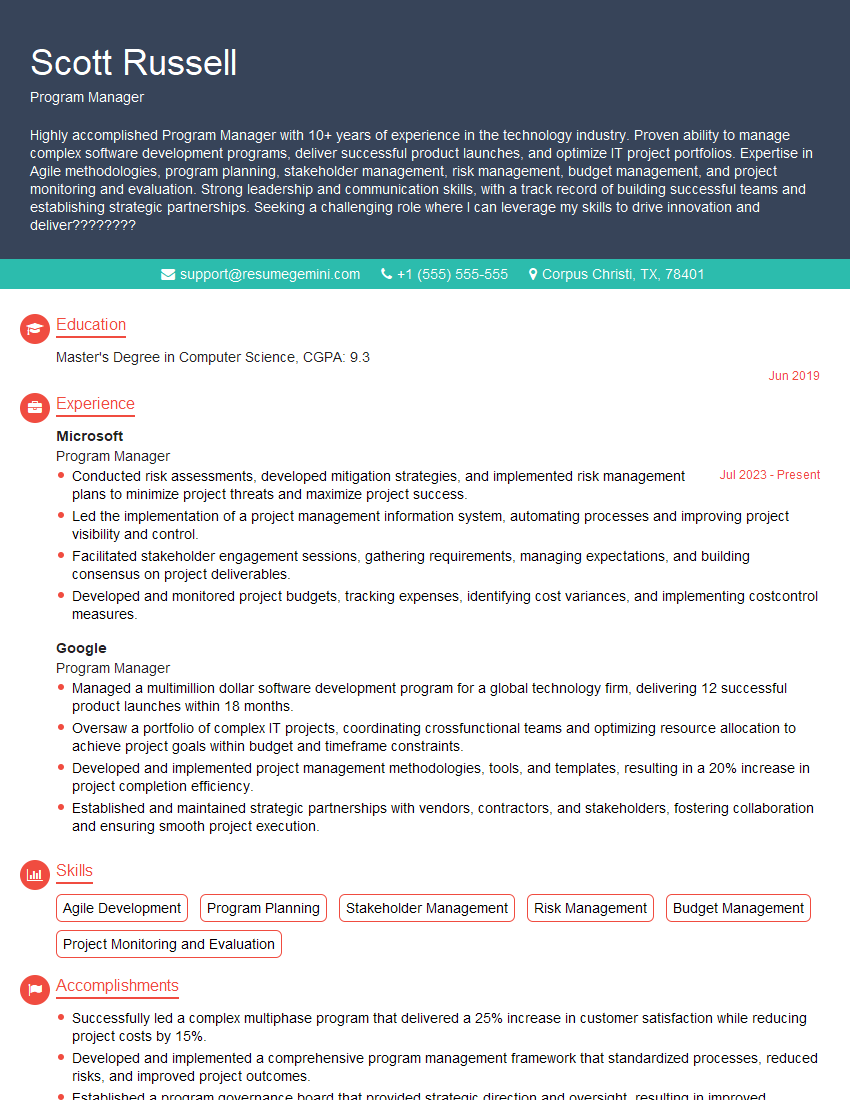
Program Manager Resume Sample

Product Manager Resume Sample
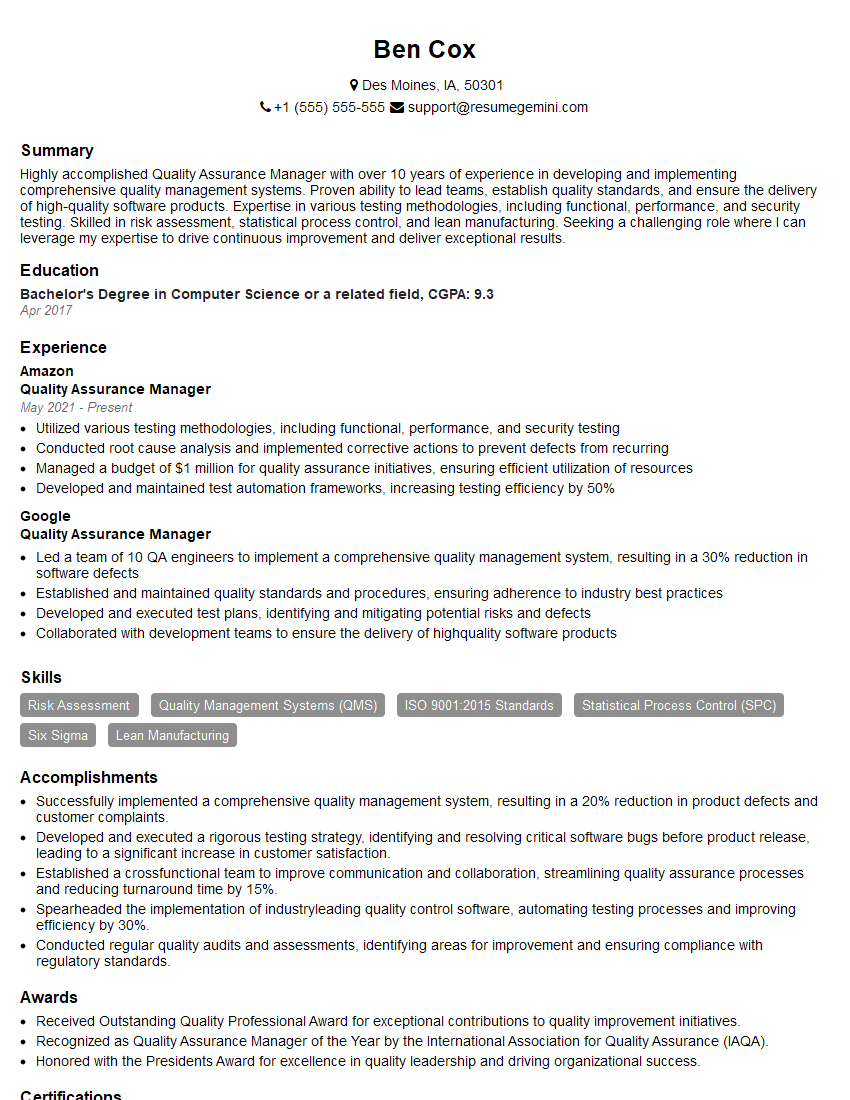
Quality Assurance Manager Resume Sample
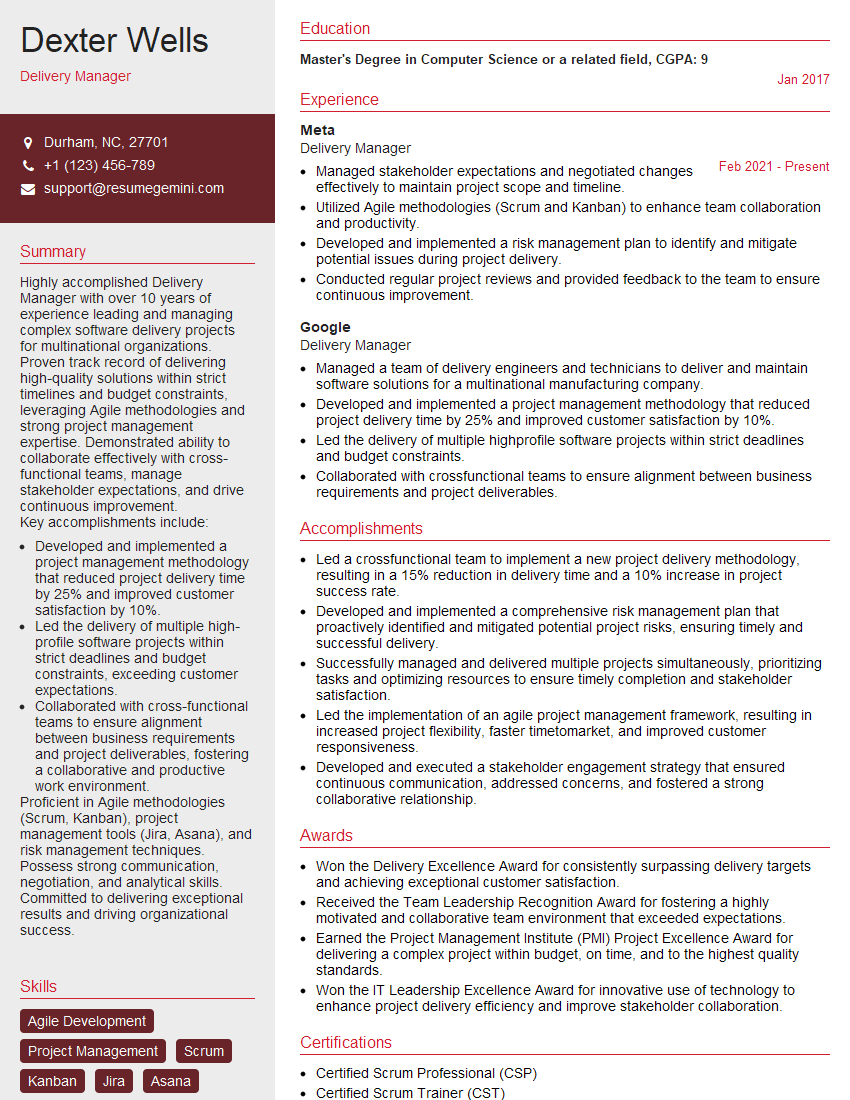
Delivery Manager Resume Sample
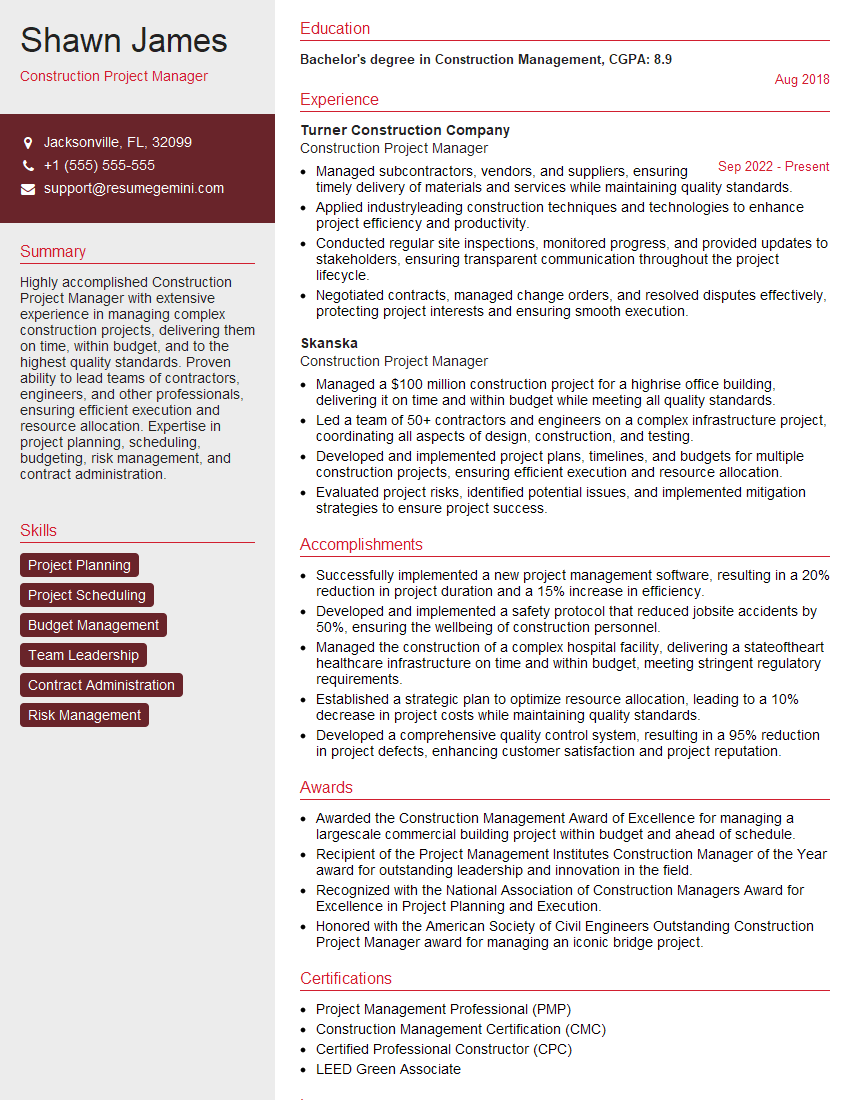
Construction Project Manager Resume Sample

Project Manager Resume Sample
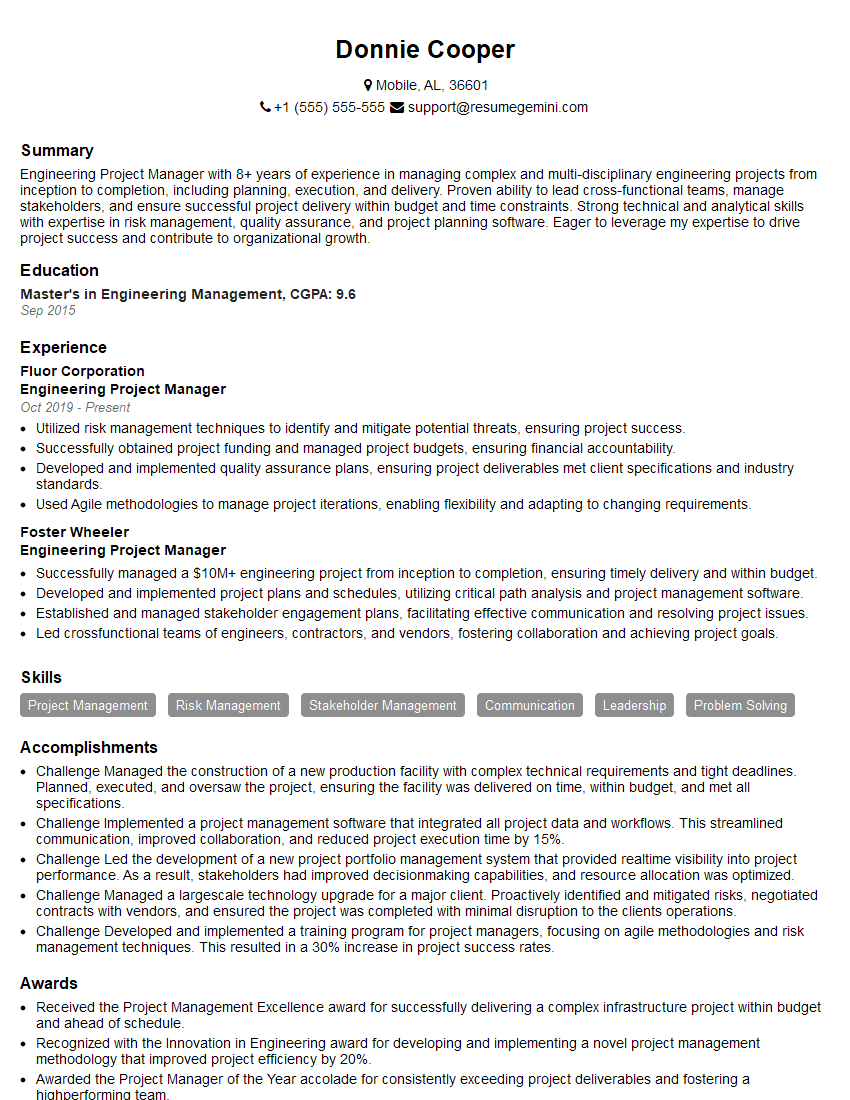
Engineering Project Manager Resume Sample
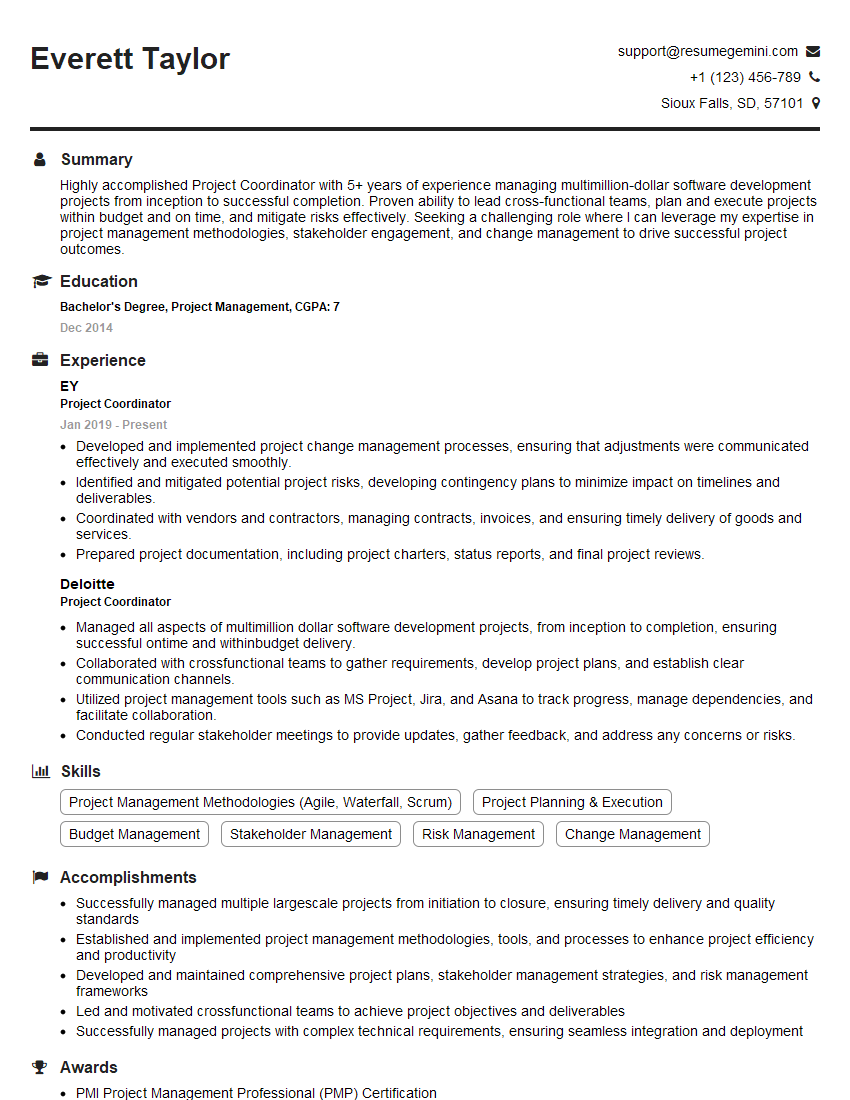
Project Coordinator Resume Sample
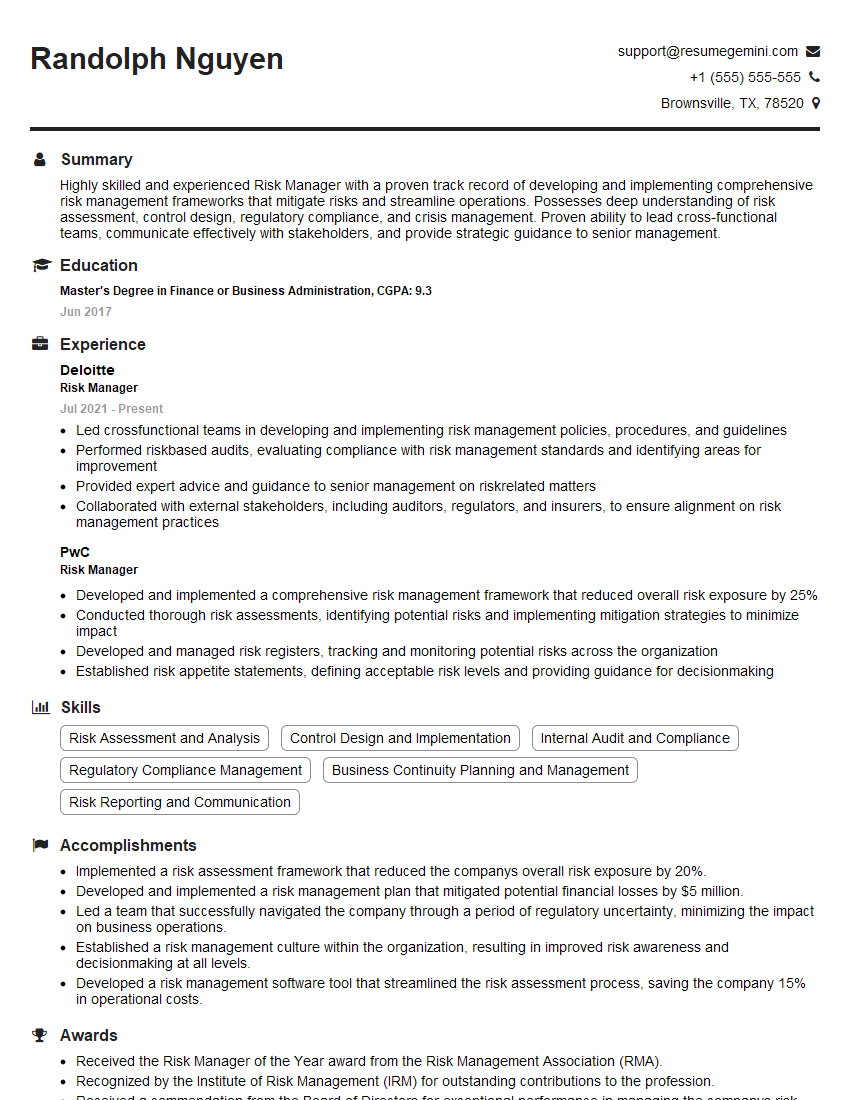
Risk Manager Resume Sample
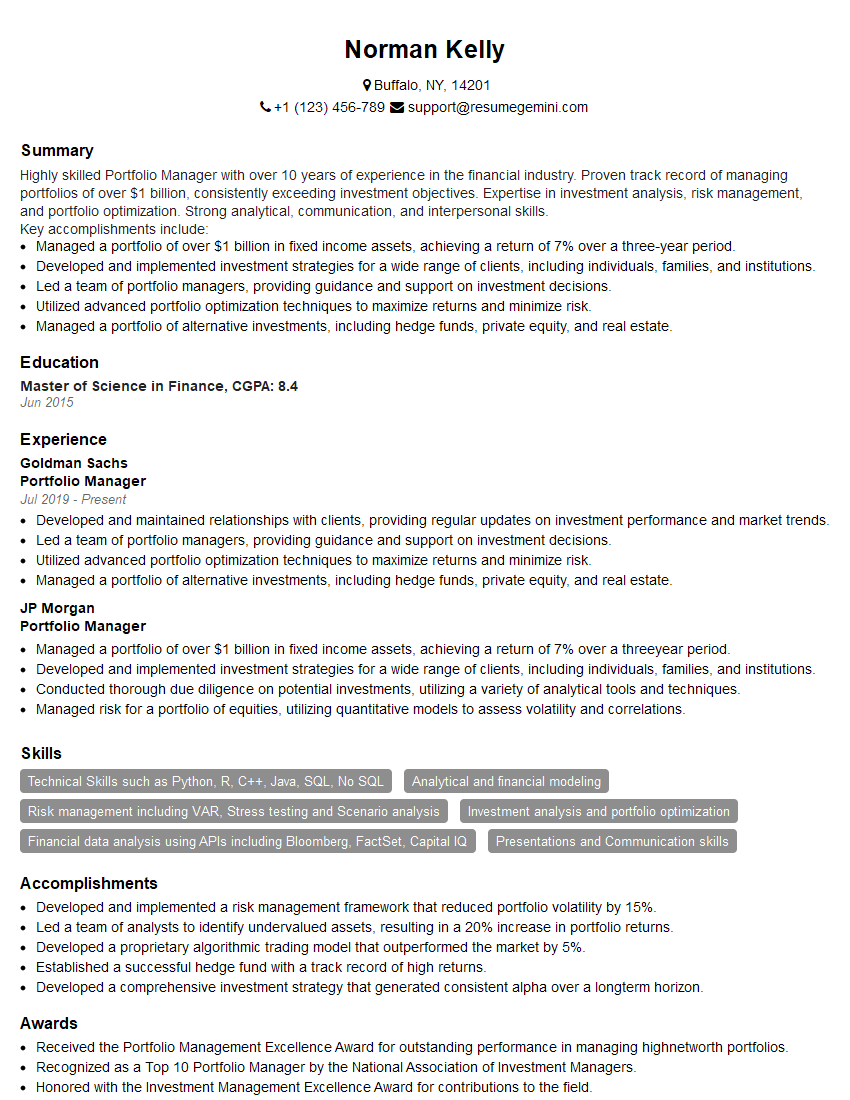
Portfolio Manager Resume Sample

Business Analyst Resume Sample

IT Project Manager Resume Sample
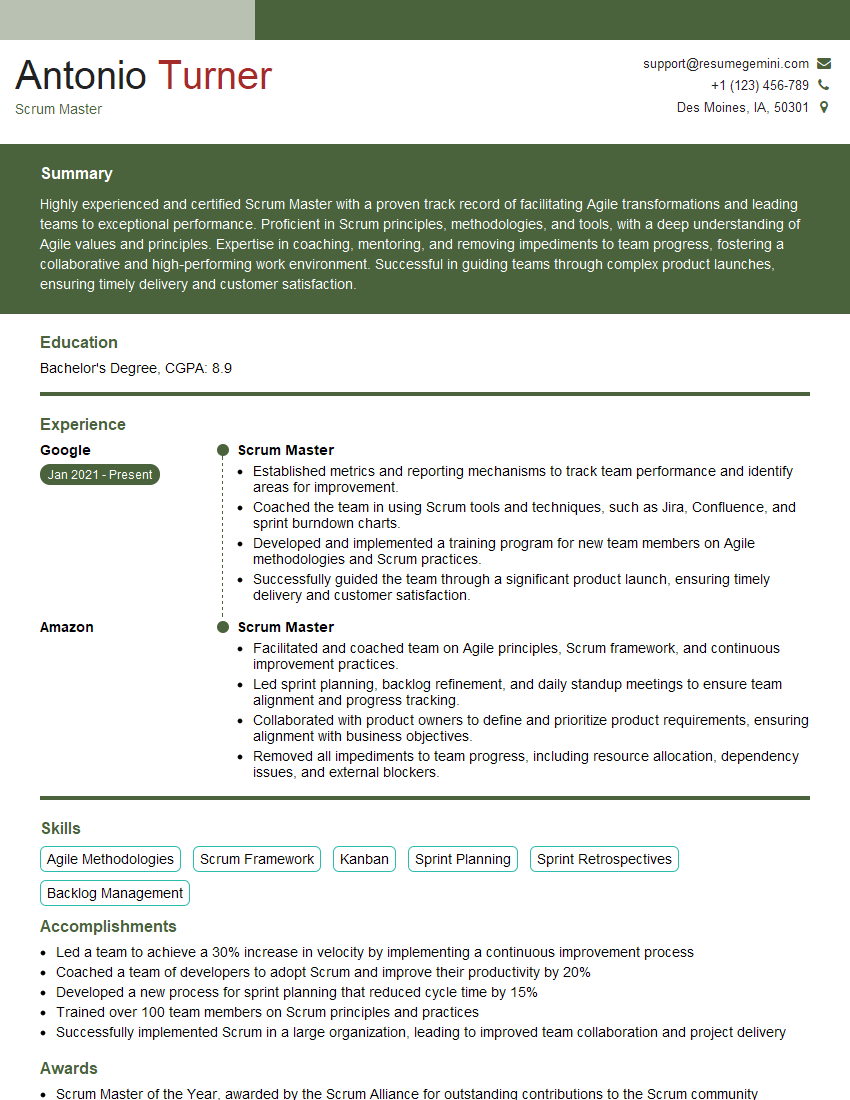
Scrum Master Resume Sample
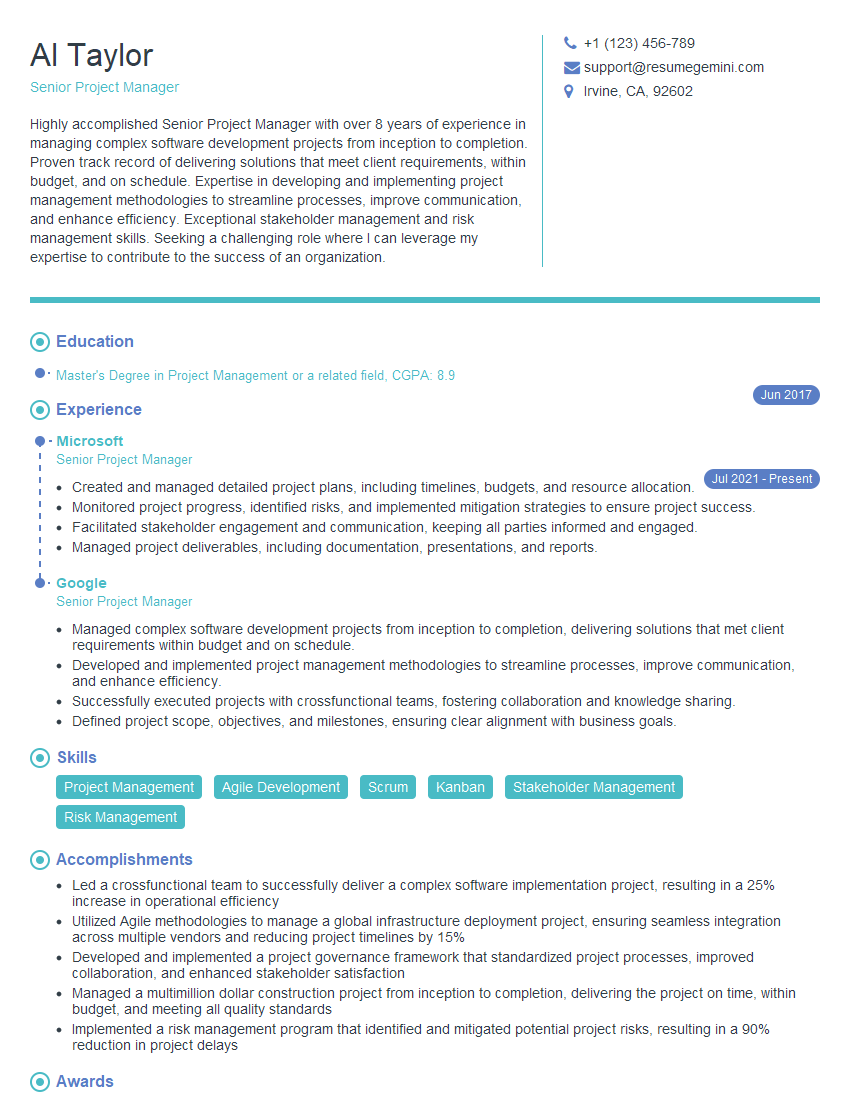
Senior Project Manager Resume Sample
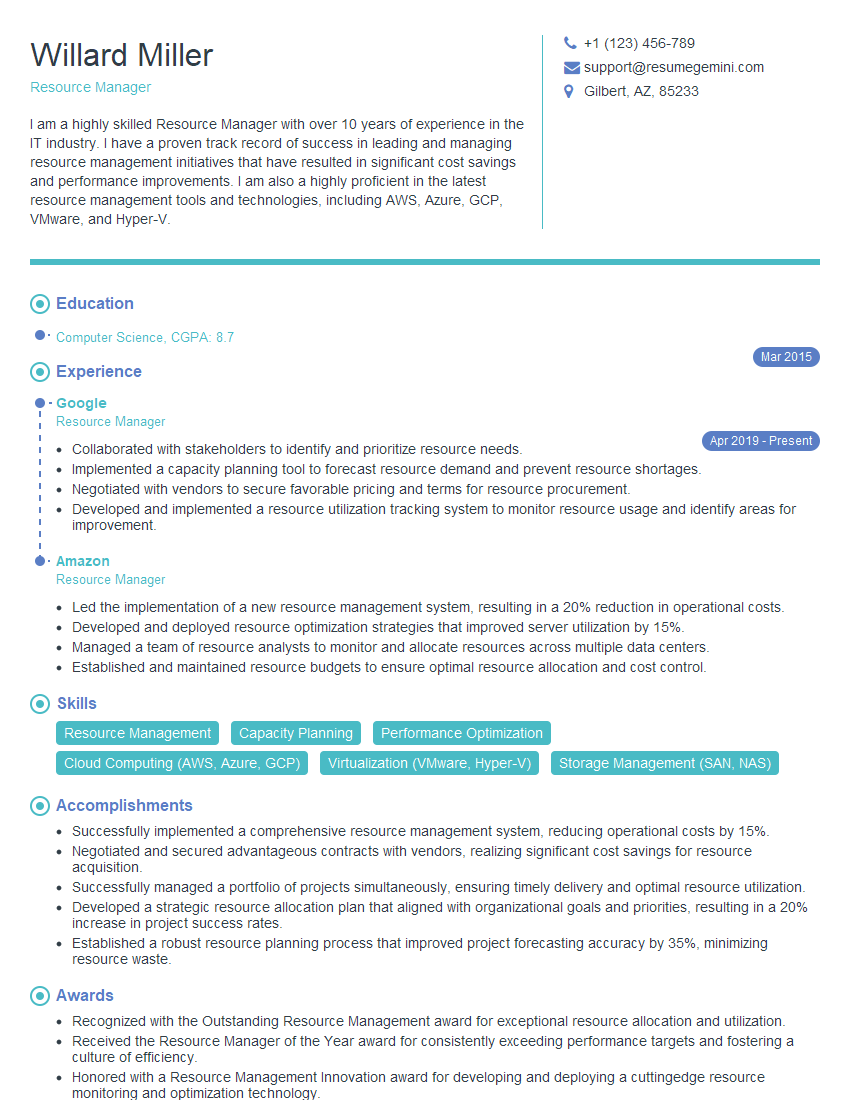
Resource Manager Resume Sample
Explore more articles
Users Rating of Our Blogs
Share Your Experience
We value your feedback! Please rate our content and share your thoughts (optional).
What Readers Say About Our Blog
Very informative content, great job.
good