Interviews are more than just a Q&A session—they’re a chance to prove your worth. This blog dives into essential Sound System Operation interview questions and expert tips to help you align your answers with what hiring managers are looking for. Start preparing to shine!
Questions Asked in Sound System Operation Interview
Q 1. Explain the difference between impedance and sensitivity in loudspeaker specifications.
Impedance and sensitivity are crucial loudspeaker specifications that determine how a speaker interacts with an amplifier and the resulting sound output. Think of impedance as the speaker’s resistance to the flow of electrical current from the amplifier. It’s measured in ohms (Ω). A lower impedance (e.g., 4 ohms) means the speaker draws more current at a given voltage. Conversely, higher impedance (e.g., 8 ohms) means less current draw. Matching impedance is vital; mismatched impedance can lead to amplifier damage or inefficient power transfer. Sensitivity, on the other hand, describes how efficiently a speaker converts electrical energy into acoustic energy. It’s expressed in decibels per watt per meter (dB/W/m) and indicates how loud the speaker will be at a specific distance from the speaker given a certain amount of power. A higher sensitivity rating means the speaker will be louder for the same power input, which can be advantageous in low-power applications like small PA systems. For example, a speaker with a sensitivity of 90dB/W/m will be significantly louder than one with a sensitivity of 86 dB/W/m at the same power level.
Q 2. Describe the purpose and function of a crossover network.
A crossover network is an essential component in multi-driver loudspeaker systems (like those with woofers, mid-range drivers, and tweeters). Its primary function is to divide the audio signal into different frequency ranges and send those specific ranges to the appropriate drivers. This ensures each driver operates within its optimal frequency range, resulting in clearer, more accurate sound reproduction. Without a crossover, all frequencies would be sent to all drivers, leading to distortion, muddy bass, and potentially driver damage. Crossovers achieve this separation using filters – typically capacitors and inductors. For example, a simple passive crossover might use a high-pass filter to send high frequencies to the tweeter and a low-pass filter to send low frequencies to the woofer. The frequency at which these filters divide the signal is called the crossover frequency. Active crossovers, on the other hand, use separate amplifiers for each driver, allowing for more precise control and better sound quality.
Q 3. What are the common types of microphones and their best applications?
Microphones are categorized based on their transduction principle (how they convert sound waves into electrical signals). Common types include:
- Dynamic Microphones: These are robust and reliable, using a moving coil within a magnetic field to generate a signal. They handle high sound pressure levels well and are ideal for live sound reinforcement (vocals, instruments), broadcasting, and recording loud sources like drums or guitar amps.
- Condenser Microphones: These offer high sensitivity and a wider frequency response, providing detailed and accurate sound reproduction. They require phantom power (48V) for operation. Applications include studio recording, voice-overs, and capturing subtle acoustic instruments.
- Ribbon Microphones: These are known for their smooth, natural sound and excellent transient response, particularly capturing the subtleties of acoustic instruments. They are more fragile and less resistant to high sound pressure levels compared to dynamic microphones.
The choice of microphone depends heavily on the application. For instance, a dynamic microphone is preferred for a live concert because of its ruggedness, while a condenser microphone is better suited for recording a singer in a studio due to its sensitivity and detailed sound capture.
Q 4. How do you troubleshoot feedback in a sound system?
Feedback in a sound system occurs when sound from a loudspeaker is picked up by a microphone, amplified, and sent back to the loudspeaker, creating a loud, squealing loop. Troubleshooting involves a systematic approach:
- Identify the Frequency: Listen carefully to determine the frequency of the feedback – it will be a specific, often high-pitched tone. This helps pinpoint the source.
- Reduce Gain: Lowering the gain (volume) on both the microphone and the amplifier is the most common and effective initial step. Reduce gain on the affected channel(s).
- Adjust Microphone Position: Moving the microphone slightly can drastically reduce feedback. Try pointing it away from the loudspeaker or changing its distance.
- EQ (Equalization): Cut the specific frequency causing feedback using a graphic equalizer (EQ) on the mixer. This is a very targeted approach.
- Microphone Directionality: Using a cardioid or hypercardioid microphone that rejects sound from the sides and rear can help reduce feedback. Directional mics minimize the chance of picking up sounds from the speakers.
- Check Room Acoustics: Room reflections can exacerbate feedback. Adding sound absorption materials (foam panels, drapes) or modifying room layout might help.
The key is to address each factor methodically and progressively; often a combination of techniques is necessary to eliminate feedback completely.
Q 5. Explain the concept of gain staging and its importance.
Gain staging refers to the process of managing signal levels at each stage of a sound system – from the microphone input to the final output to the speakers. It’s crucial for achieving optimal sound quality and preventing distortion, noise, and feedback. Think of it like adjusting the water flow in a plumbing system; you need the right pressure at each point to avoid overflowing or insufficient flow. In audio, each component (microphone, preamp, mixer, amplifier) has a certain input and output level. Proper gain staging ensures that the signal is neither too weak (leading to noise) nor too strong (resulting in distortion). Each component should receive a strong enough signal without overloading it. This generally involves setting the gain at each stage so the meters show appropriate levels, avoiding clipping, ensuring a good signal-to-noise ratio, and leaving enough headroom to prevent peaking at unexpected loud moments. This allows maximum dynamic range and prevents undesirable artifacts like unwanted noise or distortion.
Q 6. Describe different microphone polar patterns and their uses.
Microphone polar patterns describe the microphone’s sensitivity to sound from different directions. Common patterns include:
- Omnidirectional: Equally sensitive to sound from all directions. Useful for capturing ambient sound or when precise placement isn’t crucial.
- Cardioid: Most sensitive to sound from the front, gradually less sensitive from the sides, and least sensitive from the rear. A good all-around choice for live sound and recording.
- Supercardioid: Similar to cardioid but with a narrower pickup pattern and slightly increased sensitivity to sound from the rear. Better rejection of background noise.
- Hypercardioid: Even narrower pickup pattern than supercardioid, with a more pronounced rear lobe (more sensitivity to rear sound). Excellent for isolating a sound source in a noisy environment.
- Figure-8 (Bidirectional): Equally sensitive to sound from the front and rear, but insensitive to sound from the sides. Used in stereo recording to capture sound from two directions.
The choice depends on the application. For example, a cardioid microphone is commonly used for vocal recordings because it focuses on sound from the singer’s mouth and minimizes background noise. A figure-8 pattern might be employed for a stereo drum recording to capture both the kick drum and snare drum simultaneously.
Q 7. How do you calculate the appropriate speaker placement for optimal sound coverage?
Optimal speaker placement is crucial for achieving even sound coverage and minimizing sound irregularities. This is often best achieved through a combination of careful planning and on-site adjustments using test equipment. The process involves several considerations:
- Room Dimensions and Shape: Room acoustics significantly impact sound distribution. Irregular shapes can create uneven sound levels and reflections.
- Listening Area: Identify the primary listening area and aim to provide even sound coverage across this zone. The speakers should ideally be placed so sound waves reach listeners directly, rather than indirectly via reflections.
- Speaker Type and Dispersion: Different speakers have different dispersion patterns (how widely sound is spread). Wide dispersion speakers are suitable for larger areas, while narrow dispersion speakers can be used for more focused sound.
- Distance and Angle: Proper placement and angling of speakers minimize sound cancellations or imbalances.
- Reflection Points: Identifying and treating reflective surfaces (walls, ceilings) helps reduce unwanted echoes and improve sound clarity. Use absorption material and strategic speaker placement to mitigate problems.
- Equalization: Using an EQ to fine-tune the frequency response at different listening positions can help correct for unevenness caused by room acoustics.
Often, professional sound engineers will use specialized tools such as sound-level meters to measure sound pressure levels (SPL) at various points in the room and adjust speaker placement or equalization accordingly to ensure a balanced and uniform sound. Using software or modeling can help you visualize the sound field prior to setting up your speakers.
Q 8. What are the different types of digital audio consoles and their features?
Digital audio consoles are the brains of modern sound systems, offering precise control over audio signals. They come in various types, each with its own strengths:
- Live Sound Consoles: These are designed for live performances and events. They prioritize speed, intuitive control, and robust features like extensive routing, onboard effects processing (reverb, delay, compression), and multiple input/output configurations. Think of them as a central hub directing audio from microphones, instruments, and playback devices to speakers.
- Studio Consoles: Primarily used in recording studios, these offer high-fidelity audio processing, precise recall capabilities (saving and recalling entire mixing sessions), and sophisticated automation features. They often integrate deeply with DAWs (Digital Audio Workstations) to provide a comprehensive recording workflow. They emphasize precision and flexibility over immediate recall speed.
- Broadcast Consoles: Built for radio and television applications, broadcast consoles often include features like talkback communication, built-in metering for compliance with broadcasting standards, and seamless integration with broadcast automation systems. Reliability and precision in level control are paramount.
- Small-Format Consoles: These compact consoles are ideal for smaller venues, home studios, or mobile applications. They typically offer a simplified feature set compared to their larger counterparts, focusing on core mixing functions like EQ, gain staging, and aux sends.
Features common across many types include:
- Input Channels: Each channel allows you to process a single audio source (microphone, instrument, etc.).
- EQ (Equalization): Shapes the tonal balance of each signal.
- Dynamics Processing: Controls the volume fluctuations (compressors, gates).
- Aux Sends: Routes signals to external effects processors or monitor mixes.
- Busses: Groups audio signals for sending to different outputs.
- Digital Signal Processing (DSP): Provides advanced processing capabilities such as reverb, delay, and more.
The choice of console depends heavily on the application. A live sound console for a stadium concert will differ significantly from a small-format console used for a podcast recording.
Q 9. Explain the concept of EQ and its role in sound system optimization.
EQ, or equalization, is the process of adjusting the balance of frequencies in an audio signal. Think of it like a graphic equalizer on your stereo; it lets you boost or cut specific frequencies to shape the sound. In sound system optimization, EQ plays a crucial role in:
- Correcting Room Acoustics: Rooms have natural resonances and reflections that can muddy or color the sound. EQ can be used to compensate for these issues, creating a more balanced and natural sound. For example, a room with excessive bass buildup might benefit from cutting those low frequencies.
- Improving Clarity and Definition: By boosting certain frequencies (such as the midrange for vocals), you enhance the intelligibility and presence of specific instruments or vocalists. Conversely, cutting frequencies that are masking other important parts helps clarity.
- Balancing Instruments and Vocals: EQ ensures that each instrument and vocal track has its appropriate space in the mix without clashing or being overpowered by other elements. Imagine adjusting a bass guitar’s low-end to avoid muddiness.
- Creating Specific Soundscapes: EQ can be used to dramatically change the character of a sound, creating special effects or emulating different acoustic environments.
Different types of EQ exist, such as parametric EQ (allowing precise control over frequency, gain, and Q factor) and graphic EQ (providing visual control of numerous frequency bands). The choice of EQ type and its settings depend on the specific audio material and the desired outcome. Effective EQ is a skill developed through practice and understanding acoustics.
Q 10. Describe the principles of signal flow in a sound reinforcement system.
Signal flow in a sound reinforcement system describes the path an audio signal takes from its source to the listener’s ears. Understanding this is fundamental to troubleshooting and designing efficient systems. A typical signal flow might be:
- Source: The origin of the sound (microphone, instrument, audio playback device).
- Preamplification: A microphone preamplifier boosts the weak signal from a microphone to a usable level.
- Mixing Console: The console combines multiple audio signals, applies processing (EQ, compression, etc.), and routes the signals to outputs.
- Signal Processing (Optional): Effects processors (reverb, delay, etc.) add special effects or enhance the sound.
- Amplification: Power amplifiers boost the signal to a level sufficient to drive loudspeakers.
- Loudspeakers: Convert the electrical signal back into sound waves.
- Listener: The intended recipient of the sound.
It’s crucial that the signal path is clear and optimized for minimal noise and distortion. Each piece of equipment in the chain affects the final sound, and a faulty component or improper cabling can significantly impact the overall quality.
Imagine a river flowing from its source to the sea; the signal flow is similar, with each component along the way influencing the final output (the sound that reaches the listener).
Q 11. How do you use a delay processor effectively in a sound system?
Delay processors add a time delay to an audio signal, creating a variety of effects. Effective use in a sound system involves:
- Creating Space and Depth: By delaying a vocal or instrument signal slightly, you can create a sense of space and ambience. This is often used to make vocals sound more natural or spacious.
- Creating Reverb-like Effects: Short delays can mimic the natural reverberation of a room, while longer delays create more pronounced echoes.
- Special Effects: Creative use of delay can generate rhythmic effects, phasing, flanging, or other unique sounds.
- Time Alignment: In larger venues with multiple speakers, delay can be used to compensate for the time difference between the sound reaching different parts of the audience. This prevents phase cancellation and maintains the integrity of the sound image.
Example: In a large concert setting, if the speakers at the back of the stage are significantly further away from the audience than those at the front, adding a slight delay to the front speakers will help synchronize their output with the delayed sound from the back speakers, maintaining a consistent sound for the entire audience. Improper use can cause phase cancellation, and muddy sound.
Key parameters to adjust are delay time (length of delay), feedback (amount of delayed signal mixed back into the original signal), and level (volume of the delayed signal). Careful adjustment is key to creating desirable effects without negative consequences.
Q 12. Explain the differences between analog and digital audio processing.
Analog and digital audio processing differ fundamentally in how they handle audio signals:
- Analog Processing: Uses continuous electrical signals to represent sound waves. Think of it as a direct representation of the sound wave’s physical properties. Analog processing is characterized by its warmth and character; however, it’s susceptible to noise and signal degradation over time and long signal paths.
- Digital Processing: Converts analog signals into numerical data (sampled and quantized), manipulates the data, and converts it back to an analog signal for output. Digital processing offers greater precision, flexibility, and the ability to store and recall settings precisely; however, it can introduce artifacts like quantization noise if not properly implemented and its sound quality relies heavily on the analog to digital and digital to analog converters.
Analogy: Imagine drawing a picture; analog is like drawing directly onto the canvas. You can make subtle changes, but once it’s done, it’s permanent. Digital is like creating the picture using pixels on a computer screen; you can easily edit, copy, and save your work. Both methods can create beautiful art, but each has its strengths and limitations.
In modern sound systems, both analog and digital processing are often used together. For example, a digital mixing console might use digital signal processing for effects, but its outputs might be fed to analog power amplifiers for better sound quality depending on the application.
Q 13. What are the safety precautions when working with sound equipment?
Safety when working with sound equipment is paramount. Key precautions include:
- Hearing Protection: Always wear hearing protection in loud environments. Prolonged exposure to high sound levels can lead to permanent hearing damage.
- Electrical Safety: Ensure all equipment is properly grounded and avoid contact with exposed wiring. Never work on live equipment unless you are properly qualified.
- Proper Cabling: Use appropriate cables for each device to avoid signal interference, ground loops, and short circuits. Keep cables organized and out of walkways to prevent tripping hazards.
- Equipment Placement: Position equipment to prevent it from falling or being damaged. Heavy equipment should be securely placed on stable surfaces.
- Environmental Conditions: Protect equipment from extreme temperatures, moisture, and dust. Ensure adequate ventilation to prevent overheating.
- Lift Assistance: Seek help when lifting heavy equipment to avoid injuries.
Always follow the manufacturer’s instructions for each piece of equipment. Ignoring these guidelines can lead to serious injury or equipment damage.
Q 14. How do you handle a sudden equipment failure during a live event?
Sudden equipment failure during a live event requires a calm, efficient response. Steps to take include:
- Identify the Problem: Quickly assess the situation to determine what has failed and its impact on the performance.
- Implement Backup Solutions: If possible, switch to a backup system or component. Having redundant equipment is essential for professional settings.
- Isolate the Problem: Disconnect the faulty equipment to prevent further damage or cascading failures. Power down the faulty component immediately to prevent further damage.
- Communicate with the Team: Inform the performers, engineers, and event organizers about the issue and what measures are being taken.
- Minimize Disruption: Work quickly and efficiently to restore sound as seamlessly as possible. If a complete fix is impossible, adjust the show to minimize the impact of the equipment failure.
- Document the Incident: After the event, document the equipment failure, the actions taken to mitigate the issue, and steps to prevent similar failures in the future. This is vital for maintaining efficient and professional operations.
Having a well-defined contingency plan, regular equipment maintenance, and a skilled team are all crucial aspects of preventing and dealing with such issues effectively.
Q 15. Describe your experience with different types of audio cables and connectors.
My experience with audio cables and connectors spans a wide range, from the most basic to highly specialized options. Understanding the nuances of different cable types is crucial for achieving optimal sound quality and avoiding signal loss or interference.
- XLR Cables: These are professional-grade, balanced cables commonly used for microphones and line-level audio signals. Their balanced design significantly reduces noise pickup compared to unbalanced cables. I’ve extensively used them in live sound reinforcement and studio recording environments. For instance, I once had to troubleshoot a noisy microphone signal during a concert, and identifying a faulty XLR cable was key to resolving the problem.
- TRS (1/4-inch) Cables: These are versatile cables used for both balanced and unbalanced signals. The balanced version offers superior noise rejection, similar to XLR but often used with instruments and line-level audio. Unbalanced versions are more common in consumer-grade equipment. I’ve regularly used TRS cables for connecting instruments, keyboards, and audio interfaces.
- TS (1/4-inch) Cables: These unbalanced cables are primarily for mono instrument signals such as guitars or bass. Their simplicity is a strength, but their susceptibility to noise requires careful consideration of routing and cable management.
- RCA Cables: These are unbalanced cables typically used for consumer-level audio, such as connecting CD players or home stereo systems. While simpler, they’re less suited for professional applications due to noise vulnerability.
- Fiber Optic Cables: These transmit audio signals digitally via light, offering significant advantages in terms of distance and noise immunity. They are frequently used in professional sound systems spanning large venues or requiring long cable runs. I’ve used them in installations where minimizing signal loss over long distances was paramount.
Understanding connector types is just as crucial. Recognizing the difference between male and female connectors, and knowing which cable types use which connectors (XLR, TRS, TS, RCA) is foundational knowledge for preventing connectivity issues and ensuring signal integrity.
Career Expert Tips:
- Ace those interviews! Prepare effectively by reviewing the Top 50 Most Common Interview Questions on ResumeGemini.
- Navigate your job search with confidence! Explore a wide range of Career Tips on ResumeGemini. Learn about common challenges and recommendations to overcome them.
- Craft the perfect resume! Master the Art of Resume Writing with ResumeGemini’s guide. Showcase your unique qualifications and achievements effectively.
- Don’t miss out on holiday savings! Build your dream resume with ResumeGemini’s ATS optimized templates.
Q 16. How do you conduct a sound check before a live performance?
A thorough sound check before a live performance is paramount. It’s a systematic process aimed at identifying and resolving potential audio issues before the event begins. My approach involves several key steps:
- System Check: I begin by verifying all connections and power supplies. This includes checking all cables, ensuring they are securely connected and undamaged. I also verify that all equipment (microphones, amplifiers, speakers, mixers, etc.) is receiving power and functioning correctly.
- Microphone Levels: I carefully check the input levels of all microphones, ensuring that they are neither too low (resulting in weak signal) nor too high (causing clipping and distortion). I use a combination of the mixer’s meters and my ears to achieve optimal levels for each microphone.
- Instrument Levels: Similar to microphones, I set appropriate input levels for all instruments, avoiding both clipping and low signals. This often involves working closely with musicians to fine-tune their individual setups.
- Monitor Mixes: I create balanced monitor mixes for the performers, ensuring that they can hear themselves and their bandmates clearly. This involves adjusting levels, EQ, and panning to create the ideal listening environment for each musician.
- Main Mix: I check the main mix sent to the house speakers, ensuring that it provides a balanced and enjoyable listening experience for the audience. This involves fine-tuning EQ, dynamics, and overall balance.
- System Response: I listen for any unwanted feedback, buzzes, or other anomalies. Addressing these is critical to avoid unpleasant sonic artifacts during the performance.
- Run-Through: A full run-through of the performance, including all elements, is essential to catch last-minute issues. This is a crucial stage for identifying unforeseen technical difficulties.
My experience has taught me that a meticulous sound check not only prevents disastrous onstage issues but also creates a smoother workflow for the entire team and a more enjoyable experience for both the performers and the audience.
Q 17. What are your preferred methods for monitoring sound levels?
Accurate sound level monitoring is crucial for protecting both equipment and the audience’s hearing. I utilize a multi-pronged approach, combining both visual and auditory monitoring techniques:
- Meters on the Mixing Console: These provide a visual representation of the signal levels in various channels and outputs. I use them to keep levels within safe operating ranges, preventing clipping and distortion. Observing peak levels versus average levels is important for avoiding unintended loudness spikes.
- Sound Level Meters (SLMs): These devices provide precise measurements of sound pressure levels (dB) at various points in the venue. I use SLMs to ensure that the sound pressure levels are within safe limits for the audience and comply with relevant safety regulations. I’ve even used SLMs to fine-tune system gains to meet specific decibel targets set by venue management.
- Auditory Monitoring: While meters are important, my ears remain my most reliable tool. I constantly listen for excessive loudness, harsh frequencies, or any other imbalances in the sound. This human element adds crucial nuance to the objective data provided by SLMs and console meters.
For example, in one event, the SLM indicated we were exceeding the allowed sound level in a specific frequency range. This alerted us to adjust the EQ and dynamics accordingly before exceeding the safety thresholds.
Q 18. Explain your experience with different types of audio software (e.g., DAWs).
My experience with Digital Audio Workstations (DAWs) is extensive. I’m proficient in several, including Pro Tools, Logic Pro X, Ableton Live, and Reaper. The choice of DAW often depends on the specific project requirements and personal preferences.
- Pro Tools: This industry standard is widely used for professional recording, mixing, and mastering. I’ve utilized its powerful editing tools, extensive plugin support, and collaborative capabilities across multiple projects. For example, I leveraged Pro Tools’ session recall to seamlessly move between sessions with complex mixes.
- Logic Pro X: Known for its intuitive interface and vast library of virtual instruments, Logic is ideal for both music production and post-production. I’ve used it for projects requiring creative sound design and virtual instrument composition. I really appreciate its MIDI editing capabilities for complex orchestral arrangements.
- Ableton Live: This DAW excels in live performance and electronic music production. I’ve used Ableton’s flexible workflow to create unique soundscapes for live shows that respond effectively to improvisation. Its session view was particularly helpful in creating dynamic setlists.
- Reaper: This highly customizable and cost-effective option is excellent for both simple and complex audio tasks. Its powerful features combined with light system requirements make it very versatile.
Beyond basic recording and editing, my proficiency extends to advanced techniques such as advanced mixing, mastering, and signal processing using various plugins. I’m adept at using EQ, compression, reverb, delay, and other effects to shape the sound and achieve the desired sonic characteristics.
Q 19. Describe your experience troubleshooting audio signal issues.
Troubleshooting audio signal issues is a crucial skill in sound system operation. My approach is systematic, moving from the most likely causes to the less obvious ones:
- Visual Inspection: I start by visually inspecting all cables, connections, and equipment for any obvious problems such as loose cables, damaged connectors, or faulty equipment.
- Signal Tracing: If the problem isn’t immediately apparent, I trace the signal path from its source to the output, checking each stage (microphones, preamps, mixers, amplifiers, speakers) for signal continuity.
- Isolation: To pinpoint the source of the problem, I isolate sections of the system. By systematically disconnecting components, I can determine which part is causing the issue. For instance, I might unplug each microphone one by one to find out if a specific microphone is causing feedback or noise.
- Substitution: Once a faulty component is suspected, I try replacing it with a known good component (e.g., replacing a cable, microphone, or other equipment). If the problem is resolved, the replaced component was the culprit.
- Signal Analysis: For more complex issues, tools like oscilloscopes or spectrum analyzers may be necessary to analyze the audio signal and identify the root of the problem. I’m familiar with using these devices to identify issues like ground loops or frequency interference.
For example, during a recent event, we experienced a sudden drop in audio levels from a particular microphone. By systematically following these steps, we quickly identified a bad XLR connector on the microphone cable, replacing it solved the problem instantly.
Q 20. How do you work effectively with other members of the audio team?
Effective teamwork is essential in a sound system operation. My approach emphasizes clear communication, collaboration, and mutual respect.
- Open Communication: I maintain open communication with all members of the audio team. This includes discussing technical issues, sharing ideas, and proactively addressing potential problems. Regular briefings are critical for coordination.
- Collaborative Problem-Solving: I encourage collaborative problem-solving. When faced with challenges, I work with the team to brainstorm solutions and leverage everyone’s expertise. A diverse team brings a variety of perspectives.
- Clear Roles and Responsibilities: Establishing clear roles and responsibilities ensures everyone knows their tasks and avoids duplication of effort. It’s crucial to create a hierarchy for decision-making in case of conflicts.
- Respectful Feedback: I provide and receive constructive feedback in a respectful manner. This fosters a culture of continuous improvement and enhances teamwork. I aim to create a safe environment for team members to openly express their ideas.
In a recent large-scale outdoor concert, clear communication among the engineers, stagehands, and performers was crucial for a successful event. Open dialogue allowed quick resolution of several technical issues that arose during setup and during the performance itself.
Q 21. Describe your experience with setting up and configuring different audio systems.
My experience encompasses setting up and configuring diverse audio systems, from small-scale events to large-scale concerts and installations. This involves understanding various system components, their interconnectivity, and their specific requirements.
- System Design: I begin by carefully considering the specific needs of the event or installation. This includes factors like the size of the venue, the type of event, the number of performers, and the desired sound quality.
- Component Selection: Based on the system design, I select the appropriate audio equipment, including microphones, mixers, amplifiers, speakers, and processing equipment. This requires understanding the specifications of different components and choosing those that meet the specific requirements of the project.
- System Configuration: I configure the audio system to meet the desired performance specifications, often involving intricate signal routing, level adjustments, EQ, dynamics processing, and delay. This can involve creating complex signal flow diagrams.
- Testing and Optimization: Once the system is set up, I thoroughly test it to ensure that it’s functioning correctly and meets the required specifications. I make adjustments to optimize the sound quality and ensure a consistent experience for the listeners.
- Different System Types: I’ve worked with a wide variety of systems, ranging from small portable PA systems for small gatherings to large-scale stadium sound systems with multiple arrays, delays, and dedicated monitoring systems. Each system requires a different approach to setup and configuration. For instance, a small PA system requires less complex signal routing than a large-scale stadium system.
One memorable project involved setting up a sound system for a large outdoor festival. It required careful planning to accommodate numerous stages, performers, and audience areas, ensuring consistent audio throughout the event.
Q 22. Explain your understanding of acoustic treatment and its impact on sound quality.
Acoustic treatment is the process of modifying a room’s acoustics to improve sound quality. It involves strategically placing materials to absorb, diffuse, or reflect sound waves, minimizing unwanted reflections and resonances that lead to muddy, unclear, or overly loud sound.
Think of it like this: imagine throwing a ball in a completely empty room. It’ll bounce around chaotically and unpredictably. Acoustic treatment is like adding soft surfaces (absorbers) and strategically placed obstacles (diffusers) to control the ball’s path, making the room more predictable and less chaotic.
Impact on Sound Quality: Proper acoustic treatment significantly improves clarity, reduces echoes and reverberation, enhances the overall sound balance and reduces unwanted noise. This results in a more natural, pleasing, and intelligible listening experience, especially important in recording studios, home theaters, and live performance venues.
- Absorption: Materials like acoustic foam, panels, and heavy curtains absorb sound energy, preventing reflections and reducing reverberation.
- Diffusion: Diffusers, which are often sculptural surfaces, scatter sound waves, preventing echoes and creating a more even sound field.
- Reflection: Strategically placed reflective surfaces can help direct sound to specific areas, improving coverage and clarity.
Q 23. How do you address noise issues in a live sound environment?
Addressing noise in a live sound environment requires a multi-faceted approach. It’s crucial to identify the source of the noise and then employ appropriate mitigation techniques.
- Source Identification: Pinpointing the source – be it audience chatter, HVAC systems, or external noise – is paramount. Using a sound level meter can help identify the frequencies and levels of problematic sounds.
- Noise Reduction at the Source: If possible, reducing the noise at its source is the most effective approach. This could involve adjusting HVAC settings, requesting quieter audience behavior, or using sound-isolating barriers around noisy equipment.
- Sound Isolation: Techniques such as soundproofing the stage or using acoustic barriers between the audience and the source of the unwanted noise can significantly decrease noise levels.
- Feedback Control: Employing proper microphone techniques, such as proper gain staging and strategic microphone placement, can significantly minimize feedback loops (that screeching sound!). Using feedback suppressors built into mixing consoles is also very effective.
- Signal Processing: Employing EQ (equalization) and noise gates in the mixing console allows selective reduction of unwanted frequencies or sounds without significantly affecting the desired audio.
Example: In a noisy outdoor concert, we might use directional microphones to focus on the sound sources while minimizing the capture of surrounding noise. We could also use a noise gate to reduce the background noise during periods of silence.
Q 24. Explain your experience with PA system design and planning.
PA system design and planning requires meticulous attention to detail. It’s a systematic process involving several key stages:
- Site Survey: This includes assessing the venue’s dimensions, acoustics, audience capacity, and existing infrastructure. Understanding the venue’s unique characteristics is essential for optimal design.
- System Design: Based on the site survey, I determine the appropriate speakers, amplifiers, mixers, and other equipment needed to deliver clear, even sound coverage across the entire venue. This often involves computer-aided simulations to predict sound coverage and identify potential issues.
- Budgeting and Procurement: After designing the system, I create a comprehensive budget that includes equipment costs, labor, and installation. I’ll source high-quality components that meet the project’s requirements and the client’s budget.
- Installation and Testing: This involves physically setting up the equipment according to the design, wiring, and connecting everything. Thorough testing and adjustments are critical to ensure the system performs as intended.
- Commissioning and Training: After the installation, the system is rigorously tested and fine-tuned. Comprehensive training is provided to the venue staff on operating and maintaining the system.
Example: In designing a PA system for a large auditorium, I considered factors such as speaker placement to achieve uniform coverage, subwoofer placement to manage low-frequency sound, and the use of delay speakers for larger venues to compensate for sound travel time.
Q 25. What are some common audio formats and their characteristics?
Common audio formats each have their unique characteristics, impacting file size, quality, and compatibility:
- WAV (Waveform Audio File Format): An uncompressed audio format known for its high fidelity and lossless quality. This means no data is lost during encoding, resulting in excellent audio quality but larger file sizes.
- MP3 (MPEG Audio Layer III): A lossy compressed format known for its small file size and widespread compatibility. It achieves smaller file sizes by discarding some audio data deemed less perceptible to the human ear. This results in a tradeoff between file size and audio quality.
- AAC (Advanced Audio Coding): Another lossy compressed format offering better quality than MP3 at similar bitrates. It’s commonly used in iTunes and other digital music services.
- AIFF (Audio Interchange File Format): An uncompressed audio format primarily used on Apple computers, similar to WAV in terms of quality and file size.
- FLAC (Free Lossless Audio Codec): A lossless compressed format offering high fidelity with smaller file sizes than WAV or AIFF. It’s gaining popularity as a high-quality alternative to lossy formats.
Q 26. Describe your experience with wireless microphone systems and their frequency management.
My experience with wireless microphone systems encompasses selection, setup, and frequency management. Wireless systems offer mobility but require careful frequency coordination to avoid interference.
Frequency Management: This involves using a spectrum analyzer to identify available frequencies that won’t clash with other wireless devices (like other microphones, in-ear monitors, or even nearby radio stations). We use specialized software to scan for open frequencies and coordinate the use of multiple wireless microphones without interference. We often employ different frequency bands to create isolated channels and avoid potential conflicts. In dense urban areas, this frequency coordination is critical to successful operation.
Troubleshooting: When issues arise, such as dropouts or interference, we systematically investigate potential causes, checking antenna placement, signal strength, and potential sources of interference. This can involve adjustments to the system’s settings, re-scanning for open frequencies, or replacing malfunctioning equipment.
Example: In a large multi-band event using numerous wireless mics, meticulous frequency coordination is essential to prevent interference. Careful planning and the use of a frequency coordination software program ensures that each channel operates without signal clashes.
Q 27. How do you handle audience complaints regarding sound quality?
Handling audience complaints regarding sound quality requires a calm and professional approach. I would start by acknowledging their concerns and showing empathy. Then, I’d attempt to identify the specific issue – is it too loud, too quiet, muddy, or distorted?
Troubleshooting Steps:
- Gather Information: Precisely determine where the audience member was sitting and what they heard. This helps pinpoint potential coverage issues.
- System Check: Investigate the system’s settings (EQ, levels, etc.) and look for any anomalies like feedback, clipping, or improper speaker balance. Utilize a sound level meter to objectively assess the sound levels.
- Make Adjustments: Based on the information gathered, I’d make appropriate adjustments to the system’s settings, trying to find a balance that addresses the complaint while maintaining the overall sound quality.
- Follow Up: After making adjustments, I’d check back with the audience member to see if the issue is resolved. If not, further investigation would be needed.
Maintaining open communication and actively seeking to address their concerns is crucial to ensure audience satisfaction.
Q 28. What are your strategies for maintaining a sound system and ensuring its longevity?
Maintaining a sound system is crucial for its longevity and consistent performance. My strategies include:
- Regular Inspections: Conducting routine visual inspections of cables, connectors, and equipment for signs of wear and tear, loose connections, or damage.
- Preventative Maintenance: Following manufacturer’s guidelines for routine maintenance, such as cleaning dust from equipment, checking amplifier cooling systems, and ensuring proper ventilation.
- Calibration: Periodically calibrating the system using test tones and measurement tools to ensure proper frequency response and level matching across all components.
- Documentation: Maintaining comprehensive documentation of the system’s setup, wiring diagrams, and equipment specifications aids troubleshooting and future upgrades.
- Backups: Storing backup copies of important system settings and configuration files in case of data loss or system failure.
- Professional Servicing: Scheduling regular professional servicing by qualified technicians ensures that more complex maintenance tasks are carried out appropriately.
Example: Regularly cleaning dust from amplifiers prevents overheating and extends their lifespan. This simple task is a key element of preventative maintenance.
Key Topics to Learn for Sound System Operation Interview
- Audio Signal Flow: Understanding the path of an audio signal from source to listener, including microphones, mixers, amplifiers, and speakers. Practical application: Troubleshooting a system by tracing signal path issues.
- Microphone Techniques: Proper microphone selection, placement, and techniques for different applications (e.g., speech, music). Practical application: Optimizing microphone placement for clear vocal reproduction in a live performance.
- Equalization (EQ) and Signal Processing: Adjusting the frequency balance of audio signals using EQ and other signal processors (compressors, limiters, etc.). Practical application: Correcting frequency imbalances in a room’s acoustics to achieve a balanced sound.
- Sound System Setup and Configuration: Understanding the process of setting up and configuring a sound system, including speaker placement, cabling, and system tuning. Practical application: Setting up a PA system for a corporate event.
- Troubleshooting and Problem Solving: Identifying and resolving common sound system issues, such as feedback, distortion, and low volume. Practical application: Quickly diagnosing and fixing a sudden loss of sound during a live event.
- Health and Safety: Understanding safe operating procedures for sound equipment, including proper handling and power management. Practical application: Ensuring the safe operation of equipment and preventing damage to equipment or injury to personnel.
- Digital Audio Workstations (DAWs) and Digital Mixing Consoles: Familiarity with common DAW software or digital mixing consoles and their functions. Practical application: Using a digital mixer for live sound reinforcement.
Next Steps
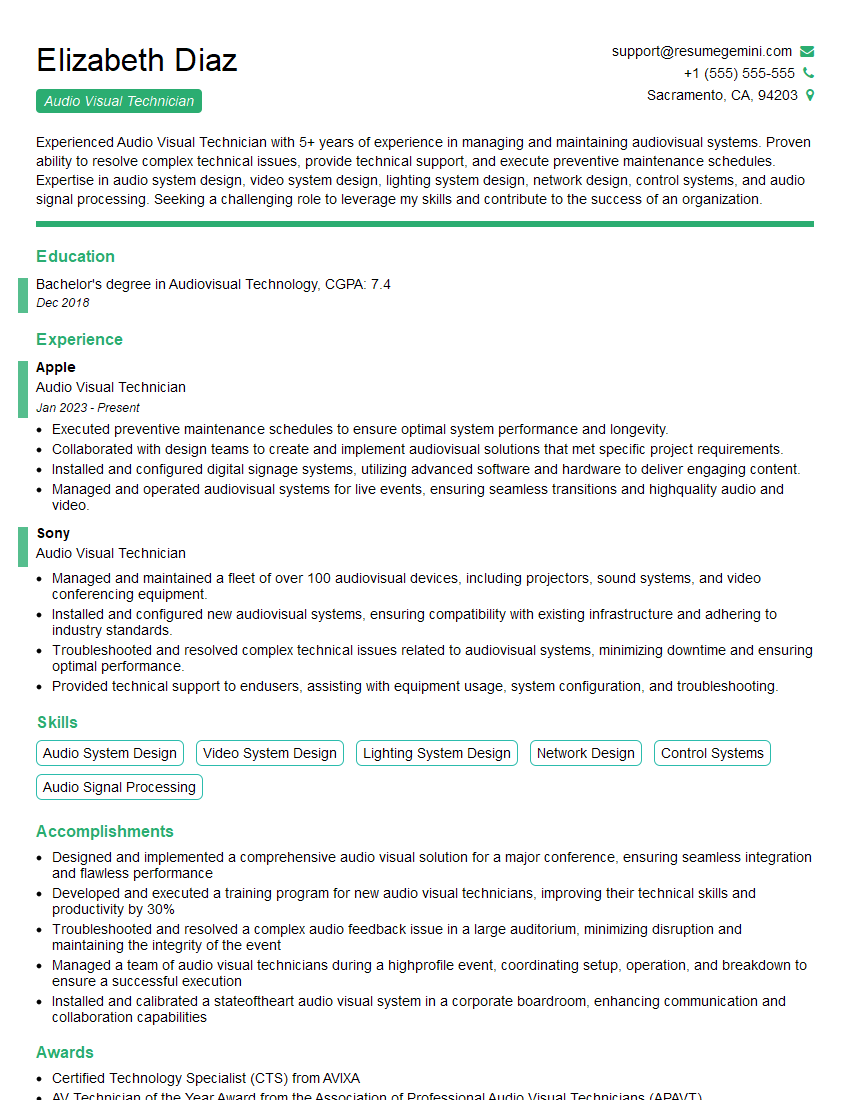
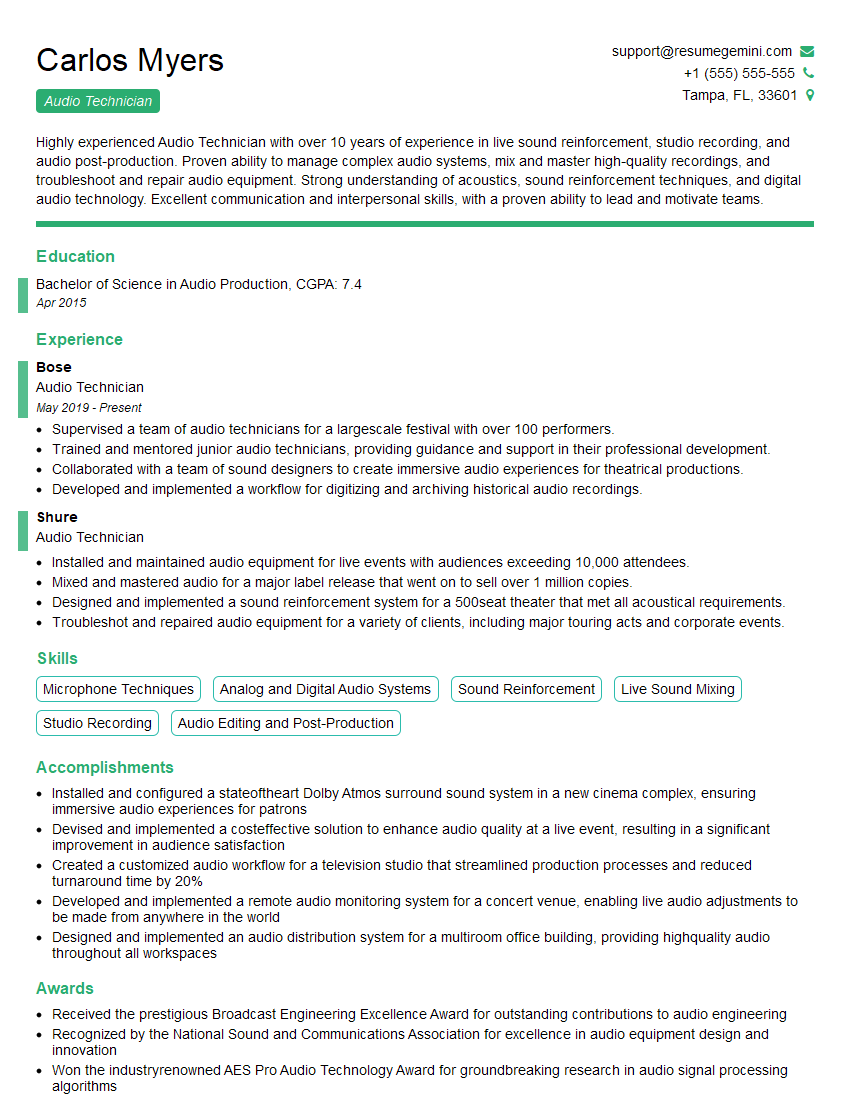
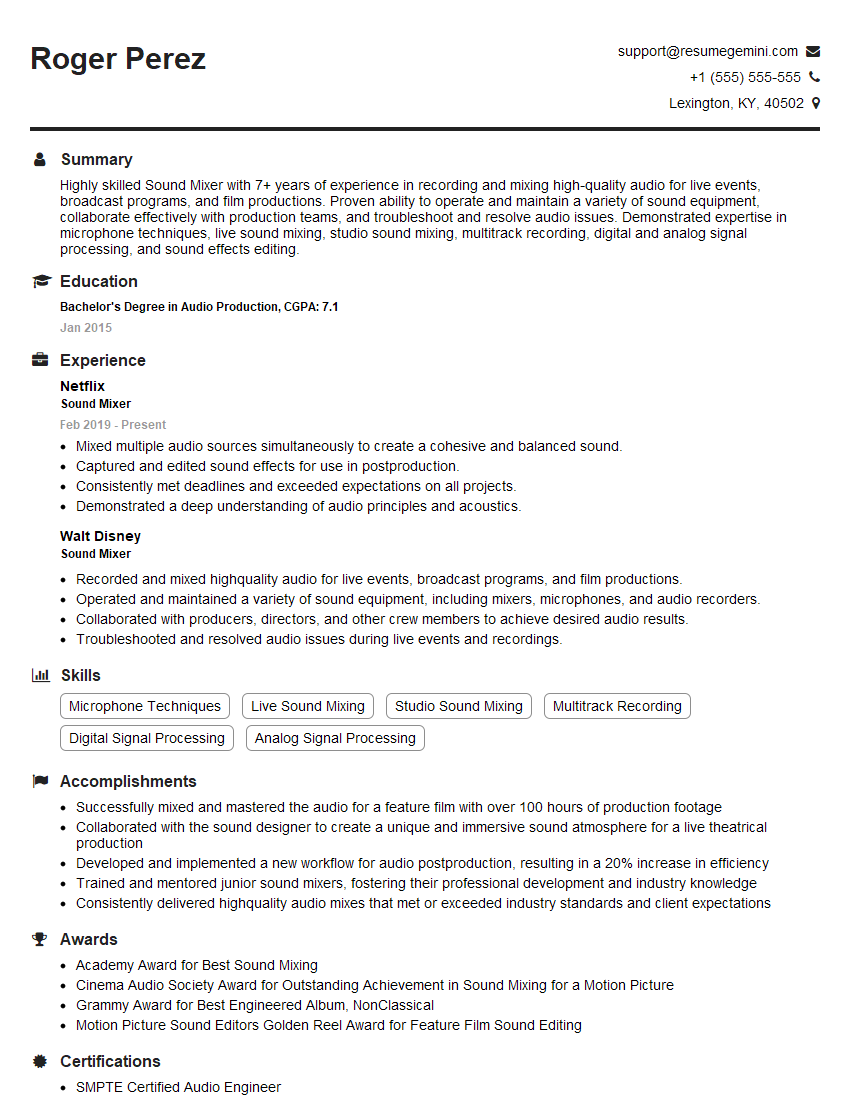
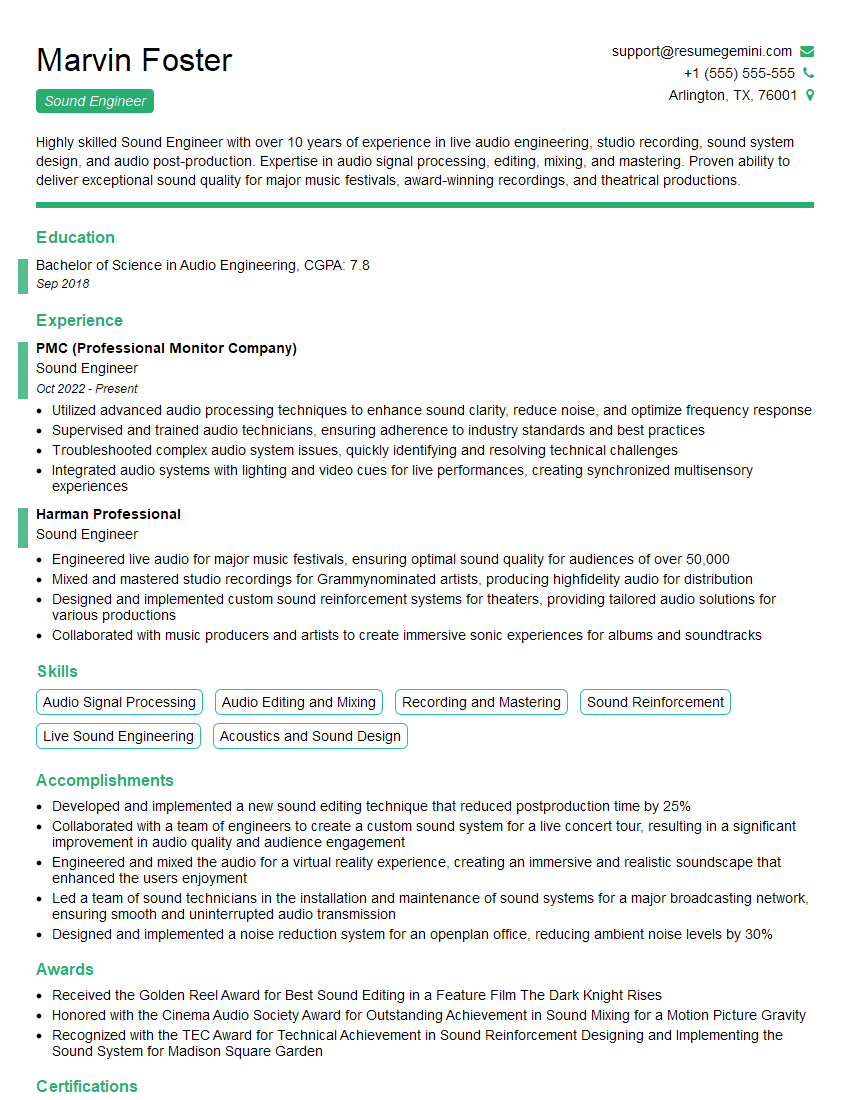
Mastering sound system operation opens doors to exciting careers in live events, studios, broadcast, and more! A strong resume is key to landing your dream job. Creating an ATS-friendly resume ensures your application gets noticed. We recommend using ResumeGemini to build a professional and effective resume that highlights your skills and experience. ResumeGemini offers examples of resumes tailored to Sound System Operation to help you get started.

Explore more articles
Users Rating of Our Blogs
Share Your Experience
We value your feedback! Please rate our content and share your thoughts (optional).
What Readers Say About Our Blog
Very informative content, great job.
good