The thought of an interview can be nerve-wracking, but the right preparation can make all the difference. Explore this comprehensive guide to Project Scheduling and Management (optional) interview questions and gain the confidence you need to showcase your abilities and secure the role.
Questions Asked in Project Scheduling and Management (optional) Interview
Q 1. Explain the Critical Path Method (CPM) and its importance in project scheduling.
The Critical Path Method (CPM) is a project management technique used to identify the longest sequence of tasks in a project, known as the critical path. This path determines the shortest possible duration for project completion. Any delay on tasks within the critical path directly impacts the overall project timeline.
Imagine building a house. Pouring the foundation needs to happen before framing the walls, which in turn needs to happen before installing the roof. If pouring the foundation is delayed, the entire project is delayed. This foundation-framing-roof sequence is a likely critical path. CPM helps identify these crucial sequences and allows for proactive management of potential delays.
Its importance lies in its ability to:
- Determine the shortest possible project duration.
- Identify tasks that are critical to on-time completion.
- Highlight areas where scheduling flexibility exists (non-critical paths).
- Facilitate resource allocation effectively by prioritizing critical tasks.
Q 2. Describe the difference between a Gantt chart and a network diagram.
Gantt charts and network diagrams are both visual tools for project scheduling, but they represent project information differently. A Gantt chart uses a horizontal bar chart to show the schedule of tasks over time. Each bar represents a task, its length indicating the task’s duration, and its position on the timeline showing its start and finish dates. They are great for visualizing the overall project timeline and easily identifying task overlaps or delays.
A network diagram, also called an arrow diagram, uses nodes (circles or boxes) to represent tasks and arrows to show the dependencies between them. The arrows illustrate the sequence of tasks, and the diagram visually displays the critical path. Network diagrams are better suited for complex projects with many interdependencies, allowing for a clearer understanding of task relationships and the critical path.
Think of it like this: a Gantt chart is like a calendar view of your project, showing when things happen. A network diagram is like a blueprint, showing how all the parts of the project fit together.
Q 3. How do you handle resource conflicts in a project schedule?
Resource conflicts arise when multiple tasks require the same resource (people, equipment, materials) at the same time. Handling these conflicts requires a multi-pronged approach:
- Resource Leveling: This involves shifting tasks on the non-critical paths to alleviate resource contention. This might mean delaying a non-critical task to avoid clashing with a critical task for the same resource.
- Resource Smoothing: This aims to minimize resource fluctuations over time without delaying the project’s completion date. It focuses on even distribution of resources, but doesn’t allow for shifting of critical tasks.
- Splitting Tasks: If possible, a large task can be broken down into smaller sub-tasks that can be scheduled at different times, allowing better resource allocation.
- Overtime or Additional Resources: In some cases, it may be necessary to authorize overtime for critical tasks or even bring in additional resources to reduce contention.
- Negotiation and Prioritization: When conflicts are unavoidable, stakeholders need to be involved to prioritize tasks based on their importance and negotiate adjustments to the schedule.
For example, if two tasks need the same specialized equipment, resource leveling might involve delaying one task (if it’s non-critical) until the equipment is free.
Q 4. What are the common methods for estimating project duration?
Estimating project duration is crucial for accurate planning and successful project delivery. Several methods are commonly used:
- Expert Judgment: This involves consulting experienced professionals who can provide estimates based on their past experience with similar projects. This is often used for early-stage estimations.
- Three-Point Estimation: This approach involves providing three estimates for each task: optimistic (O), most likely (M), and pessimistic (P). A weighted average (e.g., (O + 4M + P)/6) is then calculated to provide a more robust estimate than a single-point estimate.
- Bottom-Up Estimating: This involves breaking down the project into smaller, manageable tasks and estimating the duration of each task individually. The individual estimates are then summed up to get a total project duration.
- Top-Down Estimating: This method involves estimating the project duration based on similar past projects. While quick, it can be less accurate if the project differs significantly from past experiences.
- Analogous Estimating: This involves comparing the project to similar past projects and adjusting the duration based on the differences between the projects.
The best method depends on the project’s complexity, the availability of historical data, and the desired accuracy level.
Q 5. Explain the concept of Earned Value Management (EVM).
Earned Value Management (EVM) is a project management technique that integrates scope, schedule, and cost to provide a comprehensive assessment of project performance. It uses a standardized approach to track progress, identify variances, and forecast future performance. EVM uses three key metrics:
- Planned Value (PV): The budgeted cost of work scheduled to be completed at a specific point in time.
- Earned Value (EV): The value of the work actually completed at a specific point in time.
- Actual Cost (AC): The actual cost incurred in completing the work up to a specific point in time.
By comparing these three metrics, project managers can gain valuable insights into the project’s health and make informed decisions.
Imagine you’re building a house, and the planned budget for the foundation is $10,000. At a certain point, the foundation is 50% complete. The EV would be $5000 (50% of $10,000). If the actual cost for that 50% completion is $6000, it means the project is over budget.
Q 6. How do you calculate the Schedule Performance Index (SPI) and the Cost Performance Index (CPI)?
The Schedule Performance Index (SPI) and the Cost Performance Index (CPI) are key performance indicators derived from EVM data. They provide a measure of project performance against the baseline plan.
- Schedule Performance Index (SPI) = Earned Value (EV) / Planned Value (PV)
- Cost Performance Index (CPI) = Earned Value (EV) / Actual Cost (AC)
An SPI of 1 indicates the project is on schedule. An SPI greater than 1 indicates the project is ahead of schedule, while an SPI less than 1 indicates the project is behind schedule. Similarly, a CPI of 1 indicates the project is on budget. A CPI greater than 1 indicates the project is under budget, and a CPI less than 1 indicates the project is over budget.
For example, if EV is $5000 and PV is $5000, SPI = 1 (on schedule). If EV is $6000 and PV is $5000, SPI = 1.2 (ahead of schedule). If AC is $4000 and EV is $5000, CPI = 1.25 (under budget).
Q 7. What are some common scheduling software tools you’ve used?
Throughout my career, I’ve extensively used several scheduling software tools, each with its strengths and weaknesses. Some of the most prominent ones include:
- Microsoft Project: A widely used, powerful tool offering a comprehensive suite of features for planning, scheduling, resource allocation, and tracking project progress.
- Primavera P6: A sophisticated enterprise-level project management software ideal for large and complex projects requiring advanced scheduling and resource management capabilities.
- Jira: Primarily a project tracking tool, often used in agile development environments, offering features for task management, collaboration, and progress visualization, albeit usually with less detailed scheduling capabilities compared to dedicated project management tools.
- Asana/Trello: These tools are collaborative task management applications, particularly useful for smaller teams needing simple task organization and tracking. They are less suited for complex scheduling with intricate dependencies.
The choice of software depends on the project’s size, complexity, and the team’s specific needs.
Q 8. How do you identify and mitigate schedule risks?
Identifying and mitigating schedule risks is crucial for project success. It involves a proactive approach, starting with risk identification, followed by analysis and mitigation planning.
Risk Identification: This involves brainstorming potential issues that could delay the project. Techniques include using checklists, reviewing past project experiences, conducting workshops with stakeholders, and utilizing SWOT (Strengths, Weaknesses, Opportunities, Threats) analysis. For example, in a software development project, a risk could be the unavailability of key personnel, unforeseen technical challenges, or delays from external vendors.
Risk Analysis: Once risks are identified, we assess their likelihood and potential impact on the schedule. This can be done qualitatively (high, medium, low) or quantitatively (using probability and impact matrices). A high-likelihood, high-impact risk, such as a major software bug discovered late in the cycle, requires immediate attention.
Risk Mitigation: This involves developing strategies to reduce the likelihood or impact of identified risks. Strategies can include contingency planning (having backup plans), risk transfer (outsourcing risky tasks), risk avoidance (changing the project plan to avoid the risk), or risk reduction (implementing measures to minimize the risk’s impact). For example, to mitigate the risk of key personnel unavailability, we might cross-train team members or build in extra buffer time. To mitigate the risk of software bugs, we implement thorough testing and code reviews.
Regular monitoring and control are vital to track identified risks and implement mitigation strategies effectively. A risk register, a document that tracks all identified risks, their likelihood, impact, mitigation strategies, and responsible parties, is an excellent tool for this.
Q 9. Explain the concept of crashing a project schedule.
Crashing a project schedule involves expediting activities to shorten the overall project duration. This is usually done by adding resources (e.g., more personnel, additional equipment) to critical path activities, which are those activities that directly affect the project’s overall completion time. However, crashing a project isn’t without cost; it usually involves incurring additional expenses.
Process:
- Identify the critical path: Determine the sequence of tasks that directly impacts the project’s completion date.
- Analyze crashing options: For each activity on the critical path, evaluate the possibility of reducing its duration and the associated cost.
- Select the most cost-effective crashing options: Prioritize activities where the cost of crashing is minimal relative to the time saved. Not all activities can be efficiently crashed.
- Implement and monitor: Add resources or adjust the plan to shorten the duration of selected activities and monitor the progress closely to ensure that the crashing efforts are effective and within budget.
Example: Imagine a construction project with a critical path involving foundation work, framing, and roofing. Crashing could involve bringing in extra workers for the foundation to complete it faster, even if it increases labor costs.
It’s crucial to remember that crashing can negatively impact project quality if not managed carefully. There’s often a point of diminishing returns where the added cost of crashing outweighs the benefit of reduced project duration.
Q 10. Describe your experience with different project scheduling methodologies (e.g., Agile, Waterfall).
My experience encompasses both Agile and Waterfall project scheduling methodologies. I’ve found that the optimal approach depends heavily on the project’s nature, size, and complexity.
Waterfall: In Waterfall projects, the schedule is typically determined upfront, with well-defined phases (requirements, design, implementation, testing, deployment) sequenced linearly. Changes are less welcome once a phase is complete, so accurate upfront planning is vital. Gantt charts are frequently used for visualization and monitoring. I’ve used Waterfall successfully in projects with stable requirements and predictable deliverables, such as infrastructure deployments.
Agile: Agile, on the other hand, employs iterative development, with shorter cycles (sprints) and continuous feedback. The schedule is more flexible and adapts to changing requirements. Tools like Kanban boards and Scrum methodologies are commonly used. My experience with Agile has been predominantly in software development, where iterative development and flexibility proved essential to respond to evolving client needs and emerging technological possibilities.
Hybrid Approaches: In practice, many projects benefit from a hybrid approach, incorporating elements from both Waterfall and Agile. For instance, a project might use Waterfall for the initial planning and high-level design but then transition to Agile for the development and testing phases.
Q 11. How do you handle changes to the project scope and their impact on the schedule?
Handling scope changes and their impact on the schedule requires a systematic process. Ignoring scope changes is a major recipe for project failure.
Process:
- Formal Change Request: All scope changes should go through a formal change request process to ensure proper documentation and review.
- Impact Assessment: Evaluate the impact of the change on the project schedule, budget, and resources. This often involves re-planning and potentially adjusting the critical path.
- Negotiation and Agreement: Discuss the change with stakeholders to agree on the revised scope, schedule, and budget.
- Schedule Update: Update the project schedule to reflect the changes, potentially adjusting deadlines and resource allocations.
- Communication: Communicate the changes and their implications clearly and transparently to all stakeholders.
Example: If a client requests a new feature in a software project midway through development, a change request is initiated. The development team assesses the impact on the schedule, potentially requiring additional time and resources. This is then communicated to the client, leading to a revised project timeline and budget if necessary.
Q 12. How do you prioritize tasks in a project with competing deadlines?
Prioritizing tasks with competing deadlines requires a structured approach, often using a prioritization matrix.
Methods:
- MoSCoW Method: Categorize tasks as Must have, Should have, Could have, and Won’t have. This helps focus on critical tasks first.
- Prioritization Matrix: Use a matrix that considers factors such as urgency and importance. Tasks with high urgency and importance get prioritized.
- Value vs. Effort: Plot tasks based on their value to the project and the effort required. Prioritize tasks with high value and low effort.
- Dependency Analysis: Identify tasks that depend on others and prioritize accordingly to maintain the project flow.
Example: In a marketing campaign, launching the website (Must have) takes precedence over creating social media graphics (Should have), even if both have tight deadlines. The prioritization matrix would show the website launch as higher priority.
Q 13. Explain the concept of slack or float in a project schedule.
Slack, or float, in a project schedule represents the amount of time an activity can be delayed without delaying the project’s overall completion date. It’s essentially the buffer time available within the schedule.
Types of Slack:
- Total Float: The total amount of time an activity can be delayed without delaying the project completion date.
- Free Float: The amount of time an activity can be delayed without delaying the early start time of any subsequent activity.
- Independent Float: The amount of time an activity can be delayed without affecting the late finish time of any preceding activity or the early start time of any succeeding activity.
Significance: Understanding slack helps identify areas where there’s flexibility in the schedule and allows for better resource allocation and risk management. Activities with zero slack are on the critical path and require careful monitoring.
Example: If an activity has a total float of 3 days, it can be delayed by up to 3 days without impacting the project’s finish date. This gives the project manager some leeway in case of unforeseen delays.
Q 14. How do you communicate project schedule updates to stakeholders?
Communicating project schedule updates effectively to stakeholders is crucial for maintaining transparency and alignment. This involves using a combination of methods to cater to different communication styles and preferences.
Methods:
- Regular Project Status Meetings: Hold regular meetings to discuss progress, address issues, and provide updates on the schedule.
- Visual Reports: Use Gantt charts, Kanban boards, or other visual tools to present schedule information clearly.
- Email Updates: Send regular email updates to keep stakeholders informed of key milestones and potential risks.
- Project Management Software: Utilize project management software that provides real-time updates and allows stakeholders to track progress remotely.
- Targeted Communication: Tailor communication to the specific needs and interests of different stakeholder groups.
Example: Weekly email updates might summarize progress against milestones, highlighting any deviations from the planned schedule. A monthly project status meeting would provide a more in-depth review, allowing stakeholders to ask questions and engage in discussions. Utilizing a project management tool allows for easy access to the most current schedule information anytime.
Q 15. What are some key performance indicators (KPIs) you use to monitor project schedule performance?
Monitoring project schedule performance requires a suite of Key Performance Indicators (KPIs). These metrics provide a quantifiable measure of how well the project is progressing against its planned timeline. Some crucial KPIs include:
- Schedule Variance (SV): This indicates the difference between the earned value (work completed) and the planned value (work scheduled). A positive SV means ahead of schedule, while a negative SV signifies behind schedule. For example, if the planned value for a task is $10,000 and the earned value is $12,000, the SV is $2,000 (positive, ahead of schedule).
- Schedule Performance Index (SPI): This ratio compares earned value to the planned value. An SPI of 1.0 indicates the project is on schedule. An SPI greater than 1.0 suggests the project is ahead of schedule, while an SPI less than 1.0 signals it’s behind. Using the previous example, the SPI would be 1.2 (12000/10000).
- Critical Path Percentage Complete: This tracks the progress of the critical path, the longest sequence of tasks determining the project’s shortest possible duration. Falling behind on the critical path is particularly concerning.
- Percent Complete vs. Planned Percent Complete: A simple comparison showing whether the percentage of work completed aligns with the planned percentage for a given point in time. Discrepancies indicate potential schedule issues.
- Task Duration Variance: This measures the difference between the actual duration of a task and its planned duration for individual tasks, allowing for granular analysis.
By regularly monitoring these KPIs, I can proactively identify potential schedule deviations and take corrective action.
Career Expert Tips:
- Ace those interviews! Prepare effectively by reviewing the Top 50 Most Common Interview Questions on ResumeGemini.
- Navigate your job search with confidence! Explore a wide range of Career Tips on ResumeGemini. Learn about common challenges and recommendations to overcome them.
- Craft the perfect resume! Master the Art of Resume Writing with ResumeGemini’s guide. Showcase your unique qualifications and achievements effectively.
- Don’t miss out on holiday savings! Build your dream resume with ResumeGemini’s ATS optimized templates.
Q 16. Describe a time you had to revise a project schedule due to unforeseen circumstances.
During a large-scale software implementation project, we encountered unforeseen delays due to a critical third-party vendor failing to deliver components on time. Their initial projected delivery date was the foundation of our critical path. This delay had a ripple effect throughout the entire project.
My response involved several steps:
- Immediate Assessment: I first convened a meeting with the project team and the vendor to understand the extent of the delay and the reasons behind it.
- Schedule Revision: Using project management software (MS Project in this case), I adjusted task durations and dependencies to reflect the new reality. This involved re-evaluating the critical path and identifying tasks that could be potentially accelerated or postponed.
- Communication: I promptly communicated the revised schedule and its implications to all stakeholders, including clients and upper management, explaining the reasons for the change and outlining mitigation strategies.
- Risk Mitigation: We implemented contingency plans, such as exploring alternative vendors or reallocating resources to accelerate critical tasks, to minimize the impact of the delay and ensure the project remained on track for a revised completion date.
- Continuous Monitoring: Post-revision, I intensified monitoring of the schedule, closely tracking the progress of tasks and adjusting the schedule as necessary.
While the vendor delay was disruptive, the proactive steps we took minimized the overall impact on the project timeline and client satisfaction.
Q 17. How do you handle stakeholder expectations regarding project timelines?
Managing stakeholder expectations regarding project timelines is crucial for success. My approach involves transparency, proactive communication, and realistic planning.
- Establish Clear Expectations Early: From the outset, I work closely with stakeholders to define realistic and achievable timelines. This involves collaborative planning sessions where we discuss scope, resources, and constraints, leading to a mutually agreed-upon schedule.
- Regular Communication: I maintain open communication channels with stakeholders, providing regular updates on the project’s progress. These updates include not just what’s completed, but also potential risks and challenges, allowing for collaborative problem-solving.
- Visual Aids: I use Gantt charts, burn-down charts, and other visual tools to clearly illustrate the project timeline and progress, making it easily understandable for all stakeholders, even those without project management expertise.
- Manage Expectations Proactively: If unforeseen issues arise that impact the timeline, I communicate these promptly and transparently, explaining the reasons for the delay and outlining potential solutions. This prevents surprises and builds trust.
- Risk Management: By identifying and assessing potential risks to the schedule early on, I can develop contingency plans and communicate the likelihood and impact of those risks to stakeholders.
Open and honest communication is key. By keeping stakeholders informed and involved, I build trust and manage their expectations effectively, even when faced with challenges.
Q 18. What techniques do you use to improve project schedule accuracy?
Improving project schedule accuracy involves a multi-pronged approach that focuses on meticulous planning, effective estimation techniques, and continuous monitoring.
- Detailed Work Breakdown Structure (WBS): Breaking down the project into smaller, more manageable tasks provides a clearer understanding of the work involved, leading to more accurate time estimations.
- Three-Point Estimation: Instead of relying on single-point estimations, I utilize three-point estimations (optimistic, pessimistic, and most likely) to account for uncertainty. This gives a more realistic view of potential task durations.
- Historical Data Analysis: Leveraging past project data provides valuable insights into task durations and potential risks, improving the accuracy of future estimations.
- Expert Judgment: Consulting with experienced team members provides valuable insights and helps to refine estimates.
- Buffer Time: Incorporating buffer time into the schedule accounts for unforeseen delays and uncertainties. This protects the overall project timeline from minor disruptions.
- Regular Progress Monitoring: Consistent tracking of task progress allows for early identification of deviations from the planned schedule and facilitates proactive adjustments.
Combining these techniques helps reduce uncertainty and create a more accurate and robust project schedule.
Q 19. How familiar are you with project management software like MS Project or Primavera P6?
I’m highly proficient in using project management software, particularly MS Project and Primavera P6. My experience encompasses utilizing these tools for various aspects of project scheduling and management, including:
- Creating and managing project schedules: Defining tasks, assigning resources, setting dependencies, and establishing baselines.
- Tracking progress: Monitoring task completion, identifying schedule variances, and generating reports.
- Resource allocation and leveling: Optimizing resource utilization and leveling workloads to improve efficiency.
- Critical path analysis: Identifying the longest sequence of tasks and prioritizing them for efficient execution.
- What-if analysis: Simulating different scenarios to assess the impact of potential changes on the project schedule.
I’m comfortable using the advanced features of both programs, including custom fields, resource calendars, and earned value management techniques.
Q 20. Describe your experience with different types of project dependencies.
Project dependencies represent relationships between tasks, where one task cannot start until another is completed or at least partially finished. Different types of dependencies exist:
- Finish-to-Start (FS): The most common type, where a task cannot start until its predecessor is finished. Example: Painting a wall (task B) cannot begin until the wall is dry (task A).
- Start-to-Start (SS): A task cannot begin until a predecessor task starts. Example: Conducting design reviews (task B) alongside development (task A) of a system.
- Finish-to-Finish (FF): A task cannot finish until a predecessor task finishes. Example: Testing (task B) of a module cannot be completed until coding (task A) is done.
- Start-to-Finish (SF): A task cannot finish until a predecessor task starts. This is the least common type and often difficult to manage. Example: While less common, this might occur in a situation where a certain level of training (task A) must be active before a team is allowed to complete an advanced step (task B).
Understanding these dependencies is critical for accurate scheduling, as incorrect identification can lead to inaccurate timeline predictions and project delays.
Q 21. Explain the difference between fast-tracking and crashing a project.
Fast-tracking and crashing are two techniques used to accelerate a project schedule, but they differ significantly in their approach:
- Fast-tracking: This involves overlapping the execution of tasks that are normally sequenced. It reduces the overall project duration by shortening the critical path by performing tasks concurrently that would normally be done sequentially. However, fast-tracking introduces increased risk due to potential resource conflicts and integration challenges. Example: Starting the design and construction phases of a building project concurrently instead of sequentially.
- Crashing: This involves adding resources to critical path tasks to shorten their duration. This might involve hiring additional personnel, using overtime, or acquiring better technology. Crashing increases project costs, as resource utilization increases, but it directly shortens the project’s duration. Example: Adding extra workers to expedite the completion of a critical construction phase.
The choice between fast-tracking and crashing depends on project constraints and priorities. Fast-tracking may be preferred when cost is a major concern, while crashing might be necessary when time is of the essence, even at a higher cost.
Q 22. How do you incorporate risk management into project scheduling?
Incorporating risk management into project scheduling is crucial for creating a robust and adaptable plan. It’s not enough to simply create a schedule; we must anticipate potential problems and plan for contingencies. My approach involves a three-step process:
- Risk Identification: This involves brainstorming potential risks that could impact the schedule. This could include anything from resource unavailability (e.g., key personnel leaving) to unforeseen technical challenges or external factors (e.g., supply chain disruptions). We use tools like SWOT analysis and risk registers to document these risks, assigning each a probability and impact score.
- Risk Response Planning: Once risks are identified, we develop mitigation strategies. This could involve adding buffer time to the schedule (contingency time), creating alternate workarounds, or developing contingency plans (e.g., securing alternative resources). For example, if a critical piece of equipment might fail, we’d identify a backup and build its potential use into the schedule.
- Risk Monitoring and Control: Throughout the project, we actively monitor identified risks. Regular progress meetings allow us to identify emerging issues and assess whether our mitigation strategies are effective. The schedule is dynamically updated as risks materialize or are mitigated. This proactive monitoring ensures the schedule remains realistic and achievable.
For instance, on a recent software development project, we identified the risk of delays due to third-party API integration. We mitigated this by incorporating extra time for testing and allowing for potential rework, which ultimately saved the project from a significant delay.
Q 23. What is your approach to resolving schedule conflicts?
Resolving schedule conflicts requires a collaborative and analytical approach. My strategy focuses on prioritizing tasks, negotiating timelines, and leveraging resources effectively. I utilize several techniques:
- Prioritization: Employing techniques like the MoSCoW method (Must have, Should have, Could have, Won’t have), we prioritize tasks based on their criticality and dependencies. This allows us to focus on the most essential activities first.
- Negotiation and Collaboration: I engage with team members and stakeholders to discuss potential solutions and trade-offs. This might involve adjusting task durations, re-allocating resources, or re-sequencing tasks. Open communication is key in reaching a mutually acceptable solution.
- Resource Leveling: When conflicts arise due to resource constraints, I leverage resource leveling techniques to optimize resource allocation. This involves smoothing the resource demand across the project duration, minimizing peaks and valleys.
- Crashing the Schedule (Last Resort): As a last resort, we might explore crashing the schedule, meaning expediting certain tasks by adding resources or working overtime. However, this incurs extra costs and can impact quality, so it’s carefully considered.
For example, if two tasks require the same specialist and are scheduled concurrently, I’d work with the specialist and project stakeholders to determine which task has higher priority, potentially delaying the other or finding an alternative solution.
Q 24. How do you ensure the project schedule is realistic and achievable?
Ensuring a realistic and achievable project schedule requires a thorough understanding of the project scope, resources, and constraints. My approach involves several key steps:
- Detailed Work Breakdown Structure (WBS): We create a detailed WBS, breaking down the project into manageable tasks. This provides a clear picture of the work involved.
- Accurate Task Estimation: We utilize established estimation techniques, involving the team in estimating task durations. We incorporate historical data and expert judgment, avoiding overly optimistic estimates. Three-point estimating (optimistic, most likely, pessimistic) helps account for uncertainty.
- Resource Availability: We carefully consider resource availability, including personnel, equipment, and materials. Any limitations are incorporated into the schedule to avoid unrealistic deadlines.
- Dependency Identification: We clearly define task dependencies (finish-to-start, start-to-start, etc.), ensuring that the schedule reflects the logical flow of work. This helps identify critical paths and potential bottlenecks.
- Schedule Simulation and Analysis: We use scheduling software (like Microsoft Project or Primavera P6) to simulate the schedule and identify potential problems. This allows us to proactively address potential risks and optimize the schedule.
For example, if a task requires specialized software, we would factor in the time needed to obtain and learn the software, ensuring it is realistic.
Q 25. How do you deal with scope creep and its impact on the schedule?
Scope creep, the uncontrolled expansion of project scope, is a significant threat to the schedule. Addressing it requires a proactive and structured approach:
- Change Management Process: Implementing a formal change control process is essential. All scope changes must be documented, assessed for impact (including schedule and budget), and approved by relevant stakeholders before being incorporated.
- Regular Scope Reviews: Frequent reviews of the project scope help identify and address potential creep early. This could involve regular meetings with stakeholders to verify that the project remains on track.
- Baseline Management: Maintaining a clearly defined project scope baseline allows us to easily identify deviations. Any changes are tracked and their impact on the schedule is assessed.
- Communication: Open communication with stakeholders is crucial in managing expectations and preventing uncontrolled changes. Clearly communicating the implications of scope changes helps maintain control.
For instance, if a stakeholder requests a new feature mid-project, we’d evaluate the impact on the schedule and budget. This might involve adding the feature as a separate phase or negotiating a revised deadline to accommodate the increased scope.
Q 26. How do you maintain a schedule baseline and manage variances?
Maintaining a schedule baseline and managing variances is critical for successful project delivery. The baseline serves as a benchmark against which actual progress is measured. My approach involves:
- Establishing the Baseline: Once the project schedule is approved, it’s formally documented as the baseline. This serves as the reference point for performance monitoring.
- Regular Monitoring and Reporting: We track progress against the baseline regularly, using earned value management (EVM) techniques to assess schedule performance (schedule variance, schedule performance index). This allows for early detection of deviations.
- Variance Analysis: When variances occur, we analyze the root causes. This might involve reviewing task durations, resource allocation, and unforeseen events. The analysis helps identify corrective actions.
- Schedule Updates: Based on the variance analysis, we update the schedule as needed, incorporating any changes to tasks, dependencies, or resources. This ensures the schedule remains a realistic representation of the project status.
- Communication of Variances: Regularly communicate any schedule variances to stakeholders, along with proposed corrective actions. Transparency builds trust and allows stakeholders to adjust their expectations.
For example, if a task is delayed, we’d analyze why and then decide whether to re-allocate resources, adjust subsequent tasks, or potentially adjust the overall project timeline.
Q 27. Describe your process for creating a detailed project schedule.
Creating a detailed project schedule is a multi-step process requiring careful planning and attention to detail. My approach is as follows:
- Define the Project Scope: Clearly defining the project objectives and deliverables is the first step. This involves creating a project charter and a detailed work breakdown structure (WBS).
- Identify Tasks and Dependencies: The WBS is then used to identify individual tasks required to complete the project. Dependencies between tasks are also identified (e.g., Task A must be completed before Task B can begin).
- Estimate Task Durations: Each task is assigned a realistic duration, considering resource availability and potential risks. This step often involves discussions with the project team and subject matter experts.
- Develop the Schedule: A scheduling tool (such as Microsoft Project or Primavera P6) is used to create a visual representation of the schedule, showing the sequence of tasks, dependencies, and durations. This often involves critical path analysis to identify the longest path through the schedule and the tasks most critical to timely project completion.
- Resource Allocation: Resources (personnel, equipment, materials) are allocated to tasks, ensuring sufficient capacity to complete the work within the estimated durations.
- Review and Iteration: The draft schedule is reviewed by stakeholders to ensure accuracy and feasibility. The schedule is often iterated upon based on feedback and further analysis.
- Baseline the Schedule: Once approved, the schedule is baselined, establishing a formal record for progress monitoring and variance analysis.
Throughout this process, maintaining open communication with stakeholders is crucial for ensuring a shared understanding and buy-in to the schedule. Regular review and update meetings keep everyone aligned.
Key Topics to Learn for Project Scheduling and Management Interview
- Work Breakdown Structure (WBS): Understanding how to decompose a project into manageable tasks and sub-tasks, and its importance in accurate scheduling.
- Critical Path Method (CPM) & Program Evaluation and Review Technique (PERT): Mastering these techniques for identifying critical tasks and estimating project duration, including handling uncertainties.
- Gantt Charts & Scheduling Software: Practical application of scheduling tools; proficiency in creating and interpreting Gantt charts and using project management software (MS Project, Asana, Jira, etc.).
- Resource Allocation & Management: Understanding how to effectively allocate resources (personnel, budget, equipment) across tasks to optimize project timelines and cost.
- Risk Management & Contingency Planning: Identifying potential risks, assessing their impact, and developing strategies to mitigate them; incorporating buffer time into schedules.
- Project Monitoring & Control: Tracking progress against the schedule, identifying variances, and implementing corrective actions to stay on track.
- Communication & Stakeholder Management: Effective communication with project team members, stakeholders, and management to ensure alignment and transparency.
- Agile methodologies in Project Scheduling: Understanding how Agile principles influence project scheduling and adapting to iterative approaches.
- Earned Value Management (EVM): Using EVM techniques to measure project performance and forecast future outcomes.
Next Steps
Mastering Project Scheduling and Management is crucial for career advancement in many industries. It demonstrates valuable organizational, analytical, and problem-solving skills highly sought after by employers. To significantly boost your job prospects, create an ATS-friendly resume that highlights your skills and experience effectively. ResumeGemini is a trusted resource to help you build a professional and impactful resume. They offer examples of resumes tailored to Project Scheduling and Management, providing a great starting point for your job search. Take the next step towards your dream career today!
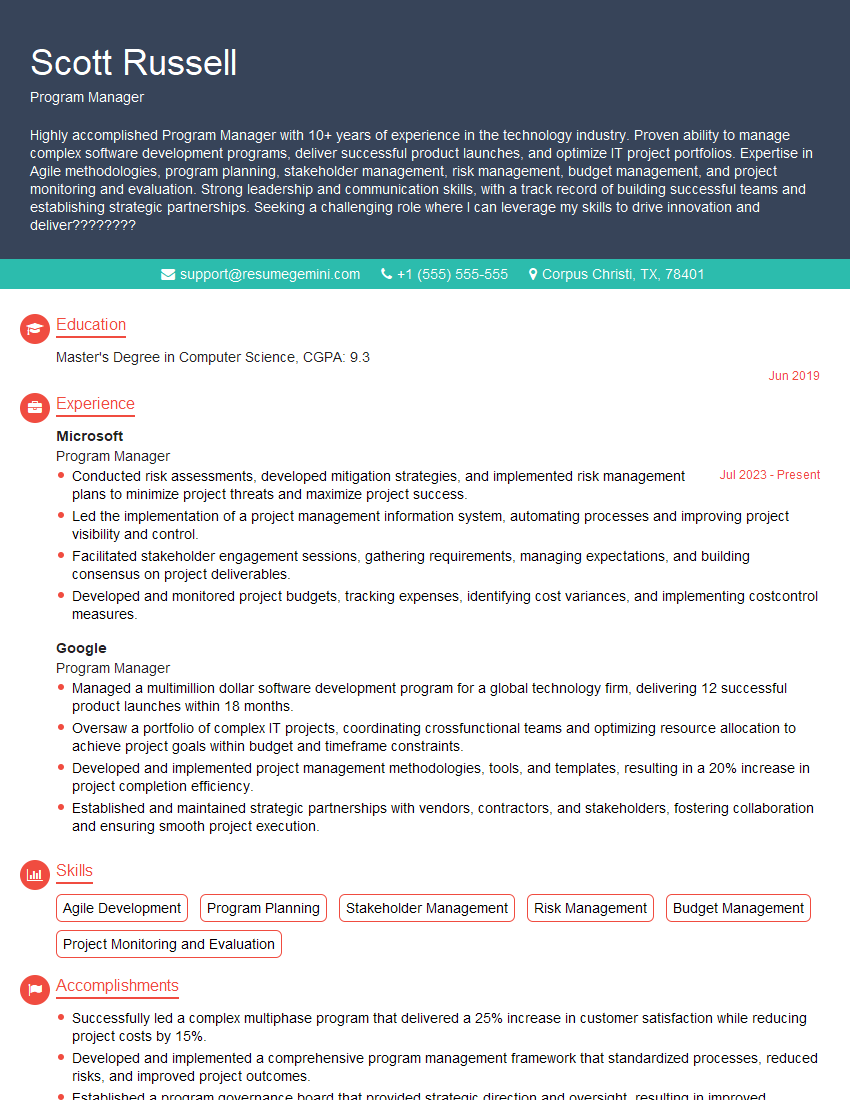
Program Manager Resume Sample

Product Manager Resume Sample
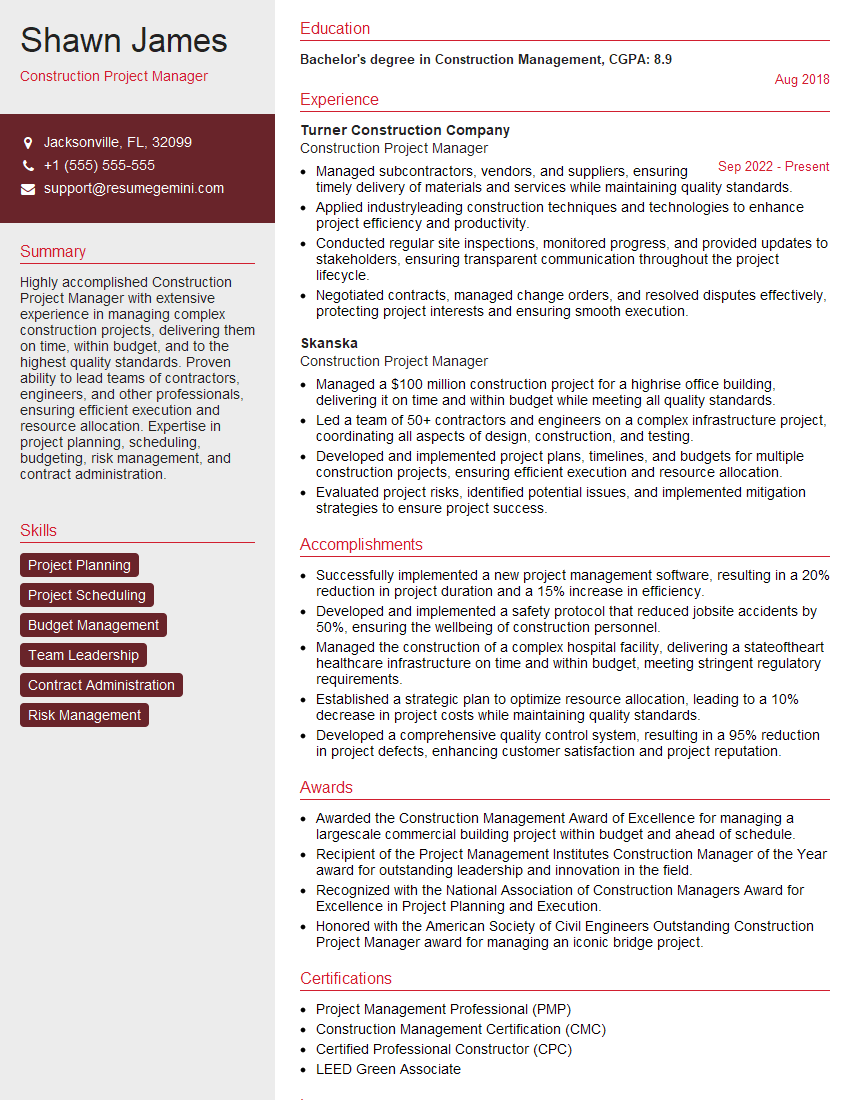
Construction Project Manager Resume Sample

Project Manager Resume Sample
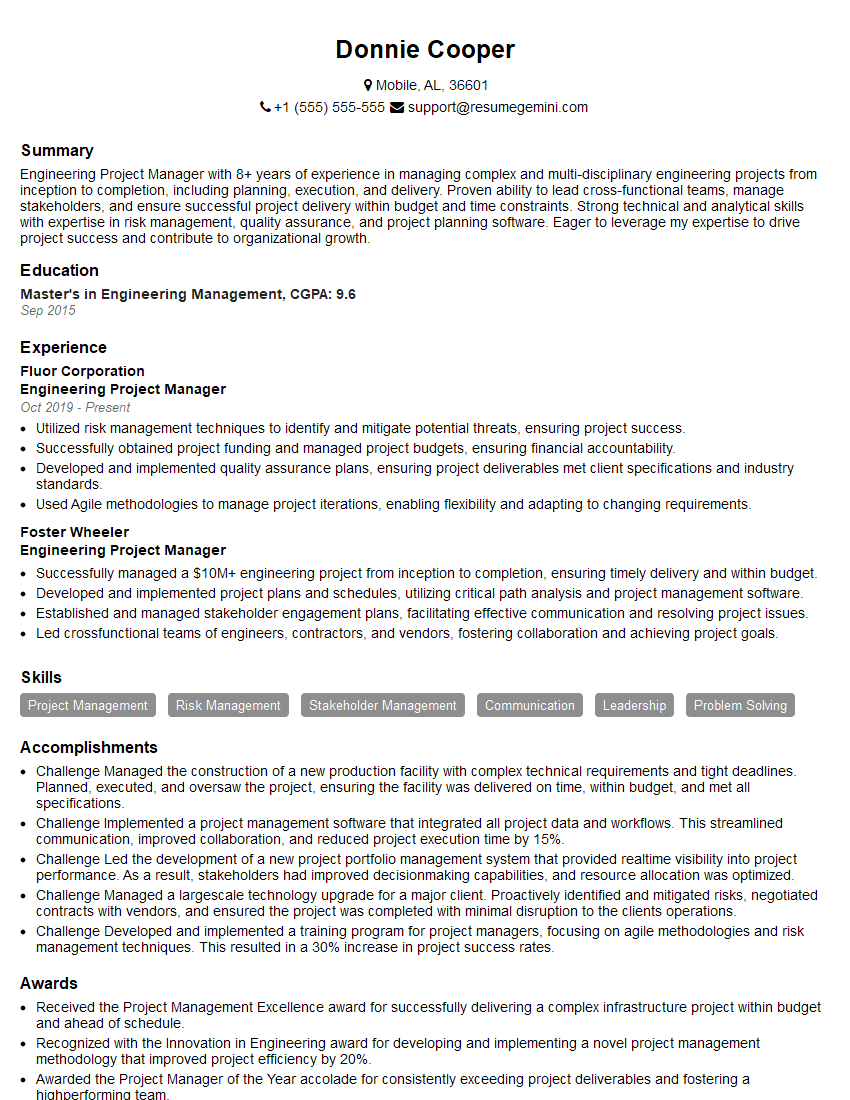
Engineering Project Manager Resume Sample
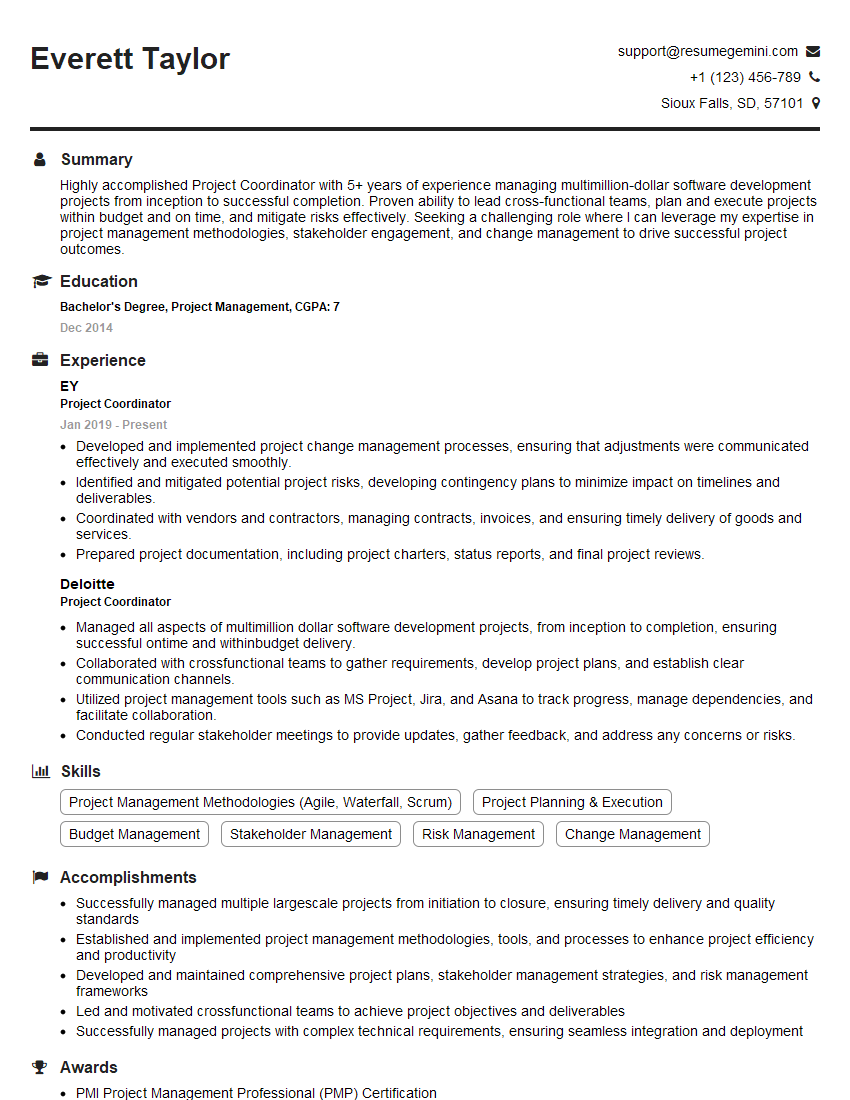
Project Coordinator Resume Sample
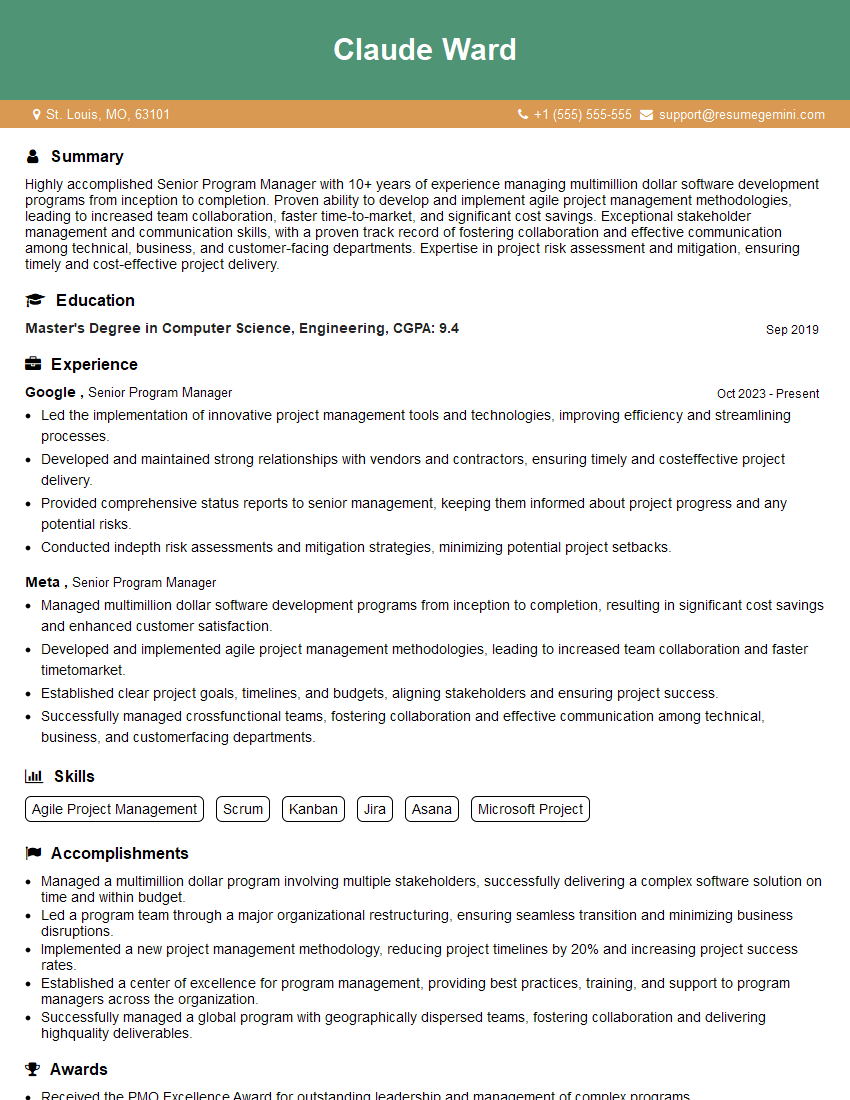
Senior Program Manager Resume Sample
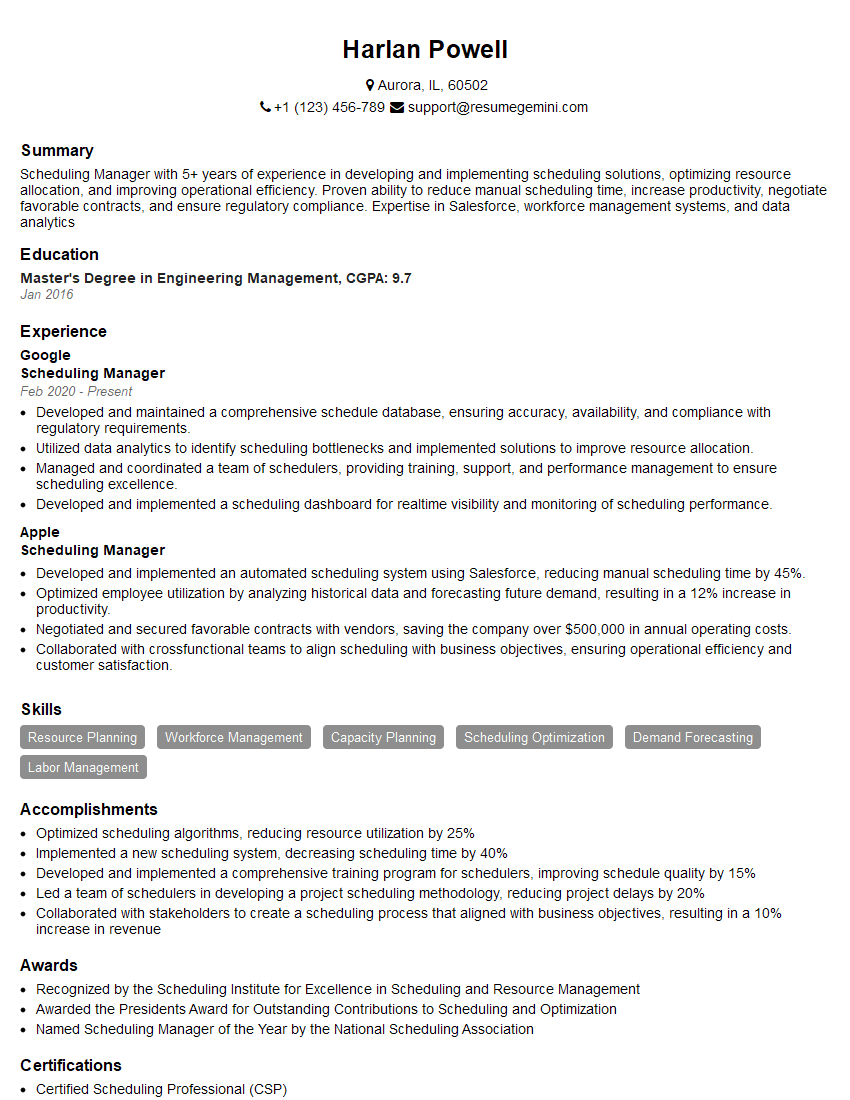
Scheduling Manager Resume Sample
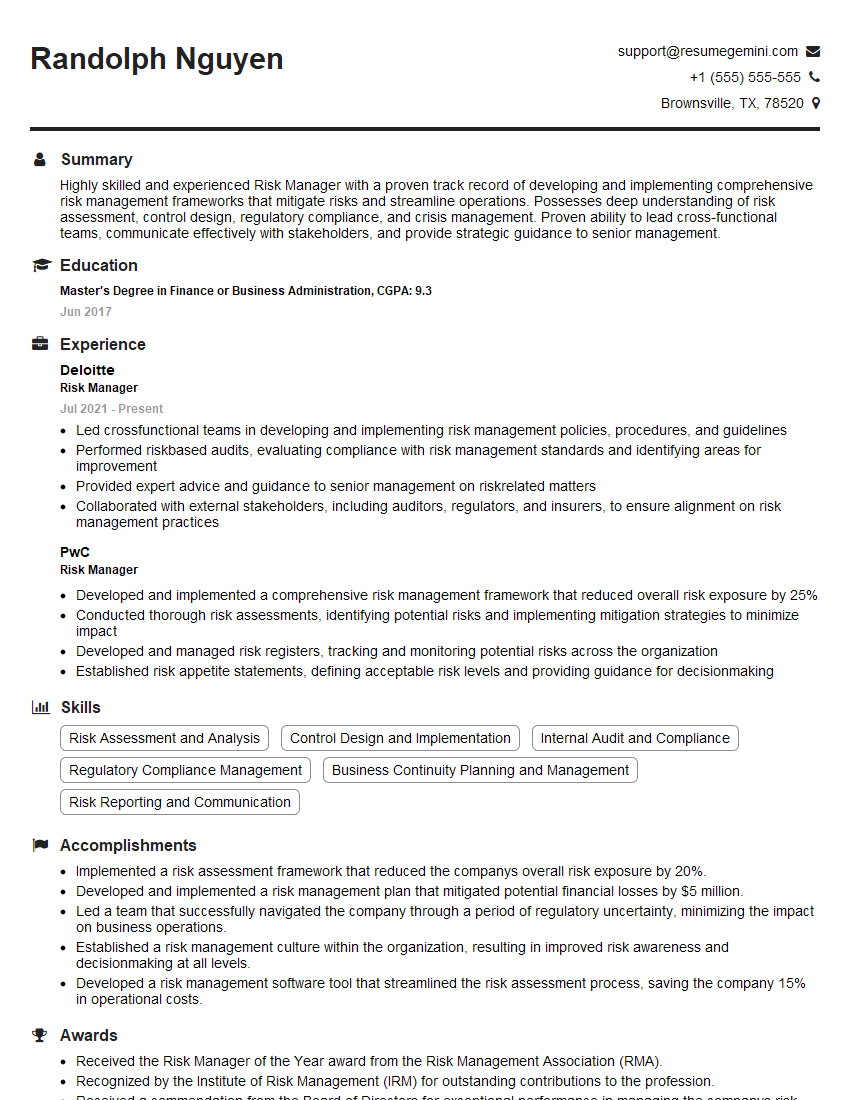
Risk Manager Resume Sample
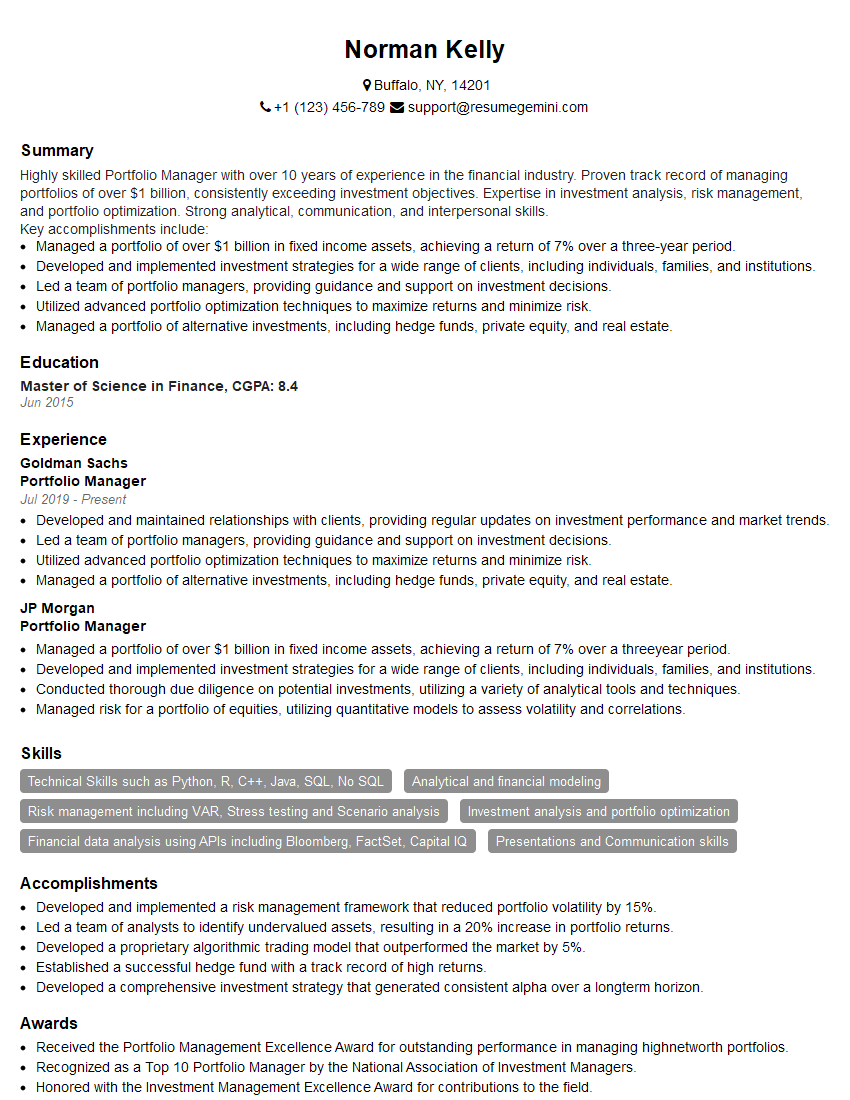
Portfolio Manager Resume Sample

IT Project Manager Resume Sample
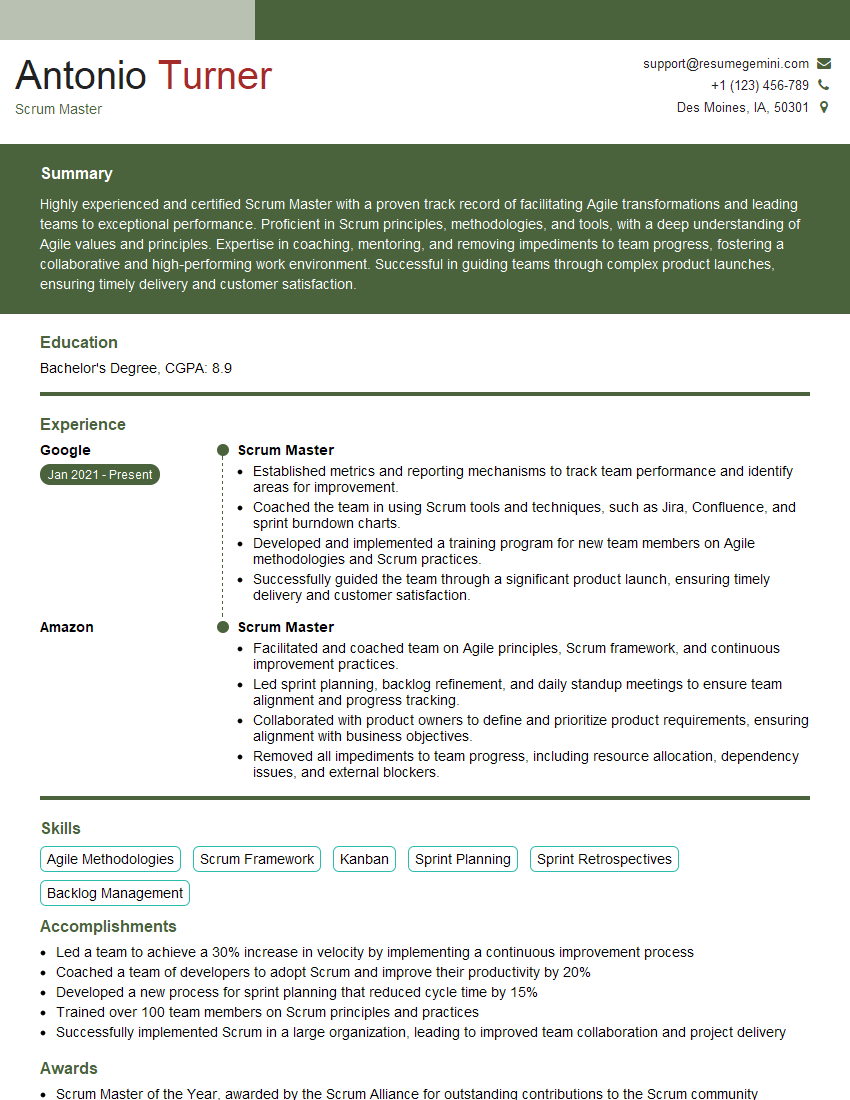
Scrum Master Resume Sample
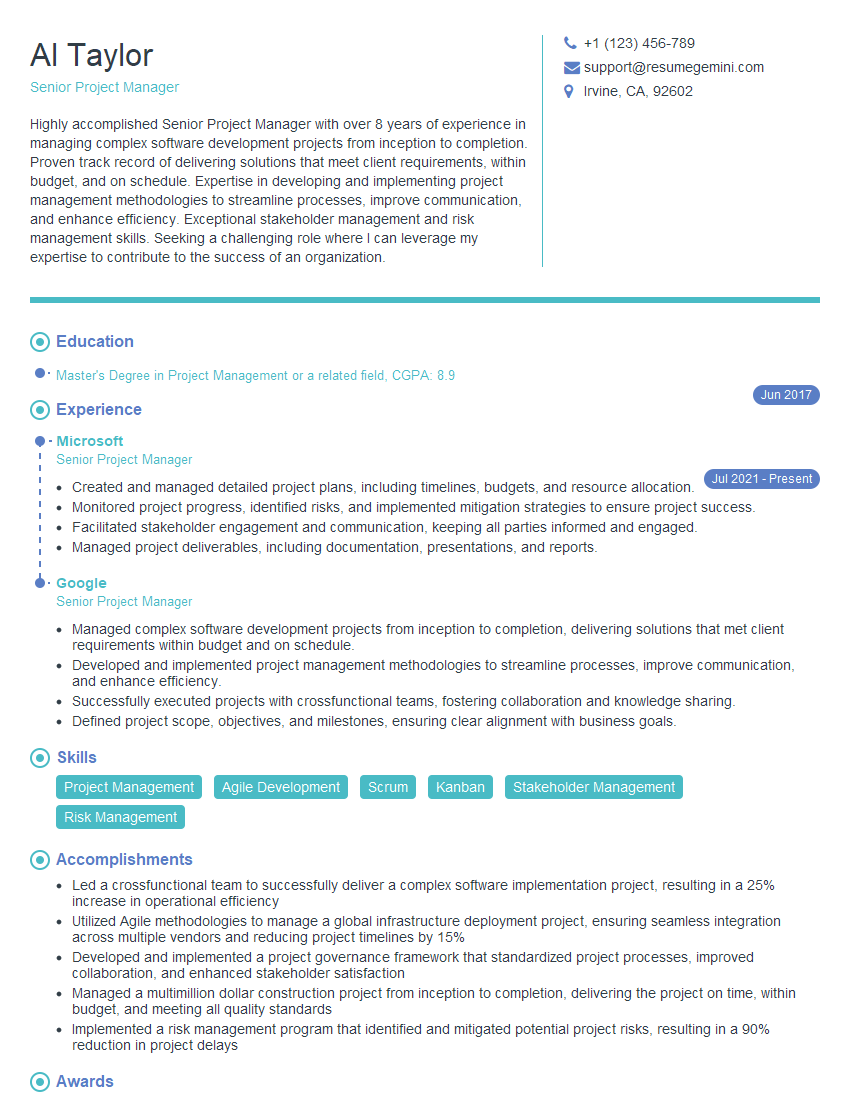
Senior Project Manager Resume Sample
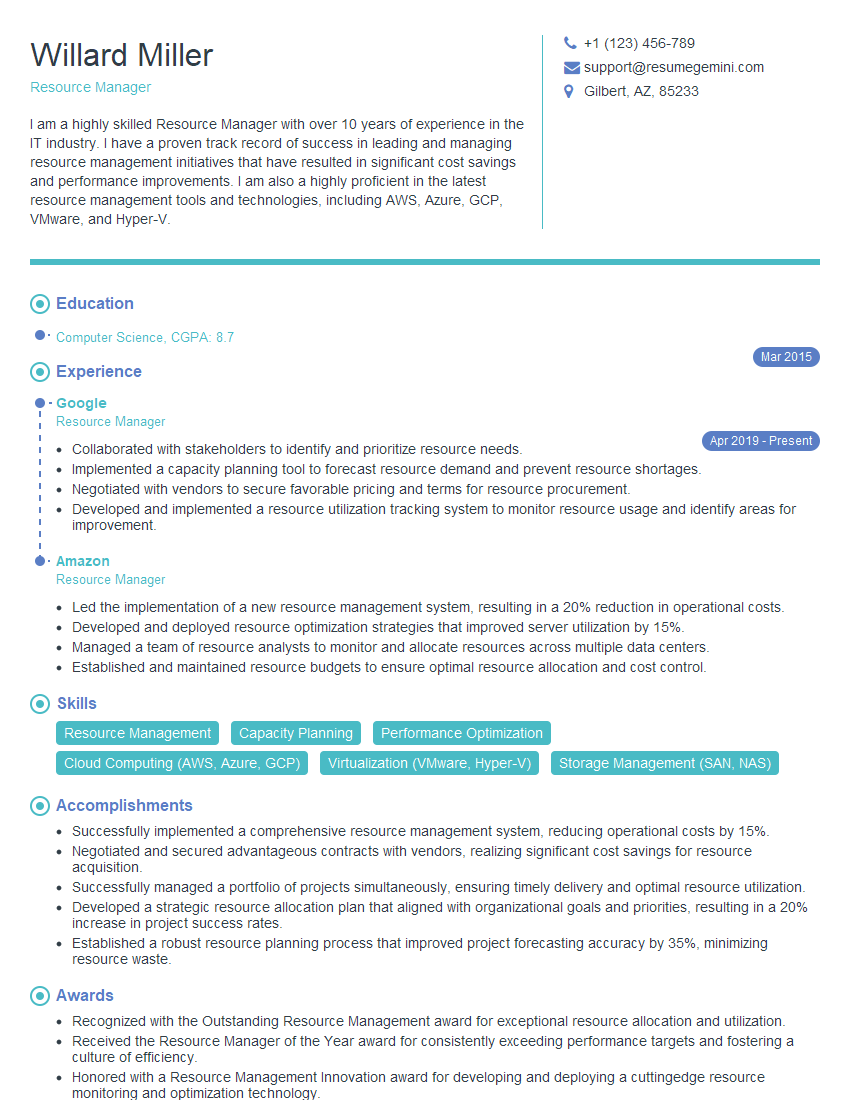
Resource Manager Resume Sample

Planning Manager Resume Sample
Explore more articles
Users Rating of Our Blogs
Share Your Experience
We value your feedback! Please rate our content and share your thoughts (optional).
What Readers Say About Our Blog
Very informative content, great job.
good