Every successful interview starts with knowing what to expect. In this blog, we’ll take you through the top Publishing and Print Production interview questions, breaking them down with expert tips to help you deliver impactful answers. Step into your next interview fully prepared and ready to succeed.
Questions Asked in Publishing and Print Production Interview
Q 1. Explain your experience with different printing methods (offset, digital, etc.).
My experience encompasses a wide range of printing methods, each with its own strengths and weaknesses. Offset printing, for example, is ideal for high-volume projects requiring exceptional quality and consistent color reproduction. I’ve worked extensively with four-color process (CMYK) offset printing for projects like large-scale book runs and magazine production. This involves creating printing plates from digital files and using them to transfer ink onto paper via a press. The process is cost-effective for large print runs but has a higher initial setup cost.
Digital printing, on the other hand, is perfect for short-run projects, personalized materials, and quick turnaround times. I’ve used digital printing extensively for things like business cards, brochures, and short-run promotional materials. Its advantage is the immediate production of prints without the need for plates, making it ideal for on-demand printing and variable data printing. I’m also familiar with other methods like large-format printing for posters and banners, and screen printing for specialized applications requiring vibrant colours on unique materials.
For instance, on a recent project involving a 10,000-copy book run, offset printing was the clear choice for its cost-effectiveness. However, for the accompanying promotional postcards which needed rapid turnaround, digital printing proved much more efficient.
Q 2. Describe your workflow for managing a print project from start to finish.
My workflow for managing a print project is highly structured and involves several key stages. It begins with a thorough review of the client’s brief, understanding their objectives, target audience, and budget. Next, I create a detailed project plan, outlining timelines, milestones, and responsibilities. This plan includes the prepress stage, which involves file preparation, color management, and proofing. Following this is the print production stage itself, where I liaise closely with the printer, overseeing the printing process and ensuring quality control. Finally, the post-press stage encompasses finishing techniques like binding, lamination, and packaging, before final delivery.
For example, in a recent magazine project, the detailed plan included specific dates for artwork submission, proofing approval, printer setup, press checks, and final delivery. Regular communication updates were also integral to maintain transparency and manage any potential deviations from the schedule.
- Client Brief & Project Planning
- Pre-press: File preparation, color management, proofing
- Print Production: Liaison with printer, quality control
- Post-press: Binding, lamination, packaging, delivery
Q 3. How do you ensure color accuracy across different print processes?
Color accuracy is paramount in print production, and ensuring consistency across different processes requires a meticulous approach. I use color management systems, like those integrated into Adobe Creative Suite, to define and maintain consistent color profiles. This ensures that the colors you see on screen are accurately translated to the final print product. I work with calibrated monitors and use color proof systems – such as soft proofs and hard proofs (physical printed samples) – to validate the accuracy of colors before sending the files to print. Color specifications such as Pantone matching system (PMS) for spot colors and CMYK profiles for process color are used to guarantee consistency. Furthermore, I always include a color control strip in each print run to track variations across different sheets or runs.
For instance, on a packaging project, we used Pantone colors to ensure the brand’s specific logo colours were accurately replicated. A hard proof using the exact paper and inks used for production was crucial in gaining client approval and assuring final color accuracy.
Q 4. What prepress software are you proficient in (e.g., Adobe InDesign, Illustrator, Acrobat)?
I’m highly proficient in a range of prepress software applications. My expertise includes Adobe InDesign, which is my go-to for page layout and typesetting, especially for books and magazines; Adobe Illustrator for vector graphics and logo creation; and Adobe Acrobat for PDF creation, editing, and preflighting (checking for errors before printing). I also have experience with other applications such as QuarkXPress and some specialized color management software. This skill set allows me to prepare print-ready files that meet the highest industry standards and are compatible with various printing devices.
For example, I often use InDesign’s features like master pages and styles to ensure consistency across a multi-page document, while Illustrator’s precision tools are crucial in creating clear, high-resolution graphics for print.
Q 5. How do you handle last-minute changes or unexpected problems during production?
Handling last-minute changes or unexpected problems requires a calm and efficient approach. My strategy always involves prioritizing communication. I immediately inform all stakeholders – the client, the printer, and relevant team members – about the change or problem, ensuring everyone is on the same page. Then, I assess the impact of the change or problem on the project timeline and budget. Based on this assessment, I propose solutions, keeping in mind the client’s needs and the production possibilities. This might involve prioritizing tasks, adjusting the schedule, or exploring alternate solutions.
I recall a situation where a critical graphic was altered a day before the print deadline. Through immediate communication and close collaboration with the printer, we managed to seamlessly incorporate the changes, delivering the project without jeopardizing the schedule.
Q 6. Describe your experience with print finishing techniques (e.g., binding, lamination).
My experience with print finishing techniques is extensive. I’m familiar with a variety of binding methods, including perfect binding (for softcover books), saddle stitching (for magazines and brochures), and case binding (for hardcover books). I’m also proficient in different lamination techniques, such as gloss and matte lamination, enhancing the durability and visual appeal of printed materials. Other finishing techniques I’ve used include die-cutting, embossing, and UV coating, each adding a unique element to the final product.
For example, choosing the right binding method is critical. Perfect binding is cost-effective for larger runs, while saddle stitching works well for smaller booklets. The type of lamination depends on the material and the desired effect – gloss lamination gives a more polished look, while matte lamination is less reflective.
Q 7. What is your experience with managing print budgets and timelines?
Managing print budgets and timelines involves careful planning and constant monitoring. I begin by developing a detailed budget, encompassing all aspects of the project, from design and prepress to printing and finishing. I then create a realistic timeline, factoring in potential delays and contingencies. Regular tracking and reporting are vital, allowing me to identify potential cost overruns or schedule slippage early on. I use project management software to facilitate this process, keeping track of all expenses and ensuring everything aligns with the initial budget and deadlines.
In one particular project, by carefully negotiating with different printers, and optimizing the design for cost-effective printing, I was able to deliver the project within budget despite unexpected increases in paper prices.
Q 8. How do you ensure the quality control of print materials throughout the process?
Ensuring quality control in print production is a multi-stage process that begins long before the ink hits the paper. It’s akin to baking a cake – you need to carefully monitor each step to achieve the perfect result.
- Pre-press Checks: This crucial stage involves meticulously reviewing the digital files. I use software like Adobe Acrobat Pro to check for inconsistencies in fonts, images, bleeds (the extra area extending beyond the trim), and color profiles. We perform a thorough proof, often using a high-resolution soft proof on calibrated monitors, to catch any errors before they reach the printer.
- Proofing: I always request a physical proof from the printer – a printed sample of the final product. This allows for a visual assessment of color accuracy, paper quality, and overall print quality. Different proofing methods, like digital proofs or contract proofs, are chosen based on the project’s requirements and budget.
- Press Checks: For large or critical print runs, I attend press checks at the printing facility. This involves monitoring the first few sheets printed to ensure accurate color registration, sharpness, and ink density. Any necessary adjustments are made on the press in collaboration with the printer’s press operator.
- Post-press Quality Assurance: After printing, a final inspection of the finished product is performed. This includes checking for any defects like smudging, misalignment, or damaged sheets. We might employ automated quality control systems for large volumes to ensure consistency.
For example, on a recent book project, a subtle color shift was detected during the press check. By working closely with the printer, we adjusted the ink settings and ensured the final product matched the approved proof perfectly.
Q 9. What are your preferred methods for communicating with printers and other stakeholders?
Effective communication is the backbone of successful print production. I use a variety of methods tailored to the specific stakeholder and situation.
- Project Management Software: Tools like Asana or Monday.com are crucial for managing tasks, deadlines, and file sharing. This ensures everyone is on the same page and can track progress in real-time.
- Email & Video Conferencing: For regular updates, clarifications, and initial discussions, email and video conferencing (Zoom, Google Meet) are indispensable. Email allows for a documented record, while video calls facilitate quick feedback and address concerns directly.
- Proofing Software with annotations: Software like Adobe Acrobat Pro allows for detailed annotations on proofs, making it simple to pinpoint specific areas needing adjustments. This avoids misunderstandings and speeds up the revision process.
- In-person meetings: When dealing with complex projects or establishing a new relationship with a printer, nothing beats a face-to-face meeting to build rapport and ensure a clear understanding.
For instance, during a recent campaign, we used a project management tool to share updates with the marketing team and the printer concurrently, minimizing delays and misunderstandings.
Q 10. How familiar are you with different paper stocks and their properties?
My familiarity with paper stocks is extensive. Choosing the right paper is crucial, as it impacts the final look, feel, and longevity of the print piece. Think of it like choosing the right fabric for a garment – the material dictates the overall outcome.
- Coated Papers: These papers have a smooth, glossy surface ideal for high-quality images and sharp text. They come in different finishes like gloss, matte, and silk.
- Uncoated Papers: These have a more natural, textured surface, often preferred for books, stationery, or projects emphasizing a rustic or eco-friendly feel. They are usually more absorbent.
- Specialty Papers: This category includes papers with unique textures, colors, or finishes, like linen, recycled, or metallic papers. The choice depends greatly on the project’s aesthetic.
- Paper Weight and GSM: Grams per square meter (GSM) indicates the paper’s thickness and weight. Higher GSM means heavier, more durable paper.
For example, a glossy magazine would use a high-GSM coated paper for vibrant images, while a high-end brochure might use a textured uncoated stock to enhance its premium feel.
Q 11. Explain your experience with file preparation for print (e.g., color profiles, bleeds).
File preparation for print is a critical step where precision is paramount. It’s like preparing a meticulously detailed recipe before baking a cake – any mistakes in the recipe will show in the final product.
- Color Profiles: Using the correct color profile (e.g., CMYK for print) is essential to ensure accurate color reproduction. I usually work with CMYK profiles to avoid color shifts during printing. Conversion from RGB (screen) to CMYK needs careful management to avoid unexpected results.
- Bleeds: Bleeds are crucial for ensuring that background colors or images extend beyond the trim line, avoiding unsightly white borders after cutting. Typically, a bleed of 3mm is added to each side of the design.
- Resolution: Images need sufficient resolution (at least 300 DPI) to appear sharp and clear in print. Low-resolution images will appear pixelated and blurry.
- File Formats: PDF is the most common file format for print, specifically a PDF/X-1a compliant file, which ensures proper color management and font embedding.
For instance, I once encountered a design where the bleed was not correctly set. This resulted in a visible white border after printing. By revisiting the file and ensuring proper bleed settings, we avoided costly reprints.
Q 12. How do you troubleshoot common printing issues?
Troubleshooting printing issues requires a systematic approach, similar to diagnosing a medical problem. You need to identify the symptoms and trace their cause.
- Color Issues: Color mismatches can result from incorrect color profiles, improper calibration, or ink inconsistencies. We examine the proofs and press sheets, checking settings and comparing them to the original design.
- Image Quality: Blurry or pixelated images are usually due to low-resolution source files. We’d review the original files to assess the resolution and make the necessary corrections.
- Registration Problems: Misalignment of colors or elements results from issues with the printing press or the file setup. This requires adjustments to the press or file modifications, potentially a reprint.
- Paper Jams or Mechanical Problems: These are usually printer-related issues requiring the intervention of the printing press operator or technician.
In one instance, a client complained of banding in the printed colors. Through careful analysis, we discovered a slight issue with the printer’s ink density. Adjusting the ink settings on the press solved the problem.
Q 13. Describe your experience with managing print vendors and negotiating contracts.
Managing print vendors and negotiating contracts is a skill honed over years of experience. It’s about finding the right balance between cost-effectiveness and quality.
- Vendor Selection: I carefully select vendors based on their reputation, capabilities, and past performance. I always request samples of their work and check their references.
- Contract Negotiation: Contracts outline all aspects of the printing process, including pricing, deadlines, quantity, paper stock, and quality specifications. Negotiating favorable terms is crucial while ensuring the printer’s needs are also met.
- Project Management: Throughout the project, I maintain open communication with the vendor, ensuring timely delivery and addressing any concerns promptly.
- Payment Terms: Establishing clear payment terms is crucial. This usually involves a deposit upfront and the remaining balance upon completion and delivery.
For example, on a large-scale print job, I negotiated a discount based on the bulk order volume and secured favorable payment terms, minimizing financial risk.
Q 14. How do you stay updated on industry trends and new technologies in printing?
Staying abreast of industry trends is paramount in this dynamic field. It’s like being a chef who continuously researches new ingredients and techniques.
- Industry Publications: I regularly read trade magazines and journals (both print and online) focusing on printing technologies and industry news.
- Conferences and Trade Shows: Attending industry conferences and trade shows provides invaluable insights into new technologies and best practices.
- Online Resources and Webinars: Numerous online resources, including websites and webinars, offer continuous learning opportunities on advancements in printing techniques and software.
- Networking: Connecting with other professionals through industry groups and online forums facilitates knowledge sharing and exposure to new ideas.
Recently, I learned about advancements in sustainable printing practices through a webinar, leading to the adoption of eco-friendly options in several projects.
Q 15. What is your understanding of different print specifications (e.g., DPI, PPI)?
DPI (Dots Per Inch) and PPI (Pixels Per Inch) are crucial print specifications determining image resolution. DPI refers to the number of ink dots a printer lays down per inch, directly impacting print quality. Higher DPI generally means sharper, clearer images. PPI, on the other hand, describes the number of pixels in an image per inch. While PPI is relevant for digital displays, it’s crucial for print because the PPI of your source file will influence the final DPI of the printed output. For example, a low-resolution image (e.g., 72 PPI) will look blurry even if printed at a high DPI because the printer simply can’t create detail that isn’t there in the original file. Think of it like trying to build a high-resolution painting from a low-resolution photograph – you’re limited by the source material. Generally, for high-quality print, 300 PPI is the recommended minimum for images intended for print, ensuring a smooth transition to the print’s DPI setting. Different print methods have different ideal DPI ranges, and a knowledgeable print production specialist always considers these specifications when preparing files.
Career Expert Tips:
- Ace those interviews! Prepare effectively by reviewing the Top 50 Most Common Interview Questions on ResumeGemini.
- Navigate your job search with confidence! Explore a wide range of Career Tips on ResumeGemini. Learn about common challenges and recommendations to overcome them.
- Craft the perfect resume! Master the Art of Resume Writing with ResumeGemini’s guide. Showcase your unique qualifications and achievements effectively.
- Don’t miss out on holiday savings! Build your dream resume with ResumeGemini’s ATS optimized templates.
Q 16. How do you balance creative design with the practical constraints of print production?
Balancing creative design with print production constraints is a constant juggling act. The creative vision must be achievable within the print process’s limitations. For instance, a designer might envision vibrant, highly saturated colors. However, achieving those colors accurately depends on the printing process (offset, digital, etc.), the paper stock, and the ink used. Overly complex designs might lead to increased production costs or even printing errors. My approach involves close collaboration with the designers and printers early on. We’ll discuss the design concept, its feasibility within the budget, and the technical specifications of the chosen printing method. We often explore alternative design solutions that achieve a similar visual impact but are more print-friendly. For example, instead of using many fine lines, we might opt for thicker lines that reproduce more reliably. We use mock-ups and proofs throughout the process to ensure the final product looks exactly as intended.
Q 17. Describe your experience with working with different file formats (e.g., PDF, TIFF, JPEG).
I have extensive experience working with various file formats crucial to print production. PDF (Portable Document Format) is the industry standard for pre-press files due to its ability to maintain formatting and embedded fonts across different systems. TIFF (Tagged Image File Format) is ideal for high-resolution images, particularly when preserving image quality is paramount. JPEG (Joint Photographic Experts Group) is suitable for photographic images but can lead to some quality loss with compression, making it less suitable for critical print jobs. My workflow prioritizes using appropriate file formats from the beginning. For example, high-resolution images are always delivered as TIFFs, and the final files sent to the printer are always high-resolution PDFs with embedded fonts to avoid last-minute font issues. I also regularly check the color profiles to ensure accurate color reproduction. Mismatched color profiles can lead to significant color shifts, which is often a costly problem to correct.
Q 18. Explain your process for proofreading and quality assurance in print projects.
Proofreading and quality assurance are integral to my process. It’s a multi-stage process starting with initial design review for clarity and consistency, followed by meticulous proofreading of text for grammatical errors, typos, and factual accuracy. Next, I perform a thorough quality check of images and graphics for resolution, color accuracy, and any potential issues. This usually includes viewing the files on different devices and using software designed to catch errors. I also employ color proofing, which uses specialized software and printers to accurately simulate the final printed output. Color proofing helps catch color variations before mass printing. Before sending the files to the printer, I provide a final PDF proof to the client for approval, ensuring everyone is on the same page. This collaborative process minimizes the risk of costly reprints and ensures a high-quality final product. The entire process is carefully documented to track all revisions and approvals.
Q 19. How do you handle client feedback and revisions during the print production process?
Handling client feedback is crucial. I believe in open communication. I actively encourage client input at various stages of the process. When revisions are requested, I clearly document them, communicate the timelines for implementation, and always provide revised proofs for client approval. I explain the technical implications of each revision and may suggest alternative solutions to meet both creative and production needs. For example, if a client requests a significant change in the layout late in the process, I explain the potential delays and cost implications. Clear communication and managing expectations are key to avoiding conflict and maintaining a smooth workflow.
Q 20. What are your strategies for managing multiple print projects simultaneously?
Managing multiple print projects concurrently requires a structured approach. I utilize project management software to track deadlines, milestones, and client communication for each project. This allows me to prioritize tasks effectively and allocate resources (time and effort) accordingly. I break down each project into smaller, manageable tasks, assigning each task a specific deadline. Regular status meetings with myself (and the team, if applicable) are held to track progress and address any roadblocks. This proactive approach prevents project delays and ensures timely delivery of high-quality work for every client. Using project management tools helps immensely in this process; it allows for clear visualization of all projects’ progress, task assignments, and deadlines.
Q 21. How familiar are you with different types of binding and finishing options?
I am well-versed in various binding and finishing options. These choices significantly impact the final product’s look, feel, and durability. Common binding methods include perfect binding (gluing pages together), saddle-stitch binding (stapling), wire-o binding (double-loop wire), and case binding (hardcover). Each is suitable for different types of publications. Finishing options enhance the book’s visual appeal and protection. These include varnishes (UV, aqueous), lamination (gloss, matte), embossing, die-cutting, and foiling. Selecting the appropriate binding and finishing methods depends on the project’s requirements, budget, and desired aesthetic. For example, a high-end coffee-table book might utilize case binding and UV varnish, while a simple brochure might only require saddle-stitch binding. The choice of these elements is always made in close consultation with the client, bearing in mind the budget and desired final look and feel of the product.
Q 22. Describe your experience with digital asset management systems.
Digital Asset Management (DAM) systems are crucial in publishing and print production for organizing, storing, and retrieving digital files efficiently. Think of it as a highly organized library for all your project assets – images, videos, documents, and more. A robust DAM system allows for version control, metadata tagging (essential for quick searches), and streamlined workflows, eliminating the chaos of scattered files and reducing the risk of using outdated versions.
In my experience, I’ve worked with several DAM systems, including Adobe Experience Manager (AEM) and Canto. AEM, for instance, offers robust workflow automation capabilities, allowing for automated approvals and distribution of assets. Canto, on the other hand, excels at simplifying asset sharing with clients and collaborators. The key to successful DAM implementation is careful planning of metadata schemas to ensure efficient searching and retrieval. For example, we implemented a system with keywords for color, resolution, and usage rights, which dramatically improved our team’s productivity.
- Improved Collaboration: Easily share assets with designers, editors, and clients, ensuring everyone works with the most up-to-date versions.
- Reduced Errors: Version control prevents accidental use of outdated files, saving time and resources.
- Enhanced Efficiency: Quick searches using metadata allow for rapid asset retrieval, streamlining the production process.
Q 23. Explain your knowledge of sustainable printing practices.
Sustainable printing practices are increasingly vital for environmental responsibility and cost-effectiveness. This involves minimizing waste, reducing energy consumption, and using eco-friendly materials. It’s not just about choosing recycled paper; it’s a holistic approach affecting every stage of production.
My knowledge encompasses several key areas: selecting FSC-certified (Forest Stewardship Council) paper, which ensures responsible forestry; opting for vegetable-based inks that minimize volatile organic compounds (VOCs); utilizing print-on-demand technologies to reduce overproduction and storage; employing energy-efficient printing equipment; and optimizing print designs to minimize paper usage. I’ve successfully implemented these practices in several projects, leading to significant reductions in waste and carbon footprint. For example, by switching to a lighter paper weight and optimizing the design layout for a large catalog, we reduced paper usage by 15%, significantly impacting environmental impact and cost.
- Paper Selection: Prioritizing recycled and FSC-certified papers.
- Ink Selection: Using vegetable-based and low-VOC inks.
- Print Technology: Exploring energy-efficient printing presses and print-on-demand solutions.
- Waste Management: Implementing robust recycling programs for paper and ink cartridges.
Q 24. How familiar are you with print regulations and compliance standards?
Familiarity with print regulations and compliance standards is paramount in ensuring legal and ethical publishing. These standards vary by region and often relate to content, labeling, and environmental concerns. For example, regulations might address copyright laws, accessibility requirements for individuals with disabilities (like ADA compliance in the US), and environmental labeling standards.
My experience includes navigating regulations related to food labeling, pharmaceutical packaging, and children’s publications, each with its unique set of requirements. I’m adept at researching and understanding specific regulations, incorporating necessary compliance measures into the production process, and collaborating with legal teams to ensure complete adherence. This proactive approach prevents costly delays and legal issues down the line. For instance, I once prevented a significant delay on a pharmaceutical packaging project by meticulously reviewing all regulations pertaining to accurate labeling and warnings, identifying a potential issue that could have led to recalls if missed.
- Copyright: Ensuring proper licensing and permissions for all images and text.
- Accessibility: Adhering to accessibility standards for individuals with disabilities.
- Environmental Labeling: Using appropriate certifications and labels to demonstrate environmental responsibility.
- Content Regulations: Meeting specific content standards related to age appropriateness, health claims, or other industry-specific guidelines.
Q 25. Describe a time you had to solve a complex problem in a print production project.
In a recent project involving a large-format book with intricate illustrations, we encountered a significant color-matching issue between the digital proof and the final printed version. The client was incredibly concerned as the colors were crucial to the book’s artistic integrity. Initial attempts at color correction failed to address the root problem.
To solve this, I implemented a systematic approach:
- Detailed Analysis: We meticulously compared the digital files with the printed output, identifying the specific color discrepancies.
- Investigating Variables: We examined all potential sources of error, including the printer’s calibration, the type of paper used, and the ink profiles.
- Collaboration: I worked closely with the pre-press team, the printer, and the client to establish a common understanding of the problem.
- Testing and Iteration: We conducted several test prints using different color profiles and paper stocks until we achieved a satisfactory match.
- Communication: Throughout the process, I maintained clear and consistent communication with the client, keeping them updated on the progress and potential solutions.
The successful resolution of this problem not only satisfied the client but also strengthened my understanding of color management and problem-solving in a high-pressure environment.
Q 26. What is your approach to project risk management in print production?
My approach to project risk management in print production is proactive and multi-faceted. It’s about identifying potential problems before they arise and having contingency plans in place.
I use a combination of methods:
- Risk Identification: At the project’s outset, I conduct a thorough risk assessment, identifying potential issues such as delays in paper delivery, equipment malfunctions, or unexpected design changes. This often involves brainstorming with the team and referencing past experiences.
- Risk Analysis: Each identified risk is evaluated in terms of its likelihood and potential impact. This helps prioritize which risks need the most attention.
- Mitigation Strategies: For each high-priority risk, I develop specific mitigation strategies. This could involve securing multiple paper suppliers, scheduling buffer time in the production schedule, or having backup equipment readily available.
- Contingency Planning: If a risk does occur despite mitigation efforts, I have pre-defined contingency plans in place to minimize its impact. This might involve finding a replacement supplier or adjusting the project timeline.
- Monitoring and Review: Throughout the project, I continuously monitor progress and actively look for emerging risks, adapting my plans as necessary.
Q 27. How do you prioritize tasks and meet deadlines under pressure?
Prioritizing tasks and meeting deadlines under pressure is crucial in print production. My approach involves a combination of organizational tools and strategic thinking.
I utilize project management software like Asana or Monday.com to create detailed task lists, assign responsibilities, and track progress. I break down large projects into smaller, manageable tasks, prioritizing them based on urgency and importance using methods like the Eisenhower Matrix (urgent/important). This helps to visualize the workflow and identify potential bottlenecks early on. Regular team meetings and clear communication ensure everyone is on the same page and aware of potential delays. I also prioritize proactive communication with clients, keeping them informed of the project status and addressing any concerns promptly. This transparent communication builds trust and helps manage expectations.
When facing intense pressure, I maintain focus by breaking the work into smaller, achievable chunks, focusing on one task at a time and celebrating small victories to stay motivated. Taking short breaks to avoid burnout is also vital. The ability to adapt and adjust priorities as needed is also crucial. Being flexible and open to changing plans if necessary is often the key to successfully navigating unexpected challenges.
Q 28. What are your long-term career goals within the publishing and print production industry?
My long-term career goals are centered around further developing my expertise in sustainable print production and leading innovative projects. I aim to become a leader in the industry, promoting environmentally responsible practices while leveraging technology to streamline workflows and enhance efficiency. This could involve taking on a management role, leading a team, or perhaps even starting my own consultancy focused on sustainable print solutions.
I am particularly interested in exploring the intersection of augmented reality (AR) and print, which offers fascinating opportunities for enhancing the reader experience and creating new revenue streams for publishers. Continuing my education in areas like digital printing technology and sustainable materials is also a priority. My goal is to make a significant contribution to the industry by promoting environmentally friendly practices and embracing innovative technologies to create a more sustainable and engaging future for publishing and print production.
Key Topics to Learn for Publishing and Print Production Interview
- Pre-press Production: Understanding file preparation, color management (CMYK, RGB), image resolution, and file formats (PDF, TIFF, JPEG) crucial for print-ready materials. Practical application: Troubleshooting issues in client-submitted files, ensuring print quality.
- Print Processes: Knowledge of various printing methods (offset, digital, large format) their pros and cons, and appropriate applications for different projects. Practical application: Recommending the optimal printing method based on project requirements (budget, turnaround time, quantity).
- Print Finishing and Binding: Familiarity with different binding techniques (perfect binding, saddle stitch, wire-o), lamination, die-cutting, and other finishing options. Practical application: Specifying finishing options to meet client expectations and project goals.
- Project Management in Print Production: Understanding project timelines, budgeting, client communication, and problem-solving. Practical application: Managing multiple projects simultaneously, meeting deadlines, and resolving production issues effectively.
- Quality Control: Implementing quality control checks throughout the production process to ensure accuracy and consistency. Practical application: Identifying and correcting errors before printing, ensuring client satisfaction.
- Digital Publishing workflows: Understanding the process of creating and distributing digital publications (eBooks, online magazines) including file formats, publishing platforms, and digital asset management. Practical application: Preparing and delivering digital content across various platforms.
- Industry Software and Technology: Familiarity with industry-standard software such as Adobe InDesign, Illustrator, Acrobat, and prepress workflow systems. Practical application: Demonstrating proficiency in using these tools to efficiently create and manage print and digital projects.
Next Steps
Mastering Publishing and Print Production opens doors to exciting career opportunities, offering a blend of creative and technical skills highly valued in today’s market. Building a strong, ATS-friendly resume is crucial for maximizing your job prospects. ResumeGemini is a trusted resource that can help you craft a professional and impactful resume tailored to the publishing and print production industry. Examples of resumes specifically designed for this field are available to help you get started. Invest time in building a compelling resume – it’s your first impression and a key to unlocking your career aspirations.

Print Production Manager Resume Sample

Art Director Resume Sample

Project Manager Resume Sample

Print Buyer Resume Sample
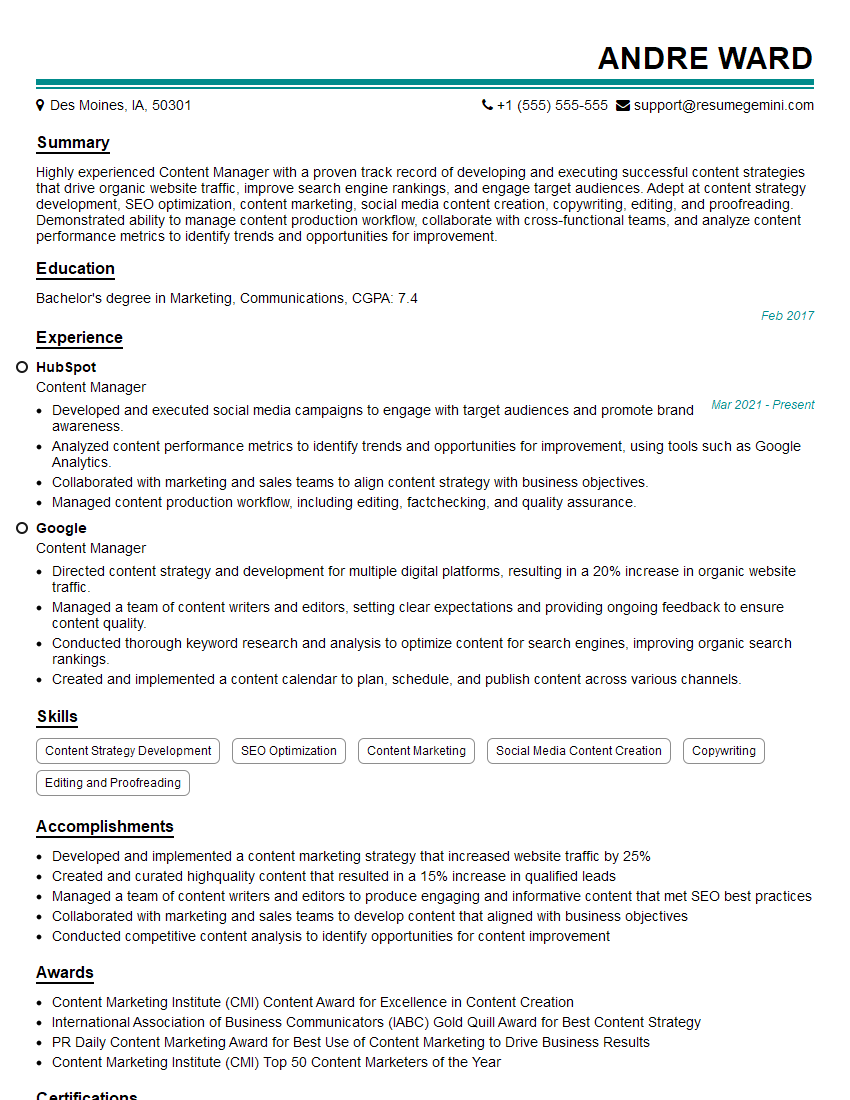
Content Manager Resume Sample
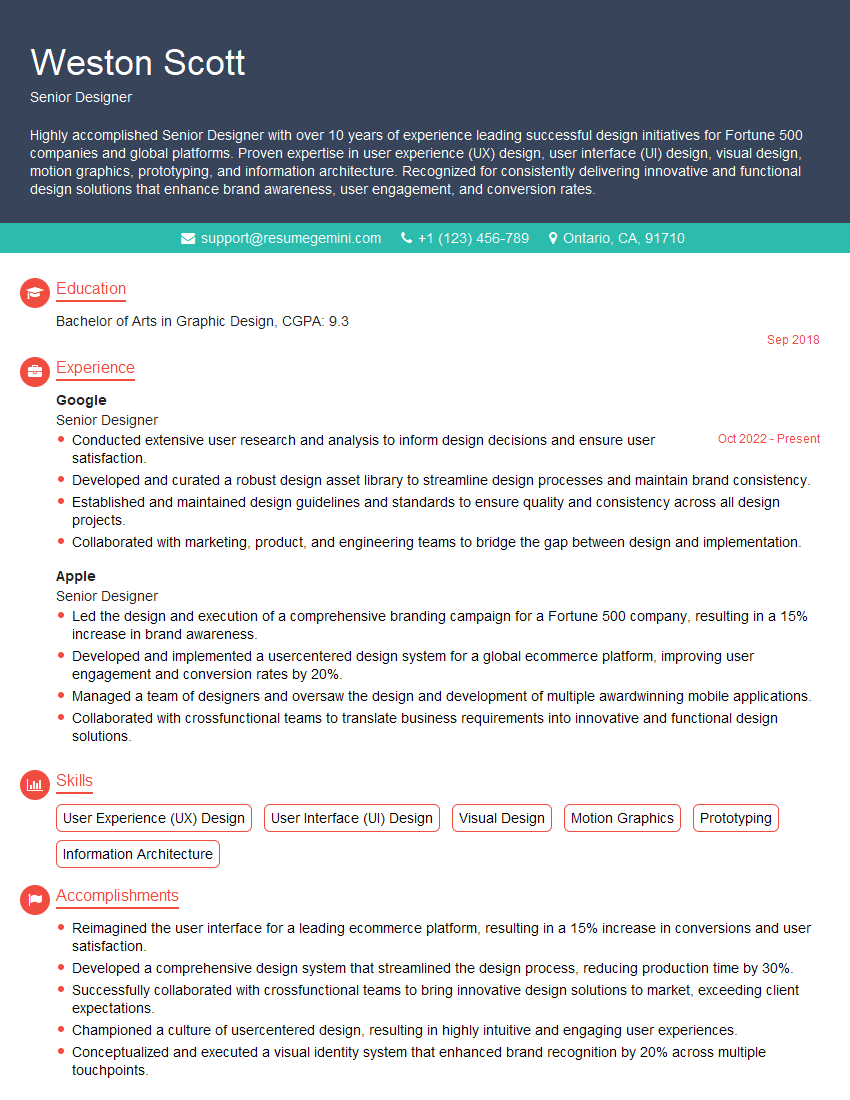
Senior Designer Resume Sample
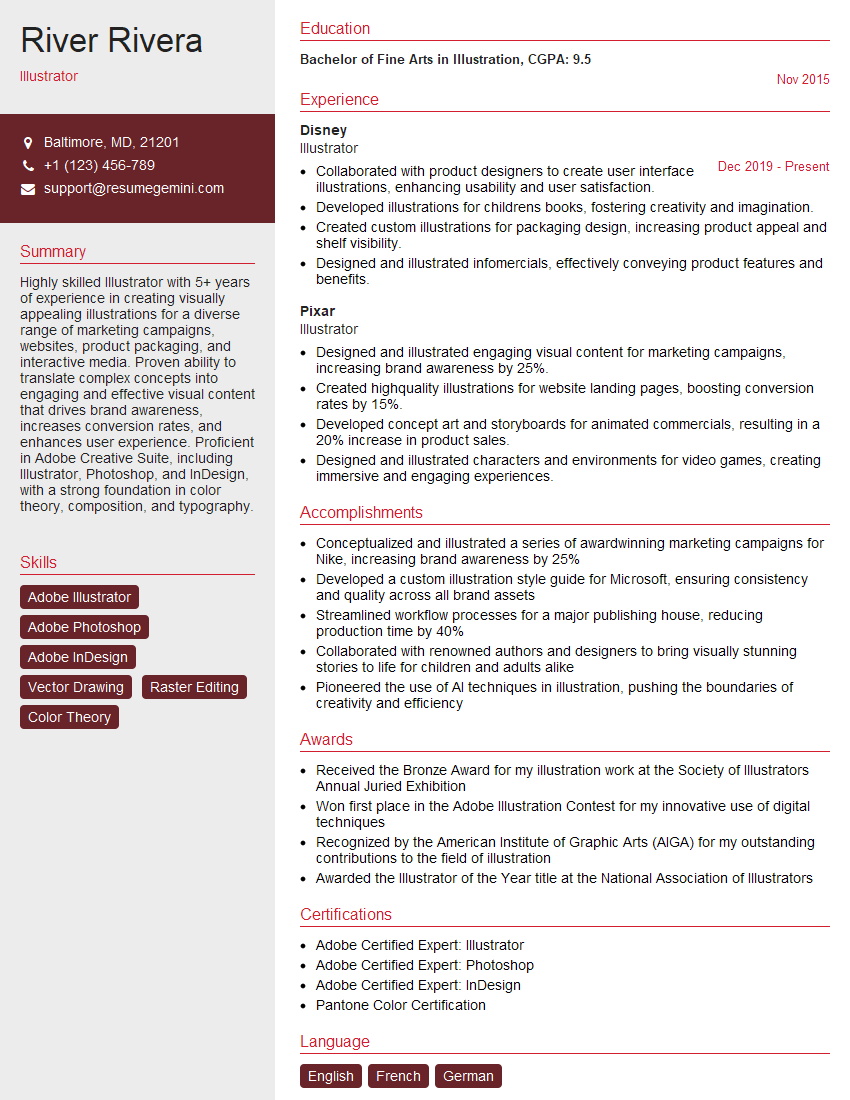
Illustrator Resume Sample

Compositor Resume Sample

Graphic Designer Resume Sample
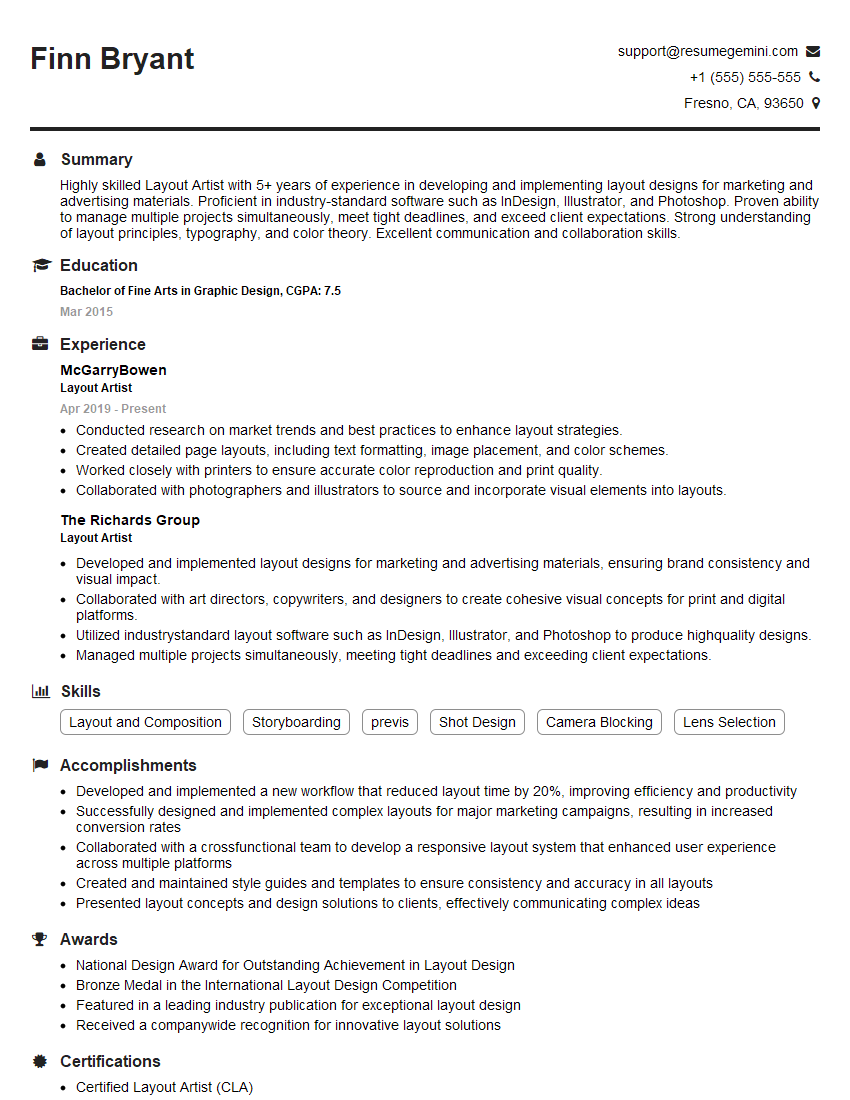
Layout Artist Resume Sample
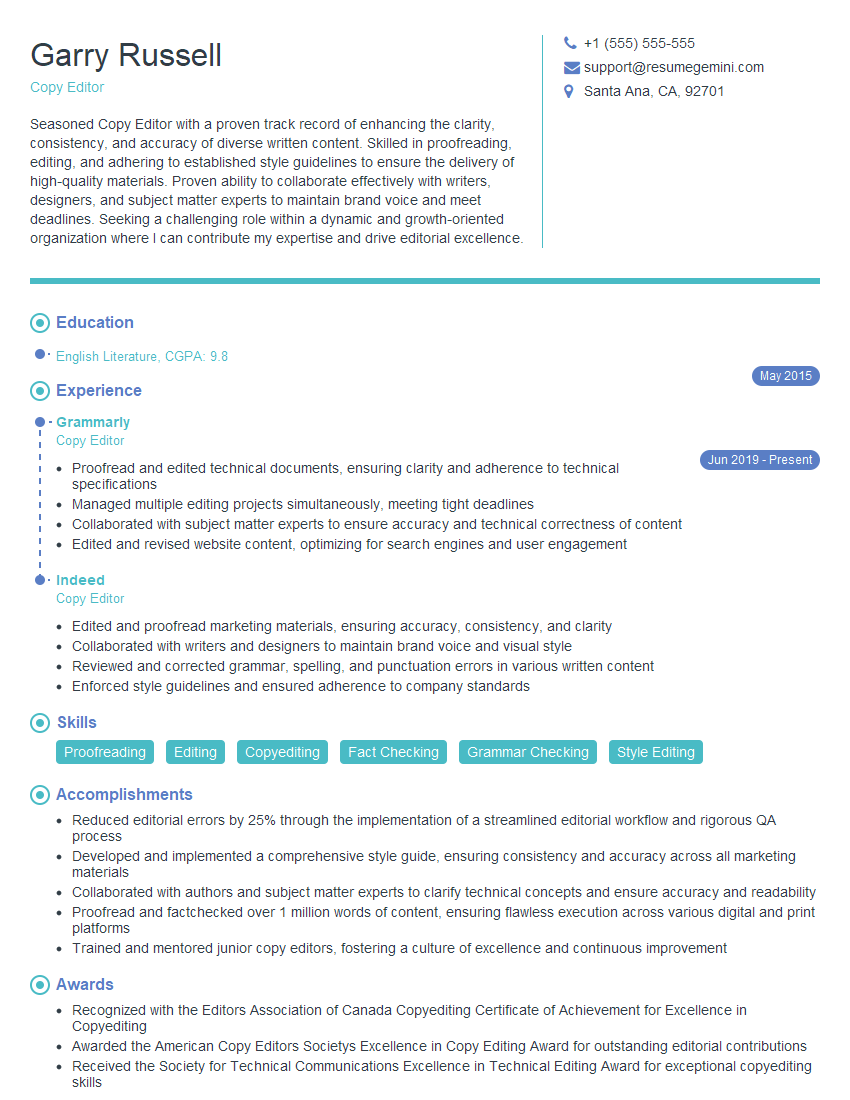
Copy Editor Resume Sample
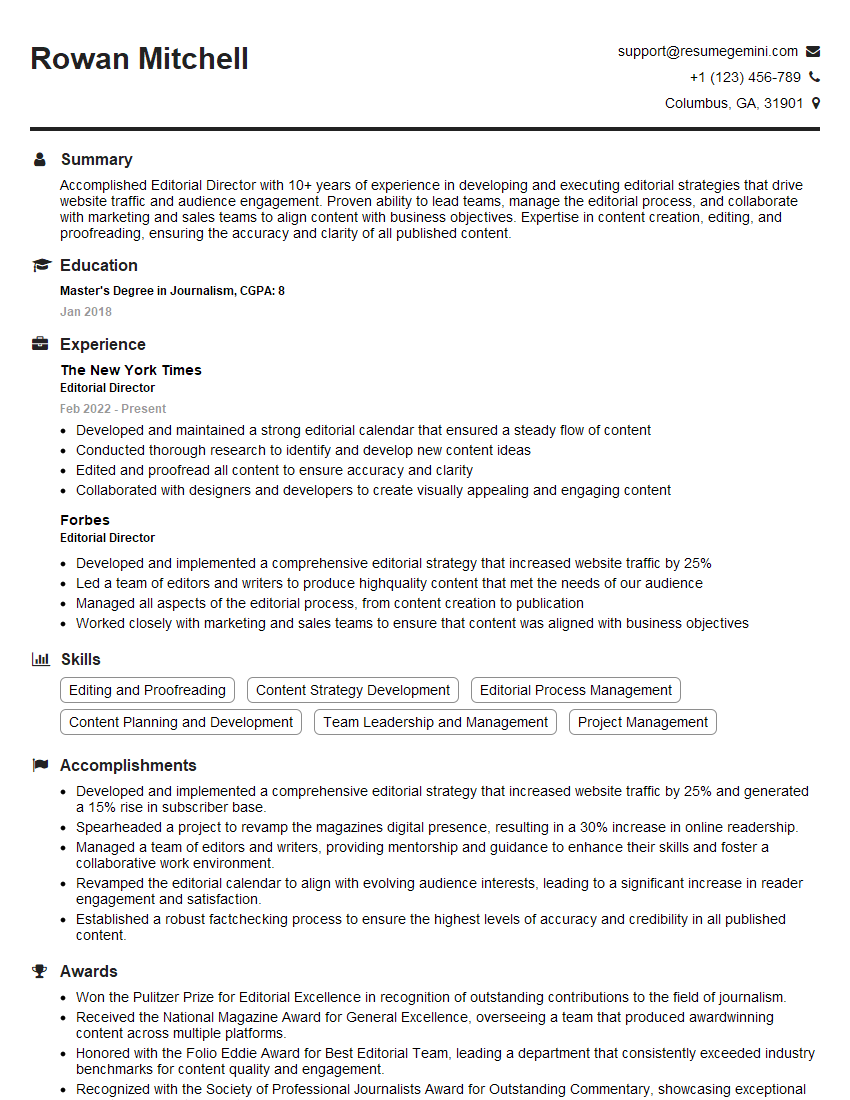
Editorial Director Resume Sample
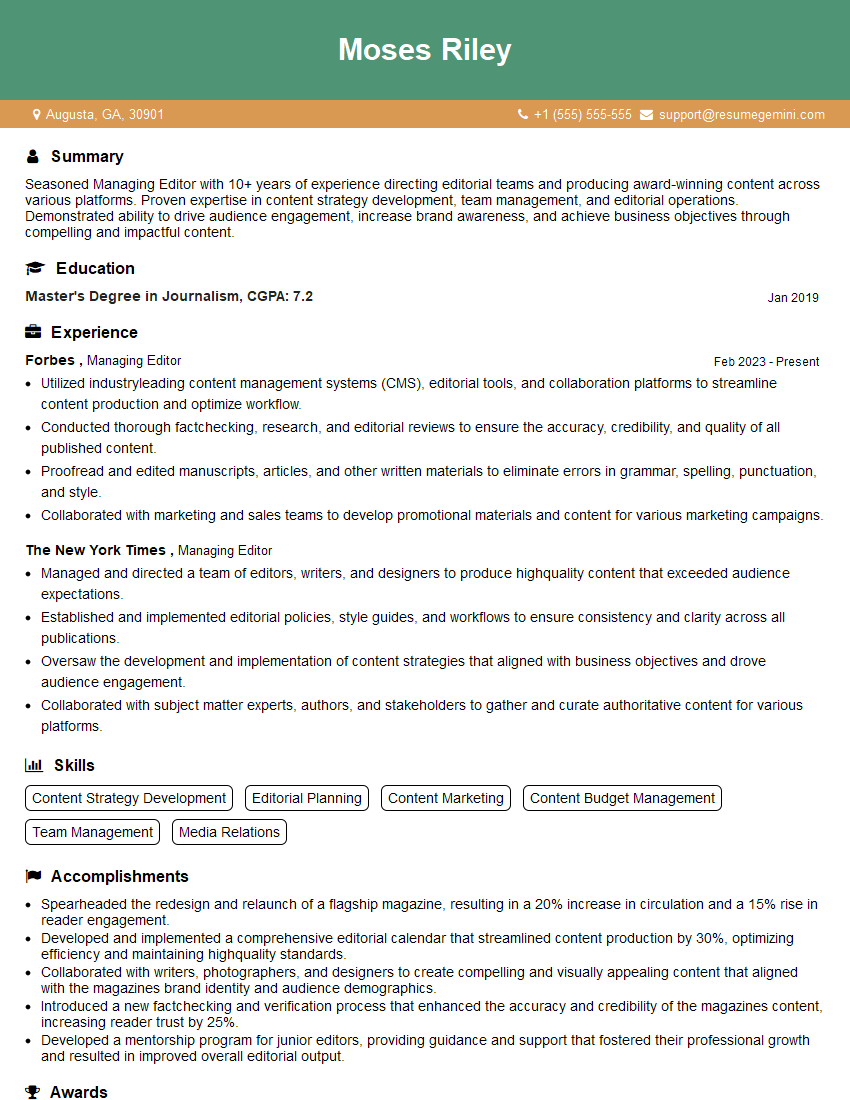
Managing Editor Resume Sample
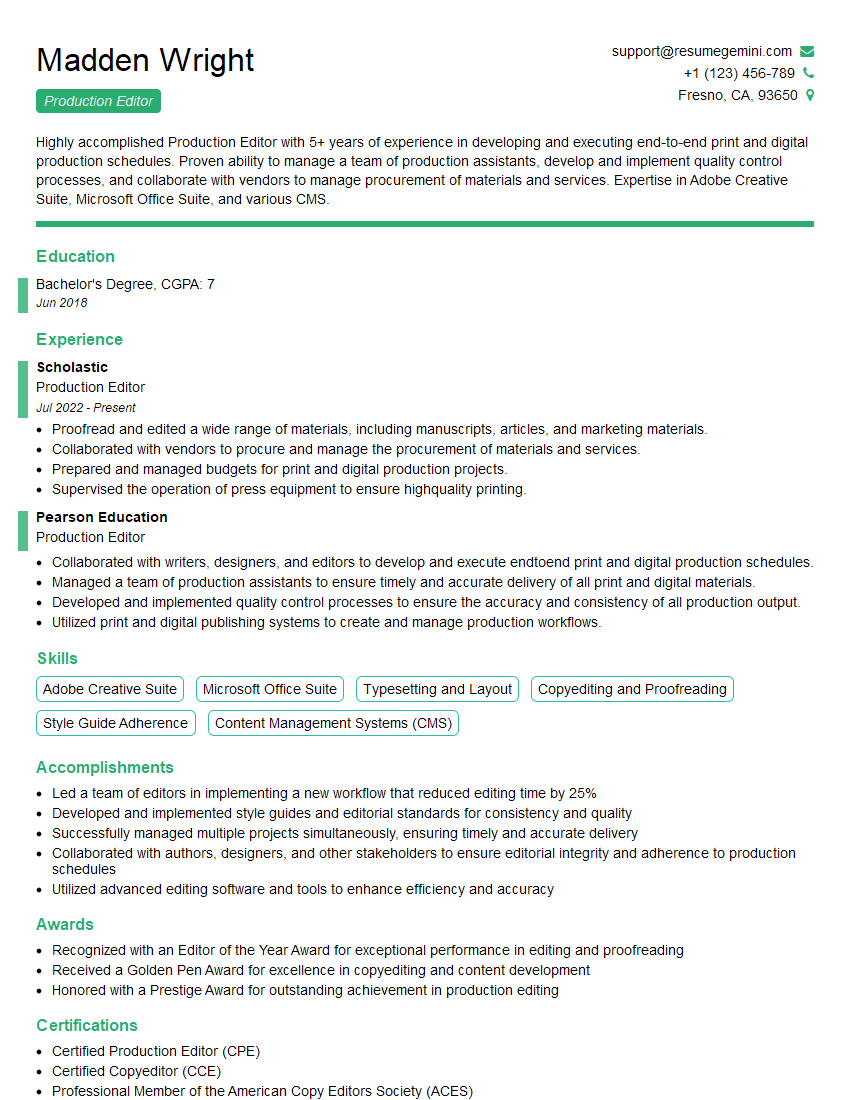
Production Editor Resume Sample

Proofreader Resume Sample
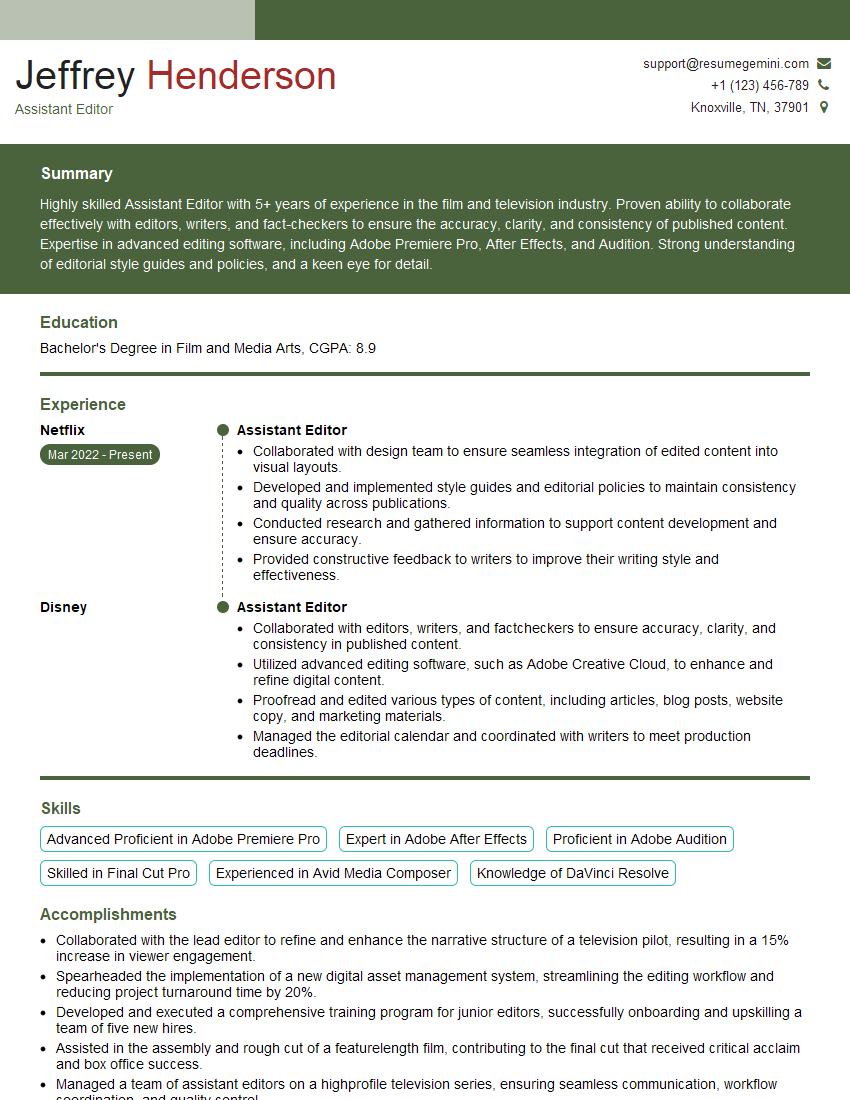
Assistant Editor Resume Sample
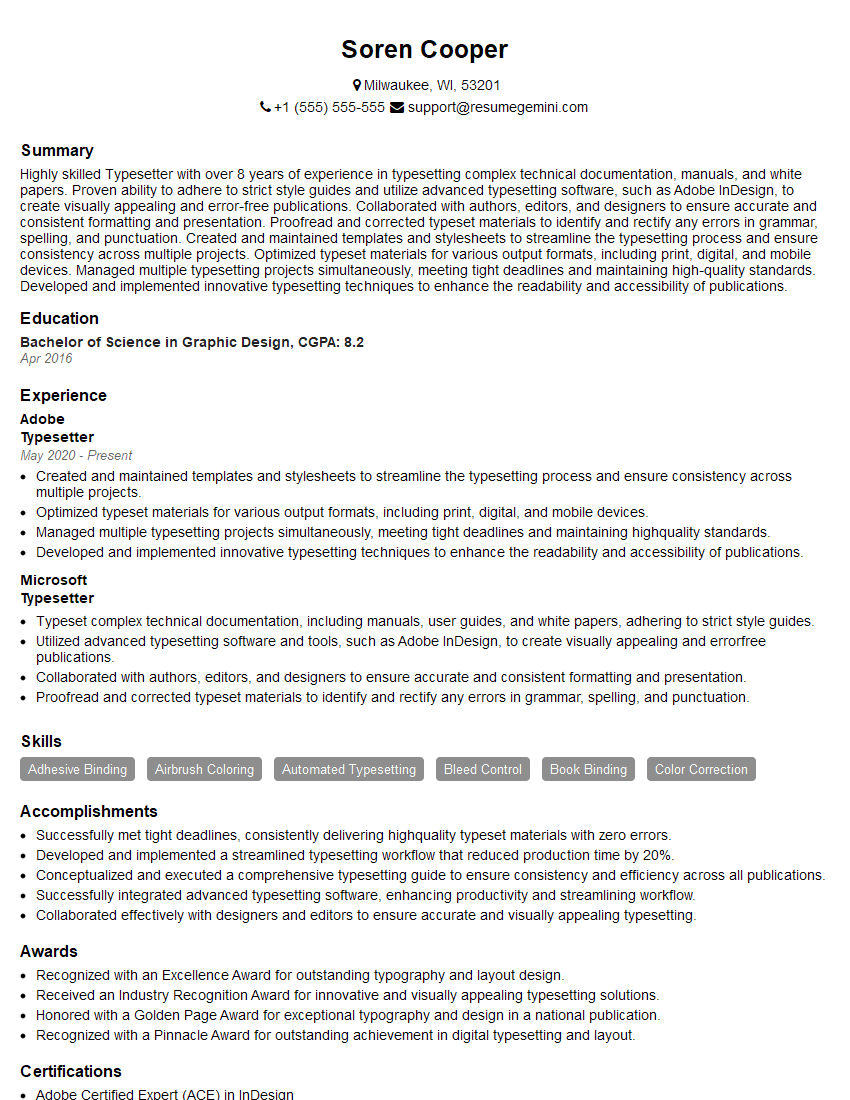
Typesetter Resume Sample

Prepress Technician Resume Sample
Explore more articles
Users Rating of Our Blogs
Share Your Experience
We value your feedback! Please rate our content and share your thoughts (optional).
What Readers Say About Our Blog
Very informative content, great job.
good