Every successful interview starts with knowing what to expect. In this blog, we’ll take you through the top Quality Assurance and Management interview questions, breaking them down with expert tips to help you deliver impactful answers. Step into your next interview fully prepared and ready to succeed.
Questions Asked in Quality Assurance and Management Interview
Q 1. Describe your experience with Agile methodologies in QA.
My experience with Agile methodologies in QA is extensive. I’ve worked in Scrum and Kanban environments, deeply understanding the iterative nature of development and its impact on testing. In Agile, testing isn’t a separate phase but is integrated throughout the development lifecycle. This requires a shift in mindset from traditional waterfall approaches.
For instance, in a Scrum project, I actively participate in sprint planning, daily stand-ups, and sprint reviews. I collaborate closely with developers to understand user stories and acceptance criteria, creating test cases concurrently with development. This allows for quicker feedback loops and faster identification of defects. I also utilize techniques like test-driven development (TDD) where tests are written *before* the code, ensuring the code meets the requirements from the start.
Furthermore, I’m proficient in using Agile testing tools like Jira and Azure DevOps for managing test cases, bugs, and sprint progress. I adapt my testing approach to the specific Agile framework used, ensuring alignment with team goals and processes. This includes employing practices like continuous integration and continuous delivery (CI/CD), where automated tests run frequently to catch issues early.
Q 2. Explain the difference between black-box and white-box testing.
Black-box and white-box testing are two fundamental approaches to software testing, differing primarily in their knowledge of the internal structure of the software being tested.
Black-box testing treats the software as a ‘black box,’ meaning the tester doesn’t need to know the internal workings. They focus solely on inputs and outputs, verifying that the system behaves as expected based on the requirements. Think of it like using a vending machine – you insert money (input), select your item (action), and receive your snack (output). You don’t need to know the internal mechanics of the machine to test if it works correctly. Common black-box techniques include functional testing, usability testing, and system testing.
White-box testing, conversely, requires a deep understanding of the software’s internal structure (code, architecture). Testers have access to the source code and use this knowledge to design test cases that cover various code paths, branches, and conditions. Imagine you’re a mechanic inspecting a car engine. You examine each component to ensure it functions properly. White-box techniques include unit testing, integration testing, and code coverage analysis. White-box testing can uncover internal logic errors that black-box testing might miss.
Q 3. What are some common software testing methodologies you’ve used?
Throughout my career, I’ve utilized a variety of software testing methodologies. These include:
- Unit testing: Testing individual components or modules of the software in isolation.
- Integration testing: Testing the interaction between different modules or components.
- System testing: Testing the entire system as a whole to ensure it meets requirements.
- Regression testing: Retesting the software after changes (e.g., bug fixes or new features) to ensure that existing functionality hasn’t been broken.
- Acceptance testing: Verifying that the software meets the user’s or client’s acceptance criteria.
- User acceptance testing (UAT): Having end-users test the software to confirm it meets their needs.
- Performance testing: Evaluating the software’s responsiveness, stability, and scalability under various load conditions.
- Security testing: Identifying vulnerabilities and weaknesses in the software’s security.
The specific methodology I employ depends on the project’s requirements, the development lifecycle, and the available resources. Often, I’ll combine multiple methodologies for a comprehensive testing approach.
Q 4. How do you prioritize test cases when time is limited?
Prioritizing test cases when time is limited requires a strategic approach. I typically employ a risk-based prioritization strategy, focusing on the most critical functionalities and those with the highest potential for impact. This involves considering factors such as:
- Business criticality: Features essential for core business functions should be tested first.
- Risk of failure: Test cases covering areas prone to errors or with significant consequences are prioritized.
- Test coverage: Prioritize test cases that offer maximum test coverage with minimal effort.
- Customer impact: Focus on features most visible to and used by the customer.
I use a combination of techniques, such as creating a risk matrix to visually represent the priority of each test case. Then, I create a prioritized test suite, focusing on the highest-risk test cases first. If time allows, I then proceed to lower-risk test cases. This ensures that the most crucial aspects of the software are thoroughly tested even under time constraints.
For example, in an e-commerce application, ensuring the checkout process works correctly would take precedence over testing a less critical feature like the product image zoom functionality.
Q 5. Describe your experience with test automation frameworks.
My experience with test automation frameworks is substantial. I’ve worked with various frameworks, including Selenium (for web applications), Appium (for mobile applications), and REST-assured (for APIs). I’m familiar with the principles of creating robust, maintainable, and scalable automation frameworks.
A crucial aspect is understanding the different architectural patterns like Page Object Model (POM) and Keyword Driven Framework. POM improves code reusability and maintainability by separating UI elements from test logic. Keyword Driven Frameworks enhance collaboration and allow non-technical team members to participate in test case design. I’ve used these patterns to build automation frameworks that integrate seamlessly with CI/CD pipelines, enabling continuous testing and faster feedback loops.
Beyond technical skills, I understand the importance of selecting the right framework based on project needs. For instance, while Selenium is excellent for web testing, Appium is needed for mobile applications. The choice depends on the technology stack, application type, and team expertise. The key is creating a framework that aligns with project goals and is easily maintained over time.
Q 6. What are your preferred automation testing tools?
My preferred automation testing tools are adaptable depending on the project requirements, but some of my favorites include:
- Selenium WebDriver: A powerful and versatile tool for automating web browsers, supporting multiple programming languages and browsers. It’s widely used and has a large community, making it easy to find support and resources.
- Appium: A framework for automating native, hybrid, and mobile web apps on iOS and Android platforms. It enables cross-platform testing, reducing the need for separate automation scripts for different operating systems.
- REST-assured: A Java library specifically designed for testing RESTful APIs. It simplifies the process of making HTTP requests and verifying responses, crucial for testing microservices-based architectures.
- JUnit/TestNG: Testing frameworks that provide the structure for writing unit and integration tests, enhancing code organization and reporting.
Beyond these tools, I’m also proficient with various CI/CD tools like Jenkins, GitLab CI, and Azure DevOps, integrating automated tests into the build and deployment pipeline. The selection of specific tools is always driven by the project’s needs and team expertise.
Q 7. Explain the concept of risk-based testing.
Risk-based testing is a strategic approach to software testing that focuses on identifying and mitigating the highest risks to the project. Instead of testing everything equally, it prioritizes testing areas most likely to cause significant problems or failures. It’s an efficient way to maximize testing effectiveness, especially when time and resources are limited.
The process typically involves:
- Identifying potential risks: This involves analyzing requirements, design documents, and past experiences to identify potential issues.
- Assessing risk likelihood and impact: Each identified risk is evaluated based on the probability of it occurring and the severity of its consequences.
- Prioritizing test cases: Test cases are prioritized based on the risk assessment, focusing on areas with high likelihood and impact. For example, a security vulnerability in a payment gateway would be a high-priority risk, requiring extensive testing.
- Developing test strategies: Testing strategies are designed to address the prioritized risks. This might involve specialized testing like penetration testing for security risks or performance testing for scalability issues.
- Monitoring and reporting: The testing process is continuously monitored, and reports are generated to track progress and highlight any emerging risks.
Risk-based testing is essential for ensuring that limited testing resources are utilized effectively, targeting the areas that are most critical to the success of the software project.
Q 8. How do you handle conflicting priorities between speed and quality?
The age-old tension between speed and quality is a constant challenge in software development. My approach prioritizes a balanced, risk-based strategy. Instead of viewing them as opposing forces, I see them as interdependent. Rushing compromises quality, leading to costly rework later, while excessive focus on perfection can cause delays and missed deadlines.
My strategy involves:
- Prioritization and Risk Assessment: We identify the critical features and functionalities that pose the highest risk of failure. Testing efforts are concentrated on these areas first, ensuring that the most impactful aspects are high-quality before release.
- Test Automation: Automating repetitive tests like regression testing frees up time for more exploratory and in-depth testing of critical features, striking a balance between speed and thoroughness.
- Continuous Integration/Continuous Delivery (CI/CD): Implementing a CI/CD pipeline allows for frequent releases of smaller, tested increments of code. This minimizes the risk associated with large releases and allows for quicker feedback and adaptation.
- Clear Communication: Open and honest communication with stakeholders is crucial. I explain the trade-offs involved in different approaches and work collaboratively to define realistic timelines and quality expectations.
For instance, in a recent project, we prioritized critical user flows for a timely launch, automating the bulk of the regression testing. This allowed the team to focus manual testing efforts on new functionalities, delivering a high-quality product without significant delays.
Q 9. How do you create effective test plans?
Creating an effective test plan is like designing a roadmap for a successful journey. It requires meticulous planning and a deep understanding of the software under test. A good test plan outlines the scope, objectives, methodologies, and resources required for software testing.
My approach to creating effective test plans involves:
- Defining Scope and Objectives: Clearly define what will be tested (scope) and what the desired outcomes are (objectives). This involves reviewing requirements documents, design specifications, and user stories.
- Identifying Test Methods: Choose appropriate testing techniques based on the project’s needs. This might include unit testing, integration testing, system testing, user acceptance testing (UAT), performance testing, and security testing.
- Developing Test Cases: Create detailed, repeatable test cases that cover various scenarios, including positive and negative testing, boundary conditions, and edge cases.
- Resource Allocation: Determine the necessary resources, including the team, tools, and environment. Factor in potential risks and mitigation strategies.
- Schedule and Reporting: Create a realistic testing timeline and establish regular reporting mechanisms to track progress and communicate issues effectively.
I use templates to ensure consistency and completeness, but customize them to the specific project’s context. For example, if I’m testing a mobile application, the test plan will incorporate testing on different devices and operating systems.
Q 10. Describe your experience with performance testing.
Performance testing is crucial for ensuring a positive user experience and preventing system failures. My experience encompasses various performance testing techniques, including load testing, stress testing, endurance testing, and spike testing. I use a variety of tools, such as JMeter, LoadRunner, and Gatling, to simulate realistic user loads and identify performance bottlenecks.
My approach focuses on:
- Defining Performance Goals: Before starting, we clearly define performance metrics like response time, throughput, and resource utilization. These goals are based on business requirements and user expectations.
- Test Environment Setup: Creating a realistic test environment that mirrors the production environment is vital. This includes using similar hardware and software configurations.
- Test Script Development: I develop test scripts that accurately simulate user interactions and generate realistic load on the system.
- Test Execution and Analysis: Executing the tests and analyzing the results to identify performance bottlenecks. This involves using monitoring tools to track system resources (CPU, memory, network) during testing.
- Reporting and Recommendations: Documenting the findings, including performance metrics, bottlenecks, and recommendations for optimization.
In a past project, performance testing uncovered a database query that was causing significant response time issues. By optimizing the query, we improved response time by over 50%.
Q 11. How do you manage and track defects?
Effective defect management is the cornerstone of successful software development. My approach utilizes a combination of tools and processes to ensure that defects are identified, tracked, prioritized, and resolved efficiently. I typically use a defect tracking system (like Jira or Bugzilla) to manage the entire defect lifecycle.
The key steps I follow:
- Defect Reporting: Ensure that defects are reported consistently and accurately using a standard template. Each report includes a clear description of the issue, steps to reproduce, expected vs. actual results, severity, and priority.
- Defect Verification and Validation: Once a defect is reported, it is assigned to a developer for resolution. After the fix is implemented, I verify the resolution, ensuring the issue is resolved and doesn’t introduce new problems.
- Defect Prioritization: Prioritizing defects based on their severity and impact on the software. Critical defects are addressed first.
- Defect Tracking and Reporting: Regularly monitoring the status of defects and generating reports to track progress and identify trends. These reports help stakeholders understand the overall quality of the software.
- Root Cause Analysis: Investigating the root cause of defects to prevent similar issues from occurring in the future.
I’ve successfully implemented defect tracking systems in multiple projects, consistently improving the team’s ability to identify and resolve issues promptly.
Q 12. What is your experience with test case design techniques?
Test case design techniques are crucial for ensuring comprehensive test coverage. My experience spans various techniques, including equivalence partitioning, boundary value analysis, decision table testing, state transition testing, and use case testing. The choice of technique depends heavily on the context of the software and the specific feature being tested.
For example:
- Equivalence Partitioning: Dividing input data into groups (partitions) that are expected to be treated similarly by the software. This reduces the number of test cases needed while ensuring adequate coverage.
- Boundary Value Analysis: Focusing on the boundaries of input values, as these are often areas where errors occur. This complements equivalence partitioning.
- Decision Table Testing: Useful for testing software with complex logic based on multiple conditions. It systematically covers all possible combinations of conditions and their corresponding actions.
I select the most appropriate technique based on the requirements, considering factors like complexity, risk, and available time. I always document my test case design rationale to ensure clarity and traceability.
Q 13. Explain your approach to regression testing.
Regression testing is a crucial process to ensure that new code changes or bug fixes haven’t introduced unintended side effects or broken existing functionalities. My approach focuses on a combination of automated and manual regression testing to achieve efficiency and thoroughness.
My strategy typically includes:
- Prioritization: Identifying the critical features and modules most likely to be affected by code changes. This allows focusing regression testing efforts where the risk is highest.
- Test Automation: Automating repetitive test cases to save time and resources. This ensures consistent and reliable execution of tests.
- Test Selection: Selecting a mix of test cases, including those covering core functionalities, recently modified areas, and areas identified as previously problematic.
- Regression Test Suite Maintenance: Regularly updating the regression test suite to reflect changes in the software and add new tests as features are added.
- Continuous Integration: Integrating regression testing into the CI/CD pipeline to catch regressions early in the development lifecycle.
For example, after a major release, we prioritize regression tests that verify core functionalities, those related to the new features, and any areas identified during previous testing cycles as high risk.
Q 14. Describe your experience with security testing.
Security testing is paramount for protecting software and user data from vulnerabilities. My experience includes performing various security tests, such as penetration testing, vulnerability scanning, and code review, to identify and mitigate security risks.
My approach involves:
- Identifying Security Requirements: Understanding the security requirements based on industry standards and regulations. This is crucial in determining the scope and depth of the security testing.
- Vulnerability Scanning: Using automated tools to scan the software for known vulnerabilities. This helps identify common weaknesses that can be exploited by attackers.
- Penetration Testing: Simulating real-world attacks to identify exploitable vulnerabilities. This involves using various techniques to test the software’s security defenses.
- Code Review: Analyzing source code to identify potential security flaws. This is a crucial step in proactively addressing security issues during development.
- Security Testing Reporting: Documenting findings and providing recommendations for remediation. This includes the severity of each vulnerability and the steps required to address it.
In one project, penetration testing uncovered a SQL injection vulnerability that could have allowed attackers to access sensitive user data. Identifying and remediating this vulnerability prevented a potential security breach.
Q 15. How do you ensure test coverage?
Ensuring comprehensive test coverage is crucial for delivering high-quality software. It’s about making sure we’ve tested every relevant aspect of the application, not just the easy parts. We achieve this through a multi-pronged approach.
- Requirement Traceability Matrix (RTM): This matrix links requirements to test cases, ensuring every requirement has corresponding tests. This is like a checklist to guarantee nothing slips through the cracks.
- Test Case Design Techniques: We use various techniques like equivalence partitioning (dividing input data into groups), boundary value analysis (testing edge cases), and state transition testing (covering all possible states and transitions of a system) to create a robust test suite. For instance, if we’re testing a login form, we’d use equivalence partitioning to create test cases for valid usernames/passwords, invalid usernames, invalid passwords, and empty fields.
- Code Coverage Tools: For unit and integration testing, we leverage tools that measure the percentage of code executed during testing. This provides quantitative evidence of test coverage. A tool might show 85% statement coverage, meaning 85% of the code’s lines were executed during tests.
- Risk-Based Testing: We prioritize testing based on risk analysis. Critical features are tested more extensively than less important ones. Think of it like a fire alarm system – we’d spend more time ensuring its functionality than a decorative light fixture.
By combining these methods, we strive for high test coverage, maximizing the likelihood of identifying defects before release.
Career Expert Tips:
- Ace those interviews! Prepare effectively by reviewing the Top 50 Most Common Interview Questions on ResumeGemini.
- Navigate your job search with confidence! Explore a wide range of Career Tips on ResumeGemini. Learn about common challenges and recommendations to overcome them.
- Craft the perfect resume! Master the Art of Resume Writing with ResumeGemini’s guide. Showcase your unique qualifications and achievements effectively.
- Don’t miss out on holiday savings! Build your dream resume with ResumeGemini’s ATS optimized templates.
Q 16. How do you collaborate with developers and other stakeholders?
Collaboration is the cornerstone of successful QA. I foster strong working relationships with developers and other stakeholders through open communication and proactive engagement.
- Daily Stand-ups: I participate in daily stand-up meetings to discuss progress, roadblocks, and coordinate testing activities. This ensures everyone’s on the same page.
- Defect Tracking System: We use a defect tracking system (like Jira or Bugzilla) to report, track, and resolve defects. This provides transparency and accountability for everyone involved.
- Test Planning Meetings: I actively participate in test planning meetings with developers to understand the application’s architecture, functionality, and potential risks. This allows for more effective test planning and prevents misunderstandings.
- Regular Feedback Sessions: I provide regular feedback to developers on code quality and testability. Constructive criticism, focused on improving the code rather than blaming individuals, is key.
- Knowledge Sharing: I share QA best practices and testing strategies with the development team to improve their understanding of testability and quality.
My aim is to build a collaborative environment where everyone works towards a common goal: high-quality software.
Q 17. What are some metrics you use to measure QA effectiveness?
Measuring QA effectiveness isn’t just about finding bugs; it’s about demonstrating the impact of our efforts on the overall software quality. I utilize several key metrics:
- Defect Density: The number of defects found per lines of code or per function point. A lower defect density indicates higher quality.
- Defect Severity Distribution: This shows the proportion of critical, major, minor, and trivial defects. A shift towards more minor defects suggests improvements in quality.
- Test Case Effectiveness: The percentage of test cases that find defects. Low effectiveness might indicate that test cases need improvement.
- Mean Time To Resolution (MTTR): The average time taken to resolve a defect. A low MTTR indicates efficient problem-solving.
- Test Execution Coverage: The percentage of planned test cases executed. This metric reflects the completeness of testing.
- Customer Satisfaction: Ultimately, user satisfaction is a crucial metric. Feedback from users directly reflects the quality of the software.
By tracking these metrics over time, we can identify trends and areas for improvement, making our QA process more effective.
Q 18. How do you deal with a critical bug found late in the development cycle?
Finding a critical bug late in the development cycle is challenging, but it requires a swift, coordinated response. My approach involves:
- Immediate Assessment: First, we determine the severity and impact of the bug. This guides our prioritization.
- Risk Analysis: We assess the risks associated with releasing the software with the bug versus delaying the release. This may involve discussions with stakeholders to understand their tolerance for risk.
- Mitigation Strategy: Depending on the severity and urgency, we might develop a hotfix, implement a workaround, or delay the release. This decision must balance speed with quality.
- Root Cause Analysis: We conduct a thorough root cause analysis to understand why the bug wasn’t caught earlier. This helps prevent similar issues in the future.
- Communication: We keep stakeholders informed of the situation and the mitigation plan. Transparency is crucial during a crisis.
- Post-Mortem: After resolving the issue, we conduct a post-mortem to identify process improvements and prevent recurrence. This might include reviewing testing strategies or improving collaboration.
While stressful, these critical situations are opportunities for learning and improvement.
Q 19. Explain your experience with different types of testing (unit, integration, system, etc.).
I have extensive experience across the testing lifecycle, encompassing various testing types:
- Unit Testing: I’ve worked with developers to ensure individual components of the code function correctly. This is like testing the individual bricks before building a wall. I’m familiar with unit testing frameworks like JUnit (Java) and pytest (Python).
- Integration Testing: I test the interaction between different components or modules of the system. This is analogous to testing how the bricks fit together to form a stable wall.
- System Testing: I verify that the entire system meets its specified requirements. This involves end-to-end testing of the application, akin to checking the strength and stability of the entire wall.
- Regression Testing: After making changes or fixing bugs, I ensure that new changes haven’t introduced new issues or broken existing functionality. It’s like regularly inspecting the wall for cracks or damage after construction or repairs.
- User Acceptance Testing (UAT): I collaborate with end-users to validate the system’s usability and functionality. This ensures the system meets user expectations and needs.
- Performance Testing: I assess the system’s performance under various load conditions to ensure it meets the required performance criteria. I utilize load testing tools to simulate real-world user scenarios.
My experience spans various testing methodologies, including Agile and Waterfall, enabling me to adapt my approach to different project needs.
Q 20. How do you stay up-to-date with the latest QA trends and technologies?
Staying current in the rapidly evolving QA landscape is essential. I employ several strategies:
- Professional Development Courses: I regularly participate in online courses and workshops on emerging QA technologies and best practices. Platforms like Coursera and Udemy are valuable resources.
- Industry Conferences and Webinars: Attending conferences and webinars allows me to network with peers and learn from experts in the field. This provides valuable insights into cutting-edge techniques and challenges faced by other professionals.
- Technical Blogs and Publications: I follow influential blogs and publications dedicated to QA and software testing to stay informed about the latest trends and innovations. This keeps me abreast of new tools and techniques.
- Online Communities: I actively engage in online communities and forums dedicated to QA to learn from others’ experiences and share my own knowledge.
- Experimentation and Hands-on Practice: I actively experiment with new tools and technologies in personal projects to deepen my understanding and gain practical experience.
Continuous learning is crucial for remaining a valuable asset in the QA field.
Q 21. Describe a time you had to make a difficult decision regarding QA.
In a previous project, we faced a critical decision regarding the release date. We had discovered a significant bug during the final stages of testing that impacted a core feature. Releasing the software with this bug would have caused significant problems for our users.
The dilemma was whether to delay the release to fix the bug, potentially missing a crucial deadline, or proceed with a risk mitigation plan. Delaying the release would have financial and reputational consequences. After careful consideration and weighing the risks, I recommended a delay. We prioritized the bug fix and transparently communicated the delay to all stakeholders.
While the decision had short-term consequences, it ultimately resulted in a higher-quality product, stronger user trust, and a more positive long-term outcome. It demonstrated that sometimes the best QA decision is not the easiest one, but the one that ensures the highest quality product and safeguards the company’s reputation.
Q 22. What is your experience with test data management?
Test data management (TDM) is crucial for effective software testing. It encompasses the entire lifecycle of test data, from its creation and preparation to its use in testing and eventual archiving or deletion. My experience involves working with various TDM strategies, including:
- Data Subsetting: Creating smaller, representative subsets of the production data to improve efficiency and reduce storage needs. For example, instead of using the entire customer database for testing, I’d extract a subset representing diverse customer types (e.g., high-value, low-value, inactive).
- Data Masking: Protecting sensitive data (like personally identifiable information) through techniques such as data encryption, tokenization, or pseudonymization, ensuring compliance and data privacy. I’ve used tools like Informatica Data Masking and custom scripts to achieve this.
- Data Generation: Using tools and techniques to create synthetic data that mimics real-world data characteristics but doesn’t contain real sensitive information. This is particularly useful for testing new features or functionalities where real production data might not be available.
- Data Virtualization: Accessing and manipulating data from different sources without actually copying it. This is efficient and reduces storage needs but requires careful consideration of performance.
I’ve also worked extensively with data management tools to automate the creation, preparation, and cleanup of test data. This ensures consistency, reduces manual effort, and allows for quicker turnaround times in testing.
Q 23. How do you handle a situation where testing deadlines are unrealistic?
Unrealistic testing deadlines are a common challenge. My approach involves a structured problem-solving process:
- Assessment: I begin by clearly understanding the scope of the testing required, comparing it with the allotted time. This often involves discussions with stakeholders, project managers, and the development team to determine the critical functionalities and potential risks.
- Prioritization: Based on the risk assessment, we prioritize test cases. We focus on critical functionalities and high-risk areas, potentially deferring less critical tests until a later phase or release.
- Scope Reduction (if necessary): If the deadline remains impossible to meet, I propose a reduction in scope, explaining clearly the trade-offs involved. This might involve postponing certain tests or reducing the test coverage for less critical features. It’s crucial to document the decisions made and their impact.
- Resource Optimization: I look for ways to optimize resource utilization. This might include automation of testing tasks, better use of existing test environments, or increased collaboration between team members.
- Communication: Throughout the process, transparent communication with stakeholders is vital. Regular updates on progress, challenges faced, and proposed solutions ensure everyone is informed and on the same page. Escalating concerns early is crucial.
Ultimately, the goal is to find the best balance between delivering a quality product and meeting the deadline. Sometimes, this might involve accepting a slightly reduced test coverage while focusing on the most critical areas.
Q 24. Describe your experience with different software development lifecycles (SDLC).
I have experience working with various SDLC models, including Waterfall, Agile (Scrum, Kanban), and DevOps. Each model presents unique testing challenges and opportunities.
- Waterfall: In Waterfall, testing is typically performed in a sequential manner, after the development phase. This approach allows for thorough testing but can lead to late detection of defects. I’ve managed and executed comprehensive testing plans within a Waterfall setting, emphasizing rigorous documentation and traceability.
- Agile (Scrum, Kanban): Agile methodologies prioritize iterative development and continuous testing. In Scrum, I’ve participated in sprint planning, daily scrums, sprint reviews, and retrospectives, contributing to continuous improvement of the testing process. In Kanban, I’ve adapted to the flexible workflow, ensuring continuous testing and feedback loops throughout the development process.
- DevOps: DevOps focuses on automating and integrating development and operations. My experience involves working with continuous integration/continuous delivery (CI/CD) pipelines, automating testing using tools like Jenkins and Selenium. This ensures faster feedback loops and quicker release cycles.
My approach adapts to the chosen SDLC. I focus on adapting testing strategies to fit the needs of each specific model, emphasizing continuous feedback, risk mitigation, and efficient use of resources.
Q 25. What is your experience with API testing?
API testing is a vital part of my QA process. It focuses on testing the application programming interfaces (APIs) that allow different software systems to communicate. My experience includes:
- REST API Testing: Using tools like Postman, REST-assured (Java), and Insomnia to send HTTP requests (GET, POST, PUT, DELETE) to APIs and validate the responses. I’ve extensively used JSON and XML for data exchange and validation.
- SOAP API Testing: Testing SOAP-based APIs using tools like SoapUI and testing the XML message exchange. I’ve worked with WSDL (Web Services Description Language) to understand API functionalities.
- API Security Testing: Identifying and mitigating vulnerabilities in APIs using techniques such as penetration testing and OWASP API Security Top 10 guidelines. This includes checking for authentication flaws, authorization issues, and data injection vulnerabilities.
- Performance Testing: Using tools like JMeter to test the performance and scalability of APIs under various load conditions.
Example: Using Postman to send a GET request to an API endpoint and validating the JSON response.
I employ various techniques to ensure thorough API testing, including creating test plans, designing test cases, implementing automated tests, and reporting on the test results. The objective is to guarantee that APIs function correctly, securely, and efficiently.
Q 26. How do you measure the quality of your own work?
Measuring the quality of my work involves several aspects:
- Defect Rate: A low defect rate indicates efficient testing and a good understanding of the software. I consistently track my bug detection rate and analyze trends to identify areas needing improvement.
- Test Coverage: I strive for high test coverage, aiming to test all critical functionalities and edge cases. This ensures that a significant portion of the application is thoroughly validated.
- Test Case Effectiveness: I regularly review and refine my test cases, removing redundant tests and adding new tests as needed. This ensures that my tests remain relevant and effective over time.
- Time Efficiency: I aim to complete my testing tasks within the allocated time, optimizing my work to maximize efficiency without compromising quality.
- Feedback and Reviews: I actively seek feedback from colleagues and peers, participating in code reviews and test case reviews to identify potential improvements.
Regular self-assessment and continuous improvement are key. I’m always learning new tools and techniques to enhance my efficiency and effectiveness in QA.
Q 27. How do you contribute to a positive team environment?
Contributing to a positive team environment is crucial for effective collaboration and project success. I do this by:
- Active Collaboration: I actively participate in team discussions, sharing my knowledge and expertise. I’m open to hearing different perspectives and collaboratively finding solutions to challenges.
- Mentorship and Knowledge Sharing: I mentor junior QA engineers, helping them develop their skills and grow within the team. I share my knowledge and experience through training sessions and informal guidance.
- Positive Attitude: I maintain a positive and constructive attitude, even during challenging situations. This helps to foster a supportive and encouraging environment.
- Effective Communication: I communicate effectively with team members, stakeholders, and other departments, ensuring clear and timely information exchange.
- Respect and Inclusivity: I treat all team members with respect and value diverse perspectives. I encourage inclusivity and create a safe space for open communication.
A strong team dynamic is essential for delivering high-quality software, and I believe my contributions have significantly improved team cohesion and performance.
Q 28. Explain your experience with mobile application testing.
Mobile application testing requires a different approach compared to web application testing, due to the diverse range of devices, operating systems, and network conditions. My experience in mobile testing includes:
- Functional Testing: Verifying that the app functions correctly across different devices and OS versions. I’ve used various real devices and emulators for this purpose.
- Performance Testing: Assessing app performance including responsiveness, load times, battery consumption, and memory usage. Tools like JMeter and specialized mobile performance testing tools are used.
- Usability Testing: Evaluating the app’s ease of use and user experience. This often involves user feedback and observation.
- Compatibility Testing: Ensuring app compatibility across different devices, screen sizes, resolutions, and OS versions.
- Security Testing: Identifying vulnerabilities, ensuring data protection, and validating secure authentication and authorization mechanisms.
- Network Testing: Testing the app’s functionality under various network conditions, including low bandwidth and intermittent connectivity.
I’ve worked with both automated testing frameworks (like Appium and Espresso) and manual testing techniques to achieve comprehensive mobile app testing. Thorough mobile testing ensures a positive user experience and app reliability across various platforms and devices.
Key Topics to Learn for Quality Assurance and Management Interview
- Software Development Life Cycle (SDLC) Methodologies: Understanding Agile, Waterfall, and other methodologies is crucial for aligning QA efforts with the project’s lifecycle. Practical application involves describing your experience adapting QA strategies to different SDLC models.
- Test Planning and Strategy: Learn to articulate how you would approach planning comprehensive tests, including risk assessment and resource allocation. Consider practical applications like defining test scope and prioritizing testing efforts based on project requirements.
- Test Case Design Techniques: Master various techniques like equivalence partitioning, boundary value analysis, and state transition testing. Practical application might involve explaining how you’d design test cases for a specific scenario, demonstrating your understanding of different techniques.
- Defect Tracking and Management: Learn the process of identifying, reporting, and tracking defects. This includes using defect tracking tools and working collaboratively with developers to resolve issues. Practical application involves describing your experience with defect management workflows and metrics.
- Test Automation: Understand the principles of test automation, including selecting appropriate tools and frameworks. Practical application involves discussing your experience with automation frameworks (Selenium, Appium, etc.) and the challenges involved in test automation.
- Performance Testing: Learn about load testing, stress testing, and performance analysis techniques. Practical application involves discussing your experience with performance testing tools and analyzing performance results to identify bottlenecks.
- Quality Metrics and Reporting: Understand key quality metrics (defect density, test coverage, etc.) and how to report on them effectively. Practical application involves discussing your experience creating reports that provide actionable insights into the quality of a software product.
- Risk Management in QA: Learn to identify and mitigate risks that could impact software quality. This includes proactive risk identification and mitigation strategies. Practical application involves describing your experience in proactively identifying and addressing potential risks in a QA project.
Next Steps
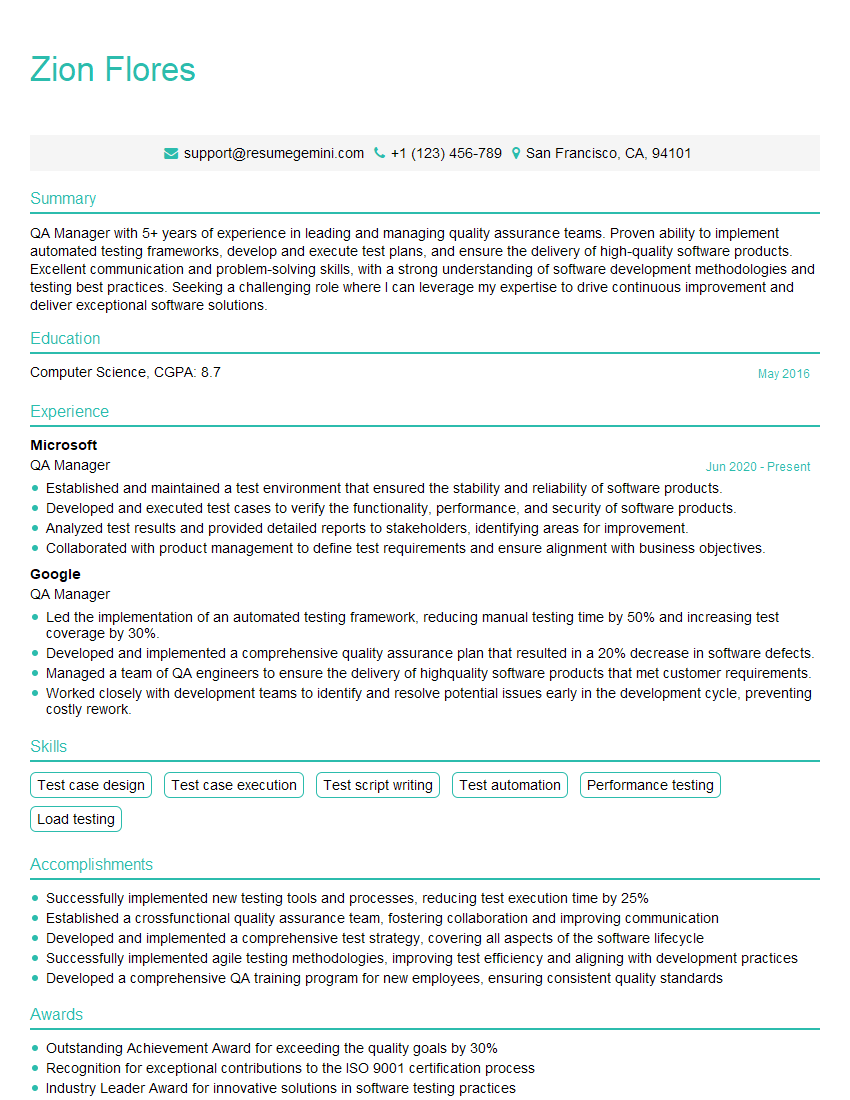
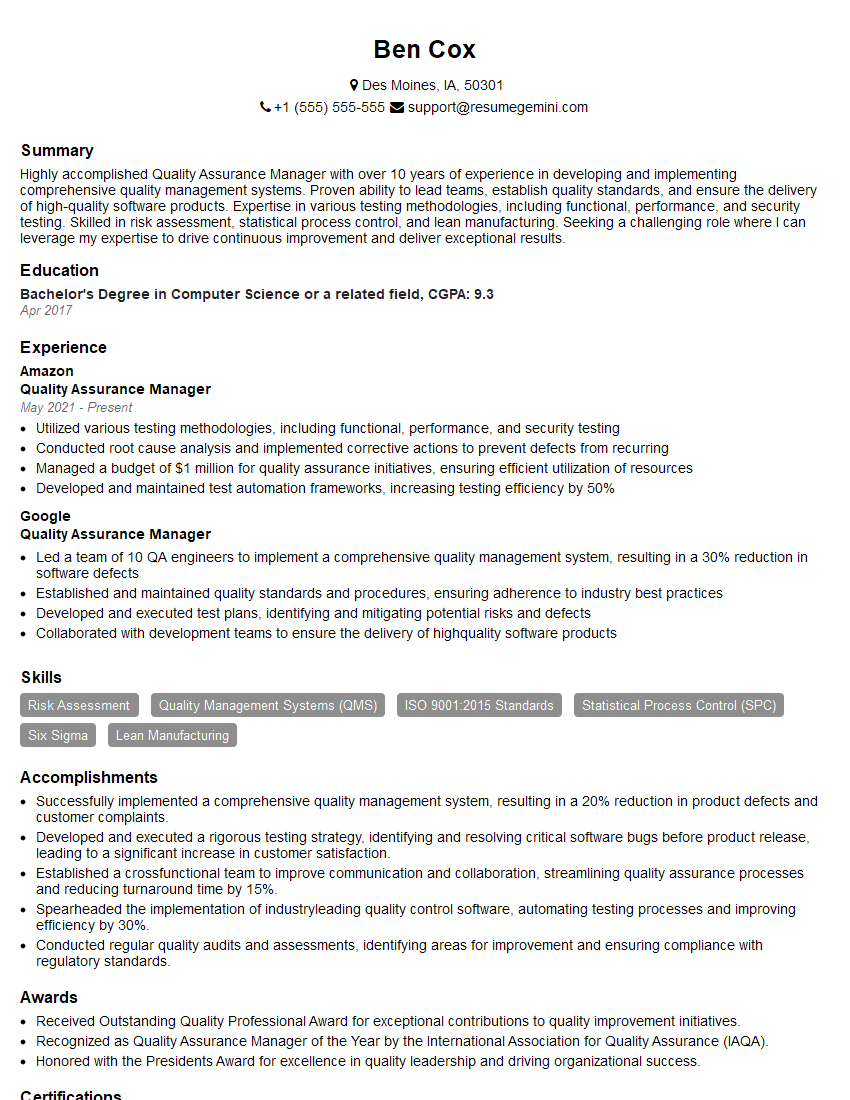
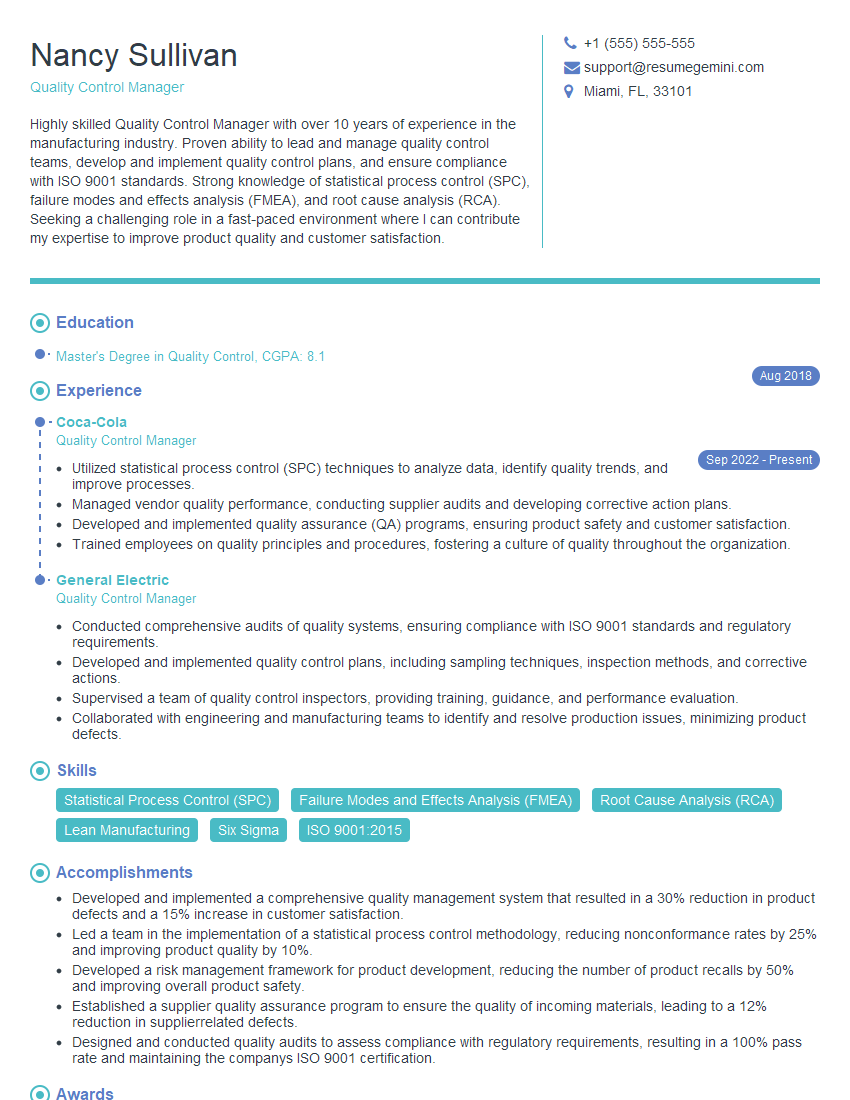
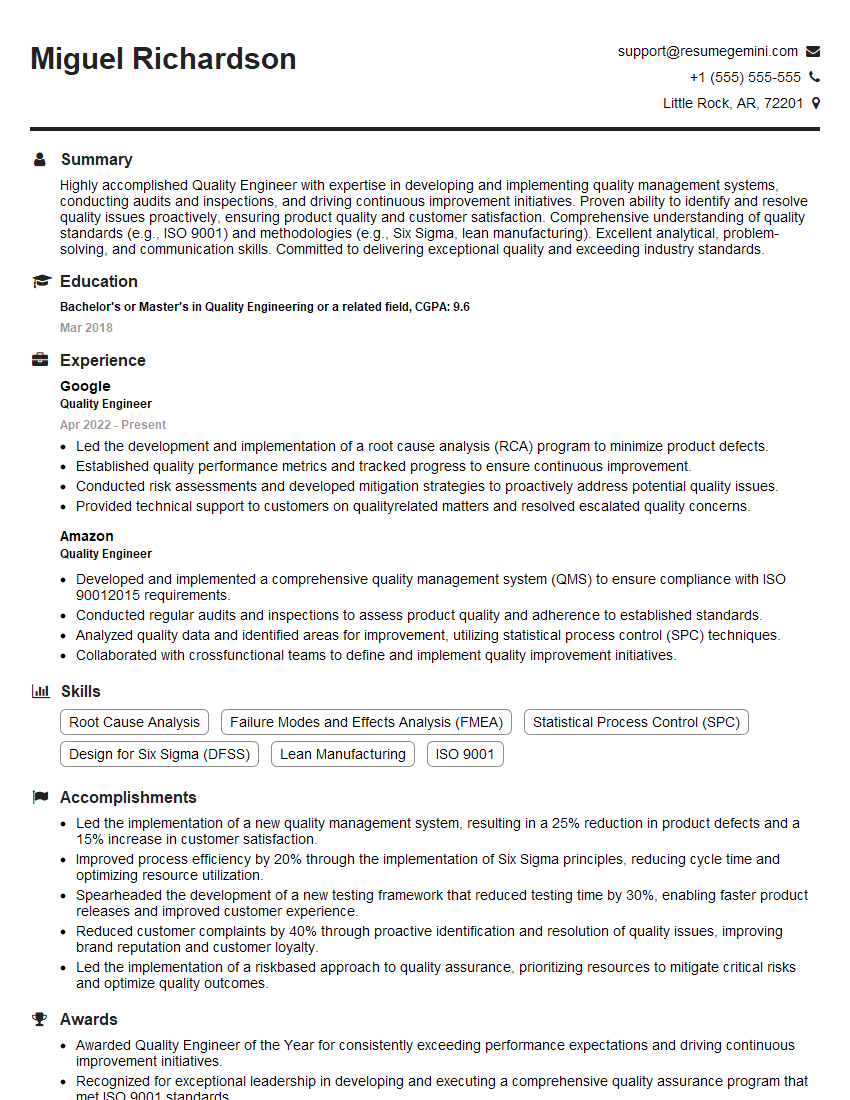
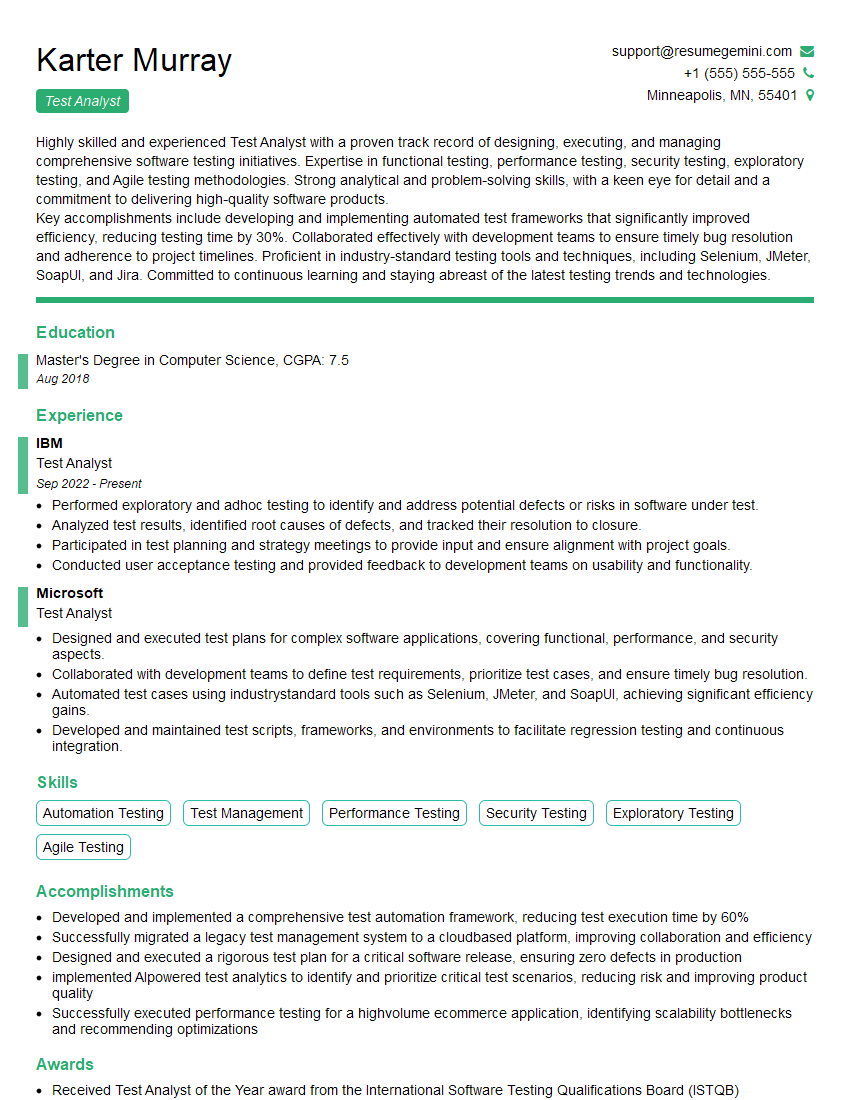
Mastering Quality Assurance and Management is essential for a rewarding and successful career in the technology industry. It opens doors to leadership roles and positions with significantly higher earning potential. To maximize your job prospects, create a compelling and ATS-friendly resume that showcases your skills and experience effectively. ResumeGemini is a trusted resource to help you build a professional and impactful resume. We offer examples of resumes tailored to Quality Assurance and Management to guide you in crafting your own. Invest the time to create a strong resume – it’s your first impression and a key to unlocking your career goals.


Explore more articles
Users Rating of Our Blogs
Share Your Experience
We value your feedback! Please rate our content and share your thoughts (optional).
What Readers Say About Our Blog
Very informative content, great job.
good