Every successful interview starts with knowing what to expect. In this blog, we’ll take you through the top Sap Quality Control interview questions, breaking them down with expert tips to help you deliver impactful answers. Step into your next interview fully prepared and ready to succeed.
Questions Asked in Sap Quality Control Interview
Q 1. Explain the key functionalities of SAP Quality Management (QM).
SAP Quality Management (QM) is a comprehensive module designed to ensure product quality throughout the entire lifecycle, from incoming inspection of raw materials to the final delivery of finished goods. Its key functionalities revolve around planning, executing, and documenting quality control processes. Think of it as a digital quality control handbook and execution tool.
- Inspection Planning: Defining procedures and criteria for inspecting materials and finished products.
- Inspection Execution: Recording inspection results, identifying defects, and managing corrective actions.
- Quality Data Management: Centralized storage and analysis of quality-related data for trend identification and continuous improvement.
- Supplier Quality Management: Monitoring and evaluating the quality performance of external suppliers.
- Certification and Compliance: Supporting compliance with various industry standards and regulations.
- Reporting and Analysis: Generating reports on quality metrics to track performance and identify areas for improvement. This includes key performance indicators (KPIs) like defect rates and rejection rates.
For example, a manufacturer of electronic components could use SAP QM to define inspection procedures for incoming raw materials like capacitors and resistors, ensuring they meet specific tolerances and quality standards before they are used in production.
Q 2. Describe the different QM modules and their interrelationships.
SAP QM is not a single module, but rather a collection of integrated functionalities that work together to manage quality. While not strictly defined as separate ‘modules’ in the same way as, say, FI (Financial Accounting) or SD (Sales and Distribution), we can think of key components that interact closely:
- Quality Inspection: This is the core component, covering the planning and execution of inspections.
- Quality Notifications: Used to report any quality-related issues or deviations from specifications, facilitating immediate corrective action.
- Quality Control: This encompasses all the processes involved in ensuring quality, including inspection, testing, and analysis.
- Supplier Quality Management (SQM): This part focuses on managing the quality performance of external suppliers through certifications, audits, and the evaluation of incoming materials. Imagine a scenario where your supplier delivers faulty components – SQM helps you to manage this.
- Quality Planning: This is the proactive phase where you define quality characteristics, inspection plans, and sampling procedures.
These components are deeply interrelated. For instance, a quality notification created during inspection execution (inspection) might trigger corrective actions handled through quality control, while supplier quality might be affected based on repeated quality notifications regarding a specific supplier’s components.
Q 3. How do you manage quality inspections in SAP QM?
Managing quality inspections in SAP QM involves a structured approach, beginning with the inspection plan. Once an inspection lot is created (representing a batch of materials or finished goods), the system guides the user through the execution of the plan. This is done using the ‘inspection lot’ as the central object.
- Creating Inspection Lots: This is typically triggered by a material movement, such as goods receipt for incoming materials or the completion of a production order. This creates the starting point for the entire inspection process.
- Executing Inspections: This involves recording the results of the defined tests and measurements, possibly using handheld devices or direct entry in the system. The system will guide the inspector through each characteristic defined in the inspection plan, such as dimensions, weight, or appearance.
- Recording Results: Inspectors input the results, and the system automatically assesses whether the results conform to the defined tolerances. This could mean a simple pass/fail or a more nuanced evaluation depending on the inspection plan.
- Evaluating Results: Based on the inspection results, the system updates the status of the inspection lot. This could be ‘inspected’, ‘rejected’, or ‘blocked’ depending on the outcome.
- Generating Reports: Various reports can be generated to track inspection performance and identify trends or problem areas.
For example, a car manufacturer might use QM to inspect an incoming batch of tires. A failed inspection could automatically block the batch from further processing, triggering a notification to the supplier.
Q 4. Explain the process of creating and managing quality characteristics in SAP QM.
Quality characteristics are the specific attributes of a material or product that are measured or inspected during quality control. They define what constitutes ‘good’ or ‘bad’ quality. Think of them as specific criteria defining the characteristics you are testing.
- Creating Quality Characteristics: This involves defining the attribute’s name, data type (e.g., numerical, text, date), measurement unit, and tolerance limits. For example, you might create a characteristic called ‘length’ with a data type of ‘quantity’, a unit of ‘millimeters’, and tolerances of ‘100 +/- 1 mm’.
- Assigning Characteristics to Inspection Plans: Once created, these characteristics are assigned to inspection plans, which determine which attributes should be checked for a specific material or product. Only those characteristics relevant to the product would be included in the plan.
- Managing Characteristics: The characteristics are managed centrally, providing consistency and traceability across various inspections. This central repository facilitates the consistency of your quality standards across different projects or production runs.
Example: For a pharmaceutical company, quality characteristics might include ‘potency’, ‘purity’, and ‘dissolution rate’, each with specific tolerance limits defined. These need to be rigorously defined to meet regulatory compliance.
Q 5. How do you configure inspection plans in SAP QM?
Inspection plans are the blueprints for quality inspections. They define which characteristics will be checked, how they will be checked (e.g., the testing method), and the sampling procedure to be used. They’re crucial for the systematic and consistent execution of inspections.
- Defining Characteristics: The first step is to select the relevant quality characteristics, each with its measurement unit and tolerance limits.
- Specifying Inspection Methods: This defines the procedures to be used for inspection (e.g., visual inspection, lab test). The inspection methods would reference the specifics of how each characteristic is to be measured.
- Defining Sampling Procedures: The plan should specify how many samples will be selected from the inspection lot (discussed in more detail in the next question).
- Creating and Assigning the Inspection Plan: Once configured, the inspection plan is assigned to the relevant material or product. This ensures consistency across similar products.
Example: An inspection plan for a batch of screws might include characteristics like ‘diameter’, ‘length’, and ‘thread quality’, with specific tolerances and inspection methods defined for each.
Q 6. Describe the use of sampling procedures in SAP QM.
Sampling procedures in SAP QM define how many samples should be selected from a larger inspection lot for testing. This is essential to manage costs and time by avoiding 100% inspection, while still assuring a sufficient level of quality control. There are various sampling procedures available, each suited for different scenarios and risk profiles.
- Attribute Sampling: Used when the characteristic is categorical (e.g., conforming/non-conforming). The procedure may be based on AQL (Acceptable Quality Limit), which is a defined acceptable level of defects.
- Variable Sampling: Used when the characteristic is numerical (e.g., length, weight). Statistical methods determine the sample size needed to estimate the population mean and variance.
- Defining Sample Size: The sampling plan defines the sample size needed for the given inspection lot size and the acceptable quality level.
For example, if testing for the presence of defects, an attribute sampling plan will be used. If you are measuring the average weight of a package, a variable sampling plan is required. The selection of the right sampling plan is critical for ensuring the balance between cost and the accuracy of your quality control.
Q 7. How do you handle inspection lots and their status updates in SAP QM?
Inspection lots represent a specific batch of material or finished goods undergoing inspection. Their status is dynamically updated throughout the inspection process, providing real-time visibility into the quality of the lot. Tracking the status is key for timely decision-making.
- Creating Inspection Lots: As mentioned earlier, this is often triggered automatically based on material movements.
- Updating Status: The status is updated automatically based on the inspection results. A lot might progress from ‘created’ to ‘in progress’ to ‘inspected’ or ‘rejected’ and finally ‘released’ or ‘blocked’.
- Managing Status Changes: Manual intervention might be necessary in certain cases, such as correcting errors or changing the sampling plan mid-inspection, requiring careful documentation.
- Tracking History: The system maintains a complete history of status changes, providing full traceability for audit purposes.
Example: A rejected inspection lot could trigger a series of actions, from quarantining the material to initiating a root cause analysis, highlighting the importance of precise status tracking and its impact on the operational workflow.
Q 8. Explain the different types of quality notifications and their usage.
SAP Quality Management (QM) offers several notification types to capture different quality issues. Think of them as different colored flags raised to indicate the severity and nature of a problem.
- Rejection Notification (REJ): Used when a material or service fails to meet specified quality requirements. For instance, if a batch of raw materials doesn’t meet purity standards, a rejection notification is created, halting further processing until the issue is resolved. This involves recording the defect, quantity, and initiating a return or disposal process.
- Quality Notification (QIN): A more general notification used for various quality-related issues, including deviations from specifications, internal errors, or customer complaints. Imagine a slight deviation in the weight of a product, which might not be a complete rejection but still needs investigation and documentation. A QIN is created to track this.
- Return Notification (RET): Used when materials or products are returned from a customer or supplier due to quality problems. This notification allows tracking the returned items, analyzing the root cause, and initiating corrective actions. A classic scenario would be a customer returning a faulty device and the subsequent return notification to track the repair or replacement process.
- Supplier Notification (SLI): Specifically for quality issues related to supplier-provided materials or services. This helps monitor supplier performance and facilitates communication regarding corrective actions. If a batch of components from a supplier fails testing, this notification type enables the QM team to contact the supplier immediately.
Each notification type facilitates different workflows and triggers different actions within SAP QM, ensuring efficient tracking and resolution of quality-related problems.
Q 9. How do you manage corrective and preventive actions (CAPA) in SAP QM?
Managing Corrective and Preventive Actions (CAPA) in SAP QM is crucial for continuous improvement. Think of it as a systematic approach to ‘learn from mistakes’ and prevent recurrence.
In SAP QM, CAPAs are typically managed through the Quality Notification process. Once a quality notification is created, the investigation phase identifies the root cause. Based on the root cause analysis, a CAPA is defined, detailing the corrective actions (to fix the immediate problem) and preventive actions (to avoid future occurrences).
These actions are assigned to responsible parties, tracked against deadlines, and their implementation is documented within the notification. The status of the CAPA can be monitored, ensuring that the corrective actions are taken promptly. SAP QM offers various functionalities, like workflows and alerts, to maintain a consistent and effective CAPA management process. Effective CAPA management significantly reduces the likelihood of recurring quality issues, improves process efficiency, and enhances customer satisfaction.
For example, if a recurring defect is found in a manufacturing process due to faulty equipment, the CAPA would involve replacing or repairing the equipment (corrective action) and implementing a more rigorous preventive maintenance schedule (preventive action).
Q 10. Describe your experience with quality records and their maintenance.
Quality records are the backbone of any effective quality management system. They provide a comprehensive audit trail, documenting all aspects of the quality process. Think of them as your ‘quality memory’, storing vital information regarding inspections, tests, and deviations.
In SAP QM, quality records are dynamically generated based on various quality-related transactions, including inspections, notifications, and certificates. Their maintenance involves regular review and archiving of completed records to ensure data integrity and compliance.
My experience includes using standard SAP QM functionality for record maintenance, along with custom reports and queries to extract specific information. For instance, analyzing quality records to identify trends in defects related to specific materials or production processes helps initiate appropriate corrective and preventive actions. Regular archiving and deletion of obsolete records are essential for database management. Data backup and disaster recovery strategies are a key component of long-term record maintenance. This ensures the company can recover quality records if there are unexpected database issues.
Q 11. How do you integrate SAP QM with other SAP modules (e.g., PP, MM)?
Integrating SAP QM with other SAP modules like PP (Production Planning) and MM (Materials Management) is critical for a seamless and efficient quality management process. This integration ensures that quality data is shared and used effectively across different departments.
- Integration with PP: SAP QM integrates with PP to manage quality inspections during the production process. Inspection points can be defined within production orders, ensuring that quality checks are performed at critical stages. Results from inspections automatically update the production order status. This tight integration prevents defective materials from progressing further in the production process.
- Integration with MM: SAP QM allows for quality-related data to be linked to materials managed in MM. Quality characteristics and inspection plans are assigned to materials. Incoming inspection of materials from suppliers is managed through the MM module, with the results updating material master data within QM. This ensures that only conforming materials are used in production.
This inter-module integration streamlines processes, ensures data consistency, and reduces redundancy. For example, a failed inspection during goods receipt automatically triggers a rejection notification, avoiding the use of defective materials and improving overall efficiency.
Q 12. Explain your understanding of quality alerts and their configuration.
Quality alerts are predefined warning messages that are automatically generated by the system when certain quality-related conditions are met. Think of them as ‘early warning signals’ indicating potential quality issues.
These alerts are configurable; you can define the specific conditions that trigger an alert. This might include exceeding a predefined defect rate, deviation from specified quality parameters, or an unusually high number of quality notifications for a specific material. The configuration involves specifying the alert criteria, recipient(s), and the type of action to be taken. Alerts can be sent via email, or integrated into existing workflow processes within the SAP system.
For example, an alert could be configured to automatically notify the quality manager if the defect rate for a specific product exceeds 2% over a 24-hour period. This proactive approach allows for swift intervention, preventing significant quality problems from occurring.
Q 13. How do you generate reports and perform analysis in SAP QM?
Generating reports and performing analysis in SAP QM is essential for monitoring quality performance and identifying areas for improvement. SAP QM provides standard reports, but its power lies in its ability to be customized.
Standard reports cover various aspects of quality management, including inspection results, notification statistics, and CAPA tracking. Beyond standard reports, SAP provides tools like Query Reporting (in older systems) and Analysis for SAP BW (in modern systems) to build custom reports tailored to specific needs. These tools enable you to perform in-depth analysis of quality data, identifying trends and patterns that may not be apparent from standard reports. For example, you could analyze quality data to identify the root cause of defects by material, production line, or supplier. This analysis forms the basis for proactive quality management.
Using tools like Excel and data visualization software, you can create dashboards and visual representations of key quality metrics, facilitating data-driven decision-making and facilitating strategic planning. Understanding these tools allows for thorough analysis of the effectiveness of implemented CAPAs as well.
Q 14. Describe your experience with user exits and enhancements in SAP QM.
User exits and enhancements in SAP QM are powerful tools that allow for customization and extension of standard functionality. These customizations are crucial for aligning the system with the specific needs of an organization’s quality management processes.
User exits are pre-defined points in the SAP code where custom code can be added without modifying the standard SAP code itself. This ensures that future SAP upgrades won’t overwrite your customizations. Enhancements involve creating additional functionality that extends beyond the standard functionalities of SAP QM.
My experience includes developing user exits to integrate external quality control systems with SAP QM and to customize standard reports and workflows. For instance, I’ve used user exits to automatically trigger specific actions based on inspection results, such as creating a return order for non-conforming materials. I’ve also customized the user interface to improve user-friendliness and data input efficiency. Enhancements, on the other hand, have been implemented to add new functionalities, such as integrating with specific lab equipment for direct data transfer. Careful planning and rigorous testing are vital for successful implementation of these customizations.
Q 15. How do you troubleshoot common issues related to SAP QM?
Troubleshooting SAP QM issues involves a systematic approach. It starts with understanding the nature of the problem: Is it a functional issue, a data issue, or a performance bottleneck? I typically begin by analyzing the error messages and logs within the system. This often reveals the root cause. For example, if a user can’t create an inspection lot, I’d check if the necessary master data (material, inspection plan) is correctly configured and if the user has the appropriate authorizations. Next, I’d check the system configuration – are the required customizing settings correctly defined? Are there any conflicting settings? If the problem persists, I would use the SAP debugging tools to step through the relevant code and pinpoint the exact location of the error. Finally, I leverage SAP’s online help, community forums, and my network of colleagues for solutions and best practices. Sometimes, simple solutions like data correction or authorization changes are all that’s needed. Other times, it might necessitate working with Basis team to check the system’s health and performance.
For instance, I once encountered a situation where inspection lots weren’t being automatically created after goods receipt. After analyzing the logs and customizing settings, I discovered a missing entry in the material master’s quality inspection data. Correcting this single entry resolved the problem immediately.
Career Expert Tips:
- Ace those interviews! Prepare effectively by reviewing the Top 50 Most Common Interview Questions on ResumeGemini.
- Navigate your job search with confidence! Explore a wide range of Career Tips on ResumeGemini. Learn about common challenges and recommendations to overcome them.
- Craft the perfect resume! Master the Art of Resume Writing with ResumeGemini’s guide. Showcase your unique qualifications and achievements effectively.
- Don’t miss out on holiday savings! Build your dream resume with ResumeGemini’s ATS optimized templates.
Q 16. Explain your approach to data migration in SAP QM implementations.
Data migration in SAP QM requires meticulous planning and execution. My approach is structured around several key phases:
- Analysis & Planning: This initial phase involves defining the scope of the migration, identifying the source systems and target system (SAP QM), and documenting the data structures. We need to understand which QM data needs to be migrated (inspection plans, characteristics, results, etc.) and assess the data quality in the source system. Data cleansing is a crucial part of this phase – identifying and resolving any inconsistencies or errors.
- Data Mapping: This step involves mapping the fields and structures from the source system to their equivalents in the SAP QM system. This involves a detailed comparison of the data structures, identifying any discrepancies and determining how to handle them.
- Data Cleansing & Transformation: Involves cleaning and transforming data to meet the requirements of the SAP QM system. This often includes data validation, standardization, and conversion of data formats. Any discrepancies are documented and resolved.
- Data Migration Execution: Once data is validated and prepared, migration tools (like LSMW or third-party tools) are employed to load the data into the SAP QM system. The migration process is typically performed in a test environment first, followed by the production environment after successful testing.
- Post-Migration Testing & Validation: After the migration, thorough testing and validation are essential to ensure data integrity and accuracy. This involves cross-checking the migrated data with the source system data.
I’ve successfully used both LSMW (Legacy System Migration Workbench) and third-party migration tools depending on the complexity and volume of data. For example, in one project, we used a third-party tool to migrate millions of inspection lot records efficiently and accurately.
Q 17. How familiar are you with different QM transaction codes?
I’m highly proficient with numerous SAP QM transaction codes. My experience encompasses various functionalities within QM, including master data maintenance, inspection lot management, and result recording. Some of the most frequently used codes I’m comfortable with include:
QS21: Create Inspection PlanQS22: Display Inspection PlanQS23: Change Inspection PlanQP01: Create Inspection LotQP02: Display Inspection LotQP03: Change Inspection LotQE01: Record Inspection ResultsQE51N: Inspection Lot ProcessingQS41: Display CharacteristicQS42: Change Characteristic
Beyond these, I’m familiar with codes for managing notification, usage decision, and other QM modules. My understanding extends beyond just knowing the codes; I understand the underlying processes and how these codes integrate with other SAP modules, such as PP (Production Planning) and MM (Materials Management).
Q 18. Describe your experience with SAP QM in different industry verticals.
My experience with SAP QM spans diverse industries, including pharmaceuticals, automotive, and manufacturing. Each industry has specific quality requirements and processes that influence the implementation and configuration of SAP QM. In the pharmaceutical industry, the focus is typically on compliance with regulatory requirements such as GMP (Good Manufacturing Practices), requiring stringent control over the entire manufacturing and inspection process. This includes meticulous documentation and traceability of all materials and processes. In the automotive industry, the emphasis is on high precision and reliability, often incorporating sophisticated measurement and statistical analysis techniques within SAP QM. The manufacturing sector, in general, utilizes SAP QM to manage various quality-related tasks, such as material inspections, vendor inspections, and process monitoring. My experience across these industries allows me to adapt my approach to meet unique needs and requirements.
For example, in a pharmaceutical project, we implemented a robust system for batch traceability, ensuring complete audit trails for each manufactured batch. In the automotive industry, we configured SAP QM to support advanced statistical process control (SPC) methodologies.
Q 19. Explain your understanding of master data in SAP QM.
Master data in SAP QM forms the foundation of the entire quality management process. It comprises essential information about materials, inspection characteristics, inspection plans, and other key elements. Accurate and complete master data is critical for reliable quality inspections and analysis. Key master data elements include:
- Material Master: Contains information regarding material-specific inspection requirements (inspection type, inspection plan).
- Inspection Characteristics: Defines the attributes that are measured or inspected (e.g., length, weight, color).
- Inspection Plans: Specifies the inspection procedures for a given material. They define which characteristics to inspect and the methods to be used.
- Inspection Types: Classifies inspection types (e.g., incoming inspection, outgoing inspection, in-process inspection).
- Inspection Lots: Represents a group of materials to be inspected. It’s created and updated throughout the inspection process.
Maintaining accurate master data is paramount. Errors or inconsistencies here will inevitably lead to flawed inspection results and inaccurate analyses. Regular data reviews and validation are essential.
Q 20. How do you ensure data integrity and accuracy in SAP QM?
Data integrity and accuracy are of utmost importance in SAP QM. Several strategies ensure this:
- Data Validation Rules: Implementing robust validation rules during data entry prevents inaccurate or incomplete data from entering the system. For example, range checks for numeric values and mandatory fields prevent illogical entries.
- Regular Data Cleansing: Periodically reviewing and cleansing master data is crucial. This involves identifying and correcting any inconsistencies or errors.
- User Training and Authorization: Properly trained users and well-defined authorizations minimize the risk of accidental data modification or deletion.
- Workflow Approvals: Implementing workflows for key processes like creating inspection plans and approving inspection results helps improve the quality of data.
- Data Backups and Recovery: Regular data backups and a well-defined recovery plan are essential to protect against data loss.
- Data Governance Procedures: Establishing clear data governance processes, including roles and responsibilities for data maintenance and quality control, is vital for ensuring data integrity over the long term.
For instance, we implemented a data governance process where specific individuals are responsible for data quality, validation, and resolving inconsistencies. This led to a significant improvement in the accuracy and consistency of data within the SAP QM system.
Q 21. What are the key performance indicators (KPIs) you track in SAP QM?
The KPIs tracked in SAP QM depend on the specific business requirements and industry. However, some common KPIs include:
- Inspection Lot Completion Time: The average time taken to complete an inspection lot. This helps identify bottlenecks in the inspection process.
- Defect Rate: The percentage of inspected materials with defects. Indicates the overall quality of the materials.
- Rejection Rate: The percentage of inspected materials rejected due to defects. Highlights the severity of quality problems.
- Number of Inspection Lots Processed: The total number of inspection lots processed within a given period. Provides insight into the workload and efficiency of the quality inspection team.
- Cost of Quality: This encompasses costs associated with prevention, appraisal, internal failures, and external failures. Provides a comprehensive measure of quality-related expenses.
- On-Time Delivery Rate for Approved Materials: Measures the percentage of approved materials delivered on time. Connects quality with timely fulfillment of orders.
These KPIs are monitored using SAP QM reports and analytics tools. The insights gained from these metrics guide continuous improvement initiatives and help optimize quality management processes.
Q 22. Describe your experience with customizing and configuring QM settings.
Customizing and configuring QM settings in SAP involves tailoring the system to meet a company’s specific quality management needs. This ranges from defining inspection characteristics and inspection plans to setting up notification types and defining the workflow for quality processes. My experience encompasses a wide spectrum of this process.
For instance, I’ve worked on projects where we needed to configure inspection plans for different product types, each with unique characteristics and testing procedures. We used SAP’s flexible configuration options to define inspection plans based on material, batch, or even vendor specifics. This included defining inspection characteristics (e.g., length, weight, color), their measurement units, and the sampling procedures to be followed (e.g., 100% inspection, random sampling). We also configured the tolerance limits for each characteristic, defining acceptable ranges to trigger quality notifications. Another significant area involved customizing the notification workflow to ensure the right people are notified at the right time, aligning with our business processes. We integrated the system with other modules like PP (Production Planning) and MM (Materials Management) to ensure seamless data flow and automated processes.
In another project, we implemented a system for managing non-conformances, creating custom notification types based on the severity of defects discovered. This included customizing the workflow to route notifications for different types of non-conformances to the appropriate personnel – for example, minor defects might go to the production team, while major defects would be escalated to quality management. We also configured the system to generate automatic alerts based on the seriousness of the non-conformances.
Q 23. How do you perform testing and validation of SAP QM configurations?
Testing and validating SAP QM configurations is crucial to ensure the system functions as intended and meets business requirements. My approach is multifaceted and includes unit testing, integration testing, and user acceptance testing (UAT).
Unit Testing involves verifying individual components of the configuration, such as a specific inspection plan or a notification workflow step. This often includes setting up test master data, executing simulated inspections or notifications, and verifying the system’s response. For example, we’d test that entering values outside the defined tolerance limits correctly triggers a rejection of the material batch.
Integration Testing focuses on ensuring that different QM components work together seamlessly. This includes testing the interaction between inspection lots, quality notifications, and other related modules like PP and MM. We might simulate a complete production cycle, from goods receipt to final inspection, to verify the entire process end-to-end.
User Acceptance Testing (UAT) is the final stage where end-users test the configured system in a realistic environment to ensure it meets their needs and is user-friendly. I typically involve a cross-section of users from different departments and roles to get comprehensive feedback. This phase often leads to minor adjustments or refinements in the configuration before go-live.
Q 24. What are your experiences with SAP QM upgrades and support packs?
SAP QM upgrades and support packs require careful planning and execution to minimize disruption. My experience covers several upgrade projects, including both minor and major releases. We typically follow a structured approach involving various phases:
- Pre-upgrade Assessment: Analyzing the current system landscape, identifying potential conflicts and dependencies, and determining the impact of the upgrade.
- Testing: Thoroughly testing the upgraded system in a test environment, including regression testing to ensure existing functionalities are not impacted.
- Data Migration: Migrating data from the old system to the new one, carefully validating the data integrity and accuracy.
- Cut-over and Go-live: Implementing the upgrade in the production environment, typically during a scheduled downtime to minimize disruption.
- Post-upgrade Support: Providing support to end-users and resolving any issues that arise after the upgrade.
Support packs, on the other hand, typically involve less complex procedures. We often apply them in a more incremental way, carefully testing the impact of each pack before deploying to production. A key aspect of any upgrade or support pack implementation is meticulous documentation and version control, ensuring we can track changes and revert if necessary. Careful planning and a phased approach are essential to minimize risk and maximize the benefits of the upgrade.
Q 25. Describe your experience using different testing methodologies in QM.
My experience incorporates various testing methodologies in SAP QM, tailoring the approach to the specific context and complexity of the project. This includes:
- Black-box testing: Testing the system’s functionality without knowledge of its internal workings, focusing solely on the inputs and outputs. This helps uncover unexpected behaviors and ensures the system behaves as expected from the user’s perspective.
- White-box testing: A more technical approach, requiring knowledge of the system’s internal code and structure. This is useful for identifying and fixing code-level issues.
- Regression testing: Retesting existing functionalities after changes or upgrades to ensure that new modifications haven’t broken anything.
- Performance testing: Evaluating the system’s ability to handle large volumes of data and user activity. This is especially crucial in high-volume production environments.
The choice of methodology often depends on the stage of the project and the specific goals. For example, black-box testing is commonly used in UAT, while white-box testing is more prevalent during development and configuration. A combination of methods is frequently used to obtain a holistic view of the system’s performance and reliability.
Q 26. How do you handle user training and knowledge transfer for SAP QM?
Effective user training and knowledge transfer are critical for successful SAP QM implementation. My approach is multi-pronged and includes:
- Needs Assessment: Identifying the specific training requirements of different user groups based on their roles and responsibilities.
- Tailored Training Materials: Developing training materials (manuals, presentations, tutorials) that are relevant, concise, and easy to understand. We frequently use real-world examples and scenarios to enhance understanding.
- Hands-on Workshops: Conducting practical workshops where users can practice using the system in a simulated environment. This allows for immediate feedback and clarifies any doubts.
- On-the-Job Support: Providing ongoing support and guidance to users after the training, addressing any issues that arise during their daily work. We often use shadowing and mentoring to help users build confidence and proficiency.
- Documentation and Knowledge Base: Creating comprehensive documentation and a knowledge base that users can access for reference.
For instance, I’ve found that using role-based training is particularly effective, ensuring that each user receives training that is relevant to their specific tasks. We also leverage SAP’s built-in training materials and integrate them with our customized training programs.
Q 27. Explain your approach to problem-solving in a complex SAP QM scenario.
My approach to problem-solving in complex SAP QM scenarios follows a structured methodology, combining technical expertise with a systematic approach. It typically involves:
- Problem Definition: Clearly defining the problem and gathering all relevant information. This includes understanding the symptoms, the impact, and the context of the problem.
- Root Cause Analysis: Using various techniques, such as the 5 Whys or fishbone diagrams, to identify the root cause of the problem. This is crucial to prevent recurrence.
- Solution Development: Developing potential solutions, weighing the pros and cons of each approach, and selecting the most appropriate solution.
- Testing and Implementation: Testing the proposed solution in a controlled environment and then implementing it in the production system.
- Monitoring and Evaluation: Monitoring the system’s performance after the solution implementation to ensure the issue is resolved and to identify any unexpected consequences.
I’ve found that effective communication is key throughout this process. Keeping stakeholders informed about progress and challenges is crucial. Collaboration with other teams (e.g., ABAP developers, Basis administrators) is often necessary to resolve complex issues. Leveraging SAP’s own troubleshooting tools and documentation is also essential. Documenting the solution and its implementation is crucial for future reference and knowledge sharing.
Q 28. Describe your experience with implementing and configuring quality notifications in SAP QM.
Implementing and configuring quality notifications in SAP QM is a cornerstone of effective quality management. It involves setting up notification types, defining the workflow, and customizing the system to meet specific business requirements.
My experience includes configuring various notification types based on the nature of the quality issue (e.g., material defect, process deviation, customer complaint). We’ve customized the workflows to route notifications to the appropriate personnel for investigation and resolution. This might involve setting up automated email notifications, assigning responsible parties, and integrating the notification process with other modules like PP and MM. The configuration allows for tracking of notification status, recording of corrective actions, and generating reports on quality issues and their resolution.
In one project, we implemented a system for automatically generating quality notifications based on inspection results. If an inspection lot failed to meet predefined quality criteria, the system automatically generated a notification, assigning it to the relevant team for investigation. This significantly streamlined the process and reduced the risk of human error. We also configured the system to generate reports on the frequency and types of quality notifications, providing valuable insights into quality trends and helping to identify areas for improvement.
Key Topics to Learn for Your SAP Quality Control Interview
- Master Data Management in QM: Understand the creation, maintenance, and importance of material master data, inspection plans, and quality characteristics within the SAP QM module. Consider practical scenarios involving data inconsistencies and their resolution.
- Inspection Types and Processes: Gain a solid grasp of different inspection types (e.g., incoming, in-process, outgoing) and their workflows. Practice explaining the practical application of each type in various manufacturing or supply chain scenarios.
- Quality Notifications (QNs): Learn how to create, process, and analyze QNs. Explore different scenarios involving defect reporting, root cause analysis, and corrective actions. Understand the integration with other SAP modules.
- Quality Inspection Lots and Sampling Procedures: Master the concepts of inspection lots, sampling plans, and their execution within SAP QM. Be prepared to discuss practical challenges and solutions related to sampling methodologies and statistical process control.
- Reporting and Analysis in QM: Familiarize yourself with the various reporting and analytical tools available in SAP QM. Practice interpreting key performance indicators (KPIs) and explaining their significance in improving quality management processes. Understand how to identify trends and areas for improvement.
- Integration with other SAP Modules: Understand how SAP QM interacts with modules like PP (Production Planning), MM (Materials Management), and SD (Sales and Distribution). Prepare examples of practical integration scenarios.
- Configuration and Customization of SAP QM: While deep configuration isn’t always expected, a basic understanding of customizing inspection characteristics, creating inspection plans, and setting up workflows will demonstrate a comprehensive understanding.
Next Steps
Mastering SAP Quality Control opens doors to exciting career opportunities in diverse industries. Demonstrating your expertise through a strong resume is crucial for landing your dream job. An ATS-friendly resume is key to getting past Applicant Tracking Systems and into the hands of hiring managers. To help you build a compelling and effective resume, we recommend leveraging ResumeGemini. ResumeGemini provides a powerful tool to craft a professional resume that showcases your skills and experience. Examples of resumes tailored specifically to SAP Quality Control professionals are available to guide you.
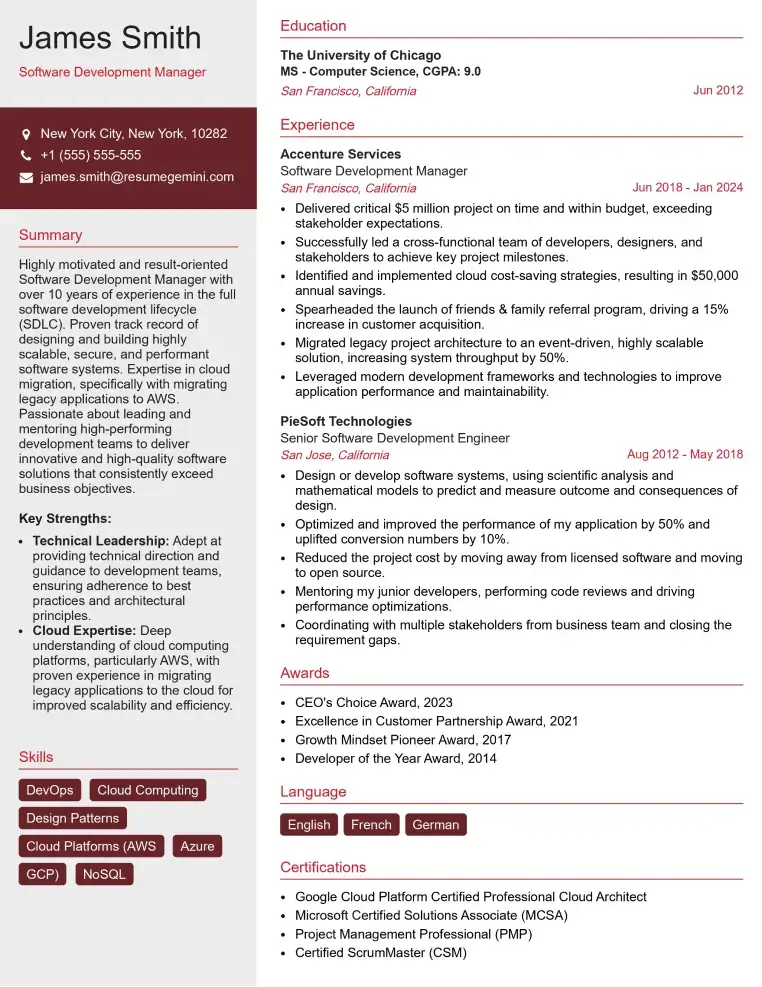
Check Out Resume Samples at ResumeGemini

Check Out Resume Samples at ResumeGemini
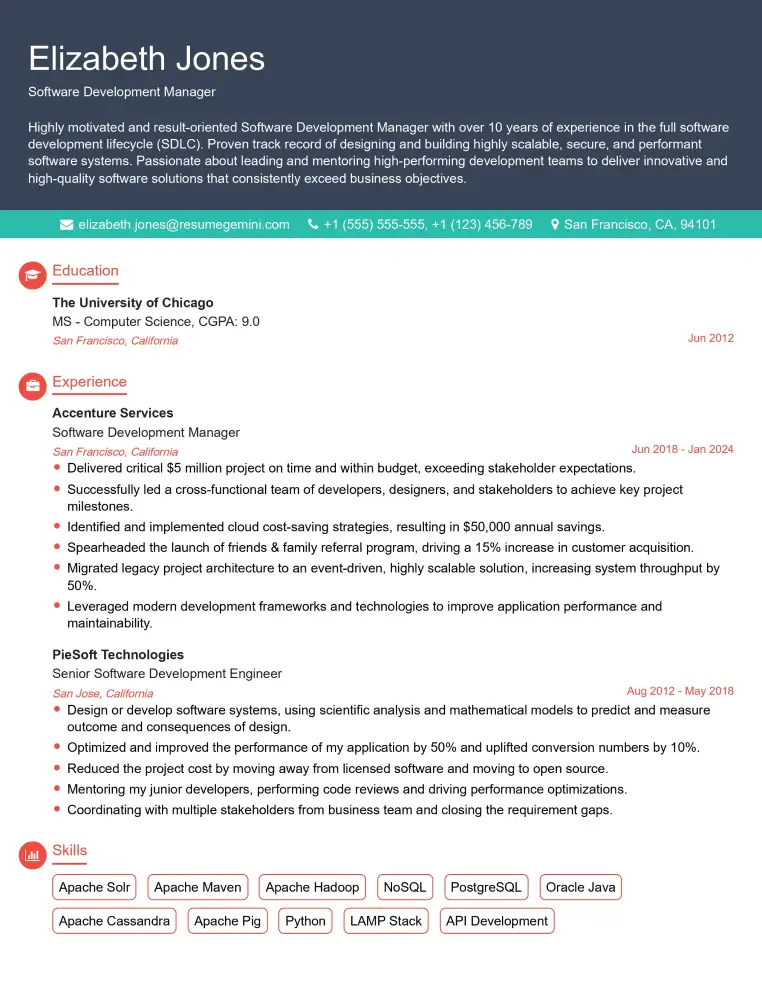
Check Out Resume Samples at ResumeGemini

Check Out Resume Samples at ResumeGemini

Check Out Resume Samples at ResumeGemini

Check Out Resume Samples at ResumeGemini
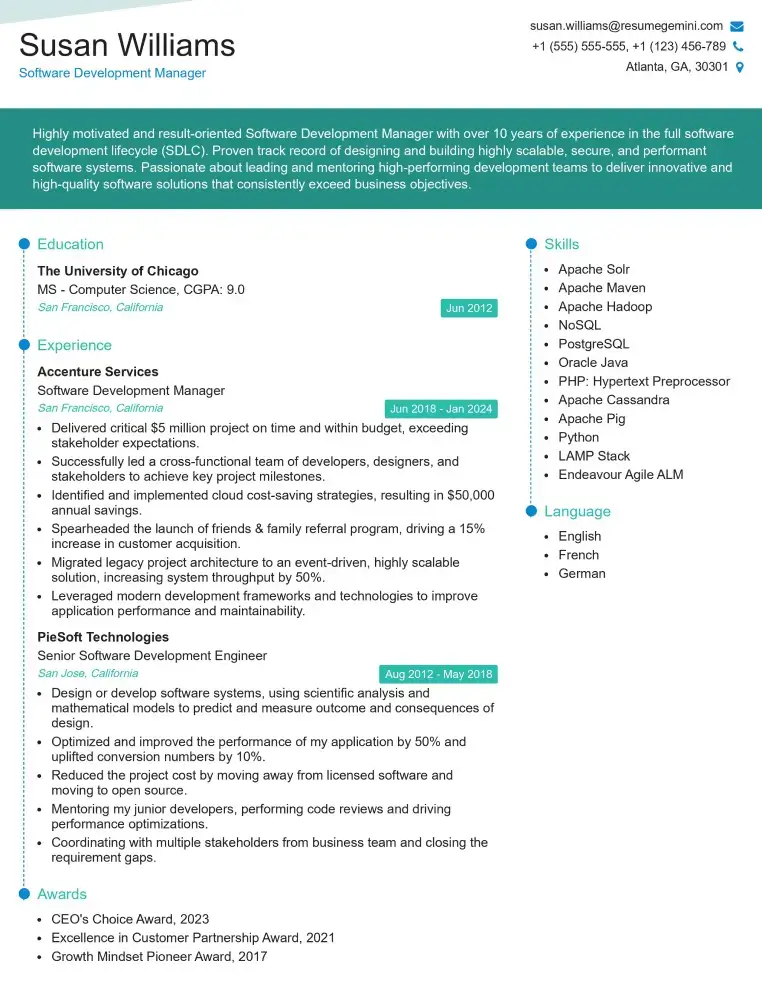
Check Out Resume Samples at ResumeGemini
Explore more articles
Users Rating of Our Blogs
Share Your Experience
We value your feedback! Please rate our content and share your thoughts (optional).
What Readers Say About Our Blog
Very informative content, great job.
good