Are you ready to stand out in your next interview? Understanding and preparing for SAP2000 Ultimate interview questions is a game-changer. In this blog, we’ve compiled key questions and expert advice to help you showcase your skills with confidence and precision. Let’s get started on your journey to acing the interview.
Questions Asked in SAP2000 Ultimate Interview
Q 1. Explain the difference between static and dynamic analysis in SAP2000.
In SAP2000, static analysis assumes that loads are applied slowly and gradually, allowing the structure to reach equilibrium at each load increment. Think of it like gently placing a stack of books on a table – the table responds slowly to the increasing weight. The analysis simplifies the problem by neglecting the effects of inertia and damping, focusing solely on the equilibrium of forces. This is suitable for structures under permanent loads like self-weight or long-term dead loads.
Conversely, dynamic analysis considers the time-dependent behavior of the structure, accounting for inertia and damping effects. Imagine suddenly dropping the stack of books onto the table – the table’s response is much more complex, involving vibrations and oscillations. Dynamic analysis is crucial when dealing with loads that change rapidly over time, such as earthquakes, wind gusts, or impact loads. It involves solving equations of motion, making it more computationally intensive than static analysis.
Choosing between static and dynamic analysis depends on the nature of the loads and the structural response. For most buildings under typical gravity loads, a static analysis is sufficient. However, for structures subjected to seismic activity or blast loads, a dynamic analysis is essential for accurate assessment of structural safety.
Q 2. Describe the process of creating a finite element model in SAP2000.
Creating a finite element model (FEM) in SAP2000 involves several key steps. It’s like building a digital twin of your structure. First, you define the geometry by drawing the structure using beams, columns, shells, and solids, representing the different components of your building or bridge. You then specify the material properties for each element, assigning appropriate material models (e.g., concrete, steel, etc.) with their respective elastic moduli, yield strengths, and other relevant parameters.
Next, you define the mesh, which divides the structure’s geometry into smaller, simpler elements. A finer mesh provides greater accuracy but increases computational cost. SAP2000 automatically generates the mesh, but you can control the mesh density. After meshing, you define supports or boundary conditions, specifying how the structure is restrained (fixed, hinged, roller, etc.). Finally, you apply loads representing various forces acting on the structure, including dead loads, live loads, wind loads, seismic loads, and other relevant actions. Once all these components are defined, you are ready to run the analysis.
Think of it as assembling Lego bricks: each brick represents an element; the instructions specify material properties, supports, and loads. The final assembled structure is your FEM.
Q 3. How do you define boundary conditions and loads in SAP2000?
Defining boundary conditions and loads in SAP2000 is crucial for accurate analysis. Boundary conditions specify how the structure is supported and restrained. This is done by selecting nodes or elements and assigning support conditions like fixed (restraining all degrees of freedom), hinged (restraining translational degrees of freedom), or roller (restraining translation in one direction). Incorrectly defining boundary conditions can lead to inaccurate results.
Loads are applied by selecting the elements or nodes subjected to these loads. SAP2000 allows various load types: dead loads (self-weight), live loads (occupancy loads), wind loads (pressure or wind forces), seismic loads (earthquake forces), and point loads (concentrated forces). You can also apply loads based on load patterns, assigning different load cases with various combinations. For instance, you can define a load case for dead load, another for live load, and another for wind load, and then create load combinations which reflect various scenarios.
Visualizing the applied loads and supports within the model is essential to ensure you accurately represent the real-world conditions. SAP2000 provides excellent tools to check your defined loads and supports.
Q 4. What are the different types of elements available in SAP2000 and when would you use each?
SAP2000 offers a variety of finite elements suitable for different structural components and analysis types.
- Frame Elements (Beams, Columns): Used to model structural members that primarily resist bending, shear, and axial forces. These are the workhorses for modeling buildings and bridges.
- Shell Elements: Represent thin plates and curved surfaces, ideal for modeling walls, slabs, and curved structures like domes. They are capable of handling bending, shear, and membrane stresses.
- Solid Elements: Model three-dimensional regions, useful for analyzing massive structures or complex geometries where shell elements might not be appropriate. They are the most computationally expensive.
- Link Elements: Simulate connections between structural members, allowing for modeling of hinges, gaps, and other connection behaviors.
- Spring and Damper Elements: Model elastic and damping effects, important for dynamic analysis.
The choice of element type depends heavily on the geometry of the structural member and the expected stress distribution. A beam element is ideal for a long, slender column, while a shell element is preferable for a thin slab. Solid elements are better suited to thick, complex components.
Q 5. Explain the concept of convergence in a finite element analysis.
Convergence in finite element analysis refers to the process where the solution obtained from the analysis approaches the true solution of the structural behavior as the mesh is refined. Imagine approximating the area of a circle with increasingly smaller squares. The more squares you use (finer mesh), the closer your approximation gets to the true area of the circle.
In SAP2000, convergence is typically assessed by monitoring the changes in the solution (displacements, stresses, etc.) as the mesh is refined. If the changes become insignificant with mesh refinement, then the solution has converged. Non-convergence can indicate errors in the model, such as inappropriate boundary conditions, incorrect material properties, or numerical instability. If the solution doesn’t converge, you may need to review your model input and settings. You may need to adjust the mesh, boundary conditions, or even the analysis type.
Q 6. How do you handle non-linear behavior in SAP2000?
SAP2000 handles non-linear behavior through various options. Non-linearity arises when the material’s response is not proportional to the applied loads, such as yielding in steel or cracking in concrete. The software offers different strategies to handle this:
- Material Non-linearity: By defining non-linear material models (e.g., concrete damaged plasticity, multilinear isotropic hardening), SAP2000 can simulate the material’s inelastic behavior as loads increase. This accounts for phenomena like yielding, plastic deformation, and cracking.
- Geometric Non-linearity: This considers the effects of large displacements and rotations on the structural response. When a structure deforms significantly under load, its geometry changes, affecting subsequent behavior. SAP2000 accounts for this using a large displacement analysis option.
- Nonlinear Static Analysis: This solves for the equilibrium state incrementally, accounting for the changing stiffness of the structure as it deforms.
- Nonlinear Dynamic Analysis: This adds the effects of time-varying loads and inertial forces to the nonlinear static analysis.
The choice of nonlinearity type depends on the specific behavior you want to model. For a steel structure undergoing yielding, material nonlinearity is crucial. For a flexible structure undergoing significant displacements, geometric nonlinearity should be considered. Often, a combination of both is necessary for accurate results.
Q 7. Describe the different types of load combinations in SAP2000.
Load combinations in SAP2000 are essential for determining the worst-case scenario for the structure. They combine different load cases (dead load, live load, wind load, etc.) according to relevant building codes and design specifications. This allows engineers to evaluate the structure’s response under various loading scenarios and ensure it can withstand anticipated conditions.
SAP2000 allows defining various load combinations using load factors specified in codes such as ASCE 7 or Eurocode. Examples of load combinations include:
1.4D(1.4 times dead load)1.2D + 1.6L(1.2 times dead load plus 1.6 times live load)1.2D + 1.6L + 1.0W(1.2 times dead load plus 1.6 times live load plus 1.0 times wind load)0.9D + 1.0W(0.9 times dead load plus 1.0 times wind load)
The specific load combinations and factors depend on the governing design code and the type of structure. Properly defining load combinations is vital to ensure that the design meets the required safety factors and complies with applicable building codes.
Q 8. How do you interpret the results of a SAP2000 analysis?
Interpreting SAP2000 results involves a systematic approach, moving from a general overview to a detailed examination of specific elements. First, I review the summary reports, looking at overall displacements, reactions, and stress levels to identify potential problem areas. These summaries provide a ‘big picture’ view of the structural performance under the applied loads. Then, I delve into the detailed results, examining individual element stresses, displacements, and internal forces (axial forces, shear forces, bending moments, torsional moments). I cross-reference these values with allowable limits based on the material properties and design codes. For instance, if I see high stress concentrations in a specific area, I’ll investigate the design and potentially refine the mesh or material properties in that region. Visualizing the results using SAP2000’s graphical tools is crucial – contour plots of stress and displacement help quickly pinpoint potential issues. Finally, I create reports summarizing my findings, including recommendations for design modifications if necessary. This might involve strengthening elements, changing material properties, or redesigning the structural geometry.
Think of it like a doctor reviewing a patient’s medical tests. The summary reports are the initial vital signs, while the detailed results are the individual test results. The goal is to diagnose potential problems and propose a treatment plan (structural modifications).
Q 9. Explain the importance of meshing in finite element analysis.
Meshing is the process of dividing a continuous structure into a collection of smaller, simpler elements (like triangles or quadrilaterals for 2D analysis or tetrahedrons or hexahedrons for 3D analysis) in finite element analysis (FEA). The accuracy of the FEA results heavily depends on the mesh density and quality. A finer mesh (more elements) provides a more accurate representation of the structure’s behavior, especially in areas with complex geometry or stress concentrations. However, a finer mesh also significantly increases computational time and resources.
Imagine trying to model a curved surface with just a few large blocks versus many small ones. The latter provides a much more accurate representation of the curve’s shape. In structural analysis, a poor mesh can lead to inaccurate stress predictions, potentially leading to unsafe designs. Key aspects of meshing include element size, element shape (aspect ratio), and element distribution. The optimal mesh is a balance between accuracy and computational efficiency. SAP2000 provides several automatic meshing options, but manual refinement in critical areas is often necessary.
Q 10. What are the limitations of finite element analysis?
FEA, while powerful, has limitations. One major limitation is the reliance on simplifying assumptions. The real world is complex, and FEA models often necessitate idealizations. For example, we might assume linear material behavior, even though materials might exhibit nonlinear behavior under certain loads. Another limitation is the need for accurate input data – incorrect material properties, boundary conditions, or loads will lead to inaccurate results. Furthermore, the accuracy of the results is directly related to the mesh quality; insufficient mesh refinement can lead to inaccurate stress estimations. Finally, FEA cannot capture every aspect of real-world behavior, such as unexpected material defects or unforeseen environmental factors. It’s a tool that provides a valuable approximation, not a perfect representation of reality. It’s crucial to use engineering judgment and consider the limitations when interpreting the results.
For instance, modeling a complex weld joint with FEA requires simplifying assumptions about the weld’s geometry and material properties. The results will only be as good as the assumptions made. Always validate results through experimental testing or other verification methods whenever possible.
Q 11. How do you model different materials in SAP2000?
SAP2000 allows for modeling a wide range of materials, including linear elastic materials (steel, concrete, aluminum), nonlinear materials (reinforcing steel, concrete exhibiting cracking), and composite materials. Each material requires defining its properties within SAP2000’s material property database. For linear elastic materials, the primary properties are Young’s modulus (E), Poisson’s ratio (ν), and density (ρ). For concrete, I’d typically use a nonlinear concrete model, specifying its compressive strength and tensile strength, potentially including parameters to define its stress-strain behavior more accurately. Reinforcing steel is defined with its yield strength, ultimate strength, and Young’s modulus. SAP2000 uses these properties to accurately predict the material behavior under the applied loads during the analysis. Material selection is crucial and should be based on the actual materials used in the structure and relevant design codes.
For example, designing a reinforced concrete beam requires defining both the concrete and reinforcing steel material properties. The software then accounts for the interaction between these materials during the analysis, which is essential for an accurate representation of the beam’s structural behavior.
Q 12. How do you check the accuracy of your SAP2000 model?
Checking the accuracy of a SAP2000 model is a critical step. This involves several checks: Firstly, I verify the model’s geometry to ensure it accurately reflects the intended structure. This often involves comparing the model to the design drawings. Secondly, I review the applied loads and boundary conditions to guarantee they’re realistic and accurately represent the actual conditions the structure will face. Thirdly, I verify the material properties to ensure they match the specified materials. Then, I perform a convergence study by refining the mesh and observing if the results change significantly. If the results change drastically with mesh refinement, the initial mesh is probably too coarse. Finally, I can compare the SAP2000 results to analytical solutions (if available) or experimental test data (if such data exist) for simpler components to validate the accuracy of the model. Any discrepancies necessitate a thorough investigation to identify and rectify the source of error.
For example, a simple cantilever beam under a point load has a readily available analytical solution for displacement and stress. Comparing the FEA results to this analytical solution is an excellent method of validation. Large discrepancies might indicate errors in the model setup or material properties.
Q 13. Explain the process of designing a simple beam in SAP2000.
Designing a simple beam in SAP2000 involves several steps. First, I define the geometry by creating a beam element with the specified length and section properties (e.g., rectangular, I-beam). Next, I define the material properties (e.g., steel, concrete) and assign them to the beam element. Then, I define the supports; this might involve fixed supports, hinges, or rollers at the beam ends, depending on the beam’s boundary conditions. Afterward, I define the loads acting on the beam; this could include point loads, distributed loads, or moments. Then, I run the analysis using a suitable analysis type (linear static analysis is typically sufficient for simple beam design). Finally, I review the results, focusing on displacements, stresses, and internal forces to ensure they are within allowable limits according to the chosen design code. If necessary, I adjust the section properties (e.g., increasing the beam’s depth) to satisfy the design criteria. The iterative nature of design is important here; I often make adjustments to the beam’s section until the design meets all constraints.
For instance, I might design a simply supported steel beam to support a uniformly distributed load. By adjusting the beam’s depth and width, I can ensure that the bending stresses and deflection remain within acceptable limits according to the relevant steel design code.
Q 14. How do you perform a seismic analysis in SAP2000?
Performing a seismic analysis in SAP2000 involves several steps. First, I define the structural model, including all geometry, materials, supports, and connections. Then, I define the seismic loading using a response spectrum analysis or time-history analysis. A response spectrum analysis defines the seismic loading based on a design response spectrum provided by a seismic code, while a time-history analysis utilizes recorded earthquake ground motions. Next, I define the structural properties including mass, damping (representing energy dissipation within the structure), and stiffness. Accurate mass distribution is crucial for a realistic seismic response. For response spectrum analysis, I would specify the response spectrum and relevant damping ratio. For time-history analysis, I’d input the earthquake ground motion records. Then, I run the analysis in SAP2000, selecting the appropriate analysis type. Finally, I review the results, checking for displacements, internal forces, and stresses in all elements. I check to ensure these values are within allowable limits defined in seismic design codes. Seismic design often requires considering different combinations of seismic forces and gravity loads.
For example, a building model might be subjected to a response spectrum analysis defined by the relevant building code. The analysis will determine the building’s response to the specified seismic event, enabling the engineer to check for compliance with safety requirements.
Q 15. Describe the different types of supports in SAP2000.
SAP2000 offers a wide array of support types to realistically model structural behavior. These supports restrict the degrees of freedom (DOF) of a node, essentially defining how the structure can move or rotate. Think of them as the constraints holding your building together.
- Fixed Support: This is the most restrictive, preventing all six DOFs (three translations and three rotations). Imagine a column firmly embedded in a concrete foundation.
This is represented in SAP2000 by selecting the 'Fixed' option in the support definition. - Pinned Support: This support restricts translations in all three directions but allows rotations freely. A good analogy is a hinge.
In SAP2000, this is typically achieved by restraining the translational DOFs only. - Hinged Support: Similar to a pinned support, but it can also allow for a specific rotation around a particular axis, depending on how it’s defined.
This requires carefully selecting the restrained DOFs in the support dialogue box. - Roller Support: Allows movement in one direction (typically along a horizontal axis) but restricts movement in the other two and all rotations. Imagine a roller on a track; it can move along the track but not off it.
This requires choosing the appropriate direction for the unrestrained translation DOF. - Diaphragm Support: This is more of a concept than a single support. It’s used to model rigid connections, like floor slabs, enforcing in-plane rigidity.
It's a powerful tool for efficiently representing the stiffness of structural elements.
Choosing the correct support type is crucial for accurate analysis. An incorrect support definition can lead to significantly erroneous results.
Career Expert Tips:
- Ace those interviews! Prepare effectively by reviewing the Top 50 Most Common Interview Questions on ResumeGemini.
- Navigate your job search with confidence! Explore a wide range of Career Tips on ResumeGemini. Learn about common challenges and recommendations to overcome them.
- Craft the perfect resume! Master the Art of Resume Writing with ResumeGemini’s guide. Showcase your unique qualifications and achievements effectively.
- Don’t miss out on holiday savings! Build your dream resume with ResumeGemini’s ATS optimized templates.
Q 16. How do you model a column in SAP2000?
Modeling a column in SAP2000 is straightforward but requires attention to detail. The process usually involves these steps:
- Define the Geometry: Create a frame element representing the column. Specify the column’s length, cross-sectional properties (area, moment of inertia, etc.), and material properties (e.g., concrete, steel). Accurate dimensions are crucial.
- Assign Material Properties: Select an appropriate material model from SAP2000’s library (concrete, steel, etc.) or define a custom one. Material properties significantly affect the results.
- Assign Section Properties: Define the column’s cross-section. SAP2000 offers pre-defined sections or allows for custom sections to be defined using shape libraries. Consider the effects of potential slenderness.
- Apply Supports: Assign appropriate supports at the column’s base and top, reflecting the actual structural constraints. Misrepresenting supports is a common modeling error leading to inaccurate results.
- Apply Loads: Apply the relevant loads to the column (dead load, live load, wind load, seismic load). Correct load application is crucial for a realistic analysis.
Remember to verify the model for any errors in geometry, material properties, or section properties. A well-defined column model is the foundation for an accurate analysis.
Q 17. How do you interpret stress and displacement results in SAP2000?
Interpreting stress and displacement results in SAP2000 is crucial for structural design. Remember, these are calculated values, not direct measurements.
- Stress Results: SAP2000 displays stress results as values at different locations within the elements. These include axial stress, bending stress, shear stress, and possibly others depending on the element type and analysis type. Look for maximum stress values, compare them to the material’s allowable stress, and check for stress concentrations.
- Displacement Results: These represent the movement of nodes in the structure under load. Excessive displacements might indicate a design flaw. Look for maximum displacements and compare them to allowable limits (e.g., to prevent excessive deflection and maintain serviceability).
Visual Representation: SAP2000 uses color-coded contour plots to visually represent stress and displacement. High stress values are usually represented by redder colors, while low values are represented by blues and greens. Similarly, larger displacements are shown with more intense colors. Always carefully examine the results alongside the values displayed in tables.
Consider the Context: Always consider the context of the results. For example, high stress in a highly constrained area might be acceptable, but high stress in a critical area (like a weld) is a major concern. Always examine your results alongside your engineering knowledge and design code requirements.
Q 18. Explain the importance of code checks in SAP2000.
Code checks in SAP2000 are essential for verifying whether a design meets the requirements of relevant building codes (ACI, AISC, Eurocode, etc.). These checks compare calculated stresses, displacements, and other design parameters against code-specified limits.
Importance: Code checks ensure the safety and stability of structures. They help engineers demonstrate compliance with legal requirements and industry best practices. Failing a code check might necessitate design modifications.
How to Use Code Checks: SAP2000 provides options to perform code checks according to various standards. To use the code check features, you’ll typically need to: 1) select the appropriate code, 2) specify relevant material properties, and 3) define load combinations. The software then compares calculated values with code-specified limits, producing a report highlighting any violations.
Limitations: Keep in mind that code checks are based on simplified models and assumptions. They are not a replacement for sound engineering judgment. A thorough understanding of the code and the limitations of the model is essential.
Q 19. How do you handle different types of loads (dead, live, wind, seismic)?
SAP2000 handles different load types through load combinations and load cases. Let’s break down how this works.
- Dead Load: The self-weight of the structure. SAP2000 automatically calculates this based on the defined geometry and material properties, but manual adjustment is often necessary for greater accuracy.
- Live Load: Loads that vary over time, such as occupancy loads, furniture, or snow loads. These are typically defined using load patterns in SAP2000. Multiple load patterns might be required for different scenarios (e.g., maximum live load, reduced live load).
- Wind Load: Defined using wind pressure data, calculated either manually or using specialized tools or wind analysis modules within SAP2000. The directionality of wind loads needs to be carefully considered.
- Seismic Load: These loads simulate the effects of earthquakes. This requires spectral analysis, often involving sophisticated seismic input parameters that should be obtained from specialized seismic analysis software or geotechnical reports.
Load Combinations: These combine different load cases to simulate various scenarios (e.g., dead load + live load, dead load + wind load, dead load + seismic load). Load combinations are crucial for evaluating the structure under different loading conditions. Appropriate load factors are essential, often specified by design codes.
Q 20. What are the different types of analysis available in SAP2000?
SAP2000 offers several analysis types, each suited for different structural behaviors and design needs:
- Linear Static Analysis: This is the most common analysis type. It assumes the structure behaves linearly (i.e., displacements are proportional to loads) and the loads are applied statically (slowly). It’s efficient but may not be suitable for structures with significant non-linear behavior.
- Nonlinear Static Analysis: Accounts for nonlinear material behavior (e.g., plasticity) or geometric nonlinearity (large displacements). This offers more realism compared to a linear analysis, but it is computationally more intensive.
- Modal Analysis: Determines the natural frequencies and mode shapes of the structure. This information is crucial for seismic analysis and dynamic response assessments.
- Response Spectrum Analysis: Uses response spectra from seismic data to determine the structure’s response to earthquake loads. This is commonly used in seismic design.
- Time History Analysis: Simulates the structure’s response to a time-varying load, such as an earthquake defined by a time history acceleration record. This is a more detailed approach than Response Spectrum analysis but computationally very expensive.
The selection of the appropriate analysis type depends on the complexity of the structure and the nature of the loading. It is recommended to consult design codes and engineering standards for appropriate analysis type selection.
Q 21. Explain the concept of buckling in SAP2000.
Buckling in SAP2000 refers to the instability of a slender structural element under compressive loads. It’s a sudden change in shape, often leading to collapse. Imagine a long, thin column; if you apply enough compressive force, it might buckle sideways instead of simply compressing further.
How SAP2000 Handles Buckling: SAP2000 uses linear and nonlinear analysis techniques to assess buckling. A linear buckling analysis determines the critical buckling load, the load at which the structure becomes unstable. Nonlinear analysis provides a more realistic picture, accounting for the structure’s response beyond the critical load.
Importance: Buckling is a critical failure mode, especially for slender elements like columns and beams. Therefore, proper design checks in SAP2000 are crucial to ensure the stability of the structure. The results, usually presented as buckling modes and factors, must be carefully reviewed and compared to allowable limits from design codes to determine design adequacy.
Factors Affecting Buckling: Several factors influence buckling behavior: length, cross-sectional shape, material properties, end conditions (supports), and the presence of initial imperfections. Accurate modeling of these factors is crucial for a reliable buckling analysis.
Q 22. How do you perform a modal analysis in SAP2000?
Modal analysis in SAP2000 determines the natural frequencies and mode shapes of a structure. Think of it like finding the structure’s preferred ways of vibrating. This is crucial for understanding how a structure will respond to dynamic loads like earthquakes or wind gusts. The process involves defining the structure’s properties (materials, geometry), applying appropriate boundary conditions (supports), and then running the modal analysis solver within SAP2000.
Here’s a step-by-step breakdown:
- Define Model: Accurately model the structure’s geometry, materials, and boundary conditions. Ensure your mesh is sufficiently refined to capture important details.
- Specify Analysis Type: Navigate to the ‘Analysis’ menu and select ‘Modal’. You’ll be prompted to choose the number of modes to extract. Selecting more modes captures higher frequency vibrations, useful for more complex scenarios.
- Run Analysis: SAP2000 will perform the calculation. The program uses advanced numerical techniques to solve the eigenvalue problem that governs modal analysis.
- Review Results: Examine the results in the ‘Results’ menu. This includes the natural frequencies (in Hertz or cycles per second) and the corresponding mode shapes (visual representations of the structure’s deformation at each frequency). Pay close attention to the fundamental frequency (the lowest frequency), as this mode shape often contributes most significantly to the structure’s dynamic response.
Example: Imagine designing a tall building. Modal analysis helps identify the building’s natural frequencies to ensure they’re far from the frequencies of typical wind gusts or seismic excitations. This prevents resonance, a phenomenon that can lead to catastrophic failure.
Q 23. How do you model composite sections in SAP2000?
Modeling composite sections in SAP2000 involves defining the individual layers of the composite material and their properties (material type, thickness, orientation, etc.). SAP2000 then uses this information to create a composite section property, effectively representing the behavior of the entire section. This is often necessary for modeling structures made of steel, concrete, and wood working together.
The process typically involves:
- Defining Materials: Create material definitions for each layer of the composite section (e.g., concrete, steel).
- Creating Sections: Go to the ‘Define’ menu, then ‘Sections’. Select ‘Add New Property’ and choose ‘Composite Section’. You will be prompted to define the layers, each with its own material and thickness.
- Assigning Sections: Assign this newly created composite section to the appropriate frame elements in your model.
Example: Consider a reinforced concrete beam. You’d define concrete and steel materials, then use the composite section feature to create a section reflecting the concrete core and the reinforcing steel. This ensures the program accurately accounts for the combined load-bearing capacity of both materials. Failure to do so may significantly underestimate or overestimate the structural response.
Q 24. What are the advantages and disadvantages of using SAP2000?
SAP2000 is a powerful tool, but like any software, it has its pros and cons.
Advantages:
- Comprehensive Capabilities: Handles a wide range of structural analysis types, including static, dynamic, and nonlinear analyses.
- User-Friendly Interface: Generally intuitive, making model creation and result interpretation relatively straightforward.
- Extensive Libraries: Provides extensive libraries of materials and sections, saving time and effort.
- Advanced Features: Offers advanced features such as nonlinear analysis, pushover analysis, and time-history analysis for complex projects.
- Visualization Tools: Excellent visualization tools aid in understanding results and identifying critical areas.
Disadvantages:
- Cost: Can be expensive, making it inaccessible to smaller firms or individuals.
- Complexity: The software’s vast capabilities can be overwhelming for novice users, requiring significant training and expertise.
- Error Prone: As with any modeling software, incorrect input or improper use can lead to inaccurate results; careful model checking is crucial.
Ultimately, the decision of whether to use SAP2000 depends on the project’s complexity, budget, and the user’s expertise.
Q 25. How do you perform a pushover analysis in SAP2000?
Pushover analysis is a nonlinear static procedure used to estimate a structure’s capacity under lateral loads, such as earthquakes. It simulates the gradual application of a lateral load pattern until structural failure is reached. The results help assess the building’s seismic performance and identify potential weak points.
In SAP2000, this is performed by:
- Defining Material Nonlinearities: Define material models that account for the nonlinear behavior of structural components (e.g., concrete cracking, steel yielding).
- Defining Load Pattern: Define a lateral load pattern representing the earthquake load. This might be a code-specified pattern or one derived from a more sophisticated dynamic analysis.
- Defining Analysis Parameters: Specify the pushover analysis parameters, including the load increment and convergence criteria.
- Running the Analysis: Execute the pushover analysis within SAP2000.
- Interpreting Results: Examine the pushover curve (base shear vs. roof displacement), capacity curve and identify failure mechanisms.
Example: For a multi-story building, a pushover analysis may show that the columns on the lower floors reach their capacity first. This would indicate a potential weak link that needs strengthening to improve the building’s overall seismic performance.
Q 26. How do you use SAP2000 to design for wind loads?
Designing for wind loads in SAP2000 involves applying wind pressure to the structure’s surface and analyzing the resulting stresses and deflections. The process is influenced by several factors: building geometry, wind speed, terrain roughness, and local building codes.
Key steps include:
- Wind Load Generation: Use ASCE 7-16 or other relevant codes to determine wind pressures based on factors mentioned above. SAP2000 may offer tools to automate some of this but careful attention to detail and the specific parameters are required.
- Load Case Definition: Define load cases in SAP2000 representing different wind directions and pressures. Multiple cases are usually needed to capture various wind scenarios.
- Applying Loads: Apply the calculated wind pressures to the building’s surfaces using either pressure or equivalent nodal forces. The accuracy here is heavily dependent on the mesh and modeling of the structure’s geometry.
- Running Analysis: Perform a static or dynamic wind analysis, depending on the complexity and risk.
- Checking Results: Review the stresses, deflections, and drift ratios to ensure they comply with building codes and performance requirements.
Example: A tall skyscraper would require meticulous wind load analysis because wind forces can be substantial and vary with height and direction. The results are vital for appropriate design of the structural framing, cladding and other elements. Without proper modeling of wind loads, the skyscraper would be at a significant risk of failure.
Q 27. Describe your experience with post-processing and visualization of results in SAP2000.
Post-processing and visualization of results are crucial for understanding the structural behavior and identifying critical areas in SAP2000. My experience encompasses a wide range of post-processing tasks, from simple checks of displacements and stresses to complex animations of dynamic responses.
Common tasks I perform include:
- Generating contour plots: to visualize stress distributions, displacements, and other quantities of interest on elements and nodes.
- Creating deformed shapes: to illustrate how the structure deforms under various load cases. Exaggerated scaling is often used to improve visibility of deformations.
- Generating reports: which document analysis results, including critical values, and comparisons with design criteria.
- Animating results: for dynamic analyses to show how the structure vibrates or responds to time-varying loads.
- Exporting results to other software: for further processing or presentation purposes (e.g., Excel, AutoCAD).
Example: In a recent project involving a bridge design, I used SAP2000’s animation capabilities to visually demonstrate the bridge’s response under seismic loading, highlighting areas of high stress and potential weakness. This allowed us to make informed decisions about the structural design and improve the bridge’s resilience to earthquakes.
Key Topics to Learn for SAP2000 Ultimate Interview
- Model Creation and Geometry Definition: Understanding how to efficiently create and manage complex models, including defining materials, sections, and meshing techniques. Practical application: Designing a multi-story building model with varying structural elements.
- Load Application and Analysis Types: Mastering the application of various load types (dead loads, live loads, wind loads, seismic loads) and selecting appropriate analysis methods (linear static, nonlinear static, dynamic). Practical application: Performing a seismic analysis on a bridge structure and interpreting the results.
- Material Properties and Section Definitions: Proficiently defining material properties (concrete, steel, etc.) and section properties (beams, columns, plates, shells) according to relevant building codes and standards. Practical application: Optimizing a structural design by experimenting with different material types and section dimensions.
- Result Interpretation and Post-processing: Accurately interpreting analysis results, including stresses, displacements, and reactions, and visualizing them effectively using SAP2000’s post-processing tools. Practical application: Identifying critical sections and potential failure points in a designed structure based on analysis results.
- Design Codes and Standards: Familiarity with relevant design codes (e.g., ACI, AISC) and their implementation within SAP2000 for code-compliant designs. Practical application: Verifying the design of a steel structure against AISC requirements within the software.
- Advanced Features (Optional): Explore advanced features like nonlinear analysis, time-history analysis, and spectral analysis depending on the specific job requirements. Practical application: Modeling and analyzing the dynamic response of a tall building under wind loading.
Next Steps
Mastering SAP2000 Ultimate is crucial for career advancement in structural engineering, opening doors to challenging and rewarding projects. To maximize your job prospects, focus on creating a strong, ATS-friendly resume that highlights your skills and experience. ResumeGemini is a trusted resource to help you build a professional and impactful resume. They provide examples of resumes tailored to SAP2000 Ultimate expertise, allowing you to showcase your abilities effectively and stand out from the competition.

Project Engineer Resume Sample
Applications Engineer Resume Sample

Design Engineer Resume Sample
Research Engineer Resume Sample
Bridge Engineer Resume Sample
Building Engineer Resume Sample

Civil Engineer Resume Sample
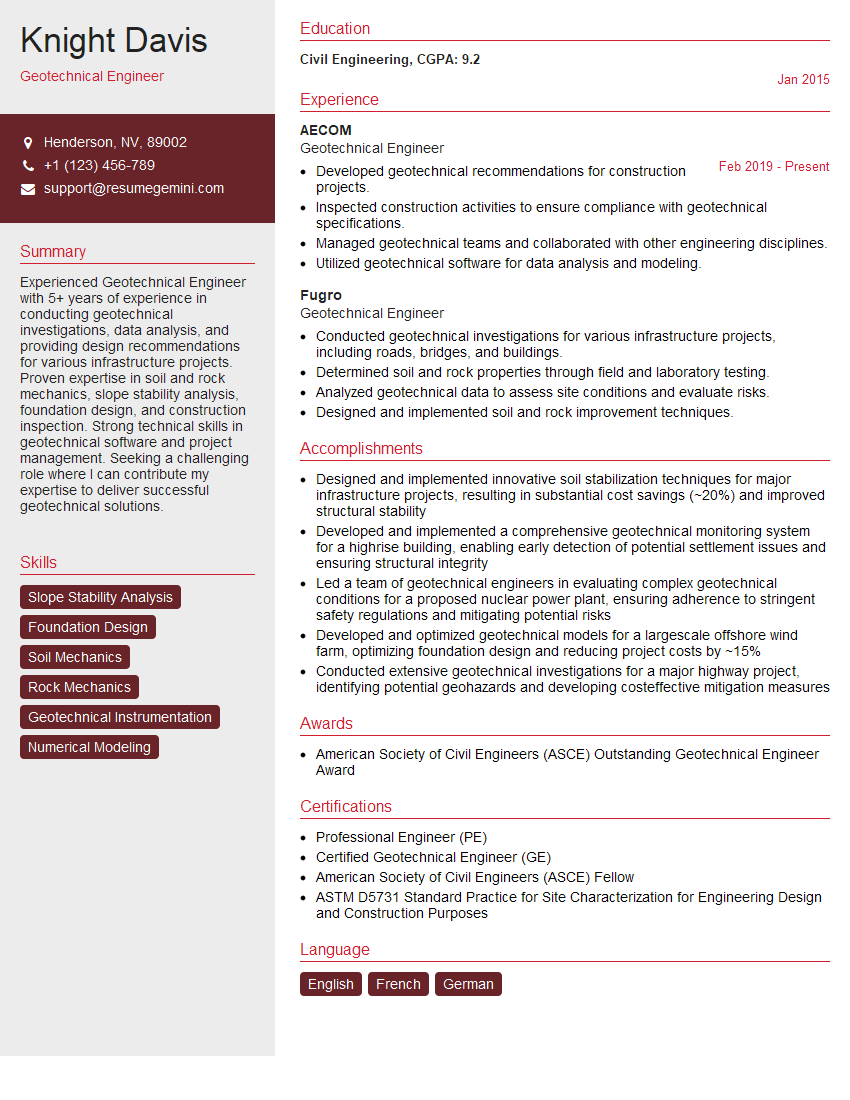
Geotechnical Engineer Resume Sample
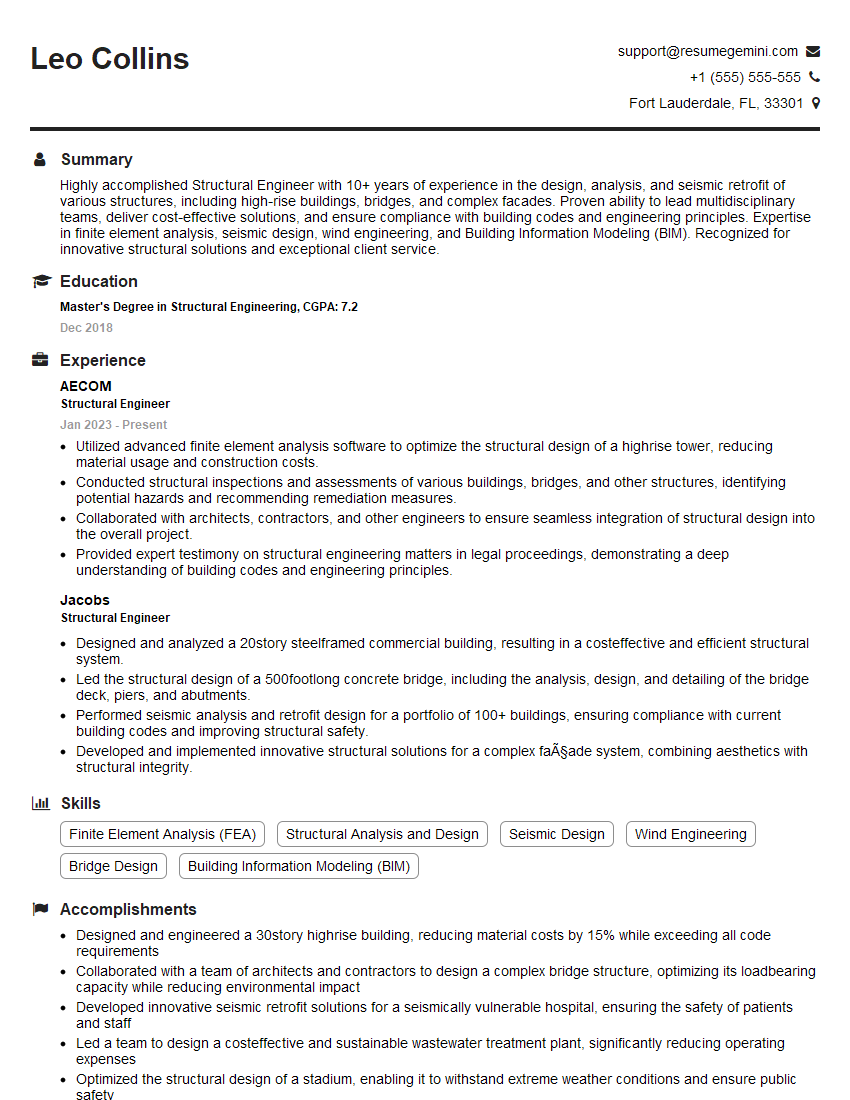
Structural Engineer Resume Sample
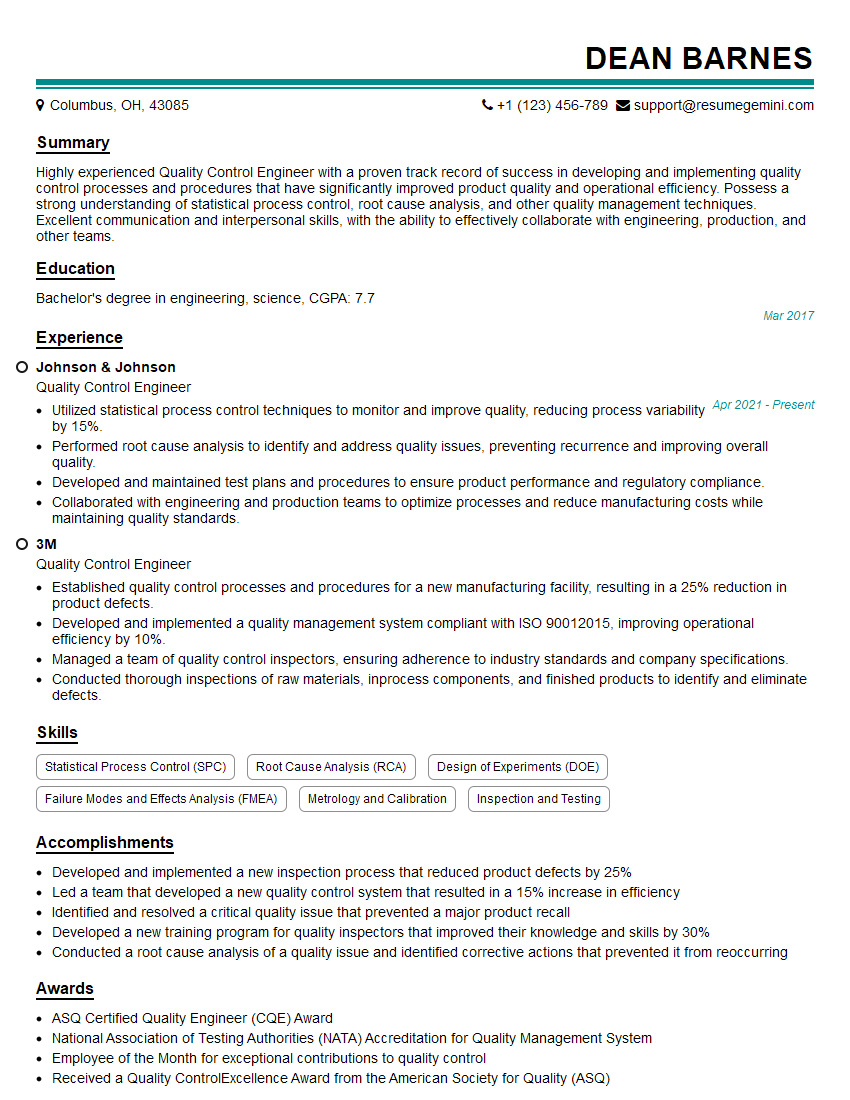
Quality Control Engineer Resume Sample
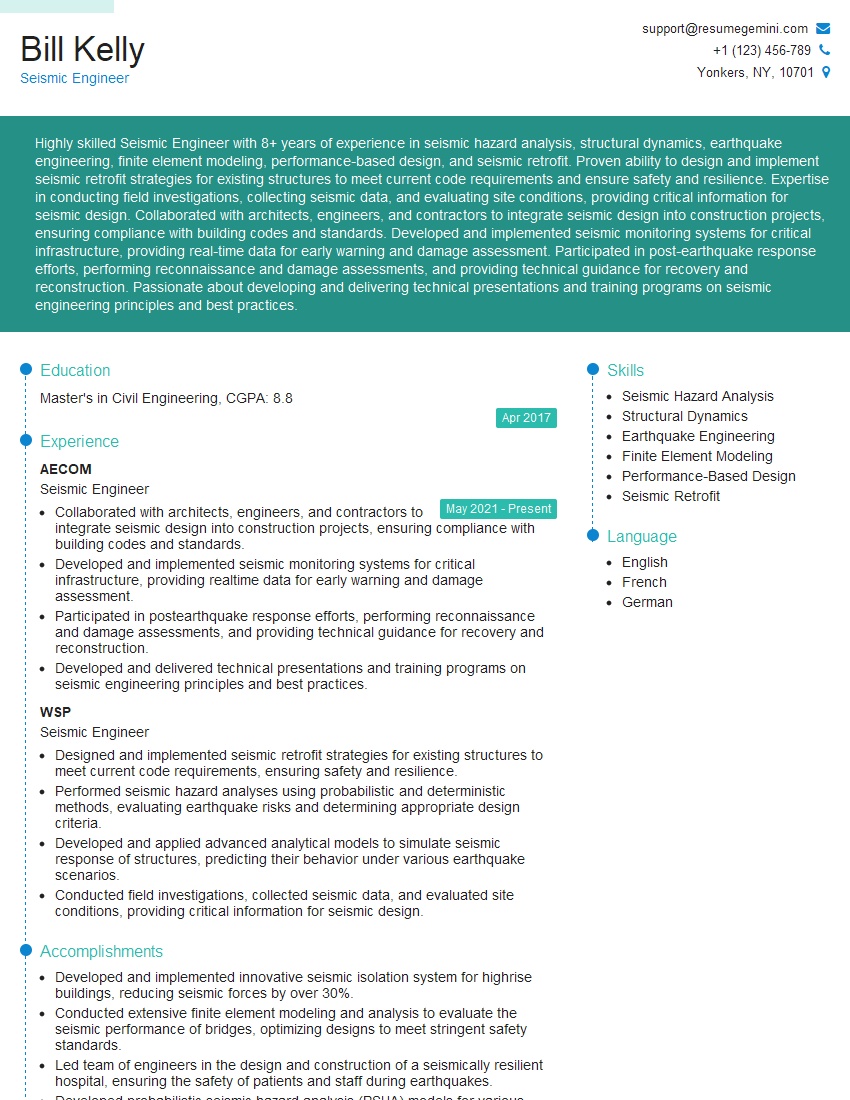
Seismic Engineer Resume Sample
Explore more articles
Users Rating of Our Blogs
Share Your Experience
We value your feedback! Please rate our content and share your thoughts (optional).
What Readers Say About Our Blog
Very informative content, great job.
good