The right preparation can turn an interview into an opportunity to showcase your expertise. This guide to Altium Designer PCB Design interview questions is your ultimate resource, providing key insights and tips to help you ace your responses and stand out as a top candidate.
Questions Asked in Altium Designer PCB Design Interview
Q 1. Explain your experience with Altium Designer’s schematic capture features.
Altium Designer’s schematic capture is the foundation of any PCB design. My experience encompasses everything from simple component placement and net labeling to advanced hierarchical designs and complex multi-sheet projects. I’m proficient in using all the core features, including component libraries, schematic symbols creation, netlist generation, and design rule checking at the schematic level. For instance, in a recent project designing a motor control board, I utilized Altium’s hierarchical design capabilities to break down the complex system into smaller, manageable blocks, improving organization and collaboration. This allowed easier debugging and modification of individual modules. I also use the integrated simulation capabilities to verify the schematic’s functionality before proceeding to PCB layout.
I leverage Altium’s powerful search and filtering tools to quickly find and place components, ensuring consistent component placement and reducing errors. I meticulously label nets, using descriptive names for easy identification and understanding of the circuitry. For complex designs, I employ hierarchical design methodologies, creating sub-schematics to manage complexity and improve readability.
Q 2. Describe your process for creating and managing design libraries in Altium.
Creating and managing design libraries in Altium is crucial for efficient and consistent design. My process involves a structured approach, prioritizing organization and reusability. First, I determine the specific components needed for the project. Then, I either utilize existing libraries from Altium’s extensive library database or create new ones if needed. For new components, I create both schematic symbols and PCB footprints using Altium’s integrated tools, adhering to company standards and industry best practices, including specifying accurate physical dimensions and package types. I also meticulously document each component’s specifications and characteristics within the library.
For larger projects, I adopt a version control system to manage the libraries, ensuring that different versions of components are easily tracked and managed. This is particularly important for managing updates and revisions to existing components. I prefer a structured folder system for organization, classifying libraries by component type and manufacturer for ease of retrieval and reuse in subsequent projects. This structured approach reduces design time, improves consistency, and minimizes the possibility of errors across multiple projects.
Q 3. How do you handle component placement and routing in Altium Designer for high-speed designs?
High-speed design in Altium requires a meticulous approach to component placement and routing. The key is to minimize signal trace lengths, control impedance, and avoid crosstalk. My process begins with careful component placement, strategically positioning sensitive high-speed components close together and away from sources of noise. I use Altium’s interactive routing tools to create controlled impedance traces, setting specific track widths and clearances based on the design’s impedance requirements.
For differential pairs, I employ Altium’s differential pair routing constraints, ensuring consistent length matching and controlled spacing to minimize common-mode noise. I meticulously manage trace lengths to avoid reflections and signal degradation, often using differential pair length matching features to balance signal paths. I also use Altium’s simulation tools to verify signal integrity before finalizing the design. For example, in designing a high-speed data acquisition system, I employed these techniques to ensure data integrity and signal quality at gigabit speeds.
Q 4. Explain your understanding of signal integrity and how you address it in Altium.
Signal integrity is paramount in high-speed digital and analog designs. It refers to the accurate and reliable transmission of signals throughout the PCB. My approach involves several key strategies within Altium. First, I use controlled impedance routing, meticulously defining track widths and spacing to maintain the required impedance for high-speed signals. Secondly, I employ differential pair routing, utilizing Altium’s constraint management features to ensure proper length matching and minimize electromagnetic interference (EMI).
Furthermore, I utilize Altium’s simulation capabilities, such as IBIS-AMI and SPICE simulations, to analyze signal integrity and identify potential issues, such as reflections, crosstalk, and EMI. These simulations help me predict and mitigate signal integrity problems before manufacturing. For instance, I once used simulations to identify a potential ringing issue on a high-speed bus, allowing me to adjust trace lengths and implement termination strategies before the design went into production.
Q 5. How do you manage design revisions and version control in Altium?
Managing design revisions and version control is critical for collaborative projects and maintaining design history. In Altium, I leverage the integrated version control system or integrate with external version control systems such as Git. This allows me to track changes made to the design files, revert to previous versions if needed, and collaborate effectively with other team members.
I create detailed revision logs, documenting each change and its rationale. This ensures traceability and allows me to quickly identify the source of any issues. I also follow a structured naming convention for files, incorporating revision numbers and dates, to maintain organization and clarity. This approach ensures that the design process is well documented, facilitating collaboration and minimizing risks associated with design errors.
Q 6. Describe your experience with constraint management in Altium (e.g., differential pairs, impedance matching).
Constraint management in Altium is crucial for achieving the desired signal integrity and performance in a PCB design. My experience includes defining and managing various constraints, including differential pair routing, impedance matching, and other critical parameters. I define constraints through Altium’s constraint manager, specifying parameters such as differential pair spacing, impedance, and length matching tolerances.
For example, when designing high-speed memory interfaces, I set tight constraints on differential pair length matching to ensure proper signal timing. Similarly, for RF circuits, I define impedance matching constraints to optimize signal transfer and minimize reflections. Altium’s constraint manager integrates seamlessly with the routing tools, providing real-time feedback and ensuring that the routing adheres to the defined constraints. This allows for early detection of potential signal integrity issues and reduces rework.
Q 7. How do you perform design rule checks (DRCs) and address violations in Altium?
Design rule checks (DRCs) are essential for identifying potential manufacturing and functionality problems before PCB fabrication. In Altium, I extensively use the built-in DRC engine to verify the design’s compliance with manufacturing rules, electrical rules, and design guidelines. My process involves creating a comprehensive set of DRC rules tailored to the specific project’s requirements and manufacturing capabilities.
After completing the design, I run the DRC and carefully review the results. Each violation is thoroughly investigated, and corrective actions are implemented to resolve the issue. The process typically involves iterative design adjustments and re-running the DRC until all violations are resolved or deemed acceptable. This meticulous approach minimizes the risk of manufacturing defects and ensures that the final PCB meets the specified requirements. A well-defined DRC process is crucial for delivering high-quality, manufacturable PCBs.
Q 8. Explain your process for generating manufacturing documentation from Altium.
Generating manufacturing documentation in Altium is a crucial final step ensuring your PCB design is accurately produced. My process involves leveraging Altium’s built-in reporting capabilities and external tools for optimal results. First, I meticulously review the design for any potential errors or inconsistencies. Then, I utilize Altium’s integrated tools to generate various outputs. This includes generating Gerber files (RS-274X), which are the industry standard for fabrication. These files define the copper layers, silkscreen, solder mask, and drill information. I also generate drill files (Excellon), which specify the location and size of each hole. Beyond these core files, Altium allows me to create other essential documentation, such as a bill of materials (BOM), assembly drawings, and 3D models. The accuracy of these files is paramount; a single error can lead to costly production delays. Therefore, I always perform thorough verification checks using external Gerber viewers to ensure all data is consistent and complete before releasing these documents to the manufacturer.
Furthermore, I often customize the Gerber generation settings in Altium to comply with the manufacturer’s specific requirements. This may include adjusting layer names, adding specific output formats, and including necessary documentation like fabrication notes. Finally, I carefully package all generated documents into a well-organized folder structure for easy accessibility and transfer to the manufacturer. This structured approach minimizes ambiguity and streamlines the entire manufacturing process.
Q 9. What are your preferred methods for managing large PCB designs in Altium?
Managing large PCB designs in Altium effectively requires a strategic approach combining Altium’s features and disciplined design practices. Think of a large PCB design as a complex city: You wouldn’t try to build it all at once, right? Similarly, breaking down the design into manageable, well-defined sections is crucial. Altium’s hierarchical design capabilities are invaluable here. I use design libraries extensively, creating reusable components and sub-circuits to avoid redundancy and maintain consistency. This modular approach makes the design easier to understand, debug, and modify. Furthermore, I employ Altium’s design rule checking (DRC) thoroughly throughout the process, not just at the end. This allows me to catch and fix errors early, reducing the overall design time and preventing costly revisions. Regular project backups are also non-negotiable, ensuring that my work is safeguarded against any unexpected issues.
Beyond Altium’s inherent features, efficient file management is key. I use a consistent naming convention for all project files and organize them in a clear, logical folder structure. This is especially critical for collaborating with others. Finally, leveraging Altium’s version control system or integrating it with a third-party system such as Git helps track changes and facilitates collaboration. It’s like having a detailed blueprint of every change made throughout the design process, allowing for easier troubleshooting and better team management.
Q 10. How do you ensure design manufacturability in Altium?
Ensuring design manufacturability in Altium is an iterative process that starts from the initial design concept and continues throughout the entire design cycle. It’s not just about making sure the board functions; it’s about making sure it *can* be manufactured efficiently and cost-effectively. This involves several key steps. Firstly, I meticulously define the design rules using Altium’s DRC. This includes specifying minimum trace widths and clearances, pad sizes, and other critical parameters based on the chosen manufacturing process (e.g., surface mount technology, through-hole technology). I always consult the manufacturer’s design guidelines for optimal results. These guidelines are essentially a recipe book detailing their preferred manufacturing processes. The tighter I adhere to this recipe, the better the chances of avoiding problems.
Secondly, I pay close attention to the PCB stackup, carefully considering impedance requirements for high-speed signals. A poorly defined stackup can lead to signal integrity issues and manufacturing difficulties. Thirdly, I utilize Altium’s 3D model visualization extensively to identify and resolve potential clearance issues between components, ensuring sufficient space for assembly and testing. Finally, rigorous design reviews with colleagues are essential. A fresh pair of eyes can often catch issues that I might have overlooked. This is akin to a final quality check before sending the design off to production, significantly reducing the risk of costly errors.
Q 11. Describe your experience with Altium’s simulation tools.
Altium’s simulation tools are a powerful asset in my design process. I utilize them extensively to verify the performance of my designs before committing to fabrication. Specifically, I frequently employ signal integrity analysis to simulate signal propagation and identify potential impedance mismatches or reflections. This is crucial for high-speed digital designs. Altium’s built-in simulation engines offer a range of analysis types including frequency-domain and time-domain simulations. Thinking back to a recent project with high-speed data transmission, simulation revealed a critical reflection point due to an impedance mismatch. This issue was identified and corrected before fabrication, saving significant time and resources.
Furthermore, I use power integrity analysis to evaluate power delivery network (PDN) performance, preventing issues such as voltage drops or noise. Altium’s simulation tools allow for various analysis techniques, offering detailed insights into the circuit behavior under different operating conditions. This proactive approach helps avoid costly errors. While Altium provides a comprehensive suite of tools, I also use third-party simulation software, depending on the project’s complexity, for advanced analyses such as electromagnetic field simulations if needed, complementing Altium’s capabilities.
Q 12. How do you utilize Altium’s collaboration features for teamwork?
Altium’s collaboration features are essential for effective teamwork. Altium’s built-in version control, coupled with its ability to manage design projects from multiple locations, is highly beneficial. Each team member can work on their assigned section of the design simultaneously, with Altium managing the revisions and preventing conflicts. This is similar to a collaborative writing platform where multiple authors can work on a single document at once, with changes clearly tracked and managed. It’s a huge advantage for large projects that involve multiple engineers.
In addition to version control, we utilize Altium’s integrated communication tools to discuss design aspects, share ideas, and resolve conflicts efficiently. This central hub for all design-related discussions minimizes confusion and ensures everyone is on the same page. For instance, if a component placement needs discussion, we’ll annotate that area in the design directly and discuss it using the built-in collaboration features. This clear and organized method promotes collaboration and avoids ambiguity.
Q 13. What are the key differences between Altium and other PCB design software?
Altium Designer distinguishes itself from other PCB design software through several key features. One significant advantage is its robust hierarchical design capabilities, allowing for the efficient management of large and complex projects. This modular approach simplifies design, revision control, and team collaboration. Another is its comprehensive simulation suite, providing more advanced analysis compared to many competitors. For example, its signal integrity and power integrity analyses are highly advanced, reducing the need for external tools in many scenarios. Furthermore, Altium’s excellent design rule checking (DRC) engine helps avoid manufacturing issues, and the library management system is streamlined and powerful. While other software packages may offer similar functionalities, Altium often excels in its integration and user-friendliness.
Conversely, some competing software may focus on specific niches or have stronger integrations with particular CAD or CAM tools. The choice of software often depends on the specific needs of the project and the team’s familiarity with various software platforms. However, Altium’s comprehensive suite of tools, its focus on design efficiency and manufacturing readiness, and its extensive community support makes it a top choice for many professional PCB designers.
Q 14. Explain your understanding of PCB stackup and how it relates to signal integrity.
PCB stackup refers to the vertical arrangement of layers in a printed circuit board. It’s more than just a list of layers; it’s a carefully designed structure that significantly impacts the board’s performance and manufacturability. Imagine it as a layered cake: Each layer has a specific function and interacts with its neighbors in crucial ways. The materials used and their order (dielectric layers, copper layers, etc.) directly influence signal integrity.
Signal integrity refers to the quality and accuracy of signal transmission on the PCB. A well-designed stackup is crucial for ensuring good signal integrity. For example, the thickness and dielectric constant of the dielectric layers determine the characteristic impedance of the transmission lines. In high-speed designs, impedance control is paramount. Improper impedance matching can lead to signal reflections, crosstalk, and ultimately, malfunction. Therefore, careful consideration of layer materials, layer thicknesses, and the overall stackup is essential to achieve the desired impedance and minimize signal integrity issues. Incorrect stackup can lead to signal attenuation, noise, and EMI/EMC problems. Consequently, a thorough understanding and meticulous planning of the stackup is a critical aspect of high-quality PCB design.
Q 15. How do you handle thermal management considerations in your PCB designs?
Thermal management is crucial for reliable PCB operation. Overheating can lead to component failure, reduced performance, and even fire hazards. In Altium, I address thermal concerns using a multi-pronged approach.
Component Selection: I start by choosing components with appropriate thermal characteristics, considering their power dissipation and junction temperature ratings. For high-power components, I select those with robust heat sinks or packages designed for better heat transfer, such as surface-mount packages with large thermal pads.
PCB Layout: Strategic placement is key. I ensure sufficient spacing between heat-generating components and sensitive circuitry to prevent heat transfer. I also utilize thermal vias—through-hole vias specifically designed to conduct heat away from the component—to improve heat dissipation to the PCB layers and ultimately to the ambient environment. For high power applications, I incorporate copper pours and large planes to act as heat sinks.
Simulation and Analysis: Altium’s thermal simulation tools allow me to model the temperature distribution on the PCB under various operating conditions. This predictive analysis helps identify potential hotspots and allows me to make adjustments to the design proactively, optimizing placement and the size of copper pours before prototyping.
Heat Sinks and External Cooling: For extremely high-power applications, I incorporate external cooling solutions such as heat sinks, fans, or liquid cooling systems. The design needs to accommodate the physical space required for these additional components, and their connection points to the PCB will need to be clearly defined.
For example, on a recent project involving a high-power amplifier, thermal simulation revealed a hotspot around the power transistors. By strategically adding copper pours connected to thermal vias and incorporating a dedicated heat sink, I successfully reduced the junction temperature below the safety threshold.
Career Expert Tips:
- Ace those interviews! Prepare effectively by reviewing the Top 50 Most Common Interview Questions on ResumeGemini.
- Navigate your job search with confidence! Explore a wide range of Career Tips on ResumeGemini. Learn about common challenges and recommendations to overcome them.
- Craft the perfect resume! Master the Art of Resume Writing with ResumeGemini’s guide. Showcase your unique qualifications and achievements effectively.
- Don’t miss out on holiday savings! Build your dream resume with ResumeGemini’s ATS optimized templates.
Q 16. Describe your experience with different PCB fabrication technologies.
My experience encompasses a variety of PCB fabrication technologies, from the standard FR4 (fiberglass-reinforced epoxy resin) to more specialized materials. I’m familiar with different board thicknesses, surface finishes (such as HASL, ENIG, and immersion silver), and layer counts. This understanding allows me to make informed decisions based on cost, performance requirements, and application needs.
FR4: The workhorse of the industry, cost-effective and suitable for many applications.
High-Tg FR4: Offers improved thermal stability and resistance to higher operating temperatures.
Rogers materials (e.g., RO4000): Excellent for high-frequency applications due to their low dielectric constant and dissipation factor.
Metal-core PCBs: Used for applications requiring superior thermal conductivity.
Flexible PCBs: Ideal for applications where the PCB needs to bend or conform to a specific shape.
The choice of fabrication technology often depends on factors such as the operating frequency of the circuit, the power dissipation of the components, and the required mechanical strength and flexibility of the board. For instance, a high-speed digital design might benefit from the low-loss characteristics of Rogers materials, while a high-power design might necessitate the use of a metal-core PCB for improved heat dissipation. I carefully evaluate each project’s unique requirements to select the most appropriate fabrication technology.
Q 17. How do you select appropriate connectors and components for your PCB designs?
Selecting appropriate connectors and components is critical for a successful PCB design. My approach involves considering several key factors:
Signal Integrity: For high-speed signals, I choose connectors and components that minimize signal reflections and attenuation. This often involves specifying connectors with controlled impedance characteristics and proper termination techniques.
Mechanical Considerations: I consider factors such as connector type (e.g., edge connector, through-hole, surface mount), mating force, durability, and environmental sealing requirements.
Environmental Factors: The operating environment greatly influences component selection. Factors like temperature range, humidity, shock, and vibration must be addressed. I might select components with extended temperature ratings or ruggedized construction for harsh environments.
Component Availability and Cost: I evaluate the availability of the chosen components and their cost. I always look for a balance between performance, cost, and lead times.
Datasheet Review: A thorough review of datasheets is critical. I carefully examine specifications, mechanical dimensions, and application notes to ensure that the selected components are suitable for the application.
For instance, in a recent automotive design, I used sealed connectors rated for high temperatures and vibration to withstand the harsh automotive environment. For high-speed data transmission, I selected connectors and components that met the required impedance specifications to maintain signal integrity.
Q 18. Explain your understanding of EMC/EMI compliance and how you address it in Altium.
Electromagnetic compatibility (EMC) and electromagnetic interference (EMI) are vital considerations in PCB design. Uncontrolled emissions can cause malfunctions in other devices, while susceptibility to external interference can compromise the performance and reliability of our own design. In Altium, I address these concerns through:
Careful Layout Practices: I minimize loop areas by keeping signal traces short and employing proper ground plane design. I use controlled impedance routing for high-speed signals and strategically place components to reduce mutual inductance and capacitance between sensitive circuits.
Shielding and Filtering: I use shielding to isolate sensitive circuits from external interference and employ filters (e.g., LC filters) to attenuate unwanted noise on power supply lines and signal paths. Altium’s library of components makes it easy to select and add these filters.
Simulation: Altium’s simulation tools allow for the prediction of EMI/EMC performance. By using these tools, I can optimize the layout and components to meet regulatory standards before physical prototyping. This saves time and resources in later stages.
Compliance Testing: While simulation can be valuable, I always ensure that the final PCB design undergoes EMC/EMI testing to verify compliance with relevant standards (e.g., FCC, CE).
For example, in a design with a high-frequency switching power supply, I used a copper pour ground plane, shielding around the power supply circuitry, and input/output filters to minimize radiated and conducted emissions, ensuring compliance with international standards. The simulation results in Altium guided my design modifications and validated the effectiveness of the chosen mitigation strategies.
Q 19. What is your experience with PCB assembly and testing processes?
I have extensive experience with PCB assembly and testing processes. This involves understanding the various assembly techniques (e.g., through-hole, surface mount, BGA), component placement, soldering methods (e.g., reflow, wave soldering), and inspection techniques. My familiarity with these procedures allows me to design PCBs that are easily manufacturable and testable.
Design for Manufacturing (DFM): I incorporate DFM principles during the design phase, ensuring that the PCB is manufacturable using standard processes. This involves considering pad sizes, trace widths, and clearances, taking into account the capabilities of the chosen fabrication house.
Design for Testing (DFT): I incorporate test points and other testability features, such as break-out points for probing, to facilitate easy testing of the assembled PCB.
Collaboration with Manufacturers: I work closely with PCB manufacturers to discuss manufacturing processes and design rules, ensuring that the design is feasible and cost-effective. This may involve Gerber file review with the chosen fabrication house.
Testing Strategies: Depending on the application, the testing procedures may include functional testing, in-circuit testing (ICT), and environmental stress screening to verify that the PCB meets specified requirements.
For example, when designing a high-density PCB, I collaborate closely with the manufacturer to evaluate the feasibility of automated assembly. This allows for informed decisions regarding component placement, pad sizes, and trace clearances to optimize the manufacturing process and minimize potential issues.
Q 20. How do you troubleshoot PCB design issues?
Troubleshooting PCB design issues requires a systematic approach. My strategy involves:
Reviewing Design Files: I begin by thoroughly reviewing the schematic and PCB layout for errors. This often involves checking for incorrect component placements, short circuits, open circuits, and trace routing issues.
Using Simulation Tools: Altium’s simulation capabilities are invaluable for identifying potential problems. Signal integrity analysis, power integrity analysis, and thermal analysis can help pinpoint the root cause of the issue.
In-Circuit Testing (ICT): ICT is a vital tool for identifying component-level failures and short circuits on the assembled board.
Logic Analyzer and Oscilloscope: Using these tools helps me analyze signal timing, voltage levels, and waveforms to identify the precise location and cause of the problem.
Systematic Elimination: When faced with a complex problem, I use a systematic process of elimination. I isolate sections of the circuit to test and validate the functionality of each segment.
A recent example involved a malfunctioning high-speed data acquisition system. After careful review and extensive use of Altium’s signal integrity simulation, I identified the issue as improper termination of a high-speed signal trace. By adding appropriate termination components and rerouting traces, I resolved the problem effectively.
Q 21. What methods do you use for design verification and validation?
Design verification and validation are essential for ensuring the reliability and functionality of a PCB design. My approach involves a combination of methods:
Design Reviews: Formal design reviews involving colleagues and stakeholders help catch potential issues early in the design process.
Simulation: As mentioned previously, Altium’s simulation capabilities are crucial for verifying signal integrity, power integrity, and thermal performance. These simulations predict the behavior of the design before it is built, allowing for proactive problem-solving.
Prototyping and Testing: Building and testing prototypes provides real-world validation of the design. This allows for the identification and correction of any unforeseen problems.
Formal Verification Techniques: Depending on the criticality of the application, I might employ more rigorous techniques such as formal verification using model checking or theorem proving.
For instance, on a recent medical device project, we conducted rigorous simulations and multiple rounds of testing, including environmental stress tests and extensive functional testing, to ensure that the PCB met all required specifications and regulatory compliance. This multi-layered verification process significantly increased the design’s robustness and reliability.
Q 22. Describe your experience with Altium’s scripting capabilities.
Altium’s scripting capabilities, primarily using its embedded Scripting language (based on JavaScript), are invaluable for automating repetitive tasks and customizing workflows. I’ve extensively used scripting to streamline my design process, significantly improving efficiency and reducing errors.
For example, I’ve created scripts to automate the placement of components based on predefined rules, ensuring consistent spacing and alignment across multiple designs. This is especially useful when dealing with large boards containing hundreds or even thousands of components. Another application is generating reports summarizing design parameters like net lengths, component counts, and layer usage. This helps in early design analysis and facilitates informed decision-making.
A practical example involves a script I developed to automatically generate and populate a bill of materials (BOM) directly from the Altium design. This not only saves considerable time but also minimizes the risk of manual errors in BOM generation.
Furthermore, I’ve leveraged scripting to customize Altium’s user interface (UI), creating custom menus and shortcuts to enhance workflow based on my specific needs. I often use these scripts to improve aspects of design rule checking (DRC) – for instance, automatically highlighting violations in a specific color for easier identification.
//Example Script Snippet (Illustrative):
function PlaceComponent(x, y, componentName) {
  var component = Altium.GetCurrentDocument().FindComponent(componentName);
  if (component) {
    component.Move(x, y);
  } else {
    // Handle component not found
  }
}
Q 23. How do you manage design changes and implement them efficiently in Altium?
Managing design changes efficiently in Altium involves a multi-pronged approach centered around version control and a structured change management process. I utilize Altium’s built-in version control capabilities, regularly saving different versions of the design with detailed change descriptions. This allows for easy rollback to previous versions if needed.
For more complex projects, I integrate Altium with external version control systems like Git, enabling collaboration and tracking of changes across multiple team members. This ensures a clear audit trail of all modifications.
To implement changes effectively, I leverage Altium’s schematic and PCB design comparison tools. These tools highlight the differences between versions, helping to quickly assess the impact of modifications. I adopt a design review process where changes are thoroughly checked by my colleagues before implementation to minimize errors and unintended consequences.
Crucially, I maintain a well-organized design library, which is critical to efficiently incorporate changes in components or sub-circuits. This ensures consistency and avoids redundant design effort.
Q 24. How do you create and use custom components in Altium?
Creating custom components in Altium is a fundamental skill for efficient and reusable design. The process typically involves several stages, starting with the schematic symbol creation. This involves defining the component’s pins, parameters (values, tolerances etc.), and adding a descriptive graphical representation.
Next, I create the PCB footprint. This involves defining the physical dimensions and placement of the component’s pads, silkscreen, and other mechanical details. Accurate footprint creation is critical for successful PCB manufacturing. Altium’s integrated tools, like the ‘Component Wizard’, significantly simplify this process.
Finally, I integrate the schematic symbol and PCB footprint into a unified component, ensuring accurate correspondence between the two. I then organize my custom components into a well-structured library, making them easily accessible in future projects. I frequently use parameterized components to reduce design time and improve consistency – this means building components where key dimensions are variable, allowing easy adaptation to different component options.
For example, I’ve created a library of custom connectors, each with parameterized pins to accommodate different numbers of contacts and pitches. This eliminated the need to create numerous individual connector footprints for similar components.
Q 25. Explain your experience with different routing styles (e.g., auto-routing, manual routing).
My experience encompasses both auto-routing and manual routing, with the choice guided by project requirements. Auto-routing is valuable for simpler designs or for quickly generating a preliminary route to evaluate feasibility. However, auto-routing often lacks the fine-tuning and optimization that manual routing allows.
I utilize auto-routing primarily as a starting point. I then fine-tune the results manually to address issues such as trace length constraints, signal integrity concerns, and manufacturability rules. I employ different routing styles based on the signal type – high-speed signals often require meticulous manual routing with controlled impedance and careful consideration of via placement, while low-speed signals may benefit from more automated approaches.
Manual routing allows me to control trace lengths, spacing, and layer assignments to meet specific design criteria, optimizing for signal integrity and electromagnetic compatibility (EMC). Advanced techniques like differential pair routing, using Altium’s dedicated tools, are essential for high-speed designs. The selection between auto and manual routing is a crucial decision based on the specific project needs and tradeoffs between speed and quality.
Q 26. How do you optimize PCB designs for cost-effectiveness and manufacturability?
Optimizing PCB designs for cost-effectiveness and manufacturability is crucial for successful product development. My approach involves careful consideration of several key factors throughout the design process.
Firstly, I strive to minimize the board size and layer count. A smaller board requires less material and reduces assembly costs. Fewer layers simplify manufacturing and reduce the risk of errors. This often involves creatively arranging components and optimizing routing paths.
Secondly, I prioritize the use of readily available and cost-effective components. I always consult component datasheets and actively compare different options with similar functionalities, considering factors like pricing, lead times, and availability.
Thirdly, I carefully adhere to Design For Manufacturing (DFM) guidelines. This means considering the capabilities of the chosen manufacturer throughout the design process – this includes checking for minimum trace widths, clearance requirements, via sizes, and overall board dimensions to guarantee manufacturability. DFM rules checking in Altium is invaluable for this.
Finally, I employ design review processes, involving discussions with the manufacturing team to ensure the design aligns with their capabilities and cost structures. This collaborative approach minimizes the risk of expensive revisions later in the process.
Q 27. Describe a challenging PCB design project you worked on and how you overcame the challenges.
One challenging project involved designing a high-speed, multi-layer PCB for a medical imaging device. The primary challenge was the extremely tight timing constraints and stringent regulatory requirements for EMC and signal integrity. The board featured high-speed data buses operating at several gigahertz and sensitive analog circuitry.
To overcome the timing challenges, I employed advanced routing techniques, including controlled impedance routing for high-speed traces and careful management of trace lengths to minimize skew. I extensively used Altium’s signal integrity analysis tools to simulate and verify the performance of the design. This required a deep understanding of signal integrity principles and proficient use of simulation software.
Meeting EMC requirements necessitated careful consideration of grounding, shielding, and decoupling strategies. I implemented comprehensive power planes and employed specialized techniques to minimize EMI emissions. This involved iterative design refinement and rigorous testing to meet regulatory standards.
Ultimately, the project’s success was attributed to a rigorous design process, extensive simulation, and collaboration with the manufacturing team throughout the design lifecycle. This collaborative approach, combined with a strong understanding of high-speed design principles and Altium’s capabilities, allowed us to deliver a high-quality product that met all specifications.
Key Topics to Learn for Altium Designer PCB Design Interview
- Schematic Capture: Understanding the principles of schematic design, component placement, and netlist generation within Altium. Practical application: Designing a simple circuit and ensuring its integrity through proper component selection and placement.
- PCB Layout: Mastering routing techniques, including single-layer and multi-layer board design, considering signal integrity, power distribution, and thermal management. Practical application: Laying out a PCB for a specific application, optimizing for signal integrity and manufacturability.
- Component Libraries: Creating and managing component libraries, understanding the importance of accurate component data and footprint definitions. Practical application: Creating a library of commonly used components and ensuring its consistency across projects.
- Design Rules Checking (DRC) and Design for Manufacturing (DFM): Proficiently using DRC to identify and resolve design rule violations, understanding DFM principles for optimal manufacturability. Practical application: Performing a thorough DRC check and making necessary adjustments to meet manufacturing requirements.
- Signal Integrity Analysis: Understanding the fundamentals of signal integrity and employing Altium’s tools to analyze and mitigate signal integrity issues. Practical application: Analyzing a high-speed design to identify and resolve potential signal integrity problems.
- Altium Designer’s Advanced Features: Explore features like differential pair routing, constraint management, and multi-channel design capabilities. Practical application: Implementing advanced routing techniques to optimize performance and reduce interference.
- Version Control and Collaboration: Utilizing Altium’s version control system to manage design changes and collaborate effectively with team members. Practical application: Working on a collaborative project, utilizing version control to track changes and resolve conflicts.
Next Steps
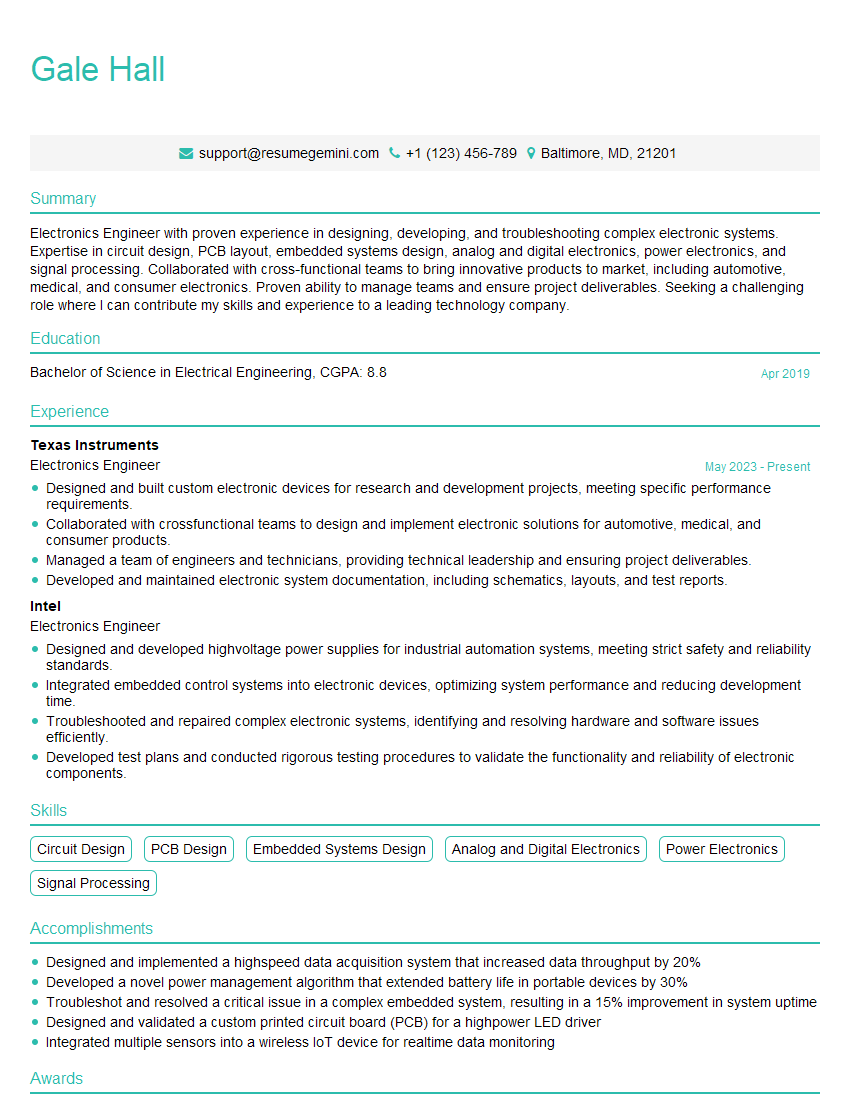
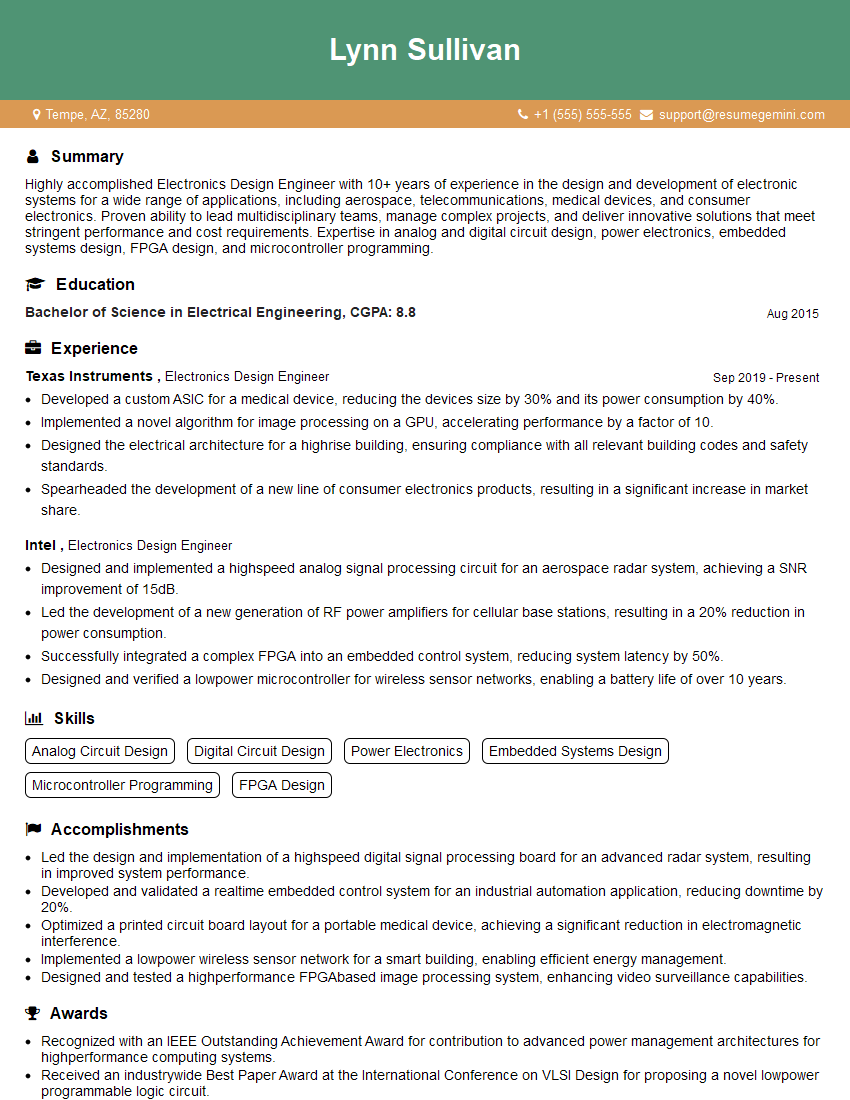
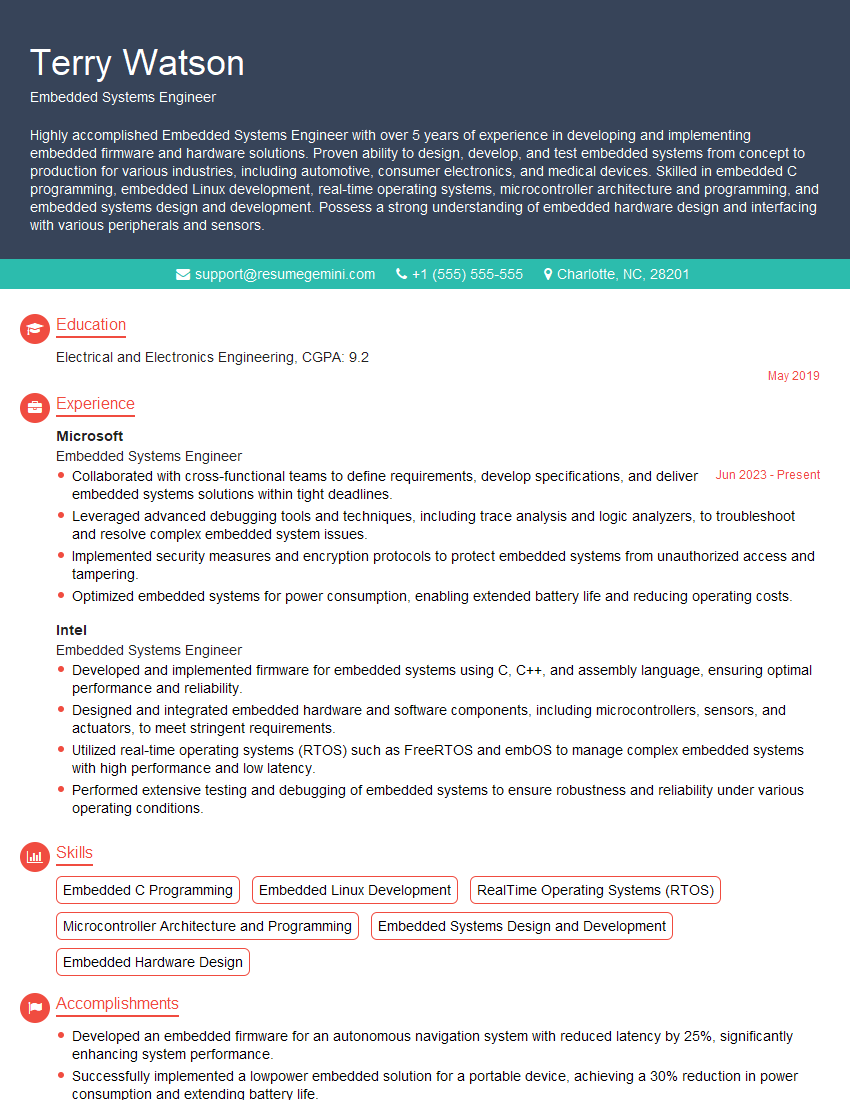
Mastering Altium Designer is crucial for a successful career in electronics design, opening doors to exciting opportunities and higher earning potential. To maximize your job prospects, creating an ATS-friendly resume is vital. ResumeGemini can help you build a compelling and effective resume tailored to highlight your Altium Designer skills and experience. ResumeGemini provides examples of resumes specifically designed for Altium Designer PCB Design roles, providing a significant advantage in your job search.




Explore more articles
Users Rating of Our Blogs
Share Your Experience
We value your feedback! Please rate our content and share your thoughts (optional).
What Readers Say About Our Blog
Very informative content, great job.
good