Interviews are more than just a Q&A session—they’re a chance to prove your worth. This blog dives into essential Screen Printing Equipment Operation interview questions and expert tips to help you align your answers with what hiring managers are looking for. Start preparing to shine!
Questions Asked in Screen Printing Equipment Operation Interview
Q 1. Describe your experience with different types of screen printing presses (e.g., manual, automatic, carousel).
My experience spans a wide range of screen printing presses, from basic manual presses to highly automated carousel systems. Starting with manual presses, I honed my foundational skills in precise screen alignment, ink application, and off-contact adjustment. This hands-on experience gave me a deep understanding of the mechanics involved. Moving onto automatic presses significantly increased my production capabilities and introduced me to more sophisticated controls like micro-adjustments and print head pressure regulation. I’ve also worked extensively with carousel presses, managing multiple print heads simultaneously and optimizing workflow for high-volume production runs. Each press type presented unique challenges and rewards, enhancing my problem-solving abilities and efficiency. For example, troubleshooting a misalignment on a manual press required meticulous observation and fine-tuning, while optimizing the ink flow on a carousel press involved a deeper understanding of automation and pressure settings. This diverse experience makes me adaptable to any production environment and equipped to handle any printing press effectively.
Q 2. Explain the process of setting up a screen printing press for a specific job.
Setting up a screen printing press for a job is a methodical process that starts with understanding the design and the desired outcome. First, I thoroughly review the artwork to determine the number of colors, the placement of each design element, and the type of ink needed. Next, I prepare the screens, ensuring each is properly registered (aligned) with the others. This often involves using registration marks on the artwork and the screens. Then, I select the appropriate inks and thin them to the correct viscosity using a viscometer. The press itself needs adjustment depending on the garment type (T-shirt, tote bag, etc.): the pallet height is adjusted for optimal contact between the screen, ink, and garment, and the off-contact is fine-tuned to prevent ink smearing. Finally, I perform a test print on a scrap material to check color saturation, registration accuracy, and ink consistency before proceeding to the actual job. This meticulous approach ensures high-quality prints and minimizes waste.
Q 3. How do you ensure proper ink consistency and viscosity?
Maintaining proper ink consistency and viscosity is critical for achieving consistent print quality. I use a viscometer to measure the ink’s viscosity, ensuring it’s within the manufacturer’s recommended range. The viscosity is directly related to the ink’s flow and its ability to transfer to the garment. Too thick, and the print will be weak or uneven; too thin, and the print might bleed or lack detail. I often add a retarder (slows drying time) or reducer (reduces viscosity) to achieve the optimal consistency for the specific ink, type of press, and substrate (material being printed on). Regular stirring is also essential, as inks can settle over time. Experience has taught me to adjust viscosity based on ambient temperature and humidity; hotter and drier conditions might necessitate adjusting viscosity to prevent the ink from drying too quickly in the screen.
Q 4. What are the common issues encountered during screen printing and how do you troubleshoot them?
Common issues in screen printing include:
- Poor Registration: Misaligned prints. Troubleshooting involves checking screen alignment, ensuring proper registration marks, and adjusting the press’s registration system.
- Pin Holes: Small holes in the screen allowing ink to bleed through. This is usually caused by screen damage or improper emulsion coating. Solutions include replacing the screen or carefully repairing the hole.
- Ink Smearing: Ink spreading beyond the design boundaries. Adjusting off-contact, using a different ink, or reducing ink viscosity typically fixes this.
- Uneven Ink Deposit: Areas of the print with varying ink thickness. This could be due to inconsistent squeegee pressure, ink viscosity, or screen mesh issues. Adjusting the pressure, viscosity, or replacing the screen might be necessary.
- Flashing Issues (for multi-color prints): Insufficient drying time between colors leading to color bleeding. Solution involves adjusting the flash cure system or increasing drying time.
Q 5. Describe your experience with different types of screen printing inks (e.g., plastisol, water-based, discharge).
I have extensive experience with various screen printing inks, each with its own properties and applications:
- Plastisol inks: These are the most common, known for their vibrant colors, durability, and wide range of finishes. They require a curing process using a heat press.
- Water-based inks: Environmentally friendly and softer to the touch, they are ideal for specific applications, but they lack the opacity and durability of plastisol inks.
- Discharge inks: These are used to remove color from a pre-colored garment, allowing for a unique, faded look. They require careful consideration of the base fabric and color.
Q 6. How do you maintain and clean screen printing equipment?
Maintaining and cleaning screen printing equipment is crucial for longevity and consistent print quality. After each printing job, I thoroughly clean the screens using the appropriate solvent for the ink type, removing all traces of ink to prevent clogging and contamination. The press itself is cleaned regularly, removing excess ink and debris to maintain its optimal functioning. Regular lubrication of moving parts extends their lifespan. Screens should be properly stored to avoid damage, and any wear and tear on the press should be addressed promptly. Preventive maintenance, such as checking for worn parts and lubricating moving components, minimizes downtime and ensures consistent performance. A well-maintained press is an efficient press and this translates into higher quality prints and cost savings.
Q 7. Explain the process of creating and preparing screens for printing.
Creating and preparing screens for printing is a multi-step process. It begins with selecting the appropriate mesh count (finer mesh for intricate details, coarser mesh for larger areas) and stretching the mesh tightly onto a frame. Then, a photosensitive emulsion is applied to both sides of the mesh, creating a light-sensitive layer. The artwork is then transferred onto the emulsion using a film positive and exposed to UV light. After exposure, the screen is washed, removing the unexposed emulsion, revealing the design. A final step might involve coating the screen with a sealant to increase its durability. The process requires precision, a clean work environment, and careful attention to detail to avoid defects and ensure the accuracy of the final print. For example, improper emulsion coating could lead to pinholes or weak areas in the print, while uneven exposure can result in blurry images or incomplete designs.
Q 8. What safety precautions do you take while operating screen printing equipment?
Safety is paramount in screen printing. Before even turning on a press, I always ensure the area is clean and free of clutter to prevent tripping hazards. I wear appropriate personal protective equipment (PPE), including safety glasses to protect my eyes from ink splashes and flying debris, gloves to prevent skin irritation from inks and chemicals, and a respirator to avoid inhaling ink fumes, especially when working with plastisol inks which can be quite potent. I regularly check the equipment for any loose parts or malfunctions before operation. Proper grounding of the equipment is crucial to prevent electrical shocks. I also meticulously follow all manufacturer’s safety guidelines specific to the press model I’m using. For example, ensuring the screen clamps are securely fastened to prevent the screen from falling. Finally, I always maintain a clean and organized workspace to minimize the chance of accidents.
Think of it like this: preparing for screen printing is like preparing for a surgical procedure – every step needs to be precise and safe. Failing to do so can lead to serious injuries.
Q 9. How do you ensure accurate registration during the printing process?
Accurate registration, aligning the design on the screen perfectly with the garment, is crucial for a professional-looking print. I achieve this using a combination of techniques. First, I use accurate micro-registration marks on my screens and artwork. These marks are tiny reference points that allow precise alignment on the press. Then, I use precise adjustments on the press itself, which might include fine-tuning the screen’s position using the X and Y adjustments on the press, often measured in thousandths of an inch. I’ll also use registration pins on both the screen and the platen (the printing surface) to hold everything perfectly in place. I visually inspect the alignment before every print run, making minor tweaks as needed. For more complex designs or multiple color prints, I will use a vacuum platen to keep the garment securely in place to further ensure accuracy. Over time and with experience, a practiced eye becomes crucial in spotting even minute misalignments.
For instance, if I’m printing a complex logo with fine details, an inaccurate registration could lead to blurry lines or misaligned elements, rendering the whole piece unusable.
Q 10. How do you monitor and control ink usage?
Ink usage is monitored and controlled in several ways. Firstly, I carefully measure the amount of ink I mix for each print run, based on the design’s size, number of prints, and ink coverage. I try to avoid overmixing to minimise waste. Secondly, I use ink scoops and squeegees of appropriate sizes to minimize ink usage. Efficient squeegee technique is also important – too much pressure will lead to excessive ink usage and potential bleed. Thirdly, I regularly check the ink levels in my troughs to ensure I’m not using more than necessary. For larger print runs, I’ll use a system to automatically measure and dispense the ink. Finally, accurate color matching is very important because it helps us reduce waste of ink caused by trial and error. By using a proper color mixing process and understanding ink properties, I maintain accurate and consistent color throughout the print run.
Imagine painting a wall: you wouldn’t use a gallon of paint for a small patch. Similarly, careful ink management is crucial for efficiency and cost-effectiveness.
Q 11. Describe your experience with different types of printing substrates (e.g., cotton, polyester, nylon).
My experience encompasses a wide range of substrates, including cotton, polyester, and nylon. Each requires a unique approach to achieve optimal print results. Cotton, being a natural fiber, is generally easy to print on, but it can absorb ink quickly, requiring careful ink selection and potentially a pre-treatment to improve the print’s vibrancy and durability. Polyester, a synthetic fiber, can be more challenging, as it is less absorbent. Special inks are often necessary for polyester to ensure proper adhesion and prevent cracking. Nylon, another synthetic, presents unique challenges; its smooth surface sometimes requires pre-treatment or specific inks to achieve good adhesion. I adapt my printing techniques, including pre-press treatments, ink choices, and curing methods, to optimize results for each substrate. For example, I’ll use a different pretreatment and cure temperature for a cotton shirt than I would for a nylon jacket.
This adaptability is key; treating a polyester t-shirt like a cotton one would result in a poor quality print that may crack or peel off.
Q 12. Explain the process of flash curing and curing printed garments.
Flash curing and full curing are essential steps to ensure the longevity and quality of printed garments. Flash curing is a quick, low-heat process that partially dries the ink, allowing for layering of multiple colors without the ink smudging. It’s usually done immediately after printing using a conveyor dryer, flash dryer or similar device with lower temperatures. Full curing happens after the final color is printed and is a longer, higher-temperature process to fully cure the ink, making the print permanent and washable. The specific temperature and time depend on the type of ink used (plastisol, water-based, etc.) and the substrate. I monitor the curing process using a thermometer to ensure proper temperatures are achieved. Improper curing can lead to cracked, faded, or easily removable prints.
Think of it like baking a cake: flash curing is like pre-baking, and full curing is like baking the whole cake until it’s fully cooked and ready to eat.
Q 13. How do you identify and correct issues with screen tension and mesh count?
Screen tension and mesh count significantly impact print quality. Loose tension can lead to blurry prints and ink bleeding, while excessive tension can damage the screen. I check screen tension using a tension gauge, comparing it to the recommended tension for the mesh count. Mesh count, the number of threads per inch, affects the detail and ink deposit. A higher mesh count allows for finer details but requires more careful ink handling. If the tension is off, I adjust it using a screen stretching device, carefully ensuring the mesh remains even. If the mesh count is inappropriate for the design, I would need to create a new screen with the correct mesh. I regularly inspect the screen for any damage, such as tears or pinholes, which can affect the print quality. Experience helps in identifying these issues and acting proactively to prevent printing issues.
A poorly tensioned screen is like a loose guitar string – it won’t produce clear and consistent results.
Q 14. Describe your experience with different types of squeegees and their application.
Squeegees are a crucial part of the screen printing process, and different types exist for various applications. I commonly use rubber squeegees with varying hardness (durometers), which impact ink deposit and the overall print quality. Harder squeegees are suitable for thicker inks and require more pressure, while softer squeegees are better for finer details and thinner inks. The angle and pressure of the squeegee also greatly influence the print outcome. I choose the squeegee based on the ink, design complexity, and fabric type. For example, a harder squeegee might be used for plastisol inks on cotton, while a softer squeegee is better suited for water-based inks on delicate fabrics. I regularly clean and maintain my squeegees to ensure a smooth and consistent ink transfer. Metal squeegees are sometimes used for specialized applications requiring a more rigid and precise ink deposit, though they require more skill and experience.
Choosing the right squeegee is like choosing the right brush for painting; a wide, stiff brush won’t work for delicate details.
Q 15. How do you handle different types of print orders (e.g., small, large, custom)?
Handling different print orders efficiently involves a strategic approach based on order size and complexity. Small orders, say under 50 pieces, often involve a streamlined setup. We might use a manual press and prioritize quick turnaround. Larger orders (hundreds or thousands) demand optimized processes. This includes using an automatic press, pre-staging screens, and potentially employing multiple operators to maximize throughput. Custom orders require careful planning from design approval to production. This includes close communication with the client to ensure accuracy and manage expectations regarding potential setup time and costs. Think of it like baking a cake: a small cupcake is easy; a wedding cake requires more planning and resources.
- Small Orders: Manual press, quick setup, focused on speed.
- Large Orders: Automated press, optimized workflow, multiple operators.
- Custom Orders: Detailed communication, meticulous planning, thorough proofing.
Career Expert Tips:
- Ace those interviews! Prepare effectively by reviewing the Top 50 Most Common Interview Questions on ResumeGemini.
- Navigate your job search with confidence! Explore a wide range of Career Tips on ResumeGemini. Learn about common challenges and recommendations to overcome them.
- Craft the perfect resume! Master the Art of Resume Writing with ResumeGemini’s guide. Showcase your unique qualifications and achievements effectively.
- Don’t miss out on holiday savings! Build your dream resume with ResumeGemini’s ATS optimized templates.
Q 16. How do you manage inventory of inks, screens, and other materials?
Inventory management for inks, screens, and other materials is critical for smooth operations. We utilize a first-in, first-out (FIFO) system to minimize waste from ink expiration. A well-organized storage system with labeled shelves and clear stock levels is essential. We track inventory using a digital system, updating quantities after each order. This allows us to forecast demand, order supplies in advance, and minimize downtime caused by stockouts. Regular audits ensure accuracy and identify potential issues. For example, we might notice a particular ink color is consistently low, prompting a larger order to avoid delays on future projects. This is similar to managing a grocery store: you need to know what you have, what you’re selling, and what to order to prevent shortages.
Q 17. Describe your experience with using color separation techniques in screen printing.
Color separation is the foundation of multi-color screen printing. My experience involves using both manual and digital methods. Manually, I would use a color transparency and overlays to separate the design into individual colors for each screen. Digitally, I utilize software like Photoshop or Illustrator to create separations, ensuring accurate color registration. Understanding color modes (CMYK, Pantone) is key. For instance, if a client provides a Pantone color swatch, I need to ensure the correct ink is ordered and the screens are accurately exposed to match the specifications. Incorrect color separations can lead to misaligned prints and inaccurate colors, which makes understanding the process vital for producing high-quality results.
Q 18. What are your methods for quality control during screen printing?
Quality control is an ongoing process starting with the initial design approval. We perform rigorous checks at each stage. Before printing, we inspect screens for proper emulsion coating and exposure. During printing, we check for consistent ink density, accurate registration (alignment of colors), and substrate defects. After printing, we inspect for any flaws, including pinholes, smears, or misprints. A sample print is always reviewed and approved by the client before proceeding with the full order. We use tools like magnifying glasses and light boxes for detailed inspections. Statistical process control methods might be implemented for large-scale projects to maintain consistent quality and identify potential process variations early on.
Q 19. How do you troubleshoot issues related to screen clogging or poor ink flow?
Troubleshooting screen clogging or poor ink flow involves a systematic approach. Screen clogging is often caused by dry ink, improper emulsion, or mesh damage. We address this by cleaning the screen using the appropriate solvent, checking for screen damage and potentially re-coating or replacing it if necessary. Poor ink flow might be due to low-quality ink, incorrect viscosity, or improper squeegee pressure. Solutions could involve thinning the ink with a retarder, adjusting the pressure and angle of the squeegee, or verifying the screen mesh count matches the ink viscosity. It’s a bit like plumbing—you need to find where the blockage is and clear it out to restore proper flow.
Q 20. How familiar are you with different types of drying systems for printed materials?
I’m familiar with various drying systems, from simple air drying to more sophisticated methods. Air drying is suitable for small orders and certain inks. However, for larger projects or inks requiring faster curing, we utilize forced-air dryers or convection ovens. UV curing systems are often employed for UV-curable inks, offering instant drying. The choice depends on several factors, including the type of ink, substrate, and production volume. Each method has its advantages and disadvantages—for example, UV curing is fast but requires specialized equipment and inks, while air drying is slow but cost-effective. Understanding the drying properties of different inks and substrates is essential for selecting the appropriate drying system.
Q 21. What is your experience with pre-treatment processes for different substrates?
Pre-treatment is essential for ensuring proper ink adhesion and print quality on various substrates. Different materials require different processes. For instance, cotton fabrics often benefit from a pre-wash to remove sizing, while polyester might require a specific pre-treatment solution to improve ink adhesion. Plastics may require a surface treatment to enhance bonding. The method involves using the appropriate chemicals or processes, depending on the substrate and ink type. This step is crucial because poor pre-treatment can lead to ink cracking, peeling, or poor color vibrancy, rendering the finished product unacceptable. The process is analogous to preparing a wall before painting: you need to clean and prime the surface for optimal paint adhesion and finish.
Q 22. How do you adhere to industry standards and regulations regarding ink safety and disposal?
Adhering to ink safety and disposal regulations is paramount in screen printing. It’s not just about following the law; it’s about protecting the environment and the health of myself and my team. We meticulously follow the Safety Data Sheets (SDS) provided by our ink suppliers, paying close attention to handling instructions, personal protective equipment (PPE) requirements like gloves and respirators, and proper ventilation in the print area. Disposal follows strict local and potentially federal regulations, often involving hazardous waste disposal companies specialized in ink and solvent removal. For example, we segregate different types of inks and clean-up solvents into clearly labeled containers, preventing cross-contamination and facilitating proper recycling or hazardous waste removal. Regular training ensures everyone on the team is up-to-date on best practices and understands the potential consequences of non-compliance.
Q 23. Explain your process for identifying and correcting misprints.
Identifying and correcting misprints is a multi-step process that starts with a keen eye for detail. During production, I regularly inspect prints for imperfections, such as smears, pinholes, misregistrations (colors not aligning correctly), or flawed screen images. The process then depends on the nature of the misprint and the stage of production. If a few prints are affected and the problem can be solved with minor adjustments to the screen tension, ink viscosity, or squeegee pressure, I’ll address these immediately, often involving minor adjustments to the press settings. However, if the problem stems from a more serious issue, such as a damaged screen or incorrect color separation, I’ll pinpoint the root cause. For instance, a misregistration could be caused by a misaligned screen, which would require careful realignment, ensuring the screen is perfectly positioned and secured. Documentation of the issue, corrective action, and prevention measures is essential, as this information assists in continuous improvement. In extreme cases, re-shooting the screen or even re-doing the entire print run might be necessary.
Q 24. What is your experience with automated screen printing systems and their programming?
I have extensive experience with automated screen printing systems, specifically the M&R and Autoprint brands. My experience includes programming these systems using their respective software interfaces. This involves setting up print parameters such as speed, pressure, stroke length, and print head positioning. I’m proficient in creating and editing print jobs, ensuring accurate and repeatable results. For example, I’ve programmed automated systems to handle complex multi-color designs, including intricate halftones and fine details. The programming aspect allows me to optimize production, leading to efficiency and reducing waste. My knowledge of automation also extends to troubleshooting and maintenance of these systems; I can effectively diagnose and resolve both mechanical and software issues to keep production running smoothly.
Q 25. Describe a time you had to solve a complex equipment malfunction during a production run.
During a large order of t-shirts for a music festival, our automated press experienced a sudden stoppage mid-run. The error message indicated a sensor malfunction, and the machine wouldn’t restart. This was a critical moment, given the tight deadline. Instead of panicking, I systematically investigated the problem. I first checked the obvious, the power supply and the sensor itself. After careful examination and some troubleshooting, I discovered a loose wire causing a false signal to the sensor. I carefully reconnected the wire and restarted the machine. The press resumed its operation without further issues, proving the importance of methodical troubleshooting rather than immediate assumptions. We then added a preventive maintenance check on that particular sensor to our regular schedule, avoiding the problem reoccurring. The timely solution minimized production downtime and maintained our deadline.
Q 26. How do you calculate the amount of ink required for a specific job based on the design and quantity?
Calculating ink requirements involves a combination of factors. First, I analyze the design’s complexity. A design with large areas of solid color will require more ink than a design with fine lines and intricate details. Next, the print area and the number of colors used heavily influence ink consumption. Let’s say we have a design with 2 colors covering 50% of a 12” x 16” t-shirt and we are printing 1000 shirts. We know from previous jobs that printing one color on a similar size requires about 300ml ink. We therefore approximate 600ml per shirt for both colors, totaling 600L of ink for 1000 shirts. We account for some overage and potential waste; I might increase the estimate by 10-15%. For precise calculations, test prints are often performed to determine the exact ink usage per print. Then, we can refine this estimate with better accuracy for future projects.
Q 27. How would you adapt your printing process to accommodate different customer design requirements?
Adapting to different customer design requirements is key to our success. We handle a wide variety of substrates (like t-shirts, bags, hats etc.) and printing techniques. If a client wants a specific ink type, for example, plastisol inks for vivid color or water-based inks for a softer feel, we adjust accordingly. We might need to change our screens, our mesh count, or our printing pressure to achieve optimal results. For complex designs with many colors, we meticulously plan the print sequence to prevent misregistrations and color bleeding. If there are difficult-to-print designs requiring specific techniques, such as halftones for photorealistic imagery or using underbase to improve opacity of lighter colors, I’ll adjust the screen printing process to achieve the desired outcome.
Q 28. Describe your experience with maintaining accurate production records and reporting.
Maintaining accurate production records is vital. We use a combination of digital and manual methods to track everything. For each job, we maintain a detailed record which includes customer information, design specifications, ink types and quantities used, the number of good and defective prints, production times, and any relevant notes. This data is essential for cost accounting, scheduling future jobs, and identifying areas for improvement in production efficiency. We also create reports based on this data, which are analyzed regularly to assess productivity, identify bottlenecks, and improve overall operational efficiency. These reports also help us meet the demands for accuracy and efficiency that our clients expect.
Key Topics to Learn for Screen Printing Equipment Operation Interview
- Understanding Screen Printing Presses: Familiarize yourself with different press types (manual, automatic, carousel), their functionalities, and limitations. Consider the differences in setup and operation for each.
- Screen Preparation and Setup: Master the process of preparing screens for printing, including emulsion coating, exposure, washout, and screen tensioning. Understand how different mesh counts affect print quality.
- Ink Mixing and Application: Learn about different ink types (plastisol, water-based, discharge), their properties, and proper mixing techniques. Practice achieving consistent ink viscosity and color matching.
- Squeegee Technique and Pressure: Understand the impact of squeegee angle, pressure, and speed on print quality. Practice achieving consistent and even ink deposits.
- Troubleshooting and Maintenance: Develop your ability to identify and resolve common printing problems, such as misregistration, smearing, and pinholes. Understand basic press maintenance procedures.
- Safety Procedures and Regulations: Familiarize yourself with all relevant safety protocols for operating screen printing equipment, including proper handling of inks and solvents.
- Production Processes and Workflow: Understand the complete workflow from job setup to finished product, including order processing, quality control, and efficient production techniques.
- Understanding Color Separation and Image Preparation: Grasp the fundamentals of color separation for multi-color prints and how digital artwork is prepared for screen printing.
Next Steps
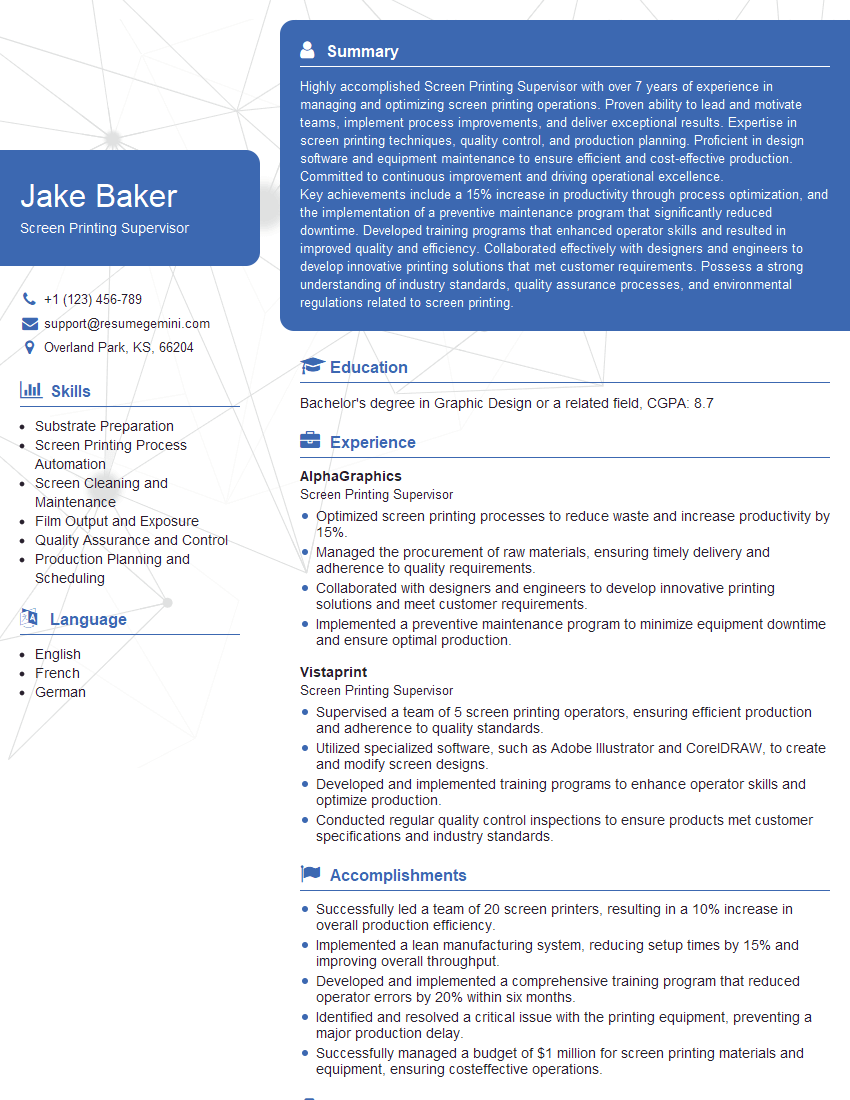
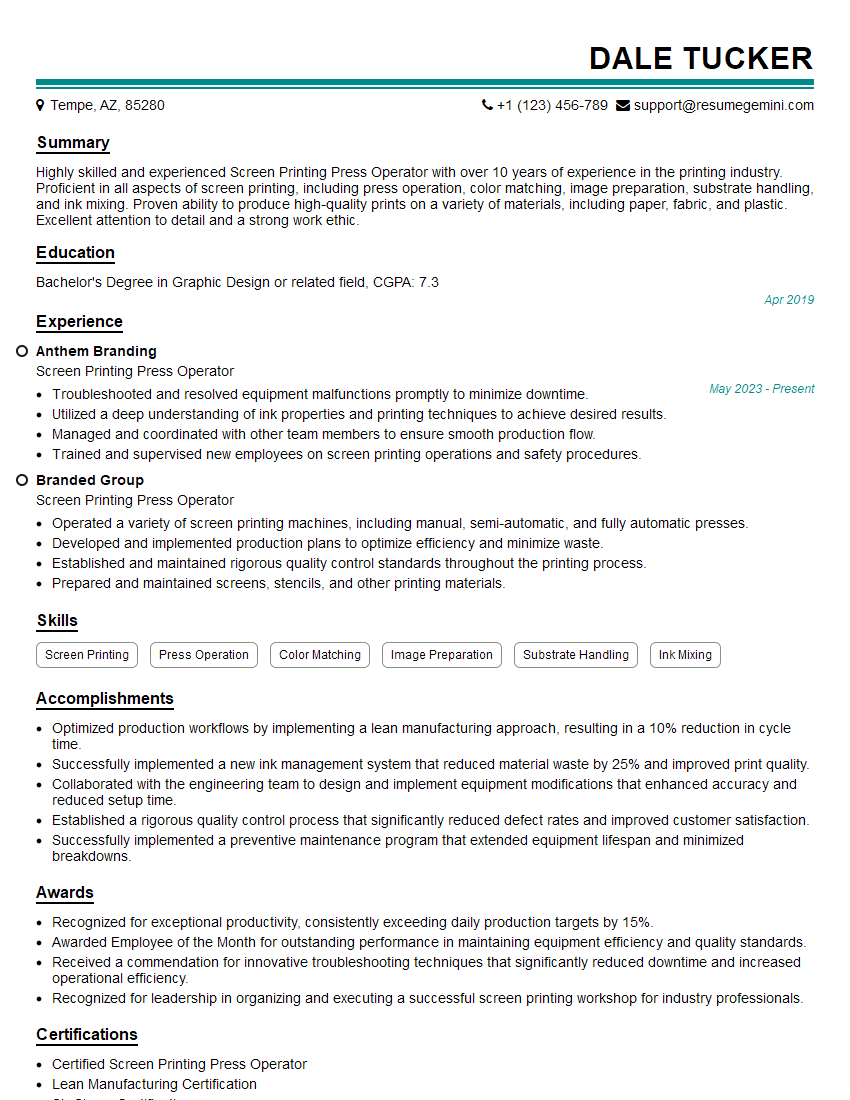
Mastering screen printing equipment operation opens doors to exciting career opportunities with excellent growth potential. A strong understanding of these technical skills is highly valued by employers in this industry. To increase your chances of landing your dream job, focus on creating a professional and ATS-friendly resume that highlights your skills and experience effectively. ResumeGemini is a trusted resource that can help you build a compelling resume tailored to the screen printing industry. We provide examples of resumes specifically designed for Screen Printing Equipment Operators to help you get started. Invest the time to create a strong application—it’s the key to unlocking your career aspirations.



Explore more articles
Users Rating of Our Blogs
Share Your Experience
We value your feedback! Please rate our content and share your thoughts (optional).
What Readers Say About Our Blog
Very informative content, great job.
good