Unlock your full potential by mastering the most common Search and Recovery interview questions. This blog offers a deep dive into the critical topics, ensuring you’re not only prepared to answer but to excel. With these insights, you’ll approach your interview with clarity and confidence.
Questions Asked in Search and Recovery Interview
Q 1. Explain the difference between full, incremental, and differential backups.
Backup types differ in how much data they copy and how often. Think of it like taking photos of a building project.
- Full Backup: This is like taking a completely new set of photos every time – it copies all data. It’s time-consuming but provides a complete restore point. It’s ideal for initial backups or when you need a guaranteed clean copy.
- Incremental Backup: This is like only photographing the changes since the last set of photos. It only copies data that has changed since the last full or incremental backup. This is fast and efficient but requires a full backup to be the foundation for restoration.
- Differential Backup: This is like photographing all changes since the last full backup. It copies all data that has changed since the last full backup, making it faster than a full backup but still larger than an incremental backup. It also simplifies recovery as only the full backup and the most recent differential backup are needed for a full restore.
For example, a company might use a full backup weekly and incremental backups daily for optimal speed and efficiency.
Q 2. Describe your experience with various data recovery tools and techniques.
My experience encompasses a wide range of data recovery tools and techniques, from low-level disk utilities to sophisticated forensic software. I’m proficient with tools like Recuva, PhotoRec, TestDisk, and FTK Imager. I have extensive experience with both hardware- and software-based recovery methods.
For example, I’ve successfully recovered data from physically damaged hard drives using specialized data recovery hardware and techniques like cloning the drive in a clean room environment to minimize further damage. I’ve also used advanced techniques like file carving to recover data from unallocated space or even deleted files based on file signatures, even when file system metadata is damaged or missing. My experience extends to various operating systems and file systems, including NTFS, FAT32, ext2/3/4, and HFS+.
I’ve worked on cases involving various data loss scenarios, including accidental deletion, logical failures, physical drive failures, and malware infections. Choosing the right tool and technique depends heavily on the root cause of the data loss and the condition of the storage media.
Q 3. How would you handle a ransomware attack and subsequent data recovery?
Handling a ransomware attack requires a multi-stage approach prioritizing containment and recovery. First, I would isolate the affected system from the network to prevent further spread. Then, I’d create a forensic image of the affected drives to preserve evidence, crucial for investigation and potential legal action.
Next, I’d assess the type of ransomware and investigate potential vulnerabilities. If possible, I’d try decryption using known decryption tools or techniques. If decryption fails, I would leverage backups – ideally, an offline backup that hasn’t been infected.
If no suitable backups exist, I’d explore data recovery from the forensic image using file carving and other advanced techniques. This last step is often time-consuming and not guaranteed to be 100% successful, highlighting the importance of robust backup strategies.
Finally, I’d implement enhanced security measures, including patching vulnerabilities, updating antivirus software, and employee security training to prevent future attacks.
Q 4. What are the common causes of data loss and how can they be prevented?
Data loss stems from various sources, many preventable. Common causes include:
- Hardware failures: Hard drive crashes, SSD failures, memory issues – mitigated through regular hardware maintenance, SMART monitoring, and redundancy (RAID).
- Accidental deletion or modification: User error – prevented by proper training, implementing version control, and employing data backup and recovery plans.
- Malware and viruses: Ransomware, viruses, Trojans – prevented through updated anti-malware software, regular scans, and secure network practices.
- Natural disasters: Fires, floods, earthquakes – mitigated with offsite backups, disaster recovery plans, and environmental safeguards.
- Software corruption: Operating system crashes, application errors – mitigated through regular software updates, proper shutdown procedures, and data backups.
- Human error: Misconfiguration, accidental formatting – prevented through standard operating procedures, rigorous testing, and user training.
Preventing data loss is a multifaceted approach involving robust backups, effective security practices, and awareness training for all users. It’s about building layers of protection against potential data loss scenarios.
Q 5. Explain the process of recovering data from a corrupted hard drive.
Recovering data from a corrupted hard drive is a complex process, often requiring specialized tools and expertise. The approach depends on the nature of the corruption: logical or physical.
Logical corruption (file system errors) might be addressed through repair tools like chkdsk (Windows) or fsck (Linux). These utilities attempt to fix errors in the file system, enabling access to the data. If this fails, data recovery software might recover individual files.
Physical corruption (physical damage to the drive) is more challenging. This often requires specialized cleanroom environments and hardware to image the drive and extract data. This could involve techniques like attempting data recovery from bad sectors, using advanced data recovery software capable of handling severe drive damage, or even specialized hardware to recover data from the drive platters.
In either case, the first step is always data imaging to create a bit-by-bit copy of the drive, preventing further damage to the original. Then, a systematic approach to data recovery is undertaken, starting with simpler techniques and progressing to more invasive methods as needed. Success is not guaranteed, and the cost can be substantial.
Q 6. Describe your experience with different RAID levels and their impact on data recovery.
RAID (Redundant Array of Independent Disks) levels significantly impact data recovery. Different RAID levels offer varying degrees of redundancy and performance, influencing the complexity and success rate of recovery.
- RAID 0 (striping): No redundancy; data is spread across multiple drives. Failure of a single drive leads to complete data loss. Recovery is challenging, requiring specialized data recovery tools.
- RAID 1 (mirroring): Data is mirrored across two or more drives. If one drive fails, data is still accessible from the mirror. Recovery is relatively straightforward, simply requiring replacing the failed drive and rebuilding the array.
- RAID 5 (striping with parity): Data is striped across multiple drives, with parity information distributed to protect against single drive failures. Recovery involves replacing the failed drive and rebuilding the array, which can be time-consuming.
- RAID 6 (striping with dual parity): Similar to RAID 5 but with double parity, tolerating two simultaneous drive failures. Recovery is more complex than RAID 5 but still feasible with drive replacement and array rebuilding.
The complexity and cost of data recovery increase with the RAID level and the nature of the failure. RAID 0 presents the most significant challenge, while RAID 1 provides the simplest recovery path. Understanding the RAID level is crucial in planning data recovery strategies.
Q 7. What are the ethical considerations in data recovery, especially in forensic contexts?
Ethical considerations in data recovery, particularly in forensic contexts, are paramount. The core principle is to maintain the integrity of the data and the investigation. This includes:
- Chain of custody: Maintaining a detailed record of who has accessed the data and when, ensuring its authenticity and admissibility in court.
- Data preservation: Prioritizing the preservation of data in its original state, minimizing alterations or modifications that could compromise the investigation.
- Confidentiality: Respecting the privacy of individuals whose data is being recovered and adhering to relevant data protection regulations.
- Transparency: Communicating clearly with stakeholders about the recovery process, findings, and limitations.
- Objectivity: Conducting the recovery process in an unbiased manner, avoiding any actions that could influence the outcome of the investigation.
In forensic contexts, ethical breaches can have serious legal and reputational consequences. Adherence to ethical guidelines is crucial for maintaining the credibility of the data recovery process and ensuring justice is served.
Q 8. How do you prioritize data recovery efforts during a disaster?
Prioritizing data recovery efforts during a disaster is crucial for minimizing downtime and data loss. It’s like triage in a hospital – you focus on the most critical cases first. My approach involves a three-step process:
- Identify Critical Systems and Data: First, we determine which systems and data are absolutely essential for business operations. This might involve financial records, customer databases, or production systems. These become our top priority.
- Assess Data Recoverability: Next, we assess the recoverability of each critical system. This involves checking for backups, the integrity of storage media, and the availability of recovery tools. Systems with readily available, recent backups are tackled first. We might use a matrix to score each system based on business impact and recoverability, allowing for objective prioritization.
- Execute Recovery Plan: Finally, we execute the recovery plan, starting with the highest-priority systems. We document each step meticulously, ensuring we can track progress and learn from the experience for future disaster recovery planning. This iterative process allows us to adapt to unforeseen challenges.
For example, during a server failure at a large e-commerce company, we would prioritize recovering the customer order database and the payment processing system before restoring less critical data such as marketing analytics.
Q 9. What is your experience with cloud-based data recovery solutions?
I have extensive experience with cloud-based data recovery solutions, having worked with various platforms including AWS, Azure, and Google Cloud. These solutions offer several advantages, including scalability, redundancy, and cost-effectiveness.
My experience includes designing and implementing cloud-based backup and recovery strategies, utilizing features like cloud snapshots, replication, and object storage for disaster recovery. I’m proficient in configuring and managing various cloud-based recovery tools and services. A recent project involved migrating a client’s on-premise data center to a hybrid cloud environment, significantly enhancing their data protection capabilities. This involved creating a comprehensive data replication strategy between on-premise servers and cloud storage, ensuring business continuity in case of a local disaster. Furthermore, I’ve used cloud-based forensic tools for investigating data breaches and recovering compromised data from cloud instances.
Q 10. Explain the concept of data mirroring and its role in data recovery.
Data mirroring creates an exact copy of data on a separate storage device. Think of it like having a perfect twin of your hard drive, residing elsewhere. This duplicate data is continuously updated, ensuring both copies are identical.
In data recovery, mirroring plays a vital role by providing an immediate, readily available copy of data if the primary storage fails. This significantly reduces downtime and recovery time because you can instantly switch to the mirrored copy. It’s like having a spare tire readily available for your car – you don’t need to spend time finding a replacement.
For instance, if a server’s hard drive crashes, data mirroring allows for a seamless failover to the mirrored copy, minimizing service disruption. The recovery process is simply switching over to the mirror, and the application resumes operation.
Q 11. How do you handle data recovery from physical media damage?
Recovering data from physically damaged media requires specialized techniques and tools. The process starts with a thorough assessment of the damage. Is it a simple scratch, or is the media severely fragmented?
For minor damage, like scratches on a hard drive platter, specialized tools can sometimes perform surface scans and recover data. More severe damage might necessitate the use of a cleanroom environment to minimize further contamination of the damaged media. Data recovery specialists may use advanced imaging techniques to create a bit-by-bit copy of the damaged drive, allowing them to work on the copy without risking further damage to the original. Advanced software tools can then be used to recover data from the damaged sectors. For severely damaged media (e.g., severely burned CDs or water-damaged flash drives), recovery can be more challenging and might yield limited or no usable data.
I’ve personally handled cases involving severely fragmented hard drives and water-damaged SSDs. One particularly challenging case involved a server hard drive which suffered severe physical damage due to a fire. Using a combination of specialized hardware and software, along with meticulous cleanroom techniques, we were able to recover a significant amount of crucial data.
Q 12. Describe your experience with log file analysis in data recovery.
Log file analysis is a critical aspect of data recovery, especially in diagnosing system failures or data corruption. Log files act as a historical record of system events, providing valuable insights into the events leading up to data loss. It’s like having a detective’s notebook for your system.
My experience includes analyzing log files from various operating systems (Windows, Linux, Unix) and database systems (Oracle, MySQL, SQL Server). I’m adept at using various log analysis tools to extract relevant information and identify the root cause of data loss. This might involve correlating events across different log files to reconstruct the timeline of events and pinpoint the moment of failure. For example, analyzing transaction logs in a database can pinpoint the exact point of data corruption, allowing for more targeted recovery efforts.
In one case, analyzing the system logs revealed a hardware failure that led to a cascade of events resulting in data corruption. The logs provided the necessary information to prevent similar failures in the future, leading to improvements in the system’s overall resilience.
Q 13. Explain the importance of data recovery documentation.
Data recovery documentation is paramount for several reasons. It’s like a detailed roadmap of the recovery process. Thorough documentation ensures that:
- Reproducibility: The recovery process can be repeated if necessary.
- Auditing and Compliance: The process can be audited for compliance with regulations (e.g., HIPAA, GDPR).
- Continuous Improvement: Lessons learned can be documented for improving future disaster recovery plans.
- Legal Protection: Comprehensive documentation can protect you in case of legal disputes.
My documentation practices include maintaining detailed logs of all actions taken during the recovery process. This includes timestamps, actions performed, tools used, and the results of those actions. We create comprehensive reports summarizing the recovery process, the data recovered, and any challenges encountered. This ensures a complete record of the recovery process, which can be invaluable for various stakeholders.
Q 14. How do you assess the recoverability of data from a compromised system?
Assessing the recoverability of data from a compromised system requires a multi-faceted approach. It starts with isolating the compromised system to prevent further damage or data exfiltration. Then, a thorough forensic investigation is necessary.
This involves analyzing system logs, memory dumps, and file system metadata to identify the nature and extent of the compromise. We need to determine if data has been encrypted, deleted, or modified. The type of attack (e.g., ransomware, malware) will influence the recovery strategy. For ransomware attacks, we might attempt decryption using available tools or explore data recovery from backups taken before the attack. For malware infections, we might need to utilize specialized tools to remove the malicious code and restore files from backups or other sources. The recoverability of the data greatly depends on factors like the type of attack, the extent of the damage, and the availability of backups. A detailed assessment is crucial to create a realistic recovery plan.
In one case, a ransomware attack encrypted crucial financial records. By analyzing the ransomware variant and the system logs, we were able to identify a backup that was not encrypted. Using specialized tools, we recovered a considerable portion of the data with minimal data loss. This highlights the importance of having multiple backups and employing regular security audits.
Q 15. What is your experience with various file systems (e.g., NTFS, FAT32, ext4)?
My experience encompasses a wide range of file systems, each with its unique characteristics and challenges in data recovery. NTFS (New Technology File System), predominantly used in Windows, is a journaling file system, meaning it logs changes before they are physically written. This aids recovery, as it provides a record of file operations. FAT32 (File Allocation Table 32), simpler than NTFS, is widely used in older systems and flash drives. Its lack of journaling makes recovery more challenging, as it lacks a detailed log of file activity. Ext4 (Fourth Extended file system), common in Linux distributions, is also a journaling file system, similar to NTFS, but with different structures and features. I’m proficient in analyzing the intricacies of each system to optimize recovery strategies. For instance, understanding how NTFS handles metadata is crucial for reconstructing a damaged file system. With FAT32, the focus shifts towards careful reconstruction of the file allocation table to recover fragments. My approach always considers the file system’s structure to enhance success.
For example, I once recovered a critical database from a severely fragmented NTFS drive by employing a low-level analysis and reconstructing the file system structure from the raw disk data. The client was ecstatic to avoid costly data loss. Another scenario involved a corrupted FAT32 partition on a USB drive – understanding FAT32’s limitations enabled me to extract crucial photos from damaged clusters.
Career Expert Tips:
- Ace those interviews! Prepare effectively by reviewing the Top 50 Most Common Interview Questions on ResumeGemini.
- Navigate your job search with confidence! Explore a wide range of Career Tips on ResumeGemini. Learn about common challenges and recommendations to overcome them.
- Craft the perfect resume! Master the Art of Resume Writing with ResumeGemini’s guide. Showcase your unique qualifications and achievements effectively.
- Don’t miss out on holiday savings! Build your dream resume with ResumeGemini’s ATS optimized templates.
Q 16. Describe your experience with different types of storage media (e.g., SSD, HDD, tape).
My experience extends to various storage media, each presenting unique challenges and opportunities for data recovery. Hard Disk Drives (HDDs) are mechanical devices with moving parts; recovery is often complicated by physical damage to the platters or read/write heads. Solid State Drives (SSDs), being flash memory-based, offer greater resistance to physical damage, but data recovery becomes complex due to wear leveling and data encryption mechanisms. Tape media, typically used for archival storage, requires specialized equipment and expertise. The process often involves restoring from generations of backup tapes, requiring careful coordination and time-management.
For example, I’ve recovered data from a failed HDD by cloning the drive in a clean room environment to prevent further damage. In a different case, I recovered data from an SSD where the firmware was corrupted by meticulously analyzing the flash memory chips directly, using specialized tools. Dealing with legacy tape backups involves meticulous identification of the correct tape, proper handling of the tape drive (which may also require repair or maintenance), and careful data extraction and verification. My proficiency extends across tools and technologies required to deal with data from each type of media.
Q 17. Explain the concept of data deduplication and its implications for recovery.
Data deduplication is a process that eliminates redundant copies of data, storing only unique blocks. It saves storage space and improves backup efficiency. However, it introduces significant challenges in recovery. If a single unique data block is lost or corrupted, multiple files or applications relying on that block become inaccessible. The recovery process then becomes more complex because you have to find and repair or restore the singular, affected data block instead of simply restoring an entire file. The impact on recovery is considerable. It’s akin to having a set of Lego instructions; in a regular system, you have several copies of the instruction booklet. With deduplication, you only have one. Losing that one copy makes rebuilding the structure (restoring files) much more difficult.
Imagine a scenario where a server utilized deduplication. A crucial system file, consisting of multiple deduplicated blocks, suffers corruption. Simple file recovery won’t work, as the corrupted block is linked to several files. The recovery process requires advanced techniques to isolate the corrupted block, repair it, or restore it from a backup of that specific block, if available. This necessitates a profound understanding of the deduplication technology used.
Q 18. How do you ensure data integrity during the recovery process?
Ensuring data integrity during the recovery process is paramount. We employ several strategies. First, a forensic-style approach involving minimal interaction with the damaged medium is crucial. We avoid writing anything back to the original storage device to prevent overwriting potentially recoverable data. Instead, we create bit-by-bit copies (forensic images) of the original media to work on. These images are verified using checksum algorithms (e.g., MD5, SHA-256) to confirm that the copy exactly mirrors the original. Hash values are generated for both original and image – if they don’t match, the image is unusable.
Next, during the recovery process itself, we use various data recovery software tools with built-in validation mechanisms. These tools check for data inconsistencies and attempt repairs. We constantly monitor the recovery process for errors, and upon completion, conduct thorough verification tests to ensure all recovered files are usable. In many cases, we also use multiple recovery software tools to compare results and improve accuracy. Documentation of every step, including checksums and tools used, is vital for auditing the integrity of the recovery process.
Q 19. What are some common challenges faced during data recovery projects?
Data recovery projects often face numerous challenges. Physical damage to the storage device is a common issue. This can range from head crashes in HDDs to physical damage to SSD controllers. Logical damage, such as file system corruption or accidental deletion, presents another set of obstacles. Data encryption adds complexity, requiring additional expertise and tools to bypass or decrypt the data. Overwriting of data before recovery is attempted is a significant challenge, severely limiting recovery possibilities.
Time sensitivity is also a constant concern. The longer the delay before initiating recovery, the greater the chance of data loss. Furthermore, depending on the severity of damage, data recovery can be extremely time-consuming and resource-intensive. In some cases, we may have to deal with extremely large datasets, adding to the complexity and the need for optimization strategies. Successfully navigating these obstacles requires a combination of technical expertise, patience, and meticulous planning.
Q 20. How do you maintain data recovery documentation?
Maintaining comprehensive data recovery documentation is crucial for transparency, accountability, and future reference. We use a standardized system involving a detailed case file for each project. This file contains the initial assessment report, outlining the storage media, the type of damage, and the client’s requirements. It also includes a step-by-step record of the recovery process, detailing tools and software used, any encountered challenges, recovery results (e.g., success rate, data recovered, validation details), and finally, the final report and checksums of the recovered data. We also maintain detailed logs of any tools used during the recovery, including settings, parameters, and any custom scripts created.
This robust documentation serves several purposes. It helps track the progress of complex projects and aids in troubleshooting. It ensures client transparency and can even become useful for forensic or legal purposes if the need ever arises. The entire process is carefully documented to ensure that the data recovery process is auditable and verifiable.
Q 21. How do you choose the appropriate data recovery method for a specific situation?
Selecting the appropriate data recovery method depends on several factors: the type of storage media, the nature of the damage (physical or logical), the type of file system, the urgency of the situation, and the client’s budget. The initial assessment is critical. It helps to classify the problem, either as physical or logical damage, and to identify the root cause. For simple logical issues like accidental deletions, standard data recovery software might suffice. For severe physical damage to HDDs, more complex techniques such as Class 100 clean room data recovery may be needed.
For example, if a client accidentally deleted files from a functional hard drive, simple file recovery software may be sufficient. But if a hard drive has suffered a head crash, requiring clean room recovery with specialized tools and expertise, that requires a completely different approach. For SSDs, we might need to analyze the flash memory chips directly, which demands a higher level of specialization. The decision-making process is always driven by a thorough assessment and a balance of cost-effectiveness and success probability.
Q 22. Describe your experience with data recovery from virtual machines.
Recovering data from virtual machines (VMs) involves understanding the virtualization layer. Unlike physical servers, VMs exist as files on a storage system. Recovery depends heavily on the type of virtualization (e.g., VMware vSphere, Hyper-V, Xen), the backup strategy employed, and the extent of the data loss.
My experience includes recovering data from VMs using various methods. For example, if the VM’s disk files (.vmdk, .vhdx, etc.) are still accessible but corrupted, I might utilize specialized tools to perform a disk image recovery, reconstructing the damaged file system. If the VM’s snapshots are intact, rolling back to a previous snapshot is often a quick and efficient recovery method. In cases where the storage itself is damaged, I’d leverage data recovery techniques specific to the storage hardware (e.g., RAID reconstruction, SAN recovery) to retrieve the VM’s files before attempting VM recovery. I’ve worked with both image-based and application-consistent backups, understanding the pros and cons of each approach in different scenarios.
A crucial aspect is thorough forensic analysis to determine the root cause of the data loss, preventing future occurrences. This could involve analyzing VM logs, system events, and the storage system’s health metrics.
Q 23. What is your understanding of data retention policies and their impact on recovery?
Data retention policies dictate how long an organization keeps its data. These policies are crucial for compliance, legal obligations, and efficient storage management. They directly impact recovery efforts because they define what data is available for restoration and for how long.
For instance, a policy requiring a 7-year retention for financial records means that data older than 7 years is likely purged, making recovery impossible. On the other hand, a shorter retention policy might mean less storage space but reduces the window of time for recovery. A well-defined policy with clear guidelines ensures that crucial data is preserved while managing storage costs. During a recovery process, understanding the retention policy is the first step to determining the feasibility and scope of the recovery project.
In my work, I often collaborate with legal and compliance teams to ensure data recovery efforts align with the organization’s retention policies. This helps in prioritizing recovery efforts, setting realistic expectations, and avoiding legal pitfalls.
Q 24. How do you communicate the status of a data recovery project to stakeholders?
Communicating the status of a data recovery project to stakeholders requires a transparent and proactive approach. I typically establish a communication plan at the project’s outset, identifying key stakeholders and their preferred communication methods (e.g., email, phone, project management software).
Regular updates, ideally daily or at least every other day, are crucial. These updates should clearly outline the progress, any challenges encountered, and the estimated time of completion. I use clear, non-technical language when communicating with non-technical stakeholders, while providing more technical details to those who require it. I also proactively inform stakeholders of potential setbacks or delays, providing realistic assessments rather than overly optimistic timelines. A centralized dashboard or reporting system is invaluable for tracking progress and sharing updates.
For example, I might send a daily email summarizing the recovery progress, including a percentage completion and any roadblocks encountered, and then provide a more detailed weekly report during a conference call with all of the stakeholders.
Q 25. What is your experience with disaster recovery planning and testing?
Disaster recovery (DR) planning and testing are integral to business continuity. My experience includes developing and implementing DR plans for various organizations, encompassing various strategies such as hot, warm, and cold sites. I’ve worked with both physical and cloud-based infrastructure, utilizing technologies like replication, failover clusters, and cloud-based DRaaS solutions.
Testing is crucial. I believe in regular DR drills, ranging from tabletop exercises to full-scale disaster simulations. These tests not only validate the DR plan’s effectiveness but also identify weaknesses and areas for improvement. Each test scenario is documented and analyzed, leading to plan refinement. For example, a recent project involved testing a cloud-based DR solution where we simulated a complete datacenter outage. This involved failover to the cloud, testing application recovery, and validating data integrity.
Post-test analysis and documentation are essential to improving future plans and ensuring that the recovery plan is kept updated with the latest changes in infrastructure and technology.
Q 26. Explain the difference between backup and recovery.
While often used interchangeably, backup and recovery are distinct processes. Backup is the process of creating copies of data to protect against data loss. Recovery is the process of restoring data from backups or other sources after a data loss event. Think of a backup as insurance and recovery as the claim process.
A backup can take various forms: full backups, incremental backups, differential backups, cloud backups, etc. The choice depends on factors such as recovery time objective (RTO) and recovery point objective (RPO). Recovery, on the other hand, involves selecting the appropriate backup, restoring it to a suitable location, and verifying data integrity. The recovery process can be straightforward for a simple file restoration, or complex for a full system recovery requiring specialized tools and expertise.
In essence, backup is preventive, while recovery is reactive. A robust backup strategy is essential for a successful recovery.
Q 27. Describe a time you had to recover data from a critical system under pressure.
During my time at a financial institution, we experienced a critical system failure affecting the core banking application. This happened during peak hours, causing significant disruption and impacting thousands of customers. The pressure was immense as the system handled transactions worth millions of dollars.
I immediately assembled a team, prioritizing the recovery of transaction logs and critical financial data. We utilized our hot standby system, but initial attempts to failover failed due to unforeseen network connectivity issues. This required a quick shift in strategy, involving manual recovery from the last known good backup. This was a complex process, requiring coordination with database administrators and network engineers to ensure minimal data loss and the fastest possible restoration time.
We successfully recovered the system within a few hours, minimizing the impact on business operations. The post-incident analysis revealed the network connectivity issue and led to crucial improvements in our disaster recovery plan, including enhanced network redundancy and more rigorous testing. The experience emphasized the need for thorough planning, quick decision-making under pressure, and effective teamwork during critical incidents.
Key Topics to Learn for Search and Recovery Interview
- Search Strategies and Techniques: Understanding various search methodologies, including keyword research, Boolean operators, and advanced search techniques. Practical application: Explain how you would approach a complex search query to efficiently locate specific information.
- Data Analysis and Interpretation: Analyzing large datasets to identify patterns, trends, and anomalies. Practical application: Describe your experience in interpreting search results and drawing meaningful conclusions from them.
- Information Retrieval Systems: Familiarity with different information retrieval systems and their strengths and weaknesses. Practical application: Discuss your experience working with various databases or search engines and how you optimized your searches within those systems.
- Data Recovery Methods: Understanding techniques for recovering lost or corrupted data, including file recovery, database recovery, and system restoration. Practical application: Explain your approach to data recovery in different scenarios, highlighting problem-solving skills.
- Legal and Ethical Considerations: Understanding the legal and ethical implications of data recovery and search operations. Practical application: Discuss scenarios where ethical considerations might impact your search and recovery approach.
- Technological Proficiency: Demonstrating expertise in relevant software and tools. Practical application: Highlight your skills with specific software relevant to search and recovery, such as forensic tools or data recovery software.
Next Steps
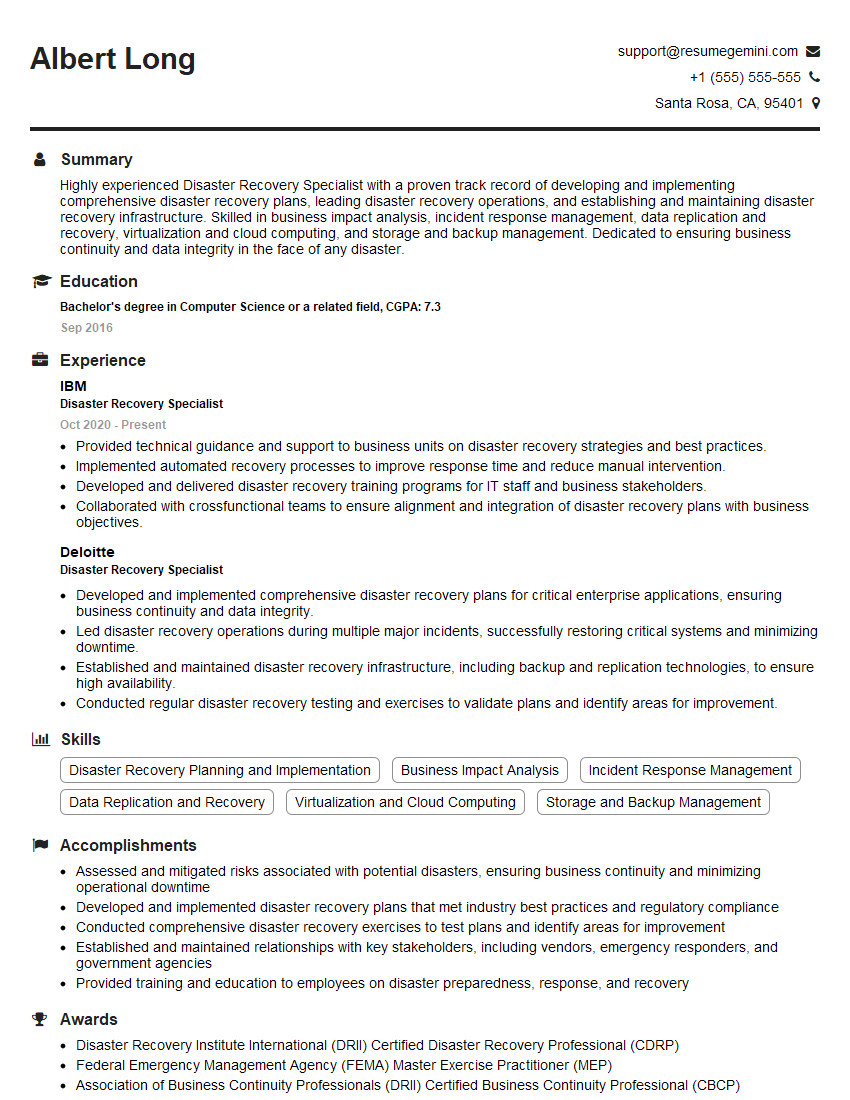
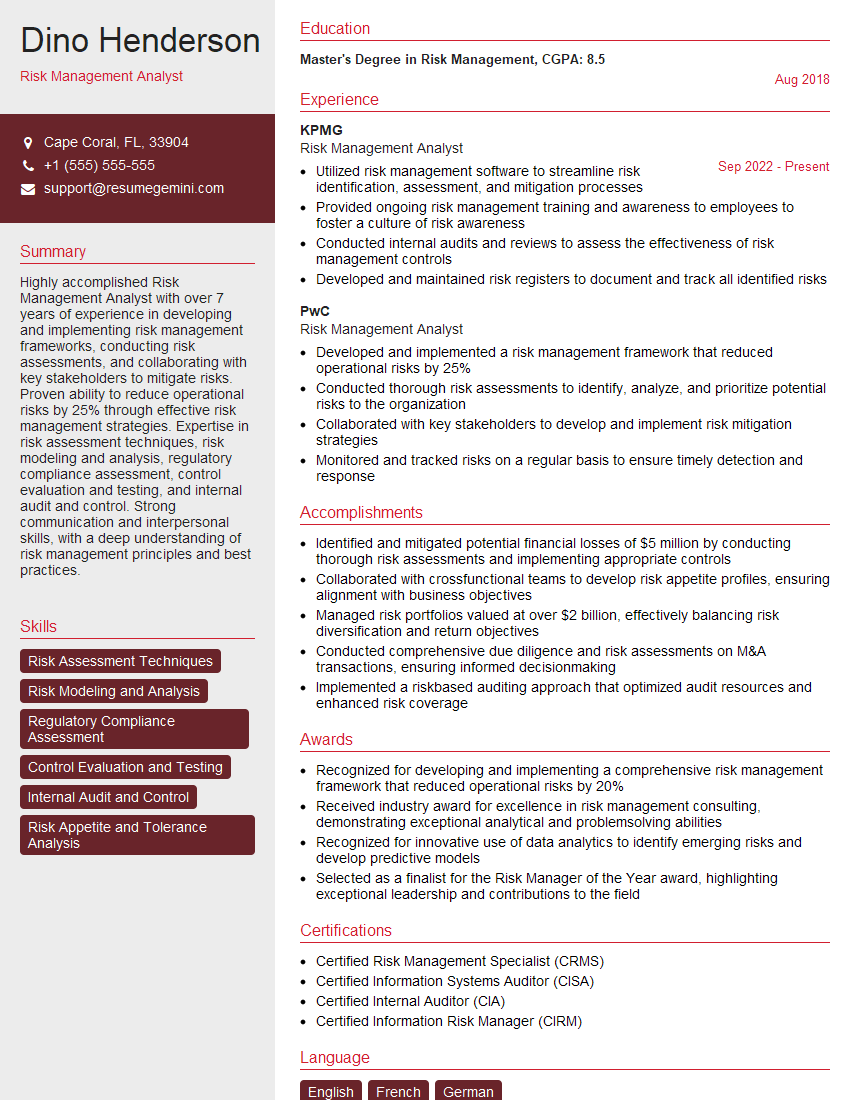
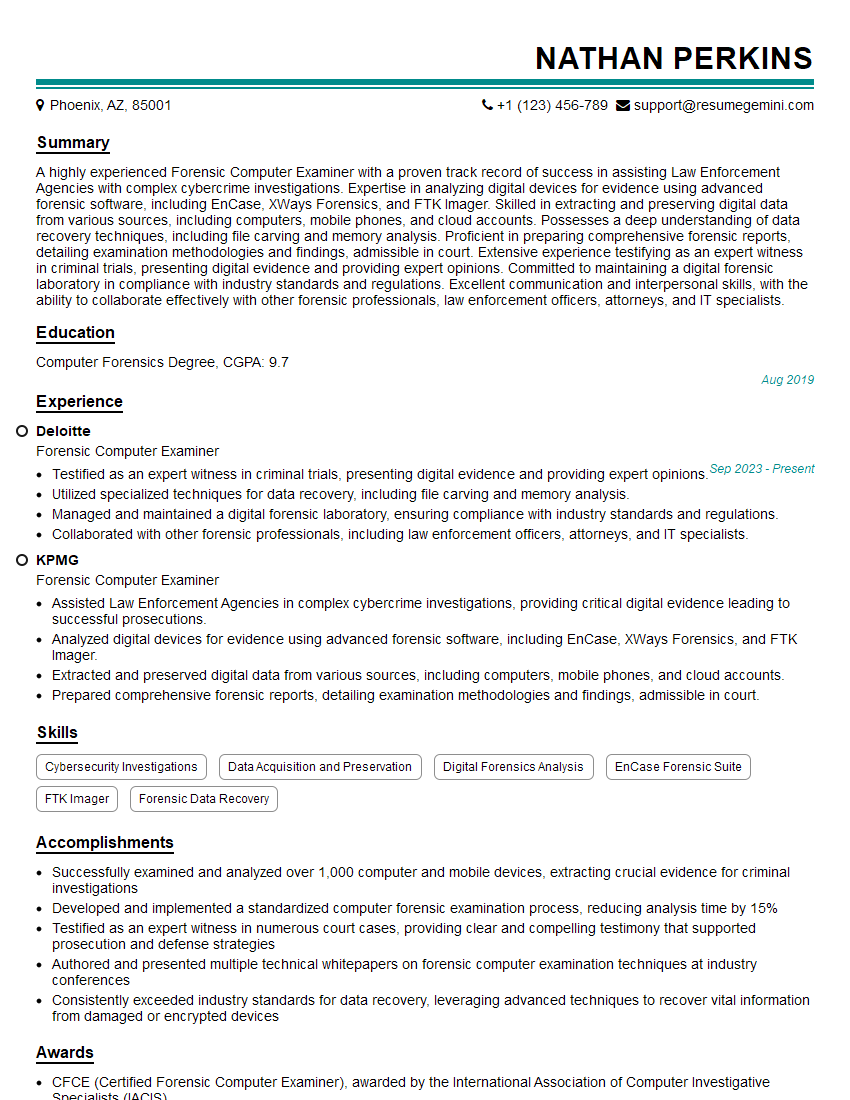
Mastering Search and Recovery opens doors to exciting and impactful career opportunities in various sectors. A strong foundation in these skills demonstrates valuable problem-solving abilities and attention to detail, highly sought-after qualities in today’s job market. To maximize your chances of landing your dream role, creating an ATS-friendly resume is crucial. ResumeGemini is a trusted resource that can significantly enhance your resume-building experience, making your skills and experience shine. We provide examples of resumes tailored to Search and Recovery to help you create a compelling application. Take the next step towards your career success today!



Explore more articles
Users Rating of Our Blogs
Share Your Experience
We value your feedback! Please rate our content and share your thoughts (optional).
What Readers Say About Our Blog
Very informative content, great job.
good