Cracking a skill-specific interview, like one for SEO and Content Optimization, requires understanding the nuances of the role. In this blog, we present the questions you’re most likely to encounter, along with insights into how to answer them effectively. Let’s ensure you’re ready to make a strong impression.
Questions Asked in SEO and Content Optimization Interview
Q 1. Explain the difference between on-page and off-page SEO.
On-page and off-page SEO are two sides of the same coin, both crucial for improving a website’s search engine ranking. Think of it like building a house: on-page SEO is the interior design and construction, while off-page SEO is the landscaping and neighborhood reputation.
On-page SEO refers to all the optimization efforts you perform directly on your website. This includes optimizing content, meta descriptions, title tags, header tags (H1-H6), image alt text, and internal linking. It’s about making your website easily understandable and relevant to search engines for specific keywords.
Off-page SEO, on the other hand, focuses on activities outside your website. This primarily involves building high-quality backlinks from other reputable websites. Think of these backlinks as votes of confidence from other websites, signaling to search engines that your website is trustworthy and authoritative.
Example: Optimizing a blog post about ‘best hiking boots’ would involve (on-page): using ‘best hiking boots’ in the title, headings, and throughout the content; writing a compelling meta description; and adding relevant images with descriptive alt text. Off-page optimization would involve getting other hiking blogs or outdoor gear websites to link to this blog post.
Q 2. What are the key factors influencing a website’s domain authority?
Domain authority (DA) is a metric that reflects the trustworthiness and authority of a website in the eyes of search engines. It’s not a direct ranking factor, but a strong DA generally correlates with higher rankings. Several key factors influence a website’s DA:
- Backlink Profile: The quantity and quality of backlinks are paramount. High-quality backlinks from authoritative websites carry more weight than numerous low-quality backlinks from spammy sites.
- Website Age and History: Older websites, especially those with a consistent history of providing valuable content, tend to have higher DA.
- Content Quality and Relevance: Providing high-quality, informative, and engaging content that satisfies user search intent is crucial. This encourages users to spend more time on the website and share the content, indirectly improving DA.
- Website Security (HTTPS): Secure websites (using HTTPS) are favored by search engines and contribute to a better perception of authority.
- Website Structure and Navigation: A well-structured website with easy navigation improves user experience, leading to longer visit durations and better engagement, influencing DA positively.
- Brand Mentions and Social Signals: While not a direct factor, positive brand mentions and strong social media presence indirectly impact DA by building online reputation and trust.
Q 3. Describe your experience with keyword research tools.
I have extensive experience using various keyword research tools, including Ahrefs, SEMrush, Moz Keyword Explorer, and Google Keyword Planner. Each tool offers a unique set of features, and my choice depends on the specific project requirements.
Ahrefs and SEMrush are particularly powerful for competitive analysis, identifying long-tail keywords, and analyzing backlinks. They provide in-depth data on keyword difficulty, search volume, and SERP (Search Engine Results Page) analysis. I use these tools to understand the competitive landscape and identify opportunities for targeting less competitive, high-value keywords.
Moz Keyword Explorer excels at providing keyword suggestions based on related terms and identifying keyword opportunities aligned with a specific website’s content.
Google Keyword Planner is a great starting point, especially for understanding search volume and identifying broad keyword ideas, although its data is less granular than other premium tools.
My approach to keyword research isn’t just about using tools; it’s about understanding user intent and choosing keywords that accurately reflect what users are searching for. I always combine data from various tools with qualitative research like analyzing competitor content and engaging directly with target audiences.
Q 4. How do you identify and fix broken links on a website?
Broken links, or links leading to non-existent pages (404 errors), negatively impact user experience and SEO. Identifying and fixing them is essential for maintaining website health and improving rankings.
Here’s my process:
- Use Website Crawlers: Tools like Screaming Frog or Google Search Console’s crawl errors report efficiently identify broken links within a website.
- Analyze Crawl Reports: These reports list all broken links, allowing you to categorize them by type (internal or external) and severity.
- Prioritize Fixes: Focus on fixing critical broken links, particularly those on important pages or those generating significant referral traffic.
- Redirect Broken Links: For broken internal links, create 301 redirects (permanent redirects) to relevant pages. For broken external links, consider replacing them with working links if possible, or removing them entirely.
- Regular Monitoring: Implement regular checks to prevent the accumulation of broken links. Include this task in a recurring SEO audit schedule.
Example: If a page linked to ‘/old-product.html’ is removed, a 301 redirect from ‘/old-product.html’ to a relevant page like ‘/new-product.html’ prevents users and search engines from encountering a 404 error, ensuring a smooth user experience.
Q 5. What is schema markup, and how does it benefit SEO?
Schema markup is a structured data vocabulary that helps search engines understand the content on your website more effectively. Think of it as providing search engines with clear instructions on what your content is about. It doesn’t directly boost rankings, but it significantly enhances the way your website appears in search results, leading to improved click-through rates (CTR).
Benefits of Schema Markup:
- Rich Snippets: Schema markup enables rich snippets in search results, displaying additional information like ratings, reviews, prices, and images directly under your website listing, making it more visually appealing and increasing click-through rates.
- Improved CTR: More visually appealing search results lead to higher click-through rates, driving more organic traffic to your website.
- Enhanced User Experience: Clearer presentation of information makes it easier for users to find what they’re looking for, improving overall user experience.
- Improved Understanding for Search Engines: Schema helps search engines better understand the context and meaning of your content, potentially influencing ranking factors indirectly.
Example: Implementing schema markup for a product page can display star ratings and customer reviews directly in the search results, making your listing stand out and increasing the probability of clicks.
Q 6. Explain the importance of mobile-friendliness in SEO.
Mobile-friendliness is no longer optional; it’s a critical ranking factor. Google’s mobile-first indexing means that Google primarily uses the mobile version of your website to evaluate its content and ranking potential. A website that isn’t mobile-friendly will have a significant disadvantage.
Why is mobile-friendliness essential for SEO?
- Improved User Experience: A mobile-friendly website provides a seamless and enjoyable experience for users browsing on their smartphones or tablets. This positive user experience positively impacts various ranking signals like bounce rate and time on site.
- Higher Rankings: Google prioritizes mobile-friendly websites in its search results, leading to higher rankings for sites that meet its mobile-friendliness guidelines.
- Increased Mobile Traffic: A mobile-friendly website attracts and retains more mobile users, a substantial portion of today’s online traffic.
- Avoidance of Penalties: Websites that are not mobile-friendly can potentially face penalties impacting rankings and visibility.
Practical Application: Implementing responsive web design ensures your website adapts seamlessly to various screen sizes, providing an optimal experience on all devices.
Q 7. How do you measure the success of an SEO campaign?
Measuring the success of an SEO campaign requires a multi-faceted approach, monitoring various key performance indicators (KPIs) over time. It’s not just about ranking improvements; it’s about achieving overall business goals.
Key Metrics for Success:
- Organic Rankings: Tracking keyword rankings over time provides insights into the impact of SEO efforts on search engine visibility.
- Organic Traffic: Monitoring the increase in organic website traffic demonstrates the success of attracting more users from search engines.
- Website Traffic Sources: Analyzing the sources of website traffic (e.g., Google, Bing, other search engines) helps assess the impact of specific search engine optimization strategies.
- Bounce Rate and Time on Site: These metrics indicate user engagement. A lower bounce rate and longer time on site suggest that the website content resonates with users.
- Conversion Rate: Measuring the conversion rate (e.g., sales, sign-ups, contact form submissions) assesses whether SEO efforts translate into desired business outcomes.
- Backlink Profile: Analyzing changes in the quantity and quality of backlinks reflects the impact of off-page SEO activities.
- Keyword Ranking Position: Tracking the positions of target keywords in search results provides a clear indication of progress.
Reporting and Analysis: Regular reporting and analysis of these metrics are essential for identifying trends, areas of success, and areas needing improvement. This iterative approach allows for continuous optimization and refinement of the SEO strategy.
Q 8. Describe your experience with Google Analytics and Search Console.
Google Analytics and Search Console are my go-to tools for monitoring website performance and understanding search engine behavior. Google Analytics provides a comprehensive overview of website traffic, user behavior, and conversions. I use it to track key metrics like bounce rate, average session duration, and conversion rates to identify areas for improvement. For example, a high bounce rate on a specific landing page might indicate poor content relevance or a confusing user experience, prompting me to optimize those aspects. Search Console, on the other hand, gives me insights directly from Google’s search results, showing which keywords are driving traffic, identifying technical issues like crawl errors, and highlighting potential indexing problems. I regularly use it to submit sitemaps, monitor indexation status, and address any warnings or errors reported. Together, these tools provide a holistic view of a website’s SEO performance and help guide my optimization strategies.
I’m proficient in setting up custom dashboards and reports in Google Analytics to track specific goals and KPIs, allowing me to monitor progress effectively and make data-driven decisions. In Search Console, I utilize the performance report to analyze keyword rankings, click-through rates, and identify opportunities for improving search visibility. I also leverage the URL inspection tool to troubleshoot indexing issues and ensure pages are correctly rendered by Googlebot.
Q 9. What are some common SEO penalties, and how can they be avoided?
SEO penalties can significantly impact a website’s ranking and visibility. Some common penalties include manual actions (like being flagged for unnatural links or thin content) and algorithmic penalties (resulting from violations of Google’s guidelines, often without explicit notification). These penalties can manifest as a sudden drop in organic traffic or an exclusion from search results.
- Unnatural Links: Buying links, participating in link schemes, or engaging in other manipulative link-building practices are major culprits. Avoid this by focusing on earning high-quality backlinks through creating valuable content that others naturally want to link to.
- Keyword Stuffing: Overusing keywords to artificially inflate relevance is another common issue. Instead, focus on natural language and a user-friendly writing style.
- Thin Content: Publishing low-quality, low-value content that doesn’t provide significant value to users is penalized. Always create high-quality, in-depth content that genuinely helps your target audience.
- Cloaking and Sneaky Redirects: Presenting different content to users than to search engines is considered deceptive and will result in penalties. Always ensure the content you present to users is identical to what search engines see.
Preventing these penalties boils down to following Google’s Webmaster Guidelines meticulously. This involves building a strong reputation through ethical link building, creating high-quality content, and maintaining a technically sound website.
Q 10. How do you handle duplicate content issues?
Duplicate content occurs when the same or very similar content appears on multiple pages. Search engines struggle to determine which version to rank, leading to diluted ranking power and potentially harming your SEO.
There are several ways to handle duplicate content issues. Identifying the root cause is critical. It could be caused by:
- WWW vs. non-WWW versions: Ensure you’re only using one version (either www.example.com or example.com) consistently across your site. This can be managed through 301 redirects in your .htaccess file.
- Pagination: Use rel=”next” and rel=”prev” tags for paginated content to indicate the relationship between the pages to search engines.
- Duplicate product descriptions: If you are using a CMS, ensure that the content for each product is unique, even across various categories. This may involve customising product descriptions based on the specific context.
- Printed content online: When putting previously published material online, add additional value, context, or analysis, making it original and unique.
If you have content that must be duplicated for legitimate reasons (like printer-friendly versions), use the canonical tag ( tag) to specify the preferred version of the page for search engines. This helps them understand which page to prioritize for ranking. For example, would tell Google that this is the primary version.
Q 11. What is the role of content optimization in SEO?
Content optimization is the cornerstone of successful SEO. It’s the process of creating and enhancing content to improve its visibility in search engine results pages (SERPs) and resonate with your target audience.
This involves a multi-faceted approach:
- Keyword Research: Identifying relevant keywords with sufficient search volume and low competition is paramount. Tools like SEMrush, Ahrefs, and Google Keyword Planner are invaluable.
- On-Page Optimization: Optimizing elements on the page itself, including title tags, meta descriptions, header tags (H1-H6), and image alt text, to ensure they accurately reflect the page’s content and target keywords. Properly structured content that answers a user’s search query is crucial.
- Content Structure: Organizing content logically and clearly, using headings, subheadings, bullet points, and images to enhance readability and engagement. Use short paragraphs and break up text with media elements to improve user experience.
- Readability and User Experience: Writing clear, concise, and engaging content that provides value to users. A positive user experience, signified by low bounce rate and high time on page, is a major ranking signal.
- Content Promotion: Distributing the content through social media, email marketing, and other channels to increase its reach and build backlinks.
Think of it this way: SEO provides the framework, but content optimization is the building material that determines the strength and stability of your online presence. Effective content optimization ensures your website delivers what users are looking for, while simultaneously pleasing search engines.
Q 12. Explain the concept of keyword cannibalization and how to solve it.
Keyword cannibalization occurs when multiple pages on your website target the same or very similar keywords. This confuses search engines and dilutes the ranking power of your individual pages. Instead of ranking one page highly, multiple pages compete against each other, resulting in none of them achieving optimal performance.
Imagine you have two blog posts, both targeting the keyword “best running shoes.” Search engines struggle to decide which to rank higher, weakening the performance of both.
Solving keyword cannibalization requires a strategic approach:
- Identify the Problem: Use SEO tools to find pages targeting overlapping keywords. Analyze search engine results pages (SERPs) to see which pages are competing with each other for rankings.
- Consolidate Content: Merge content from multiple pages into a single, comprehensive page. This combines the best aspects and ensures a more focused approach for a single keyword.
- Redirect: Use 301 redirects to point from the lower-performing pages to the stronger, consolidated page. This helps preserve link equity and prevents search engines from wasting indexing efforts on redundant content.
- Optimize Existing Content: Refine the target keywords for existing pages to avoid overlap. This could involve adjusting the title tags, meta descriptions, and overall content strategy to target different, yet relevant, keywords.
- Content Diversification: Ensure you have a variety of content addressing different facets of a topic. For example, if targeting ‘best running shoes’, create separate posts focusing on ‘best running shoes for beginners’ or ‘best running shoes for marathon runners’.
By taking these steps, you can address keyword cannibalization, improving the overall SEO performance and increasing the visibility of your website.
Q 13. How do you perform a competitive analysis for SEO?
Competitive analysis is a crucial part of any SEO strategy. It involves identifying your main competitors, analyzing their SEO strategies, and finding opportunities to outperform them.
Here’s how I perform a comprehensive competitive analysis:
- Identify Key Competitors: Use various tools and techniques to identify websites that rank for the same or similar keywords as yours. This could be done using keyword research tools or simply looking at the SERPs for your target terms.
- Analyze Their Backlink Profiles: Use tools like Ahrefs or SEMrush to analyze the backlinks of your competitors. Identify high-authority websites linking to them and try to replicate that success by creating high-quality content worthy of similar links.
- Analyze Their Content Strategy: Review the content on your competitors’ websites. Look at the length of their articles, their topic coverage, and their writing style. See what topics are missing and identify content gaps that you can fill.
- Assess Their On-Page Optimization: Analyze their title tags, meta descriptions, and header tags. Examine their use of keywords and their overall on-page optimization efforts.
- Track Their Rankings: Monitor their keyword rankings over time to track their success and identify opportunities to outperform them. Use rank tracking tools for this purpose.
- Analyze Their Technical SEO: Evaluate factors like site speed, mobile-friendliness, and indexing to identify areas where they might have weaknesses.
By systematically analyzing your competitors, you gain valuable insights into best practices, identify opportunities, and formulate a more effective SEO strategy. It’s not about copying; it’s about learning and refining your own approach to surpass your rivals in organic search results.
Q 14. Describe your experience with different SEO reporting tools.
My experience with SEO reporting tools is extensive. I’ve worked with various platforms, each offering unique capabilities. Some of the tools I’m most proficient with include:
- Google Analytics: As mentioned earlier, it’s vital for tracking website traffic, user behavior, and conversions. I can create custom dashboards to monitor crucial metrics and identify trends.
- Google Search Console: This is essential for tracking search engine performance, identifying technical SEO issues, and understanding how Google views your website.
- SEMrush: This is a powerful all-in-one SEO toolset. I use it for keyword research, competitor analysis, backlink analysis, and rank tracking.
- Ahrefs: Similar to SEMrush, Ahrefs offers a comprehensive suite of SEO tools. I find its backlink explorer particularly useful for identifying valuable link opportunities and assessing the competitive landscape.
- Moz: Moz provides tools for keyword research, rank tracking, and site audits. I often use their tools for assessing website health and identifying potential SEO issues.
Selecting the right tools depends on specific needs and budget. I prioritize tools that provide accurate, reliable data and offer functionalities that allow for efficient analysis and reporting. I frequently use data visualization to present clear, concise reports to clients, highlighting key achievements and outlining future strategies. The ultimate goal is to demonstrate the return on investment (ROI) of our SEO efforts.
Q 15. What are your preferred methods for link building?
My preferred link-building methods focus on earning high-quality, relevant backlinks rather than pursuing quantity. I avoid black-hat techniques like buying links, which can severely harm your website’s ranking. Instead, I concentrate on strategies that build trust and authority. This includes:
- Guest Blogging on Reputable Sites: Contributing insightful articles to authoritative blogs in my niche earns backlinks and exposes my content to a wider audience. I ensure the guest posts are naturally integrated and valuable to the host website’s readers, avoiding keyword stuffing or overly promotional content.
- Broken Link Building: I identify broken links on high-authority websites and reach out to the site owners, suggesting my relevant content as a replacement. This is a mutually beneficial approach, offering readers a valuable resource while building a backlink.
- Resource Page Outreach: Many websites maintain resource pages linking to helpful tools and information. I identify relevant resource pages and pitch my content as a valuable addition.
- Building Relationships with Influencers: Engaging with influencers in my niche through social media and genuine interaction can lead to backlinks and mentions, boosting brand awareness and credibility. It’s less about transactional link exchanges and more about building genuine connections.
- Creating High-Quality, Shareable Content: Ultimately, the best link-building strategy is to create content so compelling that others naturally want to share and link to it. Think original research, in-depth guides, and visually stunning content.
I always prioritize ethical and sustainable link-building practices to ensure long-term success and avoid penalties from search engines.
Career Expert Tips:
- Ace those interviews! Prepare effectively by reviewing the Top 50 Most Common Interview Questions on ResumeGemini.
- Navigate your job search with confidence! Explore a wide range of Career Tips on ResumeGemini. Learn about common challenges and recommendations to overcome them.
- Craft the perfect resume! Master the Art of Resume Writing with ResumeGemini’s guide. Showcase your unique qualifications and achievements effectively.
- Don’t miss out on holiday savings! Build your dream resume with ResumeGemini’s ATS optimized templates.
Q 16. How do you create high-quality, SEO-friendly content?
Creating high-quality, SEO-friendly content involves a multifaceted approach. It’s not just about stuffing keywords; it’s about providing genuine value to the reader while optimizing for search engines.
- Keyword Research: I use tools like SEMrush or Ahrefs to identify relevant keywords with high search volume and low competition. This informs the content’s focus and ensures it targets the right audience.
- Content Strategy: Before writing, I define a clear objective for the content. Is it to educate, persuade, or entertain? A well-defined goal guides the writing process and ensures the content remains focused.
- Compelling Content: The core of successful SEO is valuable content. This means engaging writing, clear structure, use of visuals (images, videos), and a reader-centric approach. I focus on delivering a positive user experience.
- On-Page Optimization: This includes optimizing title tags, meta descriptions, header tags (H1-H6), and image alt text with relevant keywords. I also ensure proper internal linking to connect relevant content within the website.
- Readability: I prioritize readability with short paragraphs, bullet points, and subheadings. I use tools to check readability scores and ensure the content is easily digestible.
- Mobile Optimization: Content must be responsive and display correctly on all devices. A mobile-friendly website is crucial for SEO success.
For example, instead of writing a generic article about ‘dogs,’ I might focus on a specific long-tail keyword like ‘best dog breeds for apartment living.’ This targets a more specific audience and increases the chances of ranking for that particular search query.
Q 17. What is the importance of user experience (UX) in SEO?
User experience (UX) is intrinsically linked to SEO. Search engines prioritize websites that offer a positive user experience, as it signals quality and relevance. Good UX keeps users engaged, leading to lower bounce rates and longer session durations—both positive ranking signals.
- Bounce Rate: A high bounce rate indicates users are leaving the site quickly, suggesting the content isn’t meeting their needs or the site is difficult to navigate. This negatively impacts SEO.
- Session Duration: Longer session durations show users are finding the content engaging and valuable. This signals to search engines that the website is providing a good user experience.
- Page Speed: Slow loading times frustrate users and lead to higher bounce rates. Optimizing website speed is crucial for both UX and SEO.
- Mobile Friendliness: A mobile-friendly design is essential as most users access the internet via smartphones. Poor mobile UX directly harms SEO.
- Navigation: Intuitive navigation helps users easily find what they are looking for. Clear menus and internal linking improve both UX and SEO.
Think of it this way: if users find your website easy to navigate, engaging, and valuable, they are more likely to spend more time on it and share it. Search engines reward this behavior.
Q 18. Explain your understanding of core web vitals.
Core Web Vitals are a set of metrics that Google uses to evaluate a website’s user experience. They measure aspects directly impacting the user’s perception of speed, responsiveness, and visual stability. These are crucial for SEO because a poor user experience leads to decreased rankings.
- Largest Contentful Paint (LCP): Measures the time it takes for the largest content element on the page to load. A good LCP is under 2.5 seconds.
- Cumulative Layout Shift (CLS): Measures the visual stability of the page. A high CLS indicates unexpected layout shifts, which can be frustrating for users. A good CLS is under 0.1.
- First Input Delay (FID): Measures the responsiveness of the page. A high FID means the page is slow to respond to user interactions. A good FID is under 100 milliseconds.
Optimizing core web vitals requires addressing issues like slow-loading images, inefficient code, and render-blocking JavaScript. Tools like Google PageSpeed Insights can help identify areas for improvement.
Q 19. How do you optimize images for SEO?
Optimizing images for SEO involves both technical optimization and strategic usage. It’s about ensuring images load quickly, are appropriately sized, and are properly described for search engines and visually impaired users.
- Compression: Reducing image file size without sacrificing quality is crucial for fast loading times. Tools like TinyPNG or ImageOptim can help.
- Appropriate File Format: Use JPEG for photographs and PNG for graphics with transparency. WebP is a newer format offering superior compression.
- Alt Text: Every image needs descriptive alt text that accurately describes the image’s content. This helps search engines understand the image and makes the website accessible to visually impaired users using screen readers. Use relevant keywords naturally within the alt text.
- File Naming: Use descriptive file names that incorporate relevant keywords (e.g.,
best-dog-breeds.jpginstead ofimage1.jpg). - Image Size: Resize images to the appropriate dimensions for the website. Large, unnecessarily high-resolution images slow down page load times.
- Lazy Loading: Implement lazy loading to delay the loading of images until they are visible in the viewport, improving initial page load speed.
For example, an image of a ‘golden retriever puppy’ shouldn’t be named ‘image1.jpg.’ A better name would be ‘golden-retriever-puppy.jpg,’ and the alt text could be ‘Adorable golden retriever puppy playing in the park.’
Q 20. How do you ensure content is accessible to all users?
Ensuring content accessibility involves making it usable and understandable for all users, including those with disabilities. This is not only ethically important but also beneficial for SEO, as search engines prioritize accessible websites.
- Semantic HTML: Use appropriate HTML elements to structure content logically. For example, use
for main headings,for paragraphs, andfor lists. - Alt Text for Images: As previously mentioned, alt text is essential for visually impaired users.
- Captions and Transcripts for Videos: Provide captions for videos to make them accessible to deaf or hard-of-hearing users. Transcripts provide an alternative for those who cannot or prefer not to watch the video.
- Color Contrast: Ensure sufficient color contrast between text and background to make it readable for users with visual impairments.
- Keyboard Navigation: Ensure all interactive elements are accessible via keyboard navigation for users who cannot use a mouse.
- ARIA Attributes: Use ARIA attributes to provide additional information to assistive technologies.
Accessibility checkers and tools can help identify and fix accessibility issues on a website. Following WCAG (Web Content Accessibility Guidelines) ensures your content meets accessibility standards.
Q 21. What is your experience with different CMS platforms (e.g., WordPress)?
I have extensive experience with various CMS platforms, with WordPress being my most proficient. I understand the strengths and weaknesses of different systems and can choose the best platform for a given project.
- WordPress: I’m highly proficient in WordPress, utilizing its extensive plugin ecosystem for SEO optimization, security, and performance enhancements. I’m familiar with theme customization, plugin management, and database optimization. I’ve worked with various plugins like Yoast SEO and Rank Math for on-page optimization.
- Other CMS Platforms: I also possess experience with other CMS platforms such as Drupal and Joomla, although my expertise lies primarily in WordPress due to its flexibility, ease of use, and extensive community support. I’m comfortable adapting to new platforms as needed.
My approach involves choosing the CMS platform that best fits the project’s requirements and budget. While WordPress is my go-to for many projects, other platforms may offer advantages in specific situations, such as Drupal’s scalability for large websites or Joomla’s robust features for specific niches. The key is selecting the right tool for the job.
Q 22. Describe your process for creating a content calendar.
Creating a content calendar is like planning a delicious meal – you need a variety of dishes (content types) to satisfy different appetites (audience segments) and ensure a balanced nutritional intake (consistent brand voice and SEO objectives).
My process begins with keyword research to identify topics relevant to my target audience and aligned with business goals. I then categorize these keywords into thematic clusters to organize content efficiently. Next, I brainstorm content formats – blog posts, infographics, videos, podcasts – choosing the most effective format for each topic. The calendar itself is typically a spreadsheet or project management tool outlining:
- Topic: The core subject of the content piece.
- Format: The type of content (e.g., blog post, video).
- Keyword: The primary keyword(s) being targeted.
- Publication Date: The planned date of publication.
- Author/Editor: Assigned responsibility.
- Status: Stages of content creation (e.g., Idea, Draft, Editing, Published).
I also factor in seasonal trends, promotional events, and competitor analysis to ensure timeliness and relevance. Regular review and adjustment are crucial; I treat the calendar as a living document, not a static plan.
Q 23. How do you use data to inform content strategy?
Data is the compass guiding my content strategy. It allows me to move beyond guesswork and make informed decisions. I leverage several data sources:
- Google Analytics: To understand website traffic patterns, user behavior, popular pages, and bounce rates. This reveals what content resonates with the audience and what needs improvement.
- Google Search Console: To monitor website performance in Google search, identify technical issues, track keyword rankings, and understand click-through rates. This provides crucial insight into search visibility and content effectiveness.
- Keyword Research Tools (SEMrush, Ahrefs, etc.): To identify relevant keywords with high search volume and low competition. This helps target topics with potential for high organic traffic.
- Social Media Analytics: To gauge audience engagement with content shared across different social platforms. This informs content repurposing and distribution strategies.
For example, if Google Analytics shows high bounce rates on a specific landing page, it signals the need for improved content quality, better UX, or more relevant internal linking. Similarly, low click-through rates in Google Search Console might indicate weak title tags and meta descriptions, prompting an optimization effort.
Q 24. How familiar are you with structured data and JSON-LD?
I’m very familiar with structured data and JSON-LD. Structured data markup helps search engines understand the context of your website content, leading to richer snippets in search results and improved click-through rates. JSON-LD (JavaScript Object Notation for Linked Data) is a lightweight format for embedding structured data on websites. It’s considered best practice for its ease of implementation and readability.
Here’s an example of JSON-LD for a product page:
{"@context": "https://schema.org","@type": "Product","name": "Example Product","description": "A detailed description of the product...","image": "image_url.jpg","brand": {"@type": "Brand","name": "Example Brand"},"sku": "SKU12345","priceCurrency": "USD","price": "29.99"}Implementing structured data correctly can significantly improve a website’s visibility and organic search performance. I regularly use schema.org vocabulary to ensure accuracy and compatibility with search engines.
Q 25. What are your thoughts on AI-powered SEO tools?
AI-powered SEO tools offer incredible potential, but they shouldn’t replace human expertise. They’re powerful assistants, automating time-consuming tasks and providing data-driven insights, but they lack the nuanced understanding of context, user intent, and creative writing that humans possess.
I view them as valuable tools for:
- Keyword Research: Identifying long-tail keywords and related search terms.
- Content Optimization: Suggesting improvements to readability, keyword density, and meta descriptions.
- Technical SEO Audits: Identifying website issues like broken links, slow loading times, and crawl errors.
- Competitor Analysis: Analyzing competitor websites and identifying content gaps.
However, it’s crucial to use these tools judiciously and critically evaluate their recommendations. Over-reliance on AI can lead to robotic content that lacks originality and fails to connect with the audience. Human oversight is crucial for ensuring quality, relevance, and ethical SEO practices.
Q 26. Describe your experience working with an SEO team.
In my previous role, I worked collaboratively within a large SEO team, contributing to both strategic planning and tactical execution. My responsibilities included keyword research, content strategy development, on-page optimization, and technical SEO implementation. We operated using an Agile methodology, with regular sprint reviews and collaborative brainstorming sessions. Open communication and shared ownership of goals were key to our success.
I found that team collaboration fostered a more comprehensive and effective approach to SEO. Different team members brought specialized skills and perspectives, allowing us to identify opportunities and address challenges more effectively than working in isolation. For instance, the content team benefited from the data insights provided by the analytics team, leading to more targeted and effective content creation.
Q 27. How do you prioritize SEO tasks?
Prioritizing SEO tasks requires a strategic approach balancing short-term wins with long-term growth. I typically use a framework that prioritizes tasks based on impact and effort:
- High Impact, Low Effort: These are quick wins that yield significant results. Examples include fixing broken links, optimizing meta descriptions, and implementing structured data markup.
- High Impact, High Effort: These require significant resources but have the potential for substantial returns. Examples include developing a comprehensive content strategy, conducting a major site-wide technical SEO audit, and implementing a large-scale link-building campaign.
- Low Impact, Low Effort: These tasks are relatively simple but offer limited returns. They’re usually relegated to lower priority unless there is surplus capacity.
- Low Impact, High Effort: These tasks consume substantial resources with minimal return, and are usually avoided unless absolutely necessary.
Using a project management tool to track progress, deadlines, and resource allocation helps stay organized and effectively manage the workflow.
Q 28. How do you stay up-to-date with the latest SEO trends?
Staying current in the dynamic SEO landscape requires continuous learning and adaptation. My strategies include:
- Following reputable SEO blogs and websites: This provides insights on the latest algorithm updates, best practices, and industry trends.
- Attending industry conferences and webinars: Networking with fellow professionals and hearing from leading experts provides invaluable knowledge and fresh perspectives.
- Participating in online SEO communities: Forums and online groups offer opportunities for discussion, knowledge-sharing, and staying abreast of current challenges and solutions.
- Regularly testing and analyzing results: Experimenting with different strategies and evaluating their impact through data analysis ensures alignment with evolving best practices.
- Subscribing to industry newsletters and podcasts: A curated stream of information provides consistent updates on critical SEO developments.
Staying informed is not just about keeping up with the latest algorithms; it’s also about understanding the evolving needs of search users and anticipating future trends.
Key Topics to Learn for SEO and Content Optimization Interview
- Keyword Research & Analysis: Understanding search intent, identifying relevant keywords with high search volume and low competition, and utilizing keyword research tools effectively.
- On-Page Optimization: Implementing strategies like title tag optimization, meta description writing, header structuring (H1-H6), internal linking, and image optimization to improve search engine crawlability and ranking.
- Off-Page Optimization: Building high-quality backlinks from reputable websites through strategies like guest blogging, outreach, and content promotion to enhance domain authority and search rankings.
- Technical SEO: Addressing website technical issues that impact search engine crawlability and indexing, including site speed optimization, mobile-friendliness, XML sitemap submission, and schema markup implementation.
- Content Strategy & Planning: Developing a content calendar that aligns with business goals, target audience, and keyword research findings to create high-quality, engaging content.
- Content Optimization: Writing SEO-friendly content that incorporates keywords naturally, improves readability, and engages the target audience. This includes understanding and applying principles of content architecture and user experience (UX).
- Analytics & Reporting: Using tools like Google Analytics and Google Search Console to track website performance, analyze keyword rankings, identify areas for improvement, and demonstrate the ROI of SEO and content optimization efforts.
- Understanding Search Engine Algorithms: Grasping the fundamentals of how search engines work, including crawling, indexing, and ranking, and adapting strategies to algorithm updates.
- Content Formats & Promotion: Exploring various content formats like blog posts, infographics, videos, and podcasts, and implementing effective content promotion strategies.
- SEO Best Practices and Ethical Considerations: Staying updated with the latest SEO trends and guidelines, and avoiding black hat SEO techniques to maintain a positive online reputation.
Next Steps
Mastering SEO and Content Optimization is crucial for career advancement in today’s digital landscape. These skills are highly sought after, opening doors to exciting opportunities and higher earning potential. To maximize your job prospects, it’s essential to create a compelling and ATS-friendly resume that highlights your skills and experience effectively. We recommend using ResumeGemini to build a professional resume that truly showcases your capabilities. ResumeGemini offers a streamlined process and provides examples of resumes tailored to SEO and Content Optimization roles, giving you a head start in your job search.
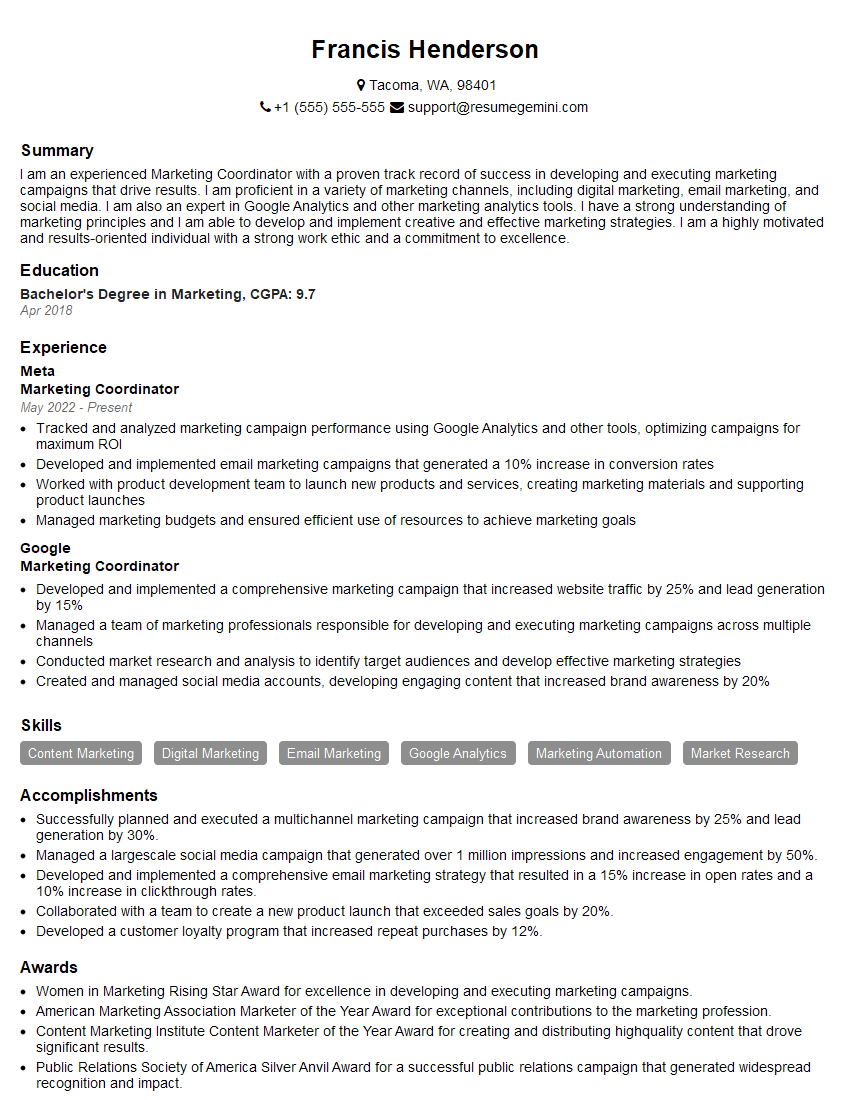
Marketing Coordinator Resume Sample

Social Media Manager Resume Sample
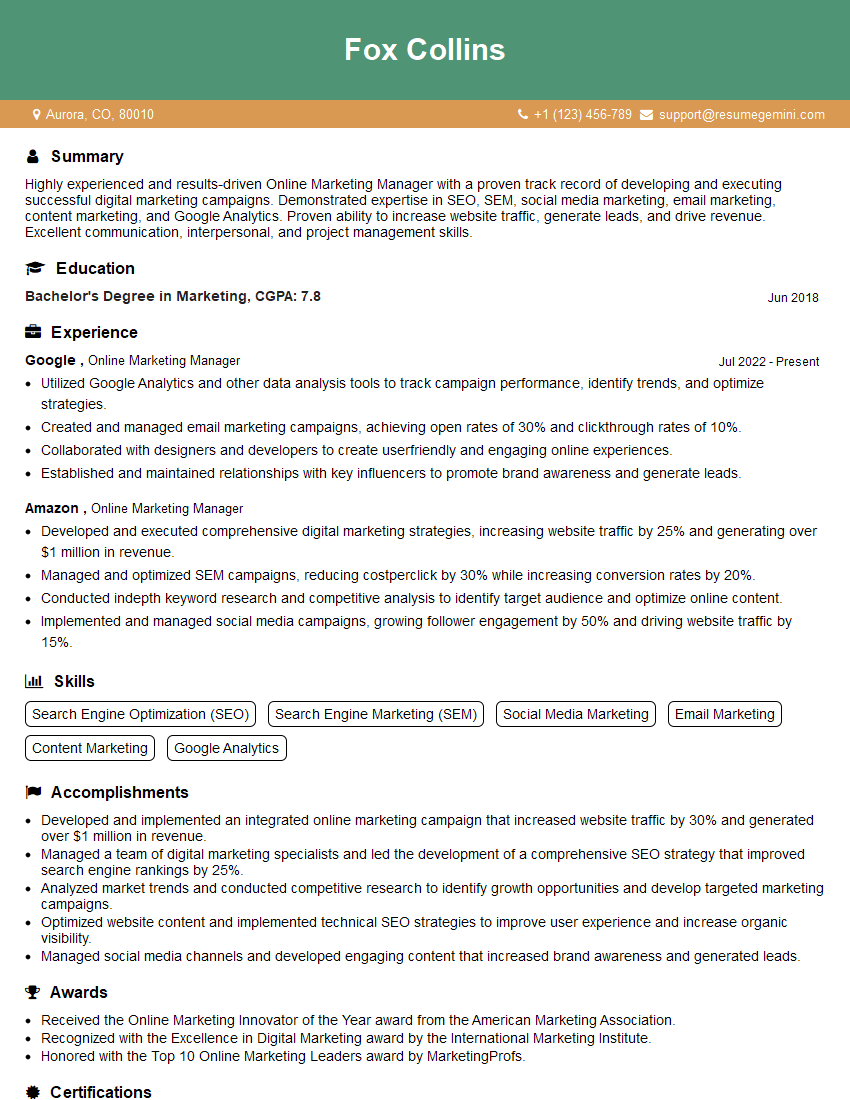
Online Marketing Manager Resume Sample
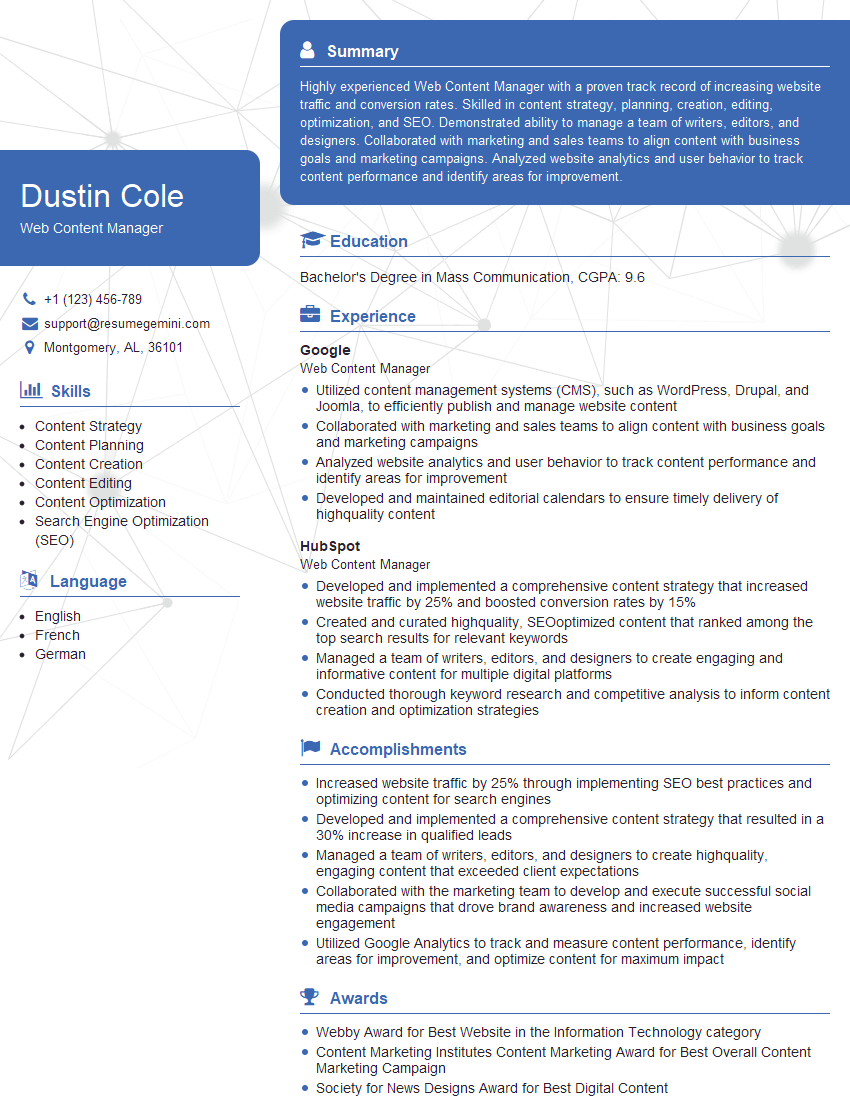
Web Content Manager Resume Sample

Content Strategist Resume Sample
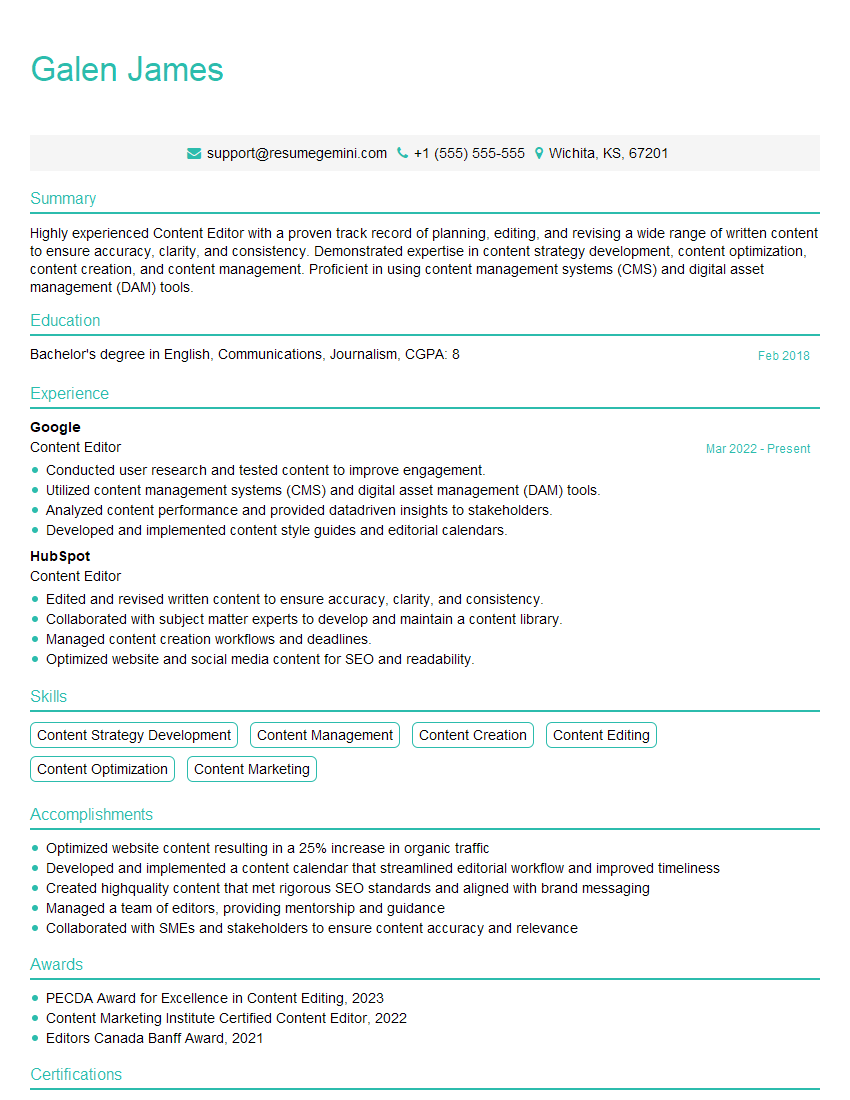
Content Editor Resume Sample
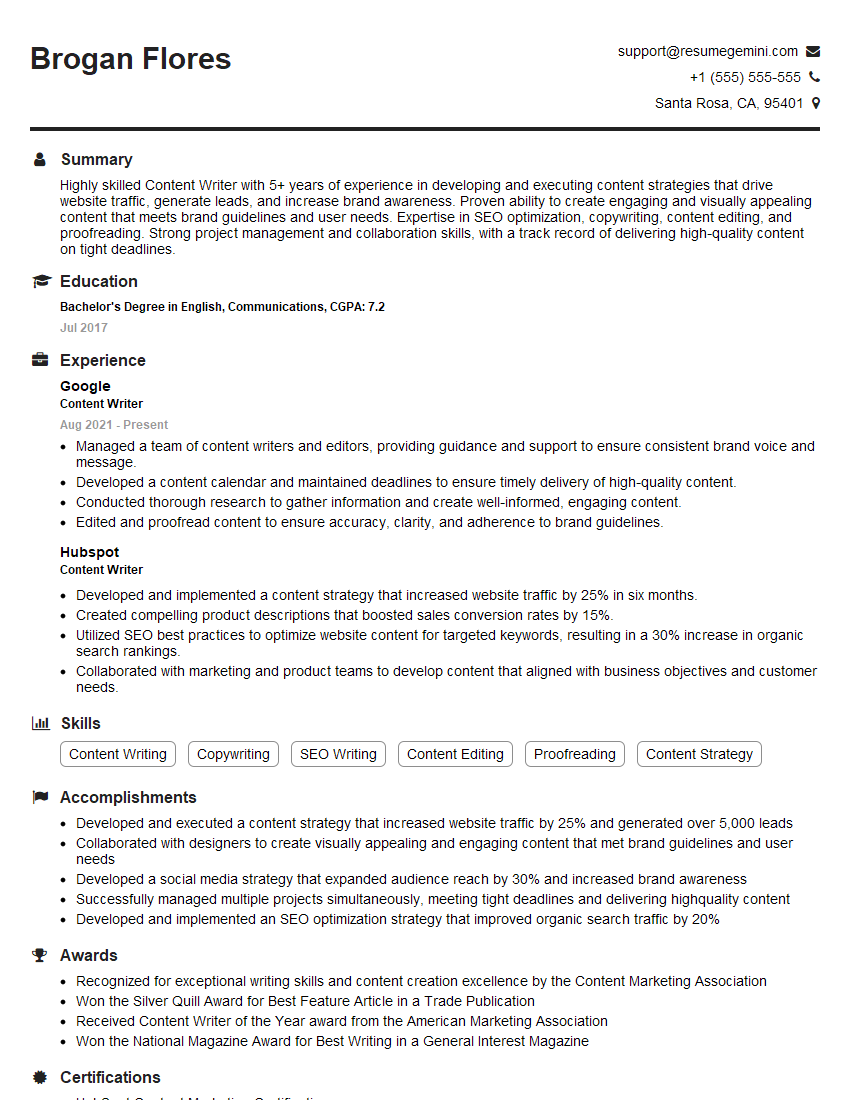
Content Writer Resume Sample

Content Creator Resume Sample
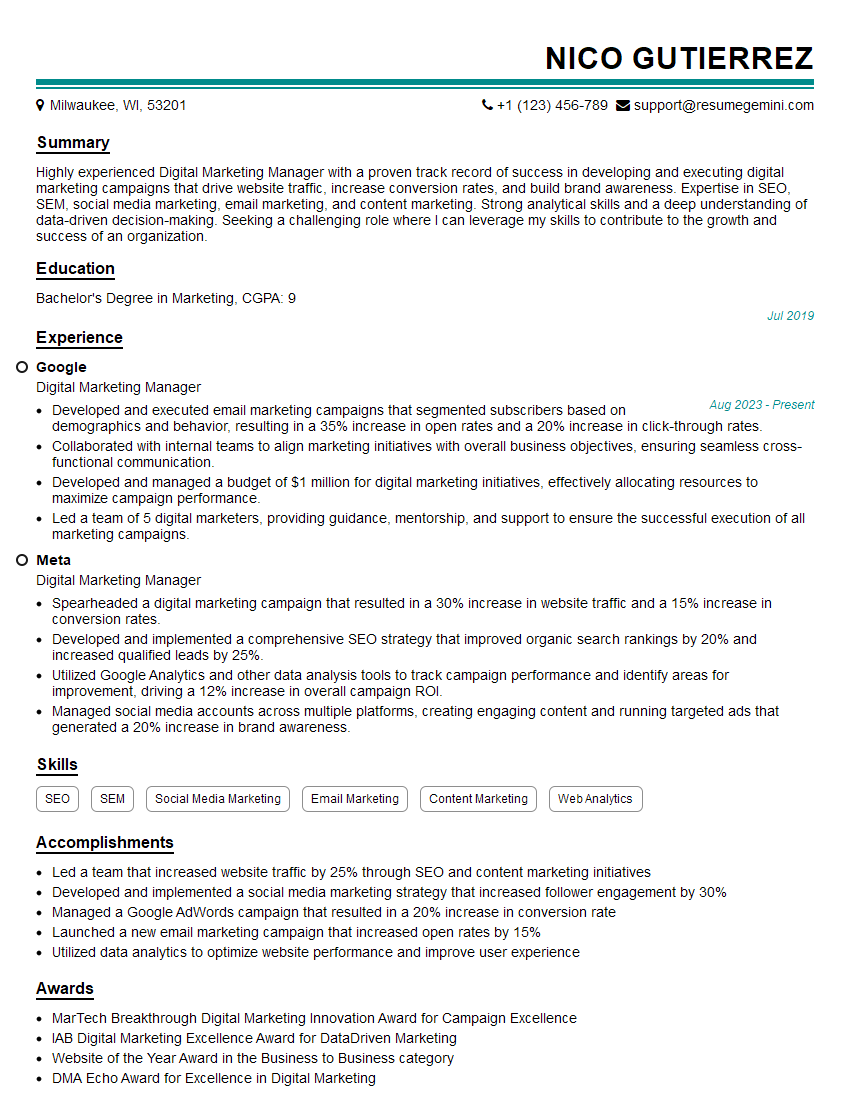
Digital Marketing Manager Resume Sample
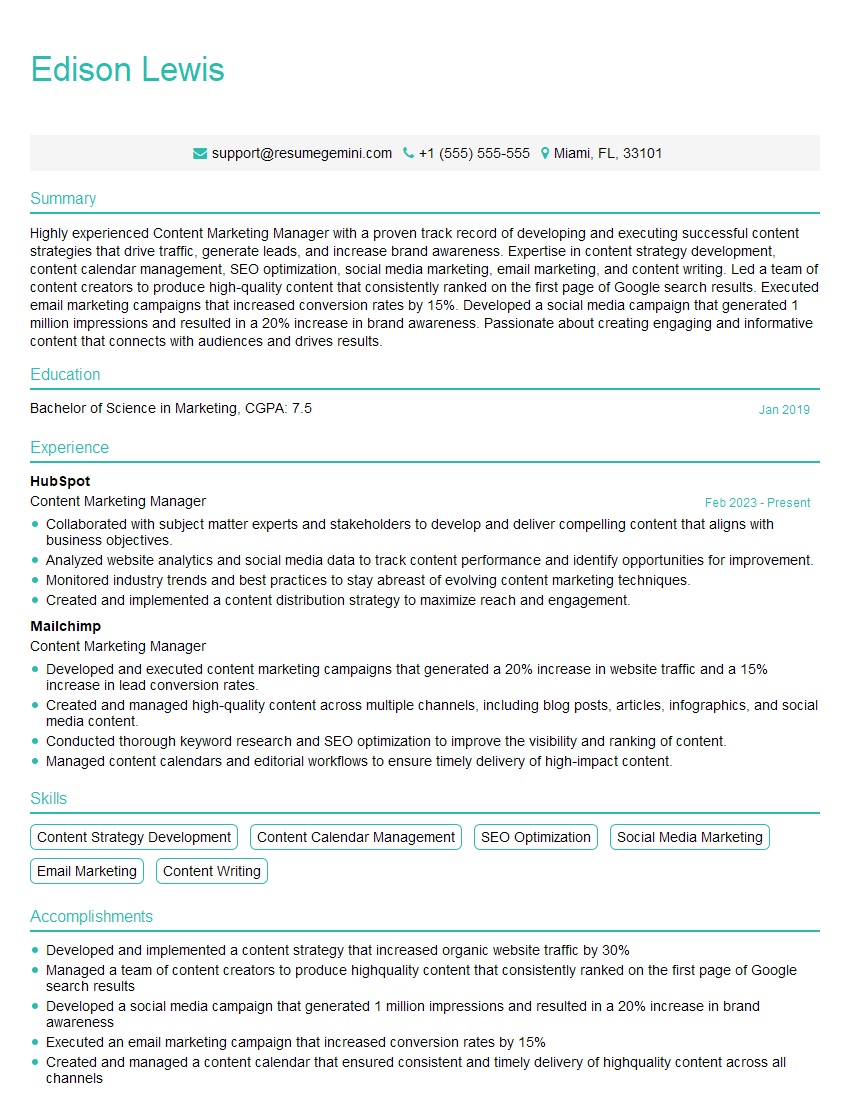
Content Marketing Manager Resume Sample
Explore more articles
Users Rating of Our Blogs
Share Your Experience
We value your feedback! Please rate our content and share your thoughts (optional).
What Readers Say About Our Blog
Very informative content, great job.
good