The right preparation can turn an interview into an opportunity to showcase your expertise. This guide to Server Configuration Management interview questions is your ultimate resource, providing key insights and tips to help you ace your responses and stand out as a top candidate.
Questions Asked in Server Configuration Management Interview
Q 1. Explain the difference between imperative and declarative configuration management.
Imperative and declarative configuration management are two fundamentally different approaches to managing server configurations. Think of it like giving directions: imperative is like providing step-by-step instructions, while declarative is like describing the desired outcome.
Imperative Configuration Management: This approach focuses on how to achieve a desired state. You specify the exact commands or steps the system should execute to configure the server. This is often more complex to write and maintain, especially for large-scale deployments because it requires you to know precisely the exact steps needed for every scenario. For example, you might write a script that installs a specific package, configures a service, and restarts it. If something changes in the underlying system or dependencies, this script needs to be carefully updated.
Declarative Configuration Management: This approach focuses on what the desired state should be. You describe the final configuration you want, and the tool figures out the necessary steps to achieve it. This approach leads to cleaner, more easily maintainable code because the system takes care of the intricate steps. For example, you could specify that a specific web server should be installed, running, and listening on port 80. The configuration management tool would handle the actual installation, configuration, and startup/restart process automatically based on the described state.
- Imperative Example (Conceptual):
apt-get update; apt-get install apache2; systemctl start apache2; - Declarative Example (Conceptual):
package { 'apache2': ensure => 'present', ensure => 'running' }(Illustrative, not a specific tool syntax).
In practice, declarative approaches are generally preferred for their scalability and ease of maintenance, though imperative approaches may still have niche uses for highly specific and tightly controlled tasks.
Q 2. Describe your experience with Puppet, Chef, Ansible, or SaltStack.
I have extensive experience with Ansible, having used it to manage infrastructure for several large projects over the past five years. I appreciate its agentless architecture, which simplifies deployments and reduces operational overhead. In one project, we used Ansible to manage over 500 servers across multiple data centers, automating tasks like software deployments, configuration updates, and security patching.
Ansible’s YAML-based configuration files are easy to read and understand, making collaboration and version control easier. Its modular design allows for the creation of reusable playbooks that can be applied consistently across different environments. Furthermore, Ansible’s robust features for handling errors and rollbacks minimized downtime during updates and deployments. I’ve also worked with modules to automate tasks involving cloud platforms such as AWS and Azure, streamlining our DevOps process and enabling infrastructure-as-code practices.
While I’ve worked with Puppet and Chef previously, Ansible’s simplicity and ease of use make it my go-to tool for most projects unless specific requirements dictate a different solution. I found that the learning curve for Ansible was significantly shorter compared to Puppet or Chef, especially for engineers with scripting backgrounds.
# Example Ansible task to install Apache - name: Install Apache web server apt: name: apache2 state: present update_cache: yesQ 3. How do you manage configuration drift?
Configuration drift occurs when a server’s configuration deviates from its intended or managed state. It’s a significant problem that can lead to inconsistencies, security vulnerabilities, and application failures. Imagine a meticulously planned garden that begins to grow wild – that’s similar to configuration drift in a server environment.
To manage configuration drift, I employ a multi-pronged approach:
- Regular Audits: Automated checks are crucial. Using tools and scripts to regularly compare the actual server configuration against the desired configuration (defined in my IaC) identifies discrepancies early. These tools often incorporate checksums to verify file integrity as well.
- Idempotency: Leveraging tools like Ansible that support idempotency ensures that applying the configuration multiple times has the same effect as applying it once. This means that a configuration change task won’t produce unintended side effects after multiple executions.
- Configuration Management Systems: Using tools like Ansible, Chef, Puppet, or SaltStack provides the core mechanism for managing the desired state. They allow you to define the configurations once and re-apply them consistently, which helps eliminate drift.
- Version Control: Tracking changes to my configuration files (Infrastructure as Code) in a version control system like Git is non-negotiable. This allows me to rollback if necessary and provides an audit trail of changes.
- Monitoring and Alerting: Continuous monitoring for unexpected changes or deviations from baseline is critical for proactively identifying drift. Alerting systems notify us about potential problems, enabling timely intervention.
By integrating these strategies, I can effectively detect, prevent, and correct configuration drift, ensuring a consistent and stable infrastructure.
Q 4. What are the benefits of using version control for infrastructure code?
Version control is absolutely essential for managing infrastructure code. It provides the same benefits for infrastructure as it does for application code: traceability, collaboration, and the ability to easily revert changes.
- Traceability: Every change to the infrastructure is recorded, allowing us to track who made what change, when, and why. This is invaluable for troubleshooting and auditing purposes.
- Collaboration: Multiple team members can work on the infrastructure code concurrently, merging their changes and resolving conflicts easily. Version control systems manage this process efficiently.
- Rollback Capability: If a configuration change causes issues, it’s simple to roll back to a previous known-good state. This minimizes downtime and the risk of major incidents.
- Reproducibility: Having a complete history allows anyone to recreate the infrastructure at any point in time. This is essential for consistency across development, staging, and production environments.
- Experimentation: It becomes easy to create branches for experimental changes, testing different configurations without affecting the main production environment.
In short, version control for infrastructure code is not just a best practice; it’s a necessity for managing complex infrastructure in a reliable and manageable way.
Q 5. Explain your experience with Infrastructure as Code (IaC).
Infrastructure as Code (IaC) is the practice of managing and provisioning infrastructure through code, rather than manual processes. I have extensive experience with IaC, primarily using Ansible and Terraform. IaC has revolutionized how we approach infrastructure management, allowing us to automate deployments, track changes, and maintain consistency across environments.
Using Ansible for IaC, I’ve automated the configuration of servers and applications, defining the desired state in YAML files. These files are version controlled, enabling collaboration, and rollback capabilities. This is particularly crucial in managing complex and scalable cloud deployments. For example, deploying entire new environments on AWS, including networking, databases and application servers, can be fully automated and controlled by Ansible playbooks.
My experience with Terraform extends to managing cloud resources such as virtual machines, networks, and storage in an automated and declarative way, focusing on the “what” rather than the “how”. This has significantly increased efficiency and reduced the risk of human error in infrastructure deployments. Both Ansible and Terraform provide a significant boost in efficiency, maintainability and consistency in my projects.
Q 6. How do you handle configuration changes in a production environment?
Handling configuration changes in a production environment requires a careful and methodical approach. The key is to minimize risk and downtime. My process typically involves these steps:
- Thorough Testing: Before any change is deployed to production, it undergoes rigorous testing in a staging or development environment that mirrors the production environment as closely as possible.
- Version Control: All configuration changes are tracked in a version control system, ensuring traceability and rollback capability.
- Rollout Strategy: I employ a phased rollout strategy, such as canary deployments or blue/green deployments, to minimize the impact of any potential issues. This means deploying to a small subset of servers first and monitoring the results before proceeding with the full deployment.
- Monitoring and Alerting: Close monitoring of the production environment is crucial. Real-time dashboards and alerting systems notify me of any problems immediately, enabling swift intervention.
- Rollback Plan: A comprehensive rollback plan is always in place, allowing quick reversion to a previous stable state if problems arise.
- Documentation: Detailed documentation of all changes and procedures is vital, including the rationale behind the changes and the steps for rollback.
By following these best practices, I can implement changes in a controlled, safe, and efficient manner, minimizing the impact on users and applications.
Q 7. Describe your process for troubleshooting server configuration issues.
Troubleshooting server configuration issues involves a systematic approach, using a combination of tools and techniques:
- Gather Information: The first step is to gather as much information as possible about the issue. This includes error messages, logs, network diagnostics, and the overall server state.
- Reproduce the Issue: If possible, attempt to reproduce the problem in a controlled environment to better understand its root cause.
- Isolate the Problem: Narrow down the source of the problem by systematically eliminating potential causes. This may involve checking network connectivity, reviewing configuration files, examining logs, or testing individual components.
- Consult Documentation: Refer to the documentation for the relevant software or hardware to identify potential solutions or workarounds.
- Use Monitoring Tools: Leverage monitoring tools to identify performance bottlenecks or other issues contributing to the problem.
- Debug Tools: Utilize debugging tools (e.g.,
strace,tcpdump) for in-depth analysis of system calls or network traffic. - Community Support: Seek assistance from online communities, forums, or support channels if you are facing an uncommon problem.
- Version Control: Review the version control history of the configuration files to determine when and how changes that might be related to the problem were introduced.
My approach is to be methodical and patient. Starting with the most likely causes and gradually narrowing down to more complex ones increases the efficiency of the troubleshooting process. Effective logging and monitoring are vital for quick issue resolution.
Q 8. What are your preferred methods for monitoring server performance and health?
Monitoring server performance and health is crucial for maintaining a stable and efficient system. My preferred methods involve a multi-layered approach, combining system-level monitoring with application-specific metrics.
System-level monitoring: I rely heavily on tools like Nagios, Zabbix, or Prometheus to track key performance indicators (KPIs) such as CPU utilization, memory usage, disk I/O, and network traffic. These tools provide real-time dashboards and alerts, allowing for proactive identification of potential issues. For example, if CPU utilization consistently exceeds 90%, it triggers an alert indicating a potential bottleneck requiring investigation.
Application-specific monitoring: This goes beyond system-level metrics. I use application performance monitoring (APM) tools like Datadog, Dynatrace, or New Relic. These tools provide insights into the performance of individual applications, helping identify slow queries, resource leaks, or other application-specific problems. Imagine a web application: APM helps pinpoint which database queries are causing delays, affecting user experience.
Log monitoring: Regularly reviewing server logs is essential. Tools like ELK stack (Elasticsearch, Logstash, Kibana) or Splunk provide centralized log management, making it easier to search, analyze, and visualize log data. This helps identify errors, security breaches, or other anomalies. For instance, frequent failed login attempts could signal a security threat.
Synthetic monitoring: Using tools that simulate user activity to proactively identify potential problems before they impact real users. This is particularly valuable for identifying performance regressions or outages.
By combining these methods, I gain a comprehensive understanding of server health, allowing for timely intervention and prevention of major issues.
Q 9. How do you ensure security best practices are implemented in server configurations?
Implementing robust security is paramount in server configuration. My approach focuses on a layered security model, incorporating various techniques at different levels.
Operating System Hardening: This involves disabling unnecessary services, applying security patches promptly, and configuring strong firewall rules. Regularly updating the OS and its components is critical. Think of it like locking your doors and windows – it prevents unauthorized access.
Access Control: Principle of least privilege is strictly adhered to, granting users only the necessary permissions to perform their tasks. Strong passwords and multi-factor authentication are mandatory. This limits the damage if a single account is compromised.
Regular Security Audits and Penetration Testing: Conducting regular security assessments helps identify vulnerabilities before they can be exploited. Penetration testing simulates real-world attacks to pinpoint weaknesses in the system.
Intrusion Detection and Prevention Systems (IDS/IPS): Implementing these systems provides real-time monitoring and protection against malicious activities. They act as security guards, constantly watching for suspicious behavior.
Data Encryption: Encrypting sensitive data both in transit and at rest is vital. This protects data even if a breach occurs. Think of it as encrypting your important documents before storing them.
Vulnerability Management: Regularly scanning for known vulnerabilities and patching them promptly is a crucial step in maintaining secure servers. Tools like Nessus or OpenVAS can help with this process.
Security is an ongoing process, not a one-time fix. Continuous monitoring and adaptation are necessary to stay ahead of evolving threats.
Q 10. Explain your understanding of different deployment strategies (e.g., blue/green, canary).
Deployment strategies aim to minimize downtime and risk during software updates. Blue/green and canary deployments are two popular methods.
Blue/Green Deployment: This involves maintaining two identical environments: a ‘blue’ (production) environment and a ‘green’ (staging) environment. The new version is deployed to the green environment, thoroughly tested, and then traffic is switched from blue to green. If issues arise, traffic can be quickly switched back to the blue environment with minimal disruption. It’s like having a spare tire ready in your car – you can swap it in quickly if the current one fails.
Canary Deployment: A smaller subset of users is gradually transitioned to the new version. This allows for monitoring the new version’s performance and stability in a controlled environment before a full rollout. If issues arise, the rollout can be stopped before impacting all users. This is akin to testing a new recipe on a small group before serving it to everyone.
Choosing between these strategies depends on the application’s criticality and risk tolerance. For highly critical applications, blue/green might be preferred due to its faster rollback capability. Canary deployment is suitable for applications where gradual rollout and user feedback are valuable.
Q 11. How do you automate repetitive tasks related to server configuration?
Automating repetitive tasks is key to efficiency and reducing human error. I leverage configuration management tools like Ansible, Puppet, Chef, or SaltStack. These tools allow for defining server configurations in code, enabling automated provisioning, deployment, and management.
Infrastructure as Code (IaC): This approach allows describing the entire infrastructure (servers, networks, databases) using code, enabling automation of infrastructure setup and management. This improves consistency and repeatability.
Configuration Management Tools: Tools like Ansible use a declarative approach, defining the desired state of the server, and the tool ensures the server matches this state. This removes the need for manual configuration and minimizes inconsistencies across servers.
Example (Ansible):
- name: Install Apache web server yum: name=httpd state=presentThis Ansible task automatically installs the Apache web server on a server.
Automation not only saves time but also ensures consistency and reduces the risk of human error during server configuration.
Q 12. Describe your experience with containerization technologies (e.g., Docker, Kubernetes).
Containerization technologies like Docker and Kubernetes are vital for modern server management. Docker provides a lightweight, isolated environment for running applications, while Kubernetes orchestrates and manages containerized applications at scale.
Docker: I utilize Docker to package applications and their dependencies into containers, ensuring consistency across different environments (development, testing, production). This improves portability and simplifies deployment.
Kubernetes: For managing containerized applications in a production environment, Kubernetes is indispensable. It automates container deployment, scaling, and management across multiple hosts. It manages the complexities of scaling and distributing applications across multiple servers, ensuring high availability and resource utilization.
Containerization significantly improves efficiency, scalability, and portability of applications. For example, I have used Docker and Kubernetes to deploy a microservices architecture, improving scalability and resilience.
Q 13. How do you handle server failures and downtime?
Handling server failures and downtime requires a proactive and comprehensive approach. My strategies focus on prevention, detection, and recovery.
Redundancy and High Availability: Implementing redundant systems and high availability configurations is crucial. This involves using techniques like load balancing, clustering, and failover mechanisms to ensure continuous operation even if one component fails.
Monitoring and Alerting: Robust monitoring systems, as discussed earlier, are essential for detecting problems as quickly as possible. Alerts should be configured to notify the appropriate personnel immediately.
Automated Recovery: Automating recovery processes, such as restarting failed services or failing over to redundant systems, is vital to minimize downtime. Scripts and orchestration tools can automate these tasks.
Disaster Recovery Planning: A well-defined disaster recovery plan is critical, outlining procedures for recovering from major outages or data loss. This might involve backups, replication, and a secondary data center.
Root Cause Analysis: After an incident, conducting a thorough root cause analysis (RCA) is vital to prevent future occurrences. Identifying the underlying cause and implementing corrective actions prevents similar incidents.
A combination of these strategies ensures minimal downtime and rapid recovery from server failures.
Q 14. What is your experience with cloud platforms (e.g., AWS, Azure, GCP)?
I have extensive experience with major cloud platforms, including AWS, Azure, and GCP. My experience encompasses various services offered by each platform.
AWS: I have experience with EC2 (virtual servers), S3 (object storage), RDS (database services), and other AWS services for deploying and managing applications. I’ve utilized AWS’s auto-scaling capabilities to handle fluctuating demands.
Azure: I have worked with Azure VMs, Azure Blob Storage, Azure SQL Database, and other Azure services for deploying and managing applications. I have leveraged Azure’s resource manager for infrastructure as code.
GCP: My experience includes working with Compute Engine (virtual machines), Cloud Storage, Cloud SQL, and other GCP services. I’ve used Kubernetes Engine (GKE) for container orchestration.
My expertise extends to leveraging the specific strengths of each platform for different needs. For example, I might choose AWS for its mature ecosystem, Azure for its strong integration with on-premise systems, or GCP for its big data capabilities.
Q 15. Explain your approach to capacity planning and scaling.
Capacity planning and scaling are crucial for maintaining server performance and availability. My approach involves a multi-step process starting with baseline performance monitoring. I use tools to track CPU usage, memory consumption, disk I/O, and network traffic to establish a clear picture of current resource utilization. This data helps identify bottlenecks and predict future needs.
Next, I conduct forecasting. This involves analyzing historical trends and projecting future growth based on factors like user growth, application changes, and seasonal fluctuations. Sophisticated tools and statistical models can be used for this, but even simple linear regression can provide valuable insights.
Based on these predictions, I develop a capacity plan, outlining the resources needed (servers, storage, bandwidth) to meet projected demands. This might involve vertical scaling (upgrading existing servers) or horizontal scaling (adding more servers). The choice depends on cost-effectiveness and application architecture.
Finally, I implement a scaling strategy, often automating the process using cloud-based solutions or orchestration tools like Kubernetes. This allows for dynamic scaling – resources are automatically increased or decreased in response to real-time demand, ensuring optimal performance and cost efficiency. For example, if website traffic spikes during a sale, the system automatically adds more servers to handle the load, then scales back down when the peak demand passes.
Career Expert Tips:
- Ace those interviews! Prepare effectively by reviewing the Top 50 Most Common Interview Questions on ResumeGemini.
- Navigate your job search with confidence! Explore a wide range of Career Tips on ResumeGemini. Learn about common challenges and recommendations to overcome them.
- Craft the perfect resume! Master the Art of Resume Writing with ResumeGemini’s guide. Showcase your unique qualifications and achievements effectively.
- Don’t miss out on holiday savings! Build your dream resume with ResumeGemini’s ATS optimized templates.
Q 16. How do you manage different versions of software and configurations?
Managing different software and configuration versions requires a robust system for version control and deployment. I typically employ a combination of techniques.
- Version Control Systems (VCS): Git is my go-to for managing code and configuration files. Branching allows for parallel development and testing of different versions without affecting the production environment. A common practice is using feature branches for development, merging them into a staging branch for testing, and then deploying from staging to production.
- Configuration Management Tools: Tools like Ansible, Puppet, or Chef are invaluable for automating the deployment and management of configurations across multiple servers. They enable consistent application of configurations regardless of the environment, version, or operating system.
- Configuration as Code (CaC): This approach treats infrastructure configurations as code, stored in version control and managed like any other software project. This makes it easy to track changes, revert to previous versions, and maintain a clear audit trail.
- Rollback Plans: Always having a plan to quickly revert to a known good state is vital. This could involve snapshots, backups, or the ability to easily switch back to previous configuration versions.
For instance, I might use Git to manage the Ansible playbooks that configure my web servers. Each version of the playbook is tagged, allowing for easy rollback if needed. The playbooks themselves define the software versions and configurations to be deployed.
Q 17. What is your experience with logging and monitoring tools?
Logging and monitoring are essential for server health, performance analysis, and troubleshooting. My experience encompasses a wide range of tools.
- Centralized Logging: Tools like ELK stack (Elasticsearch, Logstash, Kibana), Splunk, or Graylog allow for centralized collection, analysis, and visualization of logs from multiple servers. This provides a single pane of glass for monitoring system events, application errors, and security alerts.
- Monitoring Systems: I’m proficient with tools such as Prometheus, Grafana, Nagios, and Zabbix. These tools monitor key server metrics, such as CPU usage, memory consumption, and disk space. They provide real-time dashboards, alerts, and reporting, allowing for proactive identification and resolution of issues.
- Application Performance Monitoring (APM): Tools like Datadog, New Relic, or Dynatrace provide deep insights into application performance, identifying bottlenecks and slowdowns. They often integrate with logging systems for a complete picture of application health.
In a recent project, I used the ELK stack to aggregate logs from various servers and applications. We set up Kibana dashboards to visualize key metrics and alerts, allowing us to quickly identify and address issues impacting user experience. This proactive approach significantly reduced downtime and improved overall system stability.
Q 18. Describe your experience with scripting languages (e.g., Bash, Python, PowerShell).
Scripting is fundamental to efficient server management. My expertise includes Bash, Python, and PowerShell, each suited for specific tasks.
- Bash: Ideal for shell scripting and automating tasks within Linux environments. I regularly use Bash for tasks like automating backups, deploying applications, and managing system processes.
Example: for i in $(ls *.log); do gzip $i; doneThis script compresses all log files in the current directory. - Python: A more powerful and versatile language, Python offers excellent libraries for system administration, web scraping, data analysis, and more. I frequently use Python for automating complex tasks and integrating with other systems.
- PowerShell: My go-to for managing Windows servers, PowerShell excels at automating administrative tasks and managing Active Directory.
Example: Get-Service | Where-Object {$_.Status -eq 'Stopped'} | Start-ServiceThis starts all stopped services on a Windows machine.
For example, I wrote a Python script to automate the process of creating new virtual machines in a cloud environment, configuring them according to pre-defined templates and installing necessary software. This significantly sped up the provisioning process and reduced manual errors.
Q 19. How do you ensure the consistency of server configurations across multiple environments?
Ensuring consistent server configurations across multiple environments (development, staging, production) requires a structured approach. Configuration management tools play a key role.
- Configuration Management Tools (Ansible, Puppet, Chef): These tools allow you to define your desired state in a declarative manner. The tools then ensure that the servers are configured to match this desired state, regardless of their initial configuration.
- Infrastructure as Code (IaC): Tools like Terraform or CloudFormation allow you to define your infrastructure (servers, networks, databases) as code. This ensures that your environments are consistently provisioned across different platforms or clouds.
- Version Control: Storing your configurations (Ansible playbooks, Terraform scripts, etc.) in a version control system (Git) allows you to track changes, revert to previous versions, and maintain consistency across environments.
- Automated Testing: Implement automated tests to verify that your configurations are working correctly across environments. This catches issues early and prevents inconsistencies from making their way to production.
For example, I might use Ansible to configure all my web servers, regardless of whether they are in development, staging or production. The same Ansible playbooks, stored in Git, are used across all environments. This ensures consistent configurations, minimizing errors and discrepancies.
Q 20. Explain your understanding of different authentication and authorization methods.
Authentication verifies the identity of a user or process, while authorization determines what actions they are permitted to perform. Several methods exist.
- Password-based Authentication: This traditional method relies on usernames and passwords. However, it’s vulnerable to breaches, so strong password policies and multi-factor authentication (MFA) are crucial.
- Multi-factor Authentication (MFA): Combines something you know (password), something you have (phone), and something you are (biometrics). This significantly enhances security.
- Public Key Infrastructure (PKI): Uses digital certificates to establish trust and encrypt communication. It’s widely used for secure web communication (HTTPS) and server authentication.
- Kerberos: A network authentication protocol that provides strong authentication for clients and servers in a network. It’s commonly used in enterprise environments.
- OAuth 2.0 and OpenID Connect: These are authorization frameworks allowing users to grant access to their resources (e.g., Google account) without sharing their credentials directly with the application.
In a recent project, we implemented MFA using Google Authenticator for all server administrators, drastically reducing the risk of unauthorized access. We also leveraged PKI to secure communication between our web servers and database servers.
Q 21. How do you handle backups and disaster recovery?
Backups and disaster recovery are critical for business continuity. My approach involves a multi-layered strategy.
- Regular Backups: Implementing automated, scheduled backups of critical data and configurations. I use a combination of full, incremental, and differential backups to optimize storage space and recovery time.
- Backup Storage: Storing backups in geographically diverse locations (e.g., cloud storage, offsite tape storage) to protect against data loss due to local disasters.
- Backup Verification: Regular testing of backup restores to ensure data integrity and functionality. This involves restoring a portion of the data to a test environment.
- Disaster Recovery Plan: Developing a comprehensive plan outlining procedures for recovering systems and data in the event of a disaster. This plan details steps for restoring servers, applications, and data from backups, as well as communication protocols and responsibilities.
- High Availability (HA): Implementing HA solutions, such as redundant servers and load balancers, to minimize downtime in case of server failures. This typically involves clustering or using cloud-based services with built-in HA.
For example, I recently implemented a backup and recovery solution using a cloud-based object storage service. We configured automated daily backups of our databases and servers, and verified restores monthly. We also established a detailed disaster recovery plan, including procedures for restoring from backups and establishing temporary alternative infrastructure in a cloud environment.
Q 22. Describe your experience with network configuration and troubleshooting.
My experience with network configuration and troubleshooting spans several years and diverse environments. I’m proficient in configuring various network protocols, including TCP/IP, DNS, DHCP, and VPNs. This involves tasks like setting up static and dynamic IP addressing, configuring firewalls (both hardware and software like iptables), managing routing tables, and troubleshooting connectivity issues.
For instance, I once resolved a network outage affecting a critical production server by meticulously analyzing network logs, using tools like tcpdump and Wireshark to identify packet loss on a specific VLAN. The problem turned out to be a misconfigured switch port resulting in a broadcast storm. By isolating the faulty port and reconfiguring it, I restored network connectivity within an hour, minimizing downtime.
I also possess experience with network monitoring tools like Nagios and Zabbix, allowing me to proactively identify and address potential network problems before they impact services. My troubleshooting approach is systematic, starting with the basics (checking cables, IP addresses, DNS resolution) and progressively investigating more complex layers of the network stack.
Q 23. What is your experience with database administration and configuration?
My database administration experience includes working with both relational (like MySQL, PostgreSQL, and SQL Server) and NoSQL databases (like MongoDB and Cassandra). My responsibilities have included database design, installation, configuration, performance tuning, backup and recovery, and security hardening. I’m comfortable writing SQL queries for data manipulation and analysis, and I understand the importance of database normalization for data integrity.
For example, I optimized the performance of a PostgreSQL database for a high-traffic web application by implementing appropriate indexing strategies and query optimization techniques. This involved analyzing slow queries using tools like pg_stat_statements and adjusting database parameters to improve throughput and reduce latency. I also have experience with automating database backups and setting up replication for high availability and disaster recovery.
Security is paramount in database administration, and I’m familiar with implementing security measures such as user access control, encryption, and regular security audits to protect sensitive data. I understand the importance of adhering to best practices to prevent SQL injection vulnerabilities and other security threats.
Q 24. How do you stay up-to-date with the latest trends in server configuration management?
Staying current in the rapidly evolving field of server configuration management requires a multifaceted approach. I actively participate in online communities such as Reddit’s r/sysadmin and follow industry blogs and newsletters from reputable sources. Attending webinars and conferences, when possible, offers invaluable insights into the latest tools and techniques.
Furthermore, I regularly explore new technologies and tools. This includes hands-on experience with configuration management tools like Ansible, Chef, Puppet, and SaltStack. I actively participate in online courses and training programs to deepen my knowledge of cloud platforms like AWS, Azure, and GCP, understanding their unique server management approaches. Experimentation on personal projects and contributing to open-source projects allows me to stay engaged with the latest developments while strengthening my practical skills. I also follow industry leaders and experts on platforms like Twitter and LinkedIn to remain informed about new trends.
Q 25. Explain your experience with implementing compliance and security standards.
Implementing compliance and security standards is a critical aspect of server configuration management. My experience includes working with various frameworks such as ISO 27001, SOC 2, HIPAA, and PCI DSS. This involves configuring servers to meet specific security requirements, such as implementing strong passwords, enabling firewalls, regularly patching systems, and employing intrusion detection systems.
In a previous role, I spearheaded the implementation of a comprehensive security hardening strategy across our entire server infrastructure. This involved creating and deploying security baselines using tools like Ansible, automating the process of applying security patches, and implementing regular security audits to identify and address vulnerabilities. We achieved significant improvements in our overall security posture, reducing our attack surface and improving our compliance with industry standards.
I understand the importance of documenting security policies and procedures to maintain a consistent and auditable approach to security management. Furthermore, I’m familiar with using security information and event management (SIEM) systems to monitor and analyze security logs for potential threats.
Q 26. Describe a challenging configuration management problem you solved and how you approached it.
One challenging problem I encountered involved migrating a legacy application from a physical server to a virtualized environment. The application was heavily reliant on specific hardware configurations and undocumented custom scripts. The initial attempts to directly migrate the application failed due to compatibility issues and unexpected dependencies.
My approach involved a phased migration strategy. First, I meticulously documented the application’s dependencies and configurations. Then, I created a virtual machine mirroring the original server’s hardware specifications as closely as possible. Next, I used a combination of virtualization techniques and scripting to gradually migrate the application’s components, testing each step thoroughly. This iterative approach allowed me to identify and resolve compatibility issues without causing major disruptions.
Finally, I automated the configuration management of the virtualized environment using Ansible, ensuring consistent configurations and easier future maintenance. The project was successfully completed, leading to improved scalability, resource utilization, and reduced operational costs. This experience reinforced my belief in a systematic, iterative approach to complex configuration challenges.
Q 27. What are some common pitfalls to avoid when managing server configurations?
Several common pitfalls can significantly impact server configuration management. One major pitfall is neglecting proper documentation. Without clear, concise documentation, it’s difficult to understand how a server is configured, troubleshoot problems effectively, or make changes consistently. Imagine trying to fix a server problem without any documentation – it’s like trying to assemble a piece of furniture without instructions.
Another common mistake is failing to automate tasks. Manual configuration is time-consuming, error-prone, and difficult to replicate across multiple servers. Automating tasks with tools like Ansible, Puppet, or Chef ensures consistency and efficiency. Think of it like using a robotic arm instead of manually painting a car – much faster, more precise, and less prone to errors.
Insufficient testing is also detrimental. Any changes to server configurations should be thoroughly tested in a non-production environment before deployment to prevent unintended consequences. Proper testing is like performing a test drive before taking a new car on a long trip.
Ignoring security best practices is a crucial mistake. Failing to implement adequate security measures, such as regular patching, strong passwords, and access controls, leaves servers vulnerable to attacks. This is like leaving your front door unlocked.
Finally, a lack of version control for configuration files can make it challenging to track changes, revert to previous states, and manage multiple configurations. Version control systems like Git should be used for configuration management to track changes and roll back to previous states if necessary.
Key Topics to Learn for Server Configuration Management Interview
- Infrastructure as Code (IaC): Understanding tools like Terraform, Ansible, Puppet, Chef, or SaltStack. Explore their strengths and weaknesses, and when to apply each.
- Configuration Management Best Practices: Learn about version control (Git), modularity, idempotency, and testing within your chosen IaC tool. Consider the importance of automation and repeatability.
- Networking Fundamentals: Demonstrate a solid grasp of networking concepts crucial for server configuration, including DNS, DHCP, firewalls, and load balancing. Be prepared to discuss practical implementation details.
- Security Hardening: Showcase your knowledge of securing servers, including user management, access control, patching, and vulnerability management. Discuss different security models and their implications.
- Monitoring and Logging: Explain your experience with monitoring tools (e.g., Prometheus, Grafana, Nagios) and log management systems (e.g., Elasticsearch, Fluentd, Kibana). Discuss how these tools assist in proactive problem-solving.
- Cloud Platforms (AWS, Azure, GCP): If applicable, highlight your experience managing servers within cloud environments and utilizing their specific configuration management services.
- Troubleshooting and Problem-Solving: Be ready to discuss your approach to diagnosing and resolving server configuration issues. Use examples from your experience to demonstrate your methodical problem-solving skills.
- Containerization (Docker, Kubernetes): Familiarity with container orchestration and its impact on server configuration management is highly valuable. Discuss its benefits and challenges.
Next Steps
Mastering Server Configuration Management is crucial for a thriving career in IT, opening doors to advanced roles and higher earning potential. A strong resume is your key to unlocking these opportunities. To ensure your skills and experience shine, create an ATS-friendly resume that highlights your achievements and technical proficiency. ResumeGemini is a trusted resource to help you build a compelling and effective resume tailored to the demands of the job market. We provide examples of resumes specifically crafted for Server Configuration Management professionals to help guide you. Let us help you build the perfect resume to showcase your expertise!

Principal Engineer Resume Sample

Security Engineer Resume Sample

Systems Analyst Resume Sample

Network Engineer Resume Sample

Automation Engineer Resume Sample
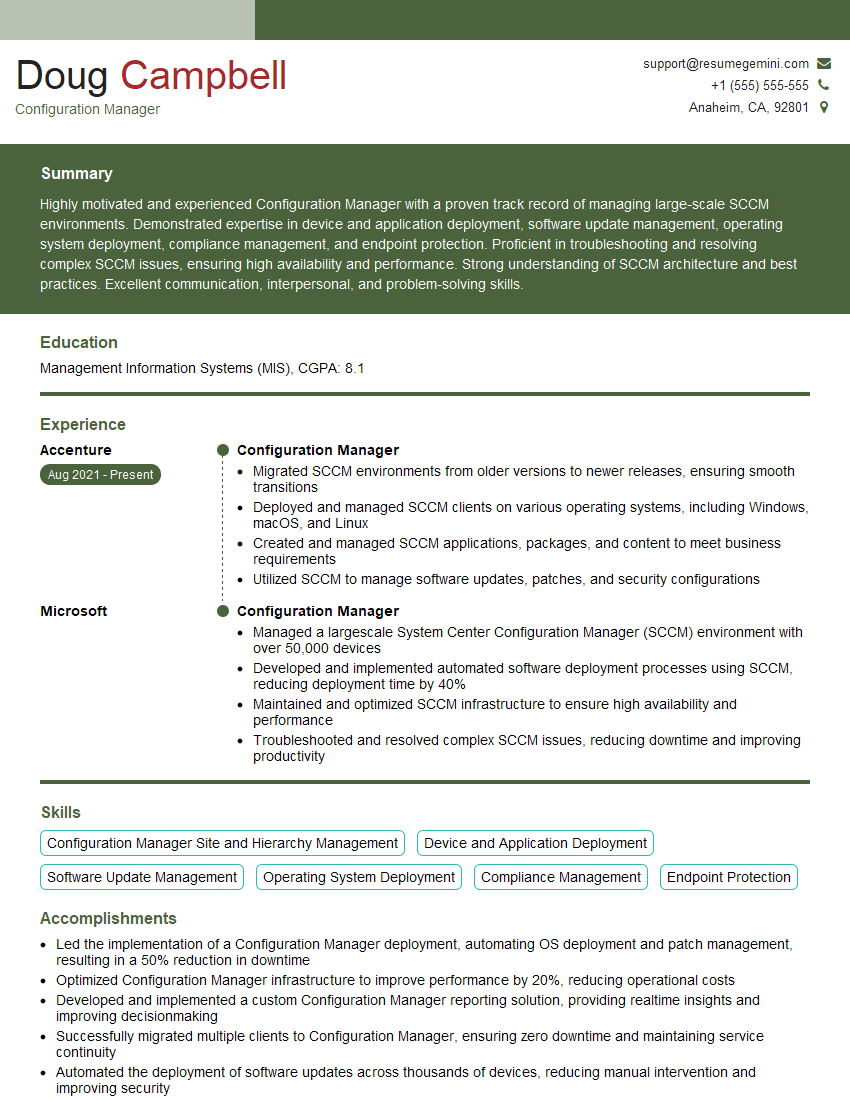
Configuration Manager Resume Sample

Solutions Architect Resume Sample

Infrastructure Engineer Resume Sample

System Administrator Resume Sample
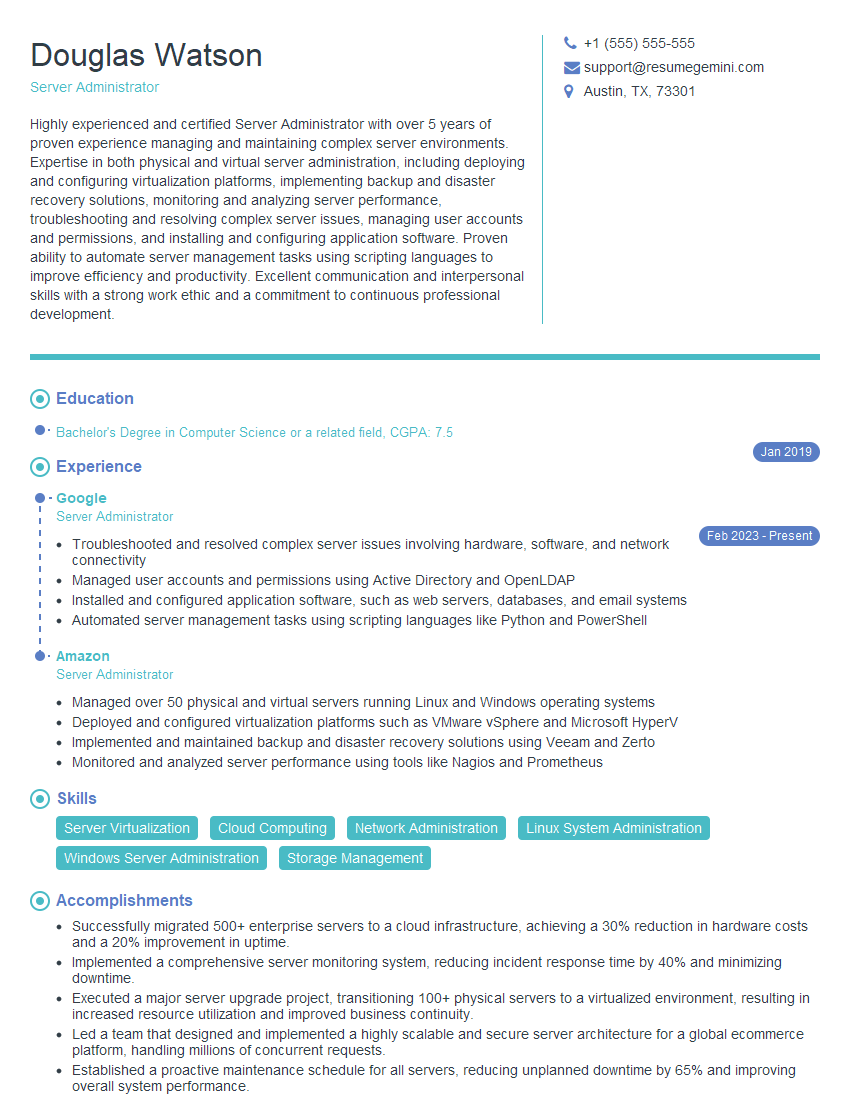
Server Administrator Resume Sample
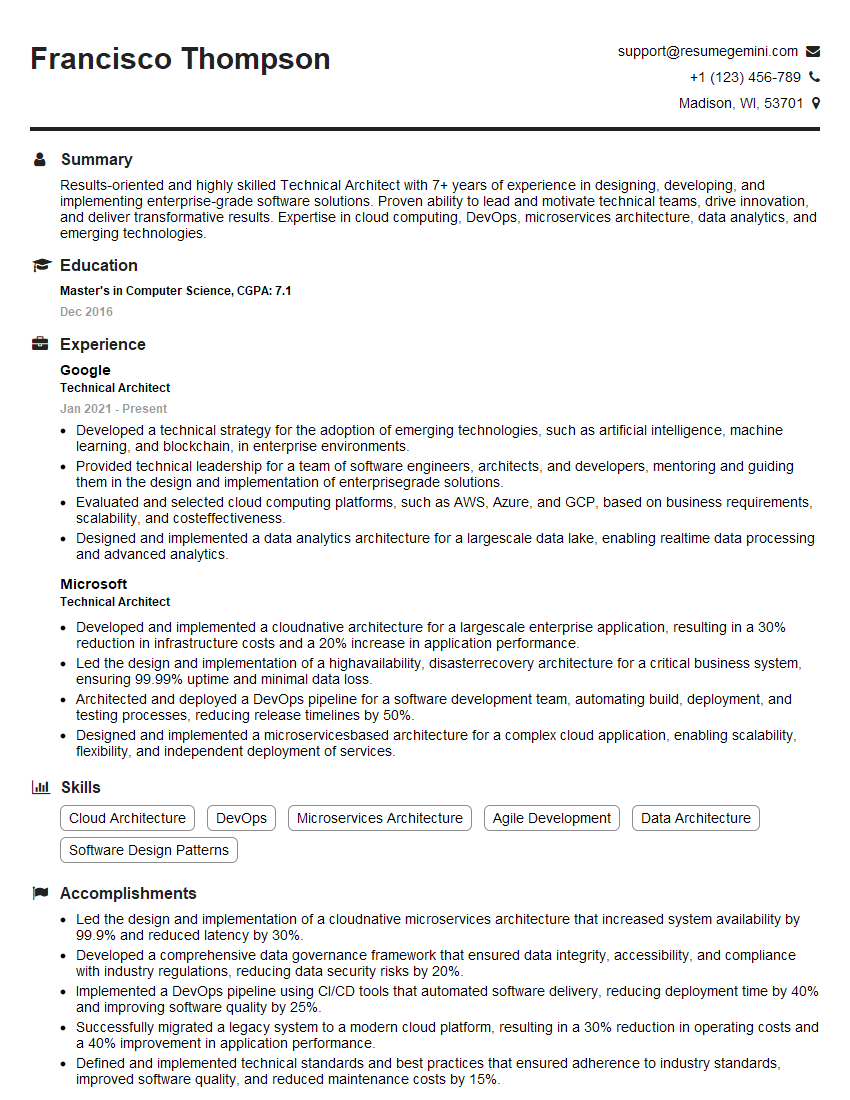
Technical Architect Resume Sample

Infrastructure Architect Resume Sample

IT Manager Resume Sample
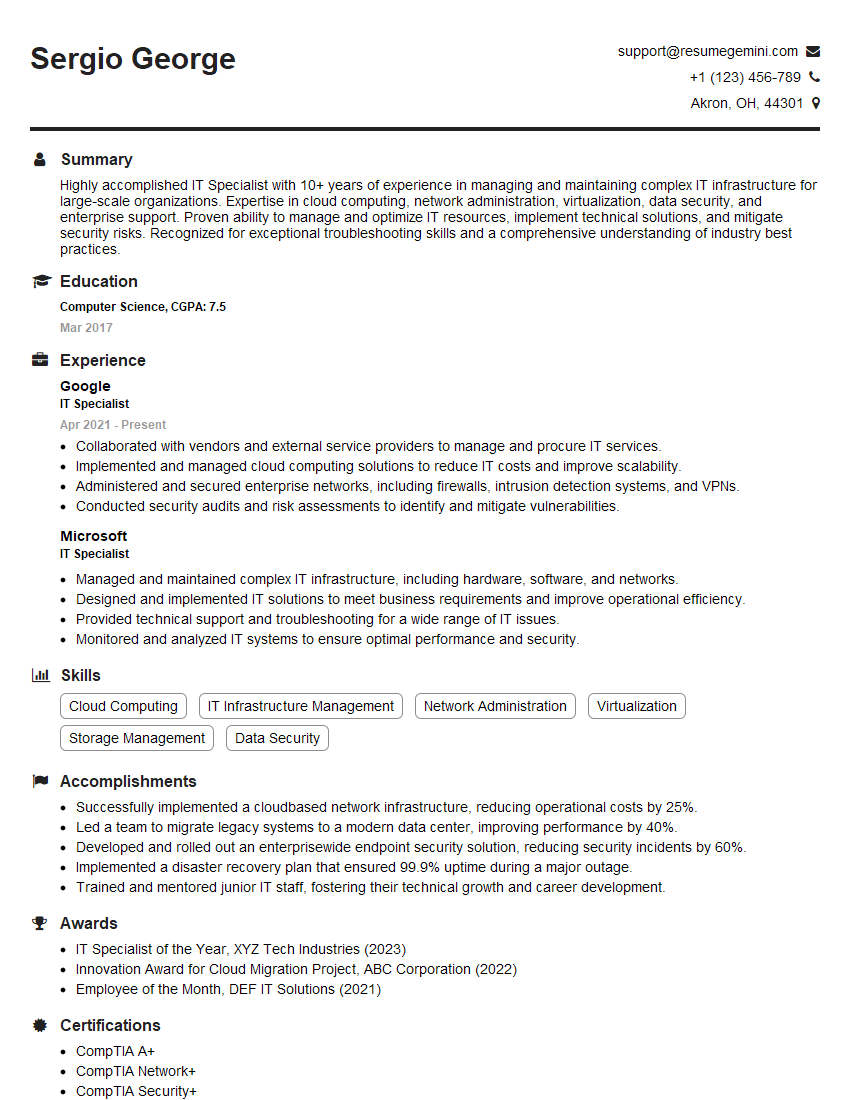
IT Specialist Resume Sample

Release Manager Resume Sample

Database Administrator Resume Sample

Technical Lead Resume Sample

DevOps Engineer Resume Sample

Cloud Architect Resume Sample
- Principal Engineer
- Security Engineer
- Systems Analyst
- Network Engineer
- Automation Engineer
- Configuration Manager
- Solutions Architect
- Infrastructure Engineer
- System Administrator
- Server Administrator
- Technical Architect
- Infrastructure Architect
- IT Manager
- IT Specialist
- Release Manager
- Database Administrator
- Technical Lead
- DevOps Engineer
- Cloud Architect
Explore more articles
Users Rating of Our Blogs
Share Your Experience
We value your feedback! Please rate our content and share your thoughts (optional).
What Readers Say About Our Blog
Very informative content, great job.
good