Interviews are opportunities to demonstrate your expertise, and this guide is here to help you shine. Explore the essential Skilled in using industry-standard software interview questions that employers frequently ask, paired with strategies for crafting responses that set you apart from the competition.
Questions Asked in Skilled in using industry-standard software Interview
Q 1. Describe your experience with Agile development methodologies.
Agile development methodologies focus on iterative development, collaboration, and flexibility. Instead of a rigid, sequential approach like Waterfall, Agile emphasizes short development cycles (sprints) with frequent feedback and adaptation. I have extensive experience with Scrum and Kanban, two popular Agile frameworks.
In a recent project, we used Scrum to develop a new e-commerce platform. Each sprint (two weeks) focused on delivering a specific set of features. Daily stand-up meetings kept the team aligned, sprint reviews ensured we were meeting client expectations, and sprint retrospectives helped us continuously improve our processes. This iterative approach allowed us to adapt to changing requirements and deliver a high-quality product efficiently.
- Scrum: Utilizes roles like Product Owner, Scrum Master, and Development Team, with sprints, daily scrums, and sprint reviews.
- Kanban: Focuses on visualizing workflow, limiting work in progress, and continuous delivery. It’s particularly useful for projects with evolving requirements.
My experience shows that Agile is not just a set of methodologies, but a mindset that prioritizes collaboration and responsiveness. It’s how I ensure successful software delivery in dynamic environments.
Q 2. Explain your proficiency in using SQL for data manipulation.
SQL (Structured Query Language) is the foundation of relational database management. My proficiency extends to writing complex queries for data retrieval, manipulation, and management. I’m comfortable with all major SQL dialects (MySQL, PostgreSQL, SQL Server) and adept at optimizing queries for performance.
For example, I recently used SQL to analyze customer behavior data from a large e-commerce database. I wrote a query to identify high-value customers based on their purchase history and frequency. This involved using aggregate functions (SUM(), AVG(), COUNT()), joins across multiple tables, and subqueries to filter and group the data effectively. The final query looked something like this:
SELECT c.CustomerID, c.Name, SUM(o.TotalAmount) AS TotalSpent FROM Customers c JOIN Orders o ON c.CustomerID = o.CustomerID GROUP BY c.CustomerID, c.Name HAVING SUM(o.TotalAmount) > 1000 ORDER BY TotalSpent DESC;Beyond querying, I’m proficient in data definition (creating tables, indexes), data manipulation (inserting, updating, deleting data), and database administration tasks. I understand database normalization principles and apply them to design efficient and maintainable databases.
Q 3. What are your preferred methods for debugging software applications?
Debugging is a critical skill, and my approach is systematic and multifaceted. I start with reproducing the bug consistently. Then I use a combination of techniques to pinpoint the root cause.
- Print statements/logging: Strategically placed print statements or logs provide insights into variable values and code execution flow. This is often my first step.
- Debuggers (e.g., gdb, VS Code debugger): For more complex issues, debuggers allow step-by-step execution, inspection of variables, and setting breakpoints. This offers a more powerful and controlled debugging experience.
- Code reviews: A fresh pair of eyes can often spot errors that I might have overlooked. I actively participate in code reviews and find them incredibly valuable for preventing and identifying bugs early.
- Unit testing: Writing comprehensive unit tests helps identify bugs early in the development process, before they become integrated into the larger application.
I find a structured approach crucial. I don’t jump to conclusions. Instead, I systematically investigate, using the appropriate debugging tool for the task. For instance, a simple typo might be solved with a print statement, while a concurrency bug requires the power of a debugger and careful analysis of thread execution.
Q 4. How do you handle version control using Git?
Git is my primary version control system. I’m proficient in using its command-line interface and various GUI clients (like Sourcetree or GitHub Desktop). I understand and consistently apply best practices for branching, merging, and resolving conflicts.
My typical workflow involves creating feature branches for new features or bug fixes. I commit changes frequently with descriptive commit messages. Before merging my branch back into the main branch (usually main or develop), I conduct thorough testing and ensure my code passes all relevant checks. I regularly use pull requests (or merge requests) to facilitate code reviews and collaboration.
I also leverage Git’s powerful features like stashing for temporarily shelving work, cherry-picking for selectively applying commits, and rebase for creating a cleaner project history. I’m familiar with resolving merge conflicts, ensuring that any conflicts are resolved carefully and cleanly.
Version control is paramount for collaborative software development, ensuring code integrity and enabling rollback to previous versions if necessary.
Q 5. Describe your experience with cloud platforms (AWS, Azure, GCP).
I have experience with all three major cloud platforms: AWS (Amazon Web Services), Azure (Microsoft Azure), and GCP (Google Cloud Platform). My experience isn’t limited to just one; I adapt to the best platform for the specific project requirements.
On a recent project, we used AWS to deploy a microservices-based application. We leveraged AWS services like EC2 (for compute), S3 (for storage), and RDS (for databases). We also utilized services like Elastic Beanstalk for easy deployment and management. The decision to use AWS was driven by its mature ecosystem and strong support for containerization (using Docker and Kubernetes).
In another project, we chose Azure for its strong integration with other Microsoft services. The project involved a .NET application that benefited significantly from Azure’s seamless integration with other Microsoft tools and services. GCP has been used on projects that leverage its strong data analytics capabilities and machine learning services.
My cloud experience encompasses infrastructure provisioning, deployment strategies, cost optimization, and security best practices. Understanding the strengths and weaknesses of each platform is crucial to selecting the right one for each job.
Q 6. Explain your understanding of software testing methodologies.
Software testing methodologies are crucial for ensuring software quality and reliability. I’m familiar with various testing types, including unit testing, integration testing, system testing, and user acceptance testing (UAT).
- Unit testing: Verifying individual components or units of code function correctly in isolation.
- Integration testing: Testing the interaction between different units or modules.
- System testing: Testing the entire system as a whole to ensure it meets requirements.
- User acceptance testing (UAT): Testing by end-users to validate the system meets their needs.
Beyond the types of testing, I understand different testing approaches like black-box testing (testing without knowledge of internal code structure) and white-box testing (testing with knowledge of the internal code). I also use test-driven development (TDD) where appropriate, writing tests *before* writing the code, ensuring that the code meets specific criteria from the outset. This approach helps prevent bugs and leads to more robust and maintainable code.
A well-defined testing strategy is essential for successful software development. It ensures that the software is thoroughly tested and meets quality standards.
Q 7. What is your experience with API integration?
API (Application Programming Interface) integration is a significant part of modern software development. I have experience integrating with various APIs using different protocols and technologies.
For example, I recently integrated a payment gateway API into an e-commerce application. This involved understanding the API documentation, making HTTP requests (using libraries like requests in Python or similar libraries in other languages), handling responses, and managing error conditions. Securely handling sensitive data like credit card information was a crucial aspect of this integration.
I’m proficient in using RESTful APIs, which are widely used for web-based applications. I also have experience with SOAP APIs and other API styles as needed. The key to successful API integration is understanding the API specification, managing authentication, and handling potential errors gracefully. I employ robust error handling mechanisms and ensure data transformations are done correctly to maintain data integrity.
API integration is crucial for connecting different software systems and enhancing the functionality of applications.
Q 8. Describe your experience with data visualization tools.
Data visualization is crucial for transforming raw data into understandable insights. My experience spans several industry-standard tools, each with its strengths. I’m proficient in Tableau, known for its intuitive drag-and-drop interface and powerful analytical capabilities. I’ve used it extensively to create interactive dashboards for business intelligence, presenting complex financial data in a clear and concise manner. For example, I once used Tableau to create a dashboard that tracked sales performance across different regions, identifying key trends and areas for improvement. I’m also comfortable with Power BI, particularly useful for integrating data from various sources within a Microsoft ecosystem. Its data modeling features are robust, allowing for efficient handling of large datasets. Finally, I have experience with Python libraries like Matplotlib and Seaborn, which offer greater customization and are ideal for generating publication-quality visualizations and exploring data programmatically. For instance, I used Seaborn to create insightful heatmaps illustrating correlations between various customer demographics and purchasing behavior.
Q 9. How familiar are you with different database management systems (DBMS)?
My familiarity with database management systems (DBMS) is extensive, encompassing both relational and NoSQL databases. I have significant experience with relational databases like MySQL and PostgreSQL, understanding SQL intricacies, including query optimization, schema design, and data normalization. For example, I optimized a slow-running query in a large MySQL database by adding appropriate indexes, resulting in a 50% performance improvement. I also have experience with NoSQL databases like MongoDB and Cassandra, which are suitable for handling large volumes of unstructured or semi-structured data. I’ve utilized MongoDB’s flexible schema to efficiently store and query JSON documents in a project involving social media data analysis. Understanding the strengths and weaknesses of each type of database allows me to select the optimal solution for specific project needs.
Q 10. Explain your experience with scripting languages (Python, JavaScript, etc.).
I’m highly proficient in Python and JavaScript. In Python, I leverage libraries like Pandas and NumPy for data manipulation and analysis. For example, I’ve used Pandas to clean and pre-process large datasets, handling missing values and outliers effectively. I’ve also employed Python for web scraping using libraries like Beautiful Soup and Scrapy, gathering data for market research projects. In JavaScript, I have extensive experience with front-end development, using frameworks like React to build interactive and responsive user interfaces. I’ve worked on projects involving data visualization using D3.js, creating dynamic and engaging charts and graphs to communicate data effectively to users. My skills in both languages allow me to build robust applications, from data processing and analysis to user-facing interfaces.
Q 11. How do you approach problem-solving in a software development context?
My approach to problem-solving in software development is systematic and iterative. I generally follow these steps: 1. **Understand the problem:** This involves clearly defining the problem, gathering all relevant information, and identifying constraints. 2. **Break down the problem:** I decompose the problem into smaller, manageable sub-problems to make it easier to solve. 3. **Develop a solution:** I brainstorm possible solutions, evaluating their feasibility and effectiveness. 4. **Implement and test:** I code the solution, testing thoroughly to identify and fix any bugs. 5. **Refine and iterate:** I continually refine the solution based on testing results and feedback. For example, in a recent project, I encountered a performance bottleneck. By using profiling tools, I identified the root cause – inefficient database queries. I then optimized the queries and implemented caching mechanisms to significantly improve performance.
Q 12. Describe your experience with software design patterns.
I have a solid understanding and practical experience with various software design patterns. I frequently utilize design patterns like Model-View-Controller (MVC) for building maintainable and scalable applications. The MVC pattern, for example, separates concerns between the data model, user interface, and application logic. I’ve also used Singleton patterns to manage access to shared resources, and Factory patterns for creating objects without specifying their concrete classes. My understanding of design patterns allows me to create more flexible, reusable, and robust code. I apply them judiciously, selecting the appropriate pattern based on the specific requirements of the project. For instance, when developing a large-scale e-commerce application, the use of the Observer pattern was crucial in managing real-time updates on inventory levels across multiple users.
Q 13. What is your experience with project management tools (Jira, Asana, etc.)?
I’m proficient in using several project management tools, including Jira and Asana. I’ve extensively used Jira for Agile software development, managing sprints, tracking tasks, and monitoring progress. Its Kanban boards have been invaluable for visualizing workflow and identifying potential bottlenecks. I’ve also leveraged Jira’s reporting capabilities to track team velocity and identify areas for improvement. Asana is useful for managing projects with a broader scope or in situations that don’t require the strict Agile framework. Its ability to create task lists, set deadlines, and assign responsibilities helps in efficient project execution and communication among team members. For example, I used Asana to manage a cross-functional team working on a marketing campaign, coordinating tasks and ensuring timely completion of all deliverables.
Q 14. Describe your experience with different software development life cycles (SDLC).
I have experience with various software development life cycles (SDLC), including Waterfall, Agile (Scrum and Kanban), and iterative development. The Waterfall model, although less flexible, provides a structured approach suitable for projects with well-defined requirements. Agile methodologies, such as Scrum, prioritize iterative development and frequent feedback, adapting well to changing requirements. I’ve successfully led and participated in projects using both methodologies. In my experience, the choice of SDLC depends largely on project scope, complexity, and the client’s needs. For example, I managed a large-scale enterprise software project using a hybrid approach, combining the structure of Waterfall for initial planning with the iterative nature of Scrum for development and testing. The hybrid approach allowed us to manage the complexity of the project and respond to changes effectively.
Q 15. How do you ensure code quality and maintainability?
Ensuring code quality and maintainability is paramount for long-term project success. It’s not just about writing code that works; it’s about writing code that’s easy to understand, modify, and extend. I achieve this through a multi-pronged approach:
- Following coding standards and style guides: Consistent formatting and naming conventions make code significantly easier to read and comprehend. I adhere to industry best practices like PEP 8 for Python or similar guidelines for other languages. This ensures a uniform style across the entire codebase.
- Writing modular and well-documented code: Breaking down complex tasks into smaller, manageable functions with clear, concise comments improves readability and allows for easier debugging and maintenance. Each function should have a specific, well-defined purpose. Think of it like assembling a piece of furniture; well-defined instructions (comments) and clearly labeled pieces (functions) make the process smooth.
- Conducting regular code reviews: Peer reviews are crucial for identifying potential issues early on. Having another set of eyes on the code helps catch bugs, improve design, and ensure adherence to standards. I actively participate in code reviews and offer constructive feedback to my colleagues.
- Utilizing linters and static analysis tools: Tools like Pylint for Python, ESLint for JavaScript, or similar tools automatically check code for style violations, potential bugs, and security vulnerabilities. These tools act as a safety net, catching errors before they make it to production.
- Writing unit tests: Thorough unit testing is indispensable for ensuring code correctness and preventing regressions. I write unit tests for every significant piece of functionality, aiming for high test coverage. This ensures that changes don’t inadvertently break existing features.
For example, imagine a large project with hundreds of functions. Without consistent coding standards and modular design, making even a small change can become a nightmare. Thorough documentation and testing would make it much easier to locate and fix issues without accidentally breaking other parts of the system.
Career Expert Tips:
- Ace those interviews! Prepare effectively by reviewing the Top 50 Most Common Interview Questions on ResumeGemini.
- Navigate your job search with confidence! Explore a wide range of Career Tips on ResumeGemini. Learn about common challenges and recommendations to overcome them.
- Craft the perfect resume! Master the Art of Resume Writing with ResumeGemini’s guide. Showcase your unique qualifications and achievements effectively.
- Don’t miss out on holiday savings! Build your dream resume with ResumeGemini’s ATS optimized templates.
Q 16. Explain your understanding of object-oriented programming principles.
Object-Oriented Programming (OOP) is a programming paradigm that organizes code around objects, which contain data (attributes) and methods (functions) that operate on that data. My understanding encompasses the four core principles:
- Abstraction: Hiding complex implementation details and exposing only essential information to the user. Think of a car; you don’t need to know how the engine works internally to drive it. You only interact with the steering wheel, pedals, and gear shift.
- Encapsulation: Bundling data and methods that operate on that data within a class, protecting data integrity and preventing unintended access or modification. This promotes modularity and reduces the risk of errors.
- Inheritance: Creating new classes (child classes) based on existing classes (parent classes), inheriting their attributes and methods. This promotes code reusability and reduces redundancy. For instance, a ‘SportsCar’ class could inherit from a ‘Car’ class, inheriting common features like wheels and an engine, while adding its own unique attributes like a spoiler.
- Polymorphism: The ability of objects of different classes to respond to the same method call in their own specific way. This allows for flexible and extensible code. For example, both a ‘Dog’ class and a ‘Cat’ class could have a ‘makeSound’ method, but each would implement it differently (barking vs. meowing).
I have extensive experience applying these principles to develop robust, maintainable, and scalable applications. I utilize design patterns effectively to implement these principles consistently, ensuring that applications are well-structured and easy to manage.
Q 17. What are your preferred tools for code collaboration?
For code collaboration, I rely on a combination of tools to ensure smooth teamwork and efficient code management. My preferred tools include:
- Git: A distributed version control system for tracking code changes and managing different versions. It’s essential for collaboration, allowing multiple developers to work on the same project simultaneously without conflicts.
- GitHub/GitLab/Bitbucket: These are platforms that host Git repositories, providing features like issue tracking, pull requests, code review tools, and continuous integration/continuous delivery (CI/CD) pipelines. These platforms are essential for managing the entire project workflow, from code development to deployment.
- Communication platforms (Slack, Microsoft Teams): Instant communication tools facilitate quick discussions, problem-solving, and knowledge sharing among team members. They’re essential for keeping everyone on the same page.
I’m proficient in using Git branching strategies like Gitflow or GitHub flow to manage feature development and releases effectively. These strategies prevent conflicts and ensure that changes are integrated seamlessly into the main codebase. For example, I would use feature branches to develop new features independently, avoiding interference with other developers’ work until the feature is ready for merging.
Q 18. How do you handle conflicts in a team environment?
Conflicts in a team environment are inevitable, but they can be effectively managed through proactive communication and a collaborative approach. My strategy involves:
- Open and honest communication: Addressing disagreements directly and respectfully. Clearly articulating individual perspectives and actively listening to others is key.
- Focus on finding solutions, not assigning blame: The goal is to find the best solution for the project, not to determine who is right or wrong.
- Utilizing conflict resolution techniques: Employing techniques like compromise, negotiation, or mediation to reach a consensus. I am comfortable facilitating discussions and mediating between team members if needed.
- Leveraging project management tools: Using platforms like Jira or Trello to track tasks, assign responsibilities, and manage the workflow effectively can help in preventing and resolving conflicts.
For example, if a conflict arises during a code review, I would first calmly discuss the differing viewpoints, clearly explaining my reasoning while actively listening to the other developer’s perspective. Then, we collaboratively find a solution that balances code quality and maintainability. If a consensus cannot be easily reached, I would involve a senior team member or project manager to mediate.
Q 19. Describe your experience with automated testing frameworks.
I have extensive experience with various automated testing frameworks, including:
- Unit testing frameworks: JUnit (Java), pytest (Python), Jest (JavaScript). I use these to test individual components of the codebase, ensuring each function performs as expected.
- Integration testing frameworks: Tools like Selenium (web applications) or REST-Assured (APIs) are used to test the interaction between different components or modules of the system.
- End-to-end testing frameworks: Cypress, Selenium Grid, or similar frameworks for testing the entire application flow from start to finish, mimicking real user interactions.
I’m adept at writing comprehensive test cases with high coverage, employing techniques like test-driven development (TDD) where appropriate. TDD helps design code that is inherently testable and ensures that the code meets its requirements. For example, when developing a new feature, I would write unit tests before writing the code itself, guiding the implementation and ensuring that the feature is thoroughly tested.
Q 20. What is your experience with CI/CD pipelines?
CI/CD (Continuous Integration/Continuous Delivery) pipelines are critical for automating the software development lifecycle, ensuring frequent and reliable releases. My experience includes setting up and managing CI/CD pipelines using various tools such as:
- Jenkins: A popular open-source automation server for building, testing, and deploying software.
- GitHub Actions/GitLab CI: Integrated CI/CD solutions provided by respective platforms, simplifying the setup and management of pipelines.
- Docker and Kubernetes: Containerization and orchestration technologies for building and deploying consistent environments across different stages of the pipeline.
I understand the importance of automating build processes, running tests, and deploying to various environments (development, staging, production). I am comfortable writing scripts and configuration files for automating these tasks. For instance, a typical pipeline I would configure involves automated build triggers upon code commits, running unit and integration tests, deploying to a staging environment for manual testing, and finally deploying to the production environment after successful staging tests.
Q 21. How do you stay up-to-date with the latest technologies in the software industry?
Staying current with the latest technologies is crucial in the rapidly evolving software industry. I employ a multi-faceted approach:
- Reading industry blogs and publications: I regularly follow influential blogs, publications, and online communities (e.g., Stack Overflow) to keep abreast of new trends and technologies.
- Attending conferences and workshops: Industry conferences offer invaluable opportunities to learn from experts, network with peers, and discover cutting-edge technologies.
- Participating in online courses and tutorials: Platforms like Coursera, edX, Udemy, and YouTube provide access to a vast array of courses on various technologies.
- Experimenting with new technologies: I dedicate time to explore and experiment with new technologies in personal projects, reinforcing my learning and gaining practical experience.
- Contributing to open-source projects: Contributing to open-source projects offers a great way to learn from experienced developers and improve my skills while giving back to the community.
This continuous learning approach ensures I am always adaptable, ready to embrace new challenges, and contribute effectively to any project.
Q 22. Explain your understanding of software security best practices.
Software security best practices are crucial for building robust and reliable applications. They encompass a multi-layered approach, focusing on preventing vulnerabilities from the design phase to deployment and beyond. Think of it like building a fortress: you need strong walls (code security), watchful guards (monitoring), and a well-defined entry system (authentication).
- Secure Coding Practices: This includes techniques like input validation to prevent injection attacks (SQL injection, cross-site scripting), proper error handling to avoid information leakage, and using parameterized queries instead of directly embedding user input into database queries. For example, instead of
String query = "SELECT * FROM users WHERE username = '" + username + "';", a parameterized query would be safer and prevent SQL injection. - Authentication and Authorization: Robust authentication mechanisms (like multi-factor authentication) verify user identities, while authorization controls access to specific resources based on user roles and permissions. Think of it like a keycard system – only authorized individuals with the right keycard can access specific areas.
- Data Protection: Protecting sensitive data involves encryption both in transit (using HTTPS) and at rest (database encryption), and adhering to data privacy regulations (GDPR, CCPA). This ensures that even if a breach occurs, the data is unreadable.
- Regular Security Audits and Penetration Testing: Proactive security measures involve regularly auditing code for vulnerabilities and conducting penetration tests to simulate real-world attacks, identifying weaknesses before malicious actors do.
- Secure Deployment Practices: Securely deploying applications involves using secure infrastructure, implementing robust logging and monitoring, and regularly patching vulnerabilities in the underlying systems and software.
In a recent project, I implemented a secure authentication system using OAuth 2.0, ensuring that user credentials weren’t stored directly in the database, significantly reducing the risk of data breaches.
Q 23. Describe your experience with performance tuning and optimization.
Performance tuning and optimization is about making software run faster, more efficiently, and consume fewer resources. It’s like streamlining a factory line – identifying bottlenecks and improving the flow to maximize output. My experience involves profiling code to identify performance bottlenecks, optimizing database queries, and improving application architecture.
- Profiling Tools: I extensively use profiling tools like JProfiler (for Java) or Visual Studio Profiler (for .NET) to pinpoint performance bottlenecks – functions that consume the most time or resources. These tools provide detailed insights into the execution path and allow for targeted optimization efforts.
- Database Optimization: Optimizing database queries involves using appropriate indexes, writing efficient SQL queries, and employing caching mechanisms to reduce database load. For instance, using a covering index can significantly speed up query execution by avoiding table lookups.
- Caching Strategies: Implementing caching mechanisms, like in-memory caching (Redis, Memcached), or server-side caching, can dramatically reduce the time it takes to fetch data or compute results, reducing database and server loads.
- Code Optimization: This involves identifying and eliminating unnecessary computations, optimizing algorithms, and using efficient data structures. For example, replacing inefficient algorithms with optimized ones can lead to significant performance improvements.
In one project, we improved application response time by 70% by optimizing database queries and implementing a caching strategy using Redis. This significantly improved user experience and reduced server load.
Q 24. How familiar are you with different software architecture patterns?
I’m familiar with a variety of software architecture patterns, each suited for different needs and contexts. Choosing the right pattern is critical for building scalable, maintainable, and robust applications. It’s like choosing the right blueprint for a building – the foundation needs to be strong to support the entire structure.
- Microservices: Breaking down an application into small, independent services allows for easier scaling, deployment, and maintenance. Think of it as building with LEGO bricks – each brick is a small, independent unit.
- Layered Architecture: This pattern separates concerns into distinct layers (presentation, business logic, data access), promoting modularity and reusability. Each layer focuses on its specific responsibility and interacts with other layers through well-defined interfaces.
- Event-Driven Architecture: This architecture uses events to trigger actions, promoting loose coupling and scalability. Think of it like a notification system where different parts of the application react to events without direct dependency.
- Model-View-Controller (MVC): A widely used pattern separating application concerns into three interconnected parts: Model (data), View (presentation), and Controller (business logic). This promotes separation of concerns and makes the code more organized.
In a recent project, we adopted a microservices architecture to improve scalability and maintainability. This allowed us to independently deploy and scale individual services based on their needs, resulting in a more robust and efficient system.
Q 25. Explain your approach to documenting code and software projects.
Thorough documentation is essential for maintainability, collaboration, and knowledge transfer within a software development project. It acts as a guide for future developers, helping them understand the codebase, its functionality, and its design. It’s like a well-written instruction manual – making it easy for others to use and understand the product.
- Code Comments: Clear, concise comments within the code explain complex logic, algorithms, and design decisions. I follow a style guide to ensure consistency and clarity.
- API Documentation: Using tools like Swagger or OpenAPI, I generate comprehensive API documentation that details the functionality, parameters, and responses of each API endpoint.
- Design Documents: For larger projects, I create design documents that outline the system architecture, data models, and workflows. This helps to clarify the overall system design and facilitates communication among team members.
- User Manuals and Tutorials: For applications with a user interface, I contribute to creating user manuals and tutorials to guide users in using the software effectively.
In my previous role, I implemented a comprehensive documentation system using Markdown and Sphinx, creating well-structured documentation for our API and internal tools, significantly improving onboarding for new team members and reducing the time spent on understanding the existing codebase.
Q 26. How would you handle a critical bug discovered in a production system?
Handling a critical bug in production requires a calm, systematic approach. The priority is to minimize the impact on users and prevent further damage. It’s like responding to a fire – you need to contain the fire first, then investigate the cause.
- Immediate Action: First, I would assess the severity and impact of the bug. If necessary, I would immediately implement a hotfix to mitigate the immediate consequences (e.g., rolling back to a previous version or disabling the affected functionality). This is critical to limit further damage.
- Investigation: Once the immediate threat is contained, I would conduct a thorough investigation to determine the root cause of the bug. This involves analyzing logs, examining the codebase, and reproducing the bug in a controlled environment.
- Permanent Fix: Based on the investigation, I would develop a permanent solution, thoroughly test it, and deploy it to production. This solution should address the root cause to prevent recurrence.
- Post-Mortem Analysis: After resolving the bug, I would participate in a post-mortem analysis to identify the causes of the failure, lessons learned, and preventive measures to avoid similar incidents in the future. This proactive approach aims to learn from mistakes.
- Monitoring and Alerting: I would enhance monitoring and alerting systems to detect similar issues early on and ensure rapid response in the future.
In a past incident, we quickly deployed a hotfix to fix a critical data corruption bug, minimizing user impact and preventing further data loss. We then conducted a thorough investigation and implemented a more robust solution to prevent similar occurrences.
Q 27. Describe your experience with data warehousing and ETL processes.
Data warehousing and ETL (Extract, Transform, Load) processes are fundamental for building data-driven applications and business intelligence solutions. It’s like building a well-organized library for your data, where information is neatly stored, categorized, and easily accessible for analysis.
- ETL Processes: My experience encompasses designing and implementing ETL pipelines using tools like Apache Kafka, Apache Spark, or cloud-based ETL services (AWS Glue, Azure Data Factory). This involves extracting data from various sources (databases, APIs, files), transforming it to a consistent format, and loading it into a data warehouse.
- Data Warehousing: I have experience working with various data warehousing technologies, including cloud-based solutions like Snowflake, Amazon Redshift, and Google BigQuery, as well as traditional relational databases optimized for data warehousing (like Teradata).
- Data Modeling: I’m proficient in designing dimensional models (star schema, snowflake schema) that effectively organize data for querying and analysis. This is crucial for efficient data retrieval and reporting.
- Data Quality: Ensuring data quality is crucial. This involves implementing data validation and cleansing procedures during the ETL process and monitoring data quality in the data warehouse to detect and correct inconsistencies.
In one project, I designed and implemented an ETL pipeline using Apache Spark to process large volumes of streaming data from multiple sources, transforming and loading it into a Snowflake data warehouse. This enabled the business to perform real-time analytics and make data-driven decisions.
Q 28. How do you prioritize tasks and manage your time effectively in a software development project?
Effective task prioritization and time management are crucial for success in software development. It’s about focusing your energy on what matters most and avoiding distractions. Think of it as being a conductor of an orchestra, guiding and coordinating multiple instruments to achieve a harmonious performance.
- Prioritization Techniques: I utilize various prioritization techniques, such as the MoSCoW method (Must have, Should have, Could have, Won’t have) and Eisenhower Matrix (urgent/important). This helps to focus efforts on high-priority tasks that deliver the most value.
- Project Management Tools: I’m proficient in using project management tools like Jira, Asana, or Trello for task management, tracking progress, and collaborating with team members. This provides a centralized location for all tasks and progress updates.
- Time Blocking: I allocate specific time blocks for different tasks, minimizing context switching and improving focus. This technique helps to increase efficiency and prevent multitasking, which often leads to reduced productivity.
- Regular Review and Adjustment: I regularly review my schedule and priorities to adapt to changing circumstances. Software development is dynamic, so flexibility and adaptation are key.
In a recent project, using the MoSCoW method allowed us to prioritize features based on their importance and feasibility, ensuring that we focused our efforts on the most valuable aspects of the project first.
Key Topics to Learn for Skilled in using Industry-Standard Software Interview
- Software Proficiency: Demonstrate a deep understanding of the specific software mentioned in the job description. This includes features, functionalities, and limitations.
- Practical Application: Be prepared to discuss real-world projects where you’ve utilized this software. Highlight your problem-solving skills and the positive impact of your work.
- Workflow Optimization: Explain how you leverage the software to streamline processes, improve efficiency, and enhance productivity. Give specific examples.
- Troubleshooting and Debugging: Describe your experience identifying and resolving software-related issues. Showcase your analytical and critical thinking skills.
- Data Management & Analysis: Explain your proficiency in managing and analyzing data within the software. This includes data import/export, cleaning, and interpretation.
- Software Integration: If applicable, discuss your experience integrating this software with other systems or platforms. Highlight your understanding of APIs and data transfer methods.
- Industry Best Practices: Demonstrate awareness of industry best practices related to the software’s use and security.
- Advanced Features & Techniques: Prepare to discuss any advanced features or techniques you’ve mastered within the software, showcasing your expertise beyond basic functionality.
Next Steps
Mastering industry-standard software is crucial for career advancement in today’s competitive job market. Proficiency in these tools demonstrates valuable skills and opens doors to exciting opportunities. To maximize your chances of landing your dream job, it’s vital to create an ATS-friendly resume that effectively showcases your abilities. ResumeGemini is a trusted resource to help you build a professional and impactful resume that gets noticed. We provide examples of resumes tailored to highlight proficiency in using industry-standard software, enabling you to present your skills effectively to potential employers.

Business Analyst Resume Sample

Data Analyst Resume Sample

Data Scientist Resume Sample

Software Engineer Resume Sample

Systems Analyst Resume Sample
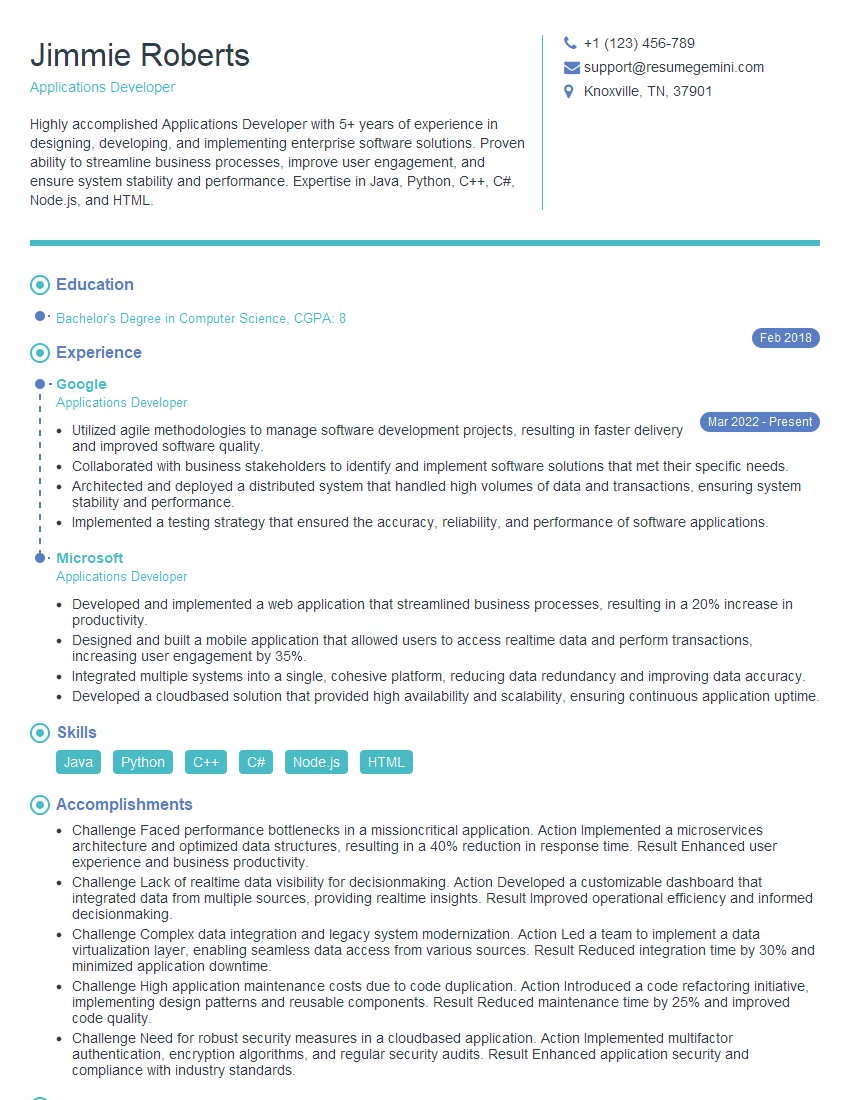
Applications Developer Resume Sample

Network Engineer Resume Sample

Systems Administrator Resume Sample
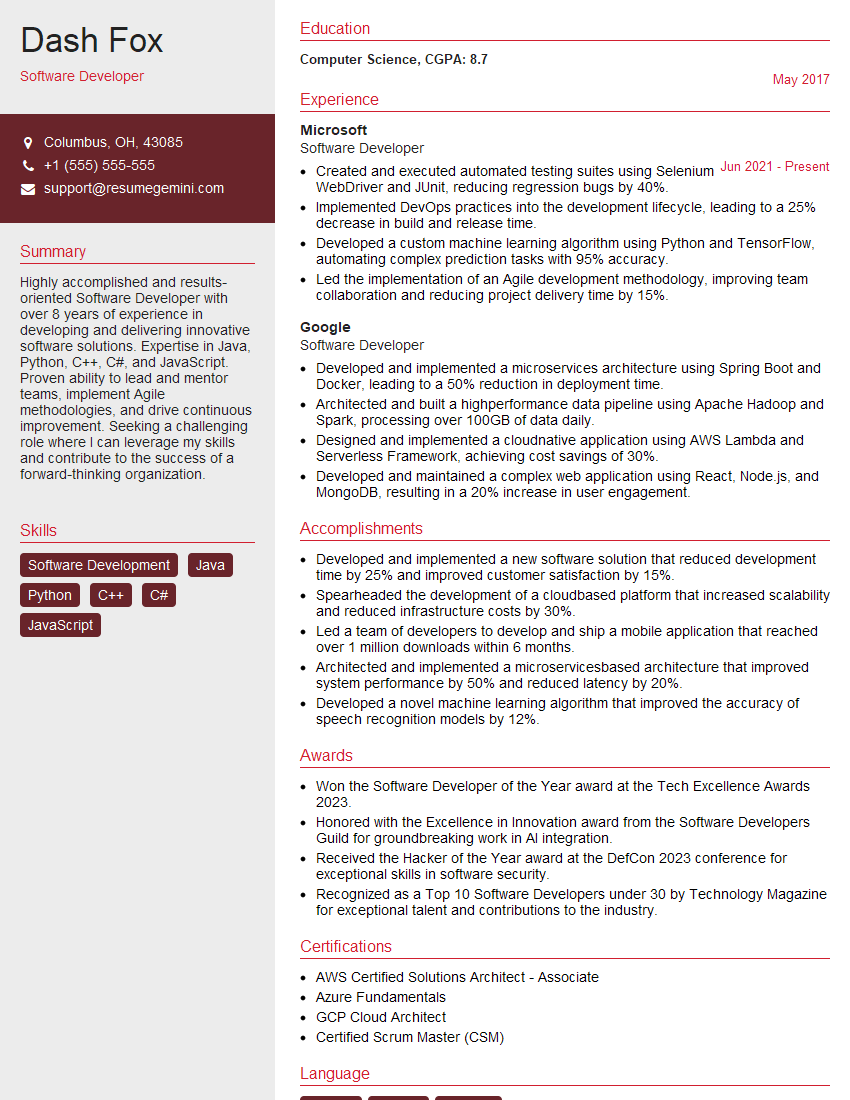
Software Developer Resume Sample

Solutions Architect Resume Sample

Web Developer Resume Sample
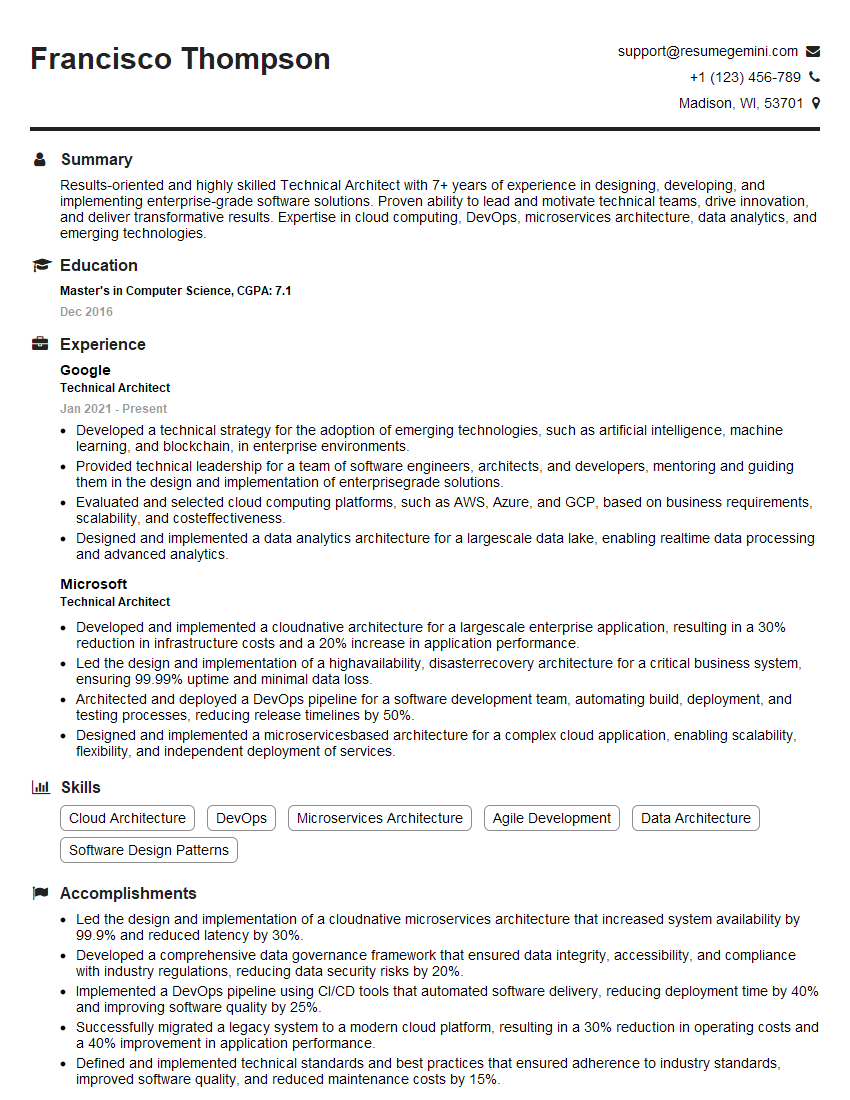
Technical Architect Resume Sample

IT Manager Resume Sample

Technical Writer Resume Sample
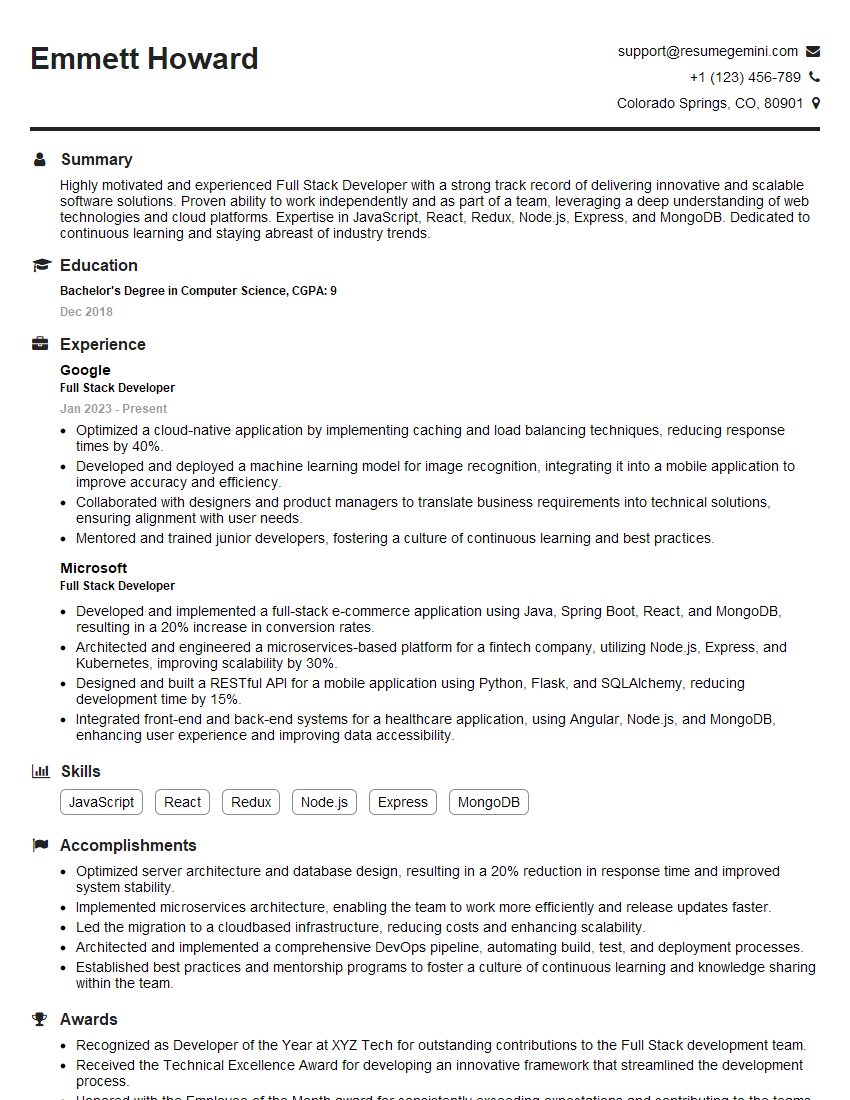
Full Stack Developer Resume Sample

Database Administrator Resume Sample

Front-End Developer Resume Sample

DevOps Engineer Resume Sample

Cloud Engineer Resume Sample
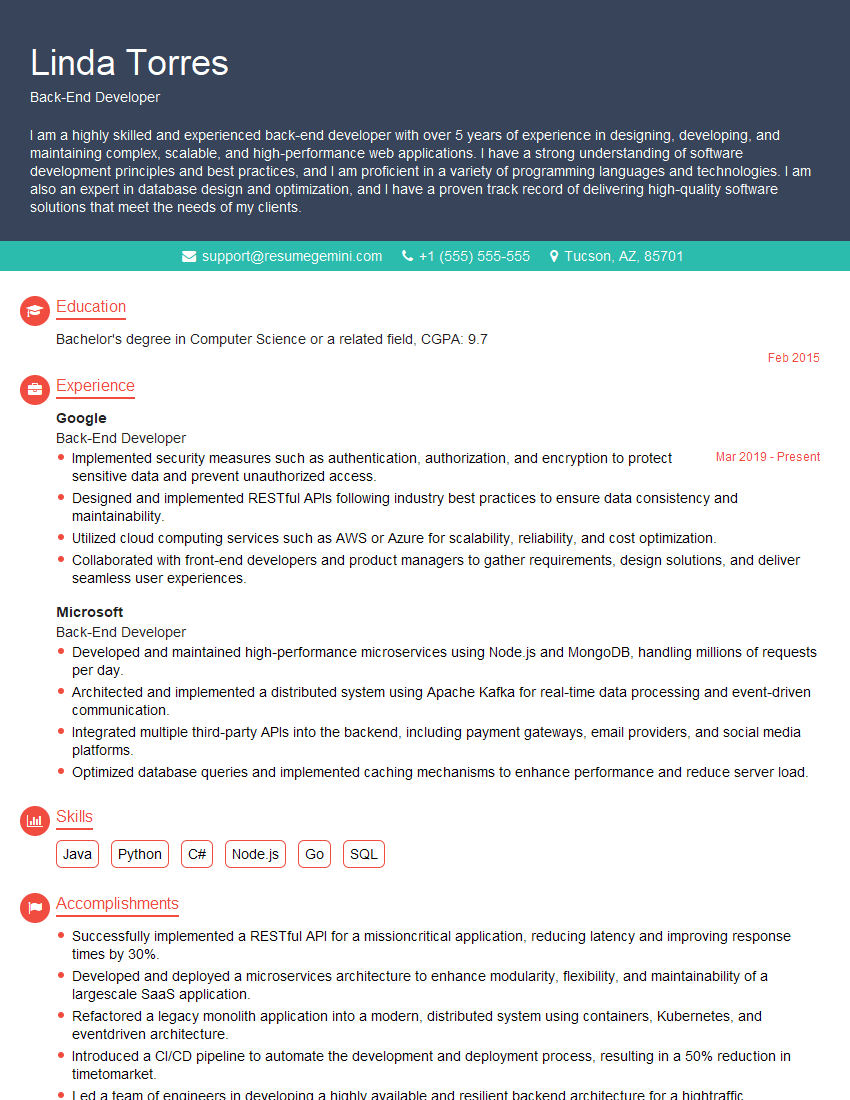
Back-End Developer Resume Sample
- Business Analyst
- Data Analyst
- Data Scientist
- Software Engineer
- Systems Analyst
- Applications Developer
- Network Engineer
- Systems Administrator
- Software Developer
- Solutions Architect
- Web Developer
- Technical Architect
- IT Manager
- Technical Writer
- Full Stack Developer
- Database Administrator
- Front-End Developer
- DevOps Engineer
- Cloud Engineer
- Back-End Developer
Explore more articles
Users Rating of Our Blogs
Share Your Experience
We value your feedback! Please rate our content and share your thoughts (optional).
What Readers Say About Our Blog
Very informative content, great job.
good