Interviews are opportunities to demonstrate your expertise, and this guide is here to help you shine. Explore the essential Strong Technical Writing and Communication Skills interview questions that employers frequently ask, paired with strategies for crafting responses that set you apart from the competition.
Questions Asked in Strong Technical Writing and Communication Skills Interview
Q 1. Explain the importance of user-centered design in technical writing.
User-centered design (UCD) in technical writing prioritizes the needs, goals, and limitations of the end-user. Instead of focusing solely on technical accuracy, UCD ensures that documentation is easily understandable, usable, and relevant to the target audience. This leads to improved user experience and ultimately, better product adoption and satisfaction.
For example, a user manual for a complex piece of software shouldn’t assume prior knowledge of programming or specific technical terms. Instead, it should employ clear language, logical organization, and visuals to guide users through tasks, regardless of their technical expertise. A UCD approach might involve conducting user research, creating user personas, and testing drafts with representative users to identify areas for improvement in clarity and usability.
Consider a scenario where a software company is releasing a new photo editing tool. A UCD approach would involve understanding the user’s level of photo editing experience. Beginners might need step-by-step tutorials with images, while advanced users may only need concise API documentation. Ignoring this difference and providing only highly technical documentation would lead to user frustration and low adoption rates.
Q 2. Describe your experience with different types of technical documentation (e.g., user manuals, API docs).
My experience encompasses a broad range of technical documentation. I’ve crafted user manuals for both consumer electronics and enterprise software, creating everything from quick-start guides to comprehensive troubleshooting sections. These manuals often include screenshots, diagrams, and step-by-step instructions to facilitate user comprehension.
I’ve also developed extensive API documentation, using tools like Swagger and OpenAPI to generate interactive and machine-readable specifications. This includes clear descriptions of endpoints, parameters, request/response formats, and error handling. I’m adept at creating documentation that is useful for both developers and less technically inclined users who might need to integrate with the API.
Furthermore, I’ve worked on creating knowledge base articles, technical white papers, and release notes. Each document type requires a unique approach and style; for example, a white paper demands a more formal and in-depth explanation of a topic than a concise release note.
Q 3. How do you ensure consistency and accuracy in your technical writing?
Consistency and accuracy are paramount in technical writing. I achieve this through a multi-pronged approach. First, I develop a style guide that defines consistent terminology, formatting, and voice across all documents. This guide becomes the single source of truth for all writing-related decisions.
Secondly, I utilize version control systems like Git to manage document revisions, track changes, and facilitate collaboration. This ensures that everyone is working with the most up-to-date version and that changes are clearly documented. This also allows for easy rollback if needed.
Thirdly, I leverage rigorous review processes. This often involves multiple levels of review, including technical reviews by subject matter experts (SMEs) to verify accuracy and usability reviews by target users to check for clarity and accessibility. This collaborative feedback loop significantly improves the quality of the final documentation.
Finally, I use tools like style checkers and grammar checkers to catch inconsistencies and errors before publication. These automated checks are supplemented by thorough manual review to guarantee accuracy.
Q 4. What tools and technologies are you proficient in for technical writing?
My technical writing toolkit includes a variety of software and technologies. I’m proficient in using word processors like Microsoft Word and Google Docs for creating and formatting documents. I’m also experienced in using authoring tools such as MadCap Flare and RoboHelp for managing larger, complex documentation projects and creating single-source publications.
For creating diagrams and illustrations, I utilize tools like Adobe Illustrator, Lucidchart, and draw.io. I am familiar with using Markdown and reStructuredText for creating lightweight, easily-versioned documentation.
For collaborative work and version control, I rely on Git and platforms like GitHub and Bitbucket. Finally, I have experience working with XML and JSON for data manipulation and content management, crucial for single-sourcing and API documentation.
Q 5. Explain your process for creating effective diagrams and illustrations.
Creating effective diagrams and illustrations is about clarity and precision. My process begins with identifying the key information to convey. I then decide on the most appropriate visual format – flowchart, diagram, screenshot, or illustration – to effectively represent that information.
I always prioritize simplicity and avoid unnecessary detail. Complex diagrams can be overwhelming; breaking them down into smaller, more manageable chunks greatly improves comprehension. I use consistent visual styles and labeling to ensure that diagrams are easily interpretable.
Before including any visual in the final documentation, I subject it to a review process to ensure accuracy and clarity. User feedback is invaluable in this step; often, what seems obvious to the creator can be confusing to the end-user.
For example, when creating a flowchart for a software process, I’d use clear shapes and labels, avoiding jargon and using simple language accessible to the target audience. I’d ensure the flow is logical and easy to follow. A poorly designed flowchart can confuse the user more than it helps.
Q 6. How do you handle conflicting information from different subject matter experts?
Handling conflicting information from SMEs requires diplomacy, critical thinking, and strong communication skills. My approach involves first understanding the root of the conflict. I would schedule individual meetings with each SME to fully grasp their perspectives and the rationale behind their statements.
Once I’ve gathered all the relevant information, I would attempt to reconcile the conflicting data by identifying the source of the discrepancy. This often involves clarifying definitions, reviewing data sources, or seeking additional input from other experts. If the conflict remains irresolvable, I’d present all sides of the argument to a senior stakeholder for mediation or a final decision.
Transparency is key throughout this process. I document all the conflicting information, the resolution attempts, and the final decision taken. This detailed record ensures everyone is aware of the decision-making process and facilitates future discussions.
Q 7. Describe your experience with single-sourcing content.
Single-sourcing content is a crucial strategy for managing large documentation projects efficiently. It involves creating a single source of information that can be reused and repurposed across multiple outputs (e.g., web help, PDF manuals, mobile apps). This reduces redundancy, ensures consistency, and streamlines the update process.
My experience with single-sourcing includes using tools such as MadCap Flare, which allows creating modular content that can be easily assembled into different formats and localized for various languages. I’m adept at structuring content in a way that promotes reusability, avoiding hardcoding and using variables and templates to handle variations.
For instance, a description of a specific feature could be written once and then reused in the user manual, API documentation, and online help. This ensures that all documentation accurately reflects the latest version of the feature. Updating the source content automatically updates all related documents, saving time and effort while minimizing the risk of inconsistencies.
Q 8. How do you manage large and complex documentation projects?
Managing large documentation projects requires a structured approach. Think of it like building a skyscraper – you wouldn’t start constructing the top floors before the foundation is laid. My strategy involves a phased approach, starting with meticulous planning and utilizing project management methodologies like Agile.
- Project Decomposition: I break down the project into smaller, manageable tasks. This allows for better tracking of progress and easier delegation if needed.
- Content Planning: This includes creating a detailed content outline, defining target audiences, and establishing a style guide to maintain consistency. Tools like mind maps or hierarchical outlines are invaluable here.
- Workflow & Collaboration: I utilize collaborative platforms for version control, like Git, and project management tools like Jira or Asana to coordinate efforts across teams. Regular team meetings and clear communication channels are key.
- Version Control: Using a version control system ensures that all changes are tracked, allowing for easy rollback and collaborative editing. This prevents conflicts and ensures data integrity.
- Review and Testing: Thorough reviews by subject matter experts and user testing are crucial to catch errors and ensure clarity before publishing.
For example, when I worked on the documentation for a complex enterprise software system, we used a phased approach, delivering documentation modules incrementally. This allowed for continuous feedback and iterative improvements. Each module was treated as a mini-project, with its own detailed plan and deliverables.
Q 9. How do you adapt your writing style for different audiences?
Adapting writing style to different audiences is crucial for effective communication. Imagine explaining quantum physics to a five-year-old versus a physicist – the language and level of detail will drastically differ. My approach focuses on understanding the audience’s background, technical expertise, and needs.
- Audience Analysis: Before writing, I identify the target audience’s technical skills, their goals for using the documentation, and their preferred learning style. Surveys, interviews, and user personas can be valuable tools.
- Language & Tone: I adjust the language accordingly. For technical experts, concise and precise language is appropriate. For novice users, a more conversational and explanatory tone is needed. I avoid jargon and define any technical terms clearly.
- Structure & Formatting: The structure and formatting should also align with the audience. For instance, technical users might prefer detailed, structured documents with code samples, while novice users might benefit from shorter, visually engaging content with step-by-step instructions and screenshots.
For instance, when creating documentation for a medical device, I used precise and formal language for the clinical operators, while creating simplified, visually rich guides for the patients.
Q 10. Explain your experience using a content management system (CMS) for documentation.
I’ve extensive experience using Content Management Systems (CMS) for documentation, primarily using systems like WordPress, Drupal, and dedicated documentation platforms like MadCap Flare and Atlassian Confluence. CMSs streamline documentation creation, management, and publication.
- Content Organization: CMSs provide structures for organizing content logically and hierarchically, making it easy to navigate and find information. They allow tagging and categorization of documents, facilitating searches.
- Version Control: Most CMSs offer integrated version control, tracking changes and allowing for easy rollback to previous versions. This minimizes the risk of losing work or deploying incorrect content.
- Collaboration Features: CMSs offer collaboration features, enabling multiple authors to contribute and edit simultaneously. This is especially helpful for large projects.
- Workflow Automation: CMSs can automate tasks such as publishing updates, scheduling releases, and generating reports.
- Search Functionality: Built-in search functionality is critical, enhancing user experience by allowing them to quickly find specific information.
In a previous role, we migrated our documentation from a static website to Confluence, which significantly improved our team’s collaboration and content management capabilities. The integrated workflow and version control features saved us countless hours and reduced errors.
Q 11. How do you conduct user research to inform your writing?
User research is crucial for creating effective technical documentation; it ensures that the documentation truly meets users’ needs. It’s like designing a house – you’d ask the future residents about their preferences before building it, right? My approach includes several methods.
- User Interviews: Conducting interviews helps understand users’ technical skills, their tasks, and their challenges. This provides direct insights into their needs and frustrations.
- Surveys: Surveys gather quantitative data from a larger group of users, revealing usage patterns and preferences. They are valuable for getting a broader perspective.
- Usability Testing: Observing users interacting with the product and the documentation reveals areas of confusion or difficulty. This identifies areas needing improvement.
- Analytics: Tracking website analytics, such as search terms and page views, reveals how users interact with the documentation and what information they seek.
For example, while working on documentation for a complex software, user testing revealed that users struggled with a particular feature. The research highlighted the confusing terminology in the documentation; we then revised it, significantly improving the clarity and usability.
Q 12. How do you measure the effectiveness of your technical documentation?
Measuring the effectiveness of technical documentation isn’t just about vanity metrics; it’s about demonstrating its impact on user success and business goals. Several key indicators help evaluate this.
- User Satisfaction Surveys: These provide direct feedback on user experience with the documentation. They can gauge clarity, accuracy, and helpfulness.
- Support Ticket Reduction: Effective documentation reduces the number of support tickets related to product usage, indicating improved user self-sufficiency.
- Website Analytics: Analyzing website traffic, time spent on pages, and search terms reveals user behavior and identifies areas for improvement.
- Task Completion Rate: Measuring how effectively users can complete tasks using the documentation shows its practicality and efficiency.
- Feedback Mechanisms: Implementing systems for collecting user feedback, such as in-app feedback forms or comment sections, provides continuous insights.
In a previous project, we tracked a significant decrease in support tickets after revising the documentation, demonstrating its improved effectiveness. This quantifiable result supported the value of our work and justified our investment in the documentation process.
Q 13. What are some best practices for creating effective online help?
Creating effective online help requires a user-centered design approach. Think of it as providing a helpful guide to navigate a complex system smoothly.
- Searchability: A robust search function is essential. Users need to quickly find the information they need, so a powerful search engine is crucial. Consider keyword analysis and relevant tagging of content.
- Contextual Help: Incorporating contextual help, such as tooltips or pop-up explanations, provides information when and where the user needs it most.
- Intuitive Navigation: The information architecture should be logical and easy to navigate. Users should be able to easily find what they’re looking for without getting lost.
- Multiple Formats: Consider offering multiple formats, such as video tutorials, interactive demos, and FAQs, catering to different learning styles.
- Regular Updates: Keep the online help current with the latest software updates and features. Outdated information is worse than no information.
For instance, when designing online help for a complex software application, we used a combination of searchable FAQs, video tutorials, and contextual tooltips. This multi-faceted approach ensured that users could access the information they needed in a way that best suited their learning preferences.
Q 14. Describe your experience with version control systems for documentation.
Version control systems (VCS) are fundamental for managing documentation, especially in collaborative projects. They function like a time machine for your documents, allowing you to track changes and revert to previous versions if needed.
- Collaboration: VCSs allow multiple authors to work on the same documents simultaneously without overwriting each other’s work. This promotes teamwork and efficiency.
- Change Tracking: Each change is meticulously recorded, allowing for easy identification of who made what changes and when. This is vital for accountability and debugging.
- Branching and Merging: VCSs facilitate parallel development, allowing for experimentation and feature development without affecting the main documentation.
- Rollback Capabilities: The ability to revert to previous versions is essential for correcting errors or undoing unintentional changes. This minimizes the risk of data loss.
- History: A comprehensive history of changes offers valuable insights into the evolution of the documentation, helpful for troubleshooting and future reference.
I have extensive experience with Git, a widely used VCS. In past projects, Git allowed us to manage large documentation projects with multiple contributors, ensuring version control, collaborative editing, and easy tracking of modifications. We utilized Git branches to develop new features or make major revisions without impacting the live documentation.
Q 15. How do you handle feedback and revisions on your work?
Feedback is the lifeblood of effective technical writing. I embrace it as an opportunity for improvement, not criticism. My process starts with actively listening to feedback, regardless of the source – be it a peer review, user comments, or editorial suggestions. I categorize feedback into types such as clarity issues, accuracy problems, or stylistic concerns. Then, I systematically analyze each piece of feedback, prioritizing those impacting comprehension or accuracy. I don’t take feedback personally; instead, I see it as data guiding the document’s improvement.
For instance, if feedback points to confusing jargon, I replace it with plain language. If the feedback highlights an inaccuracy, I meticulously verify the information using reliable sources. I then meticulously implement changes, making sure the document maintains consistency and readability. Finally, I always send a follow-up note to the feedback provider, explaining the actions I’ve taken and thanking them for their input. This process fosters collaborative improvement and strengthens the final product.
Career Expert Tips:
- Ace those interviews! Prepare effectively by reviewing the Top 50 Most Common Interview Questions on ResumeGemini.
- Navigate your job search with confidence! Explore a wide range of Career Tips on ResumeGemini. Learn about common challenges and recommendations to overcome them.
- Craft the perfect resume! Master the Art of Resume Writing with ResumeGemini’s guide. Showcase your unique qualifications and achievements effectively.
- Don’t miss out on holiday savings! Build your dream resume with ResumeGemini’s ATS optimized templates.
Q 16. Explain your understanding of accessibility guidelines in technical writing.
Accessibility in technical writing means ensuring that everyone, including those with disabilities, can easily access and understand your documentation. This includes adhering to WCAG (Web Content Accessibility Guidelines) standards. Key aspects include:
- Alternative Text for Images: Every image needs descriptive alt text so screen readers can convey the image’s meaning to visually impaired users. For example, instead of
<img src="diagram.png">, I’d use<img src="diagram.png" alt="Flowchart illustrating the data processing pipeline">. - Clear Heading Structure: Using proper heading levels (
<h1>,<h2>, etc.) and descriptive headings allows screen readers to navigate the document logically. - Keyboard Navigation: All interactive elements should be navigable using only a keyboard, ensuring usability for users who cannot use a mouse.
- Sufficient Color Contrast: Ensure enough contrast between text and background colors to improve readability for users with low vision.
- Structured Markup: Using semantic HTML (like
<article>,<aside>,<nav>) makes content easier to parse for assistive technologies.
Ignoring accessibility limits your audience. By incorporating these guidelines, you create inclusive documentation that benefits everyone.
Q 17. How do you ensure your documentation is compliant with industry standards?
Industry standards are crucial for consistent, high-quality documentation. Compliance involves understanding and following style guides (e.g., Chicago Manual of Style for formal documents or a company-specific style guide), using appropriate markup languages (like DocBook or DITA), and ensuring accuracy of technical information. I verify information through multiple sources, consulting subject matter experts and cross-referencing data. I also utilize tools like style checkers and automated validation processes to confirm adherence to specific standards. For example, in a project for a medical device company, I strictly adhered to their internal style guide and underwent a thorough review process to ensure compliance with regulatory standards like those from the FDA.
Regular updates are also key. Technology and standards evolve; staying current through professional development keeps my work compliant. This proactive approach prevents issues and promotes trust in the accuracy of the delivered information.
Q 18. What are some common challenges you face in technical writing, and how do you overcome them?
Common challenges include:
- Technical Complexity: Simplifying complex technical information for a non-technical audience requires careful planning and effective communication strategies. I overcome this by breaking down complex topics into smaller, manageable chunks, using analogies and real-world examples.
- Balancing Accuracy and Accessibility: The need to remain both accurate and easily understood presents a constant challenge. I resolve this by rigorously fact-checking information while employing plain language techniques.
- Time Constraints: Meeting tight deadlines is common. Efficient project management techniques, such as using time-tracking software and prioritizing tasks effectively, are crucial. Collaboration with other team members to handle overlapping tasks is also vital.
- Keeping Up with Technological Changes: New technologies appear frequently. Continuous learning and professional development are essential to stay relevant and adapt my skills quickly.
I address these by planning meticulously, prioritizing tasks effectively, collaborating closely with colleagues and subject matter experts, and maintaining a commitment to continuous learning.
Q 19. Describe your experience with XML and other markup languages.
I have extensive experience using XML (Extensible Markup Language) for structuring technical documentation. XML’s hierarchical structure allows for creating reusable content and managing large documentation sets efficiently. I’ve worked with various XML-based formats like DocBook and DITA, using tools such as Oxygen XML Editor to create and manage these documents. My understanding extends to other markup languages like HTML, Markdown, and LaTeX, each selected based on the specific needs of the project. For instance, I might use Markdown for internal documentation due to its simplicity and ease of use, while DocBook might be employed for larger, more complex projects that require structured information for various output formats.
Understanding these languages isn’t just about syntax, it’s about leveraging their strengths for structured content management, ensuring content reuse and efficient workflow management.
Q 20. Explain your experience with different documentation formats (e.g., PDF, HTML, EPUB).
My experience spans various documentation formats, each with its strengths and weaknesses:
- PDF (Portable Document Format): Ideal for archival purposes and print distribution due to its fidelity across platforms. However, it lacks interactivity and search functionality.
- HTML (HyperText Markup Language): Highly versatile, enabling interactive elements, search, and easy updates. Its web-based nature ensures accessibility but may require more advanced technical skills to manage.
- EPUB (Electronic Publication): Suitable for e-readers and devices, providing a more tailored reading experience. Its reflowable nature adapts to various screen sizes.
Choosing the optimal format depends on the intended audience, distribution method, and desired level of interactivity. I often combine formats – creating an HTML version for online access and a PDF version for print distribution, ensuring comprehensive coverage of audience needs.
Q 21. How do you incorporate feedback from users into your documentation?
User feedback is invaluable in improving documentation. I collect feedback through various channels, such as surveys, online comments, email, and user testing sessions. Feedback is categorized and analyzed to identify trends and common pain points. For example, if multiple users report difficulty understanding a specific procedure, I’ll revise that section, adding clarifying steps or diagrams.
Iterative improvement is key. Feedback isn’t a one-time event. I incorporate feedback into subsequent revisions, constantly refining the documentation to better meet user needs. The goal is not just to fix issues but also to proactively address potential usability challenges before they arise. Tracking user feedback allows me to build a better product each time and show an understanding of the end-users’ perspective.
Q 22. Describe your experience with style guides and terminology management.
Style guides are the bedrock of consistent and professional technical writing. They dictate everything from formatting and tone to terminology and grammar. My experience involves working with various style guides, including those based on Chicago Manual of Style, AP Stylebook, and company-specific guides. Terminology management is equally critical. I’ve used tools like terminology management systems (TMS) to create and maintain controlled vocabularies, ensuring consistency across all documentation. For example, in a recent project documenting a software application, we used a TMS to ensure that ‘user profile’ was consistently used, rather than synonyms like ‘account’ or ‘user settings,’ preventing confusion and improving searchability.
In one instance, I was responsible for updating a legacy document that hadn’t adhered to a consistent style. This required a comprehensive review and revision, incorporating the official style guide’s specifications for headings, lists, and formatting. This resulted in a more professional and user-friendly document.
Q 23. How do you ensure your documentation is searchable and easy to navigate?
Making documentation searchable and easy to navigate involves a multi-pronged approach. It begins with thoughtful information architecture, organizing content logically and intuitively. This includes using clear and descriptive headings, subheadings, and a well-structured table of contents. I utilize consistent metadata tagging (keywords, categories) to improve search engine optimization (SEO) within the documentation platform. Tools like structured authoring and XML-based formats are crucial for creating searchable content. Hyperlinks (although not permitted in this output) between related sections also improve navigation and context.
For instance, I’ve created documentation using a component content management system (CCMS), enabling the reuse of content blocks across different documents and significantly improving consistency and maintainability. This also allows for easy updating and improves the overall searchability of the information. Furthermore, using a robust search functionality within the documentation system allows users to quickly find the specific information they need.
Q 24. How do you handle technical jargon and make it accessible to a non-technical audience?
Handling technical jargon requires empathy and a clear understanding of the target audience. My approach is to define terms clearly the first time they’re used and to avoid unnecessary jargon altogether whenever possible. I often use analogies or metaphors to explain complex concepts in a simple, relatable way. For instance, explaining network latency by comparing it to the delay in a phone call helps non-technical users grasp the concept. I also use visuals, such as diagrams and flowcharts, to break down intricate processes into easily digestible chunks.
In a recent project explaining cloud computing to a non-technical board, I used analogies like comparing cloud storage to renting a storage unit versus owning one. This simplification made complex topics understandable and encouraged better engagement. This also involves creating a glossary of terms with clear and concise definitions, making it easy for users to refer back to if needed.
Q 25. Describe your experience creating tutorials or other instructional materials.
I have extensive experience creating tutorials and instructional materials. My approach always focuses on the user experience. I begin by understanding the users’ prior knowledge and their learning objectives. This involves carefully planning the steps, ensuring they are clear, concise, and easy to follow. I frequently incorporate screenshots, videos, and interactive elements to enhance comprehension and engagement. The use of concise, step-by-step instructions with clear visuals is paramount.
For example, when creating a tutorial on using a specific software feature, I would start with an overview of the feature’s purpose and its benefits, followed by a step-by-step guide with screenshots and clear instructions. At each step, I incorporate clear explanations and anticipate potential user errors, offering solutions proactively. Finally, I’d include a quick quiz or a hands-on exercise to reinforce learning.
Q 26. How do you stay current with the latest trends and technologies in technical writing?
Staying current in technical writing requires continuous learning and engagement with the field. I actively participate in professional organizations like STC (Society for Technical Communication), attending conferences and webinars to learn about new tools and best practices. I regularly read industry publications, blogs, and research papers focusing on emerging trends in technical communication and documentation. I also actively experiment with new technologies, like AI-powered writing tools, and evaluate their potential applications in my work, always prioritizing responsible and ethical usage.
This includes actively following industry leaders on social media, attending webinars hosted by documentation platforms, and frequently exploring new tools and technologies related to documentation creation, accessibility, and management.
Q 27. Explain your understanding of information architecture and its impact on documentation.
Information architecture (IA) is the structural design of content and its organization. In documentation, a well-defined IA significantly impacts usability and findability. It involves creating a clear hierarchy of information, defining relationships between topics, and establishing a logical flow for navigation. A poor IA can lead to frustrated users who struggle to find the information they need, whereas a well-designed IA makes finding information intuitive and efficient.
For example, a well-structured IA for software documentation might include a hierarchical structure with main sections for installation, configuration, troubleshooting, and FAQs, each with subsections organized logically. This structure, combined with effective search and navigation tools, ensures that users can easily find the information relevant to their specific needs. A poorly structured IA might lead to scattered information, duplicated content, and overall confusion for the reader.
Q 28. How do you balance technical accuracy with clarity and conciseness?
Balancing technical accuracy with clarity and conciseness is a crucial skill for technical writers. It requires a deep understanding of the subject matter and the ability to explain complex concepts in a simple, straightforward manner. This involves carefully selecting words and phrasing to convey information accurately without overwhelming the reader with unnecessary detail. Using clear and concise language, avoiding jargon where possible, and structuring information logically are key strategies.
Consider explaining a complex algorithm. While maintaining the technical correctness regarding the steps involved, you could use an analogy or a simplified explanation of the overall process to make it more accessible. The goal is to convey the essential information without sacrificing accuracy or clarity. Regular reviews and feedback from technical experts and end-users are essential to ensure both accuracy and user understanding. This iterative approach refines the document, balancing technical depth with user-friendly readability.
Key Topics to Learn for Strong Technical Writing and Communication Skills Interview
- Audience Analysis & Adaptation: Understanding your audience’s technical expertise and tailoring your communication style accordingly. Practical application: Crafting documentation for both technical and non-technical stakeholders.
- Clarity and Conciseness: Writing in a clear, concise, and easily understandable manner, avoiding jargon where possible. Practical application: Creating effective email communications, presentations, and technical reports.
- Information Architecture & Structure: Organizing information logically and effectively to facilitate comprehension. Practical application: Designing user manuals, knowledge base articles, or technical specifications documents.
- Style Guides & Consistency: Adhering to established style guides (e.g., Chicago Manual of Style) for consistent formatting and terminology. Practical application: Maintaining a consistent brand voice across all technical communication materials.
- Technical Accuracy & Precision: Ensuring accuracy and precision in conveying complex technical information. Practical application: Reviewing and editing technical documents for factual correctness and clarity.
- Visual Communication: Utilizing visuals (charts, diagrams, etc.) to enhance understanding and engagement. Practical application: Creating effective presentations and incorporating visual aids into documentation.
- Collaboration & Feedback: Working effectively with colleagues and stakeholders to gather input and incorporate feedback. Practical application: Participating in document review processes and incorporating suggestions effectively.
- Problem-Solving & Troubleshooting: Identifying and addressing communication challenges proactively. Practical application: Revising documents based on user feedback and improving communication strategies.
Next Steps
Mastering strong technical writing and communication skills is crucial for career advancement in virtually any technical field. These skills directly impact your ability to collaborate effectively, influence decisions, and showcase your technical expertise. To maximize your job prospects, creating an ATS-friendly resume is essential. A well-crafted resume highlights your accomplishments and skills effectively, helping you stand out from the competition. We strongly encourage you to utilize ResumeGemini to build a professional and impactful resume. ResumeGemini provides tools and resources to help you create a resume that showcases your strengths in technical writing and communication, and examples of resumes tailored to these skills are available.

Communications Manager Resume Sample

Knowledge Manager Resume Sample

Information Architect Resume Sample

Content Strategist Resume Sample

Documentation Specialist Resume Sample

Instructional Designer Resume Sample

Technical Editor Resume Sample
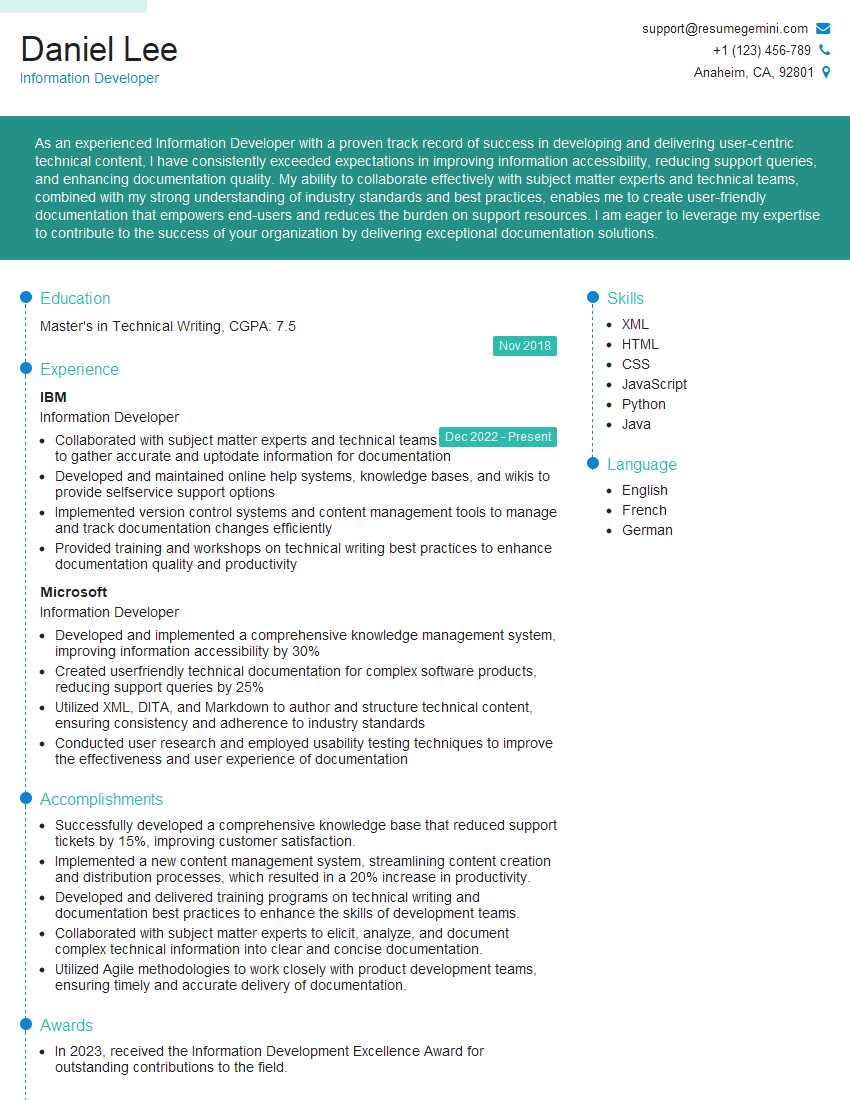
Information Developer Resume Sample
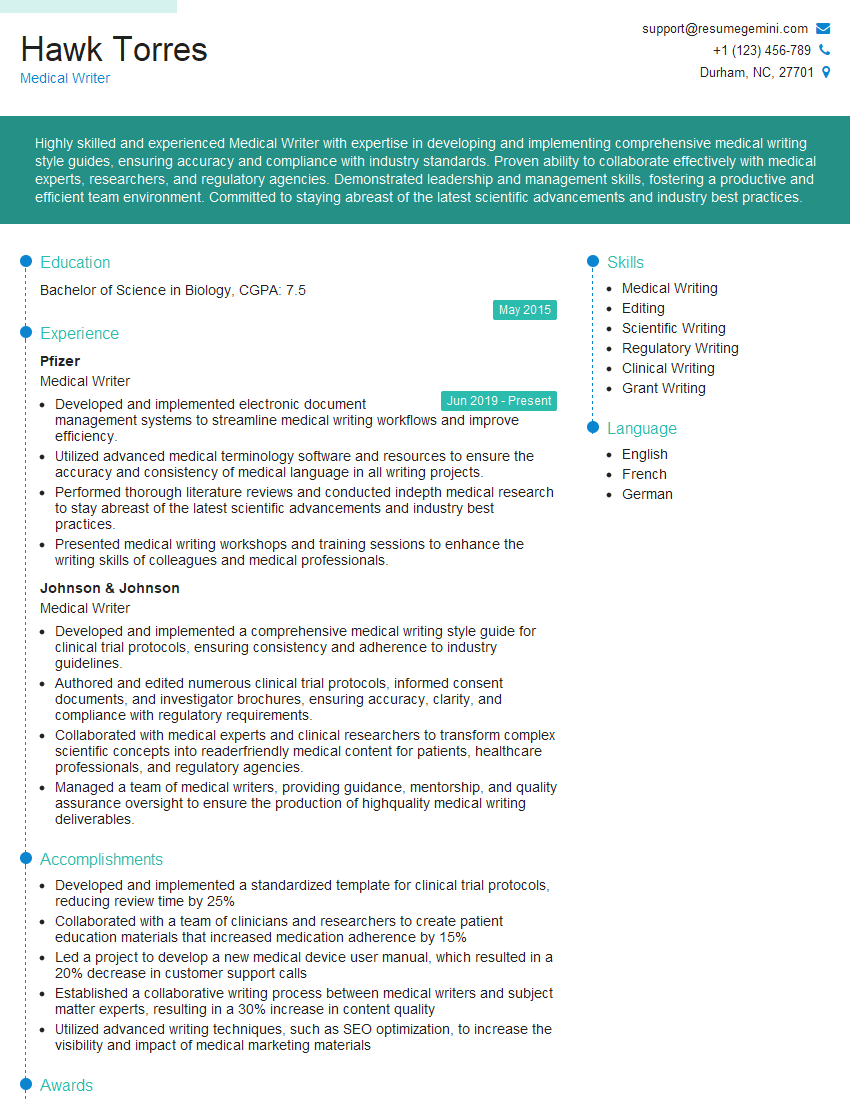
Medical Writer Resume Sample
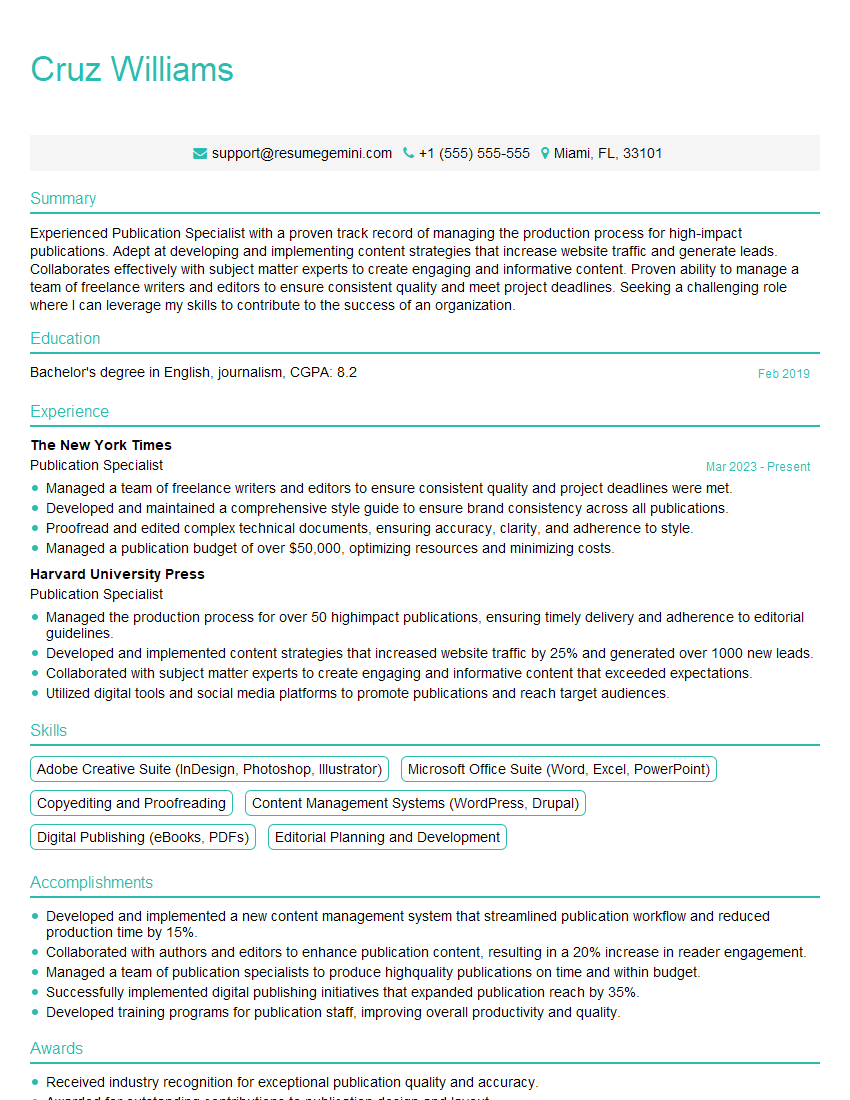
Publication Specialist Resume Sample
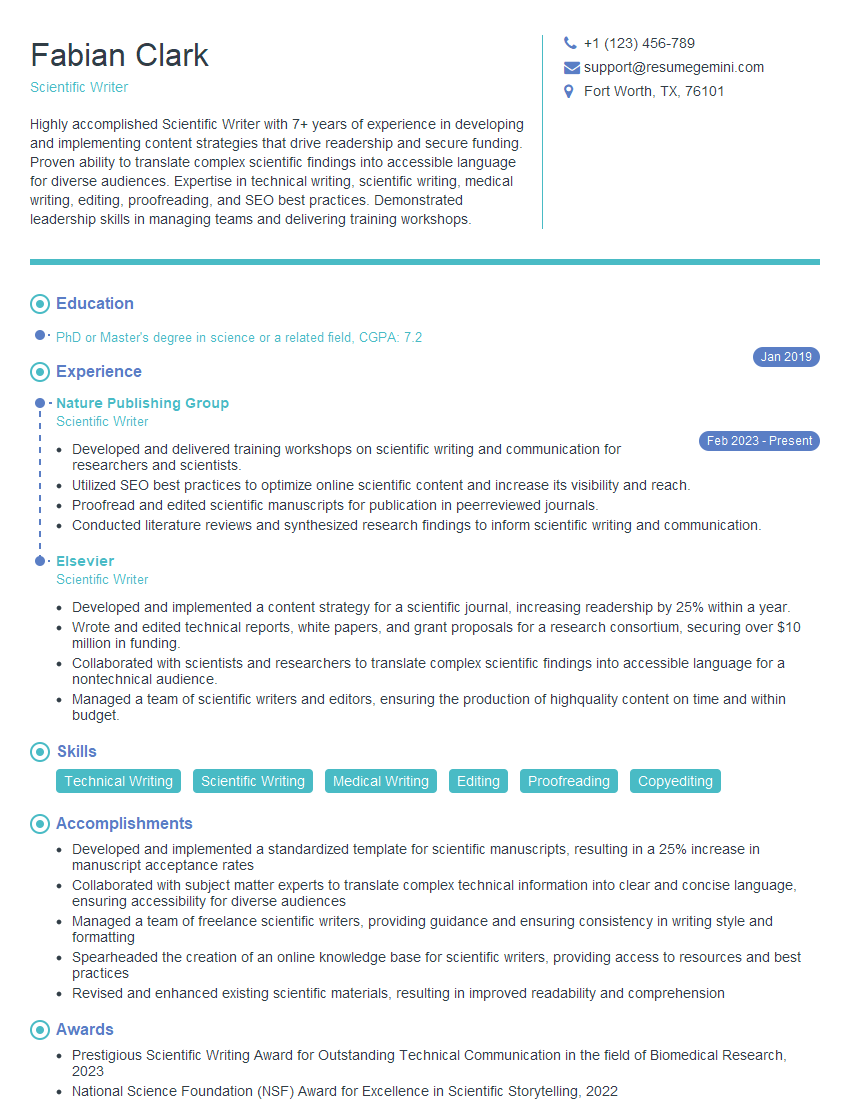
Scientific Writer Resume Sample
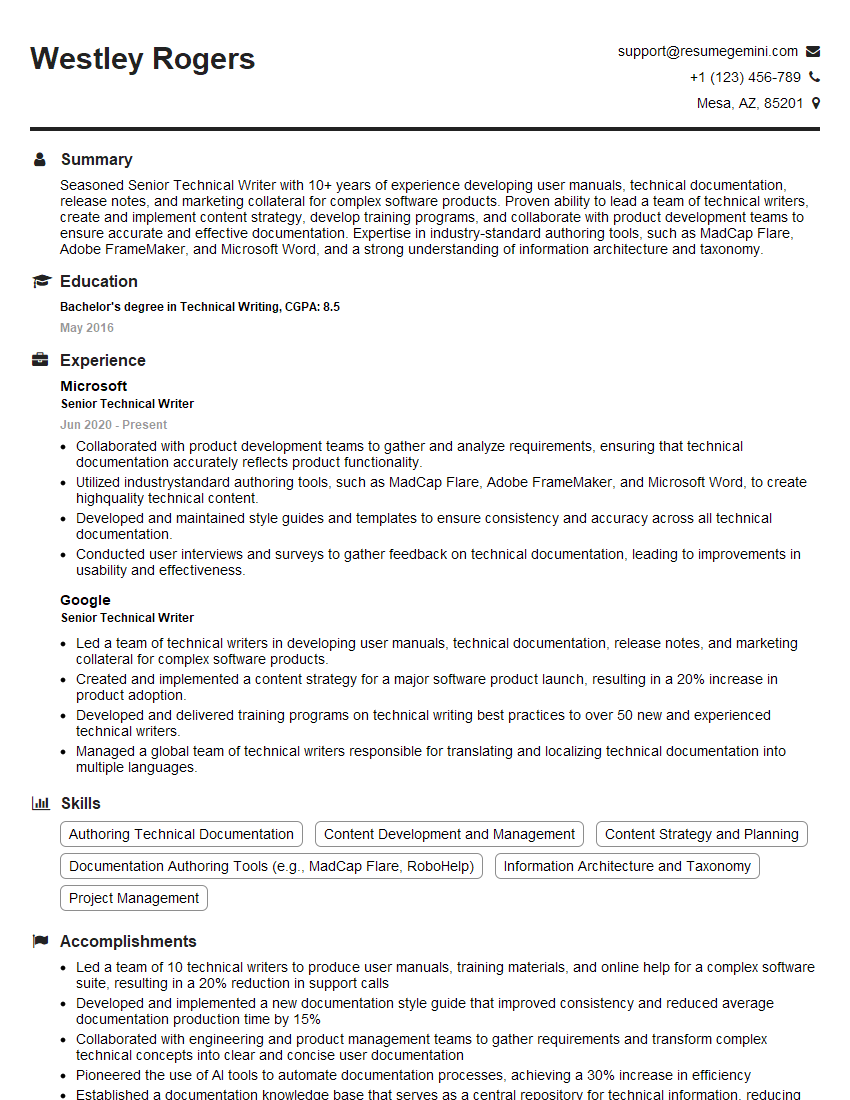
Senior Technical Writer Resume Sample
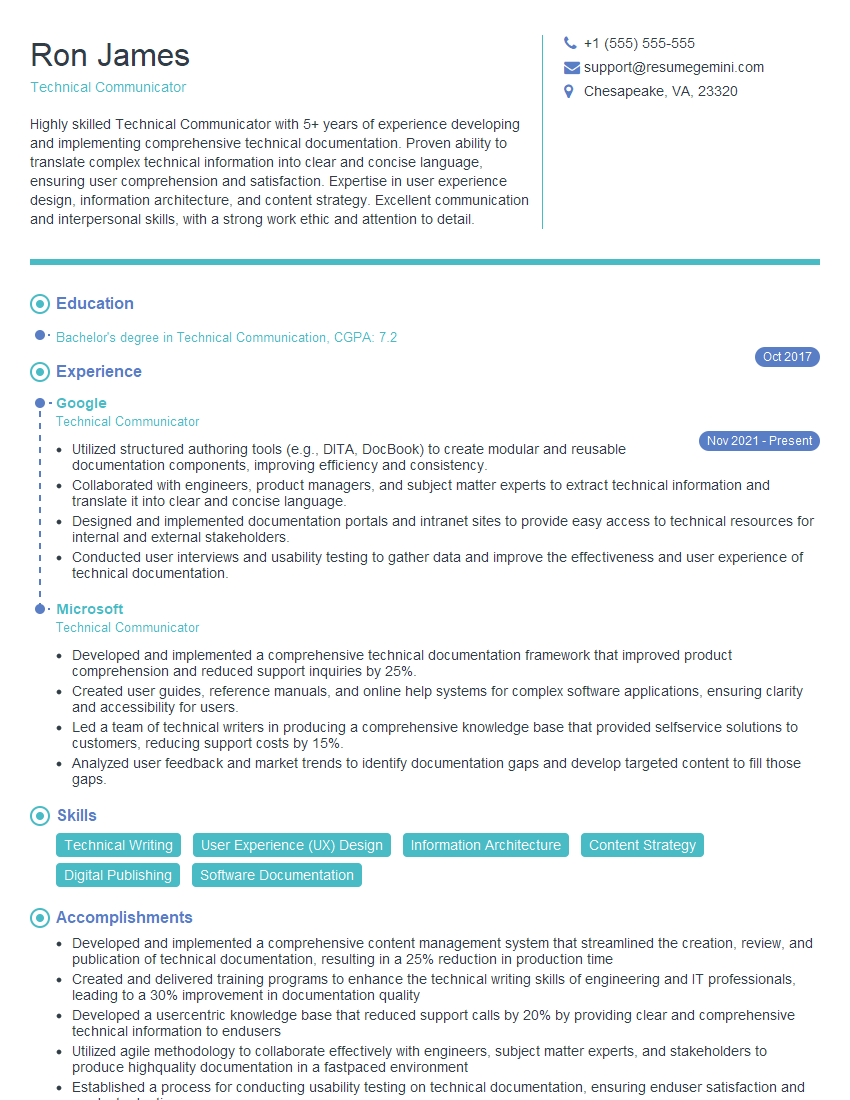
Technical Communicator Resume Sample

Technical Writer Resume Sample
Explore more articles
Users Rating of Our Blogs
Share Your Experience
We value your feedback! Please rate our content and share your thoughts (optional).
What Readers Say About Our Blog
Very informative content, great job.
good