Feeling uncertain about what to expect in your upcoming interview? We’ve got you covered! This blog highlights the most important Strong understanding of color theory interview questions and provides actionable advice to help you stand out as the ideal candidate. Let’s pave the way for your success.
Questions Asked in Strong understanding of color theory Interview
Q 1. Explain the difference between additive and subtractive color mixing.
Additive and subtractive color mixing represent two fundamentally different ways of creating color. Imagine shining light on a wall – that’s additive; mixing paints on a canvas – that’s subtractive.
- Additive Color Mixing: This method combines light sources, such as red, green, and blue (RGB), to produce other colors. When you combine all three at full intensity, you get white light. Additive mixing is used extensively in digital displays (like your computer screen or phone) and digital design software because these screens emit light. Think of it like adding ingredients to a recipe; each ingredient (color) adds to the final result.
- Subtractive Color Mixing: This process involves mixing pigments or dyes, like cyan, magenta, and yellow (CMY), to create new colors. Each pigment absorbs certain wavelengths of light, and the reflected light determines the perceived color. Mixing all three CMY colors ideally results in black, though in practice, a deep brown or muddy color often results, leading to the use of a separate black (K) pigment in print (CMYK). Think of it like removing elements from a whole; each pigment subtracts certain colors from the reflected light.
The key difference lies in the starting point: light (additive) versus reflected light (subtractive). Understanding this distinction is crucial for effective design across both digital and print media.
Q 2. Describe the color wheel and its significance in design.
The color wheel is a visual representation of colors arranged according to their chromatic relationships. It’s a fundamental tool in design, helping us understand color harmony and contrast. A traditional color wheel typically includes primary, secondary, and tertiary colors arranged in a circle.
- Significance: The color wheel simplifies the complexities of color theory, allowing designers to easily visualize color combinations and predict how colors will interact. It helps in creating visually appealing and harmonious designs. It also helps in understanding complementary, analogous, and triadic color schemes which we’ll discuss later.
For example, knowing the color wheel allows a designer to choose colors that complement each other for a logo, or choose colors that create a sense of warmth or coolness for a room’s interior design. The layout and spacing of the colors in the wheel help create visual appeal and impact.
Q 3. What are the primary, secondary, and tertiary colors?
Primary, secondary, and tertiary colors are the building blocks of color theory within the color wheel.
- Primary Colors: These are the fundamental colors that cannot be created by mixing other colors. In the additive system (RGB), they are Red, Green, and Blue. In the subtractive system (CMYK), they are Cyan, Magenta, and Yellow.
- Secondary Colors: These are created by mixing two primary colors in equal proportions. In the additive system, they are Cyan (Green + Blue), Magenta (Red + Blue), and Yellow (Red + Green). In the subtractive system, they are Red (Magenta + Yellow), Green (Cyan + Yellow), and Blue (Cyan + Magenta).
- Tertiary Colors: These are created by mixing a primary color with an adjacent secondary color. For example, Red-Orange (Red + Orange), Yellow-Orange (Yellow + Orange), etc. These colors create more nuanced and complex palettes.
It’s important to note that the specific hues of primary colors can vary slightly depending on the color model (e.g., RGB vs. CMYK), but the fundamental principles of mixing remain consistent.
Q 4. Explain the concept of color harmony (e.g., analogous, complementary, triadic).
Color harmony refers to the pleasing arrangement of colors that create visual appeal and balance. Several types of color harmonies exist, each producing distinct moods and effects.
- Analogous Harmony: Uses colors that are adjacent to each other on the color wheel (e.g., blue, blue-green, and green). These combinations are generally calming and harmonious.
- Complementary Harmony: Employs colors that are opposite each other on the color wheel (e.g., red and green, blue and orange). This creates high contrast and visual excitement.
- Triadic Harmony: Uses three colors equally spaced on the color wheel (e.g., red, yellow, and blue). This offers a vibrant and balanced palette.
For example, a website might use analogous colors for a serene and professional feel, while a children’s book might use a triadic scheme for a playful and engaging aesthetic. A brand might utilize complementary colors to create a striking logo.
Q 5. How do you choose a color palette for a specific project?
Choosing a color palette is a crucial step in any design project. It’s not arbitrary; it requires understanding the project’s goals, target audience, and brand identity.
My approach typically involves these steps:
- Define the Project’s Goals and Target Audience: What message should the color palette convey? Who is the intended audience? For example, a children’s website will require a different palette than a corporate website.
- Research and Inspiration: Gather inspiration from existing designs, nature, or mood boards. This helps you identify color combinations that align with the project’s aesthetic.
- Utilize Color Theory Principles: Employ color harmony rules (analogous, complementary, triadic) to ensure the palette is visually appealing and balanced. Consider color temperature to evoke the desired mood.
- Create and Refine the Palette: Experiment with different color combinations, adjusting hue, saturation, and value until the desired effect is achieved. Digital tools like Adobe Color or Coolors are invaluable resources for this process.
- Test and Iterate: Test the palette in different contexts and gather feedback. Are the colors legible? Do they evoke the intended emotions? Adjustments might be needed based on these evaluations.
Ultimately, choosing a color palette is an iterative process of refinement and experimentation, guided by color theory and the project’s specific needs.
Q 6. What is color temperature, and how does it affect mood and perception?
Color temperature refers to the warmth or coolness of a color, often described in terms of Kelvin (K). It significantly impacts mood and perception.
- Warm Colors (low Kelvin): Reds, oranges, and yellows evoke feelings of warmth, comfort, energy, and excitement. Think of a warm sunset or a cozy fireplace. These colors generally appear closer to the viewer.
- Cool Colors (high Kelvin): Blues, greens, and purples evoke feelings of calmness, serenity, coolness, and sometimes sadness or distance. Think of a clear sky or a cool ocean breeze. These colors tend to appear to recede into space.
For instance, a restaurant might use warm colors to create a welcoming atmosphere, while a spa might use cool colors to promote relaxation. Understanding color temperature allows designers to manipulate viewer perception and create specific emotional responses.
Q 7. Explain the concept of hue, saturation, and value (HSV).
Hue, saturation, and value (HSV) is a cylindrical representation of color that provides an intuitive way to describe and manipulate colors.
- Hue: This is the pure color itself, essentially the color’s name (e.g., red, green, blue). Think of it as the basic ‘type’ of color.
- Saturation: This represents the intensity or purity of the color. High saturation means a vibrant color, while low saturation (closer to gray) results in a duller, more muted color. This refers to the color’s strength or intensity. A fully saturated color is rich and pure, while a desaturated color is pale or washed-out.
- Value (or Brightness): This refers to the lightness or darkness of the color. High value means a light color, while low value means a dark color. This dictates the amount of light or shade within the color itself.
Understanding HSV allows for precise control over color in design. For example, a designer might keep the hue constant but adjust the saturation and value to create variations of a color, like a softer pastel shade of blue versus a bold, saturated one. These parameters are often used in digital design software for fine-tuning color palettes.
Q 8. Discuss the psychological impact of color on users.
Color psychology is a fascinating field exploring the impact of colors on our emotions, behaviors, and perceptions. Different colors evoke different responses; for example, warm colors like red and orange often stimulate energy and excitement, while cool colors like blue and green tend to promote calmness and serenity. These effects are not arbitrary; they stem from cultural associations, personal experiences, and even physiological reactions to wavelengths of light.
Consider a website using bright red for a call-to-action button. Red is associated with urgency and importance, subtly prompting users to click. Conversely, a calming blue background might be more suitable for a meditation app, fostering a sense of peace. Understanding these psychological impacts is crucial for effective design – we use color to guide user behavior, create specific moods, and even influence brand perception.
- Red: Urgency, excitement, energy, passion.
- Blue: Calmness, trust, security, stability.
- Green: Nature, growth, freshness, harmony.
- Yellow: Optimism, happiness, creativity, energy (can also be associated with caution).
- Purple: Royalty, luxury, wisdom, mystery.
Q 9. How do you ensure color accessibility for users with visual impairments?
Color accessibility for users with visual impairments, particularly color blindness, is paramount. The most effective strategy involves focusing on sufficient color contrast and avoiding relying solely on color to convey information. We need to ensure that even with limited color perception, the information remains clear and usable.
Tools like WebAIM’s contrast checker help designers measure the contrast ratio between foreground (text) and background colors. A ratio of at least 4.5:1 is generally recommended for normal text. For larger text, a slightly lower ratio might suffice. Beyond contrast, we should incorporate alternative methods of conveying information, such as clear visual cues beyond color (e.g., shapes, icons) and textual descriptions.
For instance, instead of relying solely on red to indicate errors, use both a distinct red color and a clear error message next to it. This redundant coding ensures that even users with color vision deficiency can understand the error.
High Contrast Text
Q 10. Describe the difference between RGB and CMYK color models.
RGB and CMYK are two fundamentally different color models used in different contexts. RGB (Red, Green, Blue) is an additive color model, meaning colors are created by adding light. It’s used for screens, monitors, and digital displays. CMYK (Cyan, Magenta, Yellow, Key/Black) is a subtractive color model, where colors are created by subtracting light from white. It’s primarily used for printing.
The key difference lies in their light interaction. In RGB, mixing all three primary colors at maximum intensity produces white. In CMYK, mixing all four at maximum intensity produces black (ideally, though often a rich black is included as a fifth color for richer blacks in printing). This is because RGB works with emitted light, while CMYK works with reflected light from ink on paper. This leads to significant differences in how colors appear on screens versus in print; a color accurately represented in RGB might appear different when printed using CMYK.
Therefore, a careful color conversion is necessary when transferring designs from screen to print to ensure visual consistency.
Q 11. How would you create a color palette that evokes a sense of trust?
Creating a color palette that evokes trust involves leveraging the psychological associations of colors. Blues and greens are generally associated with trustworthiness, stability, and security. However, relying solely on these can lead to a monotonous palette. Therefore, I would suggest a strategic combination of colors.
I might start with a base of calming blues or greens, perhaps a soft teal or a muted blue-gray. Then, I’d introduce subtle accents of other colors for variety. A touch of warm beige or a light gray could add sophistication and balance the coolness of the primary colors. Avoid overly bright or jarring colors, as these could undermine the sense of trust. The overall palette should feel calm, refined, and reliable.
Example: #56A5E2 (a calming blue), #A7D1AB (a soft green), #F5F5DC (a warm beige), #EEEEEE (a light gray)
Q 12. How would you create a color palette that evokes excitement?
To evoke excitement, we’d employ vibrant and energetic colors. Reds, oranges, and yellows are classic choices for creating a sense of dynamism and enthusiasm. However, a palette solely based on these can feel overwhelming. Therefore, strategic use of contrast and balance is vital.
I would build a palette by starting with a dominant exciting color, like a bright orange or a bold red. Then, I’d introduce a secondary color to provide contrast. A cooler color like a teal or a deep purple could act as a visual counterpoint, preventing the palette from being too intense. Finally, neutral colors (like black or white) can help ground the palette and make the exciting colors pop even more.
Example: #FF6347 (a vibrant orange), #008080 (teal), #FFFFFF (white), #000000 (black)
Q 13. How would you create a color palette that evokes calmness?
Creating a calming color palette involves leveraging the inherent soothing qualities of cool colors. Blues, greens, and soft grays are excellent choices for evoking a sense of tranquility and peace. However, to avoid a dull palette, a nuanced approach is required.
I would begin with a base of soft blues or greens as the dominant colors. Then, I’d add subtle variations in tone and shade. For instance, lighter shades of these colors can create a feeling of spaciousness, while darker shades can add depth and sophistication. A touch of beige or muted yellow could add warmth without disturbing the overall calm effect.
Example: #87CEEB (light sky blue), #4682B4 (steel blue), #90EE90 (light green), #F5F5DC (beige)
Q 14. How do you use color to create visual hierarchy?
Visual hierarchy is the arrangement of elements to guide the user’s eye through a design. Color is a powerful tool to achieve this; we use color to prioritize certain elements over others. Elements needing immediate attention are often highlighted using brighter, more saturated colors, while less important elements receive muted tones.
For instance, in a website navigation menu, the currently selected page might be highlighted in a brighter shade of the main color scheme, while other menu items remain in a softer tone. Similarly, call-to-action buttons are often rendered in contrasting, high-saturation colors to make them stand out. This color contrast draws the user’s attention to specific information, ensuring effective communication.
It’s crucial to avoid using too many highly saturated colors, as this can create visual chaos. A balanced approach, employing color contrast judiciously, is necessary for creating a clear and intuitive visual hierarchy.
Q 15. Explain the concept of color contrast and its importance in design.
Color contrast refers to the difference in lightness and hue between two colors. It’s crucial in design because it impacts readability, accessibility, and the overall visual appeal of a piece. High contrast makes elements stand out, improving usability, while low contrast can lead to a muddy, unreadable design.
- Example: Black text on a white background offers high contrast, ensuring easy readability. Conversely, dark grey text on a light grey background has low contrast and is difficult to read.
- Importance: Adequate contrast is essential for accessibility, especially for users with visual impairments. WCAG (Web Content Accessibility Guidelines) provides specific contrast ratios to ensure inclusivity.
Think of it like this: Imagine trying to read a novel printed in light blue ink on a light green background. The low contrast would make it incredibly difficult, whereas black ink on white paper provides crisp, clear contrast, facilitating easy reading.
Career Expert Tips:
- Ace those interviews! Prepare effectively by reviewing the Top 50 Most Common Interview Questions on ResumeGemini.
- Navigate your job search with confidence! Explore a wide range of Career Tips on ResumeGemini. Learn about common challenges and recommendations to overcome them.
- Craft the perfect resume! Master the Art of Resume Writing with ResumeGemini’s guide. Showcase your unique qualifications and achievements effectively.
- Don’t miss out on holiday savings! Build your dream resume with ResumeGemini’s ATS optimized templates.
Q 16. How do you use color to create depth and dimension?
Creating depth and dimension with color involves manipulating value (lightness/darkness), saturation (intensity), and temperature (warmth/coolness). Lighter colors tend to advance, appearing closer to the viewer, while darker colors recede, creating a sense of distance. Similarly, saturated colors appear closer than desaturated ones.
- Value: Using a gradient from light to dark can create a sense of depth, like a sunset. Lighter colors in the foreground and darker colors in the background create a three-dimensional effect.
- Saturation: Highly saturated colors can pop forward, drawing attention. Less saturated colors recede, creating a sense of space.
- Temperature: Warm colors (reds, oranges, yellows) tend to advance, while cool colors (blues, greens, purples) recede. Using this temperature contrast can enhance the illusion of depth.
Imagine a landscape painting: the bright, saturated flowers in the foreground appear closer, contrasted against the muted, desaturated mountains in the background, adding depth and realism.
Q 17. What are some common color trends in current design?
Current design trends frequently incorporate a blend of bold and muted tones, often leaning towards natural and earthy palettes. We’re seeing a rise in:
- Earthy tones: Shades of greens, browns, and beige, evoking a sense of calm and nature.
- Muted pastels: Softer versions of traditional pastels, offering a more subtle and sophisticated feel.
- Vibrant accents: Bold pops of color used strategically to highlight key elements.
- Dualistic palettes: Combining opposing colors (e.g., warm and cool) for a dynamic effect.
These trends reflect a desire for designs that are both visually appealing and calming. The shift towards natural colors suggests a move away from overly saturated, artificial palettes.
Q 18. How would you use color to communicate a brand’s personality?
Color plays a pivotal role in establishing a brand’s personality. Different colors evoke different emotions and associations. For example:
- Red: Energy, excitement, passion (Coca-Cola)
- Blue: Trust, stability, security (Facebook)
- Green: Nature, growth, freshness (Starbucks)
- Yellow: Happiness, optimism, creativity (McDonald’s)
When choosing colors for a brand, consider its target audience, values, and the message it wants to convey. A consistent color palette across all brand materials reinforces brand identity and recognition. For instance, a tech company might opt for a cool blue palette to project trust and innovation, while a children’s brand might favor bright, playful colors.
Q 19. Discuss the importance of considering cultural contexts when choosing colors.
Color symbolism varies significantly across cultures. A color considered auspicious in one culture might be associated with mourning in another. Ignoring cultural contexts can lead to misinterpretations and even offense.
- Example: White is associated with purity and innocence in Western cultures but represents mourning in some Asian cultures. Similarly, red symbolizes good luck and celebration in China but can represent anger or danger in other parts of the world.
Thorough research into the cultural significance of colors in your target market is crucial to avoid potential pitfalls. A global brand needs to adapt its color choices accordingly, demonstrating sensitivity and cultural understanding.
Q 20. Explain how color can affect readability.
Color significantly impacts readability. Poor color choices can strain the eyes and make text difficult to decipher. Key factors include contrast and color combinations.
- Contrast: Sufficient contrast between text and background is paramount. High contrast (e.g., black on white) enhances readability, while low contrast makes text hard to read.
- Color Combinations: Certain color combinations can be jarring or difficult on the eyes. For instance, using red text on a green background can be challenging to read due to the proximity of these colors on the color wheel.
Always prioritize high contrast between text and background. Tools and resources, such as WCAG guidelines, provide specific recommendations for acceptable contrast ratios to ensure accessibility and readability.
Q 21. How do you ensure color consistency across different platforms?
Maintaining color consistency across various platforms requires a standardized color palette and the use of a consistent color system. Here’s how:
- Color Management System: Use a color management system (CMS) to define colors precisely using a color space such as sRGB or Adobe RGB. This ensures colors are rendered accurately across different devices.
- Color Codes: Employ hexadecimal (
#RRGGBB) or other consistent color codes (e.g., CMYK) to define colors. Avoid relying on subjective descriptions like ‘light blue’. - Style Guides: Create and maintain a comprehensive style guide that specifies brand colors and their usage. This ensures consistency across websites, apps, marketing materials, and more.
- Testing: Regularly test the display of colors across different devices and browsers to ensure consistency.
A well-defined system and rigorous testing ensure that your brand’s colors appear consistent and true to form, enhancing brand recognition and user experience regardless of the platform.
Q 22. Describe a time you had to troubleshoot a color-related problem.
One time, I was working on a packaging design for a new line of teas. The client had provided a beautiful Pantone color for the box, but when we printed a test run, the color was significantly off – far too muted. This wasn’t just a slight variation; it was a noticeable difference that would affect brand recognition.
My troubleshooting involved several steps. First, I verified the Pantone number against the client’s provided specifications, ensuring there were no transcription errors. Next, I checked the printing process. We discovered the printer had used a slightly different ink profile than what was specified. Finally, I worked with the printer to calibrate their equipment, ensuring it matched the specified Pantone color accurately. We conducted several test prints, making minor adjustments to the ink density each time until we achieved a perfect match. This situation highlighted the importance of precise color management throughout the entire design and production pipeline, from initial design to final print.
Q 23. How do you manage color palettes in a design collaboration?
Managing color palettes in collaborative design projects requires a systematic approach. We typically use a central, shared color palette, often within a collaborative design tool like Adobe Creative Cloud Libraries or a similar platform. This ensures everyone is working from the same source, minimizing inconsistencies.
The palette itself is usually meticulously documented, including not just the color codes (Hex, RGB, CMYK, Pantone where appropriate), but also descriptive names for each color (e.g., ‘Brand Primary’, ‘Accent Teal’, ‘Background Grey’). This naming convention aids clear communication and prevents confusion. Regular check-ins and reviews of the palette are essential to catch any unintentional deviations or address changes in design direction early on. Clear communication channels, such as shared project notes or regular team meetings, help ensure everyone understands the reasoning behind color choices and any updates.
Q 24. What are some tools or software you use for color selection and management?
For color selection and management, I rely on a combination of tools. Adobe Photoshop and Illustrator are essential for their robust color management features, including color libraries, swatches, and the ability to work across different color spaces.
Adobe Color (formerly Kuler) is a fantastic resource for exploring color harmonies and creating palettes. It offers various rules and algorithms for generating visually appealing color combinations. Pantone Connect is invaluable when working with Pantone colors for print. It provides access to the Pantone libraries and ensures accurate color reproduction. Finally, I frequently use online tools like Coolors.co for quick experimentation and palette generation, and websites like Colorzilla for capturing and analyzing colors from existing images.
Q 25. Explain your understanding of Pantone Matching System (PMS).
The Pantone Matching System (PMS) is a proprietary color standardization system used widely in various industries, primarily printing and packaging. It provides a standardized language for communicating colors, ensuring consistency across different printers and materials. Instead of relying on RGB or CMYK values, which can vary based on the device displaying or printing them, PMS uses a numbered system, each number representing a unique, pre-defined ink formula.
For example, Pantone 18-1664 TPX is a specific shade of terracotta. Using this Pantone number guarantees that the same color will be reproduced reliably, no matter where in the world it’s printed, provided the printer uses certified Pantone inks and adheres to the system’s guidelines. This is crucial for maintaining brand consistency and avoiding costly reprints due to color discrepancies.
Q 26. How do you handle color conversions between different color spaces?
Color conversions between different color spaces (RGB, CMYK, LAB, etc.) are necessary because different devices and media use different models. RGB is used for screens, CMYK for print, and LAB for broader color representation. Accurate conversion requires understanding the limitations of each space. Simple conversions often lead to color shifts.
I typically use software like Adobe Photoshop or Illustrator, which offer built-in color conversion tools. These applications usually employ advanced algorithms to minimize color loss during conversion, though some inaccuracies are inevitable. For instance, converting a vibrant RGB color to CMYK might result in a slightly duller version, because CMYK inks can’t reproduce the same range of colors as RGB light. When accuracy is paramount, I often work in the CMYK color space from the beginning for print projects to avoid color surprises later in the workflow.
Q 27. What are some best practices for using color in web design?
Best practices for using color in web design revolve around accessibility, usability, and visual appeal.
- Accessibility: Sufficient contrast between text and background colors is critical for readability and inclusivity, especially for users with visual impairments. Tools like WebAIM’s contrast checker are invaluable here.
- Usability: Color should enhance user experience, guiding users through the site’s navigation and hierarchy. Consistent color usage for elements like buttons and links ensures predictability.
- Visual Appeal: Consider color psychology and the emotions evoked by different colors. A well-designed color palette enhances brand identity and visual appeal. Use color strategically, avoiding overuse, and create a visual hierarchy using color variations.
Furthermore, using CSS variables (custom properties) allows for centralized color management, making it easy to update colors across the website. For example: :root { --primary-color: #336699; }
Q 28. Describe your process for selecting and applying color in a print design.
My process for selecting and applying color in print design begins with understanding the client’s brand guidelines and the overall aesthetic. I carefully consider the substrate (paper type) as it affects how inks interact and appear.
For a print project, I start by creating a color palette in a suitable color space, usually CMYK. I then choose Pantone colors where brand consistency is vital, especially for logos and key elements. When working with Pantone colors, I specify these PMS numbers precisely to ensure accurate reproduction. I always create a physical proof, a test print of the design, to check color accuracy. This step is crucial because even the best color management tools can’t perfectly account for the variables in the printing process. This proof ensures the final printed output aligns with the design intentions.
Key Topics to Learn for a Strong Understanding of Color Theory Interview
- Color Models (RGB, CMYK, HSV/HSB): Understand the differences and when to use each model in various design contexts. Be prepared to discuss their strengths and weaknesses.
- Color Harmonies (Complementary, Analogous, Triadic, etc.): Explain how different color harmonies create specific moods and visual effects. Practice applying these principles to design scenarios.
- Color Psychology: Discuss the emotional and psychological impact of color choices on viewers. Be able to cite examples of how color influences brand perception and user experience.
- Color Contrast and Accessibility: Explain the importance of sufficient color contrast for readability and accessibility, especially for users with visual impairments. Understand WCAG guidelines related to color.
- Color Management and Calibration: Describe the process of color management and the importance of calibrating monitors for consistent color reproduction across different devices.
- Practical Application: Be ready to discuss specific projects where you’ve applied your knowledge of color theory, highlighting the impact of your color choices on the overall design.
- Problem-Solving: Prepare examples demonstrating how you’ve resolved color-related challenges in design projects, such as resolving color clashes or achieving specific visual effects.
Next Steps
Mastering color theory is crucial for career advancement in many creative fields. A strong understanding of color allows you to create visually compelling and impactful work, leading to greater success and higher earning potential. To maximize your job prospects, create an ATS-friendly resume that showcases your skills effectively. ResumeGemini is a trusted resource that can help you build a professional and impactful resume. We provide examples of resumes tailored to highlight a strong understanding of color theory, helping you present your qualifications in the best possible light.

Art Director Resume Sample

Web Designer Resume Sample

Game Designer Resume Sample

Color Consultant Resume Sample

Product Designer Resume Sample
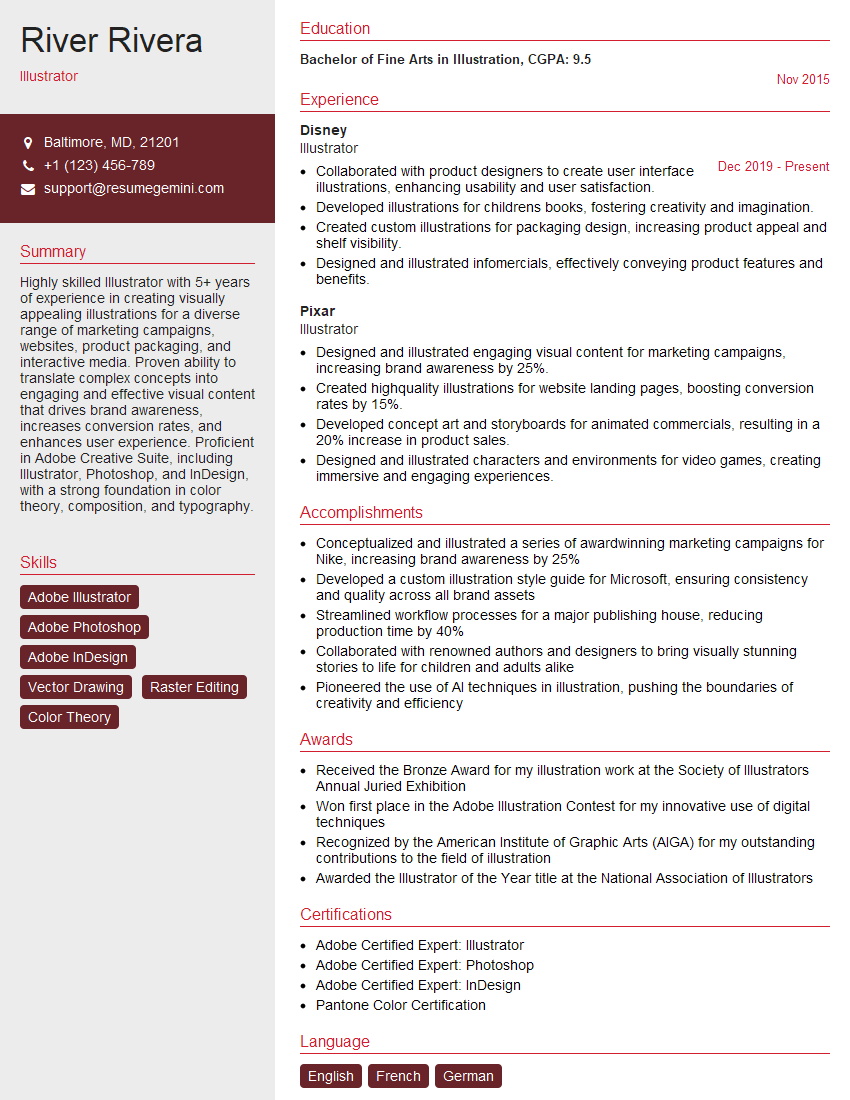
Illustrator Resume Sample

Animator Resume Sample

Graphic Designer Resume Sample

Packaging Designer Resume Sample
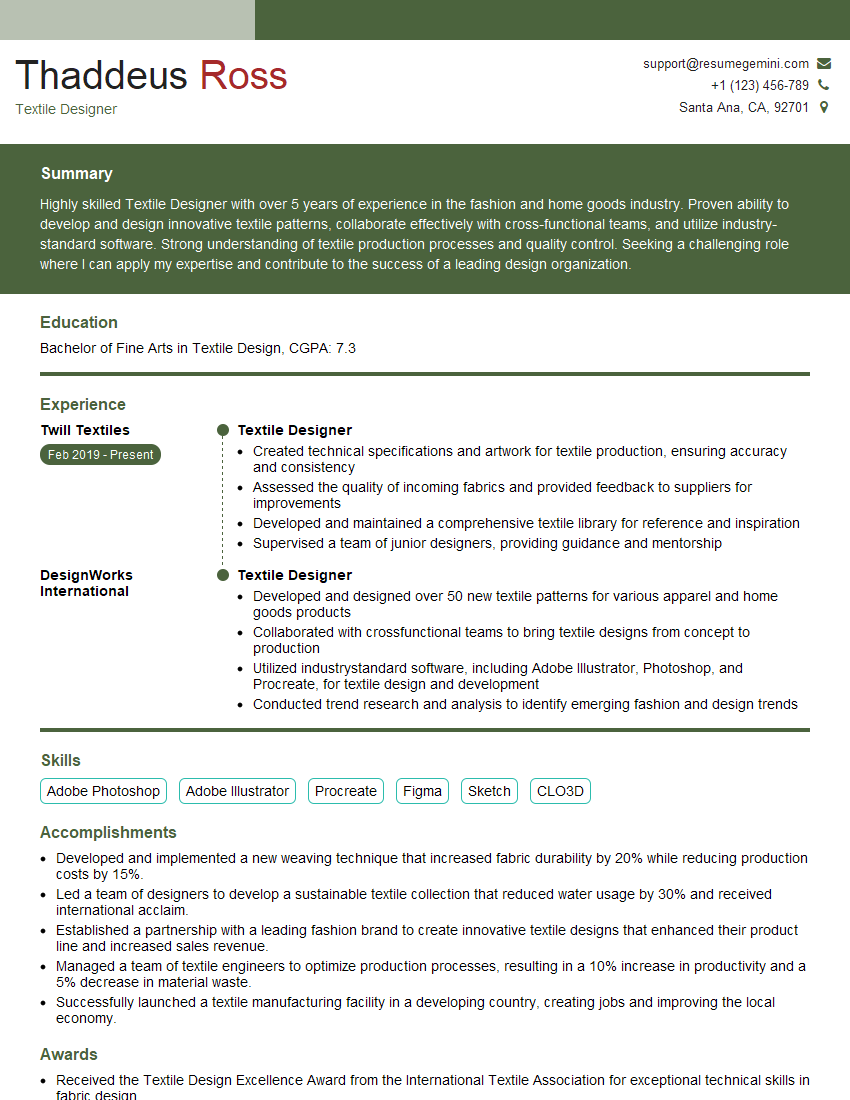
Textile Designer Resume Sample
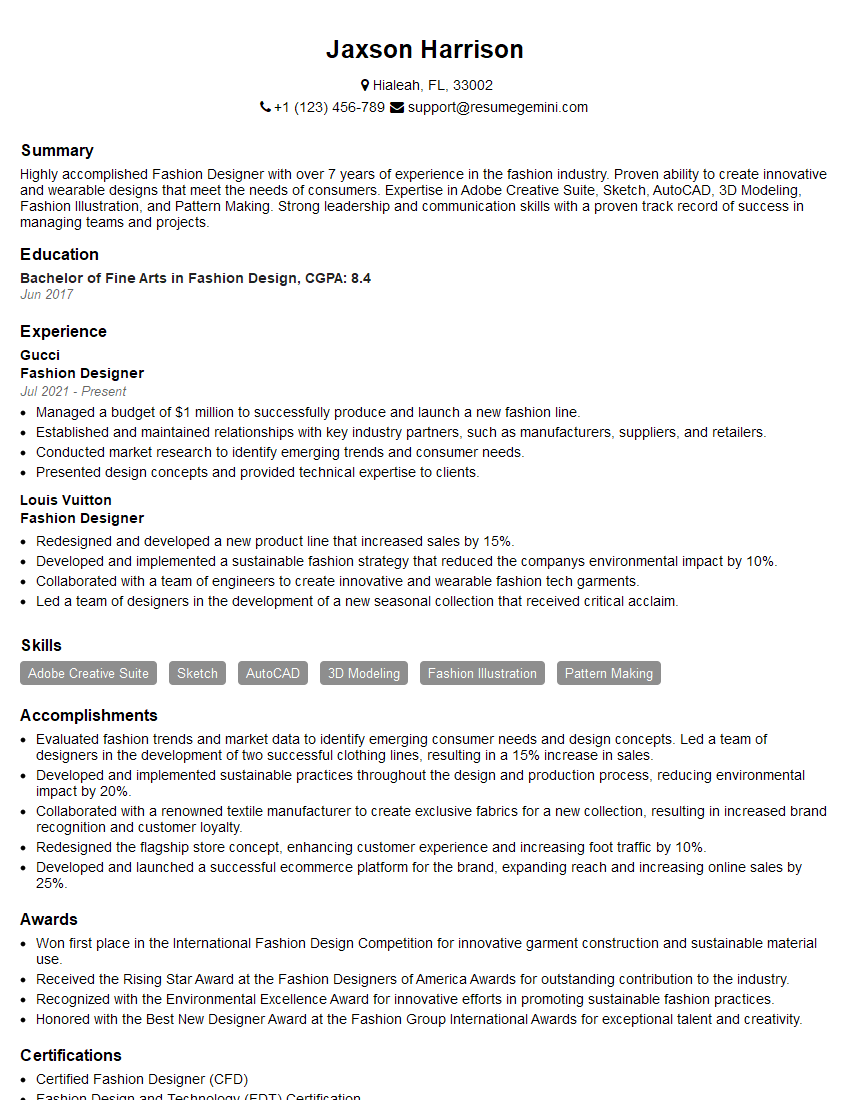
Fashion Designer Resume Sample
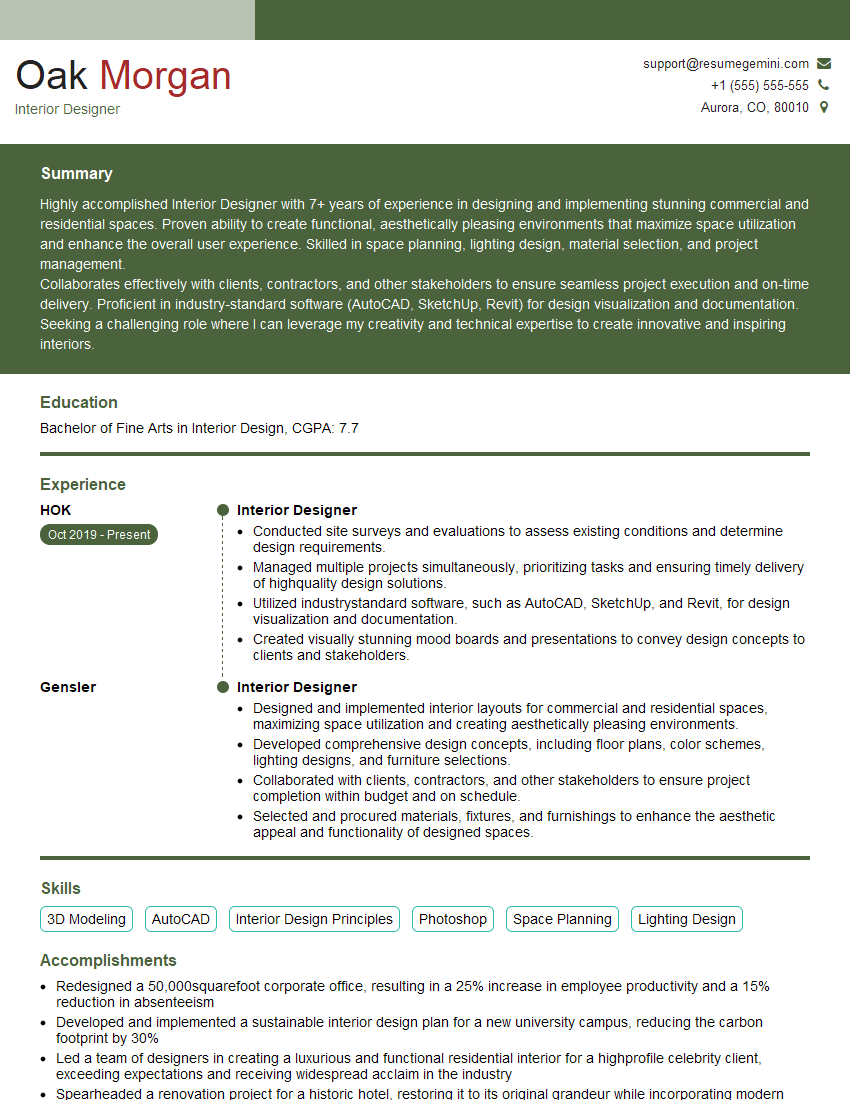
Interior Designer Resume Sample
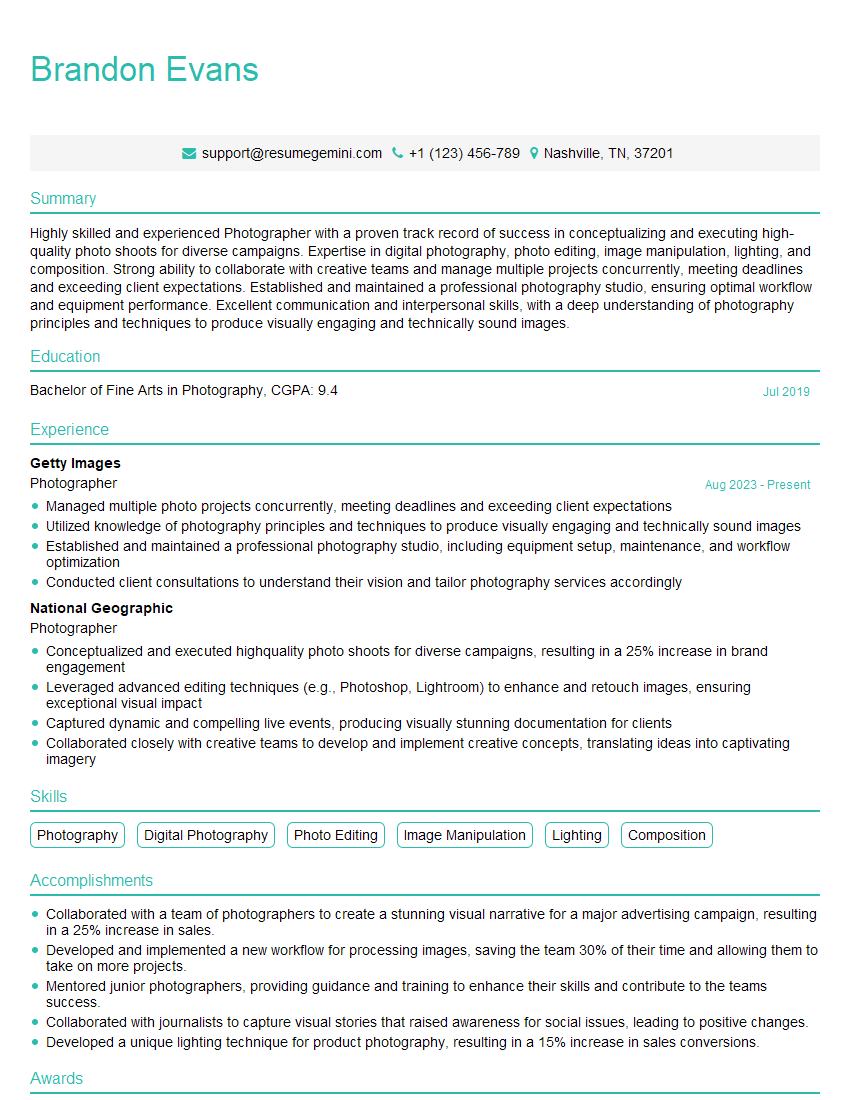
Photographer Resume Sample
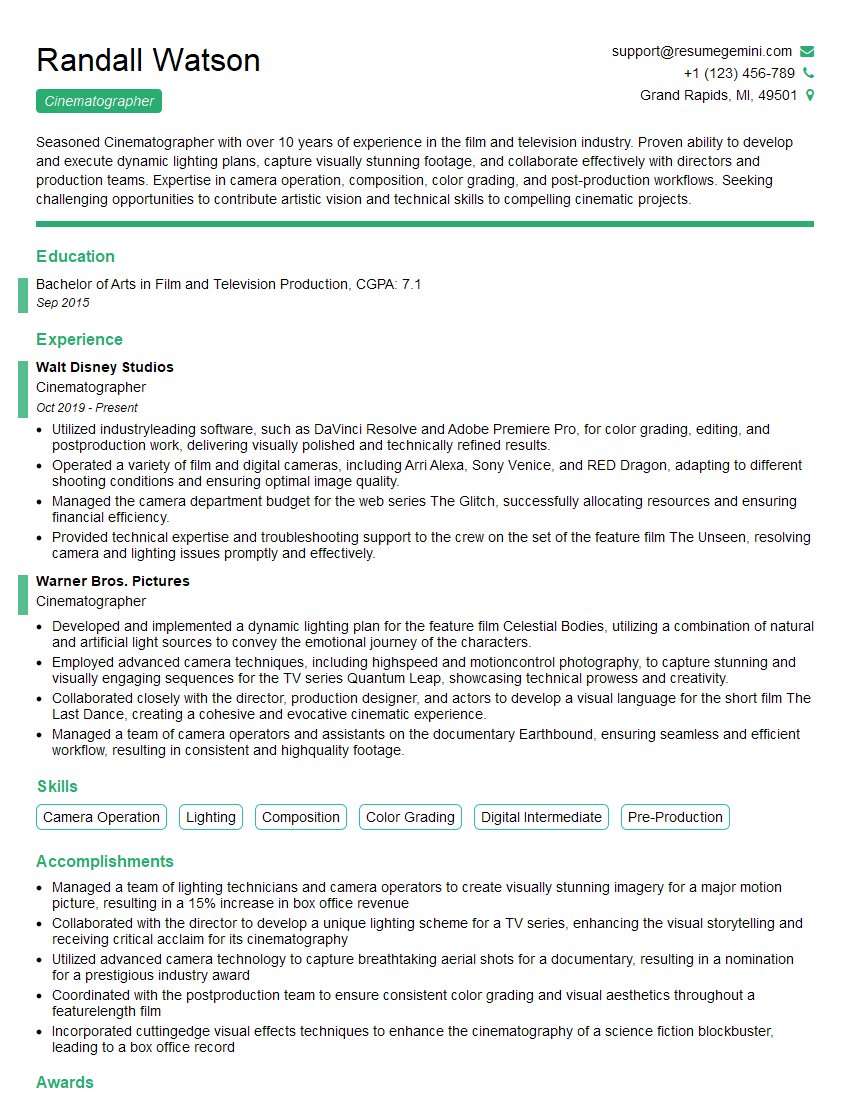
Cinematographer Resume Sample

UX Designer Resume Sample
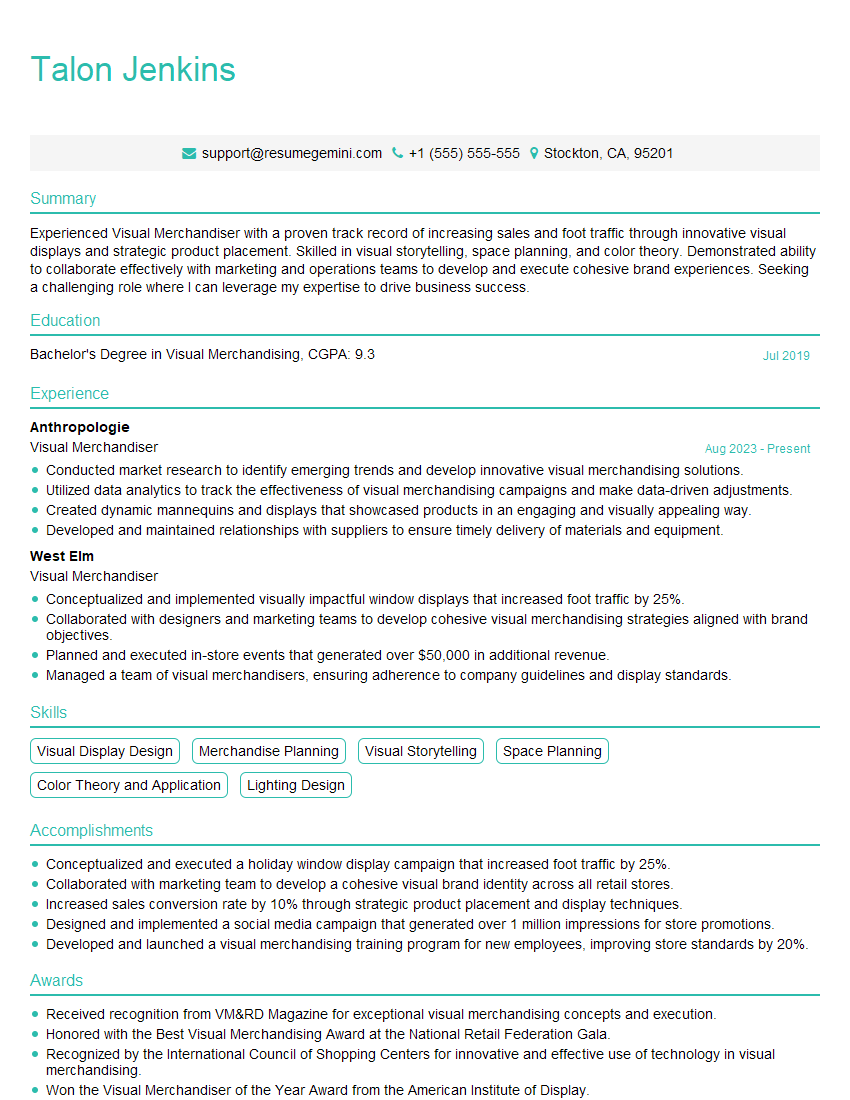
Visual Merchandiser Resume Sample
Explore more articles
Users Rating of Our Blogs
Share Your Experience
We value your feedback! Please rate our content and share your thoughts (optional).
What Readers Say About Our Blog
Very informative content, great job.
good