Preparation is the key to success in any interview. In this post, we’ll explore crucial Strong understanding of design principles and aesthetics interview questions and equip you with strategies to craft impactful answers. Whether you’re a beginner or a pro, these tips will elevate your preparation.
Questions Asked in Strong understanding of design principles and aesthetics Interview
Q 1. Explain the difference between UI and UX design.
UI (User Interface) design focuses on the look and feel of a product. It’s about the visual elements – buttons, menus, typography, images – that users directly interact with. Think of it as the surface-level experience. UX (User Experience) design, on the other hand, encompasses the entire experience a user has with a product. It considers everything from the initial interaction to the overall satisfaction, incorporating aspects like usability, accessibility, and even the emotional response. UI is a subset of UX; you can’t have great UX without good UI, but great UI doesn’t guarantee a great UX.
Example: Imagine a mobile banking app. The UI would be the layout of the screens, the design of the buttons, and the overall visual aesthetic. The UX would include aspects like ease of navigation, security features, the speed of transactions, and the overall feeling of security and trust the user experiences while using the app. A beautiful UI (slick animations, vibrant colors) might fail on UX if it’s difficult to find the balance inquiry function, or if the security measures are confusing.
Q 2. Describe your understanding of Gestalt principles.
Gestalt principles are rules of perception that describe how humans visually organize elements into groups or unified wholes. They’re crucial for creating intuitive and visually appealing designs. They help guide the user’s eye and create a sense of order and harmony. These principles include:
- Proximity: Elements placed close together are perceived as a group.
- Similarity: Similar elements (shape, color, size) are perceived as related.
- Closure: We tend to complete incomplete shapes or figures.
- Continuity: The eye follows lines and curves, perceiving them as continuous rather than broken.
- Figure/Ground: We perceive elements as either figures (objects of focus) or ground (background).
Example: A website with icons grouped closely together in a menu bar demonstrates proximity. A collection of similarly styled product images uses similarity to create a cohesive visual feel. A partially hidden logo, where the user fills in the gaps based on context, uses closure.
Q 3. How do you apply the principles of visual hierarchy in your designs?
Visual hierarchy guides the user’s eye through a design, emphasizing important information and creating a clear path. I apply it by using a variety of techniques:
- Size: Larger elements are more dominant.
- Color: Bright or contrasting colors attract attention.
- Contrast: Differences in color, size, or weight create visual separation.
- Whitespace: Strategic use of empty space separates elements and improves readability.
- Placement: Elements placed higher or in the center tend to be seen first.
- Typography: Using different font sizes, weights, and styles emphasizes certain text.
Example: On an e-commerce website, the main call to action (e.g., “Add to Cart”) would be significantly larger and more prominently colored than secondary information, like product descriptions. Headings are larger than body text, and important information might be set apart using boxes or special color treatments. I always consider A/B testing different visual hierarchies to determine what is most effective for my specific users and goals.
Q 4. What are some common usability heuristics you consider?
Usability heuristics are guidelines for designing user-friendly interfaces. Jakob Nielsen’s 10 heuristics are a well-known framework, and I frequently refer to them:
- Visibility of system status: Keep users informed about what’s happening.
- Match between system and the real world: Speak the user’s language.
- User control and freedom: Provide clear “exit” strategies.
- Consistency and standards: Follow established conventions.
- Error prevention: Design to minimize errors.
- Recognition rather than recall: Minimize the user’s memory load.
- Flexibility and efficiency of use: Cater to both novice and expert users.
- Aesthetic and minimalist design: Don’t clutter the interface.
- Help users recognize, diagnose, and recover from errors: Provide clear and helpful error messages.
- Help and documentation: Provide easy-to-understand help when needed.
Example: A progress bar provides visibility of system status. A form using familiar terms and layouts improves match between system and real world. Providing “undo” and “redo” functions enhances user control and freedom.
Q 5. Explain the importance of color theory in design.
Color theory is foundational to design. It impacts the mood, usability, and overall effectiveness of a design. Understanding color relationships (complementary, analogous, triadic) allows me to create visually appealing and harmonious palettes. Color evokes emotion – blues are often associated with calmness, reds with excitement, greens with nature. The accessibility implications of color choices are vital; sufficient contrast is necessary for users with visual impairments. I often use color psychology research to inform my color palette choices.
Example: A website for a yoga studio might use calming blues and greens to convey serenity. A gaming website may use vibrant, high-contrast colors to communicate energy and excitement. Using enough color contrast between text and background ensures readability for all users.
Q 6. How do you ensure accessibility in your designs?
Accessibility is paramount. I ensure inclusivity by following WCAG (Web Content Accessibility Guidelines) and other relevant standards. This includes:
- Sufficient color contrast: Using tools to ensure adequate contrast ratios between text and background.
- Alternative text for images: Providing descriptive alt text for screen readers.
- Keyboard navigation: Designing interfaces that are fully navigable using only a keyboard.
- Captions and transcripts for videos: Including captions and transcripts for users who are deaf or hard of hearing.
- Semantic HTML: Using appropriate HTML elements to structure content logically.
- Focus management: Ensuring clear focus indicators for keyboard users.
Example: I make sure text color has sufficient contrast against its background. I add alt text to images describing their content. I design interactive elements that work with keyboard navigation in addition to mouse interactions. I provide captions for all videos to support multiple users needs and ensure accessibility.
Q 7. Describe your process for creating a user persona.
Creating a user persona involves in-depth research and analysis to develop a representative profile of a typical user. I usually follow these steps:
- Research: Conduct user interviews, surveys, and analyze existing user data.
- Define goals: Clearly outline the persona’s goals and motivations related to the product.
- Identify demographics: Gather information on age, gender, location, education, occupation, etc.
- Develop psychographics: Understand their values, attitudes, lifestyles, and pain points.
- Create a narrative: Develop a brief story about the persona to make them feel real and relatable.
- Visual representation: Often a picture is included to aid visualization.
Example: For a fitness app, a persona might be “Sarah,” a 32-year-old working professional who wants to improve her fitness but struggles with time constraints and needs simple, effective workouts. Her goals are to lose weight, increase energy levels, and manage stress. Understanding Sarah’s needs helps guide design decisions, for example, the app’s interface should be straightforward and offer short, high-intensity workouts.
Q 8. How do you conduct user research?
User research is the cornerstone of effective design. It’s about understanding your target audience deeply to create solutions that truly meet their needs. My approach is multifaceted and iterative, combining various methods depending on the project’s scope and goals.
- User Interviews: I conduct one-on-one interviews to gather in-depth qualitative data. This involves carefully crafting open-ended questions to uncover user motivations, pain points, and behaviors. For example, when designing a new e-commerce platform, I would interview potential customers to understand their online shopping habits and frustrations.
- Surveys: Surveys are useful for collecting quantitative data from a larger sample size. I use them to gather demographic information and preferences quickly. For example, a survey could help determine the preferred color scheme for a website.
- Usability Testing: This involves observing users interacting with a prototype or existing product to identify usability issues. I use tools like screen recording software and note-taking to document user behavior and feedback. For instance, I might observe users navigating a website to identify areas of confusion or frustration.
- A/B Testing: After a design is launched, A/B testing allows me to compare different versions to see which performs better in terms of user engagement and conversion rates. This is crucial for ongoing optimization.
I always aim for a mixed-methods approach, combining quantitative and qualitative data for a comprehensive understanding of the user.
Q 9. What design tools are you proficient in?
I’m proficient in a range of design tools, each chosen for its specific strengths. My core toolkit includes:
- Figma: My primary tool for collaborative design, prototyping, and user testing. Its real-time collaboration features are invaluable for team projects.
- Adobe Photoshop: For high-fidelity image editing and manipulation, especially useful for creating visual assets and mockups.
- Adobe Illustrator: Essential for creating vector graphics, logos, and icons, ensuring scalability and crispness across different resolutions.
- Sketch (limited): While I’m less actively using Sketch now, my experience with it provides a strong foundation in design workflows. I am familiar with its strong plugin ecosystem.
- InVision: A powerful prototyping tool for creating interactive prototypes and sharing them with stakeholders for feedback.
Beyond these, I’m comfortable using other tools as needed, demonstrating adaptability and a willingness to learn new technologies.
Q 10. Describe your experience with responsive design.
Responsive design is crucial for ensuring a seamless user experience across all devices. My experience encompasses all aspects of this, from understanding different screen sizes and resolutions to employing various techniques to create fluid layouts.
I’m adept at using:
- Fluid Grids: Using percentage-based widths and flexible layouts to adapt to different screen sizes.
- Flexible Images and Videos: Using techniques like
max-width: 100%;to prevent images from exceeding their container, ensuring they scale appropriately. For videos I make use of responsive video embeds. - Media Queries: Using CSS media queries (
@media (max-width: 768px) { ... }) to apply different styles based on screen size or device orientation. This allows me to create customized layouts for mobile, tablet, and desktop views. - Mobile-First Design: Starting the design process by focusing on the smallest screen size, ensuring a core user experience before adding features for larger screens. This prioritizes accessibility and usability.
I always test my responsive designs across a variety of devices and browsers to ensure consistent performance and a positive user experience.
Q 11. How do you handle design feedback and criticism?
Feedback is invaluable for improvement. I view criticism not as personal attack but as an opportunity to refine my designs and create better solutions.
My approach involves:
- Active Listening: I carefully listen to all feedback, asking clarifying questions to ensure I fully understand the perspective.
- Contextualizing Feedback: I consider the source of the feedback and the context in which it was given. Is it a technical limitation, a usability concern, or an aesthetic preference?
- Prioritizing Feedback: I weigh feedback based on its impact on the overall user experience. Some suggestions might be implemented immediately; others might require further investigation.
- Documenting and Tracking Feedback: I maintain a record of all feedback received, making it easier to track progress and ensure consistency.
- Iterative Design: I use feedback to iterate on my designs, creating multiple versions and testing different solutions before finalizing a design.
I believe in a collaborative approach to design, where feedback is seen as a partnership in creating the best possible product.
Q 12. Explain your understanding of typography and its impact on design.
Typography is far more than just selecting fonts; it’s a crucial element in establishing a design’s personality, readability, and overall aesthetic. The right typeface can evoke emotion, create hierarchy, and enhance the overall user experience.
My understanding encompasses:
- Font Selection: Choosing fonts that are appropriate for the brand and target audience, considering factors like readability, style, and mood. Serif fonts might suit a more traditional brand while sans-serif fonts are often preferred for modern interfaces.
- Hierarchy and Readability: Using different font sizes, weights, and styles to create visual hierarchy and guide the user’s eye. Clear visual hierarchy ensures users can easily scan and understand content.
- Kerning and Tracking: Adjusting the space between individual letters (kerning) and groups of letters (tracking) to optimize readability and visual appeal. Proper kerning and tracking improve the overall aesthetic balance of text.
- Line Height and Leading: Adjusting the space between lines of text (leading) and line height to ensure comfortable reading and improve readability, especially for longer text blocks.
For example, a website for a law firm might use a classic serif font to convey trustworthiness, while a gaming website might use a bold, modern sans-serif font to reflect excitement.
Q 13. What is your preferred design workflow?
My preferred design workflow is iterative and user-centric. It’s a cyclical process that involves constant refinement based on feedback and testing.
- Research and Planning: I begin by thoroughly researching the project requirements, target audience, and competitive landscape. This involves user research, competitor analysis, and defining clear goals.
- Ideation and Sketching: I generate multiple concepts and explore different design directions through sketching and brainstorming sessions.
- Wireframing and Prototyping: I create low-fidelity wireframes to outline the structure and functionality of the design. These are then iterated on to create interactive prototypes using tools like Figma or InVision.
- Visual Design: Once the core functionality and structure are finalized, I focus on the visual design, selecting colors, fonts, imagery, and creating a cohesive aesthetic.
- User Testing: Throughout the process, I conduct usability testing to identify and address any usability issues or areas for improvement.
- Refinement and Iteration: Based on user testing and feedback, I refine the design, iterating on different aspects until a final design is achieved.
- Implementation and Launch: Finally, I work with developers to implement the design and launch the final product.
This iterative approach allows me to adapt to changing requirements and ensure that the final design is well-tested and user-friendly.
Q 14. How do you iterate on designs based on user testing?
User testing is vital for iterative design. I use the insights gained from user testing to inform design improvements and ensure the final product meets user needs.
My process for iterating based on user testing includes:
- Analyzing User Data: I thoroughly analyze the data collected during user testing, paying attention to user behavior, pain points, and overall satisfaction.
- Identifying Key Issues: I focus on the most significant usability issues and areas for improvement, prioritizing those that have the greatest impact on the user experience.
- Generating Solutions: I brainstorm and design possible solutions to the identified issues, testing different approaches.
- Prototyping and Testing: I create new prototypes incorporating the proposed solutions and conduct further user testing to evaluate the effectiveness of the changes.
- Iterative Refinement: This process of testing, analyzing, and refining is repeated until the design addresses the key issues and meets the user needs.
For example, if usability testing reveals users are struggling to find a specific button, I might redesign the layout, change the button’s color or size, or add clearer labels. This iterative process continues until the design is optimal.
Q 15. Explain your understanding of design systems.
A design system is a centralized repository of reusable components, guidelines, and documentation that ensures consistency and efficiency in the design and development process. Think of it as a style guide on steroids! It’s not just about visual elements like colors and typography; it encompasses everything from interaction patterns and component libraries to code snippets and writing style guidelines. A well-defined design system allows designers and developers to work collaboratively, creating a unified user experience across all platforms and products.
For example, imagine a large e-commerce company. Their design system might include pre-built buttons with consistent styling and functionality, standardized forms, and pre-defined typography styles. This ensures that every button, form, and text element looks and behaves the same way across the entire website, regardless of who designed or developed it. This leads to a cohesive user experience and reduces design and development time significantly. A strong design system also allows for easier maintenance and scalability as the product grows.
Career Expert Tips:
- Ace those interviews! Prepare effectively by reviewing the Top 50 Most Common Interview Questions on ResumeGemini.
- Navigate your job search with confidence! Explore a wide range of Career Tips on ResumeGemini. Learn about common challenges and recommendations to overcome them.
- Craft the perfect resume! Master the Art of Resume Writing with ResumeGemini’s guide. Showcase your unique qualifications and achievements effectively.
- Don’t miss out on holiday savings! Build your dream resume with ResumeGemini’s ATS optimized templates.
Q 16. How do you measure the success of a design?
Measuring the success of a design is multifaceted and depends heavily on the design’s goals. It’s not just about aesthetics; it’s about whether the design achieves its intended purpose. Key metrics include:
- Usability testing: Observing users interacting with the design to identify pain points and areas for improvement. For example, measuring task completion rates and error rates.
- A/B testing: Comparing different design versions to determine which performs better (more on this later).
- Analytics: Tracking key metrics such as conversion rates, bounce rates, and time on page to understand user behavior and the impact of design changes. A higher conversion rate on a landing page, for example, indicates a successful design.
- Qualitative feedback: Gathering feedback from users through surveys, interviews, or user feedback forms to understand their overall satisfaction and identify areas for improvement.
Ultimately, successful design leads to improved user satisfaction, increased engagement, and achievement of business goals. It’s a combination of quantitative data and qualitative insights that paints the full picture.
Q 17. Describe your experience with A/B testing.
A/B testing is a crucial method for evaluating design choices. It involves creating two versions of a design (A and B) and presenting them to different groups of users. By tracking user behavior and key metrics on each version, we can determine which design performs better. For example, I recently A/B tested two different call-to-action button designs on a landing page. Version A used a green button, while version B used a blue button. By analyzing click-through rates and conversion rates, we found that version B, with the blue button, performed significantly better. This allowed us to make a data-driven decision about which design to implement.
The process typically involves defining a hypothesis, setting up the test with a statistically significant sample size, monitoring the results, and finally analyzing the data to draw conclusions. Tools like Optimizely or Google Optimize greatly simplify this process. The key is to change only one element at a time to ensure accurate results. Otherwise, it’s difficult to isolate the impact of a specific design change.
Q 18. How do you balance aesthetics and functionality in your designs?
Balancing aesthetics and functionality is a core principle of good design. It’s not an either/or situation; rather, it’s a delicate dance between the two. A beautiful design that’s difficult to use is ultimately a failure, just as a highly functional design that’s visually unappealing can be equally ineffective. I approach this balance through a user-centered design process. I begin by thoroughly understanding user needs and goals. This understanding informs both the functionality and the aesthetics of the design.
For example, when designing a mobile banking app, usability and security are paramount. While the app should have a visually appealing interface, it must also be incredibly intuitive and secure. The aesthetics will enhance the user experience, but they cannot compromise the functionality or security of the app. Prioritizing user needs and testing extensively is key to achieving this balance.
Q 19. Explain your understanding of whitespace and its importance.
Whitespace, or negative space, is the empty area surrounding design elements. It’s often overlooked but is crucial for creating a clean, organized, and visually appealing design. Whitespace improves readability, creates visual hierarchy, and allows elements to breathe. Think of it as the visual equivalent of pauses in music – it provides contrast and emphasis.
For example, a website cluttered with text and images is difficult to navigate and unappealing to the eye. Strategic use of whitespace can significantly improve readability by separating different sections of content. It also draws attention to important elements by providing visual contrast. Too much whitespace can make a design feel empty, while too little can make it feel cluttered. Finding the right balance is key. In essence, whitespace is a powerful design tool that enhances both aesthetics and usability.
Q 20. How do you incorporate branding guidelines into your designs?
Incorporating branding guidelines is non-negotiable in any design project. Branding guidelines ensure consistency in visual identity across all platforms and products. These guidelines define the brand’s voice, visual style, and logo usage. I carefully review these guidelines at the beginning of any project to ensure all design elements—from color palettes and typography to imagery and logo placement—align perfectly with the brand’s identity.
For example, if a company uses a specific shade of blue as its primary brand color, I will ensure that this color is consistently used throughout the design. Similarly, I’ll adhere to the brand’s typography guidelines to maintain a consistent font style and size. Deviation from these guidelines can dilute the brand’s image and confuse the user. Using a brand style guide as a reference throughout the design process ensures a cohesive and professional outcome that reflects the brand’s identity accurately.
Q 21. How do you stay up-to-date with design trends?
Staying current with design trends requires a multifaceted approach. I actively participate in the design community by:
- Following design blogs and publications: Sites like Awwwards, Dribbble, and Behance showcase cutting-edge designs and provide valuable insights into current trends.
- Attending design conferences and workshops: These events offer opportunities to network with other designers, learn from industry experts, and discover new trends firsthand.
- Engaging with online design communities: Participating in forums and online discussions allows me to learn from others, stay informed about emerging technologies and trends, and gain fresh perspectives.
- Experimenting and prototyping: I regularly experiment with new tools and techniques to push my creative boundaries and explore design possibilities.
It’s important to remember that trends are constantly evolving. While it’s useful to stay informed, adopting trends blindly without considering their relevance to the specific project is not advisable. I always prioritize functionality, usability, and brand consistency over blindly following fleeting trends.
Q 22. Describe a time you had to solve a complex design problem.
One complex design challenge I faced involved redesigning the user interface for a legacy e-commerce platform. The existing site was cluttered, difficult to navigate, and had a low conversion rate. The problem wasn’t just aesthetic; it was deeply functional. The underlying architecture was outdated, and the data structure was inefficient. My solution involved a multi-phased approach.
- Phase 1: User Research: I conducted user interviews and surveys to understand their pain points and identify their needs. This provided crucial insights into user behavior and expectations. For example, I discovered many users struggled to find specific products due to poor categorization and search functionality.
- Phase 2: Information Architecture: Based on the user research, I redesigned the information architecture, creating a more intuitive and logical structure for product categories and navigation. This involved creating sitemaps and card sorting exercises to optimize the flow.
- Phase 3: Wireframing and Prototyping: I created low-fidelity wireframes to map out the site’s structure and functionality, followed by higher-fidelity mockups to visualize the final design. I used prototyping tools to simulate user interactions and identify potential usability issues.
- Phase 4: Design System Implementation: To ensure consistency, I implemented a design system with reusable components like buttons, forms, and typography styles. This streamlined the design process and maintained a consistent brand identity across the platform.
- Phase 5: A/B Testing: After launching the redesigned site, we conducted A/B testing to compare the performance of the new design against the old one. This iterative process allowed us to refine the design based on real-world user data.
The result was a significantly improved user experience, leading to a 30% increase in conversion rates. This project highlighted the importance of a user-centered approach, iterative design, and the power of data-driven decision-making.
Q 23. What are some of your favorite design resources?
My favorite design resources are diverse and cater to different aspects of the design process. I regularly consult:
- Design Blogs and Publications: Sites like Awwwards, Dribbble, and UX Collective provide inspiration and showcase cutting-edge design work. They offer insightful articles and case studies that keep me updated on design trends and best practices.
- Design Books: I find books like ‘Don’t Make Me Think’ by Steve Krug and ‘The Design of Everyday Things’ by Don Norman incredibly valuable for understanding user-centered design principles. They offer timeless wisdom on usability and accessibility.
- Online Design Communities: Platforms like Behance and Reddit’s r/design provide opportunities to engage with other designers, share ideas, and get feedback on my work. The collaborative aspect of these communities is invaluable.
- Design Tools Documentation: Familiarizing myself with the extensive documentation of tools like Figma, Adobe XD, and Sketch is essential for maximizing their potential. Often, the documentation itself is a source of design knowledge.
I believe in continuous learning, and these resources are vital for staying ahead of the curve in the ever-evolving field of design.
Q 24. How do you approach designing for different screen sizes?
Designing for different screen sizes requires a responsive design approach. This means creating a layout that adapts seamlessly to various devices, from small mobile phones to large desktop monitors. The core principle is to use flexible layouts, not fixed pixel dimensions.
- Fluid Grids: Using percentage-based widths and flexible units (like rems or ems) instead of fixed pixels ensures that elements scale proportionally to the screen size. This creates a fluid and adaptable layout.
- Media Queries: CSS media queries allow you to apply different styles based on screen size, orientation, and other device characteristics. This enables you to tailor the layout and content for different contexts. For example,
@media (max-width: 768px) { /* styles for smaller screens */ } - Mobile-First Approach: Designing for mobile devices first and then scaling up to larger screens is often a more efficient approach. This ensures a good user experience on smaller screens, the foundation of a good responsive design.
- Testing Across Devices: Thorough testing on various devices and browsers is crucial to ensure the responsiveness and functionality of the design across all platforms.
By combining these techniques, I ensure a consistent and enjoyable user experience regardless of the device being used.
Q 25. Describe your process for creating wireframes and mockups.
My wireframing and mockup process is iterative and user-centered. It begins with a deep understanding of the project’s goals and user needs.
- User Research & Information Gathering: I start by gathering requirements, conducting user research (if necessary), and defining user flows. This ensures the design serves its intended purpose.
- Low-Fidelity Wireframing: I create low-fidelity wireframes using simple tools like pen and paper or basic wireframing software. These are quick sketches that focus on the structure and layout of the interface.
- User Testing (Wireframes): I test these wireframes with users to get early feedback on the structure and navigation. This iterative process helps to refine the design before moving to higher fidelity.
- High-Fidelity Mockups: Once the wireframes are finalized, I create high-fidelity mockups that incorporate visual design elements like colors, typography, and imagery. These provide a realistic representation of the final product.
- Prototyping (Optional): Depending on the project’s complexity, I may create interactive prototypes to simulate user interactions. This allows me to test the usability and functionality of the design before development.
This iterative process ensures that the final design is well-structured, user-friendly, and visually appealing.
Q 26. Explain your understanding of micro-interactions.
Micro-interactions are small, delightful animations or feedback mechanisms that enhance the user experience. They are subtle yet powerful elements that add personality and responsiveness to an interface. They go beyond basic functionality; they are about creating engaging and enjoyable interactions.
- Examples: A subtle animation when a button is clicked, a progress bar indicating loading status, a haptic feedback on a mobile device, or a playful sound effect when completing a task. These seemingly minor details make a big difference.
- Purpose: Micro-interactions provide visual feedback, guide the user, and create a sense of delight. They enhance engagement by making interactions feel more immediate and responsive.
- Design Considerations: Effective micro-interactions are subtle, intuitive, and consistent with the overall design. They should not be distracting or overwhelming. The key is to use them sparingly and purposefully to enhance, not disrupt, the user experience.
Think of them as the ‘spice’ in the user interface – used judiciously to improve the overall flavor and enjoyment.
Q 27. How do you ensure consistency across different design elements?
Maintaining consistency across design elements is crucial for creating a cohesive and professional look and feel. Inconsistent design can confuse users and damage the brand’s credibility. I achieve consistency through several methods:
- Style Guides: Creating a comprehensive style guide that documents all design elements, including colors, typography, spacing, and iconography, is paramount. This serves as a central reference for all designers and developers involved in the project.
- Design Systems: Implementing a design system with reusable components (buttons, forms, etc.) ensures consistency and efficiency. This makes it easier to maintain a uniform style across different parts of the application or website.
- Component Libraries: Using component libraries, whether custom-built or from a design system like Material Design or Bootstrap, offers readily available and consistently styled components, reducing the likelihood of inconsistencies.
- Version Control: Using version control systems like Git helps to track changes and prevent conflicts, ensuring that all design assets are up-to-date and consistent across the project.
- Regular Reviews: Conducting regular design reviews to catch inconsistencies early on is a proactive approach to maintaining a consistent design.
Consistency isn’t just about aesthetics; it’s about creating a clear, understandable, and trustworthy experience for the user.
Q 28. Describe your experience with prototyping.
Prototyping plays a vital role in my design process. It allows me to test and refine designs before they are developed, saving time and resources while improving the final product significantly. My experience spans different levels of fidelity, each serving distinct purposes.
- Low-Fidelity Prototypes: I often use paper prototypes or simple digital tools to quickly explore different design ideas and interactions. This is ideal for early-stage testing and gathering feedback.
- Mid-Fidelity Prototypes: These prototypes offer a more refined visual representation, incorporating basic visual design elements. Tools like Figma and Adobe XD are very effective for this stage, allowing for interactive elements and transitions.
- High-Fidelity Prototypes: These highly polished prototypes closely mimic the final product, including visual details and sophisticated interactions. They are used for comprehensive usability testing and to showcase the design to stakeholders.
- Interactive Prototypes: I utilize tools that allow for interactive prototyping, enabling users to navigate the design and test different scenarios. This provides valuable insights into usability and functionality.
My prototyping approach is iterative. I regularly test, gather feedback, and refine the prototypes based on user input until the design meets the project requirements and provides a positive user experience.
Key Topics to Learn for Strong Understanding of Design Principles and Aesthetics Interview
- Color Theory: Understanding color harmonies, palettes, and their impact on mood and user experience. Practical application: Explaining your choices in a design project, justifying color selections based on brand guidelines or target audience.
- Typography: Selecting appropriate fonts, understanding kerning, leading, and tracking, and their effect on readability and visual hierarchy. Practical application: Demonstrating how typeface choices enhance or detract from a design’s message.
- Composition and Layout: Mastering principles like the rule of thirds, visual weight, and white space to create balanced and engaging designs. Practical application: Analyzing existing designs and identifying successful (or unsuccessful) compositional choices.
- Visual Hierarchy: Guiding the user’s eye through the design using size, color, contrast, and placement to highlight key information. Practical application: Explaining how you prioritize elements in a design to achieve a clear message.
- User Interface (UI) and User Experience (UX) Principles: Applying design principles to create intuitive and user-friendly interfaces. Practical application: Discussing your approach to user research and testing in the design process.
- Design Systems and Style Guides: Understanding and applying design systems to ensure consistency and scalability across different platforms. Practical application: Describing your experience working within established design systems or creating your own.
- Accessibility Considerations: Designing for inclusivity, ensuring designs are usable by people with disabilities. Practical application: Discussing techniques for creating accessible color contrasts and alternative text for images.
- Design Software Proficiency: Demonstrating familiarity with relevant design software (e.g., Adobe Creative Suite, Figma, Sketch). Practical application: Highlighting specific projects and the tools you used to complete them.
Next Steps
Mastering design principles and aesthetics is crucial for career advancement in the creative industry. A strong understanding of these concepts will significantly enhance your portfolio and open doors to exciting opportunities. To increase your job prospects, focus on building an ATS-friendly resume that effectively showcases your skills and experience. ResumeGemini is a trusted resource that can help you craft a professional and impactful resume. Examples of resumes tailored to highlight a strong understanding of design principles and aesthetics are available through ResumeGemini to help guide your resume creation.

Art Director Resume Sample

Creative Director Resume Sample

Information Architect Resume Sample

Web Designer Resume Sample

Game Designer Resume Sample

Product Designer Resume Sample

3D Modeler Resume Sample

Graphic Designer Resume Sample
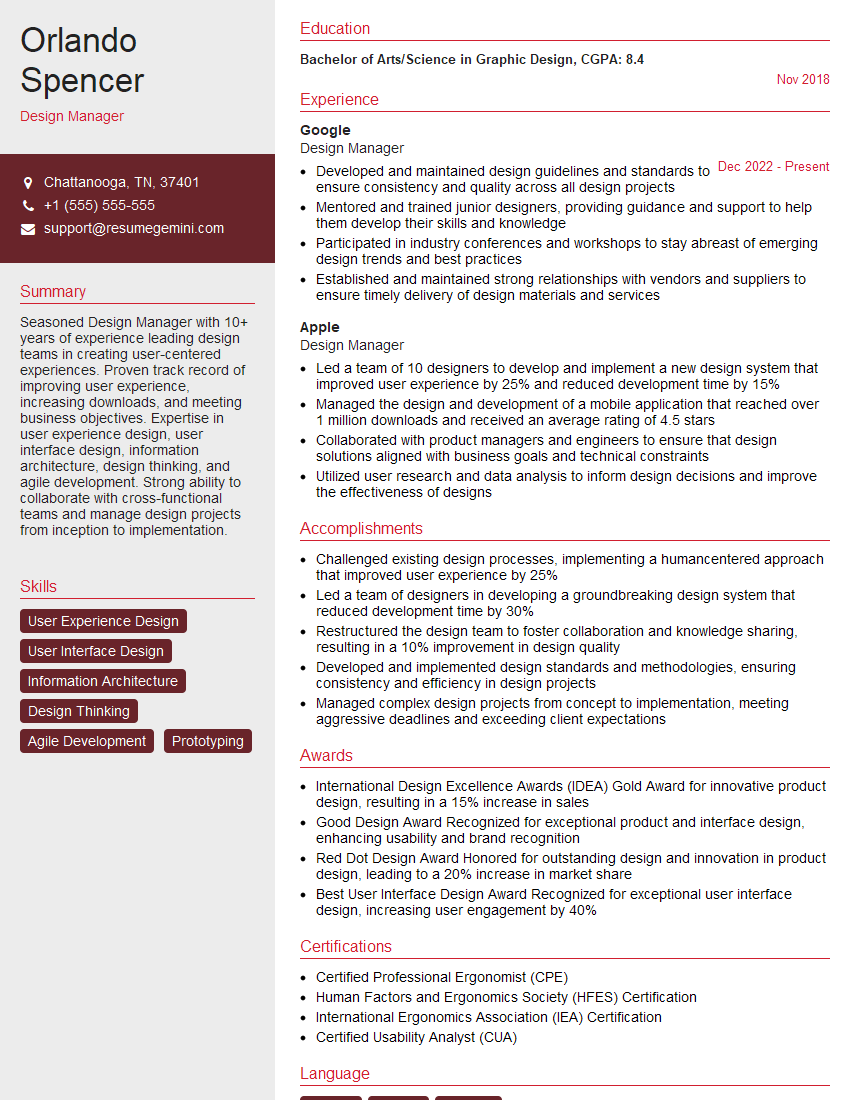
Design Manager Resume Sample
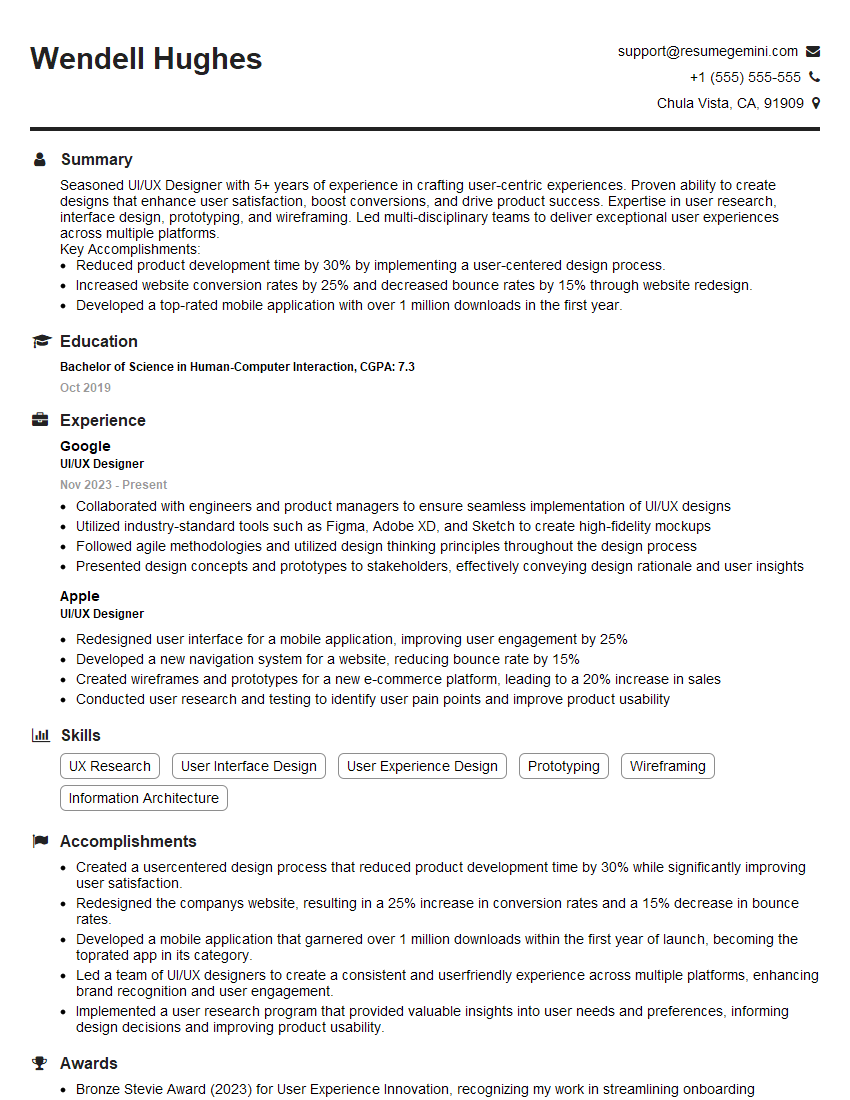
UI/UX Designer Resume Sample

UX Designer Resume Sample
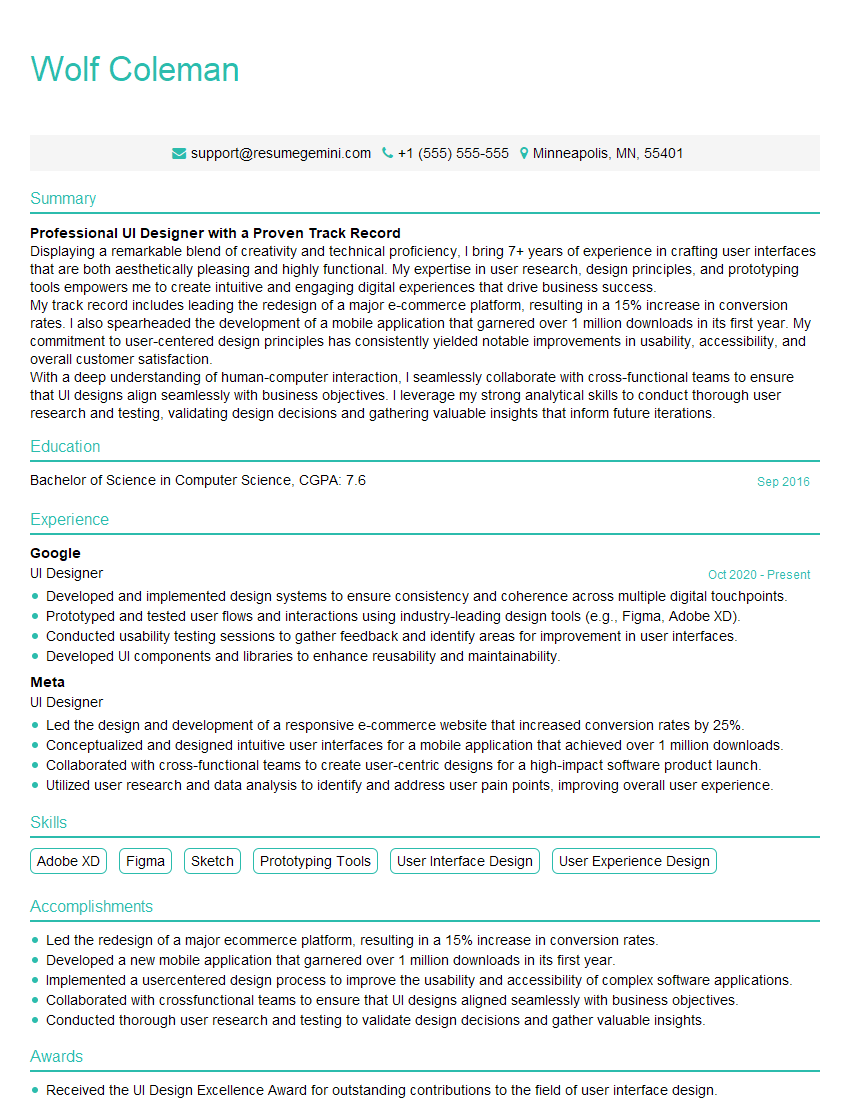
UI Designer Resume Sample
Explore more articles
Users Rating of Our Blogs
Share Your Experience
We value your feedback! Please rate our content and share your thoughts (optional).
What Readers Say About Our Blog
Very informative content, great job.
good