Unlock your full potential by mastering the most common Studio and OB Van Operation interview questions. This blog offers a deep dive into the critical topics, ensuring you’re not only prepared to answer but to excel. With these insights, you’ll approach your interview with clarity and confidence.
Questions Asked in Studio and OB Van Operation Interview
Q 1. Explain the difference between SDI and fiber optic cable transmission.
SDI (Serial Digital Interface) and fiber optic cable transmission are both methods for transmitting video signals, but they differ significantly in their underlying technology and capabilities. SDI uses coaxial cables to transmit signals, while fiber optic uses strands of glass or plastic to transmit signals as light pulses.
- SDI: Relatively inexpensive and readily available, SDI offers good signal quality over shorter distances. However, signal degradation can become significant over longer runs, limiting its reach. It’s susceptible to electromagnetic interference (EMI), requiring careful cable routing and shielding.
- Fiber Optic: Superior in long-distance transmission, fiber optic cables offer significantly less signal degradation and are immune to EMI. This makes them ideal for OB van applications, where signals often travel long distances from remote cameras to the van. The higher bandwidth capacity of fiber optic allows for the transmission of multiple SDI signals or higher resolution video formats, such as 4K and 8K, over a single cable.
Think of it like this: SDI is like a regular phone line – it works well for short calls but loses clarity over long distances. Fiber optic is like a high-speed internet connection – it maintains a strong, clear signal even across vast distances.
Q 2. Describe your experience with various video formats (e.g., HD, 4K, UHD).
My experience encompasses a wide range of video formats, from standard definition (SD) to the latest high-definition (HD), Ultra High Definition (UHD, also known as 4K), and even some initial work with 8K. I’ve worked extensively with HD formats like 1080i and 1080p, understanding the nuances of interlaced and progressive scanning. With the advent of 4K and UHD, I’ve become proficient in managing the increased data rates and the challenges related to storage and transmission. This includes familiarity with various codecs and compression techniques optimized for these higher resolutions, like H.264, H.265 (HEVC), and ProRes.
For example, during a recent live concert broadcast in 4K, we had to carefully manage the bandwidth requirements for the live stream while ensuring minimal latency. This involved selecting the appropriate codec and optimizing the encoding settings to balance quality and bitrate.
Q 3. How do you troubleshoot audio feedback issues in a live studio environment?
Audio feedback, that dreaded high-pitched squeal, is a common problem in live studio environments. Troubleshooting involves a systematic approach:
- Identify the Source: Pinpoint which audio source is causing the feedback. This often involves systematically muting microphones or other audio inputs until the feedback disappears.
- Reduce Gain: Lower the gain (volume) of the microphone or audio input causing the feedback. This is usually the quickest solution.
- Adjust EQ: Use an equalizer to cut specific frequencies causing the feedback. This requires an understanding of audio frequencies and how they relate to feedback. A notch filter can effectively eliminate the offending frequency.
- Microphone Placement: Reposition microphones to minimize direct sound pickup from the loudspeakers. This is particularly important for close-miking.
- Monitor Placement: If the feedback is coming from monitors, reposition the monitors or use monitor isolation techniques to reduce feedback.
- Check Cable Routing: Ensure audio cables are not running too close to other cables which may be picking up unwanted signal.
A key skill is recognizing the frequency of the feedback and using EQ to surgically remove it without affecting the overall sound quality. Experience helps develop a keen ear for pinpointing the source and resolving it efficiently.
Q 4. What are the common causes of video signal loss in an OB van setup?
Video signal loss in an OB van setup can stem from various issues:
- Cable Problems: Damaged or poorly connected cables are the most common culprit. This includes BNC connectors, fiber optic connections, and even the main distribution amplifiers.
- Equipment Malfunction: Failure of cameras, switchers, routers, or other video processing equipment can lead to signal loss. Regular maintenance and preventative checks are crucial.
- Incorrect Settings: Incorrect routing, incorrect video format settings (resolution, frame rate), or faulty signal conversion can cause signal loss.
- Environmental Factors: Extreme temperatures or electromagnetic interference (EMI) can affect signal transmission, especially over long distances or with less robust cable types.
- Fiber Optic Issues: For fiber optic systems, damage to the fiber, bad connectors or issues with optical power budget can cause signal loss.
Troubleshooting requires a methodical approach, checking cables and connectors first, followed by examining equipment settings and functionality. A signal generator and a waveform monitor can be vital tools for tracing the signal path and identifying the point of failure. Regular testing and preventative maintenance significantly reduce signal loss.
Q 5. Describe your experience with different camera systems and their operation.
I have extensive experience with a variety of camera systems, including Sony, Panasonic, and Canon cameras, ranging from handheld ENG cameras to studio pedestal-mounted cameras. My experience includes operating different sensor sizes (from Super 35mm to larger formats), understanding the differences in image quality and depth of field. I’m familiar with both manual and automated camera control, including adjustments of iris, shutter speed, gain, and white balance.
For instance, I’ve worked with Sony HDC-series cameras in studio environments, requiring precision control for live broadcasts, while also operating handheld Panasonic P2 cameras for ENG style reporting in the field, requiring adaptability and quick setup.
Understanding the specific strengths and limitations of each camera system is key to achieving optimal image quality in various production scenarios.
Q 6. How do you ensure the synchronization of audio and video signals?
Ensuring audio and video synchronization is critical for a seamless viewing experience. Methods vary depending on the production setup, but generally involve the use of genlock or timecode:
- Genlock: This synchronizes the video signal’s timing with a master clock signal, ensuring all video sources are perfectly in sync. Most professional video switchers and recording devices feature genlock capabilities.
- Timecode: A timecode track embedded in the audio or video signal provides a precise time reference. This is especially crucial in post-production, where audio and video from multiple sources need to be precisely aligned.
- Frame Sync: This specialized device synchronizes the different signals to maintain alignment. This can be particularly helpful with multiple video feeds that require alignment.
Careful attention to cable routing and avoiding unnecessary signal processing steps minimizes the risk of synchronization issues. Regular monitoring of audio and video levels is essential to prevent drift or discrepancies.
Q 7. What safety procedures do you follow when working with high-voltage equipment?
Safety is paramount when working with high-voltage equipment. My procedures include:
- Lockout/Tagout Procedures: Always use lockout/tagout procedures to prevent accidental power-up of equipment during maintenance or repairs. This ensures that the power is physically isolated and cannot be restored accidentally.
- Personal Protective Equipment (PPE): Always wear appropriate PPE, including insulated gloves, safety glasses, and safety shoes. This protects against electric shock and other hazards.
- Grounding: Ensure equipment is properly grounded to prevent electric shock and reduce the risk of static discharge.
- Trained Personnel: Only trained and authorized personnel should work with high-voltage equipment. This requires thorough knowledge of the specific equipment and associated safety protocols.
- Emergency Procedures: Understanding and practicing emergency procedures, including the location of emergency shut-off switches and the proper response to an electric shock, is crucial.
A thorough understanding of electrical safety and strict adherence to established procedures are crucial for preventing accidents and ensuring the safety of myself and my colleagues. Safety should never be compromised.
Q 8. Explain the role of a vision mixer in live production.
The vision mixer, often called a video switcher, is the heart of any live production. They are responsible for selecting and seamlessly transitioning between different video sources, creating the final program feed seen by the audience. Think of them as the director’s hands, translating their creative vision into the visual narrative. Their role goes beyond simply switching between cameras; they manage various video inputs like graphics, lower thirds, replays, and even still images, ensuring a smooth and engaging viewing experience.
For instance, during a sports broadcast, the vision mixer might switch between wide shots of the game, close-ups of players, and replays of key moments, all while keeping the visual flow consistent and exciting. They are also crucial in responding to the director’s cues, quickly transitioning to specific shots as needed.
Q 9. How familiar are you with various video switchers and their functionalities?
I’m highly familiar with a range of video switchers, from smaller production switchers like the Roland V-1HD to large-scale broadcast switchers such as the Ross Video Carbonite and Grass Valley Kayenne. Each system offers unique features and capabilities, but my understanding encompasses their core functionalities, including:
- Source Selection: Choosing between various inputs (cameras, graphics, replays etc.)
- Transition Effects: Executing cuts, dissolves, wipes, and other transition styles to create dynamic visuals.
- Keying: Overlaying graphics or other video sources onto a main video feed.
- Mix/Effects Busses: Managing multiple layers of video and effects simultaneously.
- Macro Functionality: Programming and recalling complex sequences of commands for automated transitions.
My experience extends to using both hardware and software-based switchers, adapting my technique to the specific requirements of each production environment. I’m adept at utilizing their advanced features to optimize workflow and achieve high-quality visuals.
Q 10. Describe your experience with character generators and graphics insertion.
I have extensive experience with character generators (CGs) and graphics insertion in live broadcasts. My proficiency includes operating various CG systems, from integrated solutions within video switchers to standalone units like those offered by Ross Video and Vizrt. I’m familiar with creating and managing lower thirds, scoreboards, and other on-screen graphics, ensuring they are accurately positioned, styled, and timed to match the broadcast’s needs.
For example, in a news broadcast, I would accurately insert lower thirds displaying the name and title of the news anchor or guest. In a sporting event, I’d create and update the scoreboard throughout the match. My understanding encompasses working with graphics templates and integrating pre-rendered graphics, as well as creating dynamic graphics on the fly. This includes adapting to changing circumstances during the broadcast and ensuring a consistent and professional on-screen presentation.
Q 11. How do you manage multiple camera feeds during a live broadcast?
Managing multiple camera feeds during a live broadcast requires clear communication, precise execution, and a proactive approach. It’s a collaborative effort with the director and camera operators. I use a variety of techniques including:
- Pre-Show Planning: Collaborating with the director to define camera shots and sequences ahead of time.
- Shot Lists & Storyboards: Referring to visual aids to ensure seamless transitions between cameras.
- Communication with Camera Operators: Using the intercom system to give instructions and feedback.
- Camera Number Recognition: Quickly identifying and selecting the appropriate camera sources using a well-organised switcher layout.
- Anticipation: Predicting and preparing for upcoming shots based on the director’s vision.
Effective communication is paramount, with clear and concise commands via the intercom to prevent errors and delays. A good understanding of the narrative and pacing helps in choosing the most impactful camera angles, ensuring a smooth and dynamic viewing experience for the audience.
Q 12. What is your experience with intercom systems and their communication protocols?
Intercom systems are essential for efficient communication in a live production environment. I’m proficient in using various intercom systems, both wired and wireless, understanding their communication protocols and configurations. My experience includes using Riedel MediorNet, Clear-Com HelixNet, and other similar systems. I understand the importance of different communication channels, such as:
- Program & Production Channels: For communication between the director, vision mixer, and other technical personnel.
- Camera Channels: For direct communication with camera operators.
- Talent Channels: For communicating with on-screen talent.
Effective use of intercoms prevents miscommunication and ensures a smooth workflow. Proper etiquette, clear communication, and understanding channel hierarchies are crucial in managing communication effectively during a live broadcast.
Q 13. Explain the importance of redundancy in OB van setups.
Redundancy in OB van setups is critical to ensure uninterrupted broadcasting, especially during high-stakes events. It mitigates the impact of equipment failures, preventing costly downtime and maintaining broadcast quality. Redundancy can encompass many areas:
- Power Supply: Multiple generators and UPS systems to safeguard against power outages.
- Video Routing: Duplicate video routing systems to maintain signal flow even if one fails.
- Cameras and Lenses: Having extra cameras and lenses reduces risks associated with equipment malfunctions.
- Network Infrastructure: Multiple network connections to minimize the risk of connectivity issues.
The cost of implementing full redundancy is considerable, but the potential losses from a broadcast interruption often outweigh this cost, especially for large-scale events where the financial and reputational implications of a failure are significant.
Q 14. How do you handle unexpected technical issues during a live broadcast?
Handling unexpected technical issues during a live broadcast requires a calm, methodical approach and quick thinking. My strategy involves:
- Rapid Assessment: Quickly identifying the problem and its severity.
- Communication: Informing the director and relevant team members immediately.
- Troubleshooting: Attempting to resolve the issue using available resources and backups.
- Contingency Planning: Implementing pre-planned backup solutions, such as switching to a backup camera or graphic.
- Problem Isolation: Identifying the root cause to prevent recurrence.
- Post-mortem Analysis: Reviewing the incident after the broadcast to identify areas for improvement and prevent future occurrences.
For example, if a camera suddenly fails, I’d immediately switch to a backup camera, inform the director of the issue, and then work with the technical crew to diagnose and fix the problem during a commercial break or other suitable downtime. Experience has taught me that preparation, clear communication, and a calm head are invaluable in handling unexpected challenges and ensuring a smooth broadcast conclusion.
Q 15. Describe your experience with different audio mixing consoles and their features.
My experience encompasses a wide range of audio mixing consoles, from smaller analog boards like the Yamaha MG series, ideal for smaller productions, to larger digital consoles such as the Avid S6 and SSL L500, used in high-end television studios and broadcast environments. Analog consoles offer a tactile and immediate feel, allowing for intuitive control over individual channels and their parameters like gain, EQ, and dynamics processing. Digital consoles, on the other hand, offer greater flexibility, recall, and automation capabilities. They often incorporate sophisticated DSP (Digital Signal Processing) features like reverb, delay, and compression, allowing for more precise sound shaping.
For example, on a recent live music broadcast, we used an Avid S6. Its extensive routing capabilities were crucial for managing the large number of microphones and instruments. The console’s automation features were essential for recalling specific mix settings during different musical sections. In contrast, when working on a smaller podcast recording, a Yamaha MG series console provided a straightforward and efficient solution, perfectly suited to the simpler needs of the project.
Key features I consider when choosing a console include channel count, input/output configuration (e.g., XLR, AES/EBU, Dante), the quality of the pre-amps (crucial for capturing clean audio), and the user interface, which can significantly impact workflow efficiency. The choice always depends on the specific project requirements and budget.
Career Expert Tips:
- Ace those interviews! Prepare effectively by reviewing the Top 50 Most Common Interview Questions on ResumeGemini.
- Navigate your job search with confidence! Explore a wide range of Career Tips on ResumeGemini. Learn about common challenges and recommendations to overcome them.
- Craft the perfect resume! Master the Art of Resume Writing with ResumeGemini’s guide. Showcase your unique qualifications and achievements effectively.
- Don’t miss out on holiday savings! Build your dream resume with ResumeGemini’s ATS optimized templates.
Q 16. How do you monitor audio levels and maintain consistent sound quality?
Monitoring audio levels is crucial for maintaining consistent sound quality and preventing issues like clipping (distortion from exceeding the maximum signal level) or low-level noise. I use a multi-pronged approach. First, I rely on visual meters on the mixing console itself, carefully watching peak and average levels. Second, I utilize headphones for critical listening, ensuring a balanced mix across all frequencies. Third, I regularly check the output levels going to the master bus and to any recording devices.
To maintain consistency, I employ several techniques. Precise gain staging, setting the input levels correctly from the source (microphone or line input), is paramount. I then use dynamic processing, like compression and limiting, to control sudden peaks and maintain a consistent level. I also rely on metering tools on the audio interface or DAW (Digital Audio Workstation) to track levels and make corrections as needed. A good tip is to have established reference levels, ensuring your audio is consistently around those levels, which makes mixing and post-production much smoother.
Think of it like baking a cake: you need to measure ingredients carefully (gain staging), use proper baking techniques (dynamic processing), and check the oven temperature (monitoring levels) regularly to get the perfect result. Failure to monitor levels effectively could result in distorted audio, making the final product unpleasant and unprofessional.
Q 17. Explain the process of setting up and configuring microphones for various applications.
Microphone selection and placement are crucial steps in achieving high-quality audio. The process depends heavily on the application. For example, a vocal recording in a studio might utilize a large-diaphragm condenser microphone, known for its warmth and detail. Meanwhile, a live news interview might require a lavalier microphone, unobtrusive and designed to capture speech at close range. For instruments, a variety of microphones are used, tailored to the acoustic properties of each instrument.
The setup process involves several key steps: selecting the right microphone type based on the sound source and its acoustic environment; ensuring correct microphone placement, considering proximity effect (bass boost at close range); setting appropriate gain on the mixing console, preventing clipping or excessive noise; and lastly, checking the signal quality, identifying and resolving any issues (such as feedback).
Imagine you’re recording a string quartet. You wouldn’t use the same microphone for the cello as you would for the violin. A cello might require a dynamic microphone to handle its strong output, while a violin might benefit from a condenser microphone’s sensitivity to capture nuances in the instrument’s tone. Proper microphone placement also ensures that you avoid capturing unwanted room reflections or sounds.
Q 18. What is your experience with different lighting techniques and equipment?
My experience covers a broad spectrum of lighting techniques and equipment, from basic tungsten lighting to sophisticated LED fixtures with color-mixing capabilities. I’m proficient in using a wide range of lighting instruments, including Fresnels (for focused beams), PAR cans (for wash lighting), cyc lights (for illuminating backdrops), and LED panels (for versatile lighting solutions).
I’m also familiar with various lighting control systems, ranging from simple dimmers to complex computer-controlled consoles like those from ETC and Strand. Understanding color temperature, intensity, and light diffusion is crucial for achieving the desired aesthetic. The choice of lighting depends significantly on the production and the environment.
For instance, a dramatic scene in a television studio might require a combination of hard and soft light to create shadows and highlights, enhancing the scene’s mood. A more casual interview setting might call for softer, more diffused lighting to create a comfortable and relaxed atmosphere. Safety aspects, such as proper rigging techniques and understanding of electrical safety, are also important aspects of my expertise.
Q 19. How do you create appropriate lighting setups for different studio environments?
Creating appropriate lighting setups for different studio environments requires a comprehensive understanding of the space, the production’s needs, and the desired aesthetic. Different environments require different approaches.
In a television studio, the lighting plan might involve a three-point lighting scheme – key light (main light source), fill light (softening shadows), and back light (separating the subject from the background). The lighting intensity and color temperature are adjusted to suit the overall mood and style of the production. A news studio might prioritize even, clean lighting, while a drama studio might favor more dramatic and contrasting lighting schemes.
For smaller studios or less formal settings, simpler lighting solutions might suffice. But even a simple setup requires attention to detail. For example, using a softbox to diffuse the light can improve skin tones and create a flattering appearance. Proper placement of lights also determines how they interact with the environment, preventing unwanted shadows or reflections.
A key consideration is the type of camera being used, as different cameras have different sensitivities to light. Ultimately, the goal is always to create a balanced and aesthetically pleasing lighting setup that complements the overall production.
Q 20. Explain the role of a floor manager in a live studio production.
The floor manager is a crucial member of the live studio production team, acting as the bridge between the control room and the studio floor. They are responsible for ensuring the smooth and efficient running of the show. Their duties include cueing talent, managing studio guests, communicating with the director, and overseeing the set and its operation.
Before the show, they help with rehearsals, ensuring everything runs smoothly. During the broadcast, they are constantly communicating with the director through headsets, relaying information about talent readiness, set changes, and technical issues. They might also be responsible for keeping track of time, signaling to the director when time is running short. After the show, they help with wrap-up and clean-up.
Think of the floor manager as the air traffic controller of the studio, making sure everything runs on time and without collisions. Their skills in communication, organization, and problem-solving are vital to a successful live production. Without a good floor manager, even the best-planned show can easily fall apart.
Q 21. Describe your experience with teleprompter operation and its coordination with the talent.
My experience with teleprompter operation involves both the technical aspects of setting up and operating the equipment and the collaborative aspects of working with talent to ensure a smooth and natural performance. Setting up involves properly positioning the prompter, adjusting the speed and font size of the text, and ensuring the text is clearly visible to the talent without distracting viewers.
Coordinating with talent requires patience, clear communication, and a good understanding of their comfort levels. I always make sure the talent is comfortable with the speed and presentation of the text. Some talent prefers a faster pace, while others need more time. Adjustments are made based on the talent’s feedback and the nature of the content. It’s crucial to build a rapport with the talent, creating a collaborative environment and providing support to help them deliver a confident performance.
I’ve worked with various types of teleprompters, from simple hand-held models to more advanced professional systems with remote control options. My goal is always to make the teleprompter an invisible tool—a way to support the presenter without drawing attention away from their performance. A good teleprompter operator remains unnoticed, only stepping in to adjust speed or make corrections as needed.
Q 22. How do you ensure seamless transitions between different camera shots?
Seamless transitions between camera shots, often called ‘cuts’ or ‘switches’, are crucial for a polished broadcast. Think of it like editing a movie – jarring cuts disrupt the flow, while smooth transitions enhance the viewing experience. We achieve this through careful coordination between the director, camera operators, and vision mixer (switcher).
In a studio environment, the director cues the camera operators for specific shots, and the vision mixer executes the transitions according to the director’s instructions. This often involves using transition effects such as cuts, dissolves (a gradual fade from one shot to another), wipes (a graphic element sweeps across the screen), or even more complex effects like keying (superimposing one image onto another). The pre-planned shot list and storyboard are key here.
In an OB van, the process is similar, but often more complex due to the unpredictable nature of live events. We use communication systems (intercoms) extensively to coordinate shots, ensuring the vision mixer has the right cues. Careful shot planning and a good understanding of the event’s flow are paramount for smooth transitions in these situations.
For example, during a sports broadcast, we might use a dissolve to transition from a wide shot of the entire field to a close-up of a player making a crucial play. The choice of transition depends on the mood and rhythm we want to create.
Q 23. What is your experience with replay systems and their integration into a live broadcast?
Replay systems are integral to many live broadcasts, especially in sports and events with fast-paced action. These systems allow us to instantly review and select highlights, slow-motion replays, and different camera angles, adding another dimension to storytelling. My experience includes working with various replay systems, from simpler single-channel setups to sophisticated multi-channel systems with integrated slow motion and graphic capabilities.
Integration typically involves connecting the replay system to the vision mixer via SDI (Serial Digital Interface) or IP streams. The operator selects and plays the desired replay, and the vision mixer inserts it into the live program feed. This requires careful coordination between the replay operator and the vision mixer operator, often facilitated by intercom communication. The workflow is often streamlined with advanced systems offering integrated control, allowing quick and smooth integration of replays into the broadcast.
For instance, in a football game, we might use instant replay to review a controversial play, providing clarity and engaging the audience with a different perspective. The ability to instantly access and show replays is a key differentiator in high-stakes, live events.
Q 24. Explain the importance of pre-production planning for successful studio and OB van operations.
Pre-production planning is the bedrock of successful studio and OB van operations. It’s like creating a detailed blueprint before starting to build a house; without it, you risk chaos and inefficiency. This stage involves everything from initial concept discussions to meticulous technical planning.
- Storyboarding: Visual representation of each shot, aiding communication and ensuring consistent visual storytelling.
- Shot lists: Detailed list of every shot, camera angle, and transition, serving as a roadmap for the production team.
- Technical planning: Includes cable plans, equipment setup, crew assignments, and communication protocols.
- Risk assessment: Identifying potential problems (equipment failure, weather, etc.) and developing contingency plans.
- Rehearsals: Allow the team to practice their roles and identify any issues before the live event.
Effective pre-production planning reduces stress, minimizes errors, and ultimately leads to a smoother, more efficient production. It allows the entire team – from camera operators and sound engineers to the director and producers – to work cohesively towards a common goal, leading to a higher-quality finished product.
Q 25. How familiar are you with various broadcast codecs and their compression techniques?
I’m familiar with a wide range of broadcast codecs and their compression techniques. Codecs are essential for efficient video compression and transmission. Different codecs offer varying levels of compression, quality, and bitrates, each suited to different applications and bandwidth requirements.
For instance, H.264 is a widely used codec offering a good balance between compression and quality, while newer codecs like H.265 (HEVC) achieve higher compression ratios with similar quality, making them ideal for high-resolution video streaming or limited bandwidth scenarios. VP9 and AV1 are other examples of codecs, each with their own strengths and weaknesses. Understanding the trade-offs between compression, quality, and bitrate is critical for efficient broadcasting, ensuring the best quality within the available bandwidth constraints.
Choosing the right codec is highly dependent on the specific needs of the production. A high-budget program with ample bandwidth may prioritize high-quality codecs like H.265, while a live stream with limited bandwidth might opt for a codec that sacrifices some quality for better compression.
Q 26. What is your experience with IP-based video distribution and networking?
IP-based video distribution and networking are transforming the broadcast industry, offering flexibility and scalability. My experience involves working with various IP-based workflows, including the use of SMPTE 2110 standards for transporting audio and video over IP networks.
This approach offers several advantages, including cost savings on cabling, simplified infrastructure management, and the ability to transmit high-quality video over long distances. However, it requires a strong understanding of network infrastructure, security, and quality of service (QoS) management to ensure reliable and latency-free transmission. We must carefully manage network bandwidth, latency, and packet loss to avoid issues with video quality and synchronization.
For example, we might use IP-based infrastructure for distributing program feeds to multiple locations simultaneously, eliminating the need for extensive and costly SDI cabling. This is especially useful for remote production environments, where signals are transmitted across wide geographical areas.
Q 27. Describe your experience with remote monitoring and control systems for studio and OB van operations.
Remote monitoring and control systems are increasingly important, allowing for efficient operation and troubleshooting from remote locations. My experience encompasses various systems, from simple remote camera control panels to sophisticated, cloud-based monitoring solutions.
These systems provide operators with real-time access to critical equipment parameters, allowing them to troubleshoot issues remotely. This capability is vital in OB van operations, enabling quick responses to technical problems without having to physically be present at the van site. Remote access to audio levels, video signal quality, and various equipment parameters allows for proactive problem-solving and timely intervention.
For instance, a remote operator can monitor video quality in real time and make necessary adjustments to camera settings, reducing reliance on on-site personnel. This is highly beneficial in large-scale productions, reducing operational costs and allowing for centralized management of several broadcast locations.
Q 28. How do you maintain a safe and efficient workflow within a studio or OB van environment?
Maintaining a safe and efficient workflow is paramount in any studio or OB van environment. This involves adhering to strict safety protocols and employing efficient operational procedures.
- Safety Procedures: This includes regular safety checks of equipment, proper cable management to prevent tripping hazards, and adherence to electrical safety regulations. All personnel must be trained on emergency procedures and the location of safety equipment.
- Efficient Workflow: This requires clear communication protocols, well-defined roles and responsibilities, and a streamlined workflow for setup, operation, and teardown. Effective use of checklists and pre-production planning is essential.
- Ergonomics: Ensuring workspace design minimizes strain on crew members, through the provision of comfortable seating, appropriate lighting, and regular breaks.
- Teamwork and Communication: Fostering a collaborative environment through effective communication, team building, and clear communication channels ensures smooth operations and prevents conflicts.
A safe and efficient workflow minimizes risks, improves productivity, and ultimately contributes to a higher quality production. It is a critical component of a successful and professional broadcast operation.
Key Topics to Learn for Studio and OB Van Operation Interview
- Studio Setup and Configuration: Understanding camera placement, lighting techniques (three-point lighting, etc.), audio setup (microphones, mixers), and monitor configurations. Practical application: Troubleshooting common setup issues and optimizing for different program types.
- OB Van Workflow and Systems: Familiarity with video routing, signal flow, audio mixing in an OB van environment, and the role of various crew members (camera operators, audio engineers, vision mixers). Practical application: Describing your experience managing multiple inputs and outputs in a fast-paced environment.
- Camera Operation and Techniques: Understanding camera movements (panning, tilting, zooming), shot composition, and framing techniques. Practical application: Explaining how you would achieve a specific directorial vision using camera techniques.
- Audio Mixing and Monitoring: Knowledge of audio levels, equalization, and the use of various audio equipment. Practical application: Describing your experience troubleshooting audio issues during a live broadcast.
- Video Switching and Direction: Understanding the role of the vision mixer and the process of directing a live production. Practical application: Explaining your understanding of different video transitions and their effect on the audience.
- Technical Troubleshooting and Problem-Solving: Ability to identify and resolve technical issues quickly and efficiently. Practical application: Describing a situation where you successfully troubleshot a technical problem under pressure.
- Health and Safety Procedures: Understanding and adhering to relevant health and safety regulations within studio and OB van environments. Practical application: Describing your understanding of risk assessments and safe working practices.
- Broadcast Standards and Formats: Familiarity with common broadcast standards and video/audio formats. Practical application: Explaining your understanding of the differences between various broadcast formats (HD, SD, etc.).
Next Steps
Mastering Studio and OB Van Operation opens doors to exciting and rewarding careers in broadcasting, live events, and corporate media. Your expertise in these areas is highly sought after, leading to diverse opportunities for professional growth and advancement. To maximize your job prospects, create an ATS-friendly resume that effectively highlights your skills and experience. ResumeGemini is a trusted resource to help you build a compelling and professional resume. They offer examples of resumes tailored specifically to Studio and OB Van Operation roles to help you get started. Use this opportunity to present yourself as the ideal candidate.

Technical Director Resume Sample
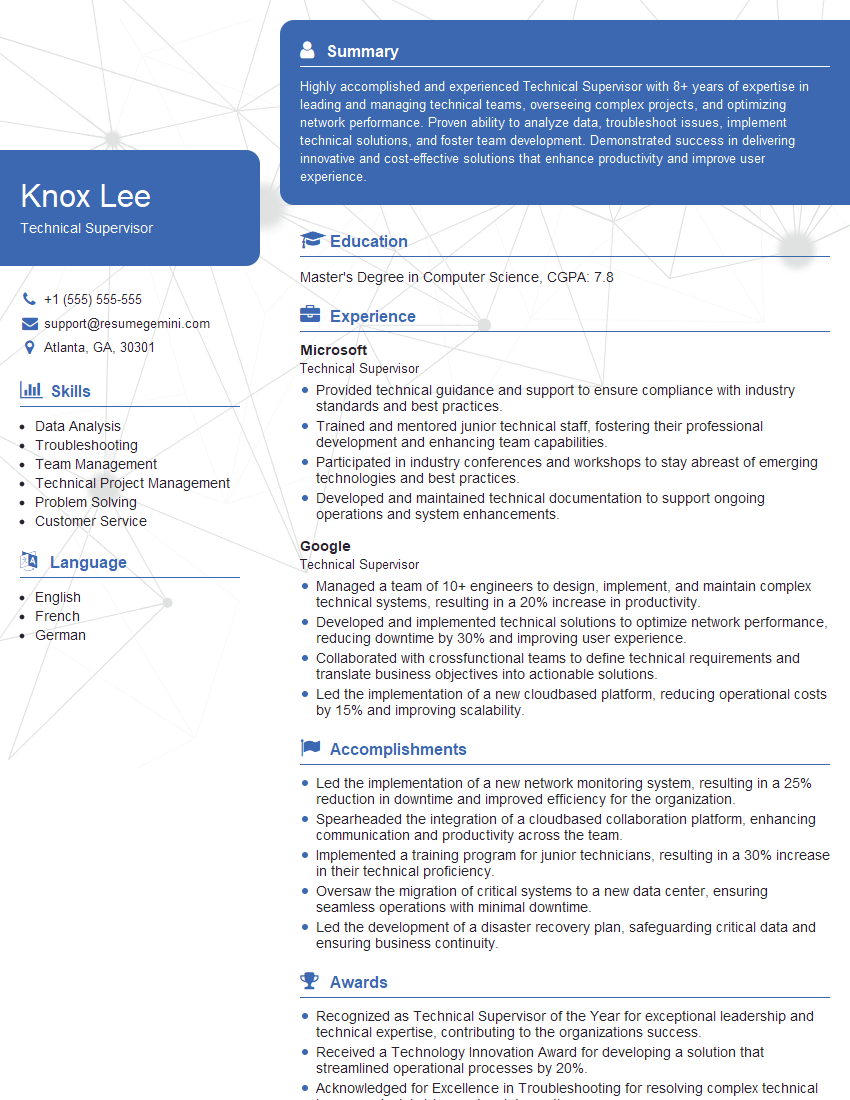
Technical Supervisor Resume Sample
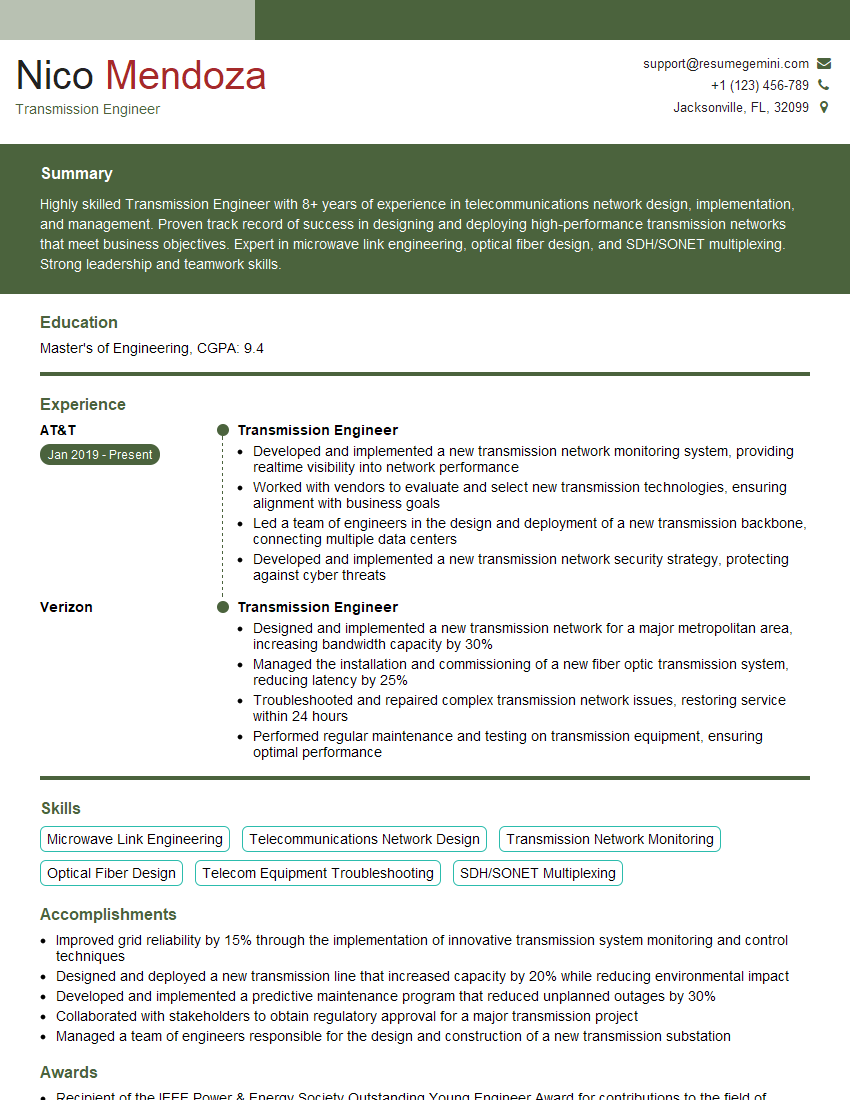
Transmission Engineer Resume Sample
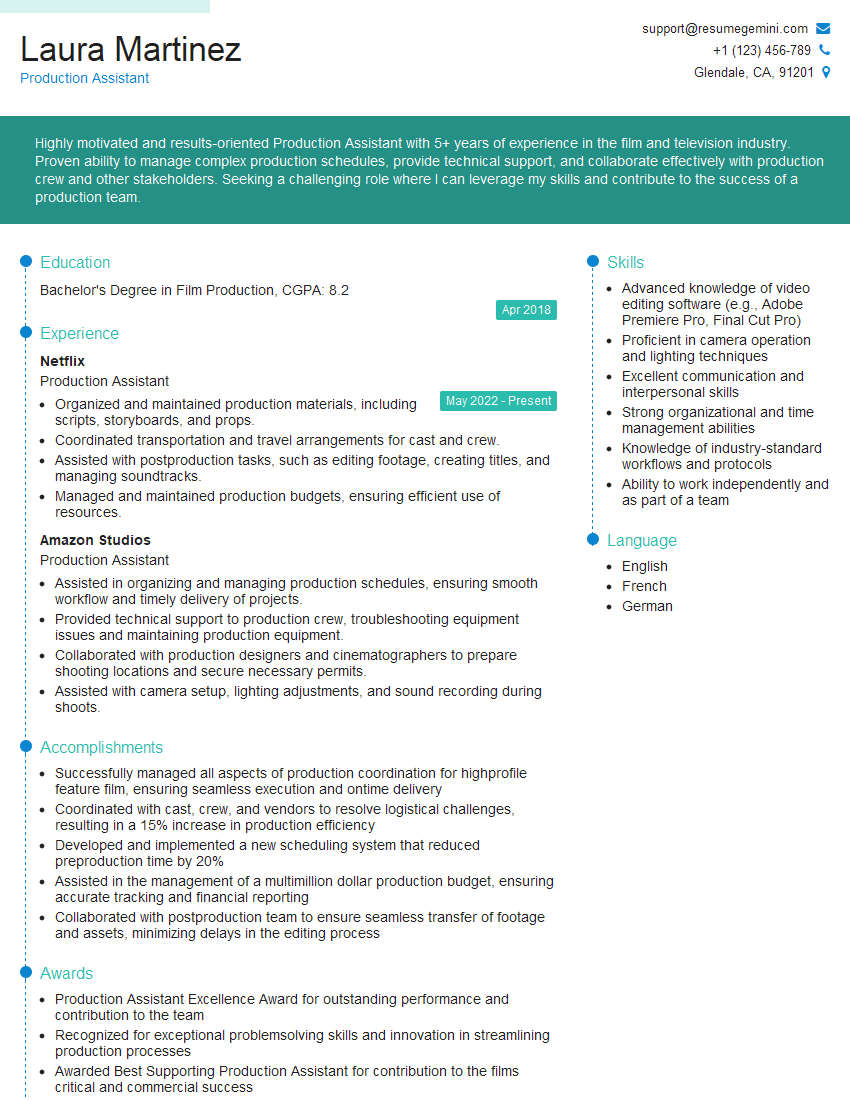
Production Assistant Resume Sample
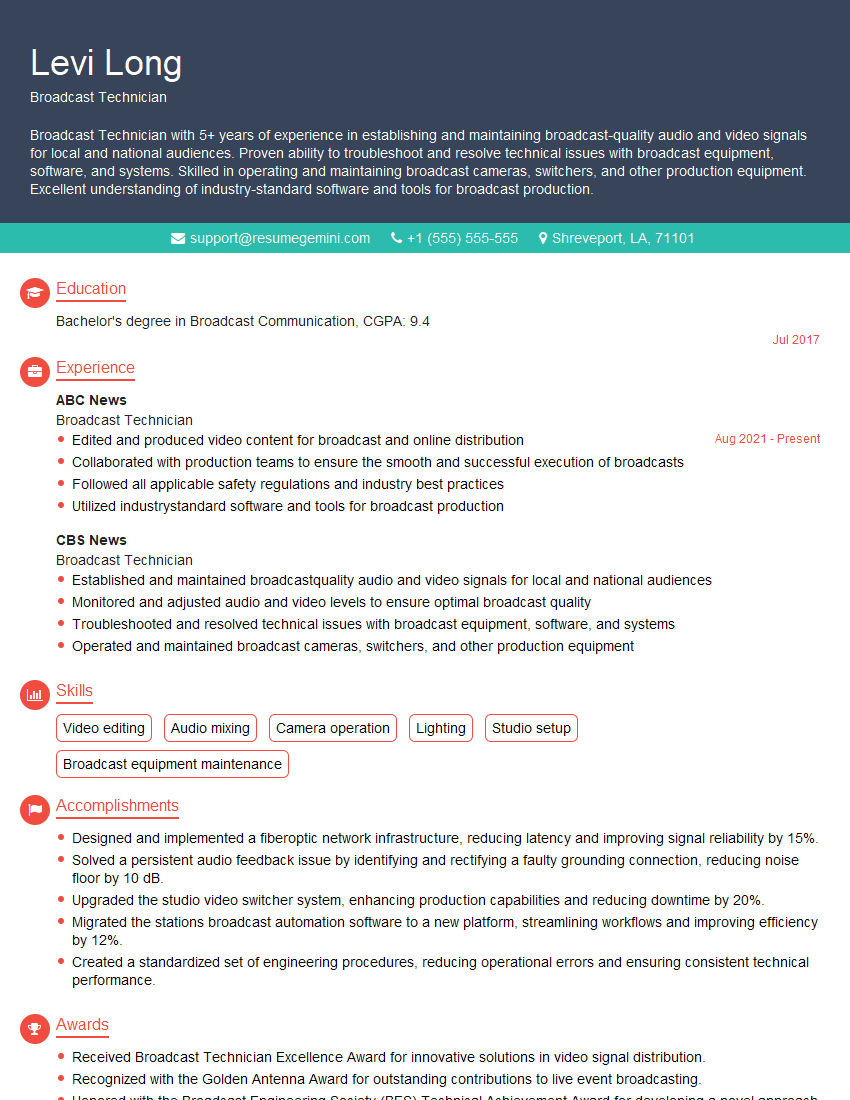
Broadcast Technician Resume Sample
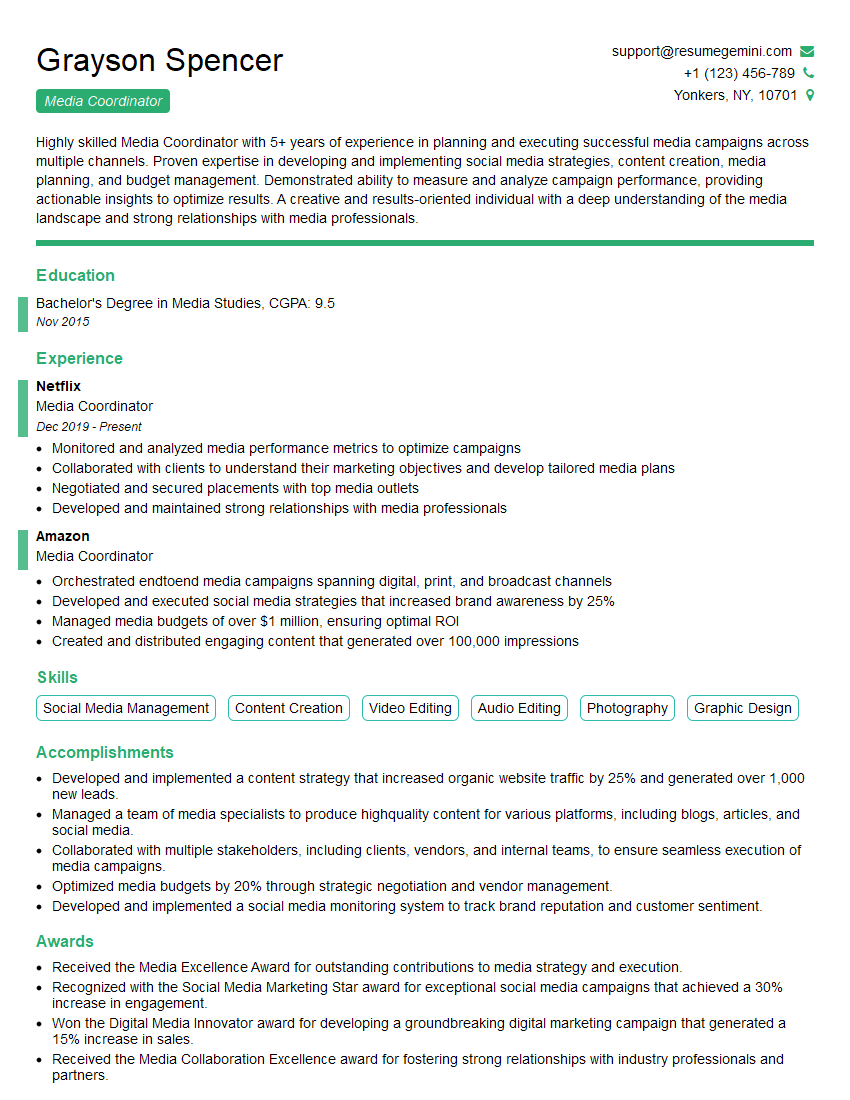
Media Coordinator Resume Sample

Audio Engineer Resume Sample
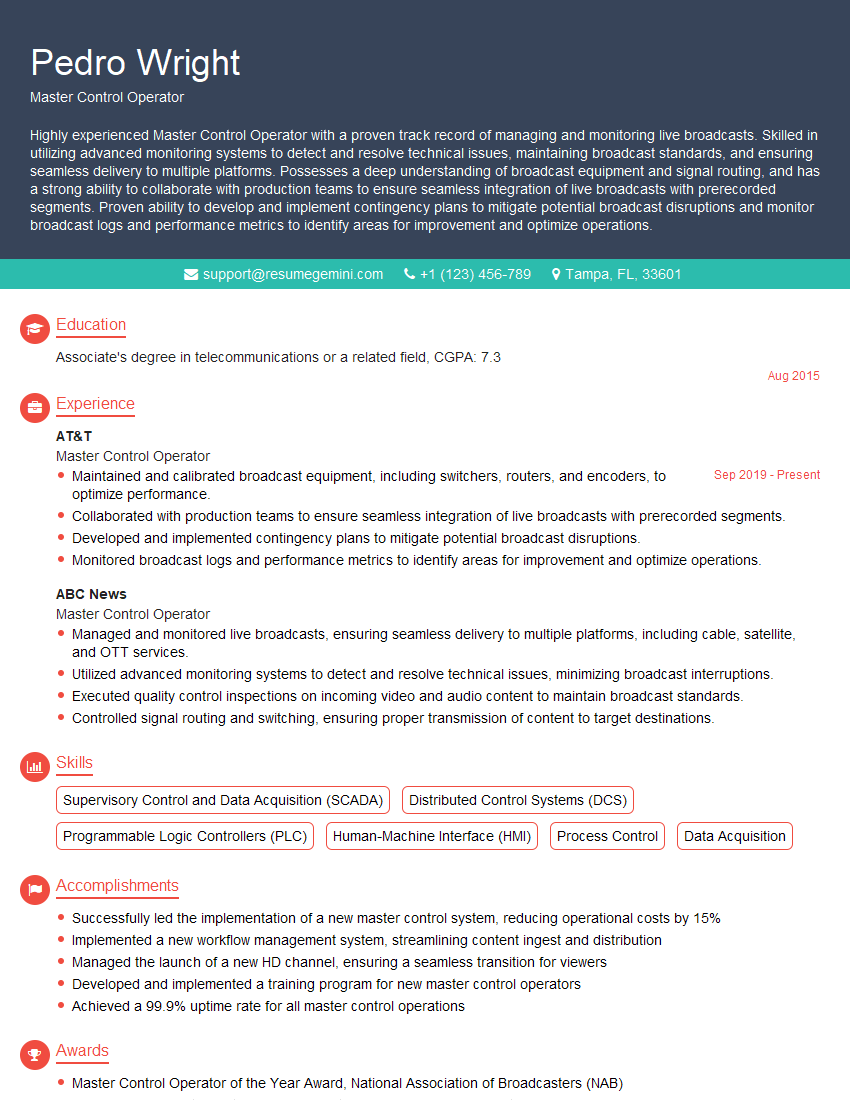
Master Control Operator Resume Sample
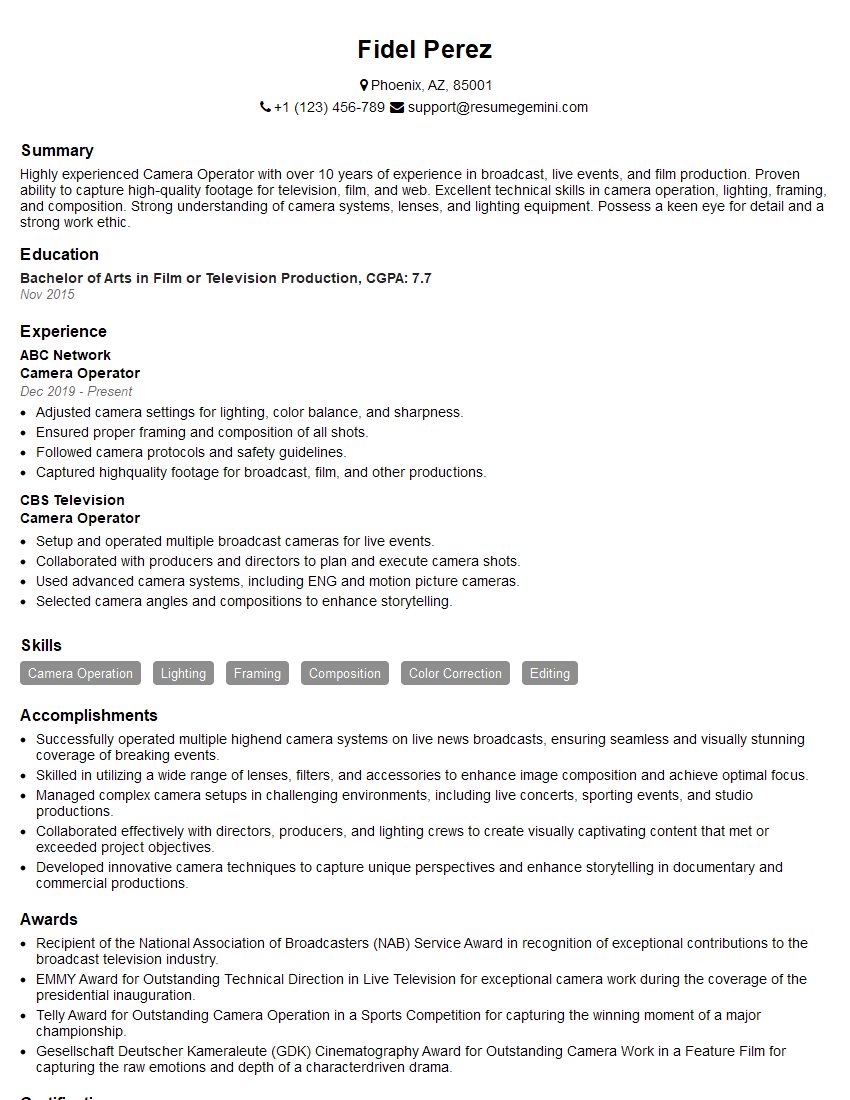
Camera Operator Resume Sample
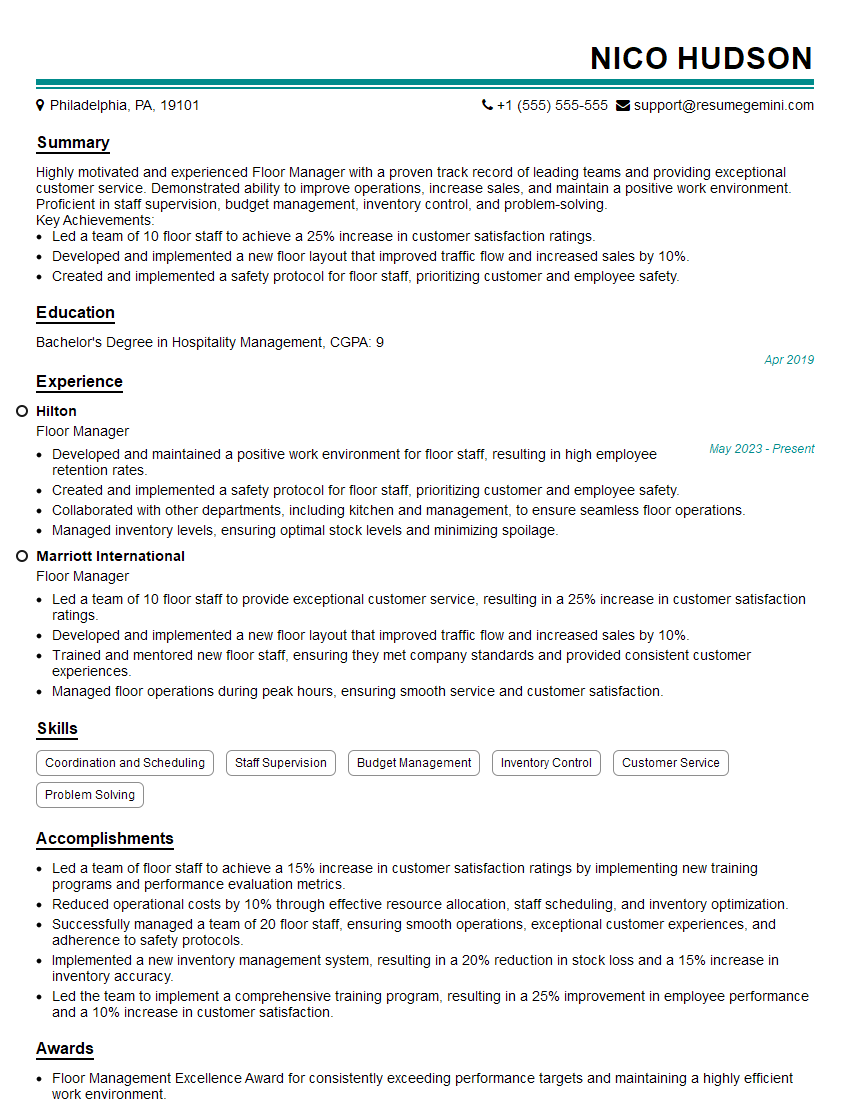
Floor Manager Resume Sample
Explore more articles
Users Rating of Our Blogs
Share Your Experience
We value your feedback! Please rate our content and share your thoughts (optional).
What Readers Say About Our Blog
Very informative content, great job.
good