Interviews are opportunities to demonstrate your expertise, and this guide is here to help you shine. Explore the essential Teleprompter Operation interview questions that employers frequently ask, paired with strategies for crafting responses that set you apart from the competition.
Questions Asked in Teleprompter Operation Interview
Q 1. What are the different types of teleprompters?
Teleprompters come in various forms, broadly categorized by their size, portability, and features. The most common types are:
- Tripod-mounted teleprompters: These are the industry standard for professional shoots. They are robust, offer precise control, and are highly adaptable to various camera setups. Think of the large, sleek units you see on news broadcasts.
- Handheld teleprompters: Smaller and more portable, ideal for independent filmmakers, vloggers, or situations requiring greater mobility. They’re often simpler to set up and operate.
- Software-based teleprompters: These use a computer screen and often integrate directly with video editing software. They are cost-effective and versatile, but rely on the quality of the monitor and may require additional hardware for optimal viewing angles.
- iPad/Tablet teleprompters: Using a tablet with a teleprompter app provides a portable, relatively inexpensive solution. Their functionality depends on the app used and the tablet’s capabilities.
The choice depends on budget, shooting environment, and production needs. A large-scale broadcast will naturally require a high-quality tripod-mounted system, while a quick YouTube video might perfectly utilize a tablet-based solution.
Q 2. Describe your experience with various teleprompter software.
My experience spans a wide range of teleprompter software, from industry-leading professional options like PrompterPro and Teleprompter HD to more affordable alternatives like Easy Prompter and Autoscript. I’ve found that professional software generally offers superior features such as remote control, customizable fonts, multiple scrolling modes (like mirror mode for the talent), and robust integration with other broadcast tools.
For instance, I’ve utilized PrompterPro’s advanced features like its ability to precisely control scrolling speed based on the talent’s pacing, along with its detailed script organization capabilities, during a live gubernatorial debate. In contrast, for smaller projects, a simpler app like Easy Prompter provided sufficient functionality without the steep learning curve. The key is selecting the software that best aligns with project requirements and budget.
Q 3. How do you adjust the scrolling speed of a teleprompter?
Adjusting the scrolling speed is crucial for a natural-sounding presentation. Most teleprompters offer multiple methods:
- Software Controls: The most common method. Most software has a dedicated slider or input field to adjust the speed in words per minute (WPM) or characters per second (CPS). Some advanced software even allows for dynamic speed adjustment based on punctuation and sentence structure. For example, a pause indicated by an ellipsis might slow down the scrolling momentarily.
- Hardware Controls (Tripod-Mounted): Higher-end tripod-mounted systems often have physical controls on the prompter itself or a connected control panel. These knobs or buttons allow for quick speed adjustments during the shoot.
- Remote Control: Many systems use a remote control or a connected foot pedal to control scrolling speed in real-time. This allows the director or a designated operator to subtly adjust the pacing if the talent is ahead of or behind schedule.
Finding the optimal scrolling speed is iterative. It’s best to do test runs with the talent to find a comfortable pace that sounds natural and allows for smooth eye contact.
Q 4. How do you handle technical issues with a teleprompter during a live broadcast?
Technical difficulties during a live broadcast can be catastrophic, but preparedness is key. My approach involves:
- Redundancy: Always have backup systems ready. This could include a secondary computer with the script, a backup power supply, and even a printed copy of the script as a last resort.
- Quick Troubleshooting: I am proficient at diagnosing common issues—like software crashes, connectivity problems, or hardware malfunctions—and possess the skills to resolve them swiftly.
- Communication: Clear and concise communication with the director, talent, and other technical personnel is crucial during a crisis. We might need to adjust the script on the fly, switch to a different camera angle, or simply pause the broadcast until the problem is resolved.
- Problem Solving: I have experience implementing workarounds. For instance, if the main teleprompter fails, we might use a backup system, project the script onto a separate monitor, or even rely on the talent’s familiarity with the script.
Remember, calm under pressure is invaluable. A methodical approach ensures the fewest possible disruptions to the broadcast.
Q 5. Explain the process of setting up a teleprompter for a shoot.
Setting up a teleprompter involves several steps:
- Script Preparation: Format the script correctly for the teleprompter software, ensuring proper formatting, font size, and line spacing. It’s often formatted with a double column and large enough to be easily readable at the necessary distance.
- Hardware Setup: Assemble the teleprompter hardware. This includes setting up the tripod, attaching the monitor, adjusting the camera angle, and connecting any cables or remote controls.
- Software Configuration: Load the script into the chosen software. Configure settings like scrolling speed, font size, background color, and mirror mode (to reverse the text for talent viewing). Preview and adjust the text until it’s clear and legible.
- Positioning: Position the teleprompter so the talent can read comfortably without straining their neck. The distance should be adjusted to allow the talent easy reading and natural eye contact.
- Testing: Conduct a test run with the talent to ensure everything works smoothly. Check the scrolling speed, text clarity, and overall system functionality. This step is critical in adjusting for proper viewing angle and screen brightness.
Proper setup is paramount for a smooth and professional shoot. A poorly set up prompter can distract the talent and create unnecessary stress.
Q 6. How do you ensure the talent can comfortably read from the teleprompter?
Ensuring comfortable reading involves careful attention to several factors:
- Proper Height and Distance: The teleprompter should be positioned at eye level or slightly below, with the text at a comfortable reading distance. This prevents neck strain and allows natural eye contact.
- Font Size and Style: Use a clear, easy-to-read font with a size large enough for the talent to comfortably read at the given distance. Avoid overly stylized or decorative fonts that could impede reading speed.
- Background and Lighting: The background of the teleprompter should contrast with the text to maximize readability. The text should be sufficiently bright and easily readable with the current lighting setup.
- Rehearsals and Communication: Allow the talent ample time to rehearse with the teleprompter and provide feedback. Open communication is crucial to making any needed adjustments.
- Scrolling Speed: The scrolling speed should be adjusted to match the talent’s speaking pace. A comfortably paced read will feel natural and avoid unnecessary pressure.
The goal is to make the teleprompter a transparent tool—the audience shouldn’t notice it, just the talent’s engaging performance.
Q 7. What is your experience with remote teleprompter operation?
My experience with remote teleprompter operation includes directing and controlling teleprompters from remote locations using various software and hardware configurations. This often involves using software that allows for remote access and control, allowing adjustments to scrolling speed, text, and other settings in real time. I have used this method for live events and productions, for instance, overseeing a remote interview with a journalist in another state and controlling their teleprompter from my own studio. Secure, high-bandwidth internet connection is crucial for seamless remote control, and it’s vital to test the system thoroughly before the actual broadcast to ensure a smooth operation.
The benefits include reduced on-site personnel, cost savings on travel, and increased flexibility in production planning. However, challenges can include internet connectivity issues, latency, and the need for specialized software and hardware to facilitate seamless communication and control. Successful remote operation requires meticulous planning, reliable internet infrastructure, and a solid understanding of the chosen technology.
Q 8. Describe your experience with different camera angles and their relation to teleprompter use.
Camera angles significantly impact teleprompter usage. A close-up shot requires precise eye contact and subtle head movements to avoid appearing to read directly from the prompter. Wider shots offer more leeway, allowing for more natural movement and less noticeable glances downward. For instance, a medium shot allows for a more relaxed presentation style compared to a tight close-up that demands precise head positioning and pacing. I’ve worked extensively with various setups, including over-the-shoulder shots, where the prompter is partially visible, requiring me to be mindful of my body position to avoid obstructing the camera’s view. Understanding the relationship between camera angle and prompter use ensures a natural and engaging presentation, regardless of the shot.
Q 9. How do you maintain a smooth and natural flow during teleprompter use?
Maintaining a smooth and natural flow involves several key techniques. First, familiarity with the script is crucial. I rehearse thoroughly beforehand, understanding the pacing, emphasis, and inflection points. This lets me read naturally instead of robotically. Second, I practice adjusting the scroll speed to match my speaking rhythm. A well-paced scroll prevents frantic glances or pauses. Third, I focus on making eye contact with the camera as much as possible, breaking only momentarily to glance at the prompter. Think of it like having a conversation – you wouldn’t constantly stare down while talking. Finally, breathing exercises and practice help in maintaining composure and a consistent flow. I find that regularly practicing with different scripts and scenarios is key to achieving this natural rhythm.
Q 10. What are some common challenges faced when using a teleprompter and how do you overcome them?
Common challenges include technical malfunctions (software glitches, hardware failures), script errors (typos, formatting issues), and maintaining natural delivery while using a prompter. I overcome technical issues by having backup equipment and software readily available. I carefully proofread scripts and often have a backup copy in a different format (printed script). To counteract unnatural delivery, I focus on pre-production preparation, including script familiarity and practicing the material until the delivery is fluid. For instance, when faced with a malfunctioning prompter during a live broadcast, I’ve seamlessly switched to a printed script, maintaining audience engagement with minimal disruption. The key is preparedness and quick thinking.
Q 11. Explain your understanding of different teleprompter control methods.
Teleprompter control methods vary. The most common are remote control (often via a handheld device or foot pedal) and software-based control (using a computer or tablet). Remote controls allow for precise adjustments of scroll speed and pausing. Foot pedals offer hands-free operation, allowing for a more natural presentation. Software control provides a higher level of customization, including changing font sizes, colors, and scrolling modes (e.g., continuous, line-by-line). My experience encompasses all these methods. I’m adept at adjusting the control method to suit different production styles and needs. For example, in a fast-paced news segment, a foot pedal allows for rapid response to changing situations, while in a corporate video a remote control offers more precise control over the pacing.
Q 12. How do you coordinate the teleprompter with other aspects of a production?
Coordinating the teleprompter involves close collaboration with the director, camera operators, and sound engineers. The director sets the overall tone and pacing, informing my use of the prompter. Camera operators need to be aware of the presenter’s movements to avoid unwanted camera shake or obstruction, while the sound engineer ensures audio quality isn’t compromised by the prompter’s operation. Clear communication is crucial to ensure everyone works in sync. I often work closely with the director to integrate the prompter’s use into the overall production strategy to ensure seamless flow, and I make sure that my usage is always consistent with the aesthetic of the project. I’ve used this collaborative process in many broadcast and video productions, ensuring a cohesive final product.
Q 13. What is your experience with troubleshooting hardware and software issues related to teleprompters?
Troubleshooting is a crucial part of my work. I’m proficient in diagnosing and resolving common hardware problems like malfunctioning motors, broken cables, and display issues. Software issues, such as script errors, connectivity problems, and software crashes, are also within my expertise. I troubleshoot systematically, beginning with the most likely causes and progressing to more complex issues, often using diagnostic tools to pinpoint problems. For example, if the prompter isn’t scrolling, I’d check the power supply, the cable connections, and then the software settings before considering more complex hardware problems. Having a backup system and regularly testing equipment is also a proactive measure.
Q 14. How familiar are you with different teleprompter software interfaces?
I’m familiar with several teleprompter software interfaces, including industry-standard options like prompterPRO, Teleprompter HD, and others. Each has its unique features and capabilities. I understand how to adjust settings, customize fonts, control scroll speed and have worked with different interfaces to accommodate the specific demands of every project. I adapt my approach to any given interface by understanding its strengths and weaknesses, allowing me to choose the most efficient method of achieving a natural presentation. Knowing how to effectively use various software platforms makes me a more versatile and adaptable teleprompter operator.
Q 15. How do you adapt the teleprompter speed to the talent’s reading pace?
Adapting the teleprompter speed to a talent’s reading pace is crucial for a smooth and natural presentation. It’s a delicate balance; too fast, and they’ll stumble; too slow, and it’ll sound unnatural. I achieve this through a combination of pre-production planning and real-time adjustments during rehearsals.
Before filming, I carefully review the script with the talent, gauging their natural reading speed. We do a timed read-through to get a baseline. Most teleprompters allow you to set a words-per-minute (WPM) target, and I’ll use that as a starting point. For example, a typical news anchor might be comfortable around 150-180 WPM, while a corporate spokesperson might prefer a slower pace, closer to 120 WPM.
During rehearsals, I monitor the talent’s performance closely. If they’re struggling to keep up, I slow the speed down incrementally. If they seem rushed or bored, I might subtly increase the pace. Most importantly, I maintain open communication with the talent; they’re my best feedback mechanism. I ask them about their comfort level continuously.
Career Expert Tips:
- Ace those interviews! Prepare effectively by reviewing the Top 50 Most Common Interview Questions on ResumeGemini.
- Navigate your job search with confidence! Explore a wide range of Career Tips on ResumeGemini. Learn about common challenges and recommendations to overcome them.
- Craft the perfect resume! Master the Art of Resume Writing with ResumeGemini’s guide. Showcase your unique qualifications and achievements effectively.
- Don’t miss out on holiday savings! Build your dream resume with ResumeGemini’s ATS optimized templates.
Q 16. Describe your experience with using a teleprompter for different types of media (e.g., live broadcast, corporate video).
My experience spans various media, from high-pressure live broadcasts to more relaxed corporate video productions. The core principles of teleprompter operation remain consistent, but the approach and emphasis differ based on the context.
- Live Broadcast: Precision and speed are paramount. Every second counts. There’s less room for error, and adjustments need to be quick and seamless. The focus is on ensuring a flawless delivery within the strict time constraints. I’ve worked on live news segments, political debates, and even live award shows, where the pressure is incredibly intense but rewarding when executed perfectly.
- Corporate Video: The atmosphere is usually more collaborative and less time-sensitive. There’s more leeway for multiple takes and adjustments to the script. The focus shifts from pure speed to ensuring the talent delivers the message naturally and convincingly. I’ve used teleprompters for product launches, training videos, and internal communications, where the message’s clarity is key.
Adapting my technique to the specific media is second nature to me. I understand the different pressures and priorities and tailor my operation accordingly.
Q 17. What is your proficiency in using different teleprompter control systems?
I’m proficient in using various teleprompter control systems, both hardware and software-based. My expertise includes:
- Hardware-based systems: I’m comfortable operating traditional, dedicated teleprompter controllers, which offer precise manual control over scrolling speed and other parameters. I understand the nuances of different manufacturers and models, including their strengths and limitations.
- Software-based systems: I’m skilled in using software like prompter apps on tablets and laptops, often integrated with video editing software. This allows for greater flexibility in script management and real-time adjustments.
My experience also extends to integrating teleprompters with various camera systems, ensuring seamless compatibility and a smooth workflow. I’m confident in troubleshooting any technical issues that may arise with different systems.
Q 18. How do you maintain a consistent scrolling speed throughout a recording?
Maintaining a consistent scrolling speed throughout a recording is essential for maintaining a natural rhythm. Inconsistent speed can disrupt the flow of speech and detract from the overall performance. Here’s how I achieve this:
- Precise WPM Setting: I start by setting an appropriate WPM based on the talent’s reading pace during rehearsals, as discussed previously.
- Careful Script Formatting: Properly formatted scripts are key. Consistent sentence length, avoiding overly long paragraphs, helps maintain a smooth scroll.
- Real-time Monitoring: During the recording, I monitor the scrolling speed continuously, making minor adjustments as needed to compensate for any variations in the talent’s pace.
- Practice and Experience: My experience allows me to anticipate potential speed changes based on the script’s content and the talent’s delivery style.
Think of it like driving a car – you need to maintain a consistent speed, adjusting for traffic (in this case, the talent’s pauses and emphasis) to ensure a smooth journey.
Q 19. How do you handle unexpected changes or last-minute edits to a script using a teleprompter?
Handling last-minute script changes requires quick thinking and adaptability. My approach involves:
- Immediate Communication: Clear and immediate communication with the director and talent is critical. Understanding the nature and extent of the changes is the first step.
- Quick Script Update: I efficiently update the teleprompter script, using the software’s editing capabilities or manually making adjustments if necessary. This often involves deleting and inserting text sections or making adjustments to the WPM if the changes significantly alter the script length.
- Rehearsal (If Time Allows): If time permits, I conduct a brief rehearsal with the talent to ensure they are comfortable with the changes.
- Clear Communication During Recording: I clearly communicate any changes to the talent during the recording, ensuring they understand the adjustments and are prepared for them.
It’s like adapting a flight plan mid-flight – you need to make adjustments quickly and safely, while keeping the crew (talent and director) informed every step of the way.
Q 20. Describe your experience with different types of teleprompter hardware.
My experience includes working with a variety of teleprompter hardware, each with its strengths and weaknesses. I’ve used:
- Traditional Reflecting Teleprompters: These are the classic setup, featuring a glass panel that reflects the script onto the lens. They’re reliable but can be bulky and require careful setup.
- Tablet-based Teleprompters: These use a tablet or smartphone as the display, providing increased portability and cost-effectiveness. They offer software features for script management and speed control.
- Software-Based Prompters: These solutions use computer software to control the prompter. The flexibility is excellent, but it relies heavily on the reliability of computer hardware and software.
I understand the technical limitations and advantages of each type, allowing me to select and optimize the most suitable hardware for a given production based on factors like budget, location, and project requirements.
Q 21. How do you ensure the teleprompter script is clearly visible to the talent?
Ensuring the teleprompter script is clearly visible is paramount for a successful shoot. This involves several key factors:
- Appropriate Font Size and Style: I choose a clear, easy-to-read font in a size large enough for the talent to comfortably read from a distance. Sans-serif fonts are generally preferred.
- Optimal Brightness and Contrast: The screen brightness and contrast must be adjusted to match the ambient lighting conditions, ensuring the script is easily visible without glare or washout. This often involves experimenting with settings to find the perfect balance.
- Correct Camera Angle and Placement: The camera’s angle and the teleprompter’s placement must be carefully coordinated. The talent should be able to read the script naturally without excessive head movement or strain.
- Regular Checks and Adjustments: I regularly check the visibility of the script throughout the recording, making adjustments as needed to ensure optimal readability for the talent.
Imagine reading a book in dim light; it’s difficult and uncomfortable. Similarly, poor visibility makes it hard for talent to read and perform naturally. My job is to create the ideal reading environment.
Q 22. What safety precautions do you follow when operating a teleprompter?
Safety is paramount when operating a teleprompter. My primary concern is preventing tripping hazards. I always ensure the teleprompter’s cables are neatly organized and secured to avoid anyone stumbling. This often involves using cable wraps and strategically placing them to minimize obstruction. Furthermore, I make sure the teleprompter is firmly mounted and stable, preventing accidental falls or damage to equipment during operation. Before each shoot, I perform a thorough visual inspection, checking for any loose components, frayed wires, or potential hazards. Finally, I am always aware of the surroundings and make sure the setup doesn’t impede the movement of crew members or actors.
I also prioritize the safety of the talent. I make sure the teleprompter is positioned at a comfortable height and reading distance to avoid neck strain or discomfort. Regular communication with the talent during rehearsals ensures adjustments are made to address any concerns.
Q 23. What is your experience with different camera angles and how do you adjust the teleprompter accordingly?
My experience spans a variety of camera angles, from standard over-the-shoulder shots to wider establishing shots and close-ups. Adjusting the teleprompter to accommodate these angles is crucial for a seamless on-screen presentation. For over-the-shoulder shots, I’ll often adjust the prompter’s position and scroll speed to match the talent’s eye line and pacing. Wider shots usually require slightly faster scrolling, allowing the talent to maintain eye contact with the camera. For close-ups, ensuring that the prompter’s reflection isn’t visible in the camera lens is paramount, requiring careful placement and potentially using a smaller, less reflective glass. I often use a combination of physical adjustments and software settings to achieve this. For instance, using a ‘follow focus’ feature to maintain the speed of the scrolling text regardless of the camera’s movement.
In one instance, we were filming a documentary with numerous close-ups and interviews. By carefully adjusting the teleprompter’s position and utilizing a highly reflective glass, I ensured a flawless viewing experience, without the teleprompter’s reflection appearing in camera. This required me to constantly communicate with the camera operators to ensure the shot remained consistent and that the teleprompter did not interfere with the overall aesthetic.
Q 24. How do you work with directors and producers to ensure smooth teleprompter operation?
Collaboration with directors and producers is essential. Before filming, we discuss the script, pacing, and desired on-screen effect. This allows me to prepare the teleprompter accordingly, setting the appropriate scroll speed and font size. During rehearsals, I actively listen to their feedback and make necessary adjustments to the teleprompter settings. This often includes responding to requests for changes in speed, pauses, and text emphasis. For example, if a director wants to emphasize a specific word or phrase, I can adjust the scroll speed to give the talent extra time. We also use headsets for seamless communication between me, the talent, and the director. This allows me to address any issues during the shoot immediately, ensuring a smooth and efficient production.
Q 25. What strategies do you use to avoid reading errors or mispronunciations during teleprompter use?
Preventing reading errors requires a multifaceted approach. Firstly, I always ensure the script is well-formatted and free of typos, using a clear and easy-to-read font size on the teleprompter. I also work closely with the talent during rehearsals to familiarize them with the script and highlight any potentially difficult words or phrases. This allows them to practice pronunciation and delivery beforehand. During filming, I pay close attention to the talent’s pacing and make subtle adjustments to the scroll speed as needed, pausing if required. I will also provide signals to indicate any upcoming difficult sections. Additionally, I advocate for sufficient rehearsal time. The more comfortable the talent is with the script, the fewer errors will occur.
Q 26. How familiar are you with different types of teleprompter mounting systems?
My familiarity with teleprompter mounting systems is extensive. I’ve worked with various types, including tripod-mounted systems, camera-mounted systems, and even custom-designed setups for specific productions. Tripod-mounted systems are versatile and offer great stability but can be less portable. Camera-mounted systems are compact and easily integrated but may limit camera movement. Custom setups often involve specialized rigging and are tailored to specific production requirements. I understand the strengths and limitations of each system and can select the most appropriate option based on the production’s needs and budget. My understanding extends to different types of glass, including low-reflection glass to minimize glare and improve readability.
Q 27. What are the advantages and disadvantages of using a teleprompter in different production scenarios?
Teleprompters offer several advantages, including improved consistency in delivery, reduced memorization demands for talent, and increased efficiency. They are particularly beneficial in live broadcasts, interviews, and corporate videos, allowing for a professional and polished final product. However, using a teleprompter can sometimes feel unnatural, potentially affecting the talent’s on-screen presence. Over-reliance on the teleprompter can lead to a lack of eye contact and a less engaging performance. Furthermore, technical issues such as malfunctioning equipment or software glitches can disrupt the filming process. The suitability of a teleprompter depends on the specific production scenario. In scenarios requiring spontaneous responses or high levels of emotional expression, using a teleprompter may prove less effective. Therefore, a careful consideration of the benefits and drawbacks is essential to ensuring its successful integration into the production process.
Key Topics to Learn for Teleprompter Operation Interview
- Understanding Teleprompter Software: Familiarize yourself with various teleprompter software interfaces, features, and functionalities. Consider the differences between software options and their respective strengths.
- Speed and Scroll Control: Master adjusting scroll speed to match the speaker’s pace. Practice maintaining consistent speed and handling unexpected pauses or changes in delivery.
- Camera and Lighting Integration: Understand the relationship between the teleprompter, camera placement, and lighting to ensure optimal viewing for the audience. Learn how to troubleshoot lighting issues that may impact readability.
- Text Formatting and Preparation: Learn how to format scripts appropriately for teleprompter use, including font size, line spacing, and the effective use of formatting for emphasis and clarity. Understand the importance of clean, error-free scripts.
- Technical Troubleshooting: Be prepared to discuss common technical problems such as software glitches, hardware malfunctions, and network connectivity issues. Develop your problem-solving skills and strategies for quick resolution.
- Working with Talent: Discuss your experience (if any) in collaborating with on-air talent and understanding their needs during a broadcast. How do you ensure a smooth workflow and address any concerns they may have?
- Remote Operation and Virtual Setups: Understand the challenges and solutions involved in operating a teleprompter remotely, including software requirements and connectivity considerations. This is increasingly important in today’s broadcast landscape.
Next Steps
Mastering teleprompter operation opens doors to exciting opportunities in broadcasting, film production, and corporate video. A strong skillset in this area translates to a highly sought-after position in a competitive market. To maximize your chances of landing your dream job, crafting an ATS-friendly resume is crucial. ResumeGemini is a trusted resource to help you build a professional and impactful resume that highlights your skills and experience. ResumeGemini provides examples of resumes tailored specifically to teleprompter operation roles to guide you through the process. Take advantage of these resources and showcase your expertise to potential employers.

Technical Director Resume Sample

Production Coordinator Resume Sample

Multimedia Specialist Resume Sample
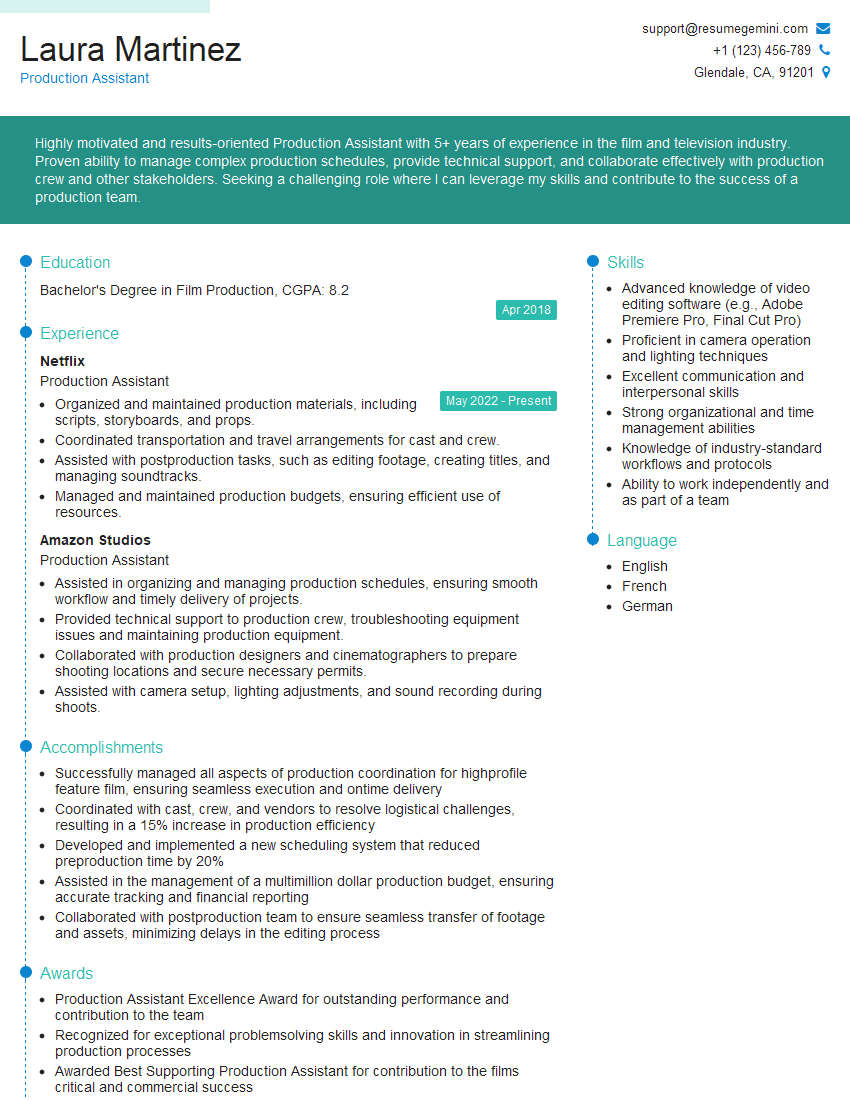
Production Assistant Resume Sample

Broadcast Engineer Resume Sample
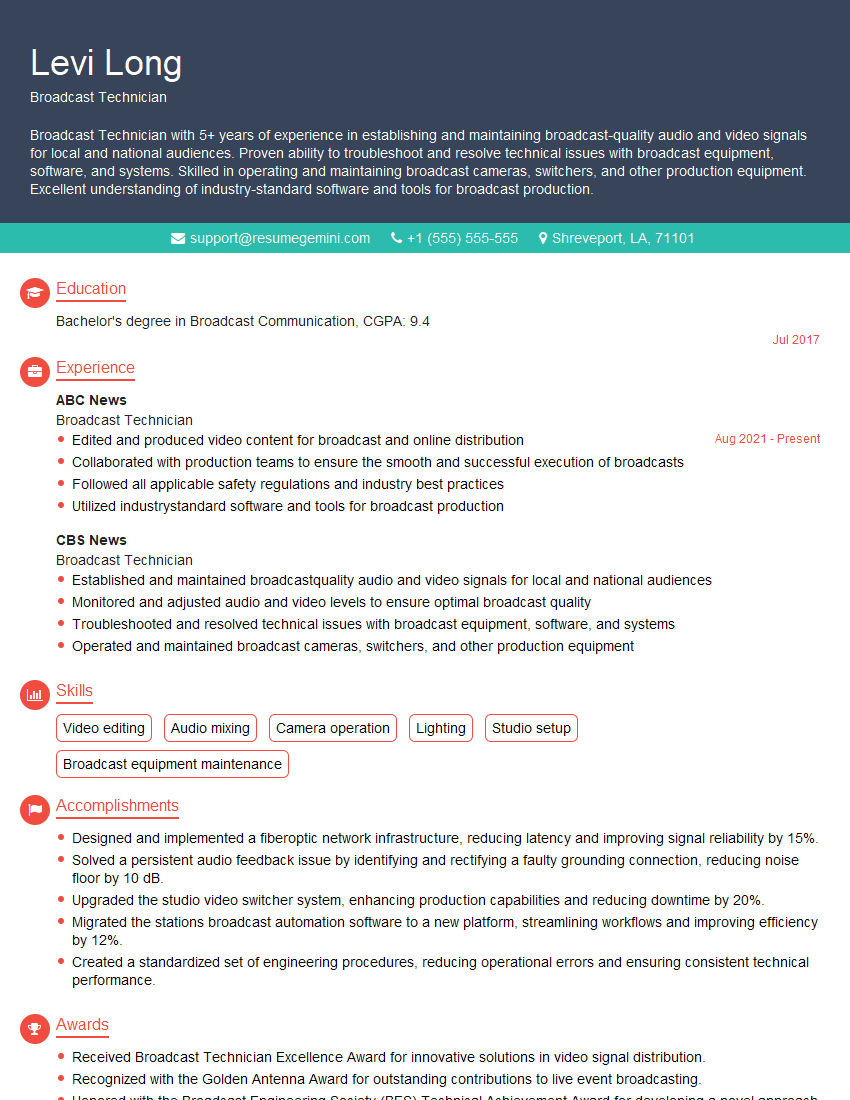
Broadcast Technician Resume Sample
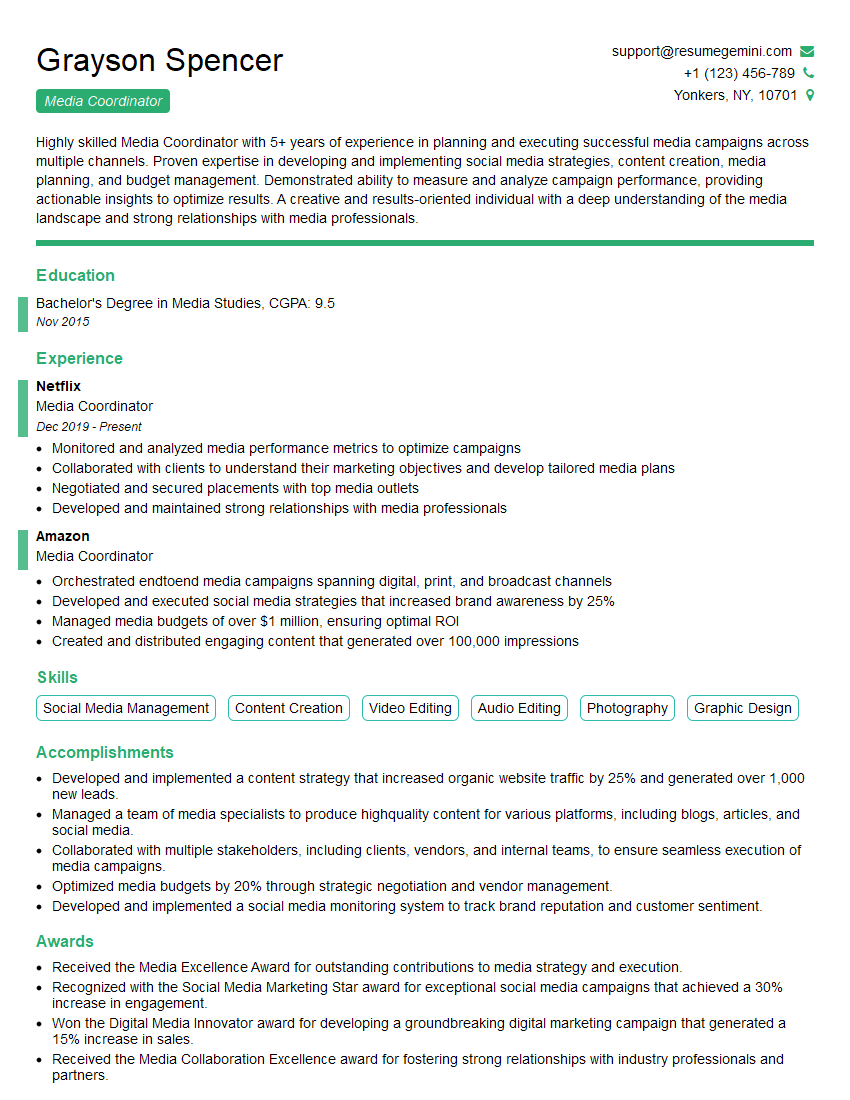
Media Coordinator Resume Sample

Video Editor Resume Sample
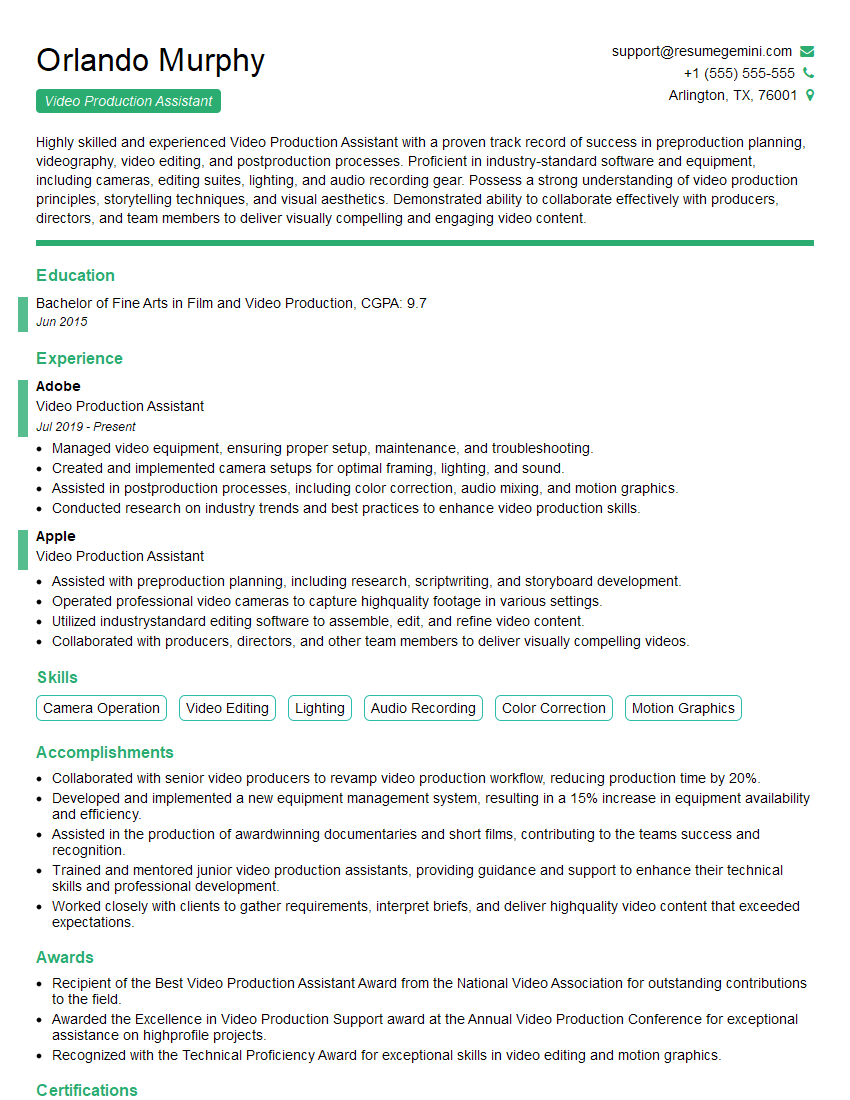
Video Production Assistant Resume Sample
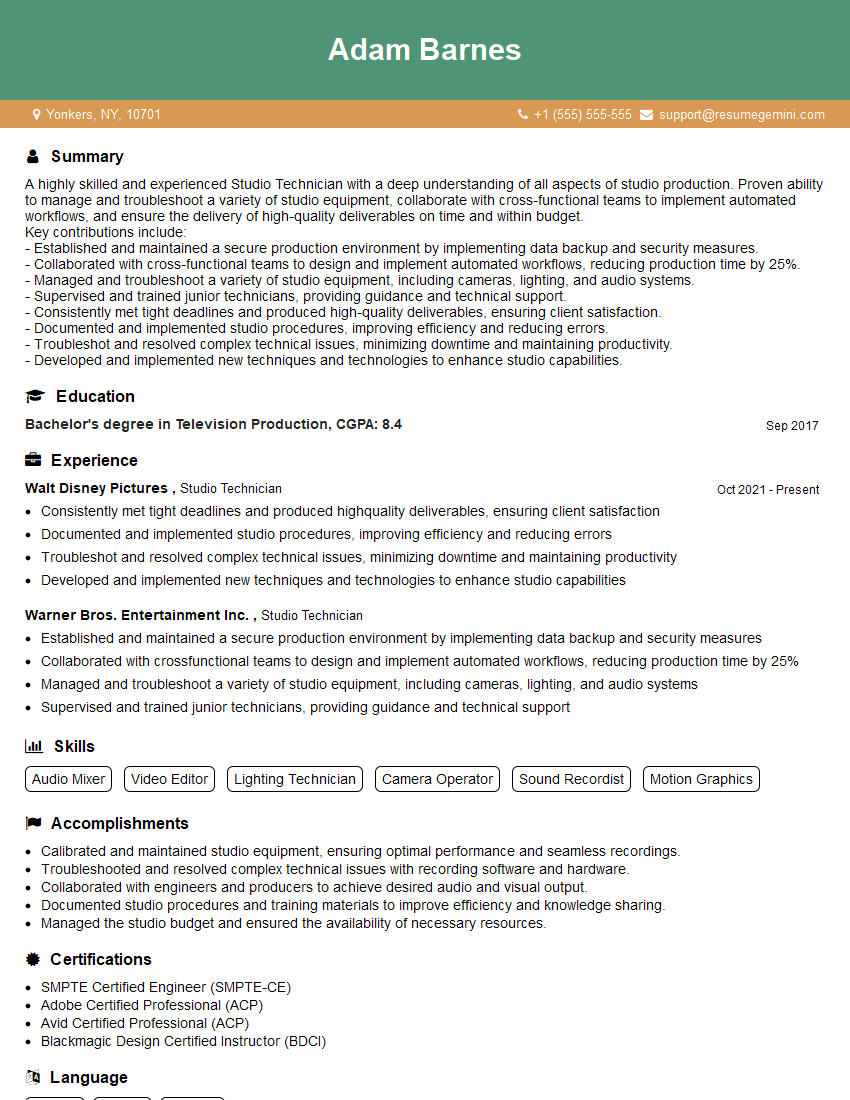
Studio Technician Resume Sample
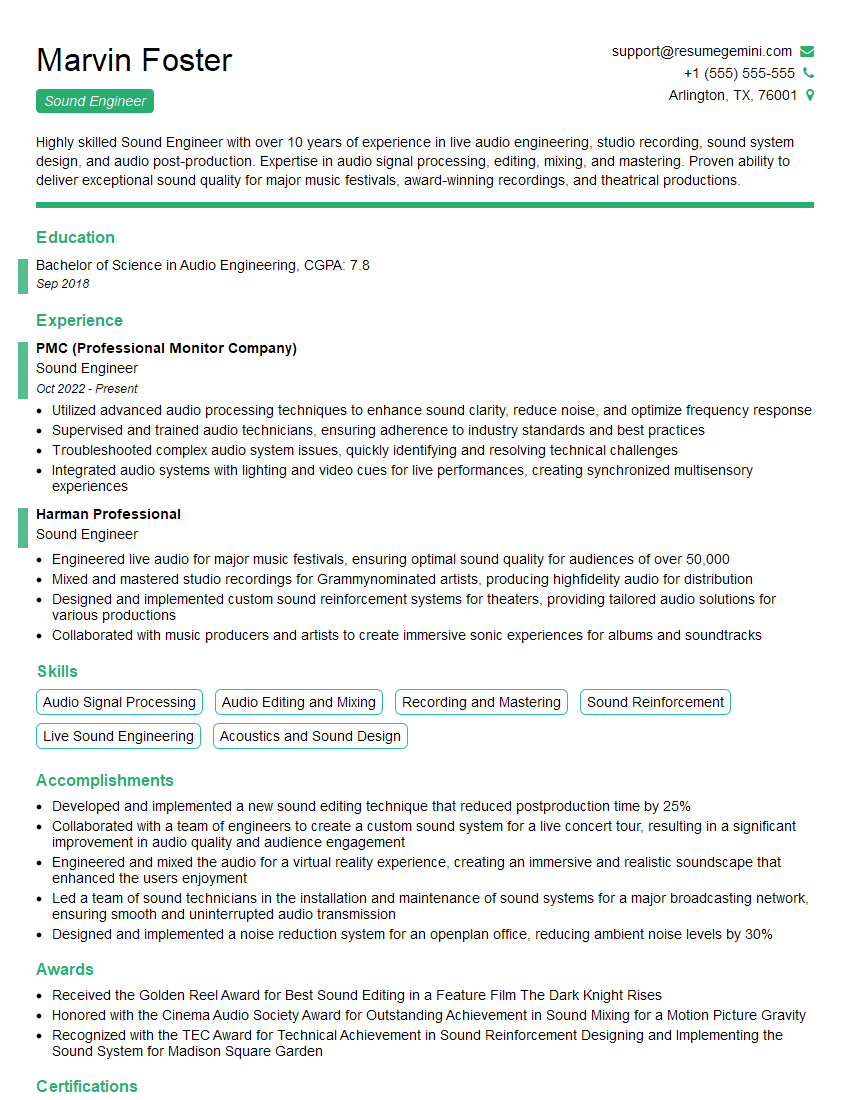
Sound Engineer Resume Sample
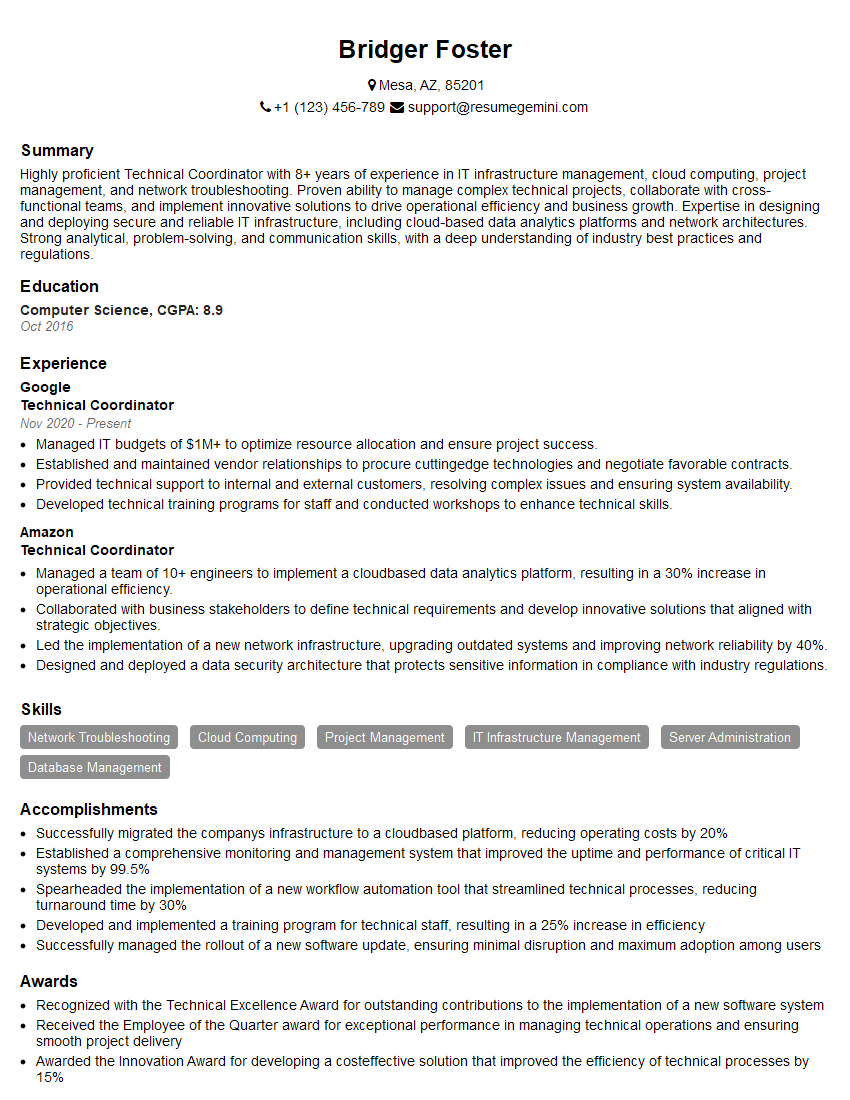
Technical Coordinator Resume Sample
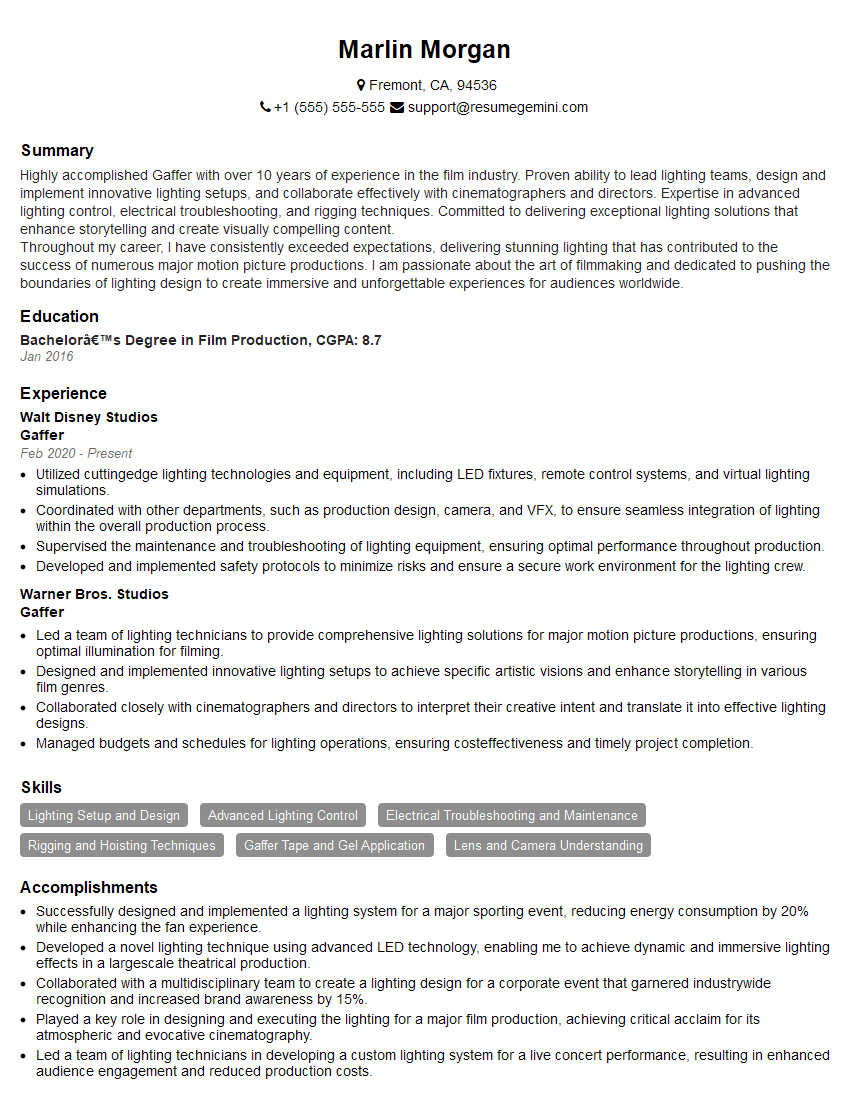
Gaffer Resume Sample
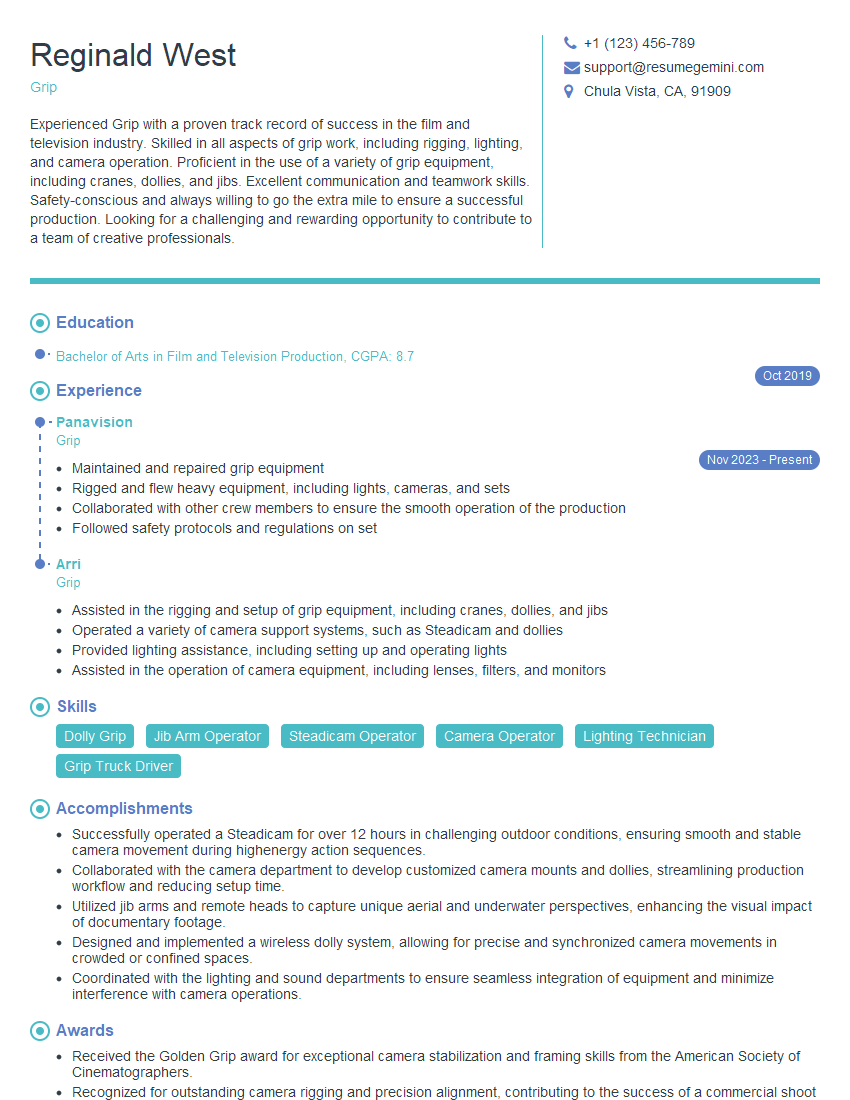
Grip Resume Sample
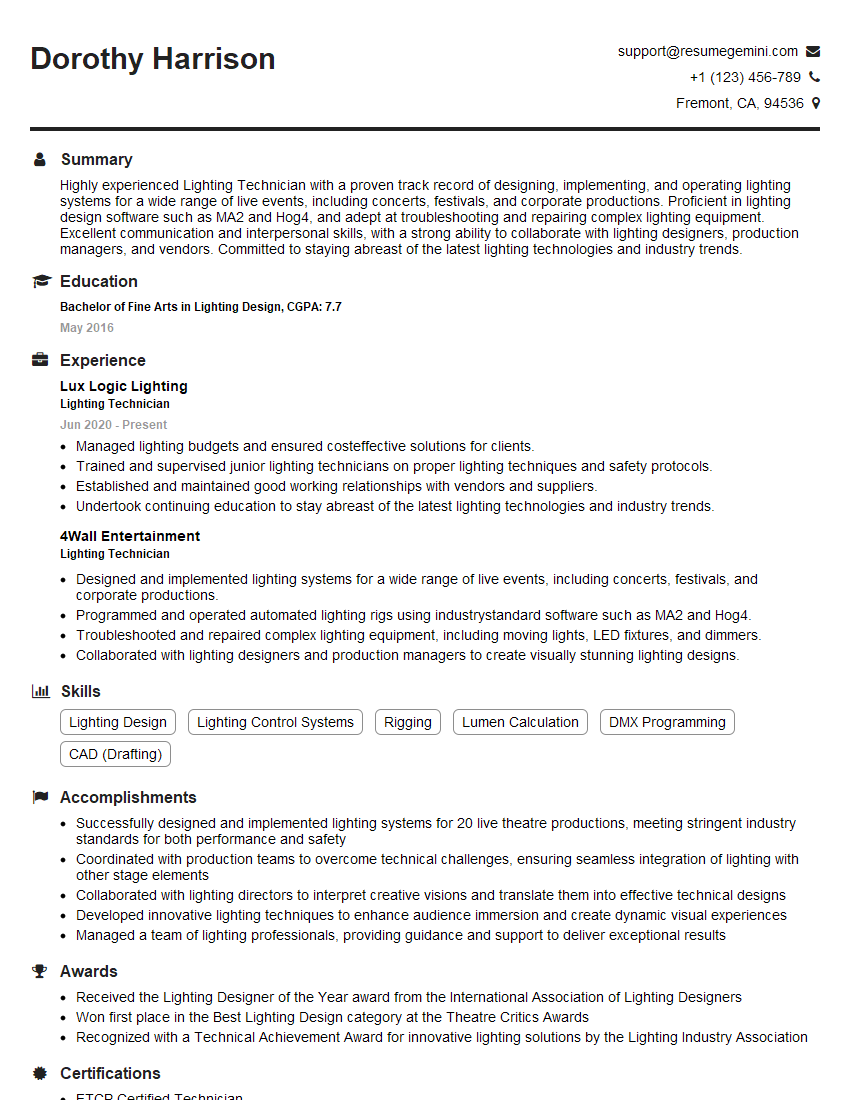
Lighting Technician Resume Sample
Explore more articles
Users Rating of Our Blogs
Share Your Experience
We value your feedback! Please rate our content and share your thoughts (optional).
What Readers Say About Our Blog
Very informative content, great job.
good