Every successful interview starts with knowing what to expect. In this blog, we’ll take you through the top Test Heuristics and Test Checklist interview questions, breaking them down with expert tips to help you deliver impactful answers. Step into your next interview fully prepared and ready to succeed.
Questions Asked in Test Heuristics and Test Checklist Interview
Q 1. Explain the concept of test heuristics and provide three examples.
Test heuristics are mental shortcuts or rules of thumb that experienced testers use to guide their testing efforts. They aren’t rigid rules but rather practical guidelines to help identify potential defects efficiently. They help us focus testing where it’s most likely to uncover issues. Think of them as your testing intuition, honed by experience.
Boundary Value Analysis: Focuses on testing values at the edges of valid input ranges. For example, if a field accepts numbers between 1 and 100, tests would include 1, 2, 99, 100, 0, and 101.
Equivalence Partitioning: Divides input data into groups (partitions) that are expected to be treated similarly by the system. For instance, testing various email formats (e.g., gmail, yahoo, outlook) instead of testing every possible email address.
Error Guessing: Leveraging past experience and knowledge of common programming errors or system vulnerabilities to anticipate where bugs might hide. This involves making educated guesses about where the system might fail based on your understanding of the application’s design and potential weaknesses. For instance, checking for SQL injection vulnerabilities if the system interacts with a database.
Q 2. Describe how you would use test heuristics to design test cases for a login functionality.
To design test cases for login functionality using heuristics, I’d employ several strategies:
Boundary Value Analysis: Test usernames and passwords at their length limits (minimum and maximum characters), using valid and invalid characters (e.g., special symbols, spaces). I’d also try passwords that are too short or too long.
Equivalence Partitioning: Create groups of valid and invalid usernames and passwords. Valid might include alphanumeric combinations, and invalid could include only spaces, special characters, or SQL injection attempts (e.g.,
' OR '1'='1).Error Guessing: I’d try common mistakes like incorrect capitalization, leaving fields blank, using previously used passwords, or attempting login with an inactive account. I’d also test the system’s response to multiple failed login attempts (lockout mechanism).
State Transition Testing: This heuristic checks the application’s behavior as it moves between different states (e.g., logged out, login in progress, logged in). I’d test the transitions between these states thoroughly.
By combining these heuristics, I would create a comprehensive set of test cases to cover various scenarios, ensuring a robust and secure login functionality.
Q 3. What are the key components of a comprehensive test checklist?
A comprehensive test checklist should include these key components:
Test Objectives: Clearly defined goals of the testing process. What are we trying to achieve? (e.g., Verify functionality, assess performance, ensure security).
Test Environment Details: Specifications of the hardware, software, and network configuration used for testing. This ensures reproducibility of results.
Test Data: Description of the data used for testing (including the sources and how to prepare it). This should include both positive and negative test cases.
Test Cases: Detailed steps to execute each test, including expected results. The test cases should be traceable to requirements.
Entry and Exit Criteria: Defining the conditions that must be met before starting and after finishing testing. This might include bug counts, test coverage percentages, or stakeholder approvals.
Defect Tracking Information: A section where defects discovered during testing are recorded, tracked, and reported. This often includes defect IDs, descriptions, severity, priority, and status.
Test Results: A record of the actual outcomes of each test case, noting whether they passed or failed, with any relevant notes or screenshots.
Q 4. How do you prioritize test cases using risk assessment and test heuristics?
Prioritizing test cases involves a combination of risk assessment and the application of heuristics. A risk assessment helps identify areas that, if flawed, could have the most significant impact. Heuristics then help pinpoint the tests that will most effectively uncover those risks.
Steps:
Risk Assessment: Identify high-risk areas (e.g., security features, critical functionalities). Consider factors like impact and likelihood of failure.
Heuristic Application: Apply heuristics (like boundary value analysis and error guessing) to design test cases focused on those high-risk areas. This helps focus your efforts where it matters most.
Prioritization Matrix: Create a matrix to categorize test cases based on risk and criticality. High-risk, high-criticality tests get top priority.
Time Allocation: Allocate testing time proportionally to the risk and priority levels assigned. High-priority tests will receive more attention.
For instance, a payment gateway would be a high-risk area, and boundary value analysis on the monetary input fields would be a high-priority test.
Q 5. How would you adapt a generic test checklist to a specific application?
Adapting a generic test checklist to a specific application involves tailoring it to the unique features and functionalities of that application. This is a process of customization, not simply re-using a template.
Analyze Application Requirements: Thoroughly review the application’s specifications, functional and non-functional requirements to understand its core functionalities, constraints, and user stories.
Identify Key Features: Determine which features are essential and require the most rigorous testing, considering factors like complexity and criticality.
Tailor Test Cases: Modify or create new test cases to cover all aspects of the application’s functionality. Make sure every requirement is addressed.
Adjust Test Data: Create relevant test data specific to the application’s inputs and expected outputs.
Refine Test Environment: Define the testing environment, making sure it accurately replicates the production environment as closely as possible.
Update Documentation: Update all relevant checklist documentation, including test objectives, test data, and expected outcomes.
For example, a generic checklist might have a section on ‘Login Functionality.’ For a specific e-commerce site, this would need to be expanded to cover features like ‘Guest Checkout,’ ‘Social Login,’ and ‘Password Recovery,’ which aren’t part of every application.
Q 6. Explain the difference between positive and negative testing using examples.
Positive testing verifies that the system functions as expected when provided with valid inputs, while negative testing checks how the system handles invalid or unexpected inputs.
Positive Testing Example: Testing a login functionality with a valid username and password. The expected result is successful login.
Negative Testing Example: Attempting to log in with an incorrect password, a blank username, or a password exceeding the maximum length. The expected results are appropriate error messages or rejection of the login attempt.
Both types of testing are crucial for complete software validation. Positive testing confirms expected behavior, whereas negative testing helps identify how well the system handles errors and protects against misuse or malicious attacks.
Q 7. How do you handle conflicting priorities between test coverage and deadlines?
Conflicting priorities between test coverage and deadlines are a common challenge in software development. The solution involves a delicate balance of risk management and efficient testing techniques.
Prioritization: Employ risk-based testing, prioritizing high-risk areas, critical functionalities, and high-impact features to cover them first, even if this means reducing overall coverage.
Test Optimization: Utilize efficient testing strategies like exploratory testing, focusing on areas likely to yield the highest number of defects. Avoid unnecessary or repetitive tests.
Risk-Based Coverage: Negotiate with stakeholders on acceptable levels of test coverage. Focus on areas with high risk rather than aiming for 100% coverage if it’s unrealistic given time constraints.
Automation: Automate repetitive tests to save time. This allows more time to be dedicated to exploratory and high-risk testing.
Communication: Openly communicate the trade-offs involved to stakeholders, clearly outlining any remaining risks if full coverage cannot be achieved.
The goal is to find the optimal balance that minimizes risk within the available timeframe. Sometimes, it’s better to release with some known minor issues than to delay release indefinitely, especially if those minor issues aren’t in critical areas.
Q 8. Describe your experience with different testing methodologies (e.g., Agile, Waterfall).
My experience spans both Agile and Waterfall methodologies, and I’ve found that the most effective approach depends heavily on the project’s scope and requirements. In Waterfall, testing typically happens in a dedicated phase after development is complete. This allows for thorough testing but can lead to late discovery of major issues. I’ve used this effectively for projects with well-defined requirements and minimal expected changes. In contrast, Agile methodologies emphasize iterative development and continuous testing. Test activities are integrated throughout the development lifecycle, usually involving short sprints with frequent testing and feedback. This is ideal for projects where flexibility and rapid iteration are crucial. I’ve successfully employed Agile testing in projects that required fast turnaround times and iterative improvements based on user feedback. I’m adept at adapting my testing strategies and checklists to suit the chosen methodology, ensuring effective quality assurance regardless of the approach.
For example, in a recent Waterfall project, I developed a comprehensive test plan including unit, integration, system, and user acceptance testing phases, meticulously documented in a test plan document. Conversely, in an Agile project, I collaborated closely with developers during sprint planning and implemented daily testing cycles along with regular feedback sessions to promptly address bugs and refine features.
Q 9. How do you ensure your test checklists are up-to-date and relevant?
Maintaining up-to-date and relevant test checklists is paramount for effective testing. My approach involves a combination of proactive measures and continuous review. Firstly, I use a version control system (like Git) to track changes to checklists, making it easy to revert to previous versions if necessary. This is crucial for audits and for understanding changes over time.
Secondly, after each testing cycle, I conduct a thorough review of the checklist. This involves identifying any test cases that were ineffective, unclear, or outdated. Any necessary updates or additions are then made immediately. Thirdly, I incorporate feedback from the development team and other stakeholders. Their insights often highlight areas where the checklist may need improvement. For example, if a new feature is added or a bugfix impacts existing functionality, the checklist is revised to incorporate new test cases or modify existing ones as needed.
Finally, I schedule regular checklist reviews, ideally before each new project or release, ensuring that the checklist remains relevant. This proactive approach ensures that our checklists remain a valuable and effective tool for continuous quality improvement.
Q 10. What are some common pitfalls to avoid when creating test checklists?
Several common pitfalls can hinder the effectiveness of test checklists. One key issue is creating checklists that are too generic or too specific. Generic checklists lack detail and context, failing to adequately address unique aspects of a particular application or feature. Overly specific checklists, on the other hand, can become unwieldy and difficult to maintain, especially if the software changes frequently.
Another pitfall is neglecting to involve stakeholders early in the checklist creation process. Involving developers, business analysts, and users ensures the checklist covers all essential areas and incorporates valuable perspectives. Finally, neglecting to regularly update the checklist based on feedback and changing requirements makes it quickly become obsolete, resulting in inadequate testing.
For example, a generic checklist might simply say “Test login functionality.” A better approach would be more specific, for example: “Verify successful login with valid credentials,” “Verify error message displayed with invalid credentials,” and “Verify password reset functionality.” These specific test cases ensure thorough testing and avoid ambiguity.
Q 11. How do you document and track test results using a checklist?
I usually document test results directly on the checklist itself, using a simple pass/fail indicator for each test case. I often add a column for comments to note any unexpected behavior or edge cases encountered. For more complex tests or detailed results, I use a linked spreadsheet or test management tool.
A simple example might be a checklist item: “Verify button functionality.” The pass/fail column would be marked accordingly, and the comments column might state: “Passed – button functions correctly, but the animation is slightly jerky.” This level of detail allows for easy tracking of results, identification of problematic areas, and facilitates bug reporting.
In projects requiring a more formal approach, I utilize a test management tool to maintain a centralized record of test cases, results, and any related artifacts. This provides a comprehensive audit trail and facilitates reporting and analysis of testing activities.
Q 12. How do you manage test data for different test scenarios?
Managing test data effectively is critical for ensuring reliable testing. I typically employ a combination of techniques to handle this: Firstly, I identify the different data types and scenarios needed. Then I create distinct data sets representing these scenarios, carefully considering boundary conditions and edge cases.
For example, in testing a user registration form, I’d create data sets with valid input, invalid input (e.g., incorrect email format), and boundary condition input (e.g., maximum character limits). I often use test data management tools or create separate data files, like CSV or SQL files, to organize and manage this data.
Data masking is another vital component when dealing with sensitive information. I employ appropriate data masking techniques to anonymize personal or confidential information while preserving the data’s structure for testing purposes. This is crucial for maintaining data privacy and security.
Finally, for complex scenarios, I may use test data generators to automatically create large volumes of realistic test data, ensuring efficient coverage of various test scenarios. This automated approach significantly reduces manual effort and enhances the overall testing process.
Q 13. Explain your experience using test management tools.
I have extensive experience using several test management tools including Jira, TestRail, and Zephyr. My choice of tool depends on the project’s needs and the existing infrastructure. These tools offer features such as test case management, requirements traceability, defect tracking, and reporting capabilities.
Using these tools allows me to centralize all testing activities, improve collaboration among team members, and ensure consistent tracking and reporting of test progress and results. For example, in a recent project using Jira, we integrated our test cases directly with user stories, which facilitated clear traceability between requirements and testing activities. The reporting features in these tools allow us to easily monitor progress, identify bottlenecks, and provide management with a clear overview of the testing process.
Q 14. How do you incorporate user feedback into your test heuristics and checklists?
Incorporating user feedback is essential for creating effective test heuristics and checklists. User feedback often highlights areas that automated tests might miss, such as usability issues or unexpected user workflows. I actively solicit user feedback through various channels, including usability testing sessions, user surveys, and beta programs.
The feedback gathered helps me identify potential areas for improvement in my test checklists. For example, if users frequently encounter issues with a particular feature, this indicates a need for more detailed test cases in my checklist for that feature. Similarly, if users discover unexpected behaviors or workflows, this information is used to expand the test coverage and identify potential gaps in the original test plan.
User feedback is invaluable in creating realistic test cases that reflect actual user behavior. It significantly increases the likelihood of catching usability issues and improves the overall quality and user experience of the software. It is integral to a user-centric testing approach.
Q 15. How do you identify and report bugs effectively?
Identifying and reporting bugs effectively is crucial for software quality. It involves a systematic process that goes beyond simply finding a problem. It’s about clearly communicating the issue to the development team so they can understand and fix it.
My process typically involves these steps:
- Reproduce the bug consistently: I meticulously document the steps needed to reproduce the issue. This ensures the developers can reliably recreate the problem.
- Gather relevant information: This includes the software version, operating system, browser (if applicable), and any specific hardware or software configurations that might be relevant. Screenshots or videos are invaluable.
- Clearly describe the bug: I use a structured approach, providing a concise title summarizing the issue (e.g., “Login Button Fails on Chrome”). The description includes the expected behavior, the actual behavior, and the severity (e.g., critical, major, minor).
- Provide detailed steps to reproduce: I number each step, providing clear, concise instructions. Ambiguity is the enemy of effective bug reporting.
- Attach supporting evidence: Screenshots, logs, or videos provide concrete evidence, helping developers quickly diagnose the problem. I always aim for high-quality evidence, ideally demonstrating the issue in its entirety.
- Assign appropriate priority and severity: My assessment considers the impact of the bug on the user experience and the overall functionality of the application.
- Use a bug tracking system: I utilize a centralized bug tracking system to ensure efficient communication, tracking, and resolution of reported issues.
For example, if I find a bug where a user cannot submit a form because a required field is missing validation, my report would clearly state the missing validation, show a screenshot of the error message (or lack thereof), and list the exact steps to reproduce the issue. This ensures developers can quickly understand and resolve the problem.
Career Expert Tips:
- Ace those interviews! Prepare effectively by reviewing the Top 50 Most Common Interview Questions on ResumeGemini.
- Navigate your job search with confidence! Explore a wide range of Career Tips on ResumeGemini. Learn about common challenges and recommendations to overcome them.
- Craft the perfect resume! Master the Art of Resume Writing with ResumeGemini’s guide. Showcase your unique qualifications and achievements effectively.
- Don’t miss out on holiday savings! Build your dream resume with ResumeGemini’s ATS optimized templates.
Q 16. Describe a situation where you had to adapt your test approach based on new information.
During testing a large e-commerce application, we initially focused on testing the checkout flow under normal conditions. We had a detailed test checklist covering various scenarios, like adding items to the cart, applying coupons, and selecting different payment methods. However, midway through testing, we received information from the business team regarding a new promotion involving a significant discount and a time-sensitive code.
This drastically changed our approach. Our initial checklist was insufficient. We had to quickly adapt by:
- Expanding the test cases: We added new test cases specifically covering the promotion, including scenarios like applying the discount code, handling expired codes, and managing multiple simultaneous discounts.
- Prioritizing test execution: We shifted focus to thoroughly testing the new promotion, ensuring its functionality before the launch date. We utilized risk-based testing, prioritizing features directly related to the promotion.
- Adjusting the test environment: We created a dedicated test environment to simulate high traffic loads, anticipating a surge of users during the promotion. This allowed us to identify performance bottlenecks and other issues that might have been missed in a normal load test.
This experience highlighted the importance of flexibility and adaptability in testing. Having a solid understanding of the application’s functionality and being responsive to new information are crucial for successful testing.
Q 17. How do you collaborate with developers and other stakeholders during testing?
Collaboration is essential in software testing. I actively engage with developers, product owners, and other stakeholders throughout the testing process. Effective communication is key, using a combination of tools and methods to ensure everyone is aligned.
My strategies include:
- Daily stand-up meetings: Short, focused meetings to discuss progress, roadblocks, and priorities.
- Bug tracking system: Centralized communication and tracking of identified defects, using detailed bug reports.
- Regular feedback sessions: Providing constructive feedback to developers and discussing test results, including identifying areas for improvement.
- Test case reviews: Collaborating with developers on designing and reviewing test cases to ensure comprehensive test coverage.
- Joint problem-solving: Working closely with developers to troubleshoot and resolve identified bugs. This often involves debugging sessions.
For example, I would work with developers to understand the technical implementation of a new feature to ensure I can effectively test all aspects of its functionality. This close relationship fosters mutual understanding and a collaborative environment where we work together to improve the quality of the software.
Q 18. What are some common types of software defects you encounter?
Software defects come in many forms. Here are some common types I encounter:
- Functional defects: The software doesn’t work as intended. For example, a button doesn’t perform the expected action, or a calculation is incorrect.
- Performance defects: The software is slow, unresponsive, or crashes under load. This often involves memory leaks, poor database queries, or network bottlenecks.
- Usability defects: The software is difficult to use or understand. Poor navigation, confusing error messages, or inconsistent design can all contribute to usability issues.
- Security defects: Vulnerabilities that could be exploited by malicious users. These might involve SQL injection, cross-site scripting (XSS), or other security loopholes.
- Compatibility defects: The software doesn’t work correctly across different browsers, operating systems, or hardware configurations.
- Data defects: Problems with data storage, retrieval, or manipulation. Incorrect data validation, data corruption, or data inconsistencies are common examples.
Identifying these defects relies heavily on a thorough understanding of requirements, the use of various testing techniques, and keen attention to detail.
Q 19. Explain your understanding of different testing levels (unit, integration, system, etc.).
Software testing levels are hierarchical, each focusing on different aspects of the application. They ensure comprehensive testing throughout the development lifecycle.
- Unit Testing: Individual components or modules of the code are tested in isolation. Developers typically perform unit tests using frameworks like JUnit or pytest. This stage catches low-level bugs early.
- Integration Testing: Testing the interaction between different modules or components. It ensures that modules work together correctly after being tested individually. For example, testing the interaction between a user authentication module and a database.
- System Testing: Testing the entire system as a whole, ensuring all components work together to meet the specified requirements. This often involves black-box testing, where the internal code structure isn’t considered.
- Acceptance Testing: Final testing conducted by the end-users or stakeholders to confirm that the software meets their requirements and expectations. This often involves User Acceptance Testing (UAT).
These levels are not mutually exclusive; they are often iterative and interdependent. A successful testing strategy incorporates all these levels to ensure a robust and high-quality product.
Q 20. Describe your experience with automated testing and how it relates to test checklists.
Automated testing significantly improves efficiency and effectiveness, especially when coupled with well-defined test checklists. Automated tests can be repeatedly executed, saving time and resources, and ensuring consistent testing across different environments.
My experience includes using various automation frameworks such as Selenium (for web applications) and Appium (for mobile applications). Test checklists play a crucial role here:
- Defining test scope: Checklists help define the areas to be covered by automation, identifying the most critical and frequently executed test cases. This ensures automation focuses on high-value tests.
- Creating test scripts: Checklists serve as a blueprint for developing automated test scripts, ensuring that all important aspects are considered and tested automatically.
- Maintaining test coverage: Checklists help track test coverage, ensuring that newly added features or bug fixes are automatically included in the regression test suite.
- Managing test data: Checklists assist in identifying the required test data and ensure its proper management throughout the automated testing process.
For instance, I would use a checklist to systematically identify test cases for user registration, login, and password recovery, then use Selenium to automate these tests across multiple browsers. The checklist ensures I cover various scenarios, like invalid inputs, password complexity rules, and successful registration.
Q 21. How do you ensure test coverage across different browsers and devices?
Ensuring test coverage across different browsers and devices is critical for providing a consistent user experience. This requires a multi-faceted approach:
- Cross-browser testing tools: Utilizing tools like BrowserStack or Sauce Labs allows running automated tests simultaneously across a range of browsers and operating systems, including older versions.
- Responsive design testing: Verifying that the application adapts correctly to different screen sizes and resolutions. This includes testing on various devices (desktops, tablets, smartphones).
- Test matrix: Creating a test matrix that systematically defines the browsers, devices, and operating systems to be tested. Prioritization is crucial here, focusing on the most commonly used combinations.
- Real device testing: Whenever possible, testing on real devices is preferred, as emulators or simulators may not perfectly replicate real-world behavior.
- Automated visual testing: Tools like Percy or Applitools can automatically compare screenshots across different browsers to detect visual regressions.
For example, a checklist would guide the testing across Chrome, Firefox, Safari, and Edge for different screen sizes, ensuring consistent functionality and visual appearance across all platforms. This systematic approach minimizes compatibility issues and improves the overall user experience.
Q 22. How do you prioritize bug fixes based on severity and impact?
Prioritizing bug fixes involves a careful assessment of severity (how bad is the bug?) and impact (how many users are affected?). We typically use a matrix to categorize bugs. For example:
- Critical: System crash, data loss, security vulnerability – these are fixed immediately.
- High: Major functionality broken, significant impact on user experience – prioritized for the next release.
- Medium: Minor functionality issues, limited impact – addressed in subsequent releases.
- Low: Cosmetic issues, minimal impact – often deferred until later releases or considered for a future iteration.
Imagine a shopping website. A critical bug might be the inability to process payments. A high-severity bug could be a broken search functionality. A low-severity bug might be a slightly misaligned image. We use this matrix to efficiently allocate resources, focusing on fixing the most damaging issues first.
Q 23. What metrics do you use to track the effectiveness of your testing efforts?
Tracking the effectiveness of testing relies on several key metrics. These metrics provide valuable insights into the quality of the software and the efficiency of our testing process.
- Defect Density: The number of defects found per lines of code or per function point. A lower defect density indicates better code quality.
- Defect Leakage: The number of defects that escape testing and are discovered by users after release. Aiming for zero is ideal, but a low leakage rate signifies successful testing.
- Test Coverage: The percentage of the codebase or requirements covered by test cases. High coverage suggests comprehensive testing, although it doesn’t guarantee finding all defects.
- Test Execution Time: Tracks the time spent executing test cases. This helps identify areas for improvement in test efficiency.
- Test Case Pass/Fail Rate: A simple but effective metric showing the overall success rate of test executions. A high pass rate suggests fewer problems.
For instance, if we consistently see a high defect leakage rate, we know we need to improve our testing strategies, perhaps by incorporating more exploratory testing or adopting new testing tools.
Q 24. How do you handle situations where testing deadlines are tight?
Tight deadlines necessitate strategic prioritization and efficient execution. Here’s how I approach such situations:
- Risk Assessment: Identify critical functionalities and focus testing efforts there first, using risk-based testing techniques.
- Prioritize Test Cases: Execute high-priority test cases first – those covering core features and high-risk areas.
- Test Case Optimization: Reduce unnecessary test cases or steps to minimize execution time. Combine similar test cases.
- Parallel Testing: If possible, distribute testing tasks among the team to execute multiple test cases concurrently.
- Exploratory Testing: Efficiently finds critical bugs quickly.
- Automate where possible: Automate repetitive tasks to save time and improve efficiency.
Think of it like building a house with a looming deadline. You’d prioritize framing the walls and installing the roof before focusing on painting the trim.
Q 25. Describe your experience with performance testing and the associated checklists.
Performance testing is crucial for ensuring a software application meets responsiveness, stability, and scalability requirements. My experience encompasses various performance testing types, including load testing, stress testing, and endurance testing. My checklists typically include:
- Defining Performance Goals: Establishing clear metrics like response time, throughput, and resource utilization targets.
- Test Environment Setup: Setting up a realistic test environment that reflects production conditions as closely as possible.
- Test Data Preparation: Creating realistic and representative test data.
- Test Script Development: Writing automated test scripts to simulate various user loads and scenarios.
- Test Execution and Monitoring: Running tests, monitoring key performance indicators (KPIs), and capturing performance data.
- Result Analysis and Reporting: Analyzing test results, identifying bottlenecks, and generating detailed reports.
Example Test Script Snippet (Conceptual):// Simulate 100 concurrent users accessing the login page// Monitor response time and CPU utilization
A performance checklist ensures comprehensive testing, covering aspects like database performance, network latency, and application scalability. This helps in identifying and resolving performance bottlenecks before release.
Q 26. How do you stay updated on the latest testing techniques and tools?
Staying current involves continuous learning. I actively engage in several practices:
- Following Industry Blogs and Websites: Reading articles and tutorials on leading testing blogs and websites.
- Attending Webinars and Conferences: Participating in online and in-person events to learn about new tools and techniques.
- Participating in Online Communities: Engaging in online forums and communities to share knowledge and learn from peers.
- Taking Online Courses: Enrolling in specialized online courses to enhance testing skills.
- Reading Books and Documentation: Staying updated on the latest publications related to software testing.
- Experimenting with New Tools: Actively experimenting with new and emerging testing tools.
Just as a doctor needs to stay up-to-date on medical advancements, a software tester needs to keep pace with the ever-evolving landscape of testing techniques and tools.
Q 27. Explain your understanding of risk-based testing and how it informs your checklist creation.
Risk-based testing focuses on testing the most critical areas of an application first. It prioritizes testing based on the potential impact of a failure. This impacts checklist creation significantly.
Instead of testing everything equally, I identify potential risks using techniques like:
- SWOT Analysis: Evaluating strengths, weaknesses, opportunities, and threats of the software.
- Failure Modes and Effects Analysis (FMEA): Identifying potential failure modes and their severity and likelihood.
- Risk Matrix: Categorizing risks based on their likelihood and impact.
My checklists are then tailored to these identified risks. High-risk areas get more comprehensive test coverage, and lower-risk areas might receive less detailed testing. For example, if a security vulnerability is identified as a high-risk area, the checklist will include specific tests to verify security controls, such as input validation and authentication mechanisms. This ensures that testing resources are allocated effectively to mitigate the most significant risks first, maximizing the return on investment of testing efforts.
Key Topics to Learn for Test Heuristics and Test Checklist Interview
- Understanding Test Heuristics: Explore the core principles behind heuristic evaluation, including common usability heuristics (e.g., Nielsen’s 10 Heuristics) and their application in software testing. Consider how these principles translate to different testing methodologies.
- Developing Effective Test Checklists: Learn how to create comprehensive and tailored checklists for various testing phases (unit, integration, system, user acceptance). Focus on the process of identifying critical test cases and avoiding redundancy.
- Practical Application of Heuristics and Checklists: Practice integrating heuristics into your checklist design. Consider scenarios where specific heuristics are prioritized, and how checklists adapt to changing project requirements and risk profiles.
- Test Case Prioritization: Learn effective strategies for prioritizing test cases based on risk assessment, business impact, and available resources. This demonstrates understanding of efficient testing methodologies.
- Adapting Checklists for Different Testing Types: Understand how checklists differ for functional testing, performance testing, security testing, and usability testing. Highlight your ability to tailor testing approaches to specific contexts.
- Analyzing Test Results and Reporting: Learn how to effectively analyze results obtained from using heuristics and checklists, and how to present your findings clearly and concisely in test reports.
- Heuristics and Agile Methodologies: Explore the synergy between heuristic evaluation and agile development practices, including sprint planning, daily stand-ups, and iterative testing cycles.
Next Steps
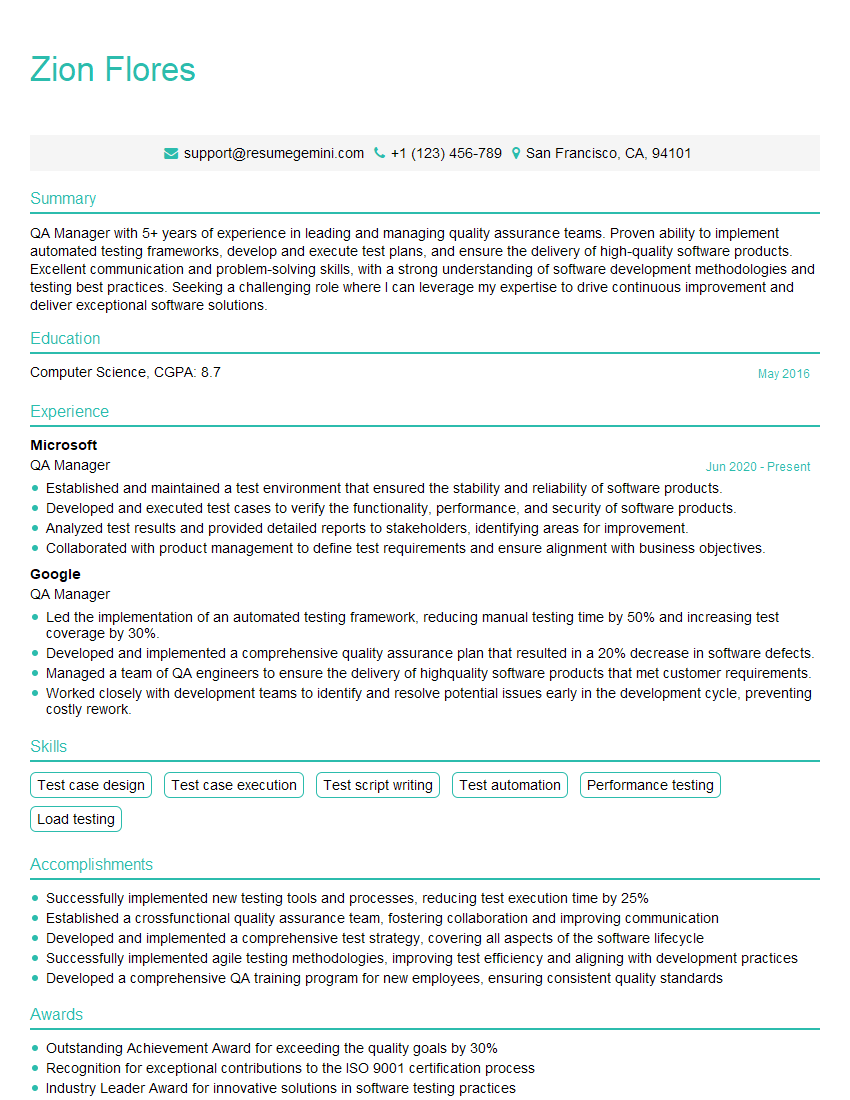
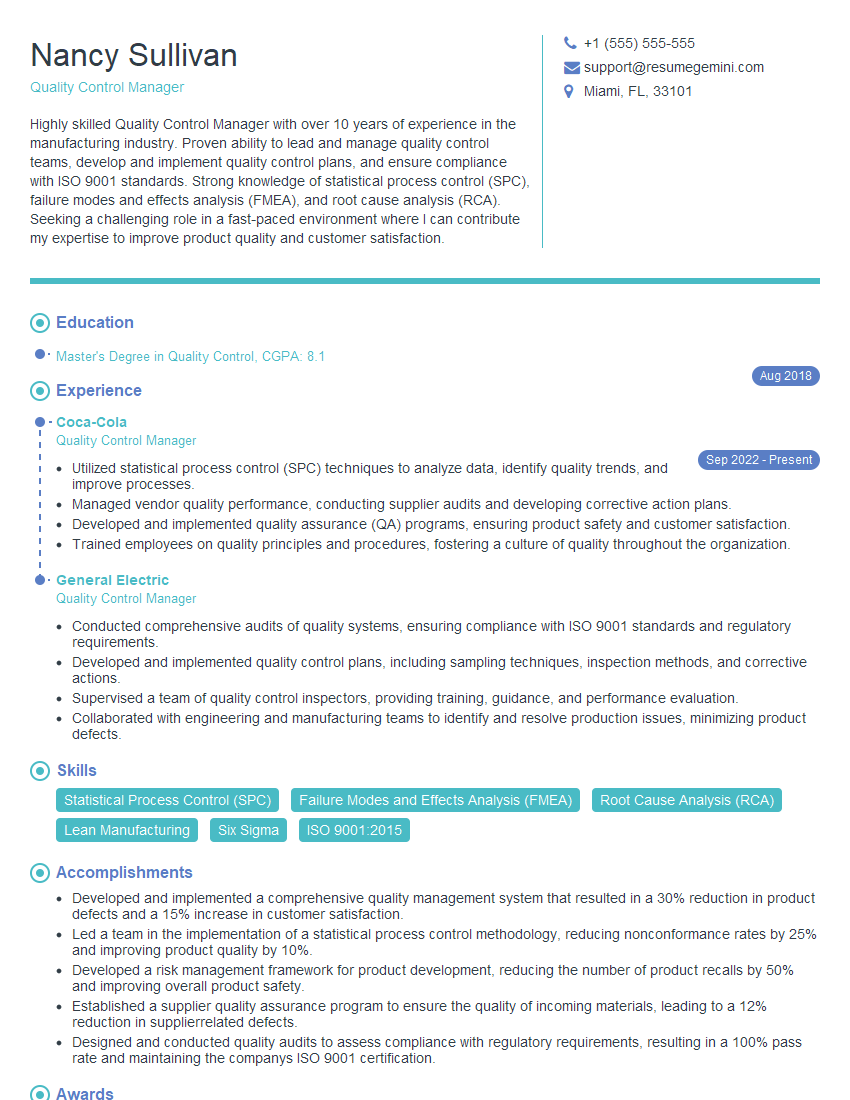
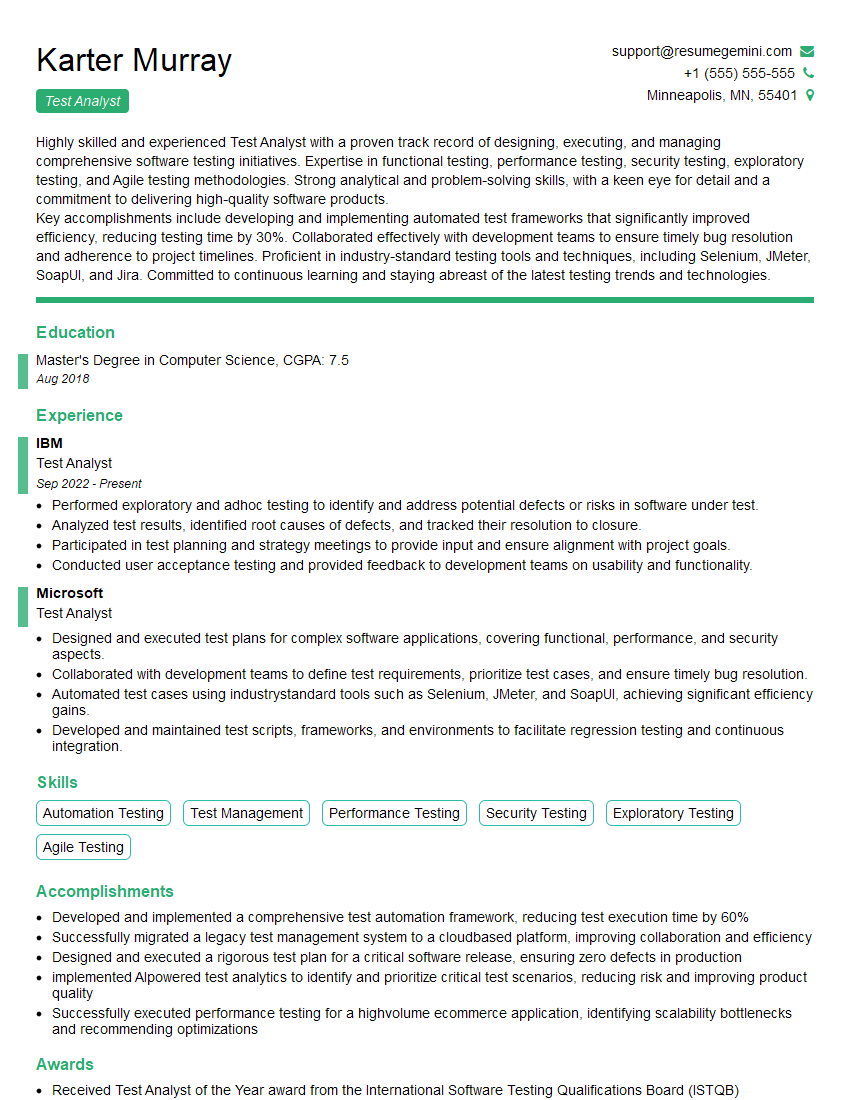
Mastering Test Heuristics and Test Checklists significantly enhances your value as a software tester, showcasing your ability to approach testing systematically and efficiently. This expertise is highly sought after and will open doors to exciting career opportunities. To maximize your job prospects, create a compelling and ATS-friendly resume that highlights your skills and experience in these areas. We strongly recommend using ResumeGemini, a trusted resource for building professional resumes, to craft a document that truly reflects your capabilities. Examples of resumes tailored to Test Heuristics and Test Checklist expertise are available to help guide your creation process.


Explore more articles
Users Rating of Our Blogs
Share Your Experience
We value your feedback! Please rate our content and share your thoughts (optional).
What Readers Say About Our Blog
Very informative content, great job.
good