Feeling uncertain about what to expect in your upcoming interview? We’ve got you covered! This blog highlights the most important Troubles Shooting interview questions and provides actionable advice to help you stand out as the ideal candidate. Let’s pave the way for your success.
Questions Asked in Troubles Shooting Interview
Q 1. Describe your approach to diagnosing a network connectivity issue.
Diagnosing network connectivity issues involves a systematic approach, much like a detective investigating a crime scene. My approach begins with gathering information, then systematically eliminating possibilities.
- Gather Information: I start by asking the user specific questions about the problem: When did it start? What were they doing at the time? What device is affected? Are other devices experiencing the same issue?
- Check the Obvious: I then check the most common causes – is the device turned on? Is the cable plugged in securely? Is the Wi-Fi enabled and connected correctly?
- Isolate the Problem: Next, I try to isolate the problem. Is the issue with the specific device, the network connection, or something else entirely? For example, if only one device is affected, the problem likely lies with that device. If an entire network is down, the issue might be with the router, modem, or internet service provider.
- Utilize Diagnostic Tools: I utilize tools like ping, traceroute (tracert on Windows), and ipconfig (or ifconfig on Linux/macOS) to check connectivity, identify bottlenecks, and determine the source of the problem. I’ll also check device logs for error messages.
- Escalate if Necessary: If I can’t resolve the issue, I escalate it to the appropriate team or contact the ISP for assistance.
For example, if a user reports they can’t access a website, I might first check their internet connection with ping 8.8.8.8. If that fails, I know the problem is with their internet connection. If it succeeds, I might then try pinging the website directly to see if the issue is with the website or their network configuration.
Q 2. Explain the difference between reactive and proactive troubleshooting.
Reactive and proactive troubleshooting are two distinct approaches to problem-solving. Think of it like this: reactive troubleshooting is putting out fires, while proactive troubleshooting is preventing fires from starting.
- Reactive Troubleshooting: This involves responding to problems as they occur. It’s like fixing a flat tire – you deal with it after it happens. It’s often more urgent and requires quicker solutions, but it doesn’t address the root cause of the problem.
- Proactive Troubleshooting: This involves anticipating and preventing problems before they occur. It’s like regularly changing your oil to prevent engine damage. This approach typically involves monitoring systems, performing regular maintenance, and implementing preventative measures. While it may require upfront effort, it saves time and resources in the long run.
In a network environment, reactive troubleshooting might involve fixing a server that has crashed, while proactive troubleshooting might involve implementing redundancy and failover systems to prevent service disruptions. A strong troubleshooting professional balances both approaches.
Q 3. How do you prioritize troubleshooting tasks in a high-pressure environment?
Prioritizing troubleshooting tasks in a high-pressure environment requires a structured approach. I use a combination of factors to determine urgency:
- Impact: How many users or systems are affected? A widespread outage impacting critical business functions takes precedence over a minor issue affecting a single user.
- Urgency: How quickly does the problem need to be resolved? A system critical for a live event needs immediate attention.
- Severity: How serious is the problem? A data breach is far more severe than a slow network connection.
I employ a triage system, often visual like a Kanban board, to organize tasks. High-impact, high-urgency issues get immediate attention. I regularly communicate updates to stakeholders to manage expectations during high-pressure situations, keeping transparency to reduce panic.
Q 4. What tools and techniques do you use for remote troubleshooting?
Remote troubleshooting relies heavily on effective tools and techniques. My toolkit includes:
- Remote Desktop Software: TeamViewer, AnyDesk, and VNC allow me to control a user’s computer as if I were sitting in front of it, enabling direct problem diagnosis and resolution.
- Secure Shell (SSH): For accessing and managing servers and network devices remotely.
ssh user@server_ipis my command to connect. - Collaboration Tools: Slack, Microsoft Teams, and Zoom facilitate quick communication with users and other IT personnel, enabling efficient problem sharing and resolution. Sharing screens is immensely helpful.
- Log Management Systems: Tools like Splunk and ELK stack allow for centralized log collection and analysis, giving me insights into system behavior and identifying the root cause of issues.
- Network Monitoring Tools: SolarWinds, Nagios, and PRTG allow me to monitor network performance remotely and identify potential bottlenecks or issues before users even experience them.
I always prioritize security when using remote access tools, ensuring connections are encrypted and using strong passwords or multi-factor authentication.
Q 5. How do you document troubleshooting steps for future reference?
Thorough documentation is crucial for efficient troubleshooting and future reference. I typically use a structured approach:
- Ticket System: Using a ticketing system like Jira or ServiceNow, I create detailed records including the issue description, steps taken, and the final resolution.
- Step-by-Step Documentation: I document each step taken to resolve an issue, including commands executed, configuration changes made, and observations. I include screenshots or screen recordings where beneficial.
- Root Cause Analysis: I analyze the issue to determine its root cause to prevent similar issues in the future. This analysis is an integral part of the documentation.
- Knowledge Base: I contribute to internal knowledge bases or wikis to share solutions with others and improve team knowledge.
Well-documented troubleshooting steps are invaluable for resolving recurring issues and for training junior personnel.
Q 6. Describe a time you had to troubleshoot a complex technical problem. What was your approach?
I once faced a complex network outage affecting a major client’s e-commerce platform during their peak shopping season. The initial symptoms pointed to a DNS issue, but standard troubleshooting techniques were ineffective.
My approach involved:
- Systematic Investigation: I began by meticulously checking DNS servers, network configuration, and firewall rules. I used
nslookupanddigcommands to examine DNS records. - Data Analysis: I analyzed network traffic using Wireshark, examining packets to isolate the point of failure. This revealed an unexpected spike in traffic from a specific geographic region, overloading a network segment.
- Collaboration and Escalation: I worked closely with the client’s team and our network engineers to investigate the traffic surge. This led to identifying a malicious botnet attempting a DDoS attack.
- Mitigation and Resolution: We quickly implemented mitigation strategies including using a CDN (Content Delivery Network) to distribute traffic and contacting our ISP to help mitigate the attack. The issue was resolved within a few hours, minimizing service disruption.
This experience highlighted the importance of thorough investigation, data analysis, and effective collaboration in tackling complex technical problems.
Q 7. What is your experience with log analysis and how does it aid troubleshooting?
Log analysis is a cornerstone of my troubleshooting approach. Logs provide a detailed record of system activity, offering invaluable insights into the root cause of problems.
- Identifying Error Messages: Logs often contain error messages indicating specific problems. For example, a database log might show a connection failure, guiding me to investigate network connectivity or database server settings.
- Tracking System Behavior: Logs provide a chronological record of system events, allowing me to reconstruct the events leading to an issue. This helps me understand the sequence of events and identify the specific point of failure.
- Performance Monitoring: Many logs contain performance metrics, such as CPU usage, memory consumption, and network traffic. Analyzing these metrics helps pinpoint performance bottlenecks or identify resource exhaustion issues.
- Security Auditing: Security logs provide information on user activity, login attempts, and system access. Analyzing security logs is crucial for identifying security breaches and investigating suspicious activity.
I use log aggregation and analysis tools like Splunk and the ELK stack to efficiently search, filter, and analyze large volumes of log data, identifying patterns and anomalies that would be impossible to detect by manual inspection. For example, searching for specific error codes or keywords in a web server log can quickly isolate the source of website errors.
Q 8. How do you handle situations where you cannot immediately identify the root cause of a problem?
When faced with an elusive problem, my approach is systematic and methodical. I avoid jumping to conclusions and instead focus on gathering comprehensive information. Think of it like detective work – you need all the clues before you can solve the mystery.
First, I meticulously document all observable symptoms. This includes error messages, timestamps, affected systems, and any recent changes made to the environment. I then use a process of elimination, starting with the simplest explanations and progressively investigating more complex possibilities. This might involve checking logs, running diagnostic tests, or consulting relevant documentation.
If the issue persists, I leverage collaboration. I reach out to colleagues with relevant expertise or consult online resources like knowledge bases and forums. Sometimes, a fresh perspective or a shared experience can provide the crucial insight needed to pinpoint the root cause. Escalation to senior engineers or support teams is always an option when the issue warrants it.
Finally, once the root cause is identified, I implement a fix, thoroughly test it, and document the entire troubleshooting process, including the solution. This creates a valuable resource for future incidents and enhances our overall troubleshooting capabilities. This meticulous documentation is crucial for continuous improvement within the team.
Q 9. What are some common causes of slow application performance and how would you diagnose them?
Slow application performance is a common issue with diverse causes. It’s like a car running slowly – the problem could be anything from a flat tire to a failing engine. Diagnosis requires a multi-pronged approach.
- Database Issues: Slow queries, lack of indexing, or insufficient database resources can significantly impact application speed. I’d use database monitoring tools to analyze query performance and identify bottlenecks.
- Network Bottlenecks: High latency, packet loss, or limited bandwidth can choke application performance. Network analyzers like Wireshark help pinpoint network-related issues.
- Server Resource Constraints: Insufficient CPU, memory, or disk I/O can lead to sluggishness. Server monitoring tools provide real-time data on resource utilization, revealing any bottlenecks.
- Application Code Inefficiencies: Poorly written code, memory leaks, or inefficient algorithms can cripple an application’s performance. Profilers and debuggers are essential for identifying and fixing these problems.
- Caching Issues: Ineffective or absent caching mechanisms can lead to repeated requests and increased processing time. Analyzing caching strategies and implementation is crucial.
My diagnosis typically starts with a holistic overview using monitoring tools to identify performance bottlenecks. Then, I narrow down the potential causes based on the observed symptoms. For example, if the CPU is consistently at 100%, I would focus on code optimization or resource allocation. If network latency is high, I’d investigate network connectivity issues. I employ a combination of tools and methodologies to diagnose the root cause, making sure to focus on the specific layer or component causing the issue.
Q 10. Explain your understanding of the OSI model and how it relates to troubleshooting network problems.
The OSI model (Open Systems Interconnection model) is a conceptual framework that standardizes the communication process between different network devices. Think of it as a seven-layer cake, where each layer has a specific function.
- Layer 1 (Physical): Deals with the physical cables and hardware.
- Layer 2 (Data Link): Manages data transfer between two directly connected nodes (e.g., Ethernet).
- Layer 3 (Network): Handles routing and addressing using IP addresses.
- Layer 4 (Transport): Ensures reliable data delivery (TCP) or faster, less reliable delivery (UDP).
- Layer 5 (Session): Establishes and manages communication sessions.
- Layer 6 (Presentation): Handles data formatting and encryption.
- Layer 7 (Application): Provides network services to applications (e.g., HTTP, SMTP).
Troubleshooting network problems using the OSI model involves a top-down approach. For example, if a web application isn’t working (Layer 7), I’d first check the application itself, then move down the layers. If the application is fine, I would check DNS resolution (Layer 3/7), then TCP connections (Layer 4), and finally the physical network (Layer 1).
By systematically checking each layer, I can quickly isolate the source of the problem. This methodical approach allows for precise identification of network failures, making troubleshooting more efficient and effective.
Q 11. How familiar are you with different debugging tools (e.g., debuggers, network analyzers)?
I’m proficient in using a variety of debugging and network analysis tools. My experience includes:
- Debuggers (e.g., GDB, LLDB): Used for stepping through code, inspecting variables, and identifying bugs in application code. I frequently use debuggers to find and fix memory leaks, logic errors, and race conditions.
- Network Analyzers (e.g., Wireshark, tcpdump): These tools allow for deep packet inspection to analyze network traffic, identify bottlenecks, and troubleshoot connectivity issues. I’ve utilized these tools to diagnose problems ranging from DNS issues to routing problems to slow application response times over the network.
- Performance Monitoring Tools (e.g., New Relic, Datadog): I regularly use these to monitor application performance metrics, identify bottlenecks, and proactively prevent issues. These tools are critical for understanding system health and overall application performance.
- Log Analyzers (e.g., Splunk, ELK stack): Analyzing log files is crucial for identifying errors, tracking events, and correlating information during troubleshooting. These tools help me look at a larger picture and provide more context to an issue.
My choice of tool depends on the nature of the problem. For example, when dealing with a server-side application crash, I’d use a debugger. However, for network latency issues, I would use a network analyzer. I’m comfortable adapting my toolset to address a wide variety of problems.
Q 12. Describe your experience with different operating systems and their troubleshooting techniques.
I have extensive experience with various operating systems, including Windows, macOS, Linux (various distributions), and various embedded systems. My troubleshooting techniques vary slightly based on the OS, but the core principles remain consistent: systematic investigation, logging analysis, and process elimination.
For instance, on Windows, I’m proficient in using tools like Event Viewer for log analysis and Resource Monitor for performance monitoring. In Linux, I’m comfortable using command-line tools like top, htop, ps, netstat, and tcpdump for system monitoring and network analysis. On macOS, the approach involves using Console.app for log analysis and Activity Monitor for performance monitoring. Furthermore, I have experience with different embedded systems with unique troubleshooting techniques required for each specific architecture.
Irrespective of the operating system, I start by gathering information about the problem, collecting logs, and identifying error messages. I then proceed with a systematic analysis based on the information available, employing OS-specific tools to diagnose the issue and implement a solution.
Q 13. How do you effectively communicate technical information to non-technical users?
Effective communication with non-technical users is paramount. I avoid jargon and technical terms whenever possible. I use analogies and simple explanations to convey complex information. Imagine explaining the intricacies of a carburetor to someone who only knows how to drive – you need to focus on the high-level effects, not the underlying mechanics.
For example, instead of saying ‘There’s a DNS resolution failure,’ I’d say ‘The computer can’t find the website’s address.’ Instead of ‘The database query is experiencing a deadlock,’ I might explain ‘The computer programs are waiting for each other, causing the application to freeze.’
I also use visual aids whenever appropriate, such as diagrams or screenshots. I keep the explanation concise, focusing on the user’s understanding of the problem and solution, and avoid overwhelming them with technical details. I also encourage questions and make sure the user feels comfortable to ask for clarification.
In essence, I tailor my communication style to the audience, ensuring they understand the issue and the solution implemented. The goal is to leave the user feeling informed and confident that the problem is resolved.
Q 14. What is your experience with incident management and escalation procedures?
I have considerable experience in incident management and escalation procedures. I follow established protocols to ensure efficient and effective problem resolution. My experience encompasses the entire incident lifecycle.
Incident Identification and Logging: This stage involves recording all relevant details, including the affected systems, symptoms, and impact. Proper logging is crucial for tracking and resolving incidents effectively.
Diagnosis and Resolution: My troubleshooting methods, as discussed earlier, are employed here. This stage often involves collaboration with other team members or escalation to senior engineers or specialists.
Communication and Updates: Regular updates to relevant stakeholders are critical, ensuring transparency and keeping everyone informed on progress. This includes both technical and non-technical communication.
Post-Incident Review: This crucial step involves analyzing the incident to understand its root cause, identify areas for improvement, and prevent recurrence. This analysis forms the basis for continuous improvement within incident management procedures.
My experience involves working within established ITIL frameworks, ensuring timely resolution, minimizing downtime, and preventing similar incidents in the future. Effective escalation procedures, when necessary, are vital to leveraging the expertise of senior staff or specialist teams and quickly resolving complex incidents.
Q 15. How do you identify and mitigate potential risks during the troubleshooting process?
Identifying and mitigating risks during troubleshooting is crucial for preventing further damage and ensuring a swift resolution. It’s like defusing a bomb – you need a systematic approach. I begin by assessing the immediate impact of the issue. Is it affecting critical systems? Is there data loss? This helps prioritize actions. Next, I create a risk matrix, mentally cataloging potential negative consequences of various troubleshooting steps. For example, incorrectly configuring a network switch could lead to a widespread outage. I would then meticulously plan the troubleshooting steps, ensuring I have backups and recovery plans in place. If I need to make a change to a production environment, I’ll always start with a test environment first. This methodical, risk-aware approach minimizes unexpected issues.
- Example: Before attempting to manually fix a corrupted database, I’d back up the existing database. This mitigates the risk of irretrievable data loss during the repair process.
- Example: If dealing with a suspected server hardware failure, I’d first try isolating the problem to prevent it from affecting other servers via network segmentation or virtual machine migration before physically inspecting the hardware.
Career Expert Tips:
- Ace those interviews! Prepare effectively by reviewing the Top 50 Most Common Interview Questions on ResumeGemini.
- Navigate your job search with confidence! Explore a wide range of Career Tips on ResumeGemini. Learn about common challenges and recommendations to overcome them.
- Craft the perfect resume! Master the Art of Resume Writing with ResumeGemini’s guide. Showcase your unique qualifications and achievements effectively.
- Don’t miss out on holiday savings! Build your dream resume with ResumeGemini’s ATS optimized templates.
Q 16. Explain your understanding of root cause analysis.
Root cause analysis (RCA) is the process of identifying the fundamental reason behind a problem, not just the symptoms. It’s about digging deep to find the ‘why,’ not just the ‘what.’ Think of it as detective work. Instead of just fixing a flickering light bulb, RCA would determine if the flickering is due to a loose connection, faulty wiring, or a problem with the power supply. I typically use the ‘5 Whys’ technique to systematically drill down to the root cause. I ask ‘why’ repeatedly, peeling back layers of explanation until I reach the fundamental issue. Other methods I utilize include fault tree analysis and fishbone diagrams to visually map potential causes and their relationships.
- Example: If a web application is slow, simply restarting the server might temporarily fix the issue (symptom), but RCA might reveal the root cause is a database query that needs optimization or insufficient server resources.
Q 17. How do you use metrics and monitoring tools to identify and resolve problems?
Metrics and monitoring tools are indispensable for effective troubleshooting. They provide real-time insights and historical data, allowing me to identify trends, anomalies, and the root causes of issues. Imagine a doctor using only a stethoscope – they’d be missing crucial information. Similarly, relying on intuition alone isn’t sufficient. I frequently use tools like Nagios, Prometheus, Grafana, and Datadog to monitor system performance, resource utilization (CPU, memory, disk I/O), network traffic, and application logs. These tools allow me to set alerts for critical thresholds. For instance, if CPU usage exceeds 90%, I receive an immediate alert. These alerts help identify problems proactively before they impact users.
- Example: If a web server experiences a sudden surge in error rates, I can use monitoring tools to pinpoint the exact time the issue started and correlate it with other metrics, like disk space or network bandwidth, to identify the root cause.
Q 18. Describe your experience with troubleshooting hardware issues.
My experience with hardware troubleshooting spans various areas, from basic PC repairs to complex server infrastructure. I’ve diagnosed and resolved issues ranging from faulty RAM and hard drives to malfunctioning power supplies and network interface cards. I approach hardware troubleshooting systematically, following established diagnostic techniques. I start with visual inspection – checking for loose connections, physical damage, or indicator lights. I then use diagnostic tools like POST (Power On Self Test) to identify hardware failures during boot-up. When dealing with server hardware, I leverage remote management tools like IPMI (Intelligent Platform Management Interface) for remote monitoring and control, allowing me to troubleshoot issues even without physical access. Throughout the process, meticulous documentation is vital, aiding future troubleshooting and ensuring proper maintenance records.
- Example: Recently, I diagnosed a server failure by using IPMI to monitor its health metrics, detecting high CPU temperatures indicating a failing cooling fan. Replacing the fan resolved the issue.
Q 19. What is your experience with scripting languages for automation in troubleshooting?
Scripting languages are crucial for automating repetitive troubleshooting tasks and building custom monitoring solutions. My expertise includes Python, Bash, and PowerShell. I use Python for automating complex tasks like log analysis, network scans, and system configuration. Bash and PowerShell are invaluable for automating routine system administration and troubleshooting tasks. For instance, I’ve written scripts to automatically check the health of servers, alert me to issues, and even remotely execute remedial actions. Automation saves time and effort, ensuring consistent application of best practices. It also enhances responsiveness during critical situations.
- Example: I wrote a Python script to parse web server logs, identifying and reporting frequent error codes, helping to quickly pinpoint the source of recurring problems.
- Example: I use PowerShell to automate the process of checking disk space on multiple servers and sending alerts when space is low.
Q 20. How do you stay up-to-date on the latest technologies and troubleshooting techniques?
Staying up-to-date in this rapidly evolving field is paramount. I actively participate in online communities, attend webinars and conferences, and subscribe to industry newsletters and blogs. I regularly review technical documentation from vendors, and actively pursue relevant certifications to demonstrate expertise and deepen my knowledge. Following industry influencers and experts on social media keeps me abreast of the newest trends and techniques. This continuous learning ensures I’m equipped to handle current and emerging technologies.
- Example: I recently completed a course on cloud security best practices to enhance my troubleshooting capabilities in cloud environments.
Q 21. How do you handle conflicting priorities when troubleshooting multiple issues?
Prioritization is key when juggling multiple issues. I employ a triage system. This involves assessing the impact of each issue – its severity and urgency. Using a matrix, I rank issues based on impact and urgency (e.g., a critical system failure would rank higher than a minor configuration issue). Communication is crucial – I inform stakeholders of my prioritization strategy and anticipated resolution times for each issue. Sometimes, this involves escalating certain issues to other teams or individuals with specialized expertise. Transparency and effective communication are vital to managing expectations and ensuring smooth operations.
- Example: If a production database is down (high impact, high urgency) and a development server is experiencing slow performance (low impact, low urgency), I’d prioritize the database issue, addressing the development server issue once the production system is stable.
Q 22. How do you ensure the security of systems during the troubleshooting process?
System security is paramount during troubleshooting. My approach involves a layered strategy focusing on access control, data protection, and auditing. Before even touching a system, I verify my own access rights and authorization. This includes using only authorized tools and accounts. I never work with elevated privileges unless absolutely necessary, adhering to the principle of least privilege. I diligently document every step taken, creating an audit trail for later review. If dealing with sensitive data, I ensure all actions comply with relevant data protection regulations and industry best practices, such as encryption both in transit and at rest. For example, when troubleshooting a server issue, I would first verify that I have the necessary permissions, then use secure remote access tools with strong authentication. I’d meticulously record all commands executed and the outcomes in a detailed log. If the server holds sensitive customer information, I’d ensure the session is encrypted and any temporary data is deleted securely after the troubleshooting is completed.
Q 23. What is your experience with troubleshooting database issues?
I have extensive experience troubleshooting database issues across various platforms, including MySQL, PostgreSQL, and SQL Server. My expertise encompasses performance optimization, data recovery, schema design issues, and query optimization. A recent example involved a performance bottleneck in a large e-commerce database. Through thorough performance monitoring tools, I identified a poorly written query causing excessive I/O operations. By rewriting the query using appropriate indexing and optimizing the database schema, I reduced query execution time by over 80%, restoring system performance. My troubleshooting methodology involves systematically identifying the root cause using query analysis tools, examining logs, checking resource utilization, and finally, implementing the necessary fixes. This often includes writing scripts for automation and preventative measures.
Q 24. Describe your experience with troubleshooting cloud-based applications.
My experience with cloud-based applications spans various providers like AWS, Azure, and GCP. Troubleshooting often involves navigating the complexities of distributed systems and understanding the intricacies of cloud services. For instance, I recently resolved an issue with a microservice application deployed on AWS. The application experienced intermittent failures due to a misconfiguration in the load balancer. By meticulously reviewing cloudwatch logs, I identified the root cause and resolved the problem by correctly configuring the health checks and adjusting the load balancer settings. My approach involves utilizing the cloud provider’s monitoring and logging tools, understanding the application architecture, and systematically isolating the problem by examining various components of the system, like network configuration, security groups, and dependencies.
Q 25. What is your experience with troubleshooting software applications?
Troubleshooting software applications requires a methodical approach combining debugging skills, knowledge of programming languages, and understanding of application architecture. I’m proficient in using debugging tools to trace code execution, identify memory leaks, and resolve logical errors. In one case, I identified a race condition in a multithreaded application resulting in unpredictable behavior. By using a debugger to step through the code and examine the thread states, I pinpointed the cause and implemented a synchronization mechanism to prevent the race condition. My strategy involves code review, unit testing, and utilizing logging and monitoring to capture relevant information during troubleshooting. Understanding the application’s architecture and dependencies is key to efficiently isolating the problem.
Q 26. Describe a situation where you had to troubleshoot a problem outside your area of expertise.
During a recent project, I was tasked with resolving an issue with a network printer that was unresponsive. Although my expertise lies primarily in software, I had to diagnose a hardware problem. I systematically checked the printer’s power supply, network cable, and driver settings. After verifying these basic elements, I discovered a faulty network card in the printer. Although outside my primary area of expertise, I approached the problem methodically, using my general troubleshooting skills and available resources (online manuals, support forums) to identify and resolve the issue. This experience highlighted the importance of adaptability and willingness to learn when tackling unfamiliar problems.
Q 27. How do you determine the appropriate level of escalation for a problem?
Escalation decisions depend on several factors, including the severity of the impact, the complexity of the issue, my own expertise, and available resources. A critical system failure affecting business operations would warrant immediate escalation to a senior engineer or management. Less severe issues with clear solutions within my capabilities can be handled independently. I consider the time to resolution, potential impact on users, and the availability of support resources when making escalation decisions. A clearly defined escalation protocol with well-defined roles and responsibilities is crucial for efficient troubleshooting.
Q 28. How do you measure the effectiveness of your troubleshooting efforts?
I measure troubleshooting effectiveness through a combination of metrics. The most important are: Mean Time To Resolution (MTTR), which tracks how long it takes to fix the problem; Root Cause Analysis (RCA) to verify that the underlying cause has been addressed, preventing future occurrences; and User Satisfaction, gathered through feedback and surveys. By tracking these metrics and analyzing the data, I can identify areas for improvement in my troubleshooting processes and enhance efficiency. For example, if MTTR for a particular type of problem consistently exceeds expectations, I would investigate the root cause and develop better preventive measures.
Key Topics to Learn for Troubleshooting Interviews
- Systematic Approach to Troubleshooting: Understanding methodologies like the 5 Whys, binary search, and root cause analysis. Practical application: Walk through how you’d diagnose a slow-performing application using these techniques.
- Problem Decomposition: Breaking down complex issues into smaller, manageable components. Practical application: Explain how you would approach troubleshooting a network outage affecting multiple users.
- Log Analysis and Interpretation: Effectively reading and interpreting system logs to identify errors and patterns. Practical application: Describe your experience using log files to pinpoint a specific software bug.
- Diagnostic Tools and Techniques: Familiarity with common debugging tools (e.g., debuggers, network monitoring tools). Practical application: Discuss your proficiency with specific tools and how you’ve utilized them in past troubleshooting experiences.
- Communication and Collaboration: Effectively communicating technical issues to both technical and non-technical audiences. Practical application: Describe a situation where you had to explain a complex technical problem to a non-technical stakeholder.
- Troubleshooting Different System Levels: Understanding how to troubleshoot problems at the hardware, software, network, and application levels. Practical application: Explain your experience troubleshooting issues across multiple layers of a system.
- Documentation and Knowledge Sharing: The importance of documenting troubleshooting steps and sharing knowledge within a team. Practical application: Discuss how you contribute to a knowledge base or internal documentation for troubleshooting processes.
Next Steps
Mastering troubleshooting skills is crucial for career advancement in virtually any technical field. It demonstrates problem-solving abilities, critical thinking, and a proactive approach to challenges – qualities highly valued by employers. To maximize your job prospects, creating an ATS-friendly resume is essential. ResumeGemini is a trusted resource that can help you build a professional resume that showcases your troubleshooting expertise effectively. Examples of resumes tailored to troubleshooting roles are available to help you get started.

Principal Engineer Resume Sample

Technical Project Manager Resume Sample

Network Engineer Resume Sample

Solutions Architect Resume Sample

System Administrator Resume Sample

Technical Support Specialist Resume Sample
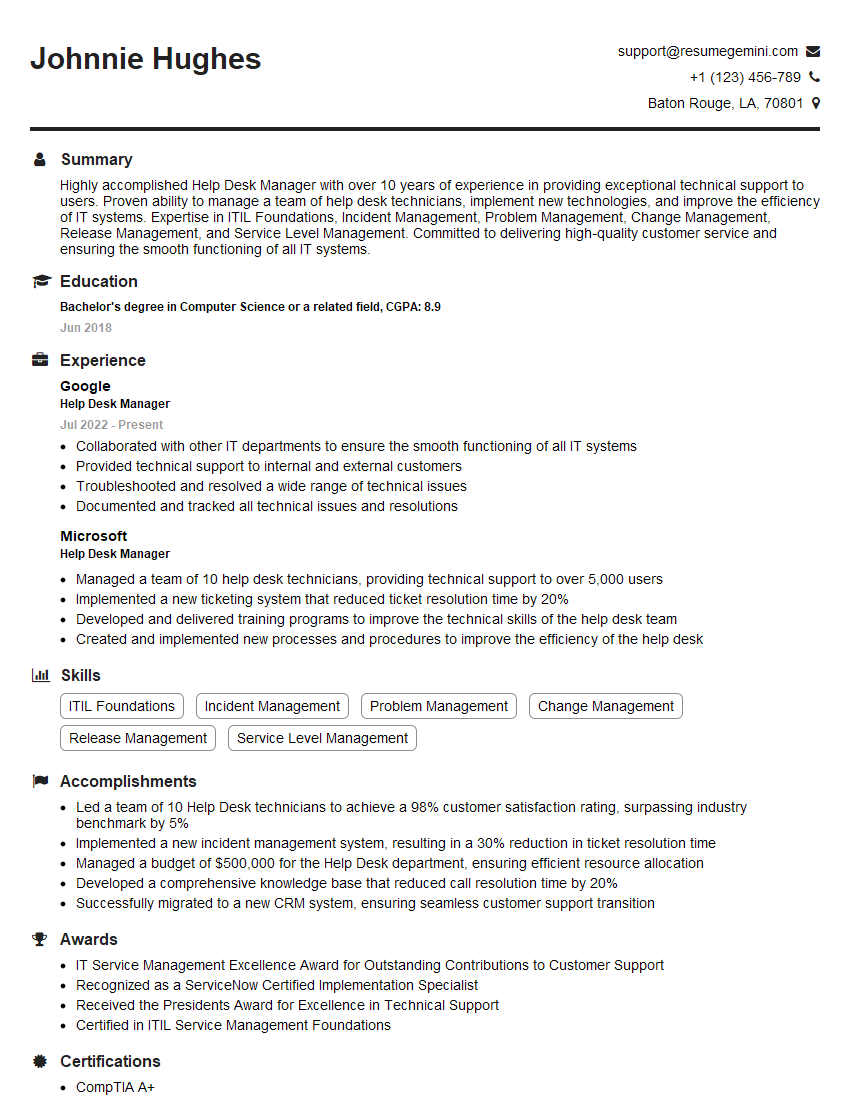
Help Desk Manager Resume Sample
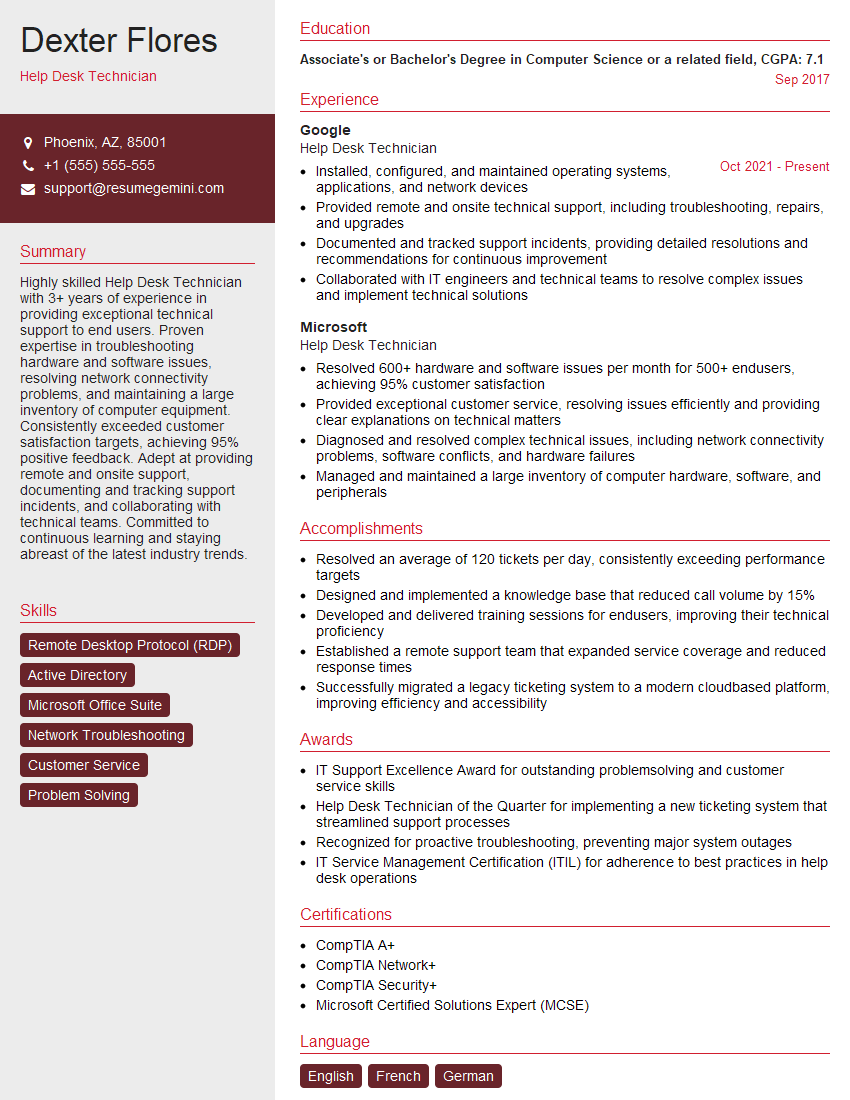
Help Desk Technician Resume Sample
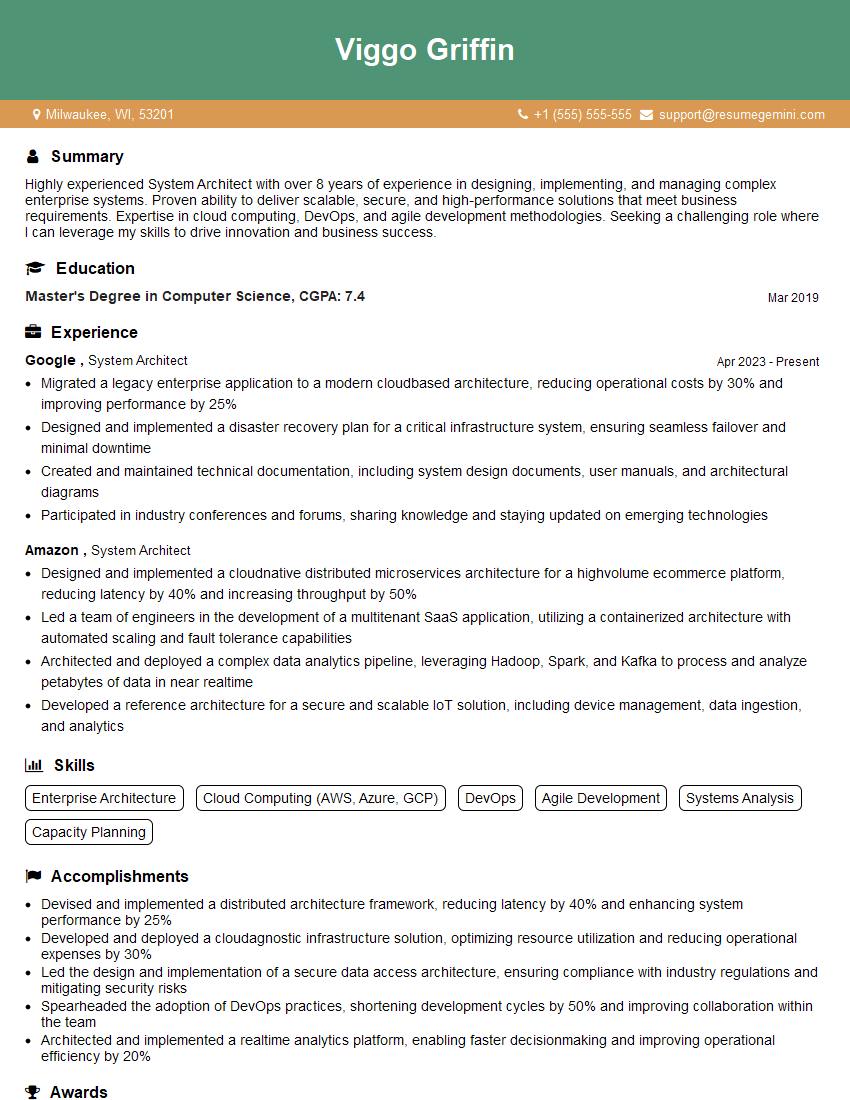
System Architect Resume Sample

IT Manager Resume Sample

Field Service Engineer Resume Sample

Hardware Engineer Resume Sample
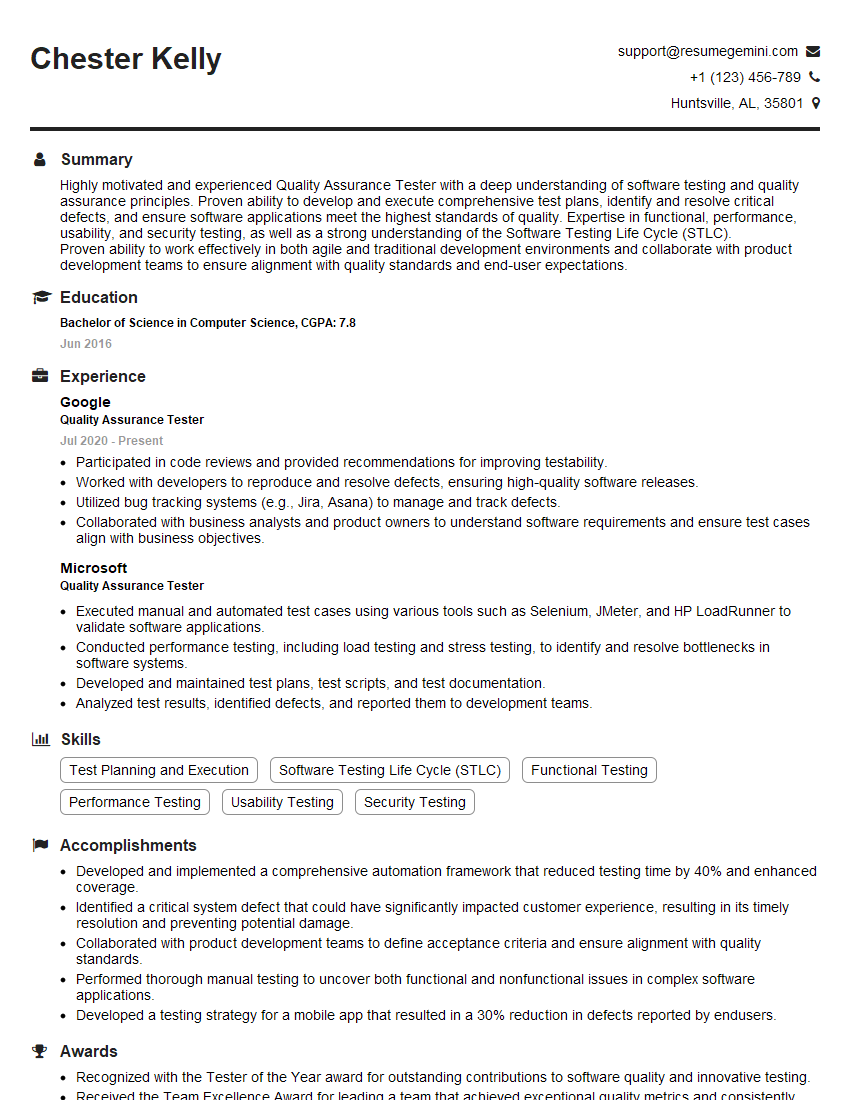
Quality Assurance Tester Resume Sample

Database Administrator Resume Sample

DevOps Engineer Resume Sample

Cloud Engineer Resume Sample

Cybersecurity Analyst Resume Sample
- Principal Engineer
- Technical Project Manager
- Network Engineer
- Solutions Architect
- System Administrator
- Technical Support Specialist
- Help Desk Manager
- Help Desk Technician
- System Architect
- IT Manager
- Field Service Engineer
- Hardware Engineer
- Quality Assurance Tester
- Database Administrator
- DevOps Engineer
- Cloud Engineer
- Cybersecurity Analyst
Explore more articles
Users Rating of Our Blogs
Share Your Experience
We value your feedback! Please rate our content and share your thoughts (optional).
What Readers Say About Our Blog
Very informative content, great job.
good