Cracking a skill-specific interview, like one for Understanding of printing press operations, requires understanding the nuances of the role. In this blog, we present the questions you’re most likely to encounter, along with insights into how to answer them effectively. Let’s ensure you’re ready to make a strong impression.
Questions Asked in Understanding of printing press operations Interview
Q 1. Describe your experience with different types of printing presses (offset, digital, flexographic).
My experience encompasses a wide range of printing press technologies, including offset, digital, and flexographic printing. Offset lithography, the workhorse of commercial printing, forms the core of my expertise. I’ve worked extensively with both sheetfed and web offset presses, understanding the nuances of perfecting color registration and achieving high-volume output. My experience with digital printing includes working with high-speed inkjet and toner-based systems, ideal for short-run, personalized projects and quick turnaround times. These presses offer incredible versatility but require a keen understanding of media compatibility and workflow optimization. Finally, my exposure to flexographic printing provides me with a solid understanding of its application in packaging and label production, specializing in the intricacies of rotary printing and the use of flexible printing plates.
For example, on a recent project requiring personalized invitations, I leveraged the speed and cost-effectiveness of digital printing to meet a tight deadline. For a large-scale magazine print run, however, offset lithography was the clear choice due to its superior quality and cost-efficiency at high volumes.
Q 2. Explain the setup and operation of a sheetfed press.
Setting up a sheetfed press is a precise process. It begins with the prepress stage, where the plates—carrying the image—are mounted onto the press cylinders. Careful alignment is crucial, ensuring perfect registration of color throughout the print run. Next, the paper stock is loaded, its size and type carefully matched to the job specifications. Ink fountains are then adjusted to the desired color profile, and the ink viscosity is checked to ensure smooth transfer. After performing test prints and making necessary adjustments, the press is ready for full-scale production. Operation involves monitoring the press’s performance, maintaining consistent speed and ink levels, and addressing any issues that arise. Regular checks for misregistration, color consistency, and paper jams are vital.
Think of it like baking a cake: the prepress is like preparing the ingredients and the setup is like assembling your cake pans and oven. The operation is the actual baking process, where constant monitoring ensures a perfectly baked result.
Q 3. How do you ensure consistent color accuracy in printing?
Color accuracy is paramount. We achieve this through a multi-step process. First, we use color management software to standardize the color profiles across different stages, from design to final output. Secondly, we employ color calibration tools, such as spectrophotometers, to accurately measure and adjust colors during prepress and on press. This involves creating color swatches and comparing them to the target values. We maintain strict quality control, utilizing color bars on each sheet to monitor color consistency. Finally, we use standardized color systems, such as Pantone or CMYK, to ensure consistency across different print runs and across different printers.
Imagine a painter trying to recreate a masterpiece. They need the right colors, carefully mixed and applied, to match the original. We do the same thing with printing, using technology to replicate colors accurately.
Q 4. What are the common causes of printing defects, and how do you troubleshoot them?
Printing defects can stem from various sources. Common culprits include improper plate mounting leading to misregistration, incorrect ink viscosity resulting in uneven color distribution, issues with the paper stock such as moisture content variations or damage leading to poor print quality, and mechanical problems like worn rollers or faulty sensors. Troubleshooting involves a systematic approach: start by examining the printed output for patterns, identifying the source (e.g., consistent smudging points to a roller problem, while random streaks suggest ink issues).
For instance, consistent misregistration often points to an issue with plate alignment, requiring adjustments to the press cylinders. Uneven color could necessitate an adjustment of the ink fountain or viscosity. Using a process of elimination, combined with an understanding of the press’s mechanics and the printing process, leads to effective problem solving.
Q 5. Describe your experience with prepress procedures.
My prepress experience is extensive, covering all aspects from digital file preparation and image correction to color proofing and platemaking. I’m proficient in using various software applications for image manipulation and imposition, ensuring that files are properly formatted for optimal printing results. I’m also adept at creating color separations, proofing methods, and checking for resolution and trapping issues. My experience includes handling different file formats and optimizing them for different printing methods.
For example, I routinely work with Adobe Illustrator and Photoshop to ensure that images are correctly sized, color corrected, and prepared for the chosen printing process. The attention to detail during prepress is critical for a smooth and efficient print production.
Q 6. How do you maintain and perform preventative maintenance on a printing press?
Preventative maintenance is crucial for optimal press performance and longevity. It involves a regular schedule of inspections and cleaning. This includes regularly cleaning rollers, dampening systems, and ink fountains to prevent build-up and maintain consistent quality. Lubrication of moving parts is also vital, and regular checks of sensors and other components ensure optimal functioning. More extensive maintenance, including adjustments and potential part replacements, is performed at scheduled intervals. We maintain detailed records of all maintenance activities, tracking potential issues and enabling proactive problem resolution.
Think of it as regular servicing for a car; regular checks and maintenance extend its life and performance.
Q 7. Explain the importance of maintaining proper ink levels and viscosity.
Maintaining proper ink levels and viscosity is critical for consistent print quality. Insufficient ink leads to light prints and uneven coverage. Excessive ink leads to smudging and slow drying times. Ink viscosity, or thickness, directly impacts its transfer to the substrate. Too thick, and the ink won’t flow properly. Too thin, and it’ll be too runny. We constantly monitor ink levels, using automated systems where possible. We also carefully check viscosity using specialized tools, adjusting the ink with additives as needed to maintain the correct consistency. Consistent monitoring prevents defects and ensures color accuracy throughout the print run.
It’s akin to baking a cake; the right amount of ingredients and the proper consistency are crucial for a delicious outcome. Similarly, proper ink levels and viscosity are critical for a high-quality print job.
Q 8. How do you handle paper jams and other press malfunctions?
Handling paper jams and malfunctions on a printing press requires a systematic approach. It’s not just about fixing the immediate problem; it’s about understanding the root cause to prevent recurrence. First, I always ensure the press is safely turned off and locked out before attempting any repair. Then, I carefully identify the type of jam – is it a single sheet, a large clump, or a problem with the paper feed? Each requires a different approach.
- Single-sheet jams: These are usually straightforward. I gently remove the jammed sheet, ensuring no damage to the rollers or other components. I then inspect the paper path for obstructions and ensure the paper is correctly aligned.
- Multiple-sheet jams: These necessitate a more careful approach. I’ll remove the jammed sheets one by one, taking care not to tear them and potentially damage the press. I’ll often check the paper feed tray for any misaligned or bent sheets that could be causing the problem.
- Feed mechanism malfunctions: Problems like rollers not turning or sensors malfunctioning require more in-depth troubleshooting. This might involve checking roller tension, cleaning sensor lenses, or even consulting the press’s manual or contacting technical support.
Beyond paper jams, other malfunctions could include ink problems (clogging, uneven distribution), plate issues (damage, incorrect alignment), or motor failures. My approach always involves systematic troubleshooting: checking the obvious first, then progressively investigating more complex components. Thorough documentation of each problem and solution is crucial for future reference and preventative maintenance.
Q 9. What safety procedures do you follow when operating a printing press?
Safety is paramount when operating a printing press. My procedures start before I even touch the machine. I always inspect the area for any potential hazards, ensure the floor is clear, and verify all safety guards are in place. Before powering on, I check that all moving parts are clear and that no tools are left inside the press.
- Personal Protective Equipment (PPE): I always wear appropriate safety glasses, hearing protection, and, depending on the situation, gloves to protect my hands from ink or sharp objects.
- Lockout/Tagout Procedures: Before any maintenance or repair, I follow strict lockout/tagout procedures to isolate power and prevent accidental start-up. This is non-negotiable for safety.
- Emergency Shutdown: I’m familiar with the location and operation of the emergency stop buttons on the press and how to safely shut down the machine in case of an emergency.
- Proper Lifting Techniques: Printing involves heavy materials like paper rolls and plates; I always use proper lifting techniques to avoid injuries.
Regular training and adherence to the company’s safety guidelines are essential for maintaining a safe working environment. Reporting any near misses or incidents is also critical for continuous improvement of safety procedures.
Q 10. Describe your experience with different types of printing inks.
My experience encompasses a wide range of printing inks, from conventional offset inks to UV-curable and water-based inks. Each has its own properties and applications.
- Offset Inks: These are the most common type used in offset lithography. They are oil-based and require a specific balance of viscosity and tack to transfer effectively to the paper. I’ve worked with various formulations, each designed for different paper types and printing speeds.
- UV-Curable Inks: These inks cure instantly upon exposure to ultraviolet light. This offers advantages such as faster drying times and the ability to print on non-porous substrates, making them ideal for specialized applications like packaging. I have hands-on experience with the associated safety protocols and equipment maintenance for these inks.
- Water-Based Inks: These are environmentally friendly alternatives to oil-based inks, using water as a solvent. They are often used in food packaging or applications where low-odor and eco-consciousness are essential. I’m familiar with the challenges of achieving vibrant color and proper drying with this type of ink.
I understand the importance of selecting the right ink for the job based on the substrate, desired print quality, drying time, and environmental considerations. Experience with ink mixing and color matching is also vital to my skillset.
Q 11. What is your understanding of color profiles (e.g., CMYK, Pantone)?
Color profiles are crucial for accurate color reproduction in printing. They define the relationship between the colors represented digitally and how they should appear in the final printed output. Two common color profiles are CMYK and Pantone.
- CMYK: This is a subtractive color model, where Cyan, Magenta, Yellow, and Key (Black) inks are combined to create a range of colors. I am adept at understanding how variations in CMYK values affect the final color appearance and how to achieve consistent results. I routinely use color management software to adjust these values to match client specifications. For example, a slight increase in cyan might shift a color towards a cooler tone.
- Pantone: This is a spot color system using premixed inks with specific color formulas. Pantone provides a consistent color across different printing presses and processes. This is particularly useful for brand consistency where accurate color matching is vital. I’m experienced in specifying and utilizing Pantone colors and in working with clients’ provided Pantone specifications.
My expertise lies in effectively converting between different color spaces and ensuring a close match between the digital design and the final printed piece. This requires a deep understanding of how different devices (screens, printers) interpret color and how to calibrate them to minimize discrepancies.
Q 12. How familiar are you with different types of substrates (paper, cardstock, etc.)?
My experience with substrates is extensive, spanning various types of paper, cardstock, and other materials used in printing. Substrate selection is crucial, impacting the final print quality, cost, and overall aesthetic.
- Paper: I’m familiar with different paper weights (gsm – grams per square meter), finishes (coated, uncoated, textured), and types (offset, book, cover). The choice of paper is crucial for achieving the desired print quality and feel. For instance, a heavier weight paper will provide a more luxurious feel but might impact the cost.
- Cardstock: I have experience working with various thicknesses and finishes of cardstock, frequently used for business cards, brochures, and postcards. Cardstock selection is important for durability and print stability.
- Specialty Substrates: Beyond standard paper and cardstock, I’ve worked with substrates such as canvas, plastics, and vinyl, understanding the specific requirements for ink adhesion and printing techniques for each.
I understand that different substrates require different printing techniques and ink formulations. For example, coated paper typically produces crisper images than uncoated paper, but coated papers may have issues with ink feathering if not properly set up. Experience with selecting and optimizing substrates to match the client’s design and budget is one of my core competencies.
Q 13. How do you ensure the quality of printed materials meets client specifications?
Ensuring the quality of printed materials is a multi-step process that starts long before the press even begins to run. It involves careful pre-press checks and rigorous quality control throughout the entire printing process.
- Proofing and Color Matching: I utilize different proofing methods, including soft proofs (digital proofs) and hard proofs (physical prints on the same type of paper as the final job), ensuring that the colors and design elements align with the client’s expectations. Color calibration and accurate proofing techniques are critical to meet client specifications.
- Press Checks and Adjustments: Throughout the printing process, I regularly check the output for color accuracy, registration (alignment of colors), and overall print quality. I am adept at making necessary adjustments to the press settings to correct any deviations and maintain consistent quality.
- Post-Press Inspection: Even after printing, a thorough inspection is required to ensure that there are no defects such as smudging, misfeeds, or other issues. I am responsible for flagging any problems and deciding on an appropriate course of action (reprinting, trimming, or other corrections).
- Communication with the Client: Clear and regular communication with clients is essential throughout the process. I provide updates on progress and address any concerns promptly. This ensures that any issues are addressed promptly and efficiently.
My experience allows me to identify potential problems early on and proactively address them, saving time and resources. I am familiar with various quality control metrics and standards, ensuring that the final product consistently meets the client’s expectations.
Q 14. What is your experience with imposition and platemaking?
Imposition and platemaking are crucial pre-press stages that directly impact the efficiency and quality of the final printed output.
- Imposition: This involves arranging pages of a document in a specific layout on a printing sheet so that when the sheet is printed and folded, the pages appear in the correct sequence. I’m proficient in using imposition software to create efficient layouts for various formats, minimizing waste and maximizing productivity. Understanding the different folding mechanisms and their implications on the imposition is key to my success.
- Platemaking: This is the process of creating printing plates that carry the image to be printed. I have experience with various platemaking techniques, including Computer-to-Plate (CTP) systems, which allow for direct digital imaging of plates. This improves efficiency and reduces errors compared to traditional methods. I am well-versed in the maintenance and troubleshooting of CTP equipment.
My skills in both imposition and platemaking contribute directly to optimizing print runs, reducing waste, and ultimately delivering high-quality printed materials that meet client expectations. For instance, I can efficiently arrange pages to optimize the usage of the printing sheet, thereby minimizing paper waste and reducing the overall cost for the client.
Q 15. Explain your understanding of different finishing techniques (e.g., cutting, folding, binding).
Finishing techniques are crucial for transforming printed sheets into a final, marketable product. They encompass a range of processes, each adding value and enhancing the presentation. Let’s look at some key methods:
- Cutting: This involves precisely trimming printed sheets to the desired size and shape using guillotine cutters or die-cutting machines. Die-cutting allows for intricate shapes and designs, often seen on business cards or promotional materials. For example, I’ve used die-cutting to create custom-shaped brochures for a client that perfectly matched their brand logo.
- Folding: Folding transforms flat sheets into various configurations like leaflets, brochures, or booklets. Different folding patterns (e.g., half-fold, letter fold, roll fold) are selected based on the desired format and the number of panels. I once had to troubleshoot a complex 8-panel gatefold brochure, requiring careful planning and precise machine settings to achieve a clean, professional finish.
- Binding: This secures multiple printed sheets together, creating books, magazines, or reports. There are various binding options, including:
- Saddle Stitch: Staples are used to fasten folded sheets, ideal for smaller booklets.
- Perfect Binding: The edges of the sheets are glued together, resulting in a smooth spine, commonly used for softcover books.
- Case Binding: A separate cover is attached to a block of sheets, creating a robust and professional finish, typical of hardback books.
- Spiral Binding (Coil Binding): Plastic or metal coils are inserted through punched holes, offering a flexible and easy-to-turn option for reports or calendars.
Choosing the right finishing technique depends on the type of print job, its intended purpose, and the desired aesthetic.
Career Expert Tips:
- Ace those interviews! Prepare effectively by reviewing the Top 50 Most Common Interview Questions on ResumeGemini.
- Navigate your job search with confidence! Explore a wide range of Career Tips on ResumeGemini. Learn about common challenges and recommendations to overcome them.
- Craft the perfect resume! Master the Art of Resume Writing with ResumeGemini’s guide. Showcase your unique qualifications and achievements effectively.
- Don’t miss out on holiday savings! Build your dream resume with ResumeGemini’s ATS optimized templates.
Q 16. How do you manage and track printing jobs efficiently?
Efficient job management is vital in the printing industry. I utilize a combination of methods to track and manage projects effectively. This typically involves:
- Project Management Software: I use software like [mention a specific software, e.g., Print MIS systems, or even more general project management tools like Asana or Trello] to create detailed job tickets, track deadlines, allocate resources, and monitor progress. This allows me to easily see the status of each job at a glance.
- Detailed Job Tickets: Each job ticket includes client specifications, quantities, materials, finishing requirements, deadlines, and assigned personnel. This level of detail ensures everyone is on the same page, minimizing errors and misunderstandings.
- Regular Check-ins and Communication: Regular communication with clients and team members is key to addressing any potential issues early. I schedule regular check-ins to review progress, address concerns, and make necessary adjustments to the schedule.
- Inventory Management: Tracking inventory levels of paper, ink, and other consumables ensures we have enough materials to complete projects on time and prevents unexpected delays.
By combining these strategies, I’ve consistently met project deadlines and maintained high levels of customer satisfaction.
Q 17. What software are you proficient in using for print production?
My software proficiency spans a range of applications crucial for print production. I am expert in:
- Adobe Creative Suite (Photoshop, Illustrator, InDesign): Essential for pre-press work, including image editing, vector graphics creation, and layout design. I use these to prepare files for optimal printing quality and ensure they meet the specifications of various printing presses.
- RIP Software (e.g., Fiery, Harlequin): Used to process digital files and send them to the printing press. This includes color management and other pre-press tasks. I have a deep understanding of how different RIP software configurations affect color accuracy and print quality.
- Print Management Information Systems (MIS): These systems are indispensable for managing jobs, tracking costs, and generating reports. I am proficient in using such systems to streamline workflows and improve overall efficiency.
- File Management & Automation Tools: I utilize various tools to automate repetitive tasks, such as automated preflight checks to ensure files are print-ready, and file conversion for compatibility across different systems.
My experience with this software allows me to effectively prepare files, manage color, and optimize the printing process for excellent results.
Q 18. How do you handle unexpected production delays or issues?
Unexpected delays and issues are inevitable in print production. My approach involves a systematic problem-solving process:
- Identify the root cause: Thoroughly investigate the cause of the delay, whether it’s equipment malfunction, material shortage, or a design error.
- Assess the impact: Determine the extent of the delay and its effect on deadlines and client expectations.
- Develop a mitigation plan: This could involve re-allocating resources, finding alternative suppliers, or working overtime to catch up. The solution depends heavily on the nature of the problem, but it always prioritizes open communication with the client.
- Communicate proactively: Keep the client informed about the delay, the steps being taken to resolve it, and the revised timeline. Transparency is key to maintaining trust and managing expectations.
- Document the incident: Record the issue, the corrective actions taken, and the lessons learned to prevent similar problems in the future.
For example, I once encountered a paper jam that temporarily halted production. By quickly identifying the cause (a misaligned paper tray), making the necessary adjustments, and promptly communicating the minor delay to the client, I minimized the impact on the project.
Q 19. Describe your experience with quality control checks throughout the printing process.
Quality control is paramount in printing. My experience includes implementing checks at various stages:
- Pre-press checks: This involves verifying that files are correctly formatted, color profiles are accurate, and images are high-resolution. I use automated preflight checks and visual inspections to catch potential problems before they reach the press.
- Proofing: I produce color proofs to ensure the printed output accurately matches the design. This involves using different proofing methods depending on the required accuracy (soft proofs, hard proofs).
- Press checks: Regular checks during the printing process monitor color consistency, registration, and image sharpness. Adjustments are made as needed to maintain optimal print quality.
- Post-press checks: After finishing, I inspect the final product for defects like miscuts, misfolds, or binding issues. This ensures that the client receives a flawless product.
- Statistical Process Control (SPC): I also utilize SPC to monitor key metrics throughout the process and identify trends that may indicate potential problems.
I always maintain meticulous records of these checks for traceability and to support continuous improvement in our processes.
Q 20. What is your understanding of different printing processes (e.g., screen printing, digital printing)?
Different printing processes cater to various needs and applications. Here are some key examples:
- Screen Printing: A stencil-based process that forces ink through a mesh screen onto a substrate. It’s suitable for high-volume production of apparel, signage, and promotional materials. It excels in producing vibrant colors and high-opacity prints on various materials, but it’s less versatile than other methods for complex designs or fine details.
- Digital Printing (e.g., inkjet, toner-based): A direct-to-substrate process that uses digital data to print images. It’s ideal for short-run, customized printing, and variable data printing, making it suitable for personalized marketing materials, on-demand books, and promotional items. This method allows for cost-effective production of smaller print runs, especially when personalization is involved. However, the cost per unit can be higher for large quantities compared to offset printing.
- Offset Printing (Lithography): A high-volume process that transfers ink from a plate to a rubber blanket and then to the substrate. It’s known for its high-quality results, consistency, and cost-effectiveness for large print runs. It’s used for magazines, books, brochures, and packaging, where consistency across thousands of pages is crucial. However, its high setup cost makes it less suited for smaller print quantities.
The best printing process depends on factors like quantity, budget, design complexity, and substrate.
Q 21. How do you interpret and follow complex printing instructions?
Interpreting complex printing instructions requires attention to detail and a thorough understanding of printing terminology and processes. My approach involves:
- Careful Review: I meticulously examine all instructions, specifications, and accompanying design files. This includes checking for details such as color profiles, paper stock, finishing requirements, and deadlines.
- Clarification: If any aspect of the instructions is unclear or ambiguous, I seek clarification from the client or design team before proceeding.
- Technical Expertise: My experience with various printing processes and software allows me to interpret specialized terms and technical specifications, ensuring they’re correctly implemented.
- Pre-flight checks: Before commencing the printing process, I run comprehensive preflight checks using specialized software to catch any potential errors or inconsistencies in the design files.
- Communication: Maintaining open communication throughout the process helps prevent misunderstandings and ensures everyone is on the same page.
For instance, I once received a job order with intricate color matching requirements. By carefully interpreting the color specifications and utilizing my knowledge of color management software, I was able to achieve the desired colors accurately, resulting in a successful project.
Q 22. Explain your problem-solving skills in a printing press environment.
In a printing press environment, problem-solving is about quickly identifying the root cause of an issue and implementing effective solutions, minimizing downtime and ensuring quality. My approach is systematic. I begin by meticulously examining the problem, gathering data from various sources – the press operator’s log, the job specifications, the print itself – to pinpoint the source. For example, if we’re experiencing banding on a print job, I wouldn’t jump to conclusions about ink issues. I would systematically check the rollers, the dampening system, the paper stock, and even the printing plates for inconsistencies. Once identified, I implement the solution, and importantly, I document the issue and resolution for future reference, preventing repetition. This avoids wasting time and materials on trial-and-error, a crucial aspect of efficient press operation.
A specific example would be a recent incident where we had a significant increase in paper jams on a high-speed press. My analysis revealed that the paper wasn’t being properly fed due to slight inconsistencies in the paper’s moisture content. By adjusting the feeder settings and implementing a more rigorous quality control check on incoming paper, we significantly reduced the jams and maintained production schedules.
Q 23. Describe your experience working with a team in a fast-paced production setting.
Working in a fast-paced production setting demands seamless teamwork. My experience emphasizes clear communication, mutual respect, and shared responsibility. I thrive in collaborative environments where we leverage each team member’s expertise. For example, during peak production periods, I’ve coordinated effectively with pre-press, press operators, and post-press teams to manage multiple jobs simultaneously, ensuring timely completion while adhering to the highest quality standards. We often use daily briefings to identify potential bottlenecks and proactively address challenges, like material shortages or equipment malfunctions. This proactive approach maintains workflow and minimizes delays.
In one instance, we faced a tight deadline for a large volume print job. By openly communicating the challenges and delegating tasks effectively—pre-press ensuring the plates were ready, press operators monitoring color consistency, and post-press managing the finishing – we completed the job ahead of schedule and to the client’s satisfaction. This success highlights the importance of collaborative spirit and effective delegation in a fast-paced production environment.
Q 24. How do you stay updated on the latest printing technologies and industry trends?
Staying updated in the dynamic printing industry is essential. I actively participate in industry conferences and workshops, attending webinars and trade shows to learn about advancements in printing technologies, sustainable practices and new market trends. I also subscribe to relevant industry publications and regularly follow online forums and communities dedicated to printing. This ensures I’m abreast of the latest developments in areas like digital printing, wide-format printing, and sustainable ink technologies.
Furthermore, I proactively seek training opportunities to enhance my skills and knowledge base. For instance, I recently completed a certification course on advanced color management, significantly improving my ability to accurately match colors and resolve color discrepancies. Continuous learning is critical to remaining a valuable asset in this ever-evolving field.
Q 25. What is your understanding of print finishing equipment and operations?
Print finishing encompasses the processes that transform printed sheets into the final product. My understanding extends across various equipment and operations, including cutting, folding, binding, laminating, and die-cutting. I’m familiar with different types of finishing equipment, such as guillotines, folders, perfect binders, saddle stitchers, and die-cutting presses. Knowing the capabilities and limitations of each machine is crucial for selecting the most appropriate method for a given job and optimizing the efficiency of the finishing process.
For example, understanding the differences between different binding methods—like perfect binding, saddle stitching, and wire-o binding—allows me to advise clients on the best option for their project based on factors like page count, budget, and desired aesthetic. I also possess practical experience troubleshooting common finishing equipment malfunctions and maintaining the equipment’s optimal performance.
Q 26. What are the key performance indicators (KPIs) you monitor in a pressroom?
Key Performance Indicators (KPIs) in a pressroom are vital for monitoring efficiency, productivity, and quality. The specific KPIs we track can vary based on the printing process and the client’s requirements. However, some common ones include:
- Press Speed and Uptime: Measuring the speed at which the press runs and the percentage of time it’s actively producing prints. Downtime due to malfunctions or issues is tracked and analyzed.
- Waste Rate: Monitoring the amount of wasted paper and ink, aiming for consistent reduction.
- Color Consistency: Measuring the accuracy of color reproduction against the target specifications, ensuring consistent quality.
- Print Quality: Assessing metrics like sharpness, registration, and overall print clarity, using standardized quality control checks.
- Production Costs: Tracking the total cost per unit produced to ensure profitability.
Regularly monitoring and analyzing these KPIs helps to identify areas for improvement and optimize the overall efficiency and profitability of the pressroom.
Q 27. Describe your experience with waste reduction and cost optimization in printing.
Waste reduction and cost optimization are paramount in the printing industry. My experience involves implementing various strategies to minimize waste and maximize efficiency. This includes optimizing press settings to reduce paper waste, implementing preventive maintenance schedules to minimize downtime, and implementing a rigorous quality control system to reduce errors and reprints.
For example, we implemented a ‘first-off’ inspection procedure, carefully examining the first few prints from each job to identify and correct any errors early on, thereby preventing large-scale waste. We also actively monitor ink usage and explore options for more efficient ink delivery systems. Furthermore, we participate in programs focused on sustainable printing practices, such as using recycled paper and eco-friendly inks. Through these efforts, we have consistently reduced waste and lowered production costs while upholding high-quality standards.
Q 28. How would you handle a situation where a client’s print job has significant color inconsistencies?
Significant color inconsistencies in a client’s print job require a methodical approach. The first step would be to carefully examine the print itself, noting the specific areas and types of color discrepancies. Next, I would retrace the printing process, checking every stage from the original artwork and digital proofs through to the printing plates, the press settings (ink densities, dampening, etc.), and the final output. This allows us to isolate the source of the issue.
Possible causes could range from problems with the digital file (incorrect color profiles), inconsistencies in ink mixing, issues with the press calibration, or even problems with the paper stock. Once the root cause is identified, corrective actions would be implemented. This might involve adjusting the press settings, re-creating the printing plates, or working with the client to revise the original artwork. Open communication with the client throughout the process is crucial to keeping them informed and ensuring a satisfactory resolution. We would then conduct thorough testing to confirm that the issue is resolved before proceeding with the full print run, preventing a large-scale problem.
Key Topics to Learn for Understanding of Printing Press Operations Interview
- Press Types and Their Applications: Understand the differences between offset, digital, flexographic, and screen printing presses. Be prepared to discuss the advantages and disadvantages of each, and when you’d choose one over another for a specific job.
- Color Management and Calibration: Explain the importance of color profiles, proofing, and color correction in achieving accurate and consistent print results. Be ready to discuss practical troubleshooting scenarios related to color mismatches.
- Pre-Press Preparation: Detail your knowledge of file preparation, including image resolution, color modes (CMYK, RGB), and imposition. Describe your experience with preflighting and trapping techniques.
- Press Setup and Operation: Demonstrate your understanding of the mechanics of a printing press, including ink distribution, paper feeding, and registration. Be ready to discuss safety procedures and maintenance practices.
- Troubleshooting and Problem Solving: Explain your approach to diagnosing and resolving common printing issues, such as color inconsistencies, misregistration, or paper jams. Highlight your ability to think critically and find solutions efficiently.
- Quality Control and Inspection: Describe your methods for ensuring print quality, including visual inspection, color measurement, and waste reduction techniques. Discuss your understanding of industry standards and quality metrics.
- Workflow and Production Management: Discuss your understanding of the overall printing process, from job scheduling and estimation to completion and delivery. Show your understanding of efficiency and meeting deadlines.
Next Steps
Mastering printing press operations opens doors to exciting career opportunities in a dynamic industry. A strong understanding of these processes is highly valued by employers and demonstrates your technical skills and problem-solving abilities. To significantly increase your chances of landing your dream job, invest time in creating a professional, ATS-friendly resume that highlights your expertise. ResumeGemini is a trusted resource that can help you build a powerful resume tailored to your experience. Examples of resumes specifically designed for candidates with expertise in understanding printing press operations are available to guide you through the process. Take the next step towards a successful career today!

Print Production Coordinator Resume Sample

Print Production Manager Resume Sample

Pressroom Supervisor Resume Sample
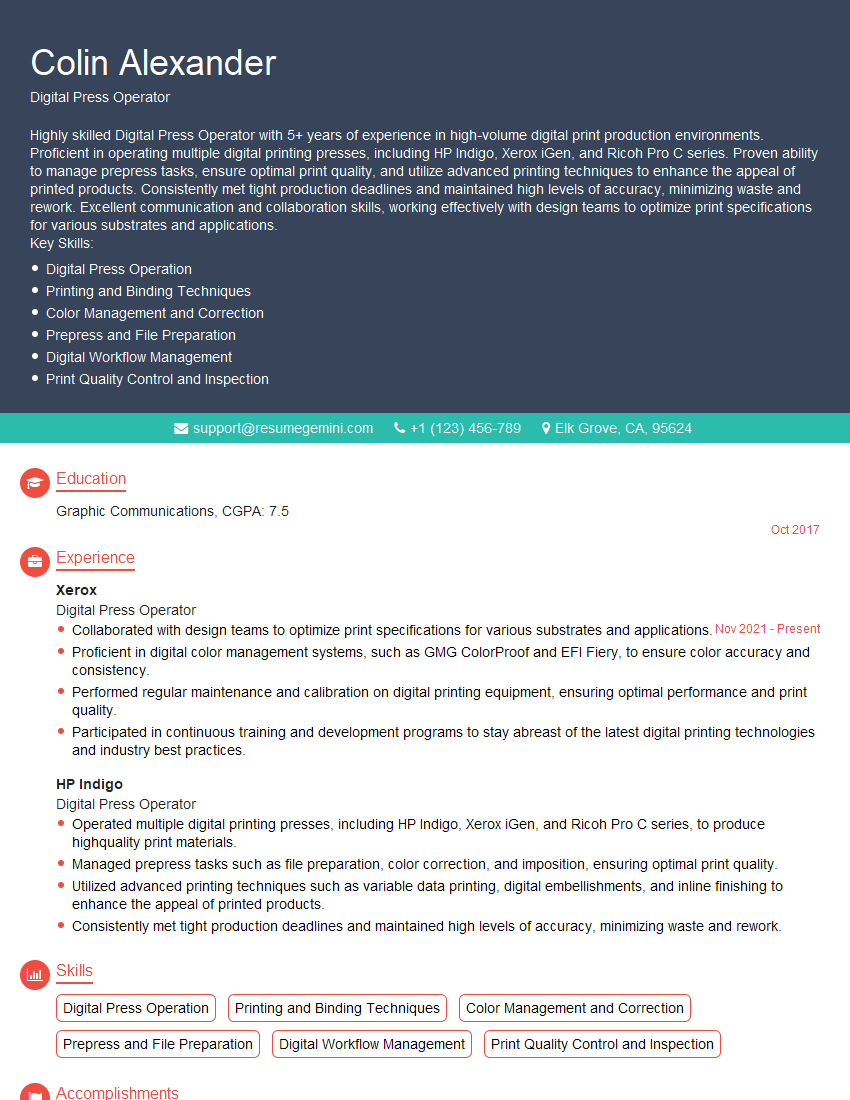
Digital Press Operator Resume Sample

Prepress Technician Resume Sample
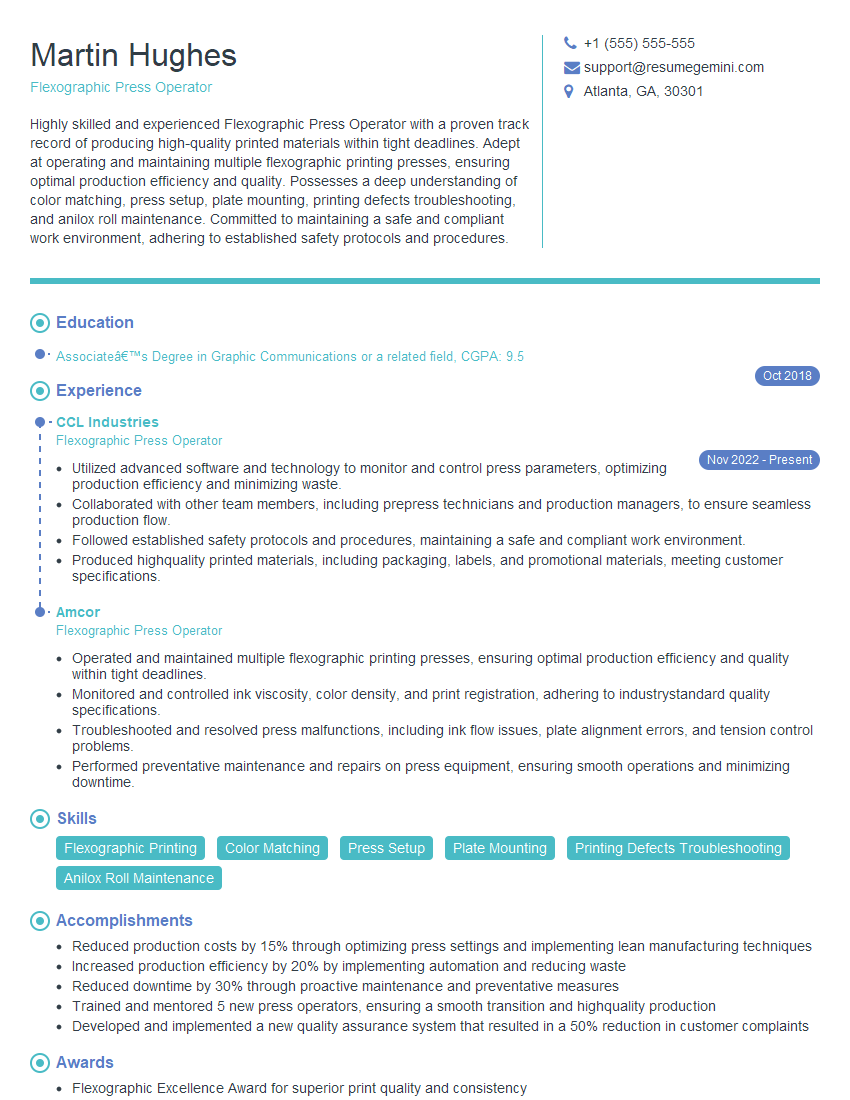
Flexographic Press Operator Resume Sample

Offset Press Operator Resume Sample
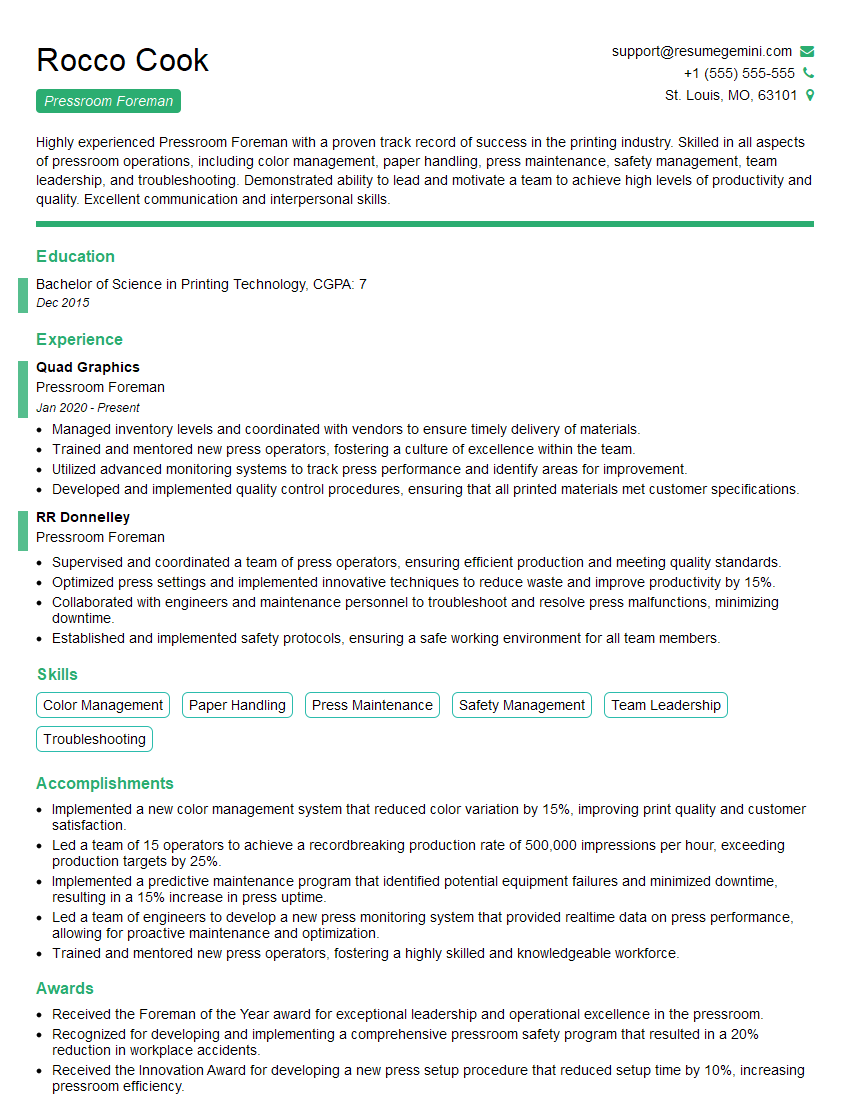
Pressroom Foreman Resume Sample
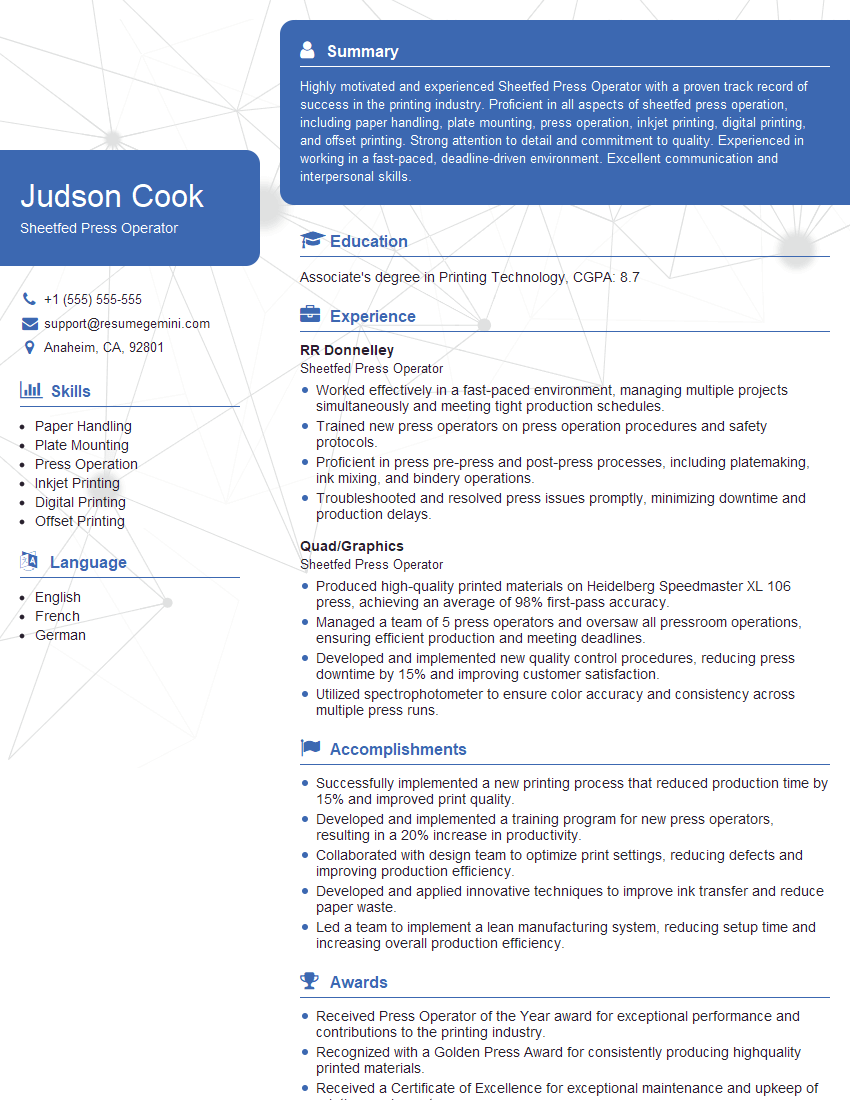
Sheetfed Press Operator Resume Sample
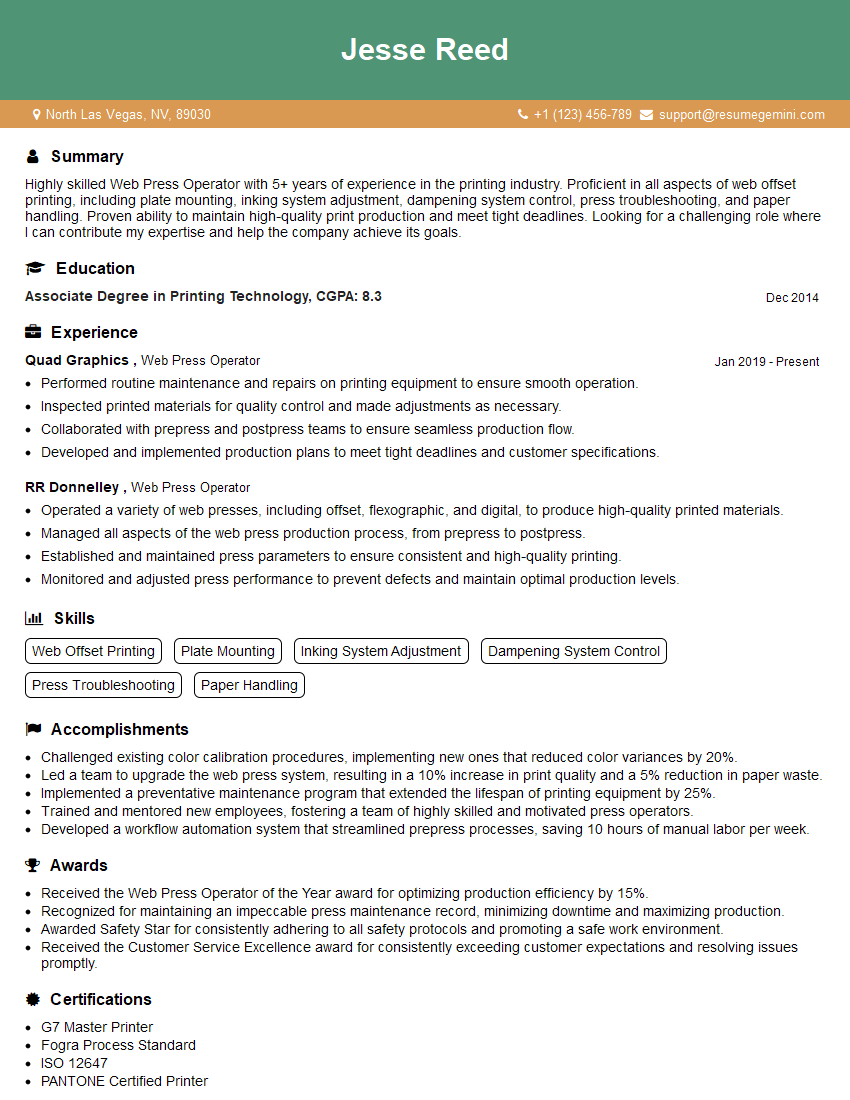
Web Press Operator Resume Sample
Explore more articles
Users Rating of Our Blogs
Share Your Experience
We value your feedback! Please rate our content and share your thoughts (optional).
What Readers Say About Our Blog
Very informative content, great job.
good