Preparation is the key to success in any interview. In this post, we’ll explore crucial Understanding of quality assurance and control procedures interview questions and equip you with strategies to craft impactful answers. Whether you’re a beginner or a pro, these tips will elevate your preparation.
Questions Asked in Understanding of quality assurance and control procedures Interview
Q 1. Explain the difference between QA and QC.
QA (Quality Assurance) and QC (Quality Control) are often confused, but they represent distinct, yet complementary, aspects of ensuring product quality. Think of QA as the prevention strategy and QC as the detection strategy.
QA is a proactive process focused on establishing and maintaining a quality system. It’s about building the right product, right from the start. This involves defining processes, standards, and guidelines for development, testing, and deployment to ensure the final product meets predefined quality requirements. It includes planning, monitoring, and improving the overall quality management system.
QC, on the other hand, is a reactive process that focuses on identifying defects after the product has been developed or a specific phase has been completed. It involves inspecting the product, testing it against predefined criteria, and identifying any deviations from the expected quality standards. This might involve testing individual components, features, or the whole system.
Analogy: Imagine baking a cake. QA is like ensuring you have all the right ingredients, the correct recipe, and a clean workspace before you begin. QC is like tasting the cake after it’s baked to ensure it meets your expectations for taste and texture. Both are crucial for a delicious cake (successful product).
Q 2. Describe your experience with different software testing methodologies (e.g., Agile, Waterfall).
I have extensive experience with both Agile and Waterfall methodologies. My experience highlights the key differences in their approach to testing.
Waterfall: In Waterfall projects, testing is typically a distinct phase that occurs after the development phase is completed. This means significant testing is concentrated at the end of the cycle, potentially leading to a higher cost of fixing defects found late. My experience in Waterfall involved rigorous test planning upfront, detailed documentation, and a structured approach to testing various modules. I used techniques like system testing and integration testing extensively.
Agile: Agile methodologies emphasize iterative development and continuous testing throughout the development lifecycle. Testing is integrated into each sprint, allowing for early detection and resolution of defects. My experience in Agile environments involved working closely with developers in short sprints, performing continuous integration testing, and utilizing techniques like Test-Driven Development (TDD) and Behavior-Driven Development (BDD). Automation plays a vital role in this rapid iterative cycle.
Example: In one project using Agile, we incorporated automated UI tests into the CI/CD pipeline. This allowed us to catch regressions early and often, preventing major issues later on. In a Waterfall project, I was involved in creating comprehensive test suites for system integration testing to ensure compatibility across modules before release.
Q 3. What are the different levels of software testing?
Software testing is often categorized into several levels, each serving a specific purpose and focusing on different aspects of the application. These levels are not mutually exclusive and often overlap.
- Unit Testing: Testing individual components or modules of the software in isolation. This is typically done by developers.
- Integration Testing: Testing the interaction between different modules or components after they’ve been unit tested. This verifies that the modules work correctly together.
- System Testing: Testing the entire system as a whole to ensure it meets the specified requirements. This involves testing the system’s functionality, performance, security, and usability.
- Acceptance Testing: Testing the system to ensure it meets the needs and expectations of the end-user or client. This often involves User Acceptance Testing (UAT) conducted by stakeholders.
- Regression Testing: Testing the system after changes have been made (e.g., bug fixes, new features) to ensure that existing functionality hasn’t been broken.
Example: In a recent project, I was involved in all levels of testing, from writing unit tests for individual API calls to performing end-to-end system testing to ensure that the user interface correctly interacted with the backend systems. This comprehensive approach helped ensure a high-quality product launch.
Q 4. What is a test plan, and what are its key components?
A test plan is a formal document that outlines the scope, objectives, methods, and procedures for testing a software application. It acts as a roadmap for the entire testing process, ensuring consistency and efficiency. It’s a crucial component for effective QA.
Key components of a test plan typically include:
- Test Scope: Defines what will be tested and what will not be tested.
- Test Objectives: Clearly states the goals of the testing process.
- Test Strategy: Describes the overall approach to testing (e.g., methodologies, techniques).
- Test Environment: Specifies the hardware, software, and network configurations required for testing.
- Test Schedule: Outlines the timeline for various testing activities.
- Test Deliverables: Lists the documents and reports that will be produced during testing.
- Test Data: Describes the data required for testing.
- Risk Assessment: Identifies potential risks and mitigation strategies.
Example: In a recent e-commerce project, our test plan meticulously outlined test cases for various scenarios like adding items to the cart, checkout process, payment gateway integration, and order management. It also included a risk assessment for potential issues with payment processing and defined mitigation plans.
Q 5. How do you write effective test cases?
Writing effective test cases requires careful planning and attention to detail. The goal is to create comprehensive, repeatable, and unambiguous test cases that effectively identify defects.
Here’s a structured approach:
- Unique Test Case ID: Assign a unique identifier for easy tracking.
- Test Case Name: Clearly and concisely describe the test case.
- Objective: State the purpose of the test case.
- Preconditions: Specify the conditions that must be met before the test can be executed.
- Test Steps: Provide a detailed step-by-step guide on how to execute the test.
- Expected Result: Describe the expected outcome of each test step.
- Actual Result: Record the actual outcome of the test.
- Pass/Fail: Indicate whether the test passed or failed.
- Notes/Comments: Add any relevant observations or comments.
Example Test Case:
Test Case ID: TC_001
Test Case Name: Verify User Login
Objective: To verify a user can successfully log in with valid credentials.
Preconditions: The application is running.
Test Steps: 1. Navigate to the login page. 2. Enter valid username. 3. Enter valid password. 4. Click the login button.
Expected Result: User is successfully logged in and navigated to the home page.
Q 6. Describe your experience with test case management tools.
I have significant experience using various test case management tools, including TestRail, Jira, and Zephyr. These tools significantly improve the efficiency and organization of the testing process.
My experience includes:
- Test Case Creation and Organization: Utilizing the tools to create, edit, and organize test cases, often using hierarchical structures to group related tests.
- Test Execution and Reporting: Tracking test execution progress, recording results, and generating comprehensive reports on test coverage and defect density.
- Requirement Traceability: Linking test cases to requirements, ensuring that all requirements are adequately covered by test cases.
- Defect Tracking Integration: Seamless integration with defect tracking systems (e.g., Jira) for efficient defect reporting and management.
- Collaboration and Reporting: Facilitating collaboration among team members and providing clear, concise reporting to stakeholders on testing progress and results.
Example: In a recent project using TestRail, we organized our test cases based on the different modules of the software. This allowed for efficient tracking of progress and identification of areas needing more attention. The built-in reporting features provided valuable insights into the overall quality of the software.
Q 7. Explain your experience with bug tracking and reporting tools.
My experience with bug tracking and reporting tools is extensive. I’ve worked with widely-used tools such as Jira, Bugzilla, and MantisBT. These tools are essential for effective defect management throughout the software development lifecycle.
My expertise includes:
- Defect Reporting: Accurately documenting defects, including detailed steps to reproduce, expected and actual results, screenshots, and log files. This ensures that developers have all the necessary information to quickly resolve the issue.
- Defect Tracking and Prioritization: Managing the lifecycle of defects from reporting to resolution, including assigning priorities and tracking their status. I’ve used various workflow schemes, including assigning severity and priority levels.
- Defect Analysis: Analyzing reported defects to identify patterns and trends, which helps in proactively preventing similar defects in future development cycles.
- Reporting and Metrics: Generating reports on defect density, resolution time, and other metrics, providing insights into the overall quality of the software and the effectiveness of the testing process.
- Collaboration and Communication: Utilizing these tools to facilitate communication and collaboration between testers and developers, ensuring efficient defect resolution and smooth project workflow.
Example: In a recent project utilizing Jira, I implemented a system where developers automatically received notifications about new defects assigned to them. This streamlined communication and expedited the process of fixing defects. The integrated reporting allowed us to closely monitor our defect resolution rate.
Q 8. How do you prioritize test cases?
Prioritizing test cases is crucial for efficient and effective testing. It’s about maximizing the value of your testing efforts by focusing on the most critical areas first. I typically use a multi-faceted approach, considering several factors:
- Risk: Test cases that address high-risk areas (e.g., core functionalities, security features) are prioritized higher. A failure in these areas could have significant consequences.
- Business Criticality: Features vital to the core business functions or user experience get precedence. For example, the checkout process in an e-commerce application is far more critical than a less-used help section.
- Test Case Coverage: I ensure a balance, prioritizing test cases that offer broad coverage of functionalities and code paths. This helps detect a wide range of issues.
- Severity: Potential impact of a failure. A critical bug that crashes the system is prioritized over a minor cosmetic issue.
- Dependencies: Test cases with dependencies on other components or modules may need to be scheduled strategically. If a particular feature requires another one to be operational, it should be tested accordingly.
- Test Case Complexity: More complex and time-consuming test cases might be prioritized based on project timelines and resources.
I often use a matrix or a spreadsheet to visually represent these priorities, assigning weights to each factor and then calculating a final priority score for each test case. Tools like Jira or TestRail also provide excellent support for test case prioritization and management.
For example, in a recent project developing a banking application, we prioritized security-related test cases above all others, due to the sensitive nature of the data. Then, we prioritized the core transaction functionalities (deposits, withdrawals, transfers) before features like account statements or reporting.
Q 9. What is the difference between black-box and white-box testing?
Black-box and white-box testing are two fundamental approaches to software testing, differing primarily in their knowledge of the internal structure and workings of the software under test.
- Black-box testing treats the software as a ‘black box,’ meaning the tester doesn’t know the internal code, logic, or structure. Testing focuses solely on inputs and outputs. Think of it like using a vending machine – you input money and select an item, and you evaluate the output (item dispensed or error message). Common techniques include functional testing, integration testing, system testing, and acceptance testing.
- White-box testing, in contrast, has full access to the internal code and structure. Testers use this knowledge to design tests that cover specific code paths, branches, and statements. Techniques include statement coverage, branch coverage, and path coverage. Imagine you’re a mechanic checking a car engine – you have complete access to all the parts and can thoroughly inspect them.
The choice between black-box and white-box testing often depends on the project’s goals and resources. Black-box testing is generally quicker and easier to implement, while white-box testing offers a more comprehensive and in-depth evaluation of code quality. Often, a combination of both approaches offers the most effective testing strategy.
Q 10. Describe your experience with different types of testing (e.g., functional, non-functional, performance).
Throughout my career, I’ve gained extensive experience across various testing types. Here are some examples:
- Functional Testing: This verifies that the software functions as specified in the requirements. I’ve used techniques like equivalence partitioning, boundary value analysis, and decision table testing to design efficient test cases. For example, in a registration form, I’d verify that the system correctly handles valid and invalid inputs, like email formats, password lengths, and character restrictions.
- Non-functional Testing: This focuses on aspects like performance, security, usability, and scalability. I have substantial experience in performance testing, using tools like JMeter to simulate user load and measure response times. I’ve also worked on security testing, identifying vulnerabilities using tools like OWASP ZAP.
- Performance Testing: This evaluates the system’s responsiveness under various loads. I’ve conducted load testing, stress testing, and endurance testing to identify performance bottlenecks and ensure the system can handle expected user traffic. During one project, we discovered a database query that was significantly slowing down the application under heavy load, which we were able to optimize after performance testing.
- Regression Testing: This is crucial in ensuring new code changes haven’t introduced new bugs. I use automated regression tests extensively, running them after each code update to confirm that existing functionalities remain unaffected.
My experience spans different methodologies including Agile and Waterfall, adapting my testing strategies to fit the project’s needs.
Q 11. How do you handle conflicting priorities in a testing project?
Conflicting priorities are a common challenge in testing. Effective handling requires clear communication, prioritization, and negotiation.
- Identify and Document Conflicts: Clearly outline the conflicting priorities, listing the stakeholders and their concerns. This creates a shared understanding of the problem.
- Analyze Impact: Evaluate the potential impact of each conflicting priority. What is the risk of not meeting each objective? Which has the higher business impact?
- Negotiation and Compromise: Engage in constructive discussions with stakeholders to find common ground. This might involve adjusting timelines, re-prioritizing tasks, or accepting a reduced scope. Sometimes, creative solutions are needed, like finding ways to partially address multiple priorities.
- Risk Assessment and Mitigation: Identify the risks associated with each decision and develop mitigation strategies. Document the decisions made, including the rationale and the anticipated risks.
- Regular Monitoring and Communication: Continuously monitor progress and communicate any changes or challenges to stakeholders. This ensures everyone is informed and any further conflicts can be addressed promptly.
For instance, in a previous project, the marketing team requested early access to the application for promotional purposes, conflicting with the development team’s need for more thorough testing. We successfully negotiated a compromise by delivering a limited version of the application to the marketing team for promotional materials, while continuing rigorous testing for the official release.
Q 12. How do you ensure test coverage?
Ensuring test coverage is critical for identifying potential issues in the software. It’s about systematically verifying that all aspects of the system have been adequately tested.
- Requirements Traceability Matrix: This matrix maps test cases to individual requirements, ensuring that all requirements are covered by at least one test case. This ensures nothing is overlooked.
- Test Case Design Techniques: Techniques like equivalence partitioning, boundary value analysis, and state transition testing help ensure comprehensive test case coverage. These techniques systematically cover different scenarios and input values.
- Code Coverage Tools: For white-box testing, code coverage tools (e.g., SonarQube, JaCoCo) measure the percentage of code that’s executed during testing. This helps identify areas where testing might be insufficient. However, high code coverage doesn’t always guarantee complete functional coverage.
- Review and Inspection: Peer reviews of test cases and test plans help ensure that the testing strategy is complete and addresses potential risks. A second pair of eyes always helps find missing aspects.
The goal is not necessarily to achieve 100% test coverage (which can be impractical and expensive), but to achieve sufficient coverage to meet the project’s risk tolerance. The level of required coverage should be defined in the test plan, balancing the cost of testing with the potential risk of undiscovered defects.
Q 13. What is risk-based testing?
Risk-based testing prioritizes testing efforts based on the potential impact and likelihood of software failures. It’s a proactive approach that focuses resources on areas with the highest risk. This helps optimize testing time and resources while maximizing the identification of critical defects.
The process typically involves:
- Risk Identification: Identify potential risks associated with the software, considering factors like functionality, security, performance, and usability. This might involve brainstorming sessions with developers, testers, and stakeholders.
- Risk Assessment: Assess the likelihood and potential impact of each identified risk. This can be done using a risk matrix that assigns a severity level based on a combination of these factors.
- Test Prioritization: Prioritize testing activities based on the risk assessment. Test cases addressing higher-risk areas are given priority, ensuring that critical functionalities are thoroughly tested first.
- Test Execution and Monitoring: Execute the tests according to the priority order and monitor the results to identify any critical defects.
- Risk Mitigation: Based on the testing results, implement necessary mitigation strategies to address identified risks and prevent future occurrences.
For example, in a medical device software project, risk-based testing would prioritize testing functionalities related to safety and accuracy, as failures in these areas could have severe consequences.
Q 14. Describe your experience with automation testing.
I have extensive experience with automation testing, using various tools and frameworks to improve testing efficiency and effectiveness. My experience covers a wide range of aspects:
- Test Automation Frameworks: I’m proficient in using frameworks like Selenium (for web applications), Appium (for mobile applications), and Cypress (for end-to-end testing). I understand the importance of choosing the right framework for the specific project and technology stack.
- Test Script Development: I can develop and maintain automated test scripts using programming languages like Java, Python, and JavaScript. I follow best practices for writing maintainable, reusable, and robust test scripts.
- Continuous Integration/Continuous Delivery (CI/CD): I have experience integrating automated tests into CI/CD pipelines using tools like Jenkins, GitLab CI, and Azure DevOps. This ensures automated tests are executed regularly as part of the software development process.
- Test Data Management: I understand the importance of managing test data effectively. This involves using techniques like data generation, data masking, and data virtualization to avoid data related issues during automation execution.
- Test Reporting and Analysis: I use reporting tools to generate comprehensive reports on test execution results, providing insights into the success rate, test coverage, and detected defects. This helps identify areas for improvement in the test automation strategy.
In a recent project, we automated around 80% of our regression test suite using Selenium and Java, significantly reducing the testing time and improving the overall software quality.
Q 15. What automation frameworks are you familiar with?
I’m proficient in several automation frameworks, each suited for different needs. For UI testing, I have extensive experience with Selenium WebDriver, a powerful framework that allows interaction with web elements across various browsers. It’s highly versatile and supports multiple programming languages. I’ve also used Cypress, a JavaScript-based framework known for its speed and ease of use, particularly beneficial for end-to-end testing. For API testing, I’m comfortable with REST-assured (Java) and Postman, leveraging their capabilities for testing RESTful APIs. Finally, for mobile testing, Appium is a framework I’ve utilized successfully to automate tests across Android and iOS platforms.
The choice of framework often depends on the project’s specific requirements, including the technology stack, testing needs, and team expertise. For example, if we’re dealing with a JavaScript-heavy frontend, Cypress’s integration would be more efficient. But if cross-browser compatibility is paramount, Selenium’s broad support makes it the preferable choice.
Career Expert Tips:
- Ace those interviews! Prepare effectively by reviewing the Top 50 Most Common Interview Questions on ResumeGemini.
- Navigate your job search with confidence! Explore a wide range of Career Tips on ResumeGemini. Learn about common challenges and recommendations to overcome them.
- Craft the perfect resume! Master the Art of Resume Writing with ResumeGemini’s guide. Showcase your unique qualifications and achievements effectively.
- Don’t miss out on holiday savings! Build your dream resume with ResumeGemini’s ATS optimized templates.
Q 16. What are your preferred programming languages for test automation?
My preferred programming languages for test automation are Java and JavaScript. Java’s robustness and extensive libraries, particularly for frameworks like Selenium and REST-assured, make it ideal for large-scale automation projects. Its object-oriented nature lends itself well to creating maintainable and reusable test code. JavaScript, on the other hand, is my go-to for front-end testing with frameworks like Cypress, as its native integration within the browser environment significantly speeds up development and execution. I’ve also worked with Python, primarily for its data science capabilities when analyzing test results. Selecting a language often hinges on existing project infrastructure and team skillsets. For instance, if a project primarily uses Java, leveraging it for automation ensures consistency and simplifies collaboration.
Q 17. How do you measure the effectiveness of your testing efforts?
Measuring the effectiveness of testing efforts involves a multi-faceted approach. Key metrics include defect density (the number of defects found per line of code or function point), defect leakage (the number of defects found in production), test coverage (the percentage of code or requirements covered by tests), and test execution time. I also monitor the time taken to resolve defects, which reveals insights into the efficiency of the development and testing processes. These metrics help us understand testing efficiency and identify areas needing improvement.
For example, a consistently high defect leakage rate suggests inadequacies in our testing strategy, potentially necessitating a review of test cases or the introduction of additional testing types like exploratory or performance testing. Conversely, consistently low defect density might suggest a highly effective process. We use dashboards and reporting tools to visualize these metrics and track trends over time, which aids in identifying and rectifying process bottlenecks.
Q 18. How do you manage test data?
Test data management is crucial for reliable and repeatable testing. My approach focuses on creating realistic, yet controlled, test data that accurately reflects the production environment without compromising sensitive information. Techniques include using test data generators to create synthetic data, masking or anonymizing real data to protect privacy, and using databases dedicated solely for testing to avoid conflicts with the live system. I also make extensive use of data-driven testing frameworks, allowing me to efficiently execute tests using various data sets. This ensures comprehensive test coverage and uncovers edge cases that might be missed with limited datasets.
For example, we could use a tool to generate thousands of realistic customer profiles, each with slightly different attributes, for testing a new payment gateway. Or we may anonymize existing customer data to test the system with real-world data scenarios, but without privacy concerns. Effective test data management saves time and resources, ensuring consistent and reliable test results.
Q 19. Explain your experience with performance testing tools.
My experience encompasses a range of performance testing tools, each suited for different aspects of performance analysis. I’m proficient in using JMeter for load testing, simulating various user loads to assess system behavior under stress. I’ve also worked with LoadRunner, another robust tool for simulating high-volume user traffic and identifying bottlenecks. For more detailed analysis, I leverage tools like Dynatrace and New Relic for monitoring application performance in real-time, providing invaluable insights into response times, resource utilization, and error rates. Choosing the appropriate tool depends on the complexity of the application, the type of performance testing needed (e.g., load, stress, endurance), and the level of detail required in the analysis. For example, if we are dealing with a complex web application, the detailed analysis from tools like Dynatrace could be crucial.
Q 20. How do you handle defects found during testing?
When defects are found, I follow a structured process to ensure prompt resolution. The first step involves logging the defect in a bug tracking system (like Jira or Bugzilla), providing detailed information including steps to reproduce, expected behavior, and actual behavior. I then assign a severity and priority level to the defect to ensure that critical issues are addressed immediately. Following this, I work closely with developers to reproduce the issue, facilitate debugging, and help ensure that fixes are thoroughly tested. Once a fix is implemented, I perform regression testing to ensure that the solution has not introduced new issues.
Clear communication and collaboration are essential throughout the process. Regular status updates and effective communication channels ensure everyone stays informed about the progress and any potential roadblocks. This collaborative approach not only streamlines the resolution process but also strengthens team cohesion and fosters a culture of continuous improvement.
Q 21. What is your experience with regression testing?
Regression testing is an integral part of my testing strategy. It involves re-running existing tests after code changes to ensure that new features or bug fixes haven’t inadvertently introduced new problems or broken existing functionality. I use a combination of automated and manual regression tests, tailoring the approach based on the extent and nature of the code changes. For example, minor changes might require only automated regression tests covering directly affected areas, while significant changes often call for more extensive testing, potentially including manual exploration.
Effective regression testing requires a well-organized test suite and a clear understanding of the changes made to the software. Prioritizing critical functionalities and leveraging test automation tools significantly improve efficiency and reduce the time required for regression testing. For instance, we may prioritize testing payment processing functionality during an update to avoid critical financial issues.
Q 22. Describe your experience with security testing.
Security testing is a crucial aspect of software quality assurance, focusing on identifying vulnerabilities and weaknesses that could be exploited by malicious actors. My experience encompasses various security testing methodologies, including penetration testing, vulnerability scanning, and security code reviews. I’ve worked on projects ranging from web applications to mobile apps and backend systems, utilizing tools like Burp Suite, OWASP ZAP, and Nessus. For example, in a recent project involving a financial application, I performed penetration testing to identify potential SQL injection vulnerabilities. I successfully identified a weakness in the input validation, which, if exploited, could have allowed unauthorized access to sensitive user data. My detailed report included the vulnerability’s severity, a proof-of-concept exploit, and remediation recommendations, ensuring the application’s security was enhanced before release.
My approach is systematic, following a risk-based methodology. I start by understanding the application’s architecture and security requirements. Then, I design and execute tests based on identified risks, covering aspects like authentication, authorization, data encryption, and input validation. Post-testing, I meticulously document my findings, providing clear and actionable recommendations for developers.
Q 23. How do you stay up-to-date with the latest QA trends and technologies?
Staying current in the rapidly evolving QA landscape is paramount. I actively engage in several strategies to achieve this. I regularly read industry publications like Software Testing Magazine and follow influential figures on platforms like LinkedIn and Twitter. I also dedicate time to online learning through platforms like Coursera and Udemy, focusing on emerging technologies like AI-powered testing and automation frameworks. Attending webinars and conferences provides invaluable opportunities to network and learn about the latest trends directly from experts. For example, recently I completed a course on Selenium 4, significantly improving my automation skills. Furthermore, I actively participate in online communities and forums where I exchange knowledge and insights with other QA professionals.
Q 24. What is your approach to resolving conflicts with developers?
Conflicts with developers are inevitable, but they can be resolved constructively through open communication and collaboration. My approach is based on empathy and a shared goal of delivering high-quality software. I believe in focusing on the issue, not the person. I start by clearly explaining my concerns, providing concrete evidence and supporting data, like test results and screenshots. I avoid accusatory language and focus on collaboratively finding solutions. For example, if a developer disagrees with a bug report, I’ll present the steps to reproduce the issue, and we’ll work together to understand the root cause. Sometimes, this involves debugging sessions or code reviews. Ultimately, our shared objective is to build a robust and reliable product, and I believe a respectful and collaborative approach is key to achieving this.
Q 25. How do you handle pressure and tight deadlines?
Handling pressure and tight deadlines is an integral part of the QA profession. I utilize several strategies to manage stress effectively and meet deadlines. Prioritization is key. I carefully analyze the test cases and prioritize based on risk and impact. This ensures that critical functionalities are tested first. I also leverage automation to reduce manual testing time. Furthermore, I proactively communicate potential risks and roadblocks to project managers, suggesting solutions and alternative approaches. For instance, if a critical feature is delayed, I might suggest focusing on regression testing of existing features to mitigate overall risk. Effective time management is also crucial, using techniques like time blocking and task breakdown to stay on track. Finally, I believe in self-care; adequate rest and breaks are essential to maintain focus and productivity under pressure.
Q 26. Describe a time you identified a critical defect that prevented a product release.
In a previous project involving an e-commerce platform, we were close to releasing a major update. During the final round of testing, I discovered a critical vulnerability in the payment gateway integration. A flaw in the input validation allowed users to manipulate the price field, leading to incorrect payment processing and potential financial losses. This was a high-severity defect that directly impacted the core functionality of the application, and if unnoticed, would have resulted in significant financial repercussions and damage to the company’s reputation. I immediately reported the issue to the development team, providing detailed steps to reproduce the vulnerability. The development team worked swiftly to implement a fix, and rigorous regression testing was performed to ensure the patch resolved the issue without causing new problems. The release was delayed to incorporate the fix, but this prevented a potentially disastrous situation.
Q 27. How do you contribute to continuous improvement within a QA team?
Contributing to continuous improvement within a QA team involves proactive engagement in various activities. I actively participate in team retrospectives, sharing my observations and proposing solutions to improve our testing processes. For example, I suggested implementing a new test management tool to streamline our workflow and enhance reporting. I also contribute to knowledge sharing by creating and maintaining documentation, including test plans, test cases, and defect reports. Furthermore, I encourage the adoption of best practices and new testing methodologies within the team. I regularly seek opportunities for professional development to improve my skills and share that knowledge with my colleagues. For example, I led a training session on automated API testing, enhancing the team’s skill set and enabling us to efficiently test a growing number of APIs.
Q 28. Describe your experience working in an Agile environment.
My experience working in an Agile environment has been extensive and highly positive. I thrive in the iterative and collaborative nature of Agile methodologies. I’m adept at participating in sprint planning, daily stand-ups, sprint reviews, and retrospectives. My testing activities are closely aligned with the sprint cycles, and I actively collaborate with developers and product owners to ensure the quality of each sprint’s deliverables. I embrace test-driven development (TDD) and utilize various Agile testing techniques, such as exploratory testing and user story testing. The short iteration cycles allow for early defect detection and faster feedback loops, leading to higher quality software. For instance, in one project using Scrum, my daily interaction with developers facilitated immediate clarification of requirements and swift resolution of issues, directly contributing to successful sprint completion.
Key Topics to Learn for Understanding of quality assurance and control procedures Interview
- Quality Assurance vs. Quality Control: Understand the fundamental differences and how they work together to ensure product or service excellence. Consider practical examples of each in different industries.
- Software Testing Methodologies: Explore various testing approaches like Agile, Waterfall, and DevOps, and discuss their impact on QA/QC processes. Be ready to discuss the advantages and disadvantages of each.
- Test Case Design & Execution: Learn how to design effective test cases, covering various testing types (unit, integration, system, user acceptance testing). Prepare to explain your approach to test case prioritization and defect reporting.
- Defect Tracking & Management: Familiarize yourself with the defect lifecycle and different bug tracking systems. Practice explaining your process for identifying, reporting, and resolving defects.
- Risk Assessment & Mitigation in QA/QC: Understand how to identify potential risks in a project and develop mitigation strategies. Be prepared to discuss proactive approaches to quality.
- Quality Metrics & Reporting: Learn how to track and analyze key quality metrics (e.g., defect density, test coverage) and present your findings effectively. Consider how data visualization can enhance reporting.
- ISO 9001 & other Quality Standards: Develop a basic understanding of relevant quality management systems and standards. Be prepared to discuss their importance in maintaining consistent quality.
- Continuous Improvement: Explore methodologies like Six Sigma and Lean for continuous improvement in QA/QC processes. Be ready to give examples of how these are applied in practice.
Next Steps
Mastering quality assurance and control procedures is crucial for career advancement in many industries. A strong understanding of these processes demonstrates valuable skills highly sought after by employers. To increase your chances of landing your dream job, invest time in crafting an ATS-friendly resume that showcases your expertise. ResumeGemini is a trusted resource that can help you build a professional and impactful resume. We provide examples of resumes tailored specifically to highlight experience in Understanding of quality assurance and control procedures, helping you present your qualifications effectively to potential employers.
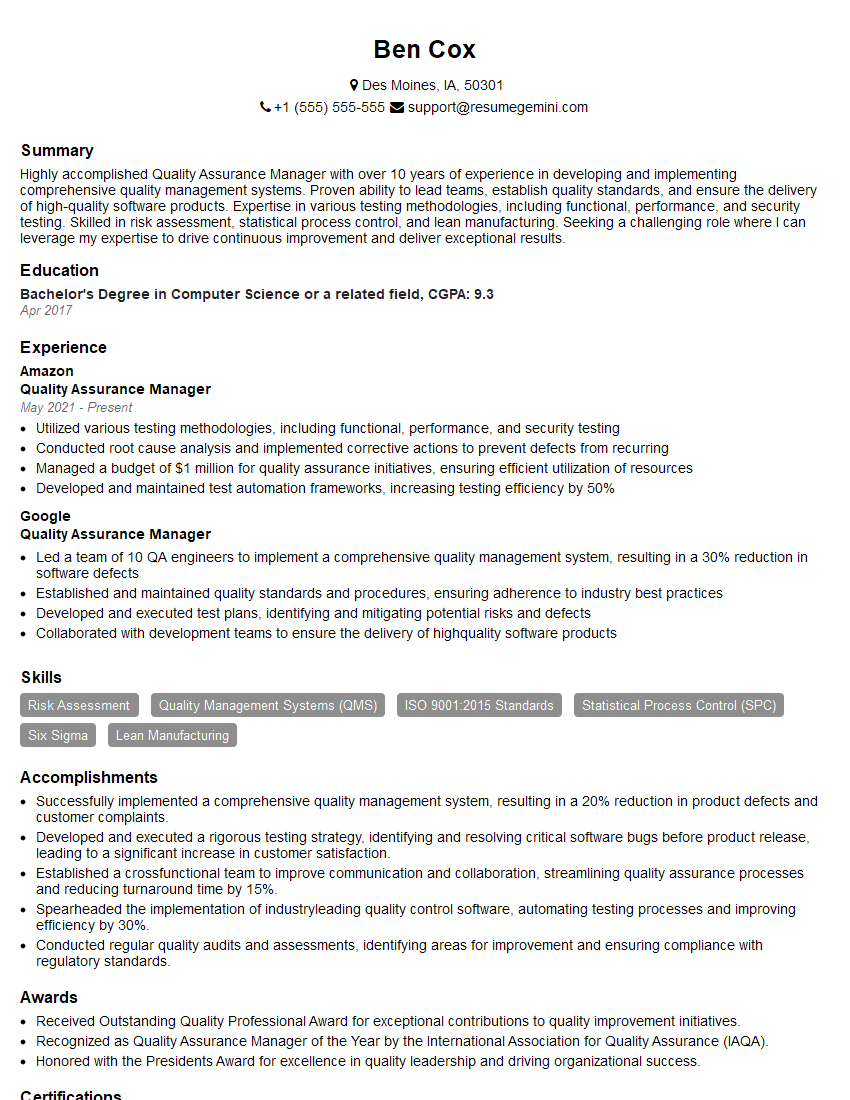
Quality Assurance Manager Resume Sample
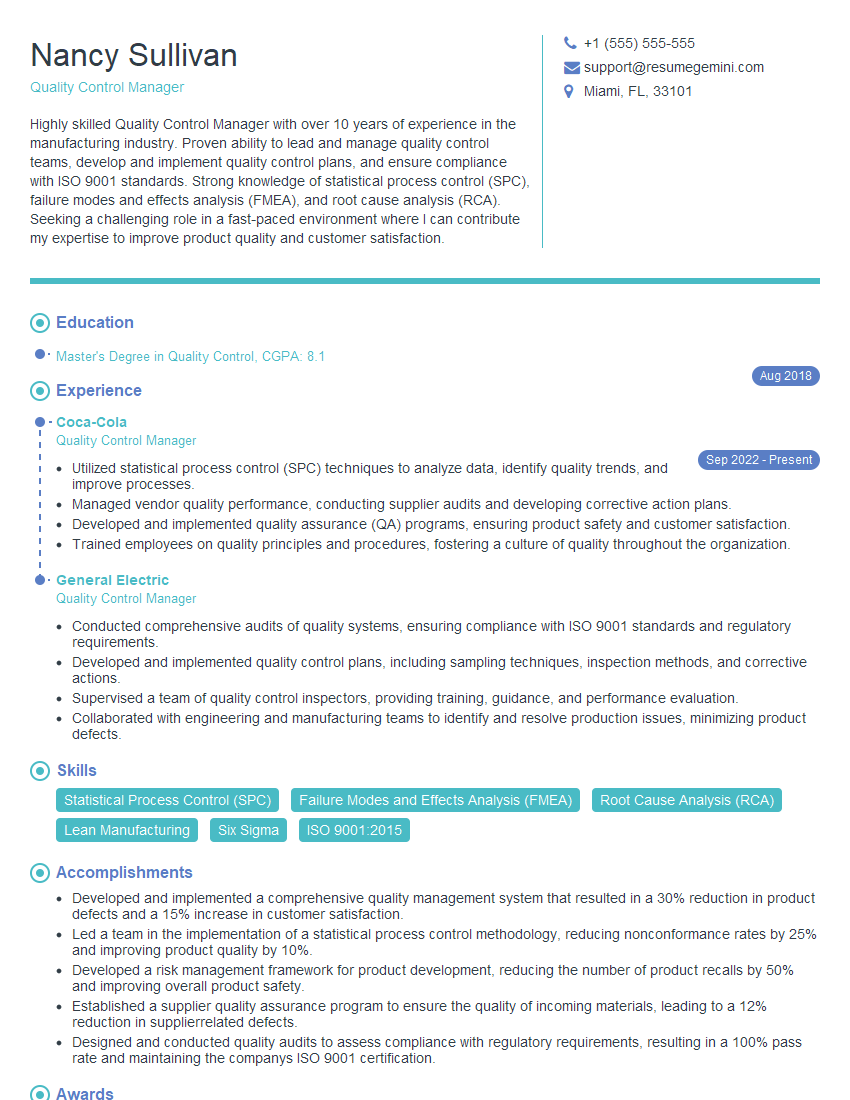
Quality Control Manager Resume Sample
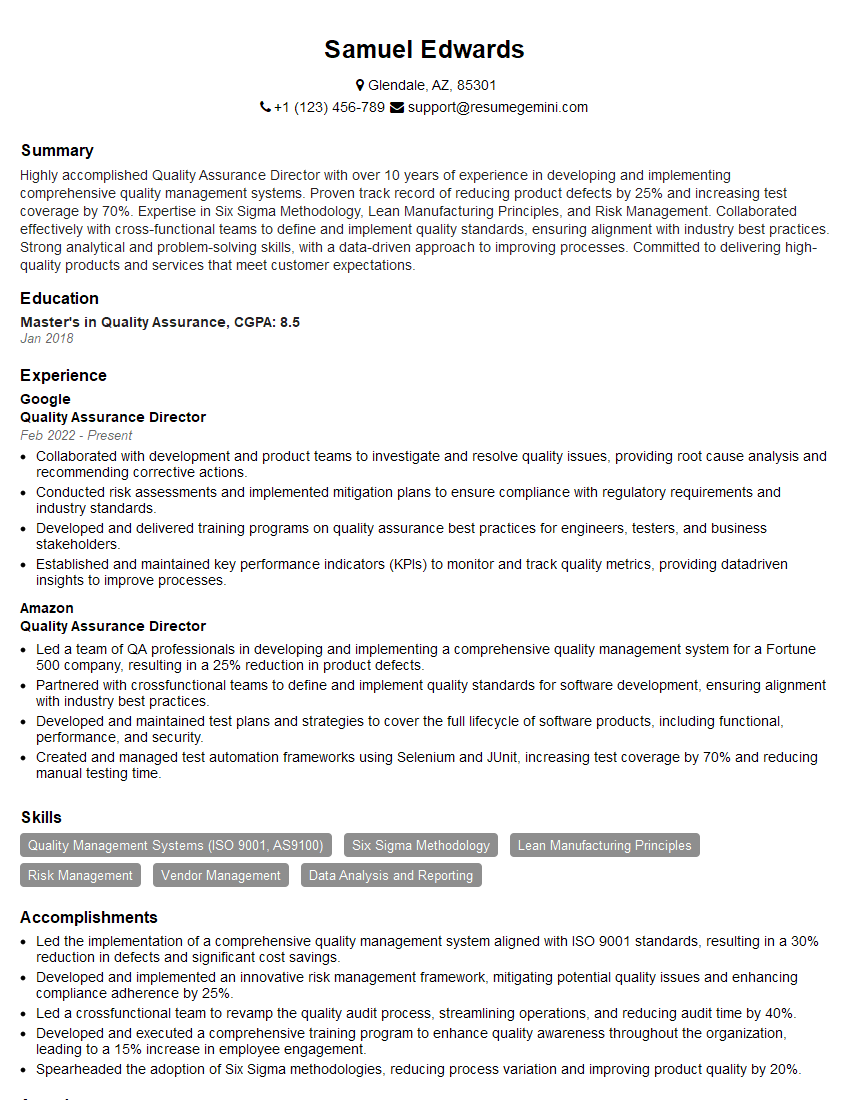
Quality Assurance Director Resume Sample
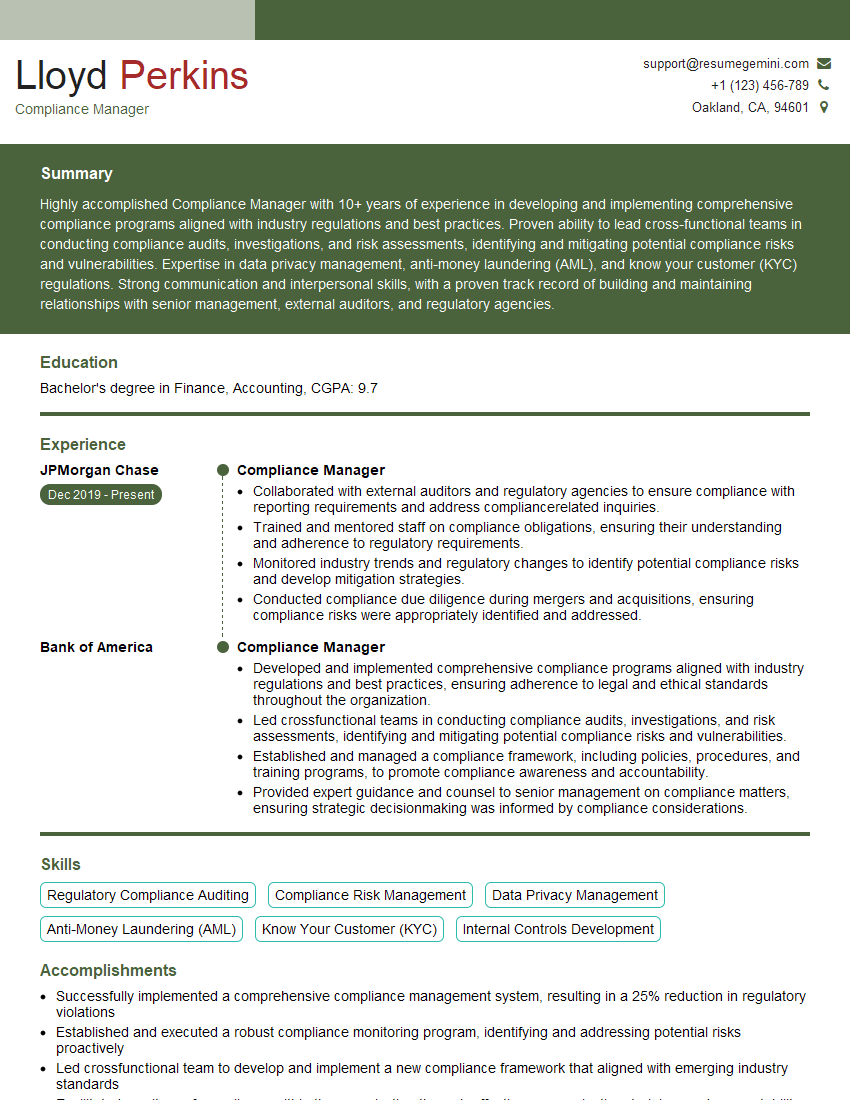
Compliance Manager Resume Sample
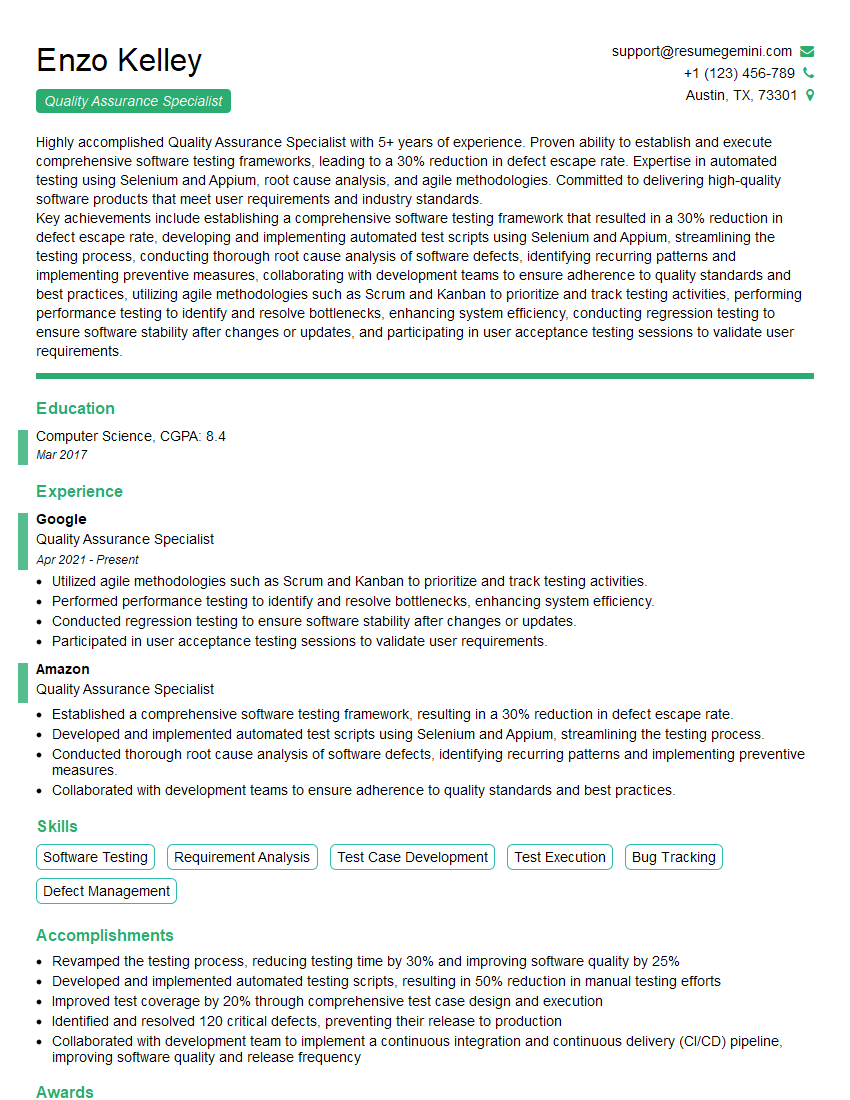
Quality Assurance Specialist Resume Sample

Reliability Engineer Resume Sample

Test Engineer Resume Sample
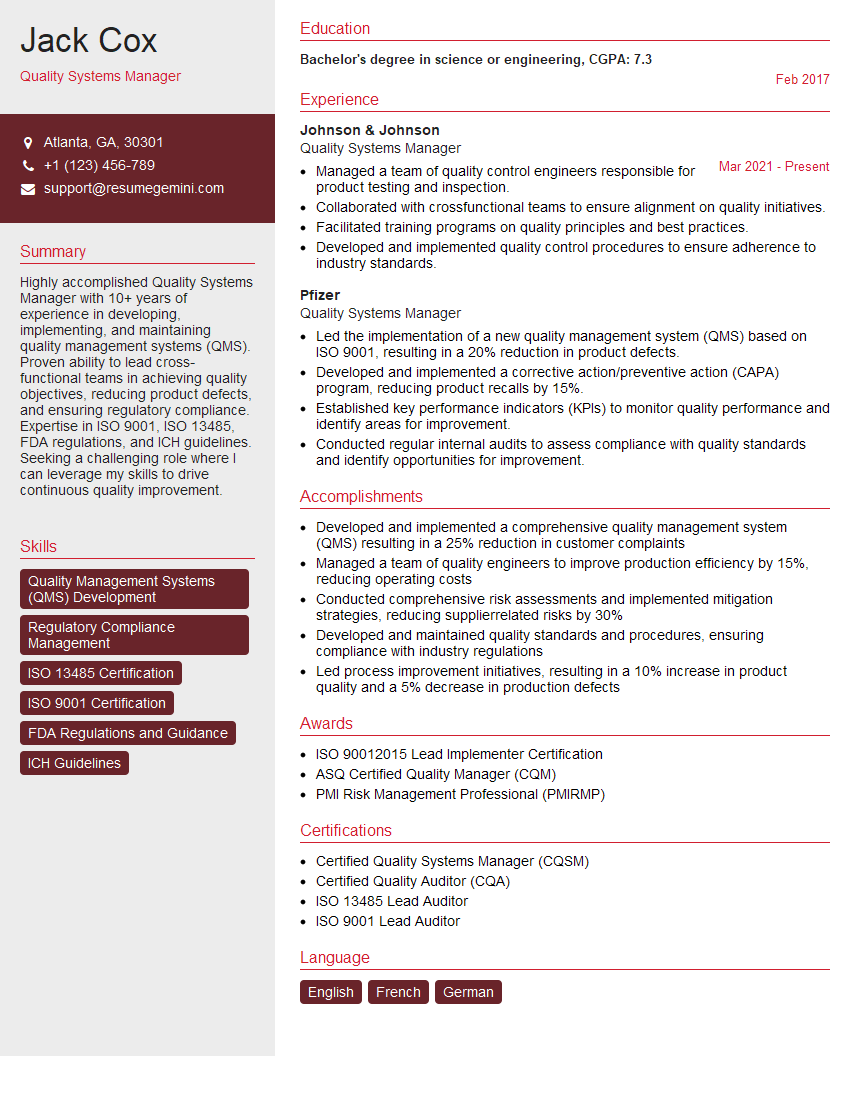
Quality Systems Manager Resume Sample
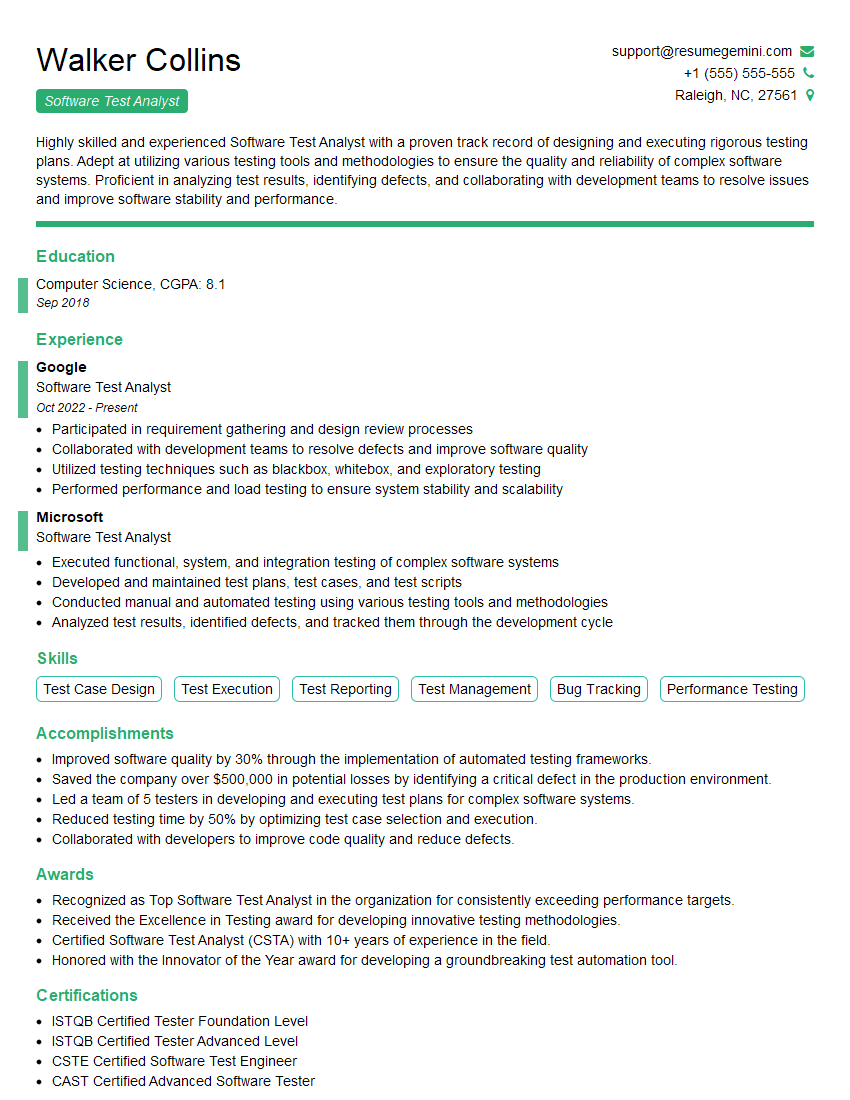
Software Test Analyst Resume Sample
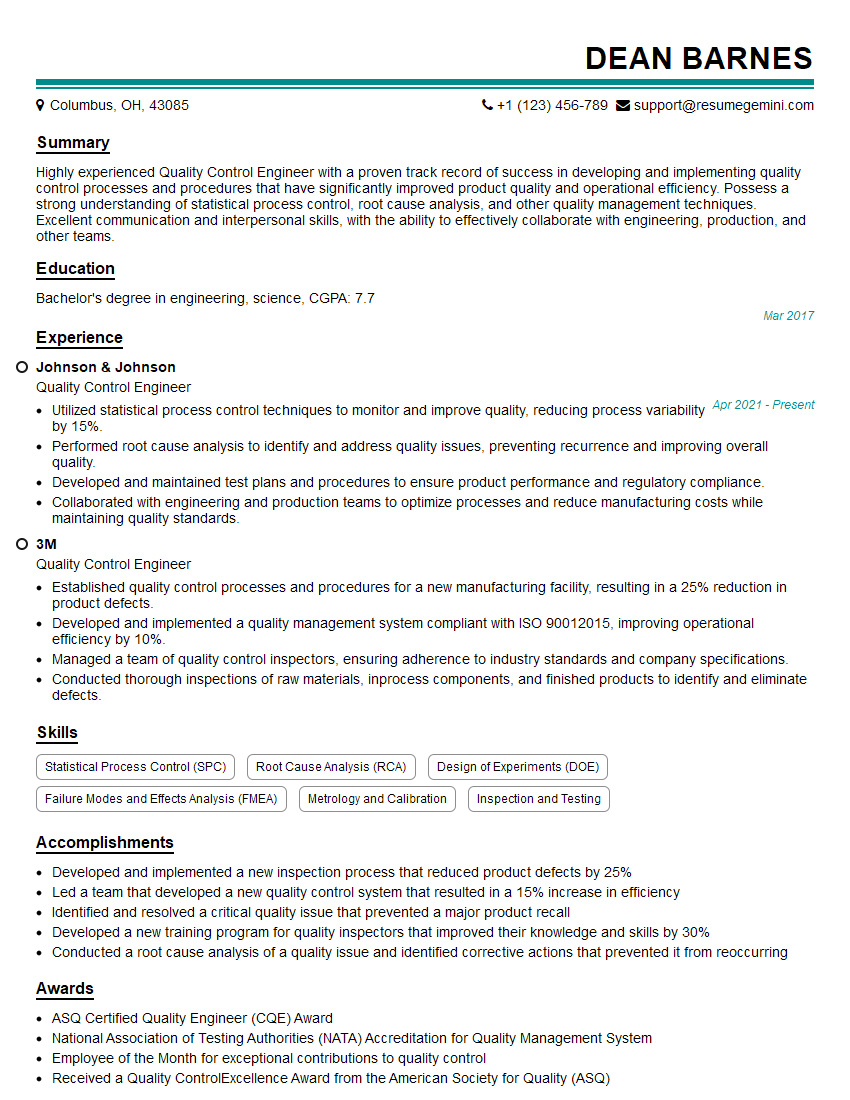
Quality Control Engineer Resume Sample

Validation Engineer Resume Sample
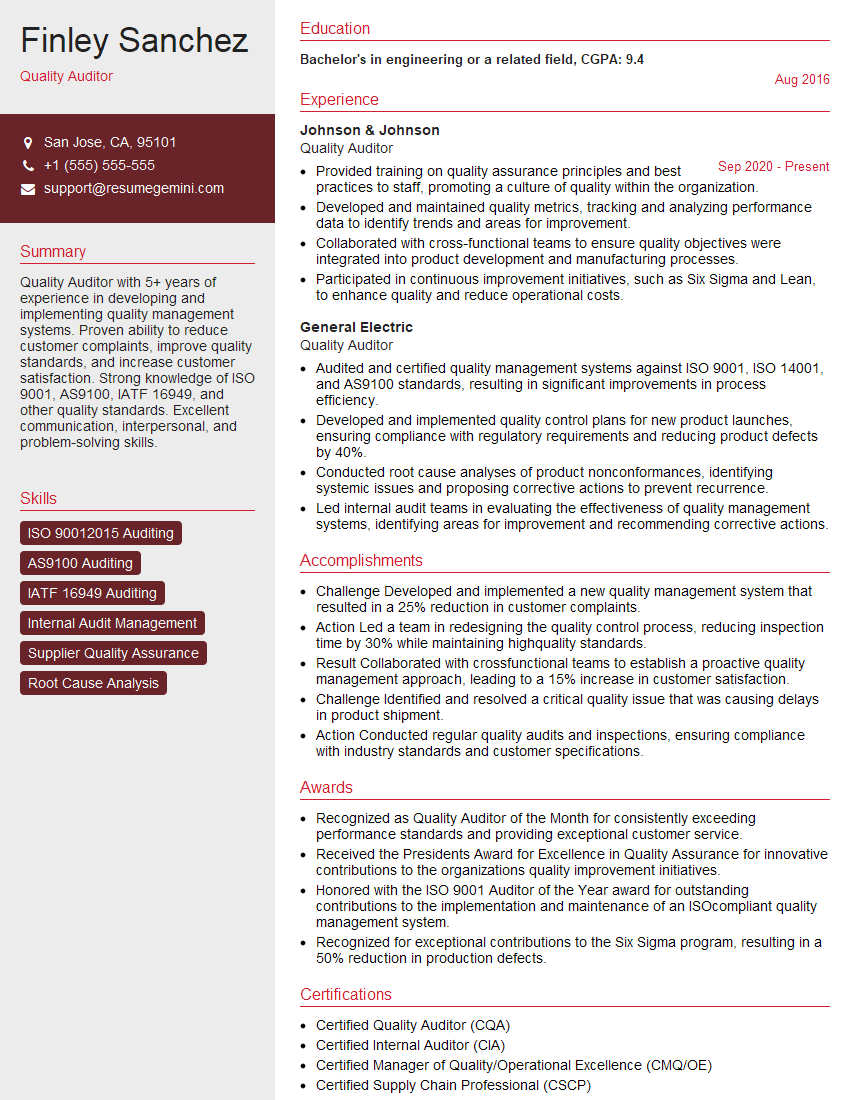
Quality Auditor Resume Sample

Quality Control Inspector Resume Sample
Explore more articles
Users Rating of Our Blogs
Share Your Experience
We value your feedback! Please rate our content and share your thoughts (optional).
What Readers Say About Our Blog
Very informative content, great job.
good