The right preparation can turn an interview into an opportunity to showcase your expertise. This guide to Use of Technology and Software interview questions is your ultimate resource, providing key insights and tips to help you ace your responses and stand out as a top candidate.
Questions Asked in Use of Technology and Software Interview
Q 1. Explain the difference between a compiler and an interpreter.
Compilers and interpreters are both programs that translate source code (human-readable code) into machine code (instructions a computer can execute). The key difference lies in when they perform this translation.
A compiler translates the entire source code into machine code before the program runs. Think of it like translating an entire book at once. The resulting machine code is then executed directly by the computer. This leads to faster execution speeds because the translation is done upfront. Examples include C, C++, and Go compilers.
An interpreter, on the other hand, translates and executes the source code line by line. It’s like translating a book one sentence at a time. This means that errors are often caught during execution rather than before, and the program runs slower since translation happens simultaneously with execution. Examples include Python and JavaScript interpreters.
Analogy: Imagine you’re building a house. A compiler is like having all the building materials pre-fabricated and ready to assemble. An interpreter is like building the house brick by brick, while simultaneously figuring out what the next step is.
Q 2. Describe your experience with Agile development methodologies.
I have extensive experience with Agile methodologies, primarily Scrum and Kanban. In my previous role, we successfully transitioned from a waterfall model to a Scrum framework. This involved implementing sprints (typically two weeks), daily stand-up meetings, sprint reviews, and retrospectives. We used Jira for task management and tracking progress.
My responsibilities included participating in sprint planning, estimating tasks using story points, actively contributing to daily stand-ups, and collaborating closely with cross-functional teams. I was involved in refining user stories and ensuring that they met the definition of ‘done’. Through this experience, I’ve mastered techniques for managing scope, prioritization, and risk mitigation within an Agile context.
In another project using Kanban, we focused on visualizing workflow, limiting work in progress (WIP), and continuously improving our processes. The Kanban board helped us manage a high volume of requests efficiently and transparently.
I am proficient in using Agile tools to track progress, manage backlog, and ensure team alignment, including Jira, Trello, and Azure DevOps.
Q 3. What are the advantages and disadvantages of using cloud computing?
Cloud computing offers numerous advantages and disadvantages. Let’s break them down:
- Advantages:
- Cost-effectiveness: Reduced infrastructure costs, pay-as-you-go models.
- Scalability and Elasticity: Easily scale resources up or down based on demand.
- Increased Accessibility: Access data and applications from anywhere with an internet connection.
- Enhanced Collaboration: Facilitates teamwork through shared resources and platforms.
- High Availability and Reliability: Cloud providers offer robust infrastructure with redundancy and disaster recovery.
- Disadvantages:
- Vendor Lock-in: Migrating data and applications away from a specific provider can be challenging.
- Security Concerns: Reliance on a third-party provider for security necessitates careful consideration and due diligence.
- Internet Dependency: Requires a stable internet connection for access.
- Potential for Downtime: While cloud providers strive for high uptime, outages can still occur.
- Compliance Issues: Meeting specific regulatory requirements (e.g., HIPAA, GDPR) can necessitate extra steps.
Example: A startup might leverage cloud services to rapidly deploy applications and scale their infrastructure as their user base grows, avoiding large upfront capital investments. However, they need to carefully assess the security implications and consider potential vendor lock-in.
Q 4. How would you troubleshoot a network connectivity issue?
Troubleshooting network connectivity involves a systematic approach. Here’s a step-by-step process:
- Identify the problem: Determine which devices are affected and what specific issues are occurring (e.g., no internet access, slow speeds, intermittent connection).
- Check the basics: Ensure cables are securely connected, the router and modem are powered on, and there are no obvious physical damage to devices.
- Test connectivity: Try pinging the default gateway and other known addresses (e.g.,
ping 8.8.8.8) to check basic network reachability. Check the network settings on the affected device. - Check network devices: Check the router’s logs for errors or issues. Try restarting the modem and router.
- Check for IP address conflicts: Make sure that devices on the network do not have duplicate IP addresses.
- Examine firewall settings: Check the firewall settings on both the affected device and the router to ensure that they are not blocking the necessary ports and traffic.
- Check DNS settings: Make sure the DNS server addresses are correctly configured on the affected device.
- Contact your ISP: If the problem persists after checking all of the above, contact your Internet Service Provider (ISP) to rule out problems with their service.
- Use network diagnostic tools: Tools like
tracert(Windows) ortraceroute(Linux/macOS) can help to identify bottlenecks or points of failure in the network path.
Troubleshooting is a process of elimination. By systematically working through these steps, you can often pinpoint the cause of the network connectivity issue.
Q 5. Explain the concept of object-oriented programming.
Object-Oriented Programming (OOP) is a programming paradigm based on the concept of ‘objects’, which can contain data (attributes) and code (methods) that operate on that data. It’s a way of organizing code that promotes modularity, reusability, and maintainability.
Key principles of OOP include:
- Encapsulation: Bundling data and methods that operate on that data within a single unit (the object). This hides internal details and protects data integrity.
- Inheritance: Creating new objects (classes) based on existing ones, inheriting their attributes and methods. This promotes code reuse and reduces redundancy.
- Polymorphism: The ability of an object to take on many forms. This allows for flexibility and extensibility.
- Abstraction: Showing only essential information to the user and hiding unnecessary details. This simplifies the interaction with complex systems.
Example: Consider a ‘Car’ object. It might have attributes like ‘color’, ‘model’, and ‘speed’, and methods like ‘accelerate()’, ‘brake()’, and ‘turn()’. A ‘SportsCar’ object could inherit from the ‘Car’ object, adding attributes like ‘turbocharged’ and potentially modifying the ‘accelerate()’ method.
OOP makes software easier to understand, modify, and maintain, especially for large and complex projects.
Q 6. What is your experience with version control systems (e.g., Git)?
I have extensive experience using Git for version control. I’m proficient in all aspects of the Git workflow, from basic commands like git clone, git add, git commit, and git push, to more advanced concepts like branching, merging, rebasing, and resolving merge conflicts.
I’ve utilized Git in various collaborative environments, including using platforms like GitHub, GitLab, and Bitbucket. I understand the importance of clear commit messages, frequent commits, and utilizing branches effectively to manage different features and bug fixes concurrently. My experience includes working with both distributed and centralized Git repositories.
I’ve used Git to manage codebases for diverse projects, including web applications, mobile apps, and data analysis pipelines. My skills extend to using Git for collaborative development, code review processes, and managing releases.
Q 7. Describe your experience with different database systems (e.g., SQL, NoSQL).
I have experience with both SQL and NoSQL database systems. My SQL experience includes working with relational databases such as MySQL, PostgreSQL, and SQL Server. I’m proficient in writing SQL queries for data retrieval, manipulation, and management. I understand database normalization, indexing, and query optimization techniques. I’ve used SQL databases in various applications, including web applications, data warehousing, and business intelligence.
My NoSQL experience includes working with document databases like MongoDB and key-value stores like Redis. I understand the strengths and weaknesses of NoSQL databases compared to SQL databases and choose the appropriate database system depending on the specific needs of the project. For instance, NoSQL databases are frequently preferred for applications requiring high scalability and flexibility, such as real-time data processing or large-scale data analytics.
I can effectively choose and implement the best database solution for a given project, considering factors like data structure, scalability requirements, and performance needs.
Q 8. How do you handle conflicting priorities in a project?
Conflicting priorities are a common challenge in project management. My approach involves a structured process to ensure the most important tasks are addressed effectively. First, I prioritize tasks based on their impact and urgency using methods like the Eisenhower Matrix (urgent/important). This involves clearly defining project goals and breaking them down into smaller, manageable tasks. Then, I assess the dependencies between tasks to identify potential bottlenecks. Open communication is key; I proactively discuss priorities with stakeholders, explaining trade-offs and potential impacts of shifting focus. For example, on a recent e-commerce website redesign, we faced competing priorities: launching new features versus improving site speed. Using data analytics on user behavior, we prioritized site speed improvements first, as that directly impacted conversion rates, even if it meant delaying some less critical features. Finally, I regularly track progress against prioritized tasks, adapting the plan as needed through agile methodologies, ensuring flexibility and responsiveness to changing circumstances.
Q 9. What is your experience with testing methodologies (e.g., unit testing, integration testing)?
My experience encompasses a wide range of testing methodologies, including unit, integration, system, and user acceptance testing. I’m proficient in writing unit tests using frameworks like JUnit (Java) and pytest (Python), ensuring individual components function correctly. For integration testing, I use techniques like mock objects to simulate interactions between different modules, identifying integration issues early in the development cycle. I’m familiar with various testing frameworks and tools like Selenium for UI testing and tools like JMeter for performance testing. On a recent project developing a banking application, rigorous unit and integration testing significantly reduced the number of bugs detected in later stages, saving time and resources. I strongly advocate for test-driven development (TDD) where tests are written *before* code, ensuring higher quality and maintainability.
Q 10. Explain the difference between REST and SOAP APIs.
REST (Representational State Transfer) and SOAP (Simple Object Access Protocol) are both architectural styles for building web services, but they differ significantly in their approach. REST is a lightweight, stateless architecture that uses standard HTTP methods (GET, POST, PUT, DELETE) to interact with resources. It’s flexible and typically uses JSON or XML for data exchange. SOAP, on the other hand, is a more heavyweight, protocol-based approach using XML for both data exchange and messaging. It often relies on WS-* standards for features like security and transactions. Think of REST as a casual conversation – simple, flexible, and easy to understand. SOAP is like a formal letter – structured, robust, and includes detailed information, but can be more complex to implement. REST is favored for its simplicity and scalability in modern web applications, while SOAP might be preferred in scenarios demanding high security and robust transaction management, like financial systems.
Q 11. How would you design a scalable web application?
Designing a scalable web application requires careful consideration of several factors. First, a microservices architecture is highly beneficial. This allows breaking down the application into smaller, independent services that can be scaled individually based on demand. Load balancing distributes traffic across multiple servers, preventing overload on any single server. A database design optimized for scalability, perhaps using NoSQL databases for certain components, is crucial. Caching mechanisms, like Redis or Memcached, significantly reduce database load by storing frequently accessed data in memory. Content Delivery Networks (CDNs) improve performance and reduce latency by distributing static content closer to users geographically. Horizontal scaling, adding more servers to handle increasing traffic, is preferred over vertical scaling (upgrading server specs), for better cost-effectiveness and flexibility. Finally, continuous monitoring and performance testing are essential to identify and address bottlenecks proactively. For example, in designing a social media platform, we’d use a microservices architecture to handle user profiles, posts, and notifications separately. Each service could be scaled independently based on usage patterns.
Q 12. What are some common cybersecurity threats and how can they be mitigated?
Common cybersecurity threats include SQL injection, cross-site scripting (XSS), denial-of-service (DoS) attacks, phishing, and malware. Mitigation strategies involve a multi-layered approach. Input validation and parameterized queries prevent SQL injection attacks. Output encoding and secure coding practices mitigate XSS vulnerabilities. Using firewalls, intrusion detection/prevention systems, and load balancing can defend against DoS attacks. Security awareness training educates users about phishing scams and safe browsing habits. Regular software updates, strong passwords, and multi-factor authentication bolster defenses against malware. Implementing a robust security information and event management (SIEM) system allows for centralized monitoring and threat detection. A comprehensive security strategy necessitates a proactive, layered defense encompassing both technical controls and user education.
Q 13. Describe your experience with data analysis and visualization tools.
I possess significant experience with data analysis and visualization tools. I’m proficient in using SQL for data extraction and manipulation from relational databases. I’m skilled in using Python libraries like Pandas and NumPy for data cleaning, transformation, and analysis. For visualization, I use tools like Tableau and Power BI to create interactive dashboards and reports, effectively communicating insights from data. My experience includes working with large datasets and applying statistical methods to extract meaningful information. In a recent project analyzing customer churn, I used SQL to extract relevant data, Python to perform statistical modeling, and Tableau to create a dashboard showing churn rates by customer segment, allowing us to identify key drivers and implement targeted retention strategies.
Q 14. What is your experience with different programming languages?
My programming language expertise includes Java, Python, and JavaScript. Java is my go-to language for building robust enterprise-level applications, leveraging its object-oriented features and extensive libraries. Python is my preferred choice for data analysis, machine learning, and scripting tasks, owing to its rich ecosystem of libraries like NumPy, Pandas, and Scikit-learn. JavaScript is essential for front-end web development, creating interactive and dynamic user interfaces. I’m also familiar with other languages such as SQL for database interactions and C# for specific projects. My experience allows me to select the most appropriate language based on the project’s requirements and constraints. For example, a machine learning project would benefit from Python’s capabilities, whereas a large-scale banking application would leverage Java’s strength in building secure and reliable systems.
Q 15. Explain the concept of design patterns.
Design patterns are reusable solutions to commonly occurring problems in software design. Think of them as blueprints or templates that you can adapt to solve similar issues in different contexts. They’re not finished code, but rather descriptions of how to structure code to achieve specific goals efficiently and maintainably.
For example, the Singleton pattern ensures that only one instance of a class is created. This is useful for managing resources like database connections or logging services. Imagine a game where you only want one instance of a ‘GameManager’ class controlling the game’s state. The Singleton pattern would guarantee that.
Another common pattern is the Factory pattern, which provides an interface for creating objects without specifying their concrete classes. This allows for flexible object creation and makes your code more extensible. For instance, a game might have different types of enemies (orc, goblin, troll). A factory pattern could create these different enemy types without needing to know the exact class of each enemy.
Using design patterns promotes code readability, maintainability, and reduces development time by leveraging established solutions. They’re a crucial part of writing robust and scalable software.
Career Expert Tips:
- Ace those interviews! Prepare effectively by reviewing the Top 50 Most Common Interview Questions on ResumeGemini.
- Navigate your job search with confidence! Explore a wide range of Career Tips on ResumeGemini. Learn about common challenges and recommendations to overcome them.
- Craft the perfect resume! Master the Art of Resume Writing with ResumeGemini’s guide. Showcase your unique qualifications and achievements effectively.
- Don’t miss out on holiday savings! Build your dream resume with ResumeGemini’s ATS optimized templates.
Q 16. How do you stay up-to-date with the latest technology trends?
Staying current in the rapidly evolving tech landscape requires a multi-pronged approach. I regularly read industry blogs and publications like InfoQ and Hacker News, which provide insightful articles and summaries of new technologies and trends. I actively participate in online communities such as Stack Overflow and Reddit’s r/programming subreddits, engaging in discussions and learning from the experiences of other developers.
I also attend webinars, conferences, and workshops, both online and in-person, when possible. These events offer valuable networking opportunities and allow me to hear directly from experts and thought leaders. Finally, I dedicate time to experimenting with new technologies and frameworks, working on personal projects to gain hands-on experience. This practical application reinforces my theoretical knowledge and helps me stay at the forefront of innovation.
Q 17. Describe your experience with software development lifecycle (SDLC).
I have extensive experience with various SDLC (Software Development Lifecycle) methodologies, including Agile (Scrum and Kanban) and Waterfall. My understanding extends beyond simply following steps; I understand the importance of tailoring the methodology to the specific project’s needs and context.
In Agile, I’ve been involved in sprint planning, daily stand-ups, sprint reviews, and retrospectives, emphasizing iterative development and continuous feedback. For larger, more complex projects where requirements are well-defined upfront, the Waterfall model has proven effective. I’m adept at managing requirements gathering, design, implementation, testing, and deployment phases, ensuring proper documentation and quality assurance at each stage.
Regardless of the methodology, I prioritize collaboration, effective communication, and risk management throughout the entire SDLC. My goal is always to deliver high-quality software that meets client needs and expectations on time and within budget.
Q 18. How would you approach optimizing database performance?
Optimizing database performance is crucial for application responsiveness and scalability. My approach is systematic and involves several key steps.
- Profiling and Identifying Bottlenecks: I start by profiling the database to identify slow queries and resource-intensive operations. Tools like SQL Profiler or explain plans help pinpoint areas needing improvement.
- Query Optimization: This involves rewriting inefficient queries, adding indexes where appropriate, and optimizing data access patterns. Understanding query execution plans is key here.
- Database Schema Design: A well-designed schema is essential. This involves proper normalization, efficient data types, and avoiding redundancy.
- Caching: Implementing caching strategies, such as query caching or data caching, can significantly improve performance by reducing database load.
- Hardware Optimization: In some cases, performance improvements can be achieved by upgrading database hardware (e.g., more RAM, faster storage).
- Connection Pooling: Managing database connections efficiently through connection pooling minimizes the overhead of establishing and closing connections.
For instance, I once significantly improved a database’s performance by identifying a poorly written query that was performing a full table scan instead of using an index. By adding an appropriate index and rewriting the query, the execution time dropped from several seconds to milliseconds.
Q 19. What is your experience with project management tools (e.g., Jira, Trello)?
I have extensive experience with various project management tools, including Jira and Trello. Jira is my preferred choice for managing complex projects, especially those using Agile methodologies. Its features like Kanban boards, sprint management, issue tracking, and reporting are invaluable for collaborative development and progress monitoring.
Trello, with its simpler, more visual interface, is ideal for smaller projects or for managing tasks that don’t require the depth of Jira’s functionality. I’m proficient in using both tools to track tasks, manage deadlines, assign responsibilities, and monitor project progress. My ability to effectively utilize these tools contributes to improved team collaboration and efficient project execution.
Q 20. Describe a time you had to debug a complex software issue.
I once encountered a complex bug in a large-scale e-commerce application that caused intermittent crashes during peak hours. The error logs provided little insight into the root cause. My debugging process involved several steps:
- Reproducing the Issue: First, I focused on consistently reproducing the issue. This involved analyzing server logs, network traffic, and database activity during crash periods.
- Systemic Approach: I systematically ruled out potential causes by testing different components of the application, one by one. This included checking database connections, network latency, and server resource utilization.
- Code Review and Analysis: I examined relevant code sections, paying close attention to areas that could lead to memory leaks, race conditions, or concurrency issues.
- Logging and Monitoring: I added detailed logging statements to pinpoint the exact location of the crash and gain better visibility into the application’s behavior during the problematic periods.
- Collaboration: I worked closely with other team members to share findings, brainstorm potential solutions, and leverage collective expertise.
Ultimately, the problem was traced to a race condition in a multi-threaded component handling order processing. Implementing proper synchronization mechanisms resolved the issue, and thorough testing confirmed the fix. This experience reinforced the value of systematic debugging, collaboration, and the importance of robust logging and monitoring practices.
Q 21. Explain the concept of algorithms and data structures.
Algorithms are step-by-step procedures or formulas for solving specific computational problems. They’re like recipes that tell a computer how to perform a task. For example, a sorting algorithm arranges data in a specific order (e.g., alphabetically or numerically), while a searching algorithm finds specific data within a larger dataset.
Data structures are ways of organizing and storing data in a computer so that it can be used efficiently. Different data structures are suited to different tasks. Common examples include:
- Arrays: Ordered collections of elements of the same data type.
- Linked Lists: Collections of elements where each element points to the next, allowing for efficient insertion and deletion.
- Trees: Hierarchical data structures used in applications such as file systems and decision-making processes.
- Graphs: Representations of relationships between objects, used in social networks, mapping applications, and more.
- Hash Tables: Data structures that use hash functions to map keys to values for fast data retrieval.
Choosing the right algorithm and data structure is crucial for optimizing software performance. A poorly chosen data structure can lead to slow search or insertion times, while an inefficient algorithm can significantly impact the overall performance of an application. The relationship between algorithms and data structures is symbiotic; algorithms operate on data structures, and the choice of data structure heavily influences the efficiency of an algorithm.
Q 22. How would you handle a situation where a project is behind schedule?
Project delays are unfortunately common, but proactive management can mitigate their impact. My approach involves a multi-step process starting with a thorough understanding of the root cause. Is it resource constraints, underestimated complexity, unexpected technical challenges, or scope creep? Once identified, I use a combination of strategies.
- Re-evaluation and Reprioritization: A critical path analysis is crucial. We identify tasks that are absolutely essential for the minimum viable product (MVP) and temporarily deprioritize less critical features. This requires open communication with stakeholders to manage expectations.
- Resource Allocation: If the delay is due to insufficient resources (personnel, budget, or tools), I’d work with management to secure additional support. This may involve renegotiating deadlines or shifting resources from lower-priority projects.
- Risk Mitigation: We’ll analyze potential future roadblocks and establish contingency plans. For example, if a key dependency is at risk, we might explore alternative solutions or build in extra buffer time.
- Transparent Communication: Regular updates to stakeholders are crucial, outlining progress, challenges, and the revised timeline. Transparency builds trust and prevents miscommunication.
- Post-mortem Analysis: After the project is completed (even if delayed), a thorough post-mortem helps us understand what went wrong, allowing us to learn and avoid repeating mistakes in the future.
For example, in a previous project involving a web application, we encountered unforeseen database performance issues. By identifying the bottleneck, we were able to optimize database queries and implement caching, allowing us to recover some lost time and ultimately deliver the project with minimal further delay.
Q 23. What is your experience with different operating systems?
My experience spans various operating systems, including Windows (various versions from XP to 11), macOS (from 10.x to Ventura), and several Linux distributions (Ubuntu, CentOS, Red Hat). I’m proficient in command-line interfaces for each and understand their strengths and weaknesses in different contexts. For example, while Windows offers a user-friendly graphical interface, Linux provides unparalleled control and customization, particularly beneficial for server administration. macOS provides a balance between the two. My experience isn’t limited to using these systems; I’ve also worked on scripting and automation across them, ensuring cross-platform compatibility whenever possible.
Q 24. Explain the concept of software architecture.
Software architecture refers to the fundamental structures of a software system and how its components interact. It’s the blueprint that guides development, ensuring scalability, maintainability, and performance. Think of it as the overall design of a house: you need a strong foundation, well-defined rooms (modules), and clear pathways connecting them (interfaces).
Key aspects include:
- Components: Independent modules with specific functionalities (e.g., user interface, database, business logic).
- Connectors: Mechanisms defining communication between components (e.g., APIs, message queues).
- Architectural Styles: Patterns like microservices (small, independent services), layered architecture (separation of concerns), or event-driven architecture (asynchronous communication). Choosing the right style depends heavily on the project’s requirements.
A well-designed architecture simplifies development, makes it easier to add new features, and facilitates testing and maintenance. A poorly designed one leads to spaghetti code, making updates incredibly difficult and prone to introducing bugs.
Q 25. How would you design a secure authentication system?
Designing a secure authentication system requires a multi-layered approach. It’s not about a single feature but a combination of techniques:
- Strong Password Policies: Enforce complex passwords with length requirements, character diversity, and regular changes.
- Multi-Factor Authentication (MFA): This adds an extra layer of security beyond passwords, using methods like one-time codes (OTP), biometrics (fingerprint, facial recognition), or hardware tokens. MFA significantly reduces the risk of unauthorized access even if passwords are compromised.
- Secure Storage of Credentials: Passwords should never be stored in plain text. Hashing algorithms (like bcrypt or Argon2) should be used to securely store password hashes, making it computationally infeasible to recover the original password.
- Input Validation and Sanitization: Prevent SQL injection and cross-site scripting (XSS) attacks by rigorously validating and sanitizing all user inputs.
- Regular Security Audits and Penetration Testing: Proactive security testing helps identify and address vulnerabilities before attackers can exploit them.
- Session Management: Implement secure session management techniques to prevent session hijacking. This includes using short session timeouts, secure cookies (HTTPS only, HttpOnly flag), and proper session invalidation.
Consider using established authentication frameworks and libraries to leverage their built-in security features. For example, OAuth 2.0 for third-party authentication or JWT (JSON Web Tokens) for secure token-based authentication.
Q 26. What is your experience with big data technologies (e.g., Hadoop, Spark)?
I have extensive experience with big data technologies, primarily Hadoop and Spark. I’ve worked on projects involving large-scale data processing, utilizing Hadoop Distributed File System (HDFS) for storage and MapReduce for processing large datasets. Spark, with its in-memory processing capabilities, has been instrumental in accelerating many of our analytical tasks. I’m familiar with various Spark components including Spark SQL, Spark Streaming, and MLlib (for machine learning).
In one project, we used Spark to analyze terabytes of sensor data to identify patterns indicative of equipment failure. Spark’s ability to process data in parallel significantly reduced processing time compared to traditional methods, allowing for more timely intervention and reducing downtime.
Q 27. Describe your experience with automation tools.
My experience with automation tools includes scripting languages like Python and Bash, along with tools like Ansible, Jenkins, and Docker. I’ve used these extensively to automate various tasks, including:
- Infrastructure as Code (IaC): Automating the provisioning and management of servers and other infrastructure using Ansible and Terraform. This ensures consistency and repeatability across different environments.
- Continuous Integration/Continuous Deployment (CI/CD): Implementing automated pipelines with Jenkins to build, test, and deploy software, reducing manual effort and accelerating release cycles.
- Test Automation: Developing automated tests using frameworks like pytest (Python) or Selenium to improve software quality and accelerate testing processes.
- Containerization: Utilizing Docker to create portable and consistent development and deployment environments.
Automation dramatically improves efficiency, reduces human error, and allows for faster iteration cycles. For instance, using Ansible to configure servers reduced our deployment time from hours to minutes, allowing us to respond more quickly to changing business needs.
Q 28. How do you prioritize tasks in a fast-paced environment?
Prioritizing tasks in a fast-paced environment requires a structured approach. I commonly use a combination of techniques:
- Eisenhower Matrix (Urgent/Important): Categorizing tasks based on urgency and importance helps focus on high-impact activities first. Urgent and important tasks get immediate attention, while less important tasks are delegated or scheduled for later.
- MoSCoW Method: Categorizing requirements into Must have, Should have, Could have, and Won’t have. This assists in prioritizing features based on their business value and feasibility.
- Value vs. Effort Matrix: Plotting tasks based on their perceived value and the effort required to complete them. Focus on high-value, low-effort tasks first.
- Agile Methodologies: Using sprint planning and backlog refinement within an Agile framework to prioritize tasks iteratively based on evolving needs and feedback.
- Timeboxing: Allocating a specific time block for a task and sticking to it. This encourages focus and prevents tasks from expanding beyond their allotted time.
Effective communication is key; regular team meetings and clear task assignments ensure everyone is aligned and working on the right priorities. Furthermore, being flexible and adapting to changing priorities is essential in a dynamic environment.
Key Topics to Learn for Use of Technology and Software Interview
- Software Development Methodologies: Understand Agile, Waterfall, and other methodologies. Discuss practical experiences applying these in project settings.
- Version Control Systems (e.g., Git): Explain your proficiency in using Git for collaboration, branching, merging, and resolving conflicts. Prepare examples of your contributions to version-controlled projects.
- Databases (SQL and NoSQL): Demonstrate knowledge of relational and non-relational databases. Be ready to discuss data modeling, querying, and optimization techniques.
- Cloud Computing (AWS, Azure, GCP): Familiarize yourself with common cloud services and their applications. Be prepared to discuss experience with cloud platforms, if any.
- Cybersecurity Fundamentals: Show understanding of basic security principles, including data protection, access control, and threat mitigation.
- Problem-Solving and Analytical Skills: Practice approaching technical challenges systematically, breaking down complex problems into smaller, manageable components.
- Software Testing and Debugging: Discuss your experience with testing methodologies (unit, integration, system testing) and debugging techniques.
- Specific Software Applications: Depending on the job description, focus on mastering the technologies mentioned (e.g., specific programming languages, tools, or platforms).
Next Steps
Mastering the use of technology and software is paramount for career advancement in today’s digital landscape. It opens doors to exciting opportunities and allows you to contribute significantly to innovative projects. To maximize your job prospects, it’s crucial to create an ATS-friendly resume that effectively showcases your skills and experience. ResumeGemini is a trusted resource to help you build a professional and impactful resume that gets noticed. We provide examples of resumes tailored to Use of Technology and Software roles to guide you in creating your own compelling application. Take the next step towards your dream career – build a standout resume with ResumeGemini.

Business Analyst Resume Sample

Data Analyst Resume Sample

Data Scientist Resume Sample

Software Engineer Resume Sample

Systems Analyst Resume Sample
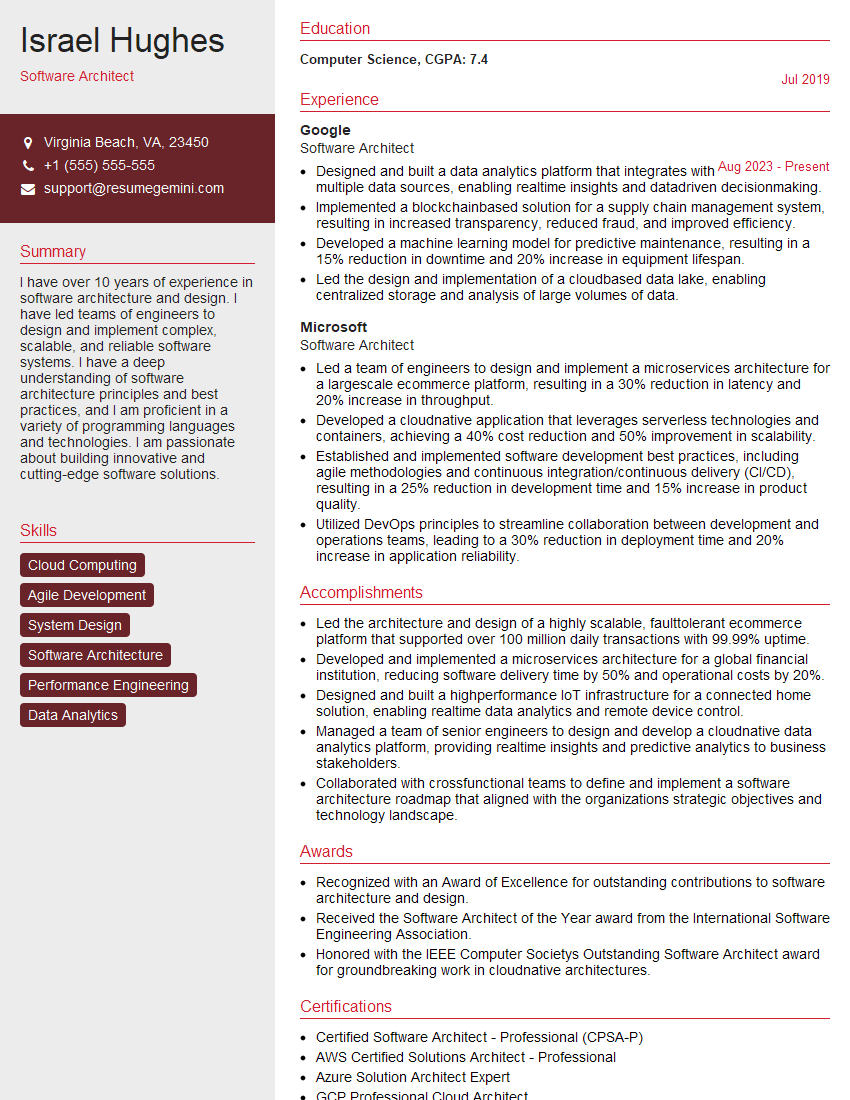
Software Architect Resume Sample

Technical Project Manager Resume Sample

Network Engineer Resume Sample
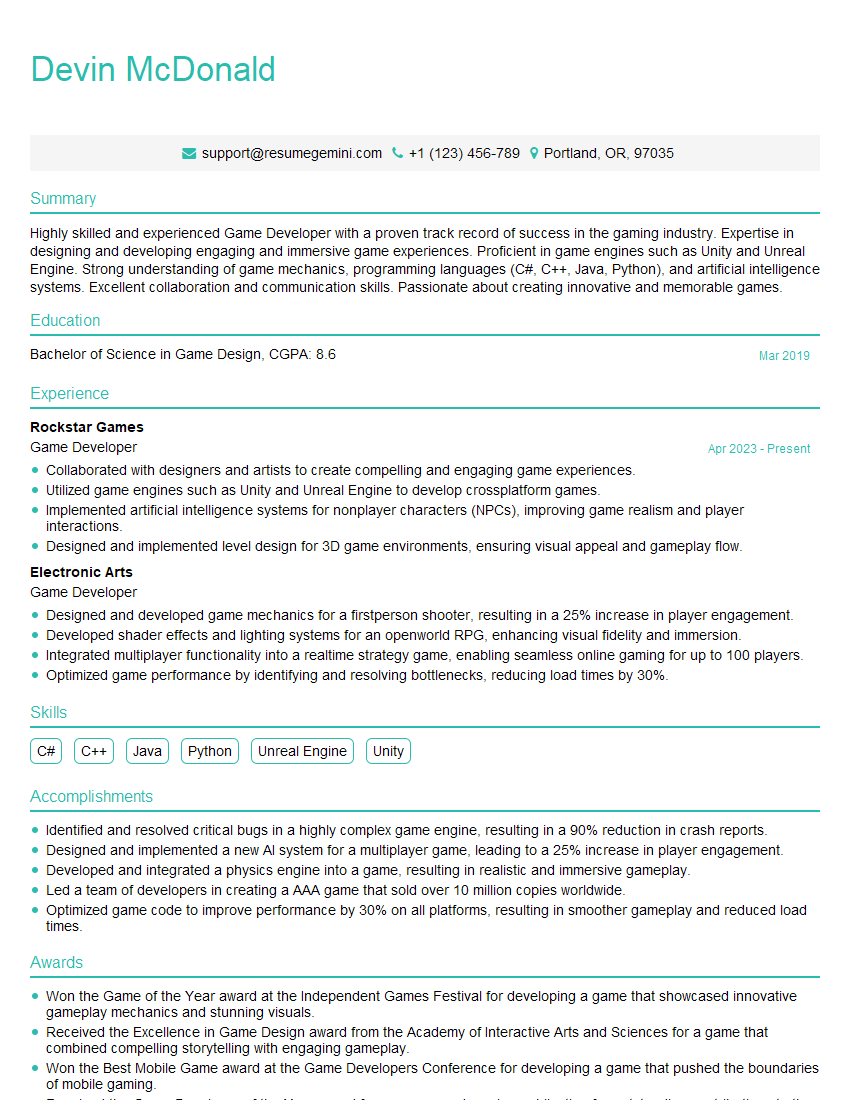
Game Developer Resume Sample

Web Developer Resume Sample

IT Manager Resume Sample

Technical Writer Resume Sample
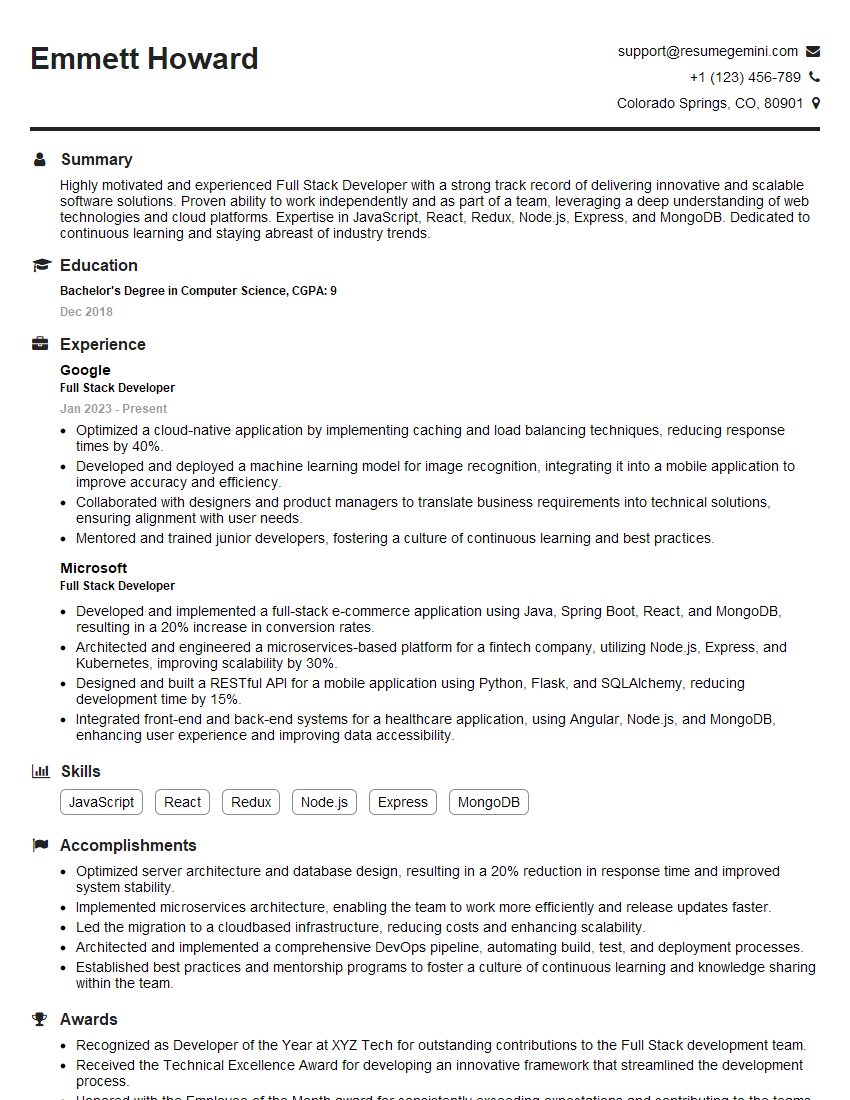
Full Stack Developer Resume Sample

Database Administrator Resume Sample

Front-End Developer Resume Sample
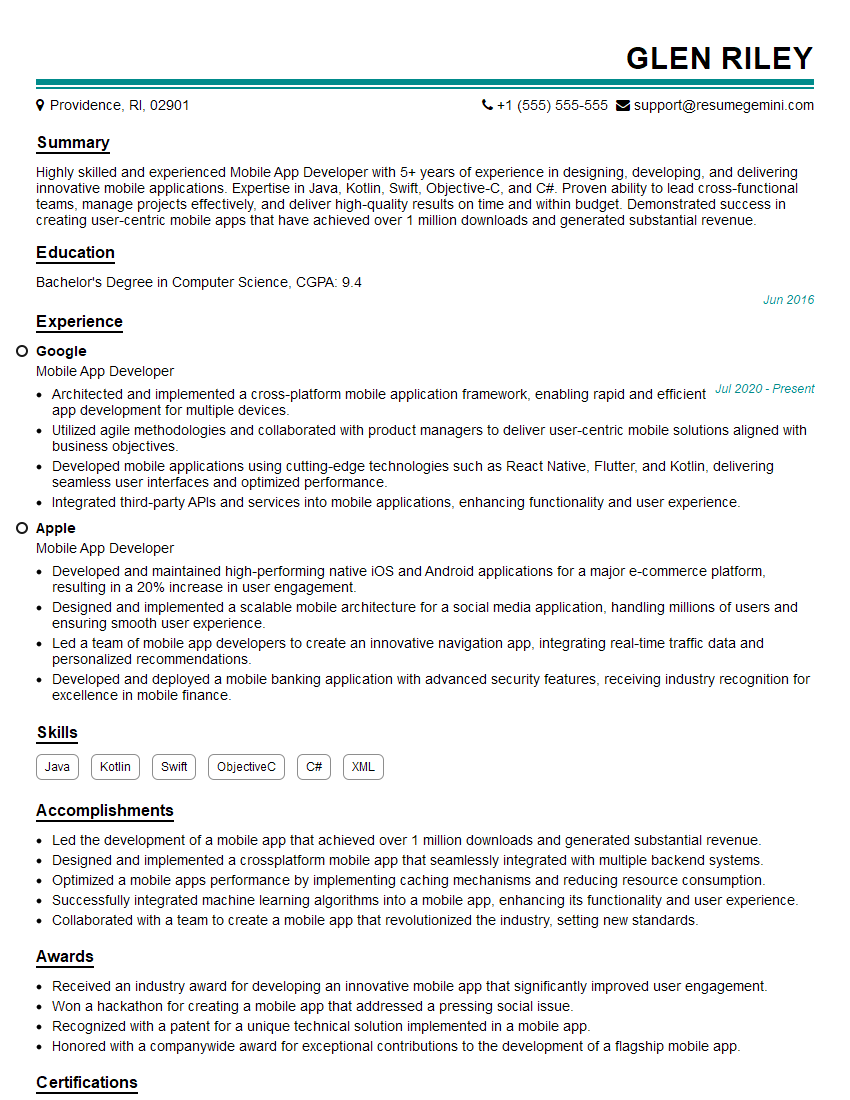
Mobile App Developer Resume Sample

DevOps Engineer Resume Sample

Cloud Architect Resume Sample

Machine Learning Engineer Resume Sample
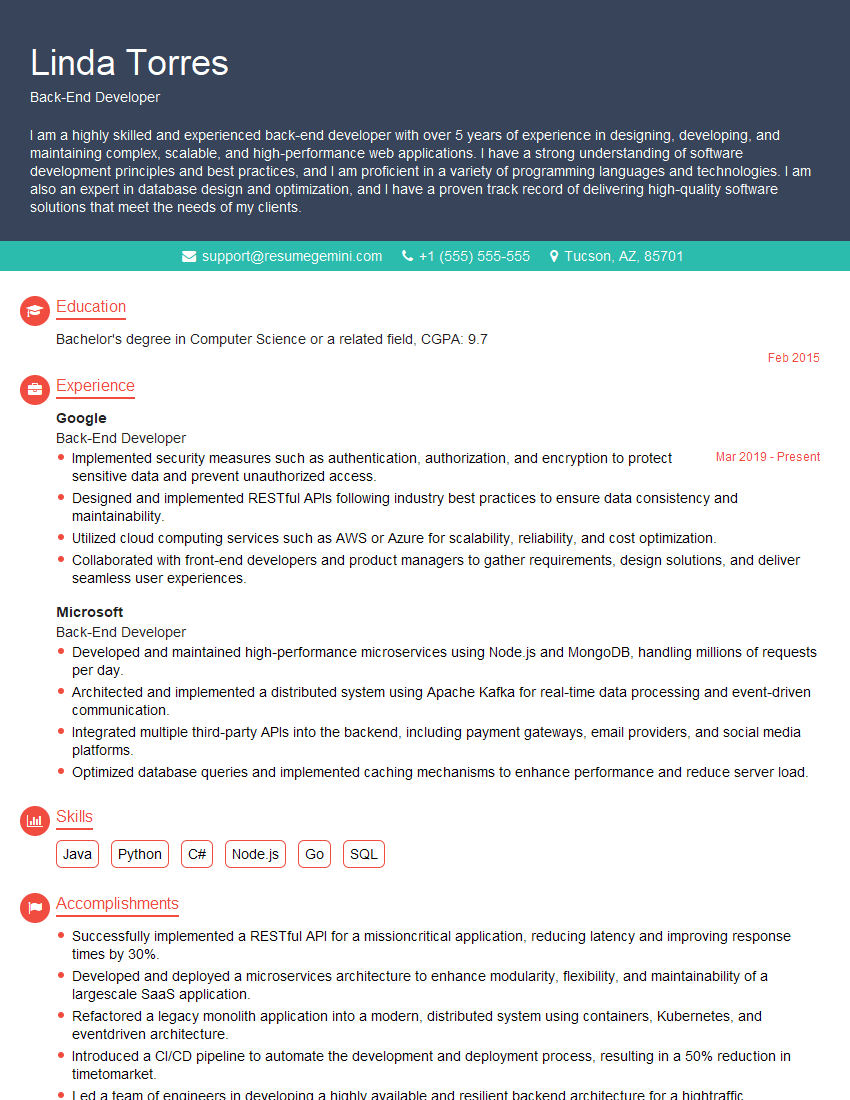
Back-End Developer Resume Sample

Cybersecurity Analyst Resume Sample
- Business Analyst
- Data Analyst
- Data Scientist
- Software Engineer
- Systems Analyst
- Software Architect
- Technical Project Manager
- Network Engineer
- Game Developer
- Web Developer
- IT Manager
- Technical Writer
- Full Stack Developer
- Database Administrator
- Front-End Developer
- Mobile App Developer
- DevOps Engineer
- Cloud Architect
- Machine Learning Engineer
- Back-End Developer
- Cybersecurity Analyst
Explore more articles
Users Rating of Our Blogs
Share Your Experience
We value your feedback! Please rate our content and share your thoughts (optional).
What Readers Say About Our Blog
Very informative content, great job.
good