Preparation is the key to success in any interview. In this post, we’ll explore crucial User Surveys and Feedback Mechanisms interview questions and equip you with strategies to craft impactful answers. Whether you’re a beginner or a pro, these tips will elevate your preparation.
Questions Asked in User Surveys and Feedback Mechanisms Interview
Q 1. What are the key differences between qualitative and quantitative user surveys?
Qualitative and quantitative user surveys differ fundamentally in their approach to data collection and analysis. Qualitative surveys focus on why users behave in a certain way, exploring their opinions, experiences, and motivations through open-ended questions and in-depth interviews. Think of it like having a conversation to understand their perspective deeply. The data gathered is rich in descriptive information but is difficult to statistically analyze. Quantitative surveys, on the other hand, focus on how many users exhibit a certain behavior, employing structured questions with predetermined response options (e.g., multiple choice, rating scales). This yields numerical data suitable for statistical analysis, allowing for broader generalizations and comparisons. Imagine a multiple choice test that measures user satisfaction with a product on a numerical scale. While you gain less nuanced understanding, you can easily compare the scores.
Example: A qualitative survey might ask, “What are your thoughts on our new website design?”, while a quantitative survey might ask, “On a scale of 1 to 5, how satisfied are you with our new website design?”
Q 2. Explain the process of developing a user survey, from defining objectives to data analysis.
Developing a user survey is a systematic process. It begins with clearly defining your objectives: What specific information do you need to gather? What decisions will be made based on this information? Next, you’ll identify your target audience – who are you surveying? This informs your sampling strategy. The next step is designing the survey instrument. This involves choosing appropriate question types (open-ended, multiple-choice, rating scales, etc.), carefully crafting questions to avoid bias, and ensuring clear and concise wording. Before launching, pilot testing is crucial – administering the survey to a small group to identify any issues with clarity, flow, or length. After data collection, you’ll clean and process the data, handling missing values and inconsistencies. Finally, you’ll analyze the data using appropriate statistical methods (depending on your objectives and the type of data collected) and report your findings, including visualizations to effectively communicate your insights.
Q 3. How do you determine the appropriate sample size for a user survey?
Determining the appropriate sample size is critical for ensuring the reliability and generalizability of your results. It depends on several factors: your desired level of precision (margin of error), the confidence level you want to achieve, and the variability in the population you’re studying. Larger sample sizes lead to smaller margins of error and greater confidence. There are several methods for calculating sample size, including statistical power analysis. Online calculators are readily available for various designs, requiring input on the aforementioned factors. For example, you might use a sample size calculator to determine how many users you need to survey to ensure you have a 95% confidence level and a margin of error of +/- 5% for a specific metric. Always consider the cost and feasibility of reaching your chosen sample size – a larger sample is not always better if it’s not practical or affordable.
Q 4. What are some common biases to watch out for when designing and analyzing user surveys?
Several biases can creep into survey design and analysis, significantly impacting the validity of your results. Leading questions, which subtly suggest a preferred answer, are a common pitfall. Social desirability bias occurs when respondents answer in a way they believe is socially acceptable rather than truthfully. Sampling bias arises when your sample doesn’t accurately represent the population you’re studying. Confirmation bias influences the analysis phase, where researchers may unconsciously favor data supporting their pre-existing beliefs. Response bias can be caused by various factors, like only certain segments of the population responding to the survey. To mitigate these, use neutral wording, ensure anonymity, employ diverse sampling techniques, and adopt a rigorous, objective approach to data analysis.
Q 5. Describe different methods for collecting user feedback beyond surveys.
Surveys are just one tool in the user feedback arsenal. Usability testing involves observing users interacting with a product or service to identify areas for improvement. A/B testing compares different versions of a design element to see which performs better. Focus groups facilitate moderated discussions with small groups of users to gather in-depth qualitative data. Customer interviews allow for one-on-one conversations to explore users’ needs and experiences. User feedback forms on websites or apps provide a simple way to gather quick feedback. Heatmaps and clickstream analysis can reveal visual patterns and navigation behavior on websites or apps, giving insight into what users interact with most. These are just a few, and using several methods in a mixed-methods approach often provides a more complete understanding.
Q 6. How do you ensure the validity and reliability of your survey results?
Ensuring validity and reliability is crucial for trustworthy results. Validity refers to whether your survey measures what it intends to measure. This is addressed through careful question design, ensuring the questions align with your research objectives and using well-established scales if applicable. Reliability refers to the consistency of your measurements. This can be improved by using standardized questions, clear instructions, and piloting your survey. Test-retest reliability can be assessed by administering the survey twice to the same group and comparing the results. Internal consistency assesses whether the questions within a section measure the same construct. High validity and reliability ensures your conclusions are accurate and dependable.
Q 7. What statistical methods are you familiar with for analyzing survey data?
My statistical toolkit for analyzing survey data includes descriptive statistics (mean, median, mode, standard deviation) to summarize the data. I use inferential statistics to draw conclusions about the population based on the sample data, including t-tests (comparing means of two groups), ANOVA (comparing means of three or more groups), chi-square tests (analyzing categorical data), correlation analysis (measuring the relationship between variables), and regression analysis (predicting one variable from others). The choice of statistical methods depends on the research question, the type of data collected, and the assumptions of each test. For example, to determine if there’s a significant difference in satisfaction ratings between two groups of users, a t-test would be appropriate. Software packages like SPSS or R are invaluable for conducting these analyses efficiently and accurately.
Q 8. How do you handle missing data in user surveys?
Missing data in user surveys is a common challenge, but it’s crucial to address it effectively to avoid skewed results. The best approach depends on the type and amount of missing data. We typically employ a multi-pronged strategy:
- Identify the pattern: Is the missing data random (e.g., a participant accidentally skipped a section), or is there a systematic pattern (e.g., all males skipped a question about childcare)? Understanding the pattern helps determine the best imputation method.
- Listwise deletion: If the missing data is random and minimal (say, less than 5% of responses), we might exclude participants with incomplete responses. This is simple but might reduce sample size significantly.
- Imputation techniques: For more substantial missing data, especially if non-random, we use imputation. This involves replacing missing values with estimated ones. Common methods include mean/median imputation (replacing with the average value of that variable), regression imputation (predicting the missing value based on other variables), or more advanced techniques like multiple imputation. The choice depends on the data and the nature of missingness. For example, if the question was about income, mean imputation may not be ideal due to potential skewness in income distribution; a more robust method like multiple imputation would be preferred.
- Analysis techniques robust to missing data: Some statistical methods are less sensitive to missing data. Using these, like weighted least squares, minimizes the effects of missing data without complex imputation steps.
The key is to document the chosen method and its potential impact on the results. Transparency is essential when dealing with missing data.
Q 9. Explain the concept of A/B testing and its role in user feedback.
A/B testing, also known as split testing, is a controlled experiment where two or more versions of a webpage, app feature, or survey question (among other elements) are shown to different user groups to determine which performs better. In the context of user feedback, A/B testing allows us to refine our survey design and understand which questions elicit the most meaningful and reliable responses. For instance, we might A/B test two different phrasing of a question to see which receives a higher completion rate. We might also test different survey structures – say, a long survey versus a shorter, more focused version – to determine which yields more complete and higher quality data. Ultimately, A/B testing helps us optimize the survey process for maximum data quality and actionable insights.
Example: Let’s say we’re designing a satisfaction survey. We could create two versions: Version A uses a 5-point Likert scale, while Version B uses a 7-point scale. By running an A/B test, we could analyze which scale leads to more nuanced and reliable feedback, impacting the accuracy of our data analysis.
Q 10. How do you prioritize and act upon user feedback to improve product design?
Prioritizing and acting on user feedback requires a structured approach. It’s not just about tallying votes; we need to understand the ‘why’ behind the feedback. We use a system that involves:
- Categorization: We group similar feedback points together to identify recurring themes and issues. This helps us understand the overall sentiment and prioritize the most critical aspects.
- Severity & Frequency Analysis: We analyze the severity of the problem (e.g., critical bug, minor usability issue) and how frequently it’s reported. This provides a weighted score to help us prioritize.
- Qualitative Analysis: We delve deeper into the qualitative feedback (open-ended responses) to understand the context and underlying reasons behind the issues. This offers richer insights compared to quantitative data alone.
- Impact Assessment: We estimate the potential impact of addressing each issue on user experience, conversion rates, or business goals. This helps in strategically allocating resources.
- Roadmap Integration: Finally, we integrate the prioritized feedback into our product roadmap, setting realistic timelines and assigning ownership to ensure timely implementation.
Example: If many users report difficulty navigating a specific section of our website (high frequency, medium severity), but only a few complain about a minor visual issue (low frequency, low severity), we would prioritize fixing the navigation problem first.
Q 11. What tools and software are you proficient in for conducting and analyzing user surveys?
I’m proficient in several tools for conducting and analyzing user surveys. For survey creation and distribution, I frequently use:
- Qualtrics: A powerful platform for building complex surveys, collecting responses, and performing advanced analyses.
- SurveyMonkey: A user-friendly option suitable for simpler surveys and quick feedback collection.
- Google Forms: A readily available and straightforward tool for basic surveys.
For data analysis, I utilize:
- SPSS: A robust statistical software package for in-depth analysis of survey data, including advanced statistical modeling.
- R: An open-source statistical programming language, providing highly flexible analysis capabilities.
- Excel/Google Sheets: While not as powerful as dedicated statistical software, they are useful for basic data manipulation, visualization, and summary statistics.
My choice of tool depends on the complexity of the survey, the sample size, and the type of analysis required.
Q 12. Describe a time you had to overcome challenges in collecting user feedback.
During a project redesigning a mobile banking app, we faced challenges in collecting feedback from our older user demographic. They were less comfortable with online surveys and many lacked familiarity with mobile technology.
To overcome this, we implemented a multi-faceted strategy:
- Phone interviews: We conducted phone interviews with a segment of our older users. This allowed us to gather detailed feedback in a more accessible format for them.
- In-person focus groups: We organized in-person focus groups in community centers, providing a comfortable and familiar setting for participants.
- Simplified survey design: For those who preferred online surveys, we created a much shorter, simplified version with large font sizes and clear instructions. We also offered assistance via phone if needed.
By utilizing these diverse methods, we were able to successfully gather representative feedback from all our user segments, avoiding bias towards more tech-savvy respondents.
Q 13. How do you present your survey findings to stakeholders?
Presenting survey findings effectively is crucial to influence decision-making. I tailor my presentation to the audience and the purpose. Typically, my presentation includes:
- Executive Summary: A concise overview of the key findings, highlighting significant trends and recommendations.
- Visualizations: Charts, graphs, and tables visually represent the data, making complex information easily understandable. I avoid overwhelming the audience with too much detail.
- Key Findings & Trends: A detailed breakdown of the most important results, with explanations and interpretations.
- Actionable Recommendations: Clear and concise suggestions for improving the product or service based on the findings.
- Supporting Data & Methodology: I provide sufficient context and methodological details to support my conclusions, available for those who wish to delve deeper.
I use a storytelling approach, weaving a narrative around the data to make it engaging and memorable. The goal is to present data-driven insights in a way that’s both persuasive and easily understood by both technical and non-technical stakeholders.
Q 14. How do you measure the success of a user survey?
Measuring the success of a user survey involves evaluating whether it achieved its intended goals. This goes beyond simply collecting responses. We consider several metrics:
- Response Rate: A high response rate indicates a successful reach and engagement. However, a low response rate might necessitate investigation into potential issues with survey design or distribution methods.
- Data Quality: We assess the completeness and consistency of the data collected. High-quality data is essential for reliable analysis and informed decision-making.
- Actionable Insights: The most critical metric is the extent to which the survey provided actionable insights leading to product improvements or informed business decisions. We track implementation of recommendations and assess their impact.
- Impact on Key Metrics: Ultimately, the survey’s success should be linked to improvements in relevant business metrics, such as customer satisfaction, conversion rates, or user engagement. We use A/B testing to demonstrate the value of any changes implemented as a result of the survey insights.
A successful survey doesn’t just gather data; it drives meaningful change and improves the overall user experience.
Q 15. What are the ethical considerations involved in conducting user surveys?
Ethical considerations in user surveys are paramount. They revolve around ensuring respondent privacy, informed consent, and data integrity. Think of it like building trust – if users don’t trust you with their information, they won’t participate honestly, and your data will be useless.
- Privacy: Anonymity and confidentiality are crucial. Never collect personally identifiable information (PII) unless absolutely necessary and with explicit consent. Clearly state how data will be used and stored, and comply with relevant data protection regulations like GDPR or CCPA.
- Informed Consent: Participants should understand the purpose of the survey, how their data will be used, the duration of data storage, and their right to withdraw at any time. This often involves a clear and concise consent form.
- Data Integrity: Avoid leading questions, ensure the survey is unbiased, and be transparent about any incentives offered for participation. Manipulating results or misrepresenting findings is unethical and damages credibility.
- Vulnerable Populations: Extra care is needed when surveying children, individuals with disabilities, or other vulnerable groups. Ensure accessibility and obtain appropriate consent from guardians or representatives.
For example, imagine a survey about a sensitive health product. You’d need robust measures to anonymize responses and ensure participants understand their data won’t be linked back to them.
Career Expert Tips:
- Ace those interviews! Prepare effectively by reviewing the Top 50 Most Common Interview Questions on ResumeGemini.
- Navigate your job search with confidence! Explore a wide range of Career Tips on ResumeGemini. Learn about common challenges and recommendations to overcome them.
- Craft the perfect resume! Master the Art of Resume Writing with ResumeGemini’s guide. Showcase your unique qualifications and achievements effectively.
- Don’t miss out on holiday savings! Build your dream resume with ResumeGemini’s ATS optimized templates.
Q 16. How do you balance qualitative and quantitative data in user research?
Balancing qualitative and quantitative data is crucial for a comprehensive understanding. Quantitative data provides the ‘what’ – numbers, statistics, and trends – while qualitative data provides the ‘why’ – context, insights, and explanations. Think of it like a detective solving a case: quantitative data provides clues, while qualitative data helps unravel the motive.
- Quantitative: Surveys with multiple-choice questions, rating scales (e.g., Likert scales), and numerical data provide large-scale data sets. This helps identify trends and patterns.
- Qualitative: Open-ended questions, focus groups, and interviews provide rich, in-depth understanding. This helps explain the ‘why’ behind quantitative findings.
A good approach is to use quantitative data to identify key areas for further exploration and then use qualitative methods to delve deeper into those areas. For instance, a survey might reveal low satisfaction scores (quantitative). Follow-up interviews could then explore the reasons behind this low satisfaction (qualitative).
Q 17. How do you tailor your survey questions to your target audience?
Tailoring surveys to the target audience is vital for high response rates and meaningful insights. Using language and concepts they understand is key. Imagine sending a highly technical survey to non-technical users – you’ll likely get low response rates and inaccurate data.
- Language: Use clear, concise language appropriate to the audience’s literacy level and cultural background. Avoid jargon or technical terms.
- Format: Consider the audience’s digital literacy. Keep the survey visually appealing and easy to navigate. For older audiences, a simpler design might be more effective.
- Content: Focus on aspects relevant to the target audience’s needs and experiences. A survey for teenagers will differ significantly from one for senior citizens.
- Length: Keep it short and focused. Respect their time – longer surveys often lead to lower completion rates.
For example, a survey for children should use simple language, images, and short questions, unlike a survey for academics, which could use more complex terminology and longer, nuanced questions.
Q 18. Explain the concept of Net Promoter Score (NPS) and its applications.
The Net Promoter Score (NPS) is a metric that measures customer loyalty and satisfaction. It’s based on a single question: “On a scale of 0 to 10, how likely are you to recommend [company/product/service] to a friend or colleague?”
- Scoring: Respondents are categorized into three groups:
- Promoters (9-10): Loyal customers who are likely to recommend your product/service.
- Passives (7-8): Satisfied but not enthusiastic customers.
- Detractors (0-6): Dissatisfied customers who may negatively impact your brand.
- Calculation: NPS is calculated by subtracting the percentage of detractors from the percentage of promoters.
- Applications: NPS is used to track customer loyalty over time, identify areas for improvement, and benchmark against competitors.
For example, a company might use NPS to track the impact of a new product feature or marketing campaign on customer loyalty. A declining NPS might signal a need for urgent action to address customer concerns.
Q 19. How do you deal with negative feedback from users?
Negative feedback, while initially challenging, is a goldmine of information. It reveals areas needing improvement and provides valuable insights into user experience problems.
- Acknowledge and Respond: Show users that their feedback is valued by acknowledging it promptly. A simple thank you demonstrates respect and encourages future participation.
- Analyze Patterns: Look for recurring themes and patterns in the negative feedback. Are multiple users experiencing the same problem? This helps prioritize areas for improvement.
- Empathize and Understand: Try to understand the user’s perspective and the reasons behind their negative feedback. Put yourself in their shoes.
- Take Action: Develop a plan to address the issues raised in the negative feedback. Communicate your plan to the users and demonstrate your commitment to improving their experience.
For example, consistently negative feedback about a website’s navigation might lead to a redesign of the site’s menu structure.
Q 20. What are some best practices for writing effective survey questions?
Writing effective survey questions is crucial for obtaining accurate and useful data. Clarity, conciseness, and avoiding bias are key.
- Clarity and Conciseness: Use simple, unambiguous language. Avoid jargon or complex sentence structures. Keep questions short and to the point.
- Avoid Leading Questions: Phrase questions neutrally, without influencing the respondent’s answer. For example, instead of asking “Don’t you agree that our product is amazing?”, ask “What are your thoughts on our product?”
- Use Appropriate Question Types: Select the question type best suited to the type of data you’re collecting (multiple choice, rating scales, open-ended questions).
- Pilot Test: Test your survey with a small group before launching it widely. This helps identify and fix any problems with question wording or flow.
- Logical Flow: Order questions logically to ensure a smooth and engaging survey experience.
For example, instead of “How satisfied were you with our customer service?” (which is vague), you could ask “On a scale of 1-5, how would you rate the speed and helpfulness of our customer service?”
Q 21. How do you ensure your survey is accessible to all users?
Accessibility in surveys means ensuring all users, regardless of their abilities, can participate equally. This includes users with visual, auditory, motor, or cognitive impairments.
- Visual Accessibility: Use sufficient color contrast, appropriate font sizes, and clear visual hierarchy. Provide alt text for images.
- Auditory Accessibility: Provide transcripts or captions for audio elements. Ensure audio content is accessible to users with hearing impairments.
- Motor Accessibility: Ensure the survey is navigable using keyboard only. Avoid relying on mouse-only interactions.
- Cognitive Accessibility: Use clear and simple language, avoid complex sentence structures, and break down long questions into smaller, more manageable parts.
- Alternative Formats: Consider offering alternative formats, such as audio surveys or paper surveys, for users who cannot access online surveys.
For example, using screen reader compatible code, providing alternative text for images, using larger font sizes, and clear instructions are all essential for survey accessibility.
Q 22. What are some limitations of using online surveys?
Online surveys, while convenient and cost-effective, have inherent limitations. One major drawback is sampling bias. The individuals who choose to participate may not accurately represent the entire target population, leading to skewed results. For example, a survey sent only via email might miss individuals who don’t regularly check email or lack internet access.
Another limitation is response rate. Getting a high response rate is crucial for reliable data, but online surveys often suffer from low participation. People are busy, and completing a survey requires time and effort. This low response rate can introduce non-response bias, where the characteristics of those who didn’t respond differ significantly from those who did.
Furthermore, the lack of context and visual cues in online surveys can hinder the understanding of complex questions. Unlike in-person interviews, researchers can’t observe respondent reactions or clarify ambiguous answers immediately. This can result in misinterpretations and inaccurate data. Finally, honesty and data quality are always concerns. Respondents may not always answer truthfully, potentially due to social desirability bias (wanting to present themselves in a positive light).
Q 23. Describe your experience with different survey platforms (e.g., SurveyMonkey, Qualtrics).
I’ve worked extensively with several survey platforms, including SurveyMonkey and Qualtrics. SurveyMonkey is user-friendly and excellent for simpler surveys, offering a good range of question types and built-in analysis tools. It’s a great platform for quick polls or surveys with a smaller audience. However, for complex research designs and advanced features, it can feel somewhat limited.
Qualtrics, on the other hand, offers a much more comprehensive suite of tools and is better suited for large-scale research projects. Its branching logic, advanced question types (like matrix tables and constant-sum questions), and robust analytics make it incredibly powerful. I’ve used Qualtrics to conduct longitudinal studies, A/B testing surveys, and incorporate sophisticated data analysis techniques. The learning curve is steeper than SurveyMonkey’s, but the capabilities far outweigh the initial investment of time in learning the platform. The choice between the two often depends on project scope and budget. For a quick, smaller-scale survey, SurveyMonkey may suffice; for larger-scale, complex projects, Qualtrics is generally preferred.
Q 24. How do you handle unexpected survey responses?
Handling unexpected survey responses requires a systematic approach. First, I would review the responses to identify the nature of the unexpected input. This could involve irrelevant answers, abusive language, or responses that clearly indicate a misunderstanding of the question. For example, a user might provide an answer outside of the scale, or they might answer a multiple-choice question with free text.
For irrelevant or abusive responses, I’d typically exclude them from the analysis, documenting the reasons for exclusion. This ensures the integrity of the data and prevents the distortion of results. For responses demonstrating a misunderstanding of the question, I’d investigate the cause. Was the question unclear? Did the instructions need improvement? This feedback is valuable for refining future surveys. In some cases, where the response is not entirely unusable, I might attempt to ‘clean’ it by coding it appropriately. This might mean assigning a value based on the respondent’s intention, but it’s a process to be done with caution and transparency.
Q 25. How do you integrate user feedback into the product development lifecycle?
Integrating user feedback into the product development lifecycle is crucial for creating successful products. I typically advocate for a continuous feedback loop. This begins by clearly defining which aspects of the product are being assessed. Then, I ensure the feedback collected is properly analyzed, categorized, and prioritized based on its impact and feasibility.
For example, I might use a combination of quantitative (e.g., survey scores) and qualitative data (e.g., user comments) to identify trends and areas for improvement. This analysis often involves creating dashboards that visually represent the feedback. This data is then shared with the product team during sprint planning and design reviews. Prioritized feedback items might be added directly to the product backlog. The team then discusses, designs, develops and tests solutions based on the validated user insights. The impact of implemented changes should then be measured through subsequent iterations of feedback mechanisms.
Q 26. What are some examples of effective feedback mechanisms besides surveys?
Surveys are a valuable tool, but they shouldn’t be the only feedback mechanism. Other effective approaches include:
- User interviews: In-depth conversations provide rich qualitative data and allow for follow-up questions.
- Focus groups: These facilitate discussions among a group of users, revealing shared experiences and perspectives.
- Usability testing: Observing users interact with a product helps identify pain points and areas for improvement.
- A/B testing: Comparing different versions of a product or feature allows for data-driven decisions.
- In-app feedback tools: Embedding feedback buttons directly within the product provides easy access for users to share immediate thoughts.
- Social media monitoring: Tracking mentions and conversations about your product on social media can reveal valuable insights.
The optimal combination of these methods depends on the specific goals and context of the feedback collection.
Q 27. How would you measure the effectiveness of a new feedback mechanism?
Measuring the effectiveness of a new feedback mechanism is essential. I’d use a multi-faceted approach. First, I would assess the response rate. A higher response rate suggests better accessibility and engagement. Then, I would analyze the quality of the feedback received. Is it insightful, actionable, and relevant? I might quantify this using metrics like the percentage of feedback that led to concrete product changes.
Next, I would evaluate the impact on the product. Did the feedback result in improvements in user satisfaction, engagement, or other key performance indicators (KPIs)? This might involve comparing metrics before and after implementing changes based on the feedback. Finally, I would seek user feedback on the feedback mechanism itself. Is it easy to use? Is it clear? Does it encourage participation? This meta-feedback provides crucial insights for optimizing the process. Combining these quantitative and qualitative measures provides a comprehensive evaluation of the effectiveness of the new feedback mechanism.
Key Topics to Learn for User Surveys and Feedback Mechanisms Interview
- Survey Design & Methodology: Understand different survey types (e.g., Likert scale, multiple choice, open-ended), sampling techniques, and how to avoid common biases. Consider the practical implications of choosing one method over another.
- Data Collection & Analysis: Explore various data collection tools and platforms. Learn how to analyze survey data using statistical methods to identify trends and actionable insights. Practice interpreting results and drawing meaningful conclusions.
- Feedback Mechanism Implementation: Understand the implementation of different feedback mechanisms beyond surveys, such as in-app feedback forms, user interviews, and focus groups. Consider the strengths and weaknesses of each approach and when to use them.
- User Experience (UX) Principles: How do user surveys and feedback mechanisms improve the user experience? Discuss how insights gathered inform design decisions and iterative improvements to products or services.
- Qualitative vs. Quantitative Data: Learn to distinguish between and analyze both types of data derived from user feedback. Understand how to combine these data types for a comprehensive understanding of user needs and preferences.
- Reporting & Communication: Practice effectively communicating findings from user research to stakeholders. Consider different formats for presenting data (e.g., dashboards, presentations) and tailoring your communication style to different audiences.
- Ethical Considerations: Understand the ethical implications of data collection and analysis, including data privacy, informed consent, and responsible use of user information.
Next Steps
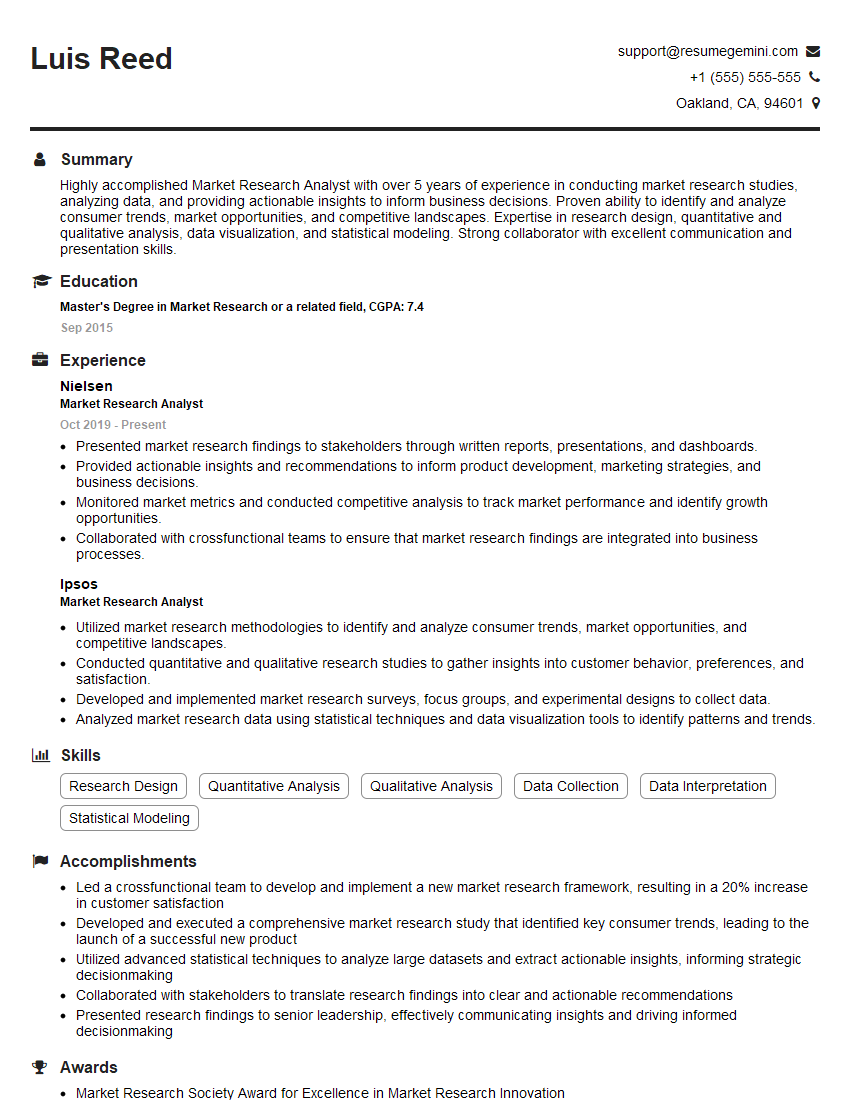
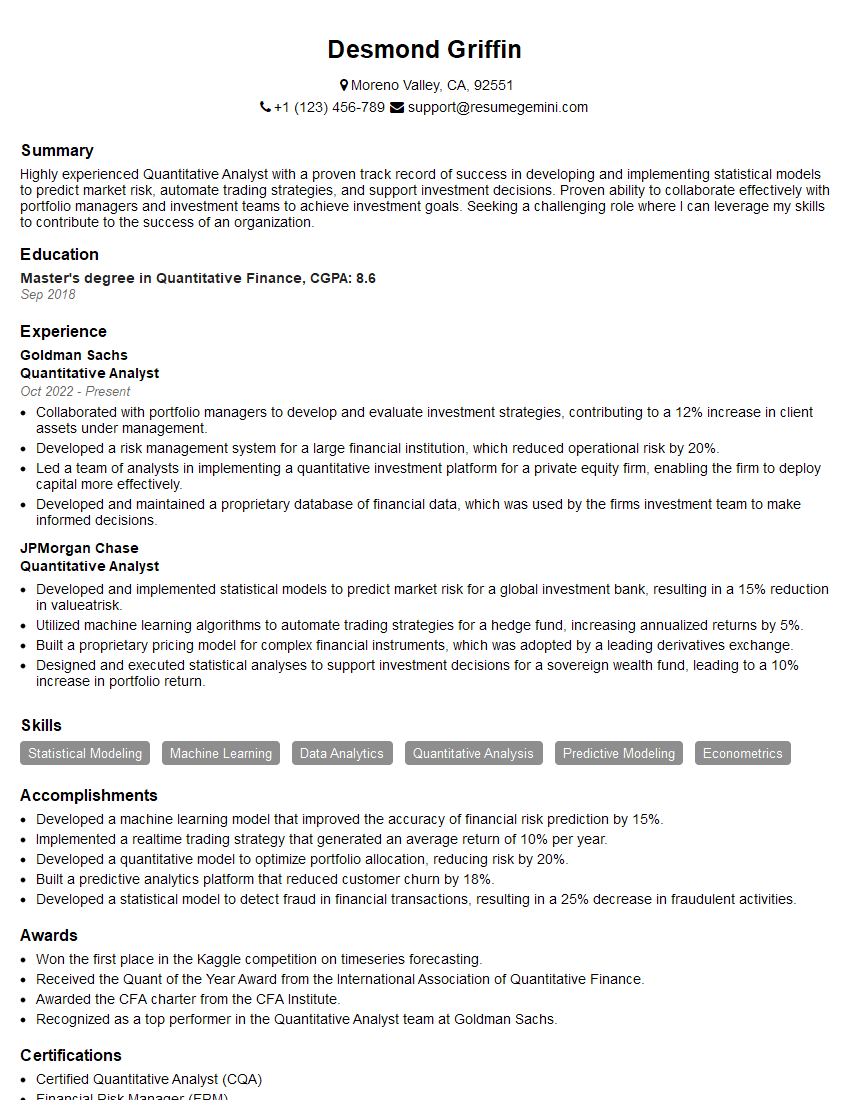
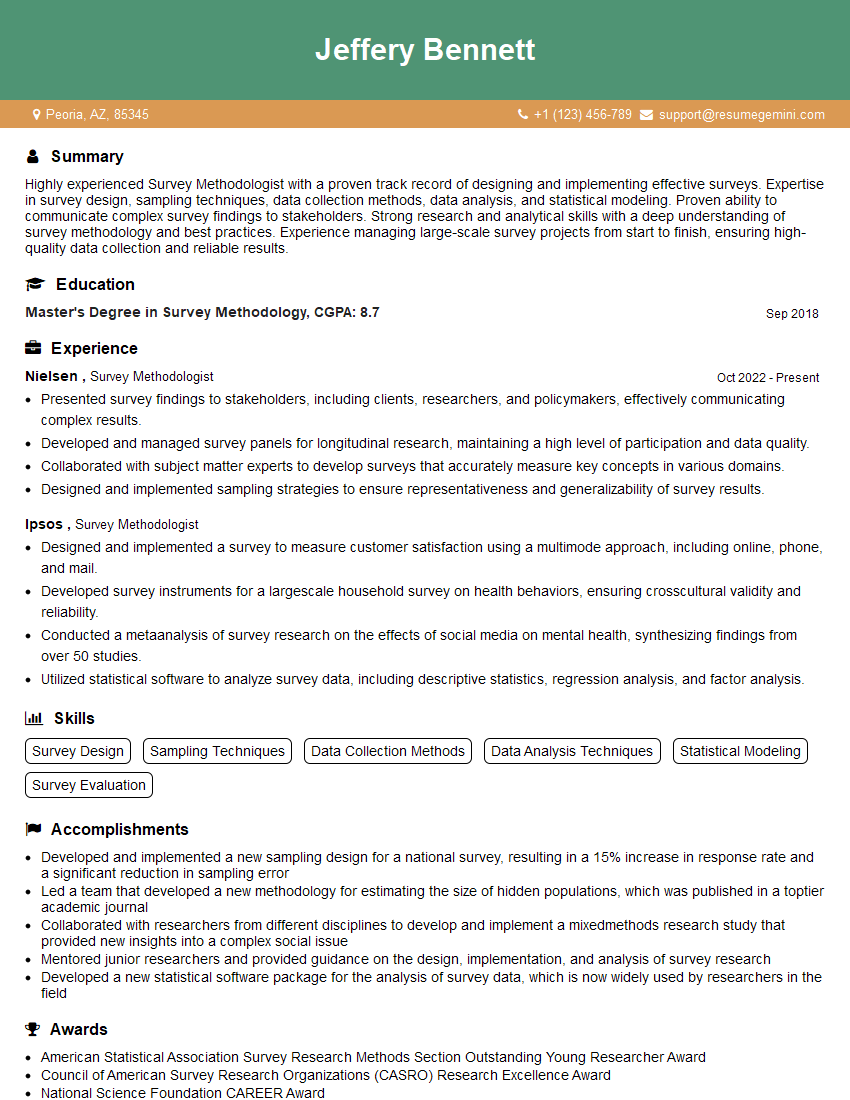
Mastering user surveys and feedback mechanisms is crucial for career advancement in many fields, demonstrating your ability to understand user needs and drive product improvement. A strong resume is your first impression; an ATS-friendly resume significantly increases your chances of getting your application noticed. To build a compelling resume that highlights your skills in this area, leverage the power of ResumeGemini. ResumeGemini offers a user-friendly platform and provides examples of resumes tailored to User Surveys and Feedback Mechanisms, helping you craft a document that showcases your expertise and secures your next interview.





Explore more articles
Users Rating of Our Blogs
Share Your Experience
We value your feedback! Please rate our content and share your thoughts (optional).
What Readers Say About Our Blog
Very informative content, great job.
good