Preparation is the key to success in any interview. In this post, we’ll explore crucial Work Station Optimization interview questions and equip you with strategies to craft impactful answers. Whether you’re a beginner or a pro, these tips will elevate your preparation.
Questions Asked in Work Station Optimization Interview
Q 1. Define workstation optimization and its key objectives.
Workstation optimization is the process of designing and arranging a workspace to maximize productivity, comfort, and safety for the worker. Its key objectives are to prevent musculoskeletal disorders (MSDs), reduce fatigue and discomfort, improve efficiency and productivity, and create a more positive and healthy work environment. Think of it like fine-tuning a machine – you want all parts working smoothly and efficiently together, with minimal friction.
- Prevent MSDs: This is the primary goal, aiming to avoid injuries like carpal tunnel syndrome, tendonitis, and back pain.
- Enhance Productivity: A comfortable and efficient workstation leads to fewer interruptions and better focus.
- Boost Morale: A well-designed workspace demonstrates care for employees’ well-being, leading to increased job satisfaction.
- Reduce Absenteeism: By preventing workplace injuries, businesses can reduce lost workdays and associated costs.
Q 2. Explain the principles of ergonomics in workstation design.
Ergonomics, in the context of workstation design, focuses on fitting the job to the person, not the person to the job. It involves understanding the human body’s capabilities and limitations to create a workspace that supports natural postures and movements. Key principles include:
- Neutral Posture: Maintaining a natural posture that avoids prolonged strain on muscles and joints. This means keeping your back straight, wrists neutral, and elbows close to your body.
- Proper Support: Providing adequate support for the back, wrists, and arms with appropriate chairs, keyboard trays, and armrests.
- Avoid Awkward Postures: Minimizing prolonged reaching, twisting, or bending that can put undue stress on the body.
- Minimize Static Postures: Encouraging frequent movement and breaks to avoid prolonged periods in the same position. Think of it like stretching during a long car ride.
- Individual Adjustment: Allowing workers to customize their workspace to fit their individual needs and body dimensions.
Q 3. Describe the common musculoskeletal disorders (MSDs) associated with poor workstation design.
Poor workstation design significantly increases the risk of developing musculoskeletal disorders (MSDs). These are injuries affecting the muscles, tendons, nerves, and supporting structures. Common MSDs include:
- Carpal Tunnel Syndrome (CTS): Pain, numbness, and tingling in the hand and wrist due to compression of the median nerve.
- Tendonitis: Inflammation of a tendon, often caused by repetitive movements or overuse.
- Back Pain: Aching, stiffness, and pain in the lower back, often stemming from poor posture and lack of support.
- Neck Pain: Pain and stiffness in the neck, frequently due to prolonged awkward head positions.
- Shoulder Pain: Pain and discomfort in the shoulder, arising from repetitive reaching or strained posture.
These conditions not only cause significant pain and discomfort but also impact productivity and overall quality of life.
Q 4. How do you assess a workstation for ergonomic risks?
Assessing a workstation for ergonomic risks involves a systematic approach, combining observation and interaction with the worker. This might involve:
- Observation Checklist: Using a standardized checklist to assess posture, equipment placement, and workspace layout. This provides a structured way to identify potential hazards.
- Interview with the Worker: Talking to the worker to understand their daily tasks, any discomfort experienced, and their perceptions of their workspace. This offers valuable subjective insights.
- Physical Assessment: Observing the worker’s posture and movements during their tasks. This helps identify specific risk factors like prolonged reaching or awkward postures.
- Measurement of Workstation Dimensions: Using measuring tools to ensure proper chair height, keyboard distance, and monitor placement.
- Review of Work Processes: Examining the efficiency and flow of work tasks to identify opportunities for improvement and reduce repetitive movements.
A combination of these methods provides a comprehensive picture of ergonomic risks within a particular workstation.
Q 5. What are the key elements of a proper workstation setup (chair, keyboard, monitor, etc.)?
A proper workstation setup is crucial for preventing MSDs and maintaining worker comfort. Key elements include:
- Chair: Adjustable height, lumbar support, and armrests are essential. The chair should allow for proper posture and comfort during prolonged sitting.
- Keyboard: Positioned directly in front of the user, allowing for neutral wrist posture. Consider a keyboard tray to achieve the right height and angle.
- Monitor: Placed at arm’s length and slightly below eye level to prevent neck strain. The top of the screen should be roughly at eye level.
- Mouse: Positioned close to the keyboard to minimize reaching and strain. Consider an ergonomic mouse for better hand positioning.
- Document Holder: Keeps documents at the same height as the monitor to reduce neck and eye strain.
- Lighting: Adequate lighting is crucial to prevent eye strain. Avoid glare and shadows on the computer screen.
- Footrest: If the chair doesn’t allow for proper foot placement, a footrest can improve posture and comfort.
Q 6. Explain the importance of proper posture and its impact on worker health.
Proper posture is fundamental to worker health. Maintaining a neutral posture minimizes strain on muscles, joints, and ligaments. Poor posture, on the other hand, can lead to a variety of problems:
- Increased Muscle Strain: Continuously slouching or straining muscles leads to fatigue, pain, and potential injury.
- Reduced Blood Circulation: Poor posture can restrict blood flow, leading to discomfort and numbness in extremities.
- Increased Risk of MSDs: As mentioned previously, poor posture significantly increases the risk of conditions like back pain, neck pain, and carpal tunnel syndrome.
- Reduced Lung Capacity: Slouching can restrict breathing and reduce lung capacity.
- Reduced Energy Levels: Poor posture can lead to fatigue and reduced energy levels throughout the day.
Think of your spine as a delicate structure – supporting it correctly is essential for long-term health and well-being. Promoting good posture can lead to improved physical health, reduced pain, increased energy, and improved overall well-being.
Q 7. How do you measure and analyze workstation effectiveness?
Measuring and analyzing workstation effectiveness involves both quantitative and qualitative methods:
- Productivity Metrics: Track key performance indicators (KPIs) like output, error rates, and task completion times to assess the impact of workstation design on efficiency. Improvements here suggest a positive ergonomic effect.
- Worker Surveys: Regularly survey workers to gather feedback on their comfort levels, pain levels, and satisfaction with the workspace. This provides valuable subjective data.
- Observation Data: Track posture, movement patterns, and task durations to identify areas for improvement. Video recordings can be helpful for this.
- Injury Rates: Monitor the incidence of MSDs and other work-related injuries. A decrease suggests effective workstation optimization.
- Absenteeism Rates: Track employee absenteeism due to illness or injury. Reductions are a strong indicator of improved well-being.
By combining these methods, a comprehensive understanding of workstation effectiveness can be developed. This allows for continuous improvement and adjustment based on real-world data and feedback.
Q 8. Describe different types of workstation adjustments and their applications.
Workstation adjustments are modifications made to the physical work environment to improve comfort, reduce strain, and prevent musculoskeletal disorders (MSDs). These adjustments fall into several categories:
- Chair Adjustments: These include seat height, backrest angle and height, lumbar support adjustment, armrest height and width, and seat depth. Proper chair adjustment ensures proper posture and reduces pressure points. For example, the seat height should be adjusted so your feet are flat on the floor and your thighs are parallel to the ground.
- Desk Adjustments: This includes height adjustability (sit-stand desks are ideal), keyboard and monitor placement, and the use of ergonomic accessories like keyboard trays and monitor arms. A sit-stand desk allows for dynamic posture changes throughout the workday, preventing prolonged static postures.
- Monitor Placement: The monitor should be positioned at arm’s length, with the top of the screen at or slightly below eye level. This reduces neck strain and promotes a neutral head and neck position.
- Keyboard and Mouse Placement: The keyboard should be positioned directly in front of the user, with wrists straight and elbows at a 90-degree angle. The mouse should be close to the keyboard to minimize reaching. This minimizes strain on the wrists, hands, and forearms.
- Lighting Adjustments: Proper lighting minimizes eye strain and glare. This involves using appropriate lighting levels and placement, minimizing harsh shadows and glare from windows or light sources.
- Document Holders: Placing documents at the same height as the monitor prevents constant head and neck movement when referring to documents.
The application of these adjustments depends on the individual’s needs and the type of work being performed. A graphic designer, for instance, would benefit significantly from a height-adjustable desk and a large, high-resolution monitor, while a data entry clerk would prioritize comfortable chair adjustments and proper keyboard placement.
Q 9. What are the benefits of workstation optimization for both employees and employers?
Workstation optimization offers significant benefits for both employees and employers. For employees, the benefits include:
- Reduced Musculoskeletal Disorders (MSDs): Proper workstation setup significantly reduces the risk of developing carpal tunnel syndrome, back pain, neck pain, and other MSDs.
- Increased Comfort and Productivity: A comfortable workstation leads to increased focus, reduced fatigue, and ultimately, higher productivity.
- Improved Well-being: Reducing physical strain leads to improved overall physical and mental well-being, contributing to a healthier and happier workforce.
For employers, the advantages are:
- Reduced Healthcare Costs: Fewer MSDs translate to lower healthcare costs associated with employee injuries and sick leave.
- Increased Productivity and Efficiency: A more comfortable and efficient workforce leads to improved overall productivity and output.
- Reduced Absenteeism and Turnover: Happy and healthy employees are less likely to miss work or leave the company, resulting in lower recruitment and training costs.
- Improved Employee Morale and Job Satisfaction: Investing in employee well-being demonstrates employer care and fosters a positive work environment.
- Enhanced Company Reputation: A commitment to employee health and safety enhances the company’s image and reputation.
Q 10. How do you handle resistance to change when implementing workstation improvements?
Resistance to change is a common challenge when implementing workstation improvements. Addressing this requires a multifaceted approach:
- Education and Communication: Clearly communicate the benefits of workstation optimization to employees. Explain how the changes will improve their comfort, health, and productivity. Use visuals like before-and-after photos or videos to illustrate the improvements.
- Involvement and Participation: Involve employees in the process. Conduct surveys, hold meetings, and seek feedback to understand their concerns and incorporate their suggestions. This fosters a sense of ownership and increases buy-in.
- Pilot Programs: Implement changes on a smaller scale as a pilot program before rolling them out company-wide. This allows you to address any issues and refine the process before wider implementation.
- Addressing Concerns Individually: Some individuals may have specific needs or concerns. Address these individually through one-on-one conversations, offering tailored solutions or adjustments.
- Highlighting Success Stories: Showcase the positive experiences of employees who have already benefited from the improvements. Testimonials and positive feedback can encourage others to embrace the changes.
- Provide Training and Support: Offer training on how to use new equipment and adjust their workstations effectively. Provide ongoing support to answer questions and address any challenges.
For example, I once encountered resistance to using sit-stand desks. By demonstrating the benefits through a small pilot program and addressing individual concerns (e.g., providing anti-fatigue mats), we were able to overcome resistance and achieve widespread adoption.
Q 11. Explain your experience with ergonomic assessment tools and software.
I have extensive experience using various ergonomic assessment tools and software. These range from simple checklists to sophisticated software packages capable of detailed posture analysis. Examples include:
- Checklists and Questionnaires: These are useful for quick initial assessments, identifying potential risk factors, and screening employees for MSD symptoms. I frequently use RULA (Rapid Upper Limb Assessment) and REBA (Rapid Entire Body Assessment) checklists to quickly evaluate posture and risk.
- Software-based Posture Analysis: More advanced software uses video capture and image processing to create a detailed analysis of posture and movement patterns. This data provides objective measurements for identifying areas of concern and creating targeted interventions. Software like [mention specific software, if comfortable, otherwise omit names] is very useful for this process.
- Anthropometric Data: Understanding the physical dimensions of the workforce (height, arm length, etc.) is crucial. I utilize anthropometric data to tailor workstation adjustments to individual needs and ensure proper fit.
The choice of tool depends on the context. A simple checklist may be sufficient for a quick assessment, while sophisticated software is beneficial for more in-depth analysis and data-driven recommendations.
Q 12. Describe your process for developing and implementing an ergonomic workstation improvement plan.
My process for developing and implementing an ergonomic workstation improvement plan follows these steps:
- Needs Assessment: Begin with a thorough needs assessment, including employee surveys, workstation observations, and interviews to identify existing issues and potential risks.
- Risk Assessment: Conduct a comprehensive risk assessment using tools like RULA or REBA to quantify the risk level associated with different workstations and tasks.
- Prioritization: Prioritize improvements based on risk level, focusing on the highest-risk areas first. Consider factors such as the number of employees affected and the severity of potential injuries.
- Recommendation Development: Based on the assessment, develop detailed recommendations for workstation adjustments, including specific equipment, software, or training needs.
- Implementation: Implement the recommended changes, providing training and support to employees. This may involve purchasing new equipment, adjusting existing furniture, or modifying work processes.
- Evaluation and Monitoring: Regularly evaluate the effectiveness of the implemented changes, monitoring employee feedback, and making adjustments as needed. Track MSD rates and lost-time injuries to assess the impact of improvements.
For instance, if the assessment reveals high risk associated with prolonged computer use, the plan might include providing adjustable desks, ergonomic keyboards, and training on proper posture.
Q 13. How do you prioritize ergonomic improvements based on risk assessment?
Prioritizing ergonomic improvements based on risk assessment is crucial for efficient resource allocation. I typically use a matrix approach, combining risk level with factors like the number of employees affected and the cost of mitigation. A simple approach is:
- High Risk, High Impact: These are the highest priority. Examples include workstations with high repetitive movements and awkward postures impacting many employees. These require immediate attention and significant investment.
- High Risk, Low Impact: These require attention, but might have lower priority due to fewer affected individuals. The focus here is on targeted interventions and cost-effective solutions.
- Low Risk, High Impact: While the risk is low, the potential impact on a large number of employees necessitates preventative measures. These might involve simple adjustments or training programs.
- Low Risk, Low Impact: These pose minimal risk and can be addressed in the longer term or during routine workstation maintenance.
This allows for a systematic approach, focusing resources on the most pressing needs while also addressing potential future problems. It’s essential to document the prioritization rationale for transparency and accountability.
Q 14. What are some common workplace hazards that impact workstation design?
Several common workplace hazards impact workstation design:
- Repetitive Strain Injuries (RSIs): Repetitive tasks, awkward postures, and forceful exertions are major contributors to RSIs like carpal tunnel syndrome and tendinitis. Workstation design needs to minimize repetitive movements and promote neutral body postures.
- Poor Posture: Prolonged sitting or standing in awkward positions leads to neck, back, and shoulder pain. Adjustable chairs, desks, and monitor placement are crucial for correcting poor posture.
- Improper Lighting: Poor lighting leads to eye strain, headaches, and reduced productivity. Appropriate lighting levels, placement, and glare reduction are necessary.
- Vibration: Exposure to vibration, particularly hand-arm vibration (HAV), can lead to serious injuries. Vibration-dampening tools and equipment are essential when dealing with vibrating machinery.
- Noise: Excessive noise levels can cause hearing loss, stress, and reduced concentration. Noise reduction strategies, such as sound dampening materials and ear protection, are vital.
- Temperature Extremes: Extreme temperatures can lead to discomfort, fatigue, and reduced productivity. Proper climate control and thermal comfort are critical.
- Space Constraints: Lack of space or cramped work areas can increase stress, and make it difficult to maintain proper posture and ergonomics.
Addressing these hazards through proper workstation design and implementation of safety measures is crucial for creating a healthy and productive work environment.
Q 15. How do you incorporate user feedback into workstation design improvements?
Incorporating user feedback is crucial for successful workstation optimization. It ensures the final design is practical, comfortable, and actually improves the user experience, rather than just adhering to theoretical best practices. We employ several methods:
- Surveys: Anonymous surveys can gather data on pain points, discomfort areas, and suggestions for improvement. For example, a survey might ask about the frequency and intensity of neck pain, wrist strain, or eye fatigue.
- Focus Groups: Focused discussions with representative groups of users allow for more in-depth feedback and nuanced understanding of their experiences. We can use this approach to identify workflow bottlenecks related to workstation layout.
- Interviews: One-on-one interviews offer personalized insights and allow for follow-up questions to clarify concerns. This is especially valuable when addressing individual needs or specific ergonomic issues.
- Observation: Direct observation of users at work reveals actual workstation usage patterns and identifies discrepancies between intended and actual use. For instance, we might observe that employees are consistently reaching for items outside their comfortable reach, highlighting a design flaw.
- Usability Testing: Testing prototypes or mockups of workstation designs allows us to gather immediate feedback on functionality and comfort before implementation.
We analyze this feedback using statistical methods to identify trends and prioritize improvements. This iterative approach ensures a user-centric design that addresses real-world concerns.
Career Expert Tips:
- Ace those interviews! Prepare effectively by reviewing the Top 50 Most Common Interview Questions on ResumeGemini.
- Navigate your job search with confidence! Explore a wide range of Career Tips on ResumeGemini. Learn about common challenges and recommendations to overcome them.
- Craft the perfect resume! Master the Art of Resume Writing with ResumeGemini’s guide. Showcase your unique qualifications and achievements effectively.
- Don’t miss out on holiday savings! Build your dream resume with ResumeGemini’s ATS optimized templates.
Q 16. Explain the difference between proactive and reactive approaches to workstation optimization.
Proactive and reactive approaches to workstation optimization differ significantly in their timing and focus.
Proactive optimization anticipates potential problems before they arise. This involves preemptive ergonomic assessments of new workstations or roles, using predictive models to identify risk factors. For example, before implementing a new assembly line, we’d conduct a thorough ergonomic risk assessment to anticipate potential musculoskeletal disorders based on the tasks involved. This often leads to significant cost savings in the long run by preventing injuries and lost productivity.
Reactive optimization, in contrast, addresses problems *after* they occur. This typically involves responding to reported injuries, complaints, or increased absenteeism due to musculoskeletal issues. For example, if we see a spike in carpal tunnel syndrome cases among data entry clerks, we would conduct a reactive assessment of their workstations to identify and rectify the contributing factors. While necessary, it’s generally more expensive and disruptive than a proactive approach.
Ideally, a balanced approach combining proactive planning with responsive adjustments is optimal for long-term success.
Q 17. How do you measure the ROI of workstation optimization initiatives?
Measuring the ROI of workstation optimization initiatives requires a multifaceted approach. We consider both tangible and intangible benefits:
- Reduced healthcare costs: By preventing or mitigating musculoskeletal disorders, we see a decrease in workers’ compensation claims and healthcare expenses. We can quantify this by comparing the costs before and after optimization.
- Increased productivity: Improved comfort and efficiency lead to higher output and reduced error rates. We can measure this through increased units produced per hour or improved quality metrics.
- Reduced absenteeism and presenteeism: A healthier and more comfortable workforce leads to lower rates of sick leave and improved engagement, even if employees are present but not fully productive due to discomfort (presenteeism). We can track employee attendance and productivity data before and after the intervention.
- Improved employee morale and satisfaction: A more comfortable and supportive work environment boosts morale and job satisfaction. This can be measured through employee surveys and feedback.
We use various metrics to calculate ROI, including comparing the costs of the intervention (equipment, training, consulting) with the savings and benefits achieved. A cost-benefit analysis is essential for demonstrating the financial value of these initiatives to management.
Q 18. Describe your experience with different ergonomic assessment methodologies.
My experience encompasses various ergonomic assessment methodologies, each offering unique advantages:
- Rapid Upper Limb Assessment (RULA): A posture assessment tool that scores postures based on their risk of causing musculoskeletal problems. It’s relatively quick and easy to administer, suitable for large-scale assessments.
- Rapid Entire Body Assessment (REBA): Similar to RULA, but considers the entire body posture, incorporating factors like force, repetition, and awkward postures. It’s more comprehensive than RULA but requires more time.
- Occupational Risk Factors Questionnaire (ORFQ): A questionnaire used to identify potential ergonomic hazards and risk factors in various job tasks. It’s useful for preliminary assessments and understanding worker perceptions of risks.
- Strain Index (SI): This method assesses the risk of musculoskeletal disorders associated with repetitive hand movements. We use it specifically to evaluate tasks involving high-repetition, low-force hand movements.
- Observation-based assessments: Direct observation of workers performing their tasks provides valuable qualitative data that complements quantitative assessments, offering insights into workflow, tool usage, and environmental factors that may impact ergonomics. This allows for a more comprehensive understanding of the factors affecting the worker’s posture and physical demands.
The choice of methodology depends on the specific context and the available resources. Often, we employ a combination of methods for a more holistic and accurate assessment.
Q 19. How do you ensure compliance with relevant safety regulations and standards?
Compliance with safety regulations and standards is paramount. We ensure compliance by:
- Staying updated on regulations: We continuously monitor changes in relevant legislation (OSHA, ANSI, etc.) and incorporate these updates into our assessments and recommendations.
- Using standardized assessment tools: Employing validated ergonomic assessment tools ensures objectivity and consistency in our evaluations, making compliance easier to demonstrate.
- Documenting all assessments and recommendations: Comprehensive documentation serves as evidence of compliance and helps track progress. This documentation becomes part of the company’s safety record.
- Providing employee training: Educating employees on proper posture, safe work practices, and the use of ergonomic equipment fosters a culture of safety and compliance.
- Regular inspections and audits: Periodic reviews of workstations and work practices help identify potential compliance issues before they escalate.
Furthermore, we collaborate with safety officers and legal professionals to ensure our recommendations align with all applicable regulations and best practices.
Q 20. What are some common challenges faced during workstation optimization projects?
Workstation optimization projects often face several challenges:
- Resistance to change: Employees may be resistant to adopting new work practices or equipment. We address this through clear communication, education, and involving employees in the process.
- Budgetary constraints: Implementing ergonomic improvements can be costly. We develop cost-effective solutions and demonstrate the long-term ROI of these investments.
- Space limitations: Limited workspace can restrict the implementation of optimal ergonomic solutions. We creatively work within available space to maximize ergonomics.
- Conflicting priorities: Production demands or other operational priorities may clash with ergonomic considerations. We work collaboratively to find solutions that balance productivity and worker well-being.
- Lack of management support: Without management buy-in, ergonomic initiatives are unlikely to succeed. We demonstrate the value of ergonomics to senior management through data-driven arguments and ROI calculations.
Effective project management, clear communication, and strong stakeholder engagement are crucial to overcome these challenges.
Q 21. How do you communicate ergonomic recommendations to employees and management?
Communicating ergonomic recommendations effectively requires tailored approaches for employees and management:
For employees:
- Clear and concise language: Avoid jargon and technical terms; use simple, relatable language.
- Visual aids: Diagrams, pictures, and videos demonstrating proper posture and workstation setup are highly effective.
- Hands-on training: Practical training sessions allow employees to practice new techniques and ask questions.
- Interactive workshops: Engaging workshops empower employees to participate actively in the optimization process.
For management:
- Data-driven reports: Provide quantifiable evidence of the ROI and benefits of ergonomic improvements.
- Cost-benefit analysis: Demonstrate the financial advantages of implementing ergonomic solutions.
- Presentations: Present findings and recommendations clearly and concisely, highlighting the impact on productivity, safety, and employee well-being.
- Regular updates: Maintain ongoing communication to demonstrate the progress and impact of the implemented changes.
Ultimately, successful communication ensures buy-in and collaboration, maximizing the effectiveness of workstation optimization efforts.
Q 22. Describe your experience with training employees on proper workstation ergonomics.
Training employees on proper workstation ergonomics is crucial for preventing musculoskeletal disorders (MSDs) and boosting productivity. My approach involves a multi-faceted strategy combining interactive workshops, hands-on demonstrations, and ongoing support.
- Interactive Workshops: I begin with engaging presentations covering the principles of ergonomics, focusing on posture, keyboard placement, monitor positioning, and chair adjustments. We use real-world examples and relatable analogies – for instance, comparing poor posture to carrying a heavy backpack incorrectly.
- Hands-on Demonstrations: The theoretical knowledge is reinforced through practical sessions. Employees adjust their own workstations, guided by my feedback, learning to identify and correct ergonomic risks. We use checklists and self-assessment tools to make the process clear and efficient.
- Ongoing Support and Follow-up: Post-training, I provide ongoing support through email, quick office visits, or group check-ins. This ensures that employees maintain good ergonomic habits and address any emerging issues promptly. This might include providing resources like stretching exercises or suggesting ergonomic accessories.
For example, I once conducted training for a call center where employees experienced repetitive strain injuries. After implementing our training program that included tailored exercises and workstation adjustments, we saw a significant reduction in reported injuries and increased employee satisfaction.
Q 23. Explain your approach to designing workstations for individuals with disabilities.
Designing workstations for individuals with disabilities requires a highly individualized and inclusive approach. It’s about understanding their specific needs and limitations, and adapting the workspace to maximize their comfort and efficiency. This involves careful consideration of assistive technologies and workplace modifications.
- Assessment: The process starts with a thorough assessment of the individual’s needs and limitations, involving discussions and observations to understand their physical capabilities and functional requirements.
- Adaptive Technologies: This might involve incorporating assistive devices such as ergonomic keyboards, adjustable desks, specialized software, voice recognition systems, or alternative input devices. For example, a visually impaired employee might benefit from screen readers or large-font displays.
- Workplace Modifications: Physical changes to the workspace might be necessary. This could include adjusting desk height, providing supportive seating, widening walkways for wheelchair access, or repositioning equipment.
- Collaboration: Close collaboration with the individual, occupational therapists, and disability specialists is essential to ensure the design is both effective and meets their specific needs.
In one project, I worked with an employee who used a wheelchair. By adjusting desk height, providing sufficient legroom, and ensuring easy access to all necessary equipment, we created a productive and comfortable workspace that enabled them to perform their job effectively.
Q 24. How do you adapt workstation design for different tasks and work styles?
Workstation design must be adaptable to the diverse tasks and work styles of individuals. A ‘one-size-fits-all’ approach simply doesn’t work. My approach focuses on flexibility and customization.
- Task Analysis: Understanding the specific tasks performed is paramount. For example, a graphic designer’s needs differ significantly from an accountant’s. This requires a detailed task analysis to identify the physical demands, equipment used, and postures adopted throughout the workday.
- Modular Design: Utilizing modular furniture and adjustable equipment allows for easy reconfiguration. Adjustable desks, monitor arms, and keyboard trays enable employees to customize their workstation based on their task and preferences.
- Work Style Consideration: We need to also account for individual preferences and work styles. Some prefer standing desks, others prefer sitting. Offering a variety of options ensures everyone can work comfortably and efficiently.
- Training and Education: Once the workstation is set up, it’s crucial to provide training on how to use the adjustable equipment effectively to maximize its ergonomic benefits.
For instance, in a software development team, we provided some developers with standing desks and others with ergonomic chairs, while ensuring everyone had adjustable monitors and keyboards. This catered to their different preferences and work styles.
Q 25. What are the limitations of using a one-size-fits-all approach to workstation optimization?
The limitations of a one-size-fits-all approach to workstation optimization are significant and can lead to a number of negative consequences. Ignoring individual differences in body size, posture, and work tasks can result in discomfort, injury, and decreased productivity.
- Increased Risk of Injury: A standard workstation might force individuals into awkward postures, increasing their risk of developing MSDs like carpal tunnel syndrome or back pain.
- Reduced Productivity: Discomfort and pain can significantly reduce focus and productivity. Employees struggling with an ill-fitting workstation are less efficient and more likely to take sick days.
- Decreased Employee Morale: Feeling ignored and uncomfortable at work can negatively affect employee morale and job satisfaction. A poorly designed workstation demonstrates a lack of care for employee well-being.
- Higher Healthcare Costs: Work-related injuries lead to increased healthcare costs for both the employee and the employer, impacting the bottom line.
In short, a one-size-fits-all approach is short-sighted and costly in the long run. Investing in personalized workstation optimization is a much more effective and sustainable solution.
Q 26. Describe a situation where you had to overcome a challenge in a workstation optimization project.
In one project, we faced a challenge optimizing workstations in a factory with limited space and older equipment. Many machines were fixed in place, limiting flexibility in workstation arrangement.
Our solution involved a multi-pronged approach:
- Space Optimization: We carefully analyzed the workflow and rearranged equipment to maximize space efficiency, even using 3D modeling software to visualize different layouts.
- Ergonomic Accessories: Since moving machinery wasn’t feasible, we introduced a range of ergonomic accessories like adjustable footrests, padded wrist rests, and lumbar support to mitigate discomfort caused by fixed machine positions.
- Job Rotation: We proposed job rotation to distribute the physical demands across team members, minimizing the strain on any single individual.
- Targeted Training: We conducted focused training to educate employees on proper body mechanics and injury prevention strategies while working with fixed machinery.
By combining creative problem-solving with a practical, cost-effective approach, we significantly improved the ergonomic conditions in the factory without major renovations.
Q 27. How do you stay up-to-date with the latest advances in workstation ergonomics?
Staying up-to-date in the rapidly evolving field of workstation ergonomics requires a proactive approach.
- Professional Organizations: I actively participate in organizations like the Human Factors and Ergonomics Society (HFES) to access the latest research, attend conferences, and network with other professionals.
- Peer-Reviewed Journals: I regularly read peer-reviewed journals and publications focusing on ergonomics and workplace safety to understand new findings and best practices.
- Industry Conferences and Workshops: Attending conferences and workshops provides exposure to cutting-edge technologies and innovative solutions in workstation design.
- Online Resources: I utilize reputable online resources, such as government safety and health websites and academic databases, to stay abreast of new regulations and research.
- Continuing Education: I pursue continuing education opportunities, such as certifications and specialized courses, to expand my expertise in specific areas of ergonomics.
This continuous learning ensures my knowledge remains current, enabling me to provide the best possible advice and solutions for my clients and employers.
Q 28. What are your salary expectations for this role?
My salary expectations for this role are in the range of $85,000 to $110,000 per year, depending on the specific responsibilities, benefits package, and overall compensation structure. This range reflects my extensive experience, specialized knowledge, and proven track record of success in optimizing workplaces and improving employee well-being. I am confident that my contributions will significantly benefit your organization.
Key Topics to Learn for Work Station Optimization Interview
- Ergonomics and Posture: Understanding the principles of proper posture, chair adjustments, and workstation setup to minimize musculoskeletal disorders. Practical application: Assessing a workstation for ergonomic risks and recommending improvements.
- Space Planning and Layout: Optimizing workspace layout for efficiency and workflow, considering factors like equipment placement, traffic flow, and storage solutions. Practical application: Designing a workstation layout for a specific task or team, maximizing space and minimizing movement.
- Equipment Selection and Technology: Choosing appropriate chairs, desks, monitors, and other equipment to enhance comfort and productivity. Practical application: Evaluating different keyboard types, mouse designs, and monitor stands for suitability.
- Safety and Compliance: Adhering to safety regulations and best practices to prevent injuries and ensure a safe working environment. Practical application: Identifying and mitigating potential hazards in a workstation.
- Productivity and Workflow Analysis: Analyzing workflows to identify inefficiencies and bottlenecks and optimizing workstation design to improve productivity. Practical application: Implementing lean principles to streamline workflows and reduce wasted motion.
- Accessibility and Inclusivity: Designing workstations that are accessible and usable for individuals with disabilities. Practical application: Adapting a workstation to accommodate specific needs and limitations.
- Illumination and Environmental Factors: Understanding the impact of lighting, temperature, and noise on worker comfort and productivity. Practical application: Recommending adjustments to lighting, temperature, and noise levels to create an optimal work environment.
Next Steps
Mastering Work Station Optimization is crucial for career advancement in various fields, demonstrating your commitment to employee well-being and operational efficiency. A strong resume is key to unlocking these opportunities. To significantly boost your job prospects, create an ATS-friendly resume that highlights your skills and experience effectively. ResumeGemini is a trusted resource for building professional resumes that catch the eye of recruiters. We provide examples of resumes tailored to Work Station Optimization to help you showcase your expertise. Take the next step towards your dream career – build your standout resume today!
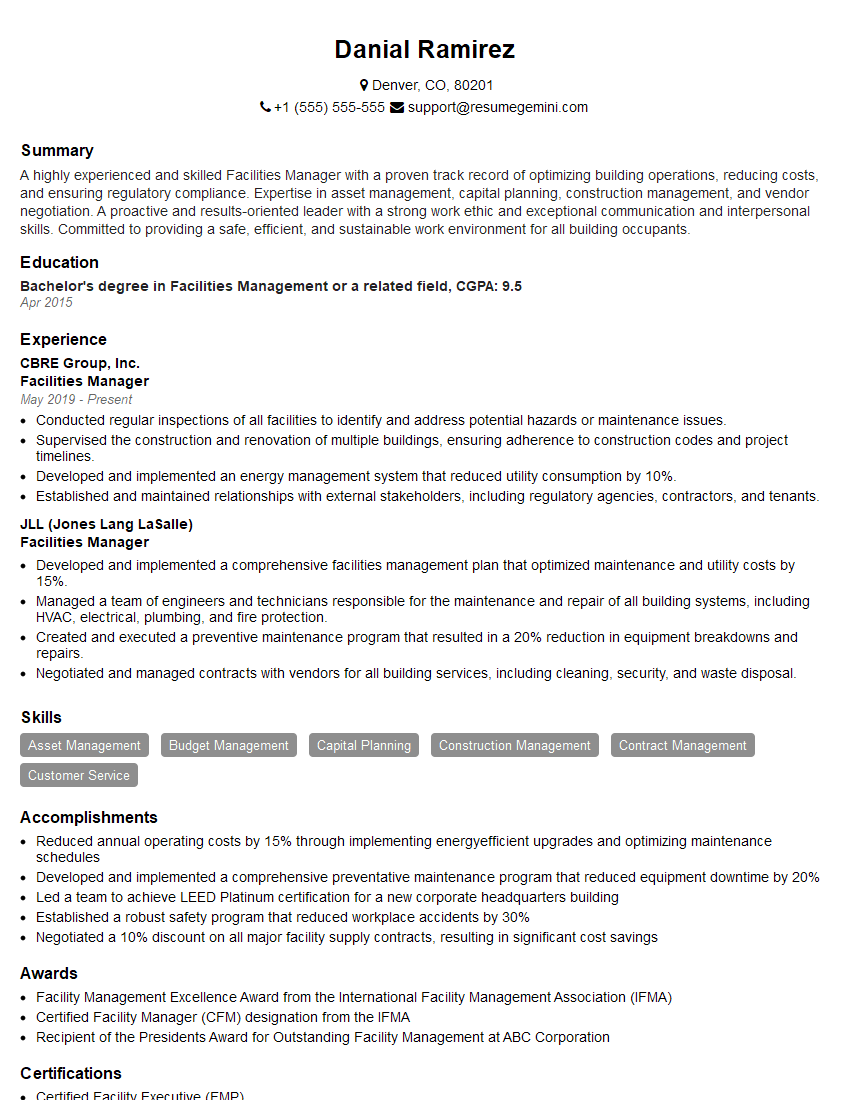
Facilities Manager Resume Sample
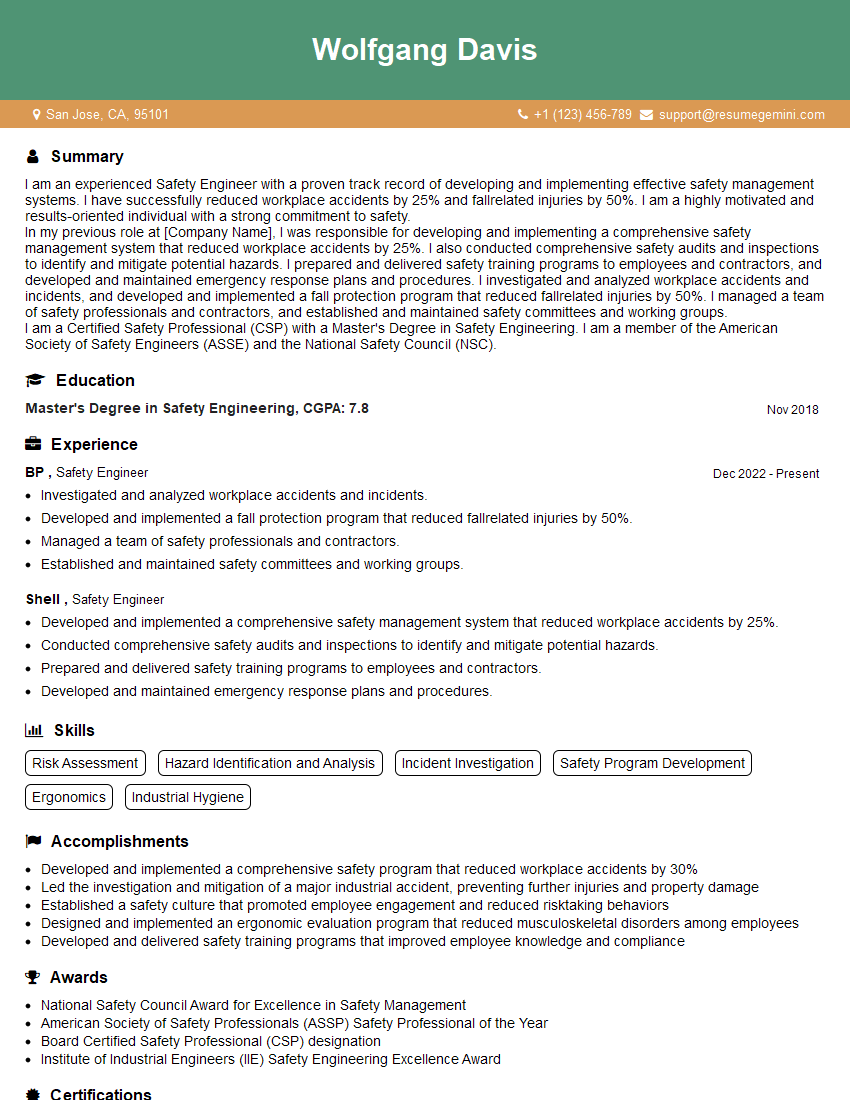
Safety Engineer Resume Sample
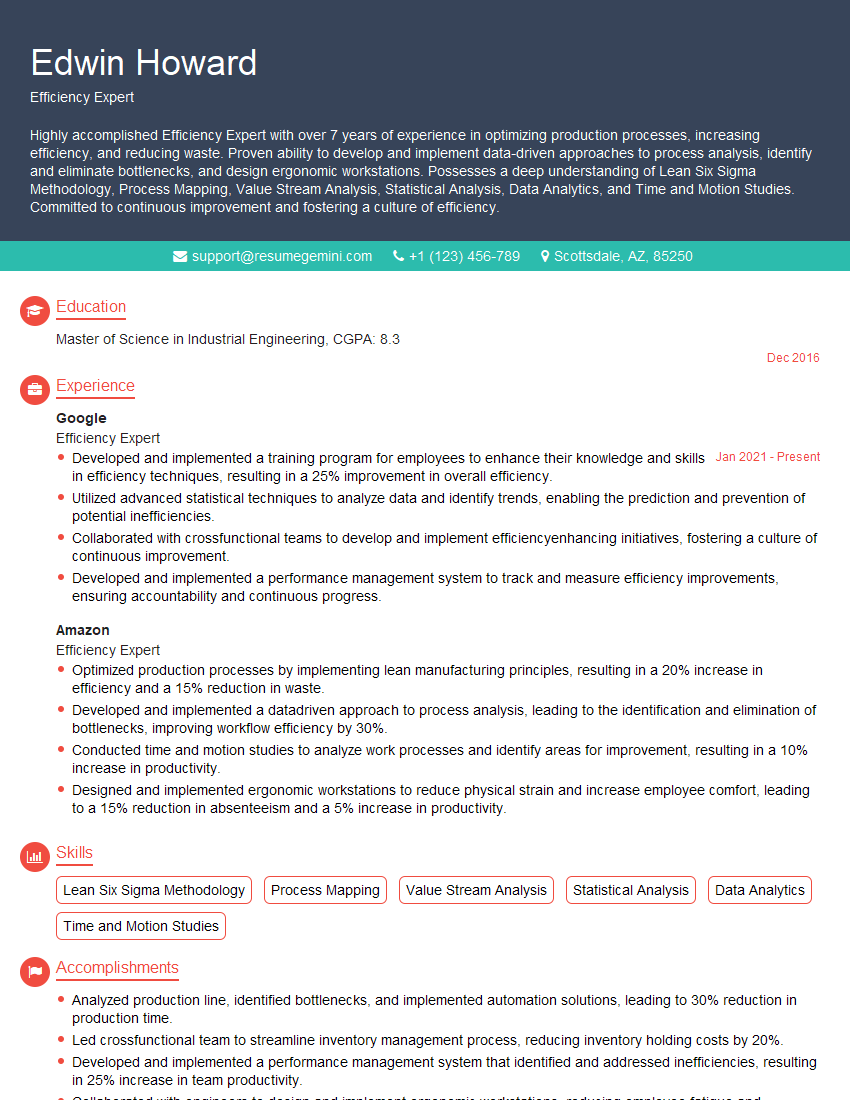
Efficiency Expert Resume Sample
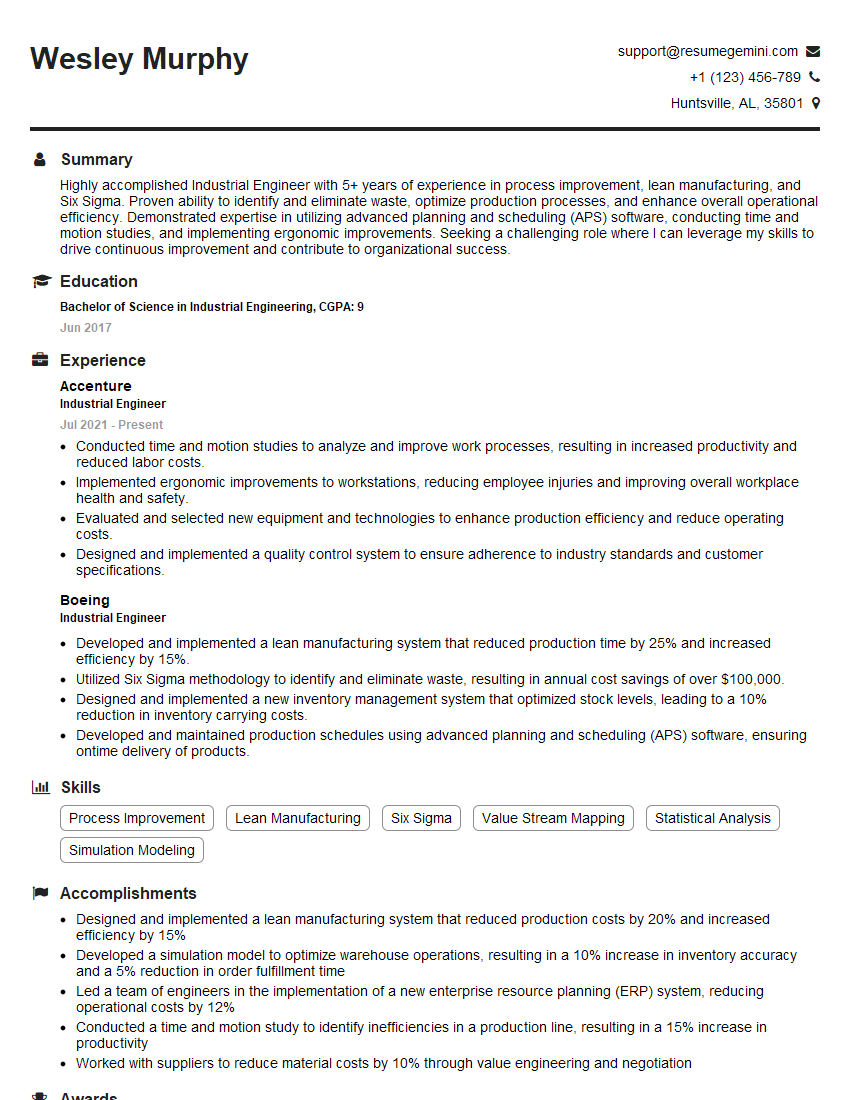
Industrial Engineer Resume Sample

Production Engineer Resume Sample
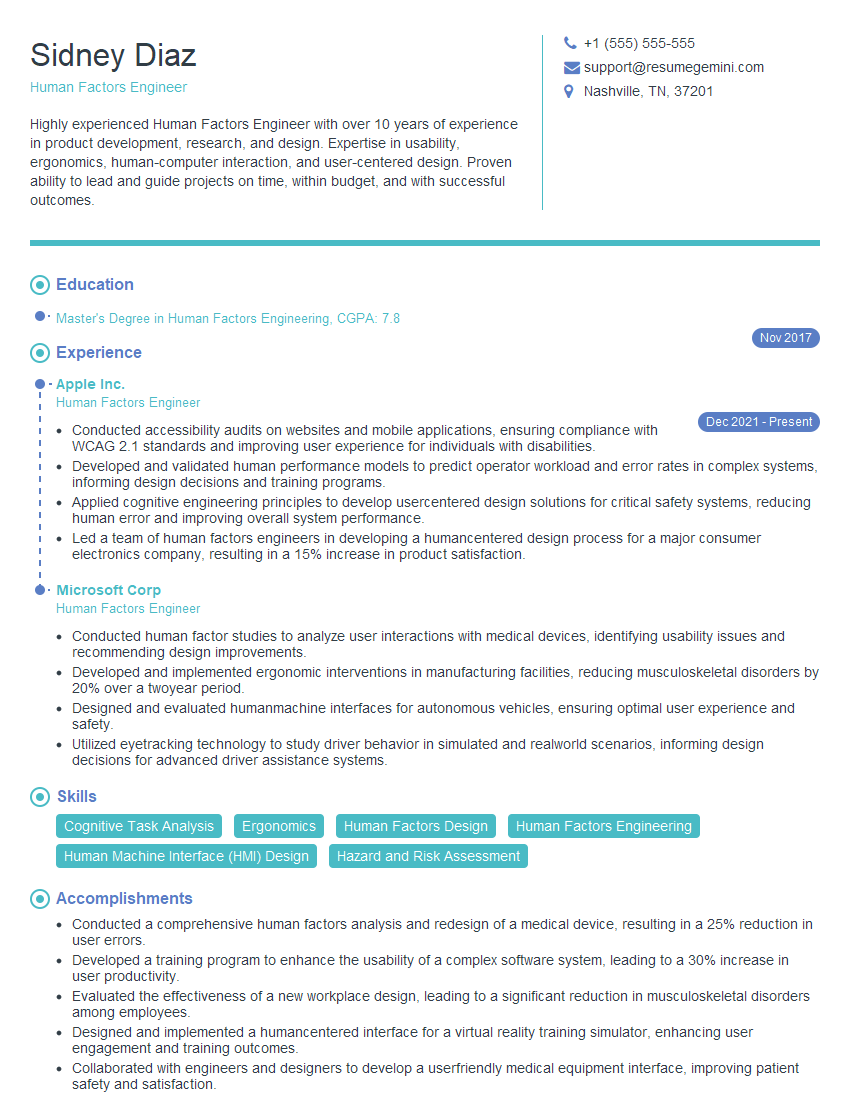
Human Factors Engineer Resume Sample
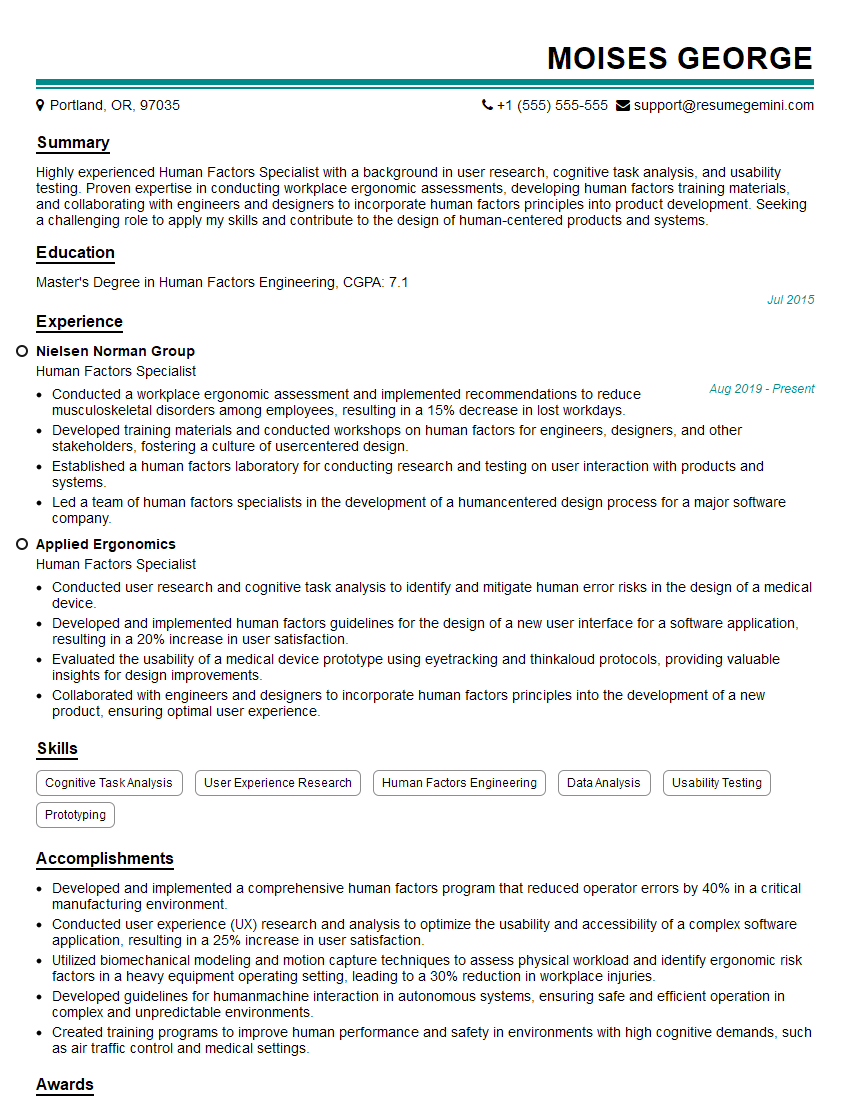
Human Factors Specialist Resume Sample
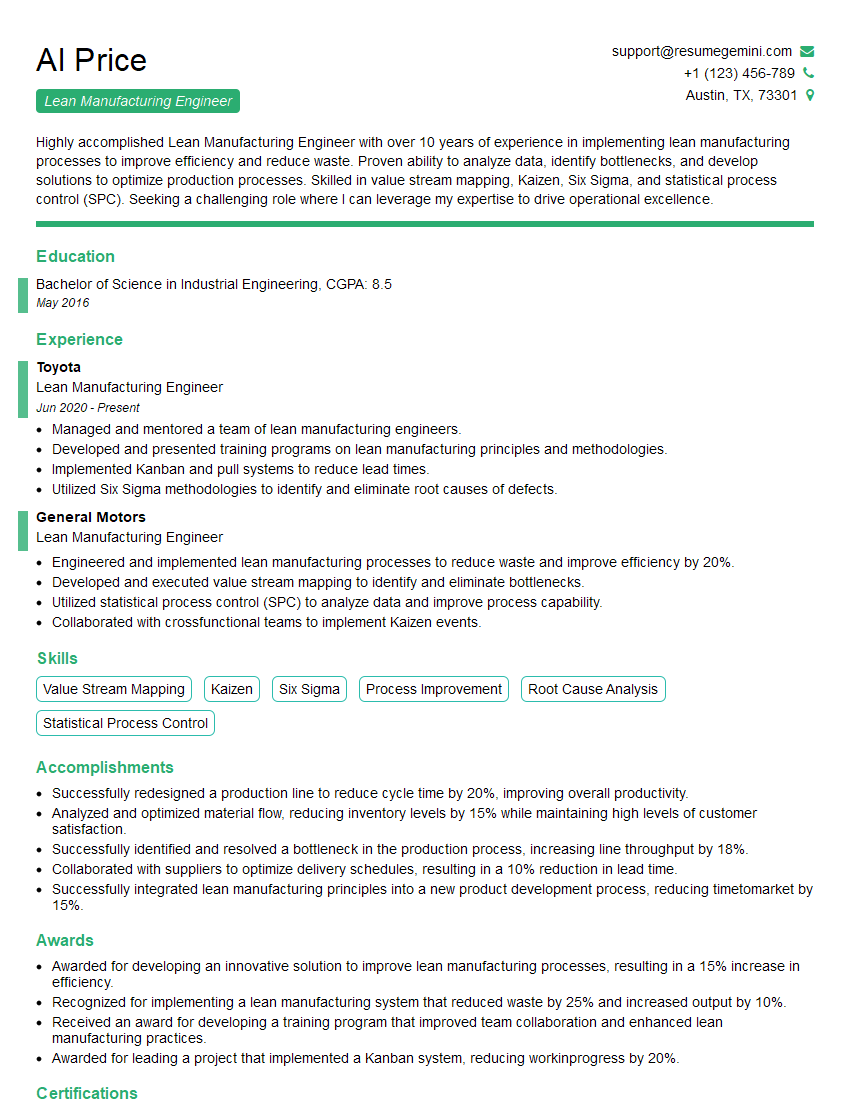
Lean Manufacturing Engineer Resume Sample
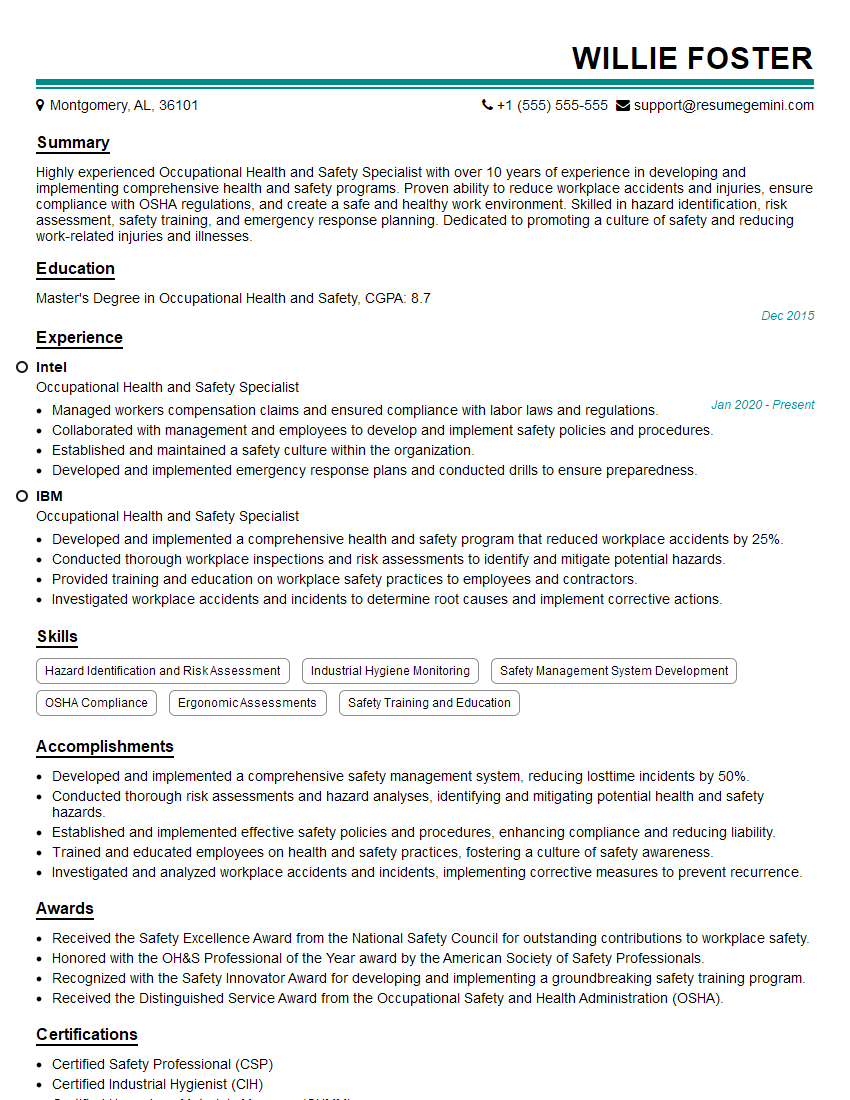
Occupational Health and Safety Specialist Resume Sample

Ergonomics Technician Resume Sample
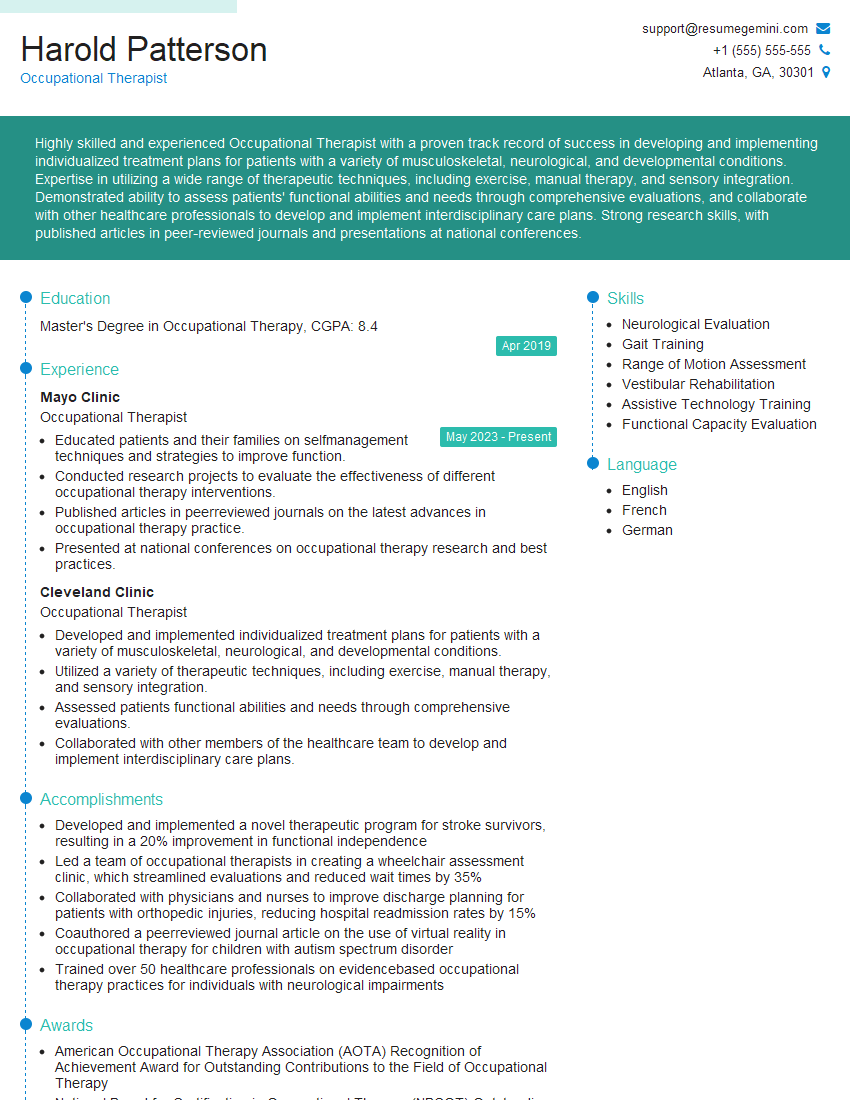
Occupational Therapist Resume Sample
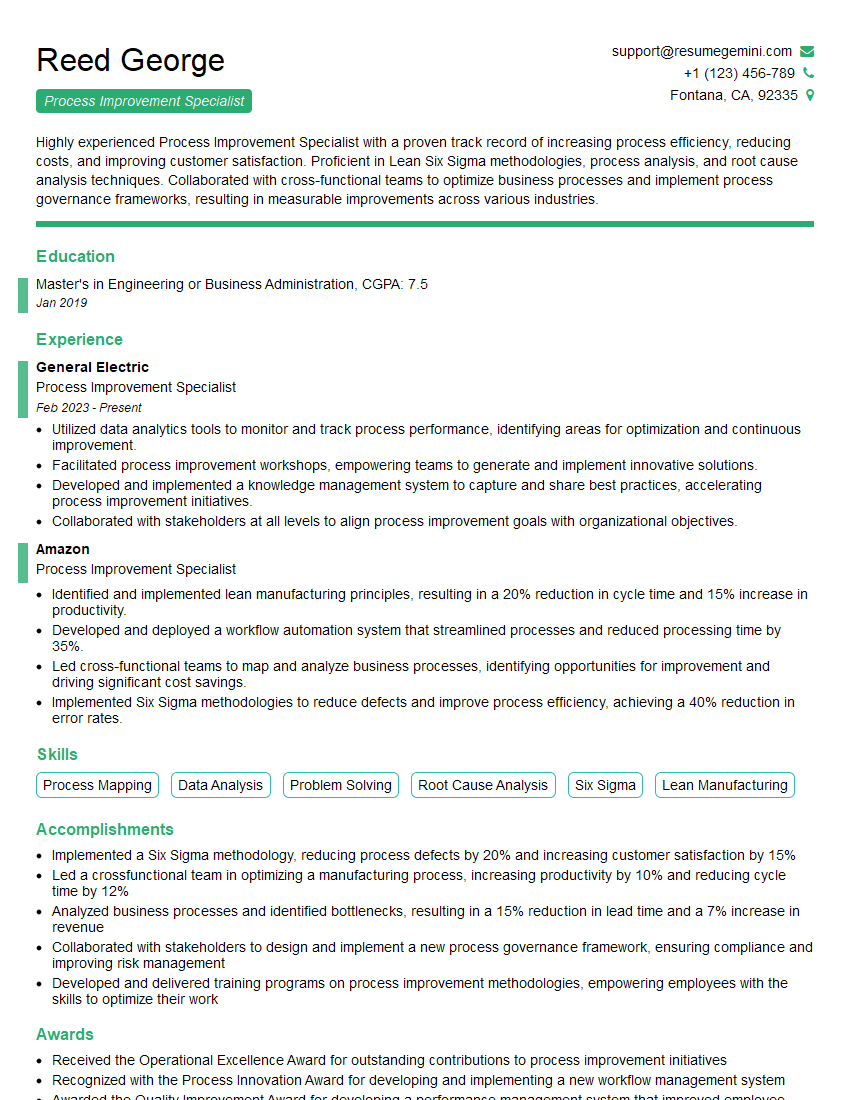
Process Improvement Specialist Resume Sample
Explore more articles
Users Rating of Our Blogs
Share Your Experience
We value your feedback! Please rate our content and share your thoughts (optional).
What Readers Say About Our Blog
Very informative content, great job.
good