Cracking a skill-specific interview, like one for Work Station Organization, requires understanding the nuances of the role. In this blog, we present the questions you’re most likely to encounter, along with insights into how to answer them effectively. Let’s ensure you’re ready to make a strong impression.
Questions Asked in Work Station Organization Interview
Q 1. Describe your experience optimizing workstation layouts for increased productivity.
Optimizing workstation layouts for increased productivity is a multifaceted process that centers on maximizing efficiency and minimizing wasted motion. My approach involves a detailed analysis of workflow, followed by strategic placement of equipment and resources to streamline tasks. For example, in a customer service center, I might arrange workstations in a way that minimizes the distance between agents and shared resources like printers and scanners. This reduces wasted time walking and enhances overall team efficiency. In a design studio, the arrangement might prioritize collaborative spaces while ensuring individual work areas are adequately private and equipped for focused work. I also consider factors like natural light, noise levels, and the overall flow of traffic within the workspace to create a productive and comfortable environment. A successful optimization results in a space that intuitively supports the work being done, fostering a positive and productive work environment.
In one project, I worked with a marketing team whose workflow was significantly hampered by inefficient file sharing and a lack of central communication points. By reorganizing the office to create a central hub with shared drives and a large screen for presentations, I was able to reduce their project completion time by 15%. This involved not only rearranging desks, but also implementing new digital workflows and training.
Q 2. Explain the principles of proper workstation ergonomics.
Proper workstation ergonomics focuses on creating a work environment that minimizes physical strain and promotes comfort and well-being. The core principles revolve around posture, adjustability, and reducing repetitive strain. This includes ensuring the monitor is at eye level to prevent neck strain, the keyboard and mouse are positioned to avoid reaching or twisting, and the chair provides adequate lumbar support and adjustability for height and armrests. Proper lighting, minimizing glare, and ensuring ample workspace to avoid crowding are also crucial. Think of it like this: your body is a machine; proper ergonomics ensures all parts work efficiently and in harmony, preventing wear and tear.
- Posture: Maintaining a neutral spine with proper back support is essential.
- Adjustability: The workstation should accommodate individual needs and body types.
- Repetitive Strain Reduction: Minimizing repetitive motions and incorporating regular breaks can significantly reduce the risk of injuries.
Q 3. How do you assess the needs of different employees when designing workstations?
Assessing individual employee needs is critical for effective workstation design. This involves considering a wide range of factors, from physical characteristics and disabilities to individual work styles and preferences. I typically conduct a thorough needs assessment, which may include surveys, interviews, and direct observation of employees at work. This allows me to understand their specific tasks, the tools they use, and their physical limitations or preferences. For example, an employee with visual impairments might require a larger monitor and specialized software, while an employee with back pain might need a chair with advanced lumbar support and adjustable height. Understanding these individual needs ensures that the workstation is not only functional but also comfortable and supportive, maximizing productivity and well-being.
One instance involved a team of graphic designers; by interviewing each designer individually, we discovered different preferences for monitor setups and input devices. This led to a flexible workstation setup that catered to individual needs, enhancing creativity and reducing complaints about discomfort.
Q 4. What are the key factors to consider when selecting office furniture for optimal ergonomics?
Selecting office furniture for optimal ergonomics requires careful consideration of several key factors. The chair is paramount; it needs adjustable height, lumbar support, and armrests that promote a neutral posture. The desk should be adjustable in height to allow for both sitting and standing work, promoting movement and reducing sedentary behavior. The keyboard and mouse should be ergonomic, promoting a neutral wrist position. Monitors should be adjustable in height and tilt to ensure proper eye level placement. Furthermore, consider the materials; breathable fabrics for chairs and durable, non-reflective surfaces for desks are important for comfort and longevity. It’s vital to choose furniture that’s not only comfortable but also durable and supportive, contributing to a healthy and productive work environment. Choosing quality furniture is an investment in employee well-being and long-term productivity.
Q 5. How would you address concerns about employee discomfort related to workstation setup?
Addressing employee discomfort starts with open communication and a proactive approach. I would begin by conducting individual assessments to identify the source of discomfort. This may involve using ergonomic assessment tools to measure posture and workstation setup. Based on the assessment, I would provide tailored recommendations, such as adjusting the monitor height, providing ergonomic accessories like keyboard wrist rests, or suggesting alternative work postures. If necessary, I would recommend a consultation with an occupational therapist for more complex cases. It is crucial to prioritize early intervention and provide ongoing support to ensure employee comfort and prevent potential long-term health issues. Following the recommendations, regular follow-ups are crucial to ensure that the solutions are effective and any further adjustments are made.
Q 6. What methods do you use to ensure consistent workstation organization across an organization?
Ensuring consistent workstation organization across an organization requires a structured and standardized approach. I typically begin by developing comprehensive ergonomic guidelines and standards, which are then disseminated through training programs and documented in employee handbooks. These guidelines should outline best practices for workstation setup, including proper posture, monitor placement, keyboard and mouse positioning, and chair adjustment. Implementing a checklist during workstation setup can further ensure consistency. Regular ergonomic audits are also essential to monitor compliance and identify areas needing improvement. This ensures that all employees have access to the same level of ergonomic support and that the organization maintains a consistent approach to workstation setup, reducing inconsistencies and promoting employee well-being across all departments.
Q 7. Describe your experience implementing ergonomic assessments and recommendations.
My experience with implementing ergonomic assessments and recommendations spans various settings, from small offices to large corporations. I utilize a multi-stage process that begins with a thorough needs assessment, including questionnaires, observations, and interviews with employees. Then, I conduct workstation assessments using standardized ergonomic evaluation tools, identifying potential risk factors and areas for improvement. Based on the assessments, I develop tailored recommendations, prioritizing cost-effective and practical solutions. These recommendations may include adjusting existing furniture, purchasing ergonomic accessories, or even recommending a redesign of the workspace. Following implementation, I provide training to employees on proper workstation setup and posture. Post-implementation follow-ups are crucial to assess the effectiveness of the recommendations and make any necessary adjustments. This iterative approach ensures that the implemented changes contribute to a sustainable and comfortable work environment.
For instance, I once led a company-wide ergonomic initiative for a large tech firm. This involved assessing over 200 workstations, developing customized solutions, and conducting training sessions for all employees. The result was a significant reduction in reported musculoskeletal complaints and a noticeable increase in employee satisfaction and productivity.
Q 8. How do you balance employee preferences with ergonomic best practices when designing workstations?
Balancing employee preferences with ergonomic best practices in workstation design requires a thoughtful, collaborative approach. It’s not about imposing a rigid standard, but rather finding a balance that maximizes both comfort and health.
My strategy begins with understanding individual needs through surveys, interviews, and observation. I might ask about preferred keyboard types, monitor heights, or seating styles. Simultaneously, I assess the workstation according to ergonomic principles – proper posture, monitor placement (at eye level, arm’s length), keyboard position, and sufficient legroom. If there’s a conflict, I aim for compromise. For instance, if an employee prefers a standing desk but it’s not perfectly aligned with ergonomic principles, we might explore anti-fatigue mats or adjustable monitor arms to mitigate potential strain. The key is clear communication and a willingness to find workable solutions.
For example, one employee might strongly prefer a certain chair, but it doesn’t fully support lumbar support. We could then explore adding a lumbar support pillow or suggest a chair with better ergonomic features while maintaining a collaborative approach, involving the employee in the decision-making process.
Q 9. What software or tools do you use to manage workstation organization and inventory?
Effective workstation management relies on a combination of software and tools. For inventory, I utilize an asset management system like Snipe-IT or a similar platform. This tracks equipment, its location, maintenance schedules, and associated costs. It simplifies audits and ensures we always have an accurate overview of available resources. For organization, I leverage tools that promote visual management. Kanban boards (physical or digital) help prioritize tasks and track progress on workstation setups and maintenance. Spreadsheet software like Microsoft Excel or Google Sheets provides a place to centralize employee preferences, ergonomic assessments, and any reported issues. More sophisticated options include CMMS (Computerized Maintenance Management Systems) for more comprehensive tracking and reporting of workstation-related issues and preventative maintenance.
Q 10. How would you handle a situation where employees resist changes to their workstation setup?
Resistance to workstation changes is common. The key is not to force compliance but to engage in respectful dialogue and collaboration. I’d begin by actively listening to their concerns. Perhaps their current setup, despite not being fully ergonomic, works for them. Understanding their perspective is crucial.
My approach is to present the benefits of the changes using data and evidence, emphasizing improved comfort, productivity, and health. I might share research on the long-term health impacts of poor posture or the increased efficiency associated with a well-organized workspace. If possible, I offer a trial period with the new setup. If necessary, I might suggest a phased approach, implementing changes gradually to minimize disruption. Ultimately, the goal is to find a solution that meets both the ergonomic needs and the employee’s comfort level. In extreme cases, it might involve involving HR or occupational health professionals for further support and mediation.
Q 11. Explain your process for creating and maintaining a workstation organization policy.
Creating and maintaining a workstation organization policy involves a multi-step process that prioritizes both employee well-being and operational efficiency.
- Needs Assessment: Start by identifying the types of workstations, the tasks performed, and the potential ergonomic risks associated with each. This involves surveying employees and conducting on-site assessments.
- Policy Development: Based on the needs assessment, draft a comprehensive policy that outlines standards for workstation setup, including monitor placement, keyboard height, chair adjustment, and cable management. Include guidelines for equipment procurement, maintenance, and reporting issues.
- Training and Communication: Provide thorough training to employees on the policy, highlighting the benefits of proper workstation setup and emphasizing the importance of reporting any discomfort or issues. Use multiple methods: in-person training, online resources, and visual aids.
- Implementation and Monitoring: Regularly monitor adherence to the policy through workstation audits and employee feedback. Make adjustments as needed based on employee feedback and evolving best practices.
- Regular Review and Updates: Review and update the policy at least annually or more frequently if necessary, incorporating new ergonomic guidelines and technologies. This ensures the policy remains relevant and effective.
Q 12. How do you prioritize tasks when addressing multiple workstation organization needs?
Prioritizing workstation organization needs involves a systematic approach. I usually utilize a combination of urgency and impact. I use a matrix to categorize tasks based on their urgency (high, medium, low) and their potential impact on employee health or productivity (high, medium, low). High-urgency, high-impact tasks (e.g., fixing a broken chair causing significant back pain) are tackled immediately. Low-urgency, low-impact tasks (e.g., minor cable adjustments) can be scheduled for later. This approach ensures that critical issues are addressed promptly while allowing for efficient resource allocation. The matrix also helps with forecasting budgets and planning for future workstation upgrades.
For example, if an employee reports severe wrist pain due to a poorly positioned keyboard, this would be a high-urgency, high-impact task needing immediate attention. Conversely, replacing an outdated monitor that doesn’t significantly impact performance would have lower urgency and impact.
Q 13. Describe your experience with cable management strategies in the workplace.
Effective cable management is essential for both aesthetics and safety. My approach uses a multi-pronged strategy. I start with proper planning – considering cable pathways during the initial workstation setup. Next, I employ various physical solutions such as cable trays, wraps, and ties to organize and secure cables, preventing tangling and tripping hazards. Where possible, wireless peripherals (keyboards, mice) are used to minimize cable clutter. Color-coded labels improve cable identification and maintenance. Finally, regular inspections ensure that cable management practices are adhered to. A cluttered cable environment is not only unsightly but presents tripping hazards and makes it difficult to troubleshoot equipment issues.
Q 14. What metrics do you use to measure the effectiveness of your workstation organization initiatives?
Measuring the effectiveness of workstation organization initiatives involves using both quantitative and qualitative data. Quantitative metrics include:
- Reduced number of reported musculoskeletal disorders (MSDs): Tracking the incidence of work-related injuries like carpal tunnel syndrome or back pain.
- Improved employee satisfaction scores: Using surveys to assess employee comfort and satisfaction with their workstations.
- Increased productivity metrics: Measuring metrics such as keystrokes per minute or tasks completed per hour to assess any impact on efficiency.
Qualitative metrics include:
- Employee feedback: Gathering qualitative feedback through interviews or focus groups to understand the impact of the initiatives.
- Observations of improved workspace organization: Conducting regular workspace audits to assess the visual tidiness and orderliness of the workstations.
By analyzing both quantitative and qualitative data, I can gain a comprehensive understanding of the effectiveness of the workstation organization initiatives and identify areas for improvement.
Q 15. How do you ensure that workstations are compliant with relevant safety regulations?
Ensuring workstation compliance with safety regulations is paramount for preventing workplace injuries and fostering a healthy work environment. This involves a multi-faceted approach, starting with a thorough risk assessment. We identify potential hazards, such as improper lifting techniques, awkward postures, repetitive movements, and exposure to hazardous substances. This assessment informs the development of a comprehensive safety plan.
For example, if the risk assessment reveals a high incidence of back injuries due to heavy lifting, the plan might include implementing ergonomic lifting techniques training, providing appropriate lifting aids (like lifting straps or dollies), and adjusting workstation heights to minimize strain. Furthermore, we ensure compliance with relevant legislation, such as OSHA regulations in the US or equivalent standards in other regions. This includes providing appropriate personal protective equipment (PPE) like safety glasses or gloves where necessary and conducting regular safety inspections to identify and rectify any non-compliant practices or equipment. Documentation of all assessments, training, and inspections is crucial for demonstrating compliance.
Finally, we establish clear communication channels to encourage employees to report any safety concerns and participate actively in the maintenance of a safe working environment. A culture of safety, where reporting incidents is seen as positive, is vital for long-term success.
Career Expert Tips:
- Ace those interviews! Prepare effectively by reviewing the Top 50 Most Common Interview Questions on ResumeGemini.
- Navigate your job search with confidence! Explore a wide range of Career Tips on ResumeGemini. Learn about common challenges and recommendations to overcome them.
- Craft the perfect resume! Master the Art of Resume Writing with ResumeGemini’s guide. Showcase your unique qualifications and achievements effectively.
- Don’t miss out on holiday savings! Build your dream resume with ResumeGemini’s ATS optimized templates.
Q 16. What are some common workstation organization challenges and how have you overcome them?
Common workstation organization challenges often stem from a mismatch between the workstation design and the tasks performed. This can manifest as inadequate space, poorly positioned equipment, insufficient lighting, or inappropriate furniture. In one project, for instance, we encountered a high rate of musculoskeletal disorders (MSDs) among data entry clerks. Their workstations were cramped, monitors were positioned too low, and chairs lacked proper lumbar support.
To overcome this, we implemented a phased approach. First, we conducted a thorough ergonomic assessment, individually evaluating each workstation and the tasks performed. We then introduced adjustable height desks, high-quality ergonomic chairs with adjustable lumbar support, and external keyboards and mice to promote better posture. We also optimized monitor placement and introduced task lighting to reduce eye strain. Finally, we provided training on proper posture and workstation setup. The result was a significant reduction in reported MSDs and an improvement in employee satisfaction and productivity. Another common challenge is resistance to change from employees accustomed to their existing setups, even if they are inefficient or unhealthy. This requires a collaborative approach, involving employees in the decision-making process, and highlighting the positive impacts of the changes.
Q 17. Describe your experience working with diverse teams to implement workstation changes.
Successfully implementing workstation changes requires collaboration with diverse teams, including employees, management, and potentially health and safety professionals. My experience shows that effective communication is key. For example, in one project involving a large call center, we started by holding focus groups to understand the specific needs and concerns of different employee groups. We used this feedback to tailor our recommendations. We utilized visual aids like diagrams and mock-ups to illustrate proposed changes, making complex concepts easily understandable. Throughout the process, open communication channels were maintained to address any questions or concerns promptly.
The involvement of management was crucial in securing necessary resources and approvals. We emphasized the positive return on investment (ROI) resulting from reduced healthcare costs and improved productivity. We also presented data from similar projects to showcase the successful implementation of ergonomic improvements. Working with health and safety professionals ensured compliance with all regulations and best practices. This collaborative approach, emphasizing transparency and inclusivity, led to a smooth and successful implementation of workstation improvements and a significant reduction in workplace injuries.
Q 18. How do you adapt your workstation organization strategies to different types of work environments?
Adapting workstation organization strategies to different work environments requires a flexible and adaptable approach. For example, a manufacturing plant will have different needs than a software development office. In a manufacturing setting, we might focus on the design and layout of assembly lines to minimize repetitive strain injuries and optimize workflow. We would consider the use of specialized tools and equipment, ensuring that their design minimizes strain on the worker. We might also implement job rotation strategies to diversify tasks and reduce the impact of repetitive motions.
In contrast, a software development office requires a different approach. The focus here is on individual workstations, ensuring proper chair and monitor adjustments, the provision of ergonomic keyboards and mice, and sufficient desk space. We might also introduce stand-up desks to encourage movement and minimize prolonged sitting. In both cases, regular safety inspections and employee training are critical to maintain a safe and productive environment. The underlying principle is always to match the workstation design to the specific demands of the work being performed.
Q 19. Explain the importance of regular workstation maintenance and cleaning.
Regular workstation maintenance and cleaning are essential for maintaining a healthy and productive work environment. This includes regular cleaning of surfaces to remove dust, dirt, and other contaminants. Proper cleaning prevents the spread of germs and illnesses, promoting employee health and well-being. Furthermore, it creates a visually appealing and orderly workspace, boosting morale. Beyond cleaning, regular maintenance involves checking equipment for wear and tear and promptly addressing any issues that may arise. This includes checking chairs for proper functioning, ensuring that monitors are properly positioned and functioning optimally, and verifying that all electrical equipment is in good working order.
For instance, a malfunctioning chair can lead to poor posture and musculoskeletal problems. Similarly, a poorly functioning monitor can strain the eyes. Regular maintenance helps prevent these issues. In addition to these, preventative maintenance like lubricating moving parts of chairs and cleaning keyboard mechanisms helps extend their lifespan. By establishing a routine for cleaning and maintenance, organizations can significantly reduce the risk of injuries, equipment malfunctions, and lost productivity.
Q 20. Describe your experience with implementing and managing remote workstation setups.
Implementing and managing remote workstation setups requires a different approach compared to traditional office environments. It starts with providing employees with the necessary equipment, ensuring they have ergonomic chairs, properly adjusted monitors, and suitable keyboards and mice. We also ensure that their home workspace is adequately lit and provides enough space to work comfortably. The key difference lies in remote support and guidance. We provide employees with clear instructions on proper setup and ergonomic practices, using remote assistance tools like video conferencing to guide them. We also prioritize regular communication and check-ins to address any issues or concerns promptly.
For example, we might use online questionnaires or virtual ergonomic assessments to evaluate workstation setups remotely. We might also offer online training sessions on ergonomic principles and best practices for remote workers. The goal is to create a comfortable and safe work environment, even when employees are working from home. This approach helps maintain productivity and employee well-being. Regular follow-up and proactive support are critical for ensuring continued adherence to ergonomic guidelines in remote settings.
Q 21. How do you stay up-to-date on best practices in workstation organization and ergonomics?
Staying up-to-date on best practices in workstation organization and ergonomics requires continuous learning and engagement with the field. This involves actively participating in professional organizations like the Human Factors and Ergonomics Society (HFES), attending conferences and workshops, and reading relevant publications. Following industry leaders and researchers on social media and attending webinars are valuable tools. Many professional organizations offer certifications in ergonomics which demonstrate advanced knowledge and commitment to best practices.
Furthermore, I regularly review current literature on ergonomic principles and best practices, including research articles and industry guidelines. I am also a member of several professional organizations and attend industry conferences. Continuous professional development ensures I am abreast of the latest innovations and safety standards in the field of workstation organization and ergonomics. This commitment to staying informed translates directly into better and safer work environments for employees.
Q 22. What are your preferred methods for communicating workstation organization guidelines to employees?
Communicating workstation organization guidelines effectively requires a multi-pronged approach. I believe in a blend of formal and informal communication methods to ensure maximum reach and understanding.
Formal Training Sessions: These are crucial for delivering comprehensive information, demonstrating proper techniques, and addressing questions. I use interactive presentations, videos, and hands-on activities to make the training engaging and memorable. For example, I might use a simple demonstration of proper monitor placement and keyboard positioning, followed by a group activity where participants adjust their own workstations.
Written Guidelines and Checklists: Providing easy-to-understand, visually appealing documents with clear instructions and checklists is essential for ongoing reference. These can include diagrams, illustrations, and step-by-step guides. I often include a section on frequently asked questions to proactively address common concerns.
Regular Communication: I use email updates, team meetings, and intranet posts to reinforce key messages and share relevant news, like new ergonomic tools or updated policies. This ensures the guidelines remain top-of-mind.
One-on-One Consultations: Personalized support is invaluable. I offer individual consultations to address specific needs, answer questions, and provide tailored advice. This personal touch helps build buy-in and ensures everyone feels supported.
Q 23. How would you create a training program on proper workstation setup and ergonomics?
A successful training program on proper workstation setup and ergonomics needs a structured curriculum encompassing theory and practical application. I’d structure it as follows:
Module 1: Introduction to Ergonomics: This module explains the principles of ergonomics and its importance in preventing musculoskeletal disorders. We’d discuss the cost of workplace injuries, both financially and humanely.
Module 2: Workstation Assessment: This section focuses on self-assessment tools and checklists. Participants learn to identify potential ergonomic hazards in their own workstations.
Module 3: Chair Setup and Posture: We cover proper chair adjustment, lumbar support, and ideal posture. This involves hands-on practice and individual feedback.
Module 4: Monitor and Keyboard Placement: This module delves into optimal monitor height, distance, and angle, as well as keyboard position and mouse usage. We’d discuss the use of ergonomic keyboards and mice.
Module 5: Taking Breaks and Stretching Exercises: Regular breaks and simple stretching exercises are crucial to prevent fatigue and strain. The program would include demonstrations and handouts of recommended stretches.
Module 6: Ongoing Assessment and Adjustments: This module emphasizes the iterative nature of workstation setup, encouraging continuous adjustments and self-monitoring.
The training would use a mix of presentations, videos, hands-on activities, and group discussions. Post-training surveys and follow-up consultations would ensure effectiveness.
Q 24. Describe your experience using data to inform workstation design and improvement decisions.
Data plays a critical role in informing effective workstation design. In my previous role, we used data from several sources to improve workstation ergonomics. We collected data on:
Injury Reports: Analyzing the types, frequency, and locations of reported injuries helped pinpoint problem areas in workstation design. For example, a spike in carpal tunnel syndrome reports led us to investigate keyboard and mouse usage.
Employee Surveys: Surveys provided valuable insights into employee comfort levels, pain points, and suggestions for improvement. We used anonymous surveys to encourage honest feedback.
Workstation Assessments: Regular workstation assessments, using standardized checklists, provided objective data on workstation setups and adherence to ergonomic guidelines. This helped us identify discrepancies between recommended practices and actual setups.
This combined data allowed us to prioritize improvements, justify investment in ergonomic equipment, and track the effectiveness of implemented changes. For example, after implementing adjustments based on this data, we saw a 25% reduction in reported musculoskeletal disorders within six months.
Q 25. What is your understanding of the impact of workstation design on employee health and well-being?
Poor workstation design has a significant negative impact on employee health and well-being. It’s a major contributor to musculoskeletal disorders (MSDs) like carpal tunnel syndrome, back pain, and neck pain. These conditions can lead to decreased productivity, increased absenteeism, and reduced employee morale. Beyond physical health, poor ergonomics can also negatively impact mental well-being. A poorly designed workstation can increase stress and frustration, leading to decreased job satisfaction and burnout. Conversely, a well-designed workstation promotes physical comfort and reduces strain, leading to increased productivity, improved focus, and a healthier, happier workforce. Think of it like this: a comfortable chair and properly positioned monitor are akin to providing the right tools for a craftsman – they enable efficient and enjoyable work.
Q 26. How would you handle a situation where a workstation design causes repetitive strain injuries?
Addressing repetitive strain injuries (RSIs) caused by workstation design requires a multi-step approach focusing on both immediate relief and long-term prevention.
Immediate Action: The first step is to remove the employee from the problematic workstation and provide immediate medical attention if necessary. This might involve temporarily assigning them different tasks or providing alternative equipment.
Workstation Assessment: A thorough workstation assessment is conducted to identify the specific factors contributing to the RSI. This involves analyzing the workstation setup, work tasks, and employee’s work habits.
Corrective Actions: Based on the assessment, corrective actions are implemented. This might include adjusting the chair height, monitor position, keyboard placement, or providing ergonomic equipment like adjustable keyboards or footrests.
Training and Education: The affected employee receives training on proper posture, work techniques, and the importance of taking regular breaks. We’d also educate them on how to self-assess and recognize early signs of RSI.
Follow-up and Monitoring: Regular follow-up assessments are conducted to monitor the employee’s progress and make further adjustments if needed. We track their recovery and adjust work tasks as necessary.
Prevention: Beyond addressing the immediate issue, we review our workstation design and processes to prevent similar incidents from happening again. This might involve revising existing guidelines, introducing new training materials, or implementing a more robust workstation assessment program.
Q 27. What strategies do you use to promote a culture of organization and efficiency in the workplace?
Promoting a culture of organization and efficiency involves fostering a mindset where organization is valued and integrated into daily routines. This is achieved through several strategies:
Lead by Example: Management and team leaders should model organized behavior and demonstrate the benefits of efficient work practices. This sends a powerful message that organization is not just expected, but is valued at all levels.
Provide Training and Resources: Equip employees with the necessary skills and tools to organize their work effectively. This includes training on time management, task prioritization, and efficient workspace organization techniques.
Establish Clear Expectations and Standards: Communicate clearly defined expectations for workplace organization and efficiency. This could include guidelines for file management, desk organization, and communication protocols.
Regular Feedback and Recognition: Provide regular feedback to employees on their organization and efficiency levels. Celebrate successes and offer constructive criticism to improve performance.
Encourage Collaboration and Knowledge Sharing: Create opportunities for employees to share best practices and learn from one another. This can be done through team meetings, workshops, or peer-to-peer mentoring programs.
Invest in Ergonomic Equipment and Design: A well-organized and ergonomic workspace naturally promotes efficiency and reduces stress. This investment shows a commitment to employee well-being and productivity.
Q 28. How do you incorporate sustainability into your workstation organization strategies?
Incorporating sustainability into workstation organization strategies involves minimizing environmental impact throughout the workstation’s lifecycle. This includes:
Sustainable Furniture and Equipment: Prioritize purchasing furniture and equipment made from recycled or sustainably sourced materials. Choose products with long lifespans to reduce waste.
Energy-Efficient Technology: Utilize energy-efficient computers, monitors, and lighting. Encourage the use of power-saving modes and responsible energy consumption.
Waste Reduction and Recycling: Implement robust recycling programs for paper, plastic, and electronic waste. Promote the use of reusable materials and reduce unnecessary printing.
Green Cleaning Supplies: Utilize eco-friendly cleaning products that minimize harmful chemical exposure and environmental impact.
Digitalization and Paperless Practices: Transition to digital document management systems to minimize paper consumption. Encourage the use of electronic communication and digital tools.
Responsible Disposal: Develop a plan for the responsible disposal of outdated equipment and furniture, ensuring proper recycling or repurposing where possible.
By integrating these strategies, we can create workstations that are not only efficient and ergonomic but also environmentally responsible.
Key Topics to Learn for Work Station Organization Interview
- Ergonomics and Workplace Safety: Understanding principles of ergonomic design to prevent injuries and optimize productivity. This includes chair adjustments, monitor placement, and keyboard positioning.
- Efficiency and Workflow Optimization: Analyzing work processes to identify bottlenecks and inefficiencies. Practical application includes implementing lean principles, 5S methodology, or other organizational systems to streamline tasks.
- Space Planning and Layout: Designing efficient and functional workspaces, considering factors like team collaboration, individual needs, and equipment placement. This includes understanding different workspace layouts and their impact on productivity.
- Storage and Inventory Management: Implementing effective storage solutions to maximize space and ensure easy access to materials and equipment. This involves understanding inventory control methods and optimizing stock levels.
- Technology Integration: Understanding how technology can improve workstation organization, including software for task management, communication tools, and data storage solutions.
- Communication and Collaboration: Effective communication strategies for coordinating workstation organization projects within a team. This includes understanding different communication styles and conflict resolution techniques.
- Compliance and Regulations: Familiarity with relevant health and safety regulations pertaining to workstation setup and organization. This includes understanding OSHA guidelines or other relevant industry standards.
Next Steps
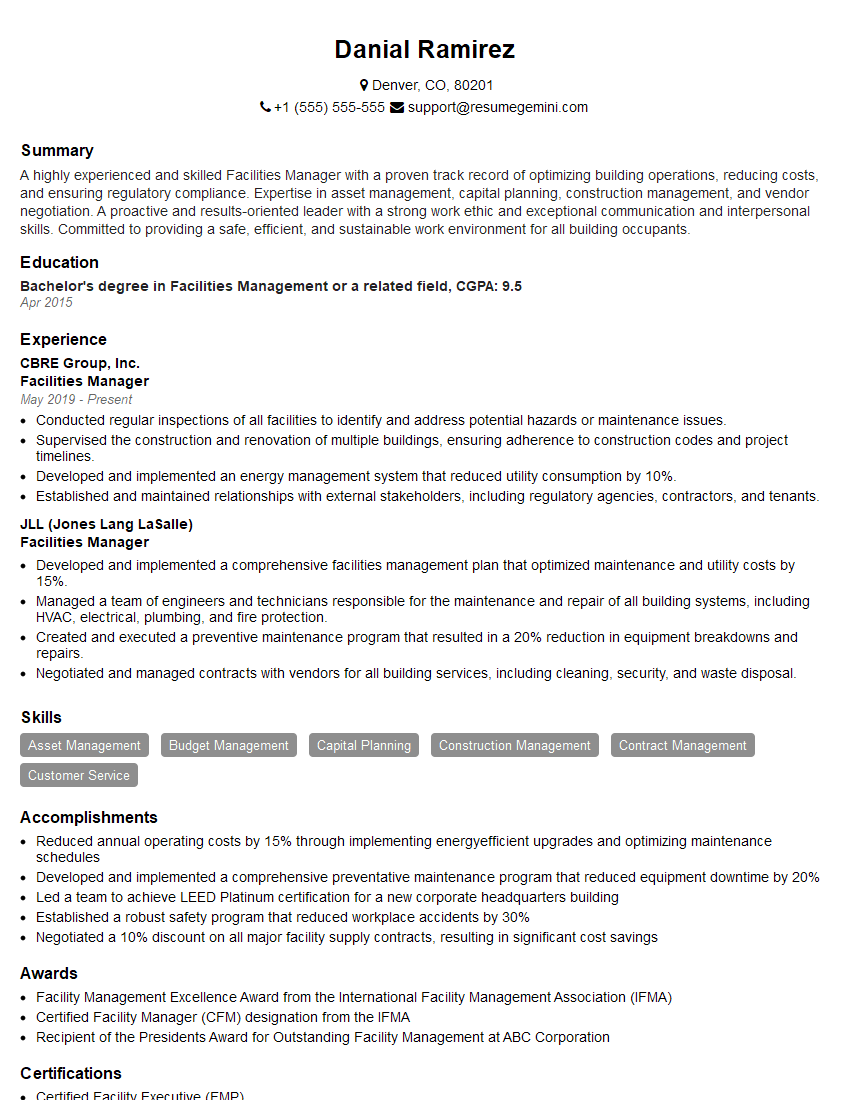
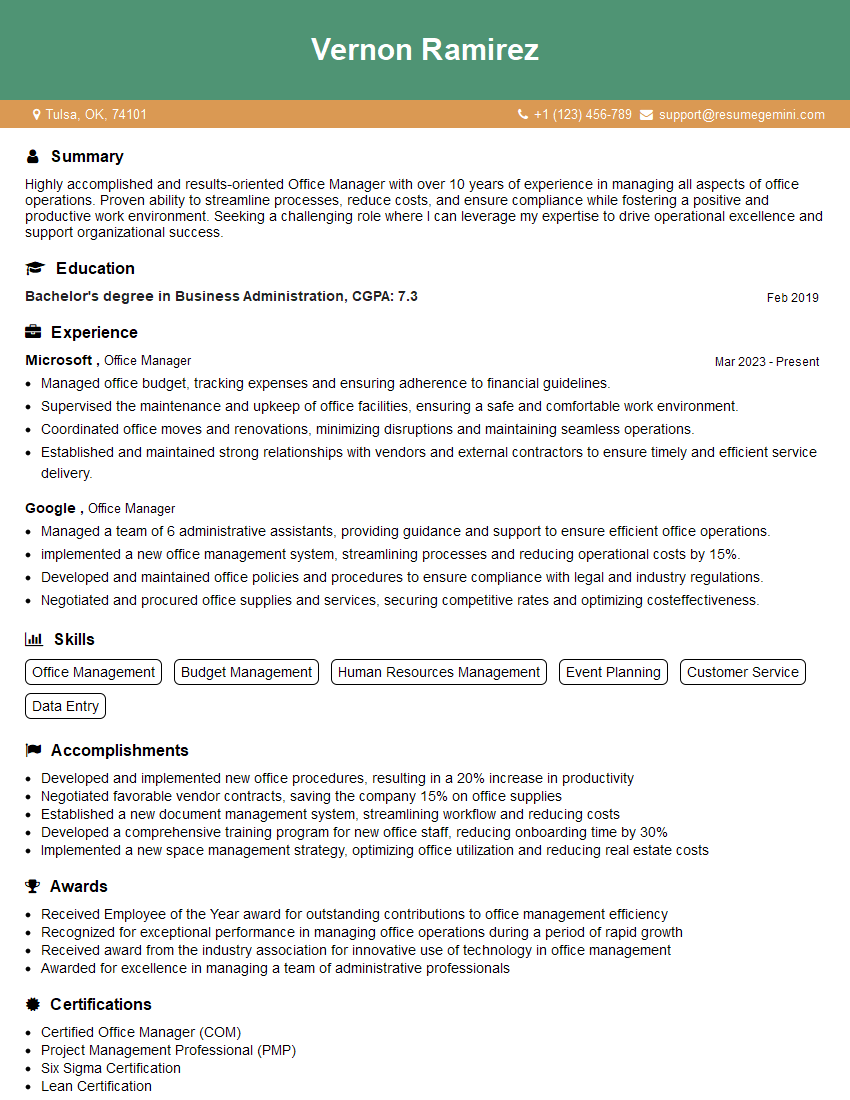
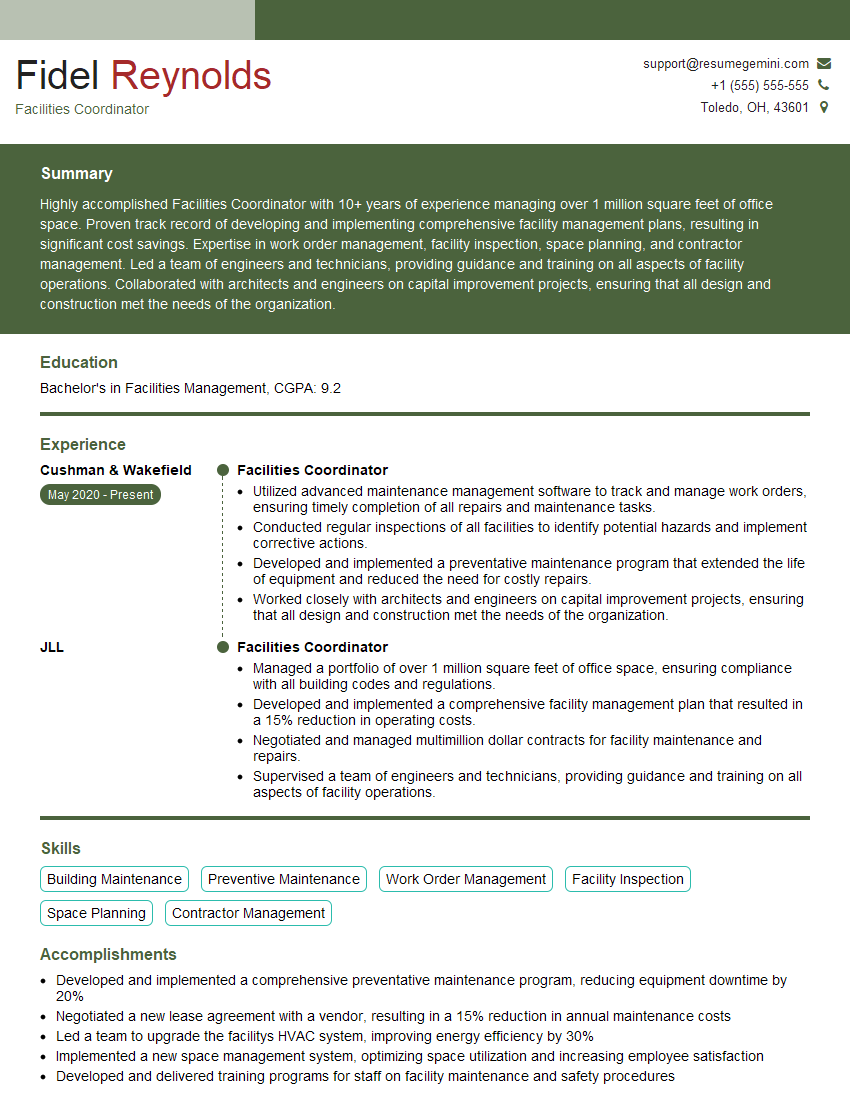
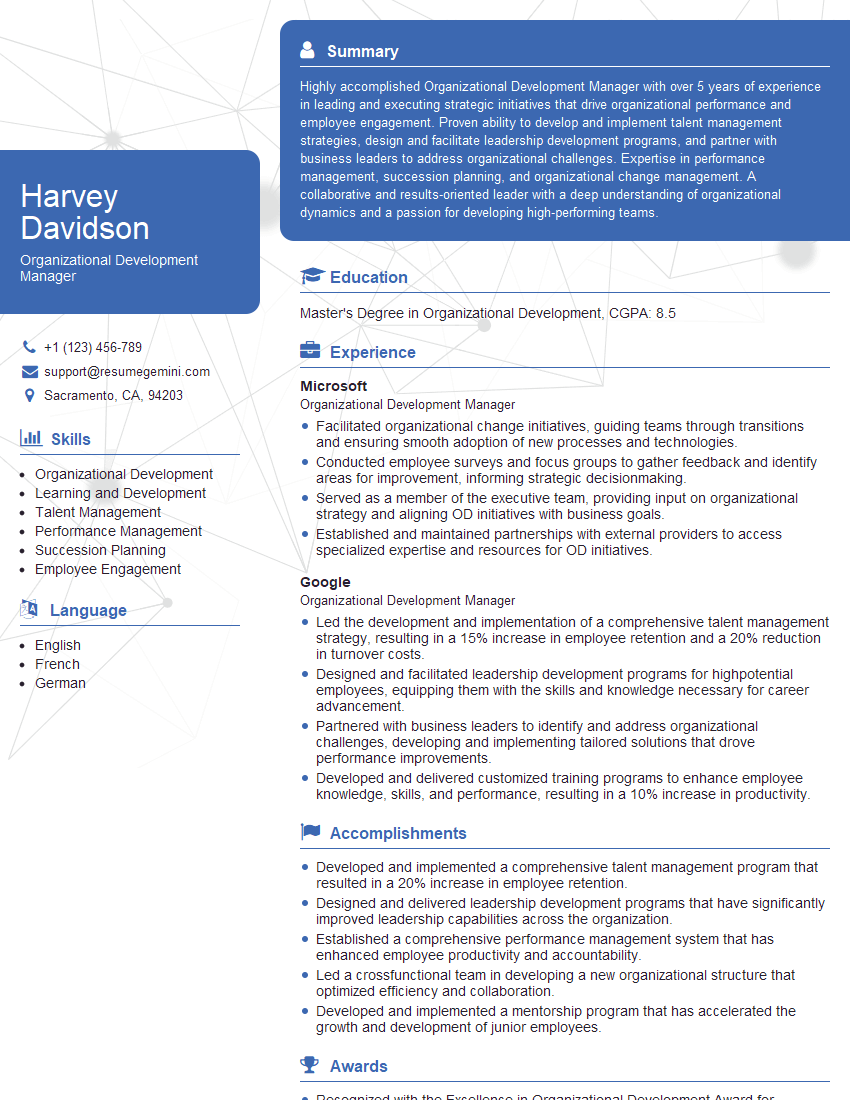
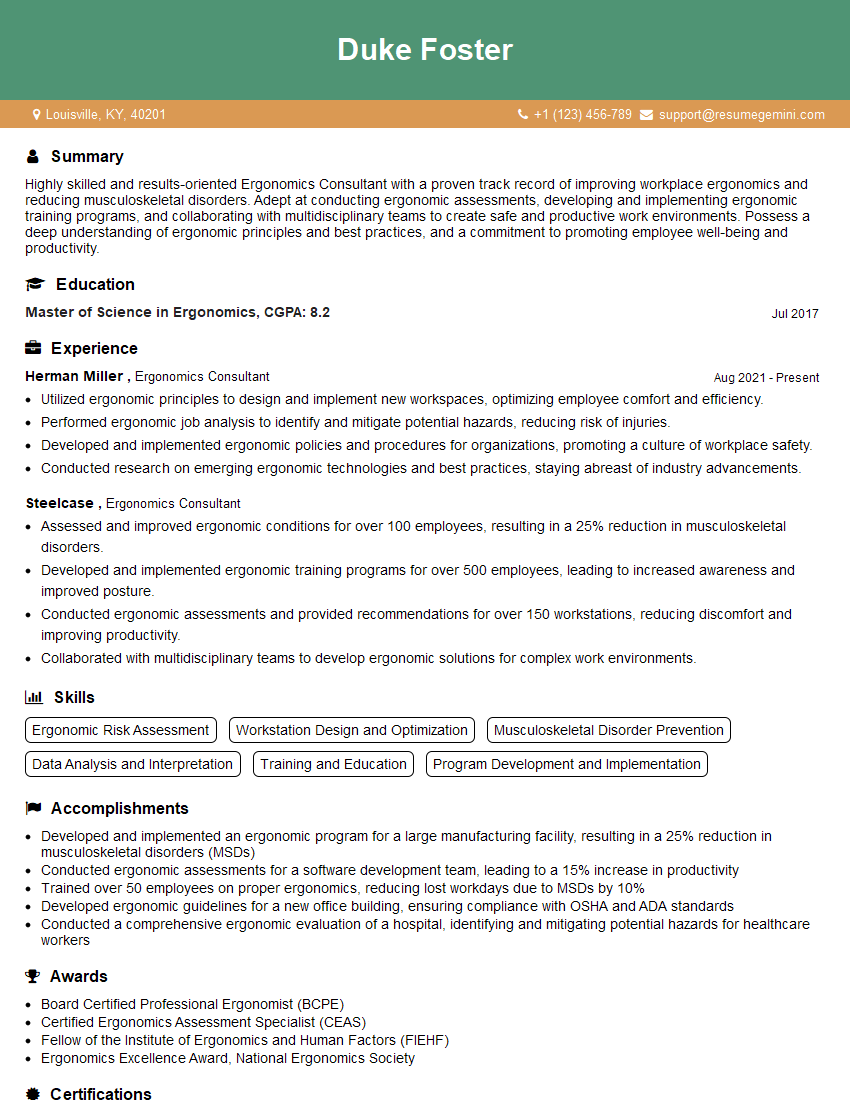
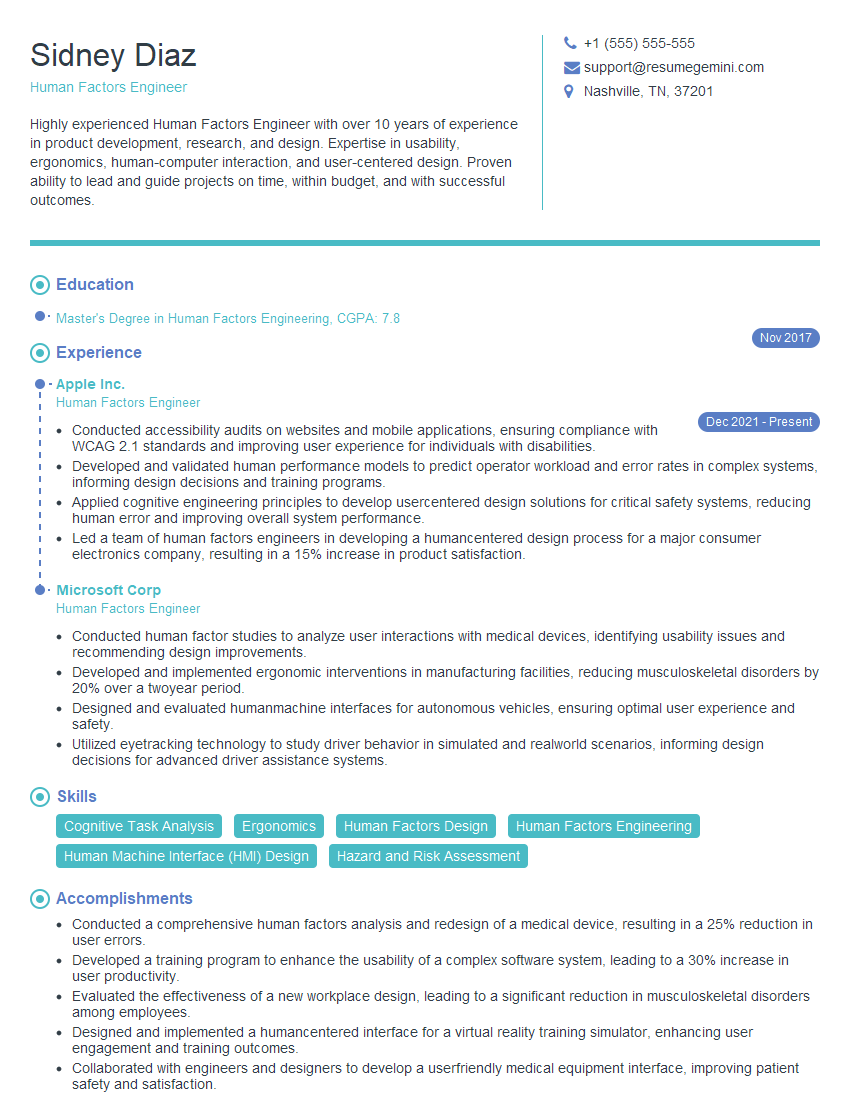
Mastering Work Station Organization demonstrates valuable skills in efficiency, problem-solving, and safety – highly sought-after qualities that significantly boost your career prospects. A well-crafted, ATS-friendly resume is crucial for showcasing these skills to potential employers. To maximize your job search success, leverage the power of ResumeGemini to create a professional and impactful resume. ResumeGemini offers a user-friendly platform and provides examples of resumes tailored to Work Station Organization roles, giving you a head start in crafting your perfect application.

Explore more articles
Users Rating of Our Blogs
Share Your Experience
We value your feedback! Please rate our content and share your thoughts (optional).
What Readers Say About Our Blog
Very informative content, great job.
good