The thought of an interview can be nerve-wracking, but the right preparation can make all the difference. Explore this comprehensive guide to Audio Visual Equipment Installation interview questions and gain the confidence you need to showcase your abilities and secure the role.
Questions Asked in Audio Visual Equipment Installation Interview
Q 1. Explain your experience with different types of video conferencing systems.
My experience with video conferencing systems spans a wide range of platforms and technologies. I’ve worked extensively with systems from major vendors like Cisco Webex, Zoom, Microsoft Teams, and Google Meet. This includes setting up both small, huddle room systems and large, enterprise-grade solutions for boardrooms and auditoriums. My work has involved everything from the initial design and planning, including network infrastructure considerations and bandwidth requirements, to the actual installation, configuration, and testing of the equipment. I’m familiar with various camera types, including PTZ (Pan-Tilt-Zoom) cameras, and different microphone technologies, like beamforming microphones and tabletop microphones, understanding their strengths and weaknesses in different environments. I’ve also handled the integration of these systems with existing AV infrastructure, ensuring seamless operation and compatibility. For example, in one project, we integrated a Zoom Rooms system with an existing AMX control system to provide centralized management and control of the entire conferencing space.
- Experience with Cisco Webex: Configured and deployed numerous Webex systems, including troubleshooting network connectivity issues and optimizing video and audio quality.
- Experience with Zoom Rooms: Installed and integrated Zoom Rooms systems into various meeting spaces, optimizing for different room sizes and acoustics. This involved configuring cameras, microphones, and displays for optimal performance.
- Experience with Microsoft Teams Rooms: Deployed and managed Microsoft Teams Rooms systems, including integrating with existing calendar systems and ensuring seamless user experience.
Q 2. Describe your troubleshooting process for a malfunctioning projector.
My troubleshooting process for a malfunctioning projector is systematic and efficient. I start by visually inspecting the projector and its connections. This involves checking the power cord, ensuring it’s properly plugged into both the projector and a working power outlet, and examining the cables connecting the projector to the source device (laptop, computer, etc.). I then check the lamp, ensuring it’s not burnt out and is correctly installed. If the projector still doesn’t work, I move onto a more in-depth troubleshooting process. This includes:
- Confirming Power: Verify that the projector is receiving power. Check the power outlet with another device.
- Checking Connections: Inspect all cables to ensure they’re securely connected at both ends. Try replacing the cables with known good ones.
- Testing Input Source: Try a different input source to rule out a problem with the source device.
- Checking Projector Settings: Access the projector’s menu and review its settings. Check the input source selection, resolution, and other relevant settings.
- Inspecting the Lamp: Check for a burnt-out lamp. This is often the most common cause of a projector failure. Replace if necessary, following manufacturer’s instructions.
- Verifying the Projection Lens: Inspect the projection lens for any damage, obstruction, or dust accumulation. Gently clean the lens with a microfiber cloth.
- Advanced Diagnostics: If the problem persists, use the projector’s built-in diagnostic tools or contact the manufacturer for support.
For instance, I once encountered a projector that wasn’t displaying any image. After systematically checking the power, connections, and lamp, I discovered the projector’s input source was incorrectly set. A simple menu adjustment solved the issue.
Q 3. What are your experiences with different types of audio mixing consoles?
My experience with audio mixing consoles encompasses both analog and digital models, from small, compact mixers suitable for small events to larger, more complex consoles used in professional broadcast and recording studios. I’m proficient in operating and maintaining consoles from leading manufacturers like Yamaha, Soundcraft, and Allen & Heath. I understand the concepts of equalization (EQ), compression, and routing signals. I’m also familiar with various microphone preamps and their impact on audio quality. The key difference between analog and digital consoles lies in signal processing: analog uses physical components, while digital uses software and digital signal processing (DSP). Each type has its own advantages; analog consoles often offer a warmer, more ‘organic’ sound, while digital consoles provide more flexibility, recall capabilities, and effects processing. For example, in a recent project involving a live performance, we used a Yamaha digital mixing console to manage multiple microphones and instruments, ensuring a clear and balanced mix for the audience.
- Analog Mixers: Experienced in operating and maintaining analog consoles, understanding gain staging and signal flow.
- Digital Mixers: Proficient in operating and programming digital mixers, utilizing DSP effects and scene recall capabilities.
- Networked Mixers: Experience in integrating networked audio mixers into larger AV systems for remote control and monitoring.
Q 4. How familiar are you with various video signal formats (e.g., HDMI, SDI, DVI)?
I’m very familiar with various video signal formats, including HDMI, SDI, and DVI. Understanding these formats is crucial for seamless signal transmission and display. HDMI (High-Definition Multimedia Interface) is a common digital interface for transmitting both audio and video signals. It’s widely used in consumer electronics and many professional AV applications. SDI (Serial Digital Interface) is a professional digital video interface that offers higher bandwidth and longer cable runs than HDMI. It’s often preferred in broadcast and professional video production environments. DVI (Digital Visual Interface) is an older digital video interface that’s gradually being replaced by HDMI. I know the strengths and limitations of each format, making informed decisions about which to use in a particular project. For instance, if long cable runs are required, SDI is preferred over HDMI due to its superior signal integrity. The choice of signal format depends on factors such as resolution, distance, bandwidth requirements, and budget.
- HDMI: Extensive experience with HDMI signal transmission, including troubleshooting common HDMI connectivity issues such as EDID mismatch.
- SDI: Proficient in working with SDI, understanding the various SDI standards and their implications for signal quality.
- DVI: Familiar with DVI and its conversion to HDMI or other formats where necessary.
Q 5. Describe your experience with network-based AV systems.
My experience with network-based AV systems is extensive. I’ve worked on projects that utilize network technologies like Dante, AES67, and AVB (Audio Video Bridging) for audio and video distribution. These systems offer significant advantages over traditional point-to-point connections, including centralized control, scalability, and simplified troubleshooting. I’m proficient in configuring network switches and routers for optimal AV performance, ensuring sufficient bandwidth and minimal latency. Understanding network protocols and IP addressing is fundamental to successful deployment. A recent project involved designing and implementing a large-scale networked AV system for a corporate campus, distributing audio and video signals over a gigabit network using Dante. This system allowed for flexible routing and control of audio and video sources across multiple buildings.
- Dante: Extensive experience in designing, installing, and troubleshooting Dante-based audio networks.
- AES67: Familiar with AES67 and its interoperability with other network audio protocols.
- AVB: Experience in utilizing AVB for the distribution of both audio and video signals over a network.
Q 6. What experience do you have with control system programming (e.g., Crestron, AMX)?
I have significant experience with control system programming, primarily using Crestron and AMX. I’m proficient in using their respective programming languages (Crestron SIMPL+ and AMX NetLinx) to create custom control systems for various AV applications. This includes designing user interfaces, controlling various AV devices, and creating automated sequences. Control system programming allows for centralized management and automation of complex AV systems, improving efficiency and usability. I understand the importance of structured programming and using best practices to ensure code maintainability and scalability. In a recent project, I programmed a Crestron system to control lighting, audio, and video in a conference room, creating custom scenes for different meeting types. This allowed users to easily switch between presentation mode, video conferencing mode, and other custom configurations with a single touch.
- Crestron SIMPL+: Proficient in Crestron SIMPL+ programming, creating custom control interfaces and automation sequences.
- AMX NetLinx: Experience in AMX NetLinx programming, designing and implementing control systems for various AV applications.
- Control System Design: Skilled in designing control system architectures that are scalable, reliable, and easy to maintain.
Q 7. How do you ensure the proper grounding of AV equipment?
Proper grounding of AV equipment is crucial for safety and performance. It prevents electrical noise and interference, protecting both equipment and users. This is achieved through a proper earth ground connection. This typically involves connecting the ground wire of the equipment to a dedicated grounding point in the electrical system. Always use three-prong power cords and ensure that the ground wire is properly connected. Furthermore, it’s essential to utilize grounding straps or bonding wires for metal racks and equipment enclosures. Proper grounding minimizes the risk of electrical shock and improves the overall signal quality by reducing noise and interference. Ignoring proper grounding can lead to poor audio and video quality, equipment damage, and even potential safety hazards. During installations, I always verify that the ground connections are correctly installed and function properly using a multimeter to ensure continuity.
- Grounding Wires: Verifying the integrity of grounding wires and connections throughout the system.
- Grounding Strips: Implementing grounding strips and bonding wires in equipment racks.
- Multimeter Testing: Using a multimeter to ensure proper grounding continuity and eliminate potential grounding issues.
Q 8. Explain your understanding of signal routing and distribution.
Signal routing and distribution is the backbone of any AV system. It’s essentially how we get audio and video signals from their source (like a camera or microphone) to their destination (like a display or speaker). Think of it like a complex highway system for your A/V data. We use various components to manage this, including matrix switchers, which allow for flexible routing of multiple sources to multiple displays, and amplifiers to boost the audio signal strength for distribution to numerous speakers.
For example, in a conference room, we might route a laptop’s video output to a projector and simultaneously send its audio to a sound system. A matrix switcher allows us to switch between different sources (laptop, Blu-ray player, document camera) easily, and to send the audio and video to different zones or displays, say both a projector and a smaller monitor for close-up viewing.
Efficient signal routing also includes considerations for signal format conversion (e.g., HDMI to VGA), signal extension (using CAT cables or fiber optics for longer distances), and signal amplification to maintain signal quality and strength over distance.
Q 9. What safety precautions do you take during AV equipment installation?
Safety is paramount. Before even touching a tool, we conduct a thorough risk assessment. This includes identifying potential hazards like electrical shock, falls from heights (when working on ceiling-mounted projectors or speakers), and exposure to potentially hazardous materials. We always use appropriate personal protective equipment (PPE), including safety glasses, gloves, and non-slip footwear.
We strictly adhere to electrical safety codes, ensuring power is disconnected before working on any live equipment. When dealing with cabling, proper cable management is crucial to prevent tripping hazards. Clear communication and coordination with other tradesmen on-site are also essential to prevent accidents.
For example, before working on a ceiling-mounted projector, I’ll ensure the power is completely off, use a safety harness if necessary, and have a spotter to assist with the lift and lowering of the equipment. This is to minimize any risk of falls and equipment damage.
Q 10. Describe your experience with cable management techniques.
Cable management is more than just keeping cables tidy; it’s crucial for system reliability and longevity. Poor cable management can lead to signal interference, damage to cables, and even safety hazards. My approach involves a multi-step process.
- Planning: Before installation, I meticulously plan the cable routes, considering the shortest distance, avoiding obstacles, and minimizing the number of cable bends.
- Labeling: Every cable is clearly labeled at both ends indicating its source and destination. This significantly speeds up troubleshooting and future maintenance.
- Organization: I use cable ties, Velcro straps, and raceways to keep cables neat and organized. For larger installations, I might use cable trays or conduits to manage high volumes of cables systematically.
- Protection: Cables are protected from damage by routing them through areas that minimize potential physical impact and by using appropriate sleeves or conduits.
A well-managed cable system not only looks professional but also makes troubleshooting and future modifications significantly easier. It’s a true testament to a high-quality AV installation.
Q 11. How do you handle difficult clients or unexpected problems on a project?
Difficult clients or unexpected problems are inevitable in this field. My approach is rooted in proactive communication and problem-solving.
Difficult Clients: I listen carefully to their concerns and address them patiently and professionally. I clearly explain technical aspects in terms they can understand and provide realistic expectations. When disagreements arise, I aim to find mutually agreeable solutions, always putting the client’s needs first.
Unexpected Problems: A calm and methodical approach is key. I systematically assess the situation, identifying the root cause of the problem. Then, I explore potential solutions, considering factors like time constraints and budget limitations. When necessary, I consult with colleagues or manufacturers for expertise. I also keep the client informed throughout the entire process, providing regular updates and transparent communication.
For example, if a projector malfunctions during a critical presentation, I calmly switch to a backup solution, such as a different projector or a laptop connected directly to the display, while simultaneously working on resolving the initial issue. Transparency and effective communication with the client ensures they are aware of the situation and that it’s being addressed.
Q 12. What software are you proficient in for AV design or project management?
I am proficient in several software packages crucial for AV design and project management. For design, I utilize AutoCAD for detailed schematics and Vectorworks for 3D modeling, allowing me to visualize the entire system before installation begins. This minimizes potential conflicts and ensures a smoother installation process.
For project management, I rely on Microsoft Project for scheduling and resource allocation, ensuring projects stay on track and within budget. I also utilize Visio to create flowcharts and diagrams, which aids in team collaboration and communication.
Furthermore, I am experienced with control system programming software such as Crestron and AMX, which are essential for creating centralized control systems that manage all aspects of the AV system.
Q 13. Explain your understanding of different types of audio speakers and their applications.
Understanding speaker types and their applications is vital. Speakers are categorized based on factors such as size, frequency response, and intended use.
- Full-range speakers: These speakers attempt to reproduce the entire audible frequency range (typically 20Hz-20kHz) from a single unit. They are good for general-purpose applications but usually lack the fidelity of dedicated systems.
- Woofers: These handle low frequencies (bass), typically used in larger speakers or subwoofers for powerful low-end sound.
- Midrange speakers: These handle mid-frequency sounds (vocals, instruments). They’re crucial for clarity and intelligibility.
- Tweeters: These handle high frequencies (high-pitched sounds). They provide crispness and detail to the overall sound.
- Subwoofers: These are dedicated low-frequency speakers designed to add deep bass to an audio system. They are frequently used in home theaters and concert venues.
The choice of speaker depends on the application. For example, a small conference room may only require full-range speakers, while a large auditorium requires a more complex system with separate woofers, midrange speakers, tweeters, and subwoofers for optimal sound quality and coverage. In a restaurant, background music might only necessitate strategically placed smaller full-range speakers, whereas a live music venue needs powerful, higher-fidelity systems.
Q 14. How do you manage time effectively during installations?
Effective time management is crucial for successful installations. I employ a structured approach:
- Detailed planning: A thorough project plan with realistic timelines is essential. This includes a breakdown of tasks, allocation of resources, and identification of potential delays.
- Prioritization: Tasks are prioritized based on their importance and dependencies. This ensures critical tasks are completed first.
- Regular progress monitoring: I regularly track progress against the schedule, identifying and addressing potential delays proactively.
- Communication: Consistent communication with clients and the team keeps everyone informed and prevents misunderstandings.
- Flexibility: While a schedule is important, unexpected issues might arise. I maintain flexibility to adjust the plan as needed, always keeping the client informed of any changes.
Using project management software like Microsoft Project allows for efficient scheduling and tracking, ensuring that projects are completed on time and within budget. It is also important to account for potential issues such as shipping delays or equipment malfunctions and build contingency time into the schedule.
Q 15. What experience do you have with installing large-scale AV systems?
My experience with large-scale AV system installations spans over ten years, encompassing projects ranging from corporate boardrooms and large auditoriums to expansive museum exhibits and multi-story hotel conference centers. I’ve led teams of technicians, managed complex budgets, and overseen the entire lifecycle of projects, from initial design and planning to final testing and handover. For example, in one project involving a 500-seat auditorium, I oversaw the installation of a sophisticated sound system, multiple projection systems, a large LED video wall, and a comprehensive control system. This involved meticulous planning for cabling, power distribution, and signal routing to ensure optimal performance and minimal disruption during the installation.
Another key project involved a large corporate campus where we implemented a unified communications system across multiple buildings. This required careful coordination between various teams, including network engineers and IT specialists, to ensure seamless integration and reliable operation. These experiences have provided me with the necessary skills to manage the logistical complexities, technical challenges, and budgetary constraints inherent in large-scale AV installations.
Career Expert Tips:
- Ace those interviews! Prepare effectively by reviewing the Top 50 Most Common Interview Questions on ResumeGemini.
- Navigate your job search with confidence! Explore a wide range of Career Tips on ResumeGemini. Learn about common challenges and recommendations to overcome them.
- Craft the perfect resume! Master the Art of Resume Writing with ResumeGemini’s guide. Showcase your unique qualifications and achievements effectively.
- Don’t miss out on holiday savings! Build your dream resume with ResumeGemini’s ATS optimized templates.
Q 16. Describe your experience with different types of displays (e.g., LCD, LED, projection).
My experience encompasses a wide array of display technologies, including LCD, LED, and projection systems. I’ve worked with various screen sizes, resolutions, and aspect ratios, and I understand the strengths and weaknesses of each technology. LCD displays are typically preferred for their high resolution and color accuracy in smaller to medium-sized applications. LED displays offer superior brightness, contrast, and wider viewing angles, making them ideal for large video walls or outdoor installations. Projection systems provide flexibility for large-scale presentations or in situations where a very large screen size is required but offer trade-offs in terms of resolution and potential image quality if not properly configured.
For example, in a recent museum project, we utilized a combination of high-resolution LCD monitors for smaller exhibit displays and a large-format projection system for an immersive theater experience. The choice of technology always depends on the specific application and its requirements, taking into consideration factors like budget, viewing distance, ambient lighting conditions, and desired image quality.
Q 17. How familiar are you with different types of video wall configurations?
I’m highly familiar with various video wall configurations, including standard layouts (e.g., 2×2, 3×3, etc.), curved video walls, and even more complex, non-uniform designs. Understanding video wall controllers and processing is critical. I’m proficient in working with different bezel widths to minimize seams and ensure a seamless viewing experience. The configuration depends heavily on the intended application and the available space. A small control room might employ a 2×2 configuration, while a large command center might need a significantly larger video wall spanning many screens.
For instance, I recently designed and installed a curved video wall for a financial institution’s trading floor. This required precise calibration and careful management of the video processing to ensure consistent brightness and color across all screens to avoid visible seams and create a truly immersive experience for traders.
Q 18. What are your preferred methods for documenting AV system installations?
My preferred methods for documenting AV system installations involve a multi-faceted approach. I utilize comprehensive drawings, including as-built diagrams, detailed cable schedules, and equipment lists, all generated using CAD software. These drawings document the physical layout of the system, the routing of cables, and the location of all equipment. Furthermore, I maintain a detailed database of all equipment, including serial numbers, firmware versions, and maintenance records. This database is crucial for future troubleshooting and maintenance. Finally, I create a comprehensive set of operational manuals that guide end-users and technicians on the operation and maintenance of the system.
My documentation approach is designed to ensure easy troubleshooting and maintenance long after the project is complete, providing a comprehensive history of the system for future reference.
Q 19. Describe your experience with testing and commissioning AV systems.
Testing and commissioning are integral to ensuring the successful completion of any AV project. My process involves a multi-stage approach: First, we perform individual component testing to verify that all devices are functioning correctly. This includes verifying signal paths, checking audio levels, and ensuring image quality. Next, we integrate the various components to ensure seamless interoperability. We then conduct system-level testing, simulating real-world scenarios to identify and address any potential issues. Finally, a thorough site acceptance test (SAT) is conducted with the client to ensure that the system meets their expectations.
For instance, before handing over an auditorium system, we perform sound level measurements to ensure appropriate coverage and clarity throughout the seating area, and we verify that all input and output sources work correctly with the integrated control system. This ensures a smooth transition and avoids problems after the project is officially complete.
Q 20. How do you ensure the compatibility of different AV components?
Ensuring compatibility between different AV components is paramount. Before any installation, I meticulously review the specifications of all equipment to ensure that they are compatible with each other. This includes verifying signal standards, resolutions, control protocols, and power requirements. I use compatibility matrices and manufacturer’s specifications to identify potential conflicts and plan accordingly. The selection of components is always guided by a detailed design specification to ensure proper integration and eliminate incompatibility issues before they arise.
For example, ensuring that all video sources and displays use the same resolution and refresh rate is crucial to avoid issues such as tearing or flickering. Similar considerations apply to audio equipment, requiring proper signal routing and impedance matching. Proper planning and careful selection ensure the system works as intended.
Q 21. How familiar are you with different types of microphones and their uses?
My familiarity with microphones extends to various types, including dynamic, condenser, boundary, and wireless microphones. Each type has its own specific characteristics and applications. Dynamic microphones are robust and handle high sound pressure levels, making them suitable for live performances or loud environments. Condenser microphones offer high sensitivity and detailed sound reproduction, ideal for recording studios or conferencing. Boundary microphones are discreet and offer good sound pickup in a limited area, suitable for tabletop conferencing. Wireless microphones offer mobility, but proper frequency coordination and signal management are critical.
For example, in a courtroom setting, we might use high-quality condenser microphones for recording testimony, while in a large lecture hall, we may use multiple directional dynamic microphones for clear sound pickup from the speaker at the podium.
Q 22. What’s your experience with acoustic treatment in rooms?
Acoustic treatment is crucial for optimizing the audio quality within a room. It involves strategically placing sound-absorbing and sound-diffusing materials to minimize unwanted reflections, echoes, and standing waves. These unwanted sounds can muddy the audio, making speech unclear and music sound less defined.
My experience encompasses various scenarios, from treating small home theaters to large auditoriums. For instance, in a home theater, we might use acoustic panels to absorb reflections from the rear and side walls, improving dialogue clarity. In a larger space, we’d consider bass traps to control low-frequency resonances, which are particularly problematic. We also incorporate diffusers to scatter sound waves, preventing the creation of ‘dead’ spots with no sound or overly ‘live’ spots with excessive reverberation. The selection of materials depends on the room’s size, shape, and intended use. I also always consider the aesthetic aspects, ensuring the treatments blend seamlessly with the room’s design.
For example, I once worked on a project where the initial design of a recording studio had poor acoustic treatment, leading to significant muddiness in the recording. We redesigned the acoustic treatment, using a combination of absorption and diffusion panels, and the result was a dramatic improvement in sound quality and clarity.
Q 23. Explain your understanding of different audio signal processing techniques.
Audio signal processing is the manipulation of audio signals to enhance, modify, or correct their characteristics. It involves various techniques implemented using hardware and software.
- Equalization (EQ): This adjusts the balance of frequencies within an audio signal. A graphic EQ allows for precise adjustments across the frequency spectrum. We often use EQ to boost or cut specific frequencies to correct imbalances or shape the sound’s overall tone. For instance, we might boost the bass frequencies in a home theater to enhance the impact of action movies.
- Compression: This reduces the dynamic range of an audio signal, making quiet sounds louder and loud sounds softer. It’s frequently used in live sound reinforcement to make voices more consistent and prevent clipping (distortion caused by exceeding the amplifier’s capacity).
- Delay: This introduces a time delay to an audio signal. In a multi-speaker system, we utilize delays to ensure all sound sources reach the listener at the same time, creating a cohesive audio experience. This is crucial in large spaces where the sound travels different distances to reach different parts of the audience.
- Reverb and Echo: These effects simulate the natural acoustic properties of a space, enhancing the realism or creating artistic effects.
- Noise Reduction: This process reduces unwanted background noise from a signal, improving clarity. This is vital in broadcast or recording situations.
My expertise includes utilizing these techniques with various professional audio equipment including digital signal processors (DSPs) and mixing consoles to achieve the desired outcome for a given project.
Q 24. How do you stay up-to-date with the latest advancements in AV technology?
Staying current in the rapidly evolving AV technology landscape requires a multifaceted approach.
- Industry Publications and Websites: I regularly read trade magazines like Sound & Video Contractor, and follow industry websites such as those of InfoComm International and CEDIA. These resources provide in-depth analyses of new products and technologies.
- Trade Shows and Conferences: Attending events like InfoComm and ISE allows for firsthand experience with the newest equipment and networking with other professionals, learning about best practices.
- Online Courses and Webinars: Several reputable organizations offer online courses and webinars focusing on specific areas of AV technology. These are invaluable for acquiring specialized knowledge and keeping abreast of new methodologies.
- Manufacturer Training: I actively seek out training opportunities provided by leading manufacturers of AV equipment. This ensures I’m proficient in operating and troubleshooting their specific products.
- Professional Organizations: Membership in organizations like CEDIA provides access to continuous learning opportunities and keeps me connected with the industry’s leading experts.
This continuous learning helps me offer my clients the best possible solutions and stay ahead of the curve in this dynamic field.
Q 25. Describe your experience with working with blueprints and technical drawings.
My experience with blueprints and technical drawings is extensive. I’m proficient in interpreting architectural plans, electrical schematics, and detailed AV system designs. I use this knowledge to plan cable runs, equipment placement, and overall system integration.
Before any installation begins, I thoroughly review all documentation to identify potential challenges and plan accordingly. For example, I need to account for wall construction, ceiling height, and existing infrastructure to ensure a smooth and efficient installation process. I’m familiar with various CAD software like AutoCAD and Revit for reviewing and collaborating on plans.
On a recent project, the blueprints indicated a hidden conduit running behind a specific wall section. My careful review of the drawings allowed me to avoid damaging the conduit during the installation process, saving both time and money.
Q 26. What is your experience with audio delay and equalization?
Audio delay and equalization are fundamental to achieving optimal sound in many AV setups, particularly in larger spaces or systems with multiple speakers.
Audio Delay: Delay is used to time-align audio signals arriving at the listener’s position from different sources. In a large room, the sound from a speaker farther away will reach the listener slightly later than sound from a closer speaker. Using delay adjustments, we ensure all sound waves reach the listener simultaneously, eliminating phase cancellation and creating a more immersive, natural listening experience.
Equalization (EQ): EQ is used to adjust the frequency balance of an audio signal, compensating for room acoustics or equipment limitations. Room modes (standing waves) can create peaks and dips in certain frequencies, affecting overall sound quality. EQ allows me to correct these imbalances, making the sound clearer and more balanced.
I frequently use professional audio equipment like DSPs (Digital Signal Processors) and mixing consoles, which incorporate sophisticated delay and EQ functionality. Software-based solutions also play a significant role in my workflow, allowing for precise and repeatable adjustments.
Q 27. How do you handle conflicts between different AV system requirements?
Conflicts between AV system requirements are common, and resolving them requires careful planning and communication.
For instance, a client might want a high-resolution video display in a location with limited bandwidth, or they might request multiple audio zones with conflicting signal routing needs. I address these conflicts by:
- Prioritizing Requirements: Through discussions with the client, I establish the most critical requirements and prioritize them. Sometimes compromises are necessary, and transparent communication is essential.
- Exploring Alternative Solutions: If a direct solution isn’t feasible, I look for alternative technologies or strategies. This could involve upgrading network infrastructure, using different audio distribution methods, or selecting more efficient equipment.
- Detailed System Design: I create a comprehensive system design document, clearly outlining all equipment, cabling, and routing. This document serves as a reference point to prevent issues and helps resolve any conflicts early in the process.
- Collaboration with Other Professionals: It’s vital to collaborate with architects, electrical engineers, and other specialists to ensure all system aspects integrate seamlessly and avoid conflicts related to electrical capacity, cabling pathways, or structural limitations.
My experience shows that proactive planning and open communication are essential in effectively navigating these conflicts and creating a system that meets the client’s needs.
Q 28. What is your experience with remote support and troubleshooting of AV systems?
Remote support and troubleshooting are increasingly important in the AV industry. I use a combination of technologies and methodologies to provide efficient remote assistance.
- Remote Desktop Software: I utilize tools like TeamViewer or AnyDesk to access and control client systems remotely for diagnostics and troubleshooting. This allows me to see the problem firsthand and provide real-time solutions.
- Network Monitoring Tools: For network-related issues, I employ tools that allow me to monitor network traffic, identify bottlenecks, and analyze system performance remotely.
- Video Conferencing: I conduct video conferencing sessions with clients, allowing me to visually assess the situation and provide clear instructions. This approach enhances communication and facilitates problem-solving.
- Remote Access to System Control Panels: Many AV systems offer remote access via web interfaces or dedicated software. I leverage this functionality to configure settings, perform diagnostics, and resolve many issues without needing to be on-site.
Remote support isn’t just about fixing immediate problems; it allows for proactive maintenance, helping identify potential issues before they escalate into costly downtime. For example, using remote monitoring, I can often detect a failing component before it completely fails, allowing for timely replacement and minimizing disruption.
Key Topics to Learn for Audio Visual Equipment Installation Interview
- Project Planning & Design: Understanding blueprints, site surveys, and creating installation plans. Practical application: Determining cable routing and equipment placement for optimal performance in various venues.
- Equipment Knowledge: Familiarity with projectors, screens, speakers, microphones, mixers, video conferencing systems, and control systems. Practical application: Troubleshooting common issues with different AV equipment brands and models.
- Cable Management & Termination: Proper techniques for routing, labeling, and terminating various cable types (HDMI, Cat6, fiber optic). Practical application: Ensuring signal integrity and minimizing signal loss.
- Installation Techniques: Safe and efficient mounting of equipment, adhering to building codes and safety regulations. Practical application: Understanding weight limits, wall construction, and ceiling types.
- Testing & Commissioning: Performing thorough testing of the installed system, documenting results, and addressing any issues. Practical application: Using test equipment to measure signal levels and troubleshoot connectivity problems.
- Troubleshooting & Problem Solving: Identifying and resolving technical issues, providing effective solutions to clients. Practical application: Diagnosing problems with audio, video, or control systems and implementing effective solutions.
- Health & Safety: Understanding and adhering to workplace safety protocols, including working at heights and handling electrical equipment. Practical application: Using appropriate safety gear and following best practices to prevent accidents.
- Integration with other Systems: Understanding how AV systems integrate with building management systems (BMS) and other technologies. Practical application: Configuring control systems to automate various functions within the AV setup.
Next Steps
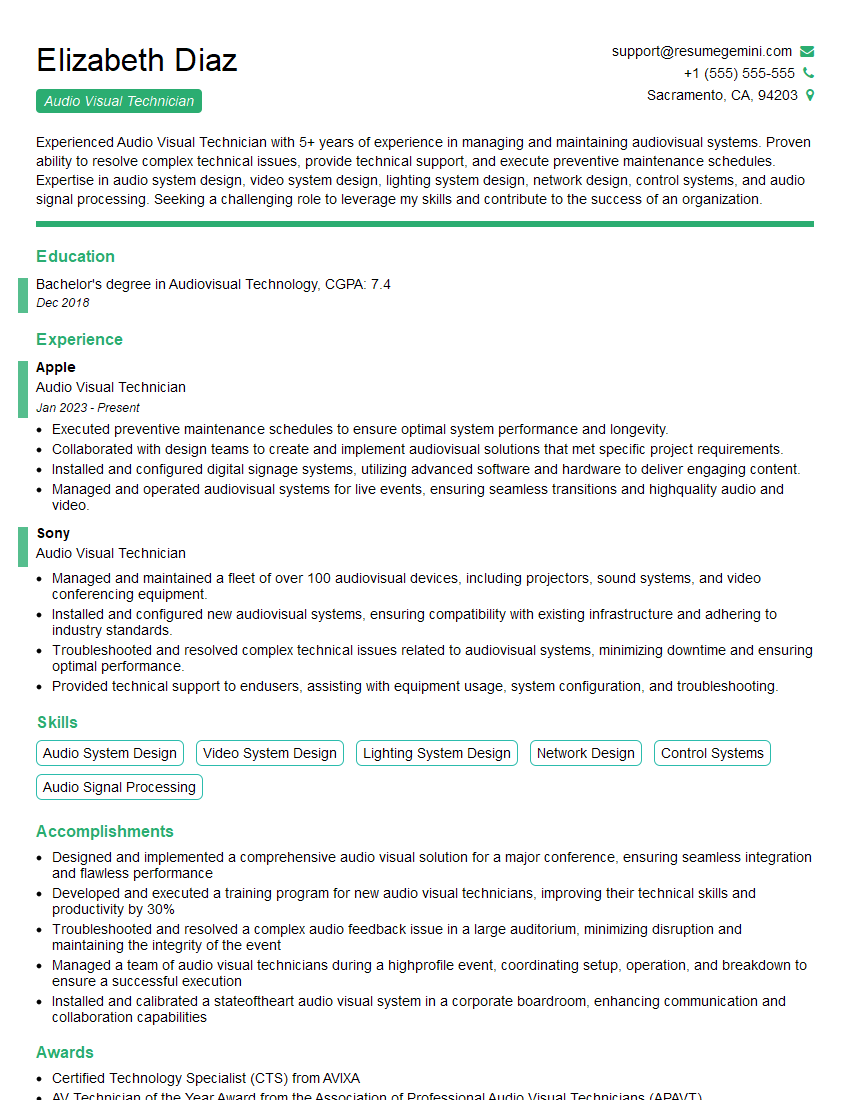
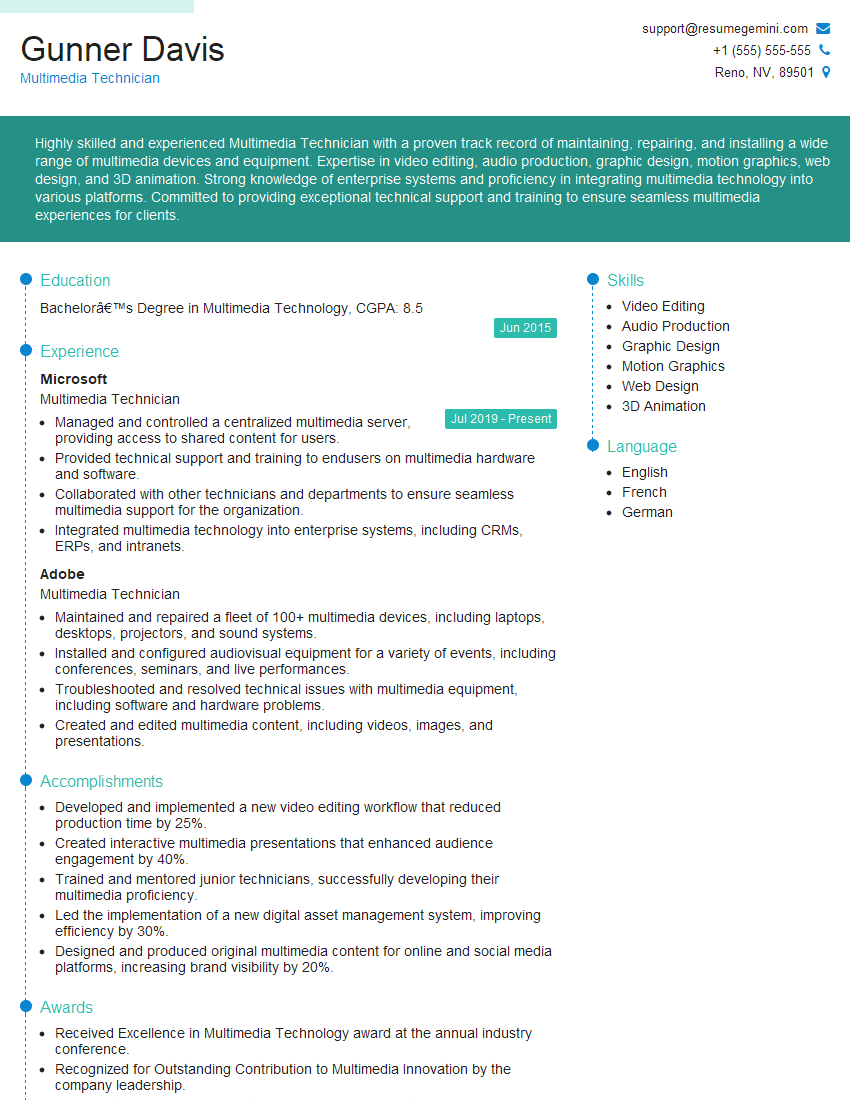
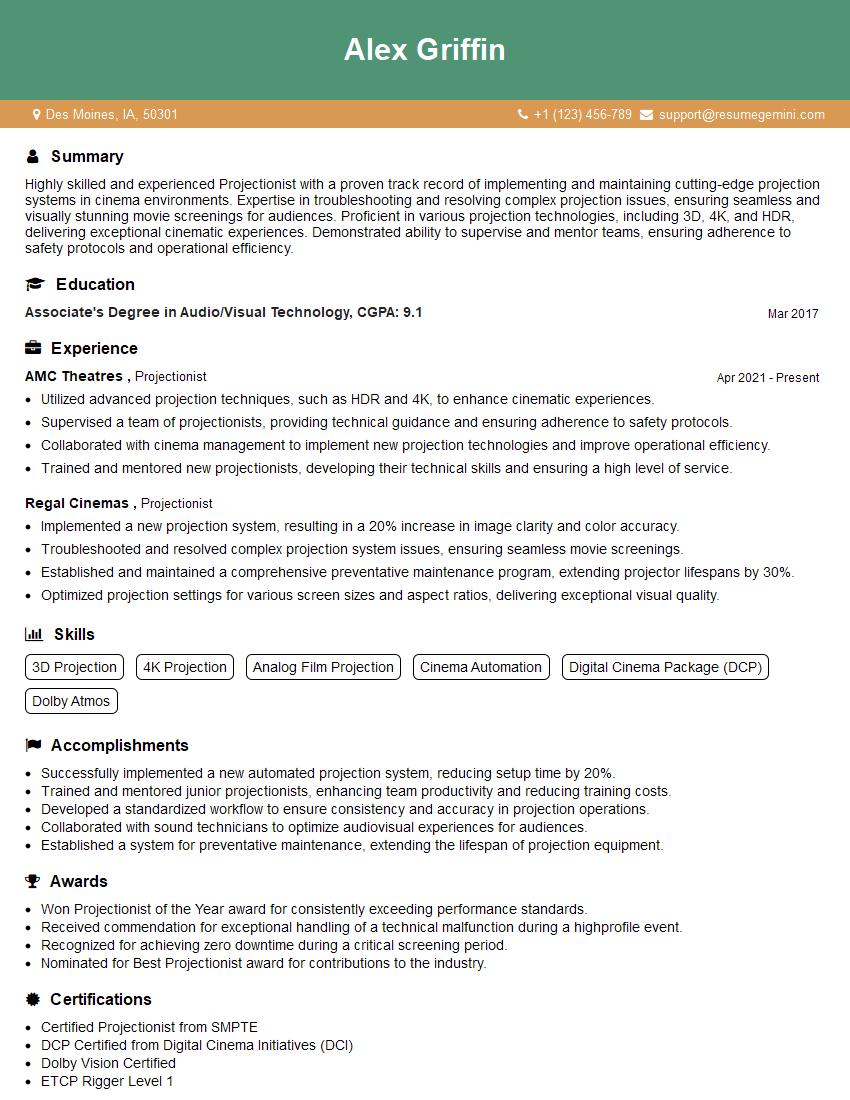
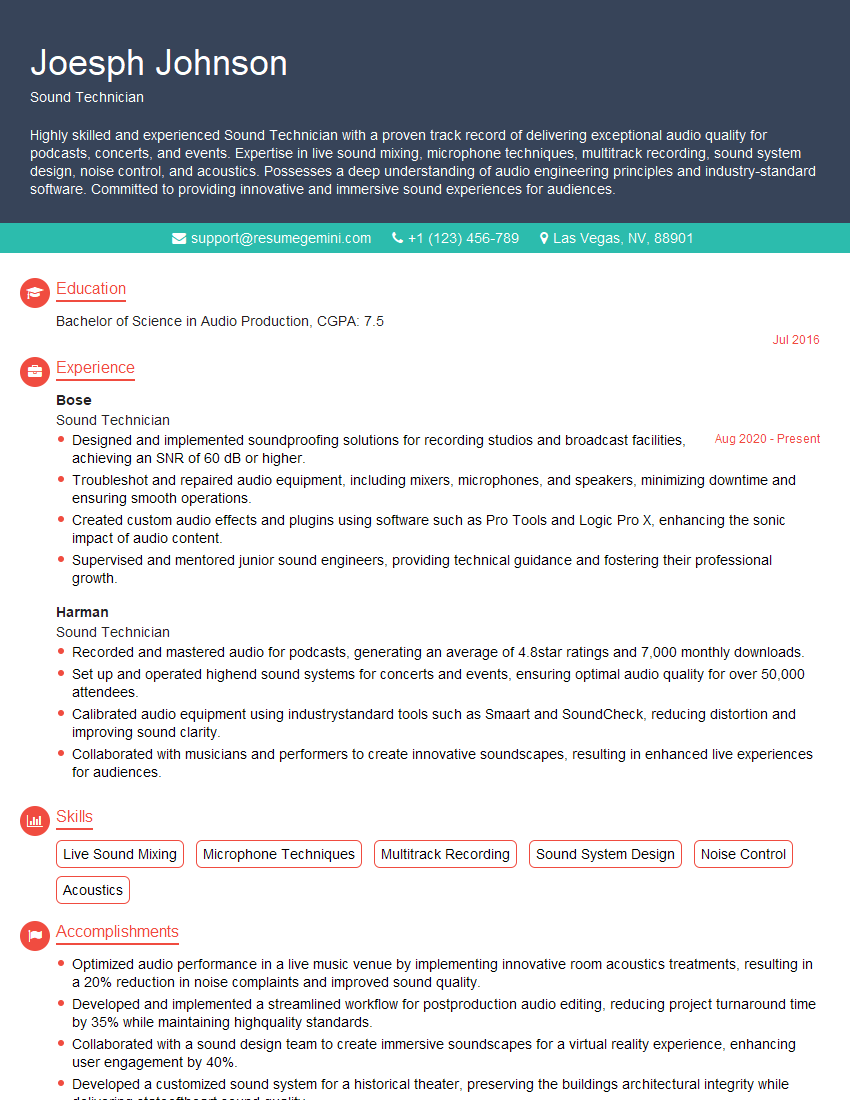
Mastering Audio Visual Equipment Installation opens doors to exciting career opportunities with excellent growth potential. A strong understanding of these key topics will significantly increase your chances of success in your interviews. To further enhance your job prospects, focus on creating an ATS-friendly resume that highlights your skills and experience effectively. ResumeGemini is a trusted resource to help you build a professional and impactful resume. They provide examples of resumes tailored to Audio Visual Equipment Installation, ensuring your application stands out from the crowd.

Explore more articles
Users Rating of Our Blogs
Share Your Experience
We value your feedback! Please rate our content and share your thoughts (optional).
What Readers Say About Our Blog
Very informative content, great job.
good