Preparation is the key to success in any interview. In this post, we’ll explore crucial Collaborating with Development and Operations Teams interview questions and equip you with strategies to craft impactful answers. Whether you’re a beginner or a pro, these tips will elevate your preparation.
Questions Asked in Collaborating with Development and Operations Teams Interview
Q 1. Explain the concept of DevOps and its benefits.
DevOps is a set of practices, tools, and a cultural philosophy that automates and integrates the processes between software development and IT operations teams. Think of it as bridging the gap between these traditionally siloed groups to deliver software faster and more reliably.
The core benefits include:
- Faster time to market: Automation streamlines the entire software lifecycle, allowing for quicker releases.
- Improved collaboration: DevOps fosters a culture of shared responsibility and communication between development and operations.
- Increased efficiency: Automation reduces manual tasks and errors, leading to greater efficiency.
- Higher quality software: Continuous integration and testing helps identify and fix bugs earlier in the development cycle.
- Enhanced scalability and reliability: DevOps practices enable systems to handle increased workloads and maintain stability.
For example, imagine a company releasing a new feature every few weeks instead of every few months – that’s the power of DevOps in action. It’s not just about technology, it’s about a change in mindset and teamwork.
Q 2. Describe your experience with Agile methodologies in a DevOps context.
My experience with Agile methodologies within a DevOps context has been extensive. I’ve worked on several projects leveraging Scrum and Kanban frameworks. These Agile principles, with their emphasis on iterative development, close collaboration, and continuous feedback, align perfectly with the DevOps philosophy.
In practice, this means using Agile sprint cycles to plan and develop features, integrating them continuously through CI/CD pipelines, and deploying frequently to production environments. Regular sprint retrospectives are crucial for identifying bottlenecks and improving processes, ensuring continuous improvement is a core part of our approach. For instance, in one project, we used Kanban boards to visualize workflow, track progress, and identify impediments to software delivery, resulting in a significant reduction in lead time.
Q 3. How do you ensure smooth communication between development and operations teams?
Smooth communication between development and operations is paramount in DevOps. I employ a multi-pronged approach:
- Regular meetings: Daily stand-ups, sprint reviews, and retrospectives provide opportunities for teams to share updates, discuss challenges, and collaborate on solutions.
- Shared communication tools: Using platforms like Slack or Microsoft Teams for instant messaging and project management tools like Jira or Azure DevOps for task tracking and issue management facilitates seamless communication and information sharing.
- Collaborative documentation: Maintaining well-documented processes, code, and infrastructure allows for easy knowledge sharing and reduces misunderstandings.
- Cross-functional teams: Embedding developers within operations and vice-versa breaks down silos and promotes shared responsibility.
- Shared metrics and dashboards: Tracking key performance indicators (KPIs) like deployment frequency, lead time, and mean time to recovery (MTTR) provides transparency and accountability across teams.
For example, a shared dashboard showing deployment success rates and error rates helps everyone stay aligned on the health of the system and identify potential areas for improvement.
Q 4. What are some common challenges in DevOps collaboration, and how have you addressed them?
Common challenges in DevOps collaboration include:
- Resistance to change: Moving from traditional, siloed approaches to a collaborative DevOps culture can be challenging, requiring careful change management and training.
- Tooling complexity: The variety of tools involved in DevOps can be overwhelming. Careful selection and integration of tools are crucial.
- Lack of automation: Manual processes are bottlenecks. Automation is essential for efficiency and repeatability.
- Security concerns: DevOps requires careful consideration of security throughout the entire software lifecycle, from development to deployment and maintenance.
- Monitoring and logging gaps: Lack of comprehensive monitoring and logging can lead to difficulty in identifying and resolving issues quickly.
I’ve addressed these challenges by:
- Phased implementation: Introducing DevOps practices incrementally helps teams adapt more easily.
- Training and upskilling: Ensuring all team members are proficient in relevant tools and practices.
- Establishing clear roles and responsibilities: Defining responsibilities prevents confusion and overlaps.
- Implementing robust security measures: Integrating security practices into every stage of the development pipeline.
- Investing in comprehensive monitoring and logging solutions: Employing tools that provide real-time insights into system performance and health.
Q 5. Describe your experience with version control systems (e.g., Git).
I have extensive experience with Git, including branching strategies, merging, and resolving conflicts. I’m comfortable using Git for both individual and collaborative development. My expertise extends beyond basic commands; I understand the importance of utilizing features like pull requests, code reviews, and rebasing for maintaining a clean and efficient version control process.
For example, in one project, I implemented a Gitflow branching strategy, enabling parallel development of features and releases while maintaining a stable main branch. This ensured that we could deliver features quickly without compromising the stability of the production system. I’ve also used Git hooks for automated tasks, such as running linters and tests before committing code.
Q 6. Explain your understanding of continuous integration and continuous delivery (CI/CD).
Continuous Integration (CI) and Continuous Delivery (CD) are integral parts of DevOps. CI is the practice of frequently integrating code changes into a central repository, followed by automated testing. This early detection of integration problems prevents larger issues later.
CD is the process of automating the release of software to various environments (test, staging, production). This allows for faster, more reliable deployments. In a true CI/CD pipeline, every successful code integration triggers automated testing and deployment to the next environment, ultimately resulting in frequent and reliable releases.
An example of a CI/CD pipeline might involve developers committing code to a Git repository, triggering automated builds, unit tests, and integration tests. Successful builds then automatically deploy to a testing environment, followed by staging, and finally production, all without manual intervention. This significantly speeds up the release process and allows for quicker iteration and feedback loops.
Q 7. How do you monitor system performance and identify potential issues?
System performance monitoring and issue identification is critical in DevOps. I use a combination of tools and techniques:
- Application Performance Monitoring (APM) tools: Tools like New Relic, Datadog, or Dynatrace provide insights into application performance, helping to identify bottlenecks and slowdowns.
- Infrastructure monitoring tools: Tools like Prometheus, Grafana, or Nagios monitor server health, resource utilization, and network performance.
- Log aggregation and analysis: Tools like ELK stack (Elasticsearch, Logstash, Kibana) or Splunk collect and analyze logs from various sources, enabling rapid identification of errors and unusual behavior.
- Automated alerts and notifications: Setting up alerts based on predefined thresholds for key metrics ensures timely notifications of potential issues.
- Synthetic monitoring: Simulating user activity to proactively identify performance issues before they impact real users.
For example, if an APM tool detects a spike in database query times, we can investigate the underlying cause, optimize the database queries, or scale the database resources to improve performance. Log analysis can help pinpoint the exact code causing an error, enabling quicker resolution.
Q 8. Describe your experience with infrastructure as code (IaC).
Infrastructure as Code (IaC) is the practice of managing and provisioning infrastructure through code instead of manual processes. Think of it like writing a recipe for your infrastructure – you define the ingredients (servers, networks, databases) and the steps (configuration, deployment) in a repeatable and version-controlled manner. This eliminates the inconsistencies and errors inherent in manual processes.
In my previous role, we used Terraform extensively to manage our AWS infrastructure. We defined our entire environment, from EC2 instances and VPCs to S3 buckets and RDS databases, in Terraform configuration files. This allowed us to easily spin up new environments for development, testing, and production, ensuring consistency across all of them. For example, a single command could provision a complete staging environment, including all necessary resources and configurations, significantly reducing deployment time and human error. We also leveraged Terraform’s state management capabilities to track and manage the infrastructure’s current state, providing visibility and auditing capabilities.
Another example involved migrating our on-premise databases to a cloud-based solution. Using IaC, we could automate the entire process, including the creation of the new cloud infrastructure, database migration, and testing, reducing the migration time from weeks to a few days. This significantly reduced risk and downtime during the migration.
Q 9. What tools and technologies are you familiar with in a DevOps environment?
My experience encompasses a wide range of DevOps tools and technologies. I’m proficient with configuration management tools like Ansible and Puppet, allowing for automated configuration and management of servers. For continuous integration and continuous delivery (CI/CD), I have extensive experience with Jenkins, GitLab CI, and Azure DevOps, streamlining the software development lifecycle. I also have strong experience with monitoring tools like Prometheus and Grafana, enabling proactive issue identification and resolution.
Cloud platforms like AWS, Azure, and GCP are part of my daily toolkit. I’m comfortable working with various services offered by these platforms, including compute, storage, networking, and databases. Finally, I’m well-versed in using scripting languages like Python and Bash for automation tasks. For example, I’ve developed custom scripts to automate routine tasks like backups, log analysis, and reporting.
# Example Ansible playbook snippet for deploying a web application --- - hosts: webservers become: true tasks: - name: Install web server apt: name: apache2 state: present - name: Copy web application files copy: src: /path/to/webapp dest: /var/www/html Q 10. How do you handle conflicts between development and operations teams?
Conflicts between development and operations teams often stem from differing priorities and perspectives. Development focuses on rapid feature delivery, while operations prioritizes stability and security. To resolve these conflicts, I advocate for strong communication and collaboration, fostering a shared understanding of goals and challenges.
My approach involves establishing clear communication channels, such as regular meetings and collaborative workspaces. I also encourage the use of shared metrics and dashboards that track key performance indicators (KPIs) relevant to both teams. This promotes transparency and helps identify areas of conflict early on. Further, I believe in promoting a culture of shared responsibility, where both teams are invested in the success of the entire system. This often involves collaborative incident management processes, where both developers and operations engineers work together to resolve issues, fostering a shared understanding of the system and its challenges.
For instance, in a past project, a conflict arose between development’s desire for faster deployments and operations’ concern about stability. By implementing a robust CI/CD pipeline with automated testing and rollback mechanisms, we addressed both concerns. This allowed for faster deployments while ensuring that the system remained stable.
Q 11. Explain your experience with containerization technologies (e.g., Docker, Kubernetes).
Containerization technologies like Docker and Kubernetes are crucial for modern DevOps practices. Docker provides a consistent environment for applications, packaging them with all their dependencies into isolated containers. This ensures that the application runs consistently across different environments, eliminating the “it works on my machine” problem.
Kubernetes takes container orchestration to the next level, automating the deployment, scaling, and management of containerized applications across a cluster of machines. It handles tasks such as load balancing, resource allocation, and health checks, allowing for highly scalable and resilient applications. I’ve used both extensively. In one project, we migrated a monolithic application to a microservices architecture using Docker and Kubernetes. This involved containerizing each microservice, deploying them to a Kubernetes cluster, and using Kubernetes’ features to manage scaling and load balancing. The result was a significantly more scalable and resilient application.
For example, using Docker’s image building process, we created reproducible, consistent application environments, which were then deployed and managed by Kubernetes, handling automated rollouts, rollbacks, and self-healing. This significantly improved our deployment speed and reliability.
Q 12. How do you ensure security in a DevOps pipeline?
Security is paramount in a DevOps pipeline. It’s not an afterthought; it’s integrated throughout the entire process. This includes implementing security best practices at each stage, from code development to deployment and monitoring.
My approach involves several key strategies. First, secure coding practices are enforced through code reviews, static analysis tools, and automated security testing. Second, the CI/CD pipeline incorporates security scanning tools to identify vulnerabilities in the code and infrastructure. Third, infrastructure security is managed through IaC, ensuring consistent and secure configurations. Fourth, access control and least privilege principles are rigorously enforced throughout the entire system. Fifth, regular security audits and penetration testing are conducted to identify and address potential weaknesses. Finally, robust monitoring and alerting systems are in place to detect and respond to security incidents.
For instance, in one project, we integrated security scanning tools into our CI/CD pipeline. These tools automatically scanned our code for vulnerabilities, preventing insecure code from being deployed to production. This proactive approach significantly reduced our exposure to security risks.
Q 13. Describe your experience with automation tools.
Automation is the cornerstone of efficient DevOps practices. I have extensive experience with a variety of automation tools, enabling faster deployments, improved reliability, and reduced manual effort. This includes scripting languages like Python and Bash for automating routine tasks, configuration management tools like Ansible and Puppet for managing server configurations, and CI/CD tools like Jenkins and GitLab CI for automating the software delivery pipeline.
I’ve used Ansible to automate the deployment of applications across multiple servers, ensuring consistency and reducing the risk of human error. I’ve also created custom scripts using Python to automate tasks like log analysis, reporting, and infrastructure provisioning, simplifying routine operations and freeing up time for more strategic initiatives. For example, I developed a script that automatically generates daily reports on system performance, identifying potential issues before they escalate into major problems.
In another instance, we used Ansible to automate the entire server provisioning process, including the installation of operating systems, software packages, and security configurations. This reduced the time it took to set up a new server from hours to minutes.
Q 14. How do you manage incidents and outages?
Managing incidents and outages requires a proactive and well-defined process. My approach involves a combination of robust monitoring, automated alerting, and a well-trained incident response team. The process typically follows these steps: detection, diagnosis, containment, resolution, and post-incident review.
First, comprehensive monitoring tools provide real-time visibility into the system’s health, allowing for early detection of issues. Automated alerting systems immediately notify the appropriate teams of any anomalies, enabling a rapid response. Second, a well-defined incident response plan outlines clear roles and responsibilities, ensuring that everyone knows what to do in the event of an outage. Third, thorough incident postmortems are conducted to analyze the root cause of the incident, identify areas for improvement, and prevent similar incidents from happening again. These postmortems are crucial for continuous improvement.
In one instance, a production outage was detected by our monitoring system and promptly escalated through our alert system. The incident response team quickly isolated the affected service, enabling us to minimize the impact on users. Post-incident analysis revealed a configuration error, which was promptly addressed, leading to improvements in our infrastructure configuration management process.
Q 15. How do you prioritize tasks in a fast-paced DevOps environment?
Prioritizing tasks in a fast-paced DevOps environment requires a structured approach that balances urgency, importance, and business value. I typically use a combination of methods, starting with a clear understanding of our overall goals and objectives. This often involves working closely with product owners and stakeholders to establish a prioritized product backlog.
Then, I leverage frameworks like MoSCoW (Must have, Should have, Could have, Won’t have) to categorize tasks based on their criticality. This helps us focus on essential features first, ensuring we deliver maximum value while managing risks. Additionally, we utilize tools like Jira or Azure DevOps to manage the backlog, assign tasks, track progress, and visualize dependencies. We regularly hold sprint planning and daily stand-up meetings to re-evaluate priorities and adjust our approach based on new information or changing circumstances. For instance, if a critical bug emerges, it will immediately jump to the top of the priority list, even if it wasn’t originally scheduled.
Finally, we use data-driven decision-making. By monitoring key performance indicators (KPIs) like deployment frequency, lead time for changes, and mean time to recovery (MTTR), we can identify bottlenecks and prioritize tasks that will have the greatest positive impact on these metrics. This ensures that our efforts are focused on improving the efficiency and reliability of our systems.
Career Expert Tips:
- Ace those interviews! Prepare effectively by reviewing the Top 50 Most Common Interview Questions on ResumeGemini.
- Navigate your job search with confidence! Explore a wide range of Career Tips on ResumeGemini. Learn about common challenges and recommendations to overcome them.
- Craft the perfect resume! Master the Art of Resume Writing with ResumeGemini’s guide. Showcase your unique qualifications and achievements effectively.
- Don’t miss out on holiday savings! Build your dream resume with ResumeGemini’s ATS optimized templates.
Q 16. Explain your experience with monitoring and logging tools.
My experience with monitoring and logging tools is extensive. I’ve worked with a variety of tools, from open-source solutions like Prometheus and Grafana to commercial platforms like Datadog and Dynatrace. My expertise extends beyond simply choosing and implementing the tools; it’s about designing an effective monitoring and logging strategy that provides actionable insights. This involves identifying critical metrics and logs to monitor, setting appropriate thresholds, and designing effective alerting mechanisms.
For example, in a previous role, we used Prometheus for collecting metrics from our microservices and Grafana for visualizing dashboards. We defined custom alerts based on CPU utilization, memory usage, and request latency. These alerts would notify the on-call team via PagerDuty if any critical thresholds were breached. The logs, collected using the ELK stack (Elasticsearch, Logstash, Kibana), were crucial in diagnosing and resolving incidents. We developed custom log parsing rules to extract meaningful information and create visualizations in Kibana, allowing us to quickly pinpoint the root cause of issues. This holistic approach to monitoring and logging ensured that we had a robust system for detecting and responding to issues promptly, minimizing downtime and improving overall system stability.
Q 17. Describe your approach to capacity planning and scaling.
Capacity planning and scaling are critical for ensuring system performance and availability. My approach involves a combination of proactive and reactive strategies. Proactive planning involves analyzing historical data, predicting future growth, and sizing our infrastructure accordingly. This often requires leveraging forecasting techniques and performance testing to accurately estimate resource requirements. For example, we might use historical web traffic data to predict future load during peak seasons, like holidays.
Reactive scaling involves automatically adjusting resources in response to real-time demand. This often utilizes cloud-native solutions like autoscaling groups in AWS or Azure. For instance, if our web server load increases significantly, the autoscaling group automatically provisions additional instances to handle the increased traffic. We also employ techniques such as load balancing to distribute traffic across multiple servers and prevent overloading any single machine. Regular performance testing and stress tests are also crucial to identify bottlenecks and ensure that our infrastructure can handle expected and unexpected load spikes.
Furthermore, we utilize tools like CloudWatch (AWS) or Azure Monitor to monitor resource utilization and proactively identify potential capacity issues. This allows us to adjust resources before performance degrades. A key aspect is understanding the trade-offs between cost and performance, finding the optimal balance between ensuring sufficient capacity and avoiding over-provisioning.
Q 18. How do you measure the success of DevOps initiatives?
Measuring the success of DevOps initiatives requires a multifaceted approach. We don’t solely rely on subjective opinions but rather focus on objective metrics that reflect the effectiveness of our DevOps practices. Key metrics include:
- Deployment Frequency: How often are we deploying code to production? Higher frequency indicates a more efficient and agile process.
- Lead Time for Changes: How long does it take to get a code change from commit to production? Shorter lead times reflect faster delivery.
- Mean Time to Recovery (MTTR): How long does it take to recover from an incident? Lower MTTR shows improved resilience and faster resolution.
- Change Failure Rate: What percentage of deployments result in failures? Lower rates signify higher quality and reliability.
- Customer Satisfaction: While less directly measurable, understanding customer satisfaction through surveys or feedback can illustrate the impact of improved system reliability and performance.
By regularly tracking these metrics, we can identify areas for improvement and demonstrate the value of our DevOps initiatives. These metrics are visualized through dashboards and shared with stakeholders to provide transparency and accountability.
Q 19. Explain your understanding of different deployment strategies.
Understanding deployment strategies is vital for reliable and efficient software releases. Different strategies cater to various needs and risk tolerances. Common strategies include:
- Blue/Green Deployments: Two identical environments (blue and green) exist. Traffic is switched from the blue to the green environment after the deployment is complete to the green environment, minimizing downtime. If issues arise, traffic can be easily switched back.
- Canary Deployments: A small subset of users are routed to the new version, allowing for testing in a production-like environment before a full rollout. This minimizes the impact of a faulty release on the entire user base.
- Rolling Deployments: New versions are gradually rolled out across servers, minimizing downtime and risk. If issues arise during the rollout, the process can be stopped.
- A/B Testing Deployments: Different versions of the application are deployed simultaneously, allowing for comparison of performance and user engagement. This allows for data-driven decisions about feature releases.
The choice of deployment strategy depends on factors like application complexity, risk tolerance, and the required downtime. For instance, a critical system might benefit from a blue/green deployment to minimize downtime, while a less critical system might use a rolling deployment.
Q 20. How do you ensure high availability and disaster recovery?
Ensuring high availability and disaster recovery requires a multi-layered approach that incorporates redundancy, failover mechanisms, and robust recovery plans. This includes:
- Redundant Infrastructure: Having multiple data centers or cloud regions ensures that if one fails, the application can continue to operate from another location.
- Load Balancing: Distributing traffic across multiple servers prevents overloading any single server and ensures continued service even if one server fails.
- Database Replication: Maintaining replicated databases ensures data availability even if the primary database becomes unavailable.
- Automated Failover Mechanisms: Implementing automated systems that switch to backup resources in case of failure ensures minimal downtime.
- Regular Backups and Disaster Recovery Drills: Frequent backups and simulated disaster recovery drills are crucial to validating the effectiveness of our recovery plans and ensuring a quick recovery in case of an actual disaster.
For example, we might use a geographically distributed database setup with automatic failover to ensure high availability. Regular disaster recovery drills help refine our processes and identify potential weaknesses in our plan. The goal is to ensure that our systems can withstand various disruptions and quickly recover, minimizing the impact on users.
Q 21. What is your experience with cloud platforms (e.g., AWS, Azure, GCP)?
I possess significant experience with major cloud platforms, including AWS, Azure, and GCP. My experience encompasses infrastructure provisioning, configuration management, application deployment, and monitoring. In previous roles, I’ve utilized AWS extensively, including EC2, S3, RDS, and Lambda for building and deploying scalable and resilient applications. I’ve also worked with Azure, leveraging its virtual machines, storage services, and Azure DevOps for similar purposes. With GCP, I’ve used Compute Engine, Cloud Storage, and Cloud SQL. My knowledge goes beyond simply using these services. I understand the strengths and weaknesses of each platform and can select the most appropriate services based on specific project requirements and cost considerations.
Beyond the core services, I am familiar with serverless architectures, container orchestration (Kubernetes), and various DevOps tools offered by each platform. I have experience architecting cloud-native applications that leverage the scalability and cost-effectiveness of cloud environments. I also prioritize security best practices in cloud deployments, using security groups, access control lists, and encryption to protect sensitive data.
Q 22. Describe your experience with testing in a DevOps environment.
In a DevOps environment, testing is continuous and integrated throughout the entire software delivery lifecycle. It’s not a separate phase but an integral part of the process. My experience encompasses implementing various testing strategies, including automated testing at all levels – unit, integration, and system – along with performance and security testing. I’ve worked extensively with tools like Selenium, JUnit, and pytest for automated testing, and Jenkins or GitLab CI/CD for orchestrating the testing pipeline.
For example, in a recent project, we implemented a continuous integration pipeline using Jenkins that automatically ran unit tests after each code commit. This immediately flagged integration issues, saving significant time and effort compared to traditional testing methods where testing happened only after significant development phases were completed. We also utilized integration tests to verify communication between different microservices and system tests to validate the entire application’s functionality against requirements. This continuous feedback loop reduced bugs and improved the overall quality of the software.
Beyond automated testing, I also have experience with performance testing using tools like JMeter to identify and address bottlenecks. This proactive approach ensures scalability and a smooth user experience.
Q 23. How do you foster a culture of collaboration and shared responsibility?
Fostering a culture of collaboration and shared responsibility is paramount in DevOps. It’s about breaking down the traditional silos between development and operations teams. I achieve this through several key strategies:
- Cross-functional teams: I advocate for creating teams with members from development, operations, security, and QA, working together from the initial design phase. This shared ownership promotes a sense of collective responsibility.
- Open communication: Regular stand-ups, sprint reviews, and retrospectives provide opportunities for transparent communication and collaboration. Tools like Slack or Microsoft Teams facilitate quick and efficient communication and knowledge sharing.
- Shared goals and metrics: Defining shared goals (like faster deployment cycles or reduced MTTR – Mean Time To Recovery) and tracking them using common metrics (deployment frequency, change failure rate, lead time for changes) creates a unified focus and fosters a sense of shared success.
- Shared responsibility for monitoring and incident response: Developers and operations engineers collaborate on setting up monitoring tools and defining incident response procedures. This ensures that everyone is accountable for the system’s health and stability.
- Knowledge sharing and training: I organize workshops and training sessions to enhance knowledge exchange between the teams, ensuring everyone understands each other’s roles and responsibilities. This helps build empathy and appreciation for diverse perspectives.
For instance, I’ve successfully implemented a system where developers are on-call alongside operations engineers for a period, which dramatically improved their understanding of operational challenges and fostered a sense of collective responsibility for production stability.
Q 24. How do you handle technical debt in a DevOps context?
Technical debt, in a DevOps context, is managed proactively through a combination of strategies. Ignoring it can lead to significant problems down the line. The key is to understand that not all technical debt is equal; some needs immediate attention while other can be addressed later. A good approach involves:
- Regularly identify and assess: Conduct code reviews, and employ static analysis tools to pinpoint areas with high technical debt.
- Prioritization: Use a scoring system to prioritize the most critical items based on factors like impact on performance, security risks, and maintainability.
- Allocate time for refactoring: Dedicate a portion of each sprint or iteration to address technical debt. This avoids large, disruptive refactoring efforts later on.
- Automate processes: Automate testing and deployment processes to minimize the risk of introducing new technical debt during future development cycles.
- Use tools to monitor and track: Track technical debt using dedicated tools or integrate it into your project management system for better visibility and accountability.
In a previous project, we used a Kanban board to visualize and manage technical debt items, assigning them to sprints based on priority. This transparent approach helped the entire team understand the impact of technical debt and fostered a shared commitment to reducing it.
Q 25. What is your experience with incident management and post-incident reviews?
Incident management and post-incident reviews are crucial for continuous improvement in DevOps. My experience includes implementing and improving incident management processes, including using tools like PagerDuty or Opsgenie for alerts and tracking.
The process typically involves:
- Clear communication and escalation paths: Defining roles and responsibilities during an incident, and ensuring efficient communication between the team members, stakeholders, and customers.
- Rapid response and resolution: Utilizing runbooks and pre-defined procedures to accelerate problem identification and resolution.
- Comprehensive documentation: Maintaining thorough records of incidents, including root cause analysis, remediation steps, and communication logs.
- Post-incident reviews (PIRs): Conducting thorough post-incident reviews with all involved parties to identify areas of improvement in the incident management process, code, infrastructure, or tools. PIRs are a cornerstone of learning and improvement.
For example, in one situation where a major database outage occurred, our post-incident review revealed a lack of sufficient monitoring for critical database metrics. This led us to implement enhanced monitoring and automated alerts, significantly reducing the impact of future incidents of this nature.
Q 26. Explain your experience with different types of testing (unit, integration, system).
My experience with different types of testing is comprehensive, covering the entire software development lifecycle. I’ve utilized and managed various testing approaches, including:
- Unit Testing: Testing individual components or units of code to ensure they function correctly in isolation. This involves writing automated tests (using frameworks like JUnit or pytest) to verify that each function or method works as expected.
- Integration Testing: Testing the interaction between different units or components to ensure they integrate correctly. This involves testing the interfaces between modules or services to confirm that data flows correctly and that the modules work together as a cohesive system.
- System Testing: Testing the entire system as a whole to ensure it meets the specified requirements. This involves testing the system’s functionality, performance, and security in a simulated environment, often using automated test suites, integration with test environments, and manual test cases.
A recent project involved developing a microservices-based application. We employed a comprehensive testing strategy that included unit tests for each microservice, integration tests to validate communication between services, and system tests to verify the end-to-end functionality. This layered approach ensured high-quality software and minimized the risk of integration problems.
Q 27. How do you ensure compliance with security regulations in a DevOps environment?
Ensuring compliance with security regulations in a DevOps environment is critical. It requires a holistic approach that integrates security throughout the entire software delivery pipeline. Key strategies include:
- Secure coding practices: Implementing secure coding standards and conducting regular code reviews to identify and mitigate vulnerabilities.
- Static and dynamic code analysis: Using automated tools to scan code for security flaws before deployment.
- Security testing: Incorporating security testing into the CI/CD pipeline through automated security scans (SAST/DAST) and penetration testing.
- Infrastructure as Code (IaC): Managing and securing infrastructure through IaC tools (like Terraform or Ansible) to ensure consistent security configurations.
- Secrets management: Employing secure secrets management tools to handle sensitive information (API keys, passwords) without hardcoding them into the code.
- Compliance monitoring and auditing: Regularly monitoring and auditing the system to verify compliance with relevant regulations and standards (like PCI DSS, HIPAA, or GDPR).
For instance, we implemented a process where every code change triggered an automated security scan before merging it into the main branch. This prevented insecure code from being deployed to production.
Q 28. Describe a situation where you had to resolve a conflict between developers and operations personnel.
In a previous project, a conflict arose between developers and operations regarding the frequency of deployments. Developers preferred frequent small releases, while operations expressed concerns about the increased risk of instability and the workload associated with more frequent deployments.
To resolve this, I facilitated a meeting with representatives from both teams. I guided a discussion focused on understanding each team’s perspectives and concerns. We established a clear set of metrics to track deployment success and stability (like deployment frequency, mean time to recovery, and change failure rate). We then collaboratively defined a deployment strategy that balanced the need for rapid development cycles with operational stability. This involved implementing robust automated testing and monitoring to mitigate risks associated with more frequent releases. We also agreed on a phased approach, starting with less frequent deployments and gradually increasing the frequency as confidence grew in the automation and monitoring systems. This collaborative approach transformed a potential conflict into an opportunity for continuous improvement, showcasing the power of clear communication and shared decision-making in DevOps.
Key Topics to Learn for Collaborating with Development and Operations Teams Interview
- Understanding Agile Methodologies: Learn the principles of Agile, Scrum, and Kanban, and how they facilitate collaboration between Dev and Ops.
- Practical Application: Describe your experience working within an Agile framework, highlighting your contributions to sprint planning, daily stand-ups, and retrospectives.
- DevOps Principles and Practices: Explore concepts like continuous integration/continuous delivery (CI/CD), infrastructure as code (IaC), and monitoring/alerting systems.
- Practical Application: Explain how you’ve used CI/CD pipelines to automate deployments or how you’ve contributed to improving the monitoring and alerting of a system.
- Communication and Collaboration Strategies: Master effective communication techniques for collaborating with diverse teams, managing conflicts, and fostering a positive team environment.
- Practical Application: Share examples of how you’ve effectively communicated technical information to non-technical stakeholders or resolved conflicts within a team.
- Incident Management and Problem Solving: Develop your skills in identifying, analyzing, and resolving technical issues efficiently and collaboratively.
- Practical Application: Describe your experience participating in incident response, highlighting your role in troubleshooting, coordinating efforts, and documenting solutions.
- Tooling and Technologies: Familiarize yourself with common DevOps tools (e.g., Git, Docker, Kubernetes, monitoring dashboards) and their practical applications.
- Practical Application: Showcase your proficiency with specific tools by describing projects where you utilized them effectively.
- Security Best Practices: Understand the importance of security in DevOps and how to incorporate security measures throughout the development lifecycle.
- Practical Application: Discuss how you’ve contributed to ensuring security best practices are followed in your projects.
Next Steps
Mastering collaboration between Development and Operations teams is crucial for career advancement in today’s technology landscape. It demonstrates a valuable skill set highly sought after by employers. To maximize your job prospects, focus on creating an ATS-friendly resume that clearly highlights your relevant skills and experience. ResumeGemini is a trusted resource to help you build a professional and effective resume that stands out. We provide examples of resumes tailored to showcasing expertise in collaborating with Development and Operations teams, to help guide you in crafting your perfect application.

Operations Manager Resume Sample

Product Manager Resume Sample

Project Manager Resume Sample
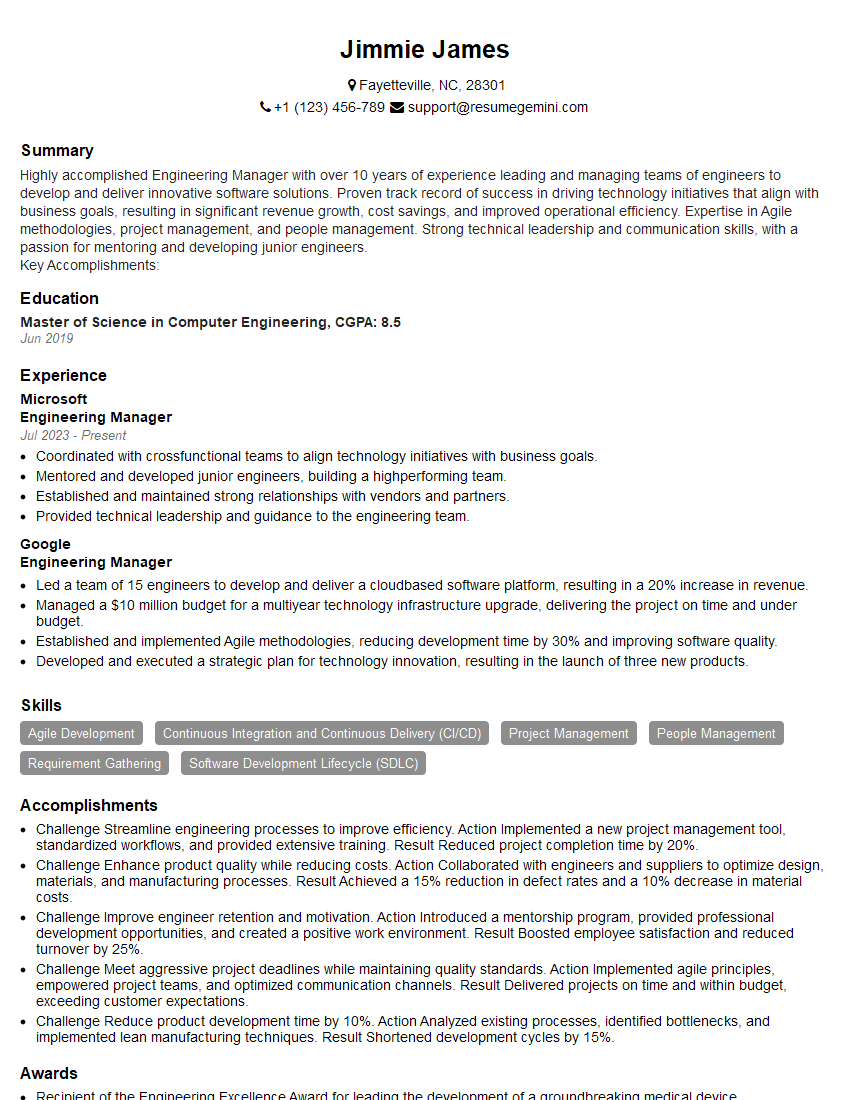
Engineering Manager Resume Sample

Security Engineer Resume Sample
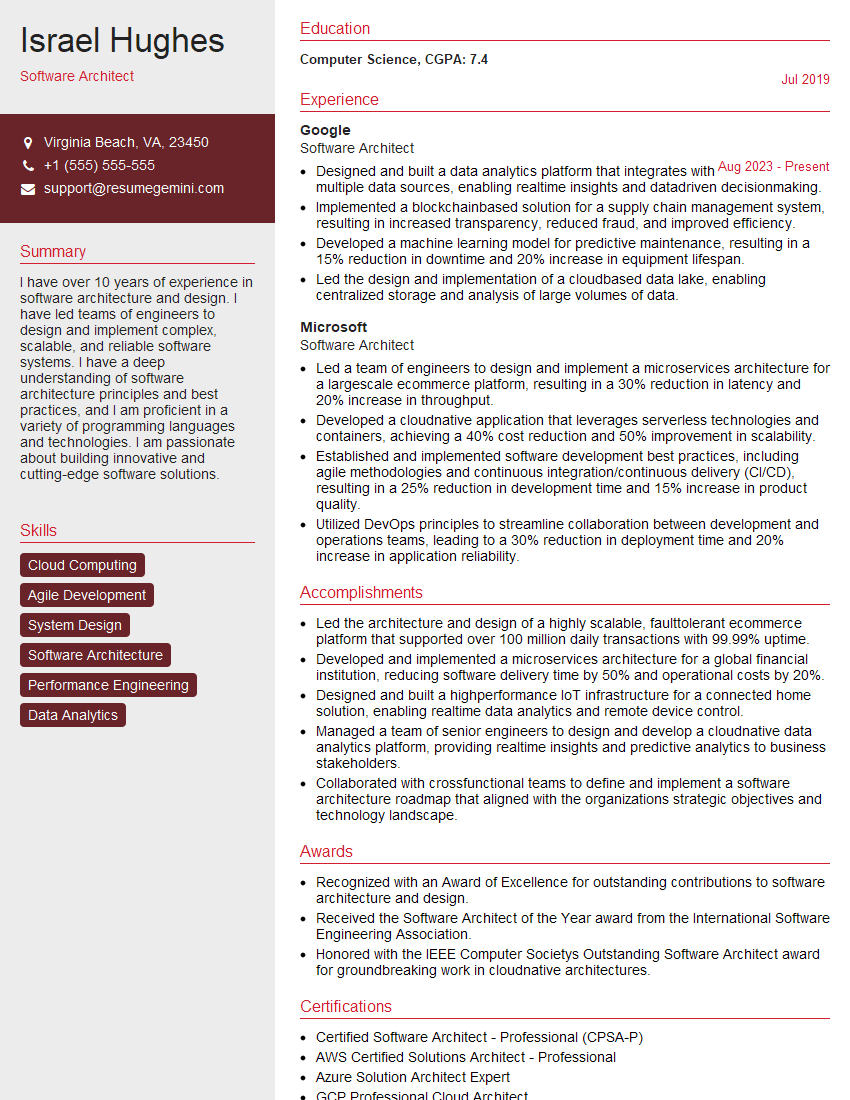
Software Architect Resume Sample

Network Engineer Resume Sample

System Administrator Resume Sample

Infrastructure Architect Resume Sample

IT Manager Resume Sample

IT Project Manager Resume Sample

Release Manager Resume Sample
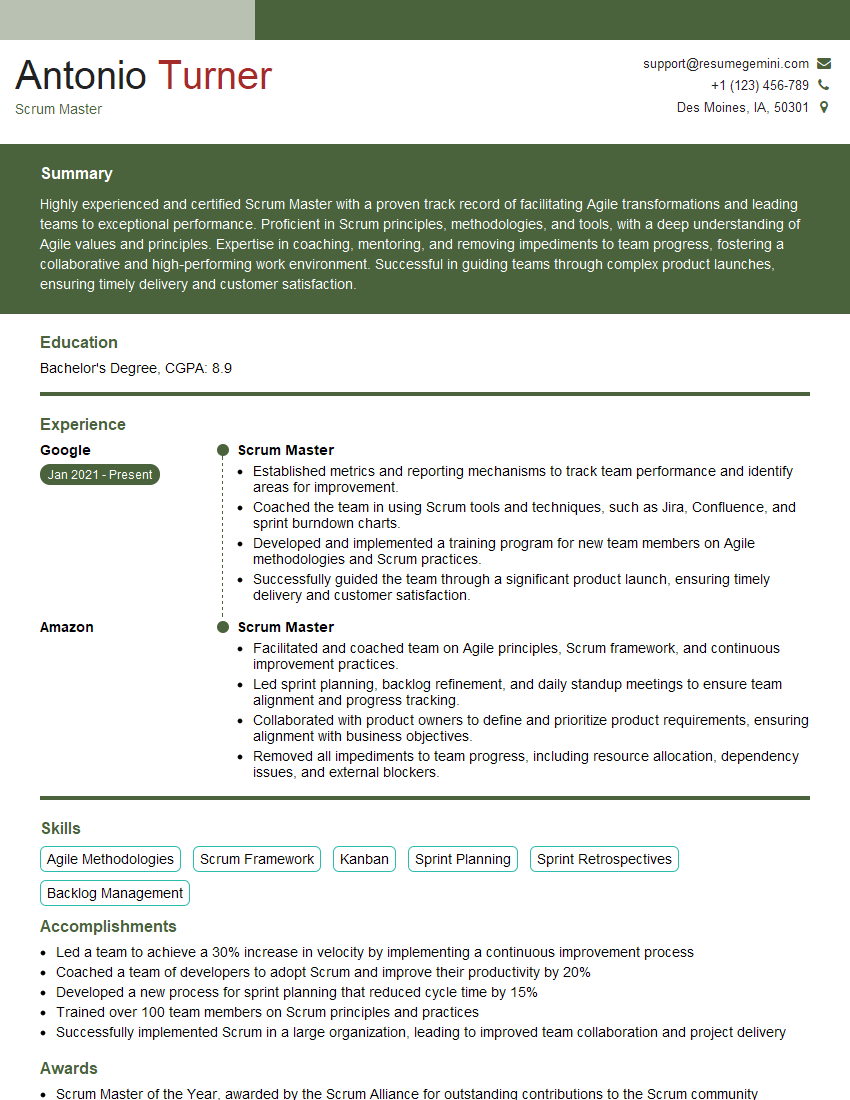
Scrum Master Resume Sample

Database Administrator Resume Sample

DevOps Engineer Resume Sample

Cloud Architect Resume Sample
Explore more articles
Users Rating of Our Blogs
Share Your Experience
We value your feedback! Please rate our content and share your thoughts (optional).
What Readers Say About Our Blog
Very informative content, great job.
good